The document discusses the uses and advantages of computer networks. It describes how networks allow users to share hardware devices, software programs, data, and information. Specifically, networks enable sharing of printers, access to files stored on other computers, and use of centralized software programs. The key advantages of networks listed are easy access to information, improved productivity through collaboration, sharing of resources to reduce costs, ability to work remotely, increased security, high reliability, and simpler backups.
USES OF THECOMPUTER
NETWORK
We can share resources such as
hardware devices, software
programs, data and information
with the help of the network.
3.
HARDWARE SHARING
In anetworked environment, each
computer can access and use one or more
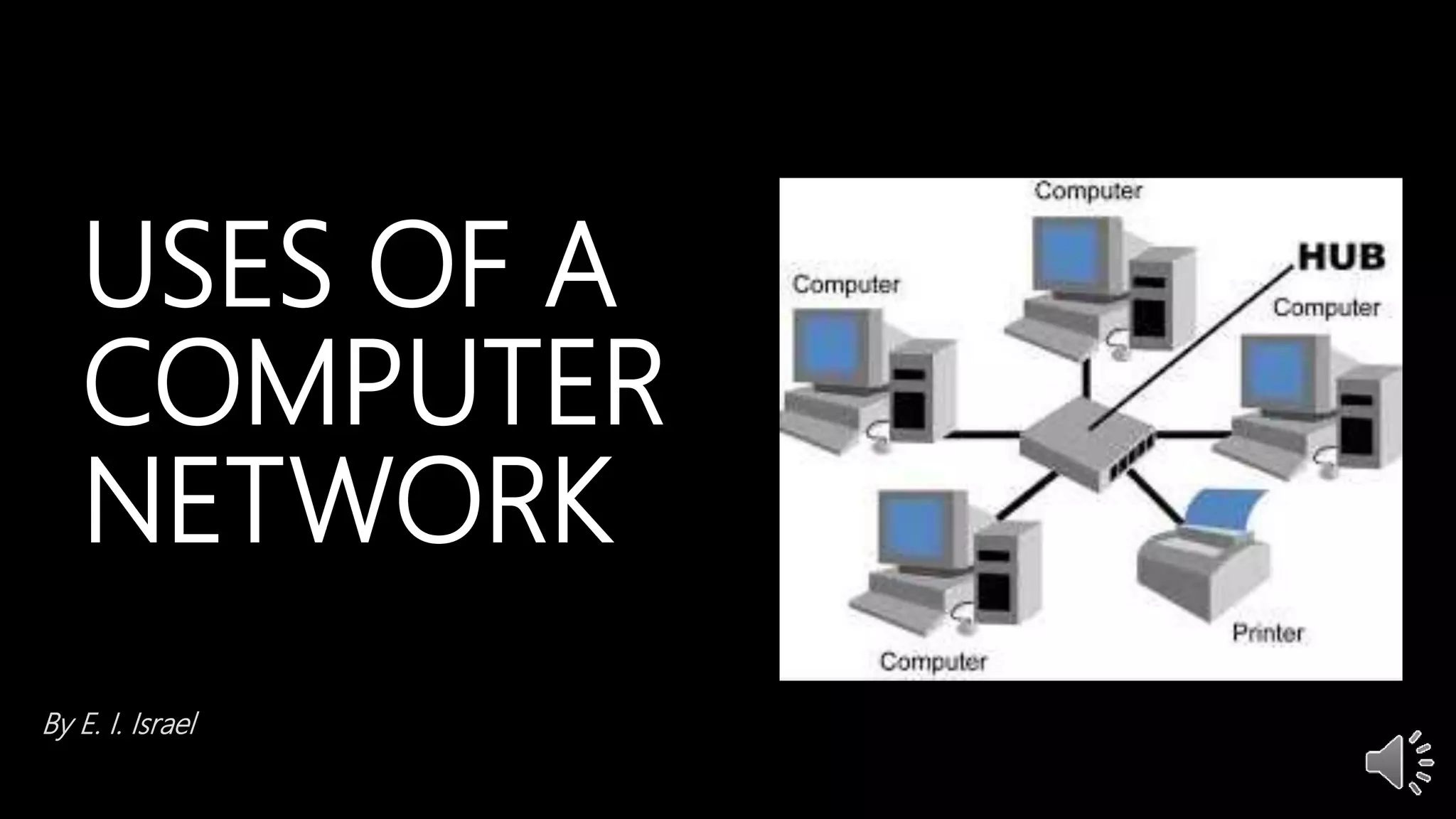
hardware on the network, e.g printers.
4.
SHARING OF DATAAND
INFORMATION
In a networked environment, any authorized
user can use a computer to access data and
information stored on other computers in the
network.
5.
SOFTWARE SHARING
Networks enablepeople to gain access to programs stored
on a central computer, such as a spreadsheet or word
processing program, antivirus, mavis beacon, etc. An
organization for instance can avoid having to install a copy
of the program on each worker’s computer.
6.
ADVANTAGES OF NETWORK
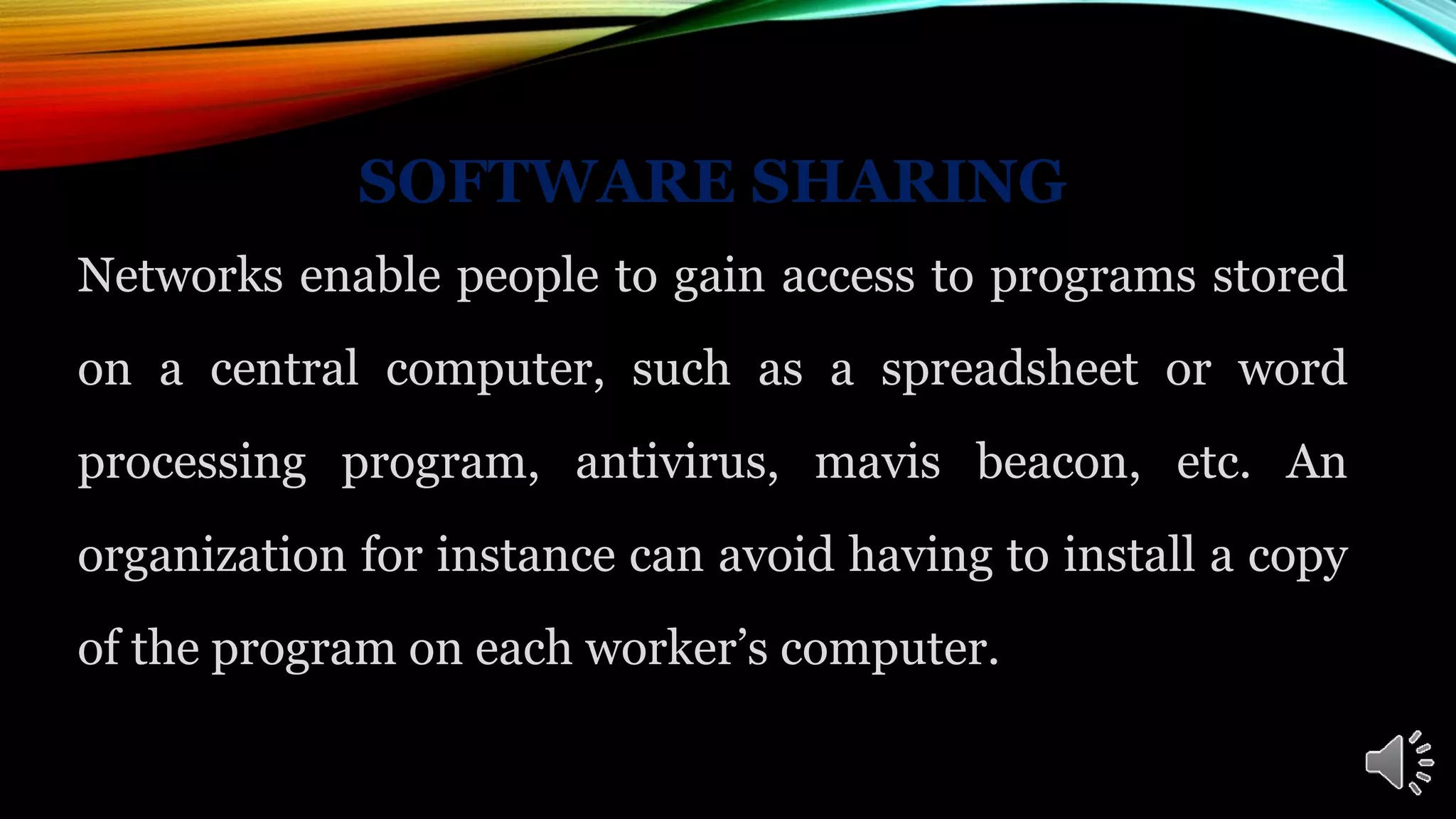
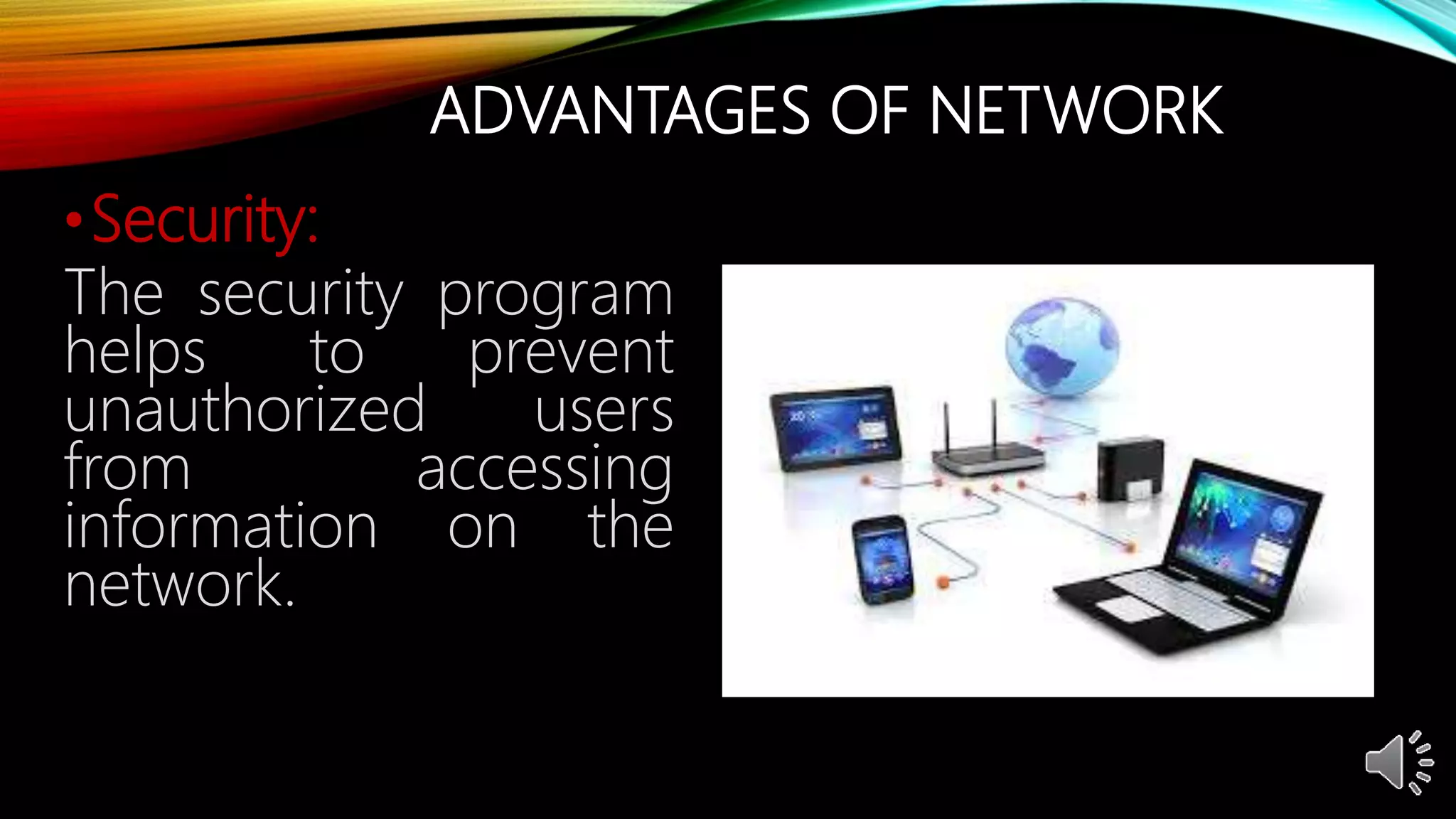
•Easyaccess:
Information stored
in a network can be
easily accessed from
other computers.
7.
ADVANTAGES OF NETWORK
•Productivity:
It enhances the productivity of
workers, by letting employees
exchange information and
communicate more easily.
People from different offices can
work together on the same
project.
8.
ADVANTAGES OF NETWORK
•Sharingof
programs:
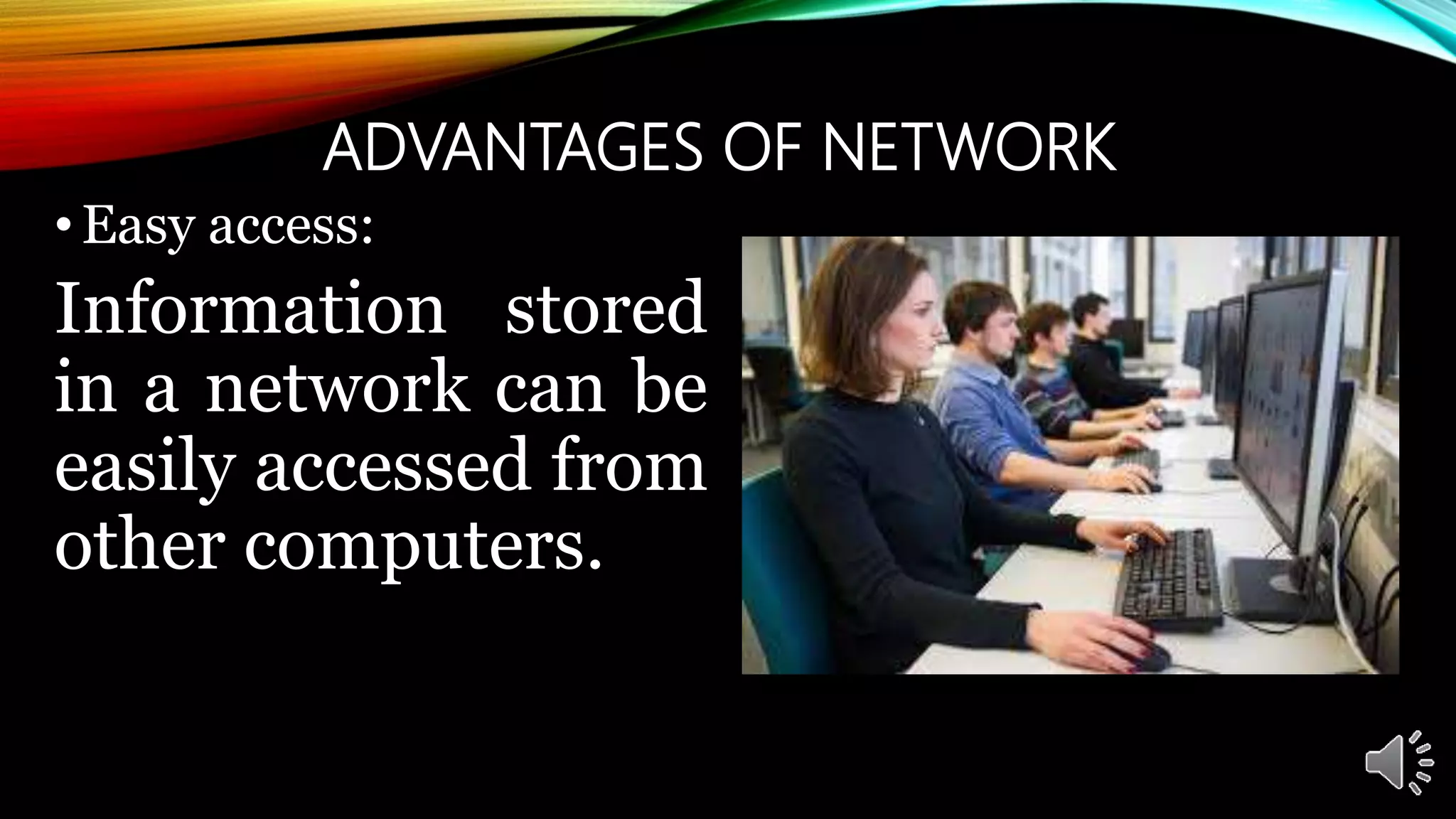
Programs stored on
the central system
can be shared with
other computer
system.
9.
ADVANTAGES OF NETWORK
•Cost:
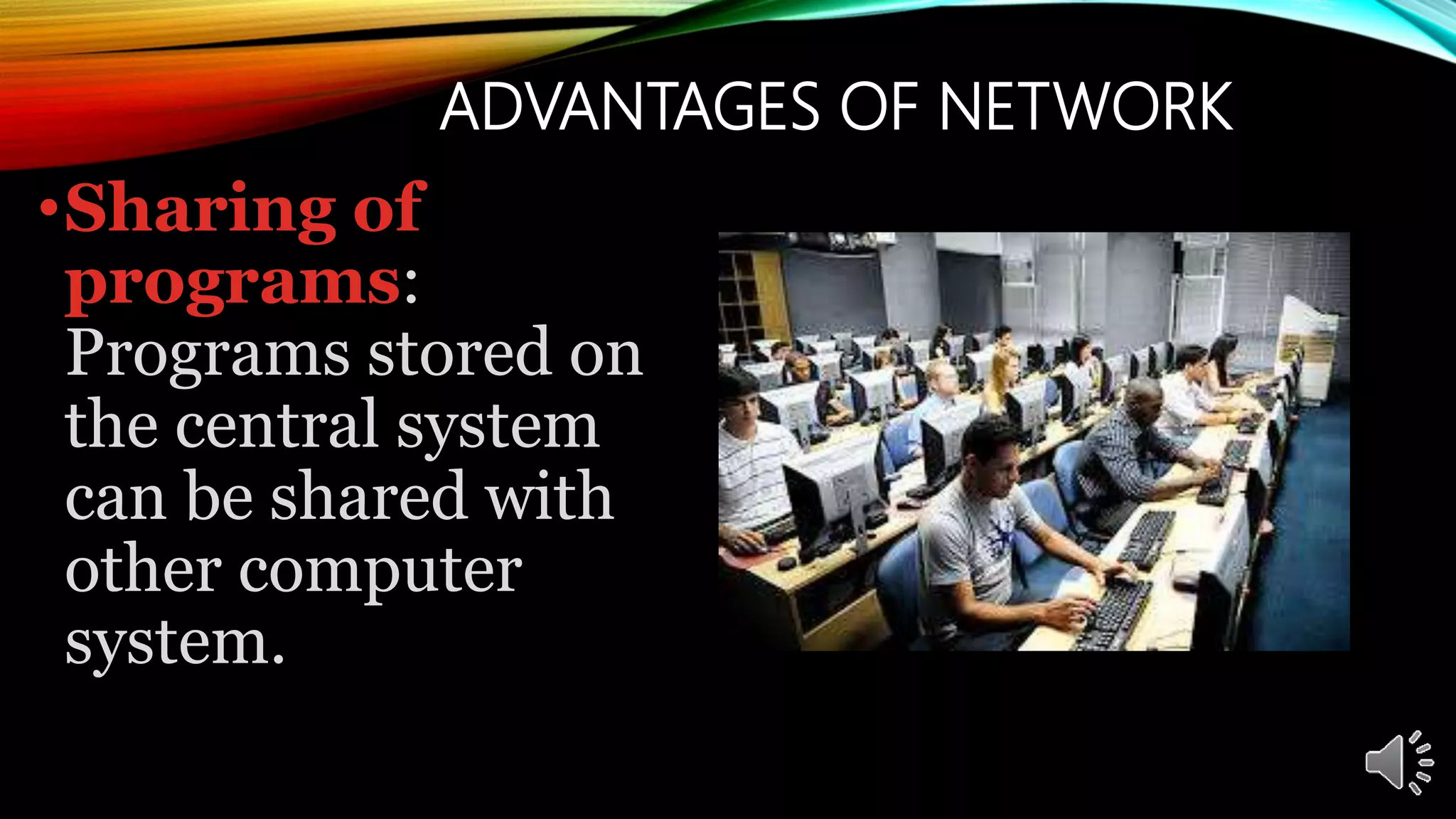
Userscan share
resources, such as
printers and hard
drives. It helps to
reduce the cost of
buying computer
hardware.
ADVANTAGES OF NETWORK
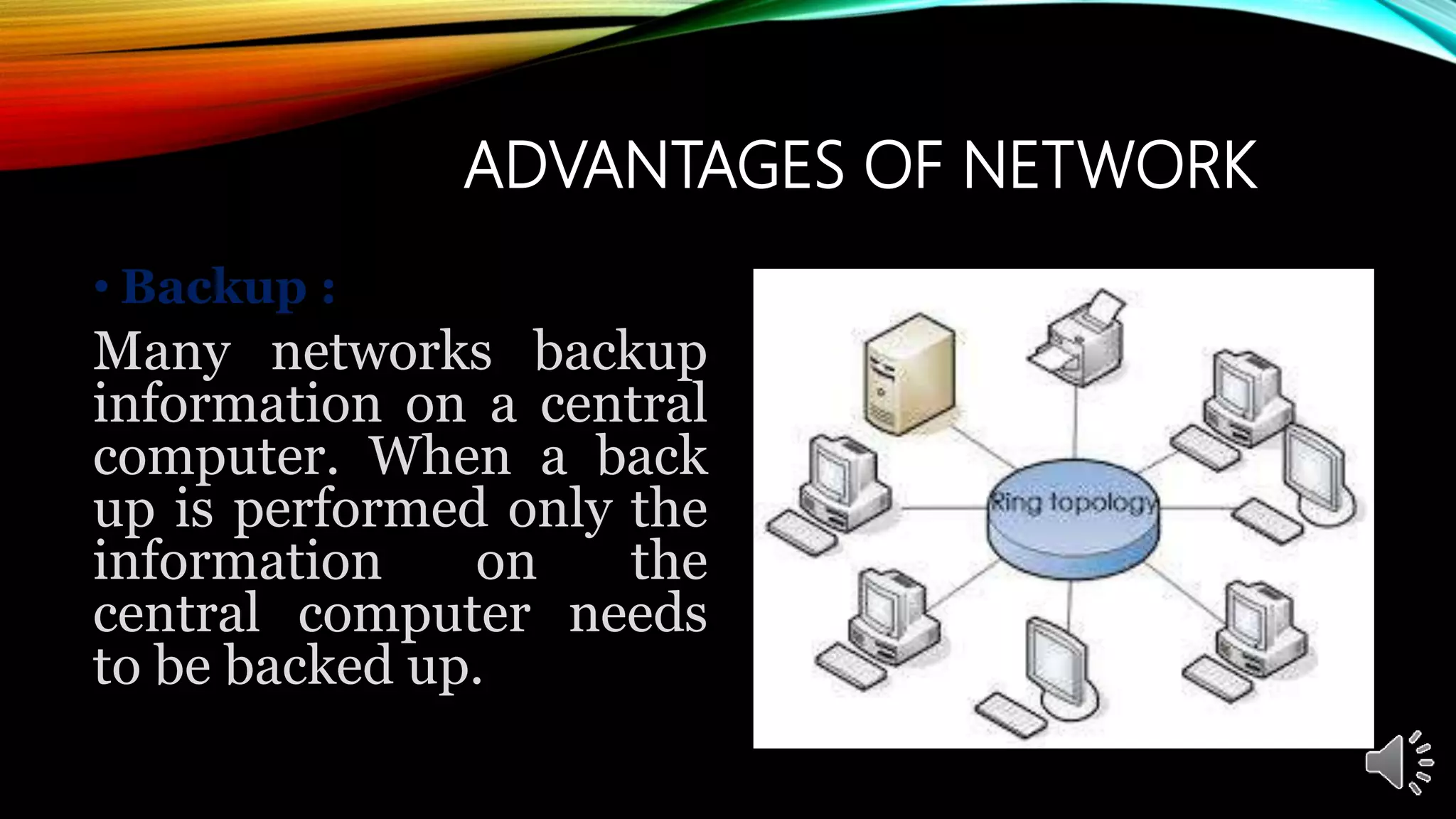
•Backup :
Many networks backup
information on a central
computer. When a back
up is performed only the
information on the
central computer needs
to be backed up.
#2 NOTE:
To change the image on this slide, select the picture and delete it. Then click the Pictures icon in the placeholder to insert your own image.