Usability Workshop
25.11.2013.!
EAL, DSR !
Daniel Gore
What is Usability?
Definition
"Usability is a quality attribute that assesses how
easy user interfaces are to use. The word "usability"
also refers to methods for improving ease-of-use
during the design process.”


Jakob Nielsen
•

Learnability: How easy is it for users to accomplish basic
tasks the first time they encounter the design?

•

Efficiency: Once users have learned the design, how quickly
can they perform tasks?

•

Memorability: When users return to the design after a period
of not using it, how easily can they reestablish proficiency?

•

Errors: How many errors do users make, how severe are
these errors, and how easily can they recover from the
errors?

•

Satisfaction: How pleasant is it to use the design?
•

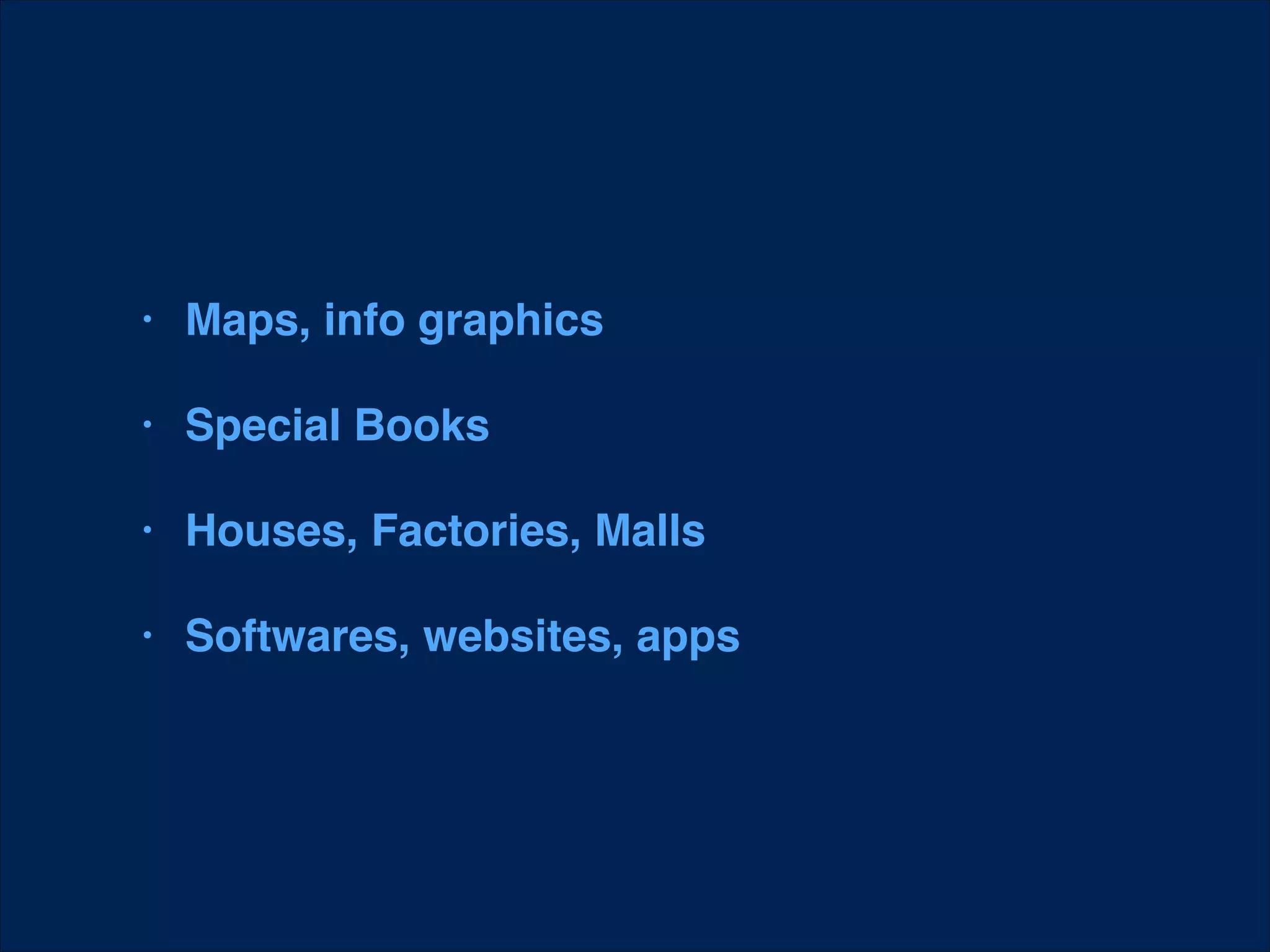
Definition: Utility = whether it provides the
features you need.

•

Definition: Usability = how easy & pleasant
these features are to use.

•

Definition: Useful = usability + utility
•

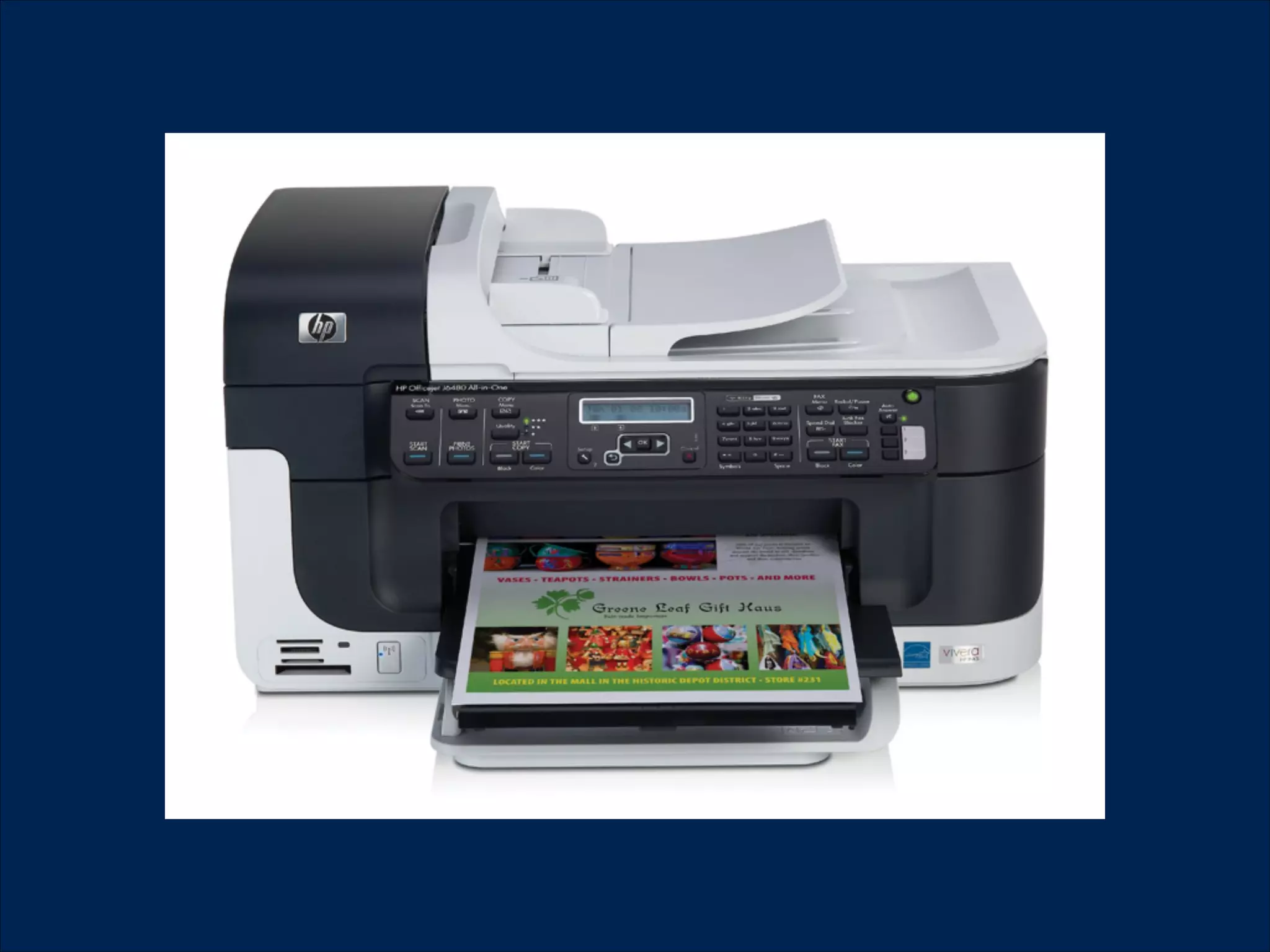
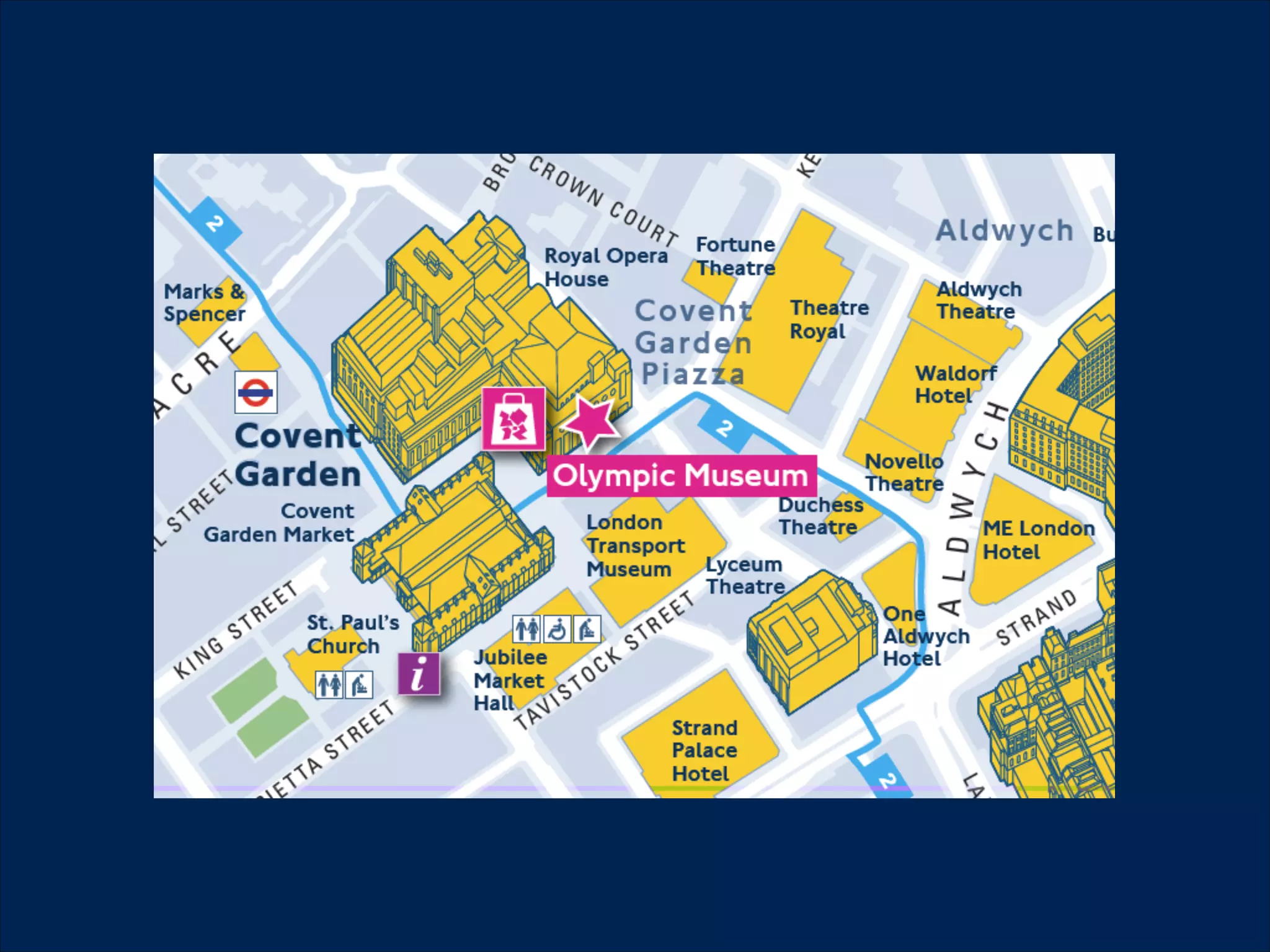
Maps, info graphics

•

Special Books!

•

Houses, Factories, Malls!

•

Softwares, websites, apps
Why is usability
important?
•

Satisfied users are happier customers

•

Increasing productivity

•

Increasing profits

•

10% of the design budget = 2x sales increase
User Experience
"User experience" encompasses all aspects of
the end-user's interaction with the company, its
services, and its products.


•


Jakob Nielsen
Information Architecture
Information architecture (IA) is the art and
science of organising and labeling data
including: websites, intranets, online
communities, software, books and other
mediums of information, to develop usability and
structural aesthetics.


•


Wikipedia
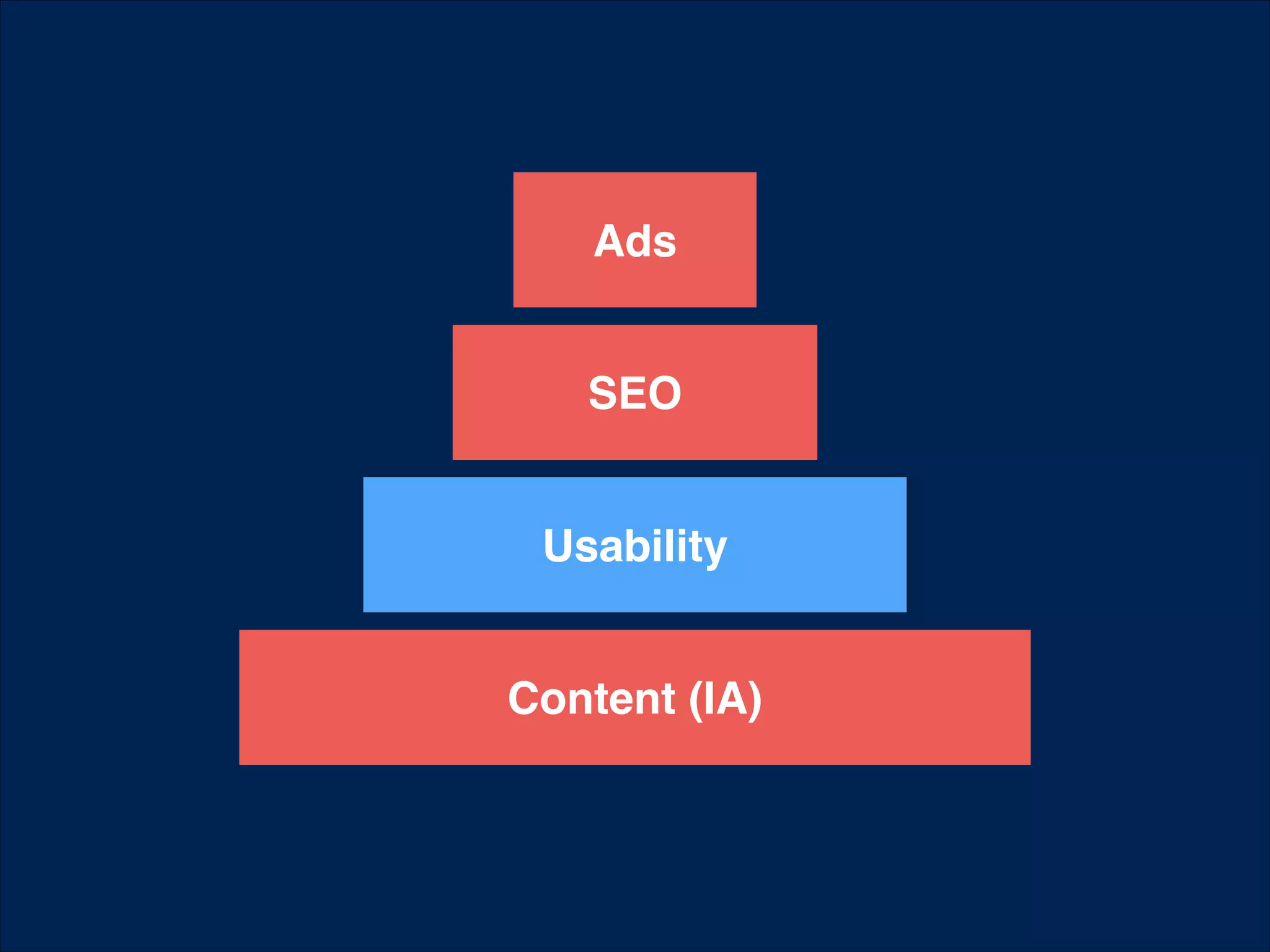
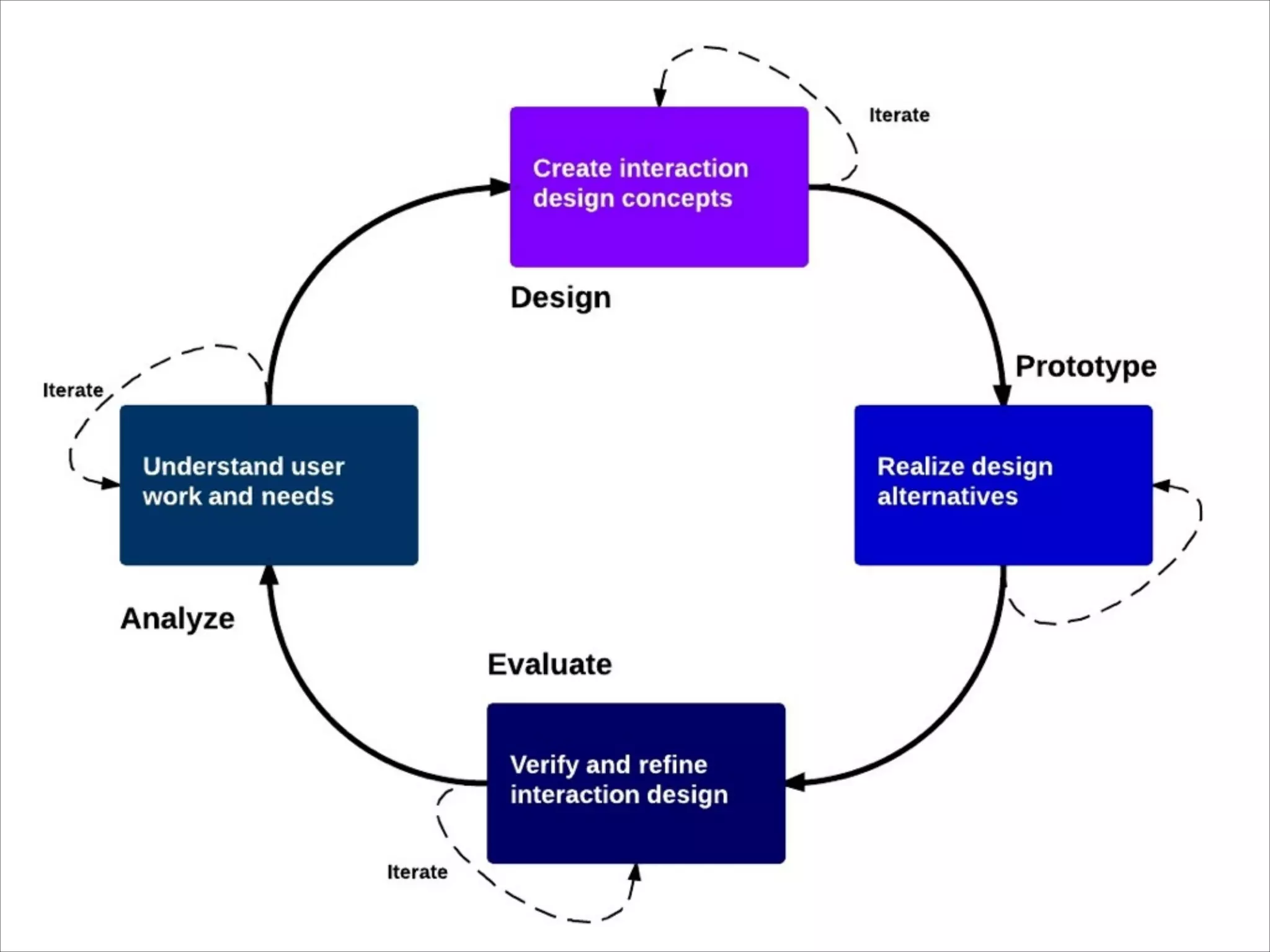
Usability in the
development process
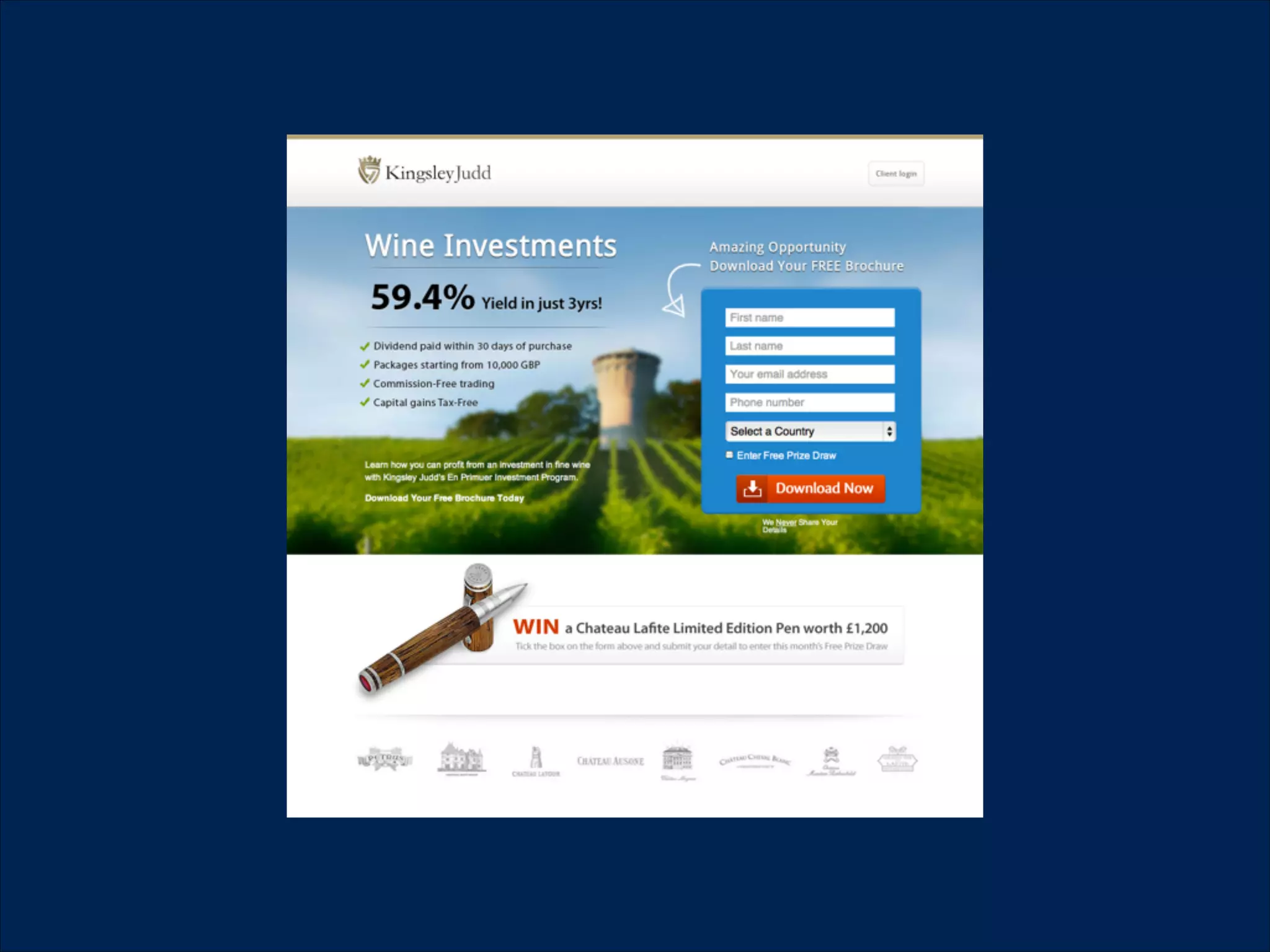
Ads
SEO
Usability
Content (IA)
Usability in the
development process
•

we can test our assumptions

•

we can measure our products

•

we can iterate on our products
Usability Principles
The 10 most general principles for interaction
design. They are called "heuristics" because they are
more in the nature of rules of thumb than specific
usability guidelines.We can measure our products
Heuristics for heuristic evaluation developed by
Jacob Nielsen and Rolf Molich in 1990
Nielsen refined it based on a factor analysis of 249
usability problems in 1994
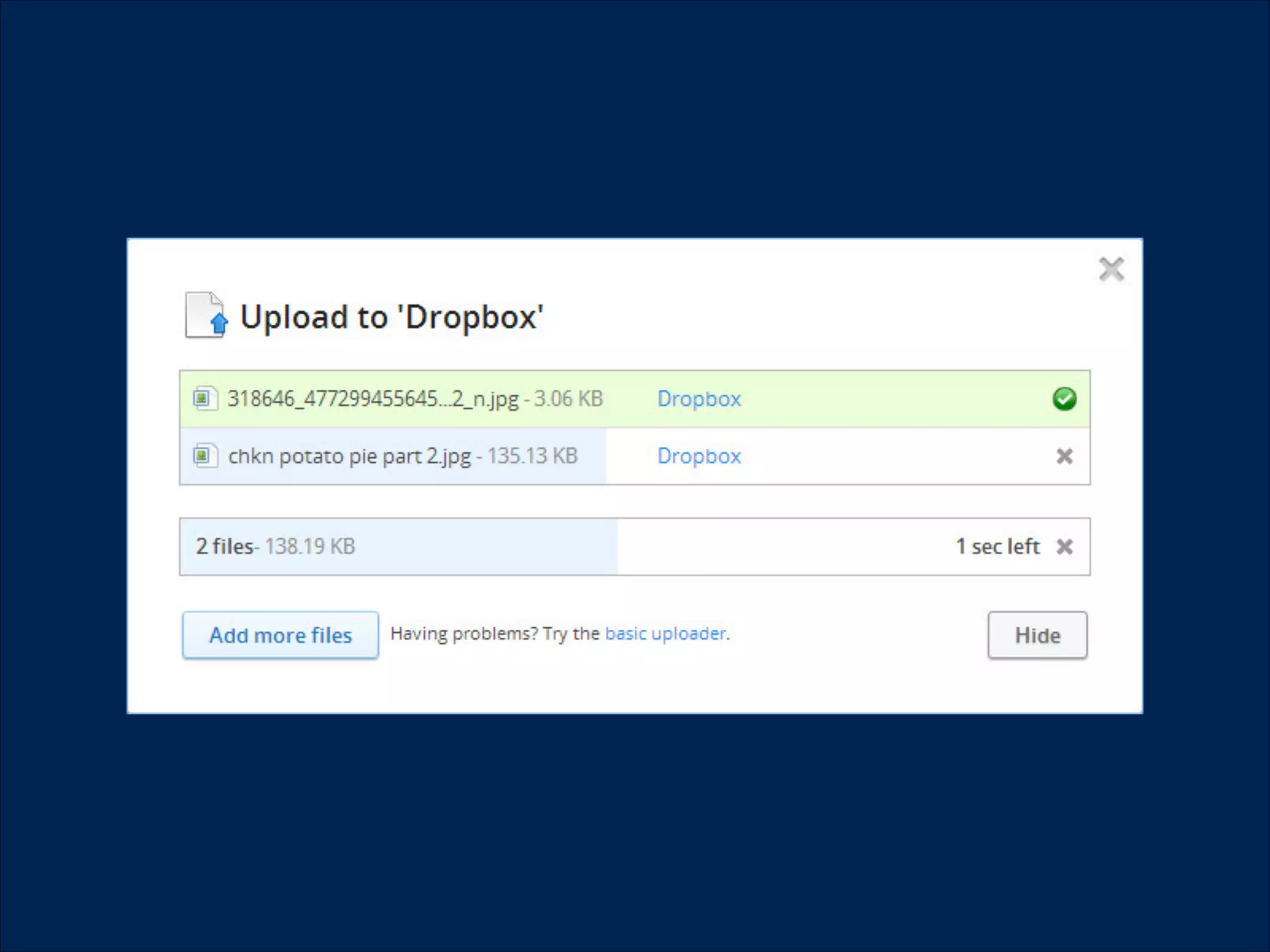
1. Visibility of system
status
The system should always keep users informed about
what is going on, through appropriate feedback
within reasonable time.
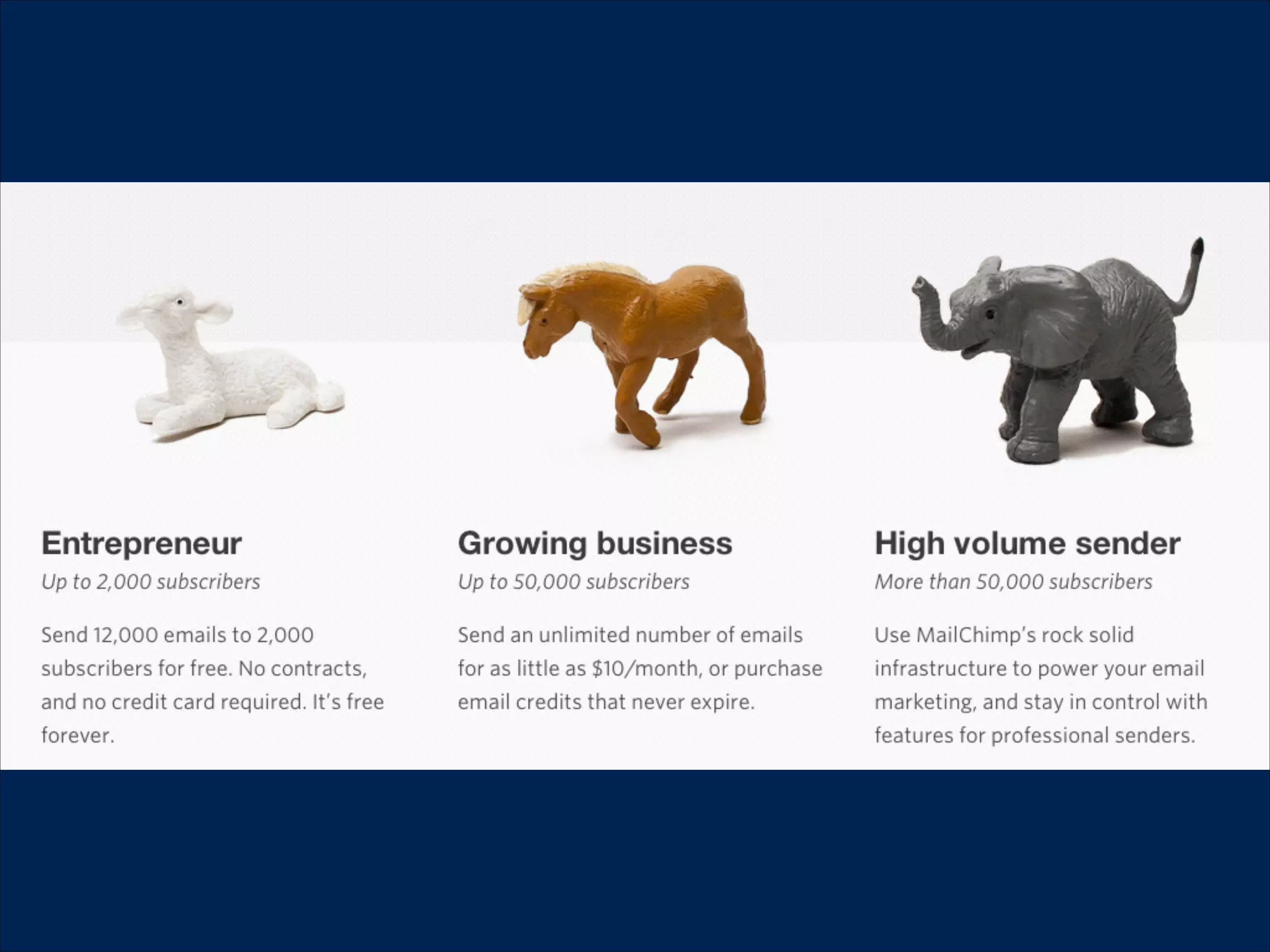
2. Match between system
and the real world
The system should speak the users' language, with
words, phrases and concepts familiar to the user,
rather than system-oriented terms. Follow real-world
conventions, making information appear in a natural
and logical order.
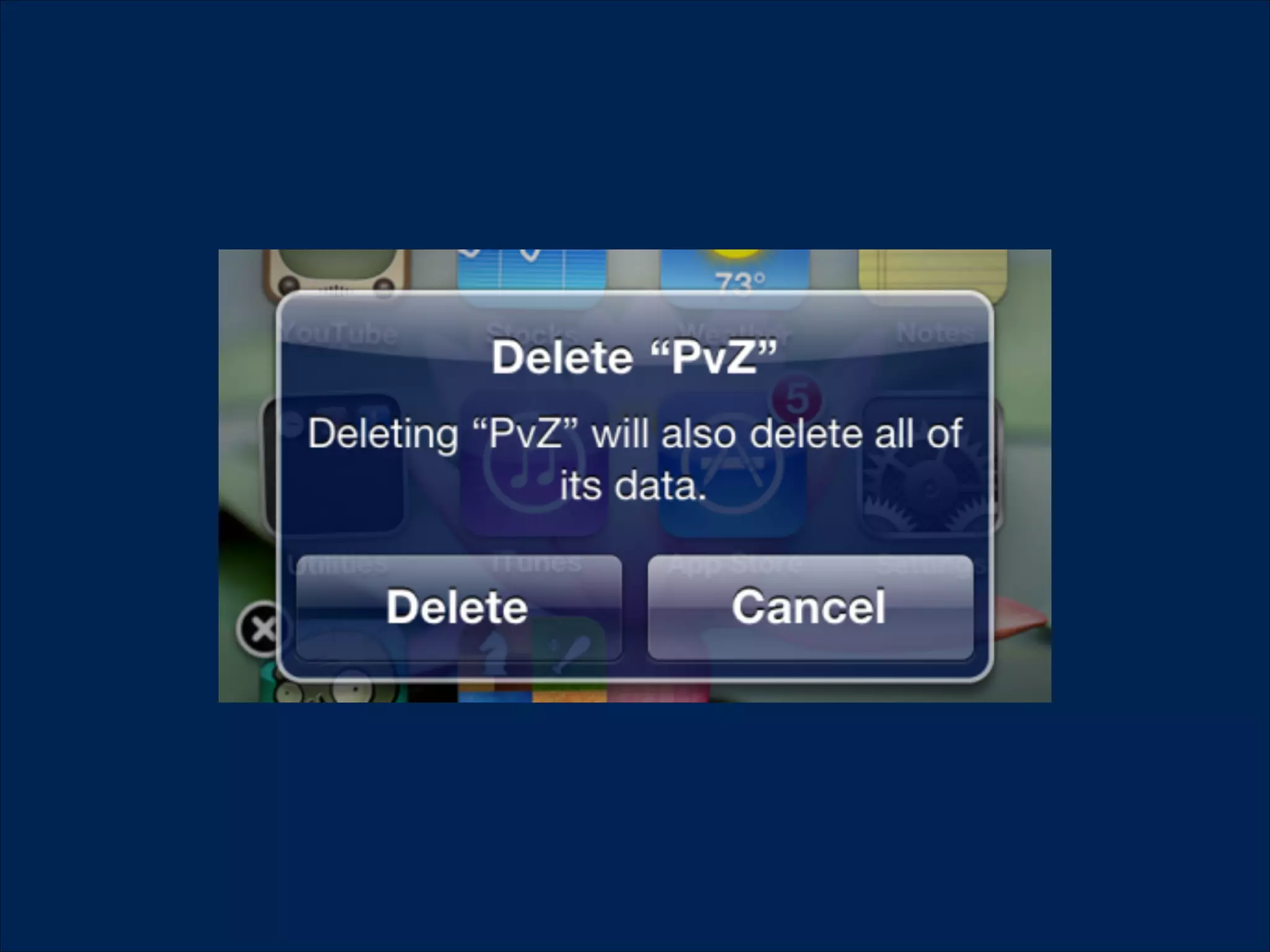
3. User control and freedom
!

Users often choose system functions by mistake and
will need a clearly marked "emergency exit" to leave
the unwanted state without having to go through an
extended dialogue. Support undo and redo.
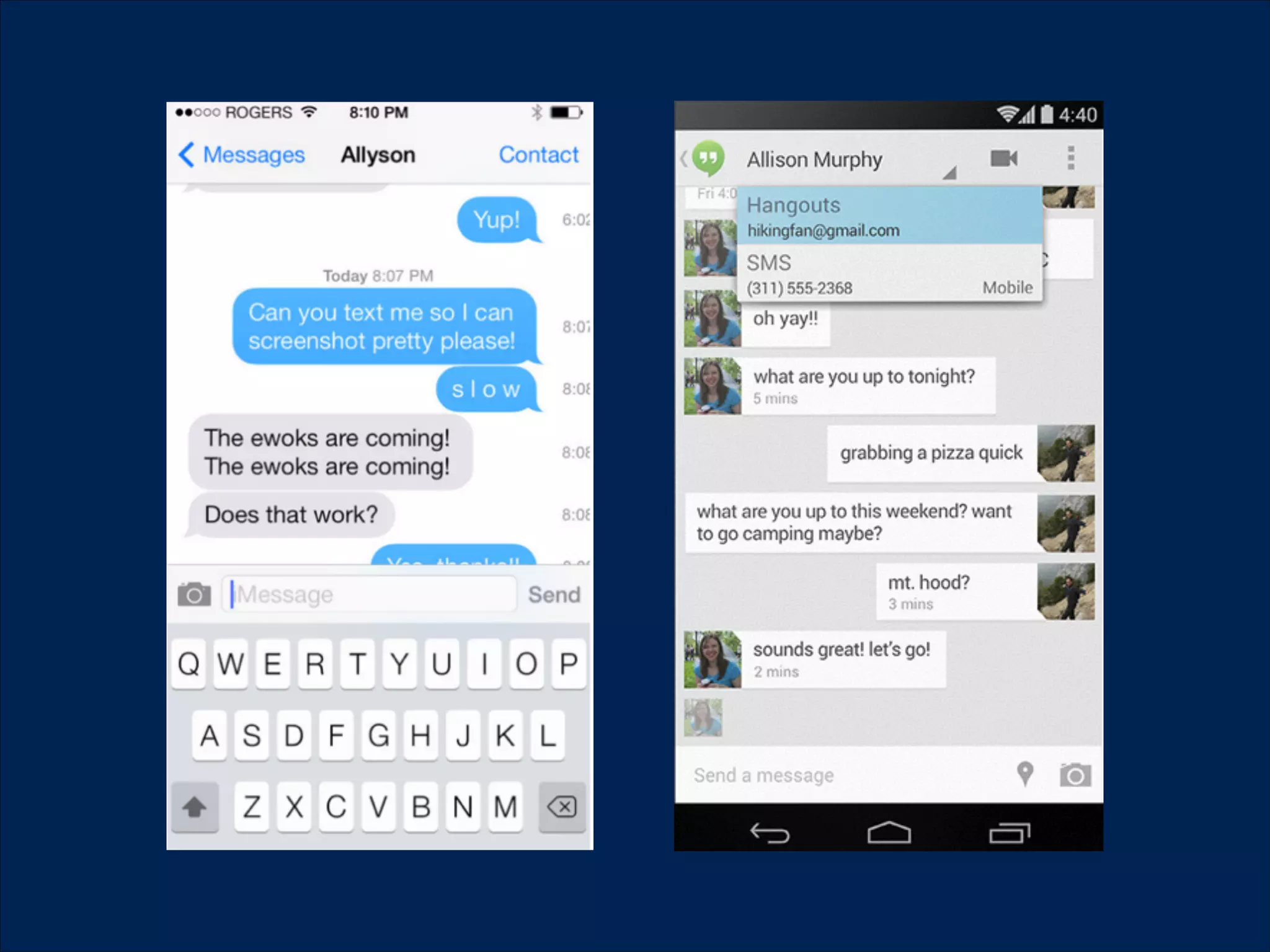
4. Consistency and standards
!
!
Users should not have to wonder whether different
words, situations, or actions mean the same thing.
Follow platform conventions.
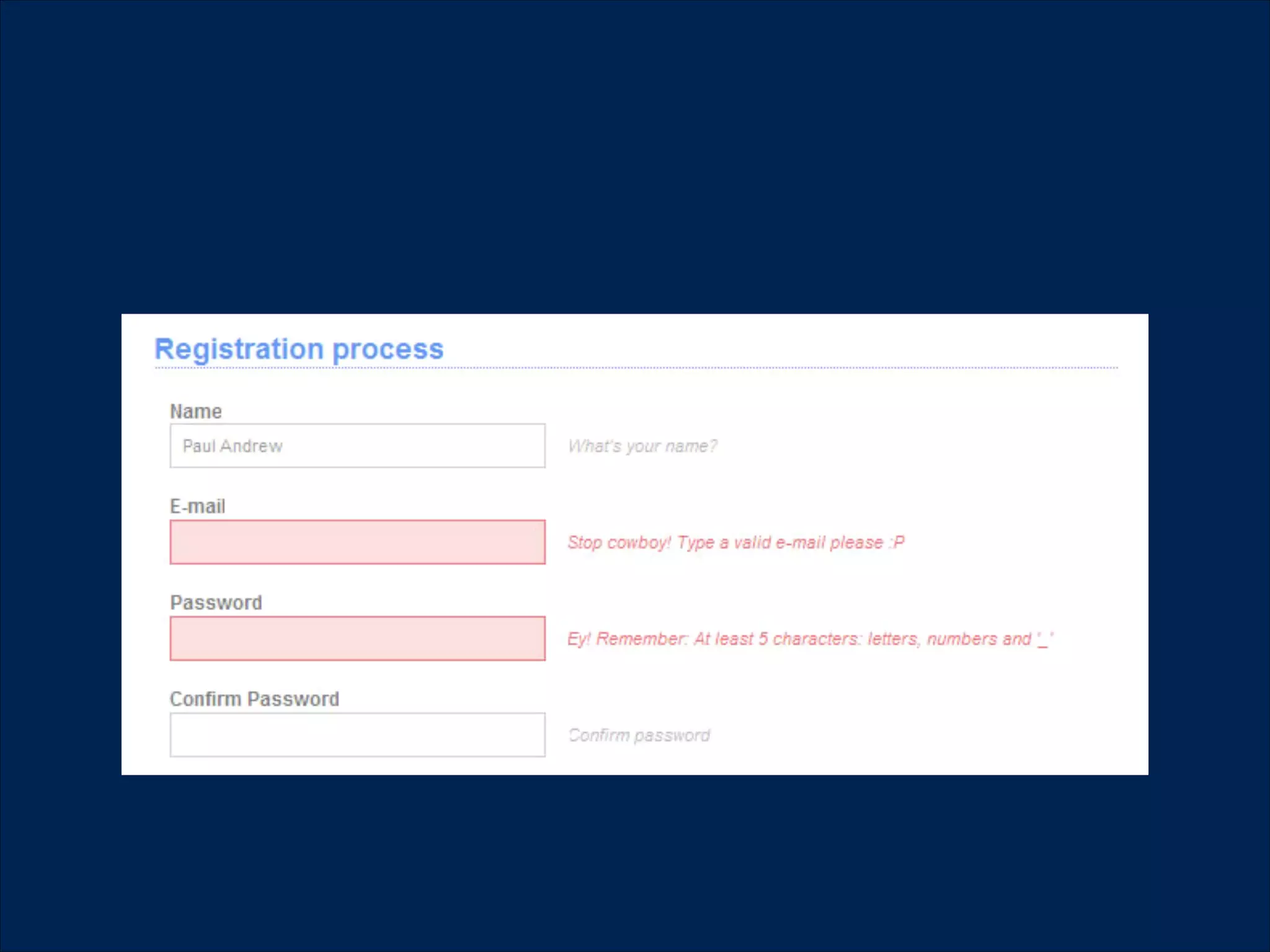
5. Error prevention
Even better than good error messages is a careful
design which prevents a problem from occurring in
the first place. Either eliminate error-prone conditions
or check for them and present users with a
confirmation option before they commit to the action.
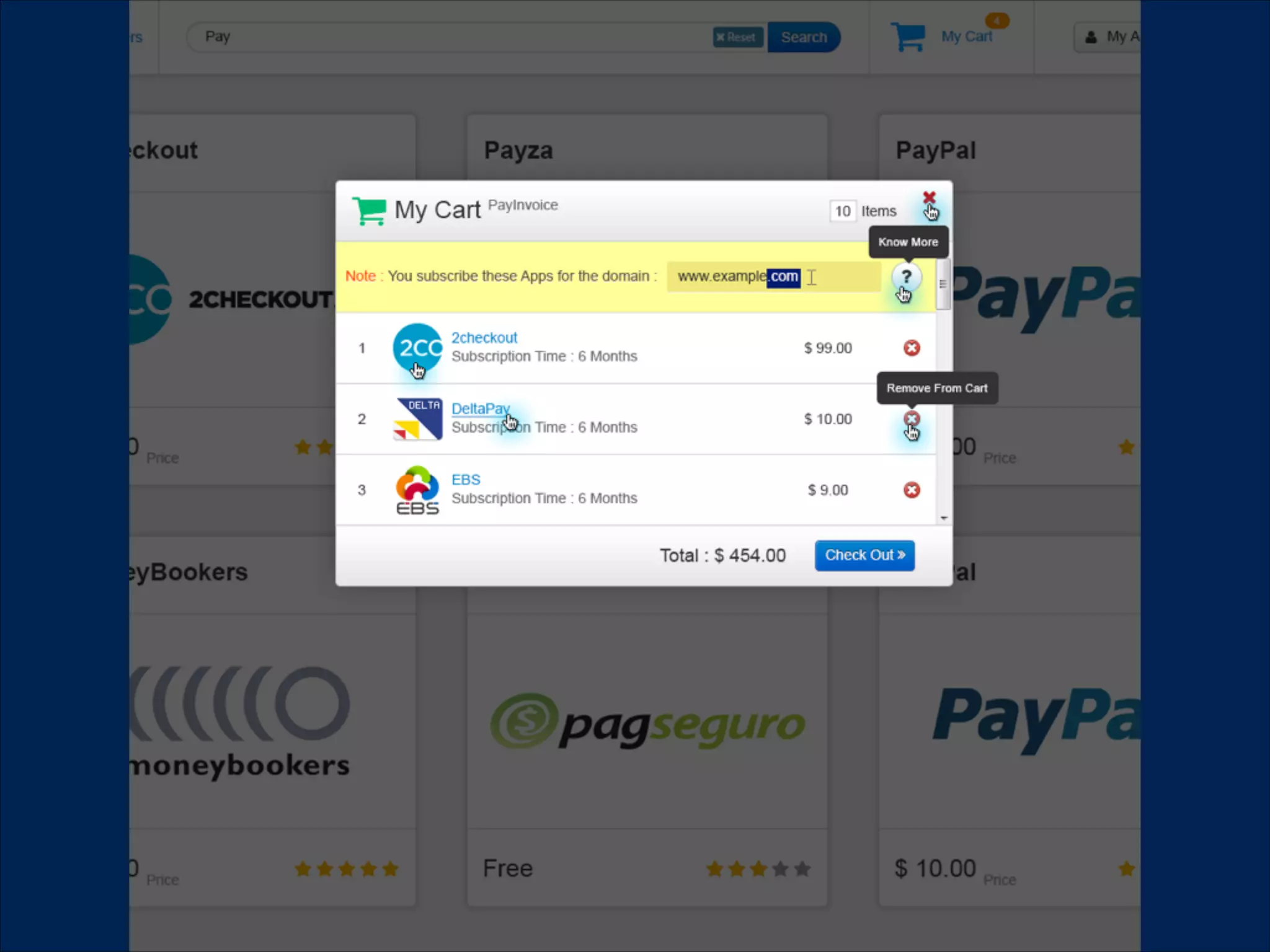
6. Recognition rather than
recall
Minimise the user's memory load by making objects,
actions, and options visible. The user should not have
to remember information from one part of the
dialogue to another. Instructions for use of the system
should be visible or easily retrievable whenever
appropriate.
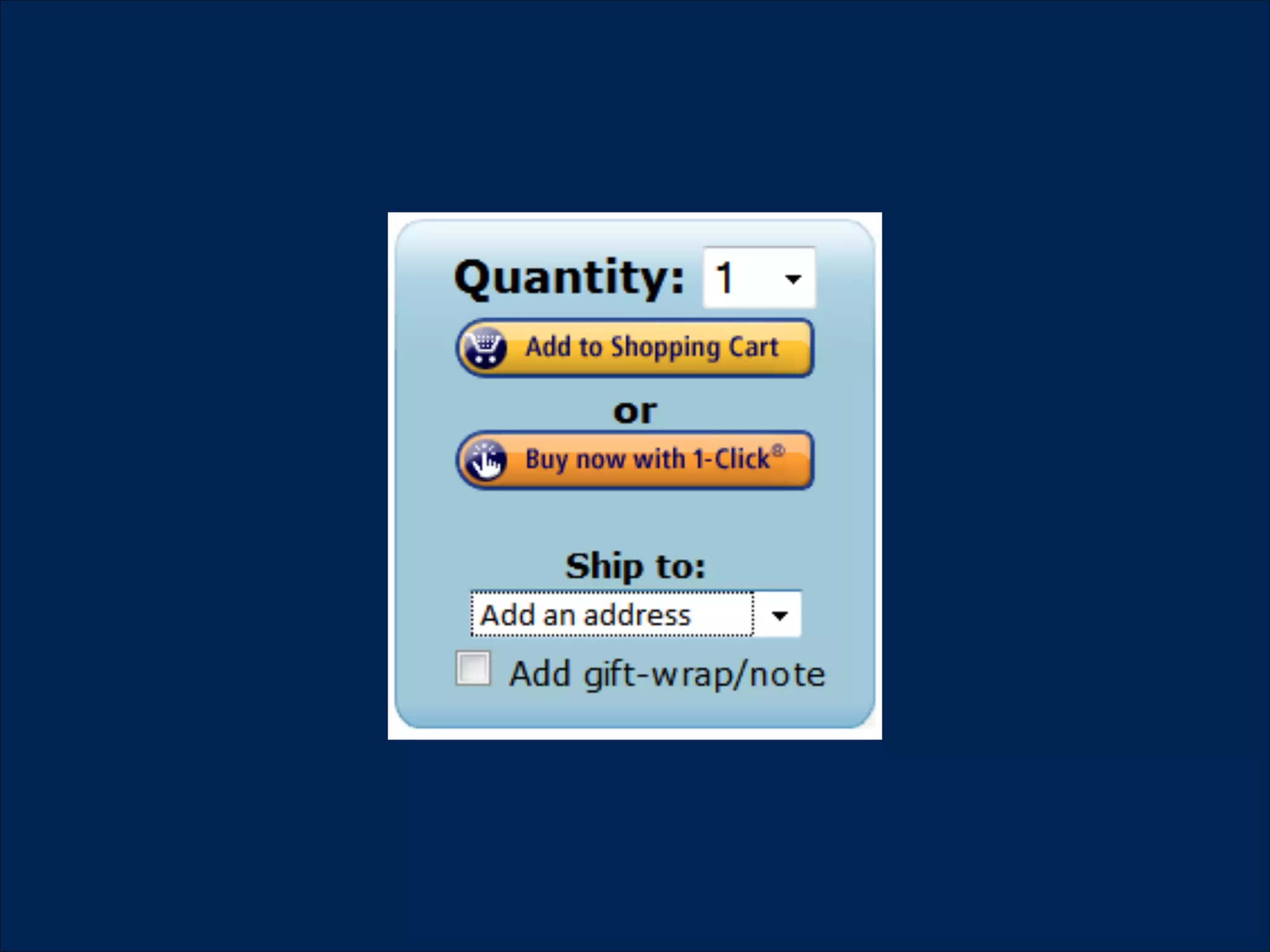
7. Flexibility and efficiency 

of use
!

Accelerators -- unseen by the novice user -- may
often speed up the interaction for the expert user
such that the system can cater to both inexperienced
and experienced users. Allow users to tailor frequent
actions.
8. Aesthetic and minimalist
design
!

Dialogues should not contain information which is
irrelevant or rarely needed. Every extra unit of
information in a dialogue competes with the relevant
units of information and diminishes their relative
visibility.
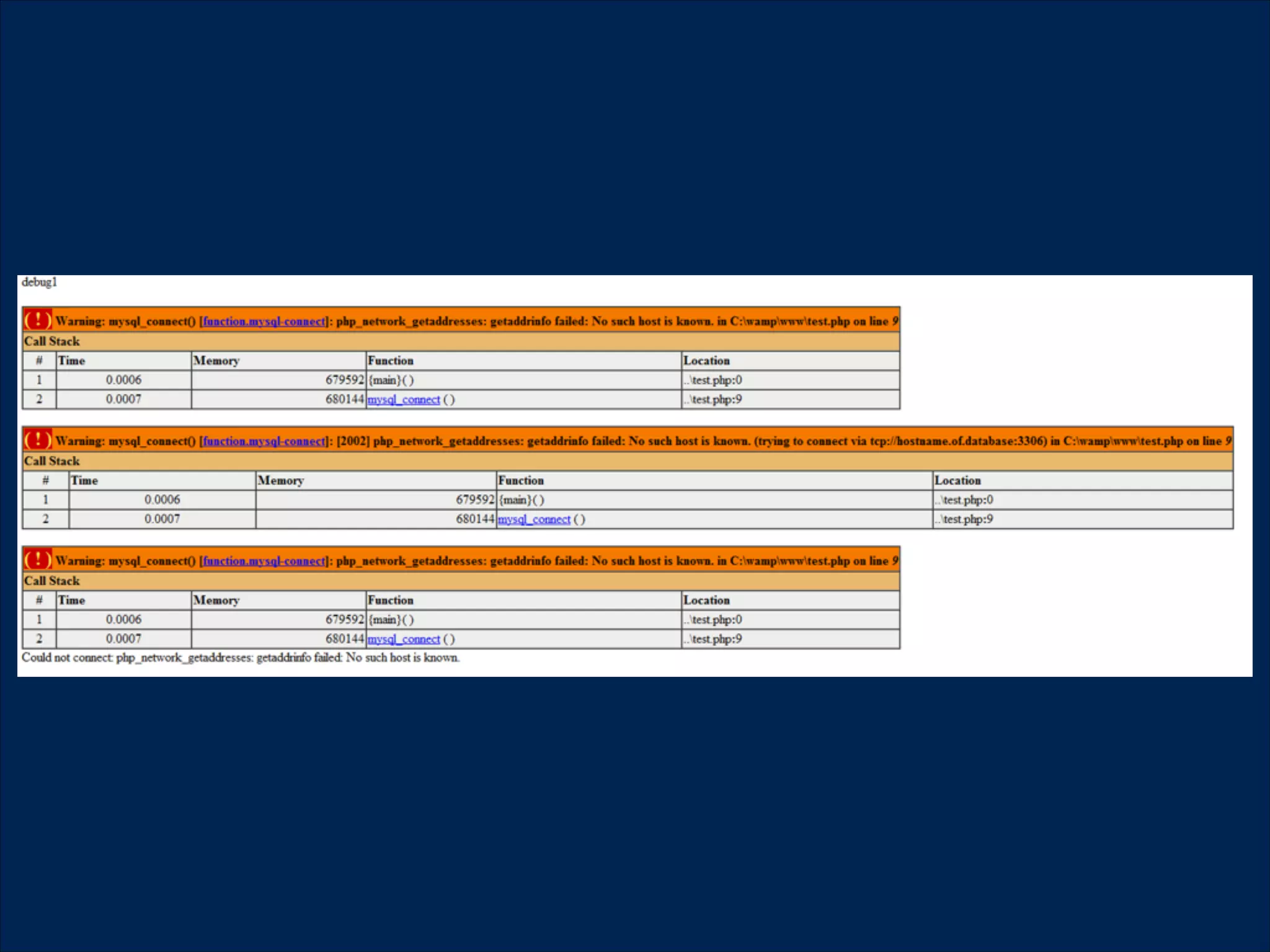
9. Help users recognize,
diagnose, and recover from 

errors
!

Error messages should be expressed in plain
language (no codes), precisely indicate the problem,
and constructively suggest a solution
10. Help and documentation
!
!

Even though it is better if the system can be used
without documentation, it may be necessary to
provide help and documentation. Any such
information should be easy to search, focused on the
user's task, list concrete steps to be carried out, and
not be too large.
Usability for
websites
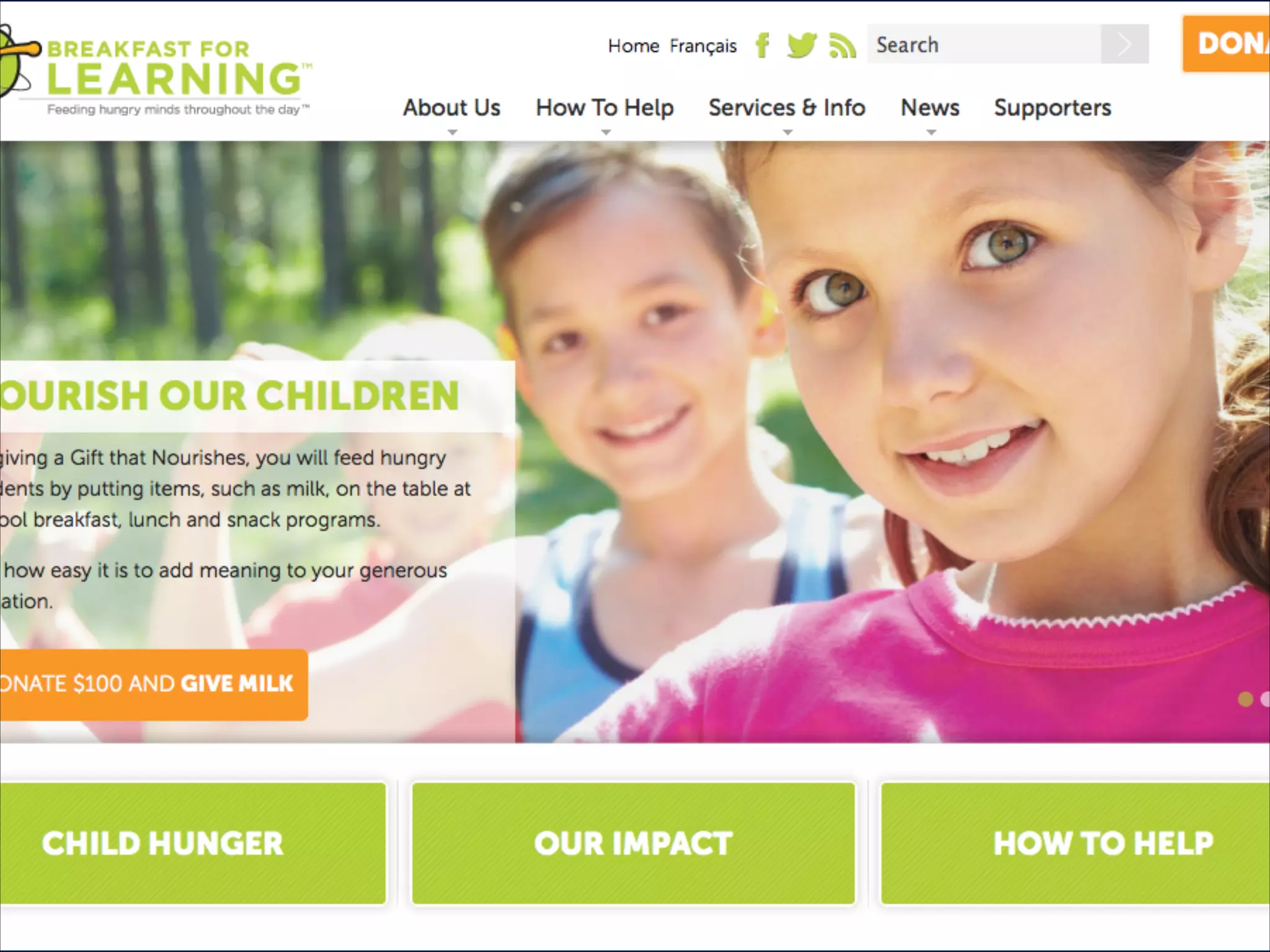
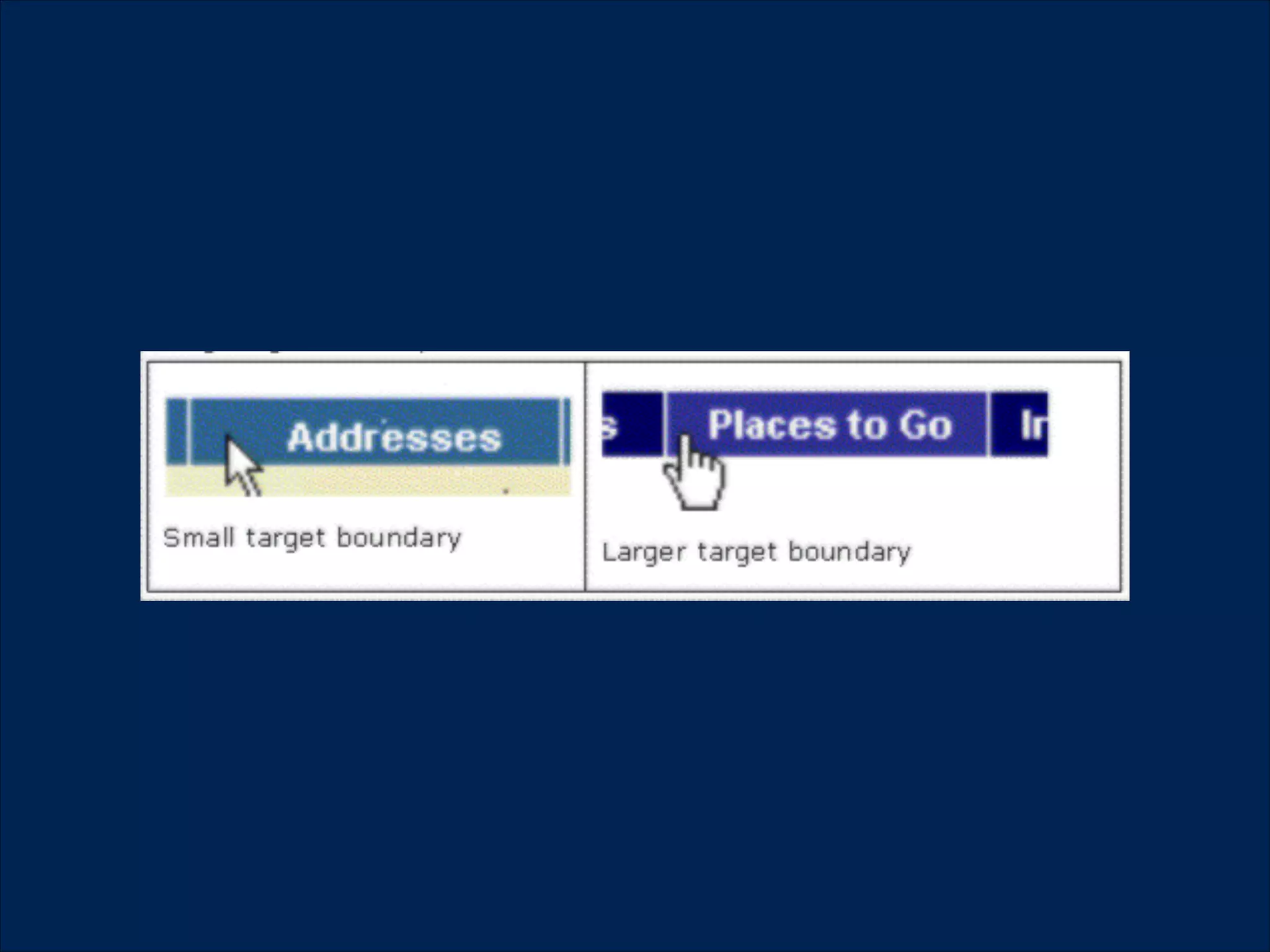
Fitt's law
!
!
Predicts that the time required to rapidly move to a
target area is a function of the distance to the target
and the size of the target.

The bigger an object and the closer it is to us, the
easier it is to move to.
Hick's law
!
!
The time it takes for a person to make a decision as a
result of the possible choices he or she hasThe
bigger an object and the closer it is to us, the easier it
is to move to.

The more options, the more difficult to choose
Similarity
!
!

Elements with similar functions should be grouped
physically and visually.
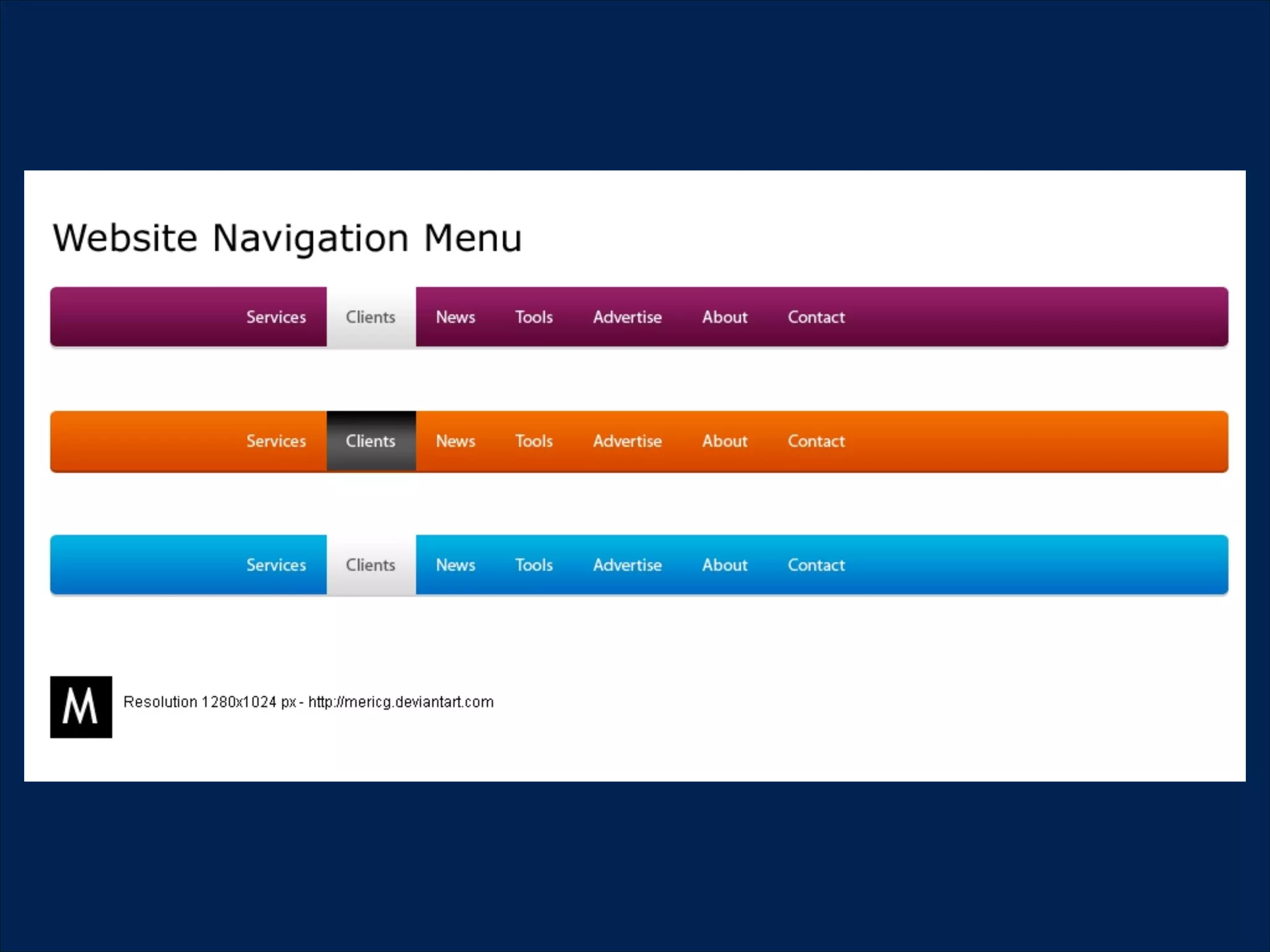
Navigation
!
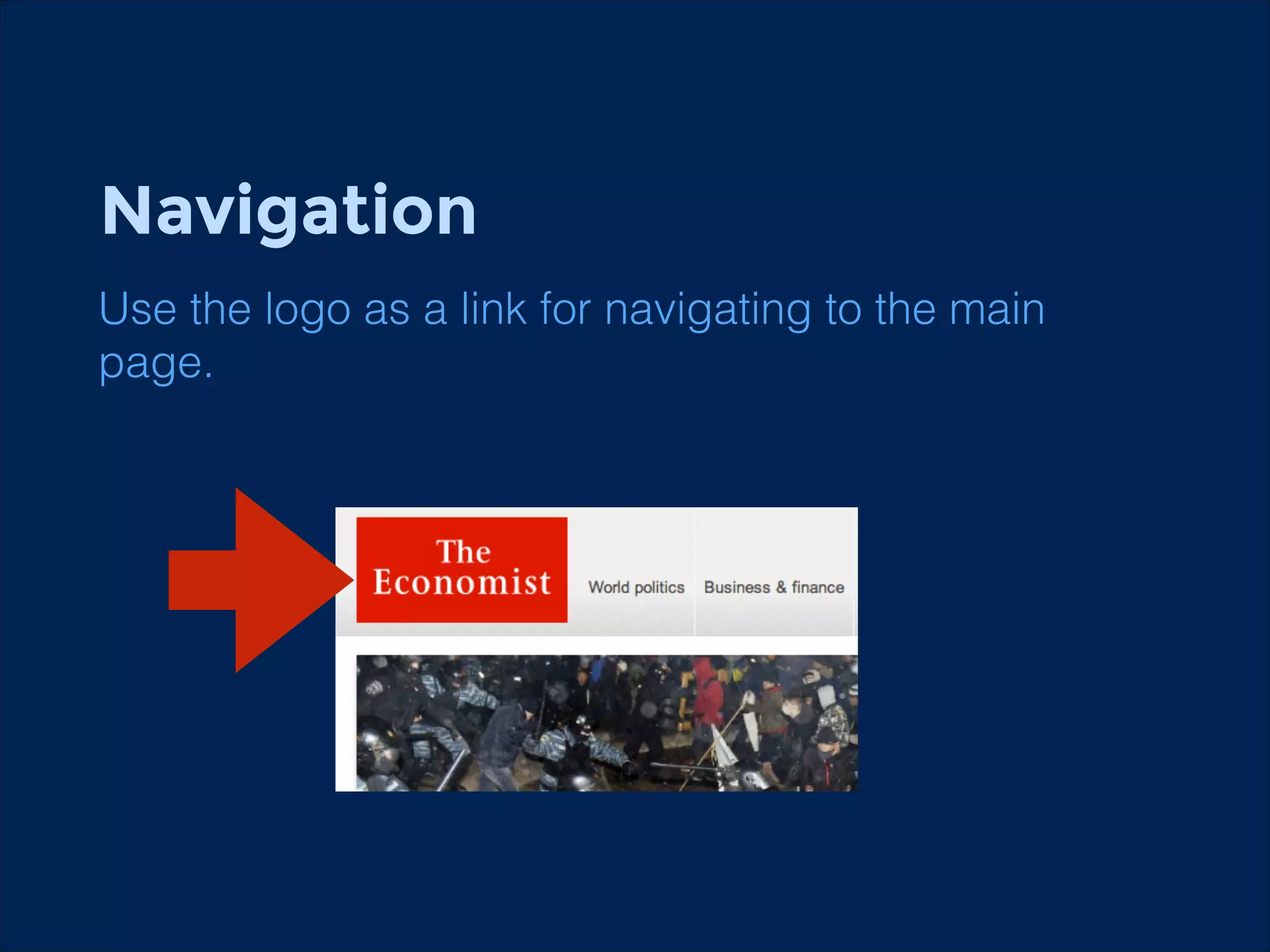
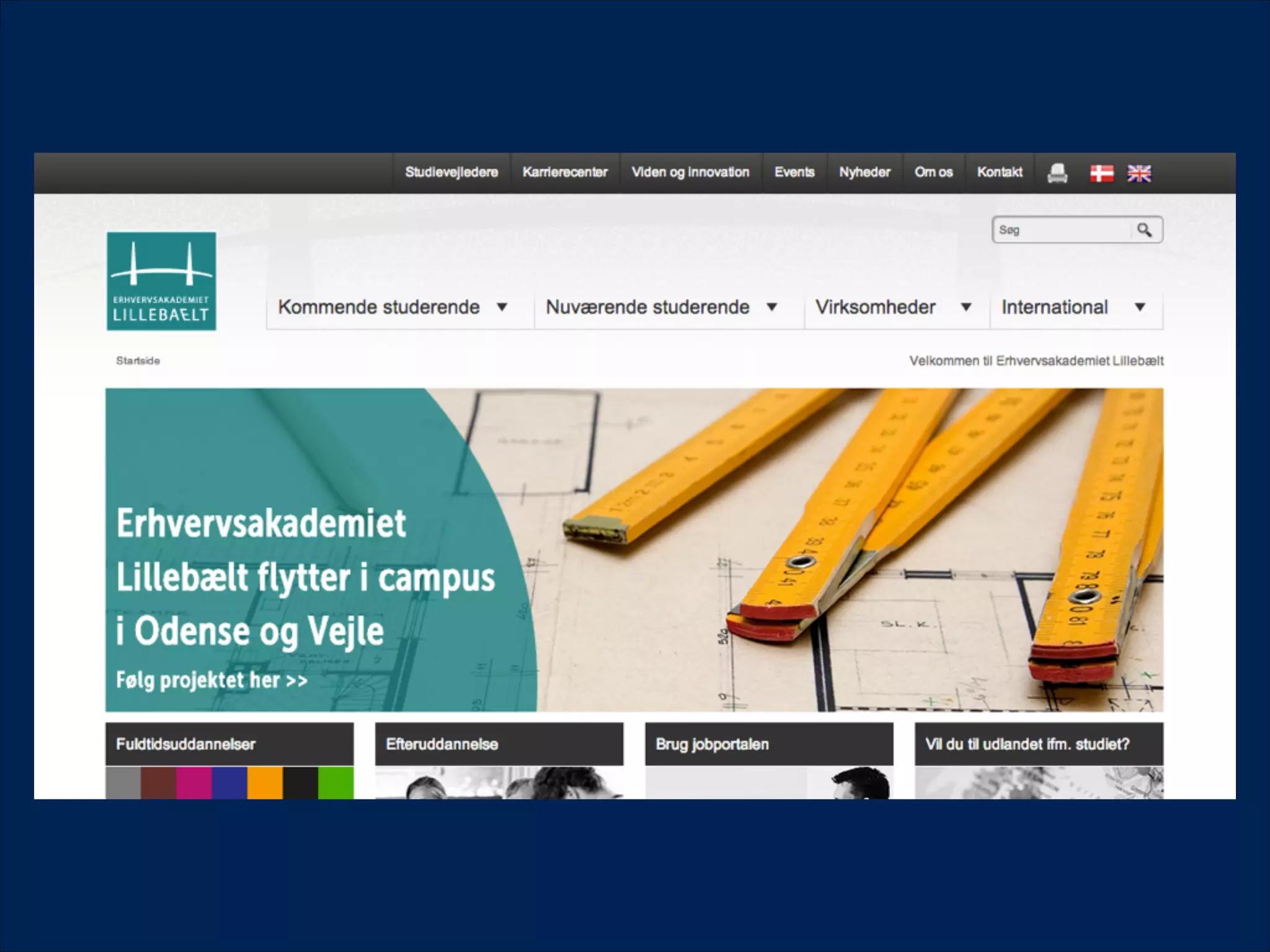
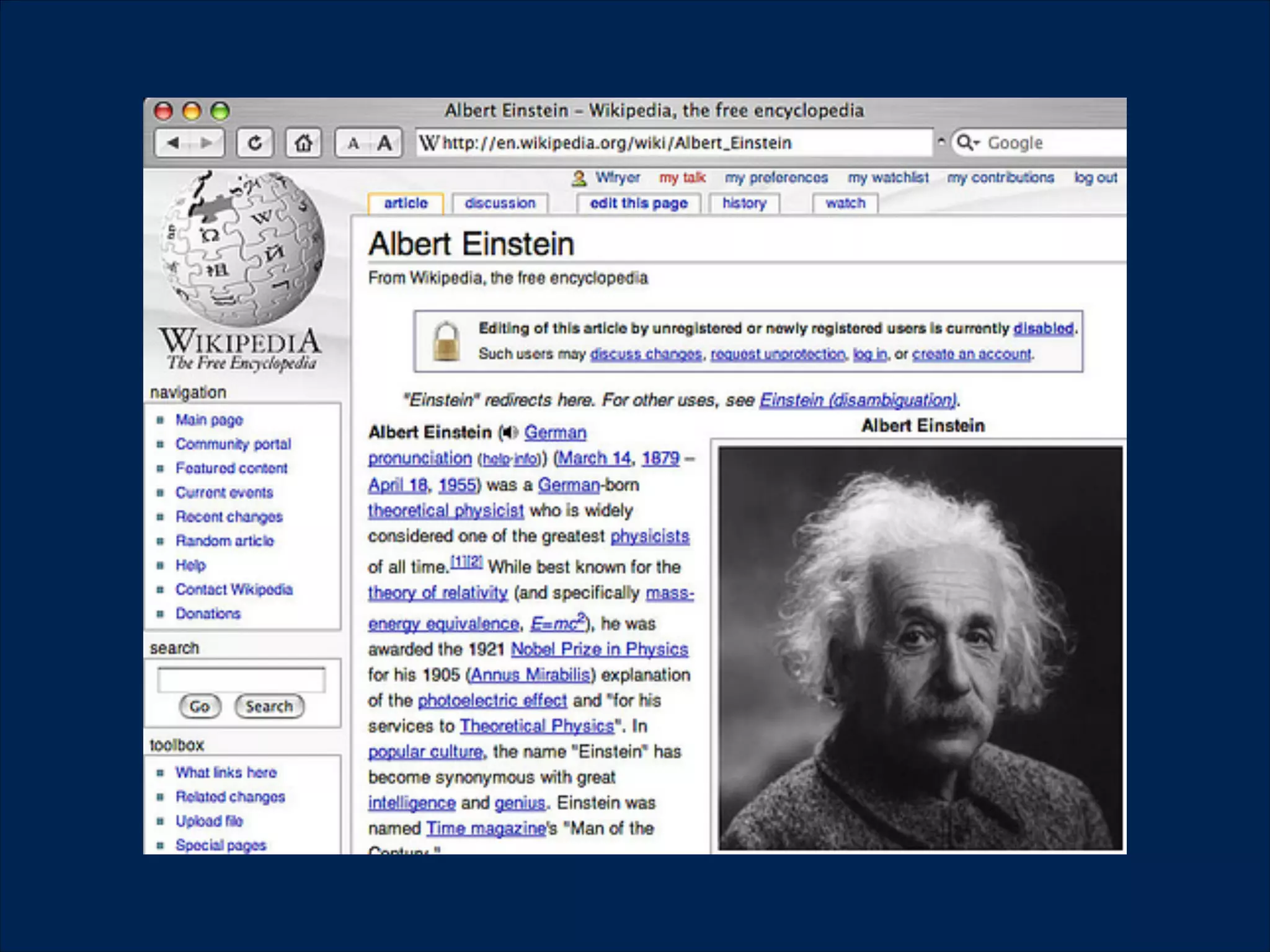
Use the logo as a link for navigating to the main
page.
!
Navigation
!
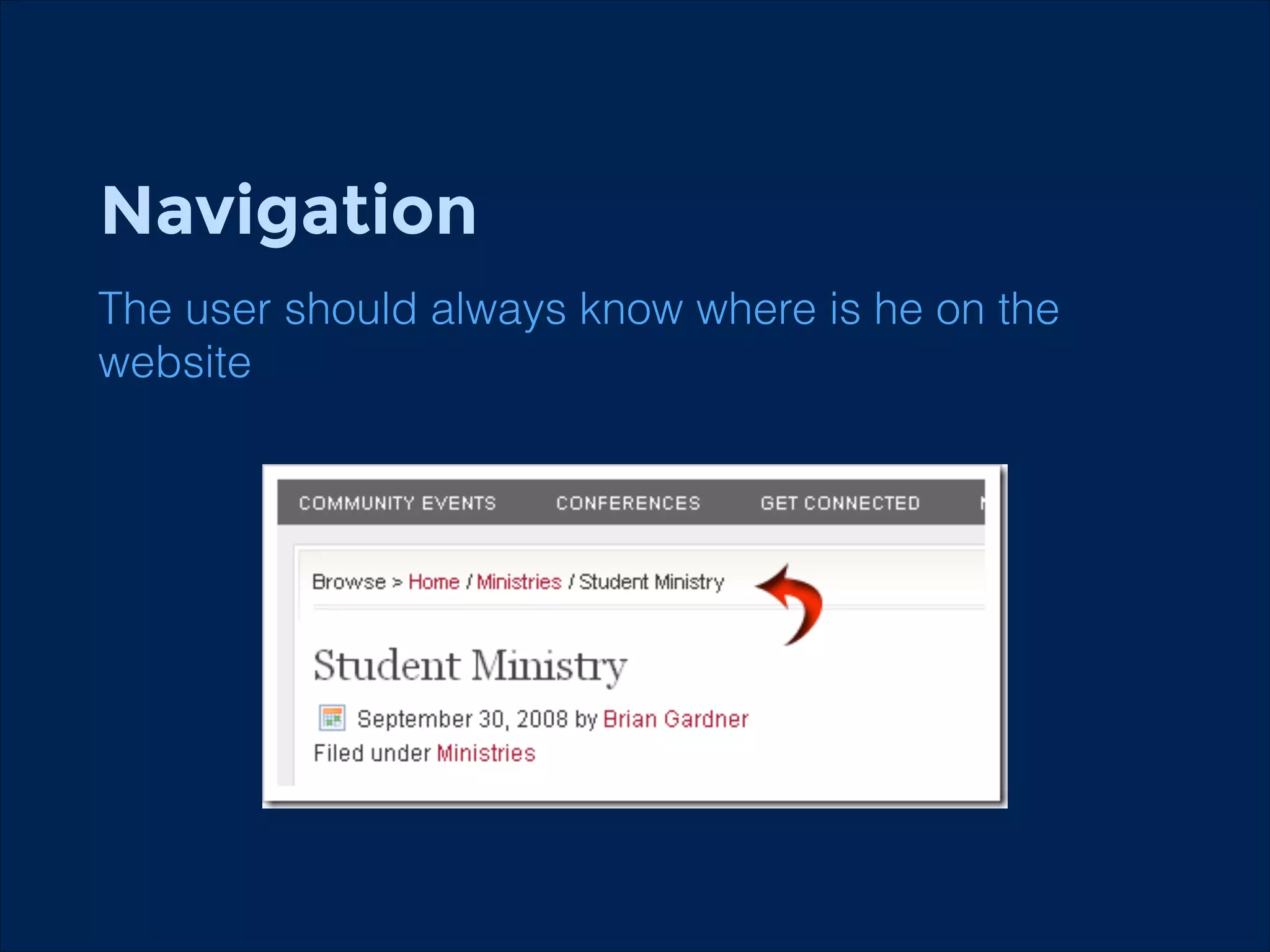
The user should always know where is he on the
website
!
Navigation
!
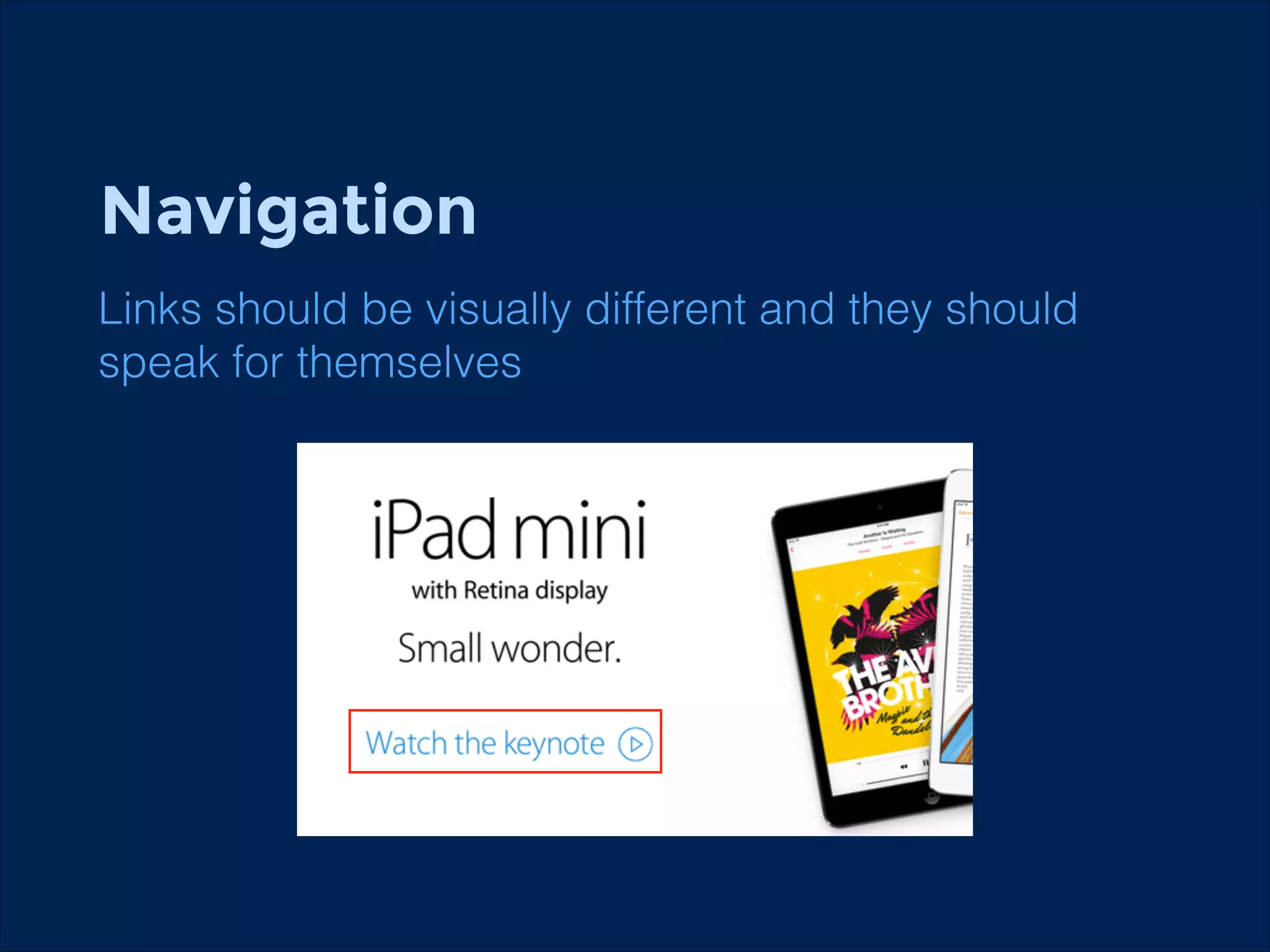
Links should be visually different and they should
speak for themselves
!
Readability
!
!
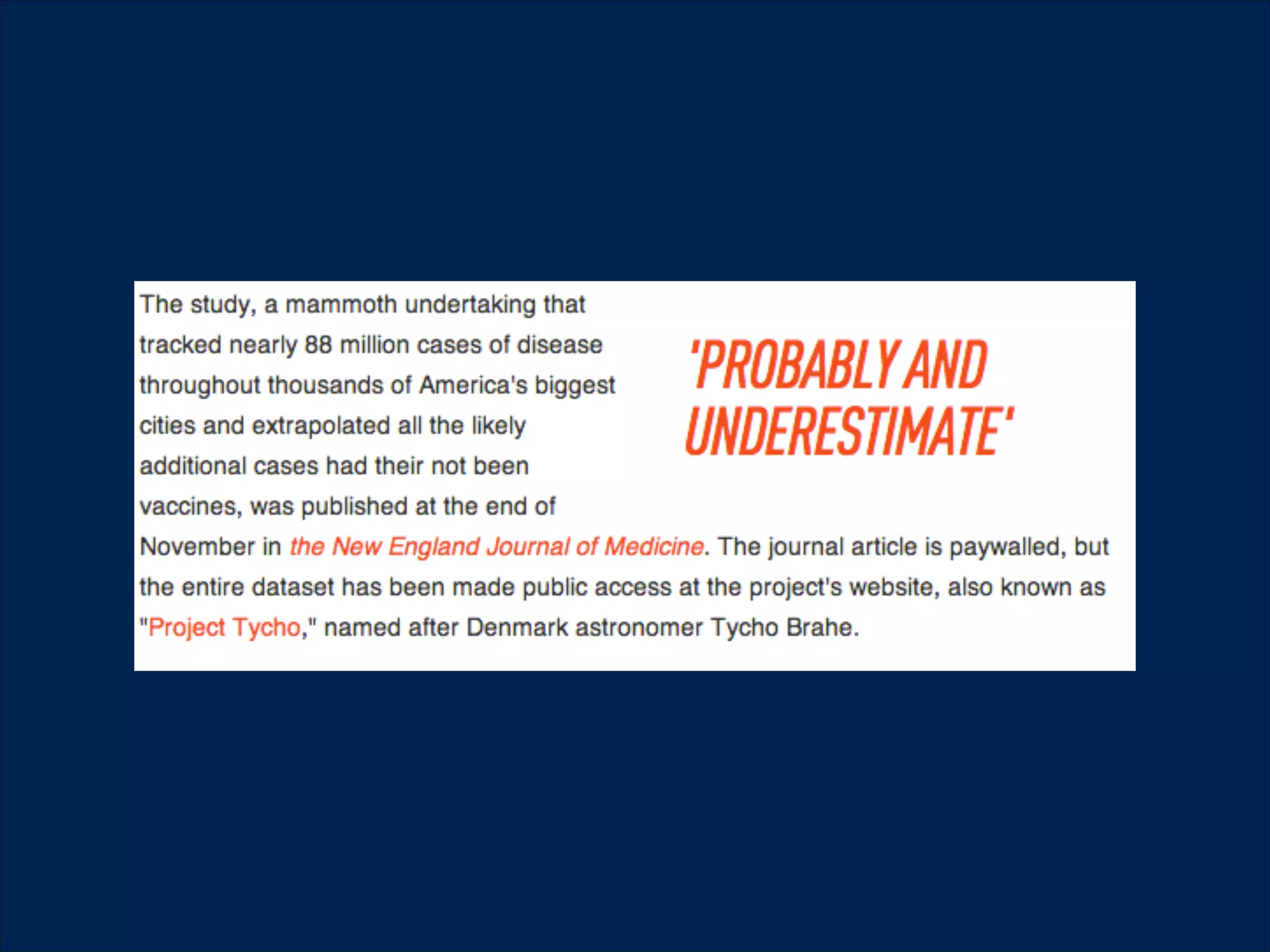
The text should be always readable

Try to highlight important informations for quicker
readers
Contrast, whitespace
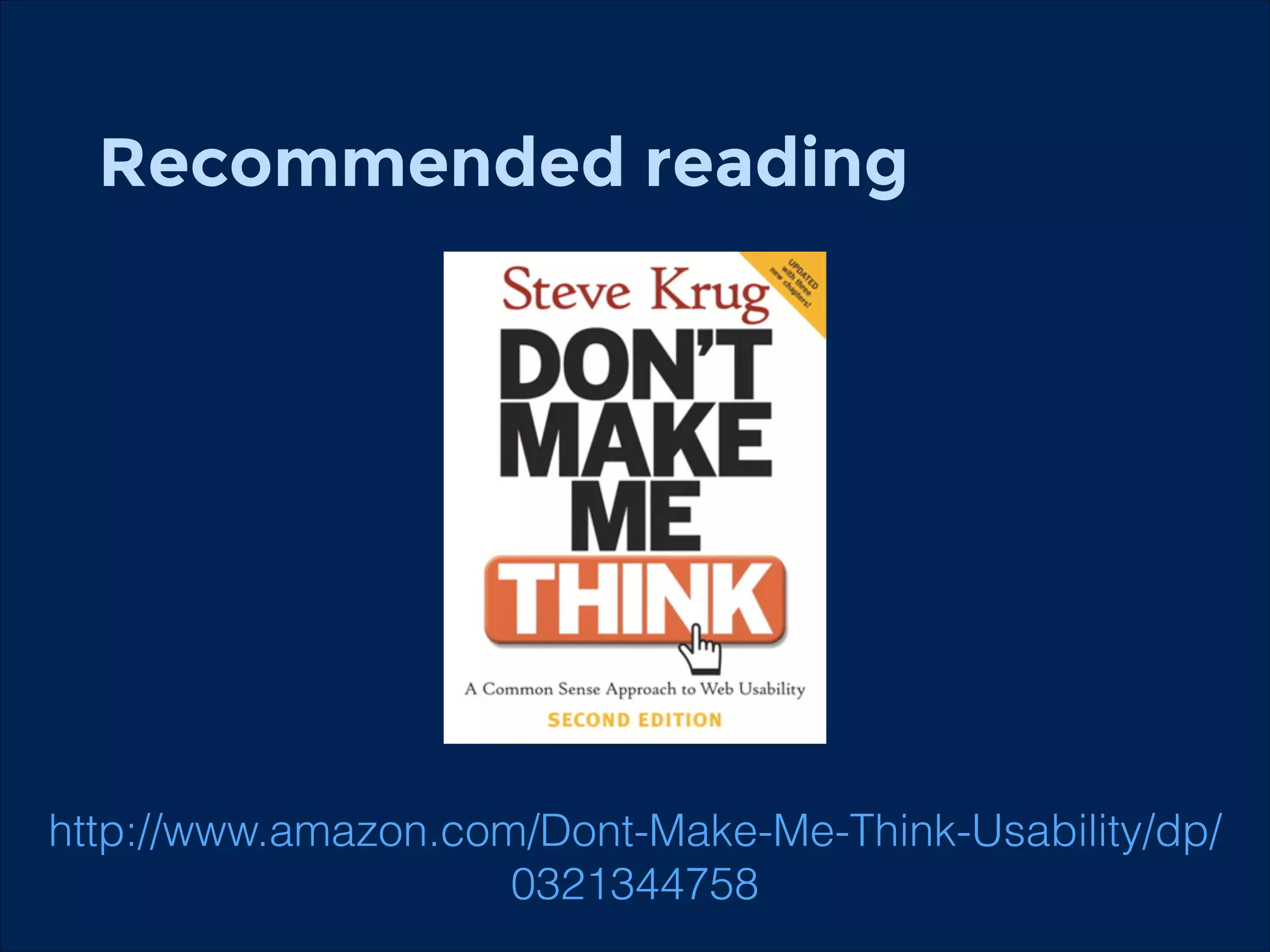
Recommended reading
!

http://www.amazon.com/Dont-Make-Me-Think-Usability/dp/
0321344758
Usability for mobile
Differences
!
!

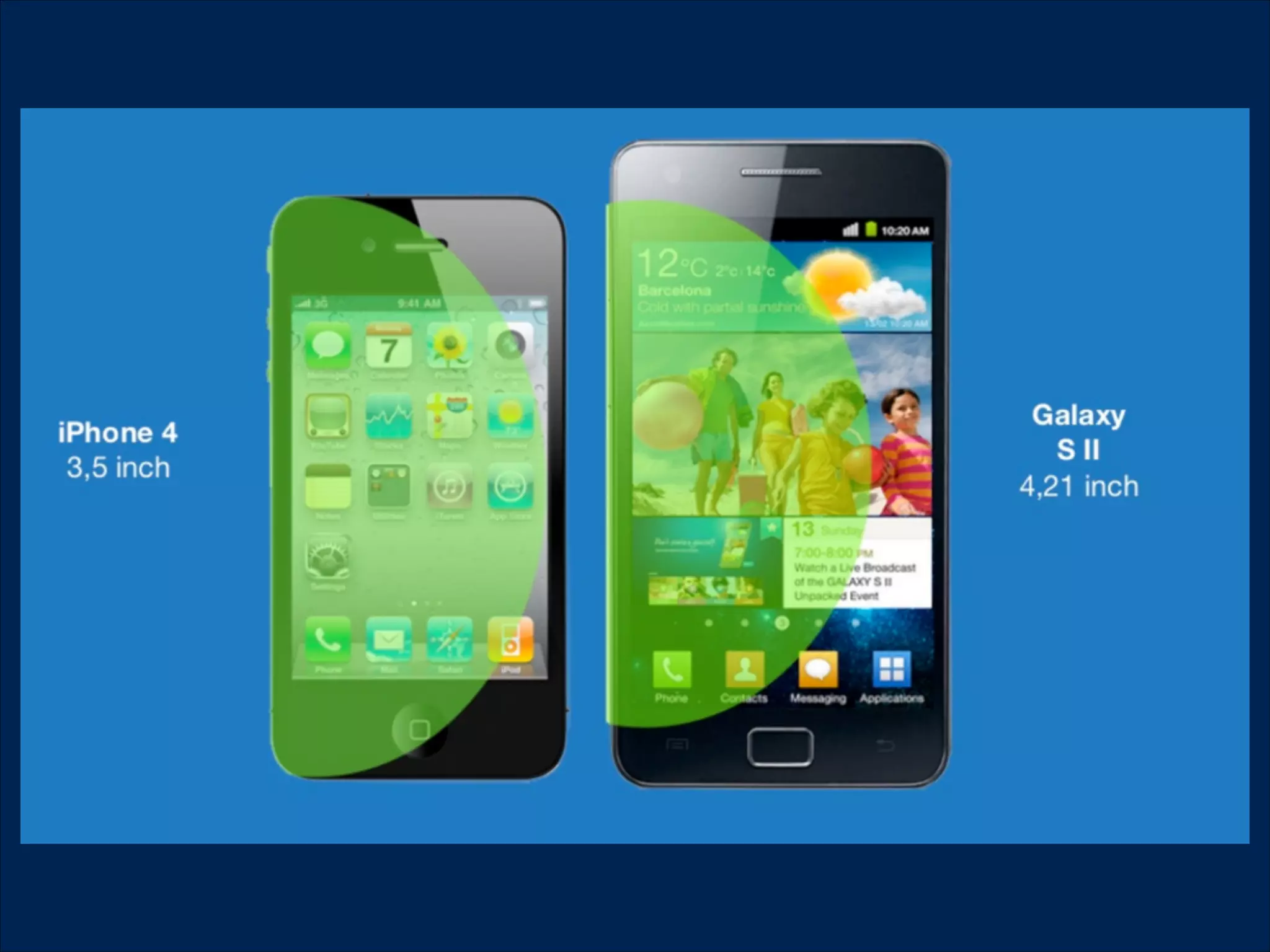
Different place and way of usage
Smaller screen
Different screen sizes
What are they doing?
!

Searching for information (Google Maps)
!

Social media (Facebook)
Work (Email)
Communication (Messaging)
Spending free time (Angry Birds)
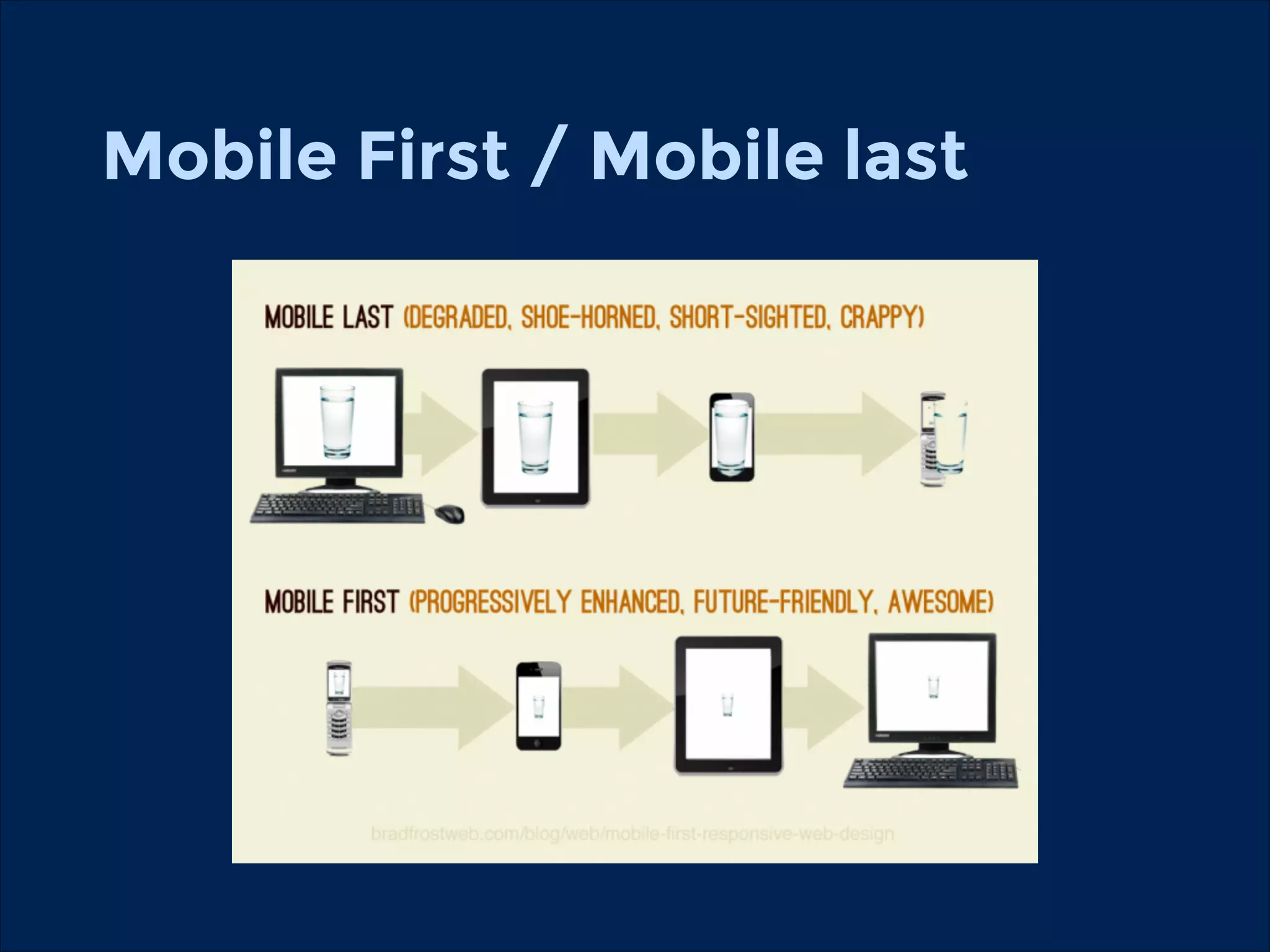
Mobile First / Mobile last
!
!
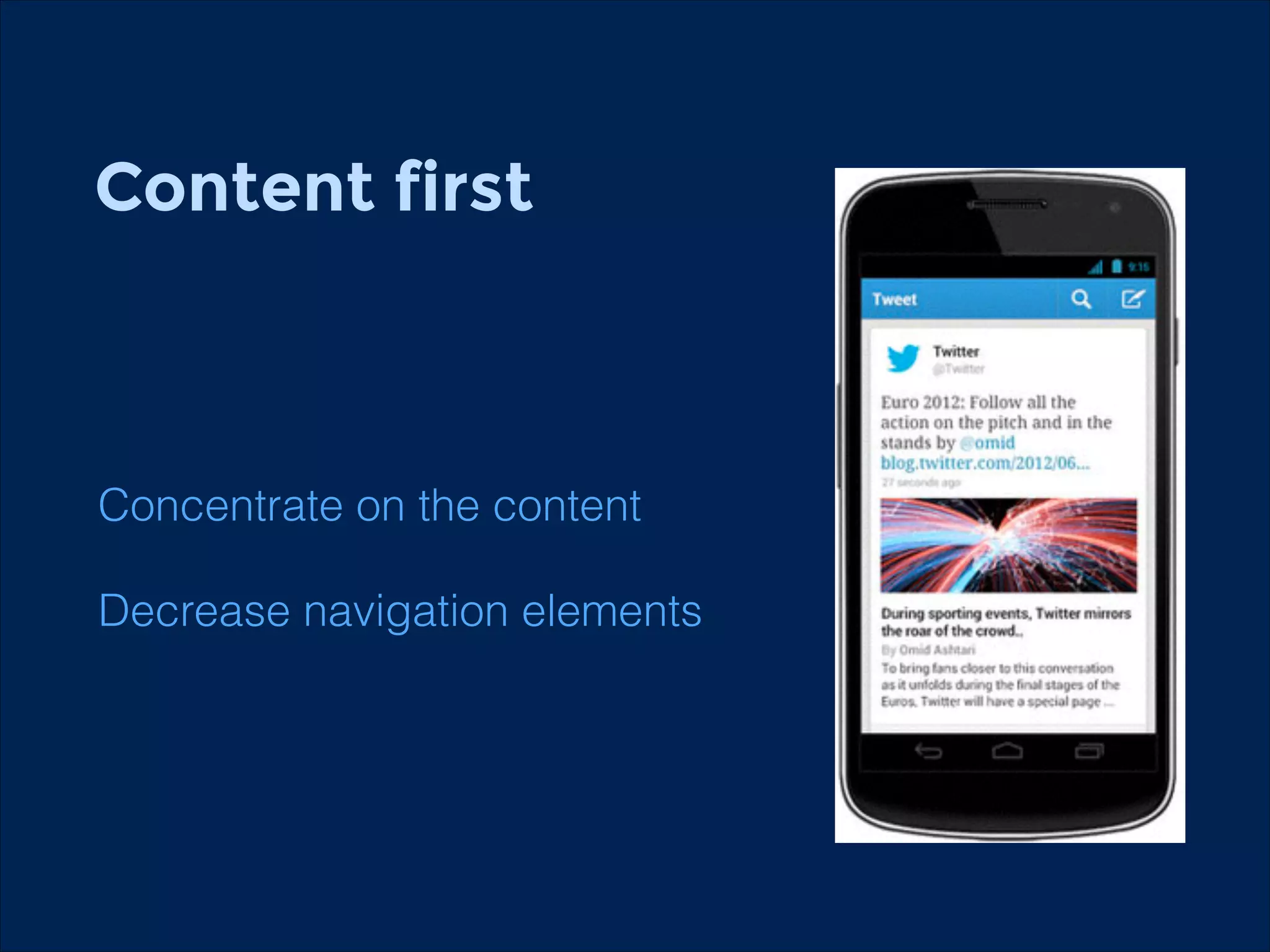
Content first
!
!

Concentrate on the content
Decrease navigation elements
Mobile usability
Bigger navigation elements (finger size)
Bigger whitespace between elements
No hover state
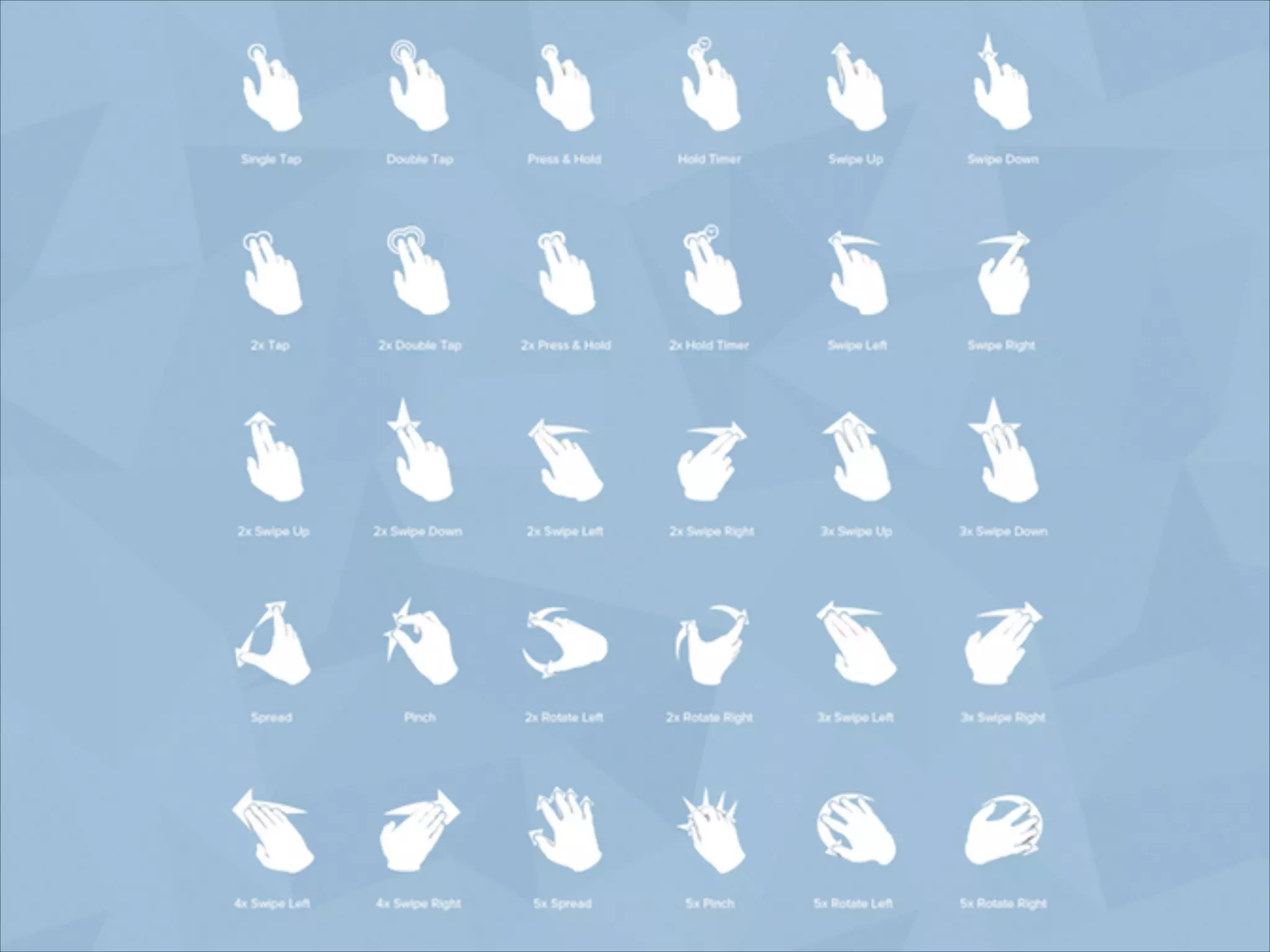
Instead of scroll, swipe
No physical feedback, visualise feedbacks
Hotspots
Mobile interfaces
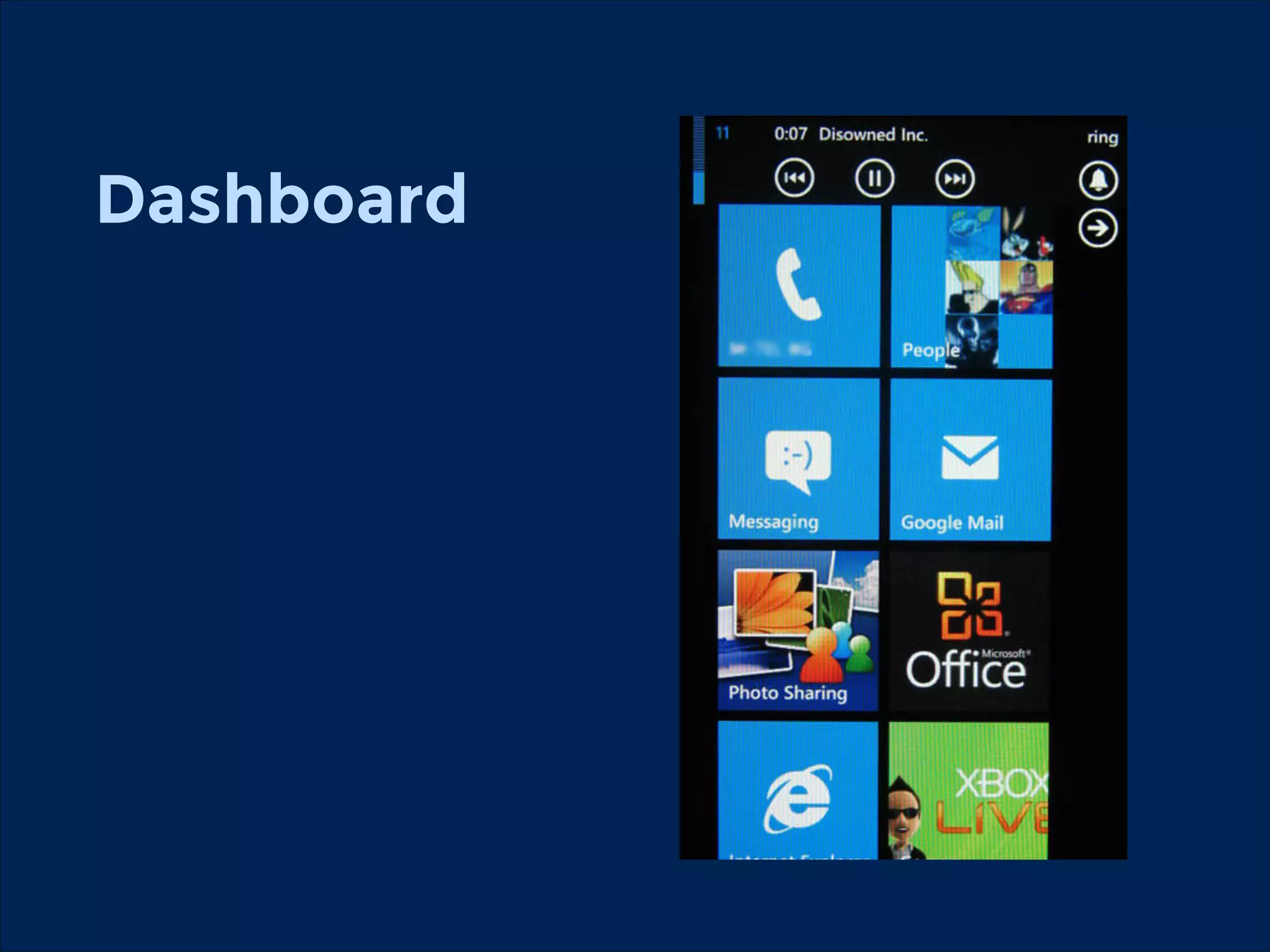
Dashboard
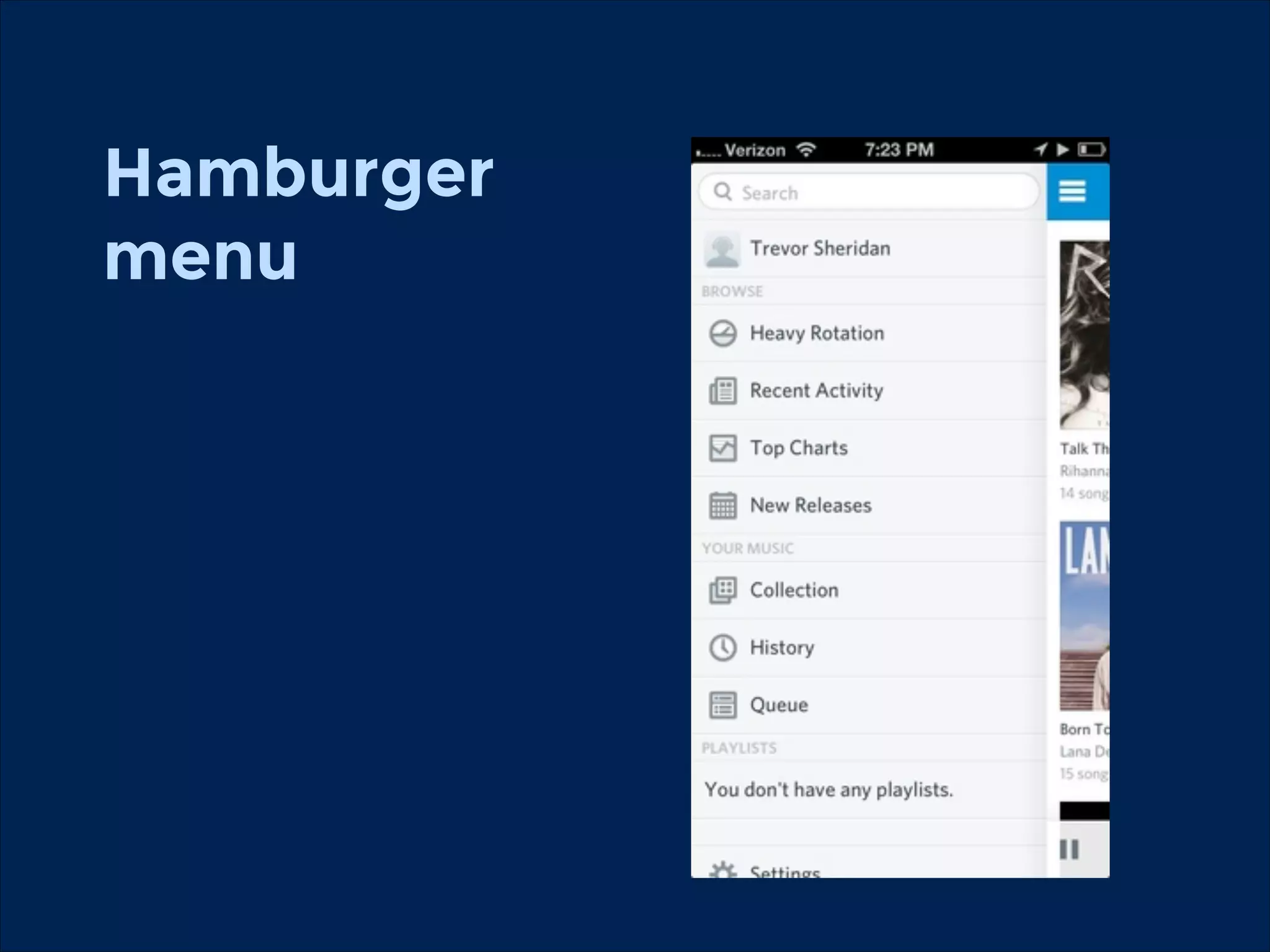
Hamburger

menu
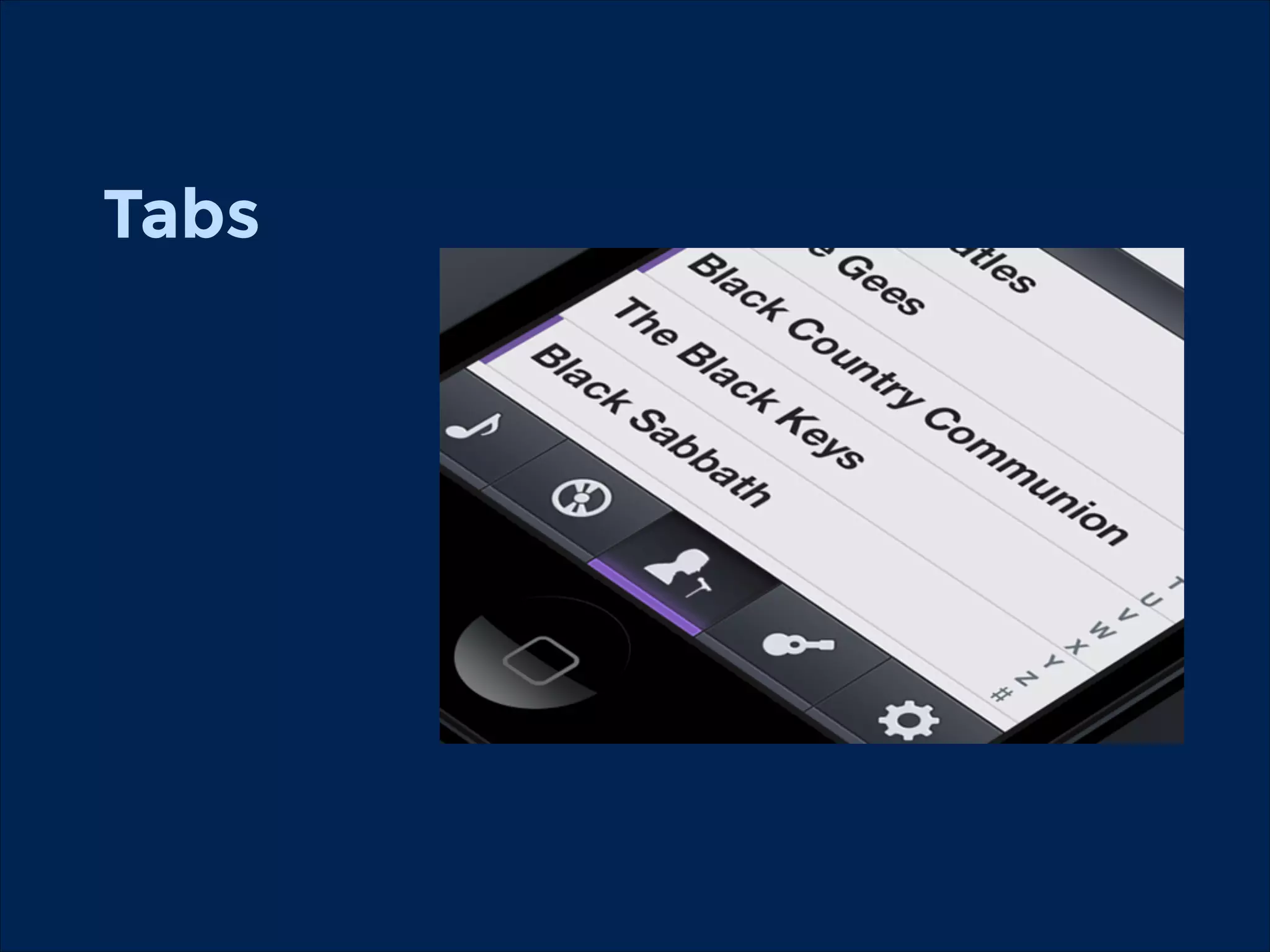
Tabs
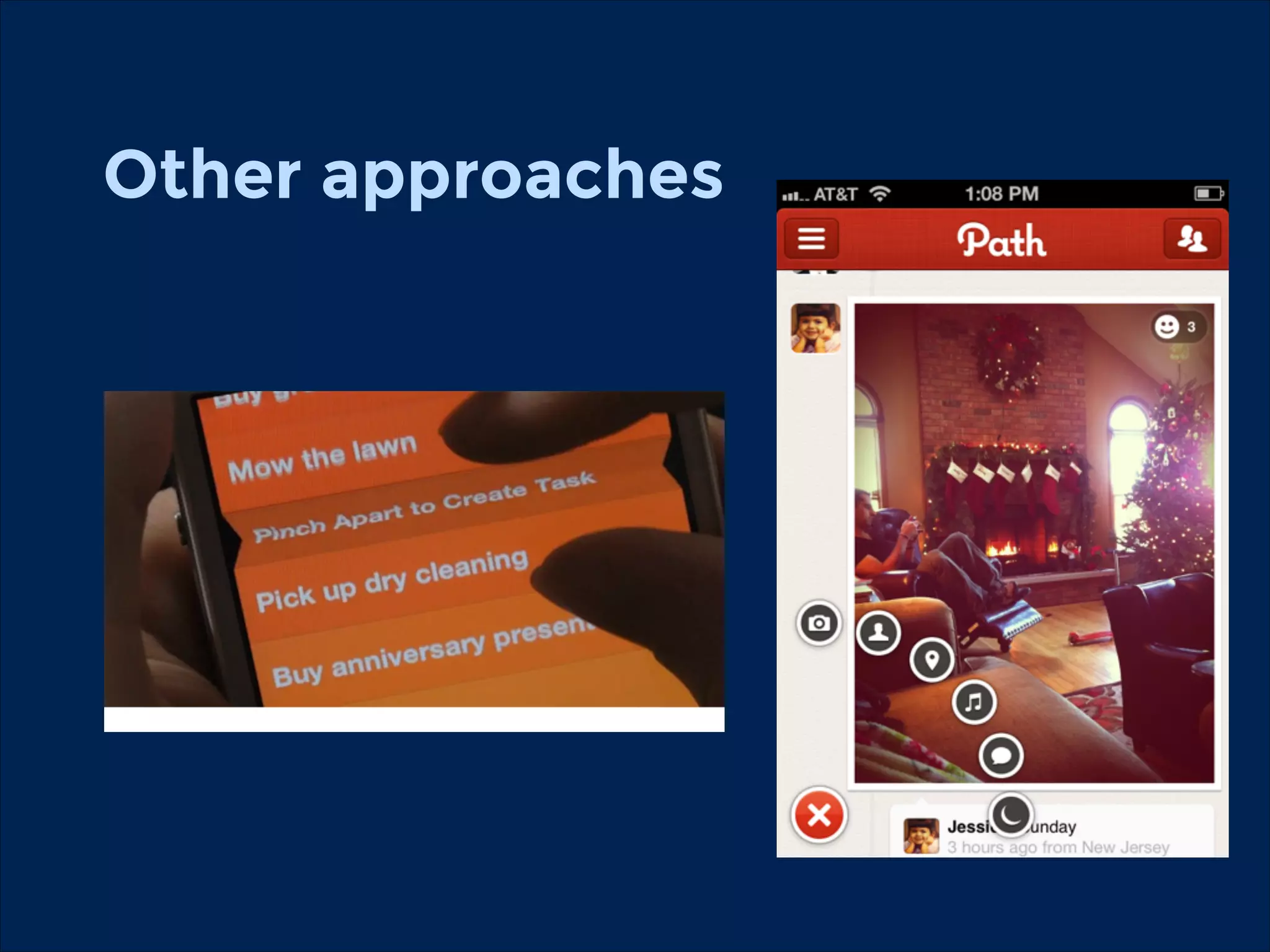
Other approaches
Use the device!
GPS
Camera
Sensors
Navigation
Environment
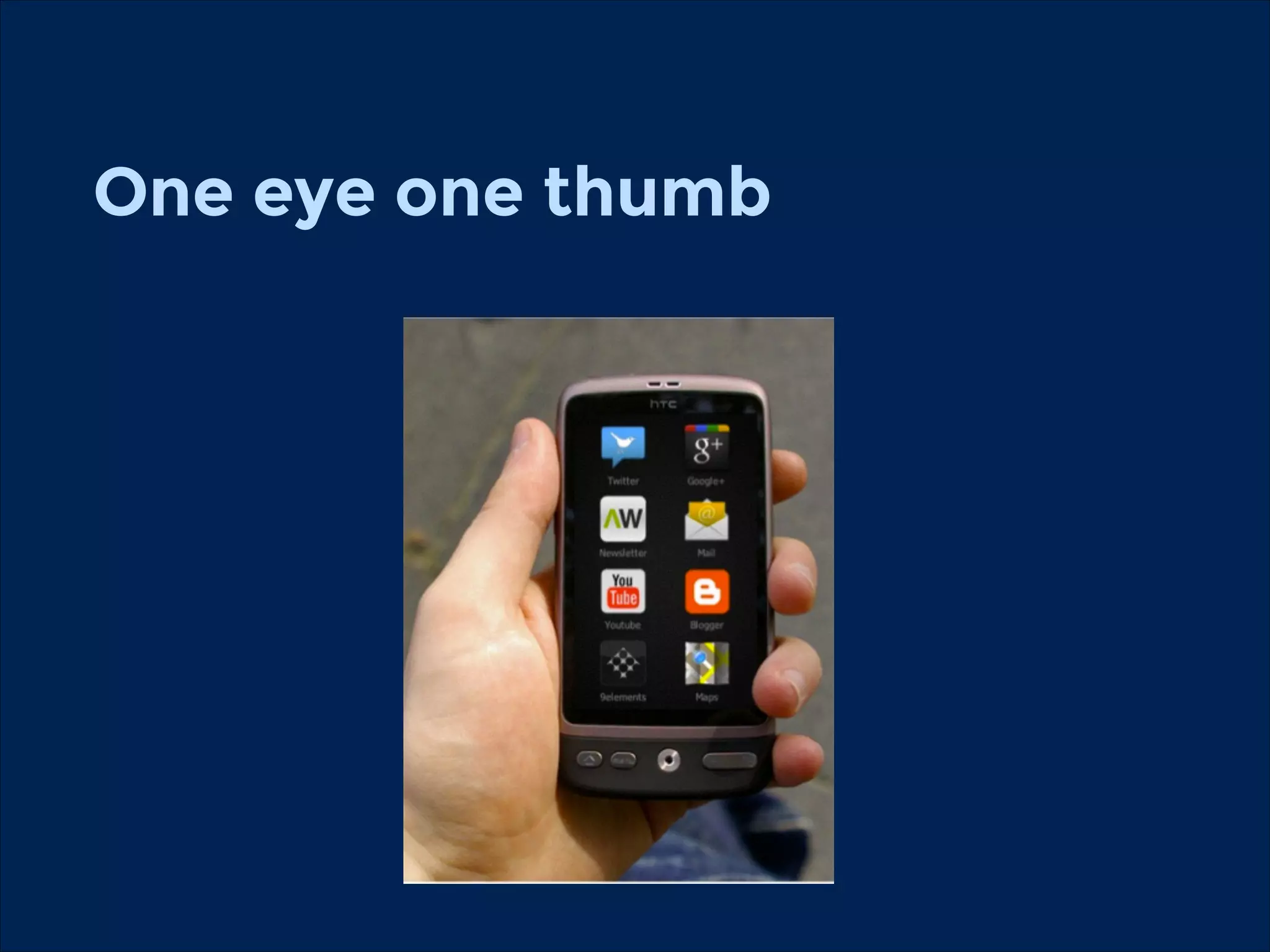
One eye one thumb
!
!
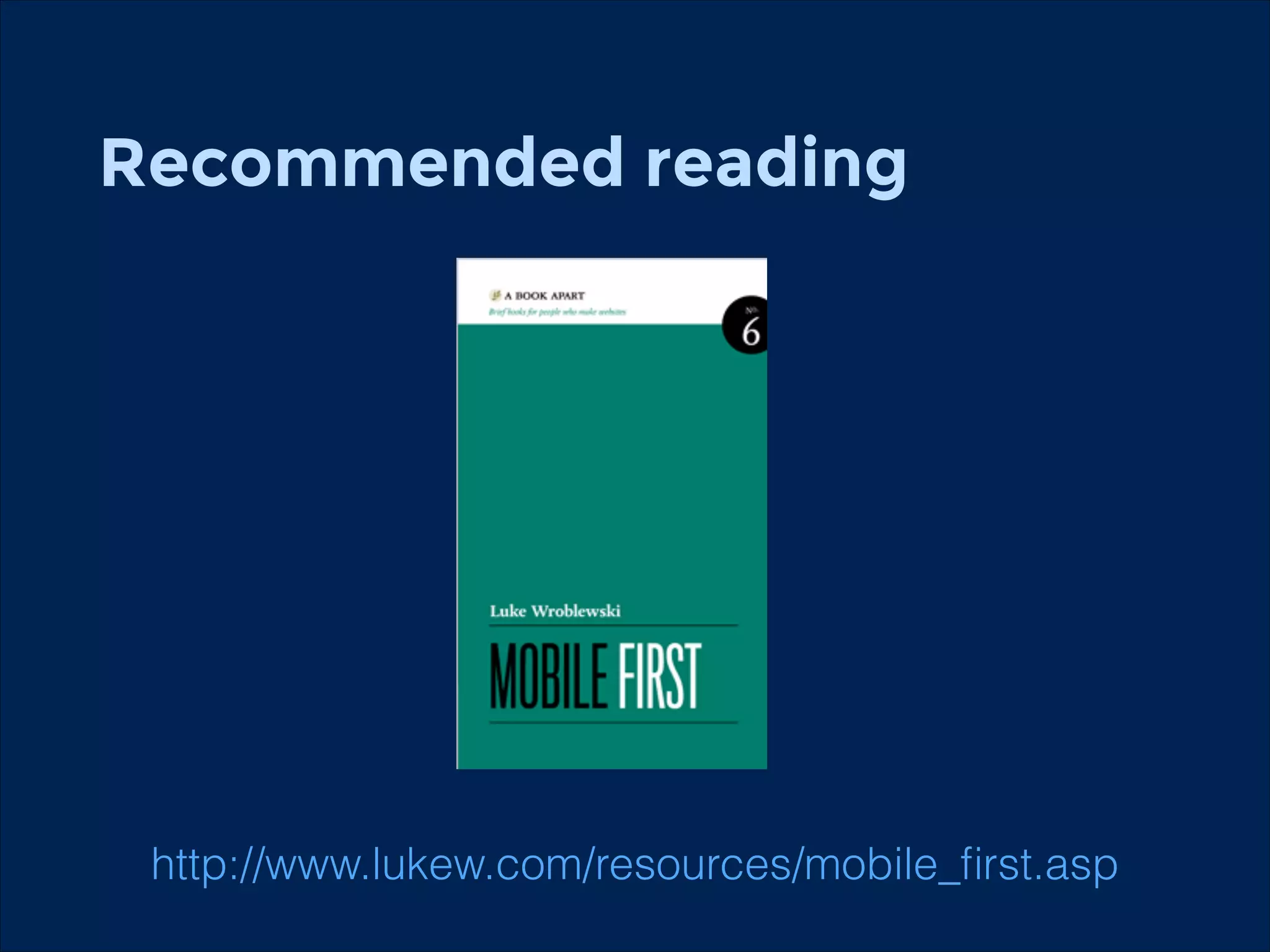
Recommended reading
!

http://www.lukew.com/resources/mobile_first.asp
Information
Architecture
The structural design of shared information
environments.
The art and science of organizing and labeling web
sites, intranets, online communities, and software to
support findability and usability.
The combination of organization, labeling, search and
navigation systems within websites and intranets.
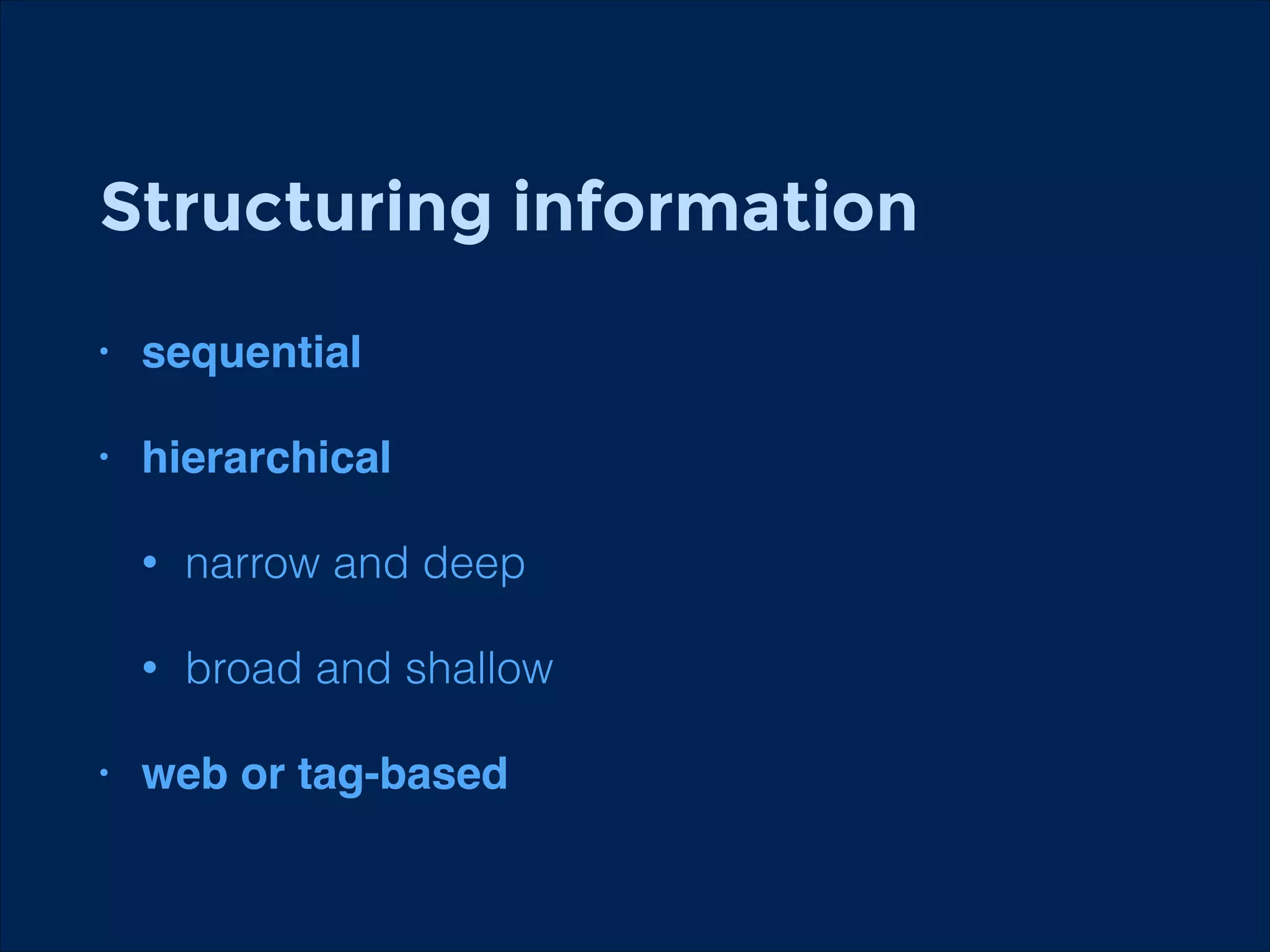
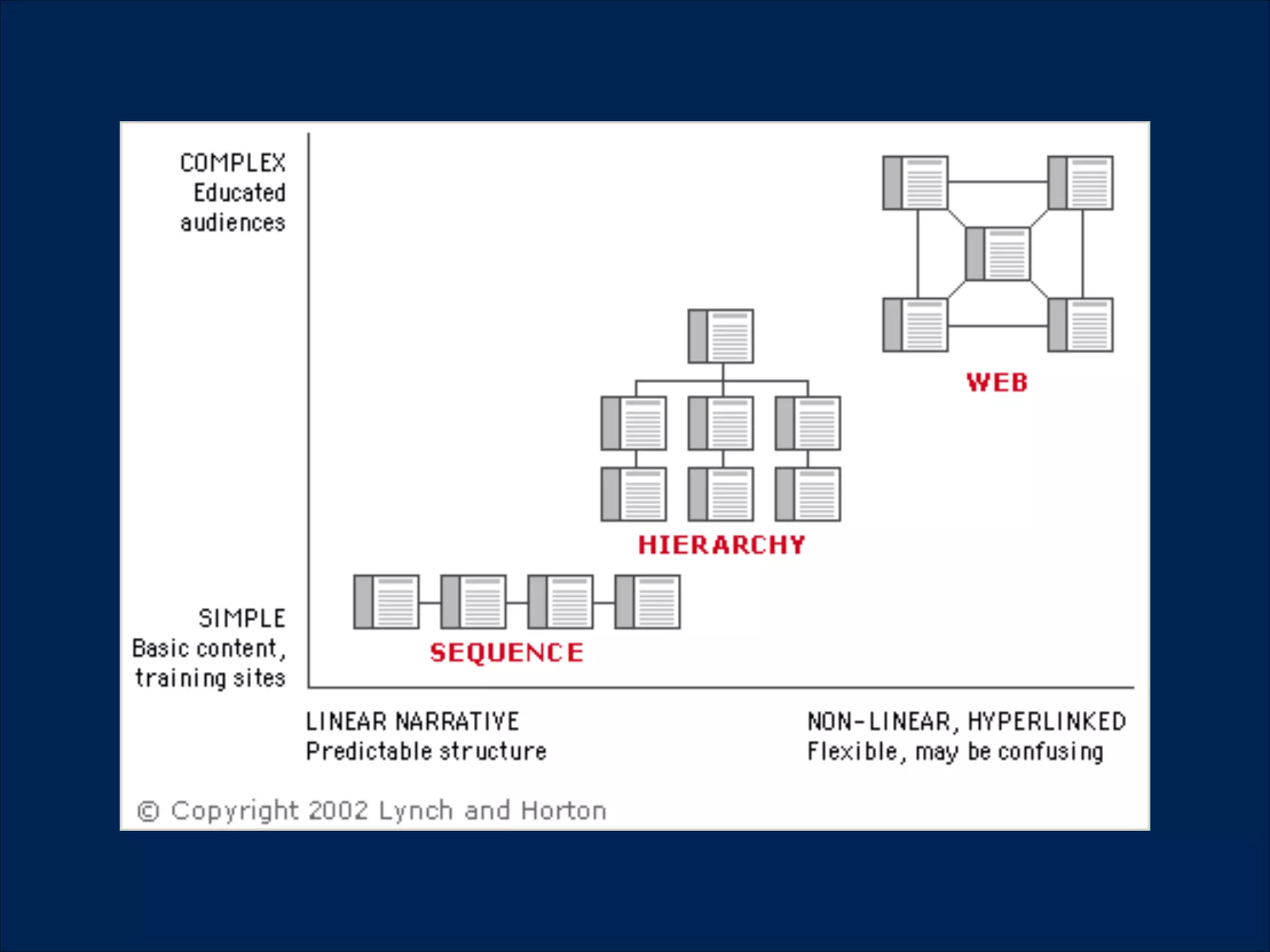
Structuring information
!

•

sequential!

!

•

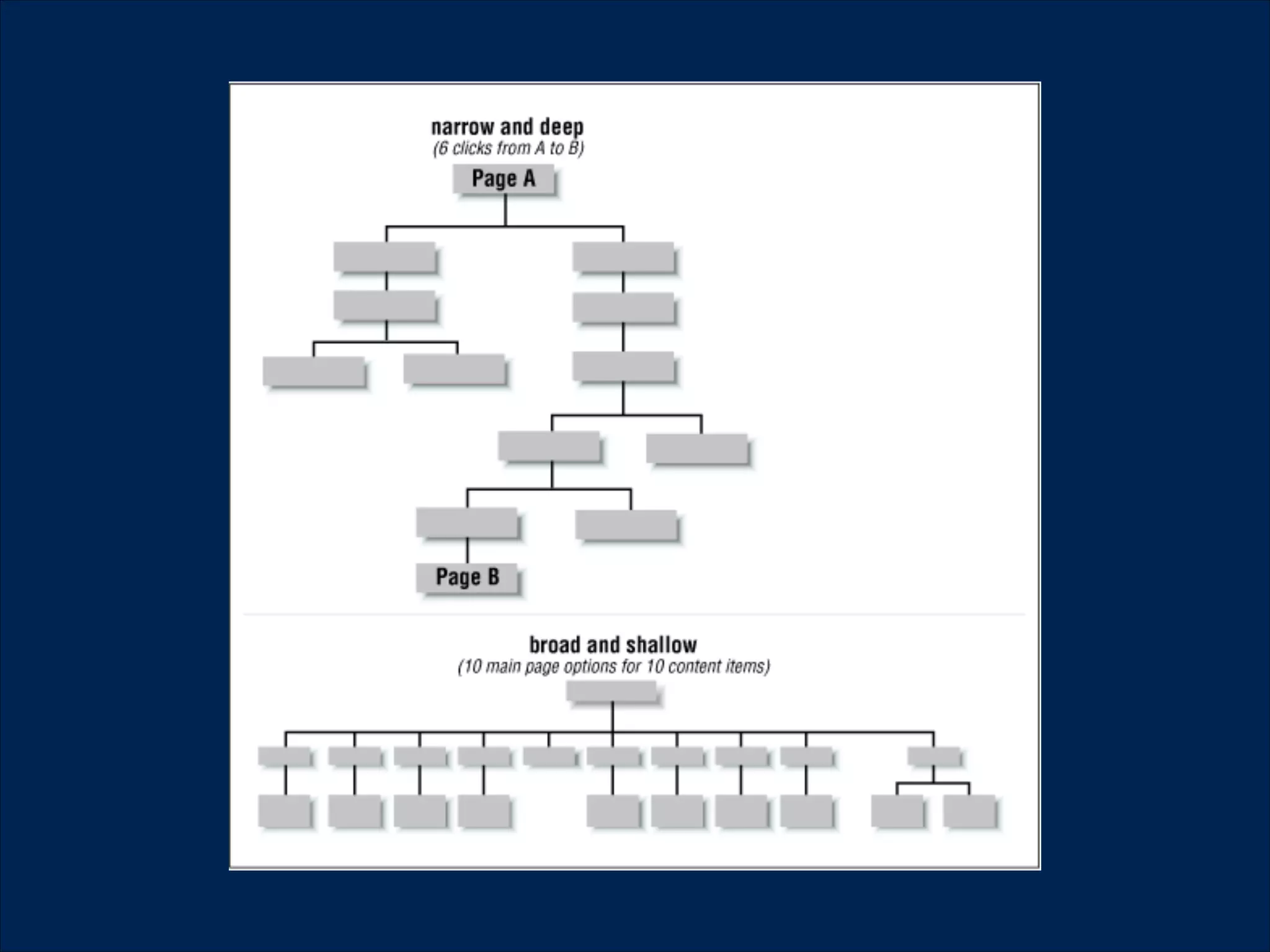
hierarchical!
•
•

•

narrow and deep
broad and shallow

web or tag-based
1.

2.

3.
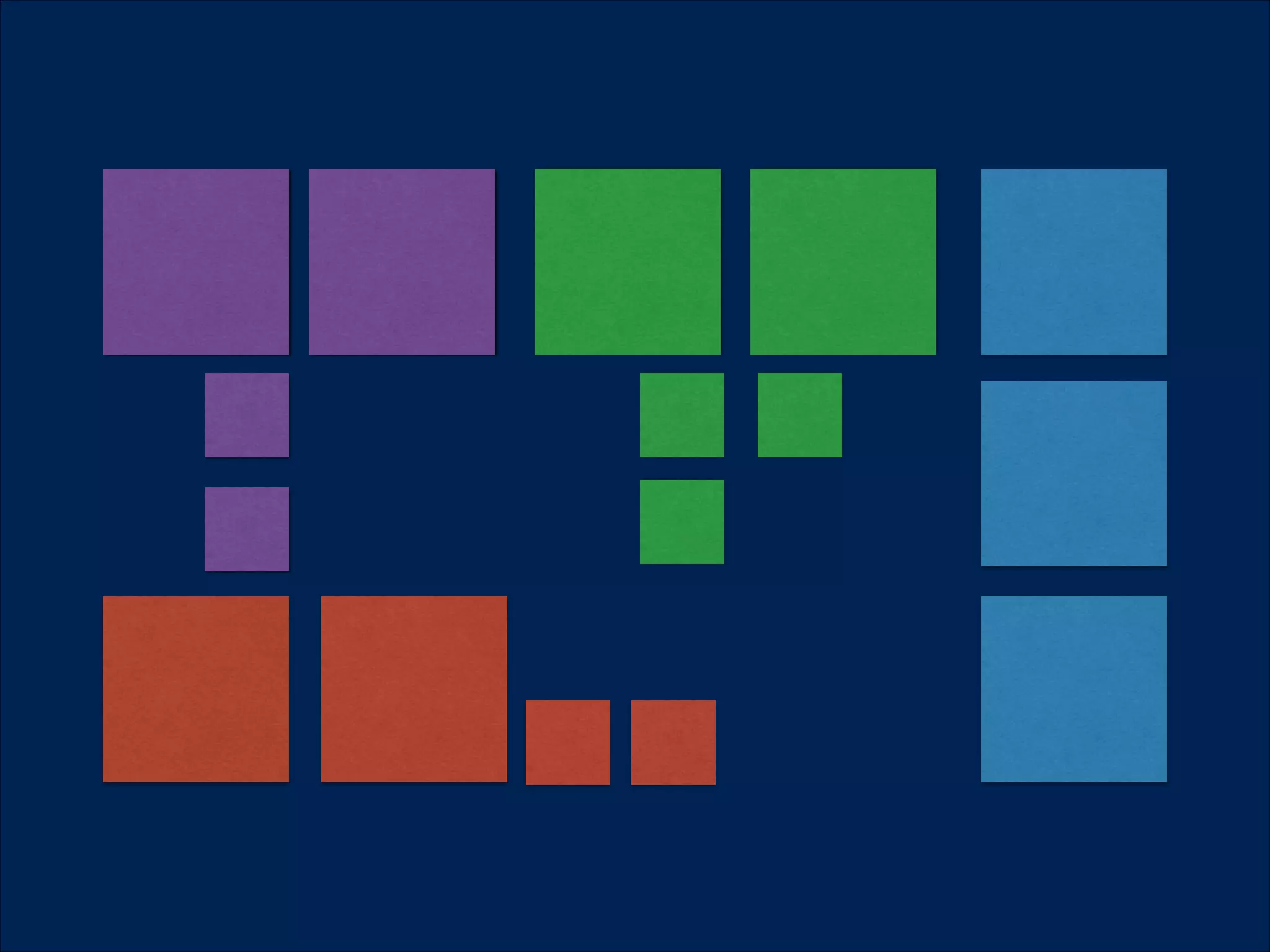
Card sorting
!
•

Technique that helps us to organise information

!
•

We can test our users

•

Open, closed, hybrid
Card sorting is good for…
! Define sitemaps
•
•

Structures and hierarchies

•

Content categories

•

Product categories

•

On site
•

what should be in one place

•

Titles, names, tags
Tools to use
!

•

UX sort http://www.uxsort.com/
•

xSort http://www.xsortapp.com/

•

Simple Card Sort http://www.simplecardsort.com/
http://websort.net/s/AB7AF9/
•

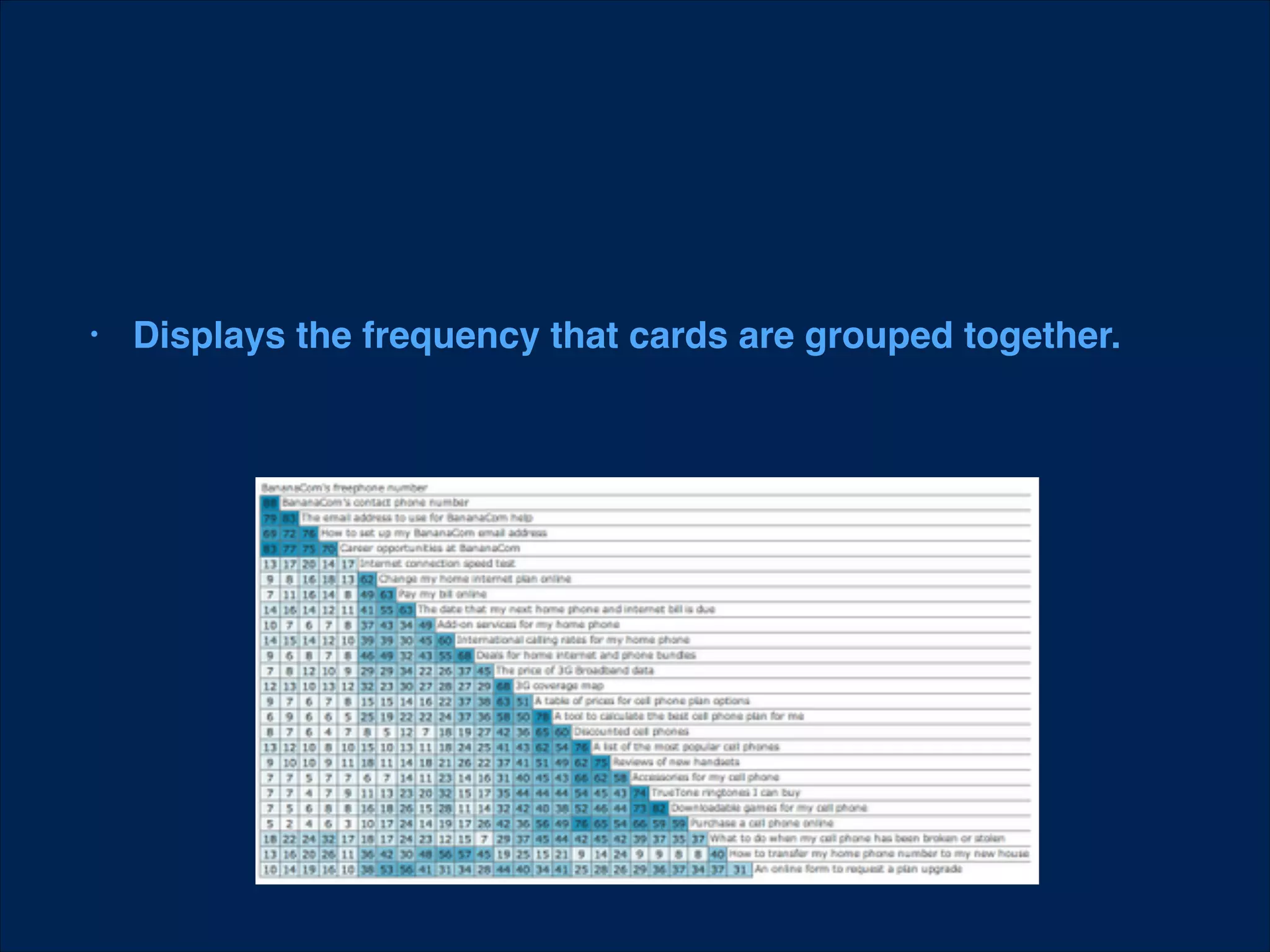
Displays the frequency that cards are grouped together.
•

Shows the clustering of groups in a tree view.

http://en.wikipedia.org/wiki/Cluster_analysis
Recommended reading
!

http://practical-ia.com/
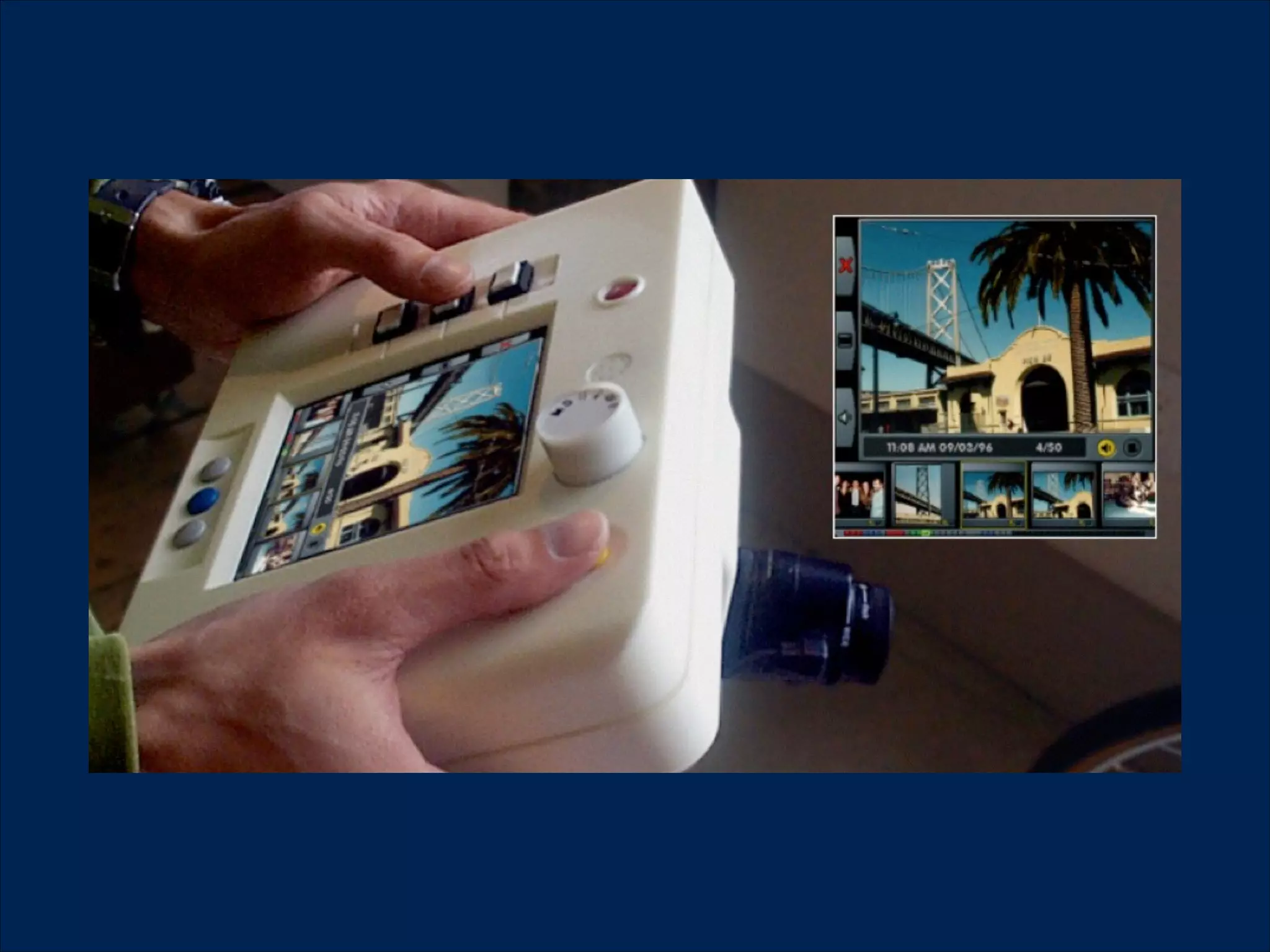
Prototyping
•

Define what do you want to test or present

•

Choose your tool based on this
!

Cost of

change

Alpha version

Prototype

Development Progress
•

Pop app https://popapp.in/

•

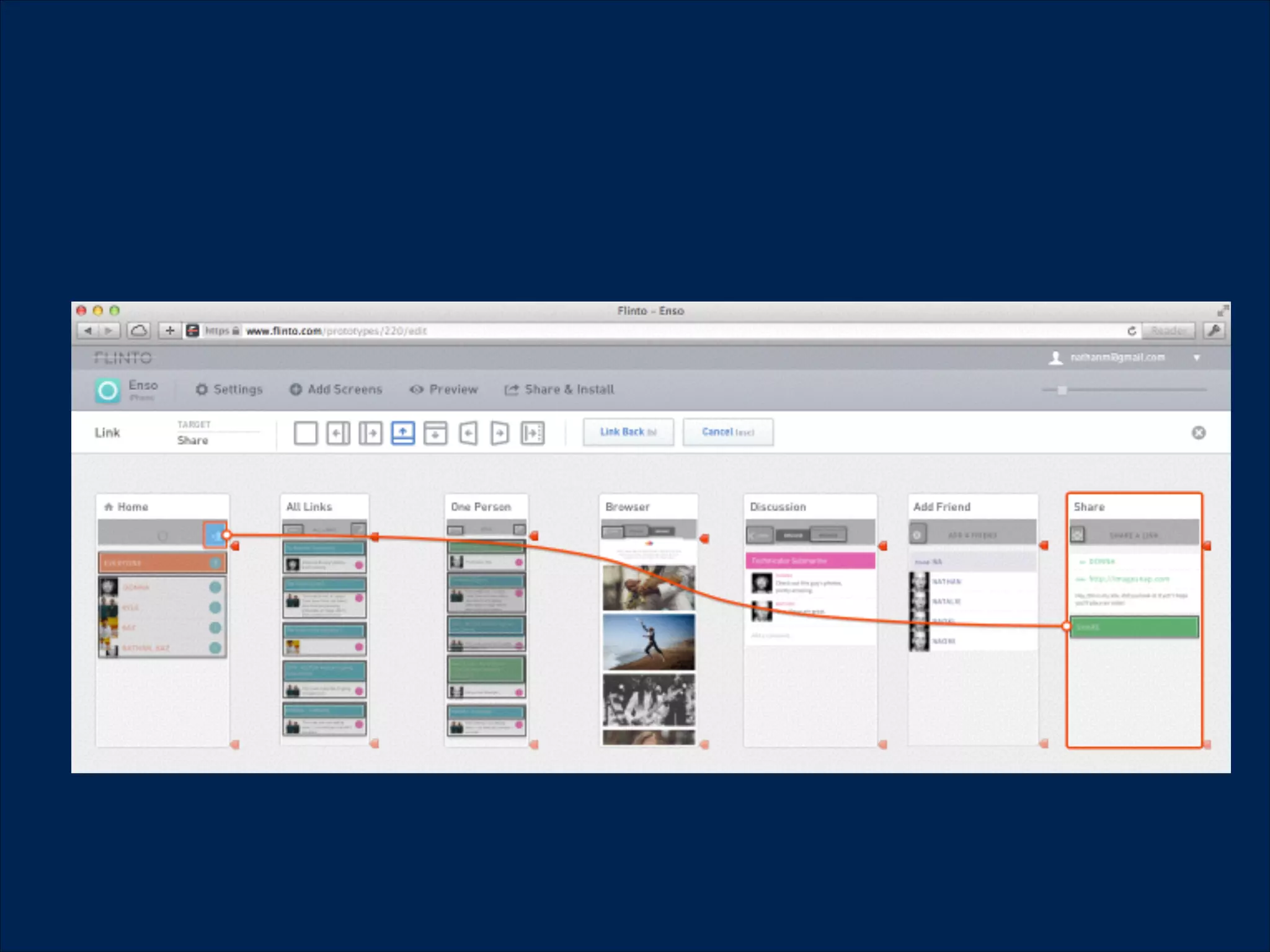
Flinto https://www.flinto.com/
•
•

Proto.iohttp://proto.io/

Codiqa https://codiqa.com/
•

Framer.js http://www.framerjs.com/

•

Bootstrap http://getbootstrap.com/

•

Foundation http://foundation.zurb.com/
Testing
Never stop asking questions
!

•

Measuring analytics can answer the what?

•

Usability research can answer for the why?

•

Combine analytical data with the UX research for

proper insights
Usability research types
!

•

Usability test

•

Observation

•

Field study

•

Interview

•

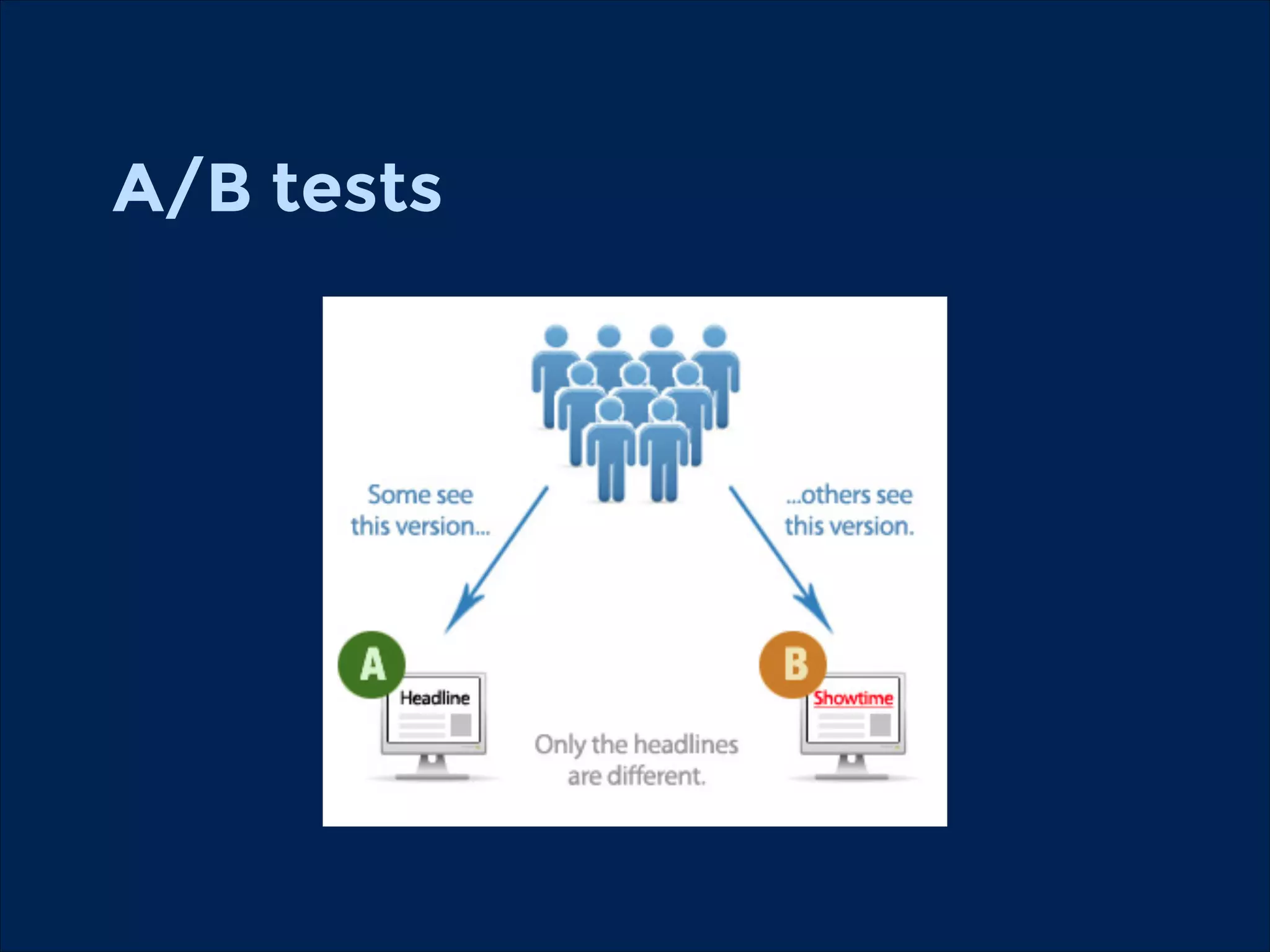
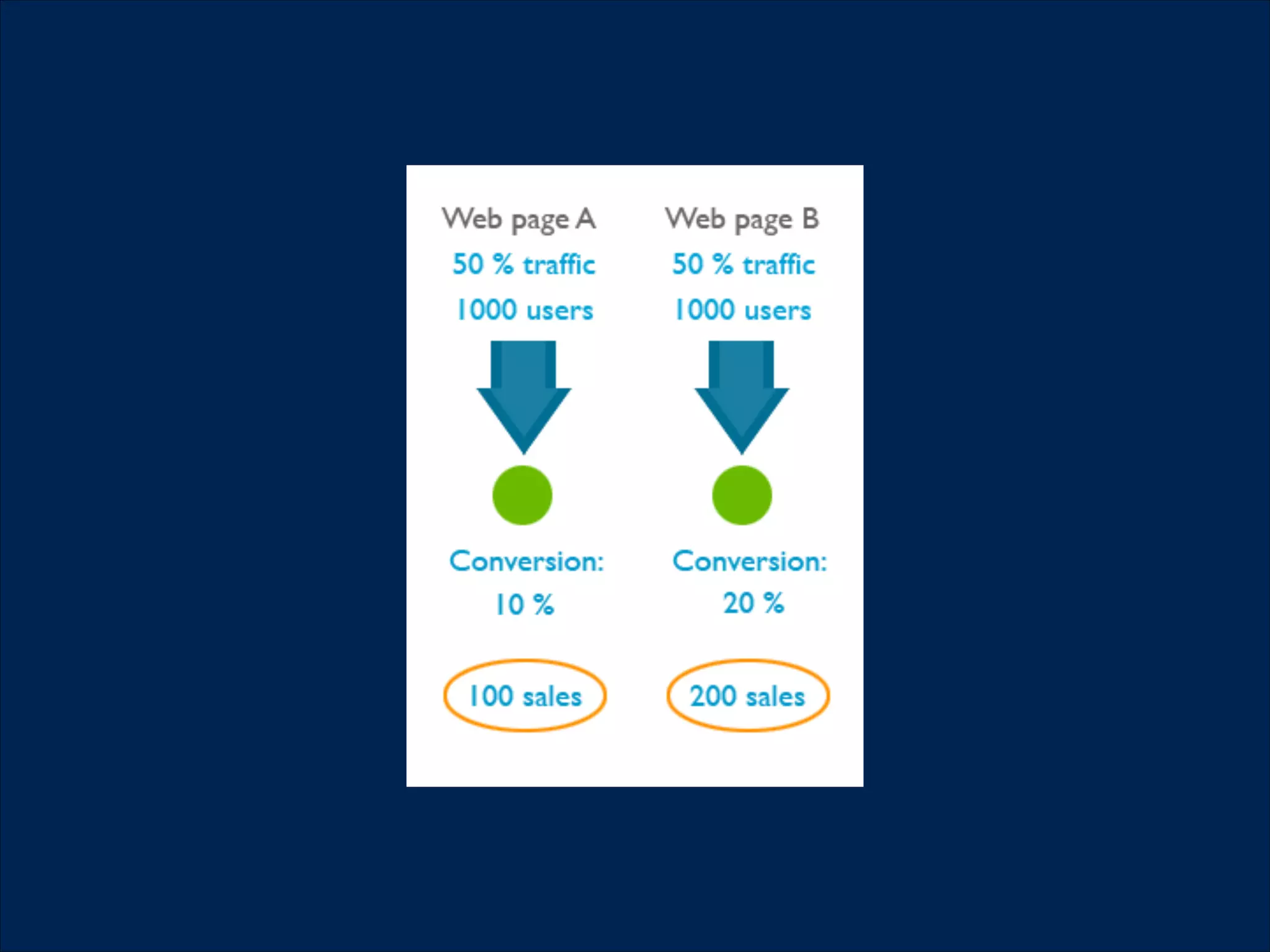
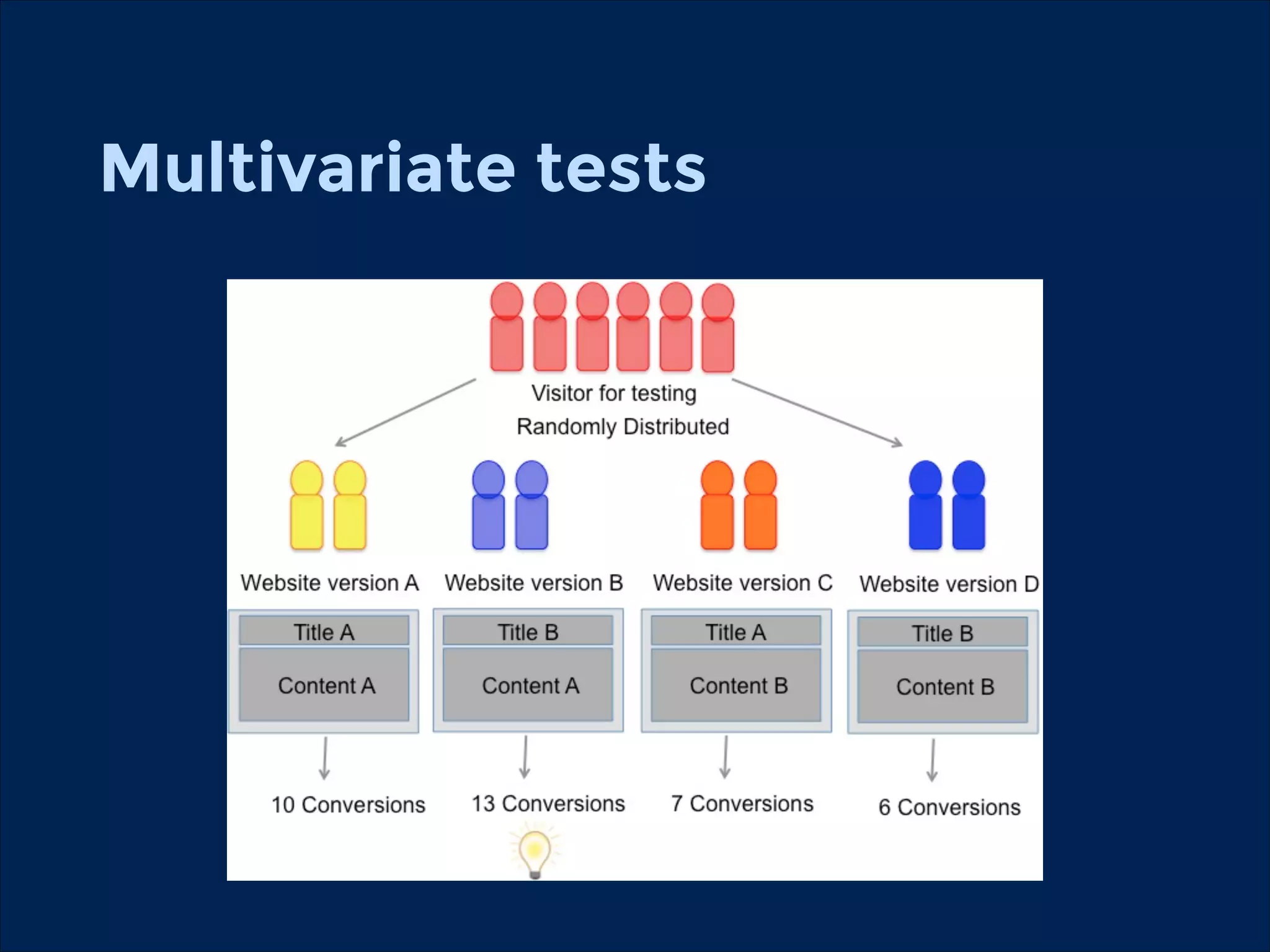
A/B or multivariate tests

•

Eye tracking
You can test on…
!

•

Existing website or app

•

Paper prototype

•

Wireframes or graphics

•

Interactive prototypes
Usability research

•

Use real life tasks (Book a ticket, Find someone)

•

Ask the participants to think loudly (“I think I should
click here to …”)

•

Start the test from a realistic environment (Google)
Some misbeliefs about
researches
•

People can tell you what they want

•

User research is expensive

•

People are rational

•

They click on the red buttons more often

•

You know what your users wants
Some rules for usability
researches
!
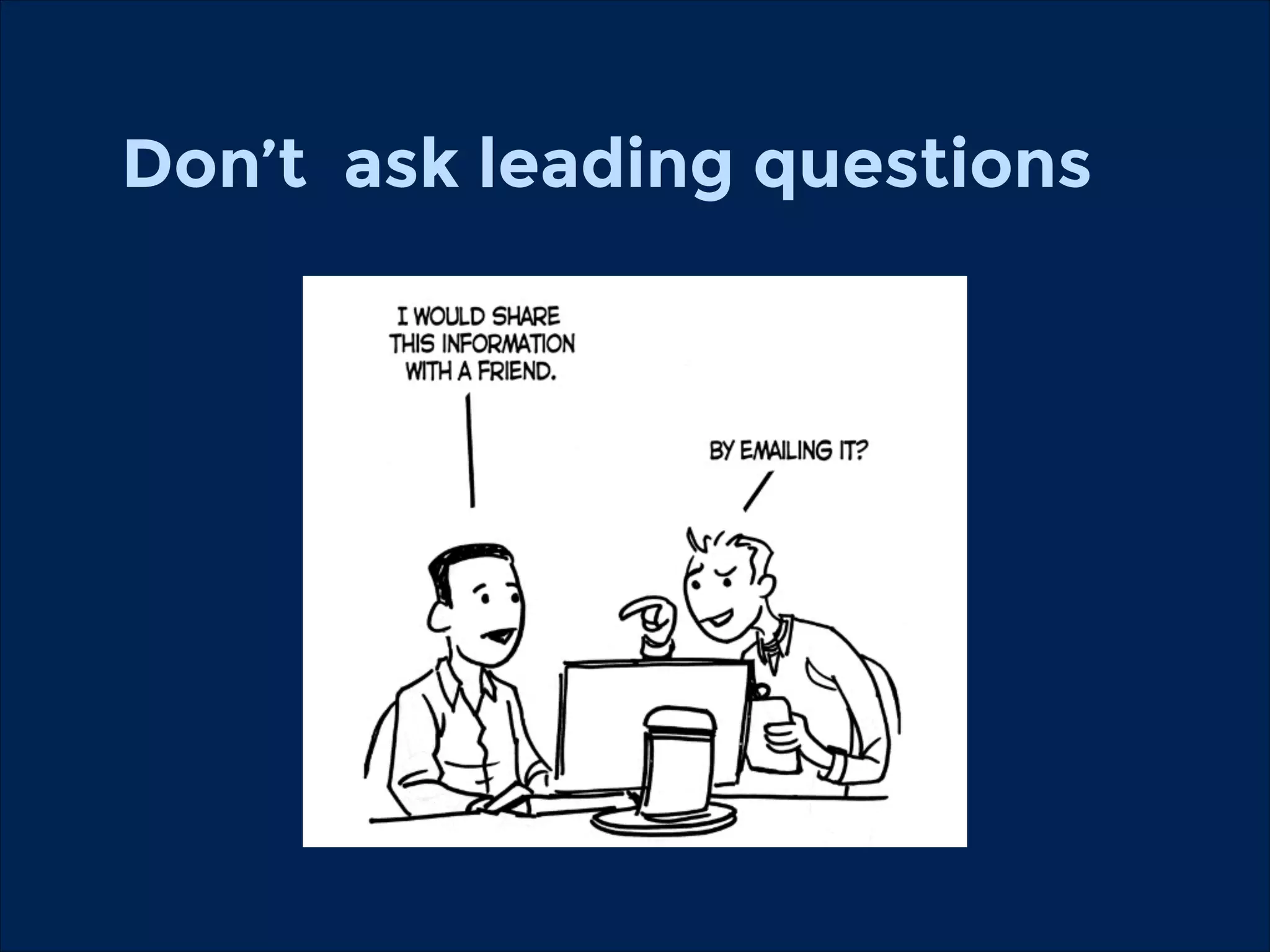
Don’t ask leading questions
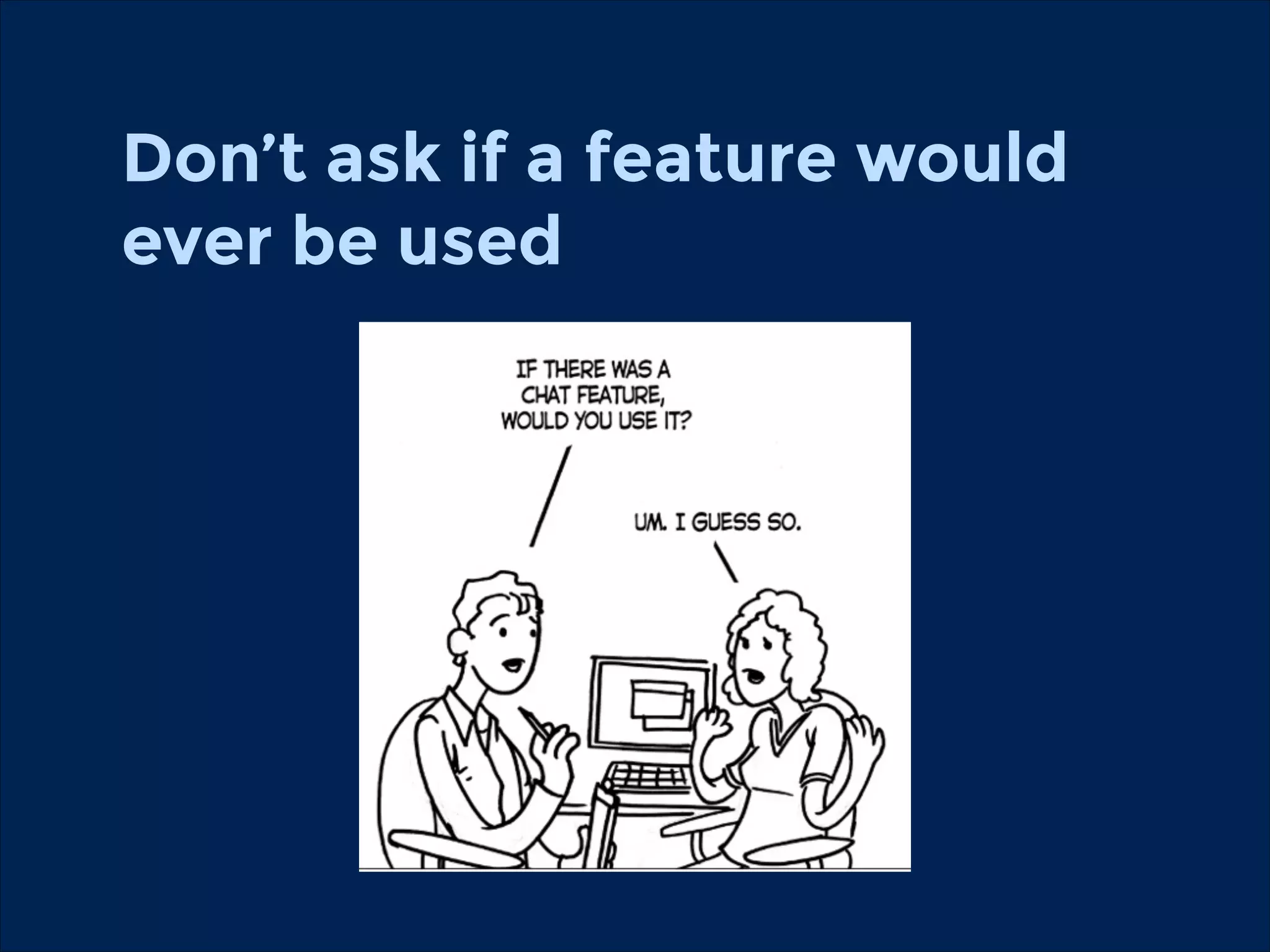
Don’t ask if a feature would
ever be used
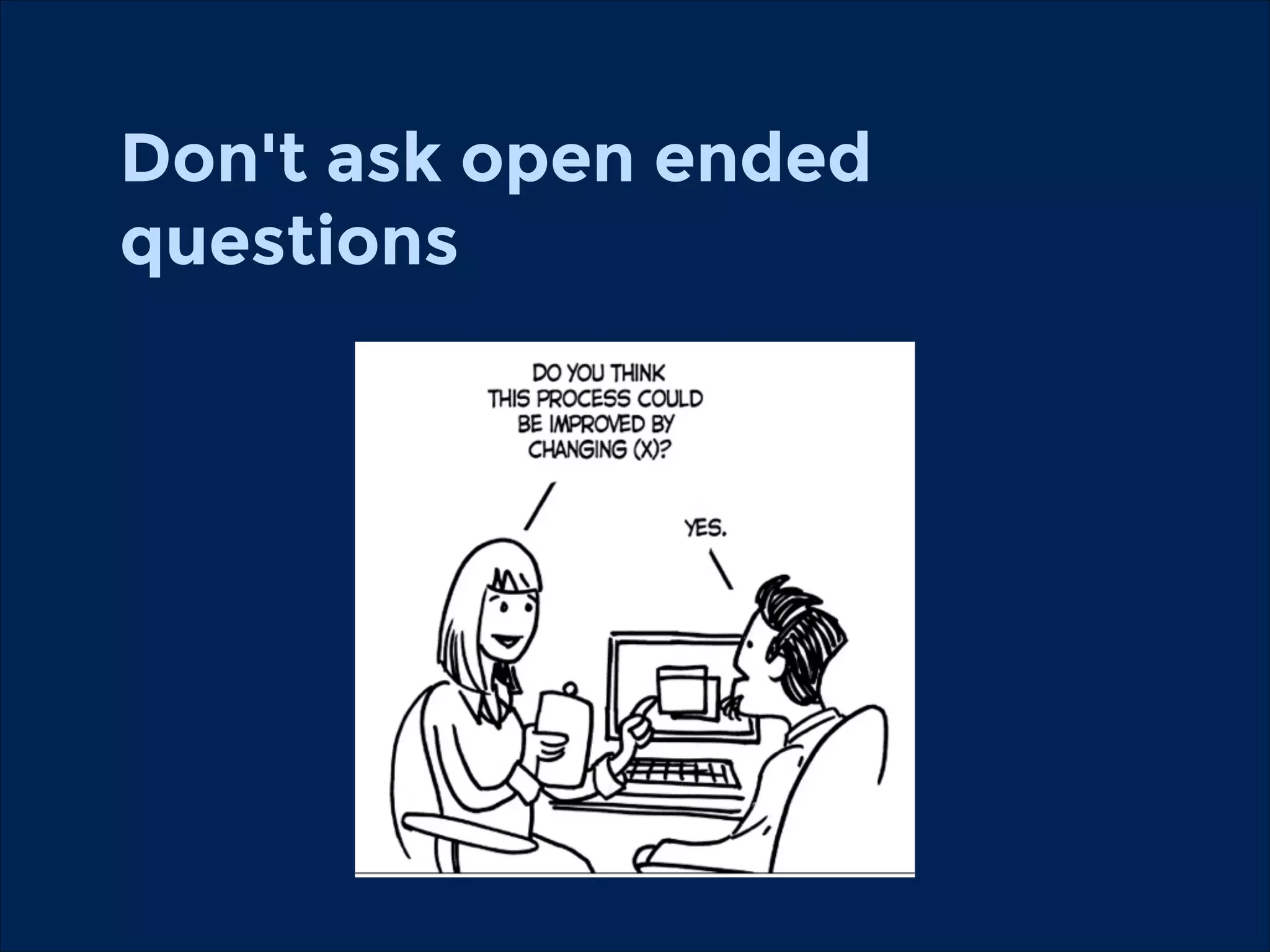
Don't ask open ended
questions
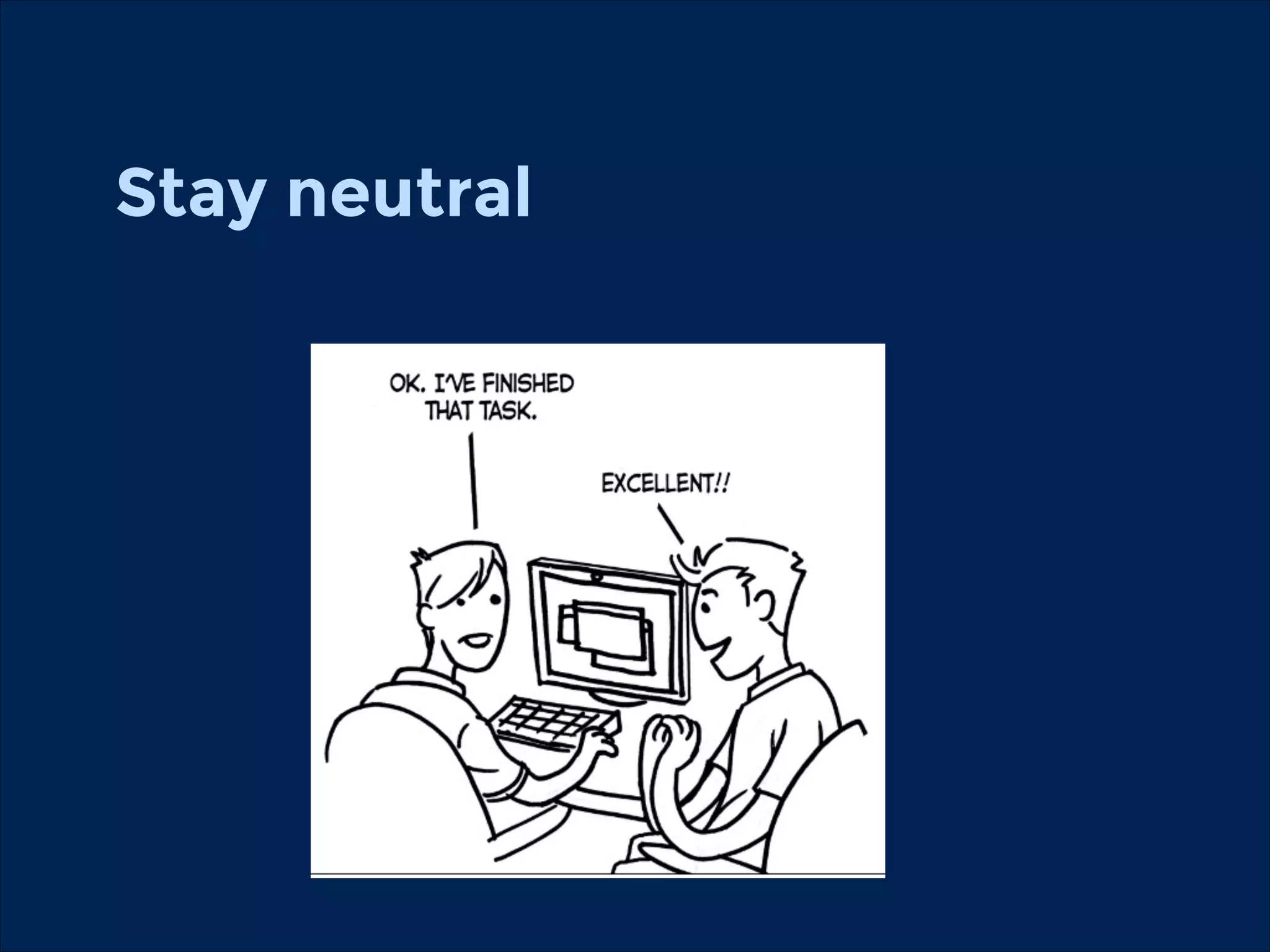
Stay neutral
A/B tests
Multivariate tests
https://usabilityhub.com/
Measuring
You can get answers for these
question by measuring you
websites
•

Where are they coming from?

•

What are they doing on my website?

•

When and where are they leaving it?
You can get answers for these
question by measuring you
websites
•

Content: What should be on the main page?

•

Structure: What kind of content should go into the
main menu point?

•

Do we need detailed search options?

•

Should we optimise our website for mobiles?
Analytics

•

Analytics can tell you what are your users, visitors
are doing but it cannot tell you why are they doing
it.
Google Analytics
•

Basic indicators

•

Conversions

•

Funnels

•

Integrate in multiple marketing channels
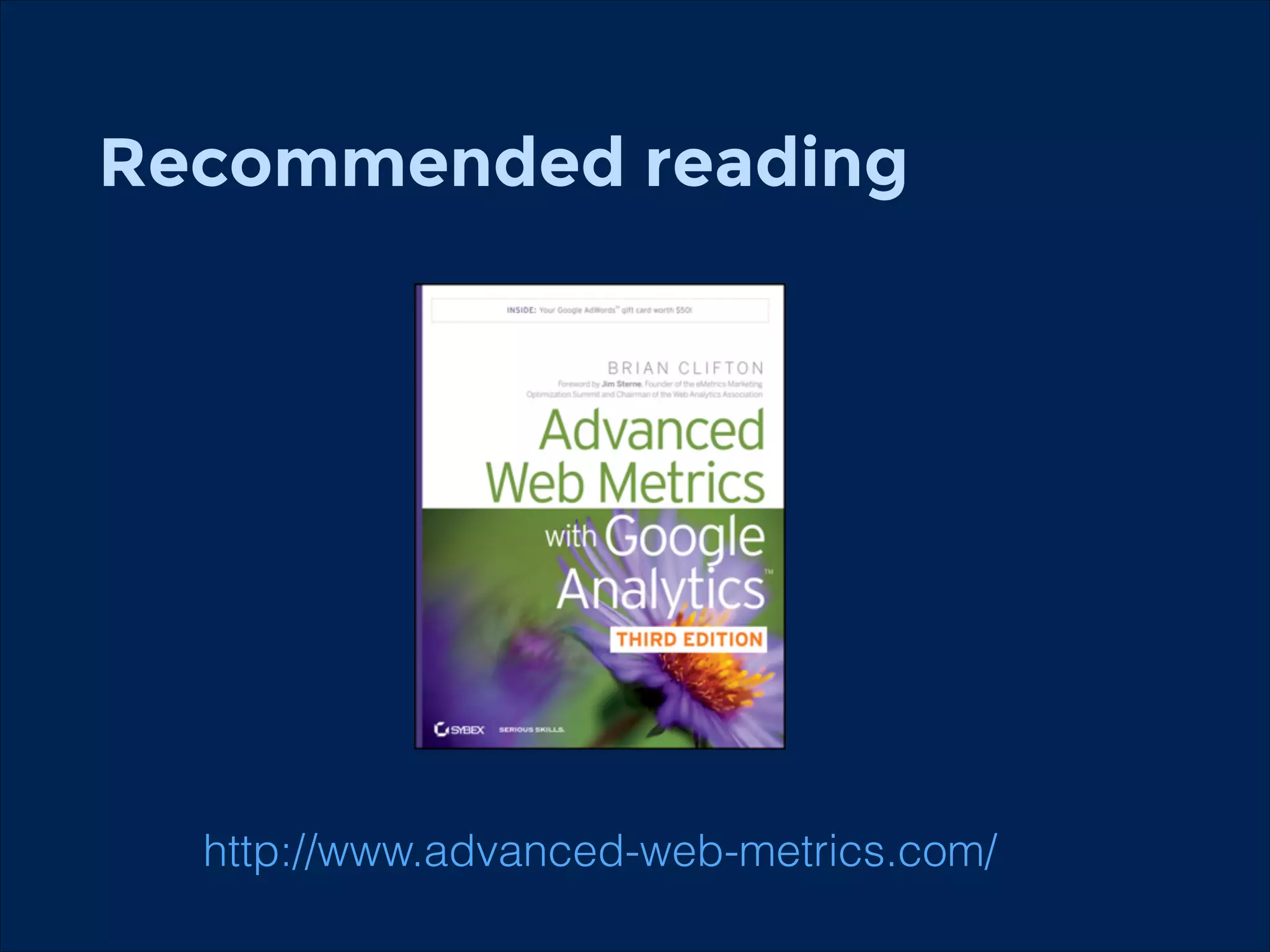
Recommended reading
!

http://www.advanced-web-metrics.com/
Thank You!
!

Questions?
!

http://twitter.com/gored!
hu.linkedin.com/in/gored/!
goredani@gmail.com!

Usability Workshop at Lillebaelt Academy