Downloaded 528 times

![THE OVERVIEW OF RELATED & USED TECHNOLOGIES
CodeIgniter [ >= 2.1.x ]
PyroCMS [ >= 2.2.x ]
PHP [ >= 5.2 ]
MySQL [ >= 5.x ]
GD2: Graphics Library
cURL [ >= 7.10 ]
JQuery [ >= 1.7.x ]
Lex: is a lightweight template parser.
Twitter Bootsrap [ >= 3.0.x ]
AJAX: Asynchronous JavaScript and XML](https://image.slidesharecdn.com/metoruni-140423074801-phpapp02/75/University-Management-System-6-2048.jpg)






The document describes a university management system developed by Nurul Amin Muhit, which effectively manages university resources through various modules like student and course management, attendance, and examination systems. It leverages technologies such as PHP, MySQL, CodeIgniter, and PyroCMS, making it versatile and adaptable across platforms. The system is designed to be user-friendly, modular, and easily extensible for future developments.
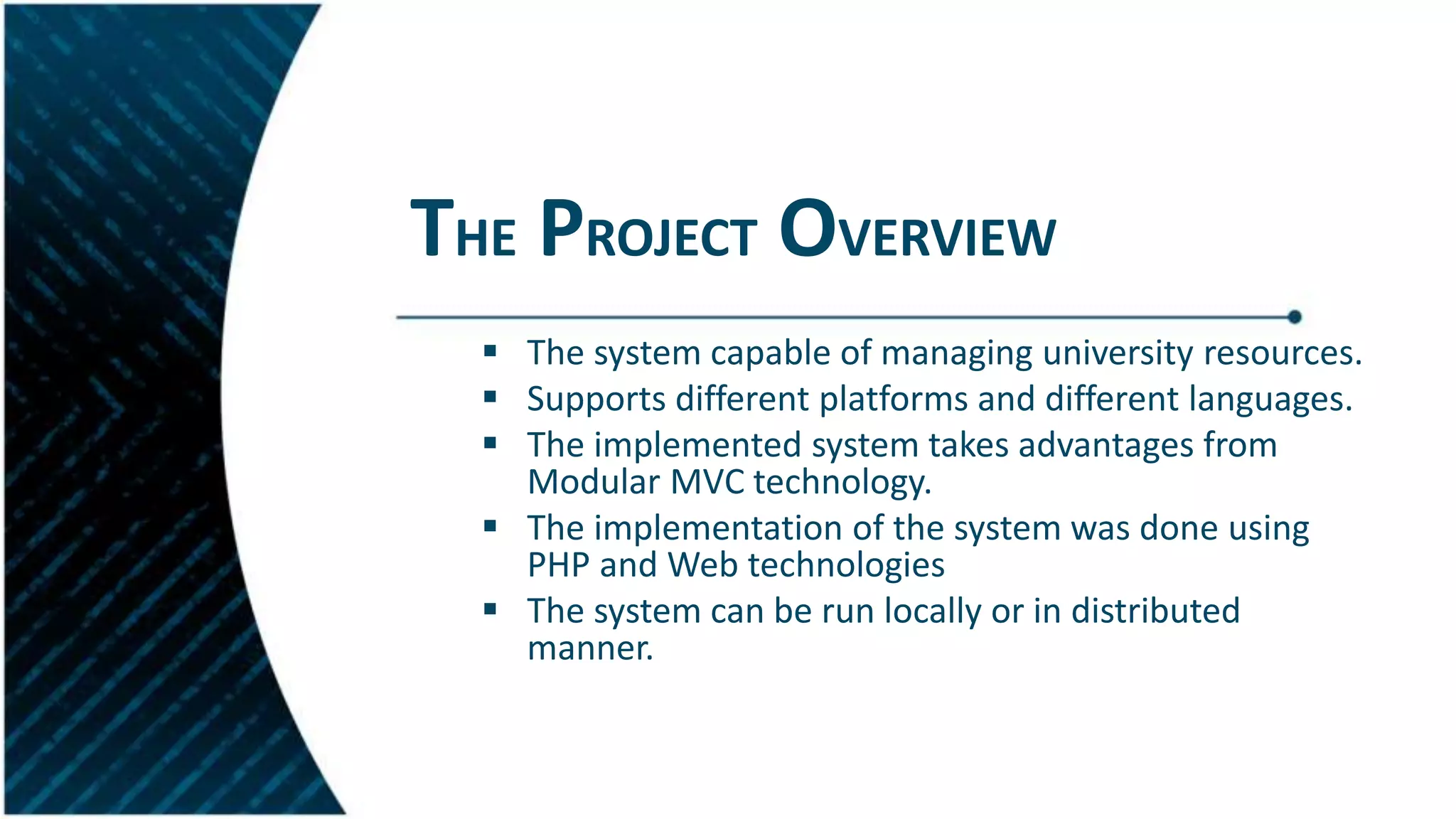
Introduction to the University Management System aimed at managing university resources effectively.
Overview of project architecture, technologies used including PHP, CodeIgniter, and modular MVC.
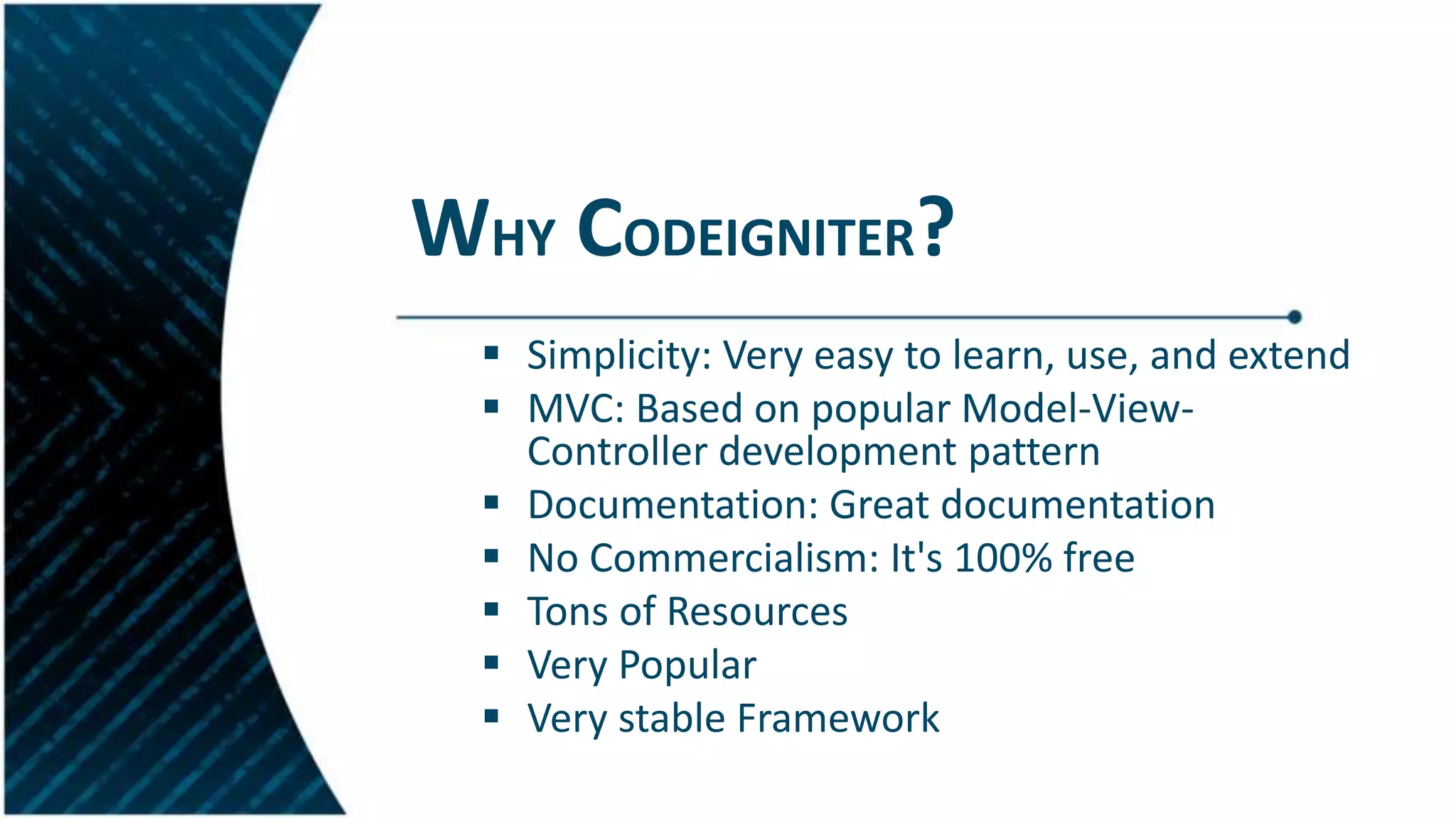
Introduction and benefits of using CodeIgniter as the framework for developing the university system.
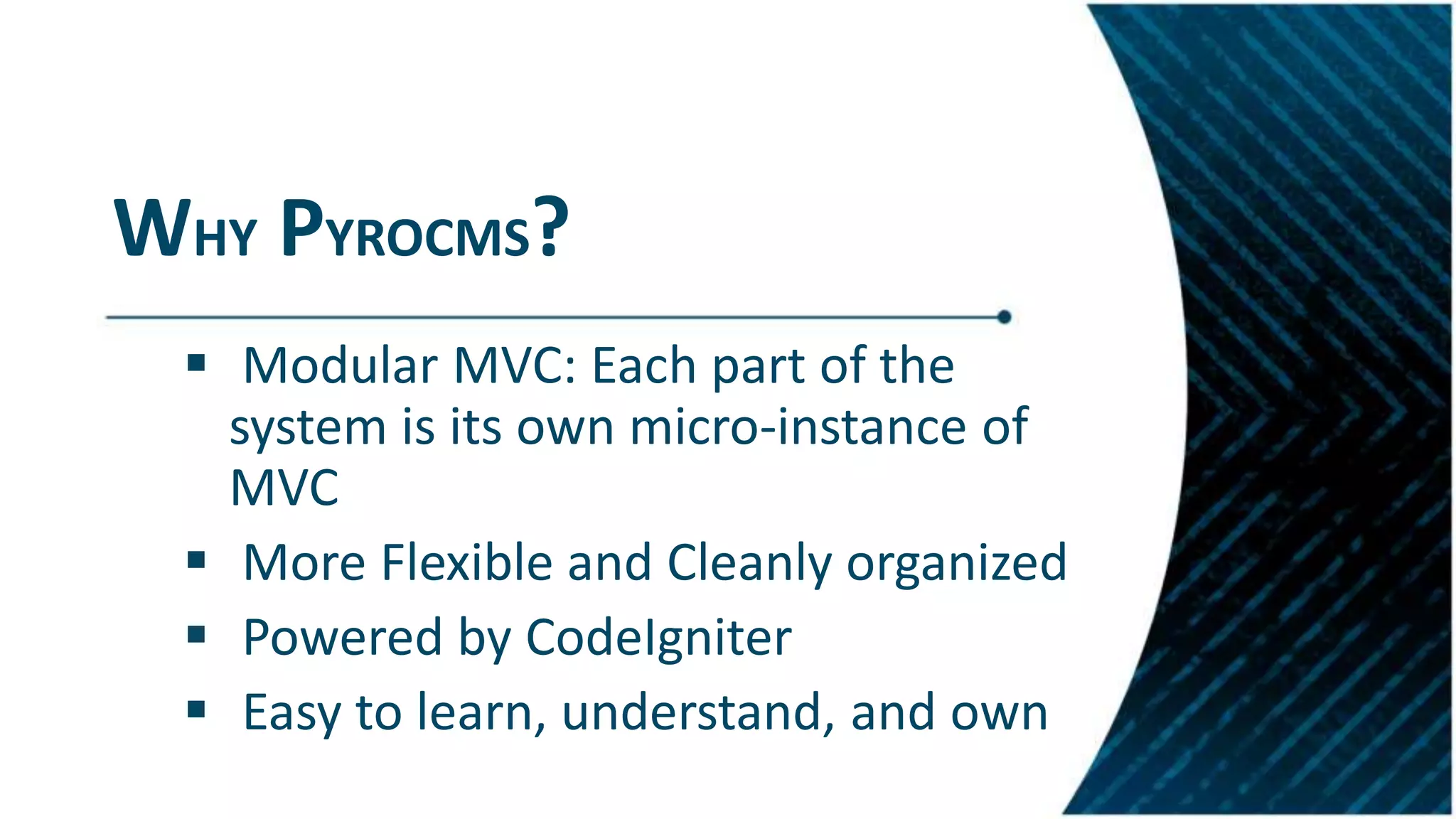
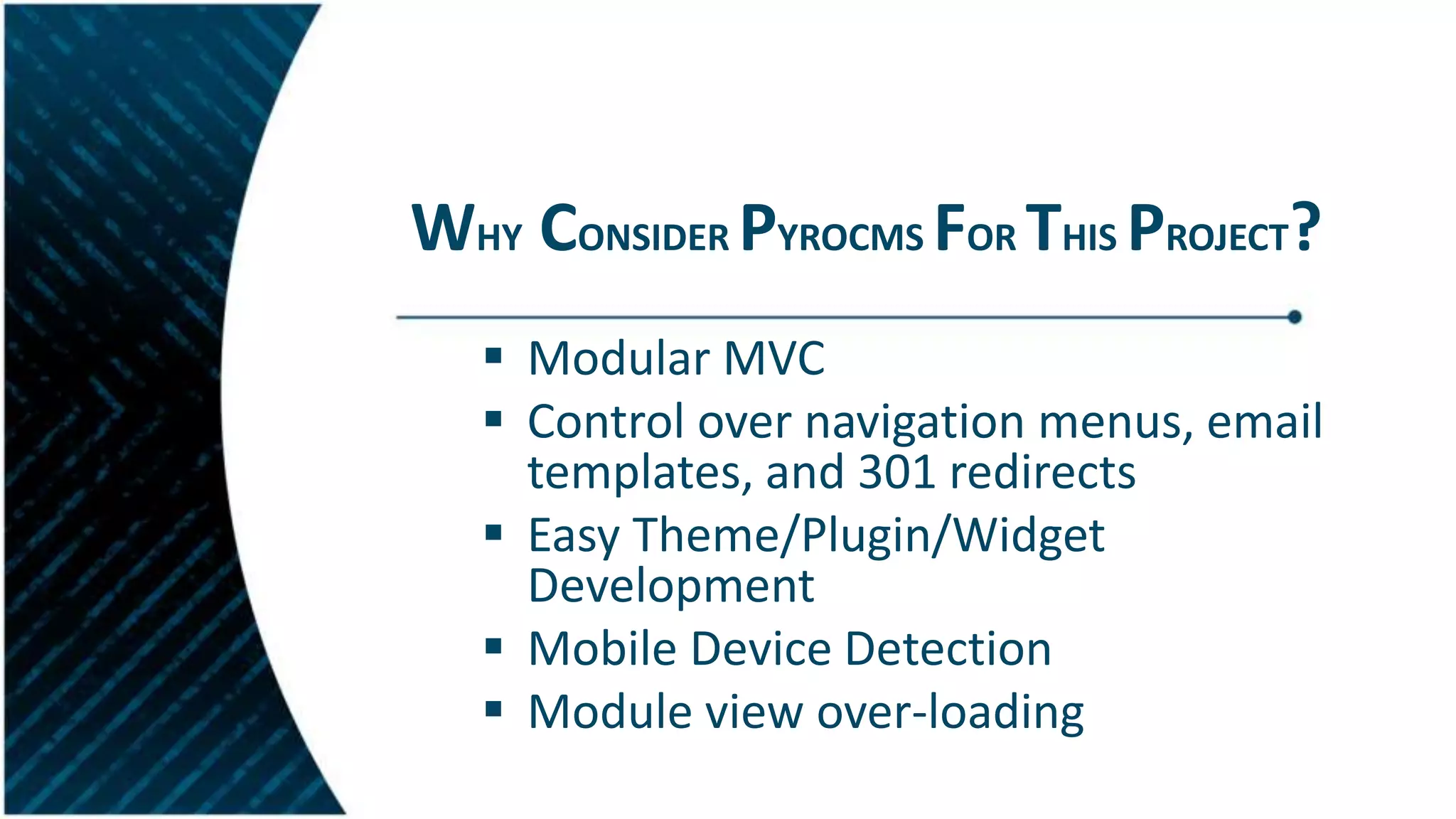
Reasons for using PyroCMS including its modular MVC structure and flexible navigation control.
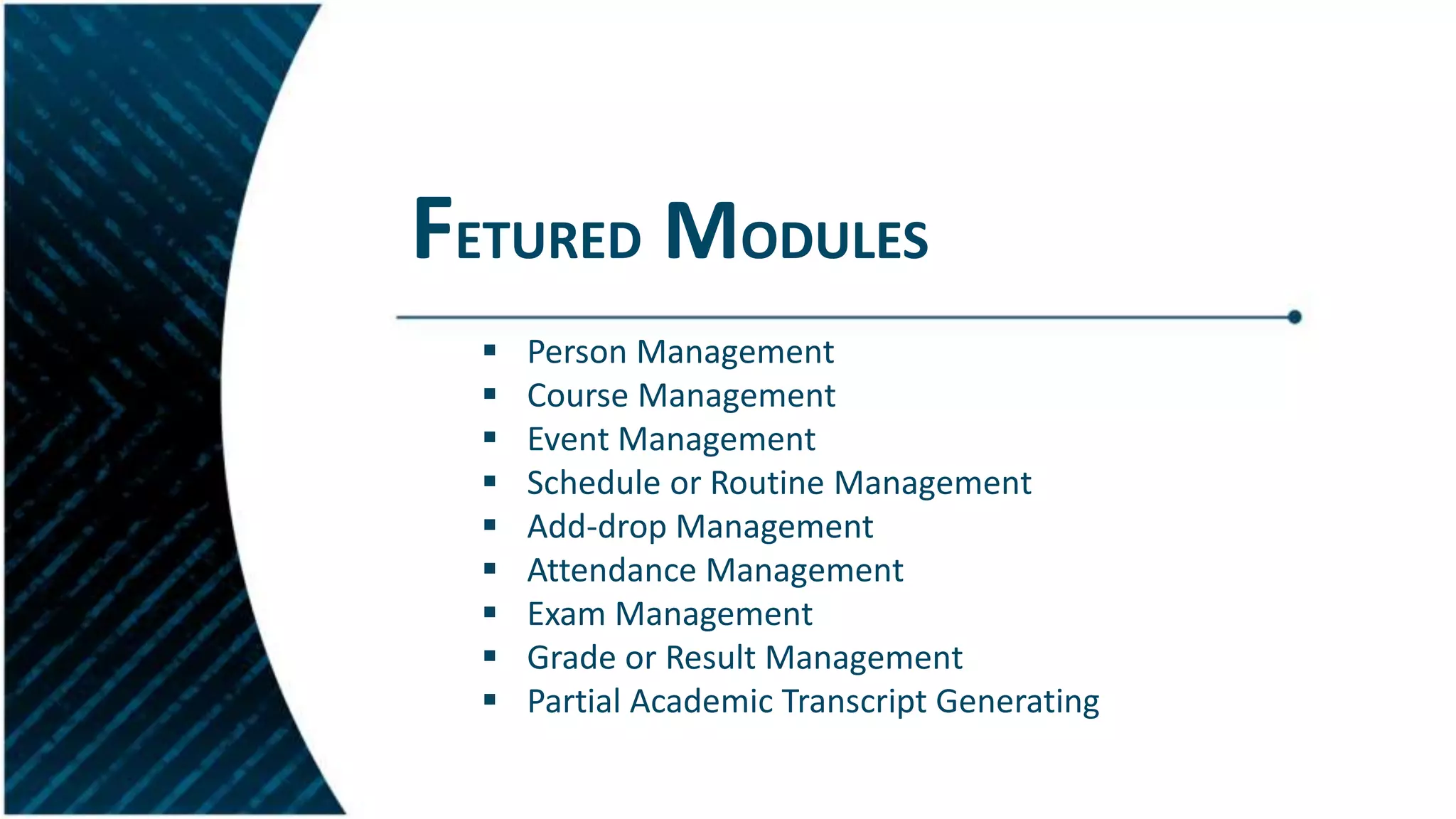
Highlighted modules for managing various academic processes such as person, course, and event management.
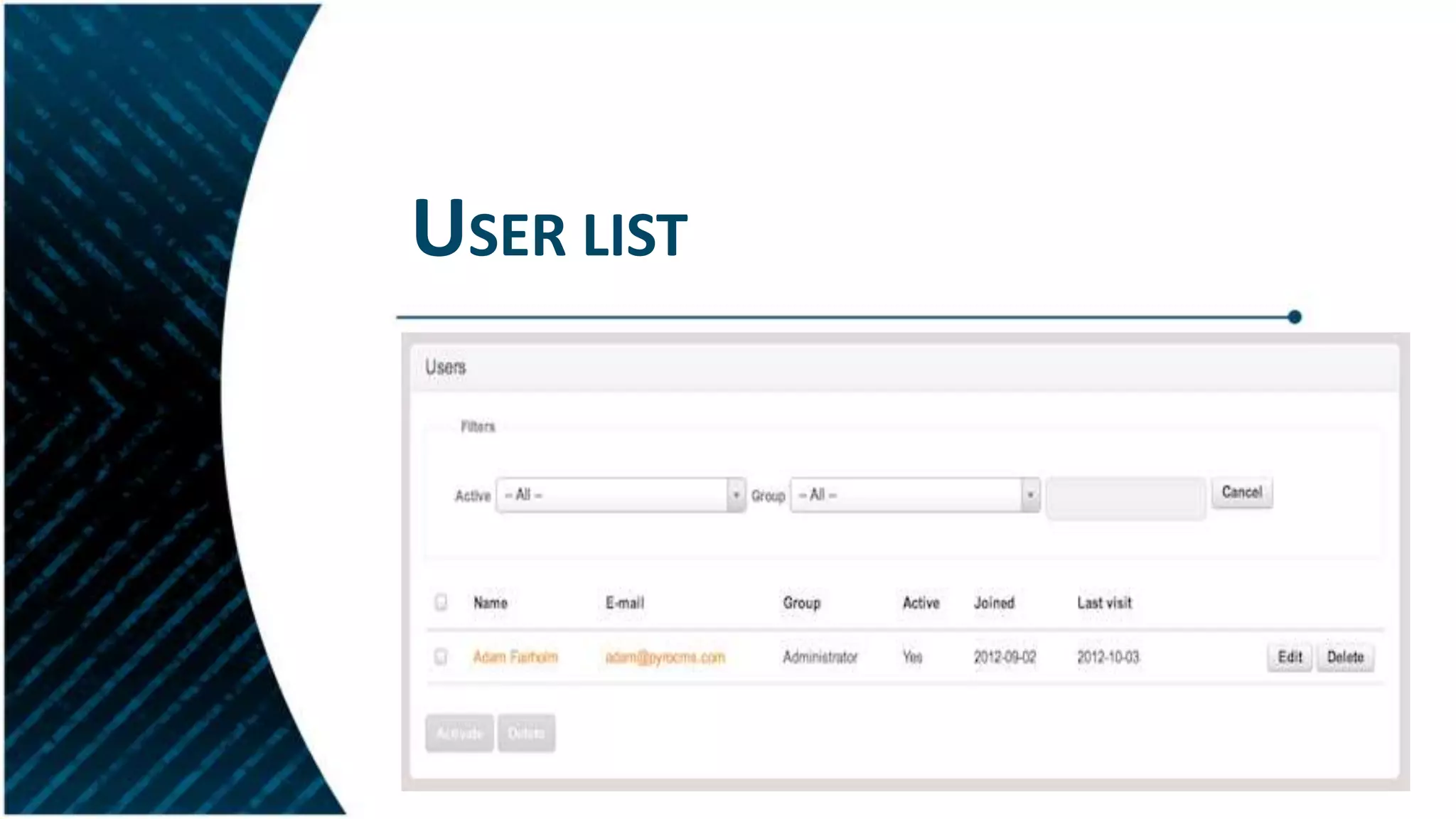
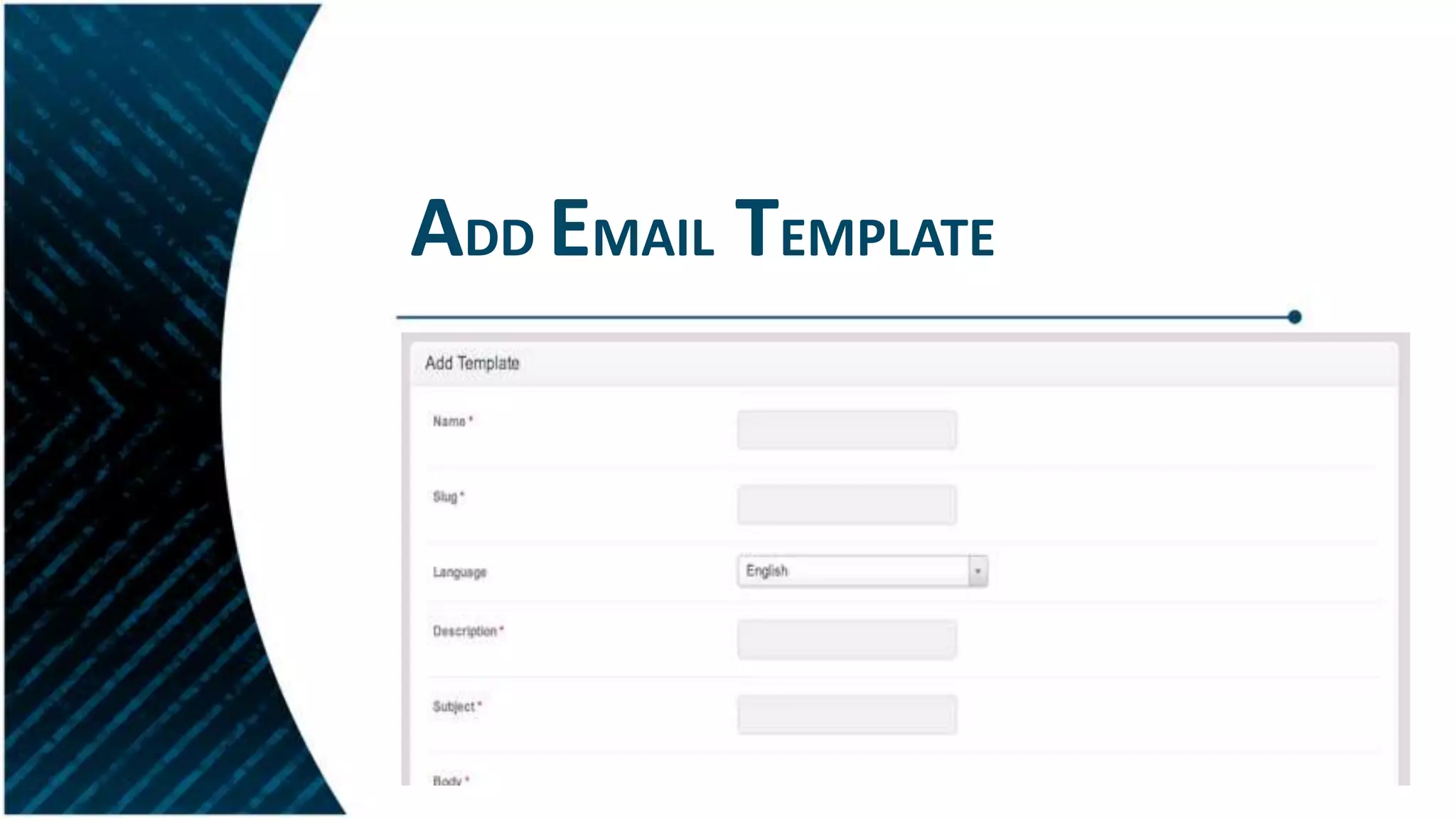
Features of user and navigation management modules, including user groups, permissions, and email templates.
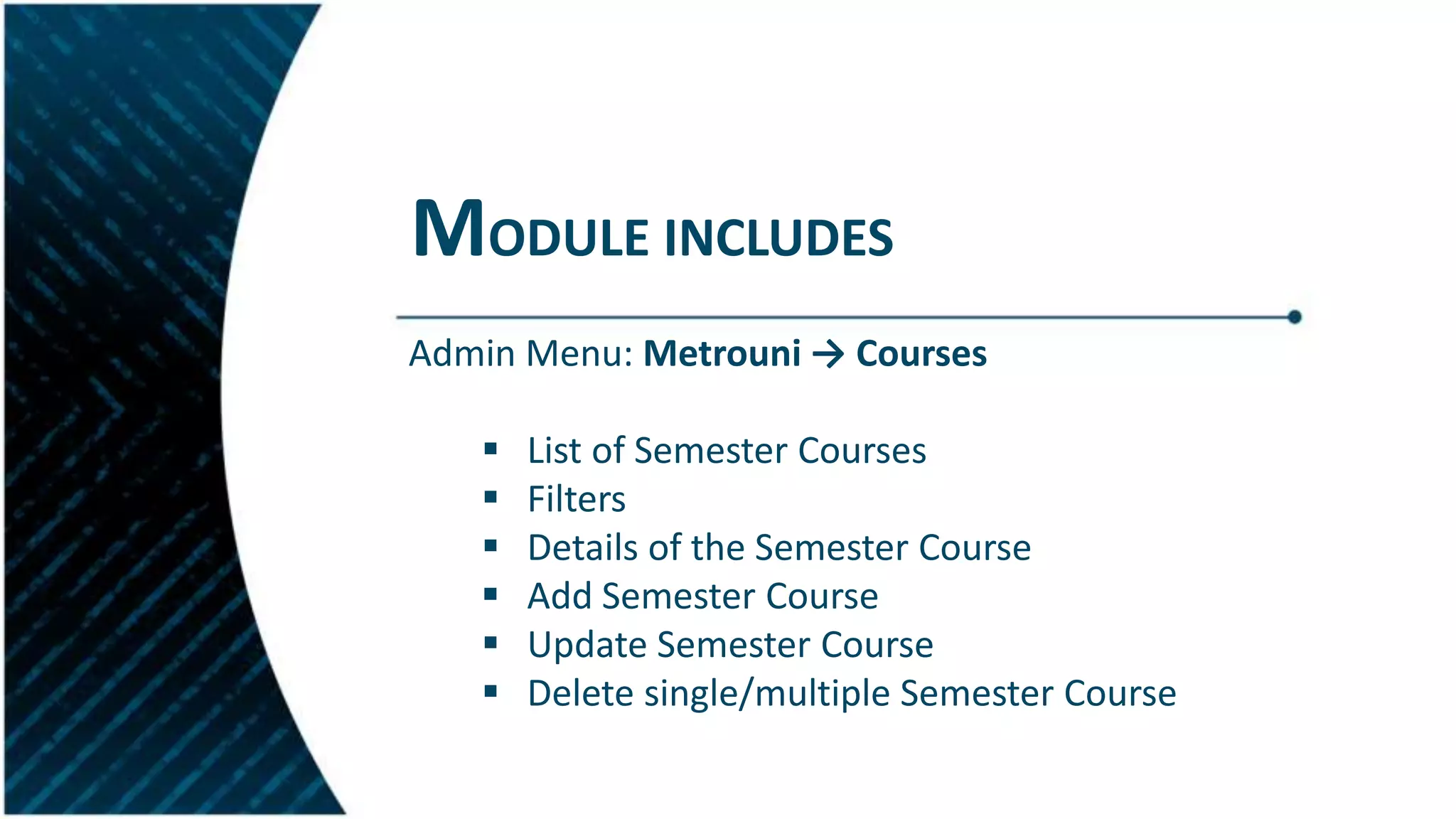
Introduction to the modules developed for the system and their functionalities.
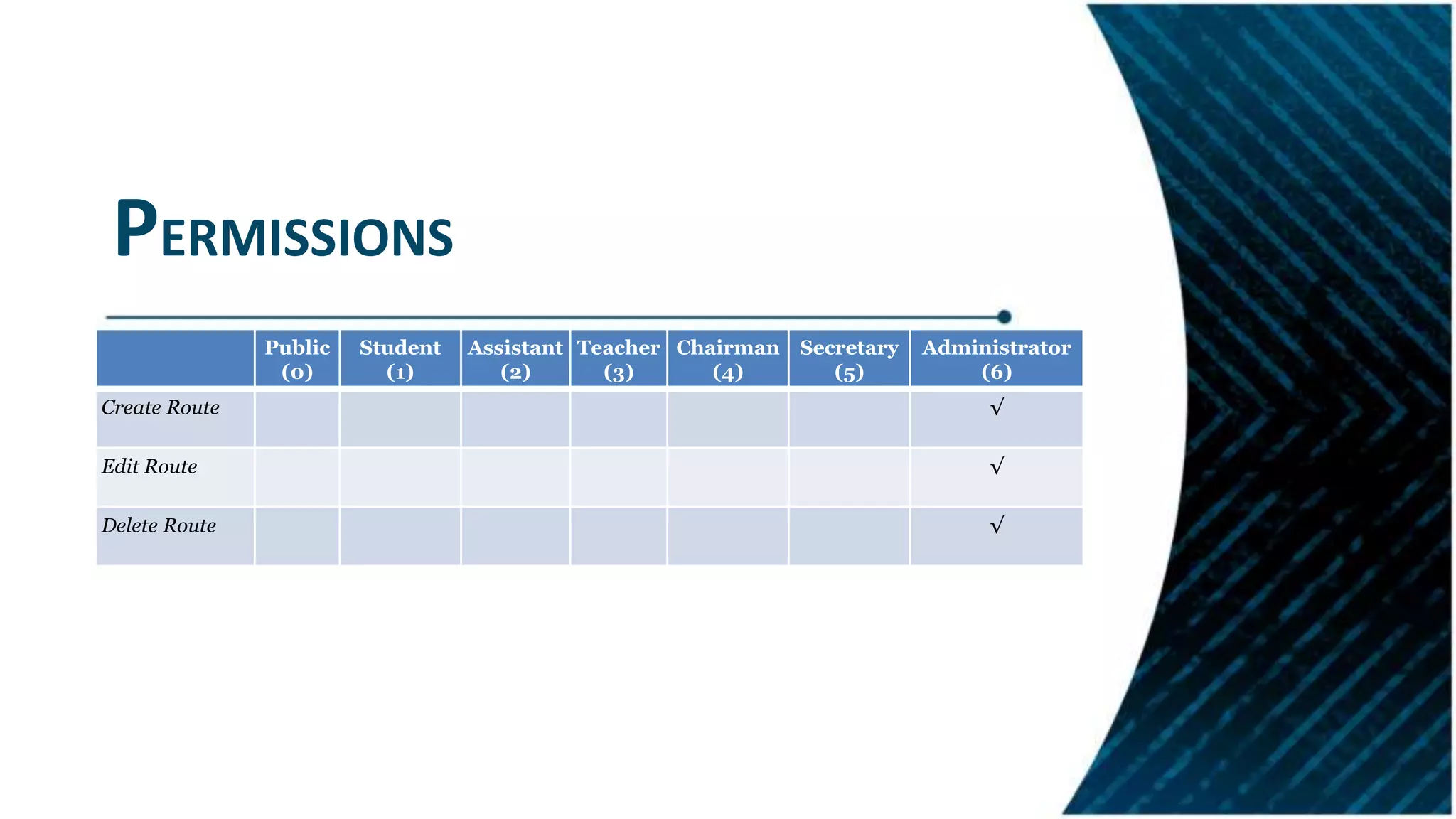
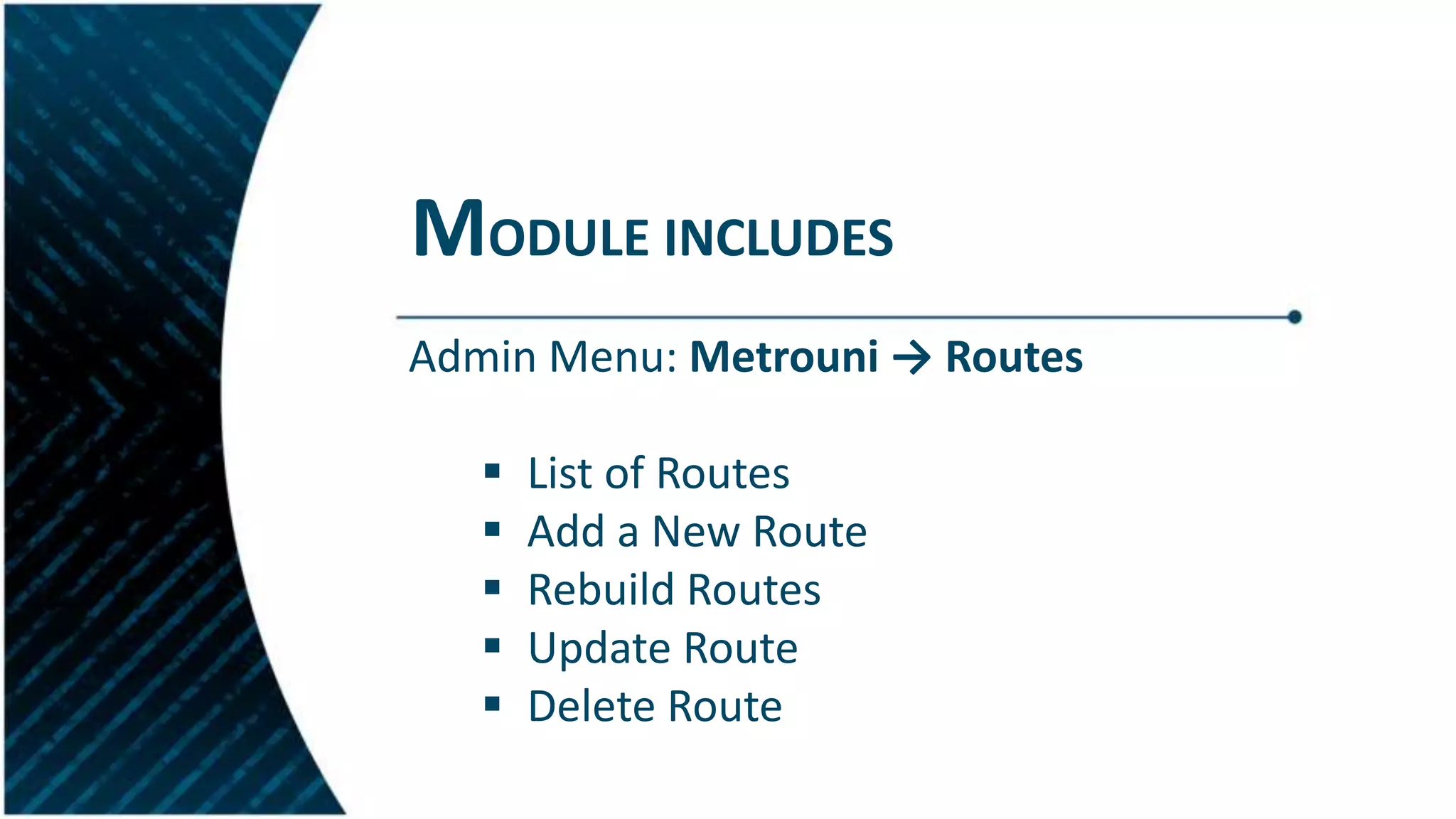
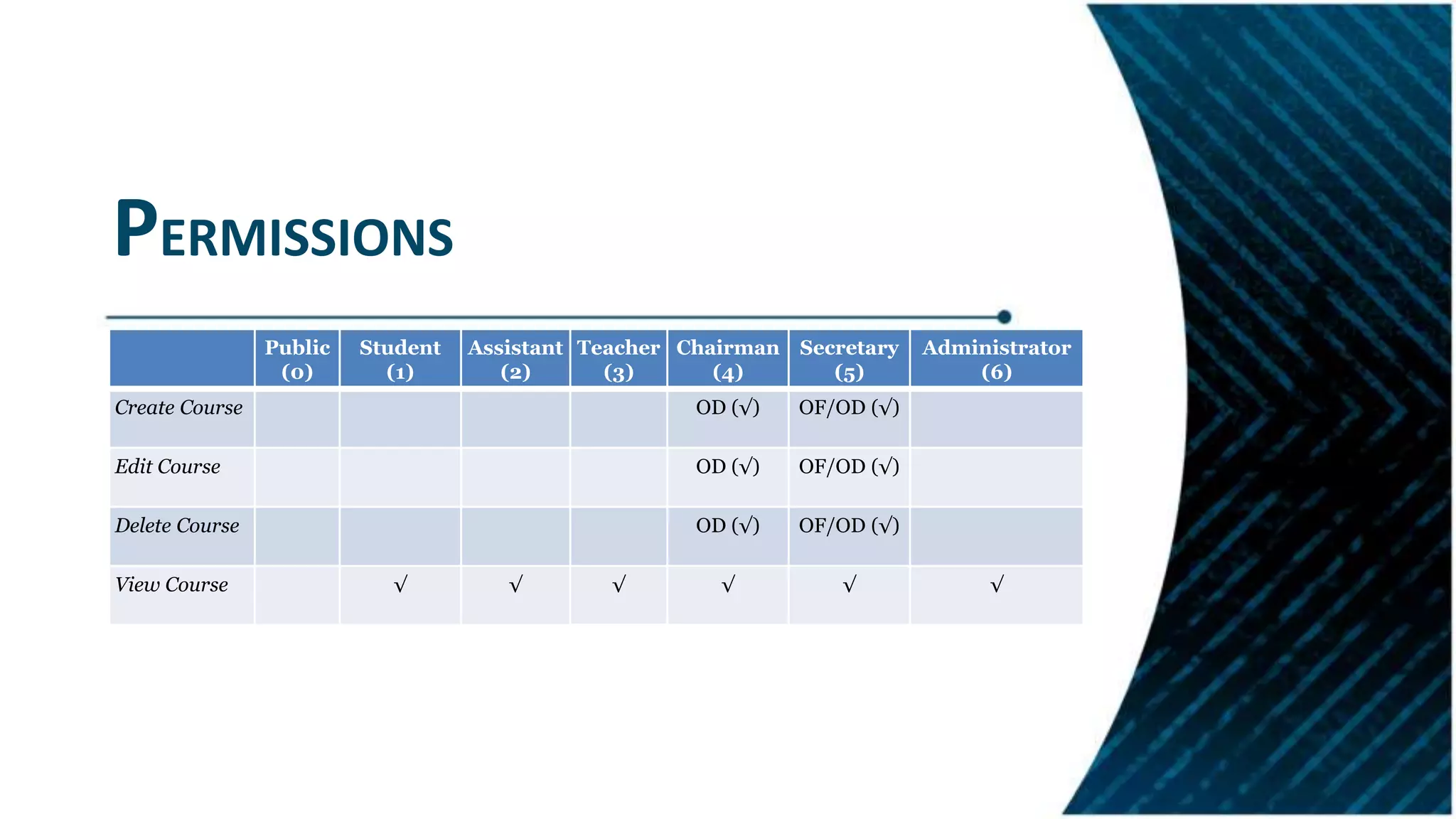
Details of the routing module including permissions and administrative functionalities.
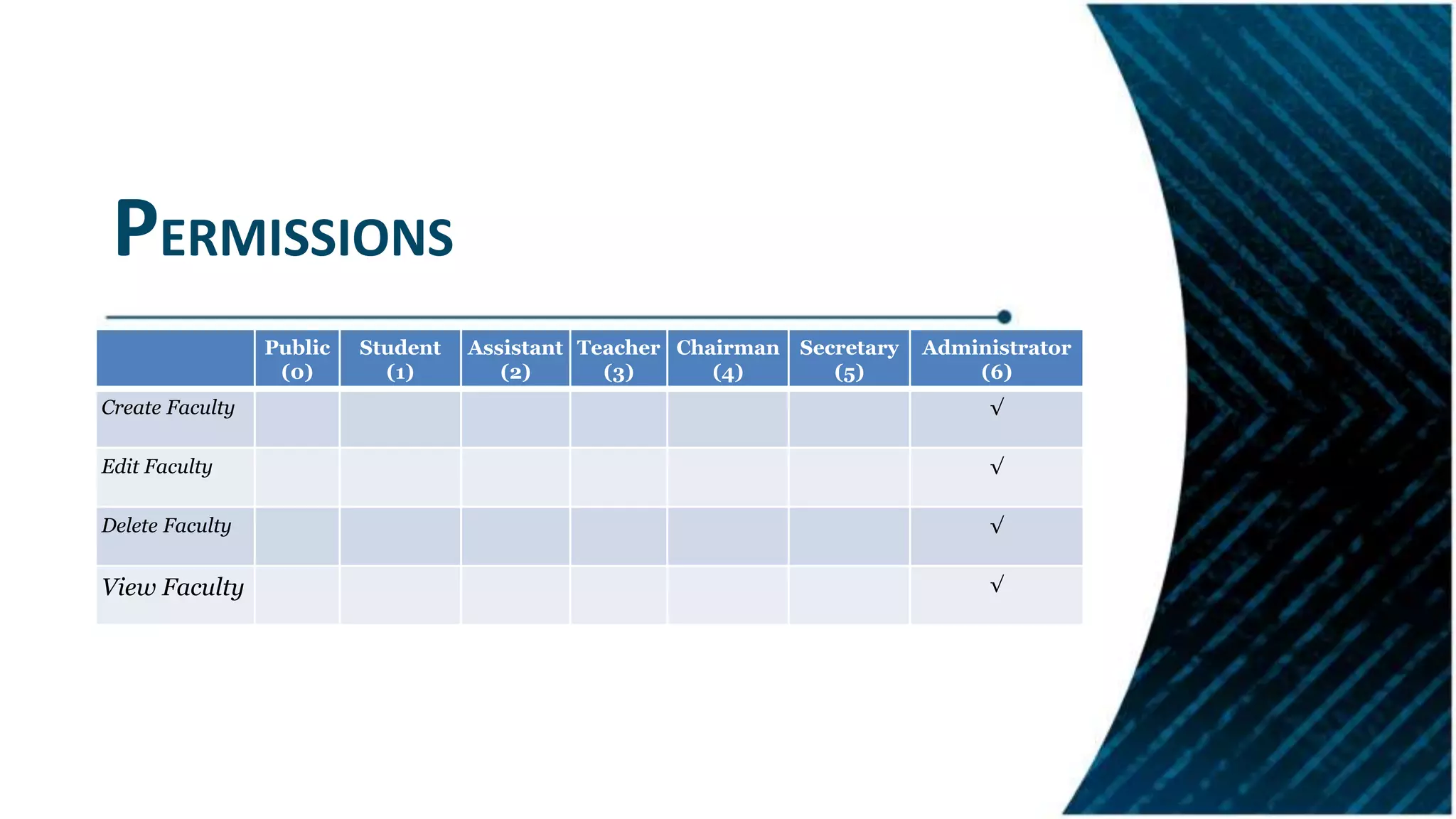
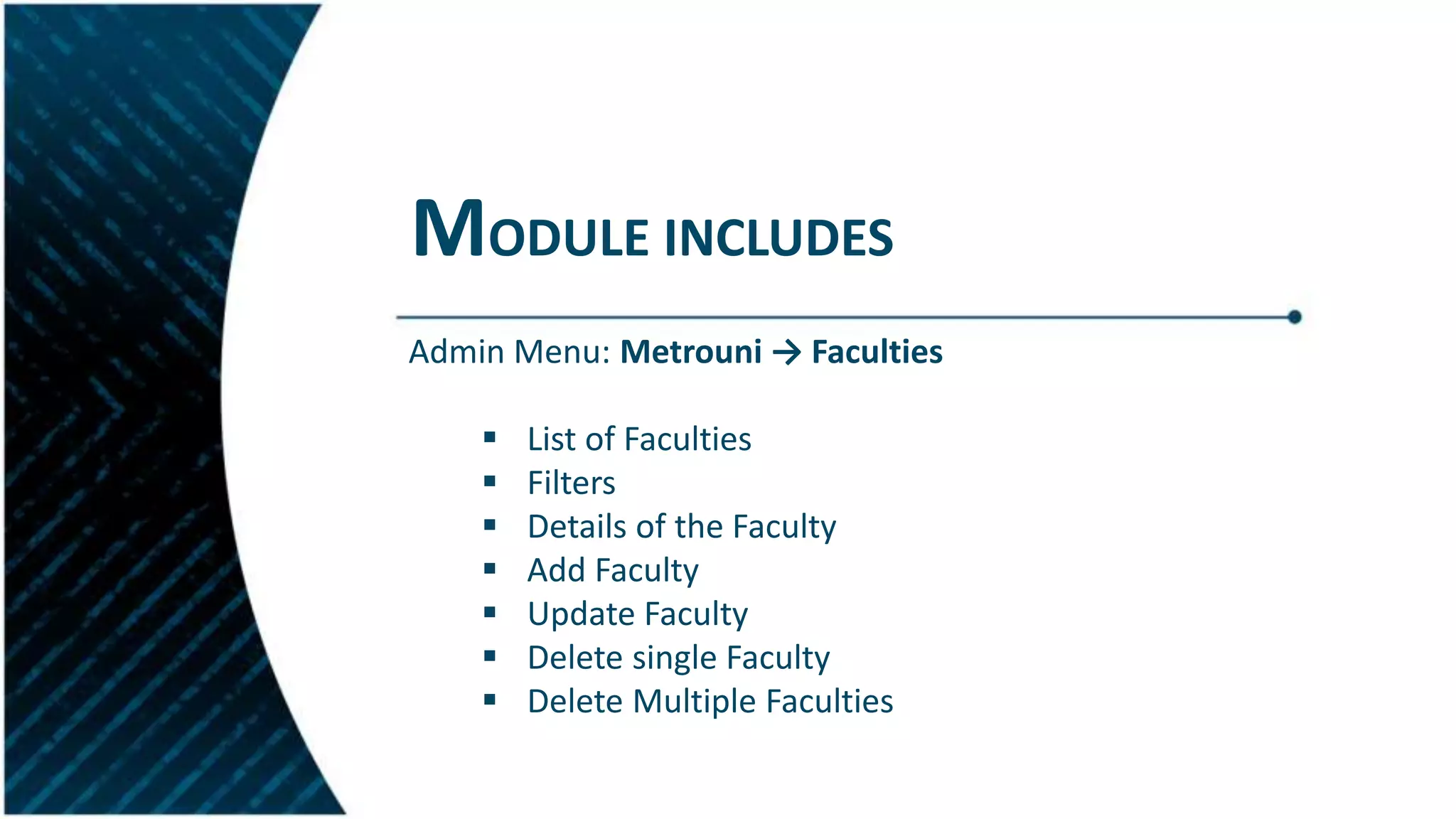
Overview of the faculty management module, permissions, and features for managing faculty details.
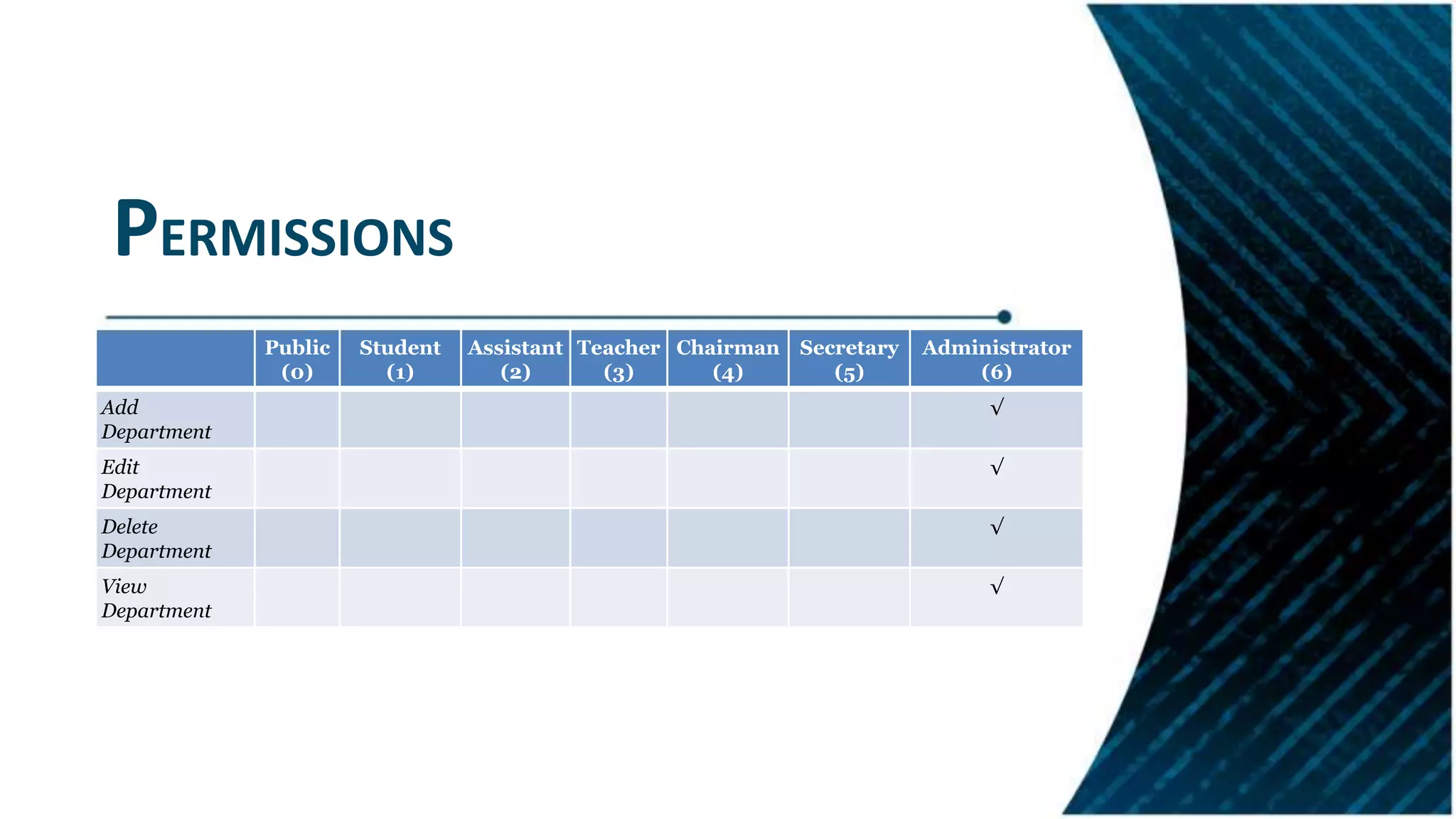
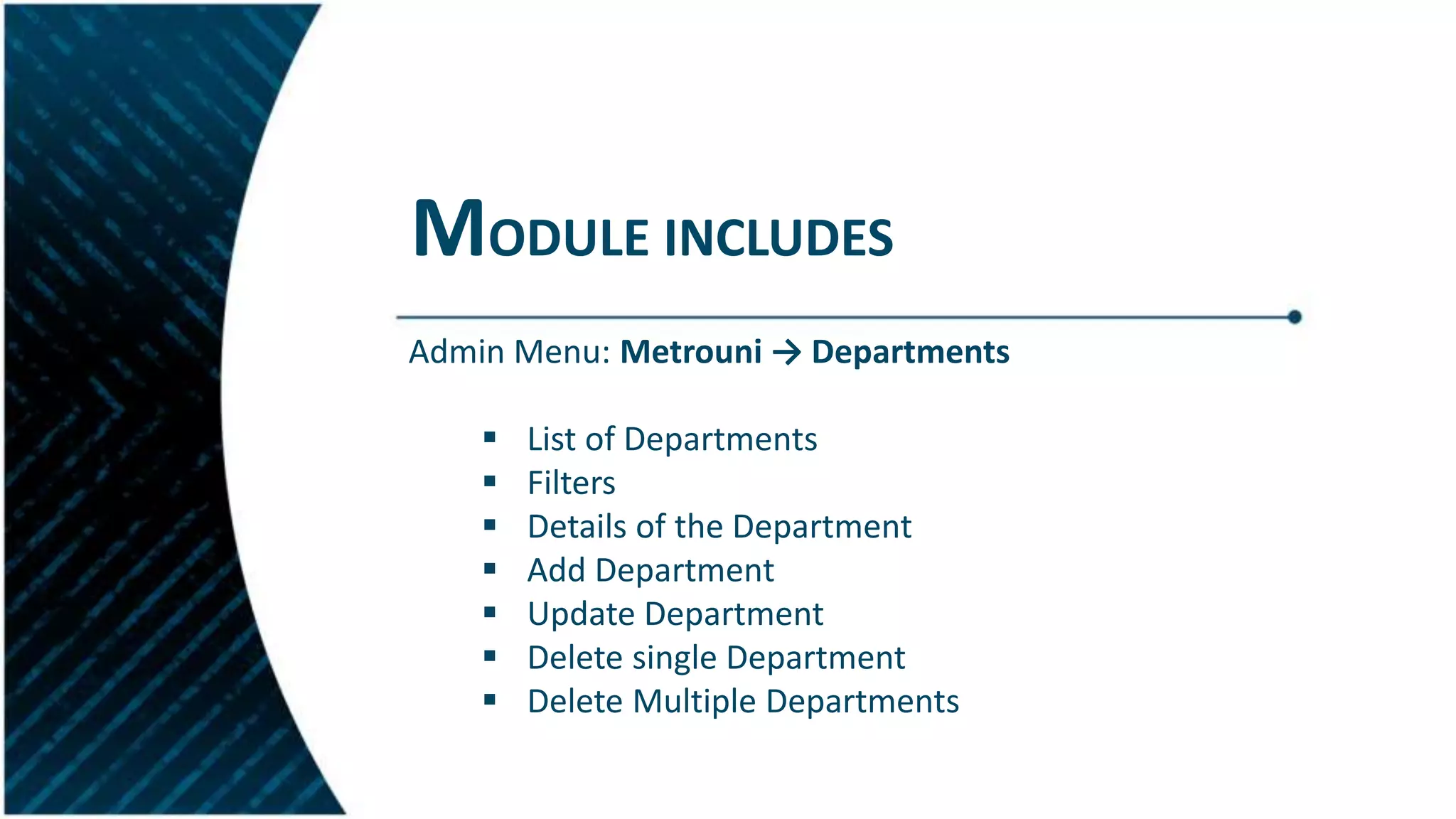
Description of the department management module including functionalities related to department operations.
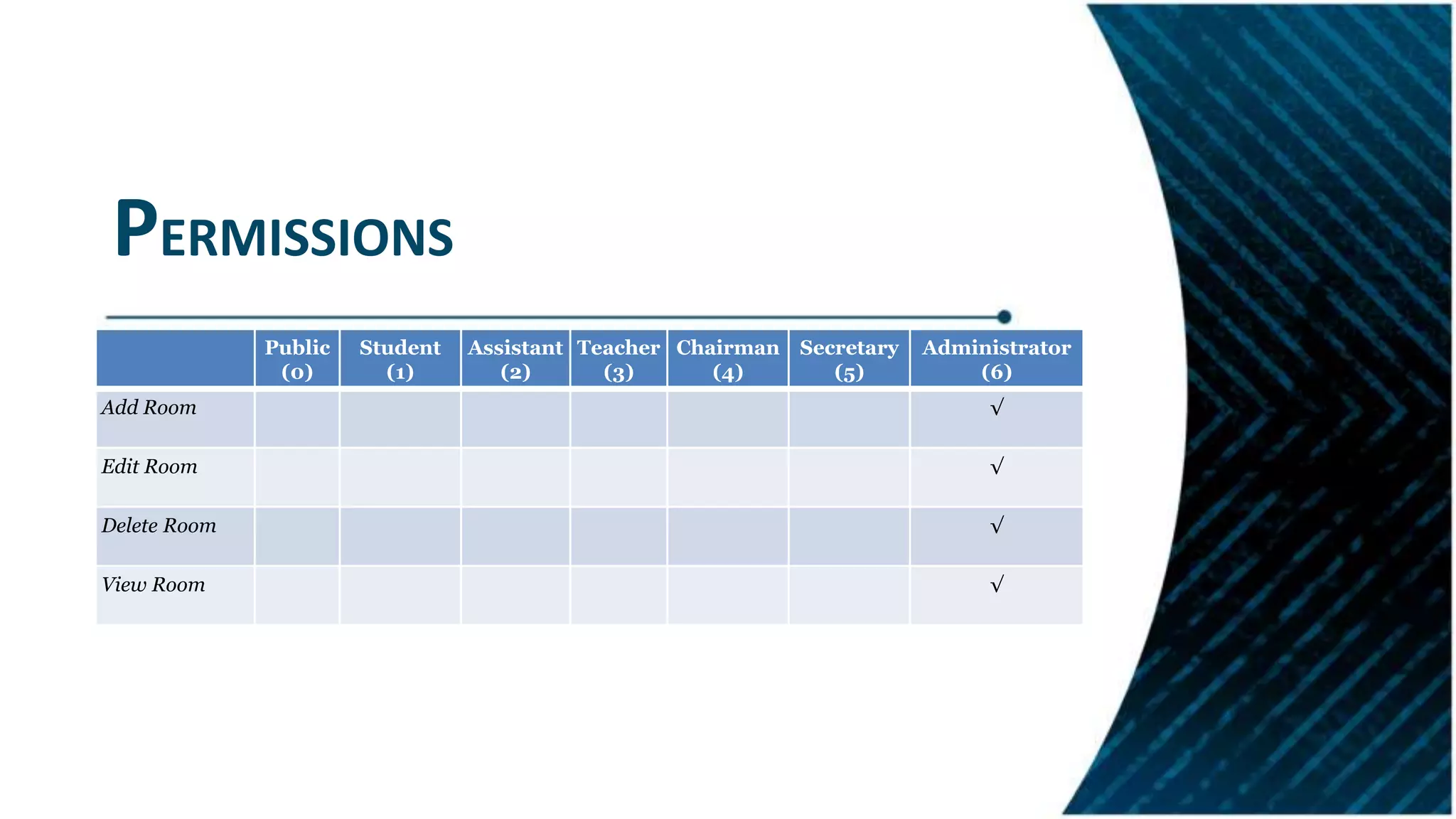
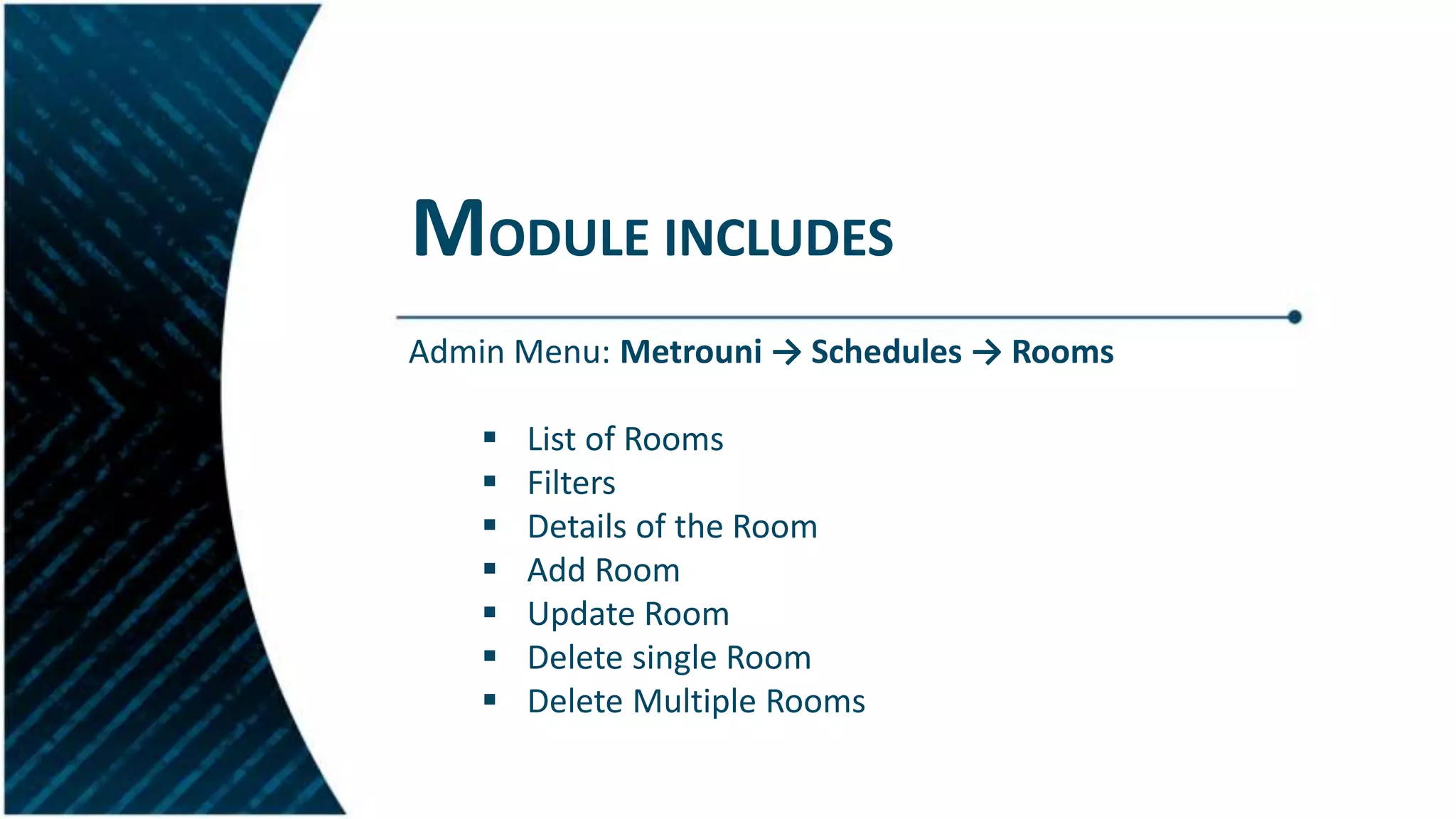
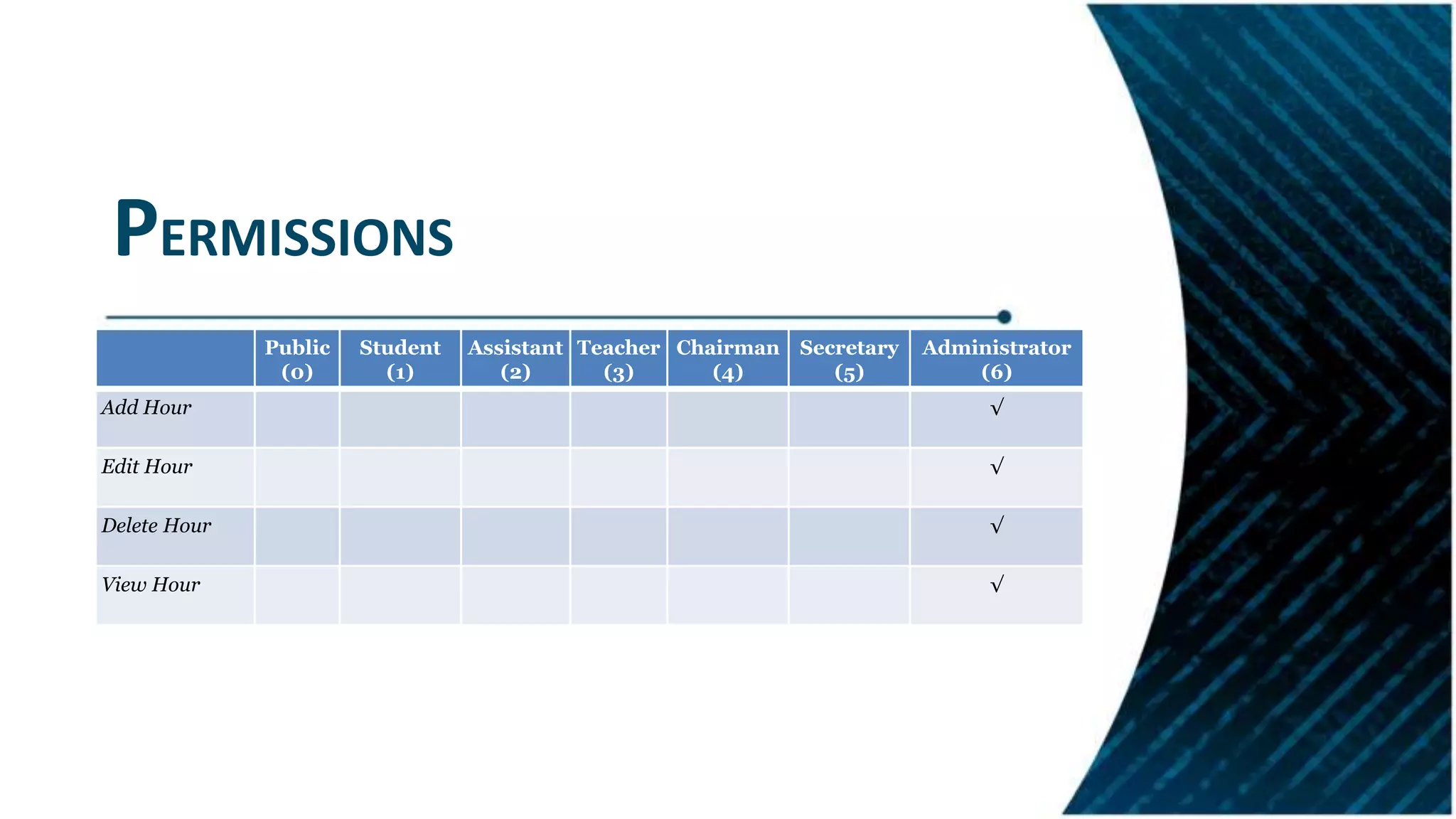
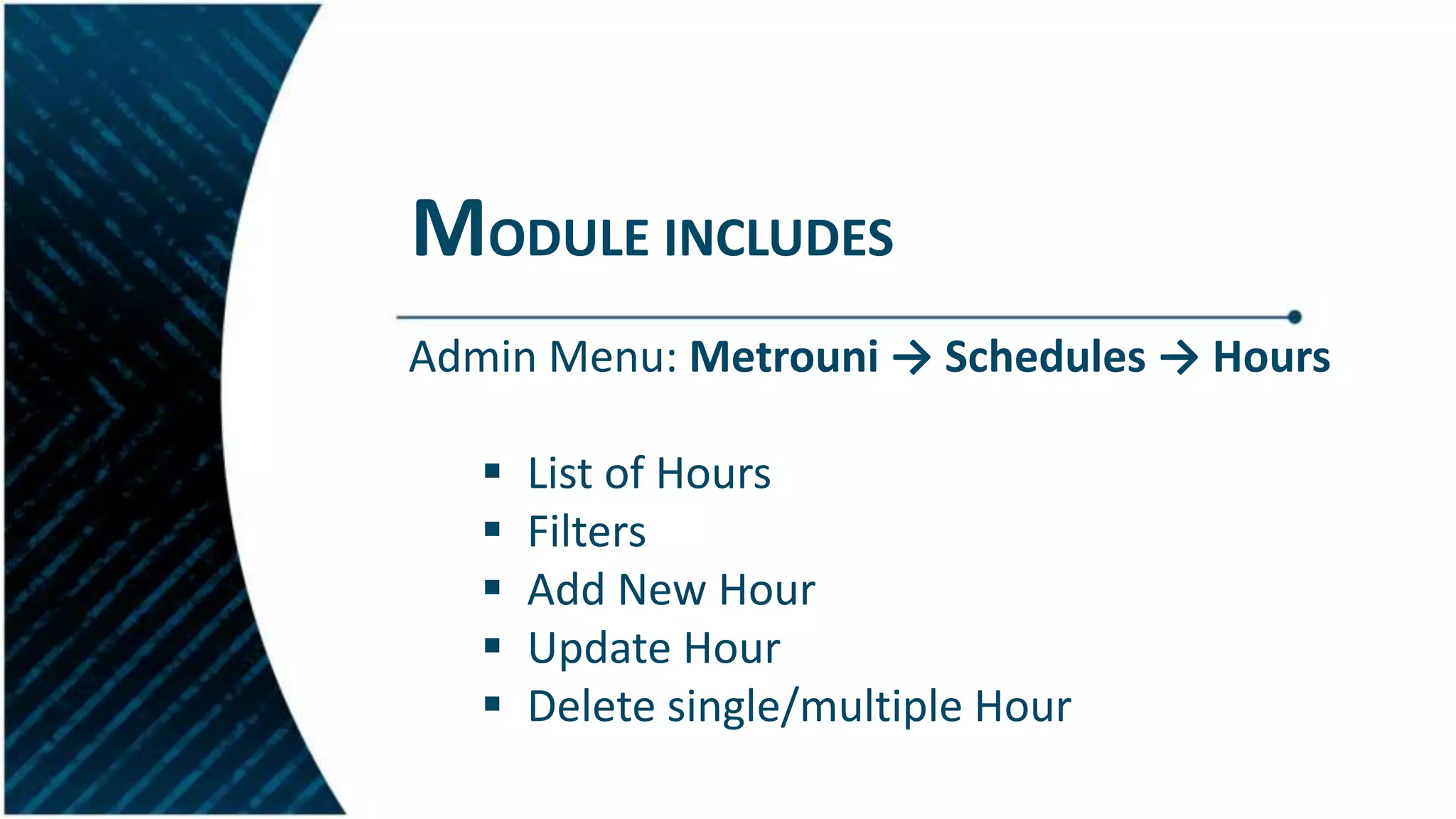
Management of room scheduling and hour management, including permissions and administrative features.
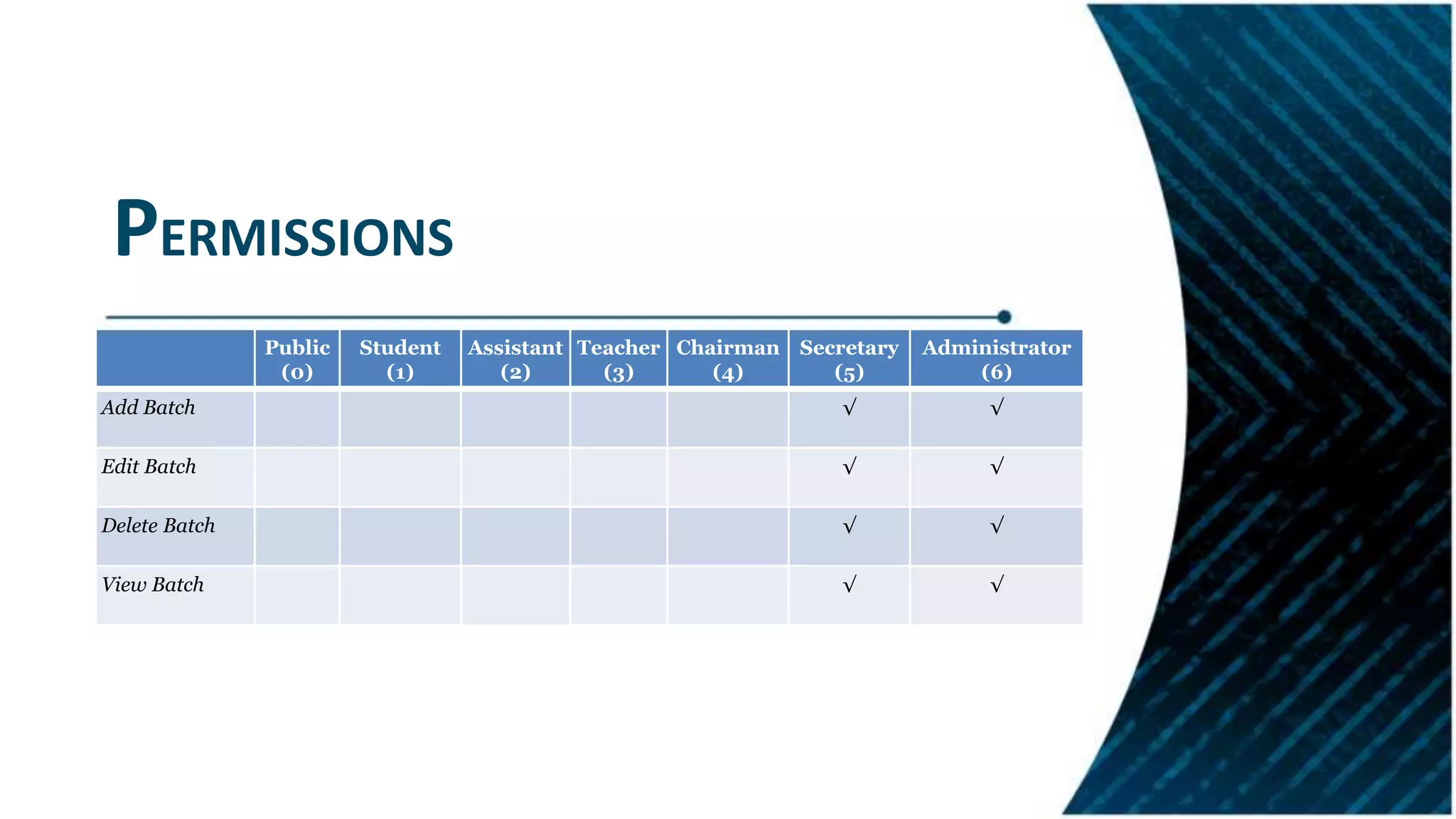
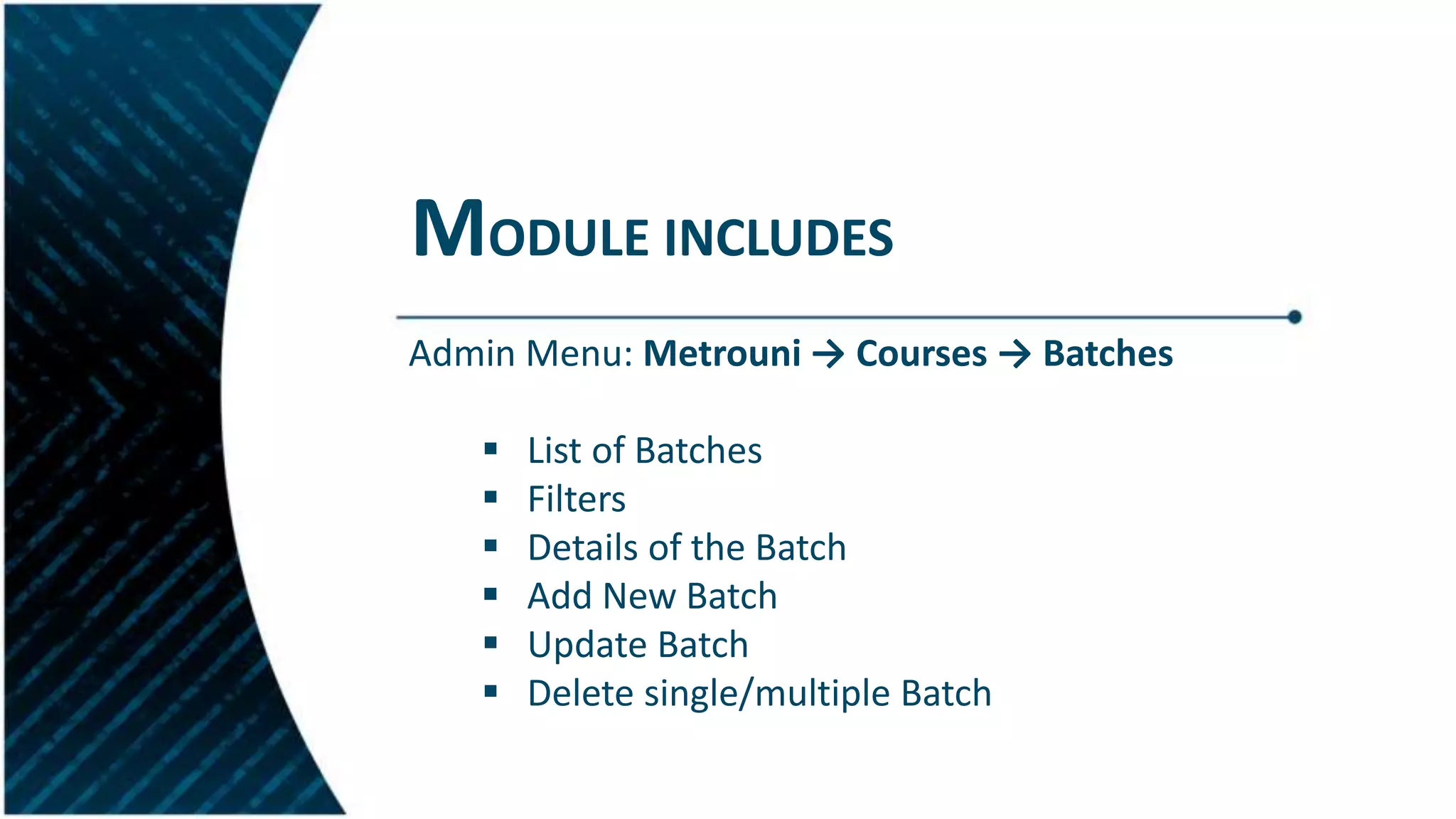
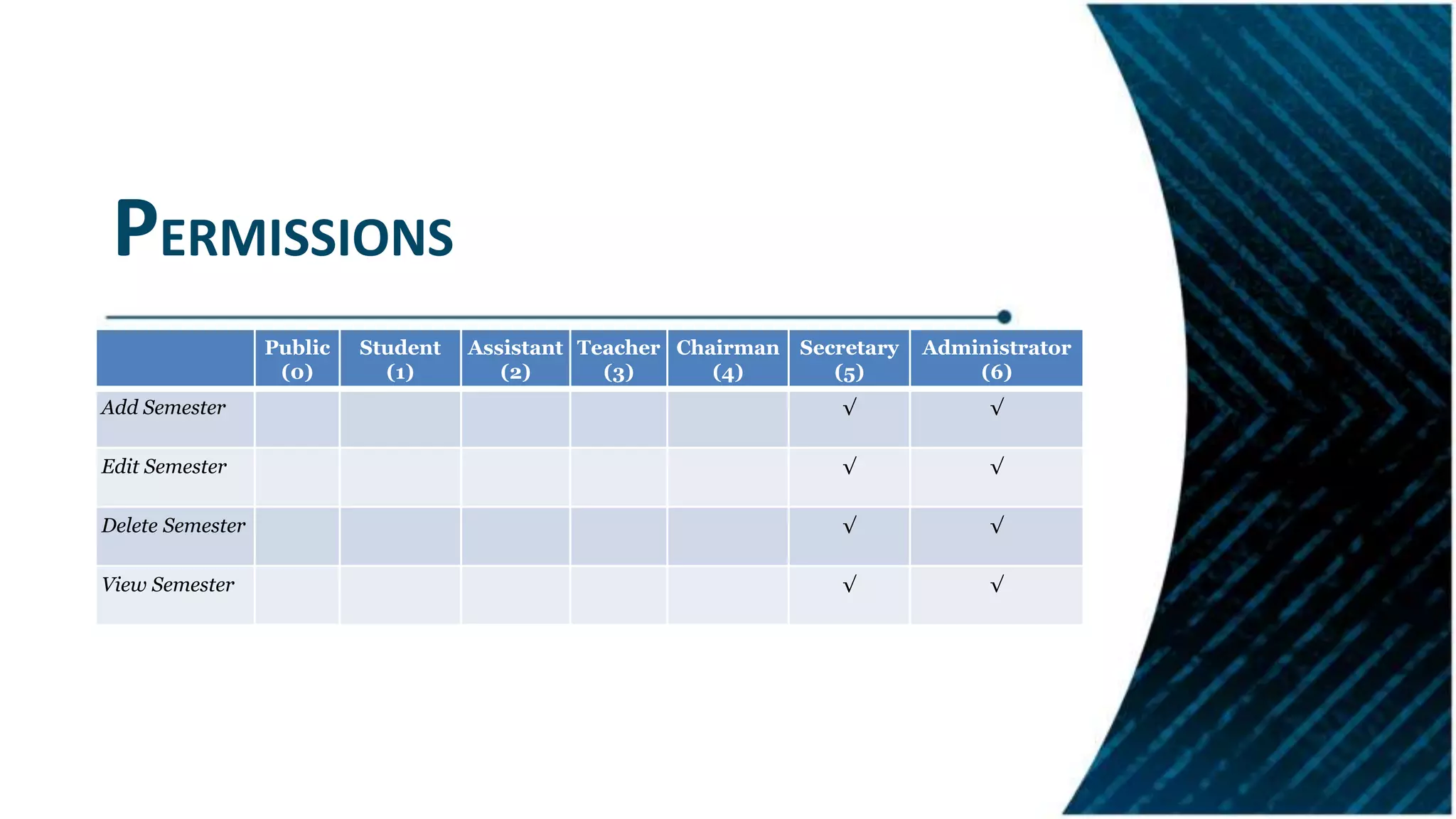
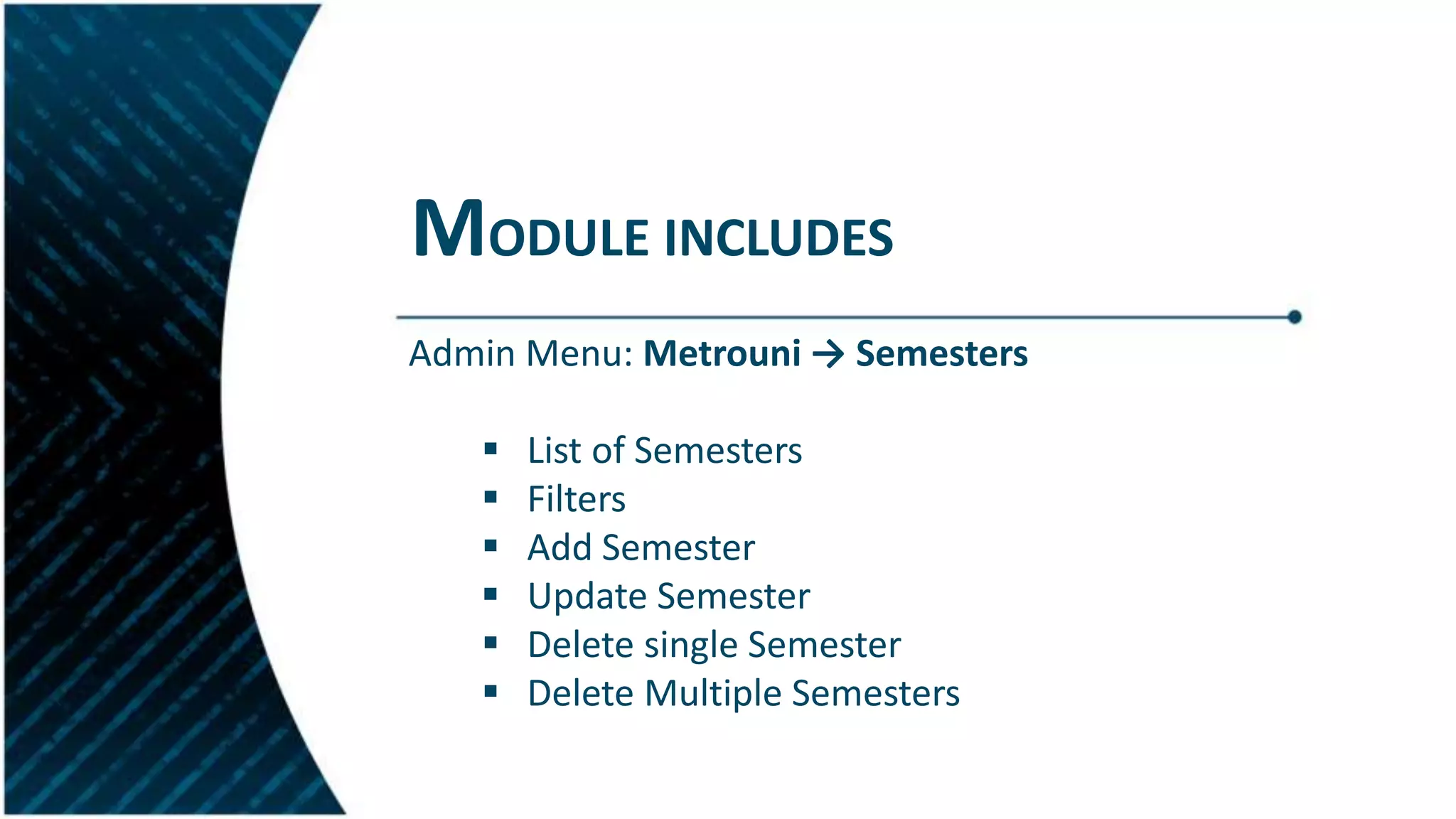
Overview of modules developed for managing batches and semesters with respective permissions.
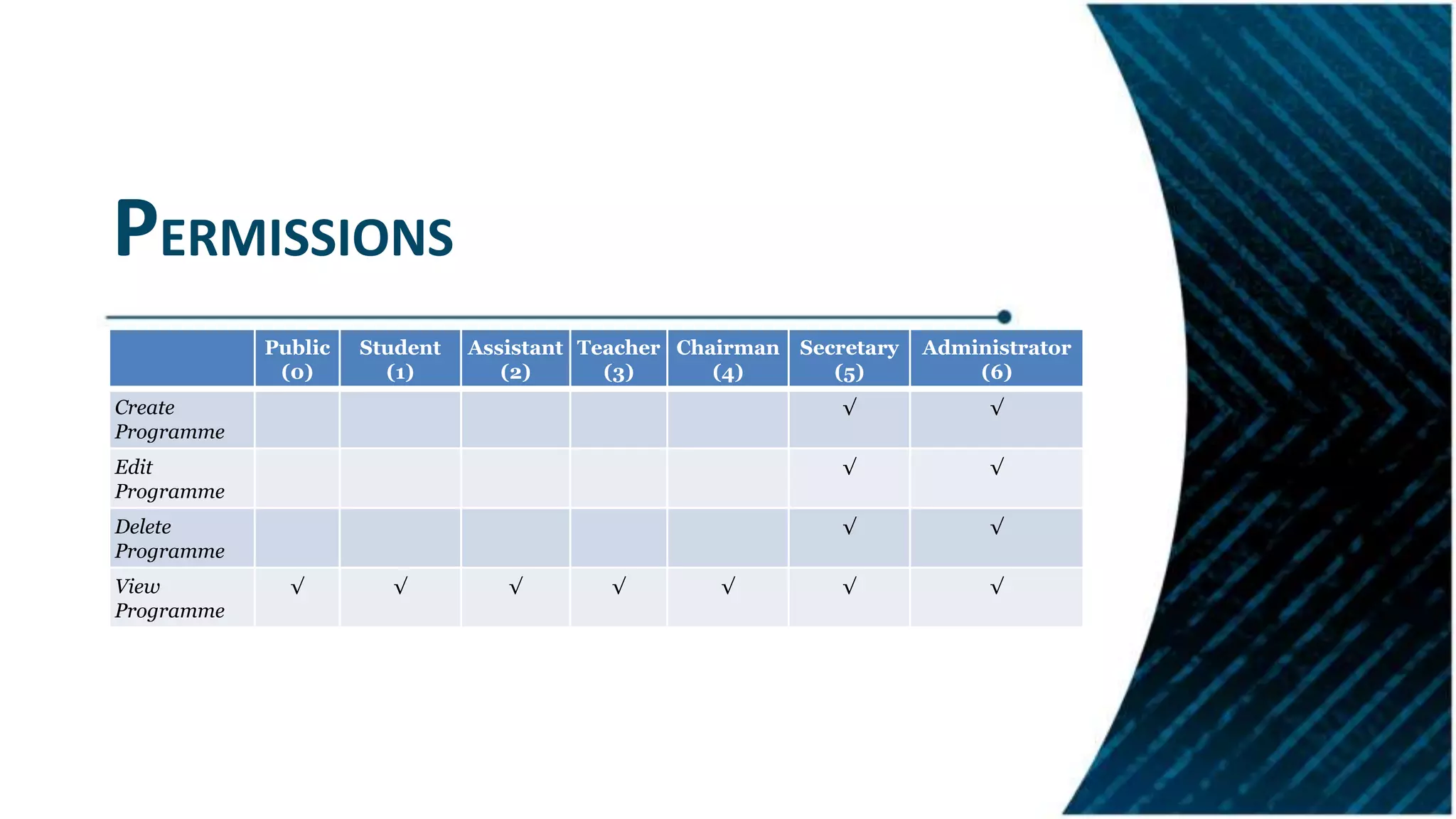
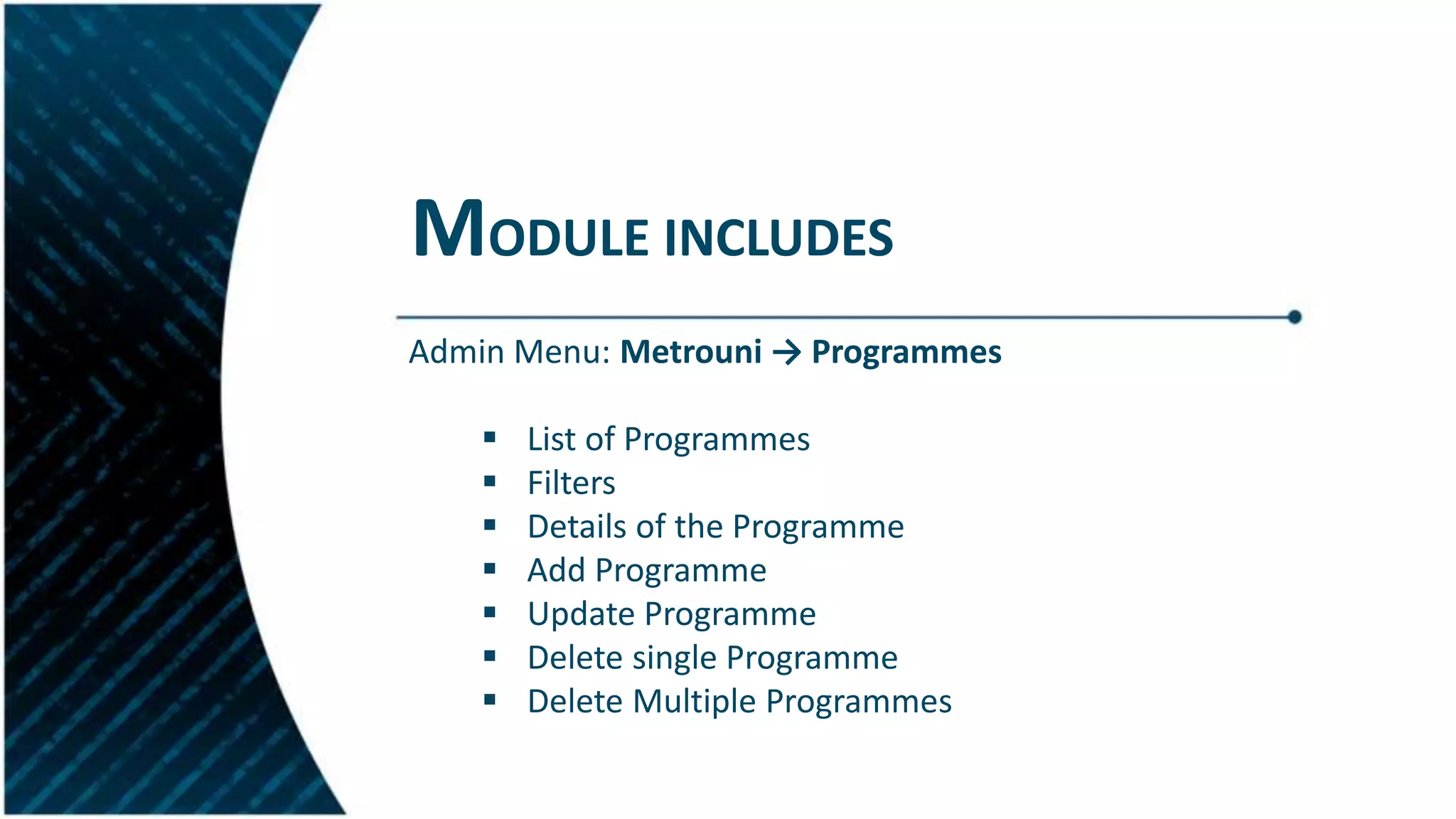
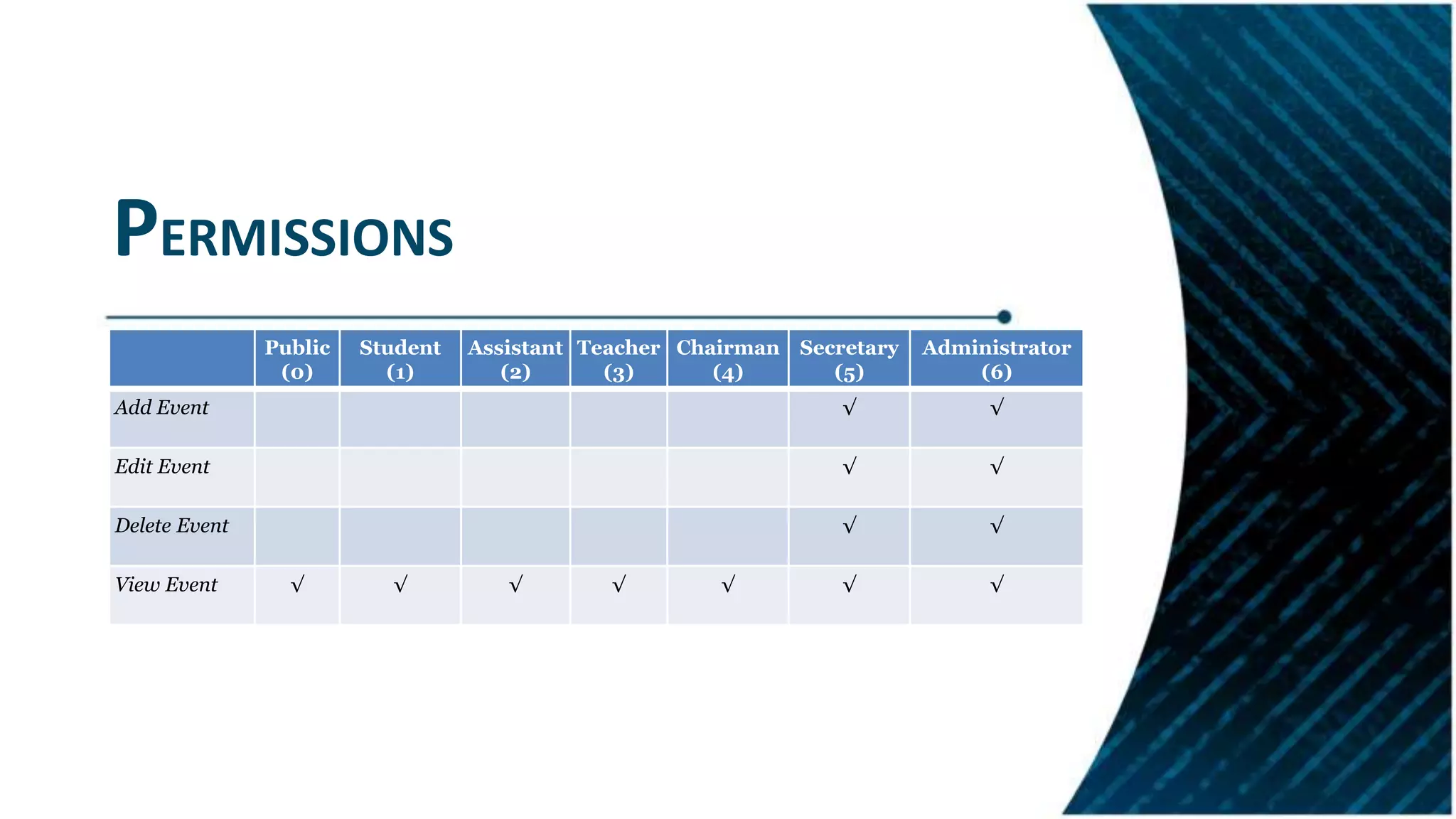
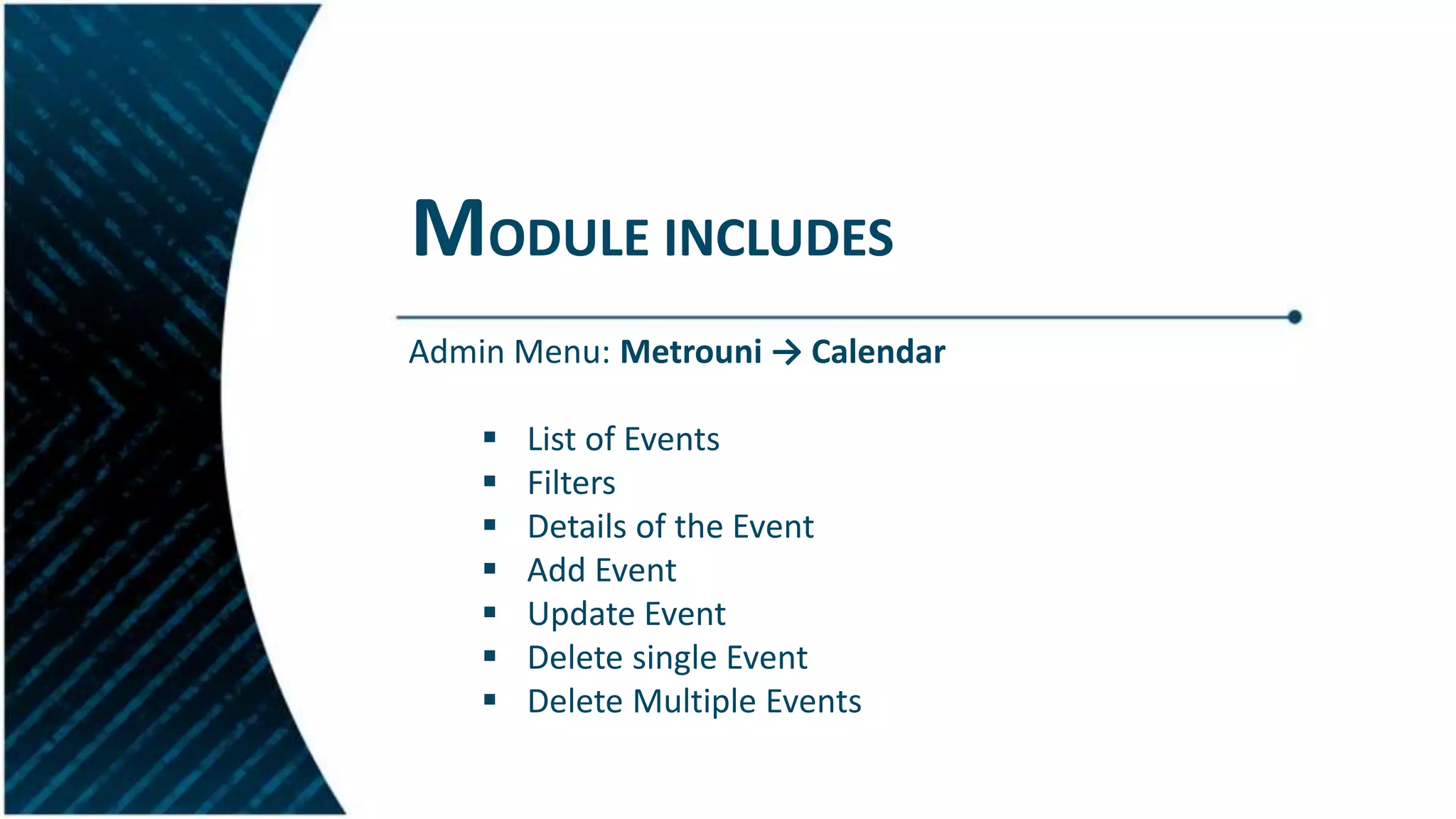
Module functionalities for program management and calendar events along with user permissions.
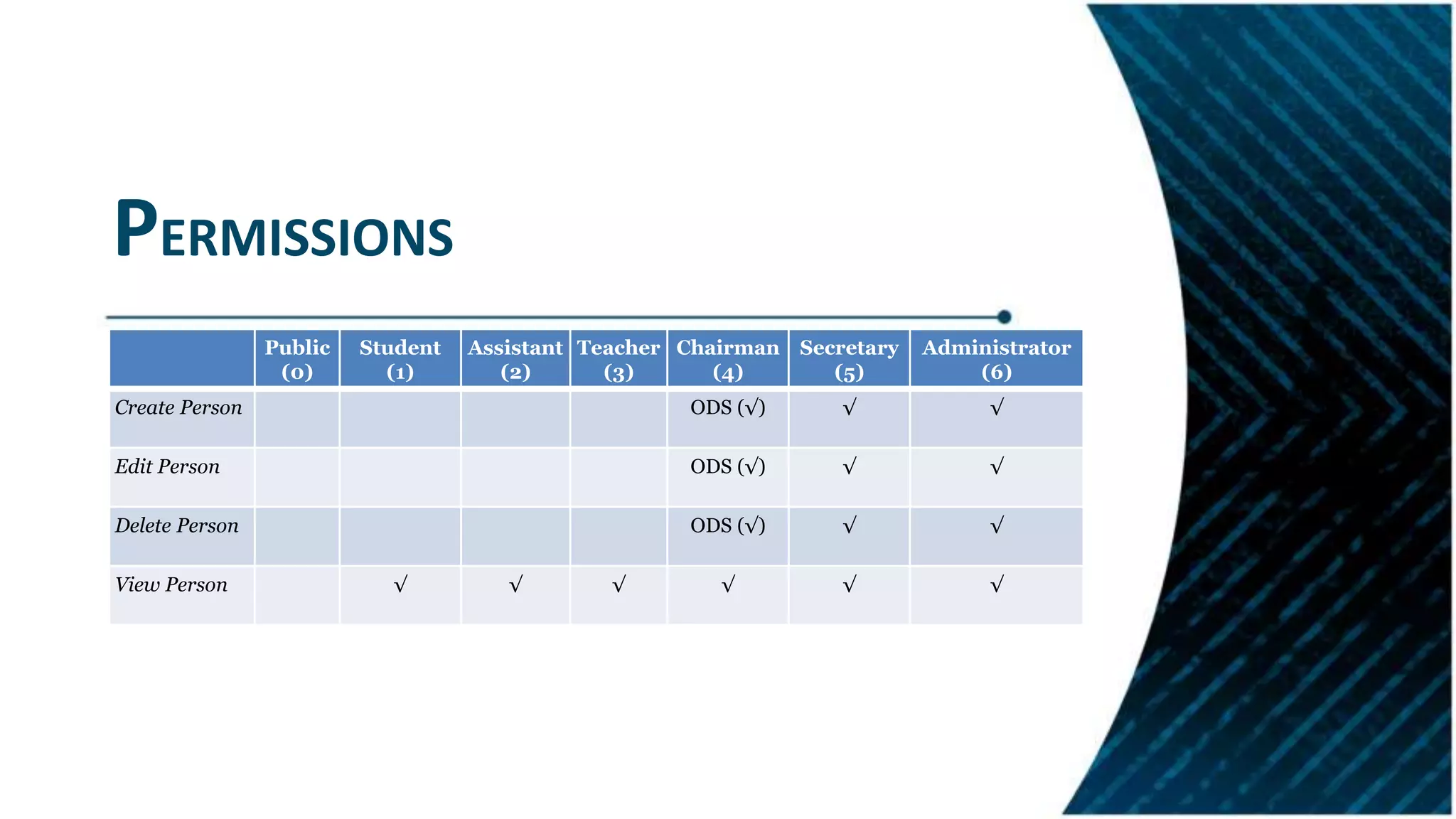
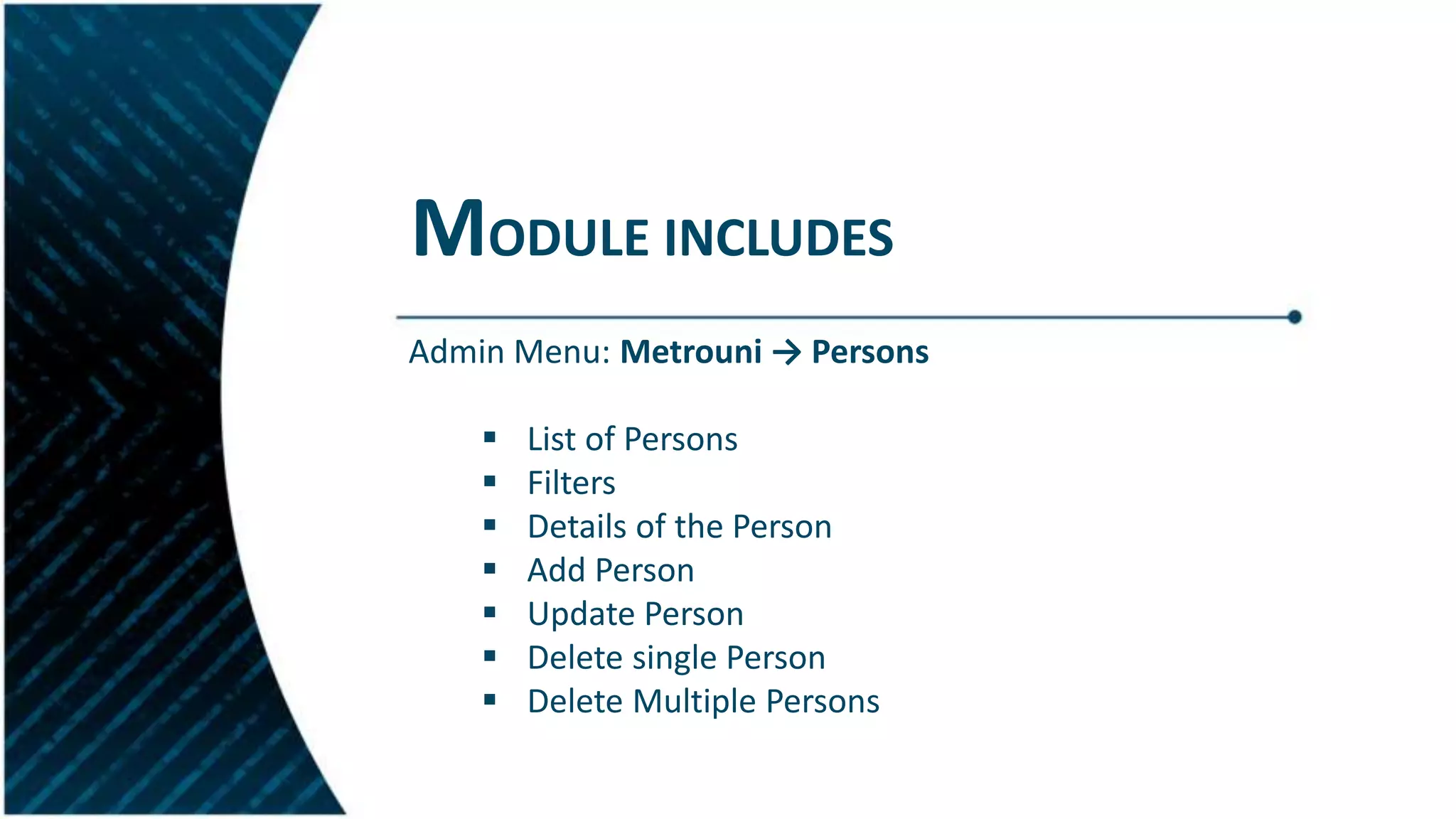
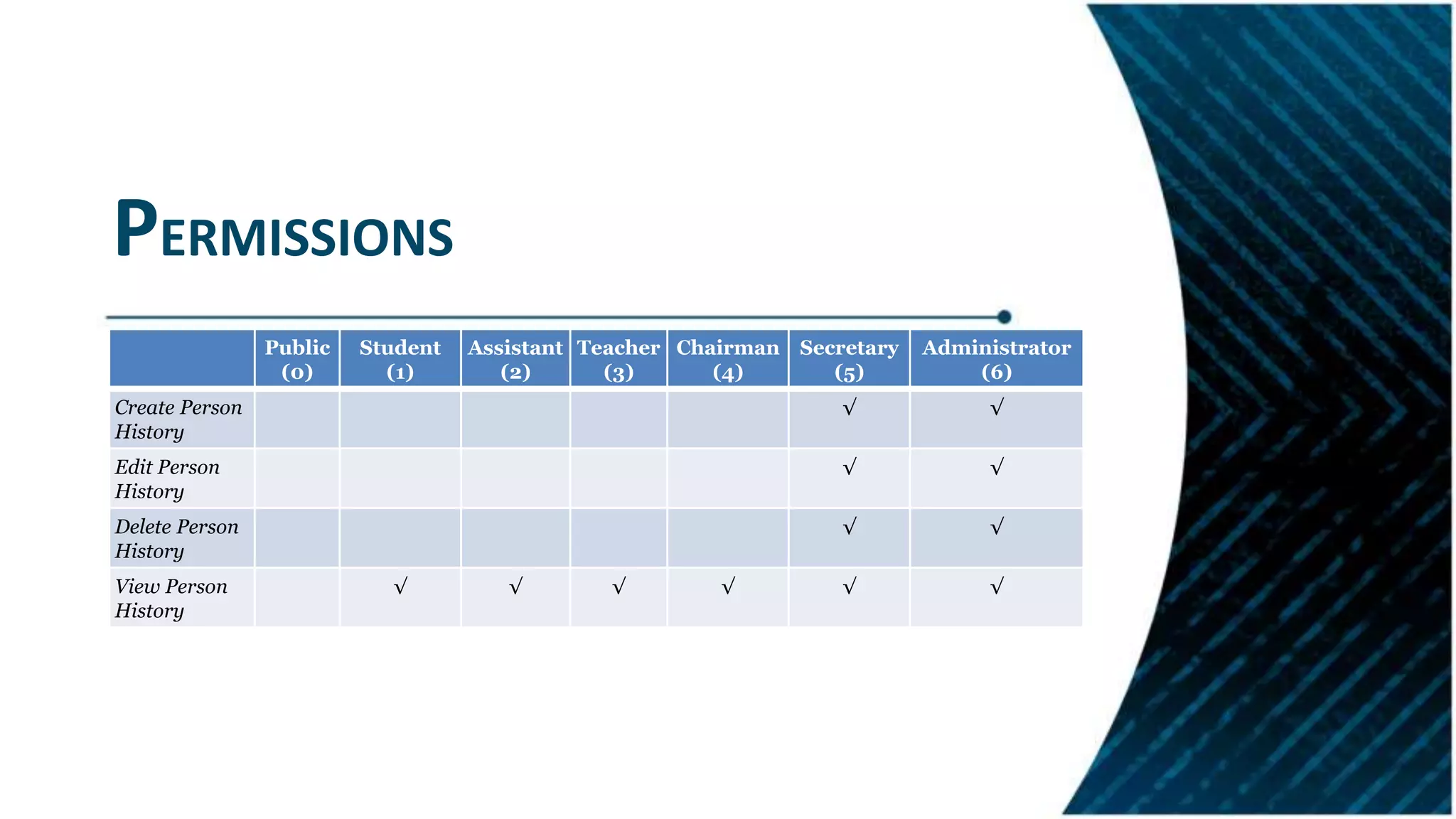
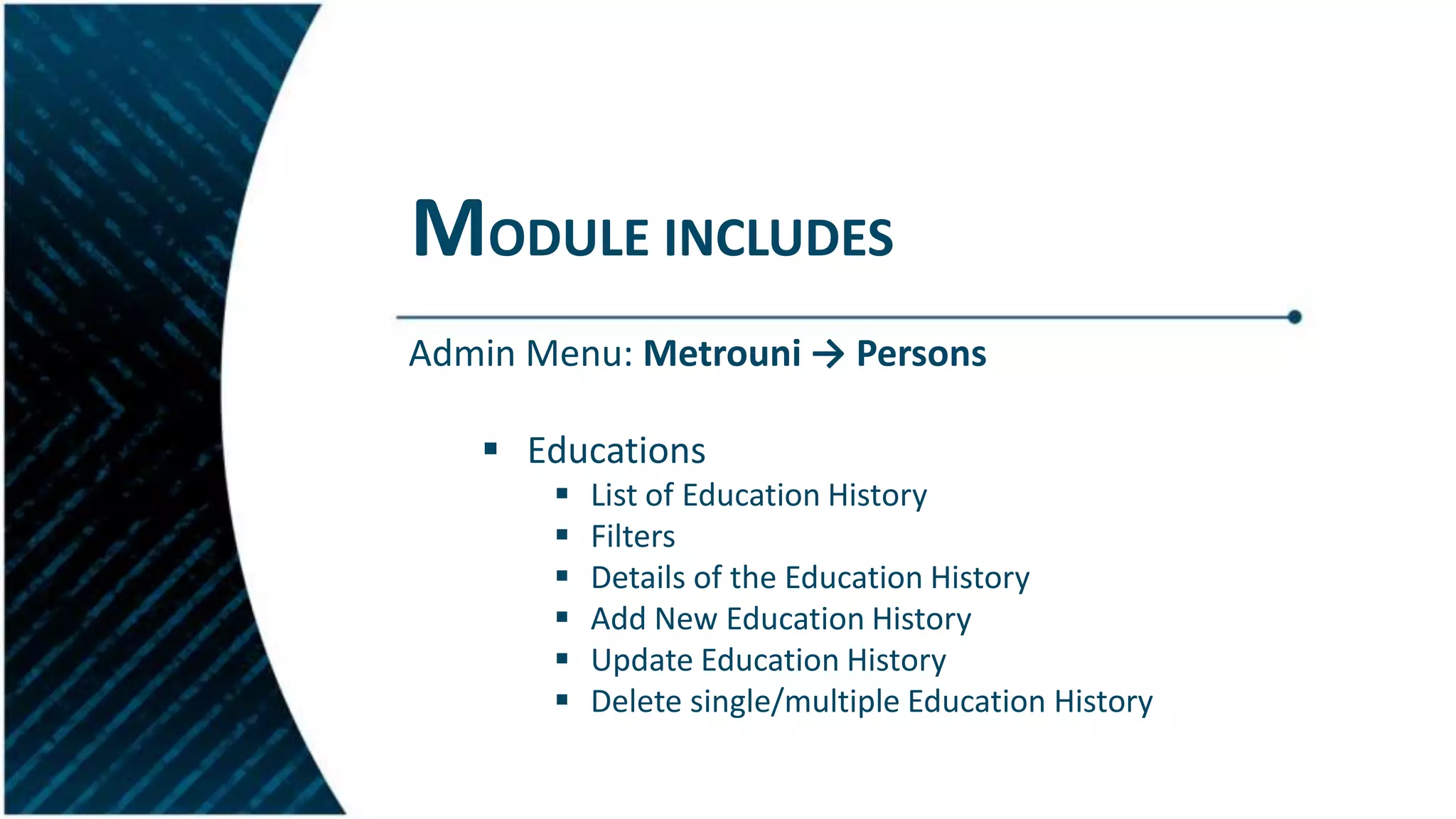
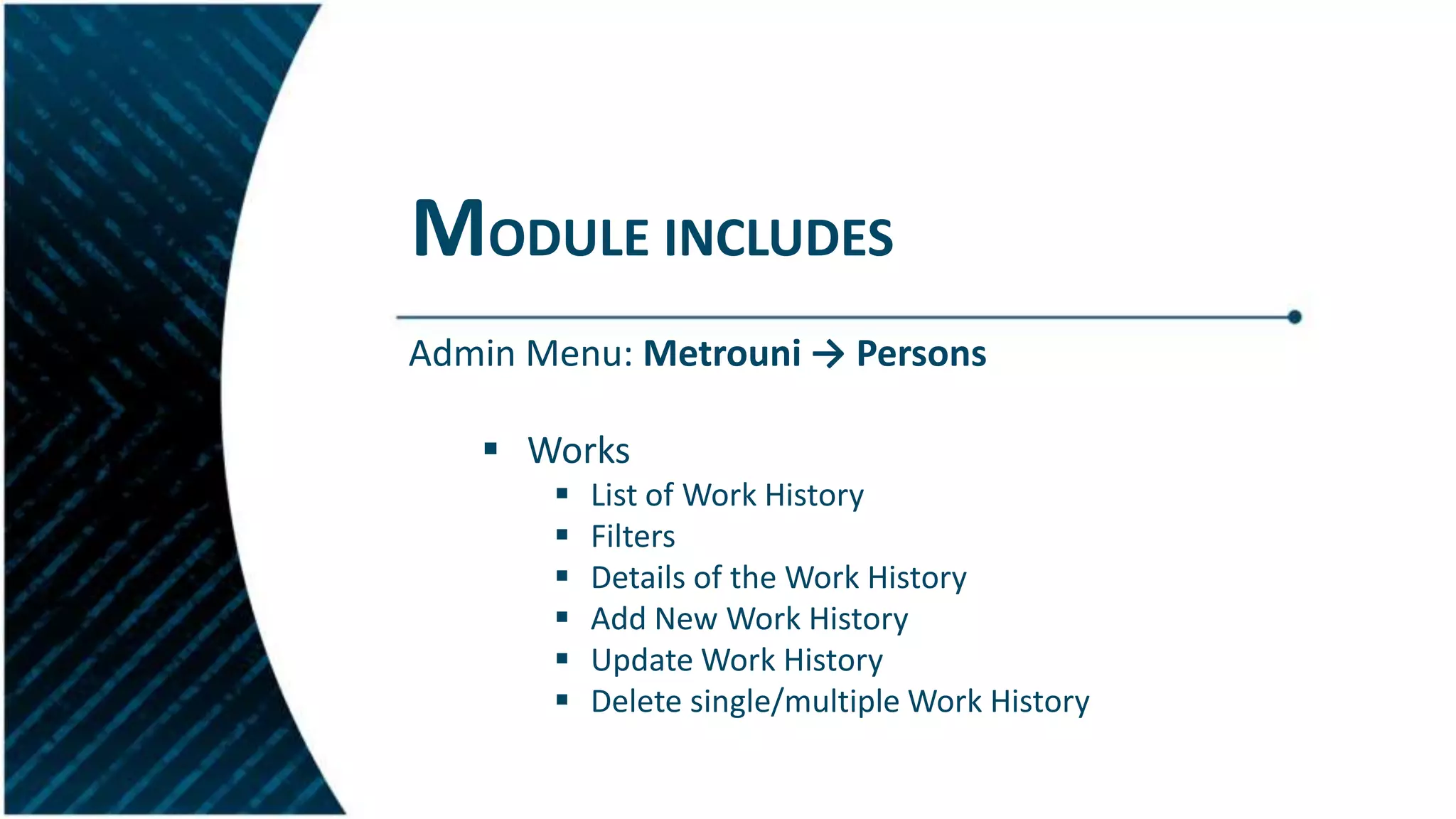
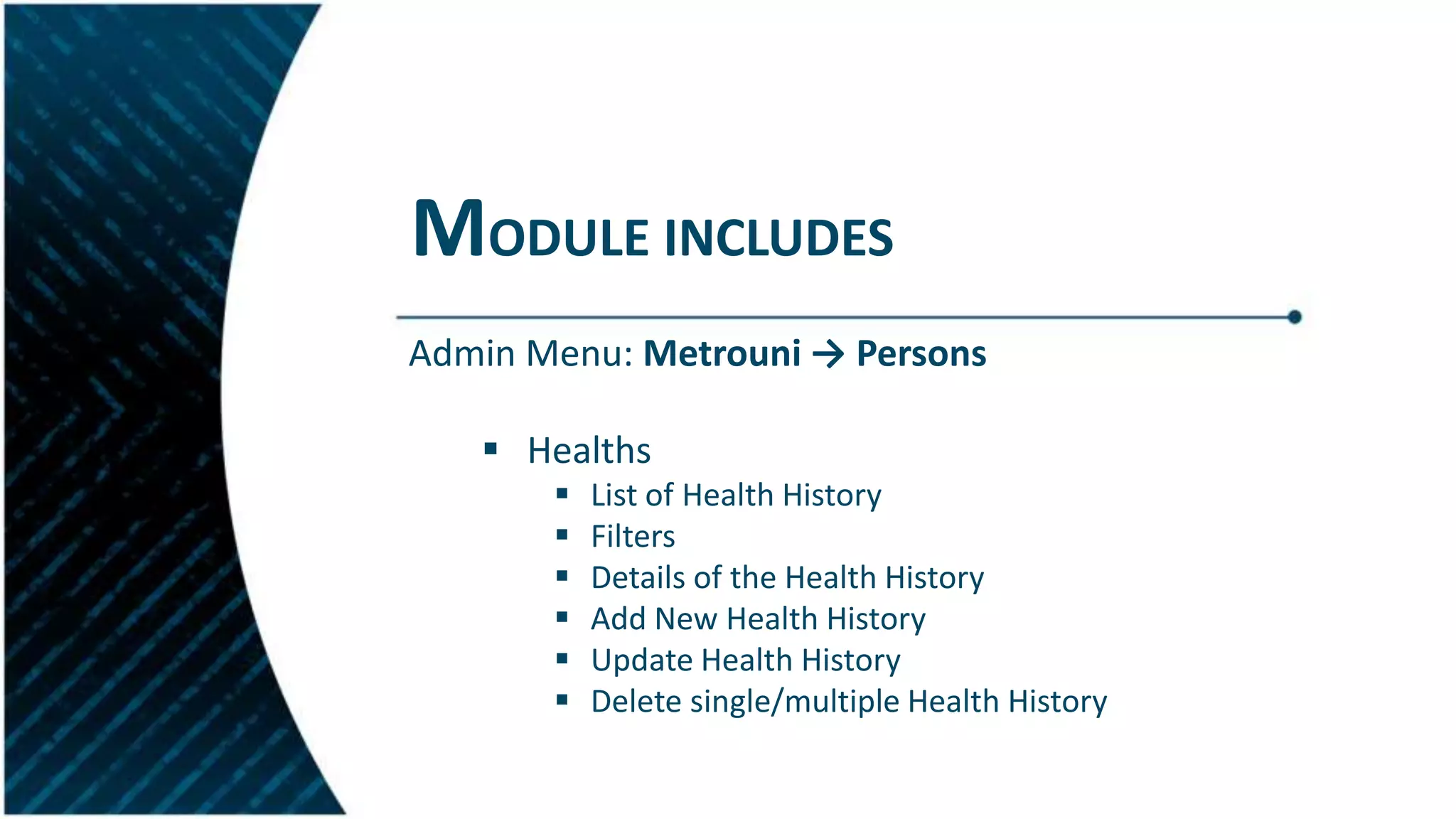
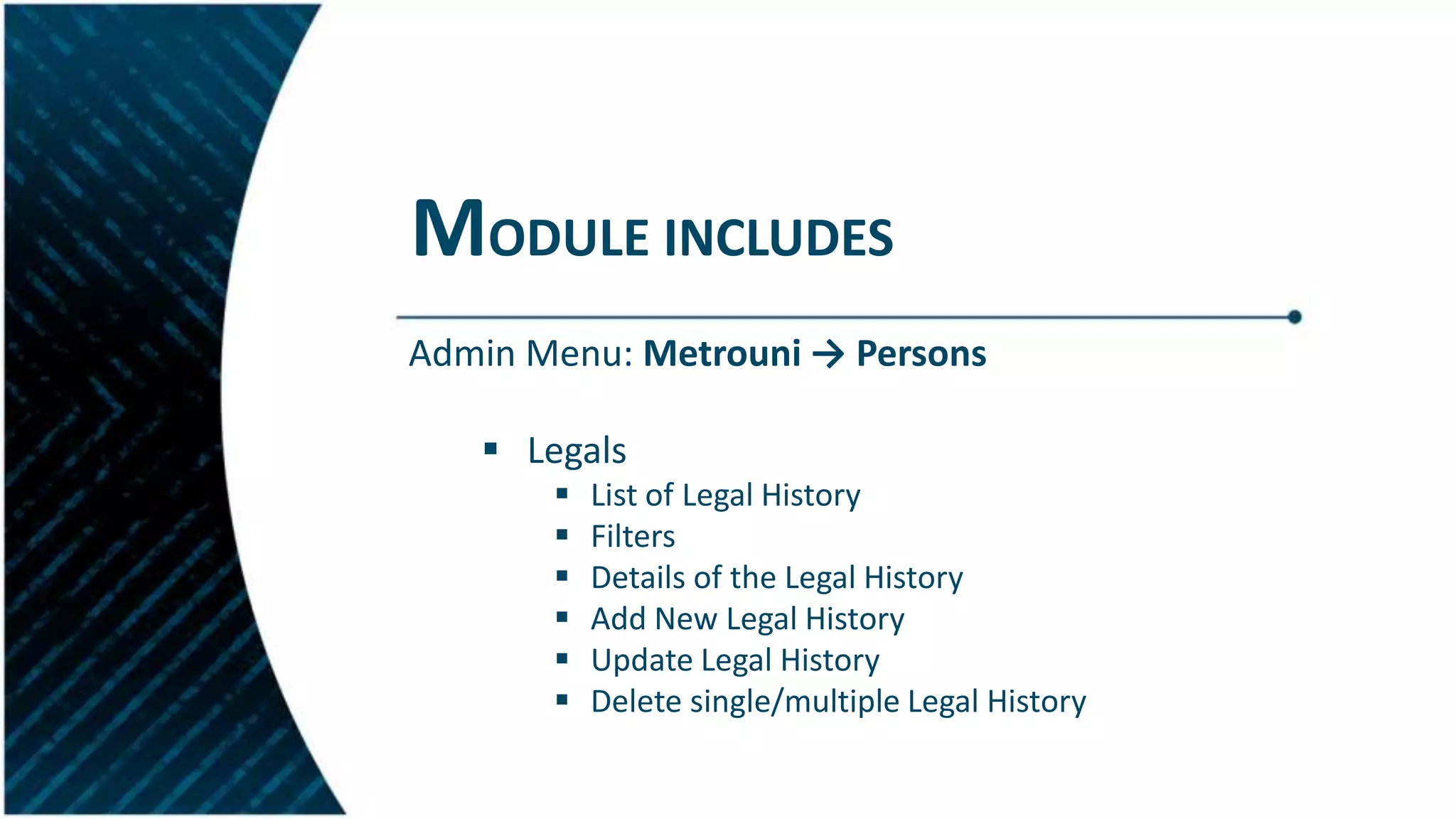
Management of person-related information including educational and work history tracking features.
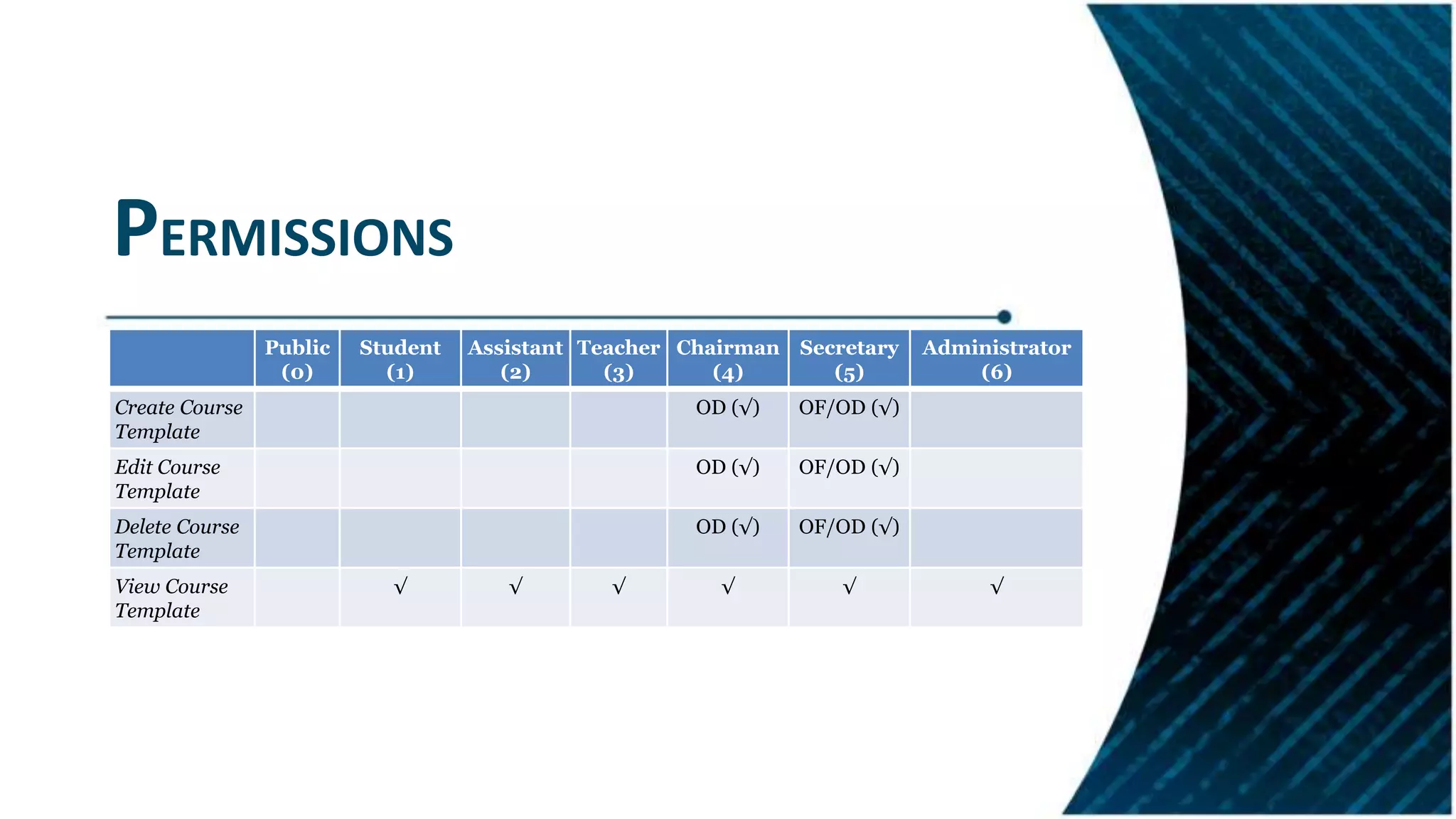
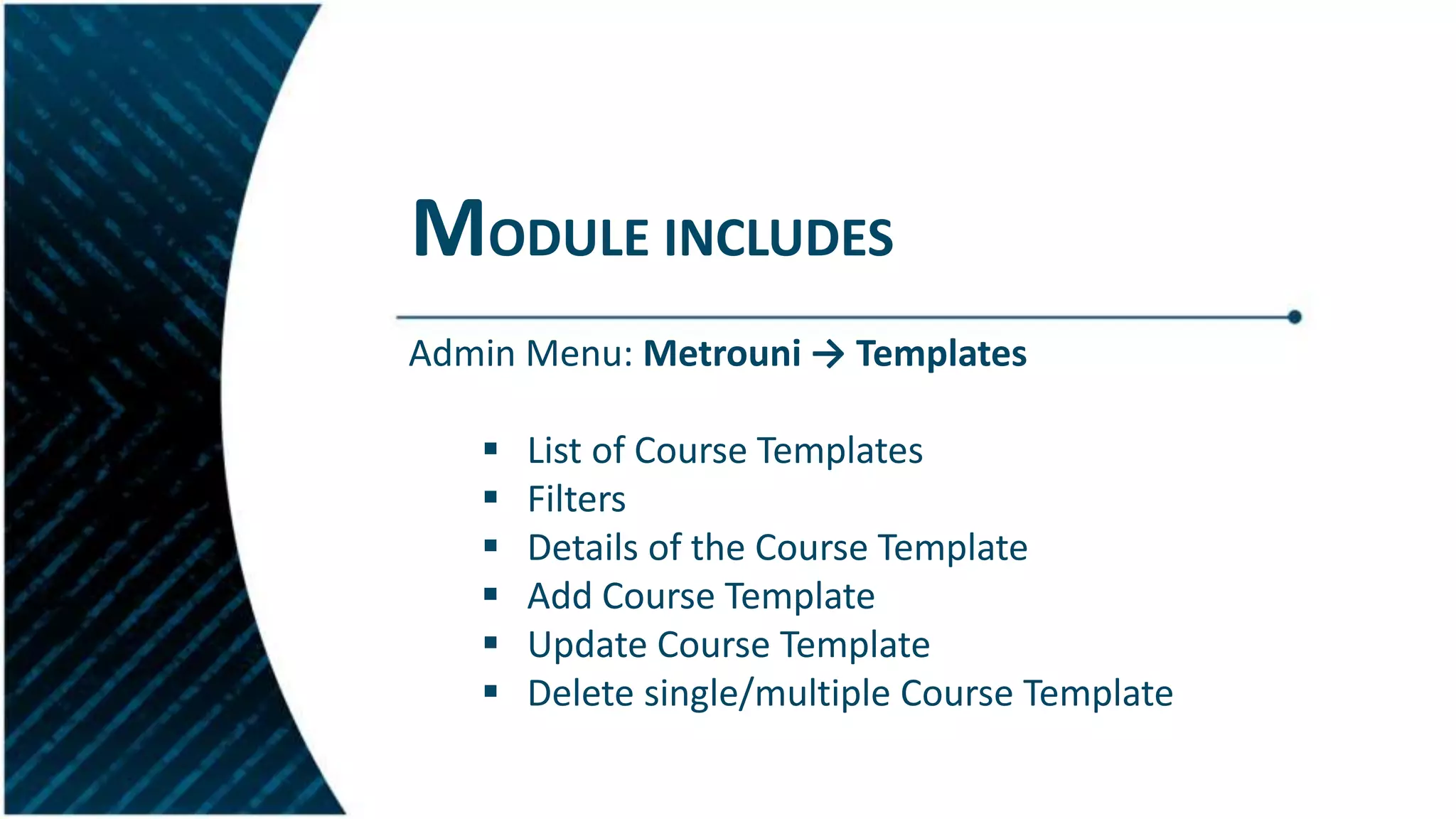
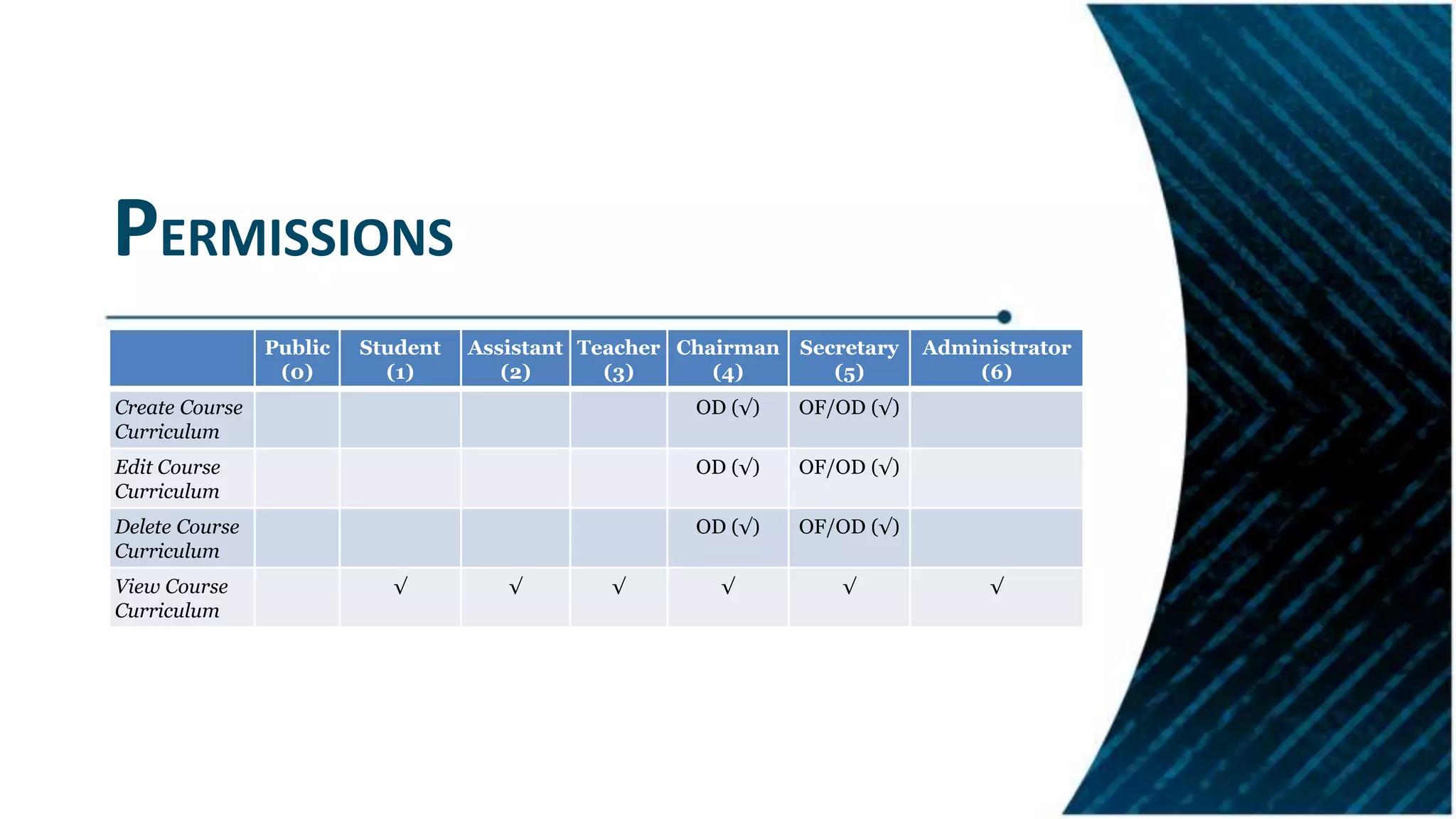
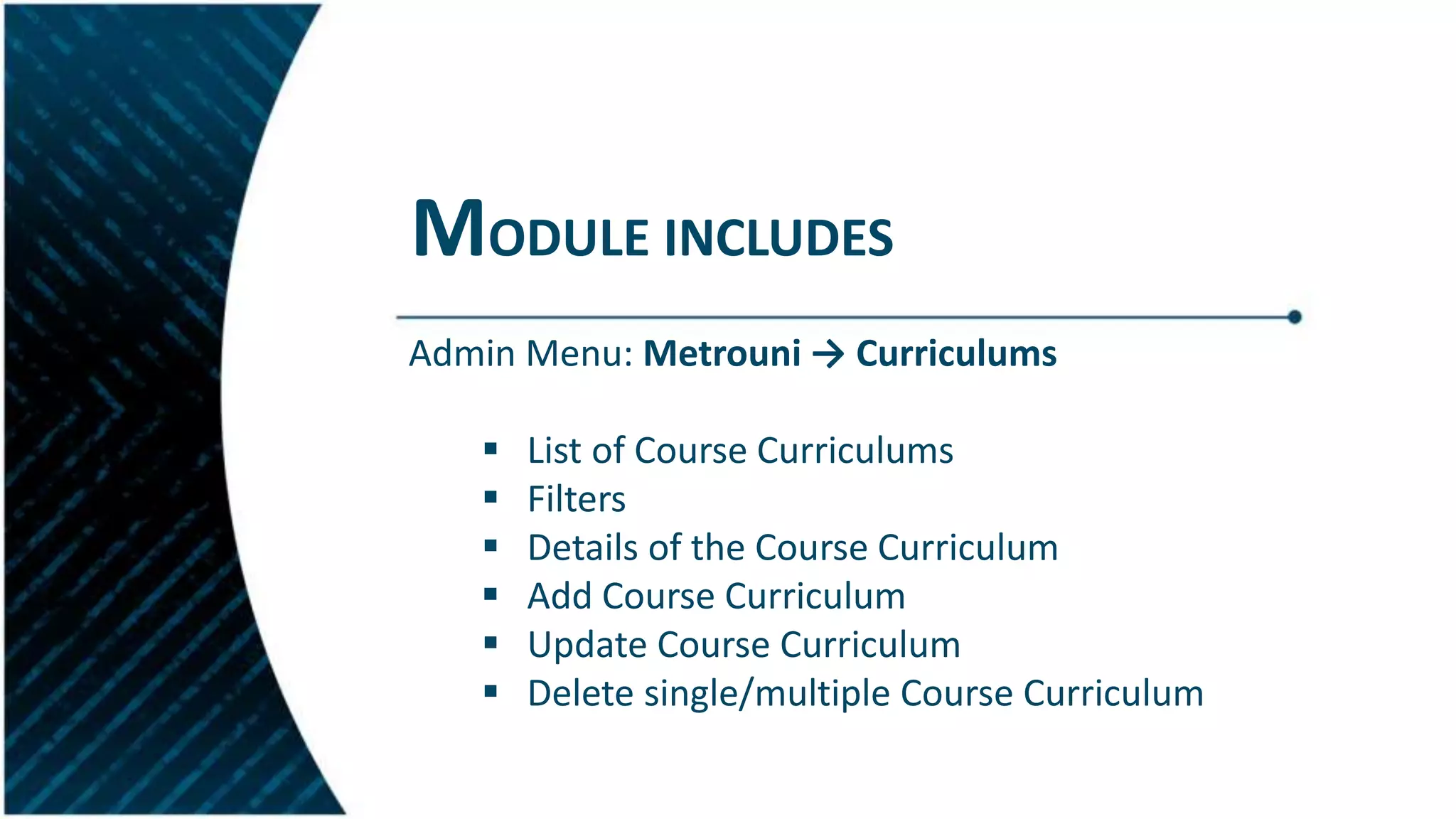
Overview of modules developed for managing course templates and curricula with permissions.
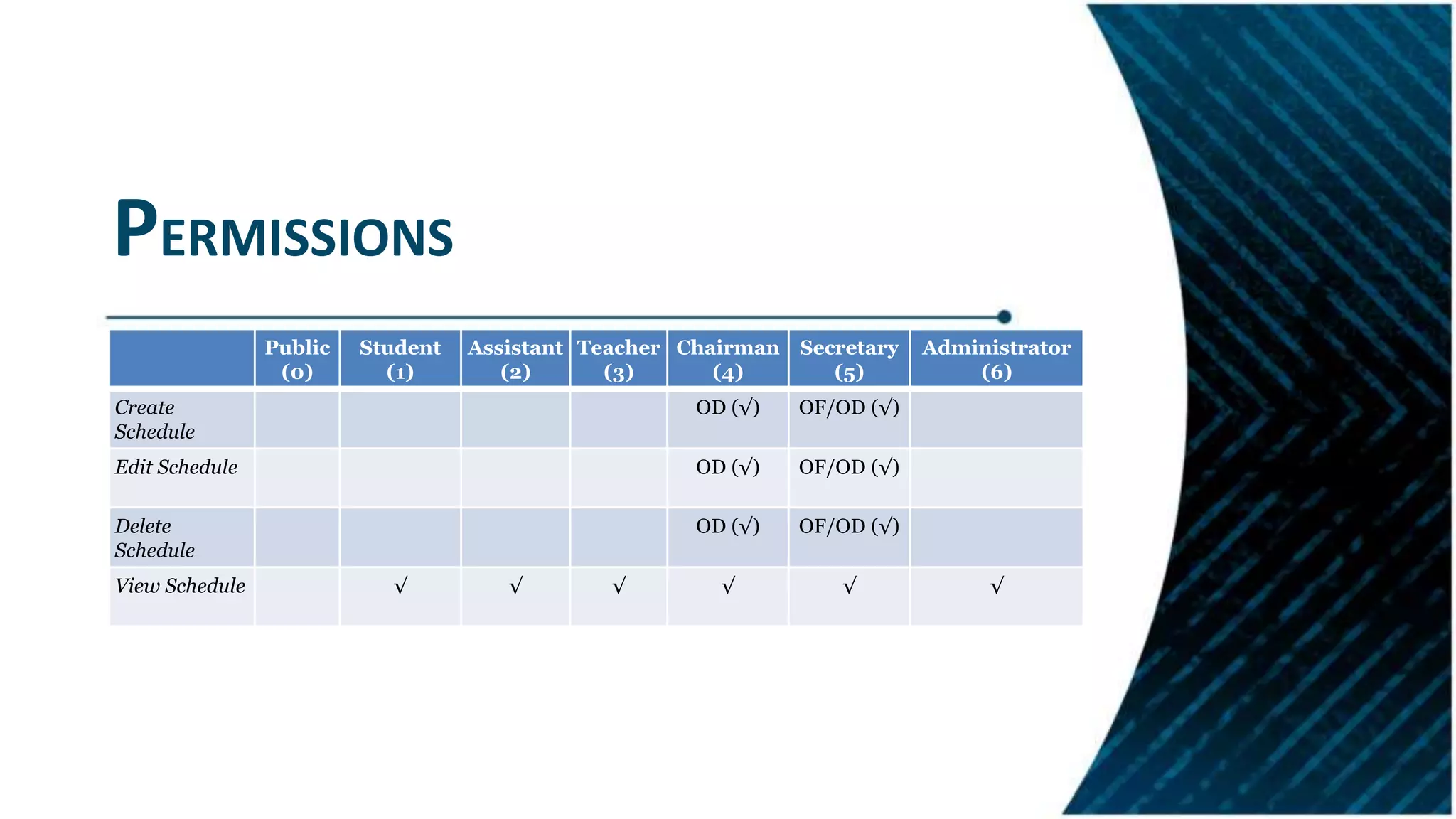
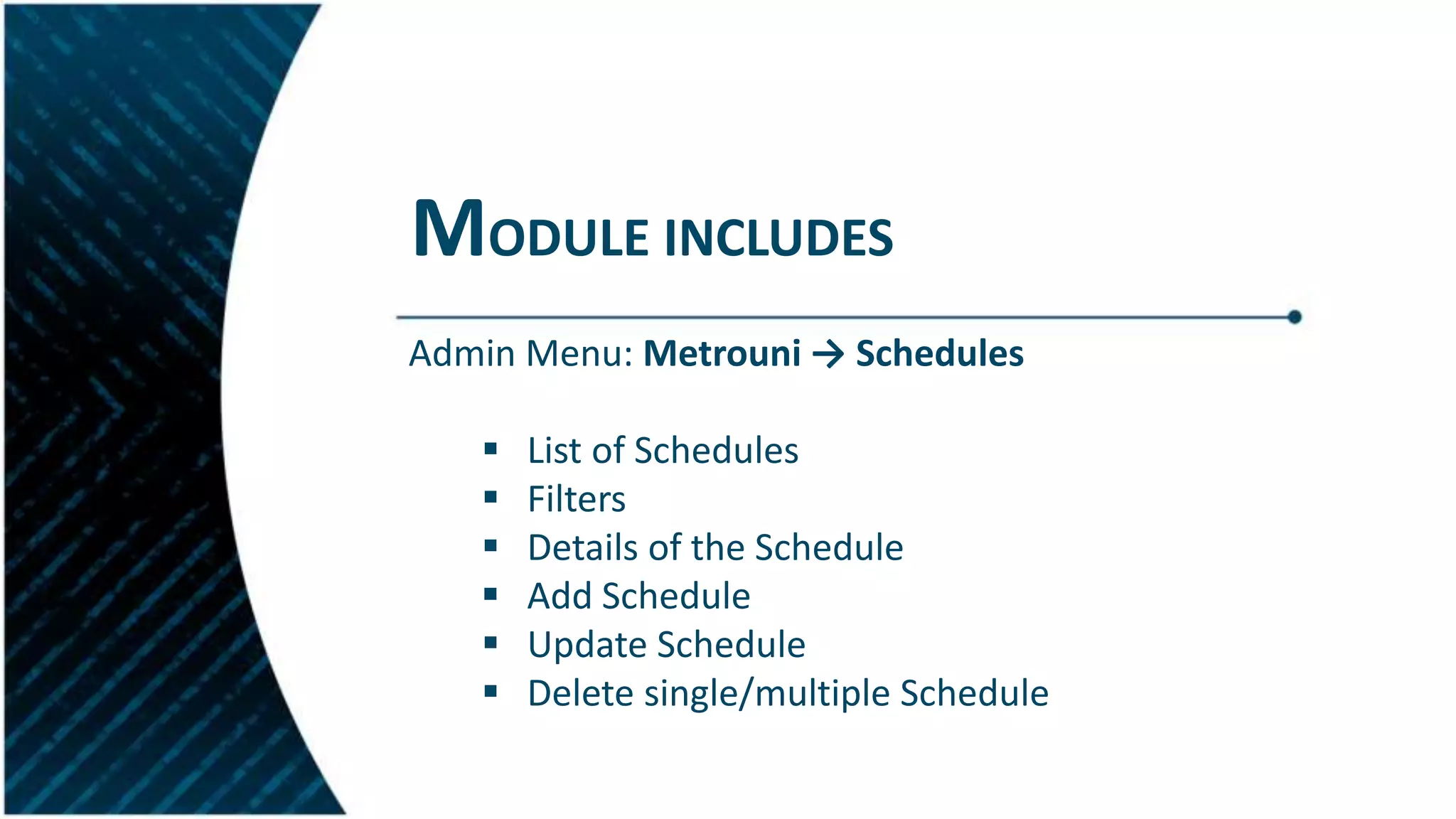
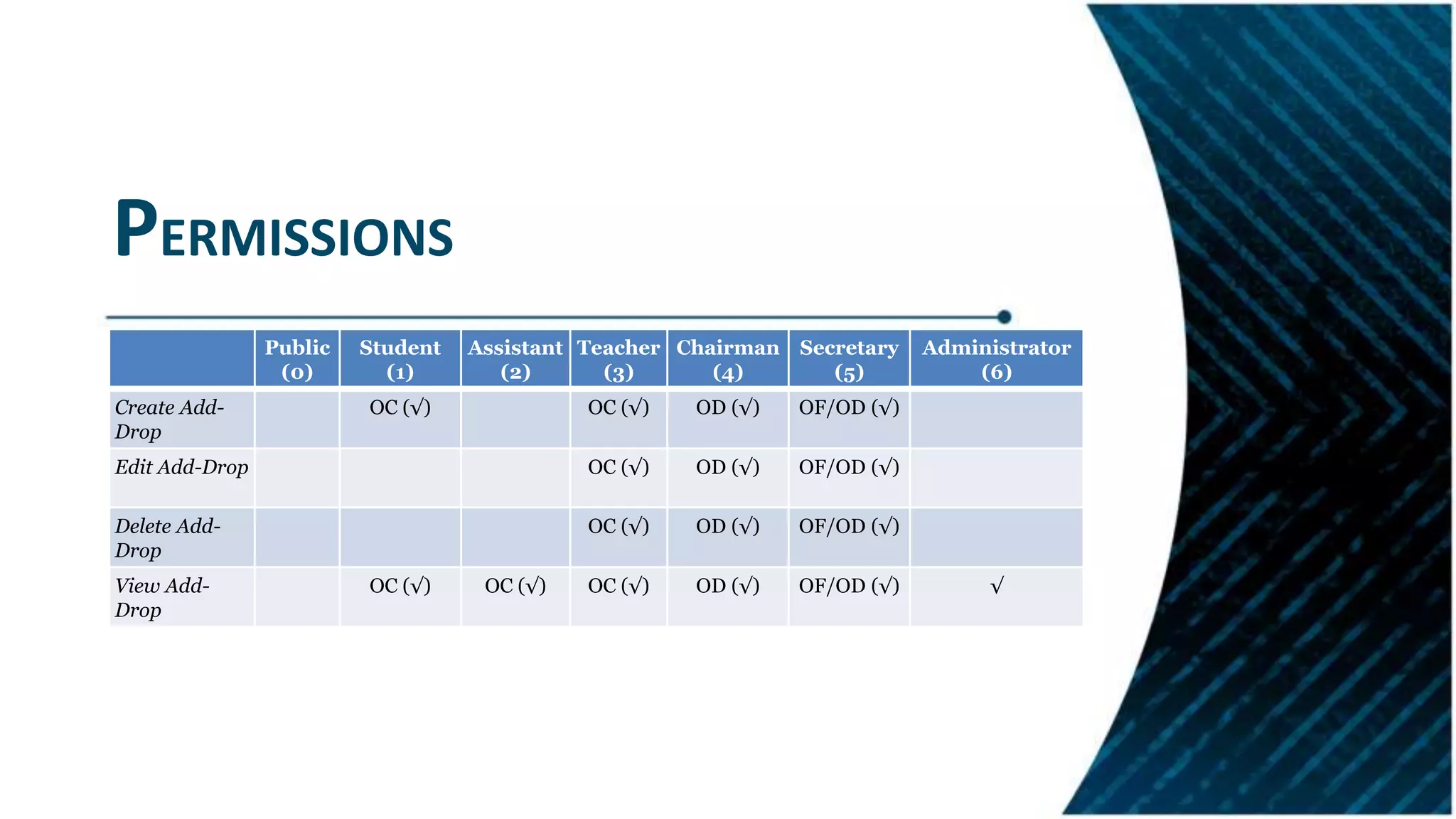
Details on scheduling and add-drop functionalities to aid students in course registration.
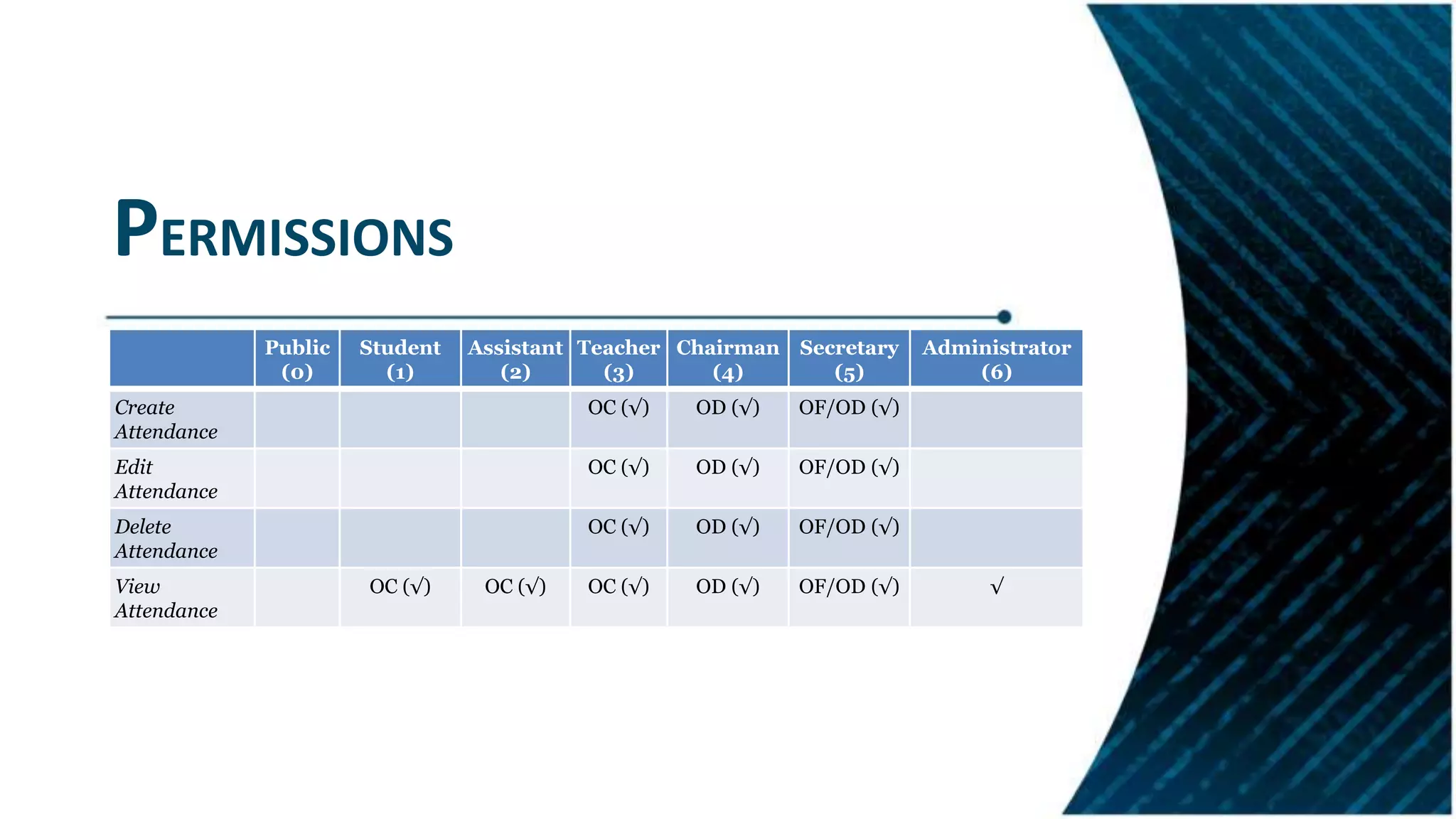
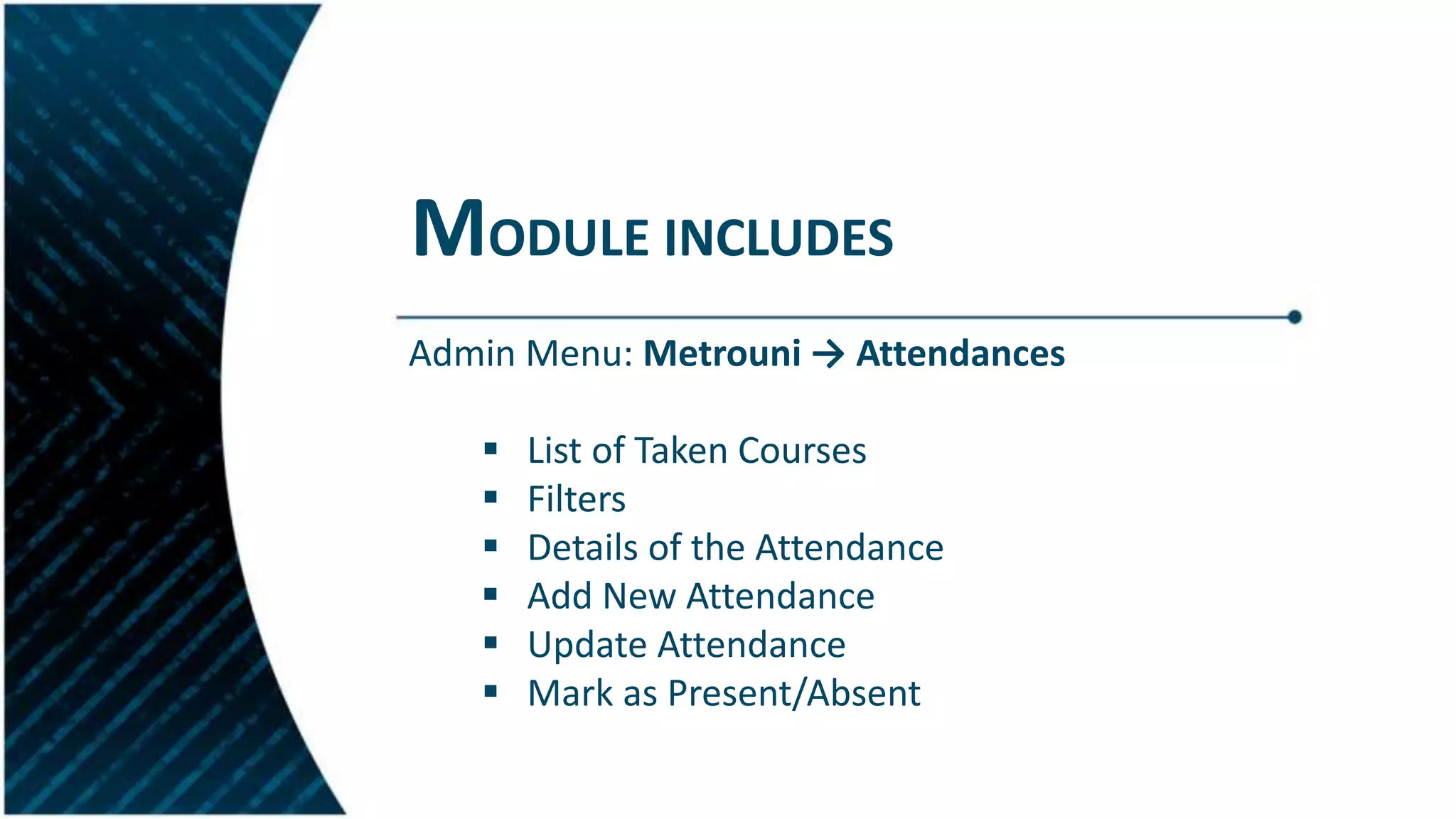
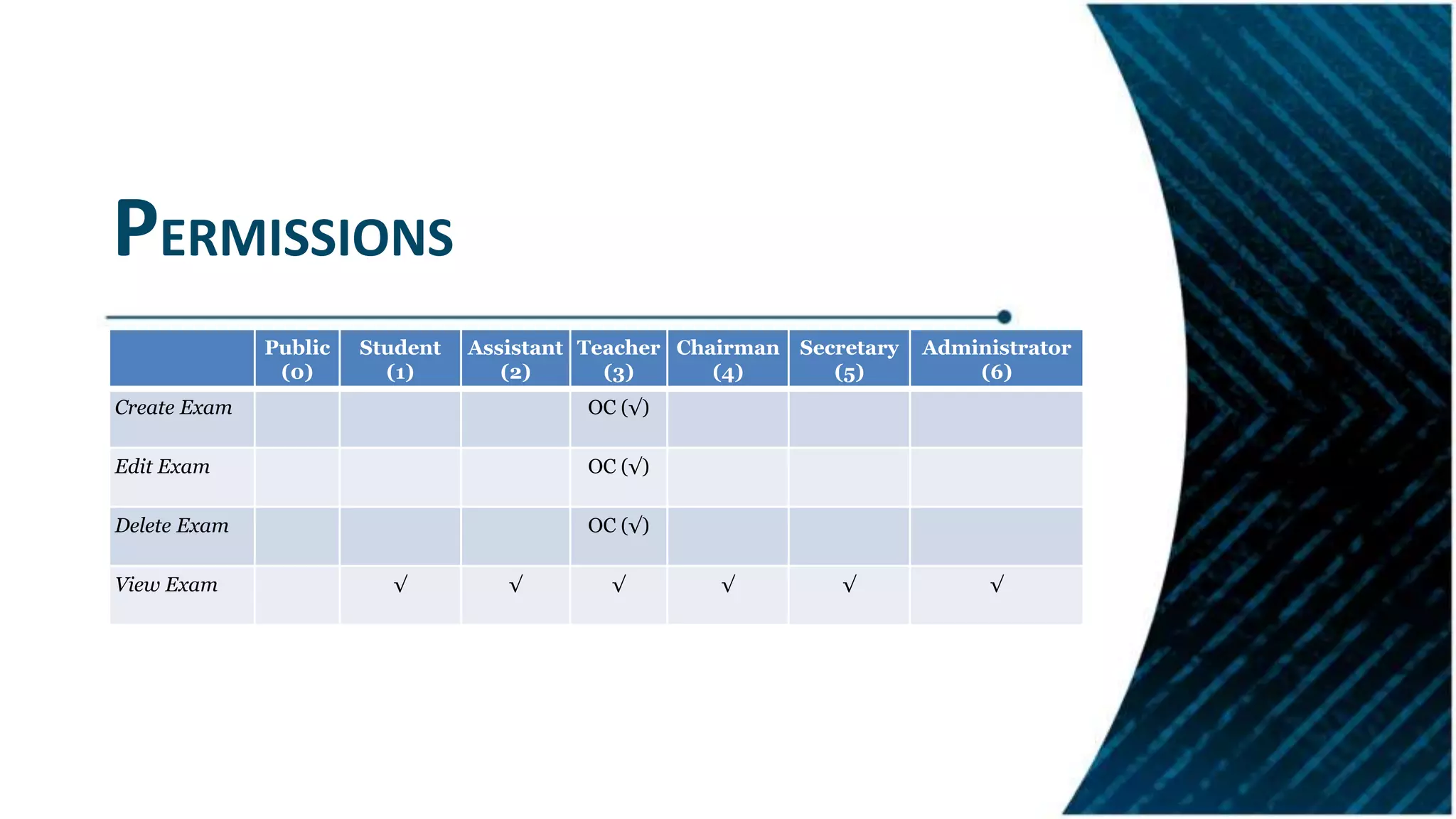
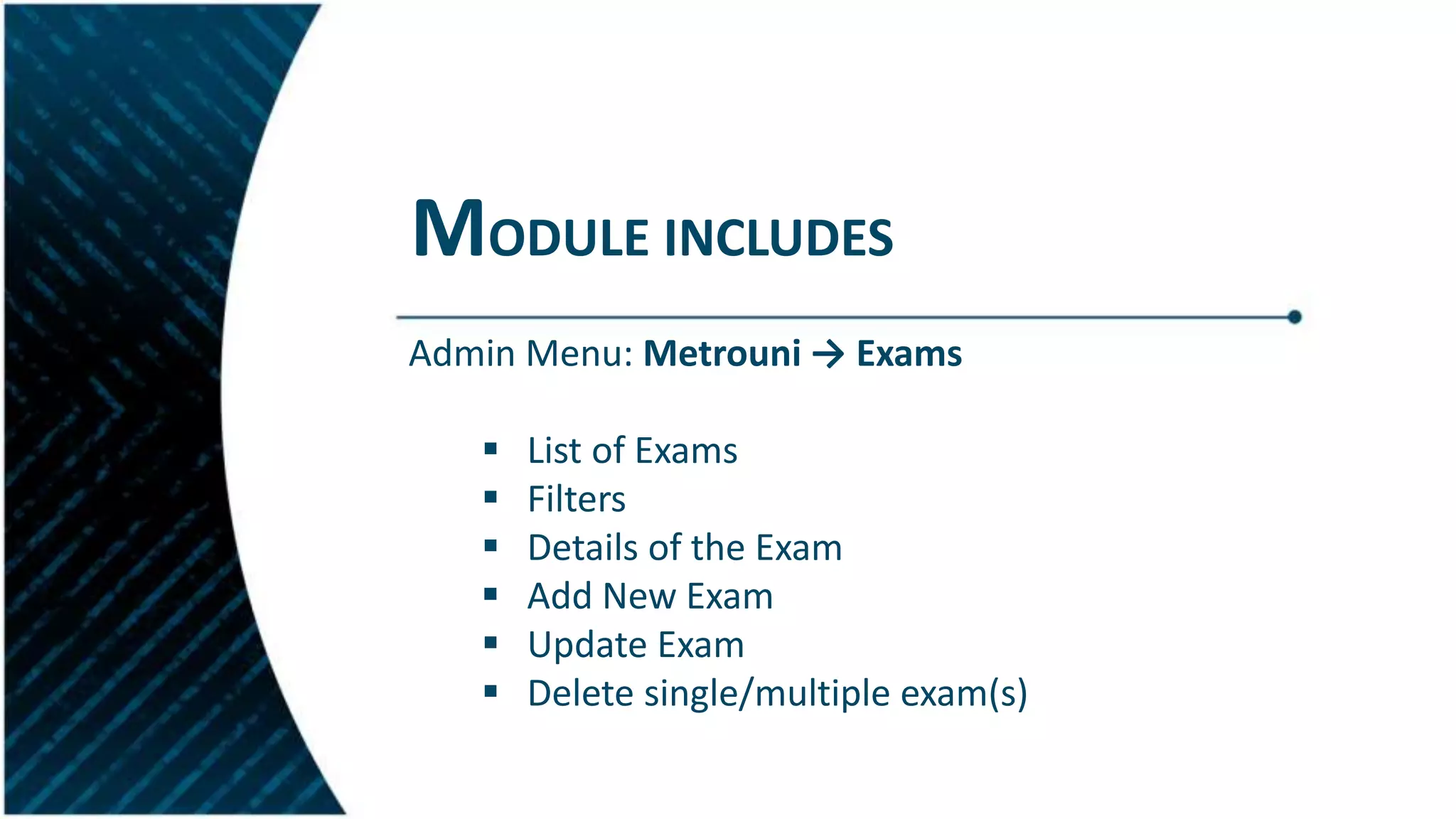
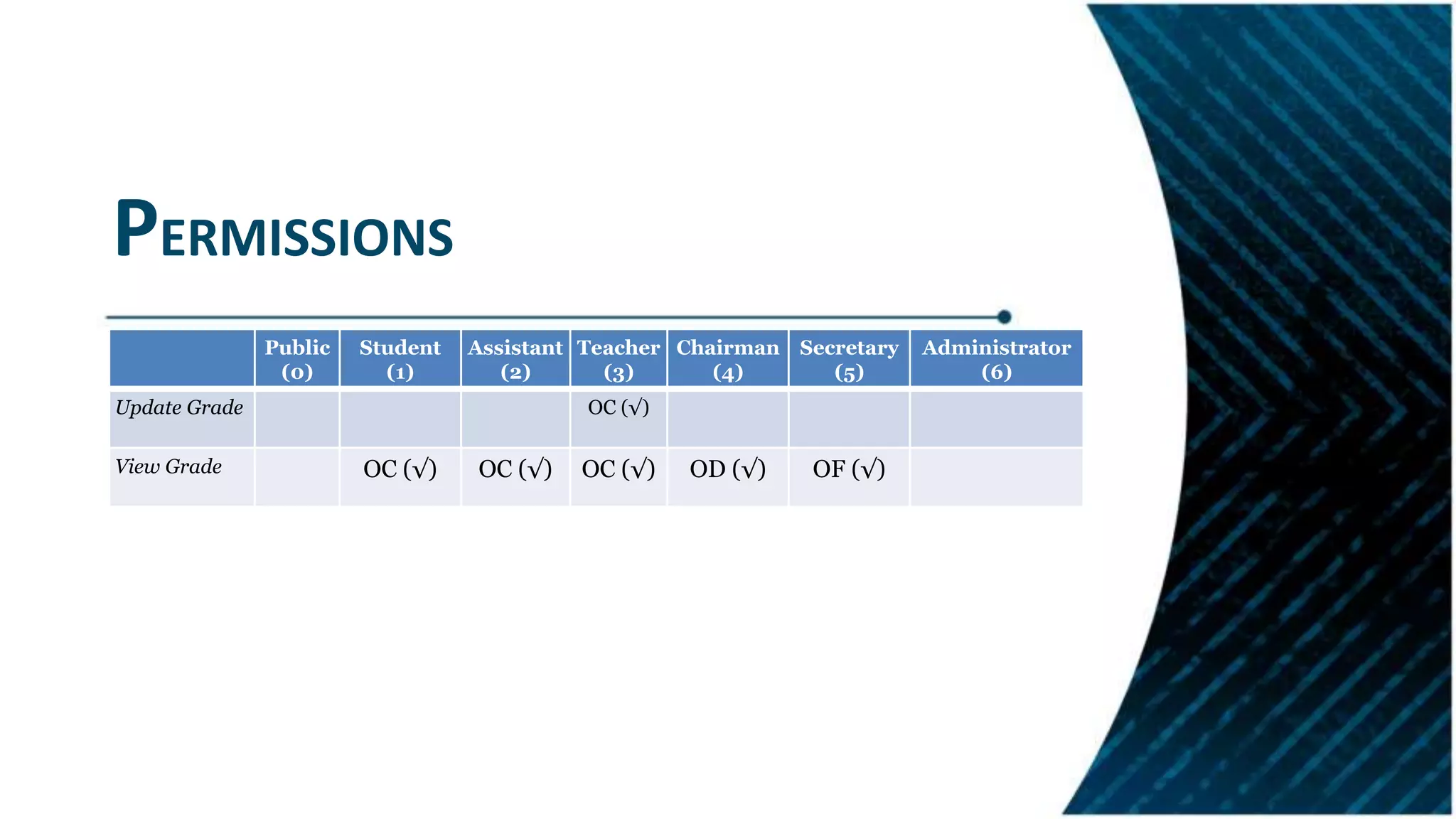
Features for managing attendance, exam processes, and grade updates including permission configurations.
Conclusion discussing system ease of use and potential for future extensions, including an evaluation module.


![Documentation project of college management [1]](https://cdn.slidesharecdn.com/ss_thumbnails/documentationprojectofcollegemanagement1-210528071416-thumbnail.jpg?width=640&height=640&fit=bounds)


