UDL LESSON     Digital Memory Art Foundations 9-12thCreated by Ing M. Vicky S.Ranada S.
Staff Support Technology FacilitatorArt Teacher GT Teacher General Ed. TeacherSpecial Ed Teacher
ScenarioTechnology interventions/program addressing 21st Century learning trends in a diverse classroom. 10 gifted and talented students
 Visually impaired student
 Hearing impaired student
18 students in general ed.   LessonGoalsCreate collage of childhood memory using digital imaging and video production.
High level of creativity and self expression.
Work collaboratively with diverse population.
Use Web 2.0 tools in an educational setting.TechnologyOpen Source Applications    Google Presentation    Google Picasa    Windows MovieMaker    Audacity
WEB 2.0 Tools    Wiki page    YouTube
Adaptive Technology    Braille keyboard    Assistive Listening Device    Text to Speech    Closed Caption
Learning Activities and Rationale
Professional Development
UDL Book Builderhttp://bookbuilder.cast.org/

UDL ART Lesson

  • 1.
    UDL LESSON Digital Memory Art Foundations 9-12thCreated by Ing M. Vicky S.Ranada S.
  • 2.
    Staff Support TechnologyFacilitatorArt Teacher GT Teacher General Ed. TeacherSpecial Ed Teacher
  • 3.
    ScenarioTechnology interventions/program addressing21st Century learning trends in a diverse classroom. 10 gifted and talented students
  • 4.
  • 5.
  • 6.
    18 students ingeneral ed. LessonGoalsCreate collage of childhood memory using digital imaging and video production.
  • 7.
    High level ofcreativity and self expression.
  • 8.
    Work collaboratively withdiverse population.
  • 9.
    Use Web 2.0tools in an educational setting.TechnologyOpen Source Applications Google Presentation Google Picasa Windows MovieMaker Audacity
  • 10.
    WEB 2.0 Tools Wiki page YouTube
  • 11.
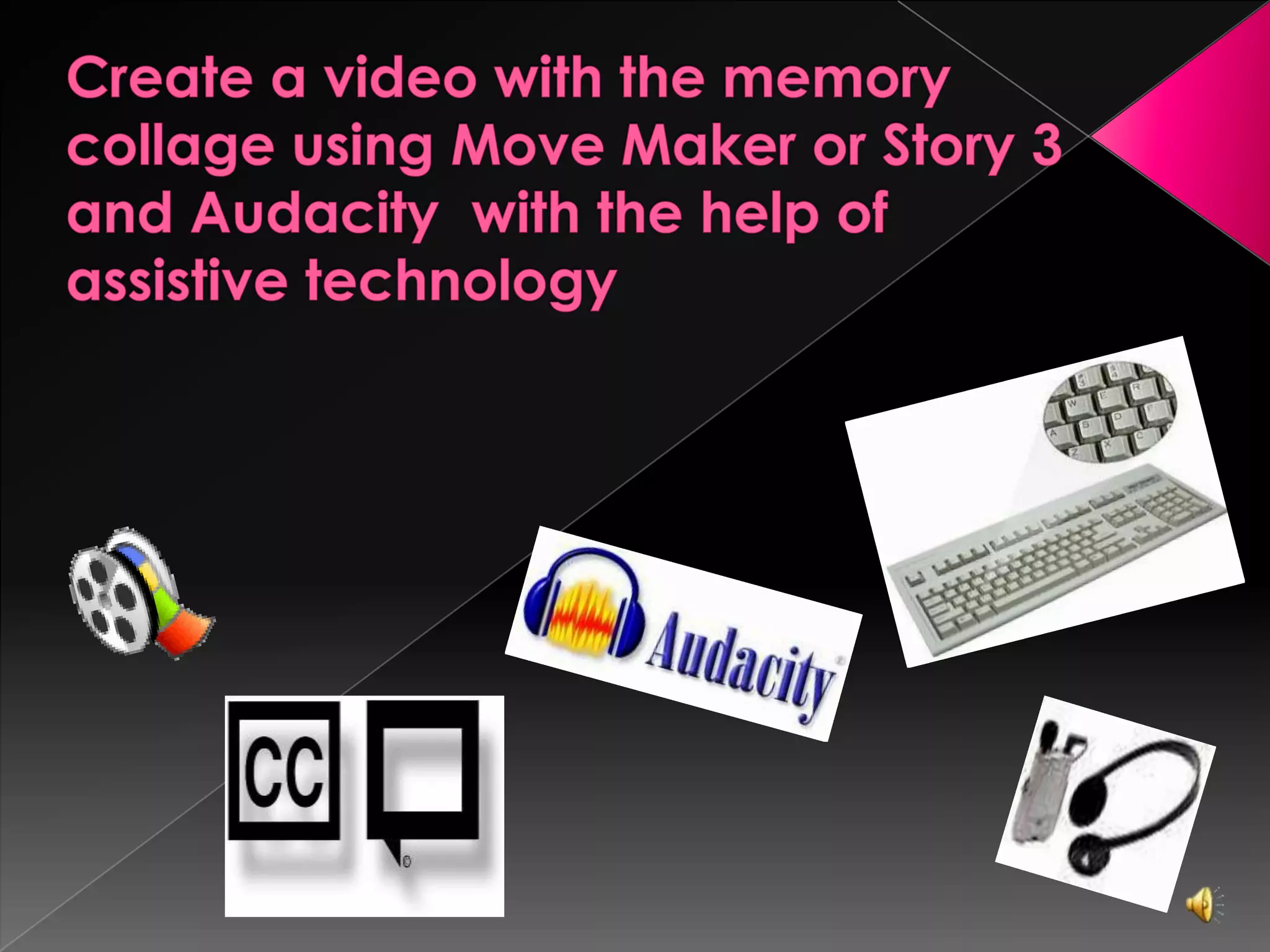
    Adaptive Technology Braille keyboard Assistive Listening Device Text to Speech Closed Caption
  • 12.
  • 13.
  • 14.
  • 15.
    Create a digitalmemory using Picasa http://picasa.google.com
  • 16.
    Upload collage towiki page, write reflection and write a critique of another student’s work.http://www.wikispaces.comWikispaces
  • 17.
    Create a videowith the memory collage using Move Maker or Story 3 and Audacity with the help of assistive technology
  • 18.
    Group Video isuploaded to YouTube and Wikiwww.youtube.comwww.wikispaces.com
  • 19.
  • 20.
    Summative Assessments Teacher’s feedback, Success of student project, Review wiki page, Conduct a SurveyMonkey
  • 21.
    ResourcesLieberman, A. (Ed.).(1996, May). Rethinking professional development [Online]. Available:http://www.ed.gov/pubs/IASA/newsletters/profdev/pt1.htmlJakes, David (2007). Professional Development and Web 2.0, article retrieved on March 26, 2011 fromhttp://www.techlearning.com/article/7234Honey, M., Culp, K. M., & Spielvogel, R. (1999). Using technology to improve student achievement [Online]. Available:http://www.ncrel.org/sdrs/areas/issues/methods/technlgy/te800.htm#profdevSolomon, G., & Schrum, L. (2007). Web 2.0: New tools, new schools. Eugene, OR: International Society for Technology in EducationTEA - Art 1 TEKS. 2009  Retrieved on March 25th, 2011. http://ritter.tea.state.tx.us/rules/tac/chapter117/ch117c.htmlMcCulloch, Linda (2004). A Special Education Guide to Assistive Technology. Montana Office of Public Instruction. Retrieved March 23, 2011 from http://opi.mt.gov/pdf/SpecED/guides/AssistiveTechGuide.pdfPitler, H., Hubbell, E., Kuhn, M., & Malenoski, K. (2007). Using Technology with Classroom Instruction That Works. Association for Supervision and Curriculum Development: Alexandria, VA.