Content Management in SharePoint 2010	Eli RobillardSharePoint Server MVP
Microsoft SharePoint 2010SitesConnect and Empower PeopleCommunitiesCompositesCut Costs with a Unified InfrastructureContentInsightsRapidly Respond to Business NeedsSearch
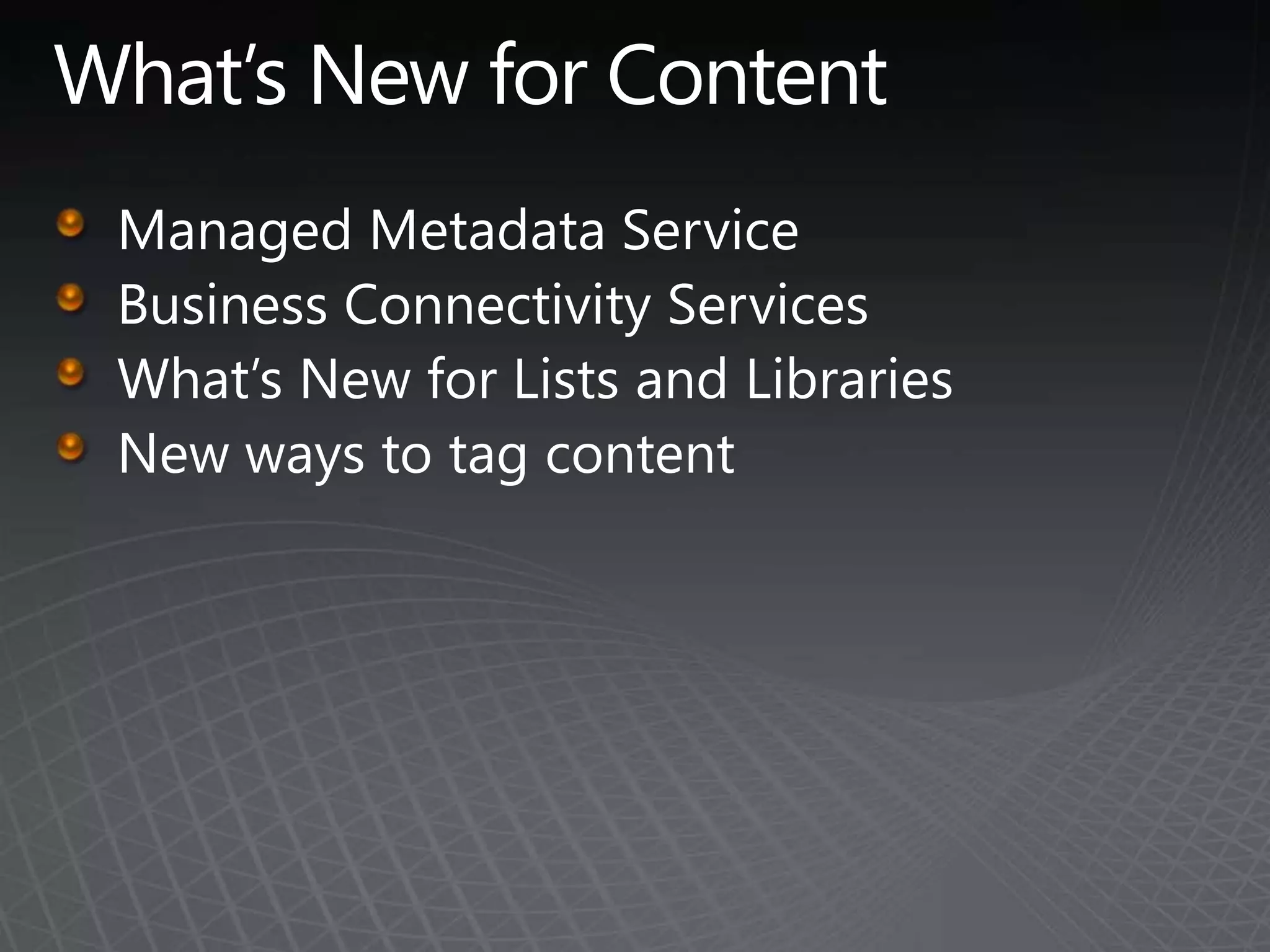
What’s New for ContentManaged Metadata Service Business Connectivity Services What’s New for Lists and Libraries New ways to tag content
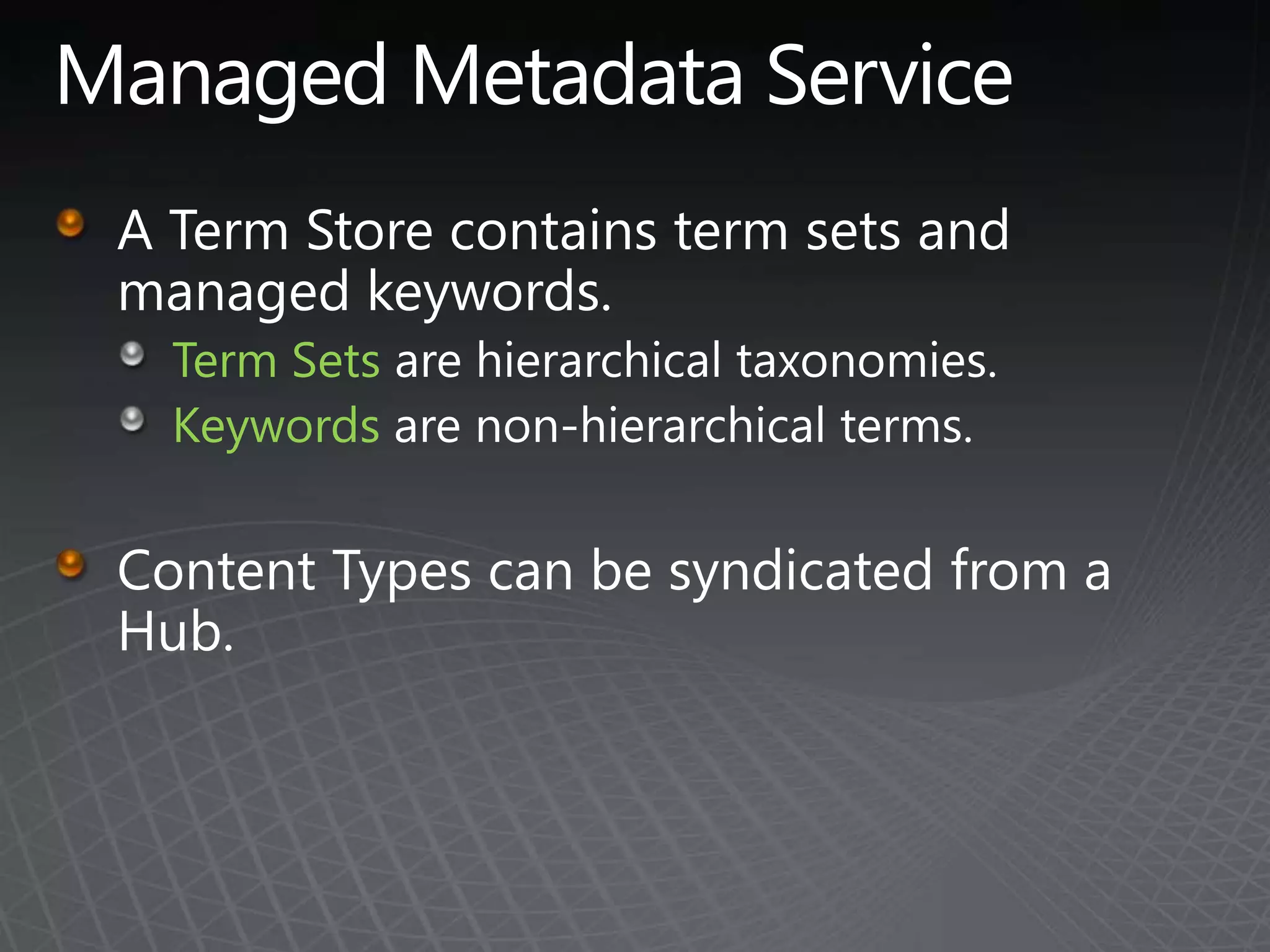
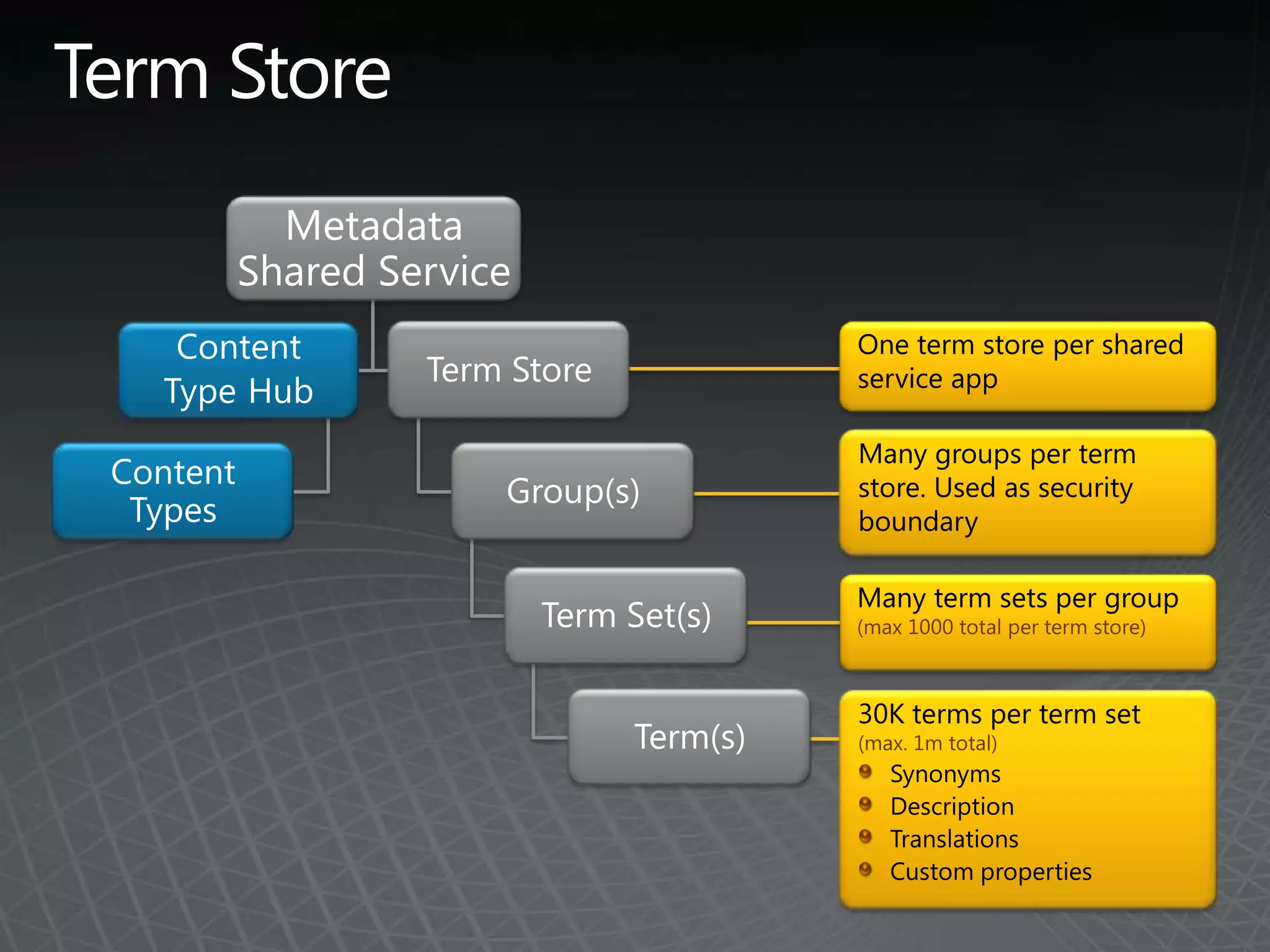
Managed Metadata ServiceA Term Store contains term sets and managed keywords.Term Sets are hierarchical taxonomies.Keywords are non-hierarchical terms.Content Types can be syndicated from a Hub.
Term StoreMetadata Shared ServiceOne term store per shared service appTerm StoreContentTypeHubMany groups per term store. Used as security boundaryContent TypesGroup(s)Many term sets per group (max 1000 total per term store)Term Set(s)30K terms per term set (max. 1m total)SynonymsDescriptionTranslationsCustom propertiesTerm(s)
Managed Metadata Service
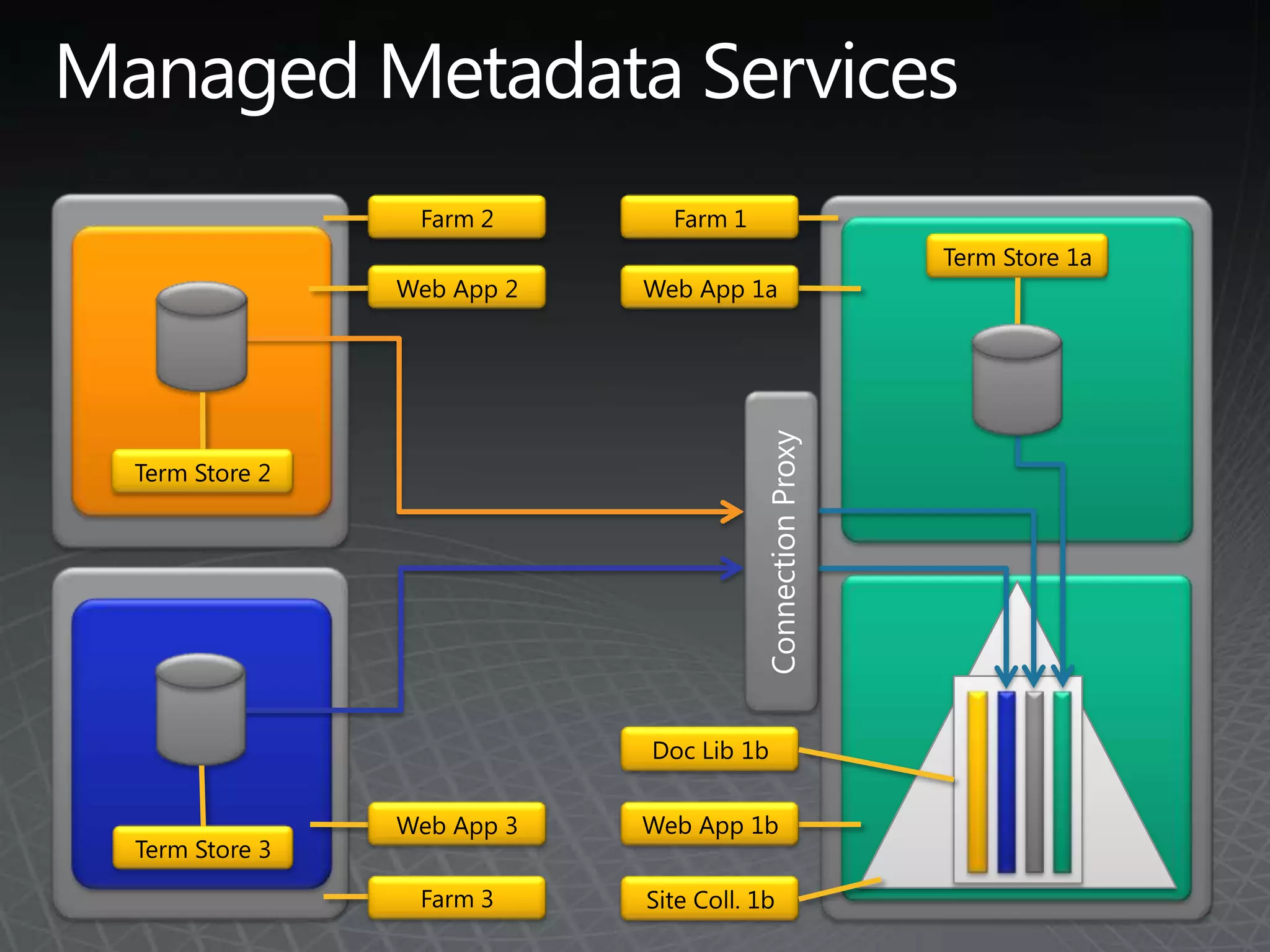
Managed Metadata ServicesFarm 1Farm 2Term Store 1aWeb App 2Web App 1aConnection ProxyTerm Store 2Doc Lib 1bWeb App 1bWeb App 3Term Store 3Farm 3Site Coll. 1b
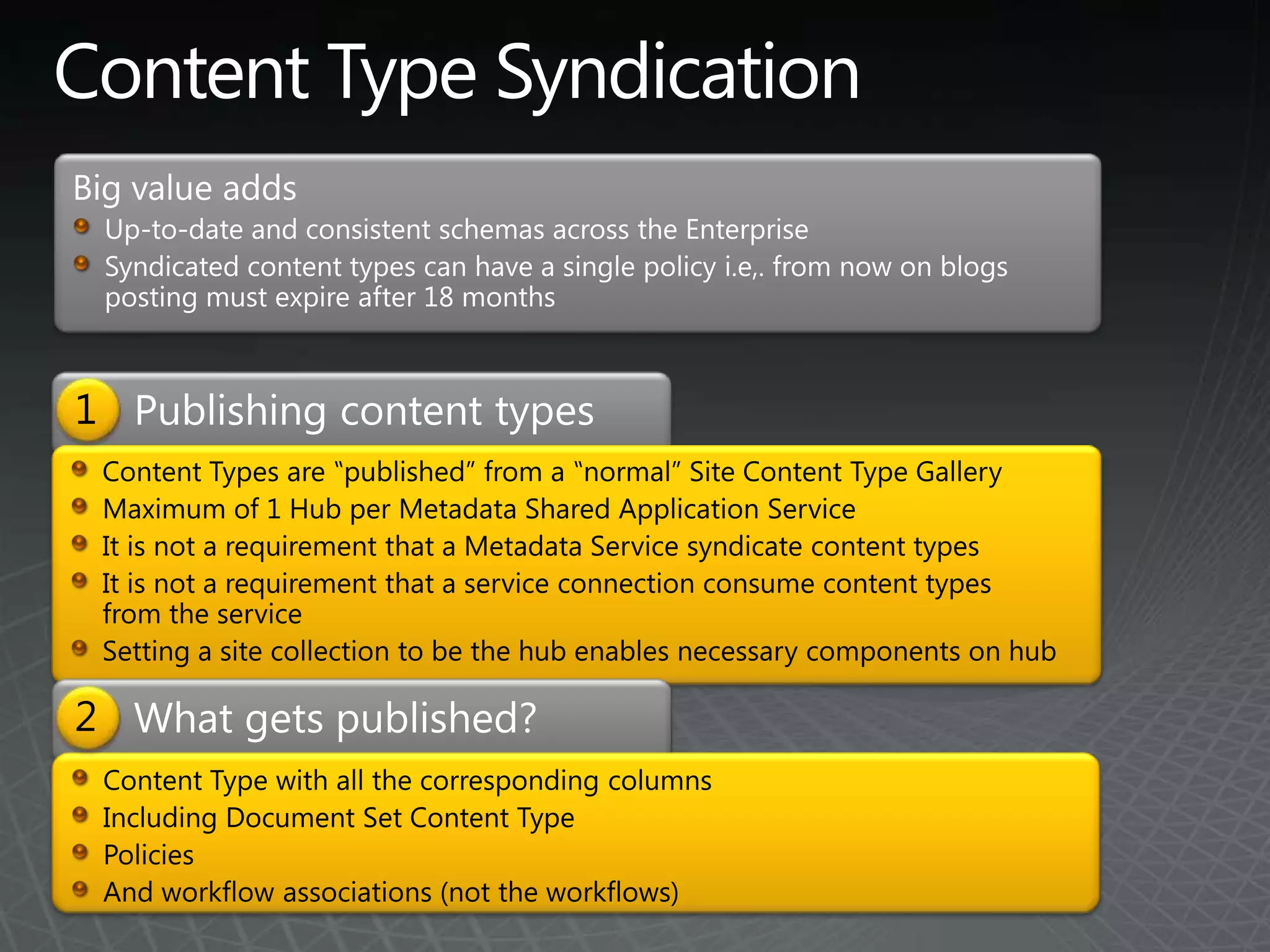
Content Type SyndicationBig value addsUp-to-date and consistent schemas across the EnterpriseSyndicated content types can have a single policy i.e,. from now on blogs posting must expire after 18 monthsPublishing content types1Content Types are ‟published” from a ‟normal” Site Content Type GalleryMaximum of 1 Hub per Metadata Shared Application ServiceIt is not a requirement that a Metadata Service syndicate content typesIt is not a requirement that a service connection consume content types from the serviceSetting a site collection to be the hub enables necessary components on hubWhat gets published?2Content Type with all the corresponding columnsIncluding Document Set Content TypePoliciesAnd workflow associations (not the workflows)
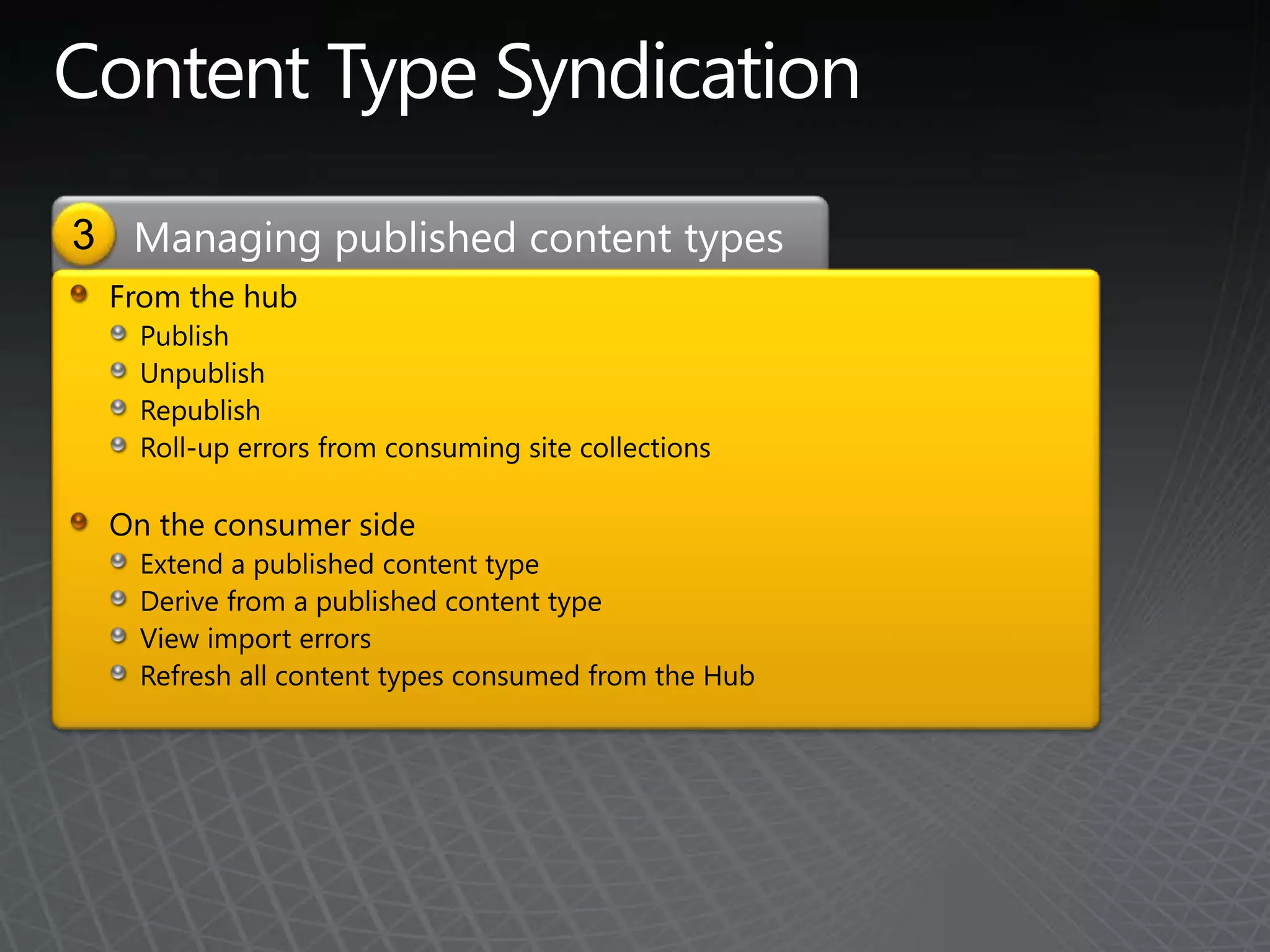
Content Type Syndication3Managing published content typesFrom the hubPublish UnpublishRepublishRoll-up errors from consuming site collectionsOn the consumer sideExtend a published content typeDerive from a published content typeView import errorsRefresh all content types consumed from the Hub
Business Connectivity ServicesExternal Content TypesBusiness Data Connectivity (BDC)
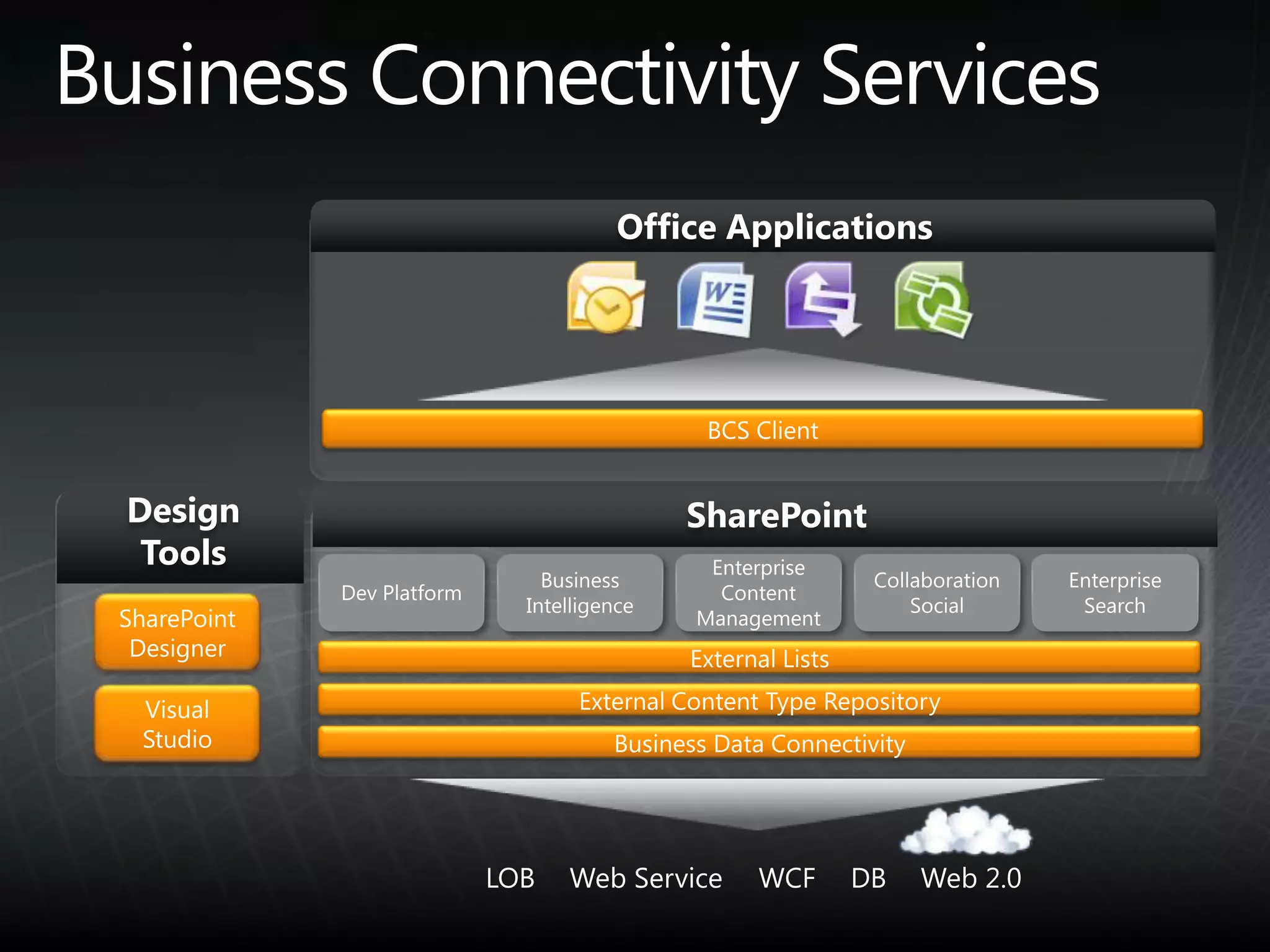
SharePointDesign ToolsOffice ApplicationsBCS ClientDev PlatformEnterprise SearchBusiness IntelligenceCollaboration SocialEnterprise Content ManagementSharePointDesignerExternal ListsExternal Content Type RepositoryVisual StudioBusiness Data ConnectivityWeb 2.0DBWCFWeb ServiceLOBBusiness Connectivity Services
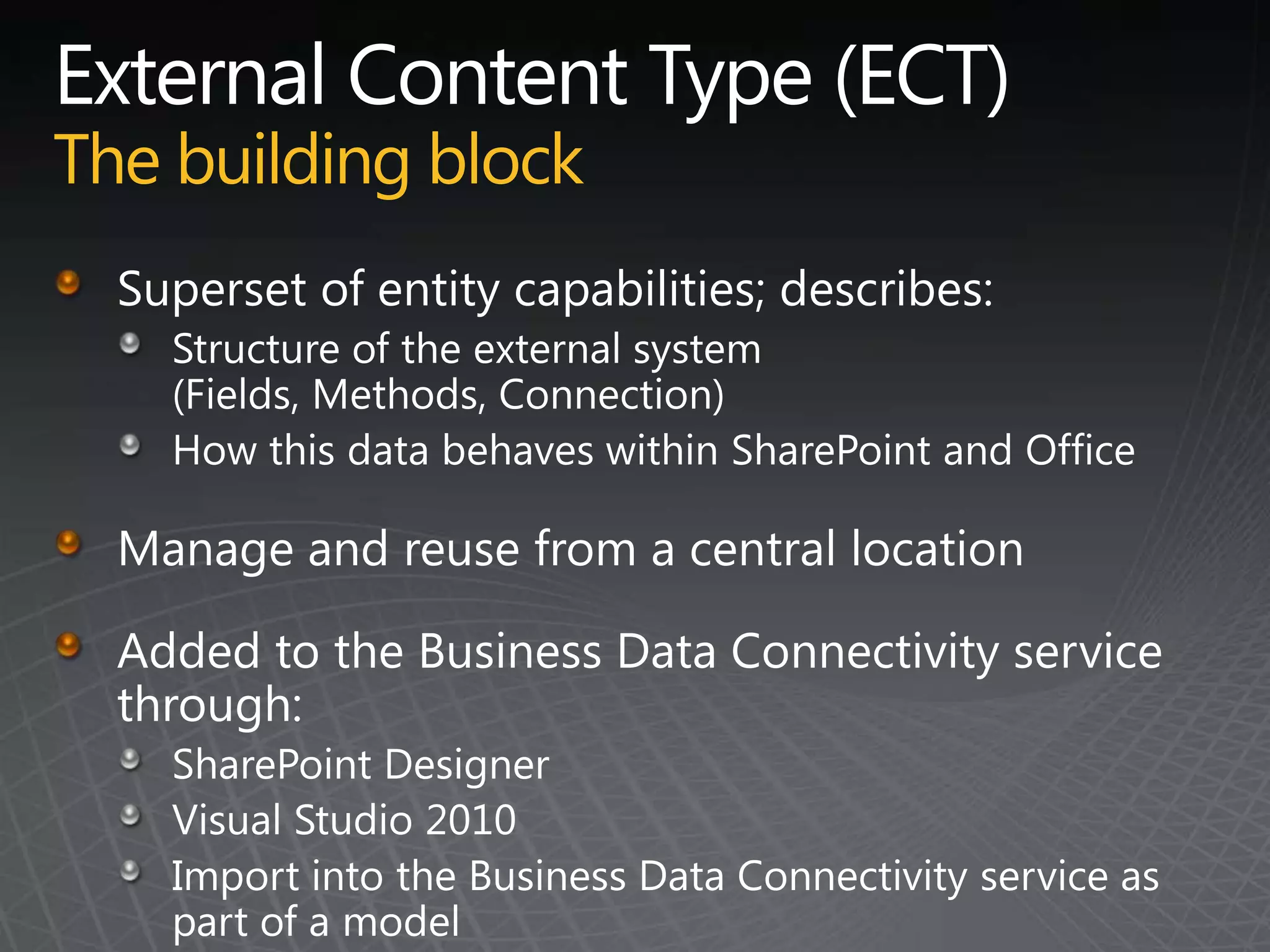
External Content Type (ECT)The building blockSuperset of entity capabilities; describes:Structure of the external system (Fields, Methods, Connection)How this data behaves within SharePoint and OfficeManage and reuse from a central locationAdded to the Business Data Connectivity service through:SharePoint DesignerVisual Studio 2010Import into the Business Data Connectivity service as part of a model
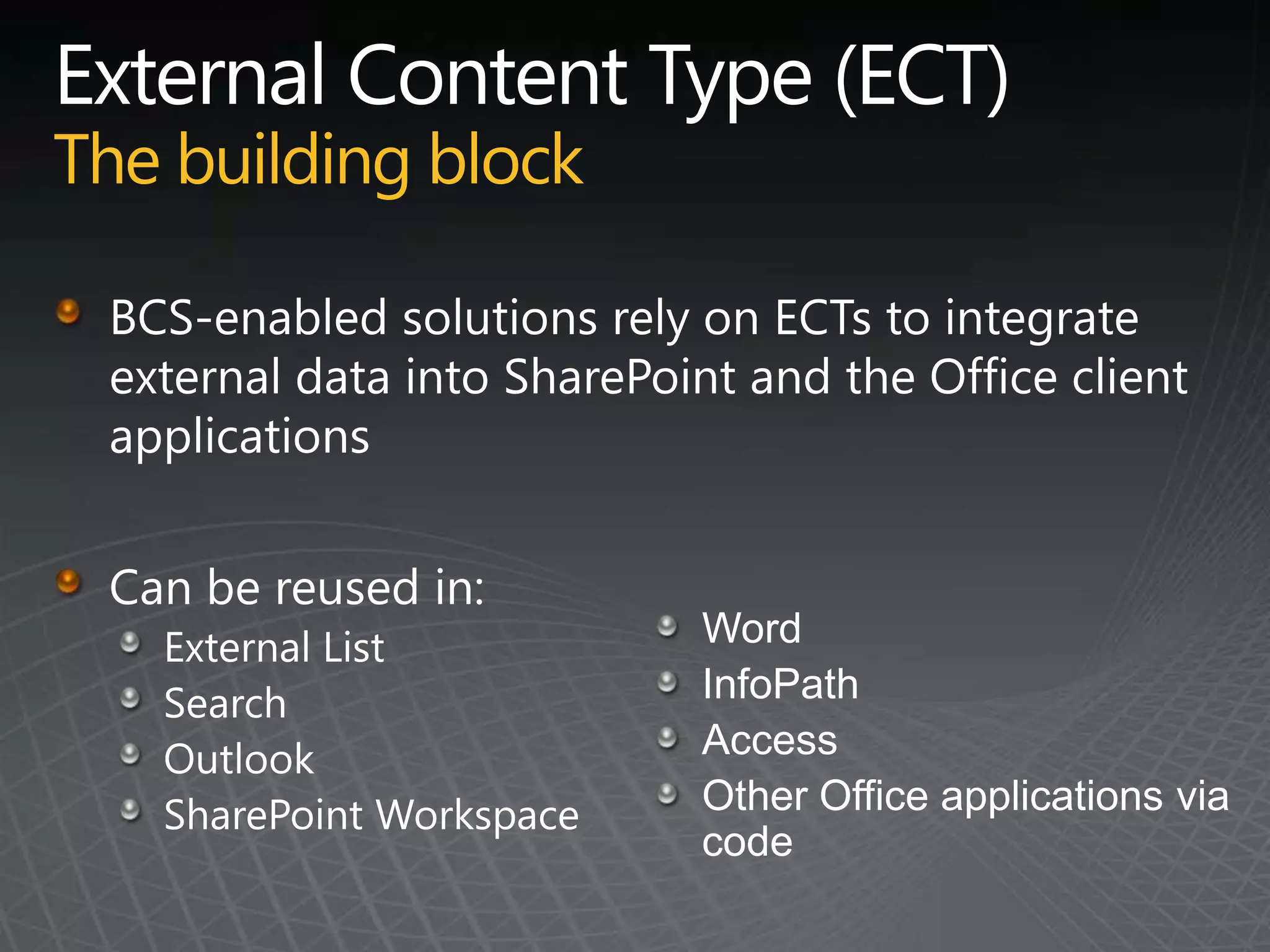
External Content Type (ECT)The building blockBCS-enabled solutions rely on ECTs to integrate external data into SharePoint and the Office client applicationsCan be reused in:External ListSearchOutlookSharePoint Workspace WordInfoPathAccessOther Office applications via code
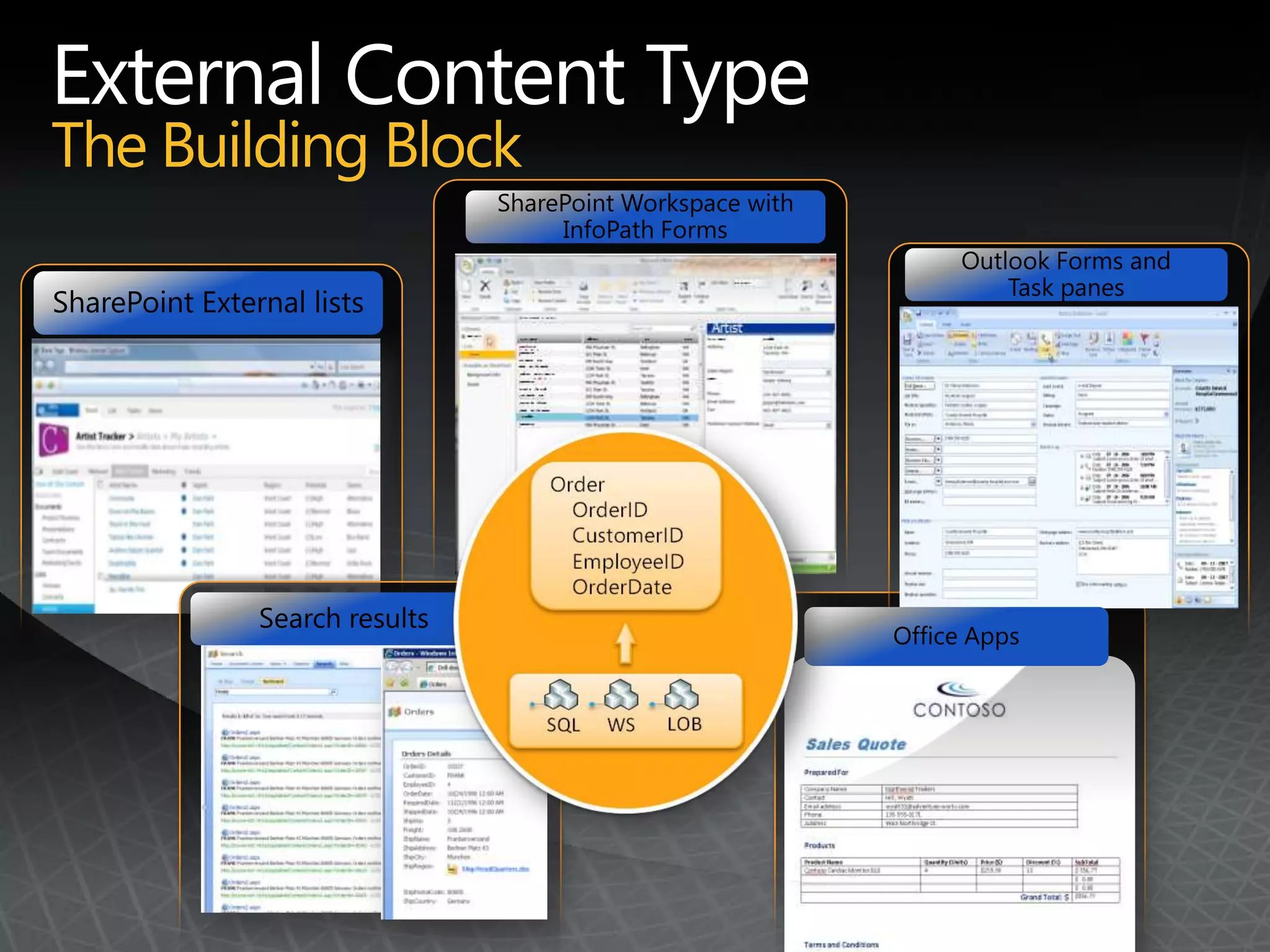
External Content TypeThe Building BlockSharePoint Workspace with InfoPath FormsOutlook Forms andTask panesSharePoint External listsSearch resultsOffice Apps
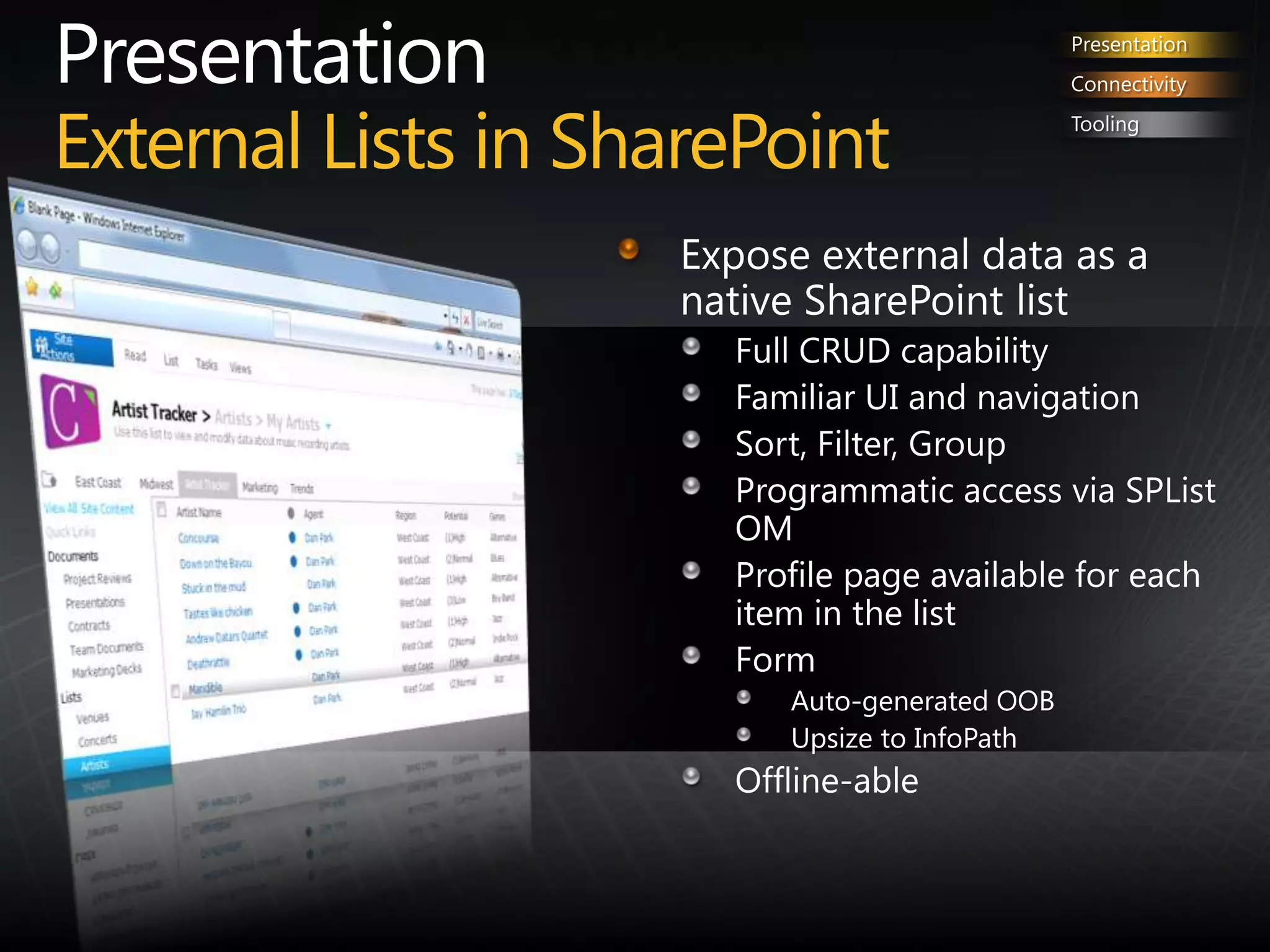
PresentationExternal Lists in SharePointPresentationConnectivityToolingExpose external data as a native SharePoint list Full CRUD capability Familiar UI and navigationSort, Filter, GroupProgrammatic access via SPList OMProfile page available for each item in the list FormAuto-generated OOBUpsize to InfoPathOffline-able
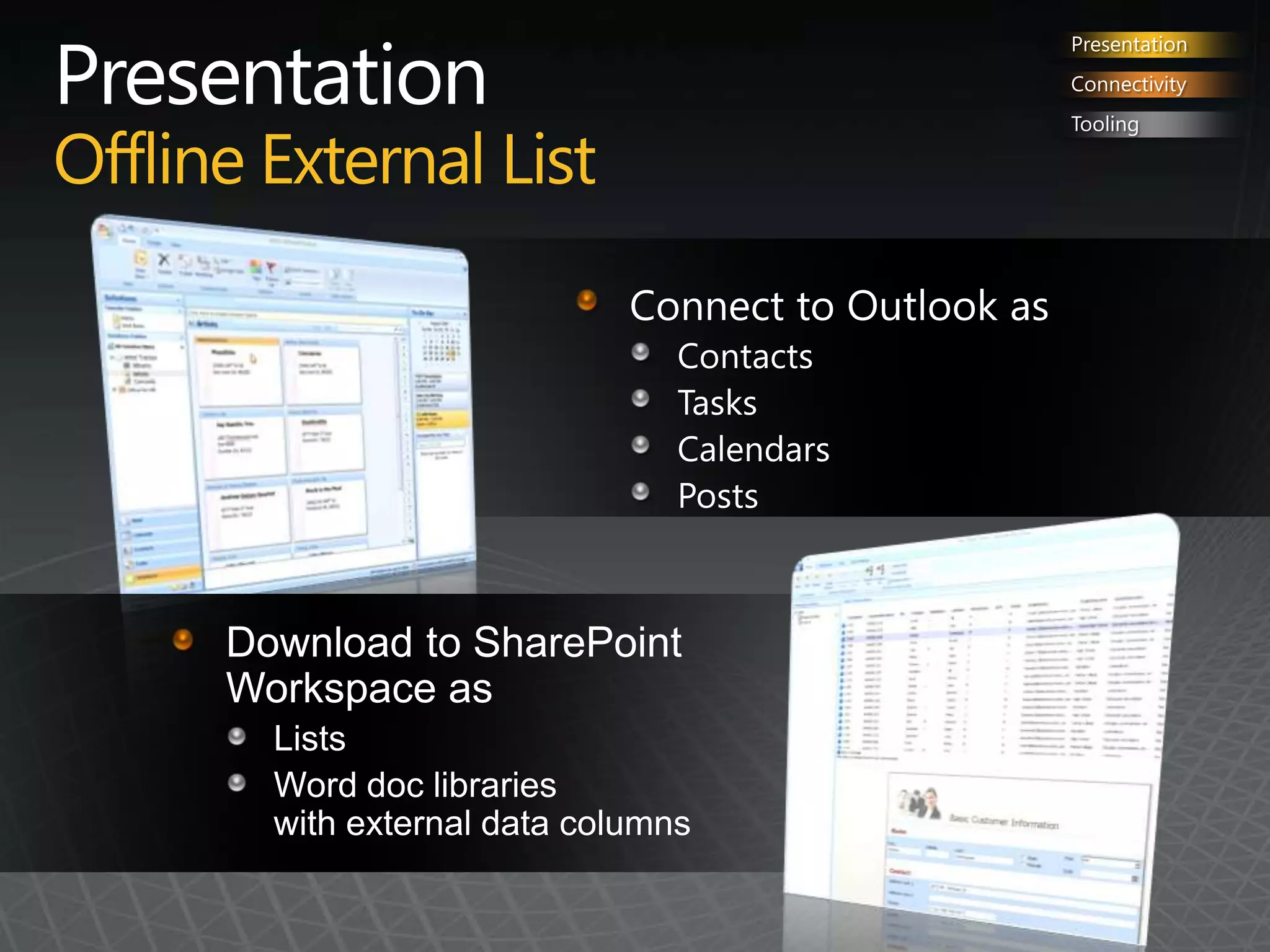
PresentationOffline External ListPresentationConnectivityToolingConnect to Outlook asContactsTasksCalendarsPostsDownload to SharePoint Workspace as ListsWord doc libraries with external data columns
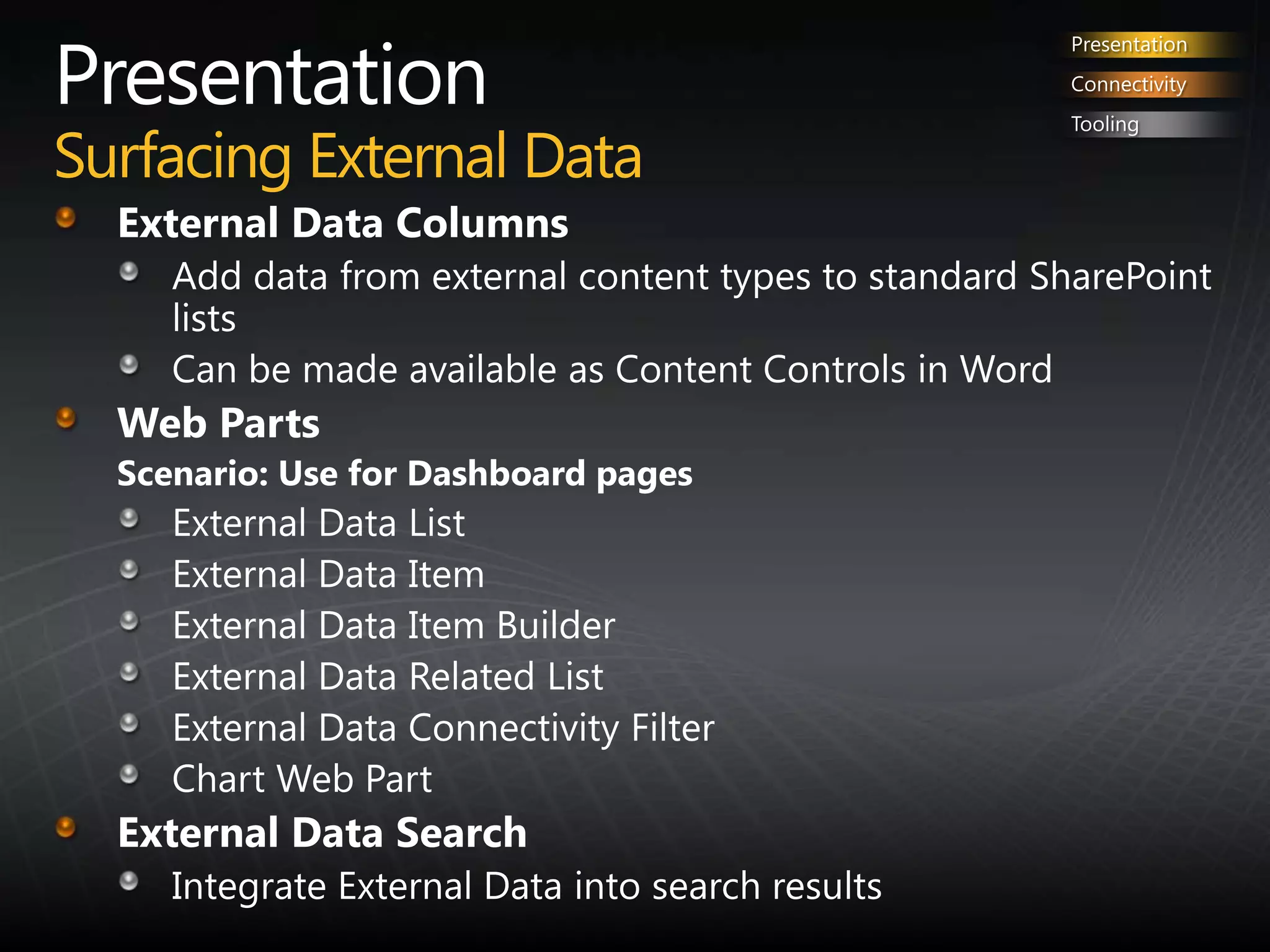
PresentationSurfacing External DataPresentationConnectivityToolingExternal Data Columns Add data from external content types to standard SharePoint listsCan be made available as Content Controls in WordWeb PartsScenario: Use for Dashboard pagesExternal Data List External Data ItemExternal Data Item BuilderExternal Data Related ListExternal Data Connectivity FilterChart Web PartExternal Data Search Integrate External Data into search results
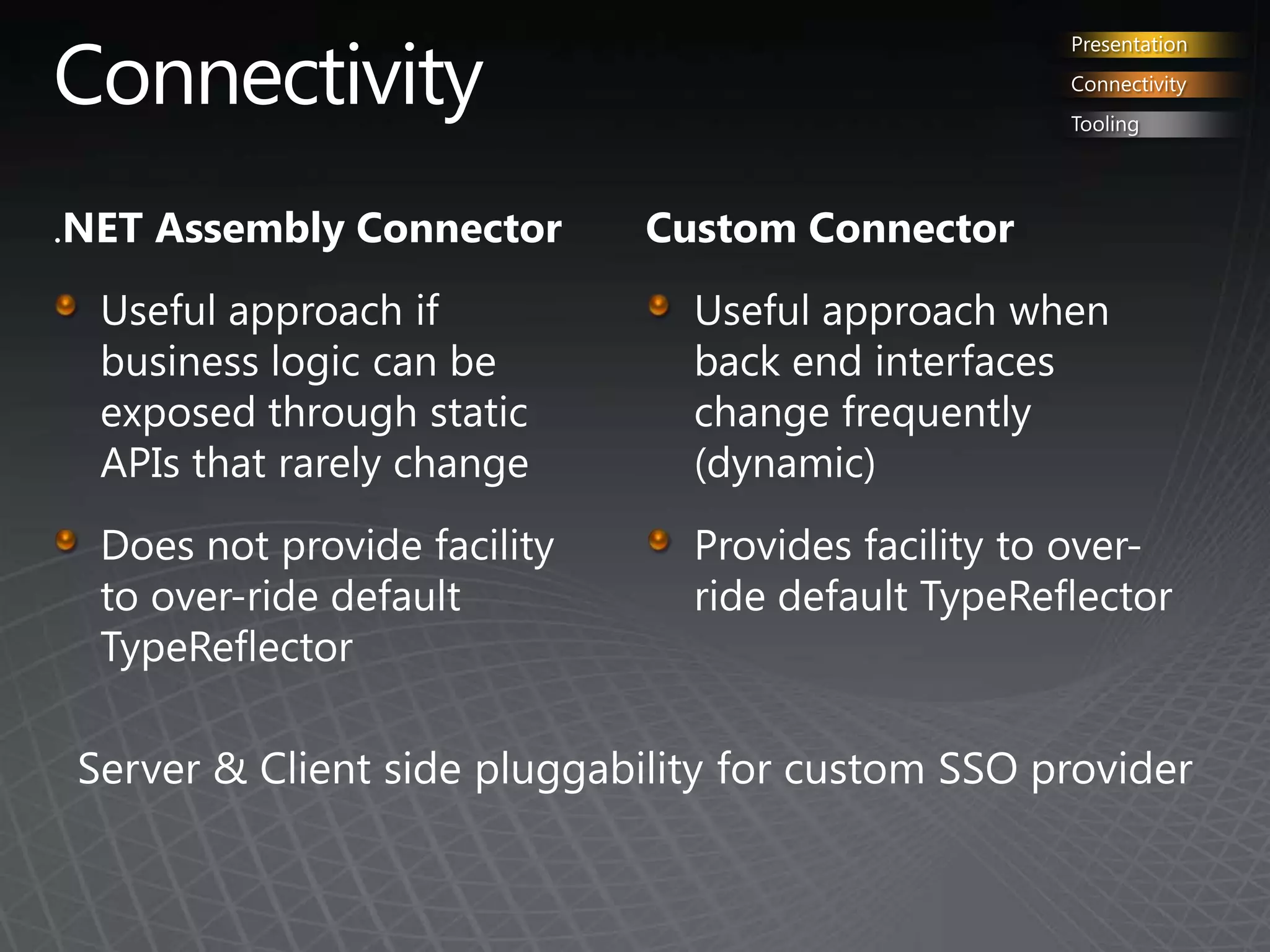
ConnectivityPresentationConnectivityTooling.NET Assembly ConnectorUseful approach if business logic can be exposed through static APIs that rarely changeDoes not provide facility to over-ride default TypeReflectorCustom ConnectorUseful approach when back end interfaces change frequently  (dynamic)Provides facility to over-ride default TypeReflectorServer & Client side pluggability for customSSO provider
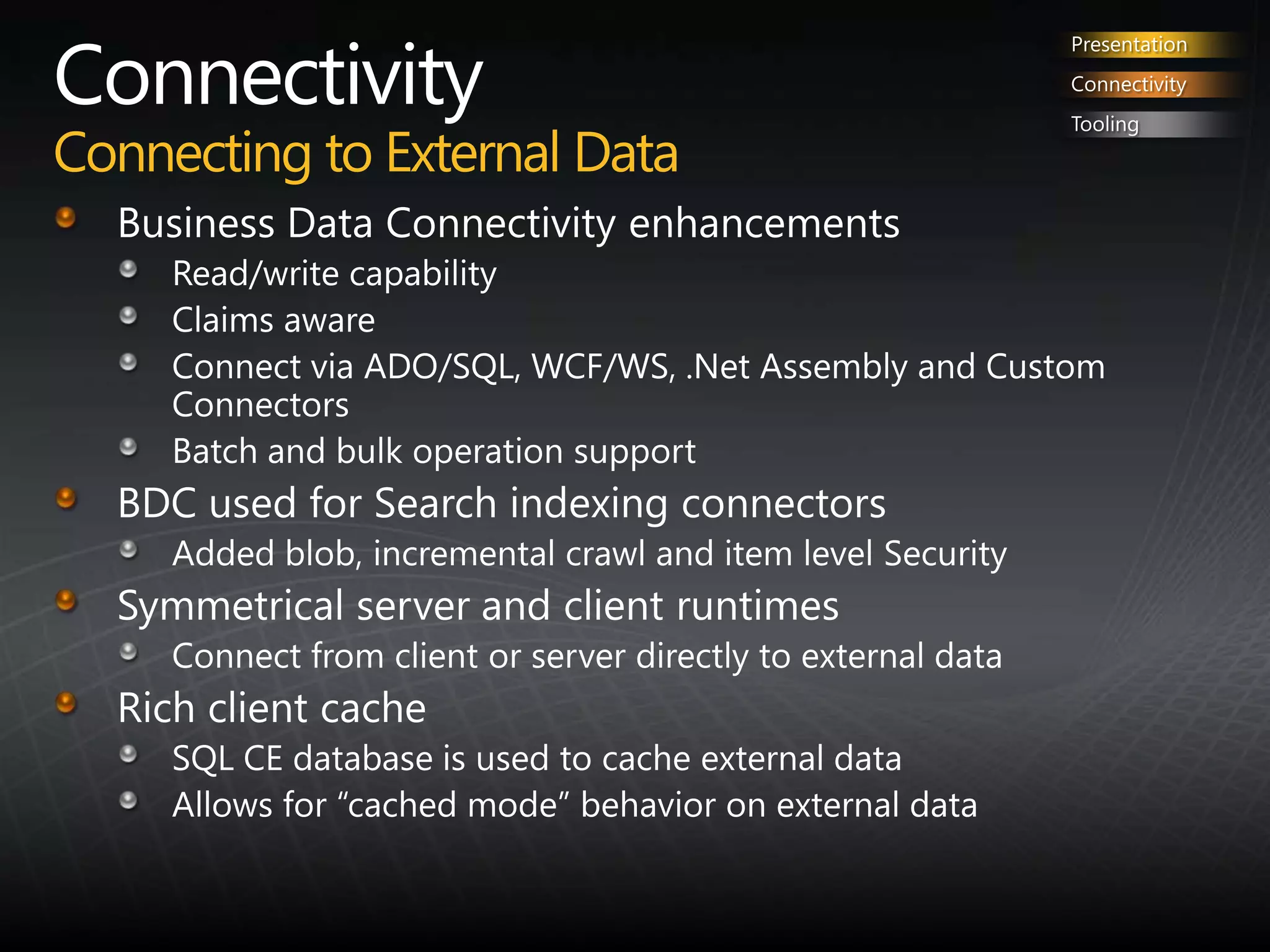
ConnectivityConnecting to External DataPresentationConnectivityToolingBusiness Data Connectivity enhancementsRead/write capabilityClaims awareConnect via ADO/SQL, WCF/WS, .Net Assembly and Custom ConnectorsBatch and bulk operation supportBDC used for Search indexing connectorsAdded blob, incremental crawl and item level SecuritySymmetrical server and client runtimesConnect from client or server directly to external dataRich client cacheSQL CE database is used to cache external dataAllows for “cached mode” behavior on external data
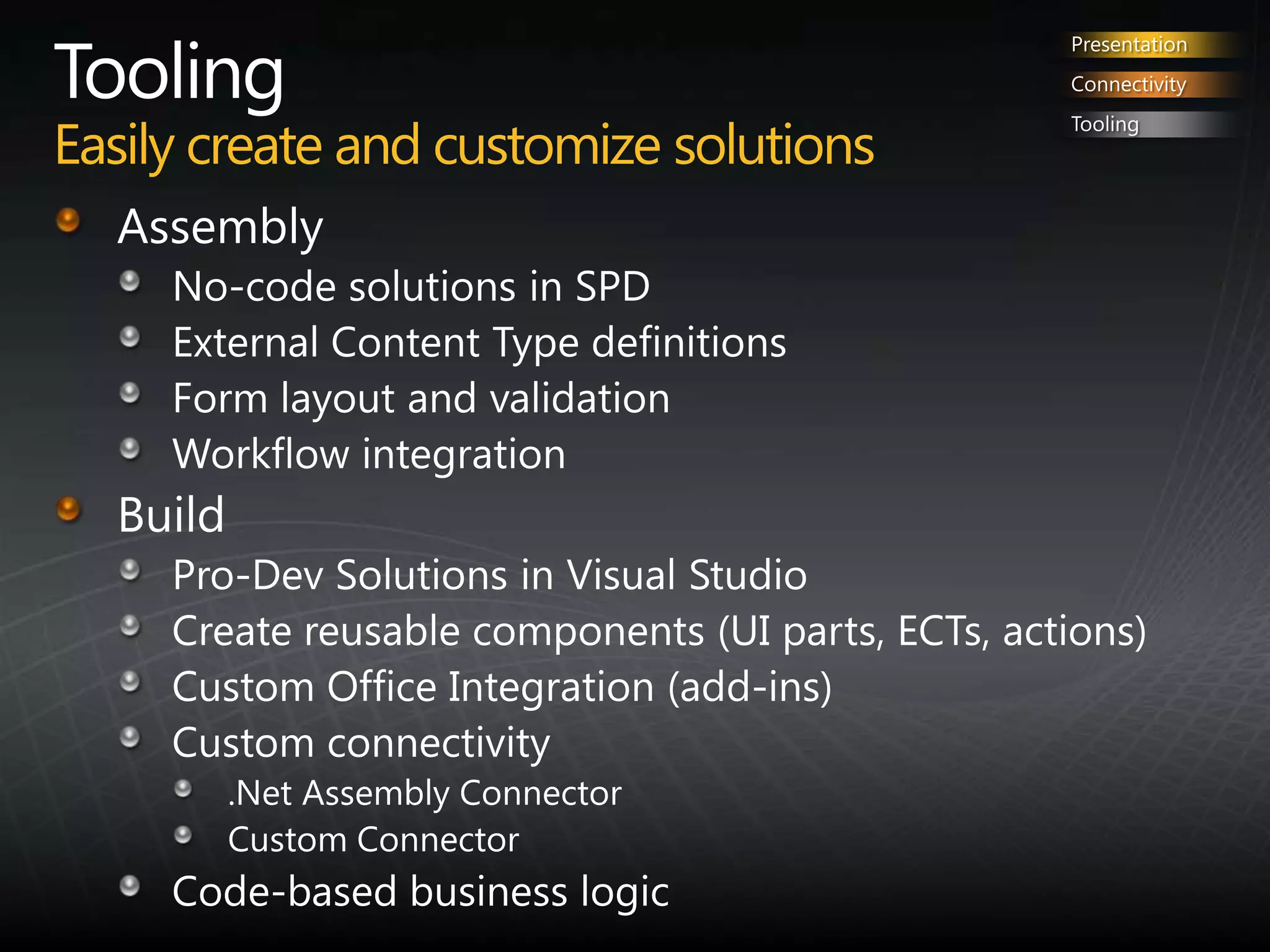
ToolingEasily create and customize solutionsPresentationConnectivityToolingAssemblyNo-code solutions in SPDExternal Content Type definitionsForm layout and validationWorkflow integrationBuild Pro-Dev Solutions in Visual StudioCreate reusable components (UI parts, ECTs, actions)Custom Office Integration (add-ins)Custom connectivity.Net Assembly ConnectorCustom ConnectorCode-based business logic
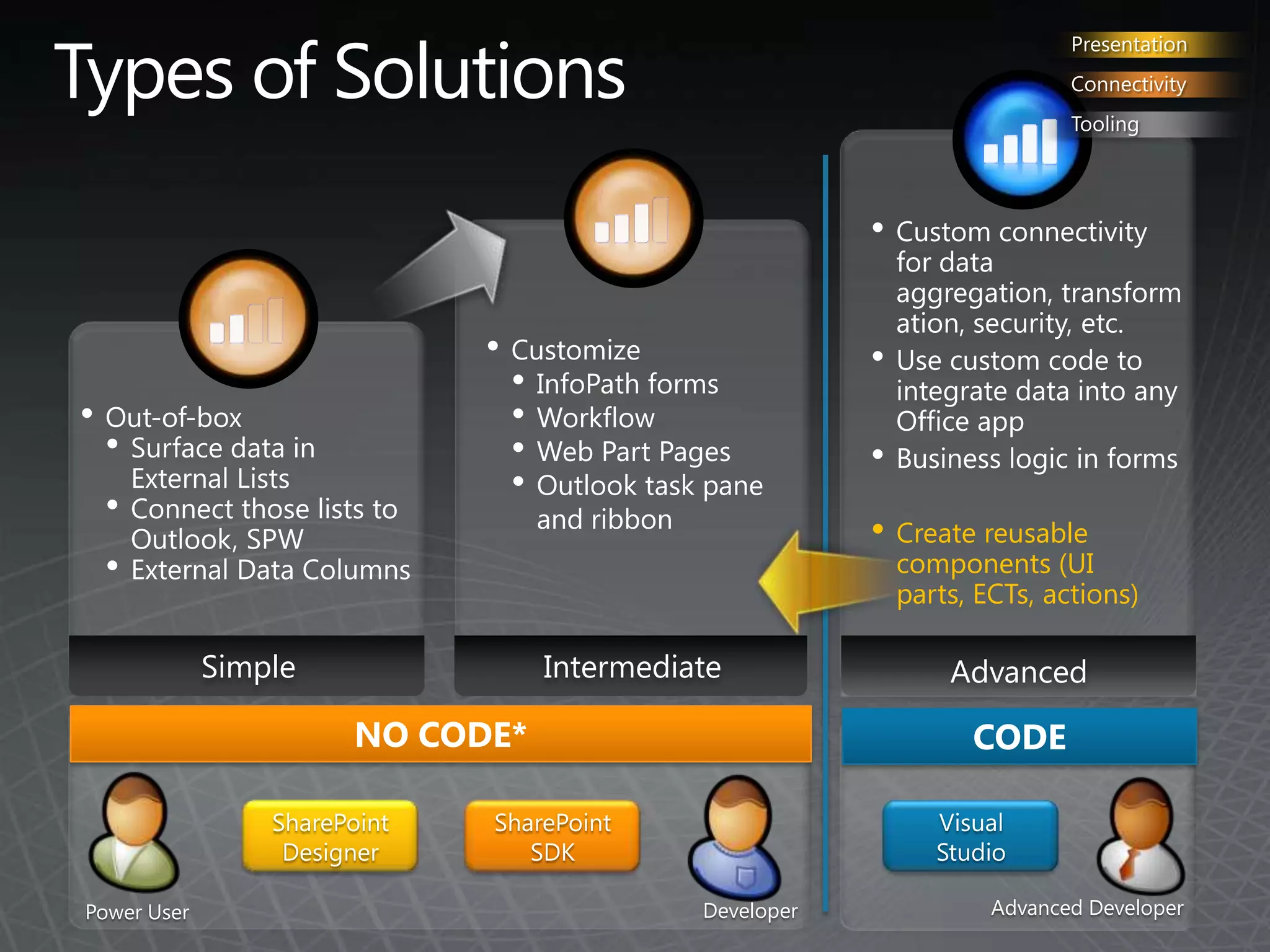
Types of SolutionsPresentationConnectivityToolingCustom connectivity for data aggregation, transformation, security, etc.
Use custom code to integrate data into any Office app
Business logic in forms
Create reusable components (UI parts, ECTs, actions)
Customize
InfoPath forms
Workflow
Web Part Pages
Outlook task pane and ribbon
Out-of-box
Surface data in External Lists
Connect those lists to Outlook, SPW
External Data ColumnsIntermediateSimpleAdvancedNO CODE*CODESharePoint DesignerSharePoint SDKVisualStudioAdvanced DeveloperDeveloperPower User
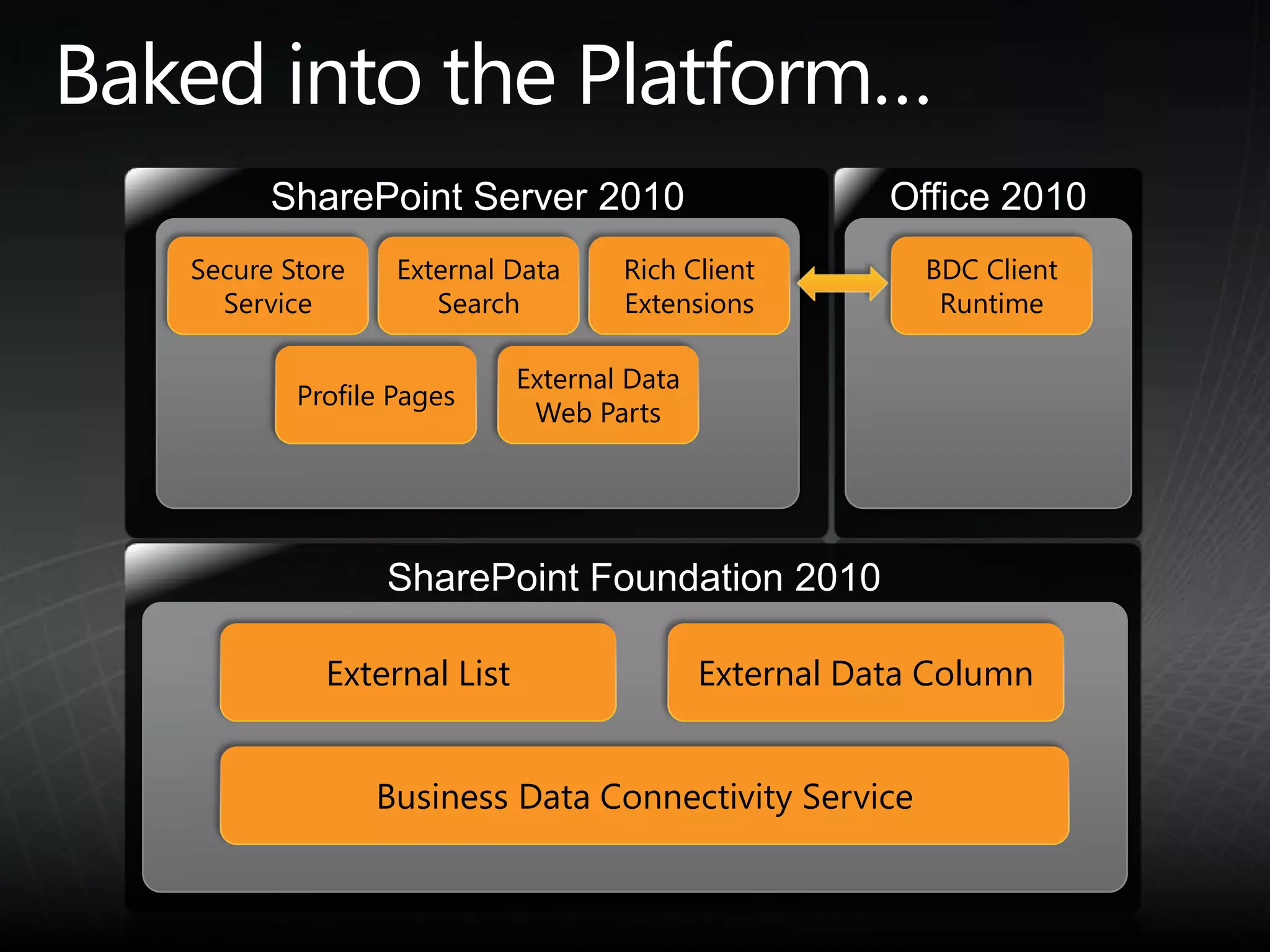
Baked into the Platform…SharePoint Server 2010Office 2010Secure Store ServiceExternal Data SearchRich Client ExtensionsBDC Client RuntimeExternal Data Web PartsProfile PagesSharePoint Foundation 2010External ListExternal Data ColumnBusiness Data Connectivity Service
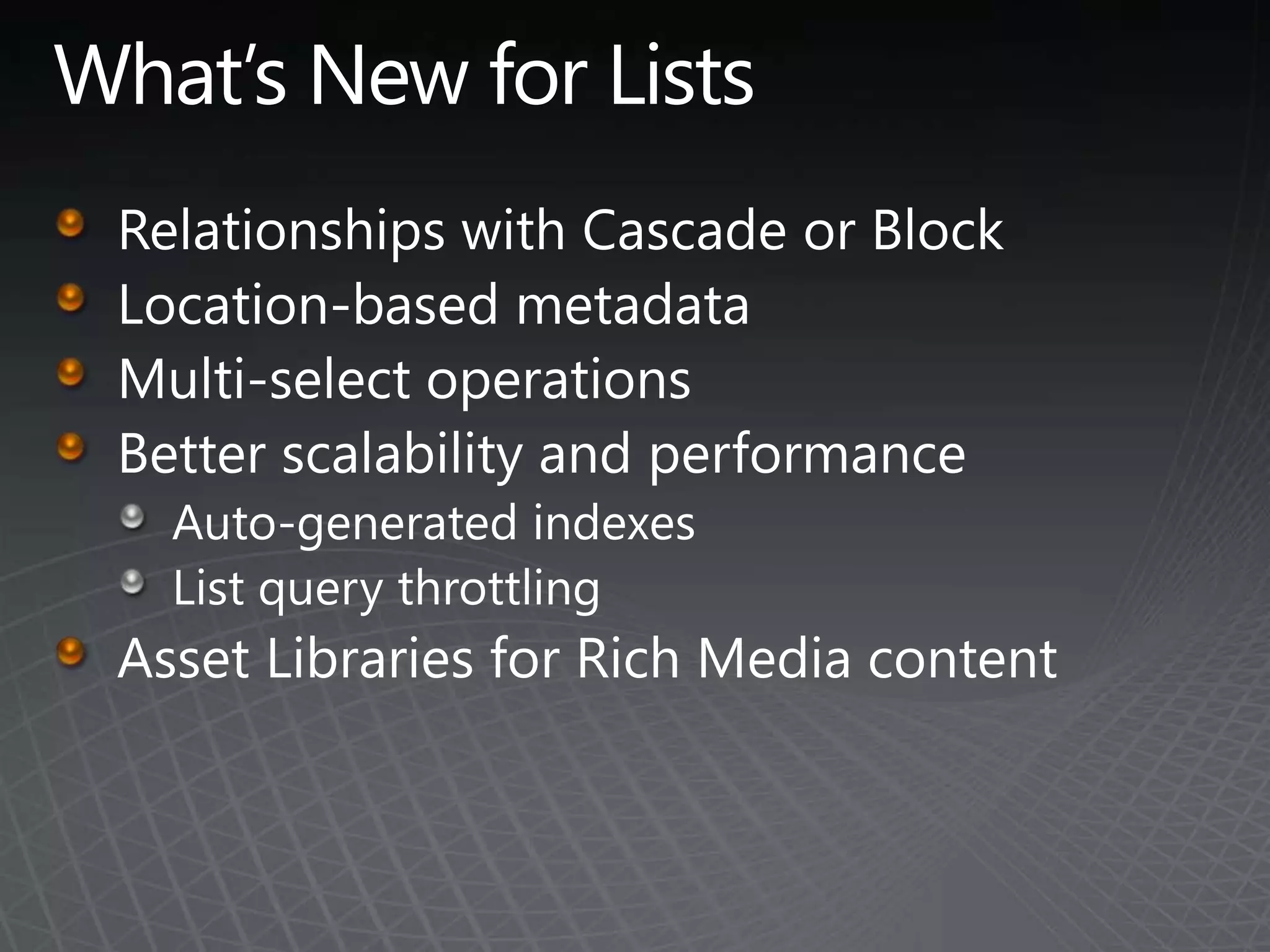
What’s New for ListsRelationships with Cascade or BlockLocation-based metadataMulti-select operationsBetter scalability and performanceAuto-generated indexesList query throttlingAsset Libraries for Rich Media content
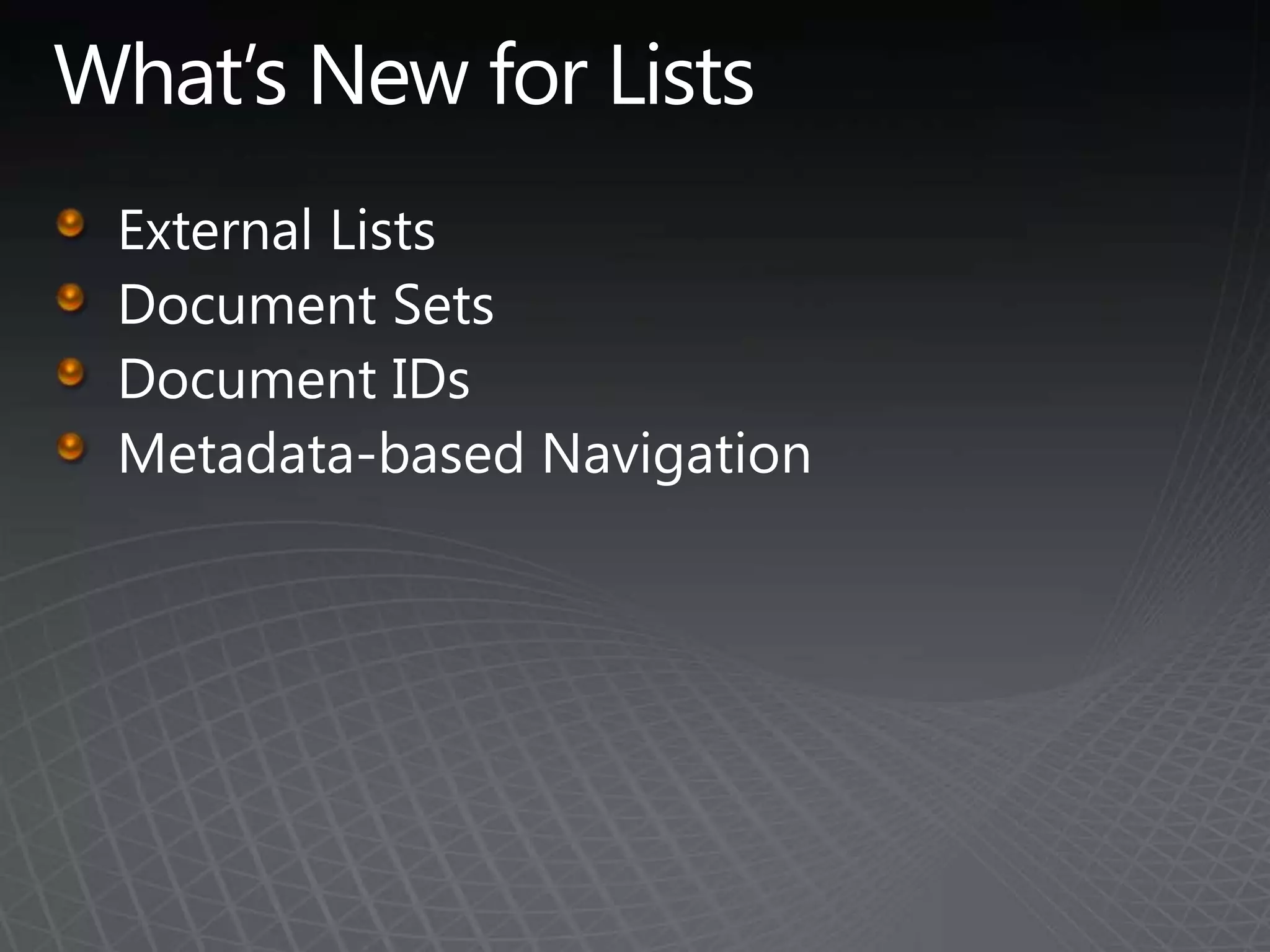
What’s New for ListsExternal ListsDocument SetsDocument IDsMetadata-based Navigation

TSPUG: Content Management in SharePoint 2010

  • 1.
    Content Management inSharePoint 2010 Eli RobillardSharePoint Server MVP
  • 2.
    Microsoft SharePoint 2010SitesConnectand Empower PeopleCommunitiesCompositesCut Costs with a Unified InfrastructureContentInsightsRapidly Respond to Business NeedsSearch
  • 3.
    What’s New forContentManaged Metadata Service Business Connectivity Services What’s New for Lists and Libraries New ways to tag content
  • 4.
    Managed Metadata ServiceATerm Store contains term sets and managed keywords.Term Sets are hierarchical taxonomies.Keywords are non-hierarchical terms.Content Types can be syndicated from a Hub.
  • 5.
    Term StoreMetadata SharedServiceOne term store per shared service appTerm StoreContentTypeHubMany groups per term store. Used as security boundaryContent TypesGroup(s)Many term sets per group (max 1000 total per term store)Term Set(s)30K terms per term set (max. 1m total)SynonymsDescriptionTranslationsCustom propertiesTerm(s)
  • 6.
  • 7.
    Managed Metadata ServicesFarm1Farm 2Term Store 1aWeb App 2Web App 1aConnection ProxyTerm Store 2Doc Lib 1bWeb App 1bWeb App 3Term Store 3Farm 3Site Coll. 1b
  • 8.
    Content Type SyndicationBigvalue addsUp-to-date and consistent schemas across the EnterpriseSyndicated content types can have a single policy i.e,. from now on blogs posting must expire after 18 monthsPublishing content types1Content Types are ‟published” from a ‟normal” Site Content Type GalleryMaximum of 1 Hub per Metadata Shared Application ServiceIt is not a requirement that a Metadata Service syndicate content typesIt is not a requirement that a service connection consume content types from the serviceSetting a site collection to be the hub enables necessary components on hubWhat gets published?2Content Type with all the corresponding columnsIncluding Document Set Content TypePoliciesAnd workflow associations (not the workflows)
  • 9.
    Content Type Syndication3Managingpublished content typesFrom the hubPublish UnpublishRepublishRoll-up errors from consuming site collectionsOn the consumer sideExtend a published content typeDerive from a published content typeView import errorsRefresh all content types consumed from the Hub
  • 10.
    Business Connectivity ServicesExternalContent TypesBusiness Data Connectivity (BDC)
  • 11.
    SharePointDesign ToolsOffice ApplicationsBCSClientDev PlatformEnterprise SearchBusiness IntelligenceCollaboration SocialEnterprise Content ManagementSharePointDesignerExternal ListsExternal Content Type RepositoryVisual StudioBusiness Data ConnectivityWeb 2.0DBWCFWeb ServiceLOBBusiness Connectivity Services
  • 12.
    External Content Type(ECT)The building blockSuperset of entity capabilities; describes:Structure of the external system (Fields, Methods, Connection)How this data behaves within SharePoint and OfficeManage and reuse from a central locationAdded to the Business Data Connectivity service through:SharePoint DesignerVisual Studio 2010Import into the Business Data Connectivity service as part of a model
  • 13.
    External Content Type(ECT)The building blockBCS-enabled solutions rely on ECTs to integrate external data into SharePoint and the Office client applicationsCan be reused in:External ListSearchOutlookSharePoint Workspace WordInfoPathAccessOther Office applications via code
  • 14.
    External Content TypeTheBuilding BlockSharePoint Workspace with InfoPath FormsOutlook Forms andTask panesSharePoint External listsSearch resultsOffice Apps
  • 15.
    PresentationExternal Lists inSharePointPresentationConnectivityToolingExpose external data as a native SharePoint list Full CRUD capability Familiar UI and navigationSort, Filter, GroupProgrammatic access via SPList OMProfile page available for each item in the list FormAuto-generated OOBUpsize to InfoPathOffline-able
  • 16.
    PresentationOffline External ListPresentationConnectivityToolingConnectto Outlook asContactsTasksCalendarsPostsDownload to SharePoint Workspace as ListsWord doc libraries with external data columns
  • 17.
    PresentationSurfacing External DataPresentationConnectivityToolingExternalData Columns Add data from external content types to standard SharePoint listsCan be made available as Content Controls in WordWeb PartsScenario: Use for Dashboard pagesExternal Data List External Data ItemExternal Data Item BuilderExternal Data Related ListExternal Data Connectivity FilterChart Web PartExternal Data Search Integrate External Data into search results
  • 18.
    ConnectivityPresentationConnectivityTooling.NET Assembly ConnectorUsefulapproach if business logic can be exposed through static APIs that rarely changeDoes not provide facility to over-ride default TypeReflectorCustom ConnectorUseful approach when back end interfaces change frequently (dynamic)Provides facility to over-ride default TypeReflectorServer & Client side pluggability for customSSO provider
  • 19.
    ConnectivityConnecting to ExternalDataPresentationConnectivityToolingBusiness Data Connectivity enhancementsRead/write capabilityClaims awareConnect via ADO/SQL, WCF/WS, .Net Assembly and Custom ConnectorsBatch and bulk operation supportBDC used for Search indexing connectorsAdded blob, incremental crawl and item level SecuritySymmetrical server and client runtimesConnect from client or server directly to external dataRich client cacheSQL CE database is used to cache external dataAllows for “cached mode” behavior on external data
  • 20.
    ToolingEasily create andcustomize solutionsPresentationConnectivityToolingAssemblyNo-code solutions in SPDExternal Content Type definitionsForm layout and validationWorkflow integrationBuild Pro-Dev Solutions in Visual StudioCreate reusable components (UI parts, ECTs, actions)Custom Office Integration (add-ins)Custom connectivity.Net Assembly ConnectorCustom ConnectorCode-based business logic
  • 21.
    Types of SolutionsPresentationConnectivityToolingCustomconnectivity for data aggregation, transformation, security, etc.
  • 22.
    Use custom codeto integrate data into any Office app
  • 23.
  • 24.
    Create reusable components(UI parts, ECTs, actions)
  • 25.
  • 26.
  • 27.
  • 28.
  • 29.
  • 30.
  • 31.
    Surface data inExternal Lists
  • 32.
    Connect those liststo Outlook, SPW
  • 33.
    External Data ColumnsIntermediateSimpleAdvancedNOCODE*CODESharePoint DesignerSharePoint SDKVisualStudioAdvanced DeveloperDeveloperPower User
  • 34.
    Baked into thePlatform…SharePoint Server 2010Office 2010Secure Store ServiceExternal Data SearchRich Client ExtensionsBDC Client RuntimeExternal Data Web PartsProfile PagesSharePoint Foundation 2010External ListExternal Data ColumnBusiness Data Connectivity Service
  • 35.
    What’s New forListsRelationships with Cascade or BlockLocation-based metadataMulti-select operationsBetter scalability and performanceAuto-generated indexesList query throttlingAsset Libraries for Rich Media content
  • 36.
    What’s New forListsExternal ListsDocument SetsDocument IDsMetadata-based Navigation
  • 37.
    External ListsSurface externaldata to usersSupports all CRUD operationsFamiliar UI (sort, filter, group, etc.)Auto-generated formsOption to upsize to InfoPath forms
  • 38.
    Document SetsA wayto group related filesInherits from FolderCan set location-based metadata Documents Sets can have Document IDs
  • 39.
    Document IDsA uniqueidentifier that follows a document wherever it goes.Documents with IDs have permanent URLs (permalinks) A Doc ID Redirector locates the documentCan use the out-of-box service to generate IDs or build your own
  • 40.
    Metadata-based NavigationFolder-like navigationAuto-generated based on metadata
  • 41.
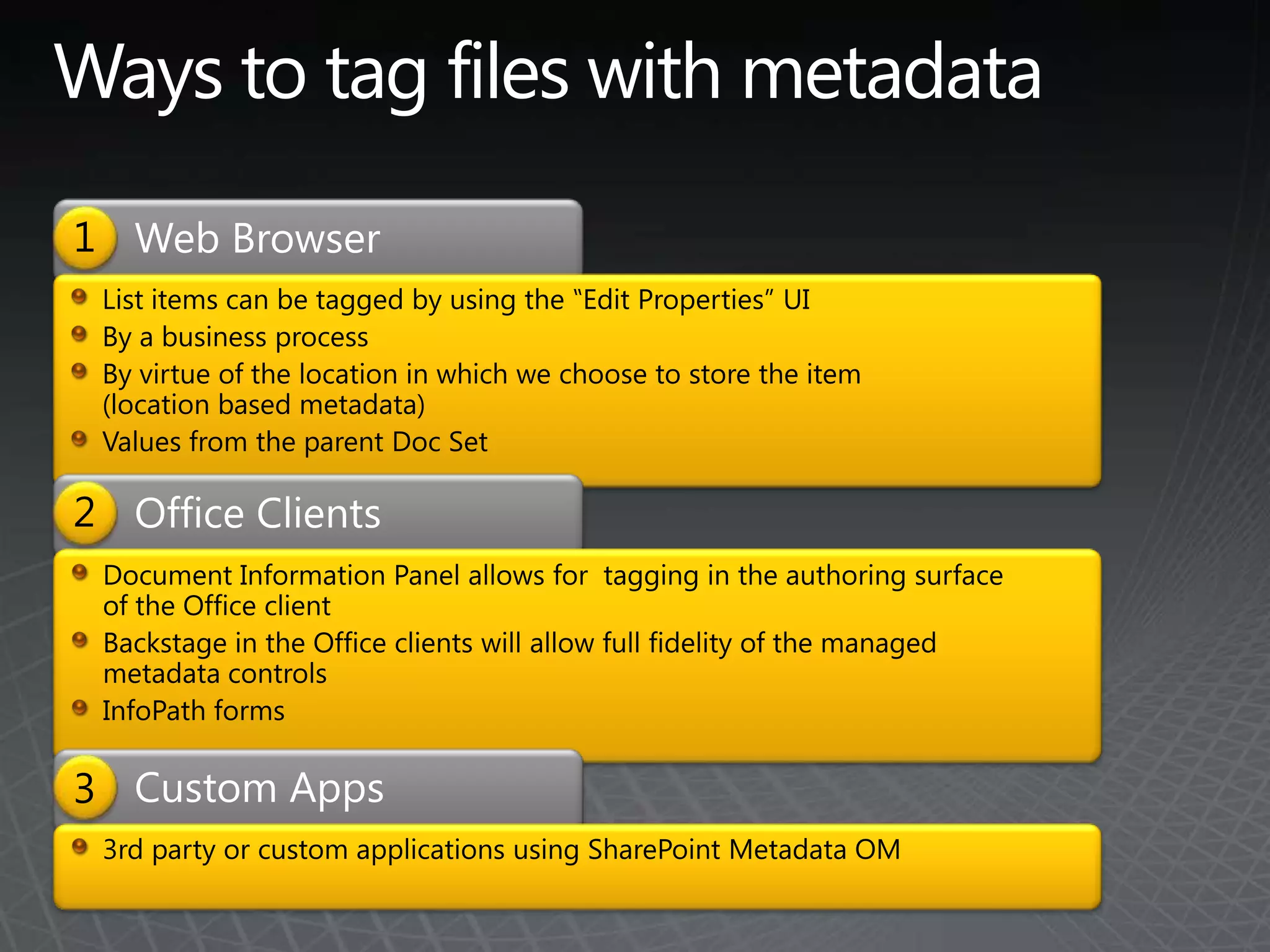
    Ways to tagfiles with metadataWeb Browser1List items can be tagged by using the ‟Edit Properties” UIBy a business processBy virtue of the location in which we choose to store the item (location based metadata)Values from the parent Doc SetOffice Clients2Document Information Panel allows for tagging in the authoring surface of the Office clientBackstage in the Office clients will allow full fidelity of the managed metadata controlsInfoPath forms Custom Apps33rd party or custom applications using SharePoint Metadata OM
  • 42.
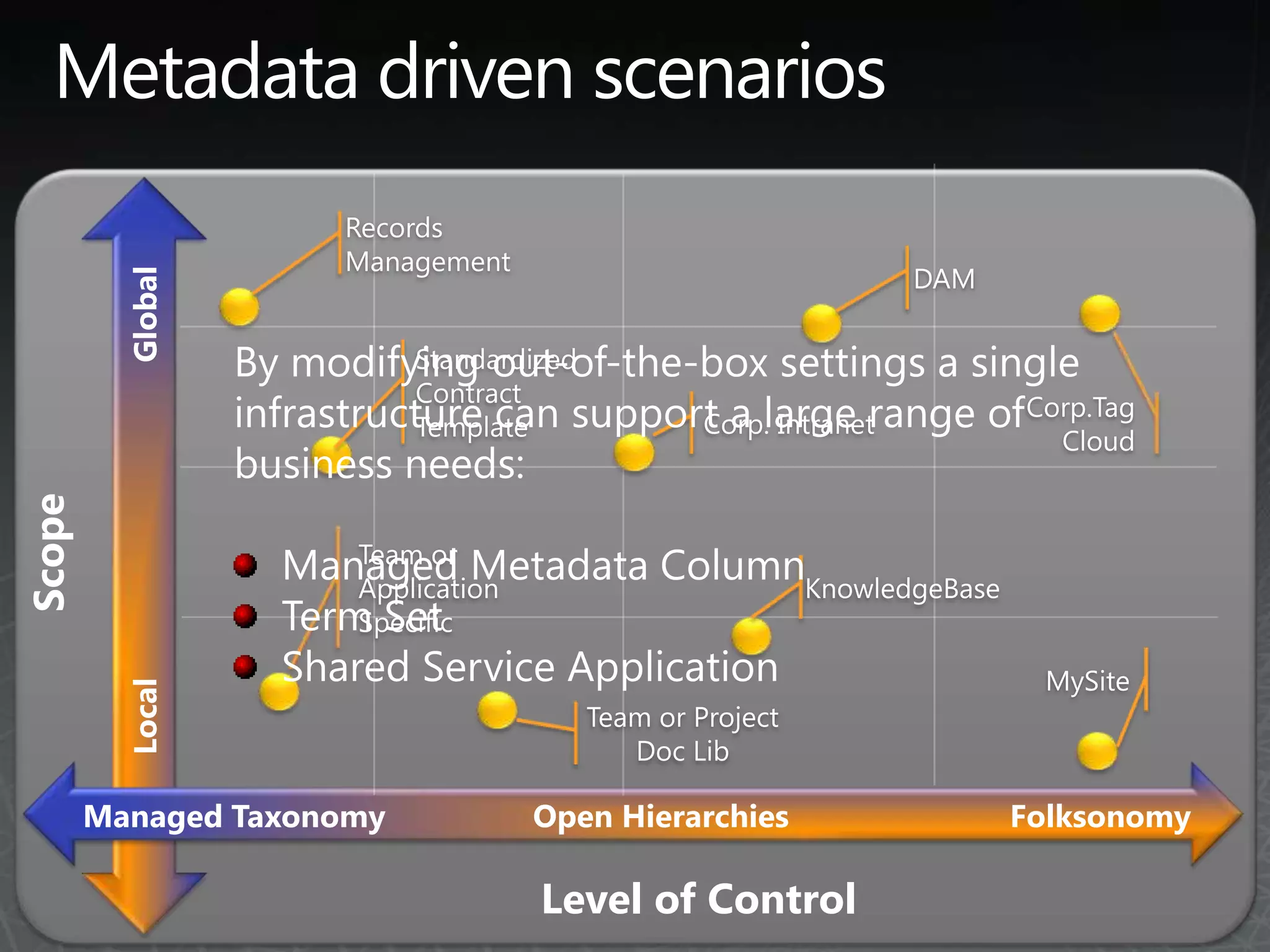
    Metadata driven scenariosRecordsManagementDAMGlobalBy modifying out-of-the-box settings a single infrastructure can support a large range of business needs:Managed Metadata Column Term SetShared Service ApplicationStandardized Contract TemplateCorp. IntranetCorp.Tag CloudTeam or Application SpecificScopeKnowledgeBaseMySiteLocalTeam or Project Doc LibFolksonomyManaged TaxonomyOpen HierarchiesLevel of Control
  • 43.
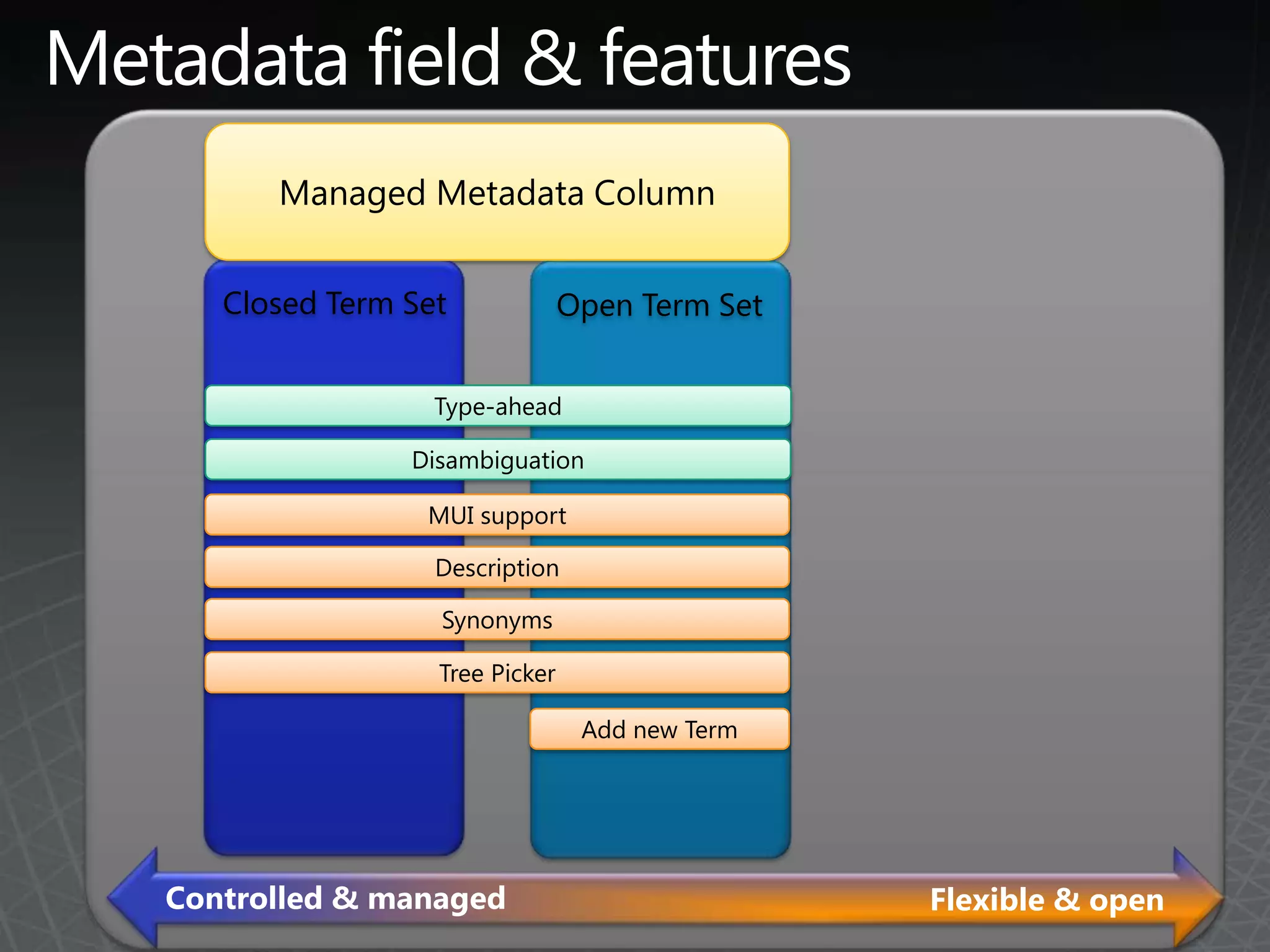
    Metadata field &featuresManaged Metadata ColumnClosed Term SetOpen Term SetType-aheadDisambiguationMUI supportDescriptionSynonymsTree PickerAdd new TermControlled & managedFlexible & open
  • 44.
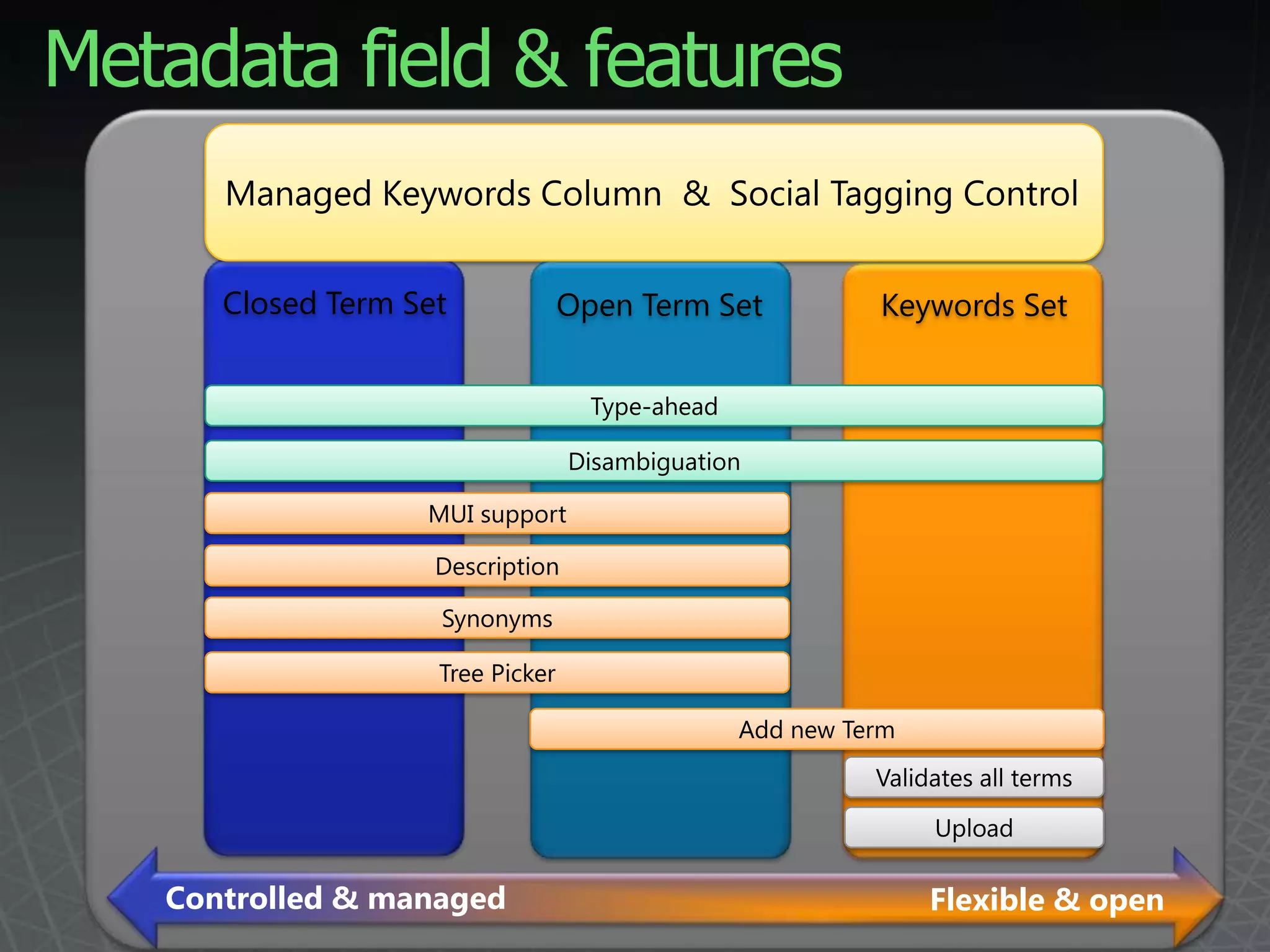
    Metadata field &featuresManaged Keywords Column & Social Tagging ControlClosed Term SetOpen Term SetKeywords SetType-aheadDisambiguationMUI supportDescriptionSynonymsTree PickerAdd new TermValidates all termsUploadControlled & managedFlexible & open
  • 45.
    Why do wetag?Metadata drives discovery and decisionsMetadata is how we navigateMetadata improves search
  • 46.
  • 47.
  • 48.
  • 49.
  • 50.
  • 51.
  • 52.
  • 53.
  • 54.
  • 55.
  • 56.
  • 57.
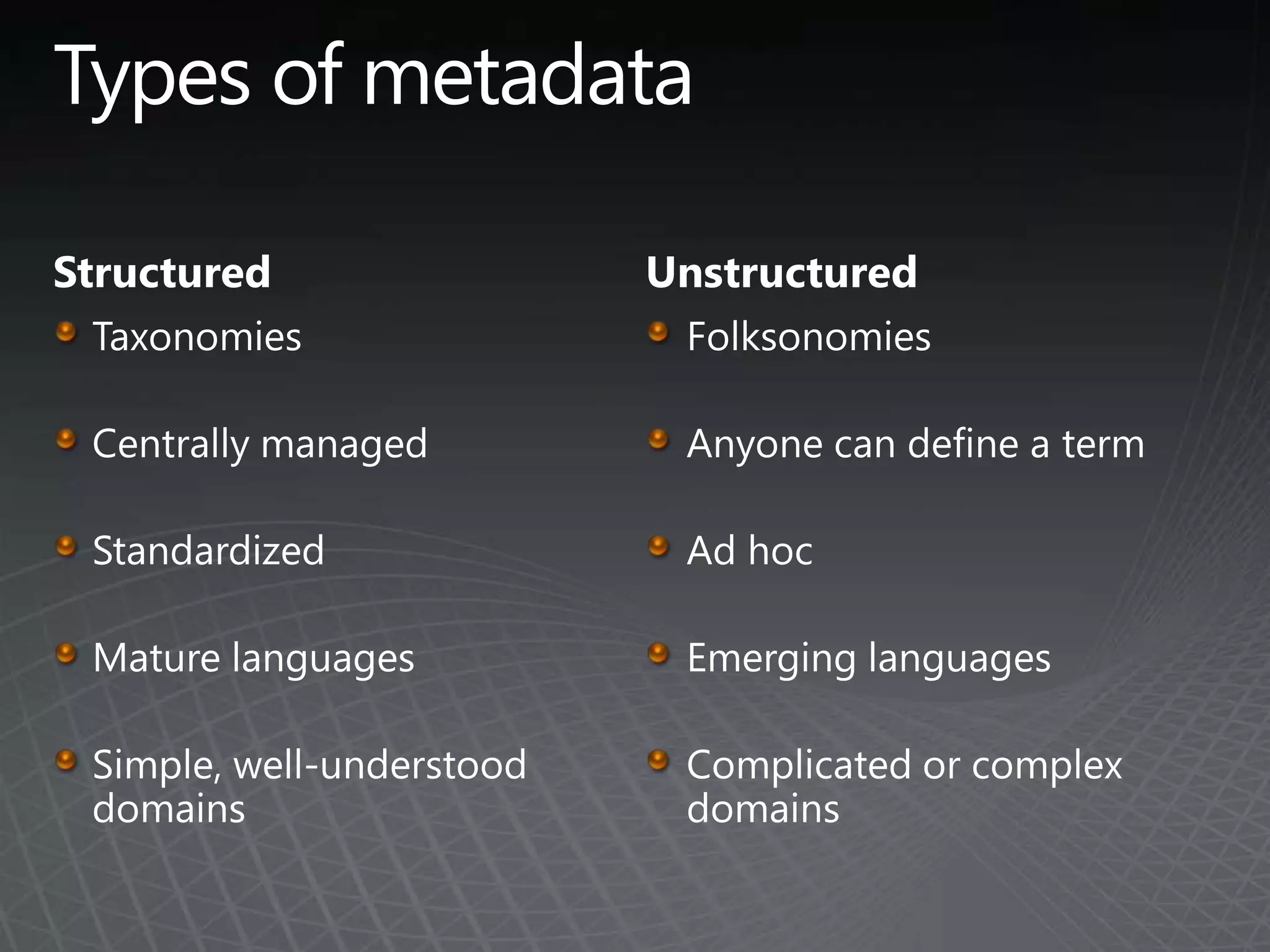
    SharePoint ListsTypes ofmetadataStructuredTaxonomiesCentrally managedStandardizedMature languagesSimple, well-understood domainsUnstructuredFolksonomiesAnyone can define a termAd hoc Emerging languagesComplicated or complex domains
  • 58.
    Action ItemsThink aboutthe new scenarios SharePoint 2010 makes possible.Consider the planning you’ll want to do to prepare for RTM. Start using the beta!

Editor's Notes

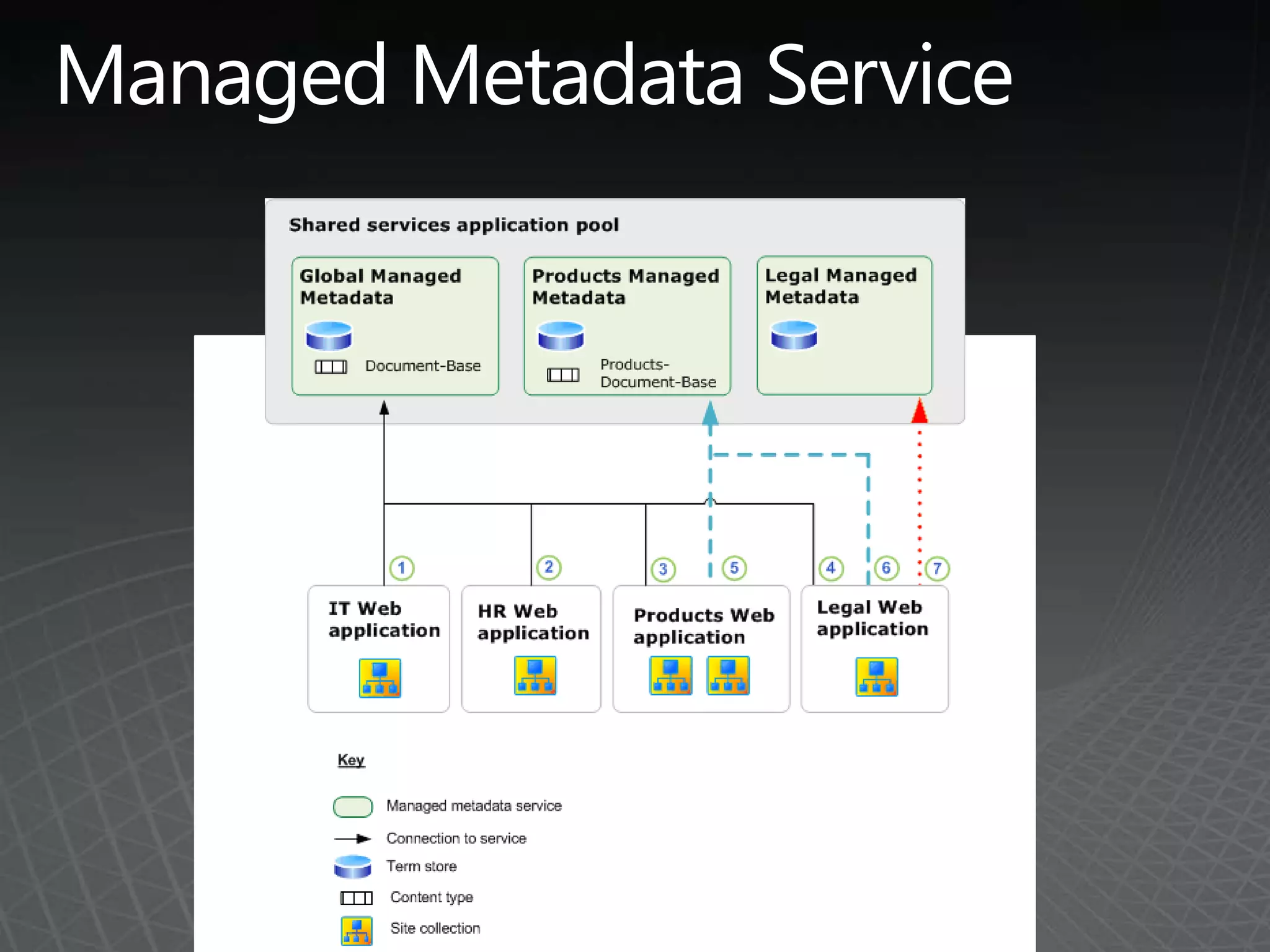
  • #7 The following list shows the results of this configuration:All departments have access to the Document-Base content type.The Products department and the Legal department have access to Products-Document-Base.All keywords are stored in the term store that is associated with the Global Managed Metadata service so that all departments can see all of the keywords.All departments can see the IT, HR, and Products departments’ term sets.Only the Legal department can see the Legal department’s term sets.