tmux
Real Ultimate Terminal Power
Everything is Awesome Edition
tmux.sf.net
Go ahead and install it and follow along!
For Windows users: tmux can be installed under cygwin
quick demo
Jason Lotito
Senior Architect @ MeetMe.com
@jasonlotito
jasonlotito@gmail.com
Slides available at joind.in/13251
$ tmux
$ tmux new -s confoo
prefix = CTRL + b
This is the default prefix
It’s run before every command
prefix d
This means type ‘CTRL + b’ and then type ‘d’.
prefix d
Detaches from the current tmux session
In other words, it exits tmux
$ tmux ls
See sessions running
$ tmux attach
reattaches to the last tmux session
you were attached to
$ tmux attach -t confoo
reattaches to session named confoo
prefix c
create a new window (or tab)
prefix ,
Name the window
prefix &
Close window, with prompt
demo 1
set renumber-windows
Automatically renumber windows on closing
Will get to commands later
prefix #
‘prefix 1’ takes you to window/tab #1
prefix w
provides a list of windows available
‘j’ and ‘k’ to scroll the selections
prefix %
That’s not 5, but ‘%’, which means
prefix SHIFT+5
This splits the pane in half
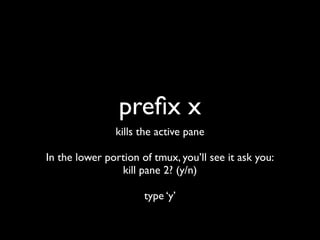
prefix x
kills the active pane
In the lower portion of tmux, you’ll see it ask you:
kill pane 2? (y/n)
type ‘y’
prefix “
split horizontally
prefix o
switch between panes
prefix SPACE
change layout of panes
demo 2
Try scrolling in a pane
haha
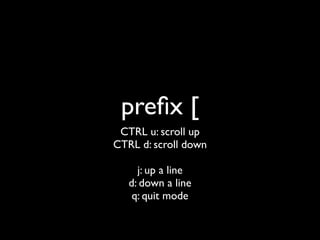
prefix [
CTRL u: scroll up
CTRL d: scroll down
j: up a line
d: down a line
q: quit mode
prefix ?
Help, with also reflects your config
prefix z
zoom in on a pane
cheap copy/paste
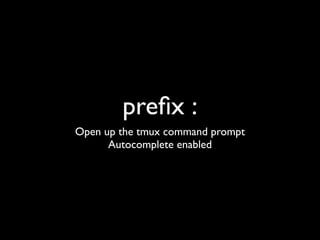
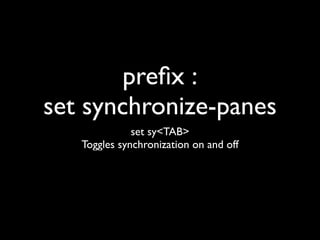
prefix :
Open up the tmux command prompt
Autocomplete enabled
prefix :
set synchronize-panes
set sy<TAB>

Toggles synchronization on and off
demo 3
Configuration
$ touch ~/.tmux.conf
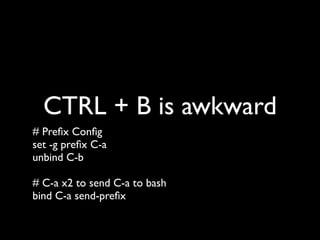
CTRL + B is awkward
# Prefix Config
set -g prefix C-a
unbind C-b
# C-a x2 to send C-a to bash
bind C-a send-prefix
prefix = CTRL + a
Remap CAPS LOCK to CTRL.
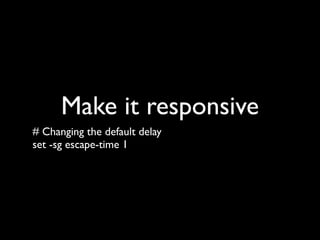
Make it responsive
# Changing the default delay
set -sg escape-time 1
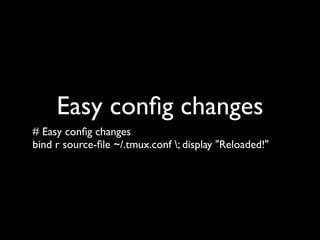
Easy config changes
# Easy config changes
bind r source-file ~/.tmux.conf ; display "Reloaded!"
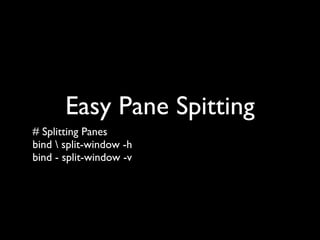
Easy Pane Spitting
# Splitting Panes
bind  split-window -h
bind - split-window -v
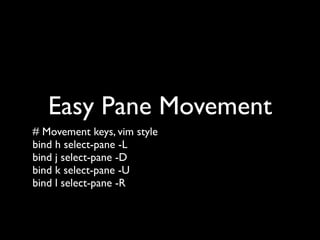
Easy Pane Movement
# Movement keys, vim style
bind h select-pane -L
bind j select-pane -D
bind k select-pane -U
bind l select-pane -R
move one pane left
prefix h
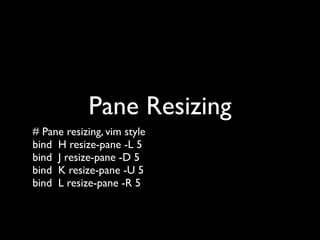
Pane Resizing
# Pane resizing, vim style
bind H resize-pane -L 5
bind J resize-pane -D 5
bind K resize-pane -U 5
bind L resize-pane -R 5
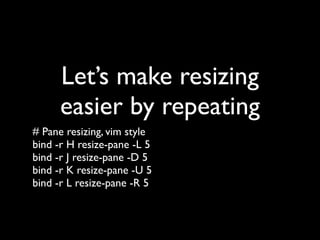
Let’s make resizing
easier by repeating
# Pane resizing, vim style
bind -r H resize-pane -L 5
bind -r J resize-pane -D 5
bind -r K resize-pane -U 5
bind -r L resize-pane -R 5
resize
prefix L
-r Means you can hit it repeatedly without the prefix
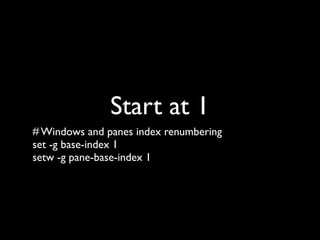
Start at 1
# Windows and panes index renumbering
set -g base-index 1
setw -g pane-base-index 1
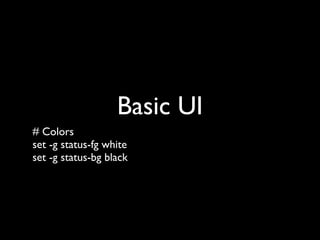
Basic UI
# Colors
set -g status-fg white
set -g status-bg black
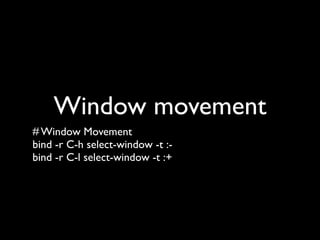
Window movement
# Window Movement
bind -r C-h select-window -t :-
bind -r C-l select-window -t :+
or...
prefix w
or...
prefix #
#: 0-9
My Config
https://gist.github.com/11405471.git

Or, if you download these slides…
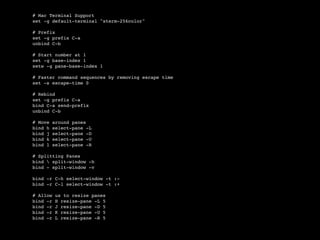
# Mac Terminal Support
set -g default-terminal "xterm-256color"
# Prefix
set -g prefix C-a
unbind C-b
# Start number at 1
set -g base-index 1
setw -g pane-base-index 1
# Faster command sequences by removing escape time
set -s escape-time 0
# Rebind
set -g prefix C-a
bind C-a send-prefix
unbind C-b
# Move around panes
bind h select-pane -L
bind j select-pane -D
bind k select-pane -U
bind l select-pane -R
# Splitting Panes
bind  split-window -h
bind - split-window -v
bind -r C-h select-window -t :-
bind -r C-l select-window -t :+
# Allow us to resize panes
bind -r H resize-pane -L 5
bind -r J resize-pane -D 5
bind -r K resize-pane -U 5
bind -r L resize-pane -R 5
teamocil
a tmux “addon”
teamocil 0.4.5
1.0 was a rewrite, removing features I loved
tmuxinator also exists
$ gem install teamocil -v 0.4.5
The version I recommend
$ teamocil -e <name>
edit the config
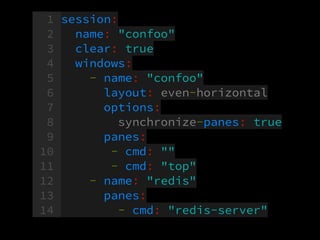
1 session:
2 name: "confoo"
3 clear: true
4 windows:
5 - name: "confoo"
6 layout: even-horizontal
7 options:
8 synchronize-panes: true
9 panes:
10 - cmd: ""
11 - cmd: "top"
12 - name: "redis"
13 panes:
14 - cmd: "redis-server"
let’s see it
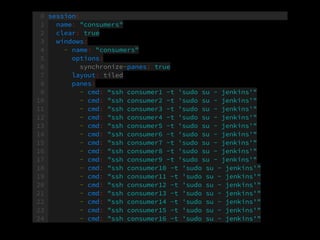
Another sample file
0 session:
1 name: "consumers"
2 clear: true
3 windows:
4 - name: "consumers"
5 options:
6 synchronize-panes: true
7 layout: tiled
8 panes:
9 - cmd: “ssh consumer1 -t 'sudo su - jenkins'"
10 - cmd: "ssh consumer2 -t 'sudo su - jenkins'"
11 - cmd: "ssh consumer3 -t 'sudo su - jenkins'"
12 - cmd: "ssh consumer4 -t 'sudo su - jenkins'"
13 - cmd: "ssh consumer5 -t 'sudo su - jenkins'"
14 - cmd: "ssh consumer6 -t 'sudo su - jenkins'"
15 - cmd: "ssh consumer7 -t 'sudo su - jenkins'"
16 - cmd: "ssh consumer8 -t 'sudo su - jenkins'"
17 - cmd: "ssh consumer9 -t 'sudo su - jenkins'"
18 - cmd: "ssh consumer10 -t 'sudo su - jenkins'"
19 - cmd: "ssh consumer11 -t 'sudo su - jenkins'"
20 - cmd: "ssh consumer12 -t 'sudo su - jenkins'"
21 - cmd: "ssh consumer13 -t 'sudo su - jenkins'"
22 - cmd: "ssh consumer14 -t 'sudo su - jenkins'"
23 - cmd: "ssh consumer15 -t 'sudo su - jenkins'"
24 - cmd: "ssh consumer16 -t 'sudo su - jenkins'"
tmux & screen notes
http://www.mechanicalkeys.com/files/os/notes/tm.html
Thanks!
Please review at joind.in/13251
Slides at the same URL

tmux