TMUX
Terminal Multiplexer
My name is
● Daniel Leech.
● Symfony CMF.
● PHPBench.
● Open source contributor.
● Freelancer.
● Daniel Leech.
● Symfony CMF.
● PHPBench.
● Open source contributor.
● Freelancer.
TMUX
● Is like Screen but better.
● Manages console sessions.
● Makes you more productive.
● Could save your life.
● Is like Screen but better.
● Manages console sessions.
● Makes you more productive.
● Could save your life.
Use it when u SSH
● Keep console state between SSH sessions.
● Multitask in a single session.
● Keep console state between SSH sessions.
● Multitask in a single session.
Use it on local
● Combine with VIM, Emacs or Nano.
● Use tabs for editing / commands / mysql / etc
● Work on multiple projects simultaneously.
● Play music with MPD.
● Check mail with Mutt.
● Never leave the console.
● Combine with VIM, Emacs or Nano.
● Use tabs for editing / commands / mysql / etc
● Work on multiple projects simultaneously.
● Play music with MPD.
● Check mail with Mutt.
● Never leave the console.
With a minimal WM
● Combine with I3
● Combine with Awesome
● Use it with no WM at all!
● Never use a mouse again!
● Combine with I3
● Combine with Awesome
● Use it with no WM at all!
● Never use a mouse again!
Key Concepts
● Windows
● Tabs
● Panes
● Sessions
● Windows
● Tabs
● Panes
● Sessions
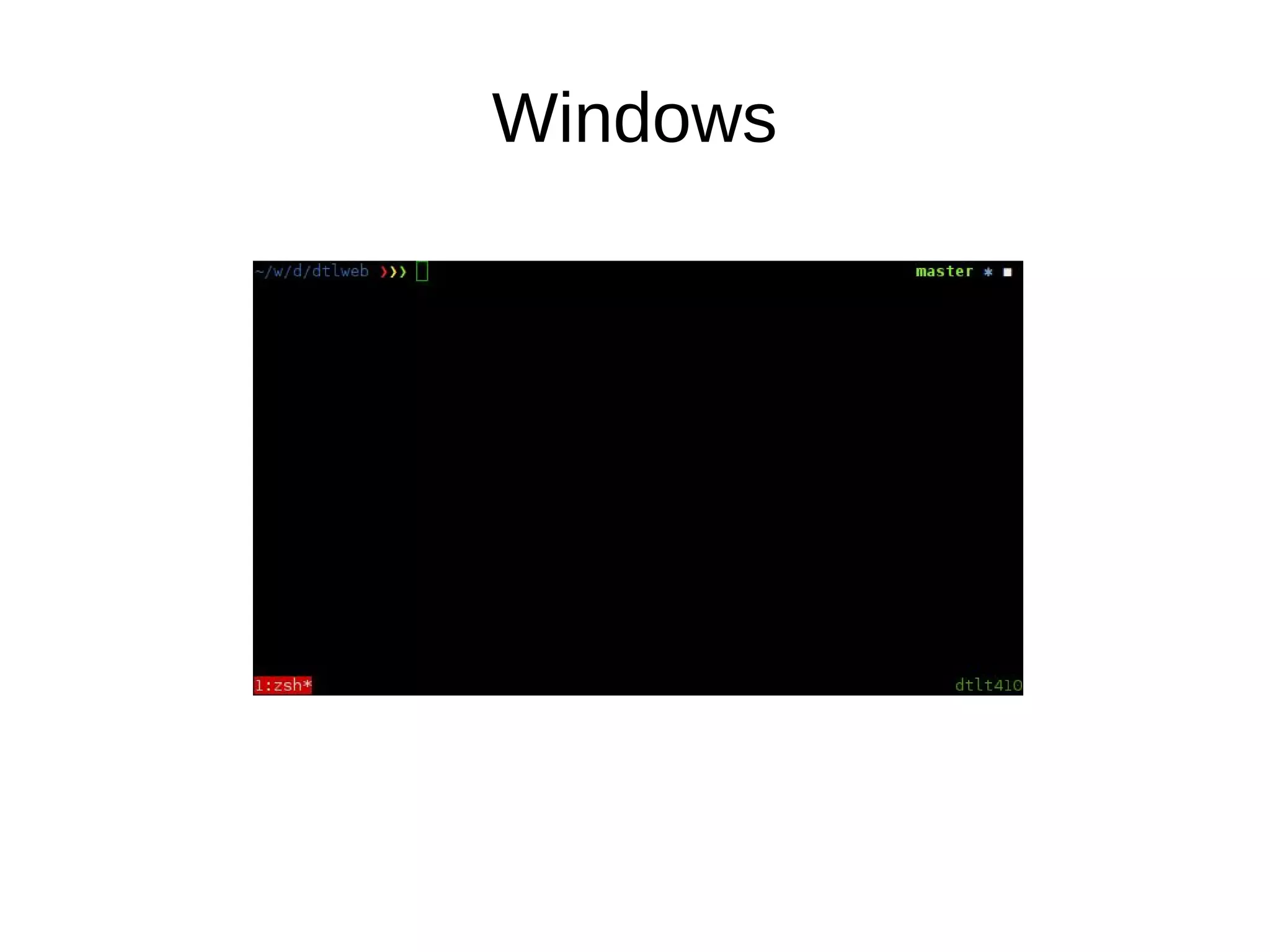
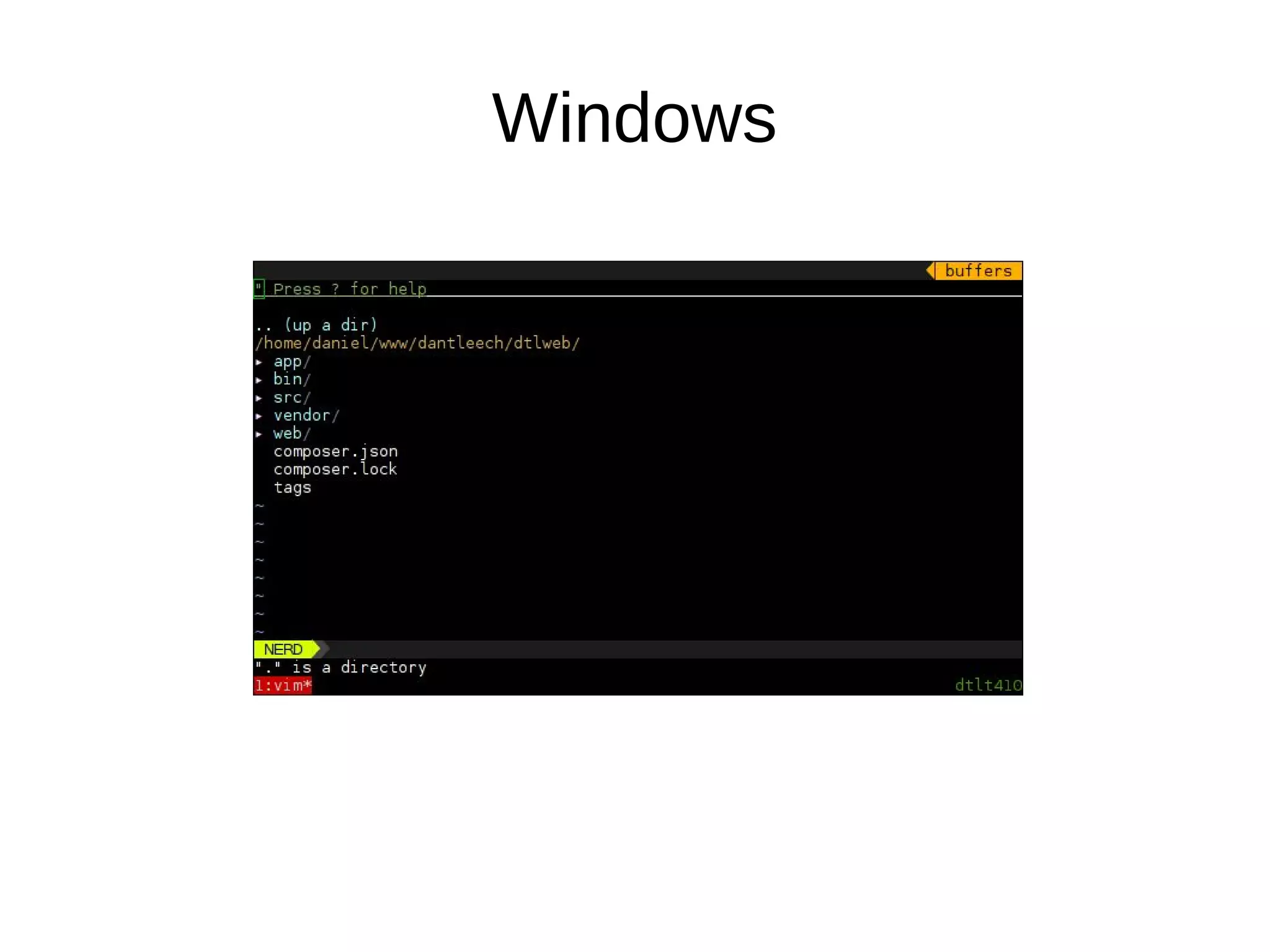
Windows
Windows
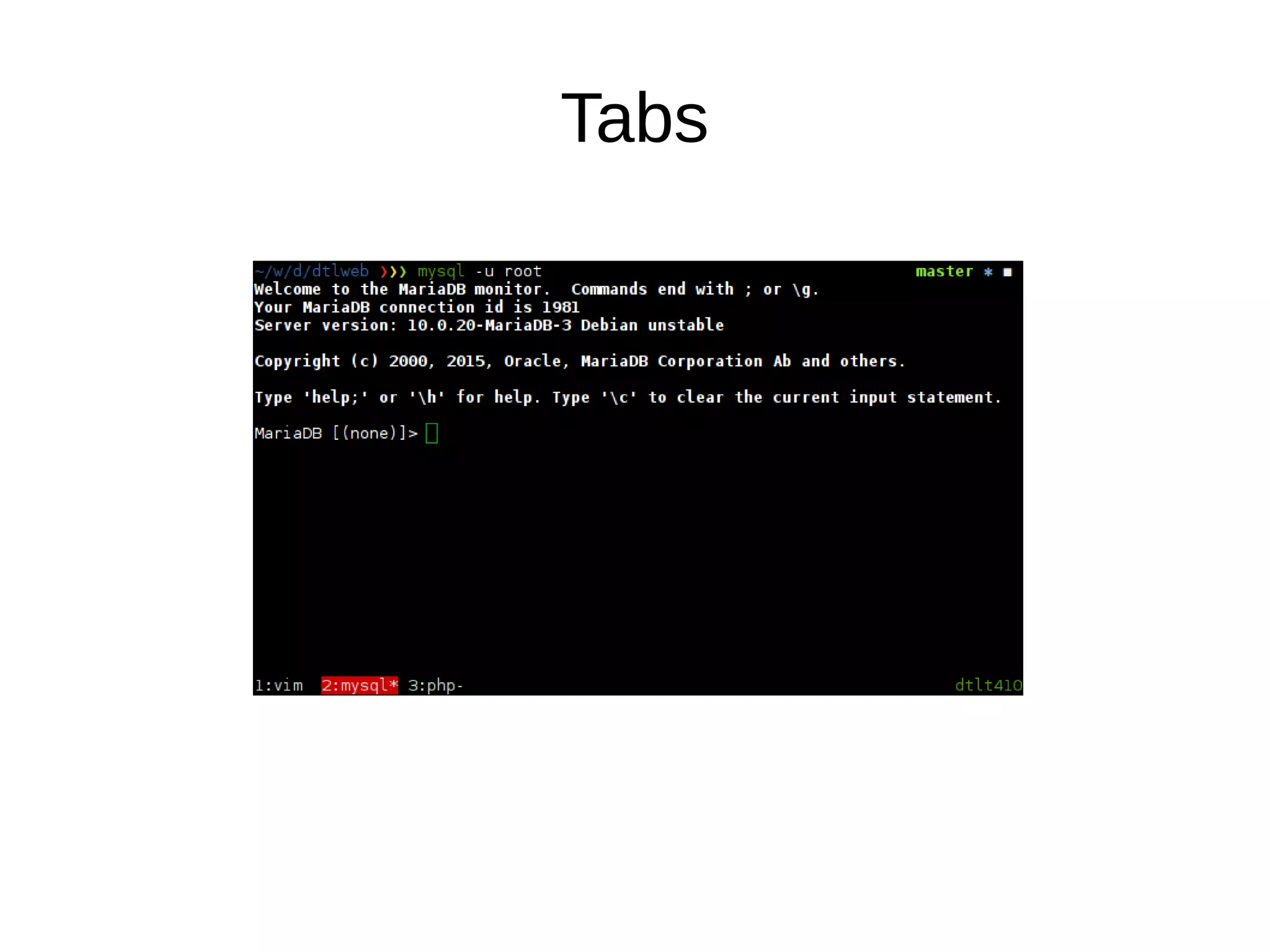
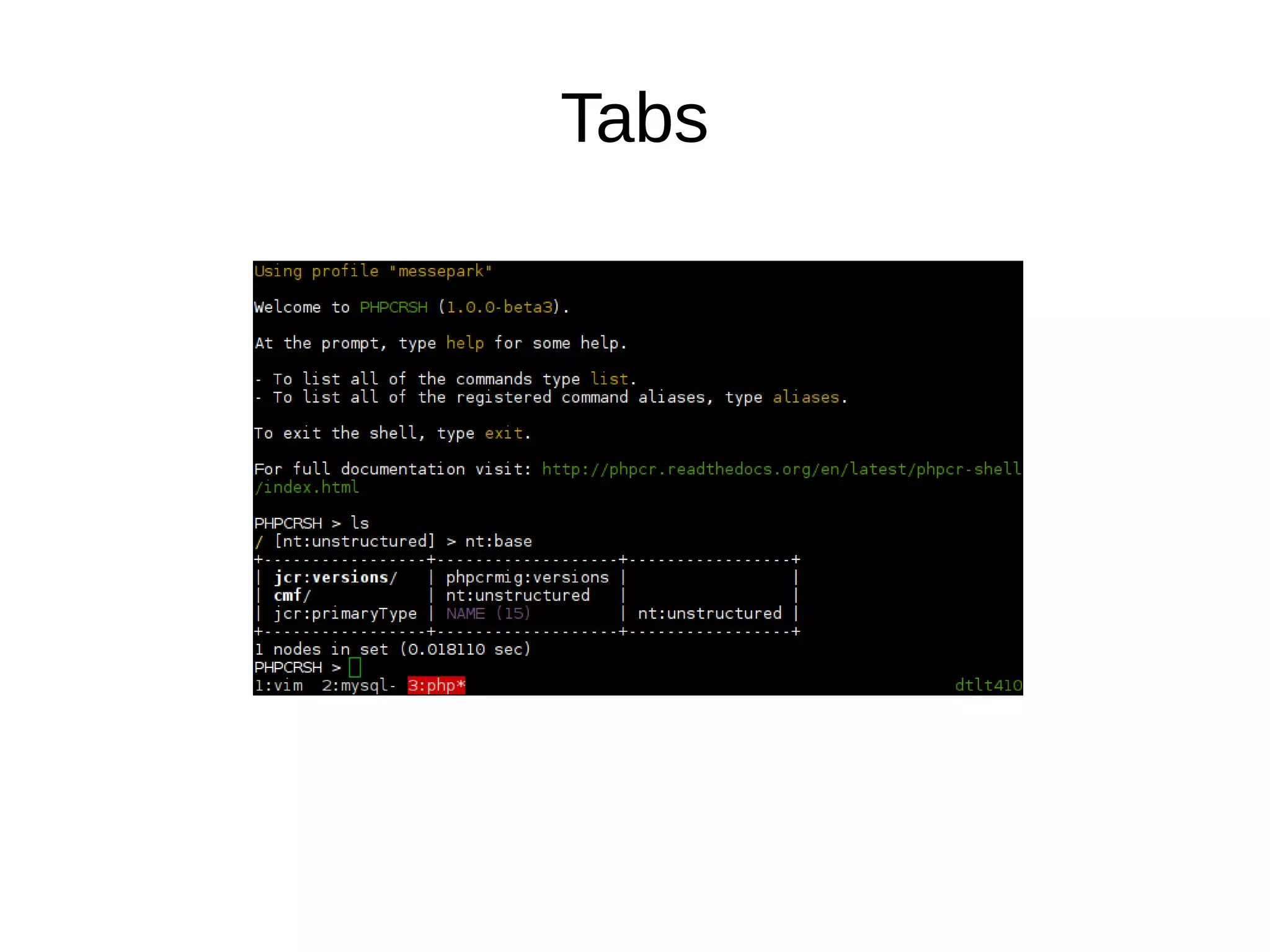
Tabs
Tabs
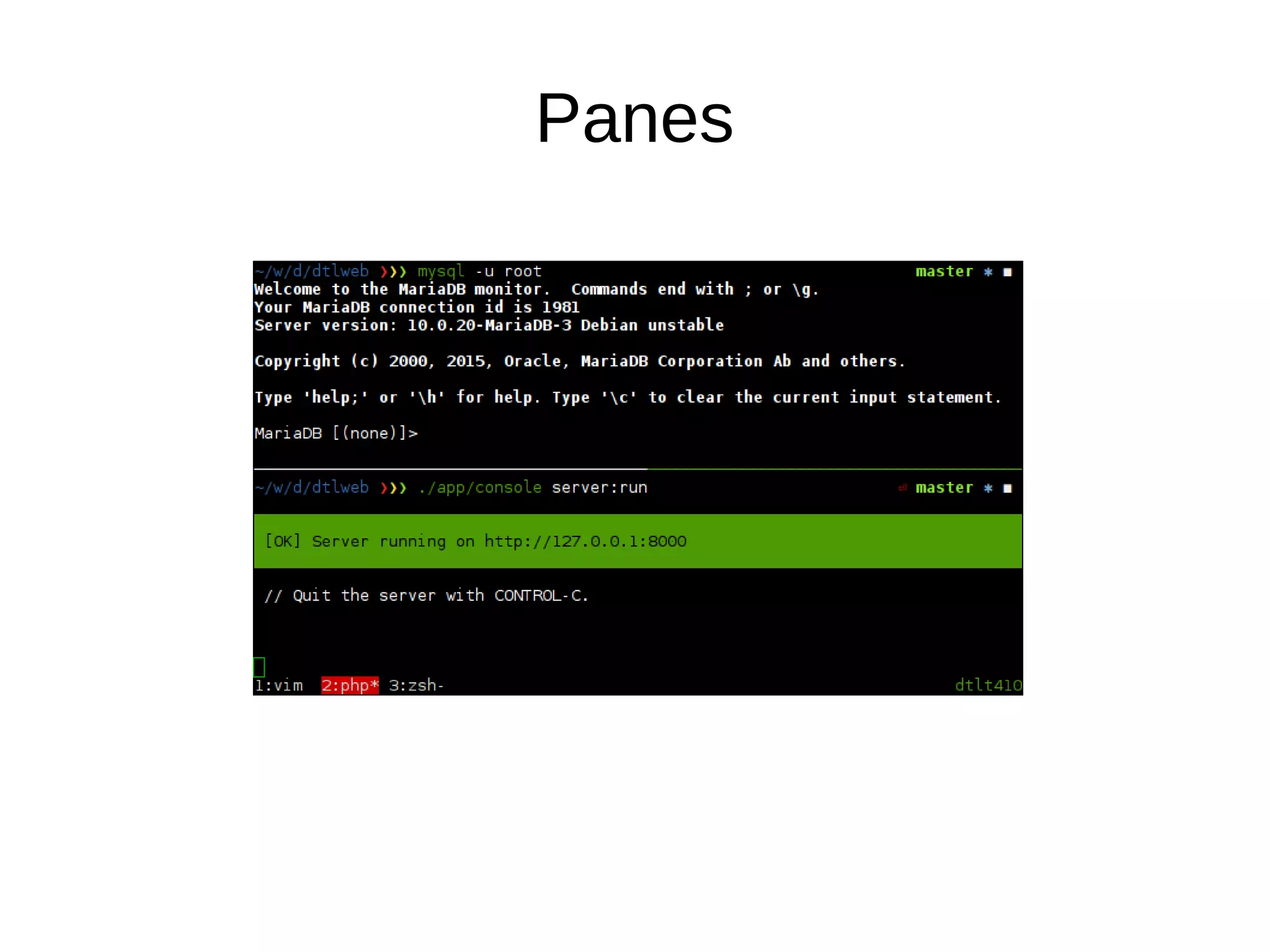
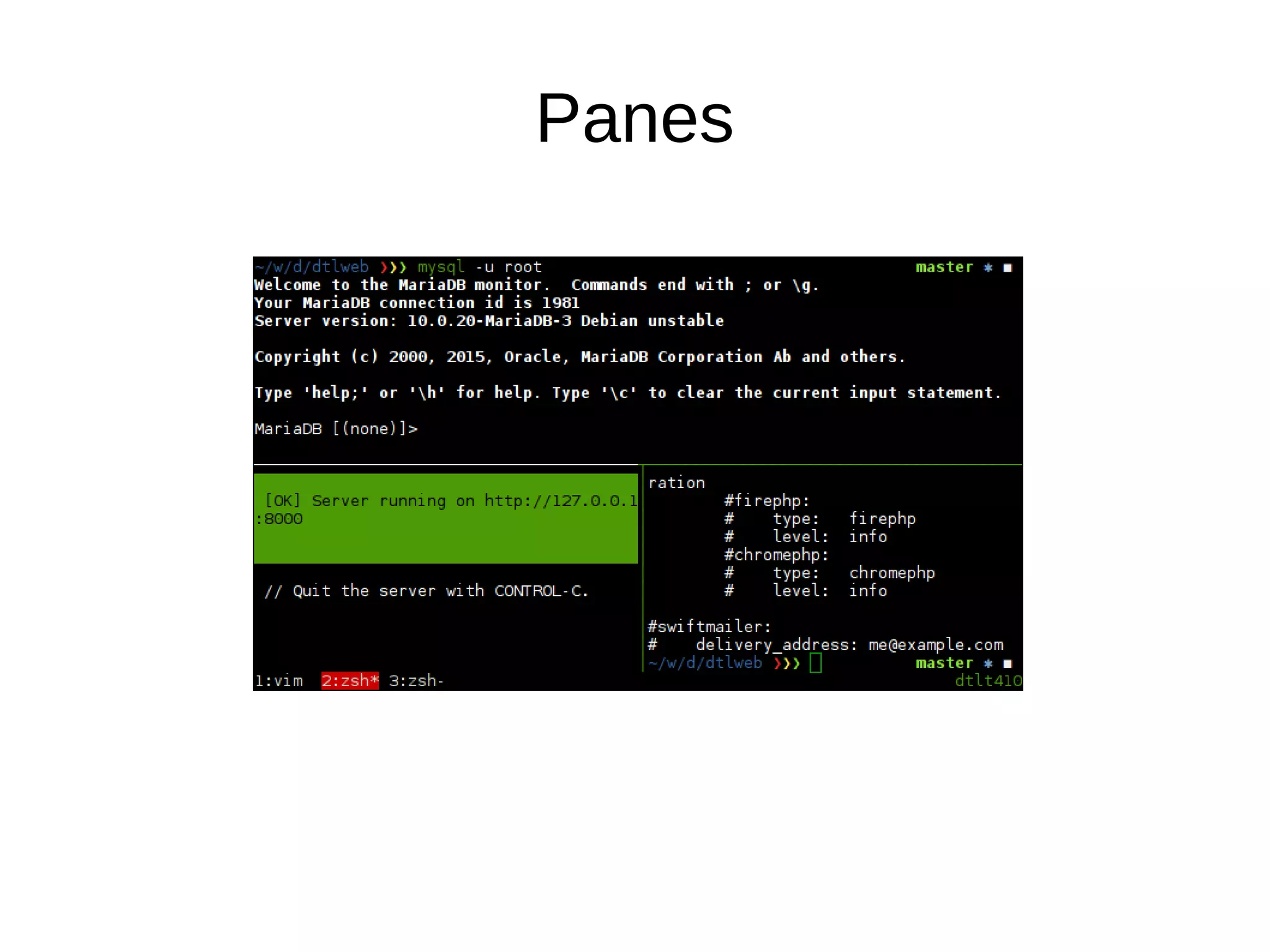
Panes
Panes
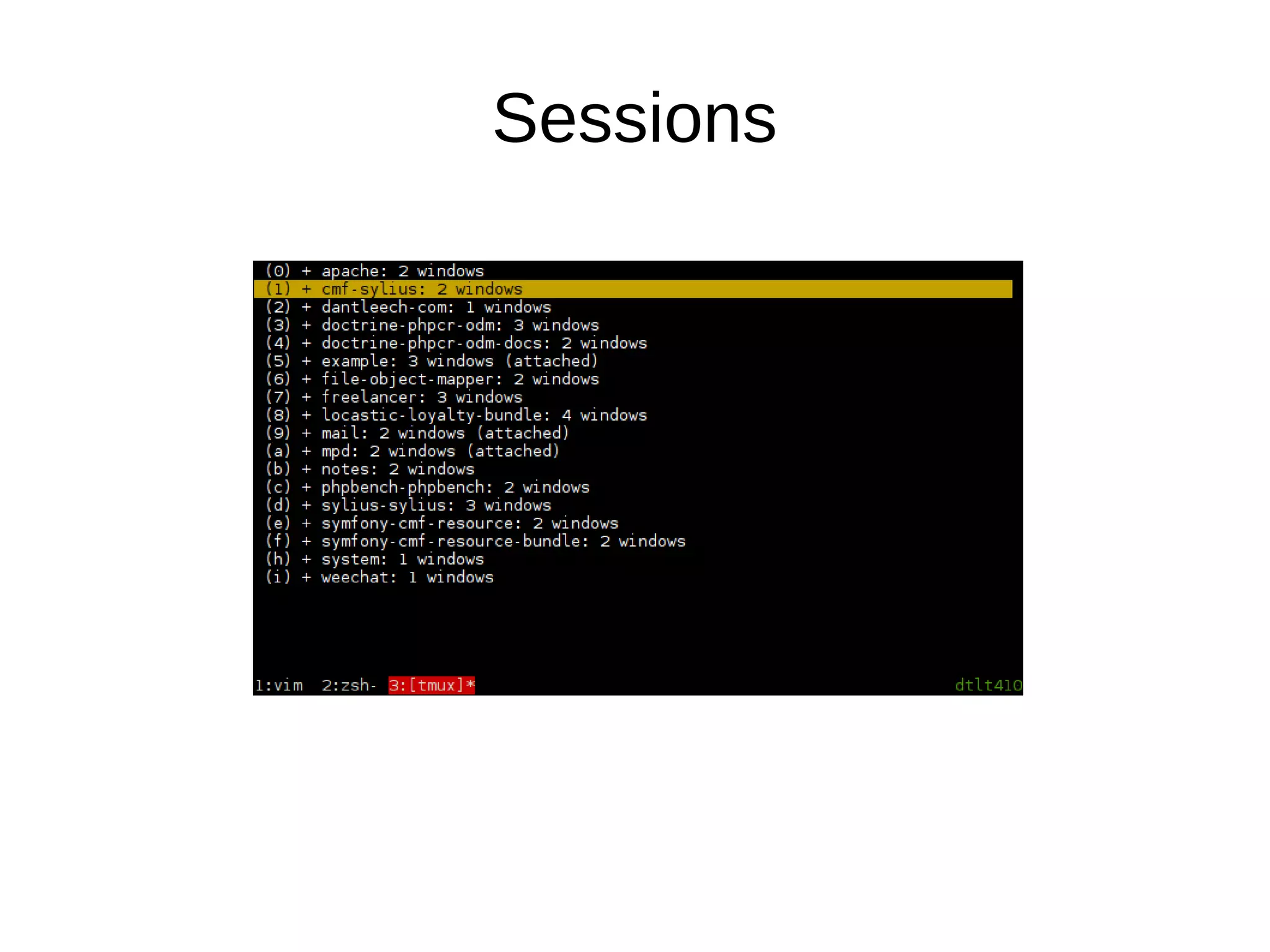
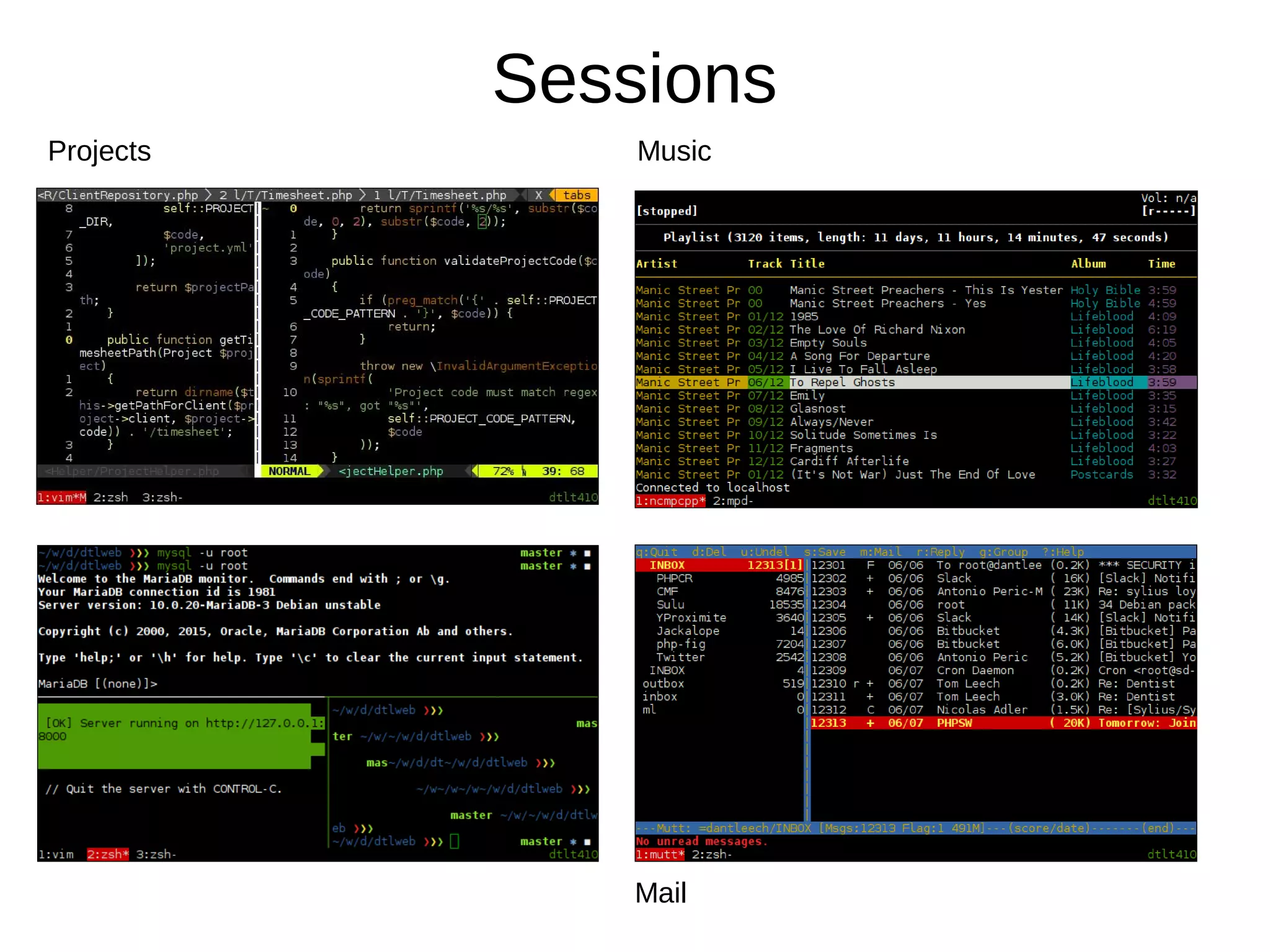
Sessions
Sessions
Projects Music
Mail
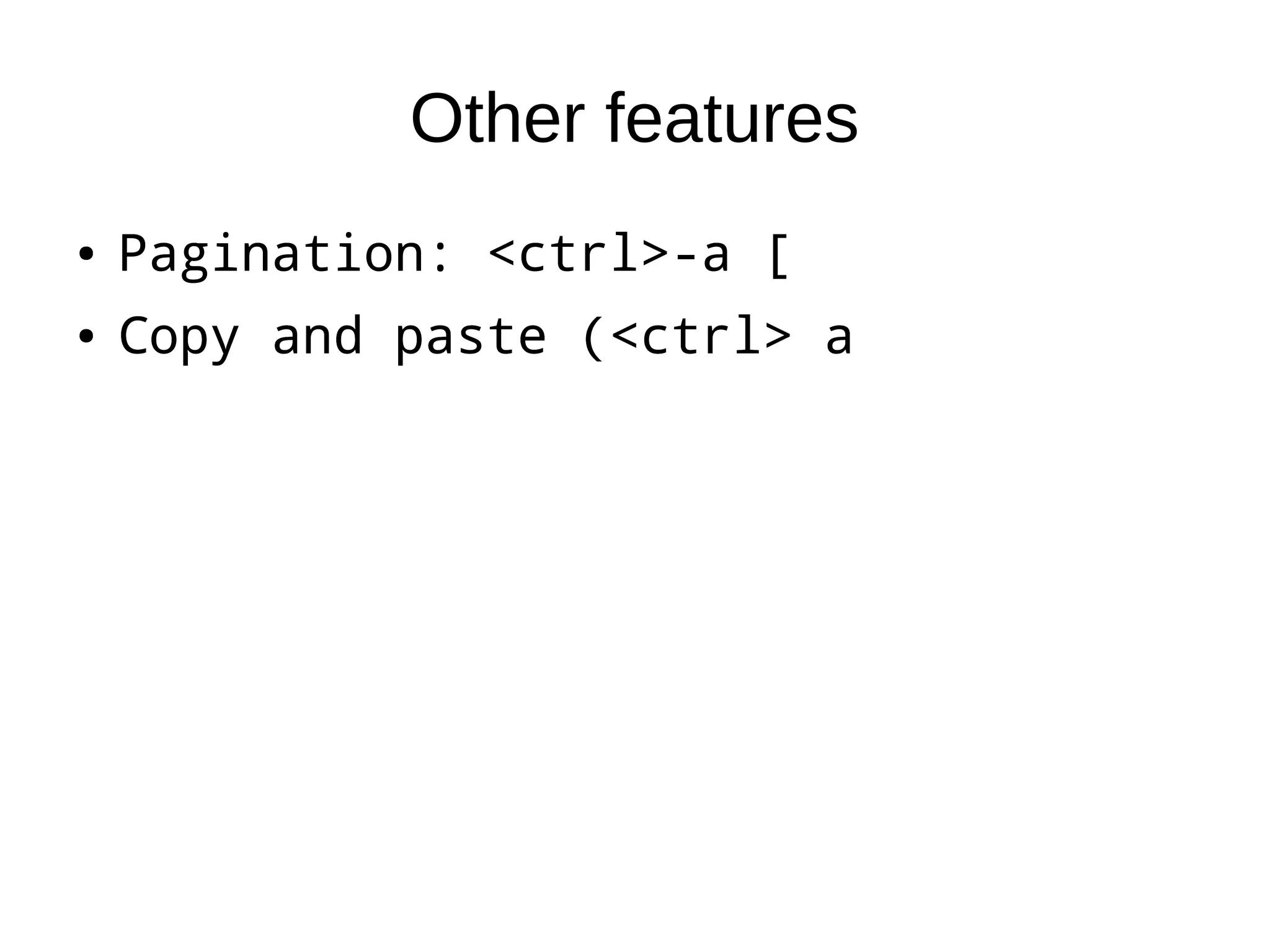
Other features
● Pagination: <ctrl>-a [
● Copy and paste (<ctrl> a
● Pagination: <ctrl>-a [
● Copy and paste (<ctrl> a
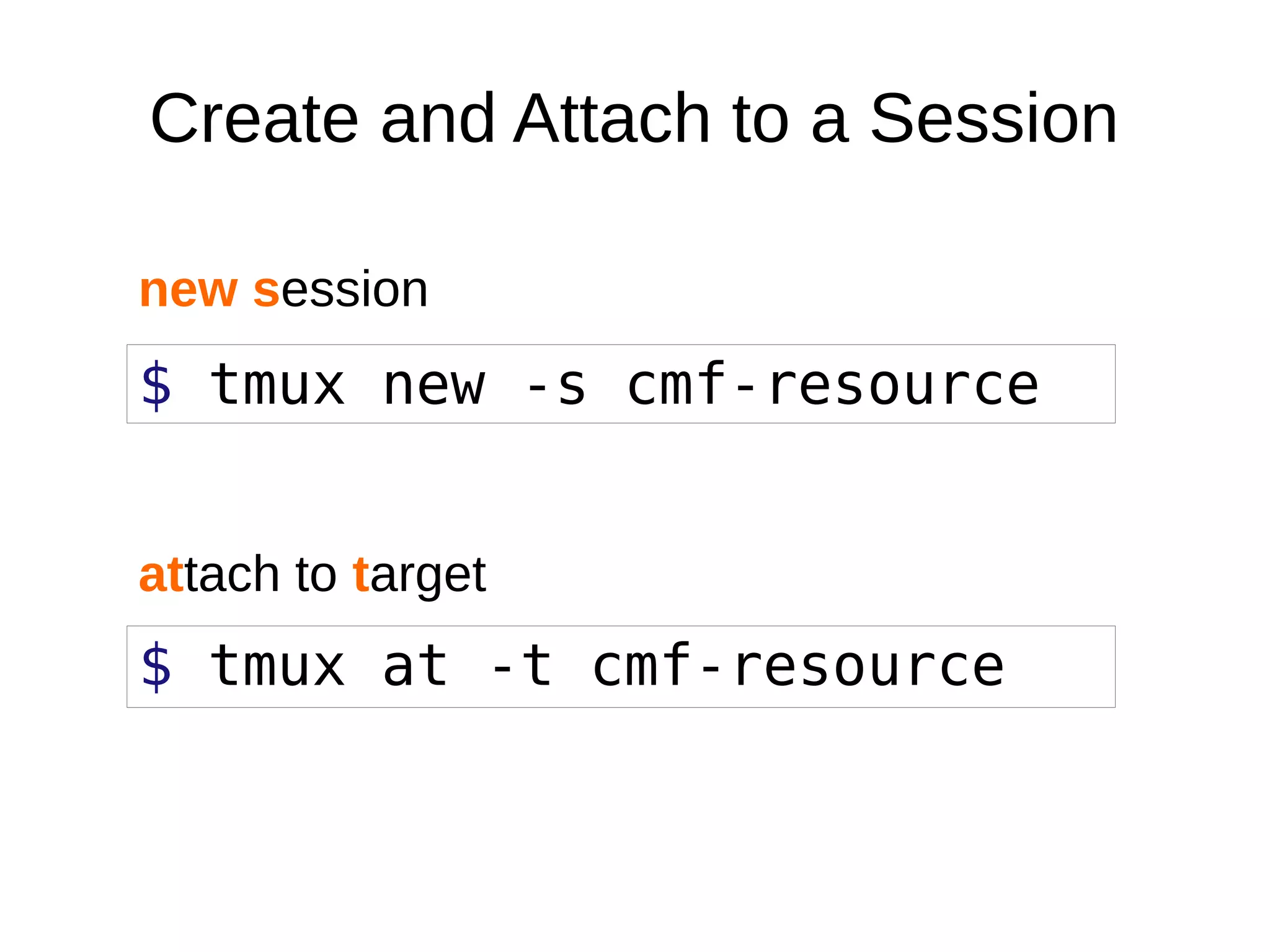
$ tmux new -s cmf-resource
$ tmux at -t cmf-resource
Create and Attach to a Session
new session
attach to target
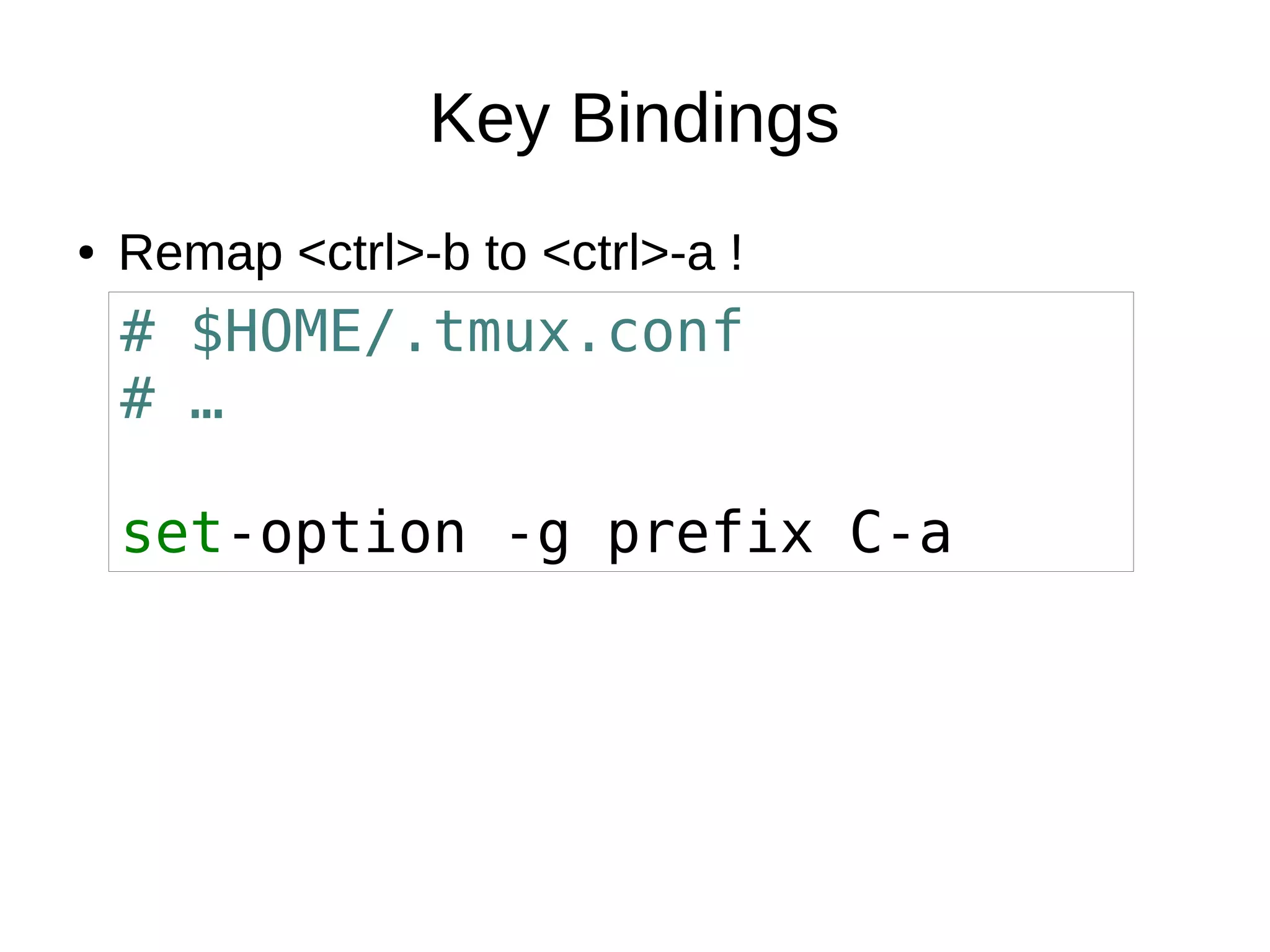
Key Bindings
● Remap <ctrl>-b to <ctrl>-a !● Remap <ctrl>-b to <ctrl>-a !
# $HOME/.tmux.conf
# …
set-option -g prefix C-a
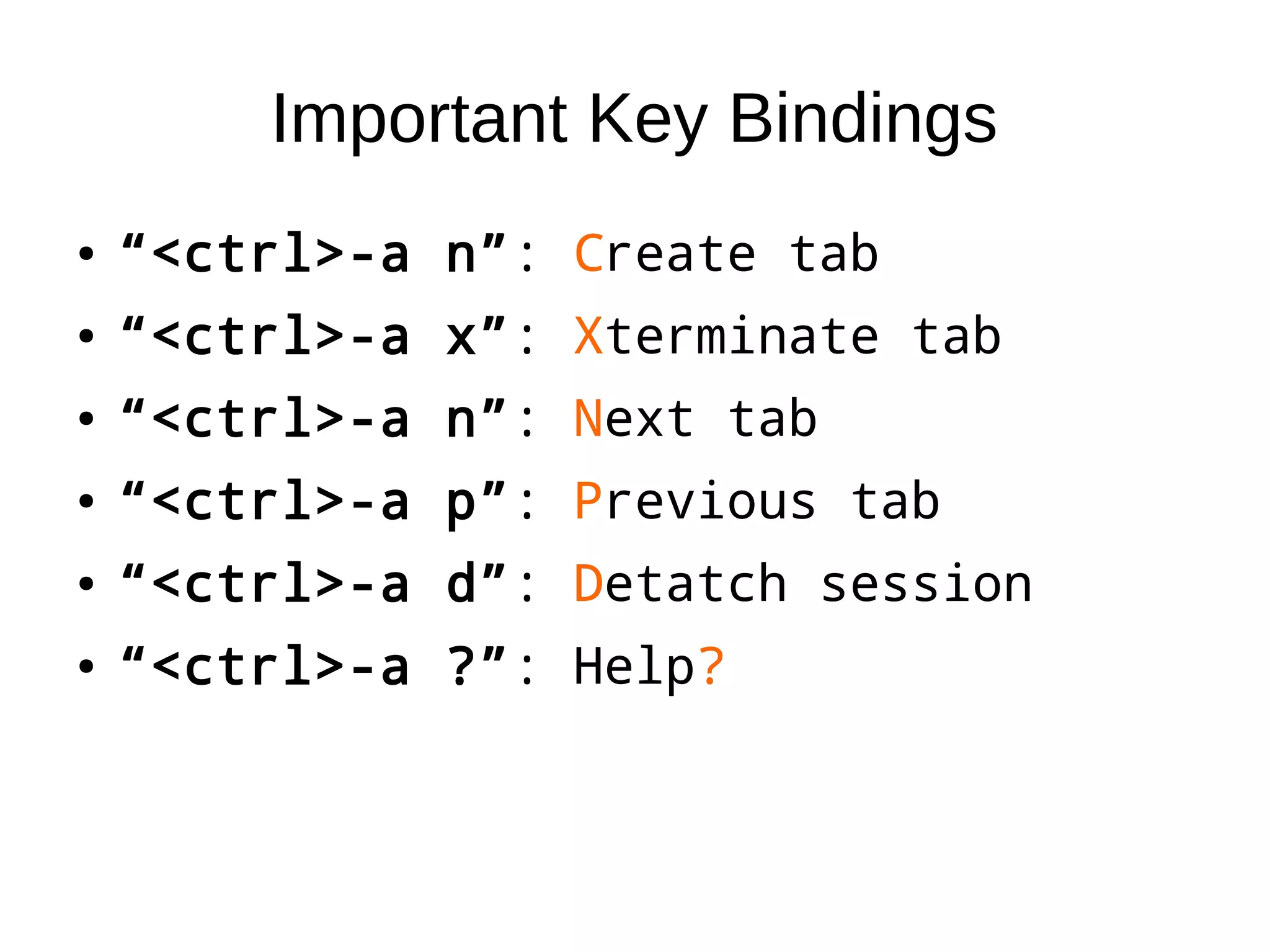
Important Key Bindings
● “<ctrl>-a n”: Create tab
● “<ctrl>-a x”: Xterminate tab
● “<ctrl>-a n”: Next tab
● “<ctrl>-a p”: Previous tab
● “<ctrl>-a d”: Detatch session
● “<ctrl>-a ?”: Help?
● “<ctrl>-a n”: Create tab
● “<ctrl>-a x”: Xterminate tab
● “<ctrl>-a n”: Next tab
● “<ctrl>-a p”: Previous tab
● “<ctrl>-a d”: Detatch session
● “<ctrl>-a ?”: Help?
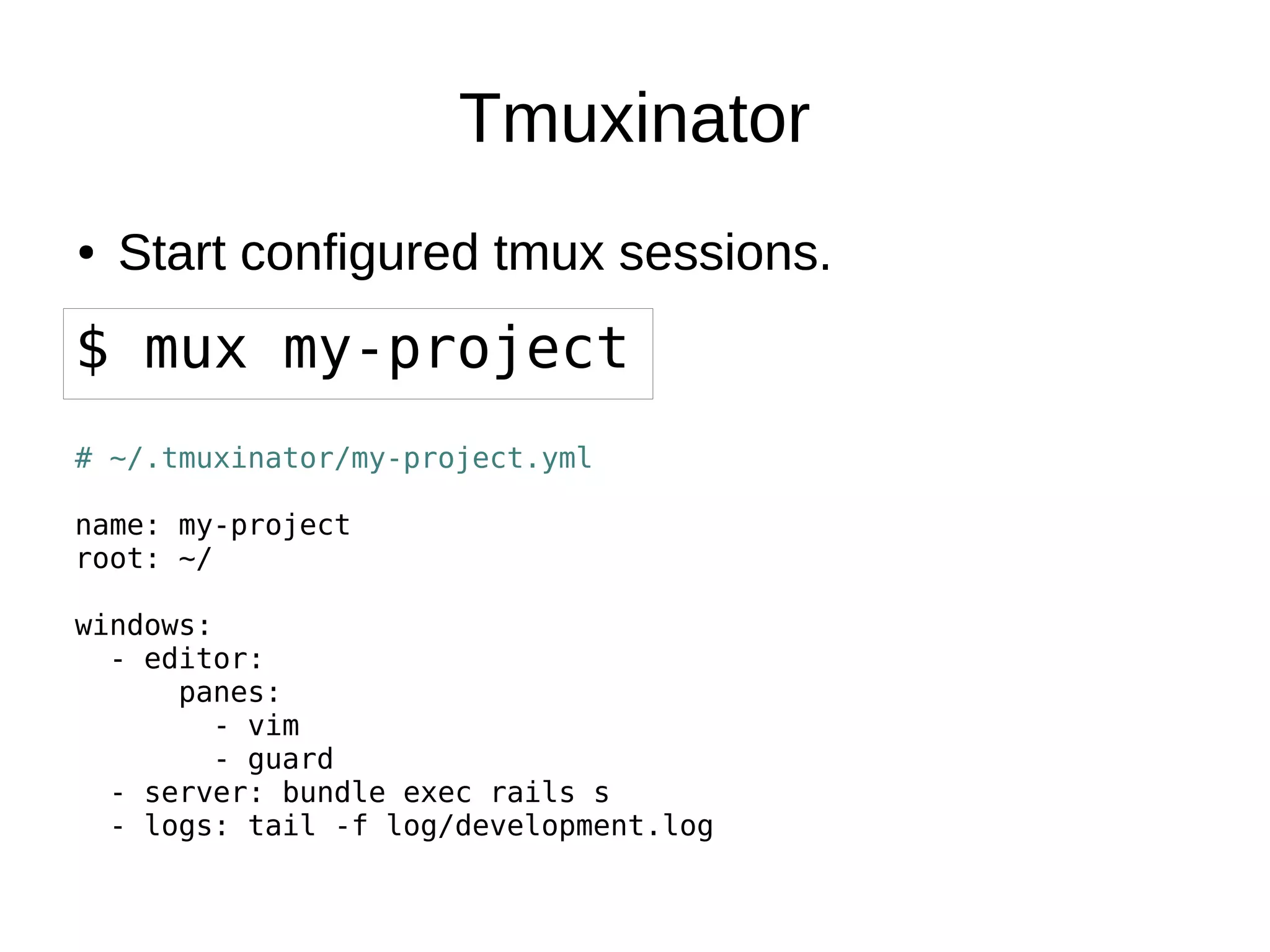
Tmuxinator
● Start configured tmux sessions.● Start configured tmux sessions.
$ mux my-project
# ~/.tmuxinator/my-project.yml
name: my-project
root: ~/
windows:
- editor:
panes:
- vim
- guard
- server: bundle exec rails s
- logs: tail -f log/development.log
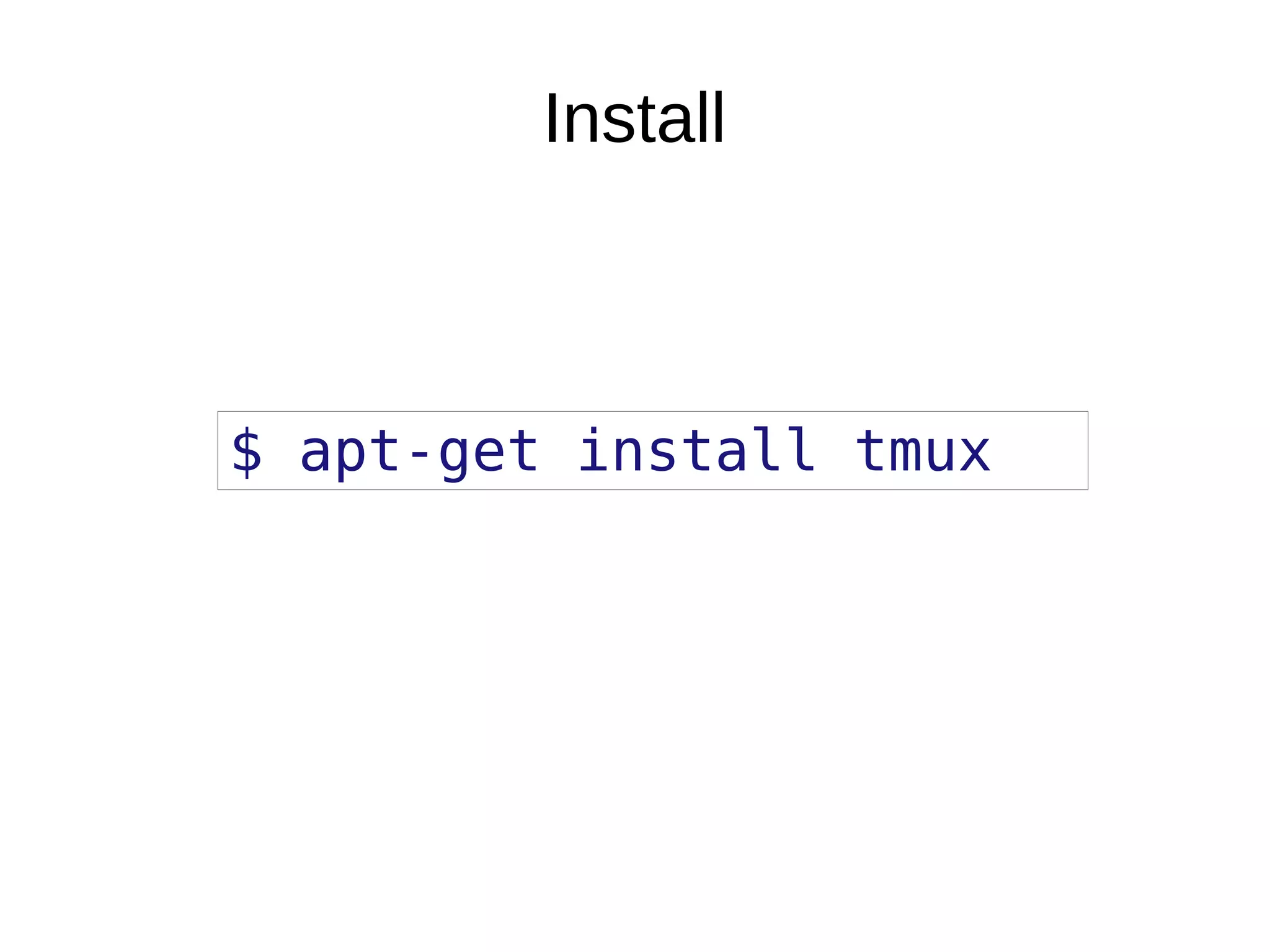
Install
$ apt-get install tmux
ZSH Fuzzy History
The End
Find my configuration at https://github.com/dantleech/system
Find me at @dantleech

Tmux quick intro

  • 1.
  • 2.
    My name is ●Daniel Leech. ● Symfony CMF. ● PHPBench. ● Open source contributor. ● Freelancer. ● Daniel Leech. ● Symfony CMF. ● PHPBench. ● Open source contributor. ● Freelancer.
  • 3.
    TMUX ● Is likeScreen but better. ● Manages console sessions. ● Makes you more productive. ● Could save your life. ● Is like Screen but better. ● Manages console sessions. ● Makes you more productive. ● Could save your life.
  • 4.
    Use it whenu SSH ● Keep console state between SSH sessions. ● Multitask in a single session. ● Keep console state between SSH sessions. ● Multitask in a single session.
  • 5.
    Use it onlocal ● Combine with VIM, Emacs or Nano. ● Use tabs for editing / commands / mysql / etc ● Work on multiple projects simultaneously. ● Play music with MPD. ● Check mail with Mutt. ● Never leave the console. ● Combine with VIM, Emacs or Nano. ● Use tabs for editing / commands / mysql / etc ● Work on multiple projects simultaneously. ● Play music with MPD. ● Check mail with Mutt. ● Never leave the console.
  • 6.
    With a minimalWM ● Combine with I3 ● Combine with Awesome ● Use it with no WM at all! ● Never use a mouse again! ● Combine with I3 ● Combine with Awesome ● Use it with no WM at all! ● Never use a mouse again!
  • 7.
    Key Concepts ● Windows ●Tabs ● Panes ● Sessions ● Windows ● Tabs ● Panes ● Sessions
  • 8.
  • 9.
  • 10.
  • 11.
  • 12.
  • 13.
  • 14.
  • 15.
  • 16.
    Other features ● Pagination:<ctrl>-a [ ● Copy and paste (<ctrl> a ● Pagination: <ctrl>-a [ ● Copy and paste (<ctrl> a
  • 17.
    $ tmux new-s cmf-resource $ tmux at -t cmf-resource Create and Attach to a Session new session attach to target
  • 18.
    Key Bindings ● Remap<ctrl>-b to <ctrl>-a !● Remap <ctrl>-b to <ctrl>-a ! # $HOME/.tmux.conf # … set-option -g prefix C-a
  • 19.
    Important Key Bindings ●“<ctrl>-a n”: Create tab ● “<ctrl>-a x”: Xterminate tab ● “<ctrl>-a n”: Next tab ● “<ctrl>-a p”: Previous tab ● “<ctrl>-a d”: Detatch session ● “<ctrl>-a ?”: Help? ● “<ctrl>-a n”: Create tab ● “<ctrl>-a x”: Xterminate tab ● “<ctrl>-a n”: Next tab ● “<ctrl>-a p”: Previous tab ● “<ctrl>-a d”: Detatch session ● “<ctrl>-a ?”: Help?
  • 20.
    Tmuxinator ● Start configuredtmux sessions.● Start configured tmux sessions. $ mux my-project # ~/.tmuxinator/my-project.yml name: my-project root: ~/ windows: - editor: panes: - vim - guard - server: bundle exec rails s - logs: tail -f log/development.log
  • 21.
  • 22.
  • 23.
    The End Find myconfiguration at https://github.com/dantleech/system Find me at @dantleech