The Three C’s of  NPTech Contacts, Communications, Cash A presentation to the CTC VISTA Project January 19, 2007 http://organizerscollaborative.org/presentations
Before We Begin . . .
Before We Begin . . .  Challenge People, and especially organizations, are slow to understand new technology
Before We Begin . . .  Challenge People, and especially organizations, are slow to understand new technology Strategies Find peer organizations to demonstrate impact Make sure to talk about technologies in lay terms Link technology solutions to achieving mission
Before We Begin . . .
Before We Begin . . .  Challenge Non-profits, especially small ones, are reluctant to spend money on technology
Before We Begin . . .  Challenge Non-profits, especially small ones, are reluctant to spend money on technology Strategies Educate yourself about ROI and then educate the NPO Find sources of inexpensive software and hardware Link technology solutions to achieving mission
Before We Begin . . .
Before We Begin . . .  Challenge Non-profits, of all sizes, often have no plan for their information and communication technologies
Before We Begin . . .  Challenge Non-profits, of all sizes, often have no plan for their information and communication technologies Strategies Educate yourself on the tech planning process Get leadership (program manager, ED, board) enthusiastic about creating a plan Use Npower’sTechAtlas ( http://www.techatlas.org ) to get quick handle on needs Link technology solutions to achieving mission
Before We Begin . . .  Challenge Non-profits, of all sizes, often have no plan for their information and communication technologies Strategies Educate yourself on the tech planning process Get leadership (program manager, ED, board) enthusiastic about creating a plan Use Npower’sTechAtlas ( http://www.techatlas.org ) to get quick handle on needs Link technology solutions to achieving mission BE PATIENT
Contacts
Contacts Nonprofits are about people - members, constituents, funders, legislators, donors
Contacts Nonprofits are about people - members, constituents, funders, legislators, donors Your ability to succeed is related to your ability to manage and understand the people you are connected to.
Contacts Nonprofits are about people - members, constituents, funders, legislators, donors Your ability to succeed is related to your ability to manage and understand the people you are connected to. This is where Customer (or Constituent) Management Relationship (CRM) tools come into play.
Contacts What makes a CRM a CRM?  Holistic Consolidates Coordinates Improves data integrity
Contacts some examples CiviCRM  -  http://www.civicrm.org   Web-based, open source, based on Drupal or Jamoola, free, needs some tech skill Salesforce -  http://www.salesforce.com Used by for-profit sales folks, have free NPO program, web-based, have support ODB -  http://organizersdb.org Open source, free, based on VB (works like MS Access), PC platform only
Contacts Demo CiviCRM 1.6  http://demo.civicrm.org/drupal/
Communications
Communications Clearly outreach, marketing, and internal / external communications are important
Communications Clearly outreach, marketing, and internal / external communications are important This may be one of the easiest ways to get NPOs on board with technology
Communications Clearly outreach, marketing, and internal / external communications are important This may be one of the easiest ways to get NPOs on board with technology Three important areas - email, web, graphic design
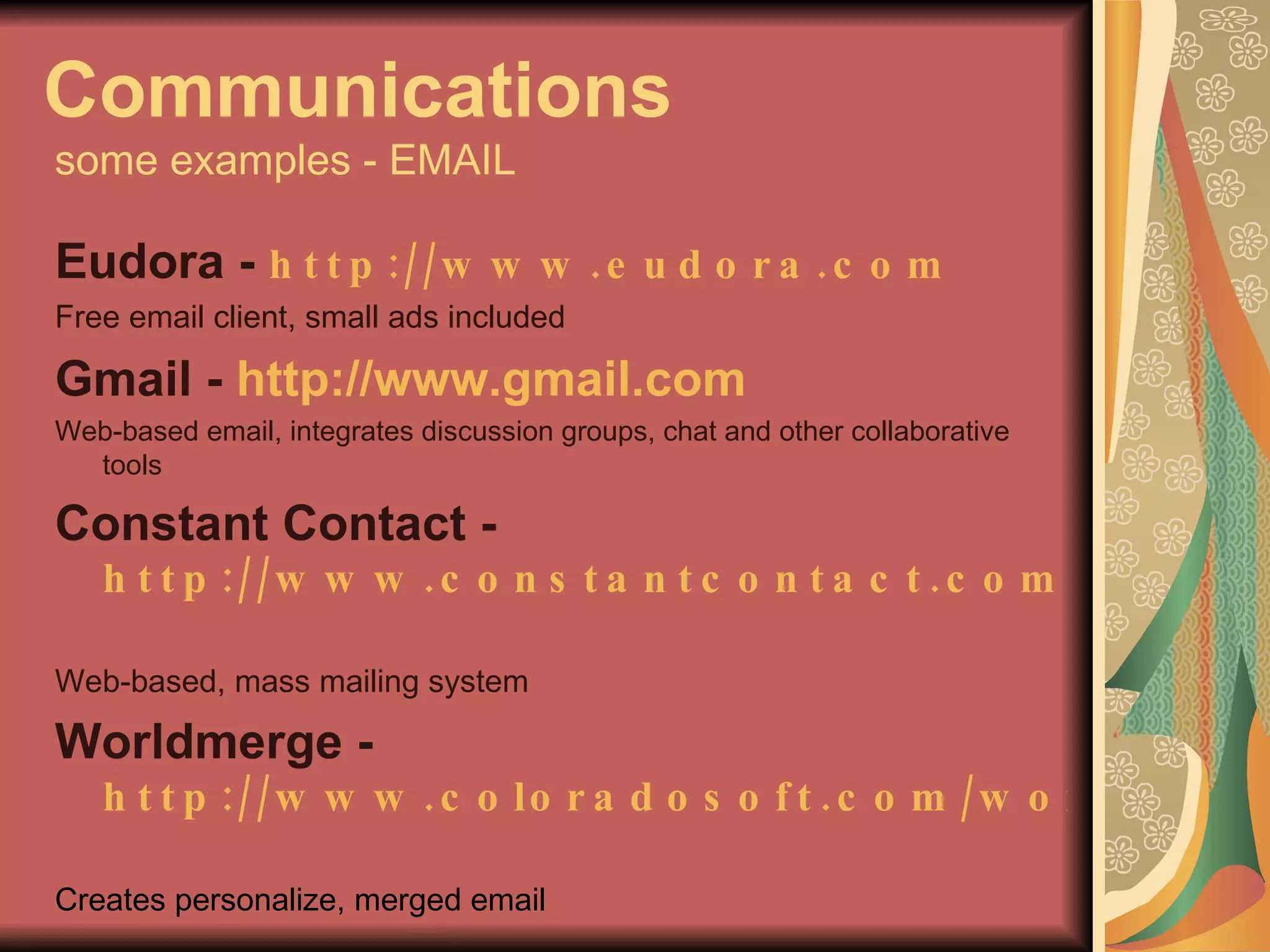
Communications   some examples - EMAIL Eudora -  http://www.eudora.com   Free email client, small ads included Gmail -  http://www.gmail.com   Web-based email, integrates discussion groups, chat and other collaborative tools Constant Contact - http://www.constantcontact.com   Web-based, mass mailing system Worldmerge -  http://www.coloradosoft.com/worldmrg   Creates personalize, merged email
Communications   EMAIL Demo Constant Contact http://www.constantcontact.com
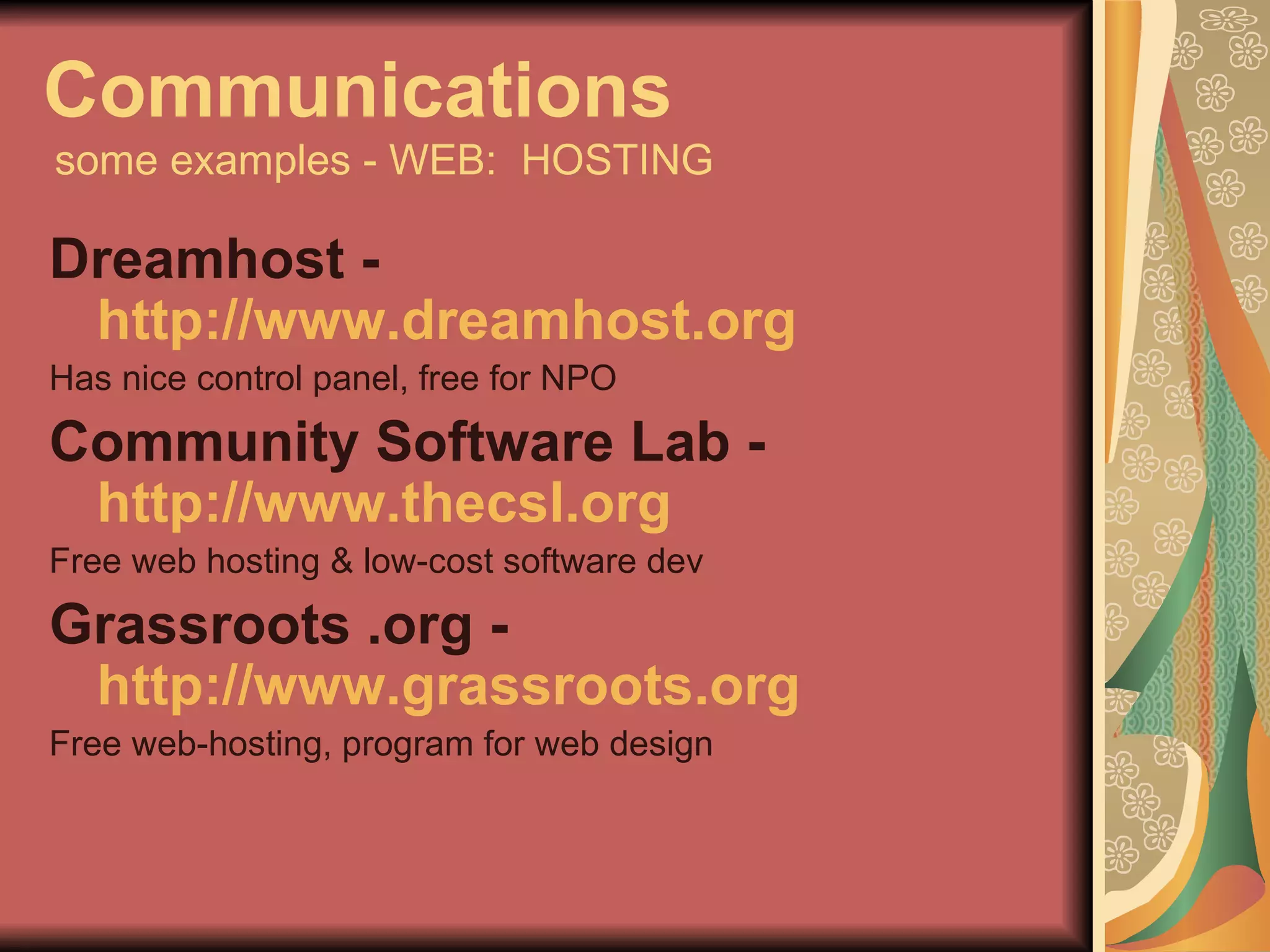
Communications   some examples - WEB:  HOSTING Dreamhost -  http://www.dreamhost.org Has nice control panel, free for NPO Community Software Lab -  http://www.thecsl.org Free web hosting & low-cost software dev Grassroots .org -  http://www.grassroots.org   Free web-hosting, program for web design
Communications   WEB:  HOSTING Demo of Dreamhost http://www.dreamhost.com Free hosting for NPOs  at Dreamhost http://wiki.dreamhost.com/index.php/Non-profit_Discount
Communications   WEB:  Content Management System (CMS) A CMS facilitates document control, auditing, editing, and timeline management. A Web CMS provides the following key features:
Communications   WEB:  Content Management System (CMS) A CMS facilitates document control, auditing, editing, and timeline management. A Web CMS provides the following key features: Templates can change quickly
Communications   WEB:  Content Management System (CMS) A CMS facilitates document control, auditing, editing, and timeline management. A Web CMS provides the following key features: Templates can change quickly Content is easy to edit
Communications   WEB:  Content Management System (CMS) A CMS facilitates document control, auditing, editing, and timeline management. A Web CMS provides the following key features: Templates can change quickly Content is easy to edit Features can build upon each other
Communications   WEB:  Content Management System (CMS) A CMS facilitates document control, auditing, editing, and timeline management. A Web CMS provides the following key features: Templates can change quickly Content is easy to edit Features can build upon each other As web standard changes built in
Communications   WEB:  Content Management System (CMS) A CMS facilitates document control, auditing, editing, and timeline management. A Web CMS provides the following key features: Templates can change quickly Content is easy to edit Features can build upon each other As web standard changes built in Manage workflow -- often with multiple users
Communications   WEB:  Content Management System (CMS) A CMS facilitates document control, auditing, editing, and timeline management. A Web CMS provides the following key features: Templates can change quickly Content is easy to edit Features can build upon each other As web standard changes built in Manage workflow -- often with multiple users Manage documents
Communications   some examples - WEB:  CMS Wordpress -  http://www.wordpress.org  &  http://www.wordpress.com   Primarily a blogging system, easy to use, many plugins Drupal -  http://www.drupal.com   Lots of functionality, community building potential, needs intermediate to advanced tech skill to setup, large npo user community Joomla -  http://www.joomla.org   Similar to Drupal, level of entry easier
Communications   WEB:  CMS Demo of Wordpress http://www.grassrootsradioxii.org
Communications   some examples - GRAPHIC DESIGN Inkscape -   http://www.inkscape.org   Free, vector-based illustration software Gimp  -  http://www.gimp.org   Free, photo editing tool Impress  -  http://www.openoffice.org Presentation app part of free office suite Vista Print -  http://www.vistaprint.com One of many low-cost printing services
Cash
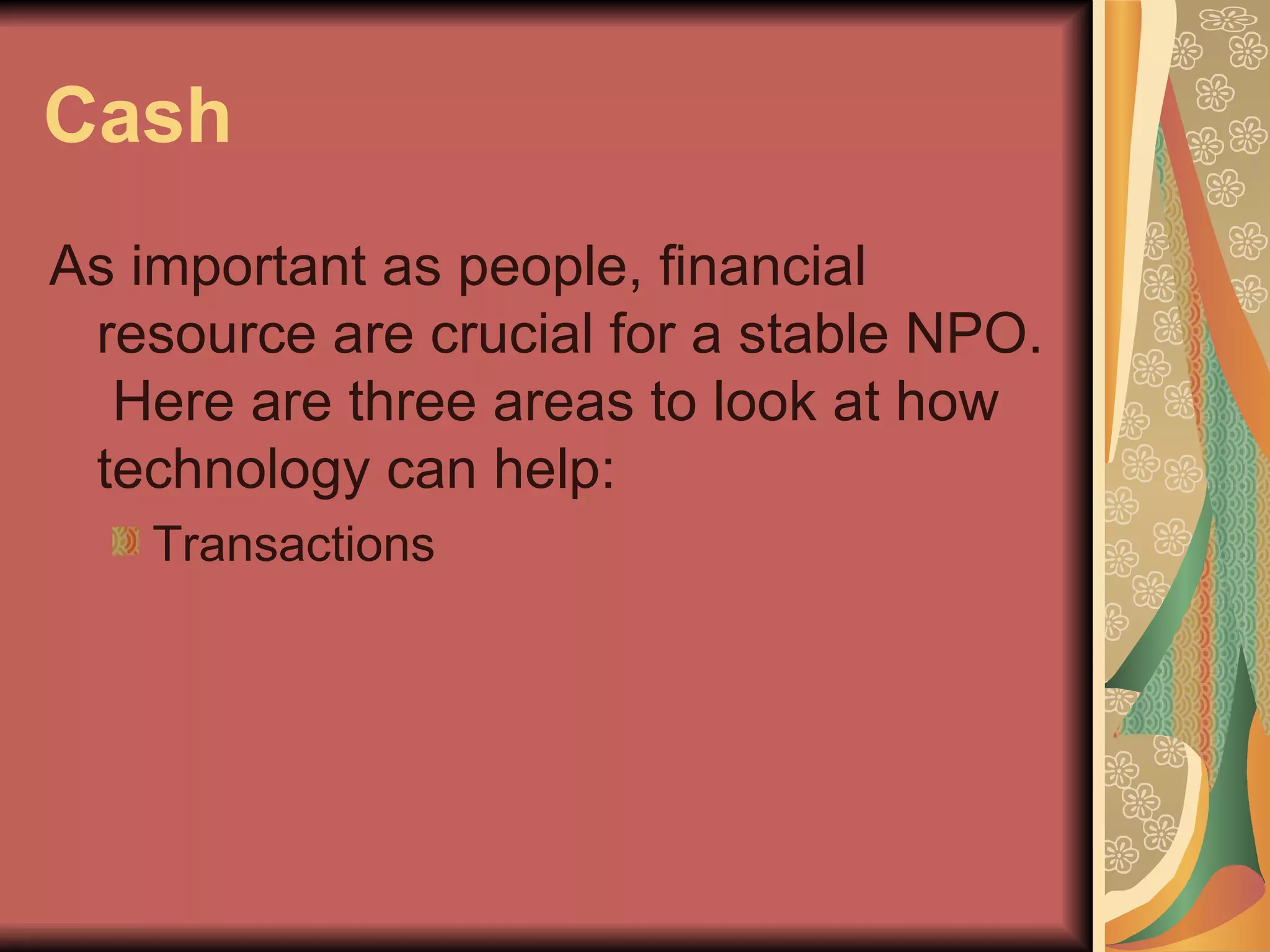
Cash As important as people, financial resource are crucial for a stable NPO.  Here are three areas to look at how technology can help:
Cash As important as people, financial resource are crucial for a stable NPO.  Here are three areas to look at how technology can help: Transactions
Cash As important as people, financial resource are crucial for a stable NPO.  Here are three areas to look at how technology can help: Transactions Bookkeeping
Cash As important as people, financial resource are crucial for a stable NPO.  Here are three areas to look at how technology can help: Transactions Bookkeeping Fundraising
Cash some examples - TRANSACTIONS Network for Good / Groundspring  http://www.networkforgood.com http://www. groundspring .com Credit card donation services (free & customized versions) Pay Pal -  http://www. paypal .com   Linked to bank account, no NPO status required - low fees Merchant Account  -  various site - one is  http://www.echo-inc.com
Cash TRANSACTIONS Demo of Network for Good http://www.ltc.org Demo of Groundspring http://www.organizerscollaborative.org/donate   Demo of Paypal http://www.compartners.org/donate
Cash some examples - BOOKKEEPING / BUDGETS Quickbooks for Nonprofits http://www.techsoup.org/stock   Accounting software made affordable via TechSoup donation program Calc -  http://www.openoffice.org Free spreadsheet app part of office suite
Cash some examples - FUNDRAISING CiviContribute -  http://civicrm.org/civicontribute   Module works with Drupal / Jamoola and CiviCRM to accept and track donatoins Charity Badge -  http://promotions.yahoo.com/giving   Using the power of social networking to build financial resources Echo Bat -  http://www.hiveminds.co.uk/node/729 Module for Drupal 4.6 that tracks donations visually
Cash FUNDRAISING Demo of Charity Badge -  http://promotions.yahoo.com/giving   Demo of Echo Bat -  http://www.organizersdb.org
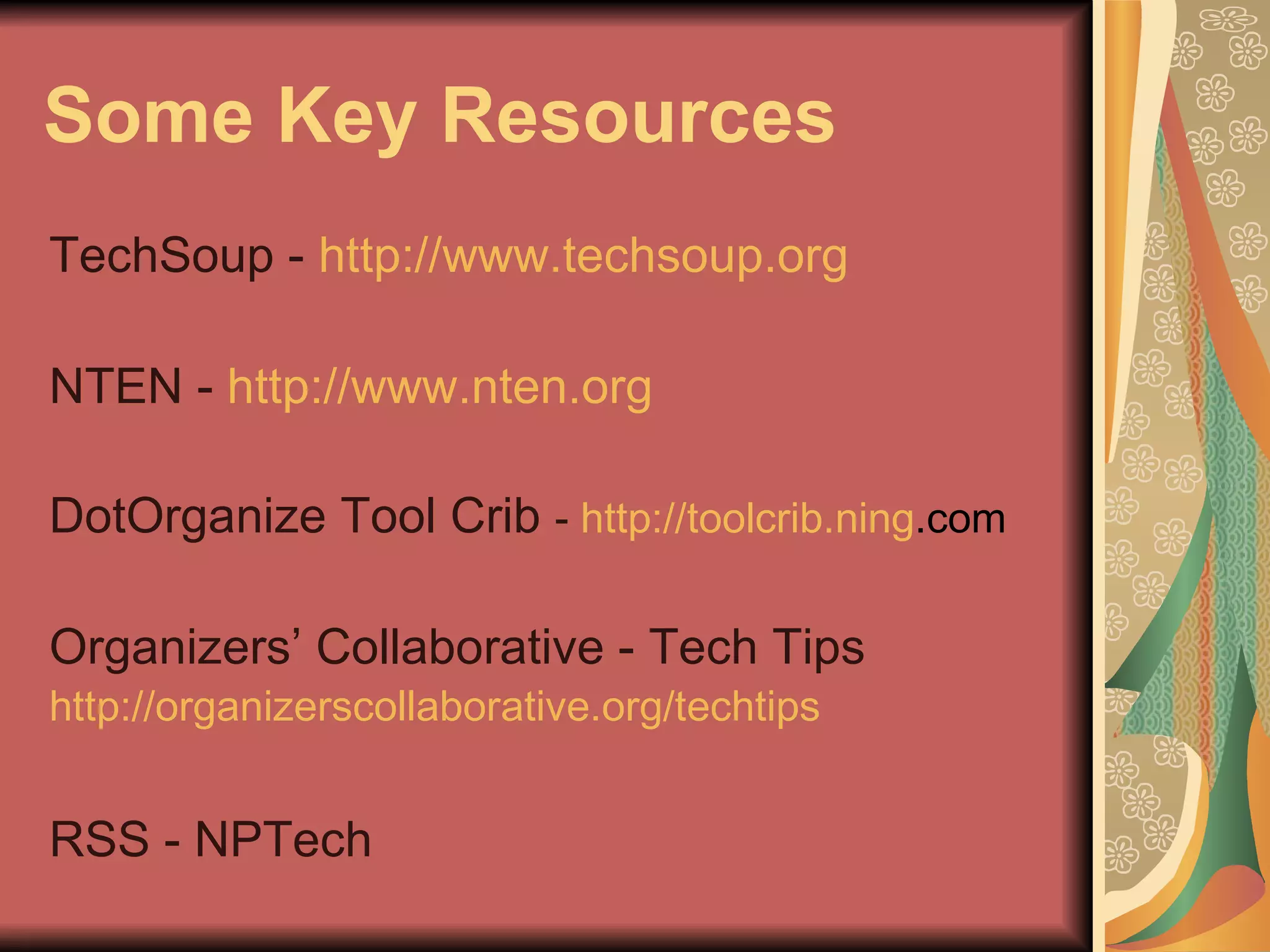
Some Key Resources TechSoup -  http://www.techsoup.org NTEN -  http://www.nten.org DotOrganize Tool Crib  -  http:// toolcrib . ning .com   Organizers’ Collaborative - Tech Tips http://organizerscollaborative.org/techtips   RSS - NPTech
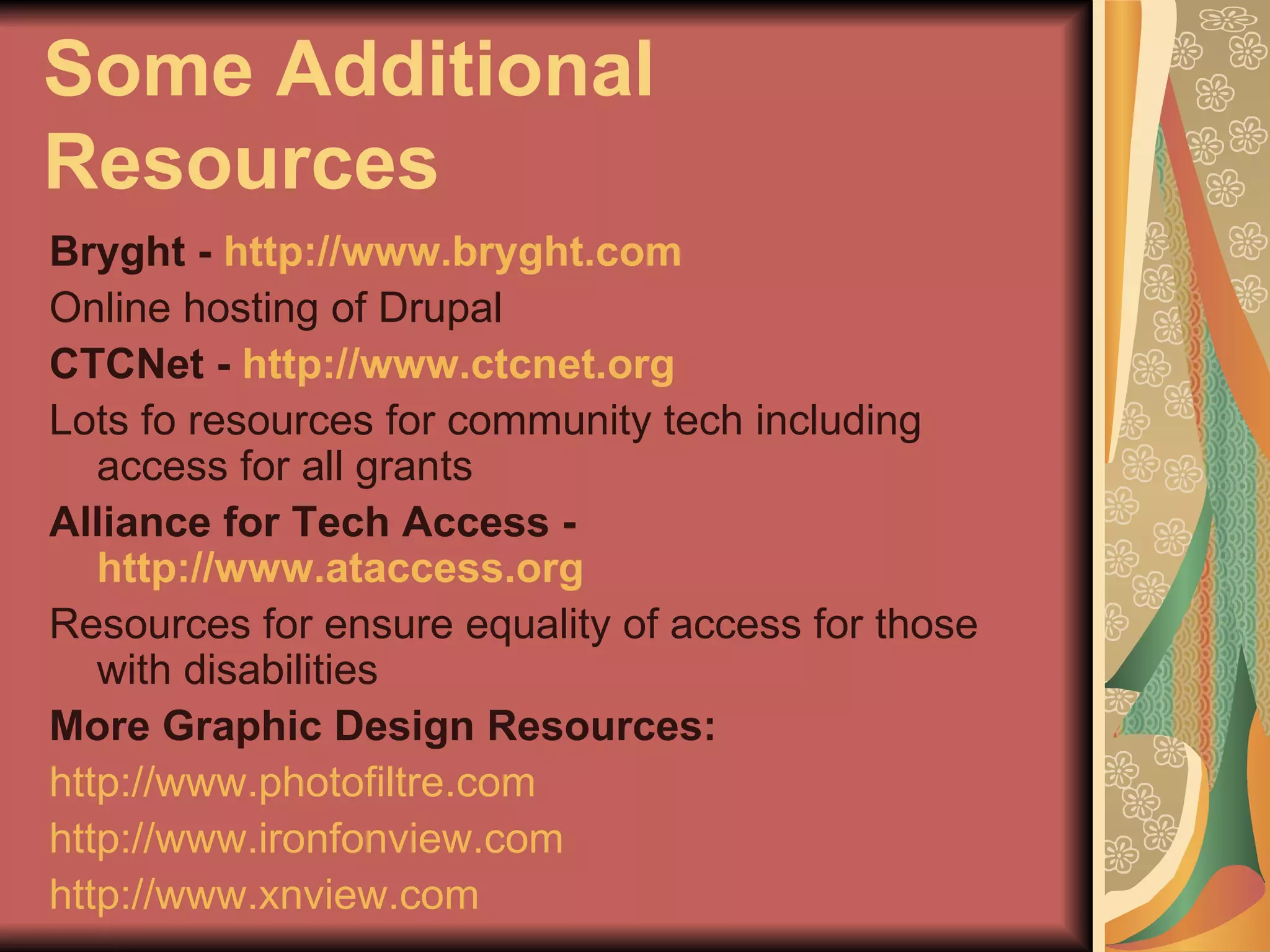
Some Additional Resources Bryght -  http://www.bryght.com Online hosting of Drupal CTCNet -  http://www.ctcnet.org Lots fo resources for community tech including access for all grants Alliance for Tech Access -  http://www.ataccess.org Resources for ensure equality of access for those with disabilities More Graphic Design Resources: http://www.photofiltre.com http://www.ironfonview.com http://www.xnview.com
My Contact Info Felicia M. Sullivan Organizers’ Collaborative 14 Beacon Street - Suite 707 Boston, MA  02108 [ v ]  617.720.6190 [ e ]  [email_address]   [ w ]  http://www.organizerscollaborative.org

The Three C’s of NPTech

  • 1.
    The Three C’sof NPTech Contacts, Communications, Cash A presentation to the CTC VISTA Project January 19, 2007 http://organizerscollaborative.org/presentations
  • 2.
  • 3.
    Before We Begin. . . Challenge People, and especially organizations, are slow to understand new technology
  • 4.
    Before We Begin. . . Challenge People, and especially organizations, are slow to understand new technology Strategies Find peer organizations to demonstrate impact Make sure to talk about technologies in lay terms Link technology solutions to achieving mission
  • 5.
  • 6.
    Before We Begin. . . Challenge Non-profits, especially small ones, are reluctant to spend money on technology
  • 7.
    Before We Begin. . . Challenge Non-profits, especially small ones, are reluctant to spend money on technology Strategies Educate yourself about ROI and then educate the NPO Find sources of inexpensive software and hardware Link technology solutions to achieving mission
  • 8.
  • 9.
    Before We Begin. . . Challenge Non-profits, of all sizes, often have no plan for their information and communication technologies
  • 10.
    Before We Begin. . . Challenge Non-profits, of all sizes, often have no plan for their information and communication technologies Strategies Educate yourself on the tech planning process Get leadership (program manager, ED, board) enthusiastic about creating a plan Use Npower’sTechAtlas ( http://www.techatlas.org ) to get quick handle on needs Link technology solutions to achieving mission
  • 11.
    Before We Begin. . . Challenge Non-profits, of all sizes, often have no plan for their information and communication technologies Strategies Educate yourself on the tech planning process Get leadership (program manager, ED, board) enthusiastic about creating a plan Use Npower’sTechAtlas ( http://www.techatlas.org ) to get quick handle on needs Link technology solutions to achieving mission BE PATIENT
  • 12.
  • 13.
    Contacts Nonprofits areabout people - members, constituents, funders, legislators, donors
  • 14.
    Contacts Nonprofits areabout people - members, constituents, funders, legislators, donors Your ability to succeed is related to your ability to manage and understand the people you are connected to.
  • 15.
    Contacts Nonprofits areabout people - members, constituents, funders, legislators, donors Your ability to succeed is related to your ability to manage and understand the people you are connected to. This is where Customer (or Constituent) Management Relationship (CRM) tools come into play.
  • 16.
    Contacts What makesa CRM a CRM? Holistic Consolidates Coordinates Improves data integrity
  • 17.
    Contacts some examplesCiviCRM - http://www.civicrm.org Web-based, open source, based on Drupal or Jamoola, free, needs some tech skill Salesforce - http://www.salesforce.com Used by for-profit sales folks, have free NPO program, web-based, have support ODB - http://organizersdb.org Open source, free, based on VB (works like MS Access), PC platform only
  • 18.
    Contacts Demo CiviCRM1.6 http://demo.civicrm.org/drupal/
  • 19.
  • 20.
    Communications Clearly outreach,marketing, and internal / external communications are important
  • 21.
    Communications Clearly outreach,marketing, and internal / external communications are important This may be one of the easiest ways to get NPOs on board with technology
  • 22.
    Communications Clearly outreach,marketing, and internal / external communications are important This may be one of the easiest ways to get NPOs on board with technology Three important areas - email, web, graphic design
  • 23.
    Communications some examples - EMAIL Eudora - http://www.eudora.com Free email client, small ads included Gmail - http://www.gmail.com Web-based email, integrates discussion groups, chat and other collaborative tools Constant Contact - http://www.constantcontact.com Web-based, mass mailing system Worldmerge - http://www.coloradosoft.com/worldmrg Creates personalize, merged email
  • 24.
    Communications EMAIL Demo Constant Contact http://www.constantcontact.com
  • 25.
    Communications some examples - WEB: HOSTING Dreamhost - http://www.dreamhost.org Has nice control panel, free for NPO Community Software Lab - http://www.thecsl.org Free web hosting & low-cost software dev Grassroots .org - http://www.grassroots.org Free web-hosting, program for web design
  • 26.
    Communications WEB: HOSTING Demo of Dreamhost http://www.dreamhost.com Free hosting for NPOs at Dreamhost http://wiki.dreamhost.com/index.php/Non-profit_Discount
  • 27.
    Communications WEB: Content Management System (CMS) A CMS facilitates document control, auditing, editing, and timeline management. A Web CMS provides the following key features:
  • 28.
    Communications WEB: Content Management System (CMS) A CMS facilitates document control, auditing, editing, and timeline management. A Web CMS provides the following key features: Templates can change quickly
  • 29.
    Communications WEB: Content Management System (CMS) A CMS facilitates document control, auditing, editing, and timeline management. A Web CMS provides the following key features: Templates can change quickly Content is easy to edit
  • 30.
    Communications WEB: Content Management System (CMS) A CMS facilitates document control, auditing, editing, and timeline management. A Web CMS provides the following key features: Templates can change quickly Content is easy to edit Features can build upon each other
  • 31.
    Communications WEB: Content Management System (CMS) A CMS facilitates document control, auditing, editing, and timeline management. A Web CMS provides the following key features: Templates can change quickly Content is easy to edit Features can build upon each other As web standard changes built in
  • 32.
    Communications WEB: Content Management System (CMS) A CMS facilitates document control, auditing, editing, and timeline management. A Web CMS provides the following key features: Templates can change quickly Content is easy to edit Features can build upon each other As web standard changes built in Manage workflow -- often with multiple users
  • 33.
    Communications WEB: Content Management System (CMS) A CMS facilitates document control, auditing, editing, and timeline management. A Web CMS provides the following key features: Templates can change quickly Content is easy to edit Features can build upon each other As web standard changes built in Manage workflow -- often with multiple users Manage documents
  • 34.
    Communications some examples - WEB: CMS Wordpress - http://www.wordpress.org & http://www.wordpress.com Primarily a blogging system, easy to use, many plugins Drupal - http://www.drupal.com Lots of functionality, community building potential, needs intermediate to advanced tech skill to setup, large npo user community Joomla - http://www.joomla.org Similar to Drupal, level of entry easier
  • 35.
    Communications WEB: CMS Demo of Wordpress http://www.grassrootsradioxii.org
  • 36.
    Communications some examples - GRAPHIC DESIGN Inkscape - http://www.inkscape.org Free, vector-based illustration software Gimp - http://www.gimp.org Free, photo editing tool Impress - http://www.openoffice.org Presentation app part of free office suite Vista Print - http://www.vistaprint.com One of many low-cost printing services
  • 37.
  • 38.
    Cash As importantas people, financial resource are crucial for a stable NPO. Here are three areas to look at how technology can help:
  • 39.
    Cash As importantas people, financial resource are crucial for a stable NPO. Here are three areas to look at how technology can help: Transactions
  • 40.
    Cash As importantas people, financial resource are crucial for a stable NPO. Here are three areas to look at how technology can help: Transactions Bookkeeping
  • 41.
    Cash As importantas people, financial resource are crucial for a stable NPO. Here are three areas to look at how technology can help: Transactions Bookkeeping Fundraising
  • 42.
    Cash some examples- TRANSACTIONS Network for Good / Groundspring http://www.networkforgood.com http://www. groundspring .com Credit card donation services (free & customized versions) Pay Pal - http://www. paypal .com Linked to bank account, no NPO status required - low fees Merchant Account - various site - one is http://www.echo-inc.com
  • 43.
    Cash TRANSACTIONS Demoof Network for Good http://www.ltc.org Demo of Groundspring http://www.organizerscollaborative.org/donate Demo of Paypal http://www.compartners.org/donate
  • 44.
    Cash some examples- BOOKKEEPING / BUDGETS Quickbooks for Nonprofits http://www.techsoup.org/stock Accounting software made affordable via TechSoup donation program Calc - http://www.openoffice.org Free spreadsheet app part of office suite
  • 45.
    Cash some examples- FUNDRAISING CiviContribute - http://civicrm.org/civicontribute Module works with Drupal / Jamoola and CiviCRM to accept and track donatoins Charity Badge - http://promotions.yahoo.com/giving Using the power of social networking to build financial resources Echo Bat - http://www.hiveminds.co.uk/node/729 Module for Drupal 4.6 that tracks donations visually
  • 46.
    Cash FUNDRAISING Demoof Charity Badge - http://promotions.yahoo.com/giving Demo of Echo Bat - http://www.organizersdb.org
  • 47.
    Some Key ResourcesTechSoup - http://www.techsoup.org NTEN - http://www.nten.org DotOrganize Tool Crib - http:// toolcrib . ning .com Organizers’ Collaborative - Tech Tips http://organizerscollaborative.org/techtips RSS - NPTech
  • 48.
    Some Additional ResourcesBryght - http://www.bryght.com Online hosting of Drupal CTCNet - http://www.ctcnet.org Lots fo resources for community tech including access for all grants Alliance for Tech Access - http://www.ataccess.org Resources for ensure equality of access for those with disabilities More Graphic Design Resources: http://www.photofiltre.com http://www.ironfonview.com http://www.xnview.com
  • 49.
    My Contact InfoFelicia M. Sullivan Organizers’ Collaborative 14 Beacon Street - Suite 707 Boston, MA 02108 [ v ] 617.720.6190 [ e ] [email_address] [ w ] http://www.organizerscollaborative.org