Accessing information outside your library walls
By Caroline roche, Ma, Mclip
advanced Lead practitioner
The Mobile Library
Email:carolineroche1@hotmail.co.uk Twitter: @HeartOTSchool
Diigo
• Diigo is an online bookmark service. You can access your bookmarks
online from any computer, or your Apple or Android phone
• Diigo is a social tool – you can befriend others and search their
bookmarks as well
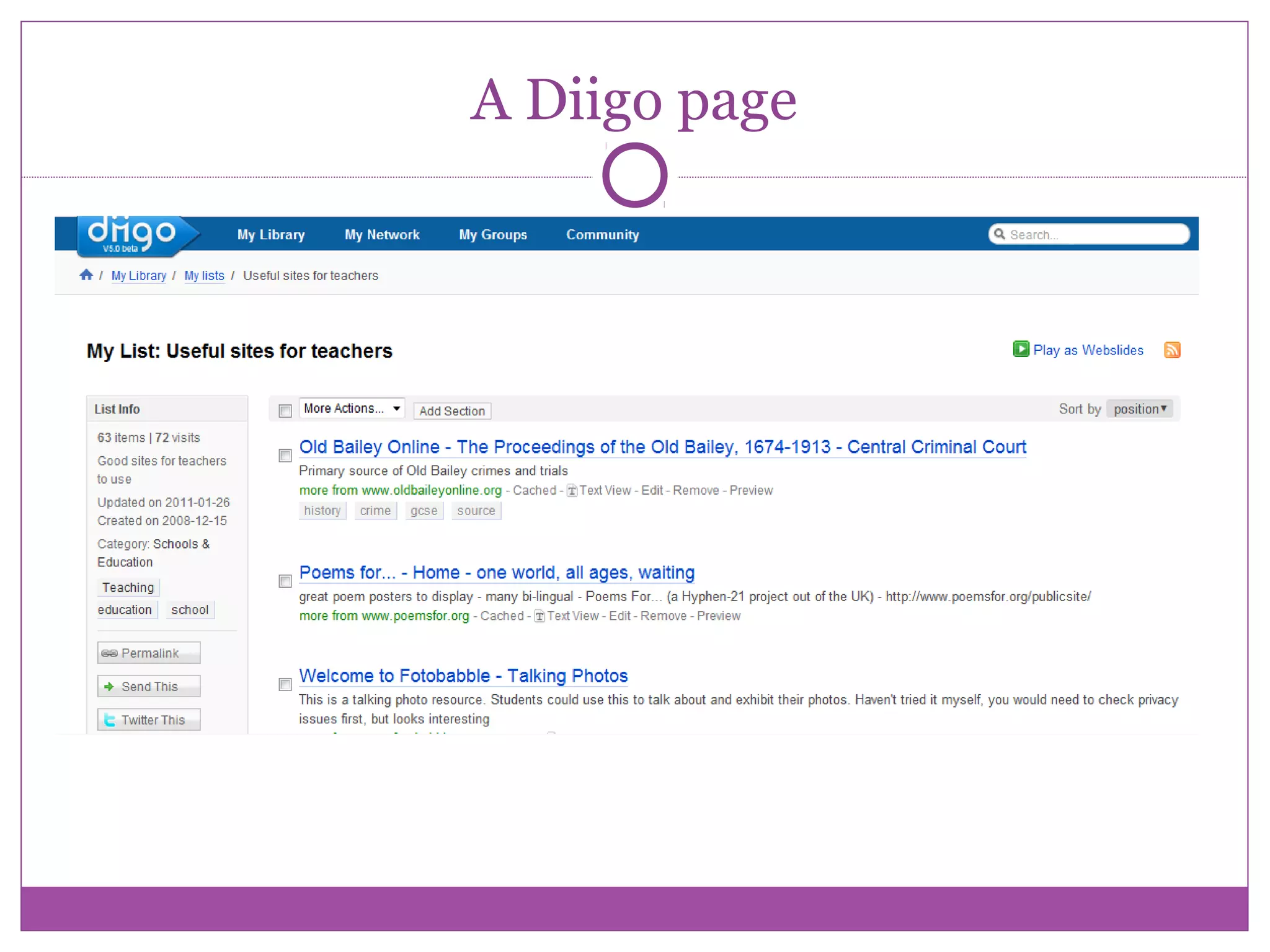
• You can make up lists for your students so they don’t have to trawl
through Google, but have a ready-made list to which you and staff
contribute, which you can embed on the VLE
• You can have a collective account for sixth form pupils where they save
and share bookmarks with each other – independent learning.
• There are other online bookmark services, like Delicious, but Diigo is the
most versatile
• If you tweet, Diigo will save any URL’s of favourited tweets for you
automatically
A Diigo page
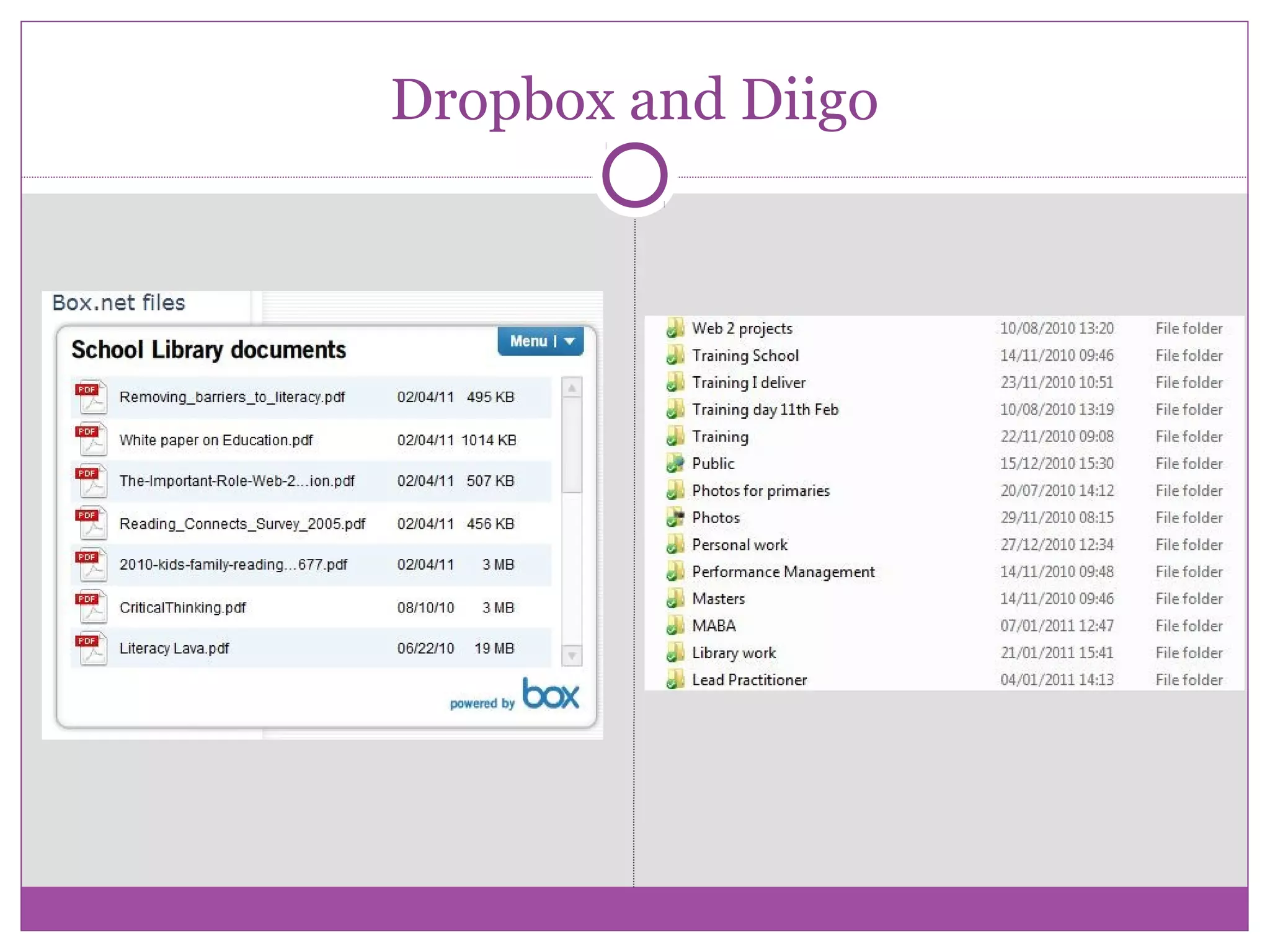
Dropbox and Box.net
• Dropbox is a way of sharing documents quickly and
easily
• Dropbox is an app for phones as well, so documents can
be uploaded there too
• You can have shared Dropboxes with different people for
different purposes
• Box.net is another way of sharing documents freely with
others
• You can embed a widget on your website, and people can
download documents from there
Dropbox and Diigo
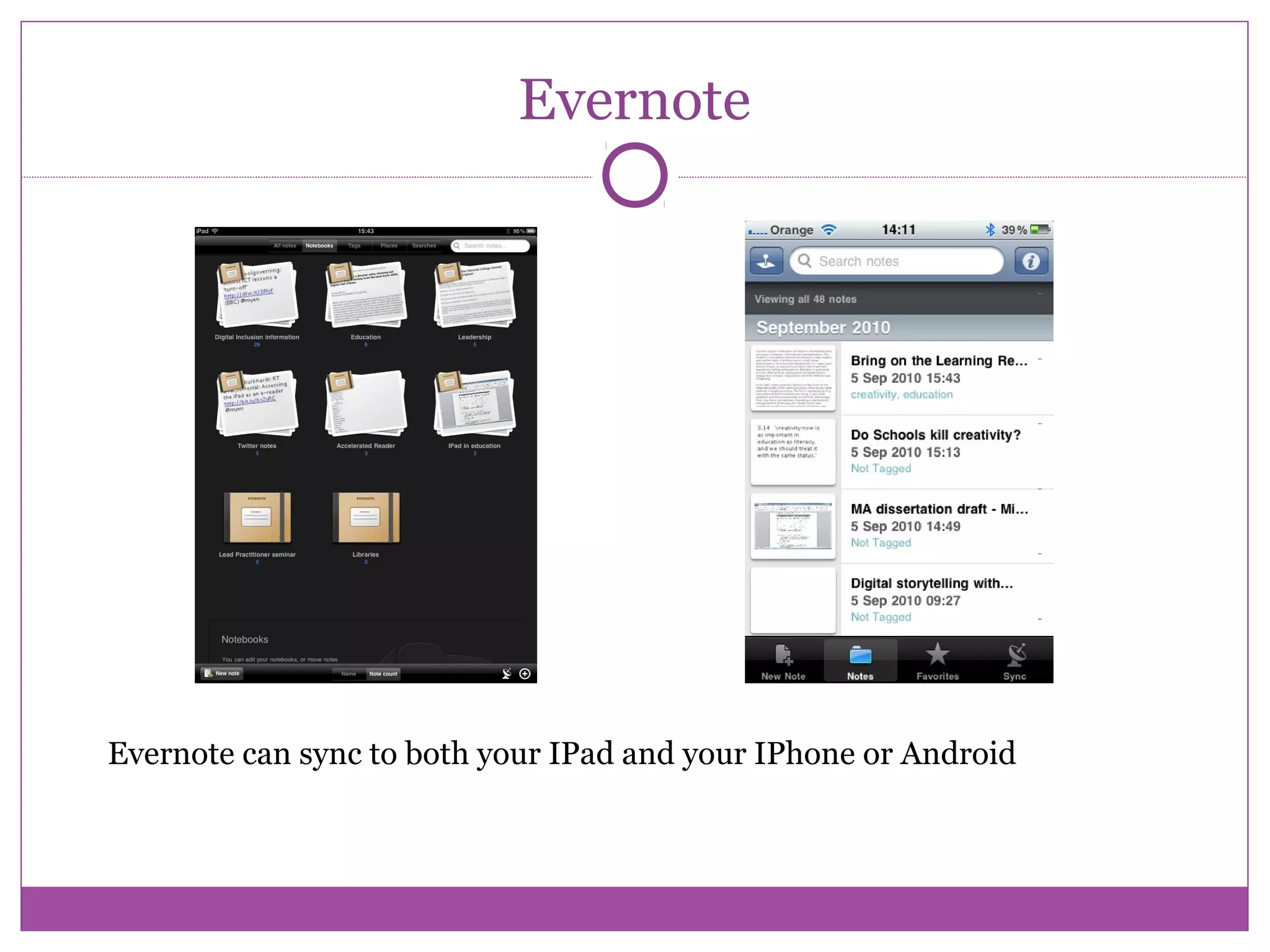
Evernote
Evernote can sync to both your IPad and your IPhone or Android
Evernote
You can send photos from your Android or Iphone
directly to Evernote
You can also dictate messages to Evernote using an
app
This way you can take photos at an art exhibition,
say, and voice recordings, and send them straight to
Evernote
This will be stored in a folder along with your other
notes.
Notes can be emailed to others through Evernote
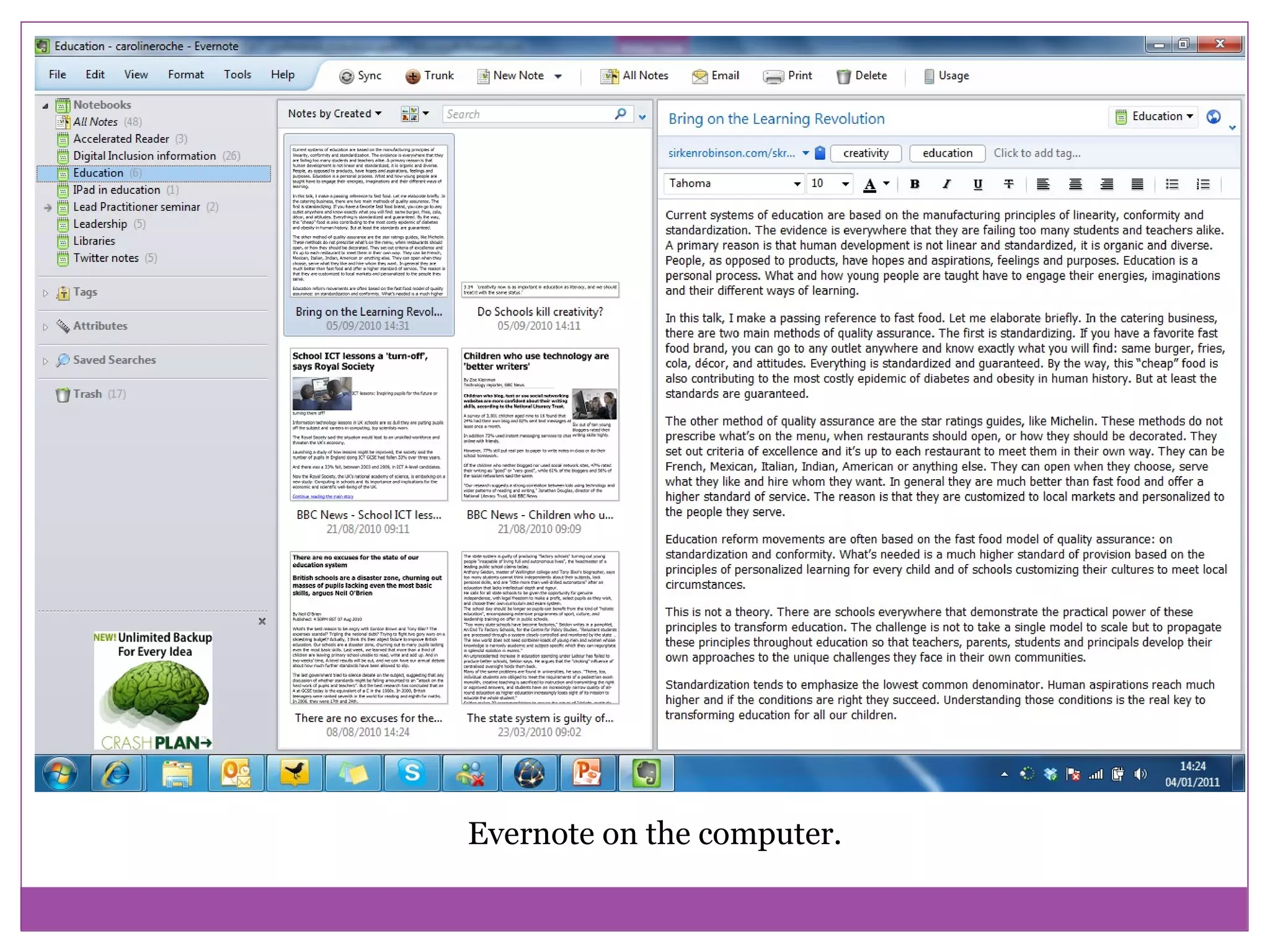
Evernote on the computer.
Uses for Evernote
You can use Evernote as a personal webclipper and
storage space for all documents
Evernote will integrate with Outlook so you can save
emails.
You can quickly use the Evernote clipper whenever
you are on a webpage to save the whole page, or to
highlight text and save only that
The original link to the webpage is retained so you
can go back and check for referencing purposes
Free ebook content
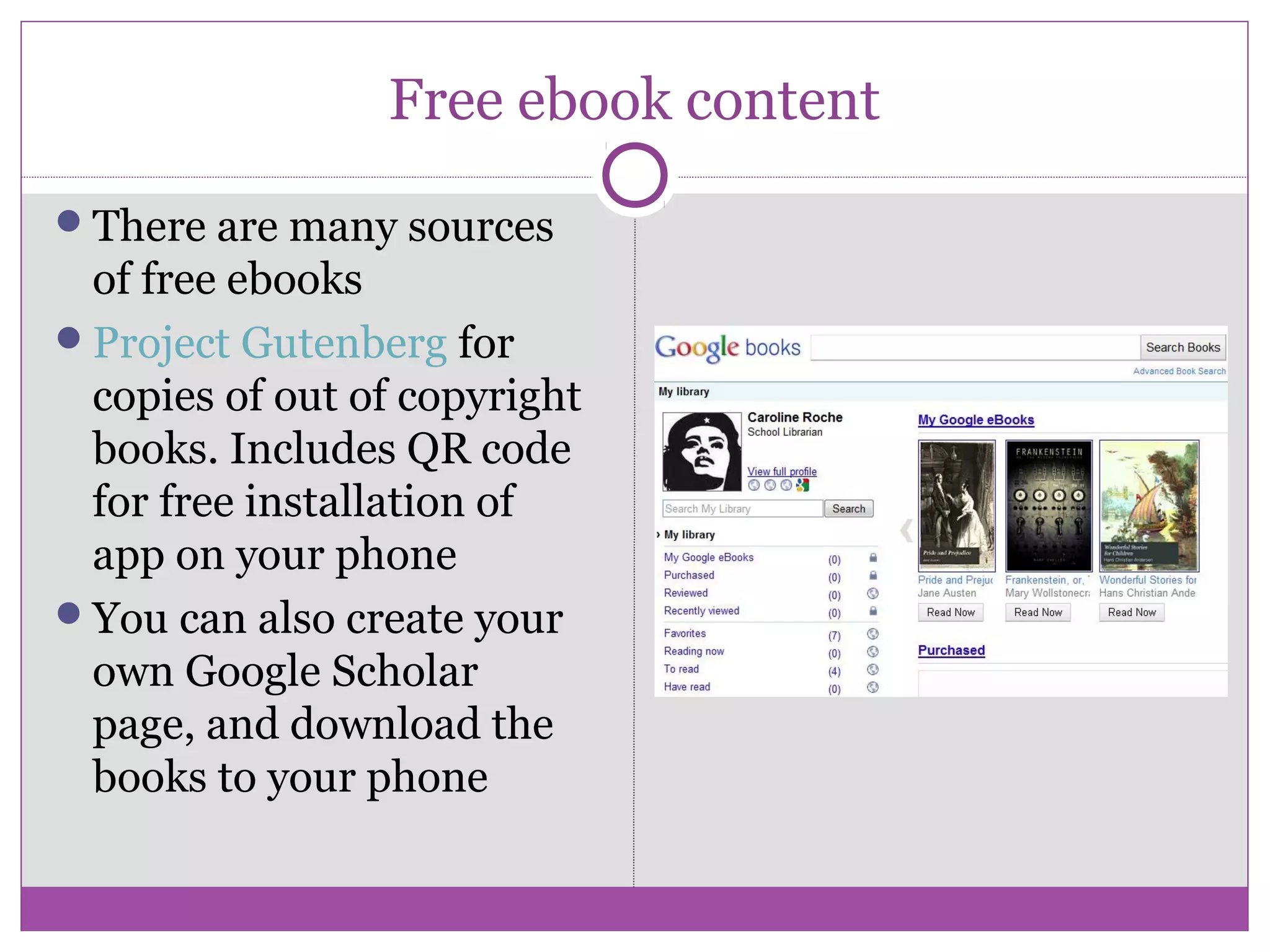
There are many sources
of free ebooks
Project Gutenberg for
copies of out of copyright
books. Includes QR code
for free installation of
app on your phone
You can also create your
own Google Scholar
page, and download the
books to your phone
Building an e-library
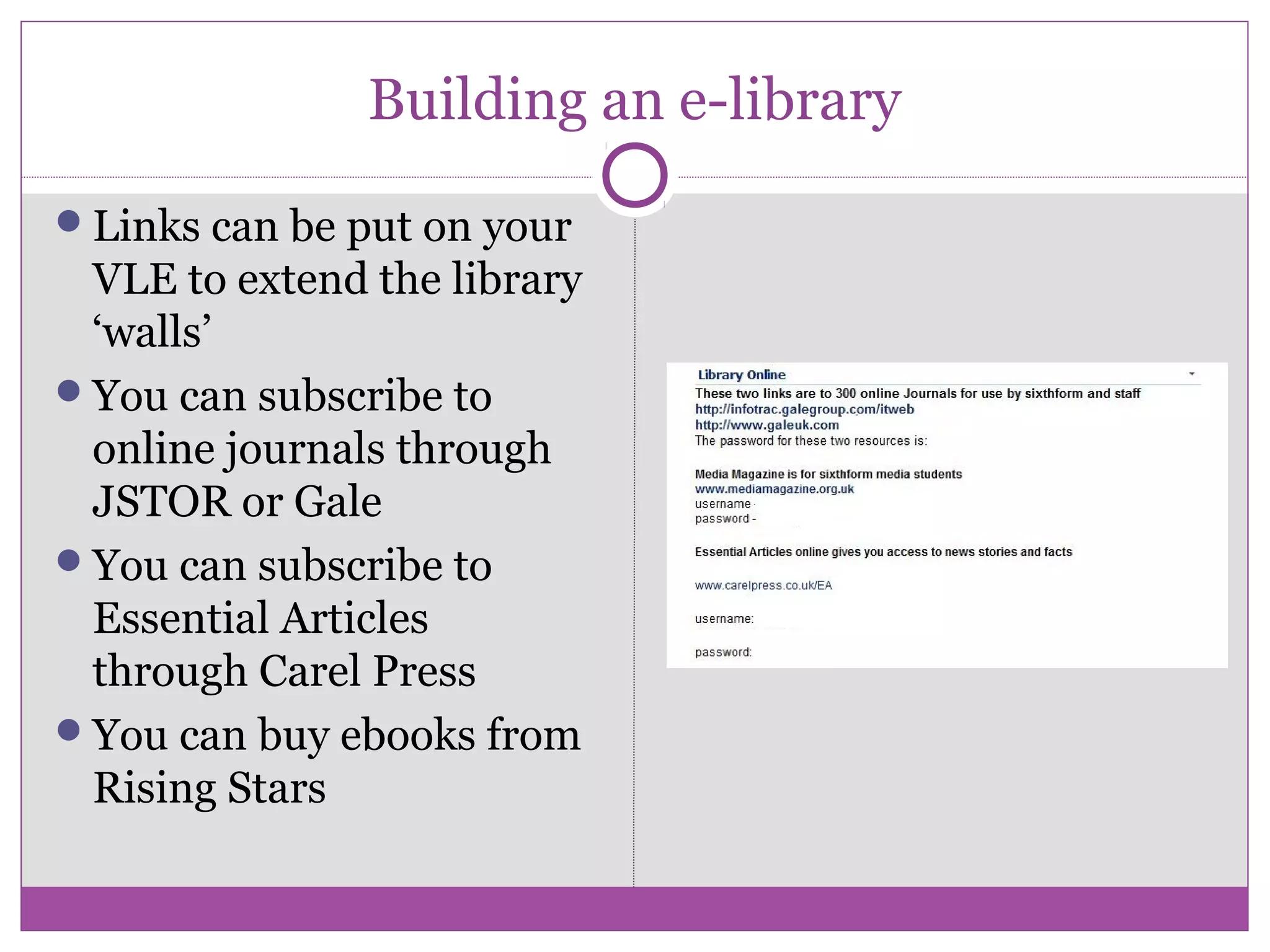
Links can be put on your
VLE to extend the library
‘walls’
You can subscribe to
online journals through
JSTOR or Gale
You can subscribe to
Essential Articles
through Carel Press
You can buy ebooks from
Rising Stars
QR codes
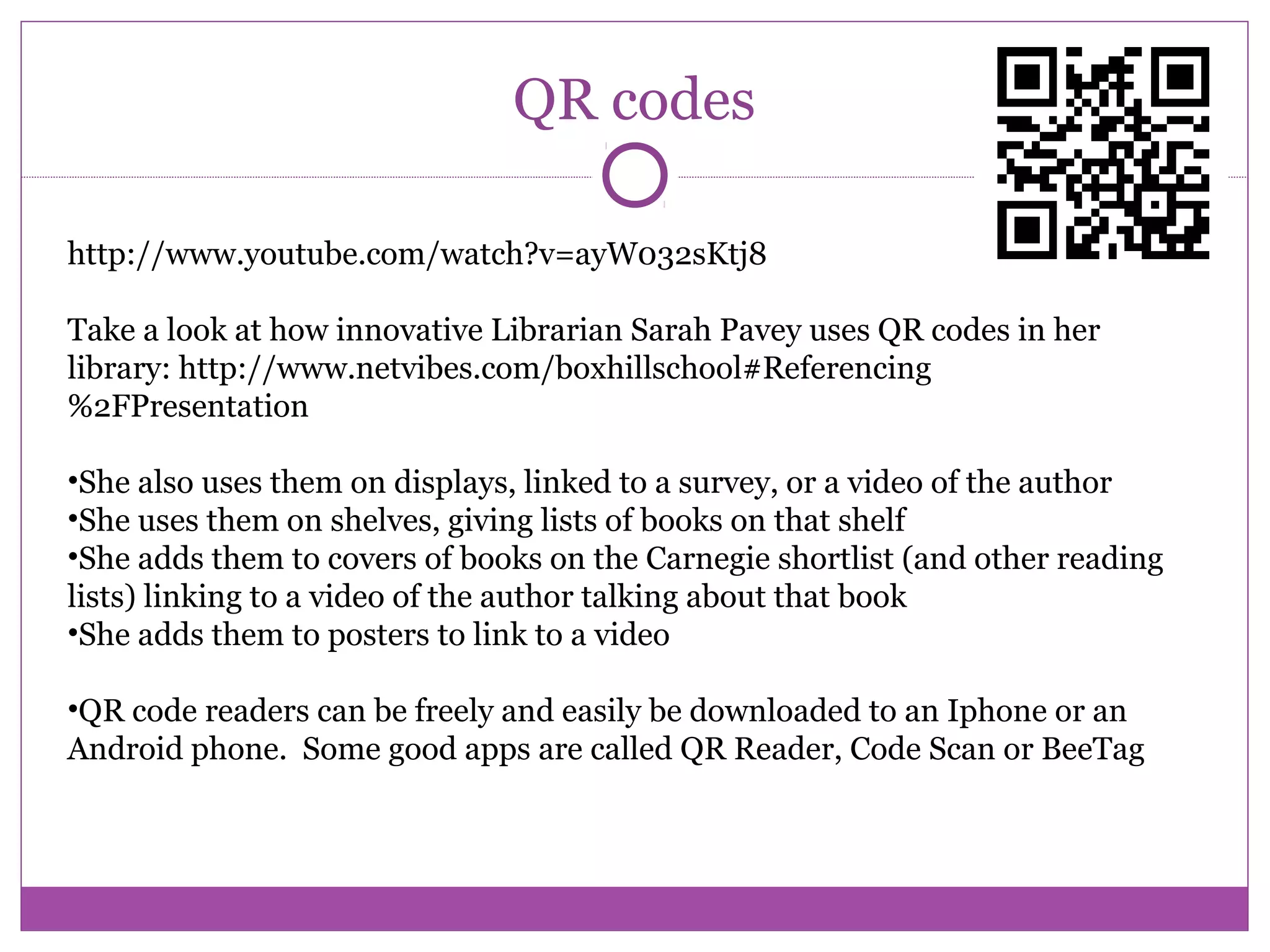
http://www.youtube.com/watch?v=ayW032sKtj8
Take a look at how innovative Librarian Sarah Pavey uses QR codes in her
library: http://www.netvibes.com/boxhillschool#Referencing
%2FPresentation
•She also uses them on displays, linked to a survey, or a video of the author
•She uses them on shelves, giving lists of books on that shelf
•She adds them to covers of books on the Carnegie shortlist (and other reading
lists) linking to a video of the author talking about that book
•She adds them to posters to link to a video
•QR code readers can be freely and easily be downloaded to an Iphone or an
Android phone. Some good apps are called QR Reader, Code Scan or BeeTag
Further Reading
How my students started using Evernote: Buffy Hamilton
http://blog.evernote.com/2011/01/05/how-my-students-started-using-
evernote-education-series/
QR codes wiki, with lots of examples of successful use:
http://www.libsuccess.org/index.php?title=QR_Codes
Video of QR codes being used in a school: http://www.youtube.com/watch?
v=ayW032sKtj8

The mobile school library

  • 1.
    Accessing information outsideyour library walls By Caroline roche, Ma, Mclip advanced Lead practitioner The Mobile Library Email:carolineroche1@hotmail.co.uk Twitter: @HeartOTSchool
  • 2.
    Diigo • Diigo isan online bookmark service. You can access your bookmarks online from any computer, or your Apple or Android phone • Diigo is a social tool – you can befriend others and search their bookmarks as well • You can make up lists for your students so they don’t have to trawl through Google, but have a ready-made list to which you and staff contribute, which you can embed on the VLE • You can have a collective account for sixth form pupils where they save and share bookmarks with each other – independent learning. • There are other online bookmark services, like Delicious, but Diigo is the most versatile • If you tweet, Diigo will save any URL’s of favourited tweets for you automatically
  • 3.
  • 4.
    Dropbox and Box.net •Dropbox is a way of sharing documents quickly and easily • Dropbox is an app for phones as well, so documents can be uploaded there too • You can have shared Dropboxes with different people for different purposes • Box.net is another way of sharing documents freely with others • You can embed a widget on your website, and people can download documents from there
  • 5.
  • 6.
    Evernote Evernote can syncto both your IPad and your IPhone or Android
  • 7.
    Evernote You can sendphotos from your Android or Iphone directly to Evernote You can also dictate messages to Evernote using an app This way you can take photos at an art exhibition, say, and voice recordings, and send them straight to Evernote This will be stored in a folder along with your other notes. Notes can be emailed to others through Evernote
  • 8.
    Evernote on thecomputer.
  • 9.
    Uses for Evernote Youcan use Evernote as a personal webclipper and storage space for all documents Evernote will integrate with Outlook so you can save emails. You can quickly use the Evernote clipper whenever you are on a webpage to save the whole page, or to highlight text and save only that The original link to the webpage is retained so you can go back and check for referencing purposes
  • 10.
    Free ebook content Thereare many sources of free ebooks Project Gutenberg for copies of out of copyright books. Includes QR code for free installation of app on your phone You can also create your own Google Scholar page, and download the books to your phone
  • 11.
    Building an e-library Linkscan be put on your VLE to extend the library ‘walls’ You can subscribe to online journals through JSTOR or Gale You can subscribe to Essential Articles through Carel Press You can buy ebooks from Rising Stars
  • 12.
    QR codes http://www.youtube.com/watch?v=ayW032sKtj8 Take alook at how innovative Librarian Sarah Pavey uses QR codes in her library: http://www.netvibes.com/boxhillschool#Referencing %2FPresentation •She also uses them on displays, linked to a survey, or a video of the author •She uses them on shelves, giving lists of books on that shelf •She adds them to covers of books on the Carnegie shortlist (and other reading lists) linking to a video of the author talking about that book •She adds them to posters to link to a video •QR code readers can be freely and easily be downloaded to an Iphone or an Android phone. Some good apps are called QR Reader, Code Scan or BeeTag
  • 13.
    Further Reading How mystudents started using Evernote: Buffy Hamilton http://blog.evernote.com/2011/01/05/how-my-students-started-using- evernote-education-series/ QR codes wiki, with lots of examples of successful use: http://www.libsuccess.org/index.php?title=QR_Codes Video of QR codes being used in a school: http://www.youtube.com/watch? v=ayW032sKtj8