Shing Chun yu 11W
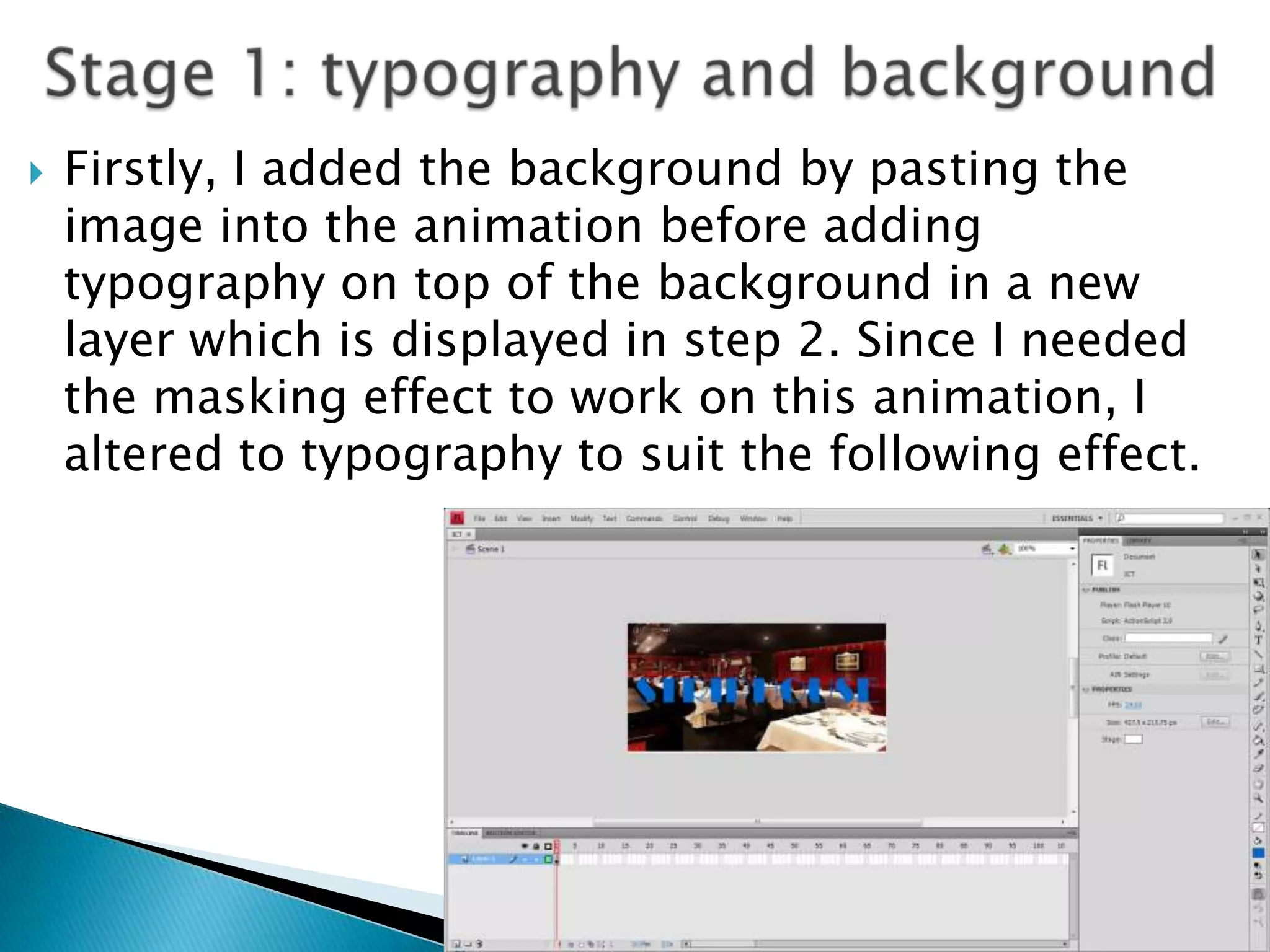
   Firstly, I added the background by pasting the
    image into the animation before adding
    typography on top of the background in a new
    layer which is displayed in step 2. Since I needed
    the masking effect to work on this animation, I
    altered to typography to suit the following effect.
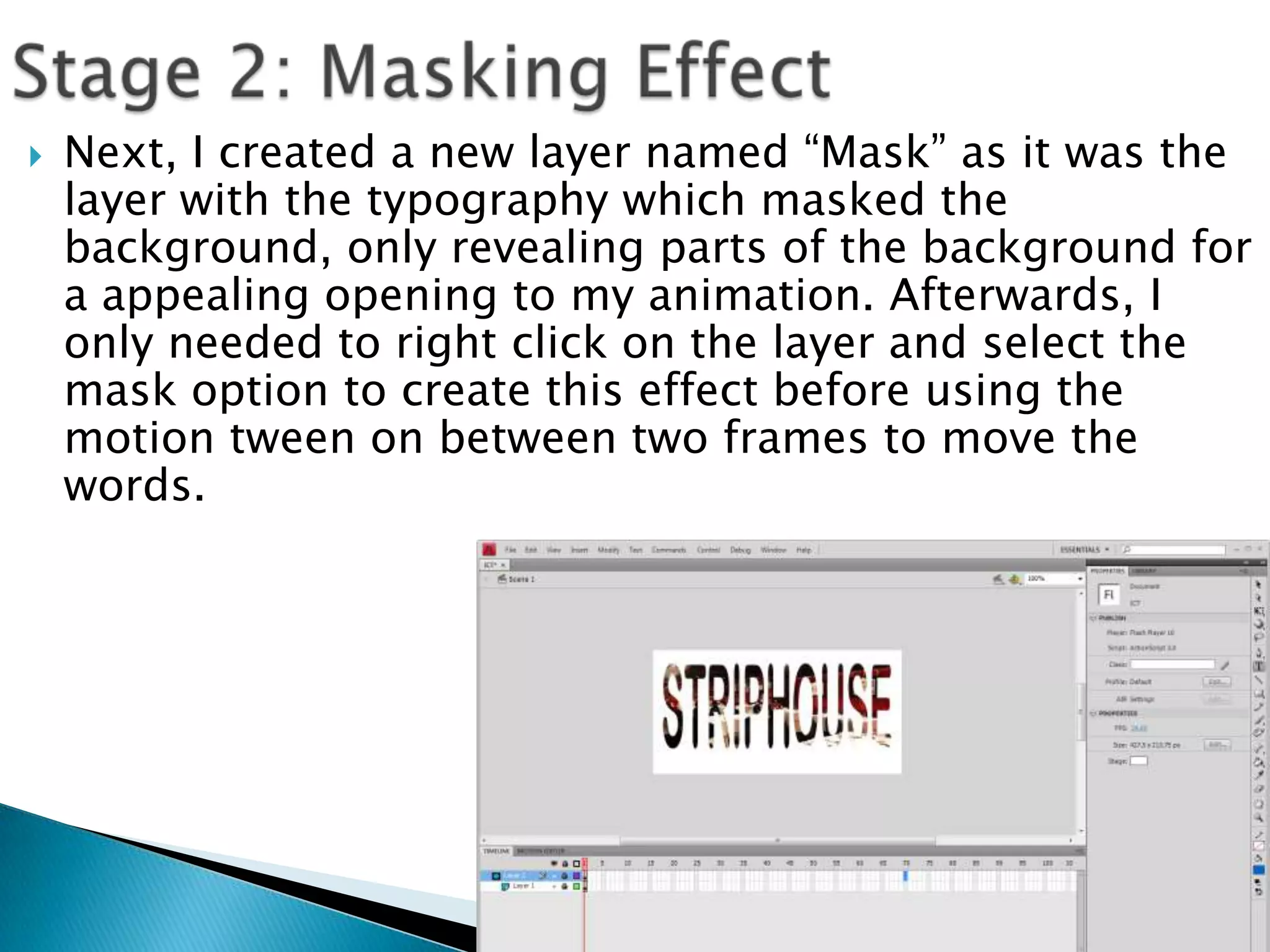
   Next, I created a new layer named “Mask” as it was the
    layer with the typography which masked the
    background, only revealing parts of the background for
    a appealing opening to my animation. Afterwards, I
    only needed to right click on the layer and select the
    mask option to create this effect before using the
    motion tween on between two frames to move the
    words.
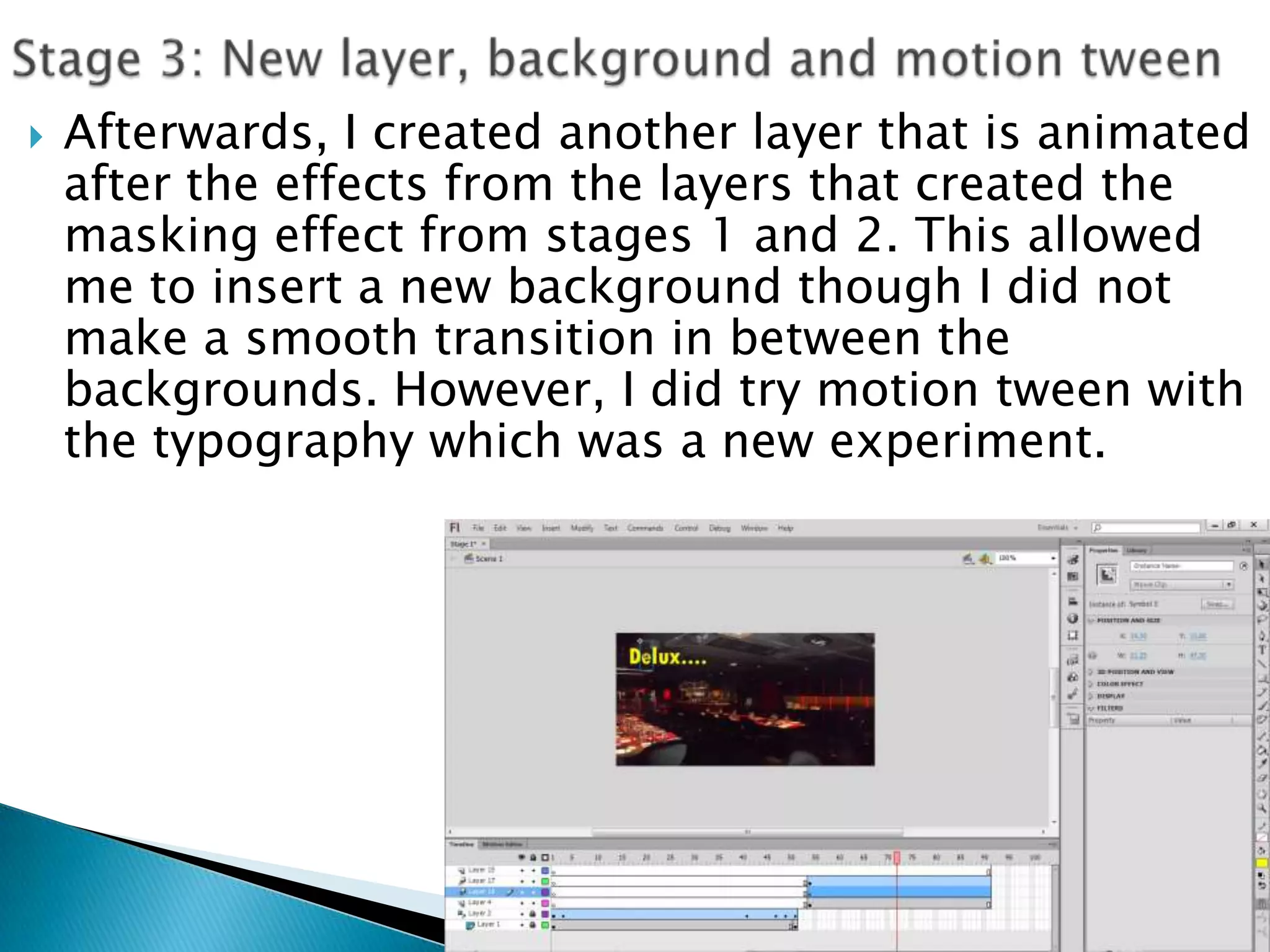
   Afterwards, I created another layer that is animated
    after the effects from the layers that created the
    masking effect from stages 1 and 2. This allowed
    me to insert a new background though I did not
    make a smooth transition in between the
    backgrounds. However, I did try motion tween with
    the typography which was a new experiment.
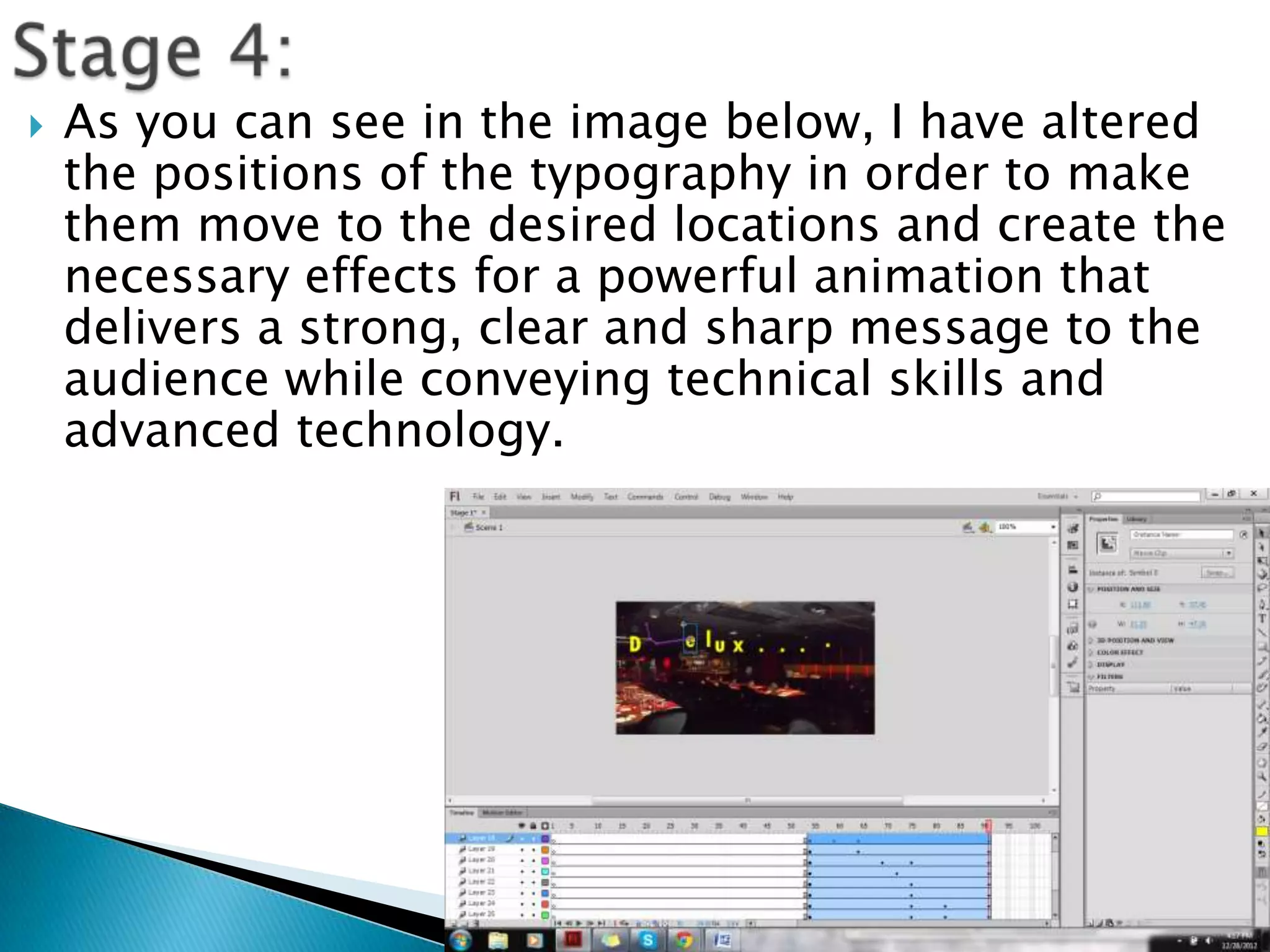
   As you can see in the image below, I have altered
    the positions of the typography in order to make
    them move to the desired locations and create the
    necessary effects for a powerful animation that
    delivers a strong, clear and sharp message to the
    audience while conveying technical skills and
    advanced technology.
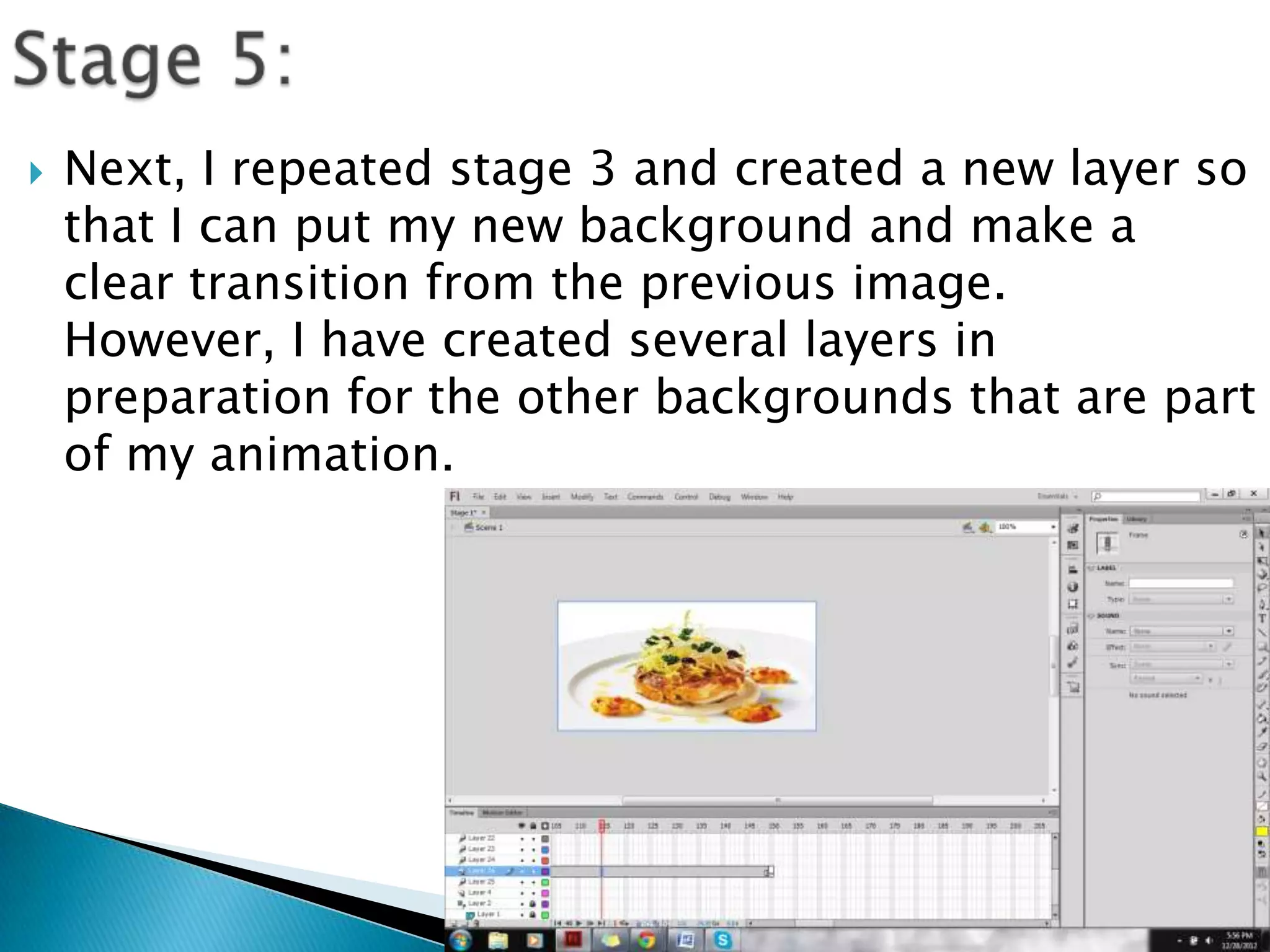
   Next, I repeated stage 3 and created a new layer so
    that I can put my new background and make a
    clear transition from the previous image.
    However, I have created several layers in
    preparation for the other backgrounds that are part
    of my animation.
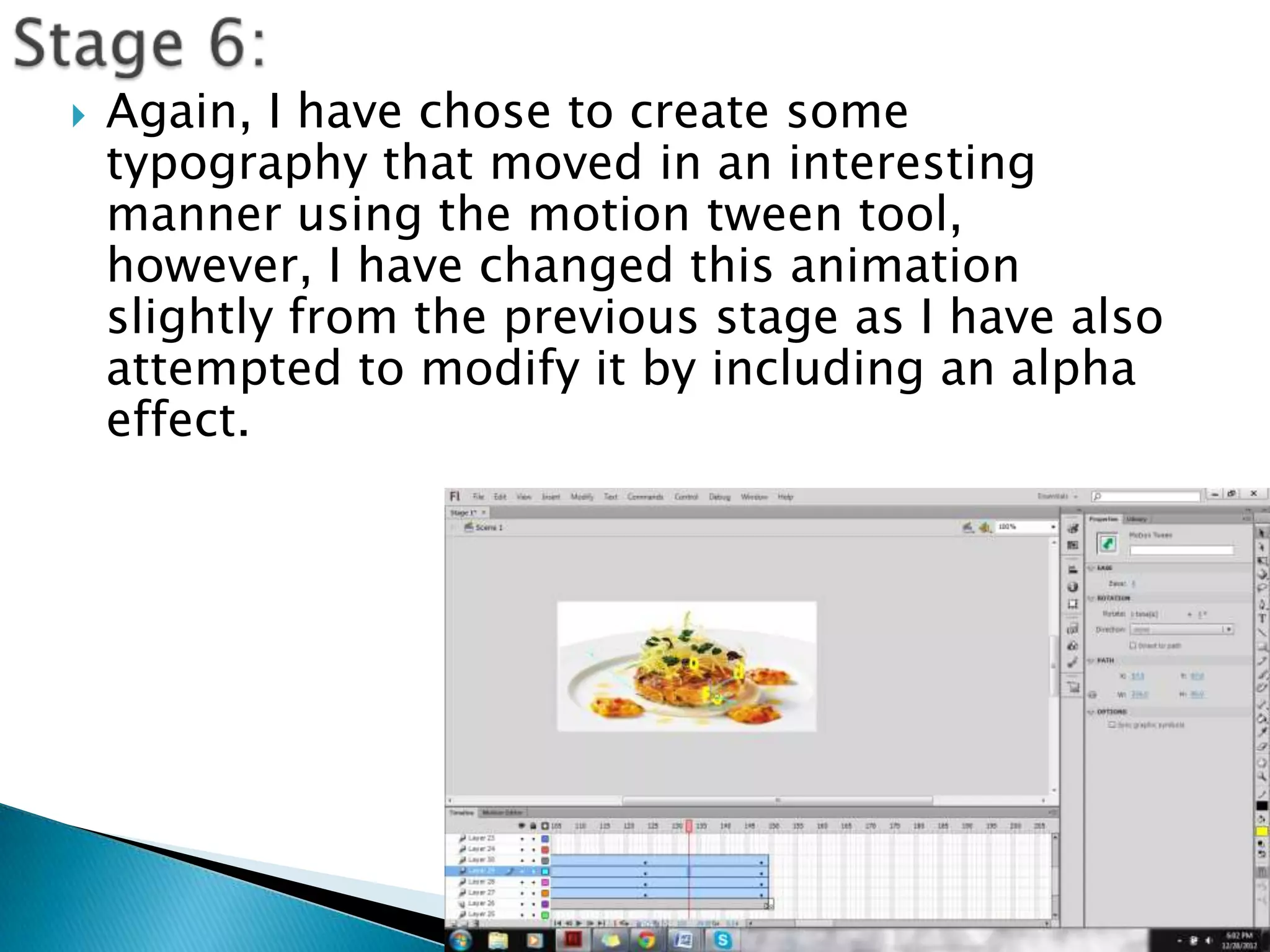
   Again, I have chose to create some
    typography that moved in an interesting
    manner using the motion tween tool,
    however, I have changed this animation
    slightly from the previous stage as I have also
    attempted to modify it by including an alpha
    effect.
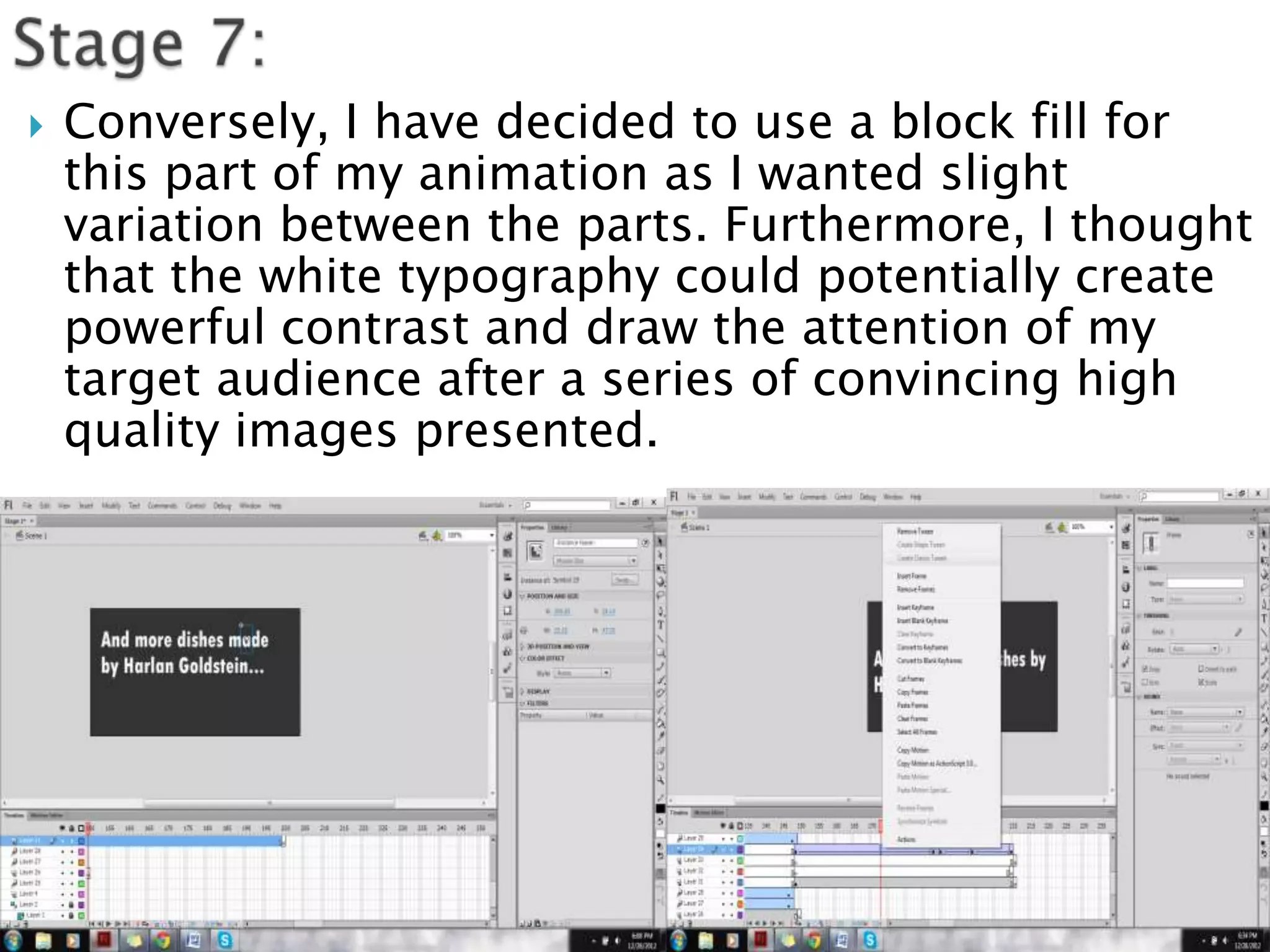
   Conversely, I have decided to use a block fill for
    this part of my animation as I wanted slight
    variation between the parts. Furthermore, I thought
    that the white typography could potentially create
    powerful contrast and draw the attention of my
    target audience after a series of convincing high
    quality images presented.
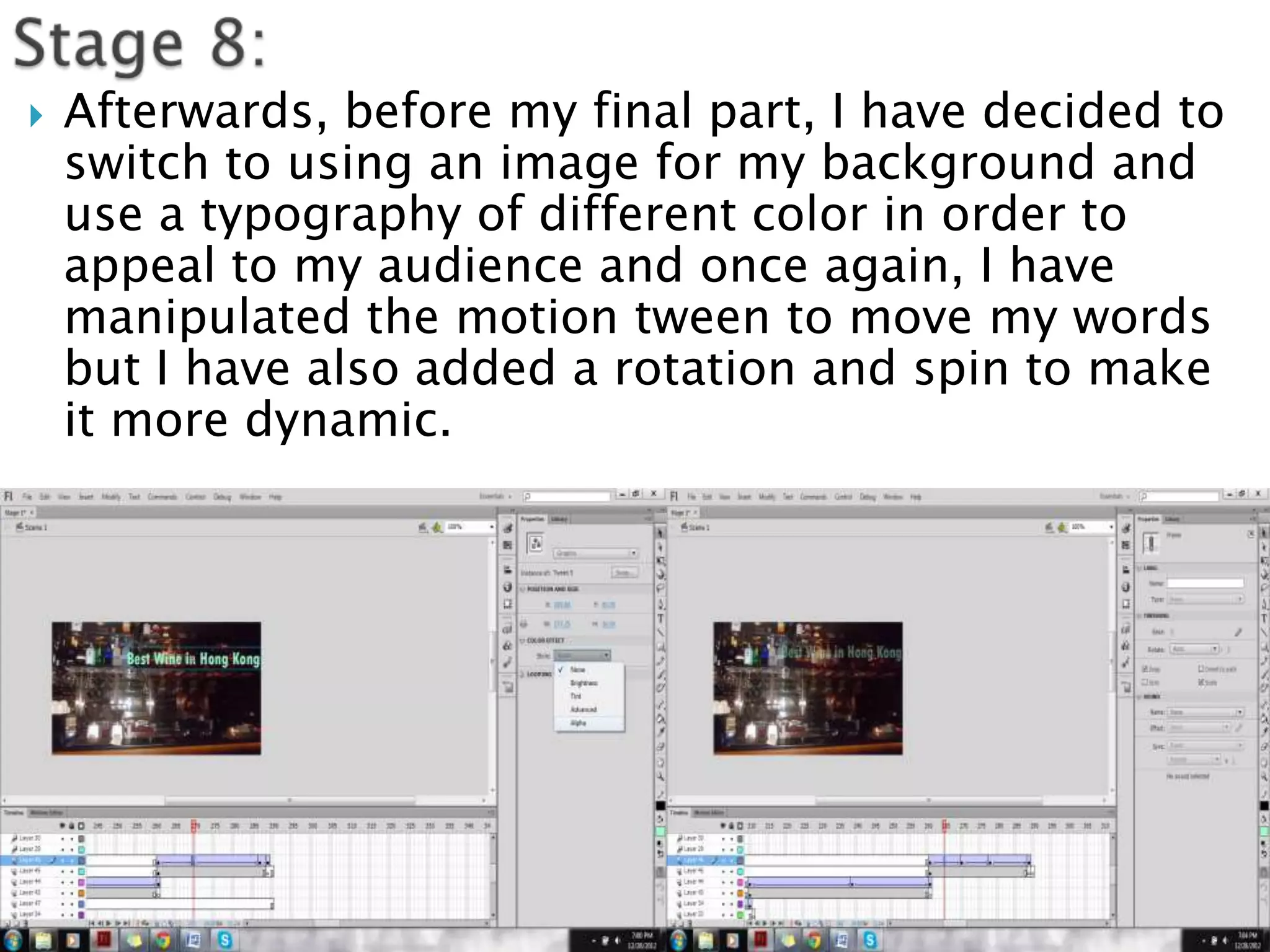
   Afterwards, before my final part, I have decided to
    switch to using an image for my background and
    use a typography of different color in order to
    appeal to my audience and once again, I have
    manipulated the motion tween to move my words
    but I have also added a rotation and spin to make
    it more dynamic.
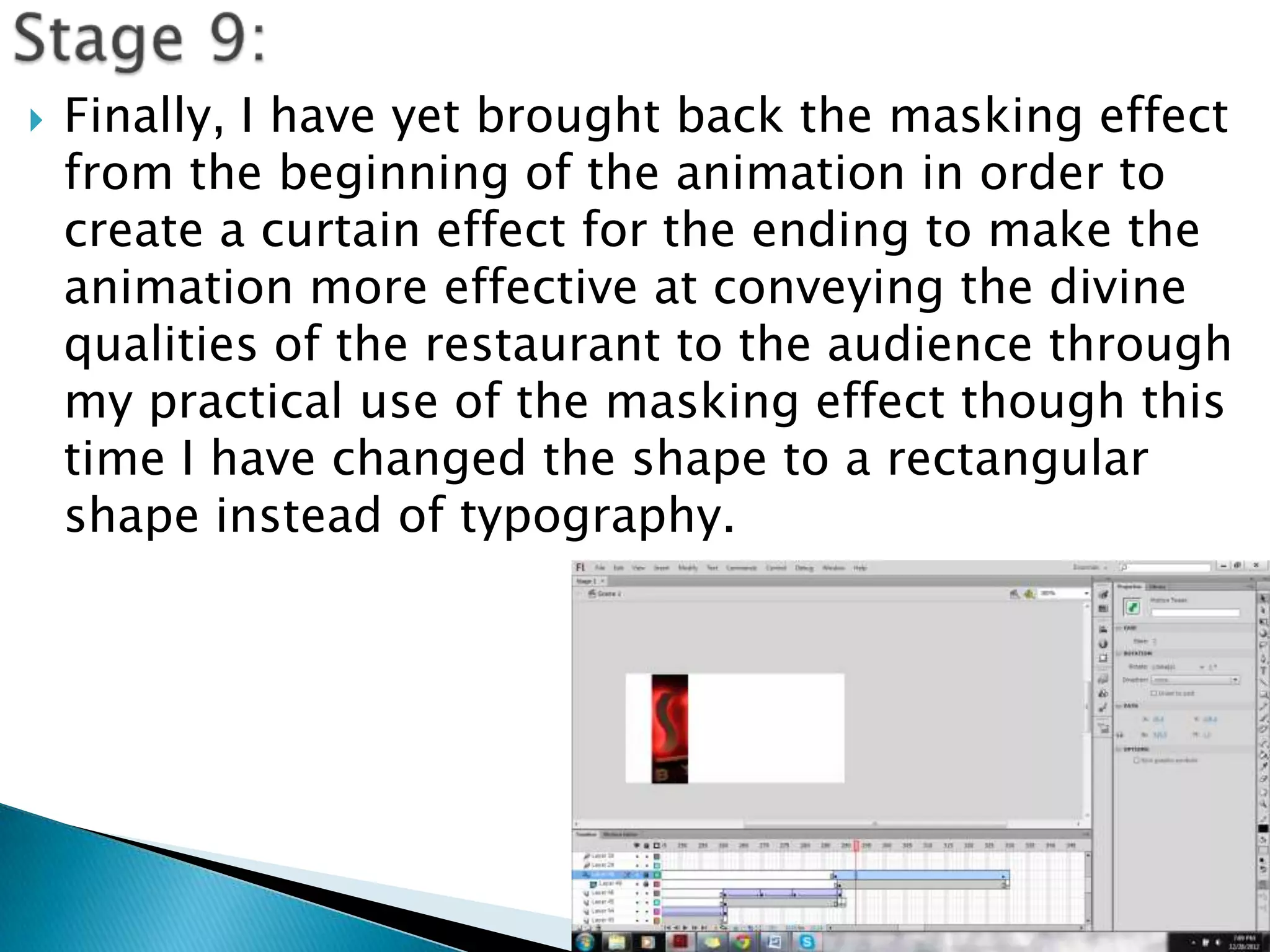
   Finally, I have yet brought back the masking effect
    from the beginning of the animation in order to
    create a curtain effect for the ending to make the
    animation more effective at conveying the divine
    qualities of the restaurant to the audience through
    my practical use of the masking effect though this
    time I have changed the shape to a rectangular
    shape instead of typography.
   For this project I decided to use adobe flash
    for several reasons:
   The wide variety of tools
   Ease of access
   Simple yet sophisticated effects
   Can produce animation banners of various
    sizes
   Adjustable typography
   Functional layers and frames
   Many only advert
My advertisement banner           banners use Adobe
   I have used Adobe             flash too though some
    flash                         use Vectorian Giotto
                                 Typical banners have
   I have set the
                                  dimensions of 65 by
    dimensions to 75mm
                                  135mm
    by 150mm
                                 Wide range of tools
   I have selected a small       used often
    range of tools               Special effects are
   I have attempted to           often sophisticated
    create special effects
    using motion related
    tools                     Other banners
   Make the animation banner effects and
    transitions slower
   Add a wider variety of effects
   Show depth and understanding of the
    software by further manipulating more tools
    and combining them
   Select a wider variety of backgrounds besides
    images
   Try a wider variety of typography

Technical skills and originality and creativity

  • 1.
  • 2.
    Firstly, I added the background by pasting the image into the animation before adding typography on top of the background in a new layer which is displayed in step 2. Since I needed the masking effect to work on this animation, I altered to typography to suit the following effect.
  • 3.
    Next, I created a new layer named “Mask” as it was the layer with the typography which masked the background, only revealing parts of the background for a appealing opening to my animation. Afterwards, I only needed to right click on the layer and select the mask option to create this effect before using the motion tween on between two frames to move the words.
  • 4.
    Afterwards, I created another layer that is animated after the effects from the layers that created the masking effect from stages 1 and 2. This allowed me to insert a new background though I did not make a smooth transition in between the backgrounds. However, I did try motion tween with the typography which was a new experiment.
  • 5.
    As you can see in the image below, I have altered the positions of the typography in order to make them move to the desired locations and create the necessary effects for a powerful animation that delivers a strong, clear and sharp message to the audience while conveying technical skills and advanced technology.
  • 6.
    Next, I repeated stage 3 and created a new layer so that I can put my new background and make a clear transition from the previous image. However, I have created several layers in preparation for the other backgrounds that are part of my animation.
  • 7.
    Again, I have chose to create some typography that moved in an interesting manner using the motion tween tool, however, I have changed this animation slightly from the previous stage as I have also attempted to modify it by including an alpha effect.
  • 8.
    Conversely, I have decided to use a block fill for this part of my animation as I wanted slight variation between the parts. Furthermore, I thought that the white typography could potentially create powerful contrast and draw the attention of my target audience after a series of convincing high quality images presented.
  • 9.
    Afterwards, before my final part, I have decided to switch to using an image for my background and use a typography of different color in order to appeal to my audience and once again, I have manipulated the motion tween to move my words but I have also added a rotation and spin to make it more dynamic.
  • 10.
    Finally, I have yet brought back the masking effect from the beginning of the animation in order to create a curtain effect for the ending to make the animation more effective at conveying the divine qualities of the restaurant to the audience through my practical use of the masking effect though this time I have changed the shape to a rectangular shape instead of typography.
  • 11.
    For this project I decided to use adobe flash for several reasons:  The wide variety of tools  Ease of access  Simple yet sophisticated effects  Can produce animation banners of various sizes  Adjustable typography  Functional layers and frames
  • 12.
    Many only advert My advertisement banner banners use Adobe  I have used Adobe flash too though some flash use Vectorian Giotto  Typical banners have  I have set the dimensions of 65 by dimensions to 75mm 135mm by 150mm  Wide range of tools  I have selected a small used often range of tools  Special effects are  I have attempted to often sophisticated create special effects using motion related tools Other banners
  • 13.
    Make the animation banner effects and transitions slower  Add a wider variety of effects  Show depth and understanding of the software by further manipulating more tools and combining them  Select a wider variety of backgrounds besides images  Try a wider variety of typography