Document Structure
Dr. Ahmed Attia
2019
Technical Concepts For
Graphic Design Production
Topics
•  Document Structure
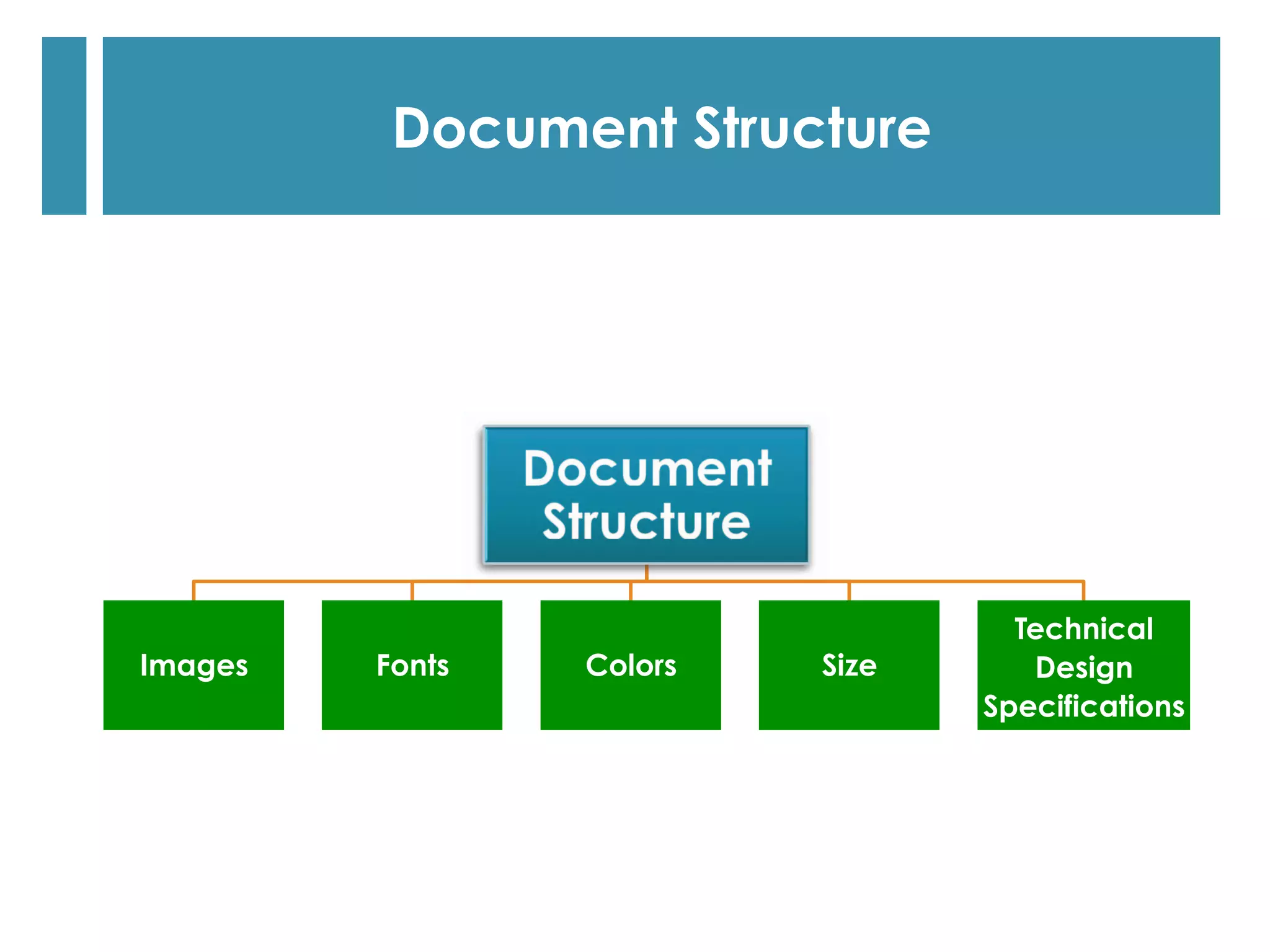
Images Fonts Colors Size
Technical
Design
Specifications
Document Structure
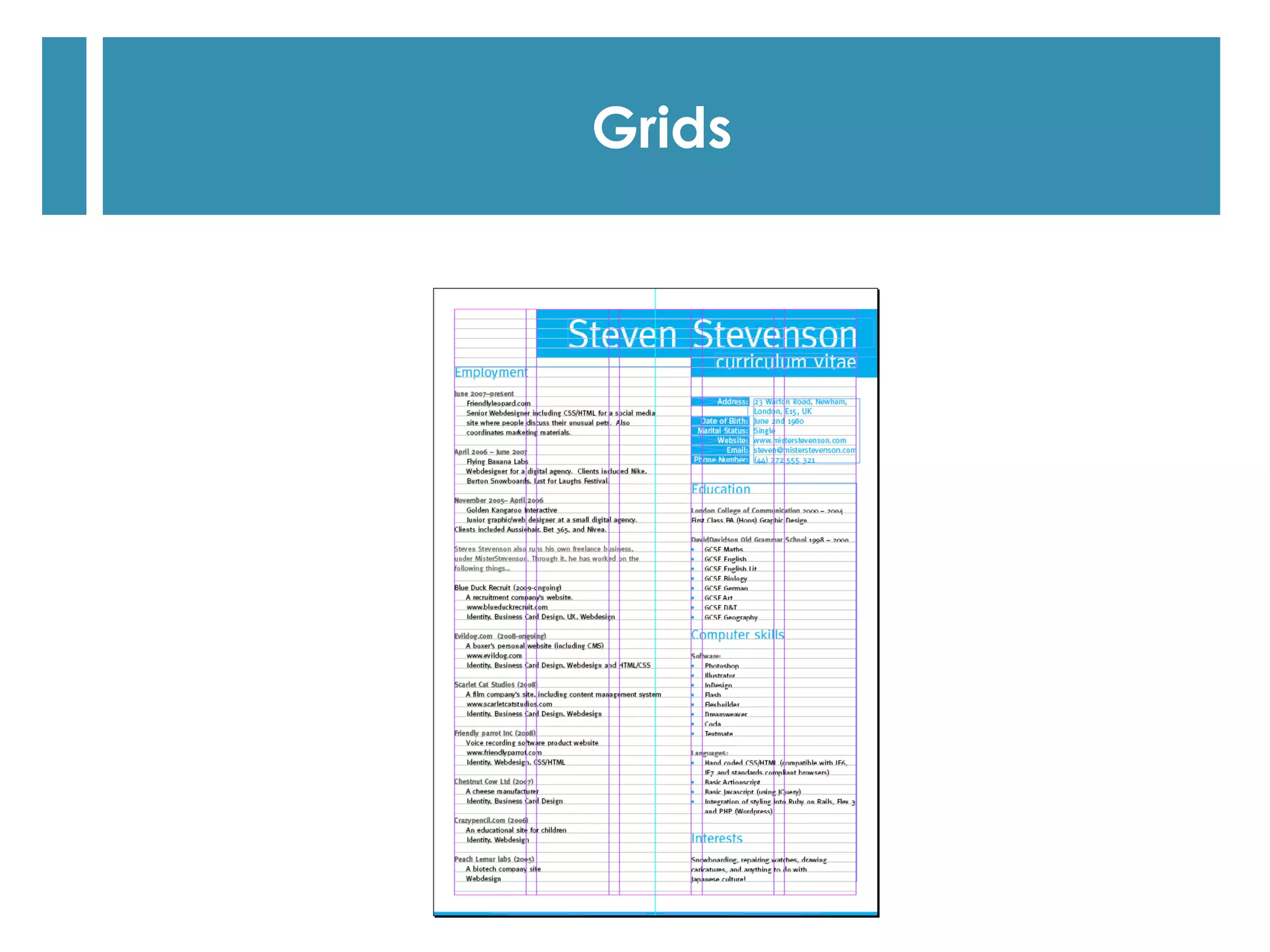
Grids
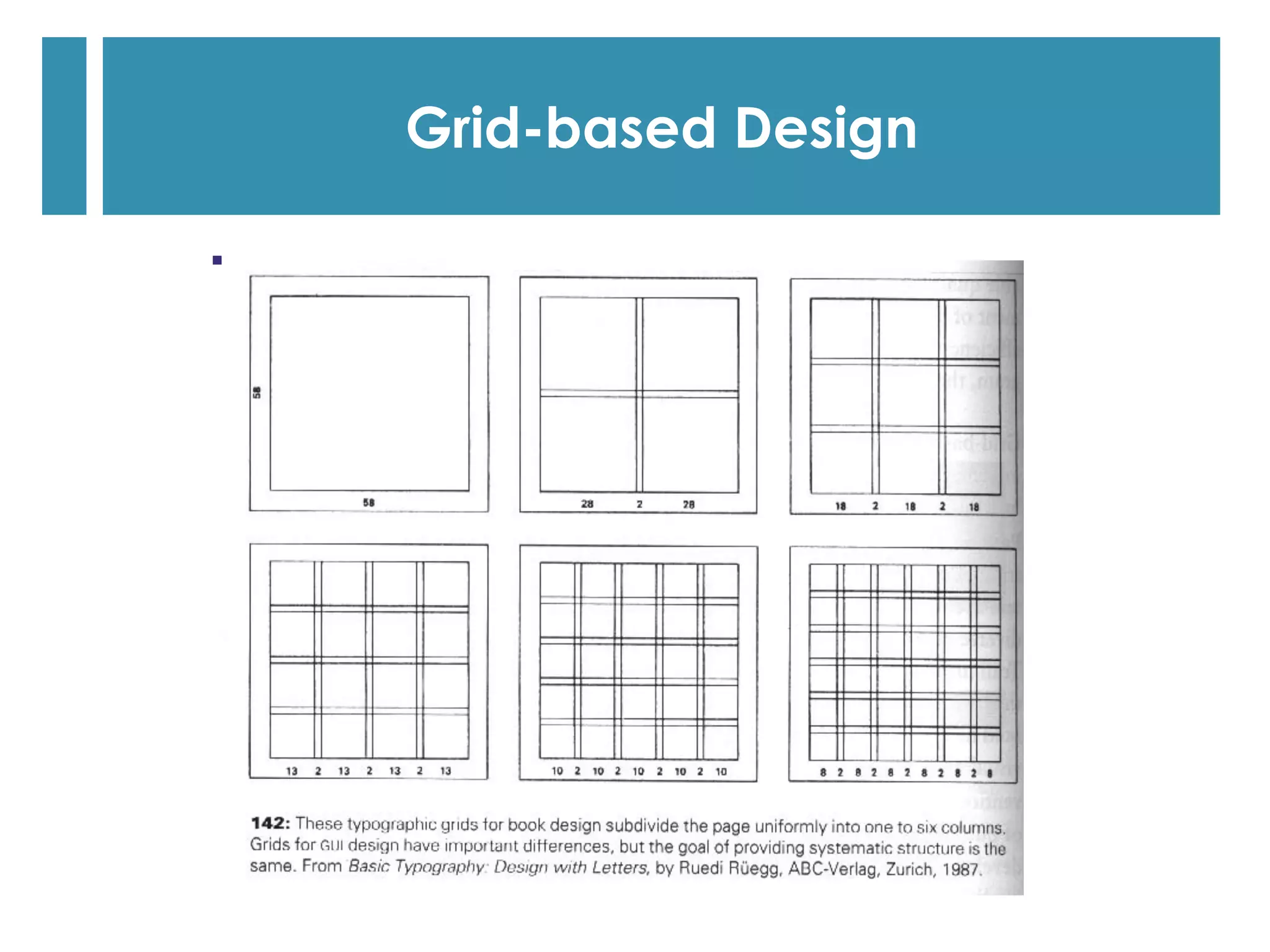
Grid-based Design
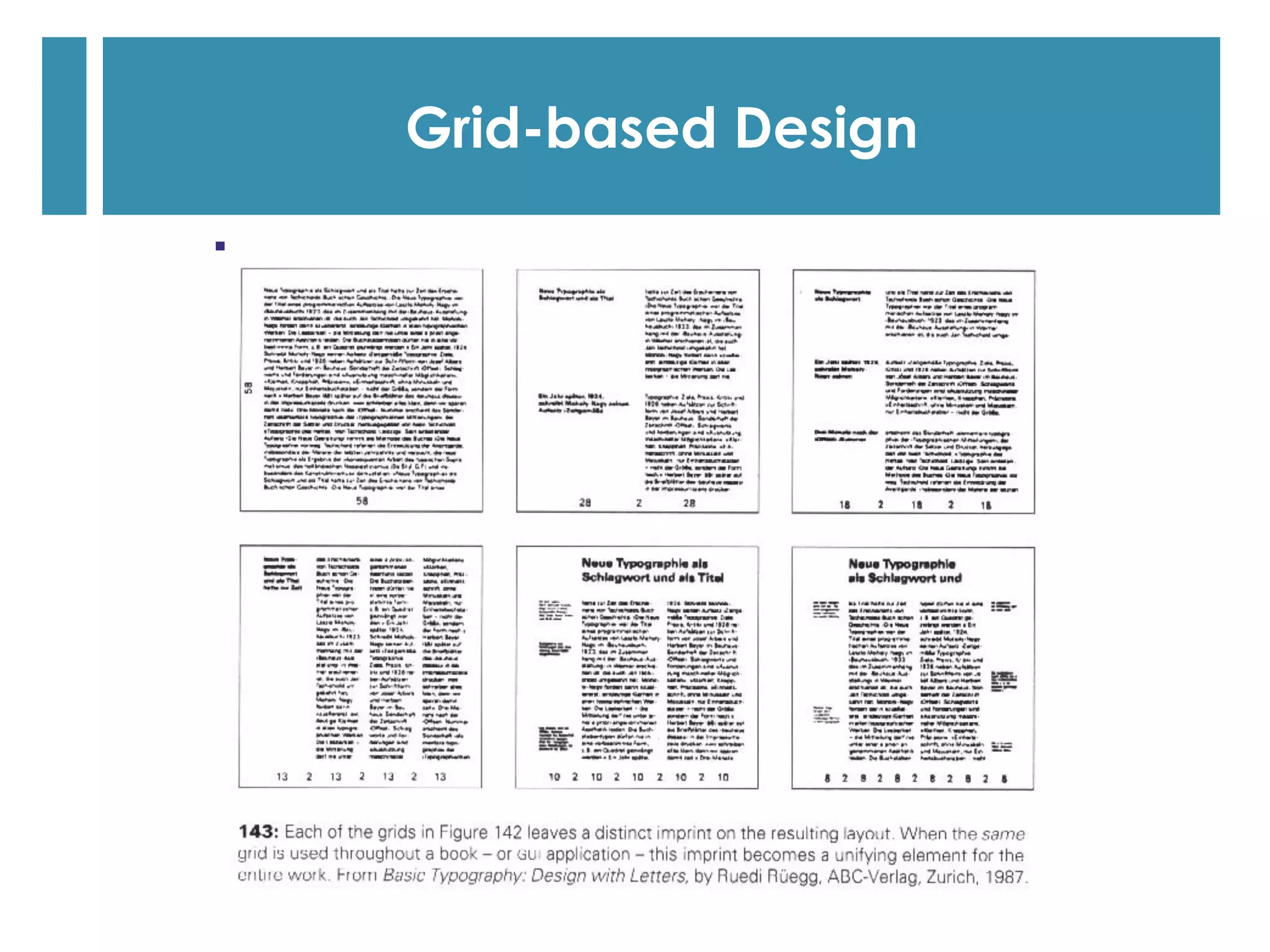
Grid-based Design
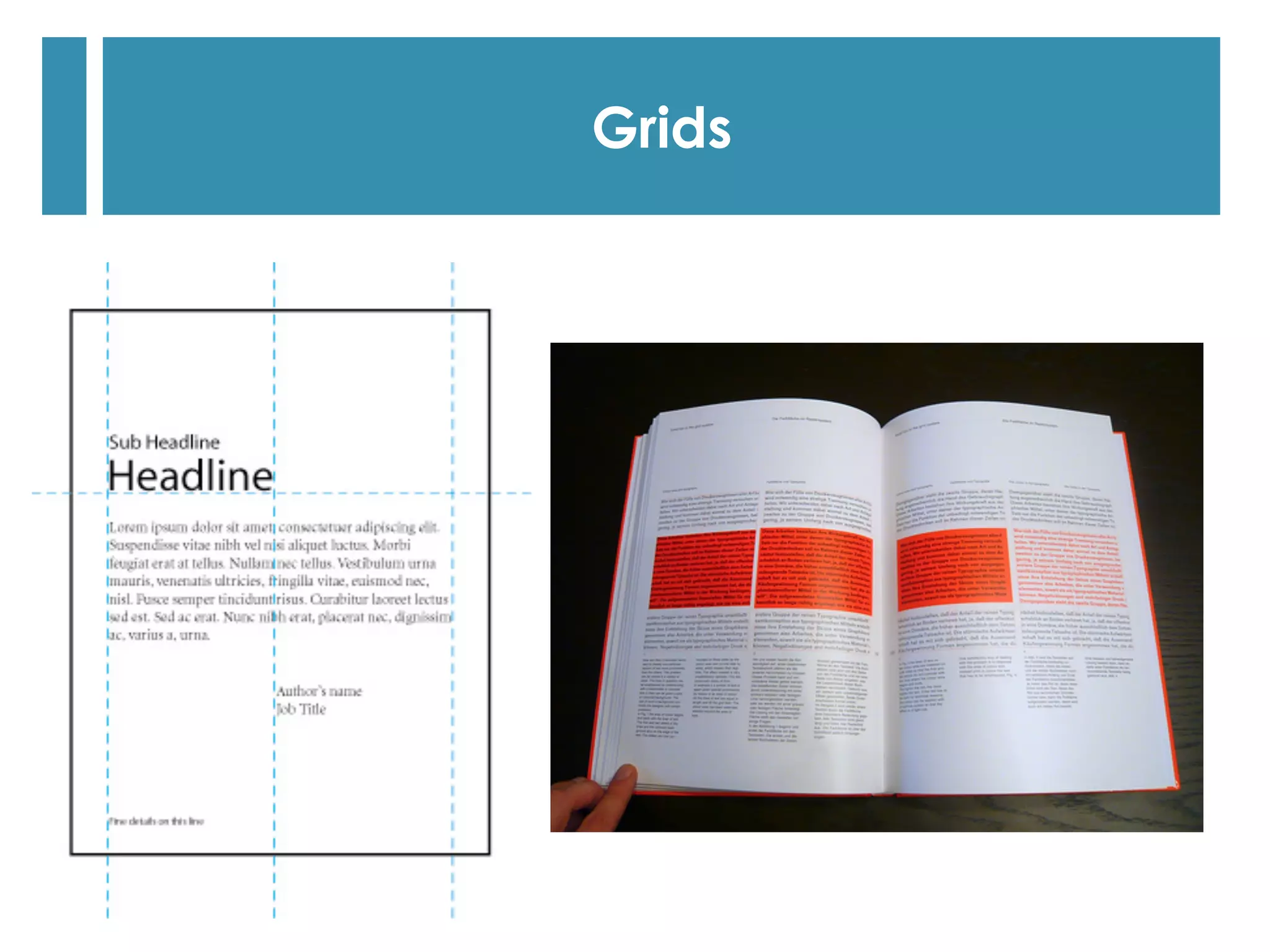
Grids
Grids
Grids
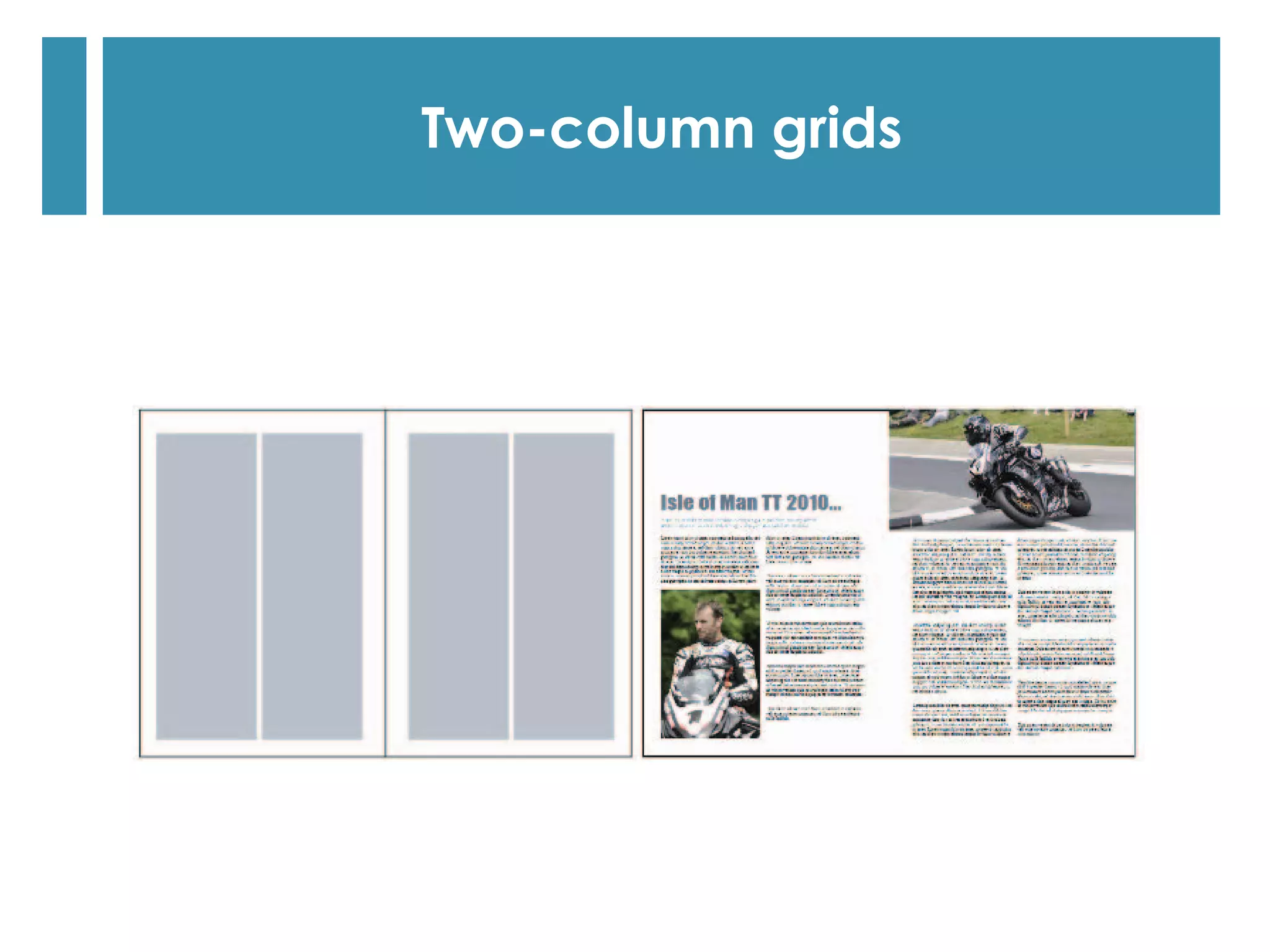
Two-column grids
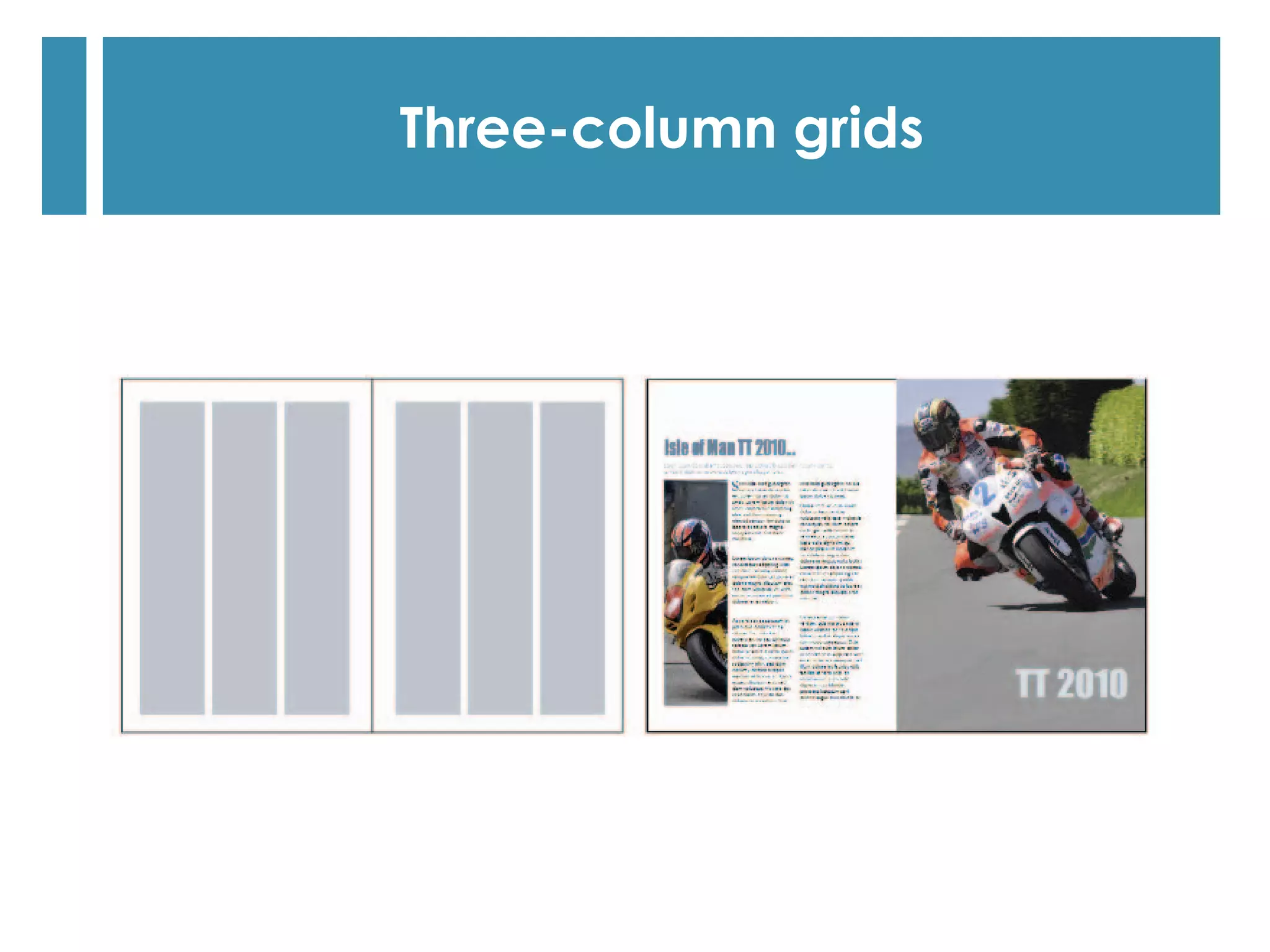
Three-column grids
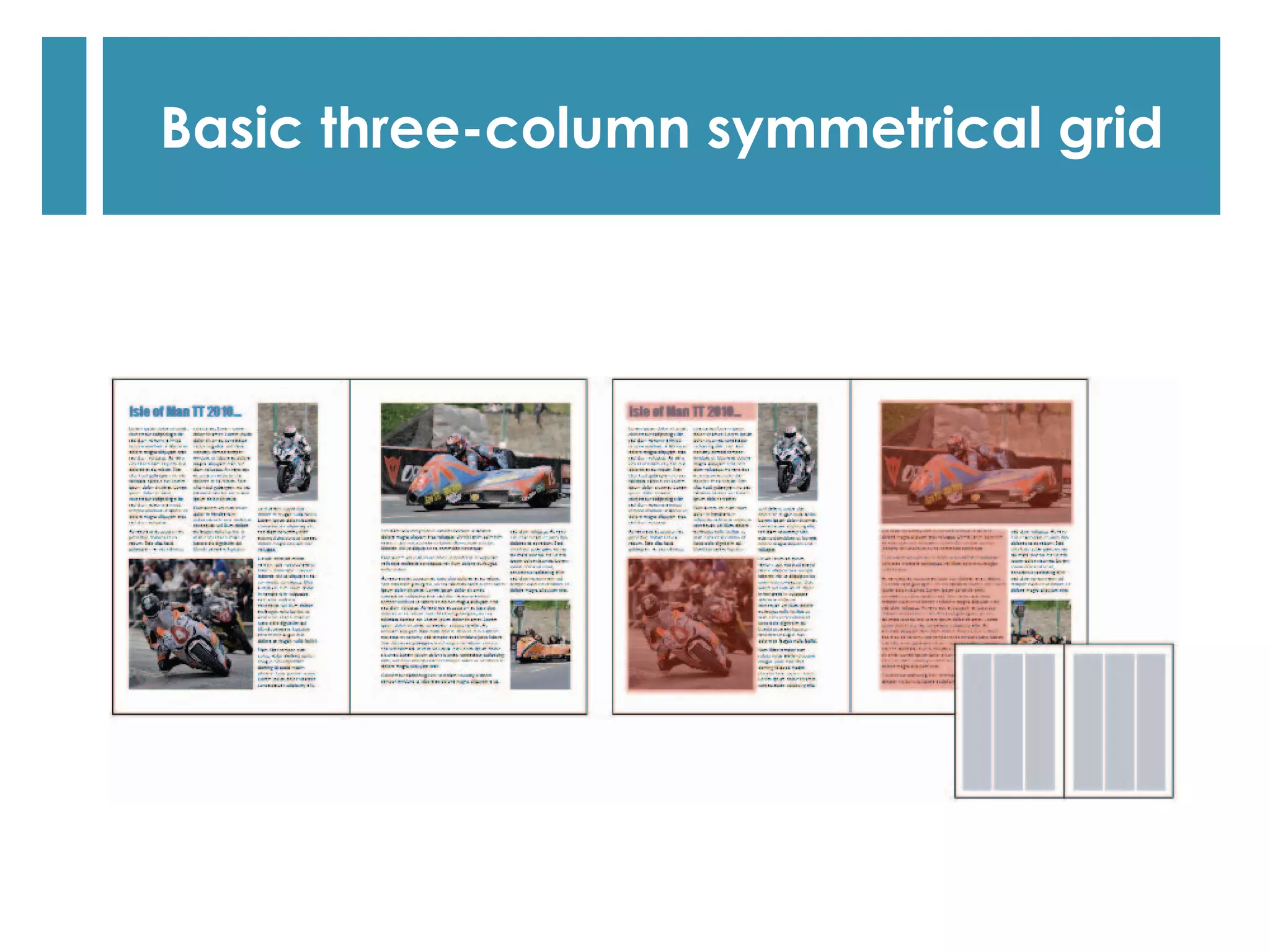
Basic three-column symmetrical grid
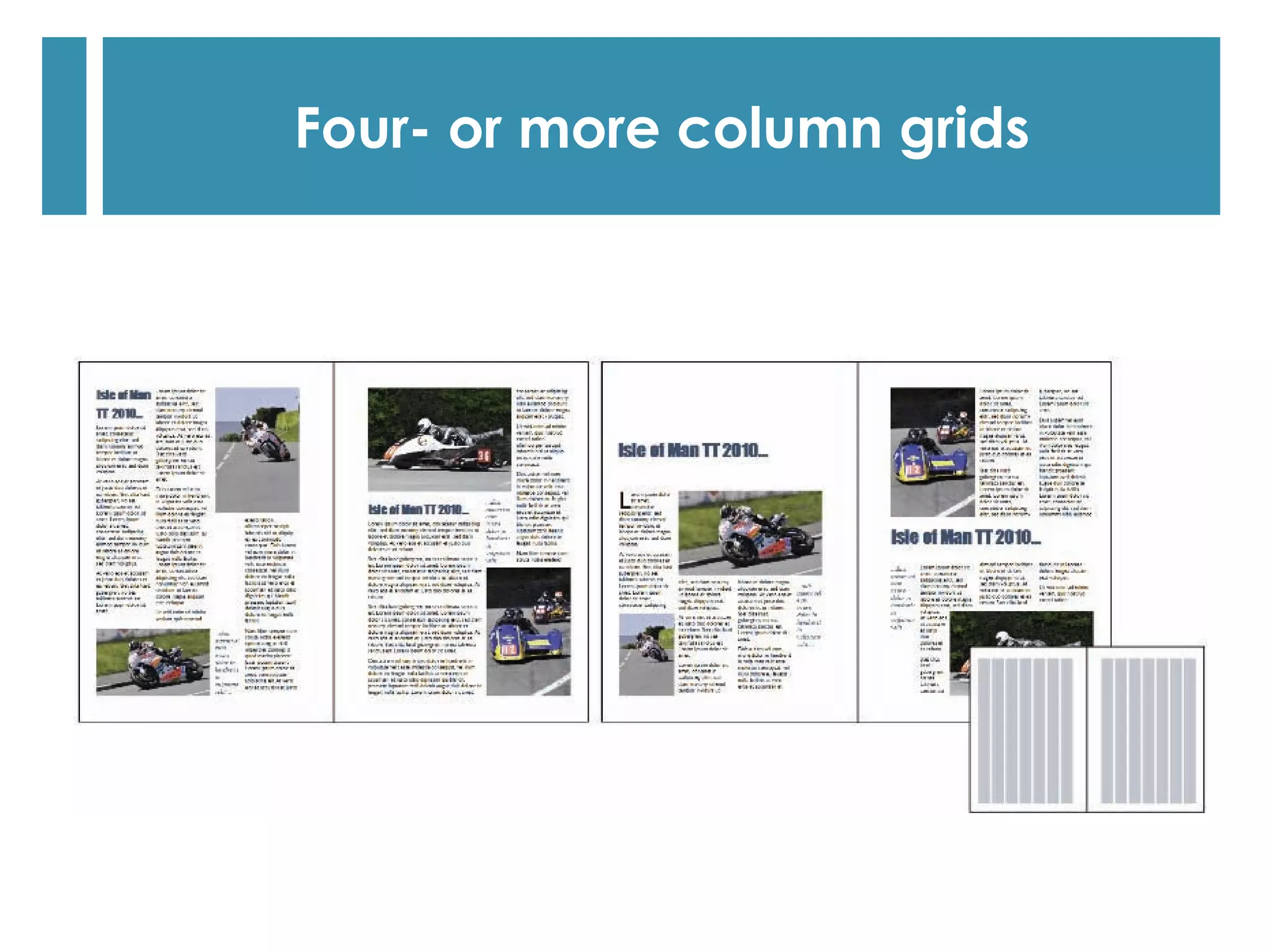
Four- or more column grids
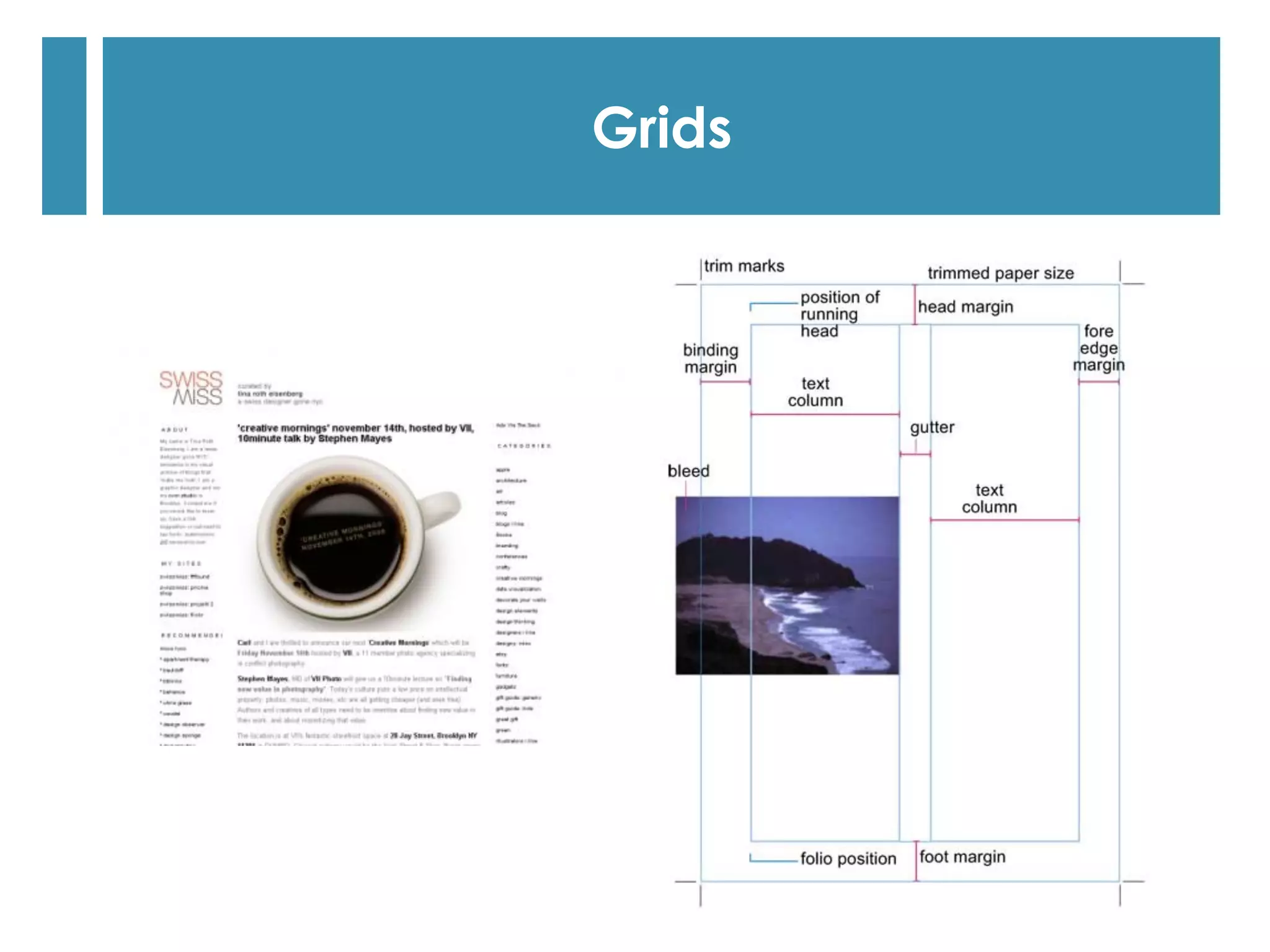
  Besides choosing the number, width, and arrangement of
your columns, there are some other important grid elements
that you must consider: page margins, and row and column
gaps.
Margins and row and column gaps
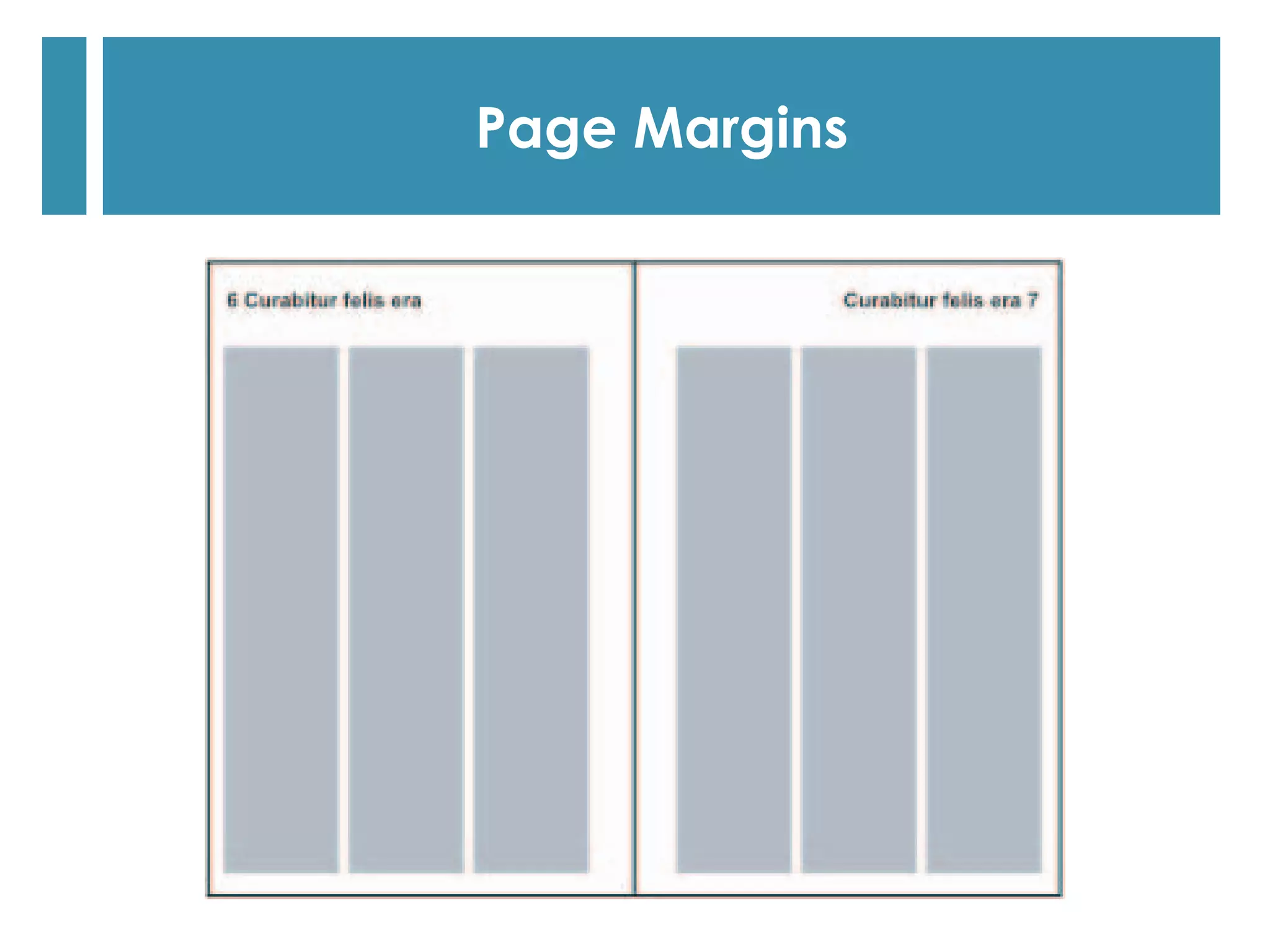
  No matter what type of document you’re working on, it’s
rare that your page margins will all be of equal width.
  For example, you may want more space at the top or
bottom of each page—for page header or page footer
information, page numbers, and so on.
  For bound publications, you’ll usually find that the inside
margins are considerably wider than the outside margins.
This prevents text and images that are placed in the center
of a spread from ‘disappearing’ into the spine.
Page margins
Page Margins
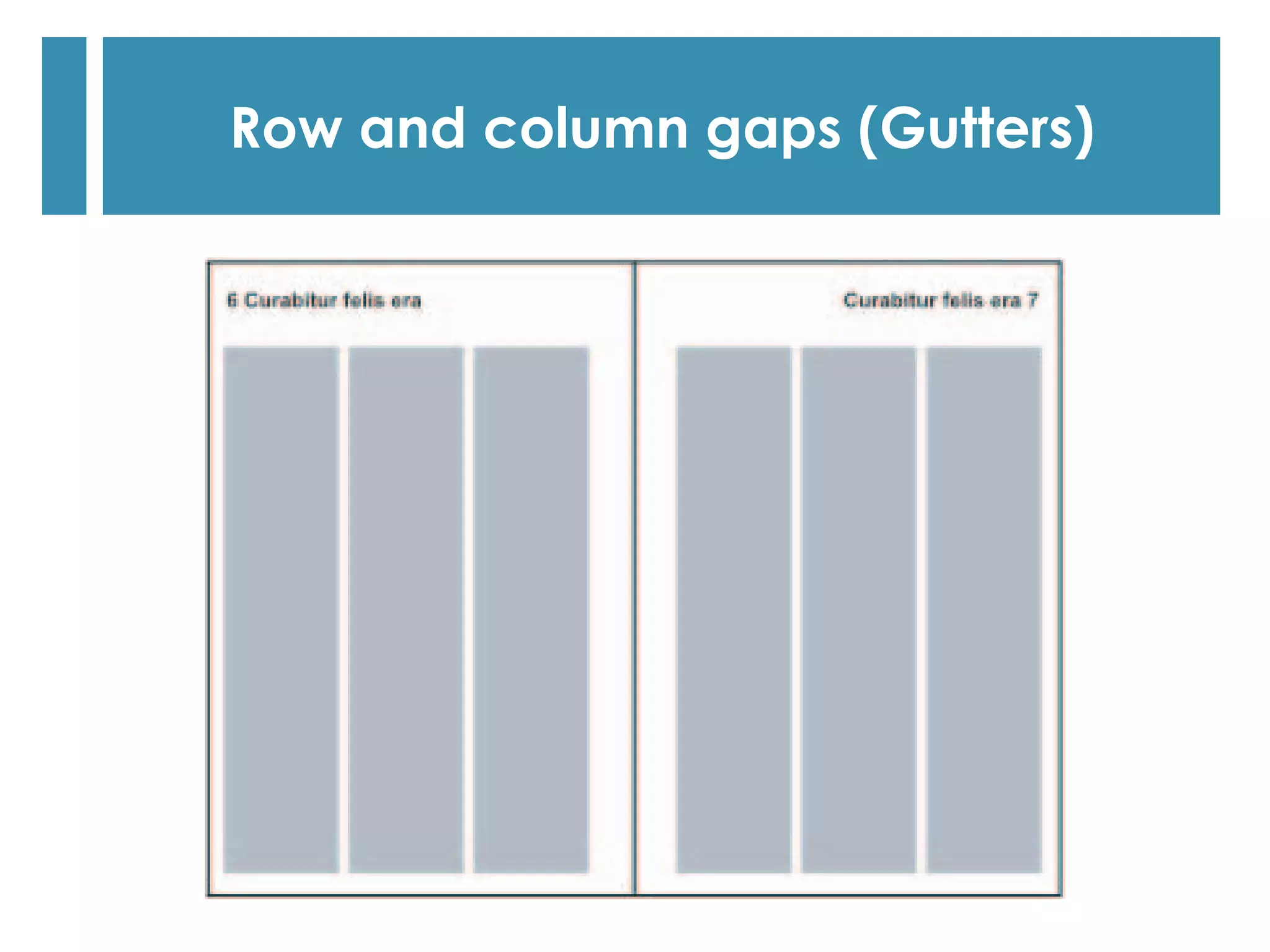
  Row and column gaps are the spaces between the rows
and columns in a grid structure.
  There are no strict rules about the width of these spaces, but
if you make them too narrow your text columns will be
difficult to read.
  We suggest that you experiment to find the gap width that
works best for your particular layout.
Row and column gaps (Gutters)
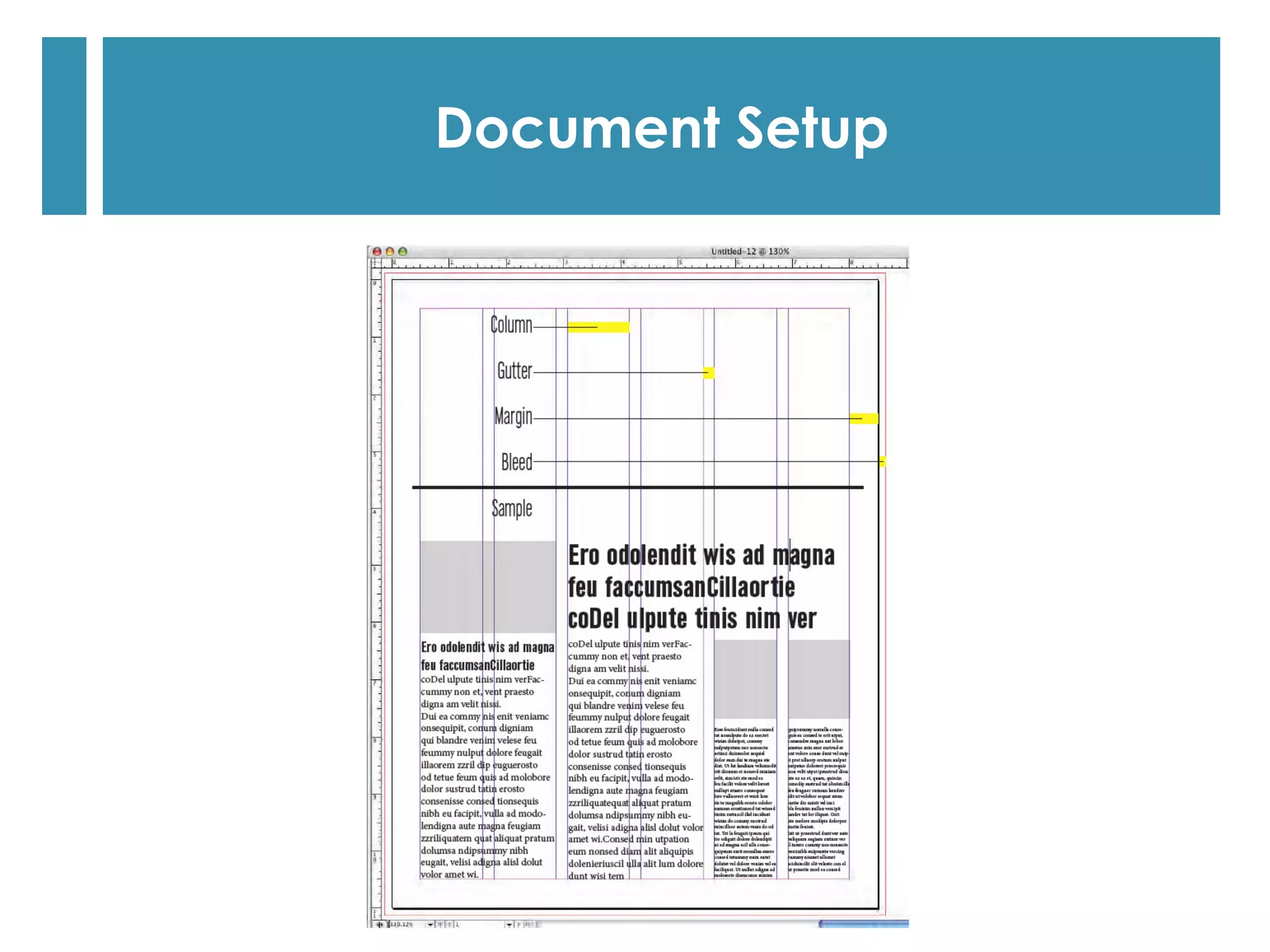
Document Setup
Examples Of Grids
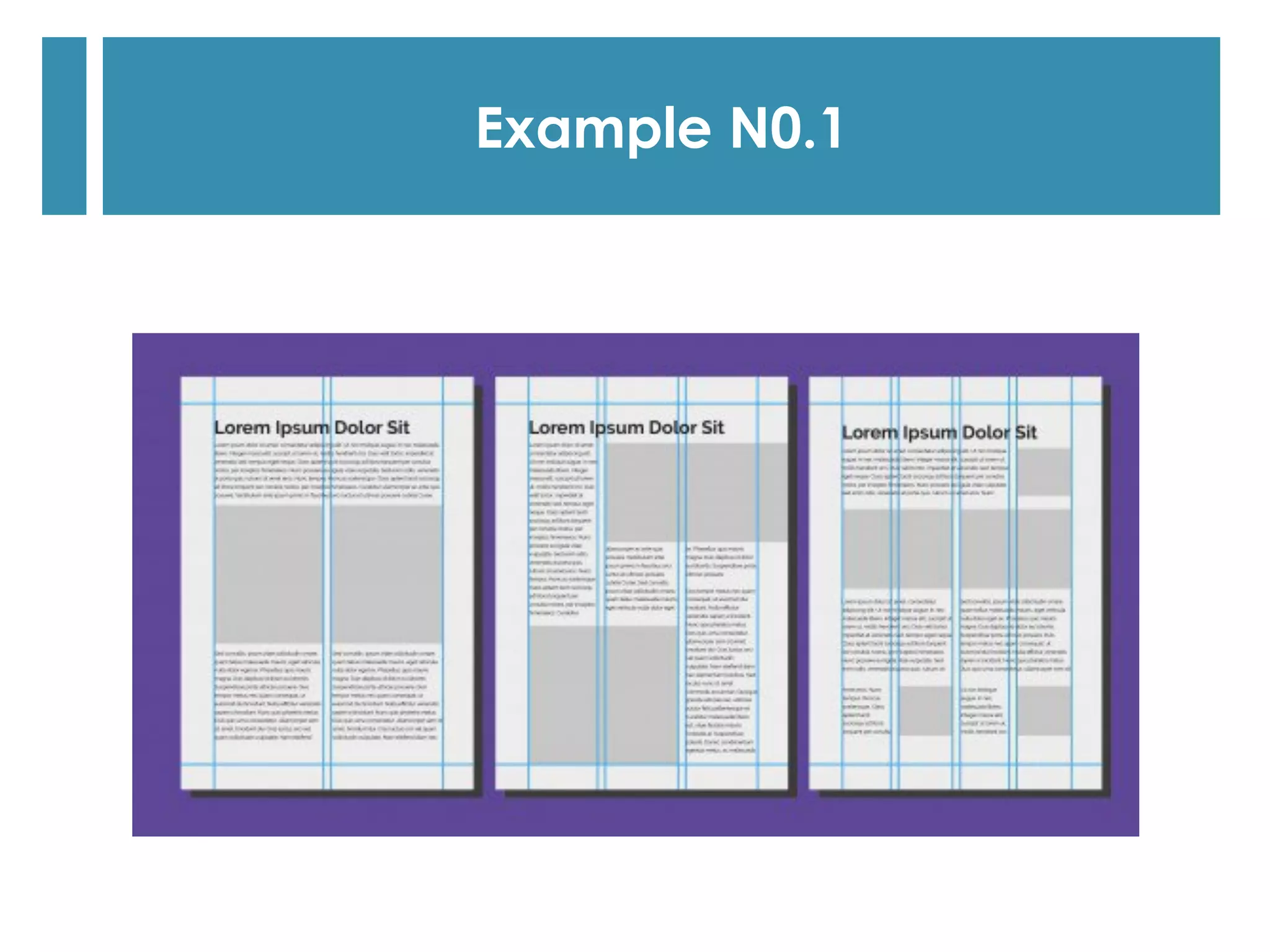
Example N0.1
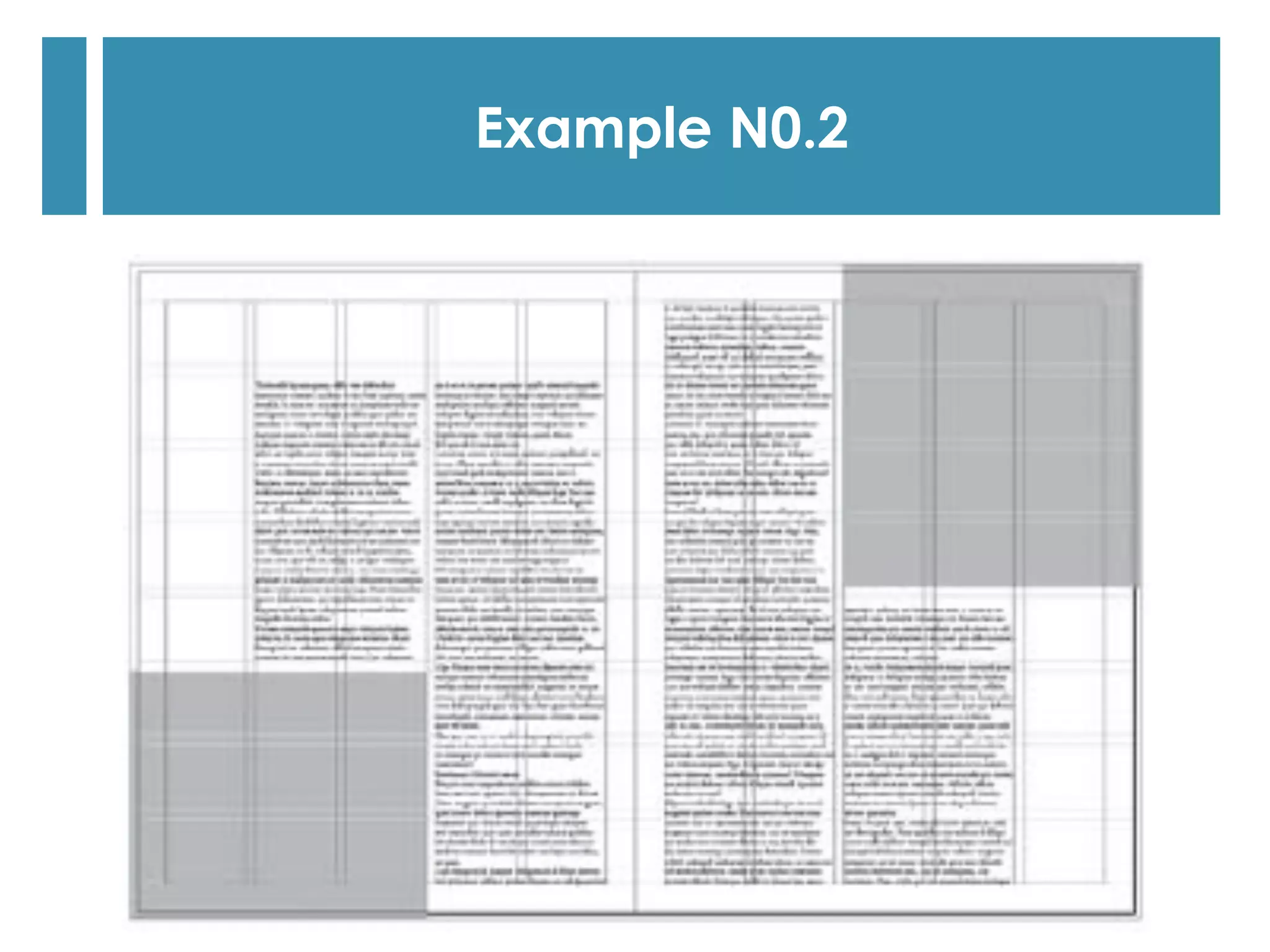
Example N0.2
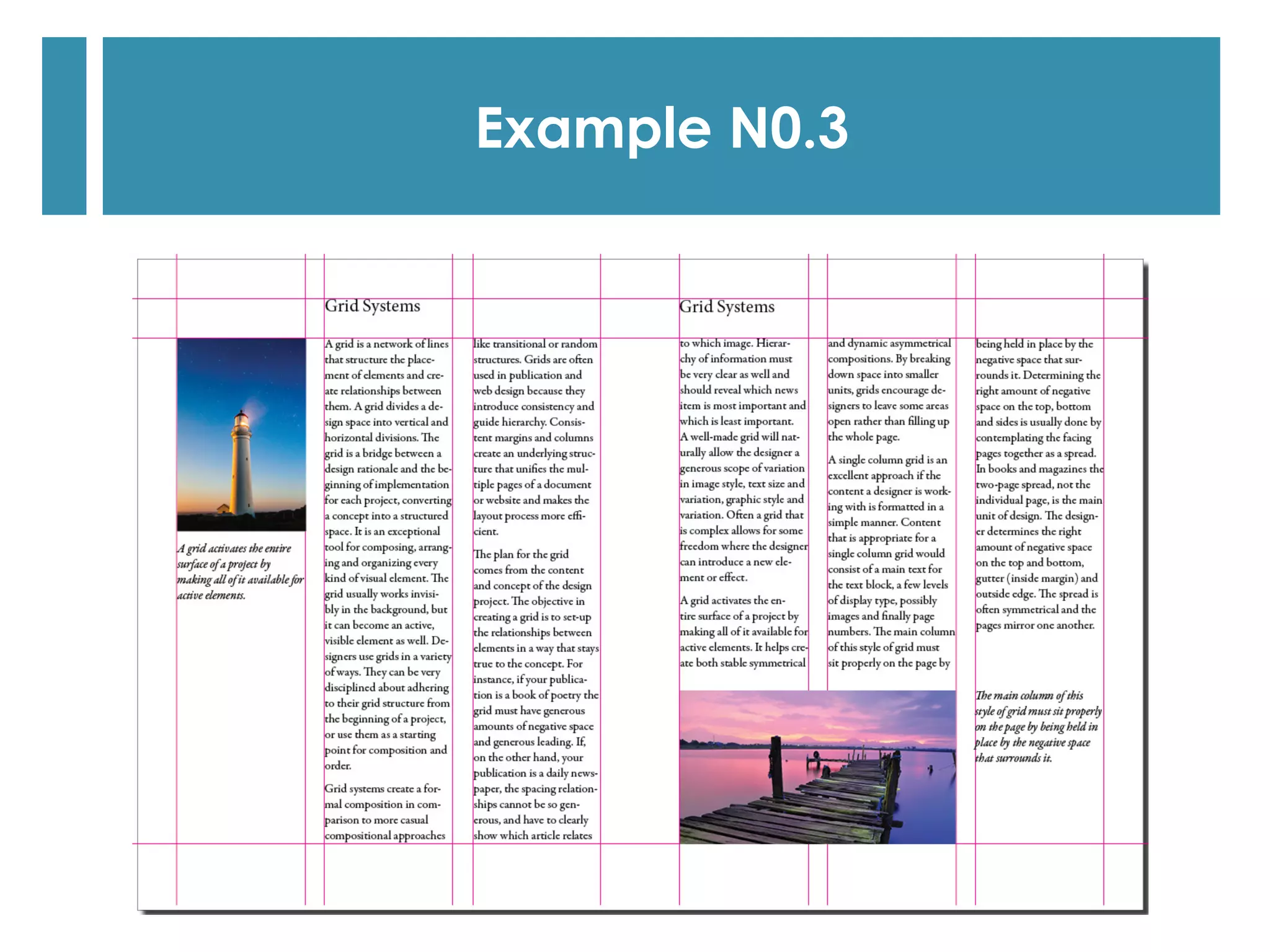
Example N0.3
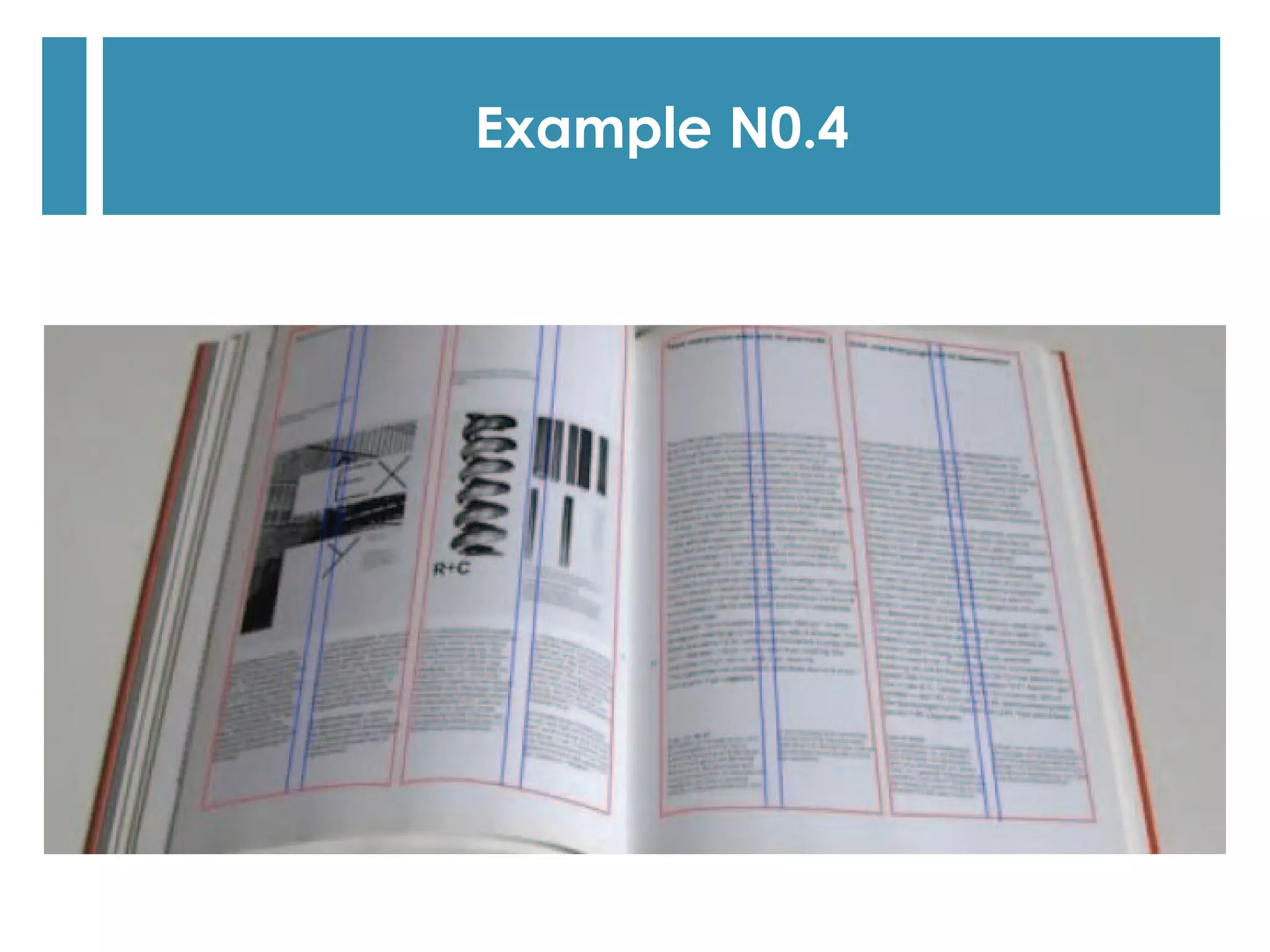
Example N0.4

Technical concepts for graphic design production 7