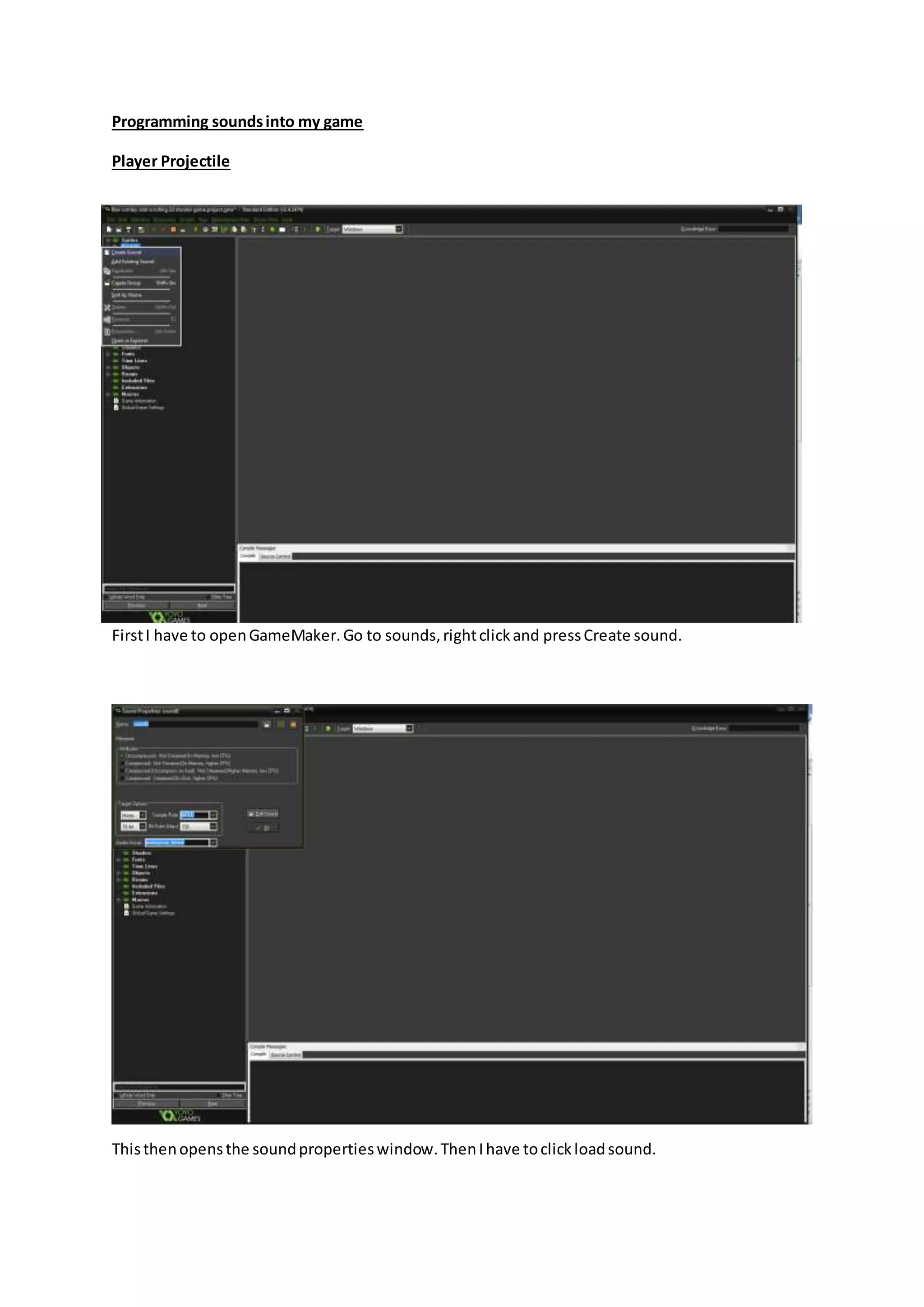
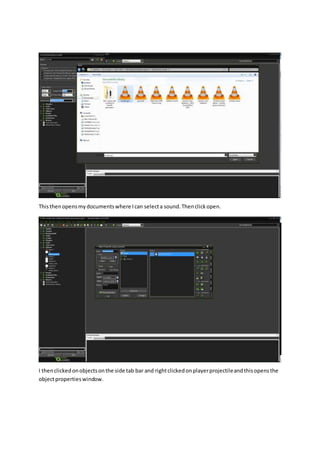
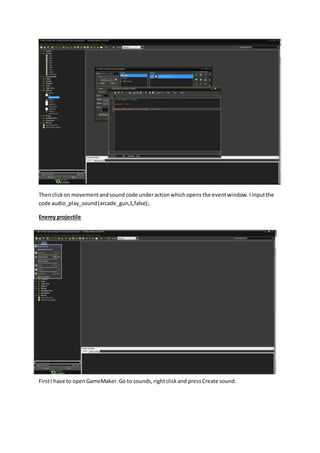
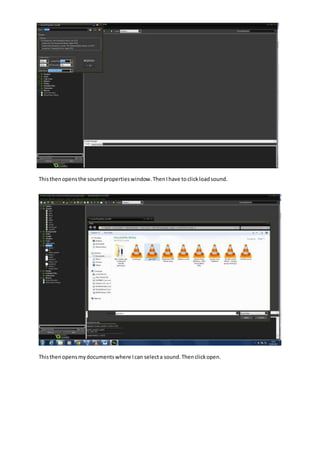
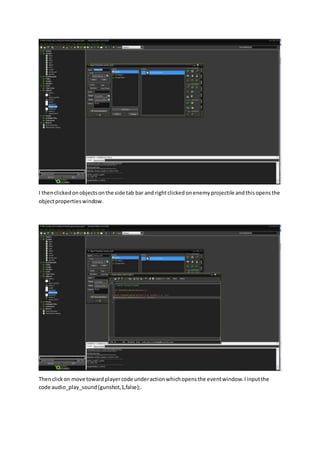
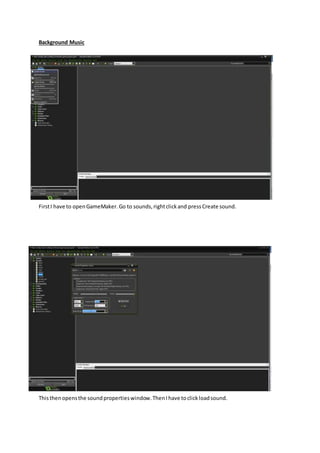
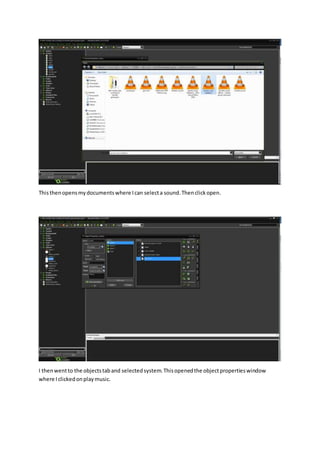
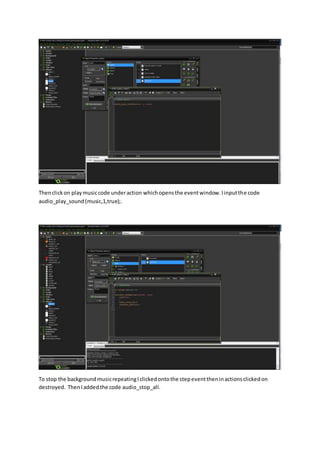
The document describes how to add sound effects and background music to a game created in GameMaker. It explains how to import sound files, assign them to different objects like the player projectile and enemy projectile, and set the player projectile and enemy projectile sounds to play once without repeating. It also explains how to set a background music file to loop continuously and stop when the game ends.