Lewis describes the process of adding sound effects to objects in Game Maker. The key steps are:
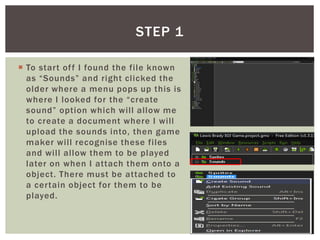
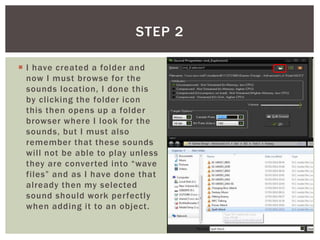
1. Create a "Sounds" folder and convert any sound files to .wav format to be recognized by Game Maker.
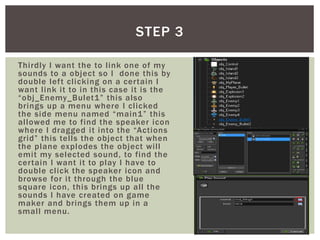
2. Double click on an object to open its event editor, drag the "speaker" icon from the sidebar into the action grid to make the object play a sound.
3. Select the sound file by double clicking the speaker icon and choosing it from the files.
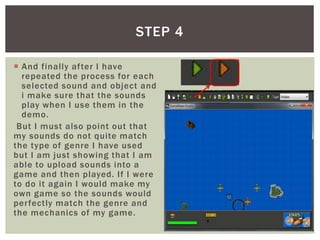
4. Test that the sounds play correctly when the objects are used in the game.