
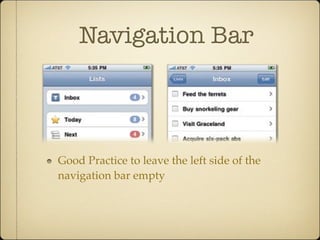
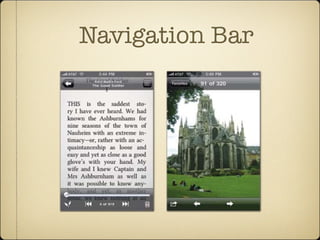
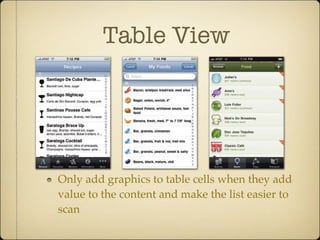
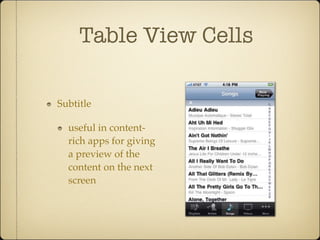
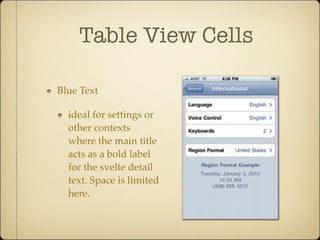
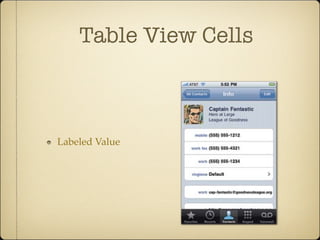
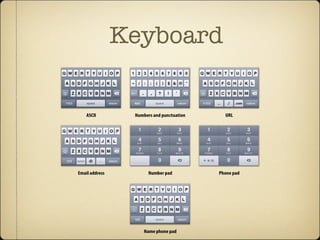

1) The navigation bar displays the title of the current screen and a back button to go to the previous screen. It is standard to leave the left side empty for the back button. 2) Table view cells can include images to make content easier to scan but should only be used if they add value. Subtitles come in styles like subtitles, blue text, and labeled values. 3) Text views allow formatting text with different colors, fonts, and alignment but changes apply to all text. Text fields let the user enter text while keyboards include options like ASCII, email, numbers, and names.


