Strings
Remember there are 3 types of variables we can
work with numbers, statements (if conditions)
and strings.
JavaScript strings are used for storing and
manipulating text.
What can we do with strings?

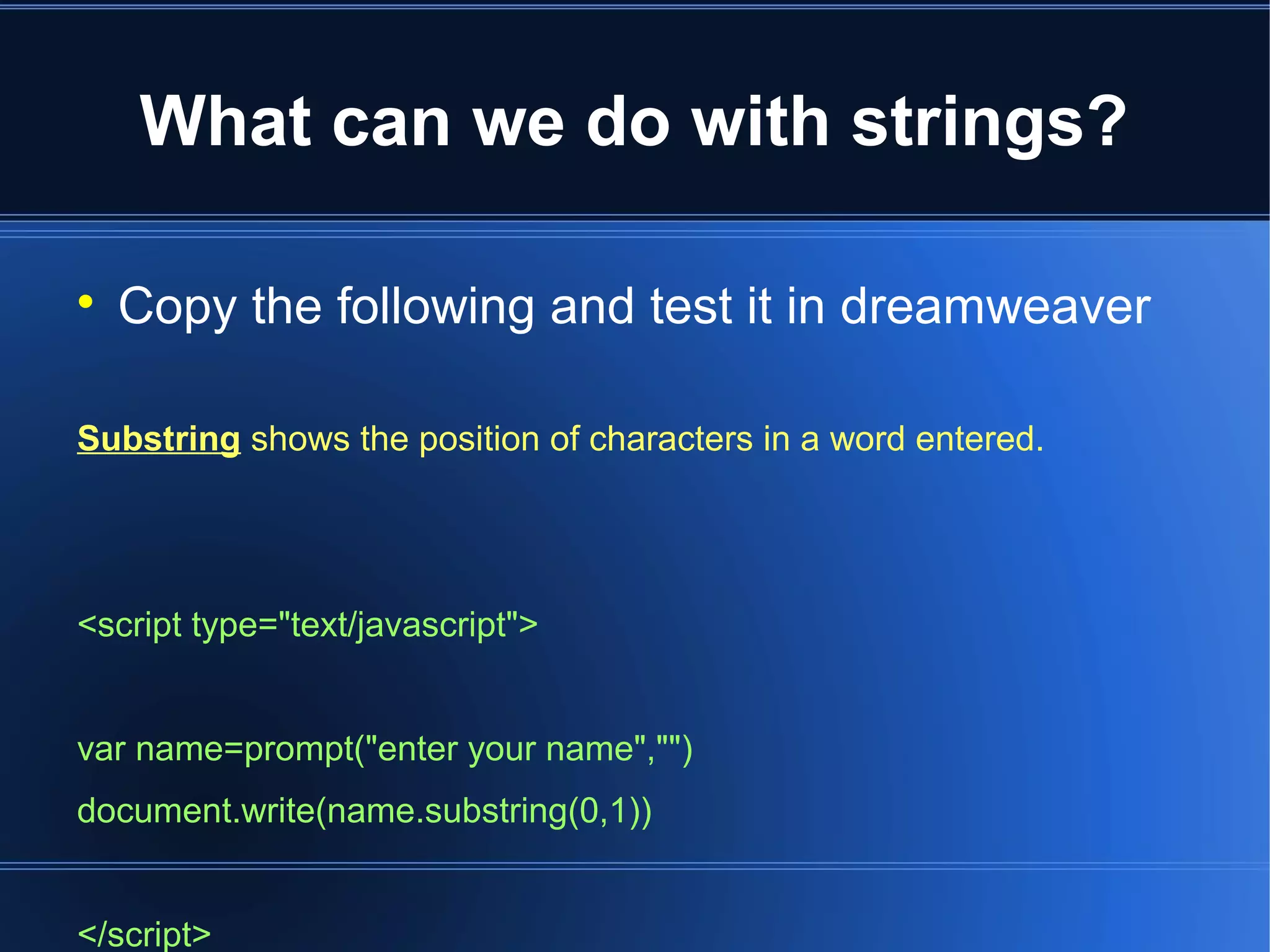
Copy the following and test it in dreamweaver
Substring shows the position of characters in a word entered.
<script type="text/javascript">
var name=prompt("enter your name","")
document.write(name.substring(0,1))
</script>
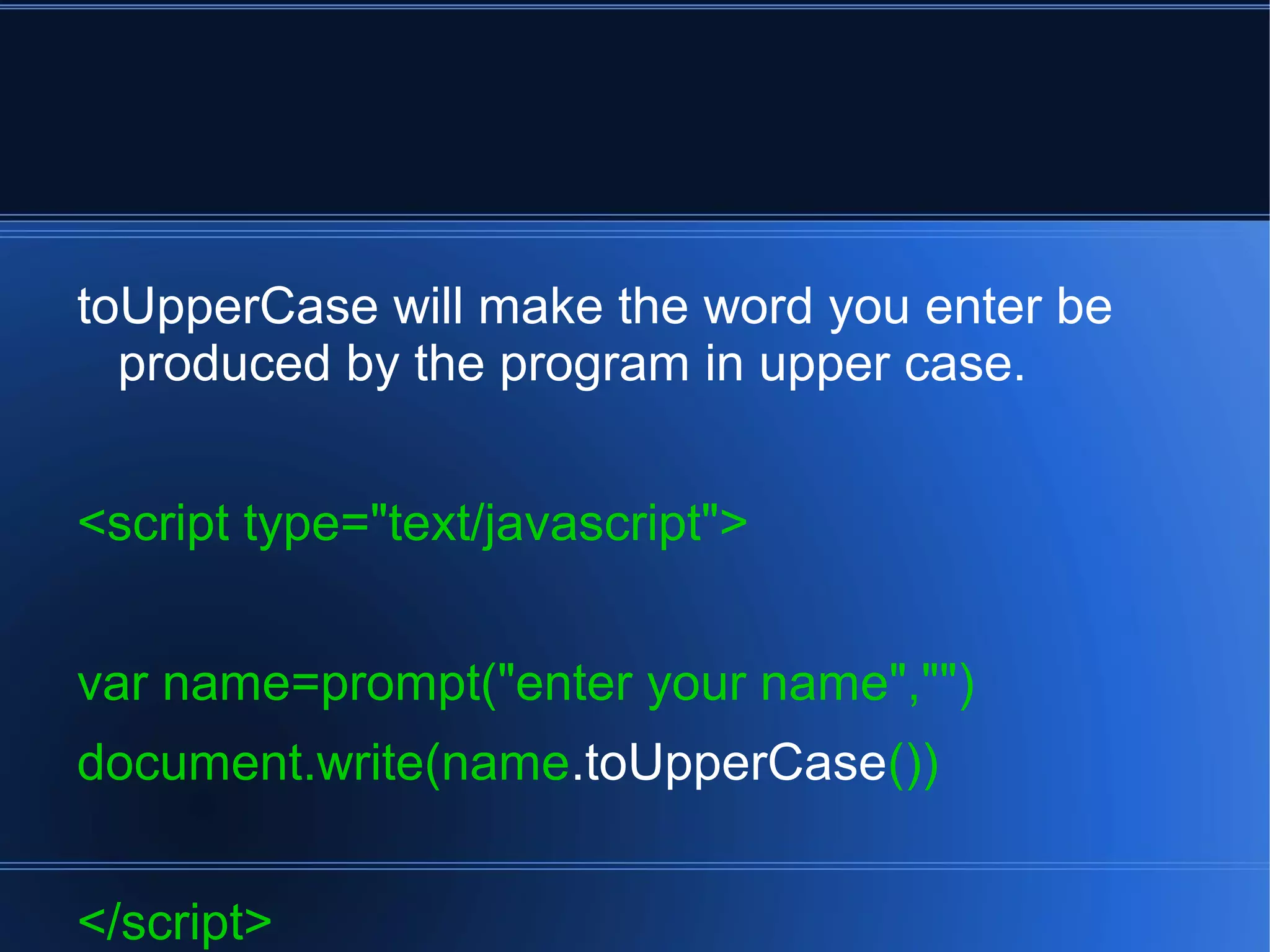
toUpperCase will make the word you enter be
produced by the program in upper case.
<script type="text/javascript">
var name=prompt("enter your name","")
document.write(name.toUpperCase())
</script>
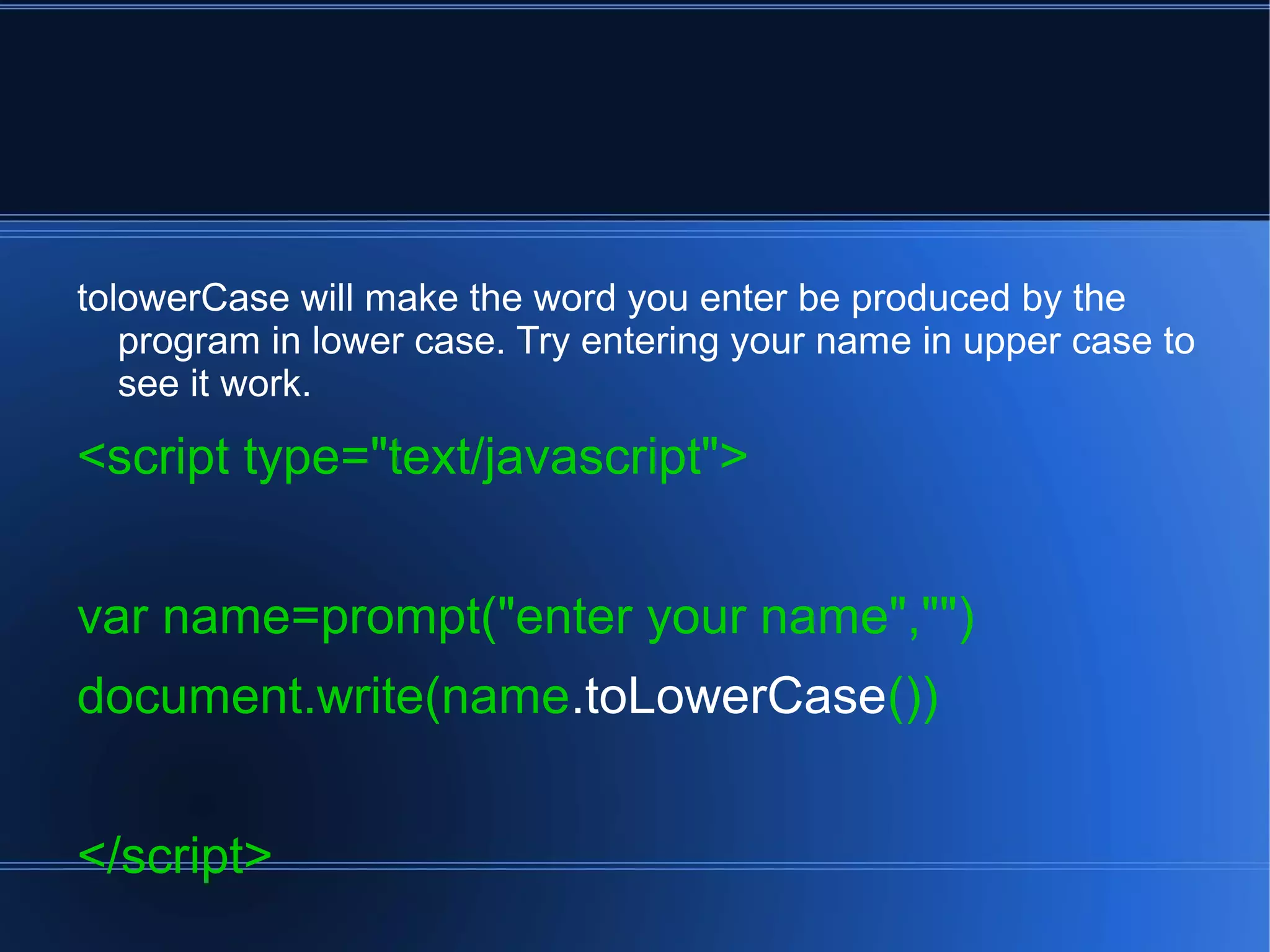
tolowerCase will make the word you enter be produced by the
program in lower case. Try entering your name in upper case to
see it work.
<script type="text/javascript">
var name=prompt("enter your name","")
document.write(name.toLowerCase())
</script>
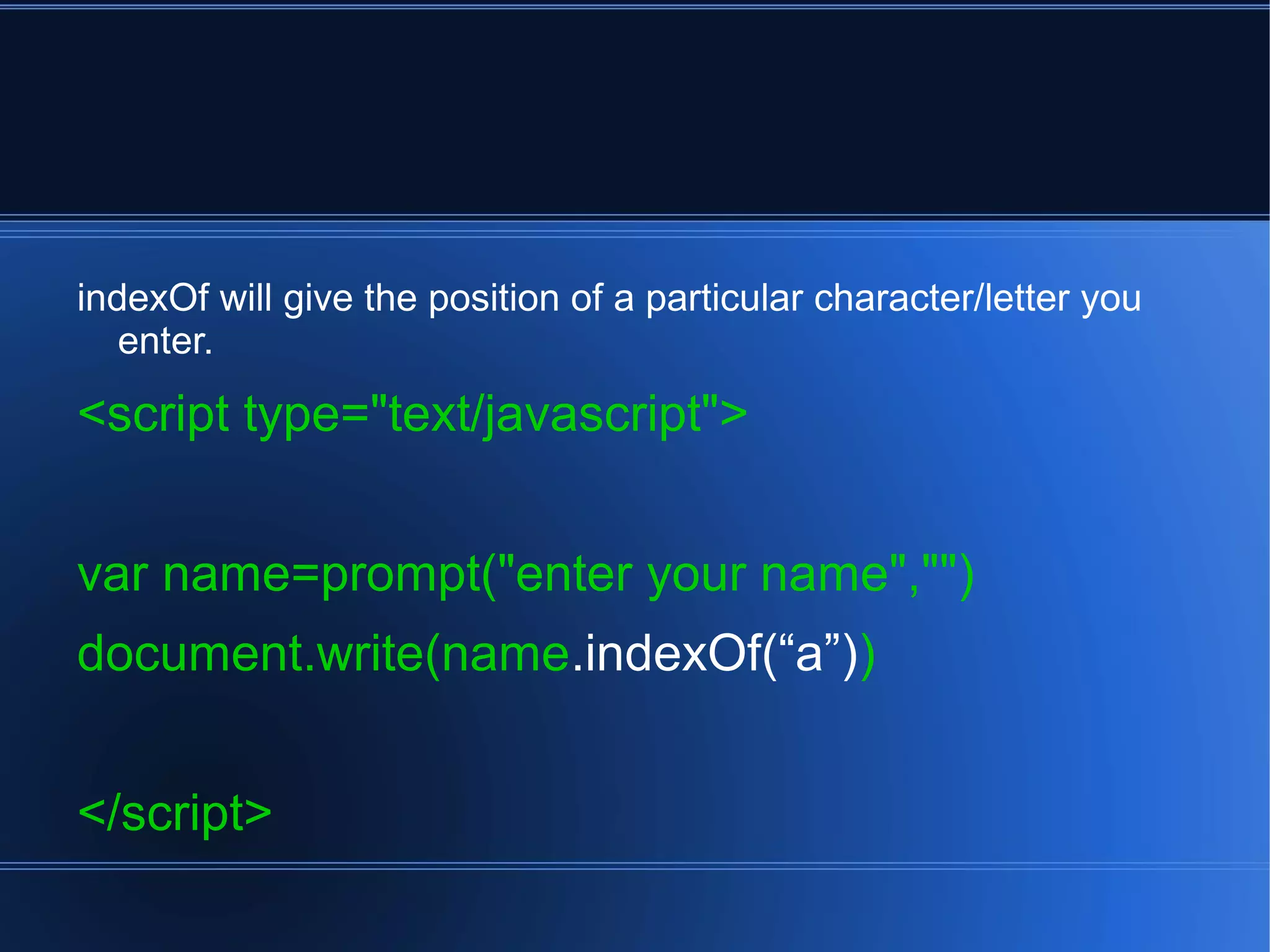
indexOf will give the position of a particular character/letter you
enter.
<script type="text/javascript">
var name=prompt("enter your name","")
document.write(name.indexOf(“a”))
</script>
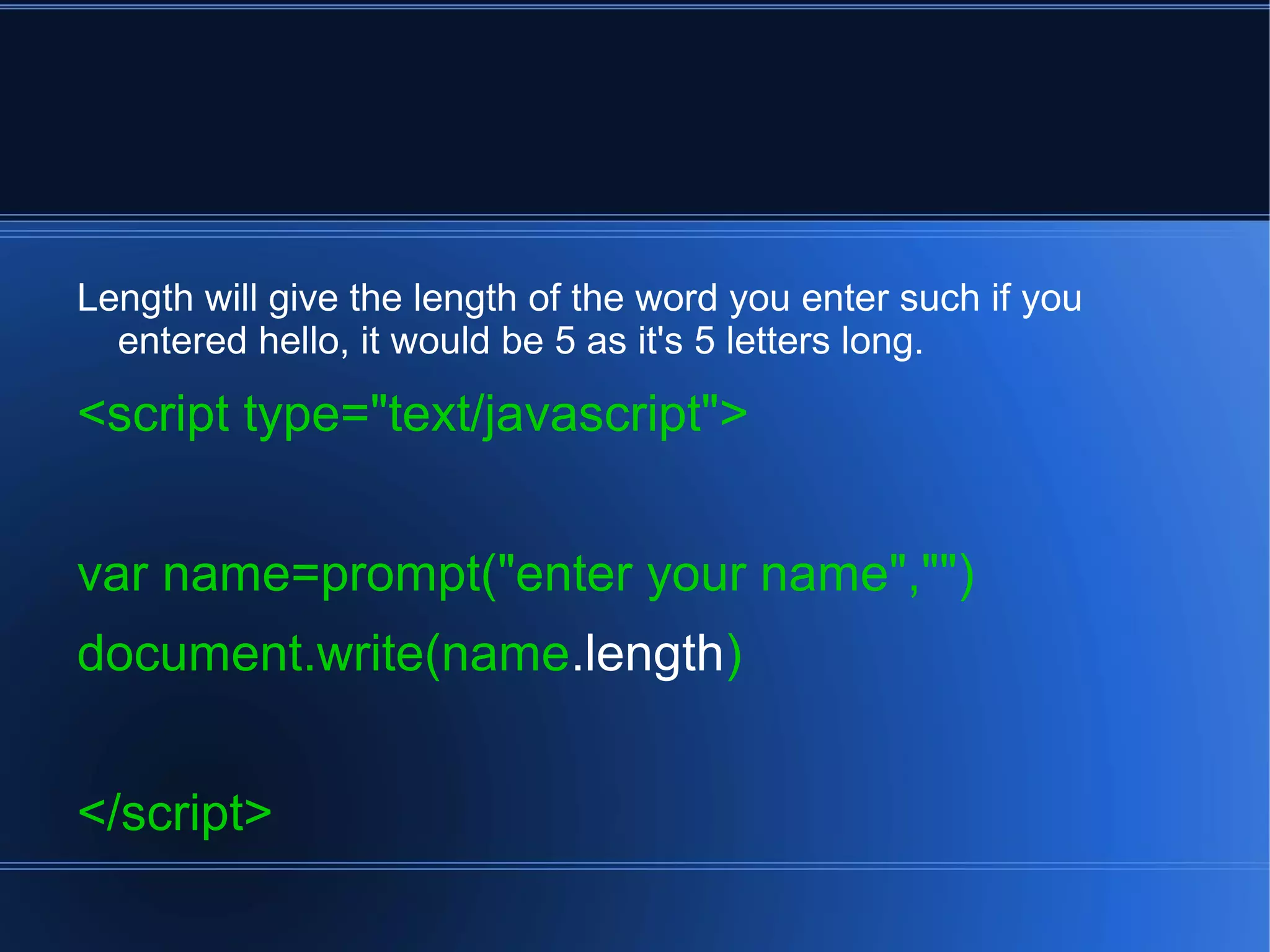
Length will give the length of the word you enter such if you
entered hello, it would be 5 as it's 5 letters long.
<script type="text/javascript">
var name=prompt("enter your name","")
document.write(name.length)
</script>
Strings

Strings

  • 1.
    Strings Remember there are3 types of variables we can work with numbers, statements (if conditions) and strings. JavaScript strings are used for storing and manipulating text.
  • 2.
    What can wedo with strings?  Copy the following and test it in dreamweaver Substring shows the position of characters in a word entered. <script type="text/javascript"> var name=prompt("enter your name","") document.write(name.substring(0,1)) </script>
  • 3.
    toUpperCase will makethe word you enter be produced by the program in upper case. <script type="text/javascript"> var name=prompt("enter your name","") document.write(name.toUpperCase()) </script>
  • 4.
    tolowerCase will makethe word you enter be produced by the program in lower case. Try entering your name in upper case to see it work. <script type="text/javascript"> var name=prompt("enter your name","") document.write(name.toLowerCase()) </script>
  • 5.
    indexOf will givethe position of a particular character/letter you enter. <script type="text/javascript"> var name=prompt("enter your name","") document.write(name.indexOf(“a”)) </script>
  • 6.
    Length will givethe length of the word you enter such if you entered hello, it would be 5 as it's 5 letters long. <script type="text/javascript"> var name=prompt("enter your name","") document.write(name.length) </script>