Javascript coding:basics
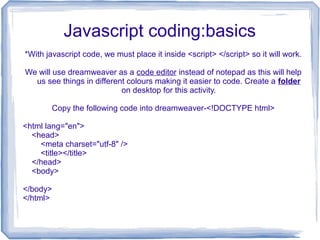
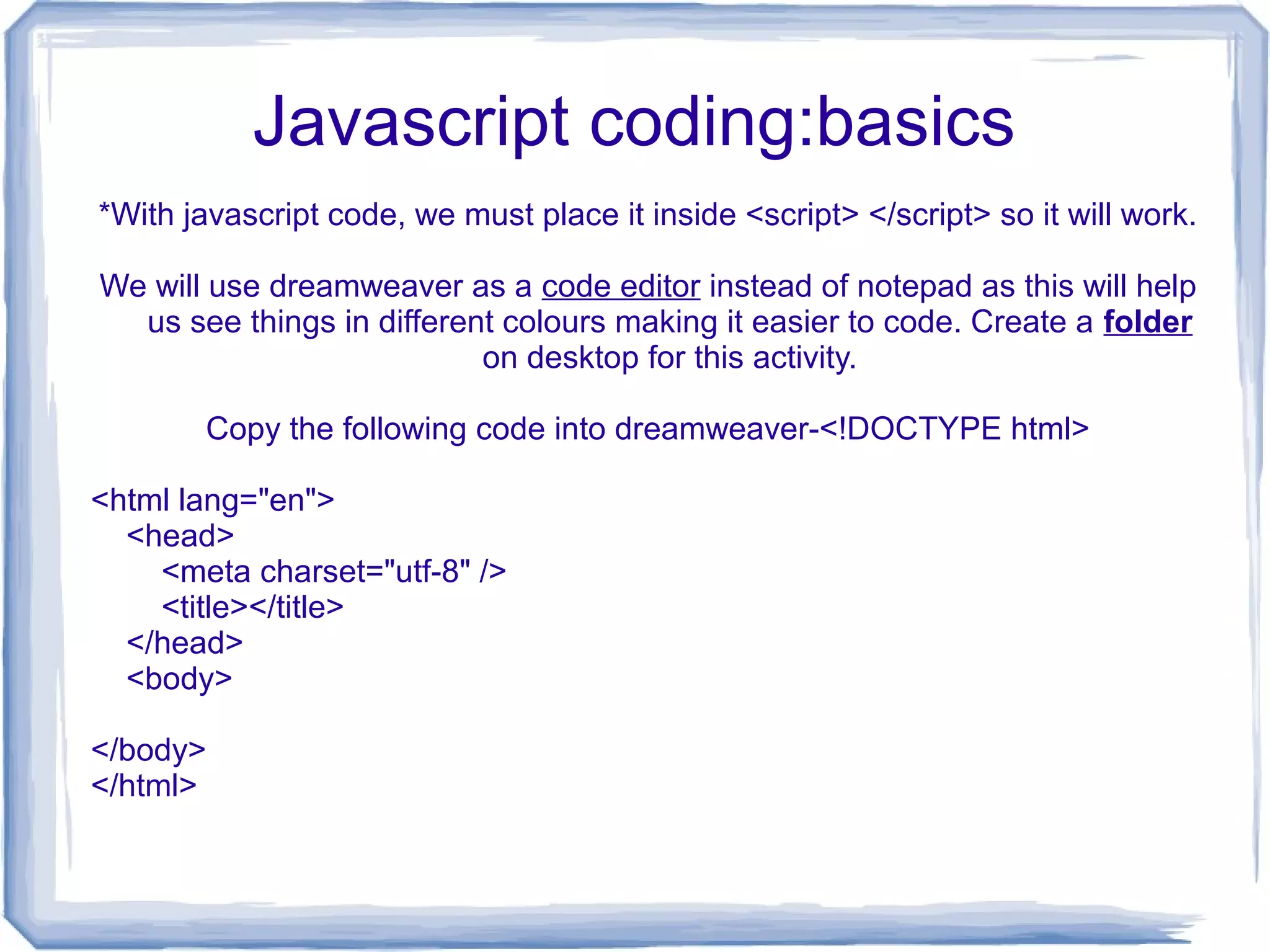
*With javascript code, we must place it inside <script> </script> so it will work.
We will use dreamweaver as a code editor instead of notepad as this will help
us see things in different colours making it easier to code. Create a folder
on desktop for this activity.
Copy the following code into dreamweaver-<!DOCTYPE html>
<html lang="en">
<head>
<meta charset="utf-8" />
<title></title>
</head>
<body>
</body>
</html>
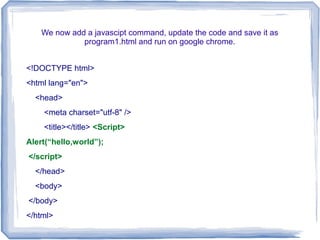
We now add a javascipt command, update the code and save it as
program1.html and run on google chrome.
<!DOCTYPE html>
<html lang="en">
<head>
<meta charset="utf-8" />
<title></title> <Script>
Alert(“hello,world”);
</script>
</head>
<body>
</body>
</html>
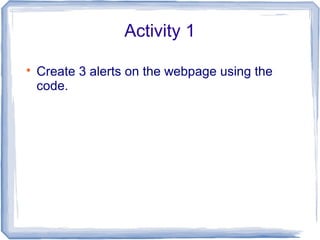
Activity 1

Create 3 alerts on the webpage using the
code.
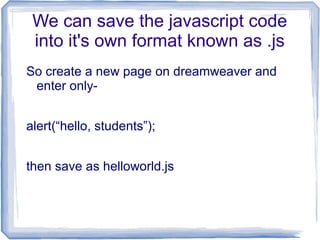
We can save the javascript code
into it's own format known as .js
So create a new page on dreamweaver and
enter only-
alert(“hello, students”);
then save as helloworld.js
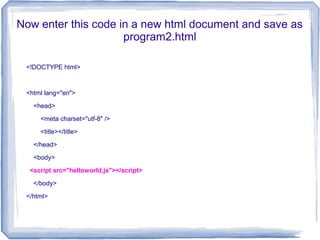
Now enter this code in a new html document and save as
program2.html
<!DOCTYPE html>
<html lang="en">
<head>
<meta charset="utf-8" />
<title></title>
</head>
<body>
<script src="helloworld.js"></script>
</body>
</html>
Go back to the .js file and enter
another alert command
alert(“hello, Teacher”);
*save and test it on google chrome.
Basics

Basics

  • 1.
    Javascript coding:basics *With javascriptcode, we must place it inside <script> </script> so it will work. We will use dreamweaver as a code editor instead of notepad as this will help us see things in different colours making it easier to code. Create a folder on desktop for this activity. Copy the following code into dreamweaver-<!DOCTYPE html> <html lang="en"> <head> <meta charset="utf-8" /> <title></title> </head> <body> </body> </html>
  • 2.
    We now adda javascipt command, update the code and save it as program1.html and run on google chrome. <!DOCTYPE html> <html lang="en"> <head> <meta charset="utf-8" /> <title></title> <Script> Alert(“hello,world”); </script> </head> <body> </body> </html>
  • 3.
    Activity 1  Create 3alerts on the webpage using the code.
  • 4.
    We can savethe javascript code into it's own format known as .js So create a new page on dreamweaver and enter only- alert(“hello, students”); then save as helloworld.js
  • 5.
    Now enter thiscode in a new html document and save as program2.html <!DOCTYPE html> <html lang="en"> <head> <meta charset="utf-8" /> <title></title> </head> <body> <script src="helloworld.js"></script> </body> </html>
  • 6.
    Go back tothe .js file and enter another alert command alert(“hello, Teacher”); *save and test it on google chrome.