STOCK MANAGEMENT SYSTEM
FOR MULTIPLE CENTER
Project Supervisor
Md. Abdus Salim Mollah
Presented By
S M Shahriar Kabir - 1007001
Aikya Halder – 1007018
Assistant Professor
Dept. of Computer Science and Engineering,
Khulna University of Engineering and Technology
SYNOPSIS
 This project is targeted for the mass stock management
system around our country or further.
 Stock management is a very complex process which also
need a very efficient management.
 It enhances correctness and reduces man power.
 It also gives a detail and variety of angel for producing
different types of report.
EXISTING SYSTEM
 People tend to make errors like data entry and
others.
 Manual entry is also huge time consuming.
 Reports are not attractive.
PROPOSED SYSTEM
 Simplicity in controlling system.
 Leaving all manual control totally.
 Security and quality management.
 Reducing human errors.
 Attractive report generator.
SYSTEM REQUIREMENT
 Hardware Requirement and
 Software Requirement
HARDWARE REQUIREMENTS
 Processor : Dual Core or higher.
 Hard Drive : 500GB or higher.
 RAM : 2GB or higher.
 Internet Connection : Preferred 1 MBPS or higher.
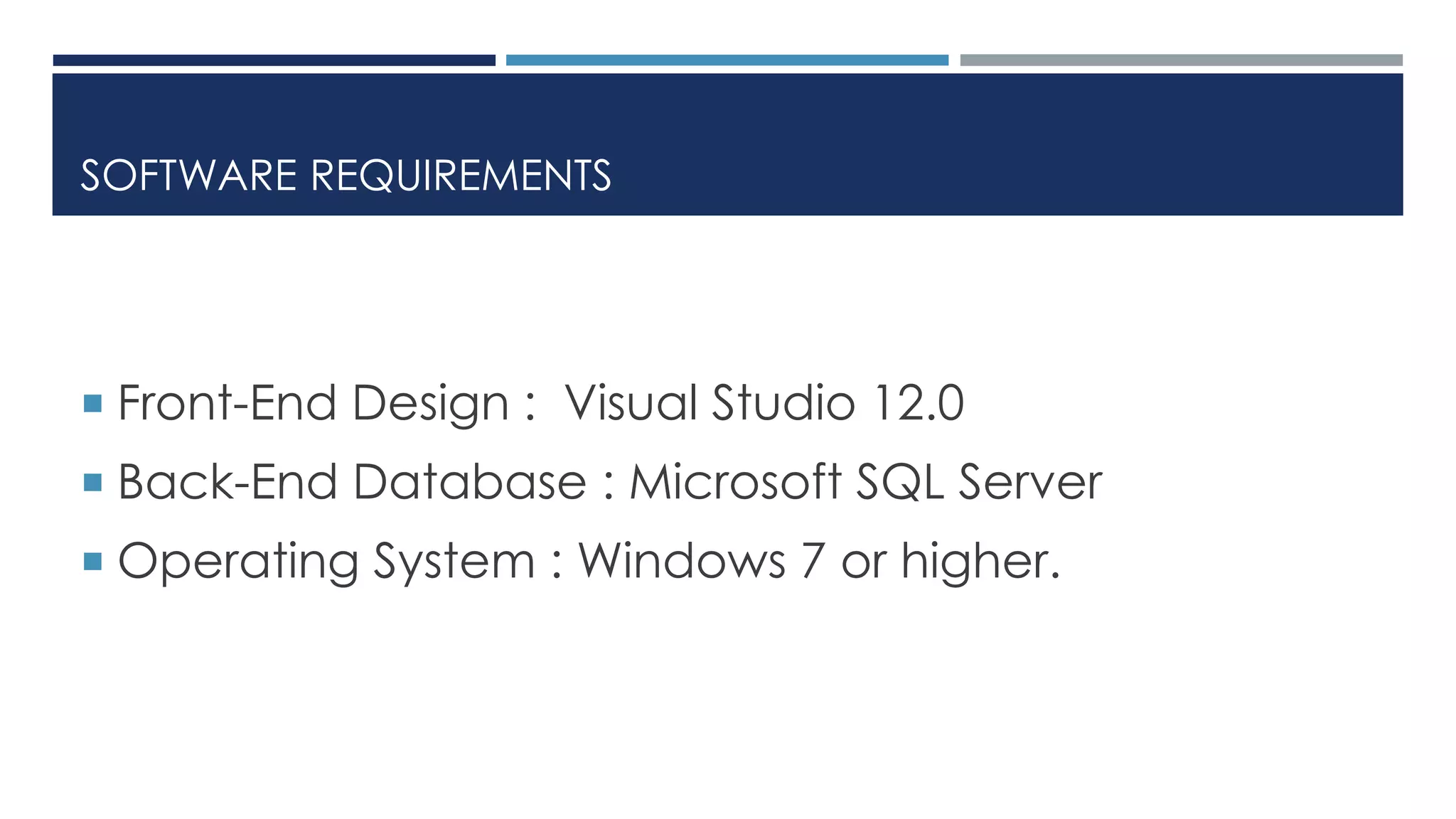
SOFTWARE REQUIREMENTS
 Front-End Design : Visual Studio 12.0
 Back-End Database : Microsoft SQL Server
 Operating System : Windows 7 or higher.
FEATURE DESCRIPTION
The followings are the features used in our software
 Add new item
 Purchase
 Sales
 Ledger
 Report Viewing (from different angle)
There is another extra feature.
 Generating Employee ID
DATA FLOW DIAGRAM
Central
Database
Insert Item
Sale
Report Viewing
Ledger
Purchase
SCREENSHOTS
REGISTRATION
There are two types of registration options
available:
 Employee Registration (Employees of the
company)
 Admin Registration (Operator of this software)
EMPLOYEE REGISTRATION
Employee ID
(Auto
Generated)
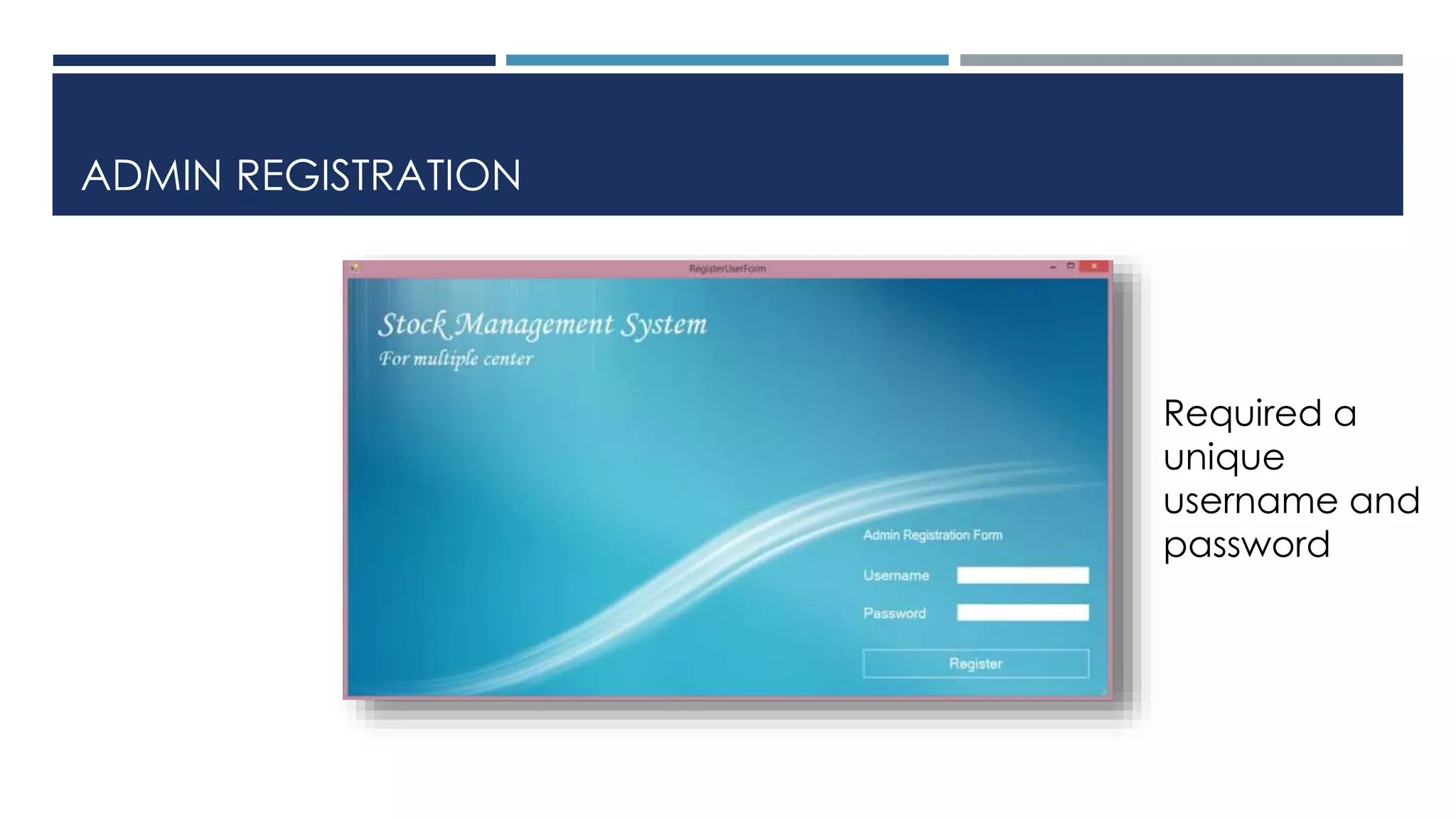
ADMIN REGISTRATION
Required a
unique
username and
password
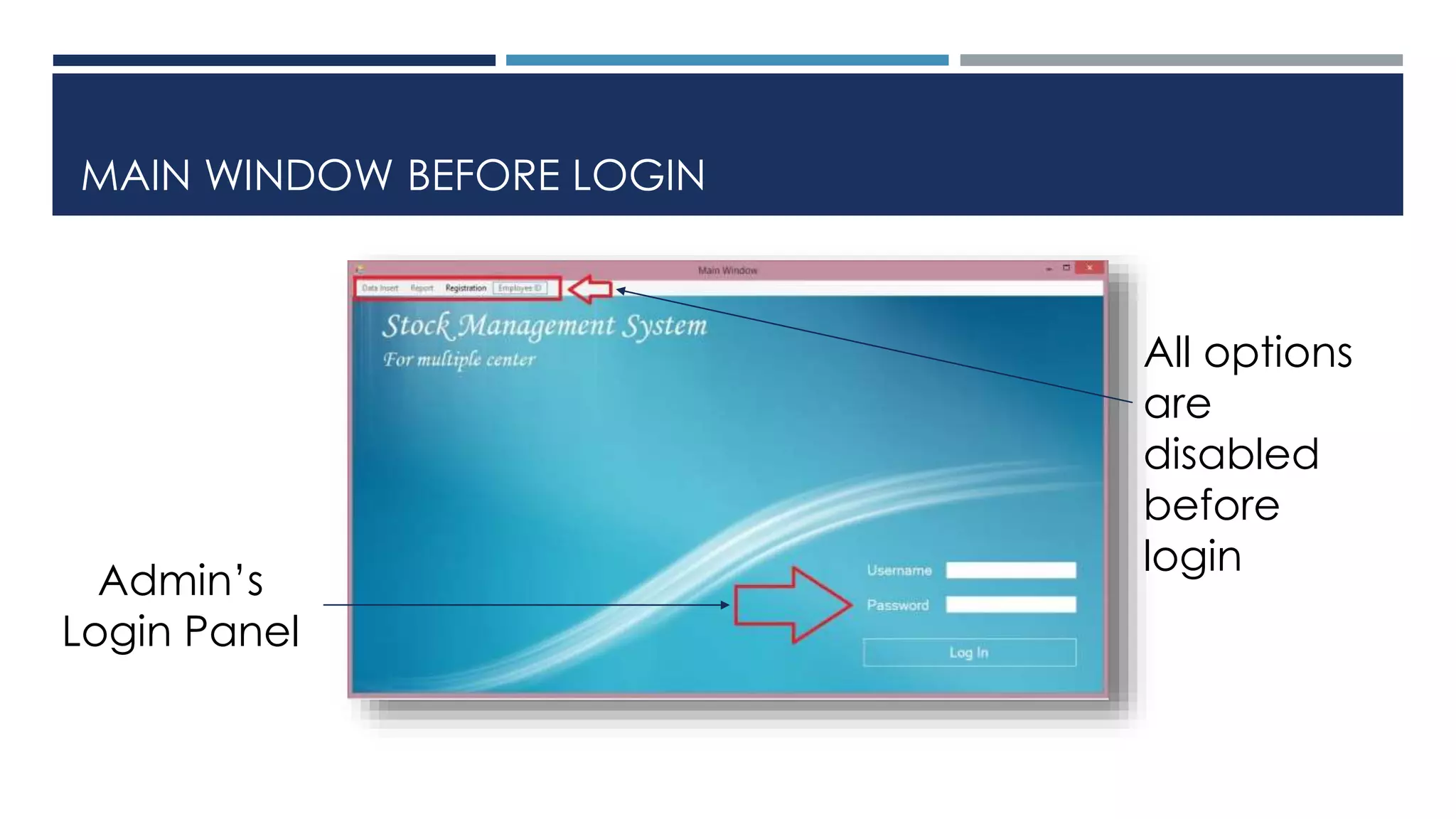
MAIN WINDOW BEFORE LOGIN
All options
are
disabled
before
login
Admin’s
Login Panel
MAIN WINDOW AFTER LOGIN
Enabled all
options
after login
INSERT PURCHASE
Auto
generated
Item Name
& City Name
Accordingly
their ID
REPORT
There are two types of report:
 Central Report
 City Report
CENTRAL REPORTS
There are 6 central reports available:
 All City Report
 All City Items Report
 Central Balance Report
 Central Purchase Report
 Central Sales Report
 Central Ledger Report
CENTRAL PURCHASE REPORT
Total items
of all the
cities
Total item
values of all
cities
CENTRAL LEDGER REPORT
Ledger
based on
purchase
and sales
CITYWISE REPORTS
There are 5 Citywise reports available:
 Citywise Items Report
 Citywise Balance Report
 Citywise Purchase Report
 Citywise Sales Report
 Citywise Ledger Report
CITIWISE LEDGER REPORT
Sales &
Purchase
Citywise
Report
CONCLUSION
 The system is designed to reduce human labor and
efficiently maintaining the stock.
 It provides flexible and powerful reports regarding items,
purchase, sales and ledger.
 We hope that it will help people to reduce both time and
money.
FUTURE ENHANCEMENT
There is always room for improvement in any software system
 Determining the frequency for ordering and forecasting
accordingly.
 Generating the demand priority report of items in different
cities.
 Automatic Email notification when any specific item is about
to stock out.
THANK YOU_____________________

Stock Management System