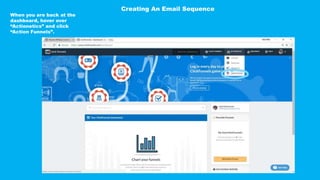
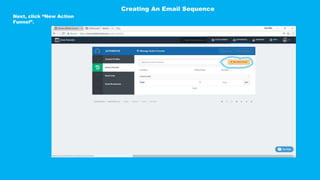
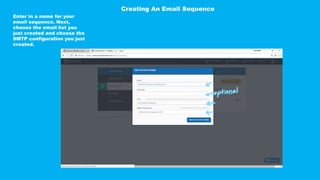
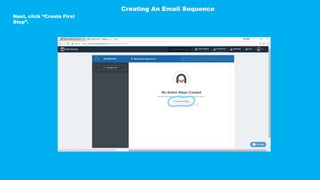
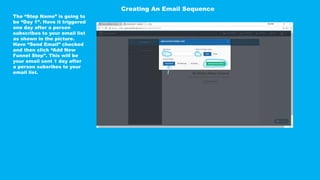
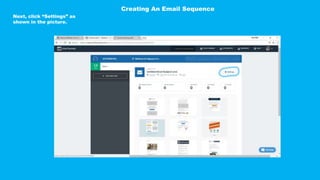
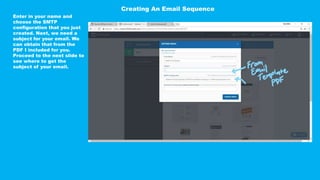
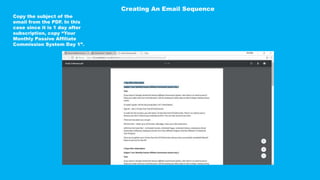
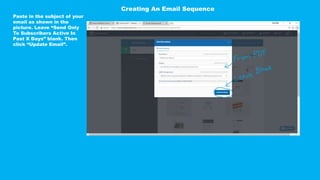
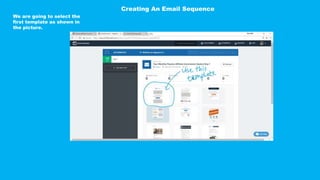
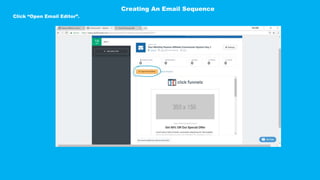
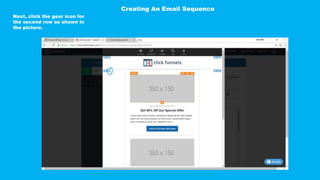
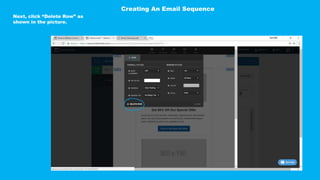
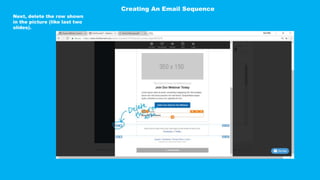
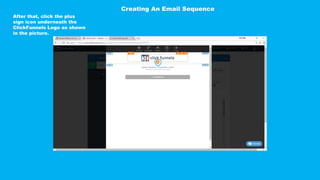
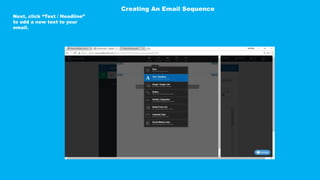
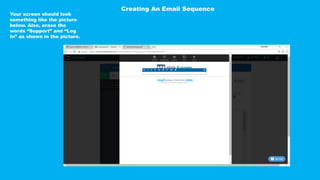
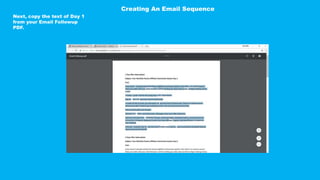
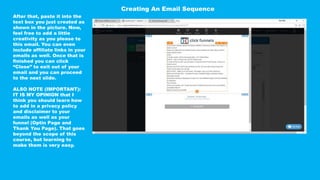
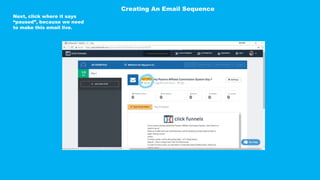
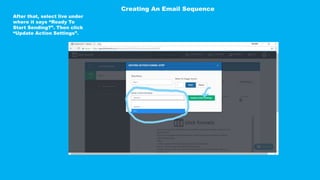
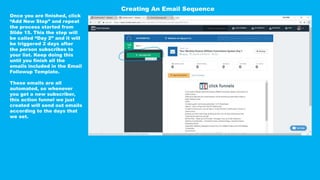
This document provides step-by-step instructions for setting up an automated email sequence using Actionetics. It describes how to create an email list, SMTP configuration, and email sequence with individual steps for each day. For each email step, it explains how to select a template, add text and headlines from the provided PDF, and set the email to live so it will automatically send after the specified number of days to subscribers. The process is then repeated for additional email steps to complete the full sequence outlined in the template.


![[Tutorial ]How to Use IFTTT Applets](https://cdn.slidesharecdn.com/ss_thumbnails/autifttt-161107080419-thumbnail.jpg?width=640&height=640&fit=bounds)


