
Photo by Mark Solarski on Unsplash
A presentation by Joanne
Klein
#SPUnite17
@JoanneCKlein
joannecklein@nexnovus.com
https://joannecklein.com
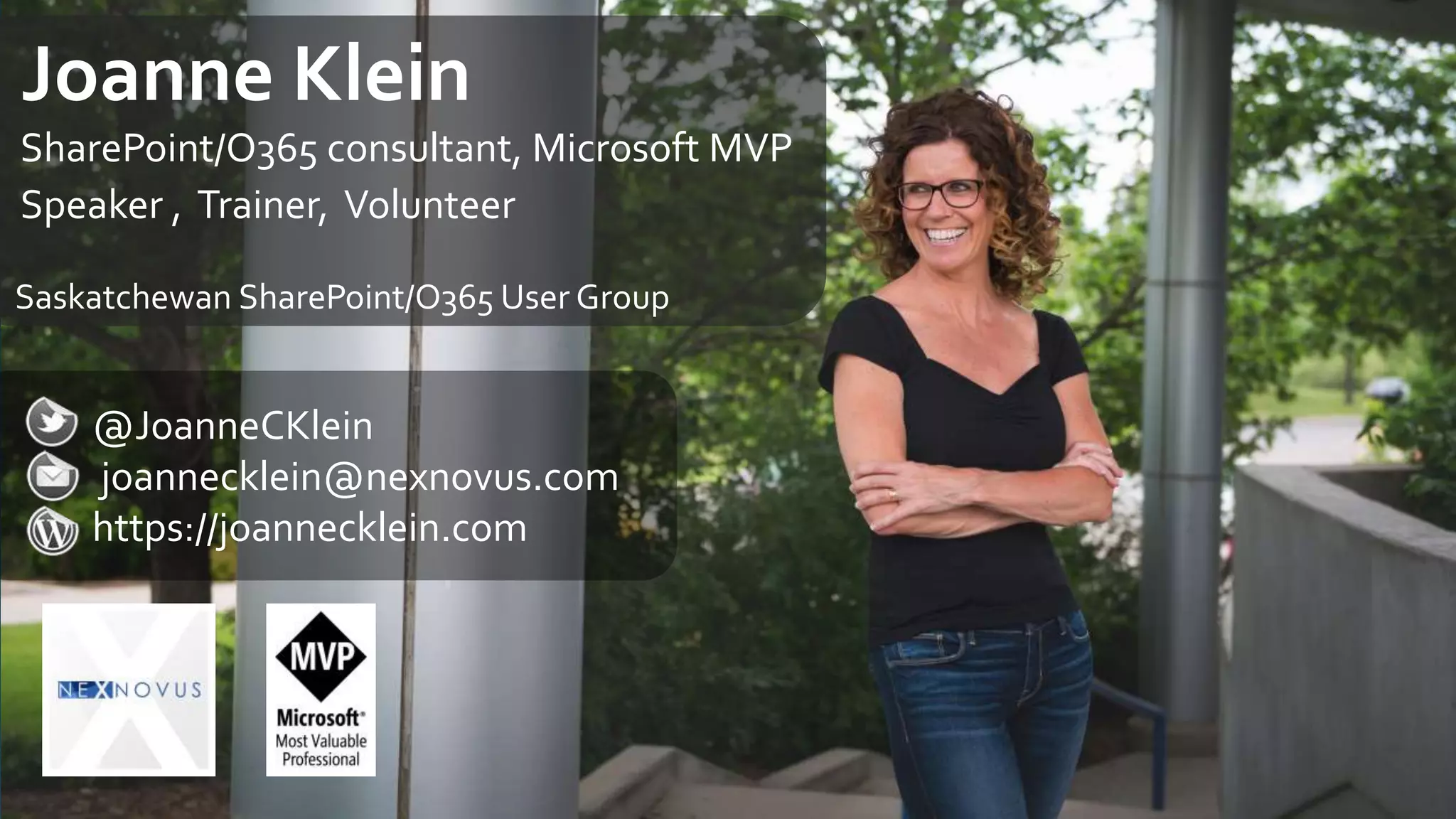
Joanne Klein
SharePoint/O365 consultant, Microsoft MVP
Speaker , Trainer, Volunteer
Saskatchewan SharePoint/O365 User Group
Information Management
…the acquisition of
information from one
or more sources, the
custodianship and the
distribution of that
information to those
who need it, and its
ultimate disposition
through archiving or
deletion… #WOCinTech
Collaboration options changing
The Challenges in Office 365
Data Protection options evolving
What IWon’t Cover
eDiscovery and Audit
Identity and Device Protection
3
2
1
4
5
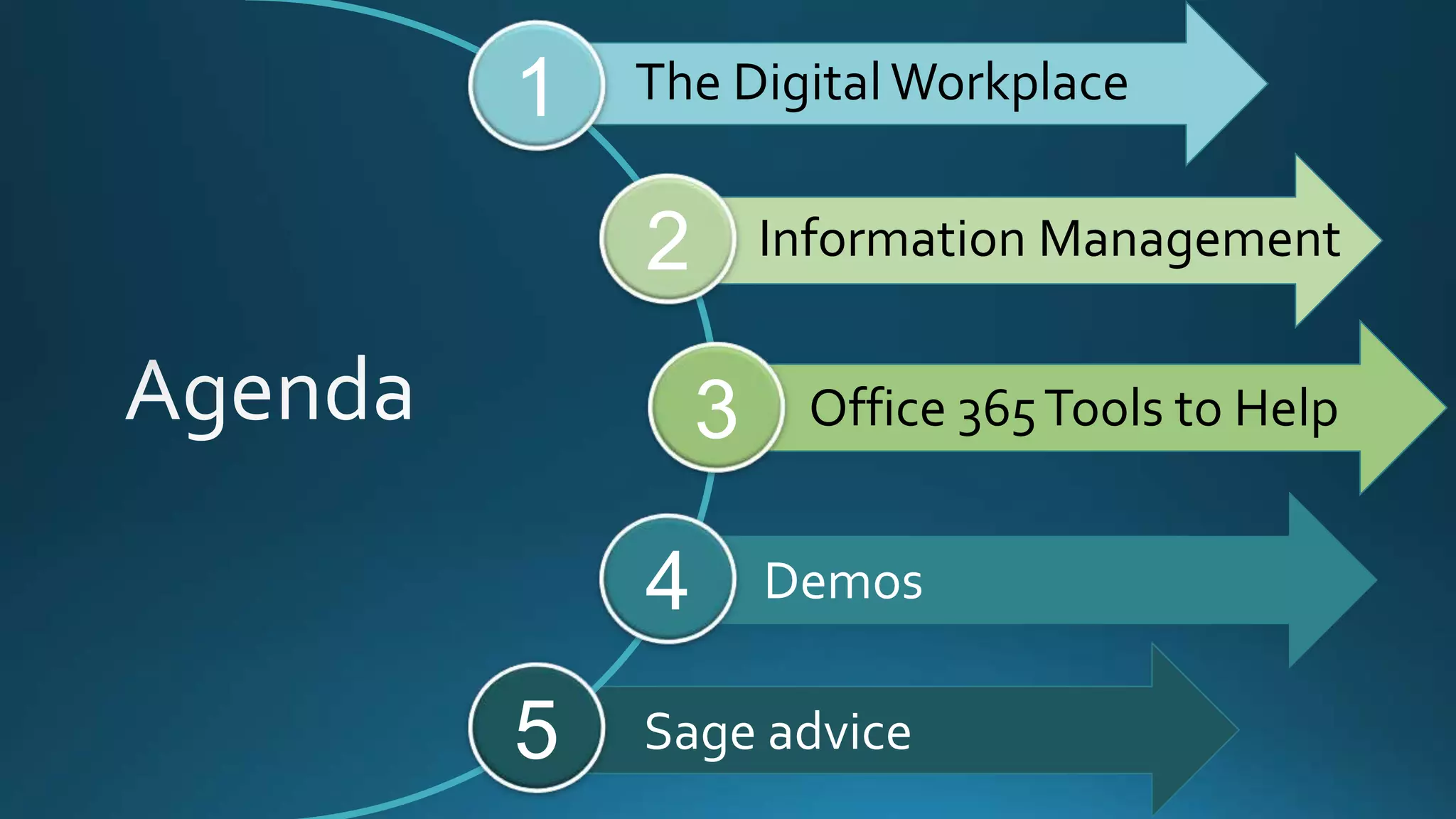
The Digital Workplace
Information Management
Office 365Tools to Help
Demos
Sage advice
The DigitalWorkplace
Whatisit? “… a business strategy that
enables new and more
effective ways of working,
improves employee
engagement and agility, and
exploits consumer-oriented
styles and technologies.”
– *Gartner
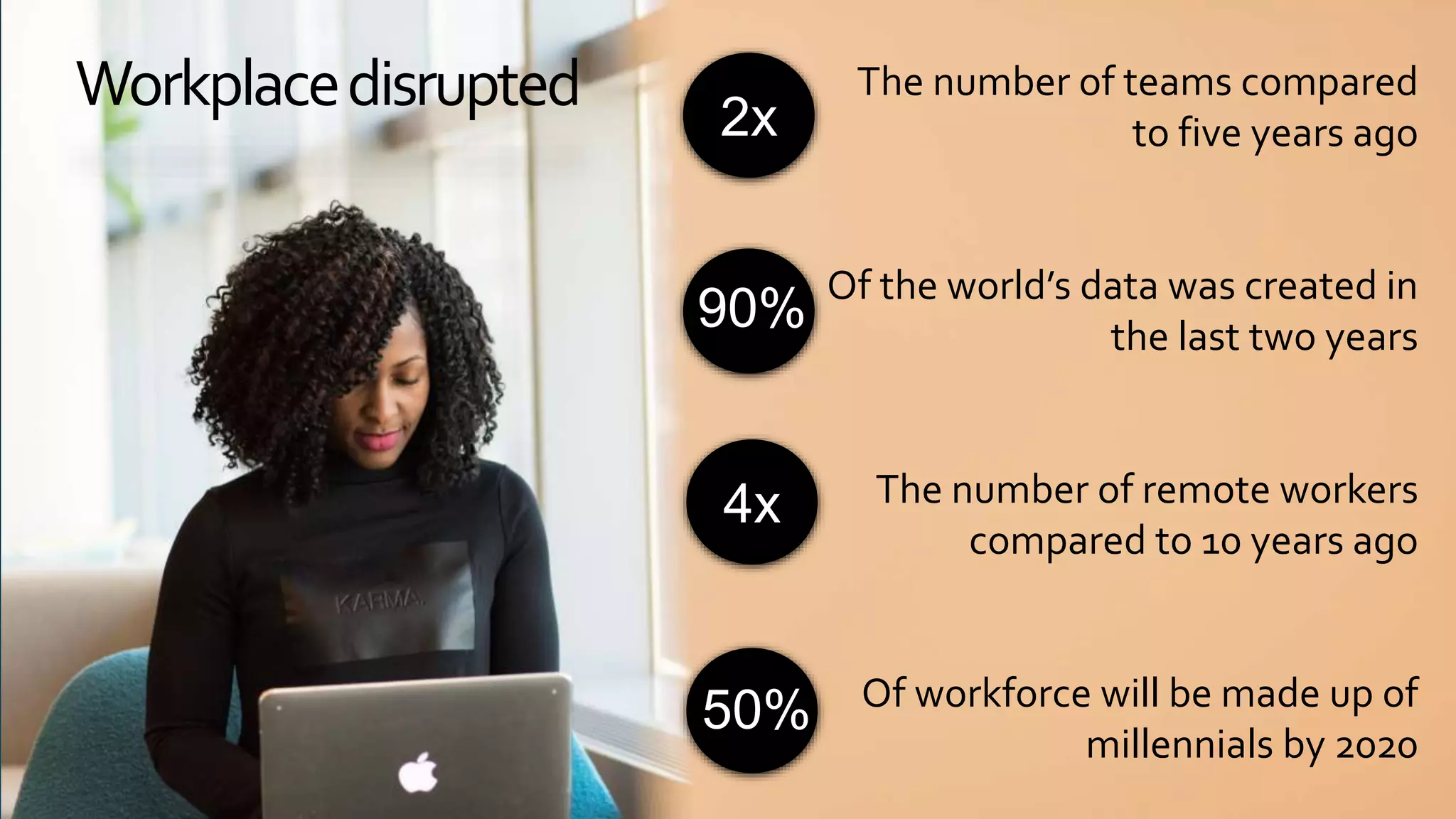
Workplacedisrupted The number of teams compared
to five years ago
Of the world’s data was created in
the last two years
The number of remote workers
compared to 10 years ago
Of workforce will be made up of
millennials by 2020
2x
90%
4x
50%
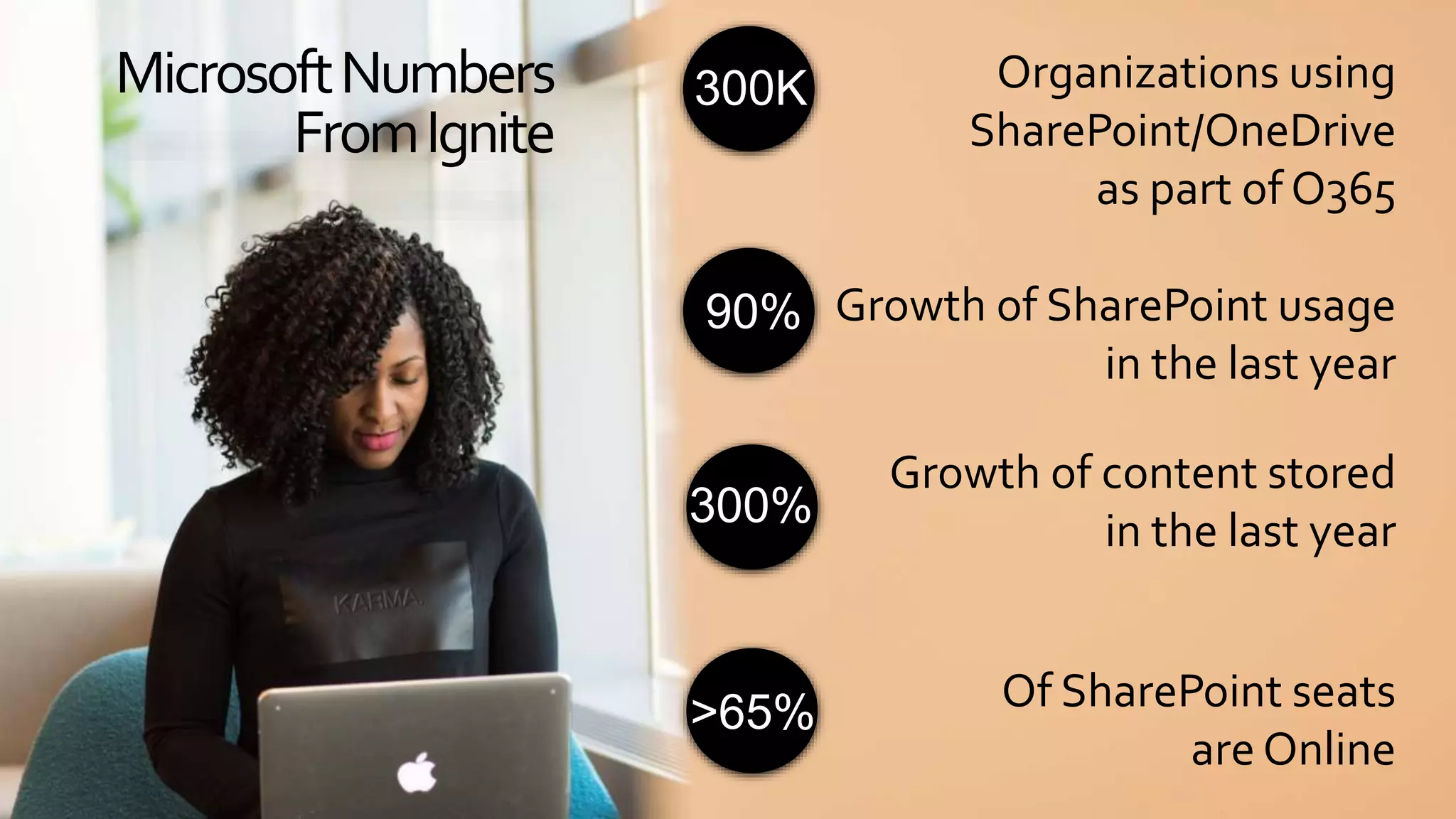
Organizations using
SharePoint/OneDrive
as part of O365
Growth of SharePoint usage
in the last year
Growth of content stored
in the last year
Of SharePoint seats
are Online
MicrosoftNumbers
FromIgnite
300K
90%
300%
>65%
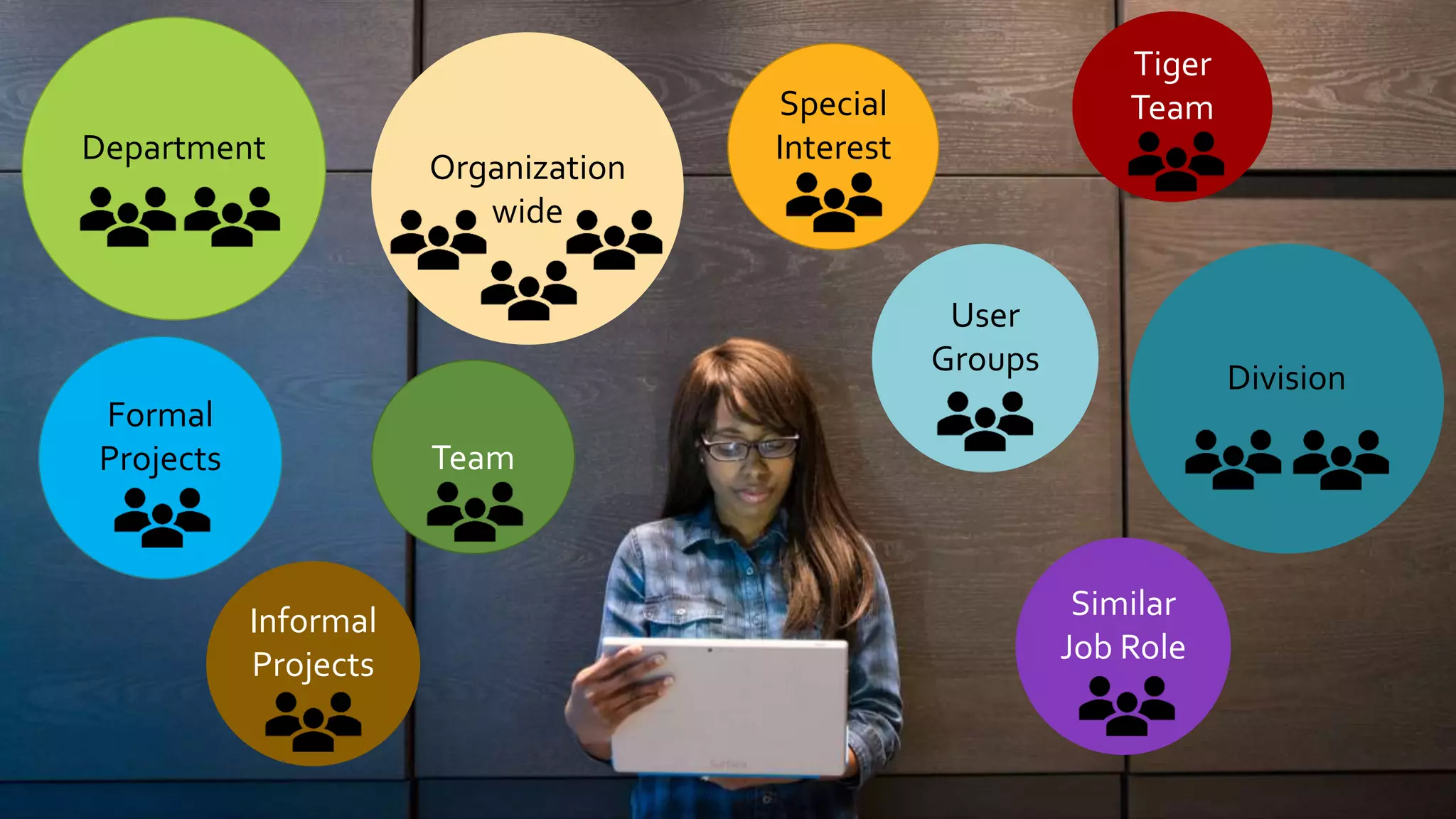
Department
Division
Team
User
Groups
Formal
Projects
Similar
Job Role
Special
Interest
Informal
Projects
Tiger
Team
Organization
wide
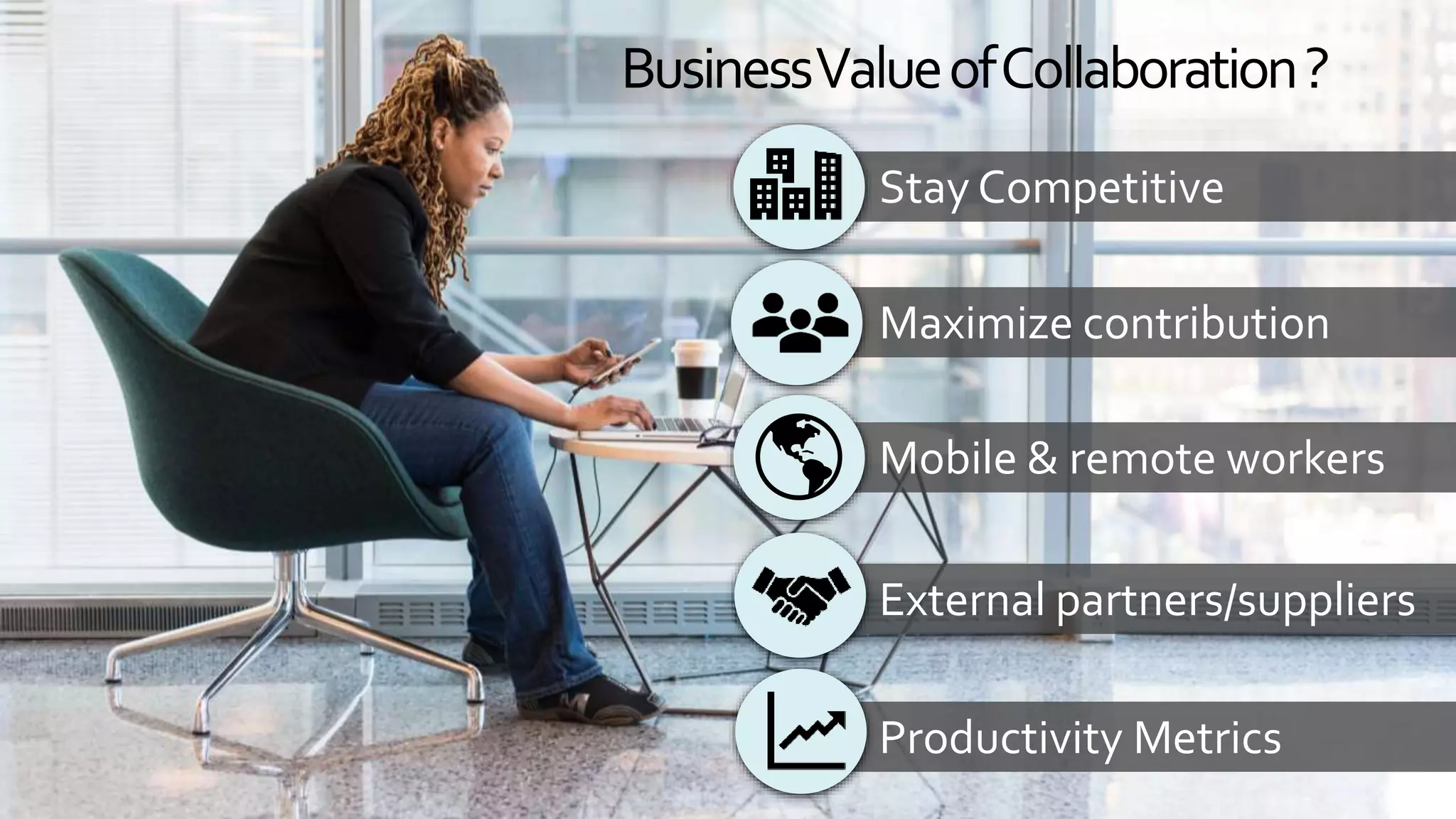
BusinessValueofCollaboration?
Stay Competitive
Maximize contribution
Mobile & remote workers
External partners/suppliers
Productivity Metrics
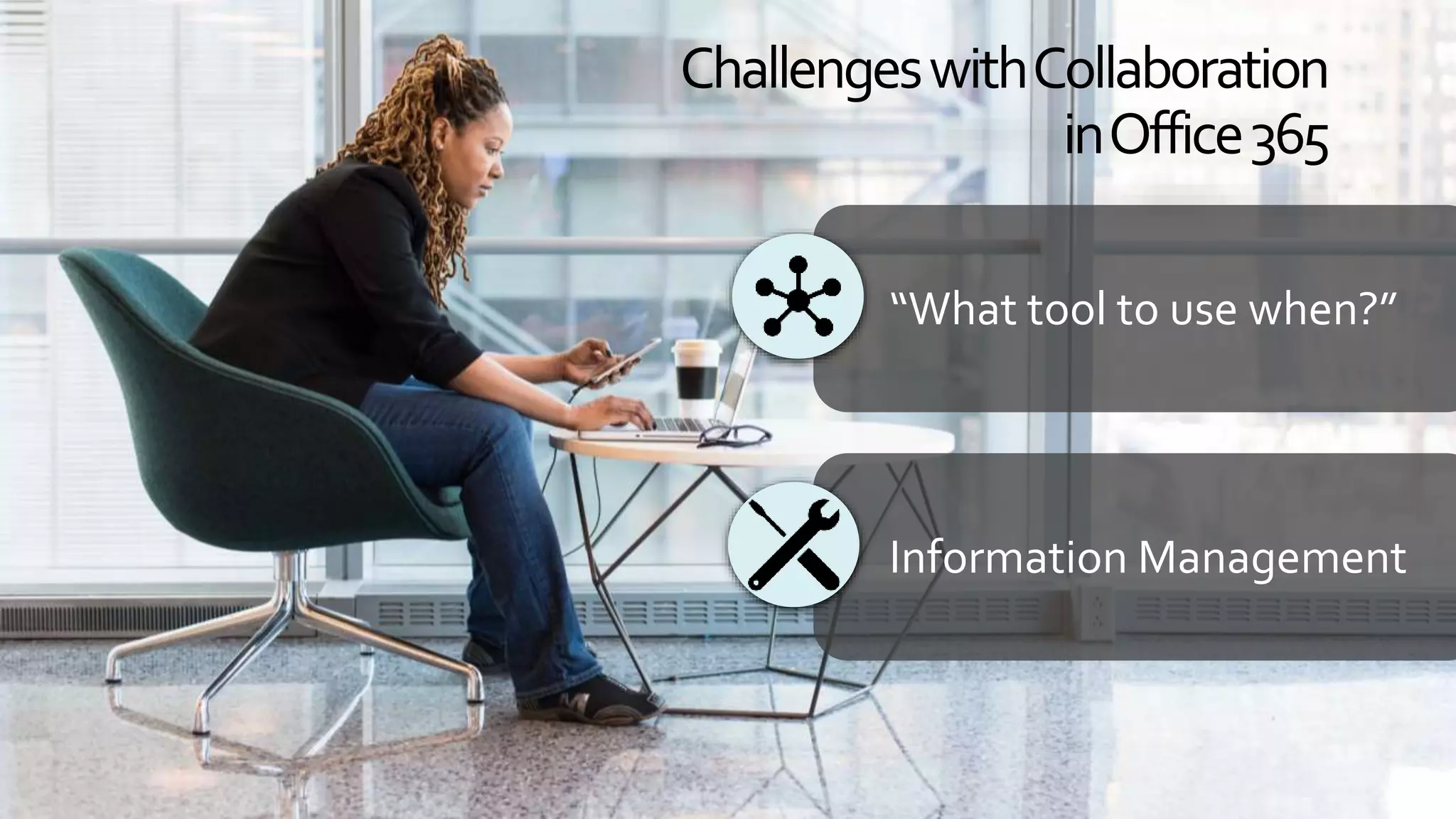
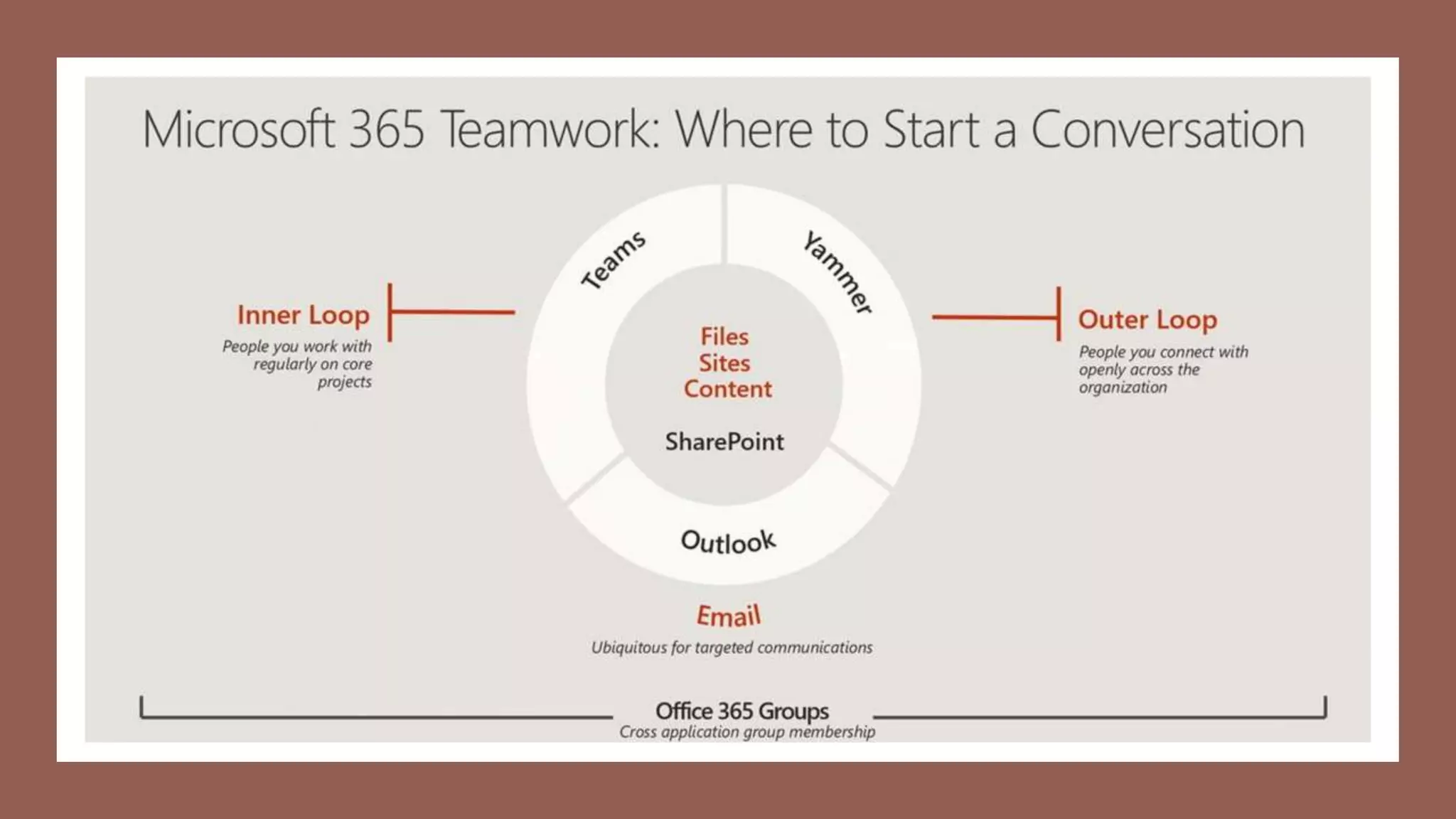
“What tool to use when?”
Information Management
ChallengeswithCollaboration
inOffice365
What tool to use when…
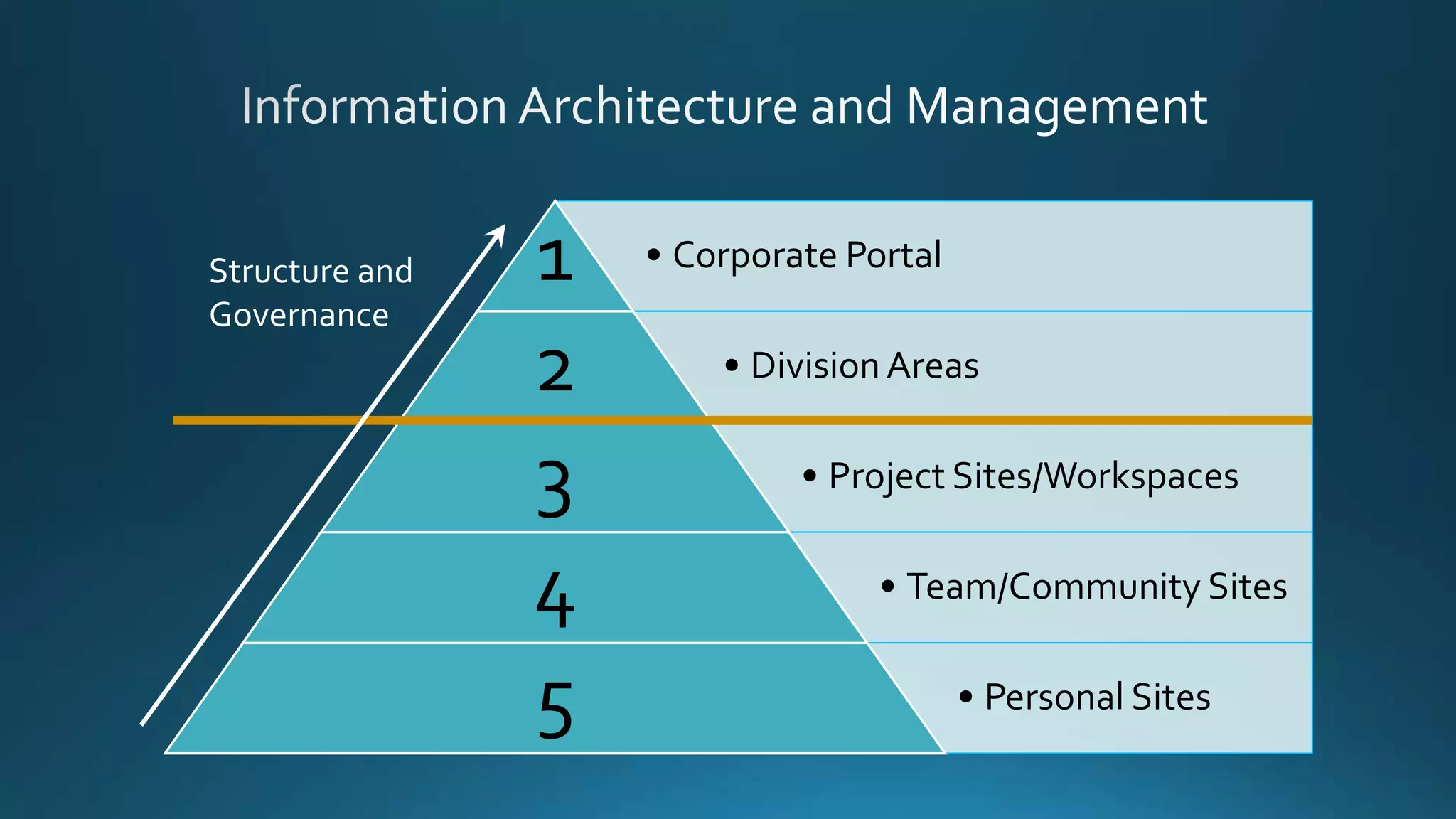
• Corporate Portal1
• DivisionAreas2
• Project Sites/Workspaces3
• Team/Community Sites4
• Personal Sites5
Structure and
Governance
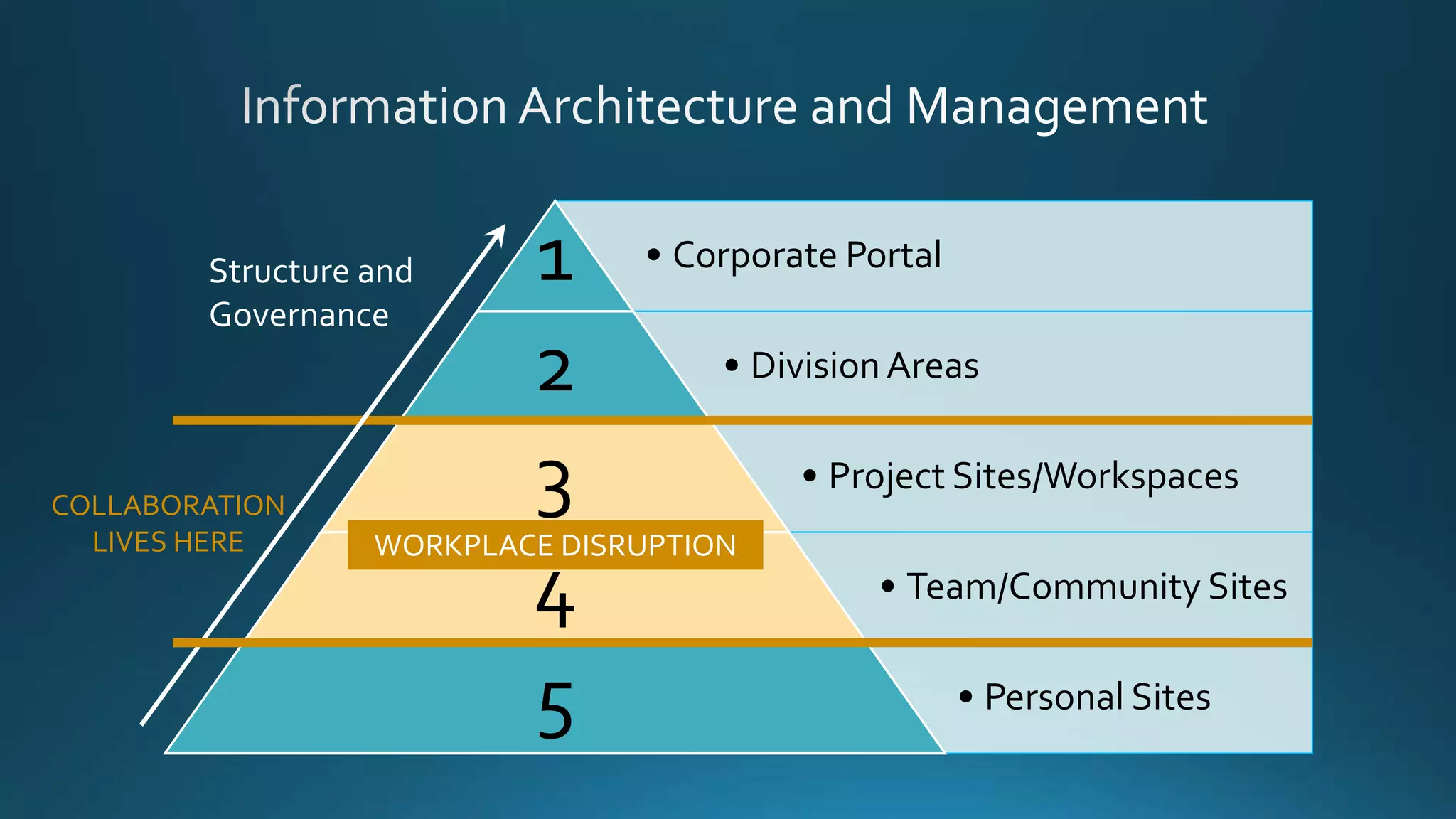
• Corporate Portal1
• DivisionAreas2
• Project Sites/Workspaces3
• Team/Community Sites4
• Personal Sites5
Structure and
Governance
COLLABORATION
LIVES HERE WORKPLACE DISRUPTION
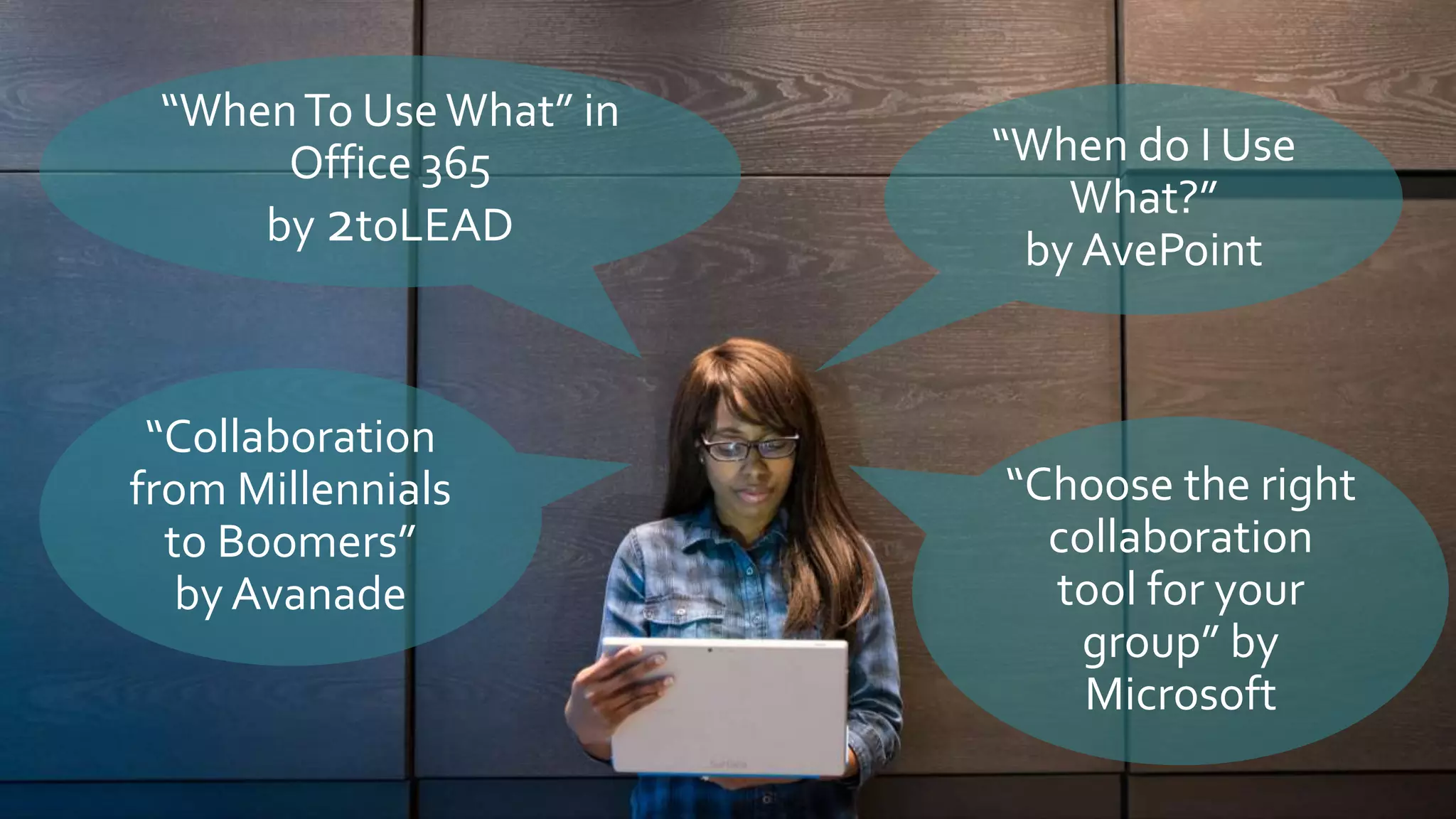
“WhenTo UseWhat” in
Office 365
by 2toLEAD
“Collaboration
from Millennials
to Boomers”
by Avanade
“When do I Use
What?”
by AvePoint
“Choose the right
collaboration
tool for your
group” by
Microsoft
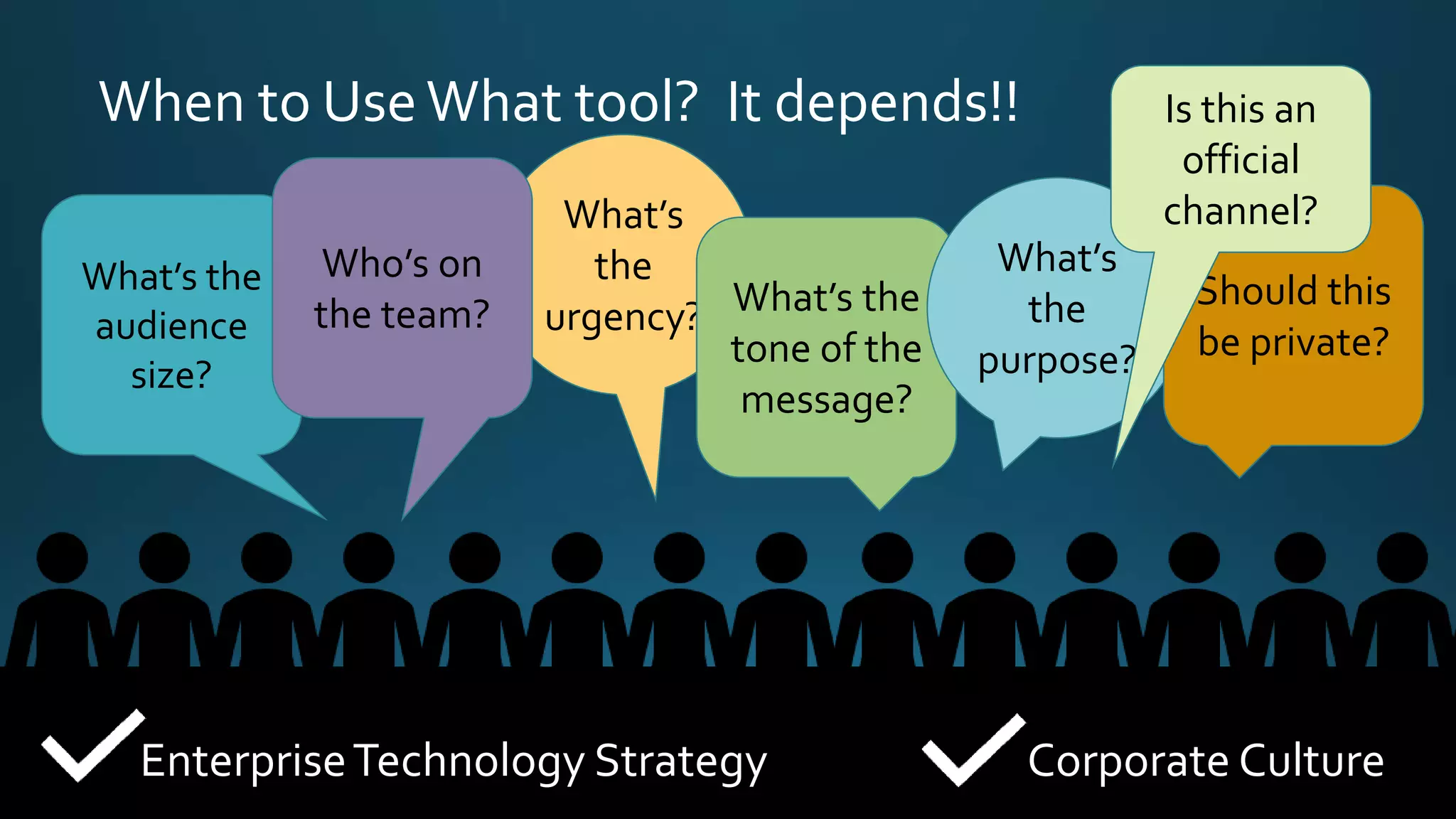
When to UseWhat tool? It depends!!
What’s the
audience
size?
What’s
the
urgency? What’s the
tone of the
message?
What’s
the
purpose?
Should this
be private?
EnterpriseTechnology Strategy Corporate Culture
Who’s on
the team?
Is this an
official
channel?
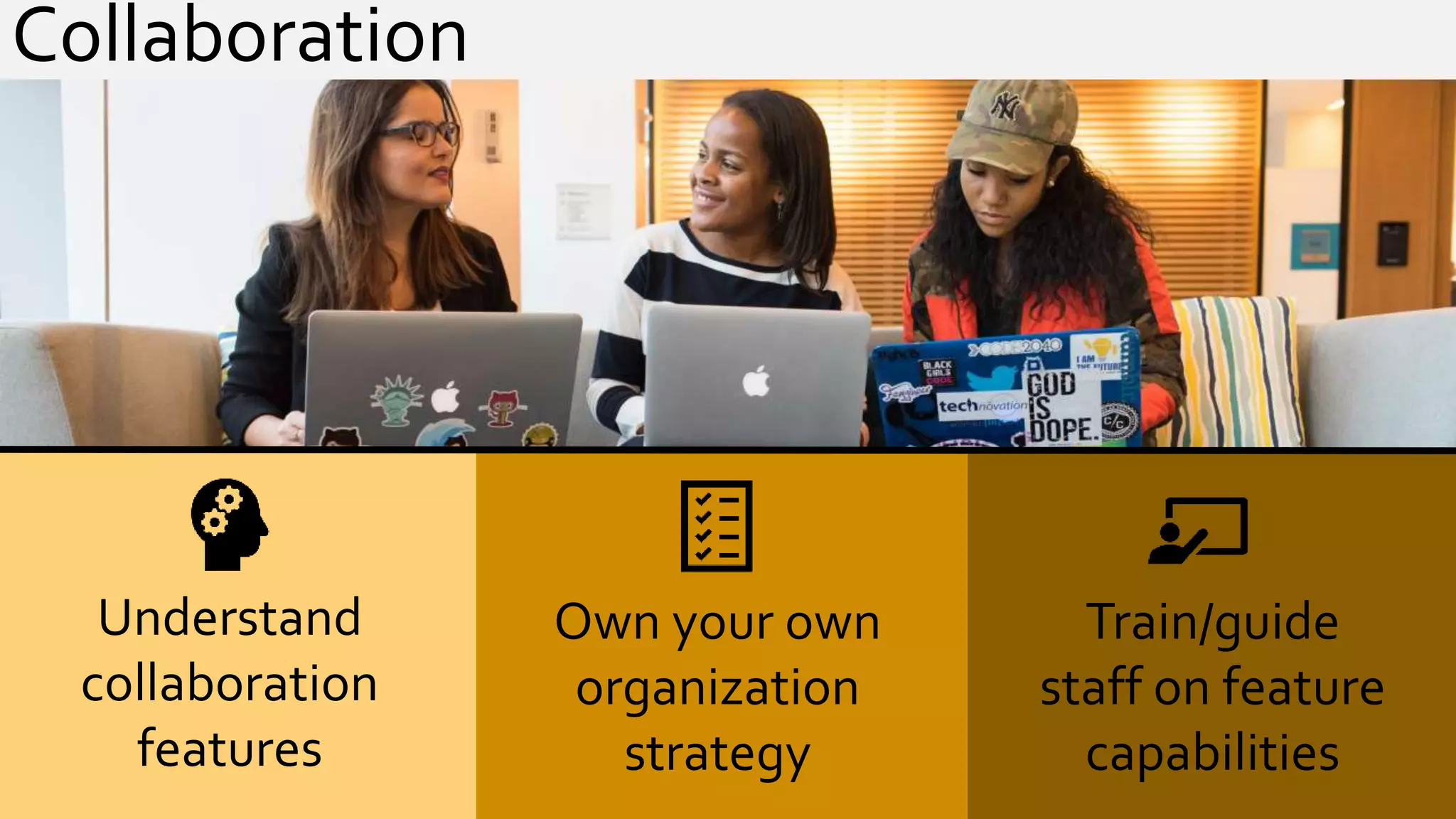
Understand
collaboration
features
Own your own
organization
strategy
Train/guide
staff on feature
capabilities
Collaboration
Stop right there!
Information Management
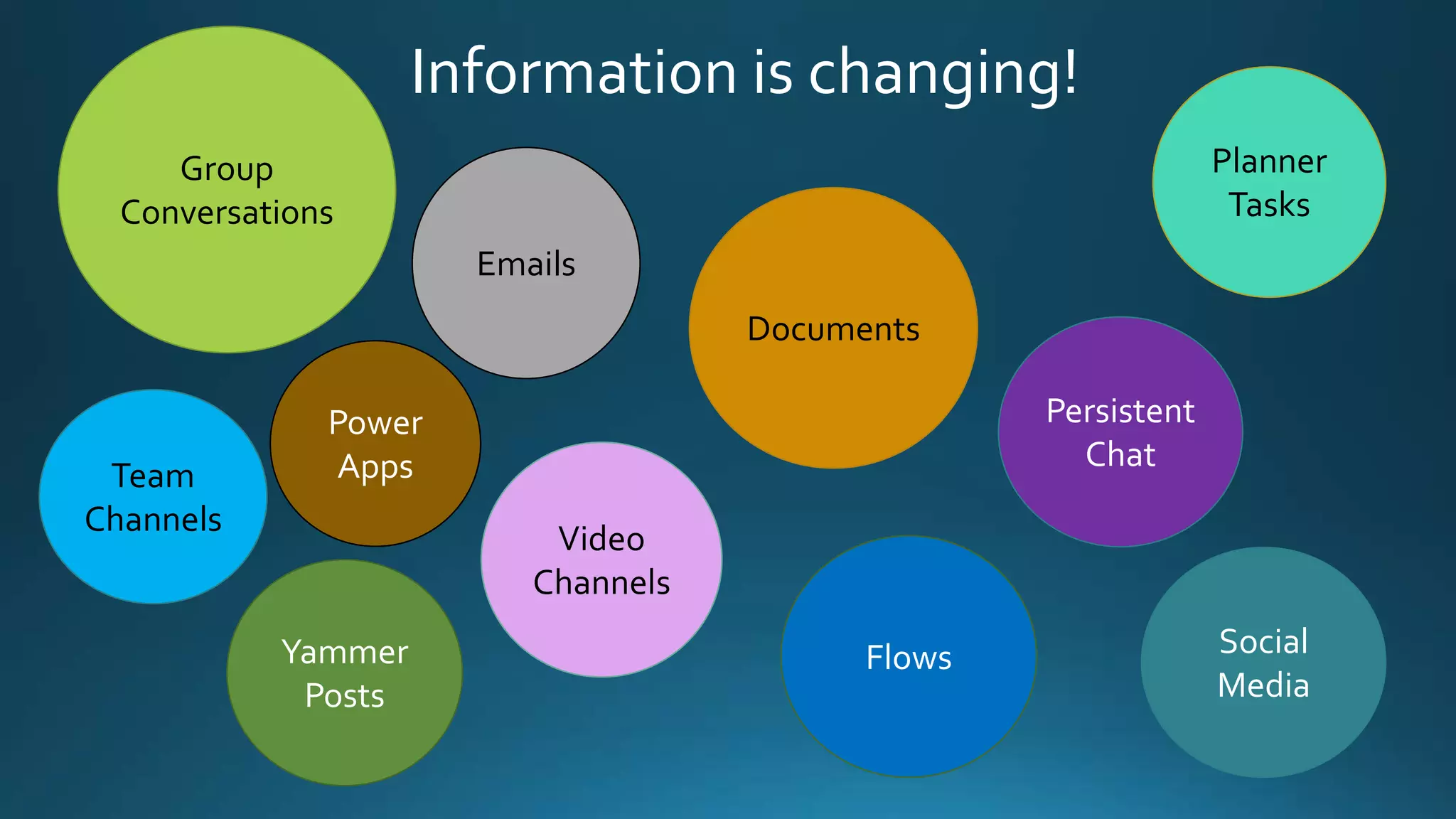
Information is changing!
Team
Channels
Documents
Persistent
Chat
Group
Conversations
Yammer
Posts
Emails
Video
Channels
Planner
Tasks
Social
Media
Flows
Power
Apps
Team
Channels
Documents
Persistent
Chat
Group
Conversations
Yammer
Posts
Emails
Video
Channels
Planner
Tasks
Social
Media
Flows
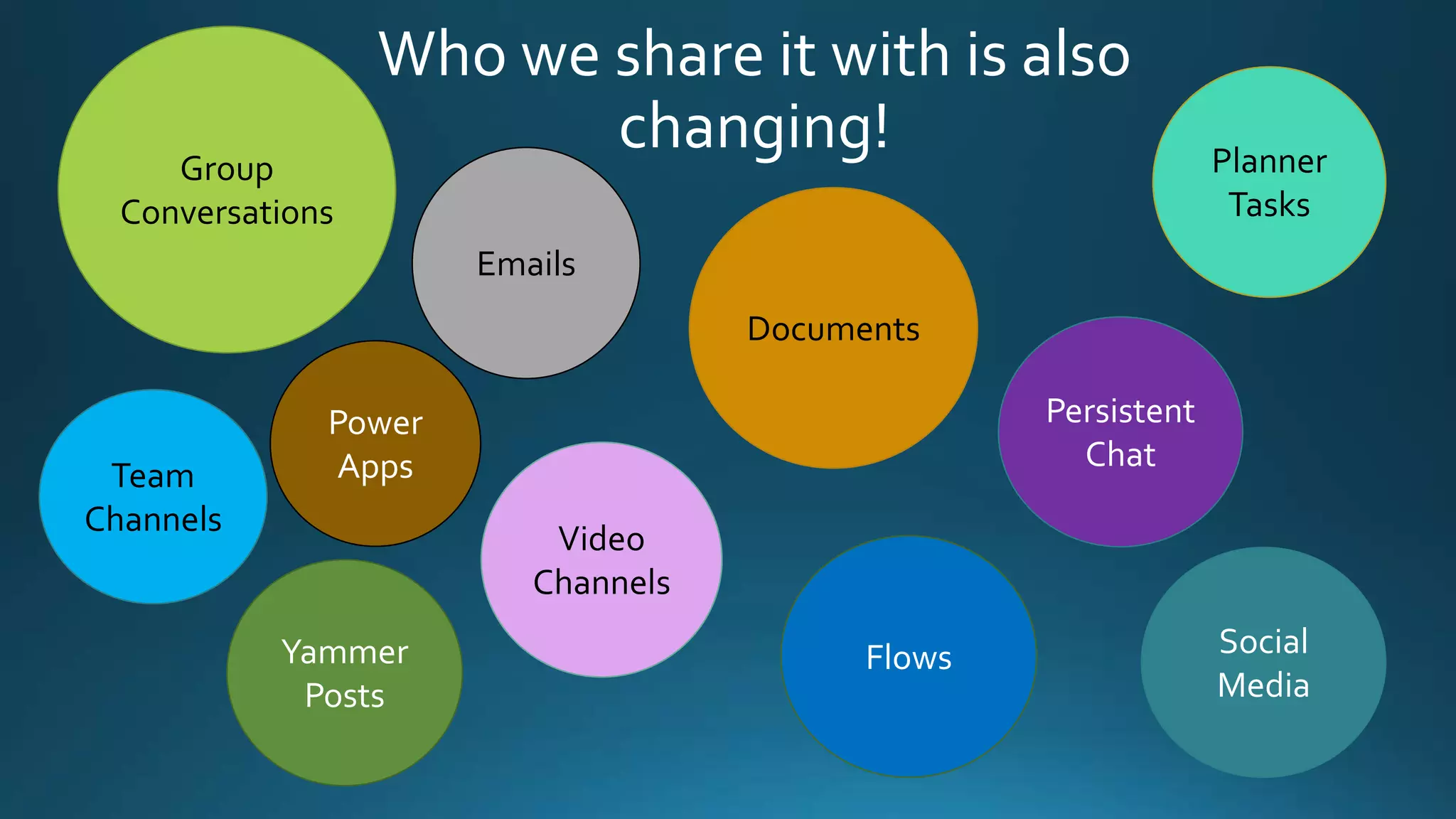
Who we share it with is also
changing!
Power
Apps
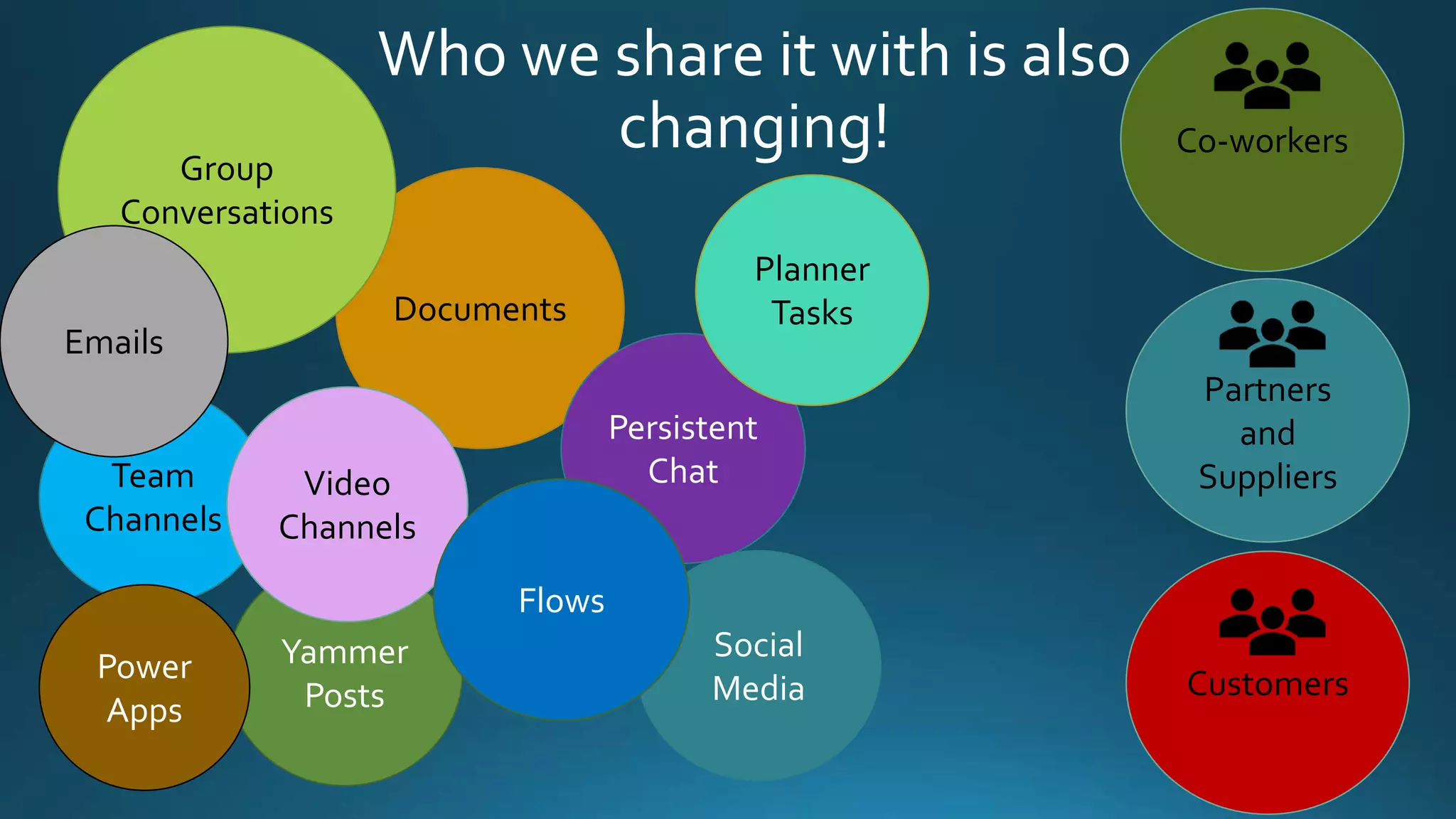
Partners
and
SuppliersTeam
Channels
Documents
Persistent
Chat
Group
Conversations
Yammer
Posts
Emails
Video
Channels
Planner
Tasks
Social
Media
Flows
Who we share it with is also
changing! Co-workers
CustomersPower
Apps
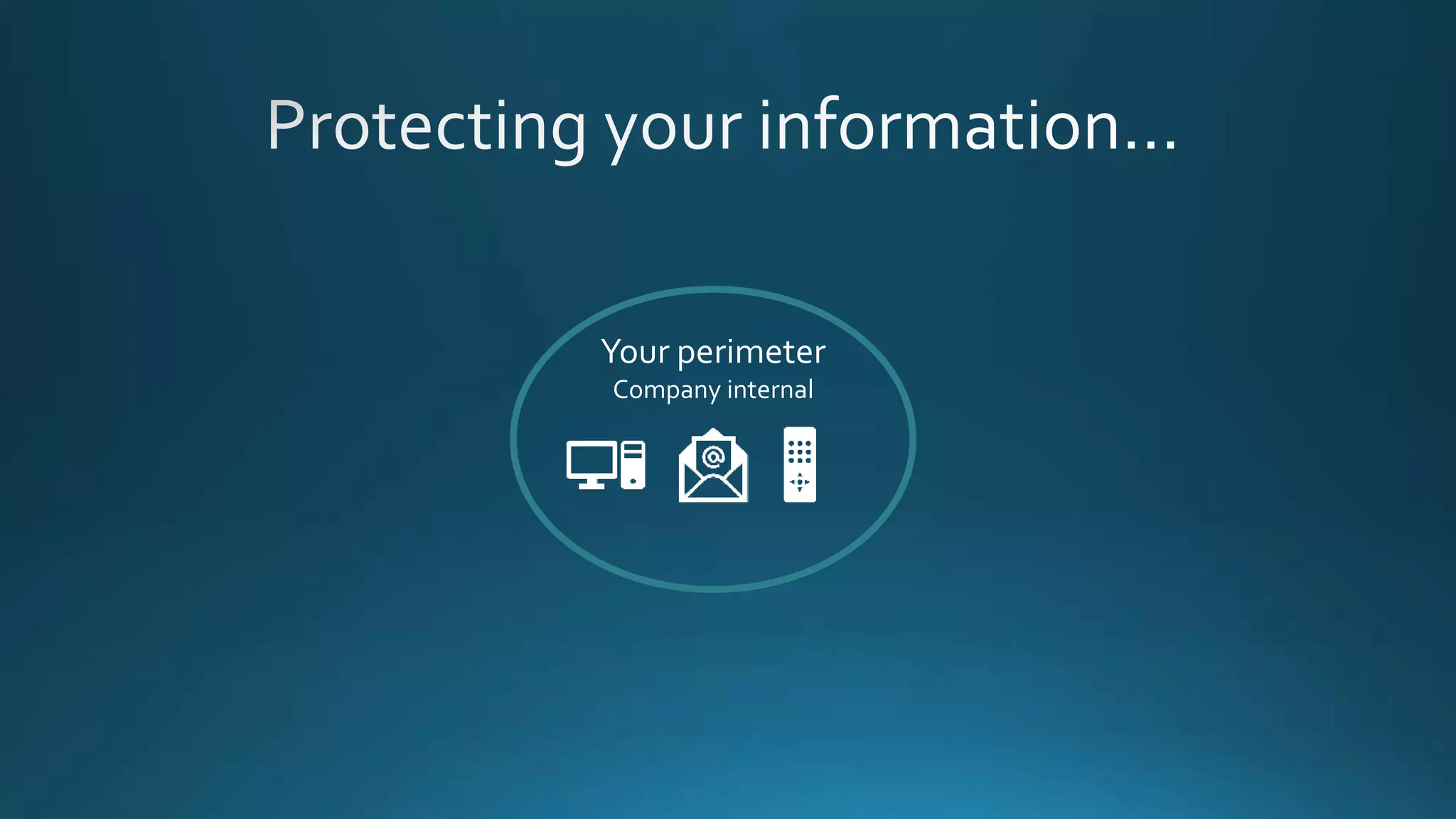
Your perimeter
Company internal
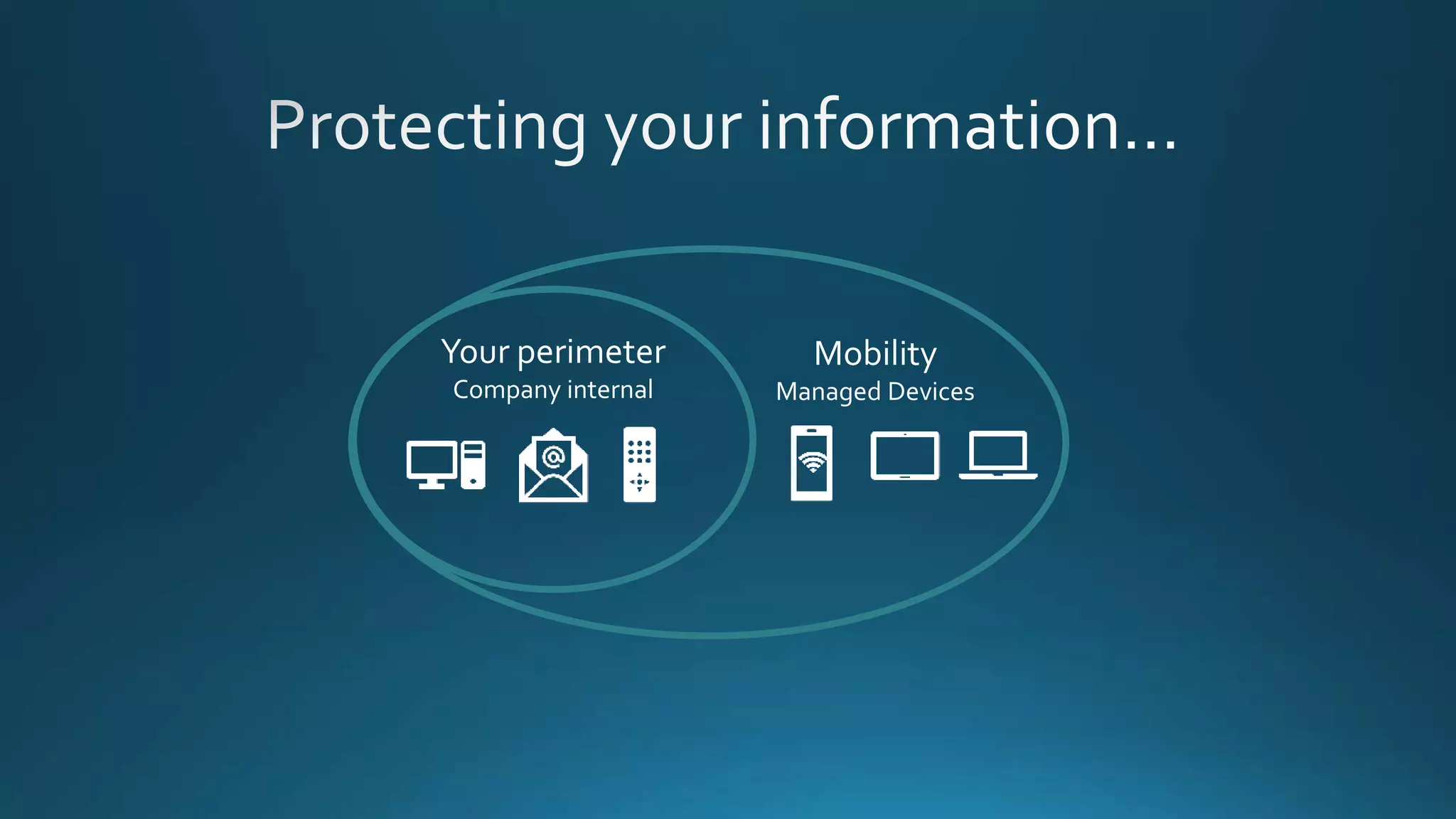
Your perimeter
Company internal
Mobility
Managed Devices
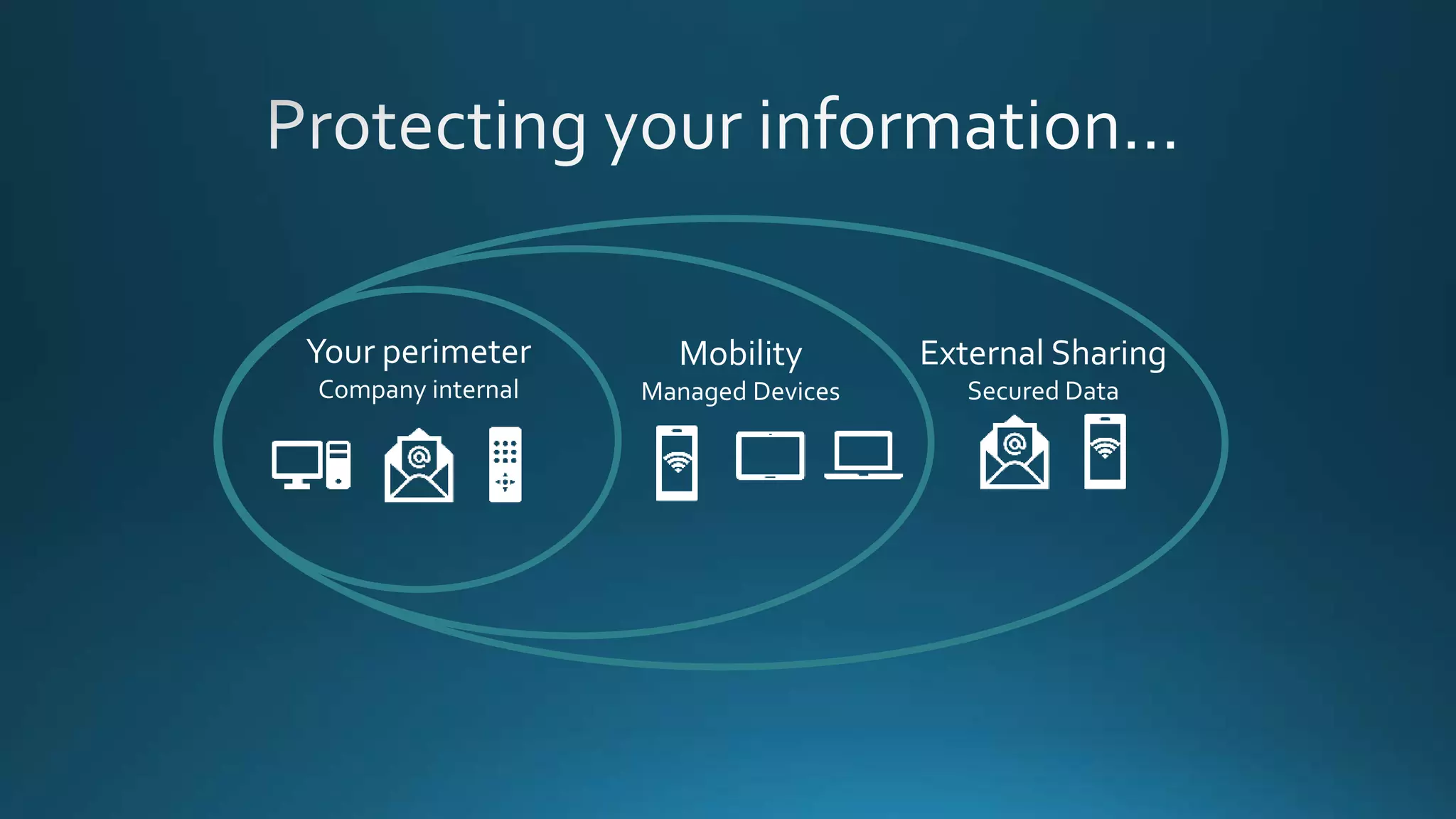
Your perimeter
Company internal
Mobility
Managed Devices
External Sharing
Secured Data
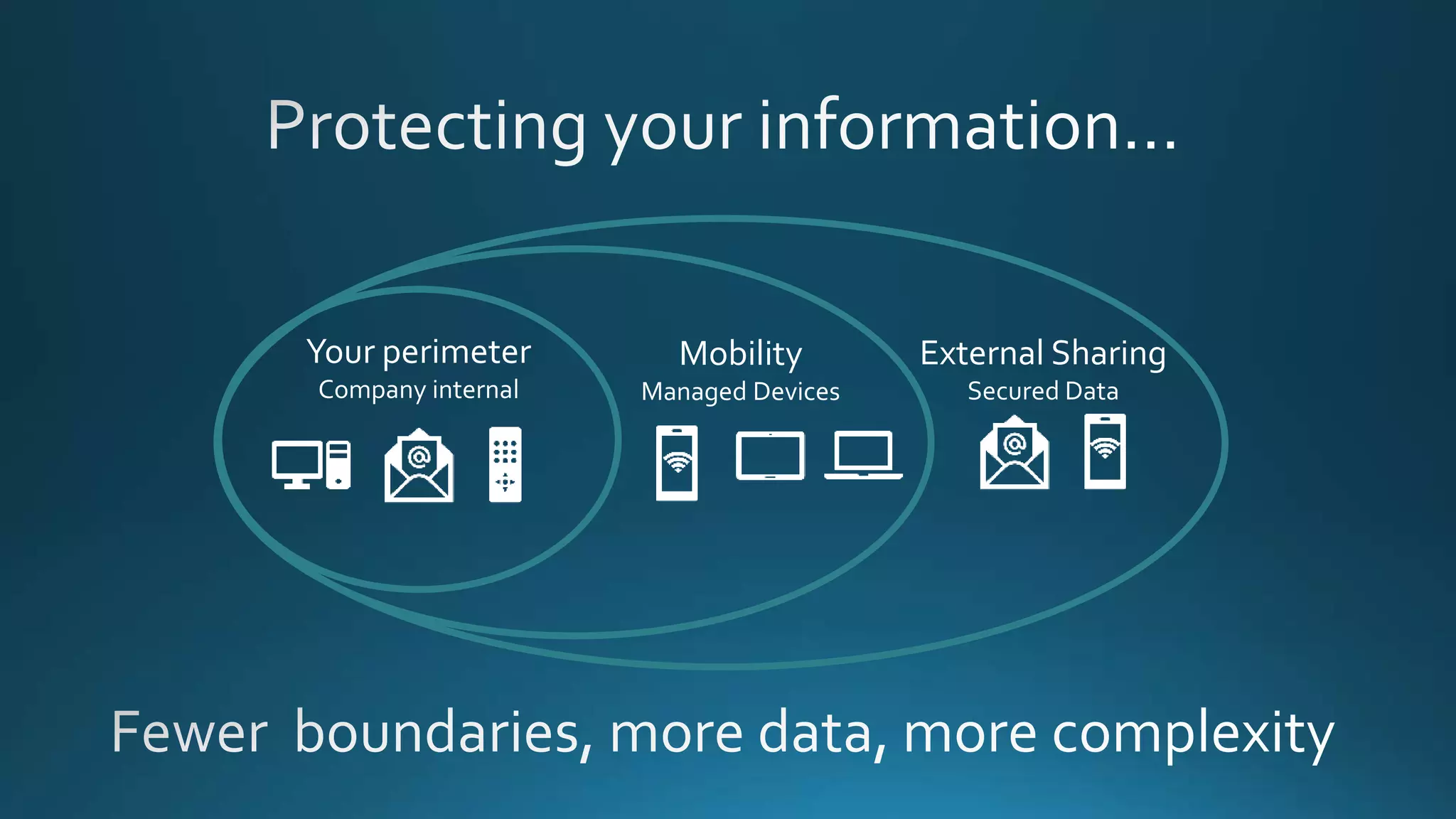
Your perimeter
Company internal
Mobility
Managed Devices
External Sharing
Secured Data
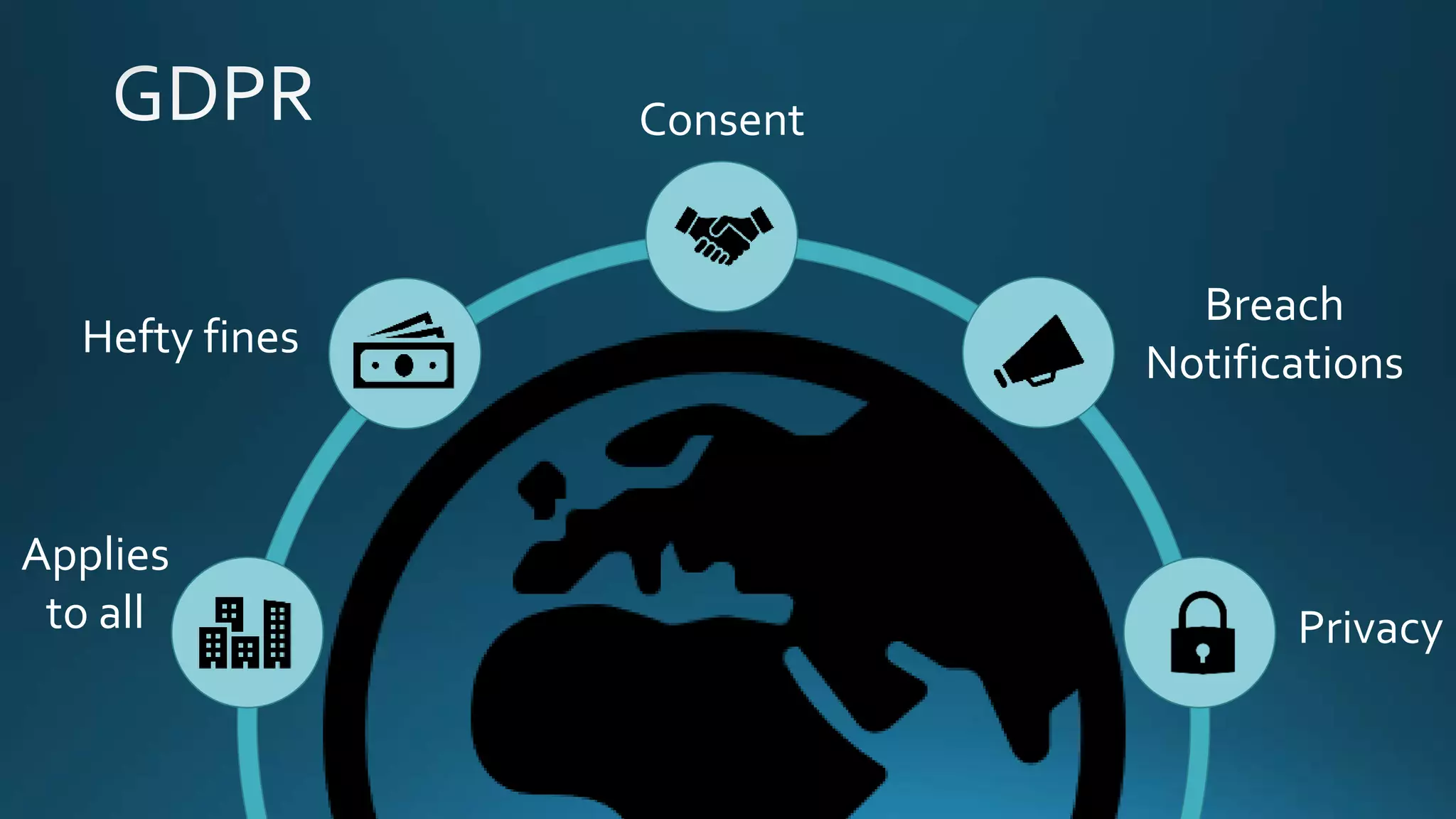
Applies
to all
Hefty fines
Consent
Breach
Notifications
Privacy
How do we manage
and protect this
information?
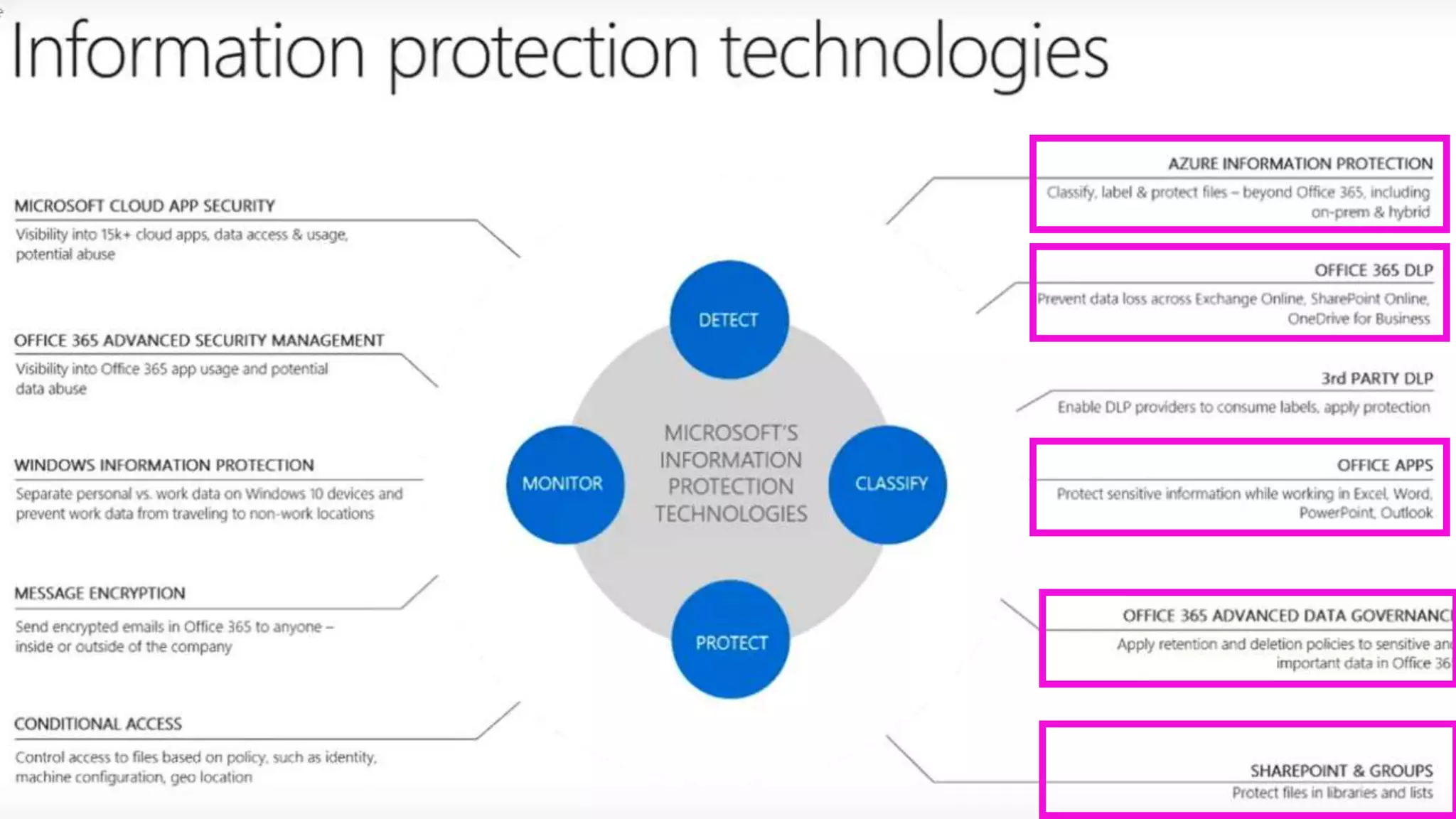
Microsoft Information Protection
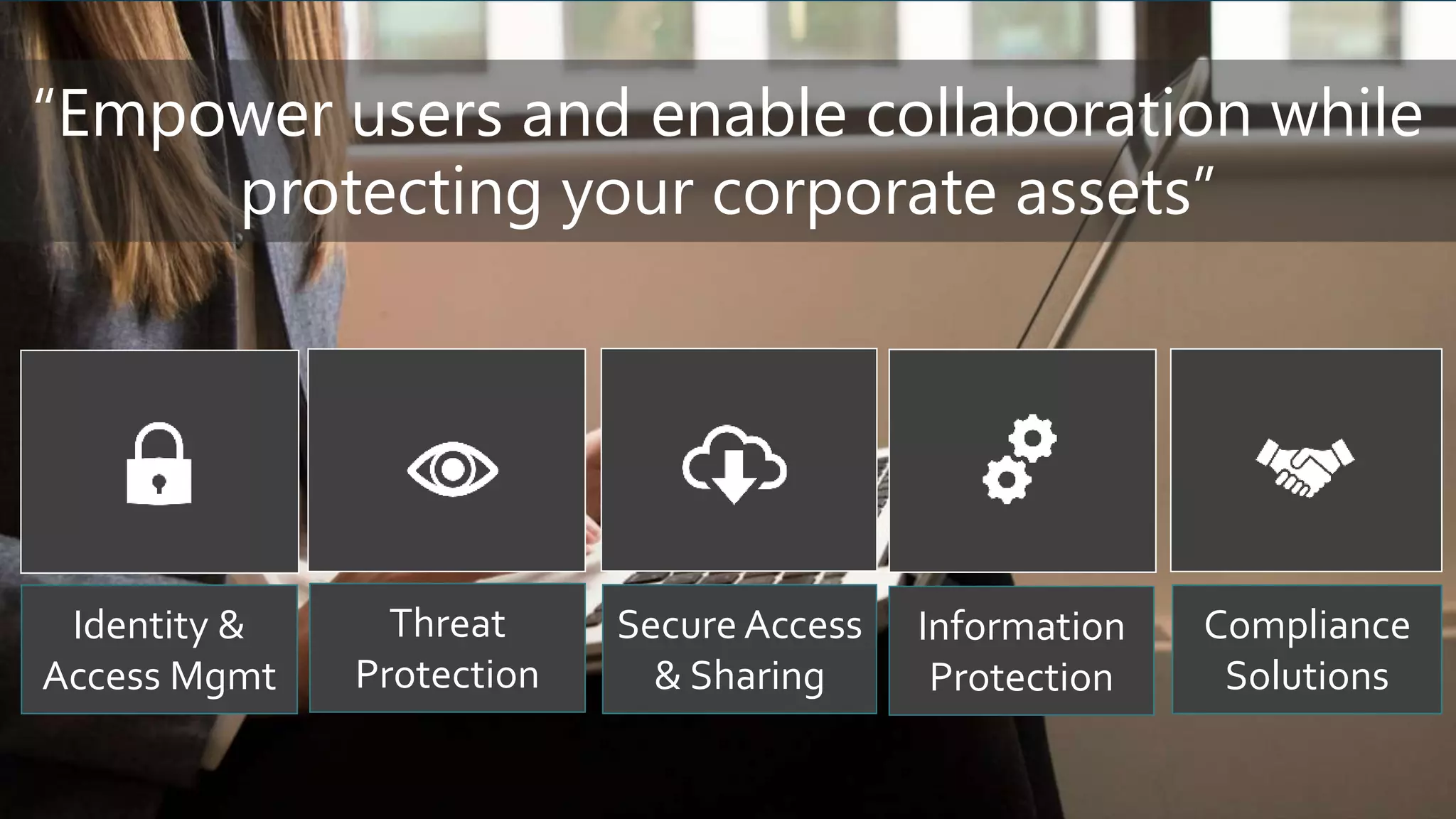
Threat
Protection
Identity &
Access Mgmt
Secure Access
& Sharing
Information
Protection
Compliance
Solutions
“Empower users and enable collaboration while
protecting your corporate assets”
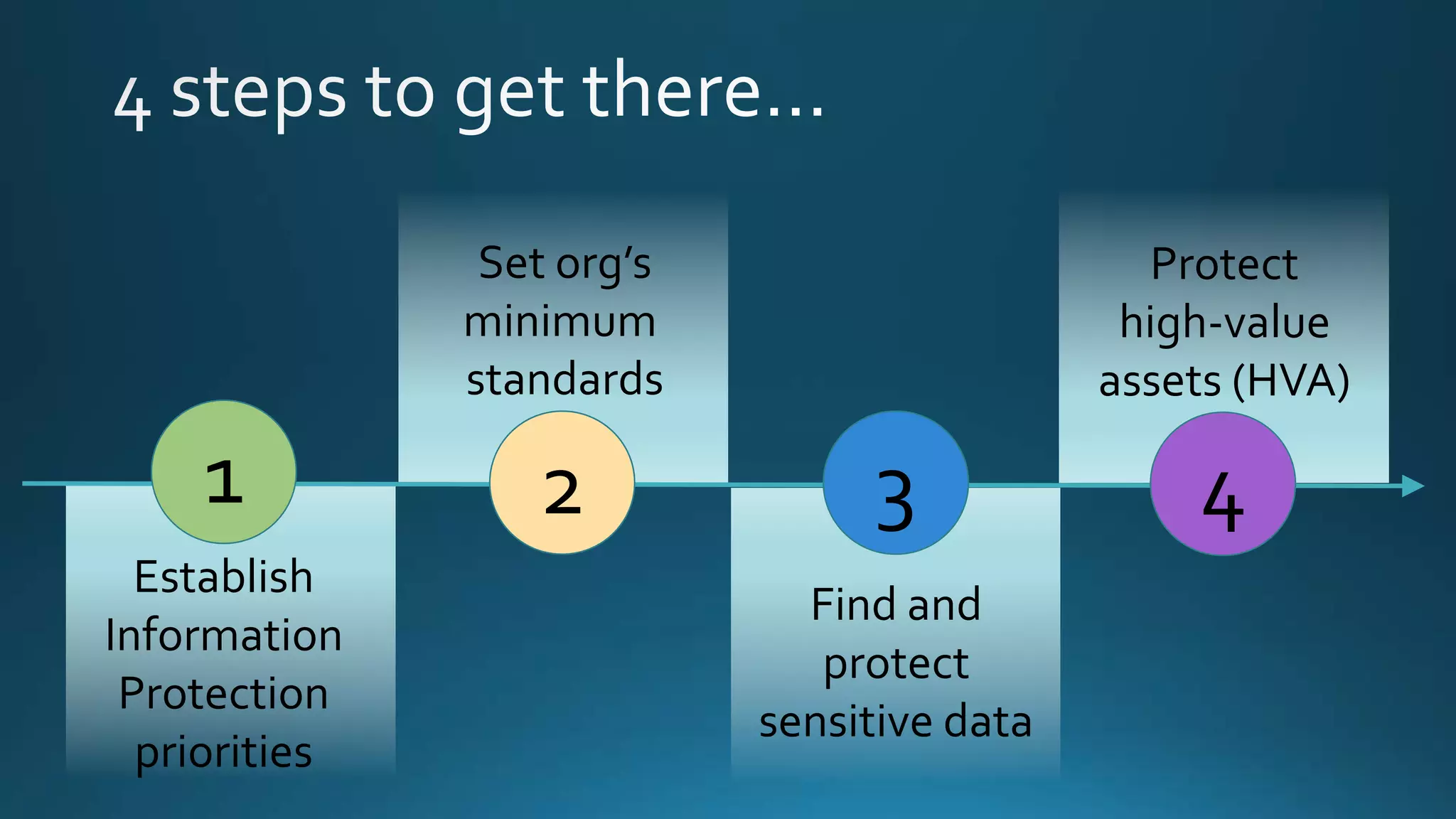
1
Establish
Information
Protection
priorities
2 3
Set org’s
minimum
standards
Find and
protect
sensitive data
4
Protect
high-value
assets (HVA)
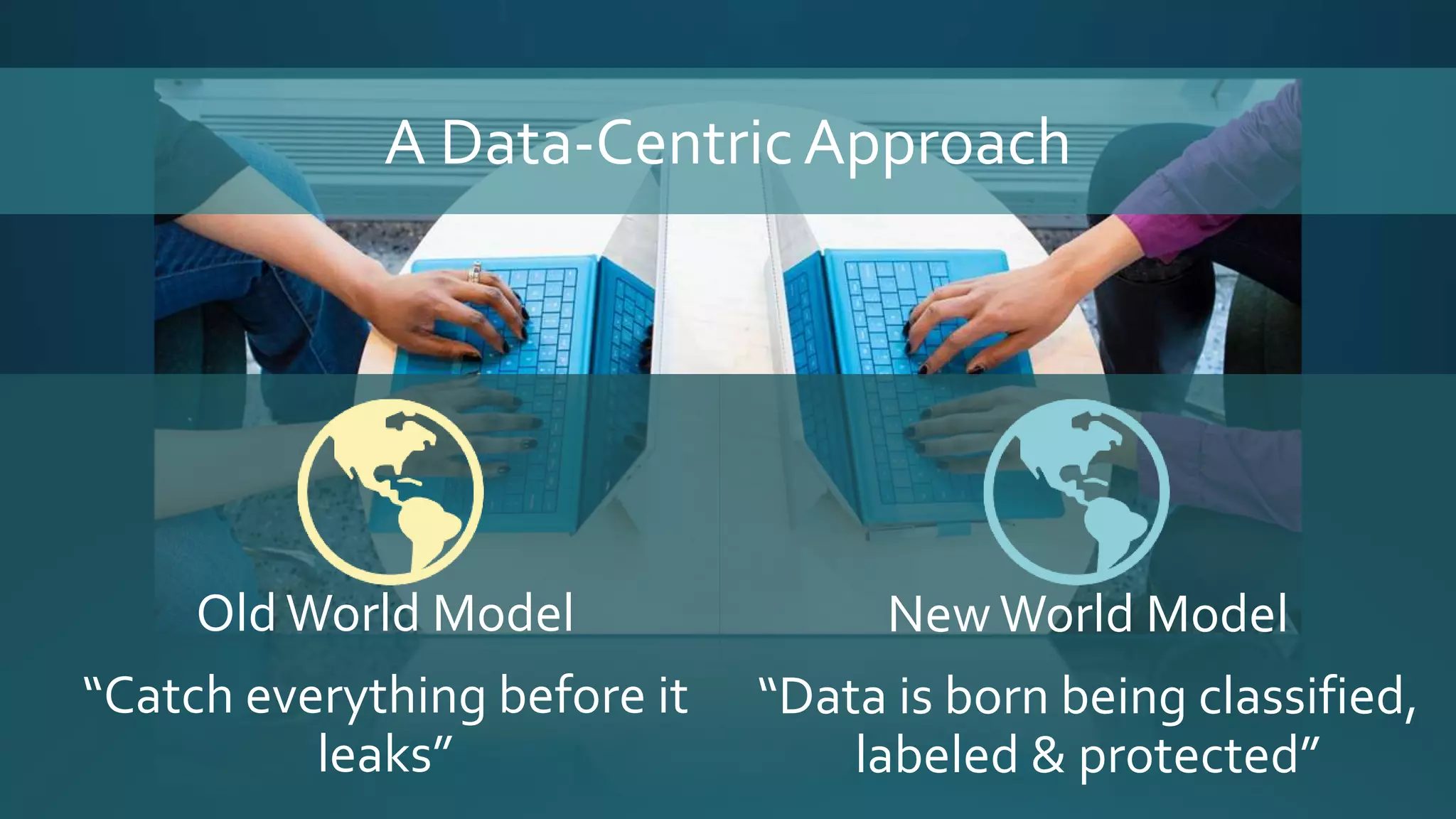
A Data-CentricApproach
OldWorld Model
“Catch everything before it
leaks”
NewWorld Model
“Data is born being classified,
labeled & protected”
Office 365 Personas Needed
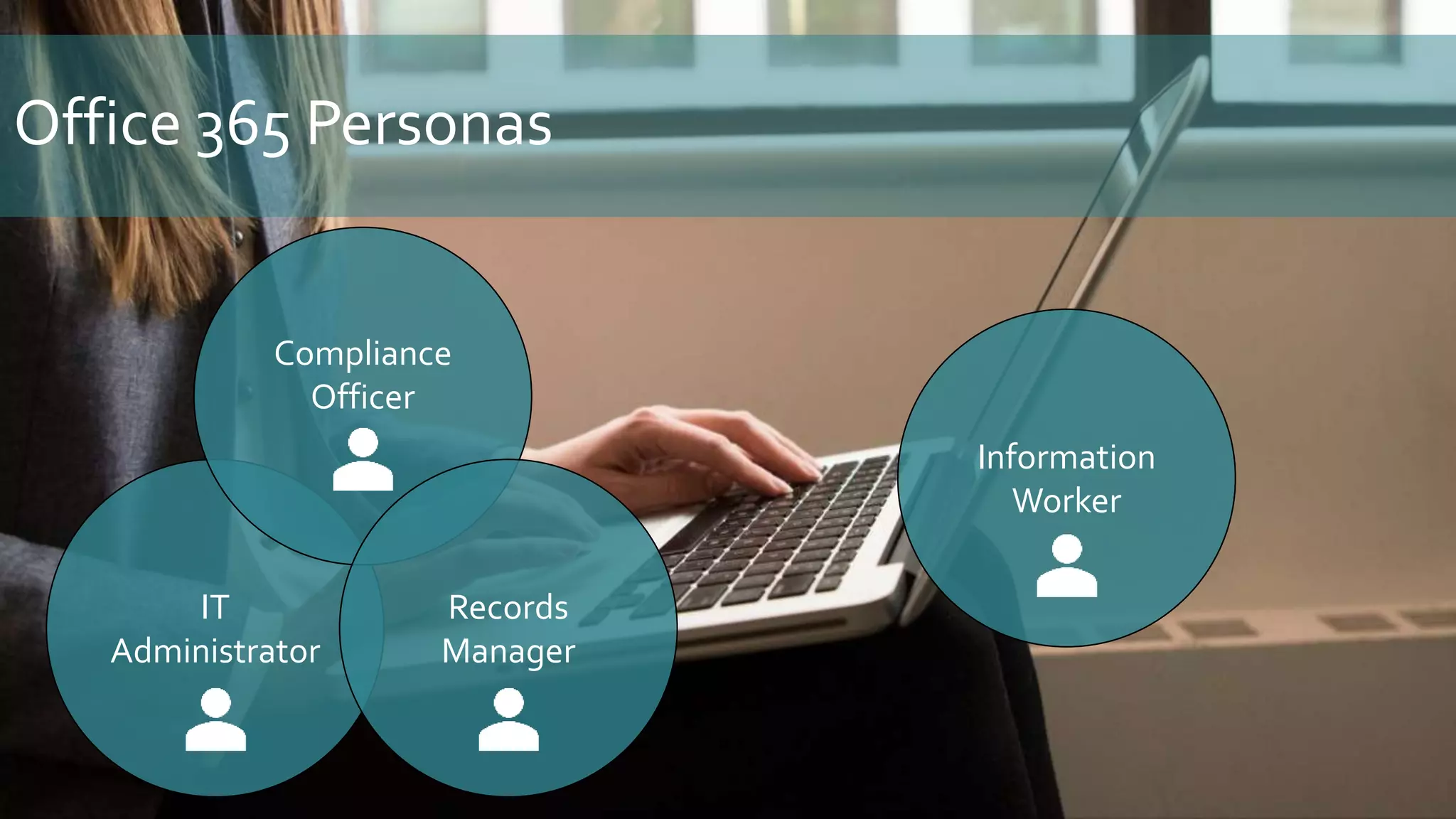
IT
Administrator
Office 365 Personas
Compliance
Officer
Records
Manager
Information
Worker
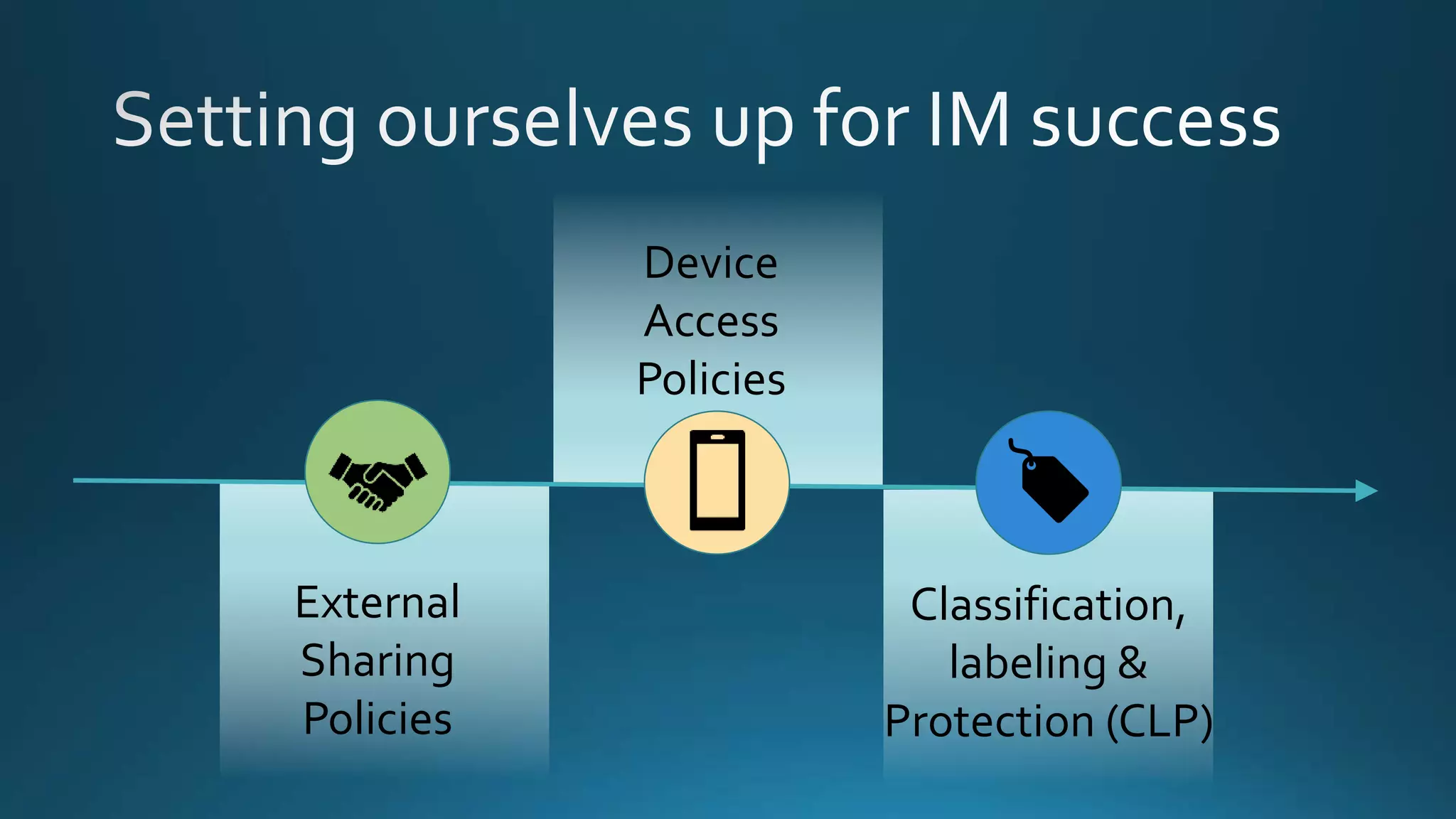
Office 365Tools
External
Sharing
Policies
Device
Access
Policies
Classification,
labeling &
Protection (CLP)
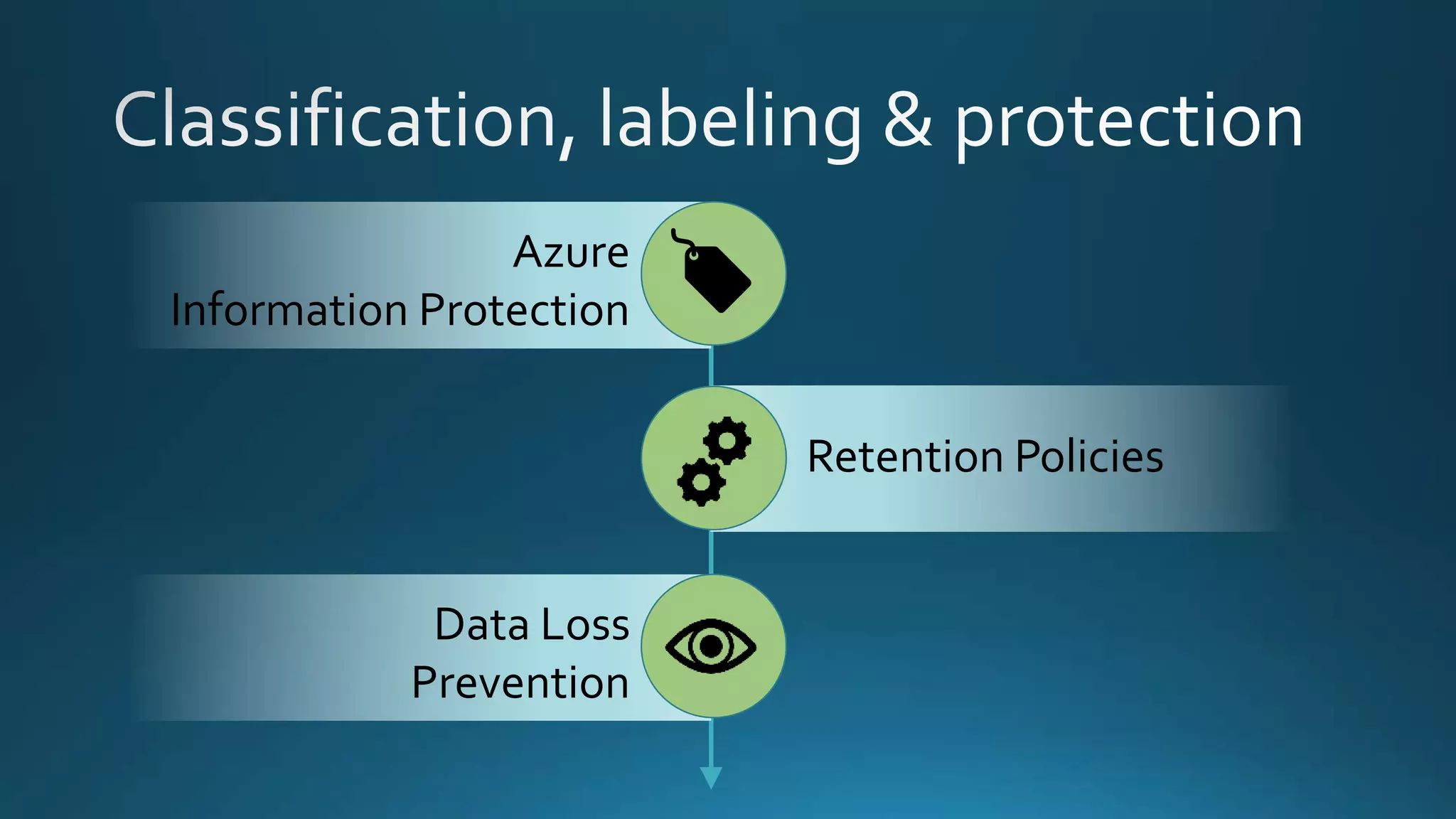
Azure
Information Protection
Data Loss
Prevention
Retention Policies
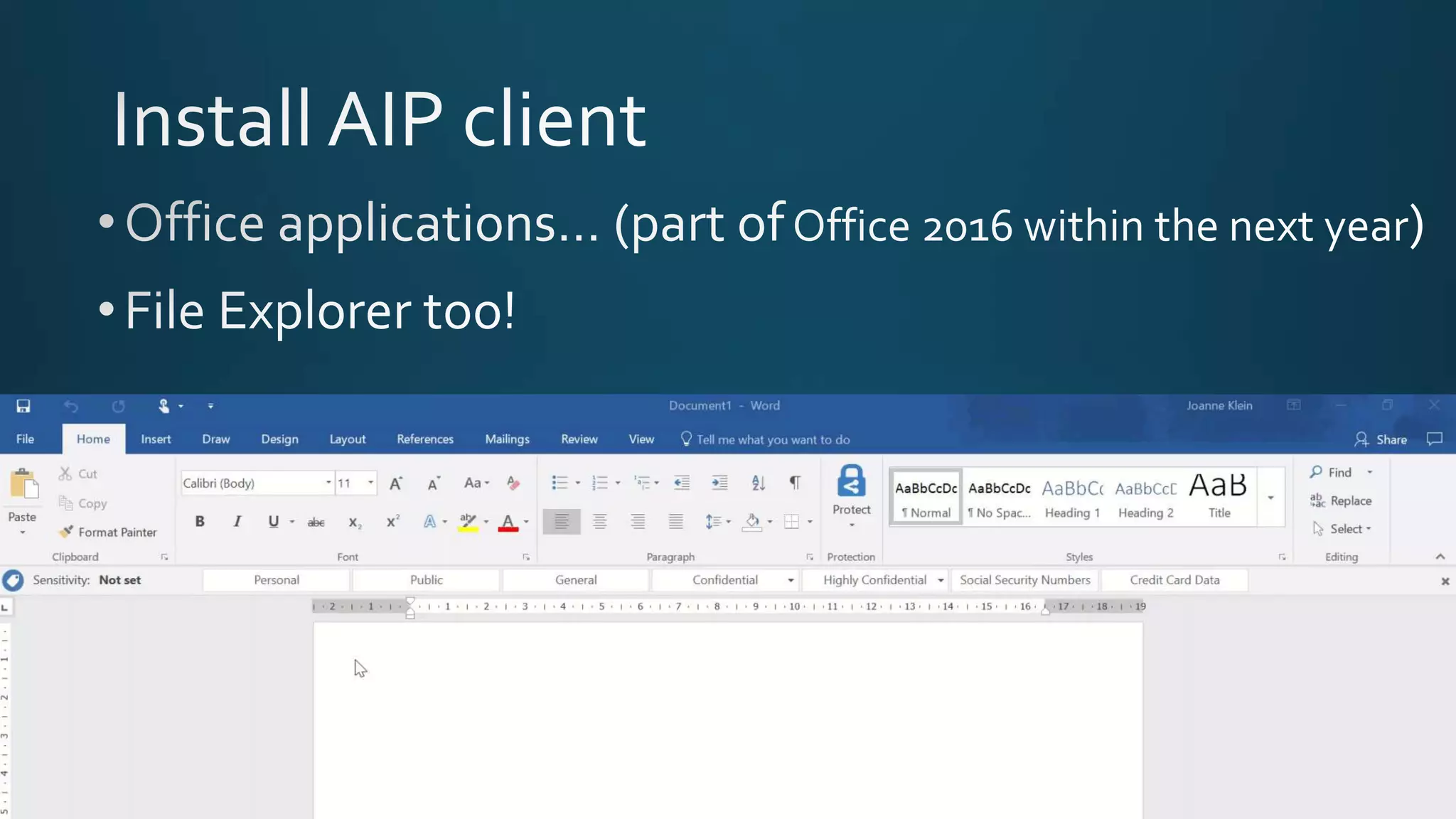
Azure Information Protection
… a cloud-based
solution to help
organizations classify,
label, and protect
documents and emails
across apps and
services.
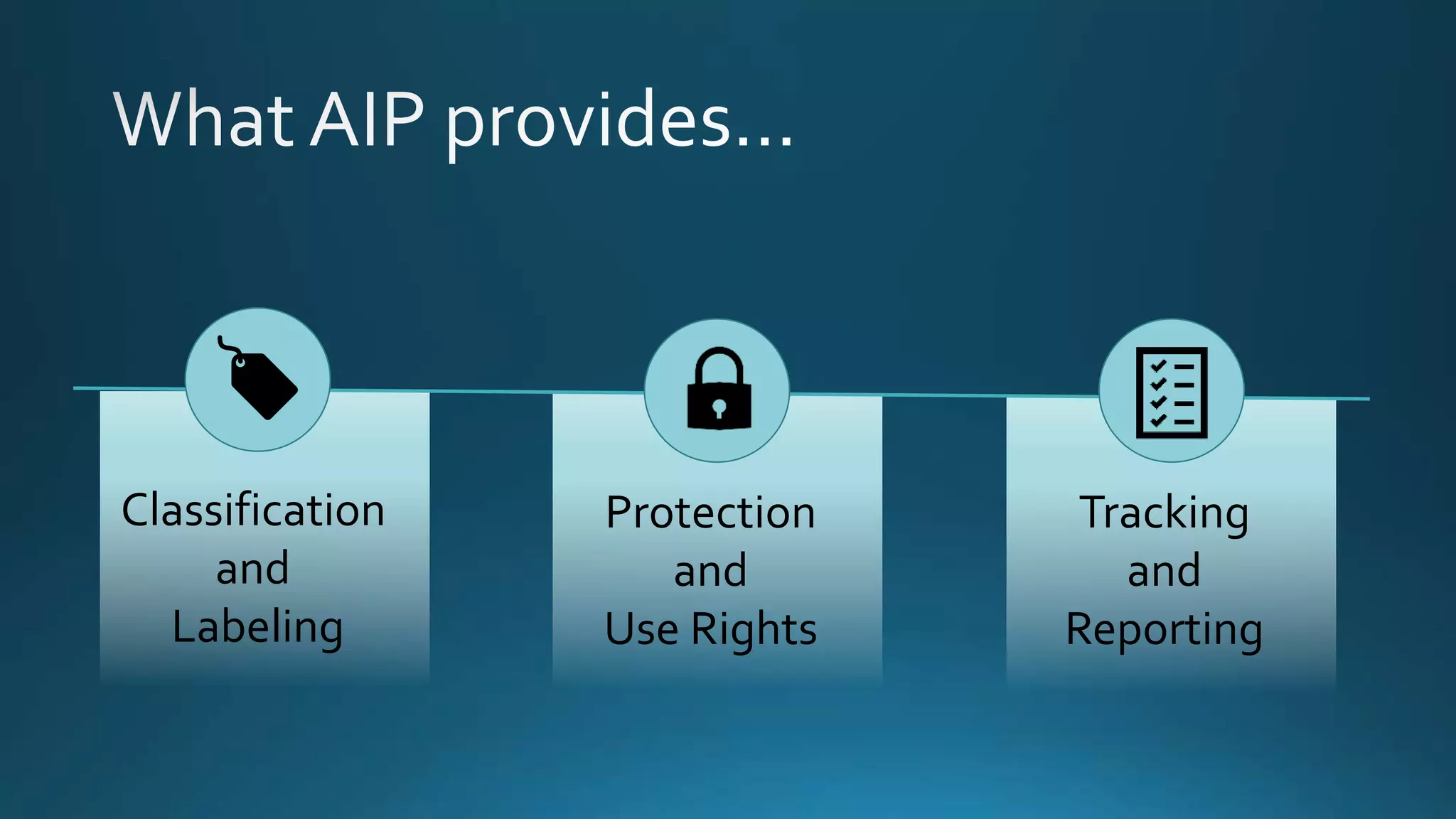
Classification
and
Labeling
Protection
and
Use Rights
Tracking
and
Reporting
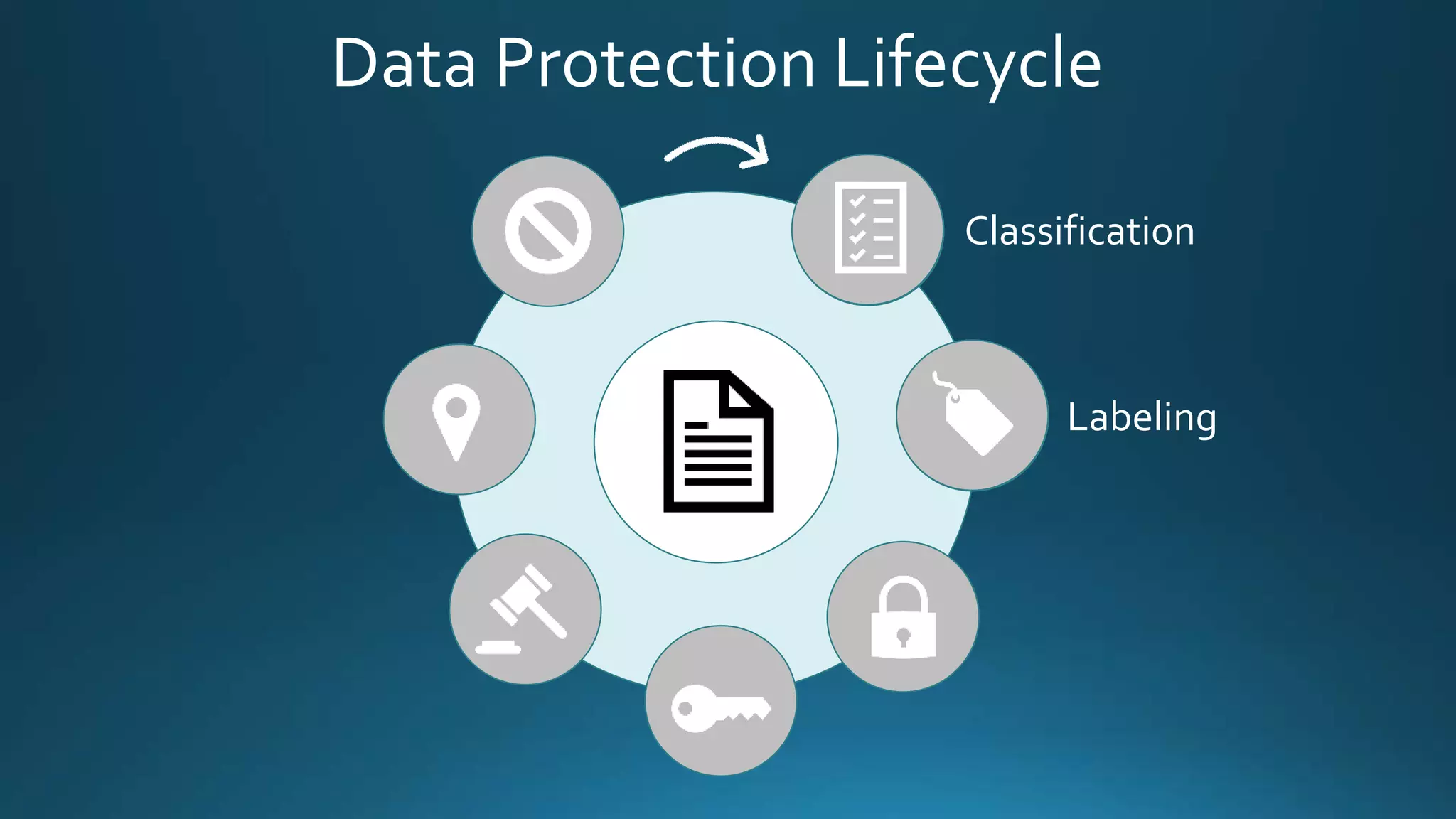
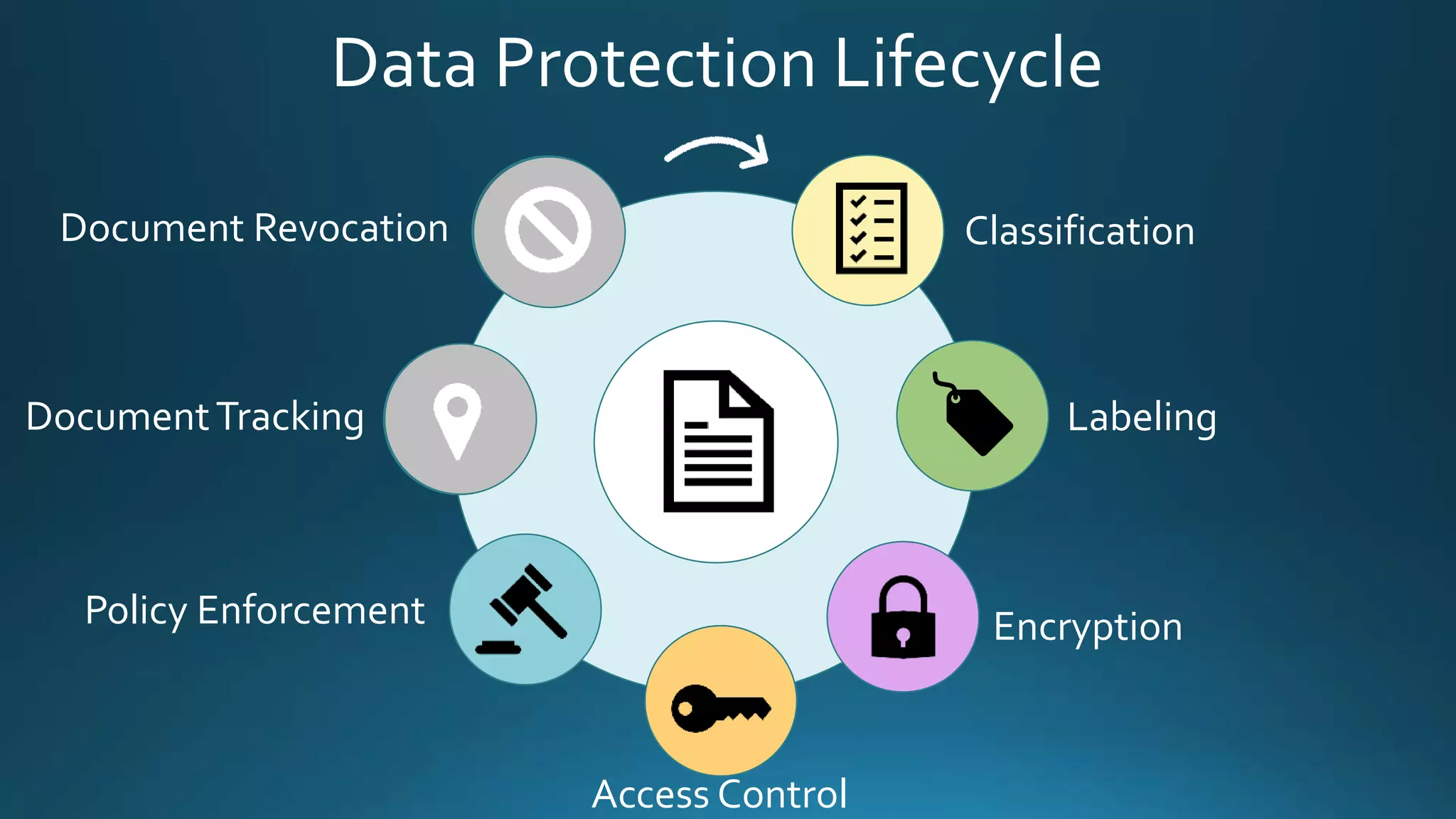
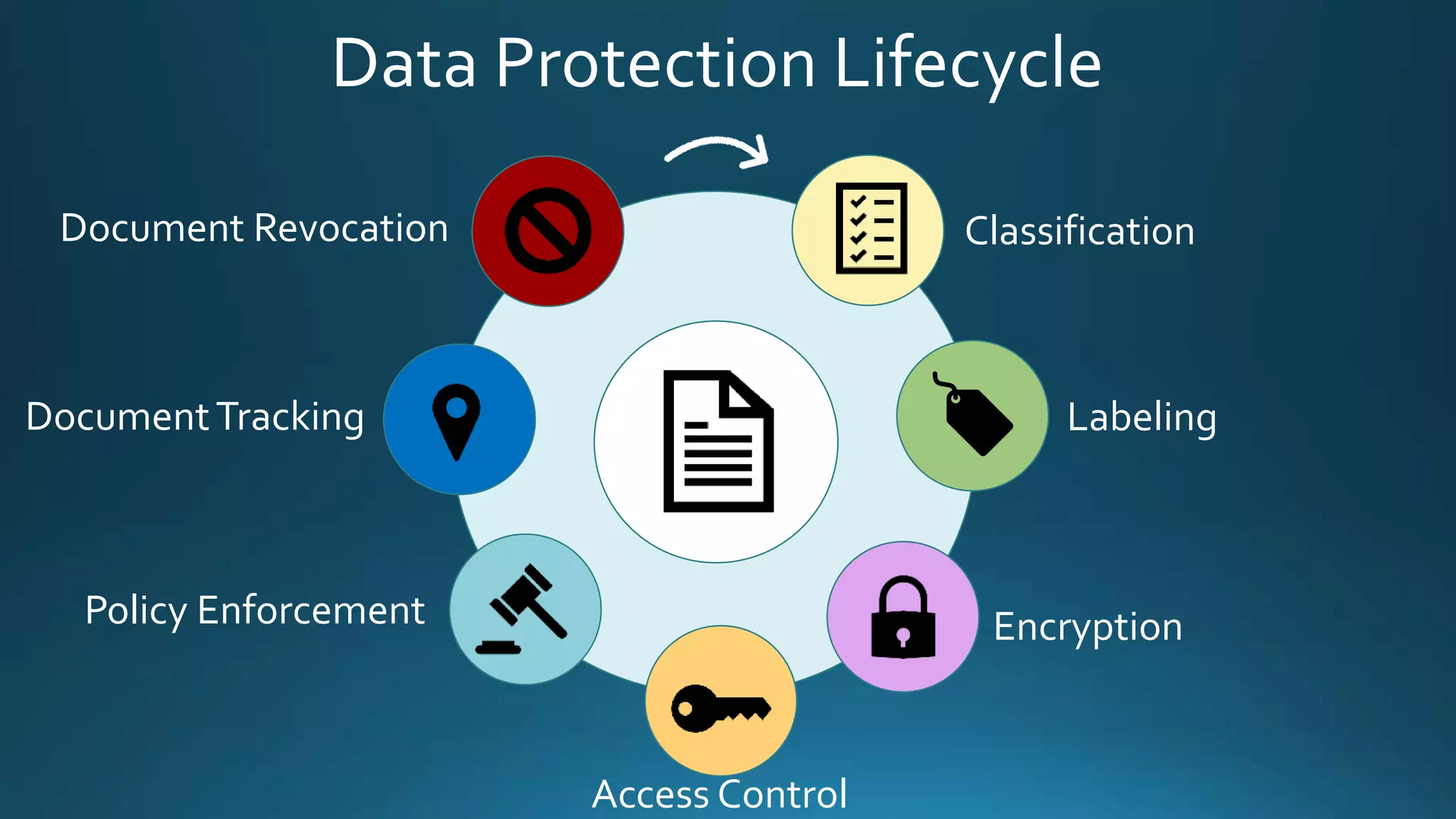
Data Protection Lifecycle
Classification
Labeling
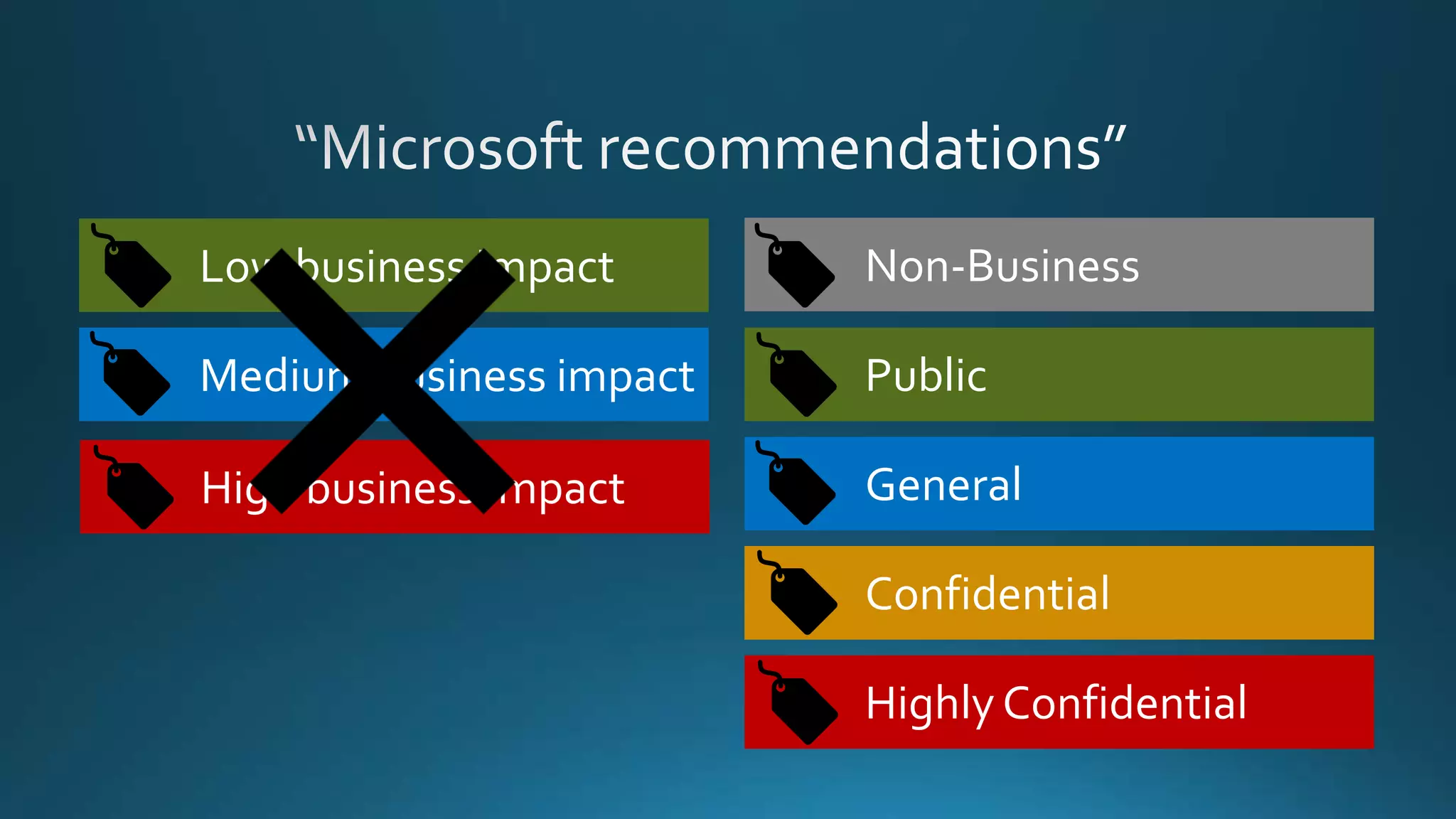
Tip 1
Pick
standard
labels
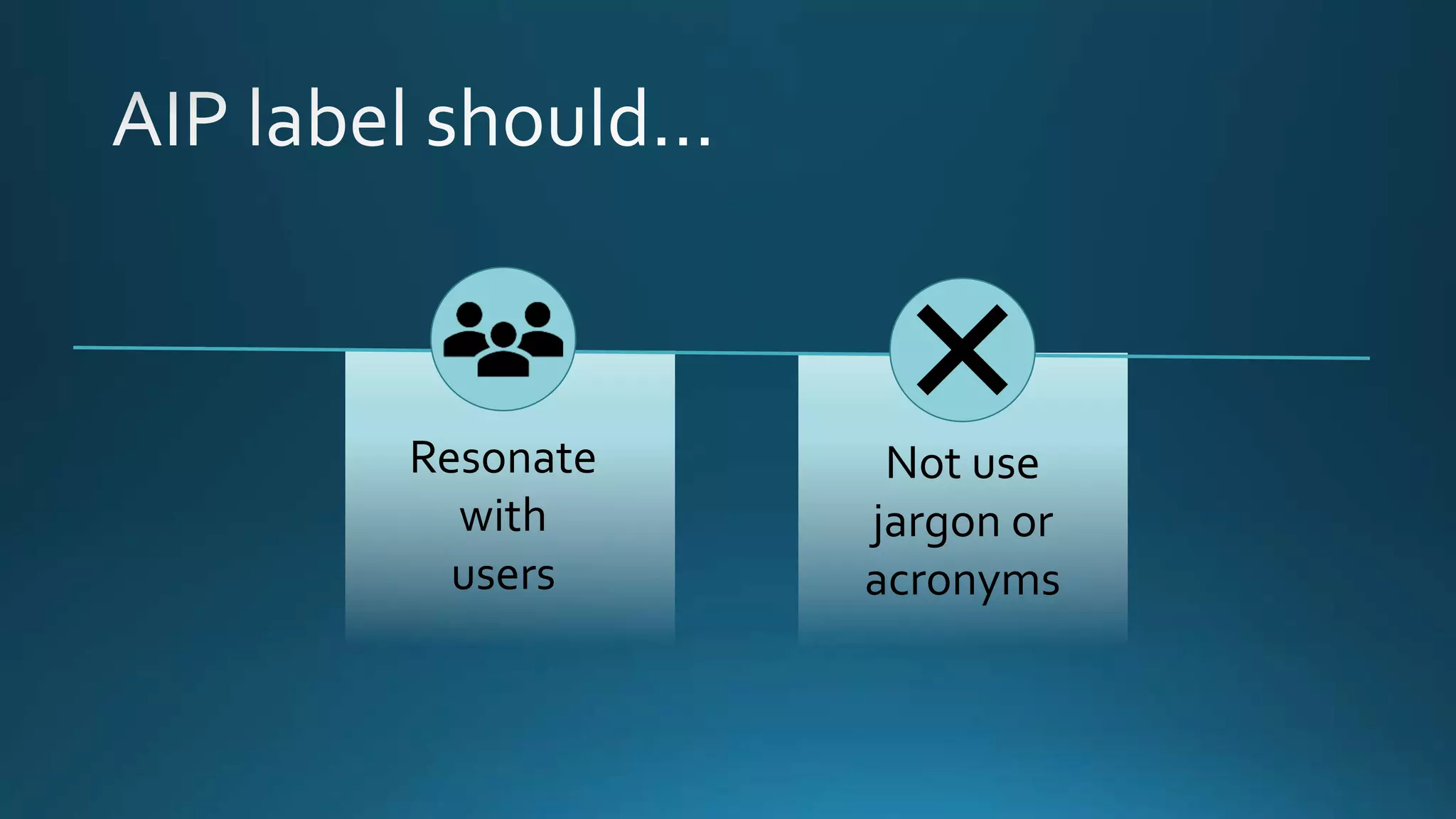
Resonate
with
users
Not use
jargon or
acronyms
Non-Business
Public
General
Confidential
Highly Confidential
Low business impact
Medium business impact
High business impact
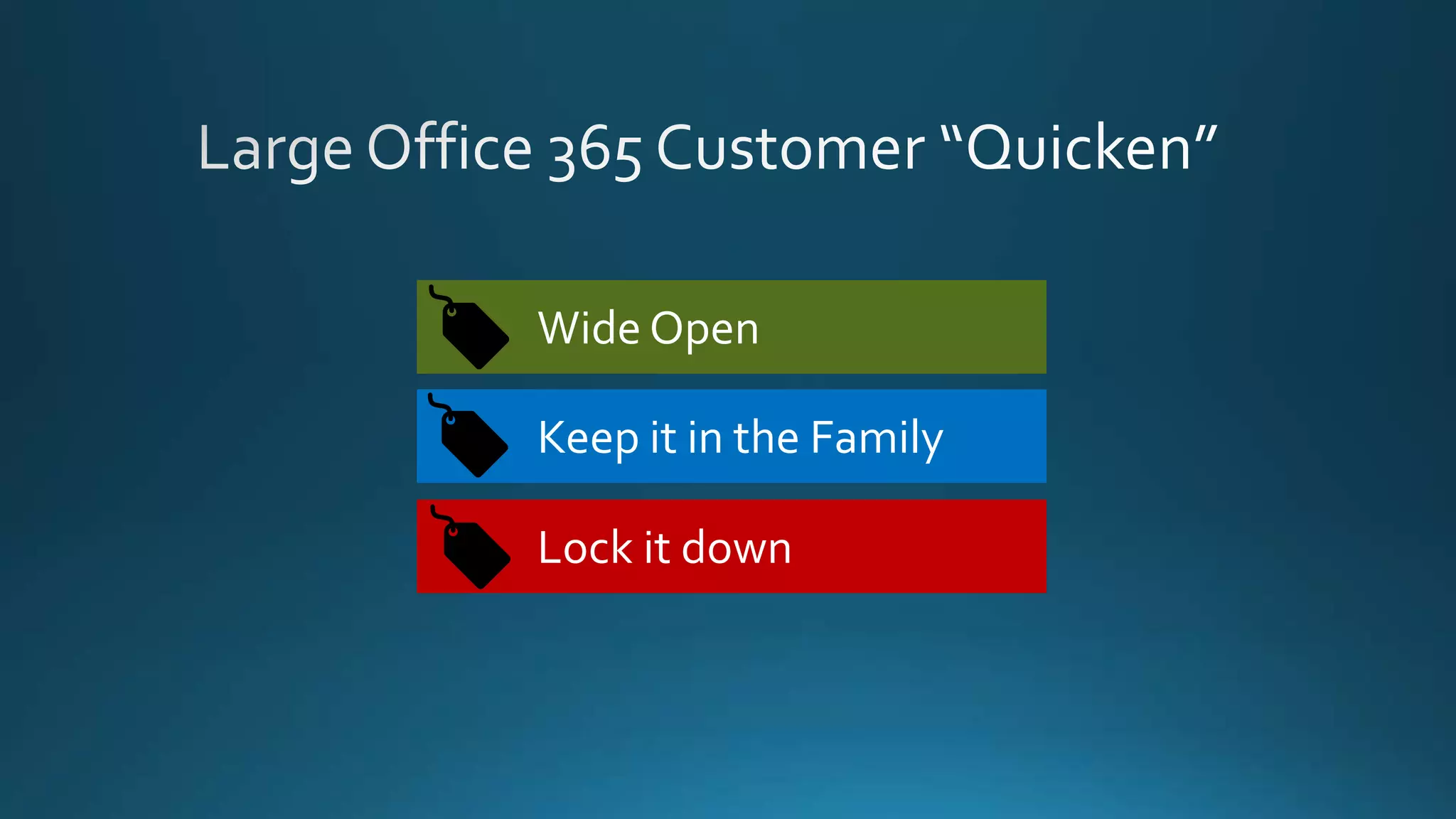
Wide Open
Keep it in the Family
Lock it down
Tip 2
Create
sub-labels
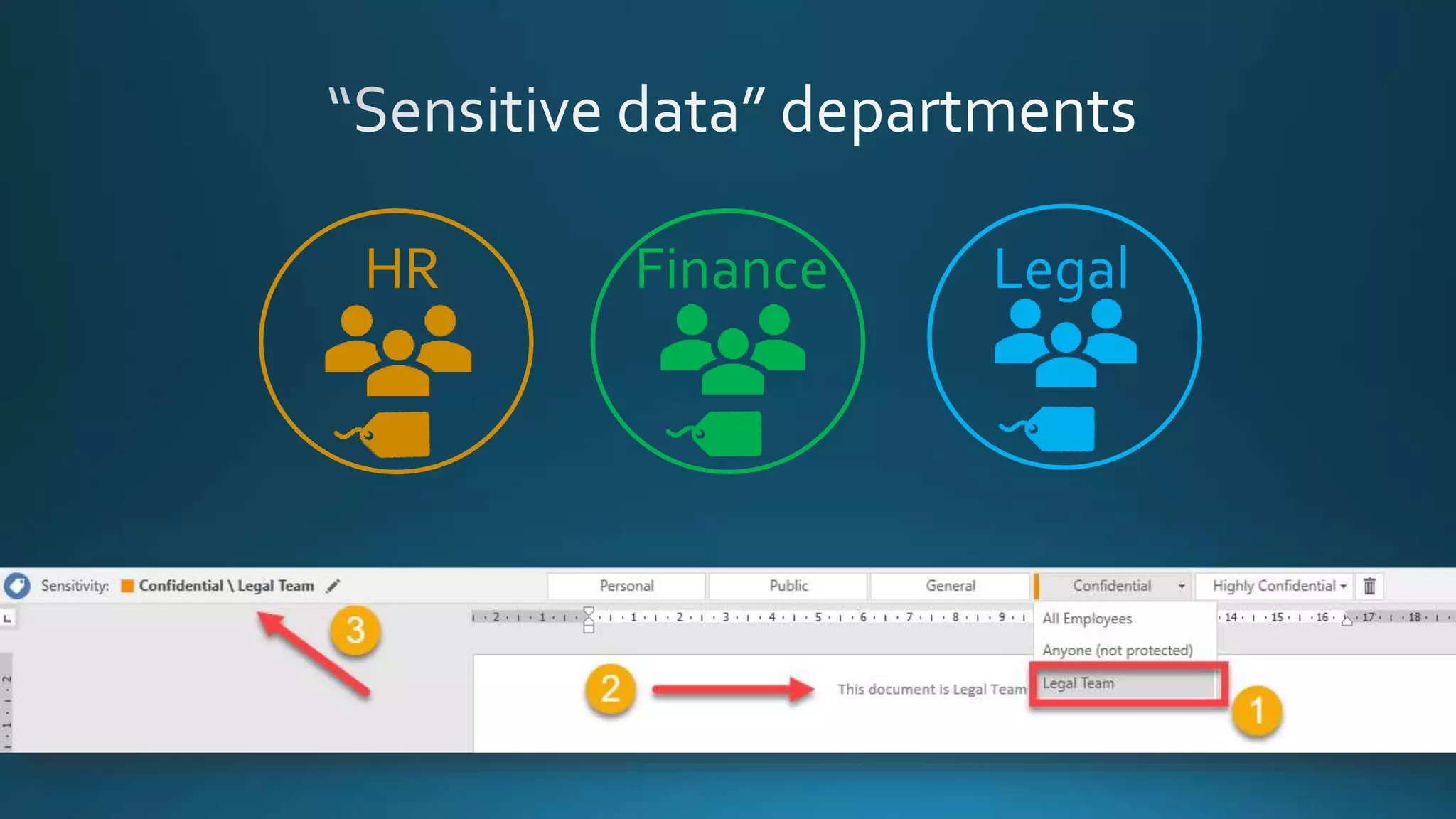
HR Finance Legal
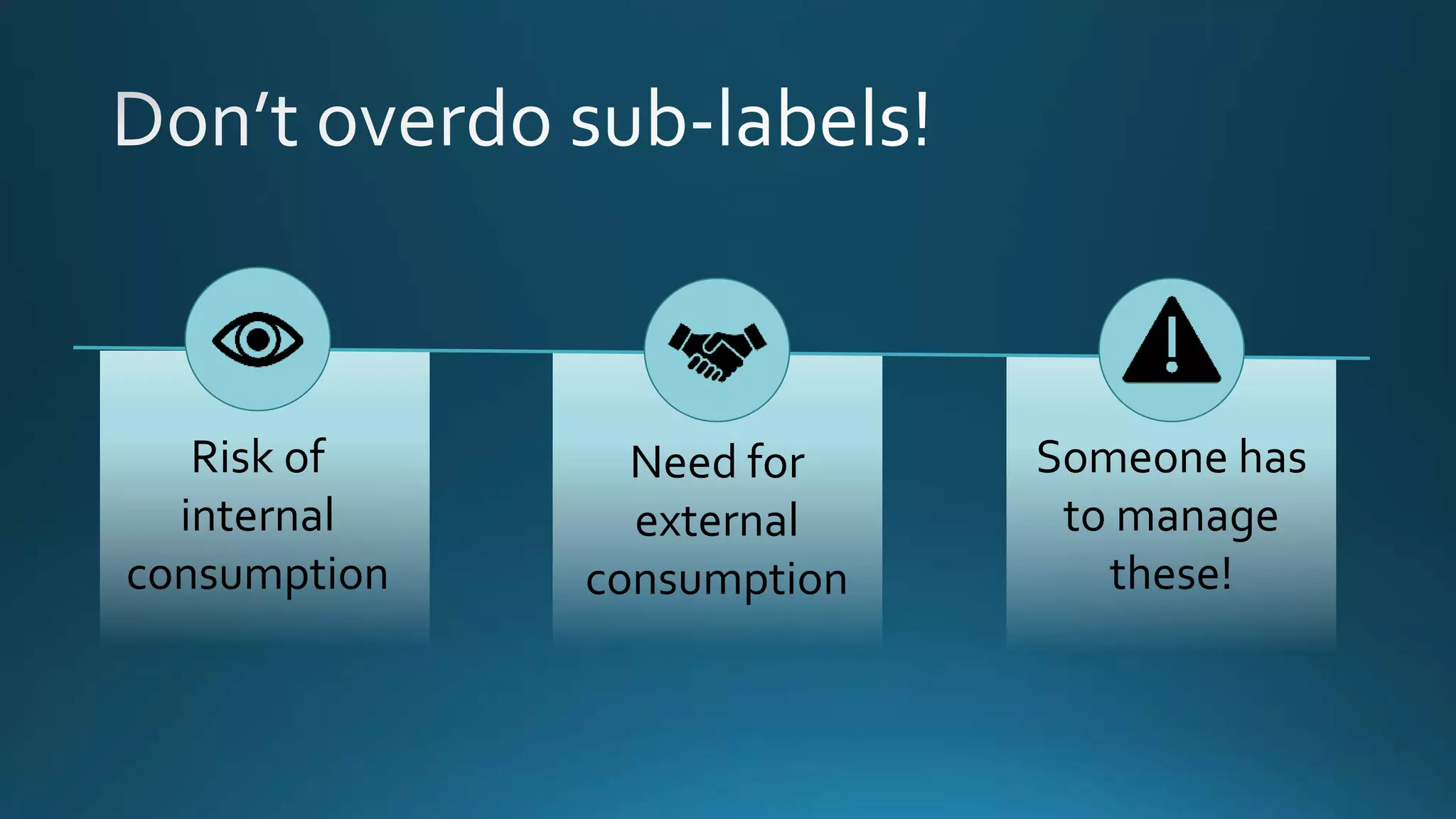
Risk of
internal
consumption
Need for
external
consumption
Someone has
to manage
these!
Tip 3
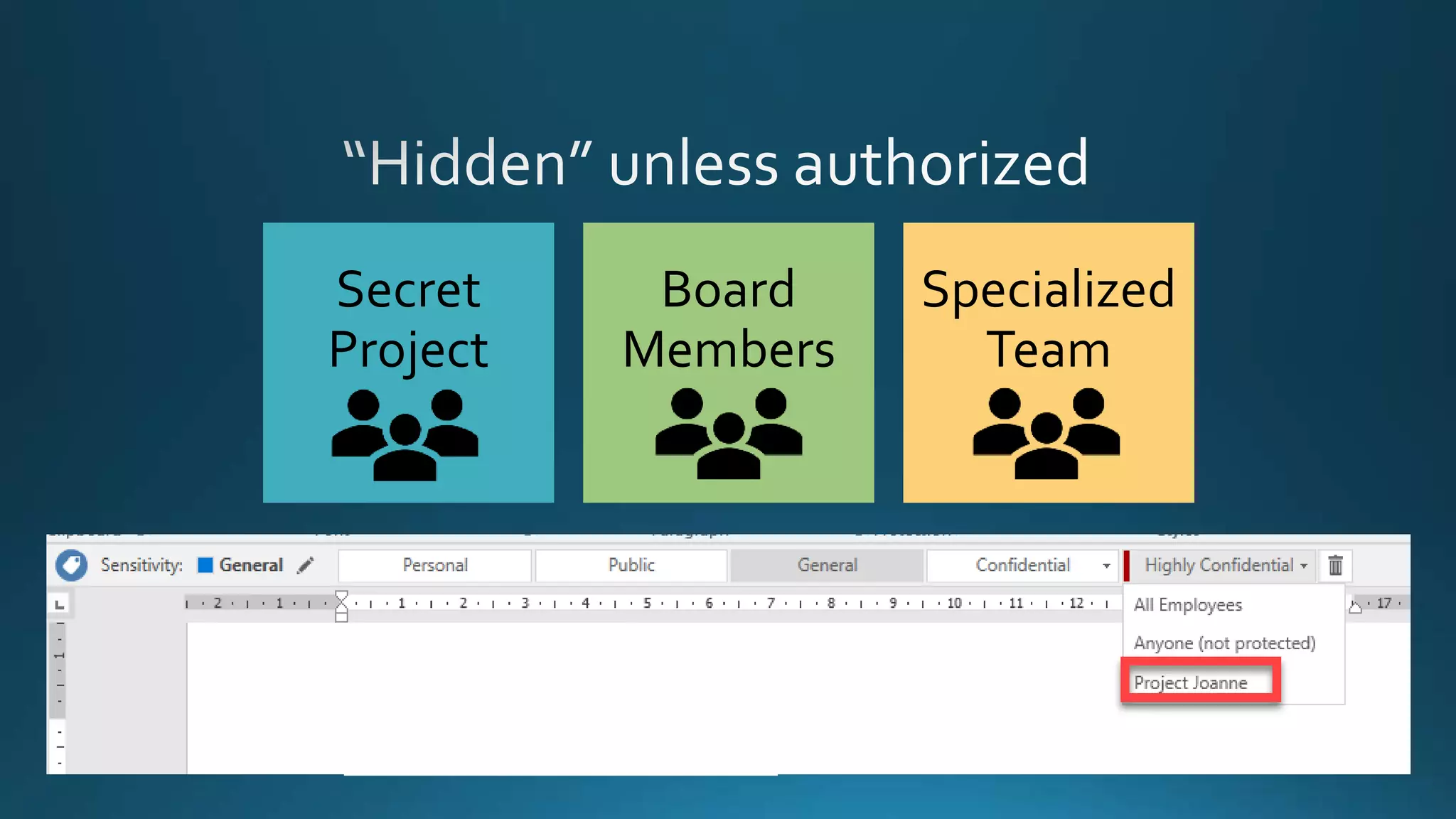
Use scoped
policies
Secret
Project
Board
Members
Specialized
Team
Demo
AIP Scoped Policies
Tip 4
Encourage
right user
behaviour
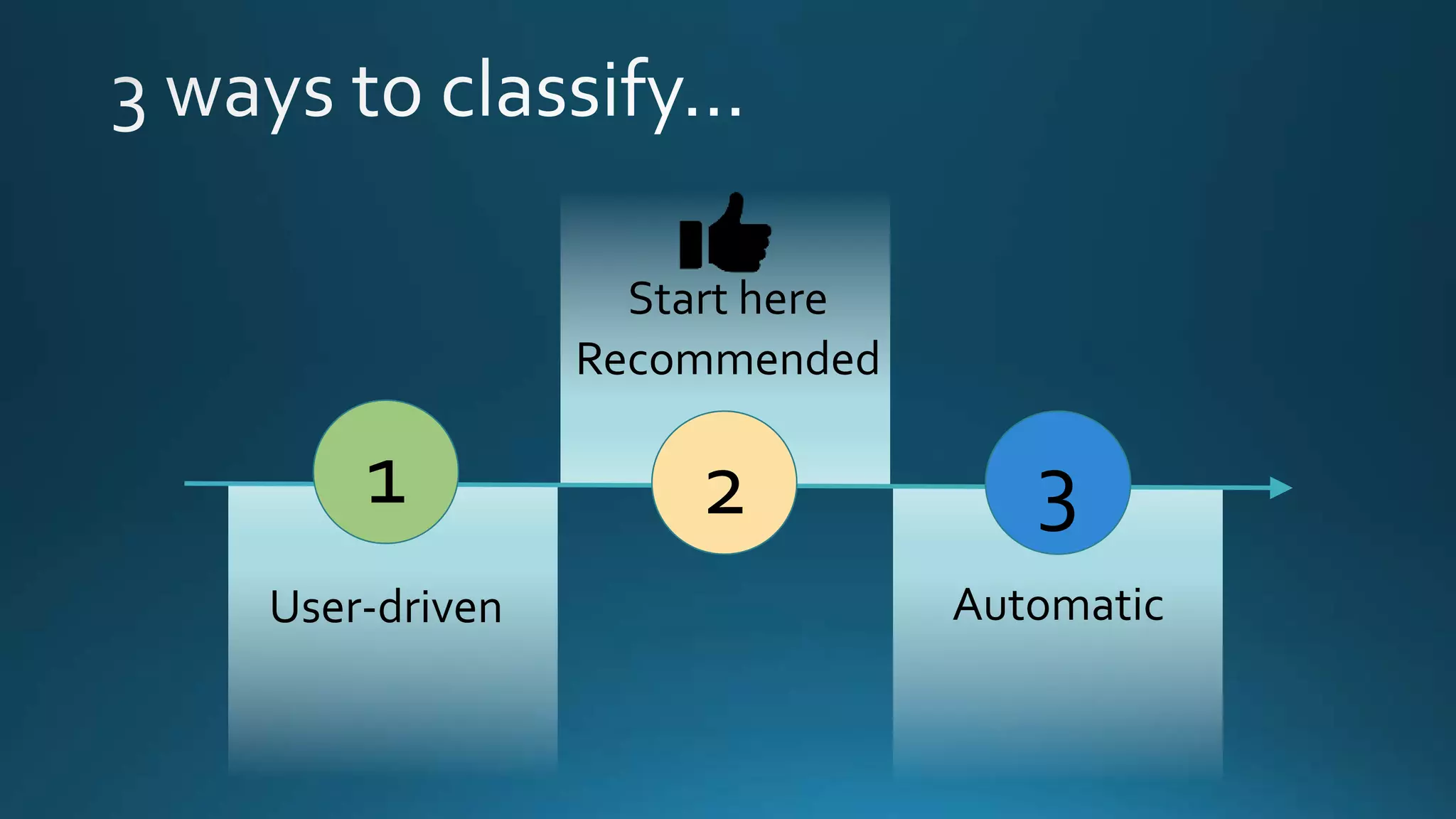
1
User-driven
2 3
Recommended
Automatic
Start here
Demo
AIP Policy Recommendations
Tip 5
Protect and
Enforce
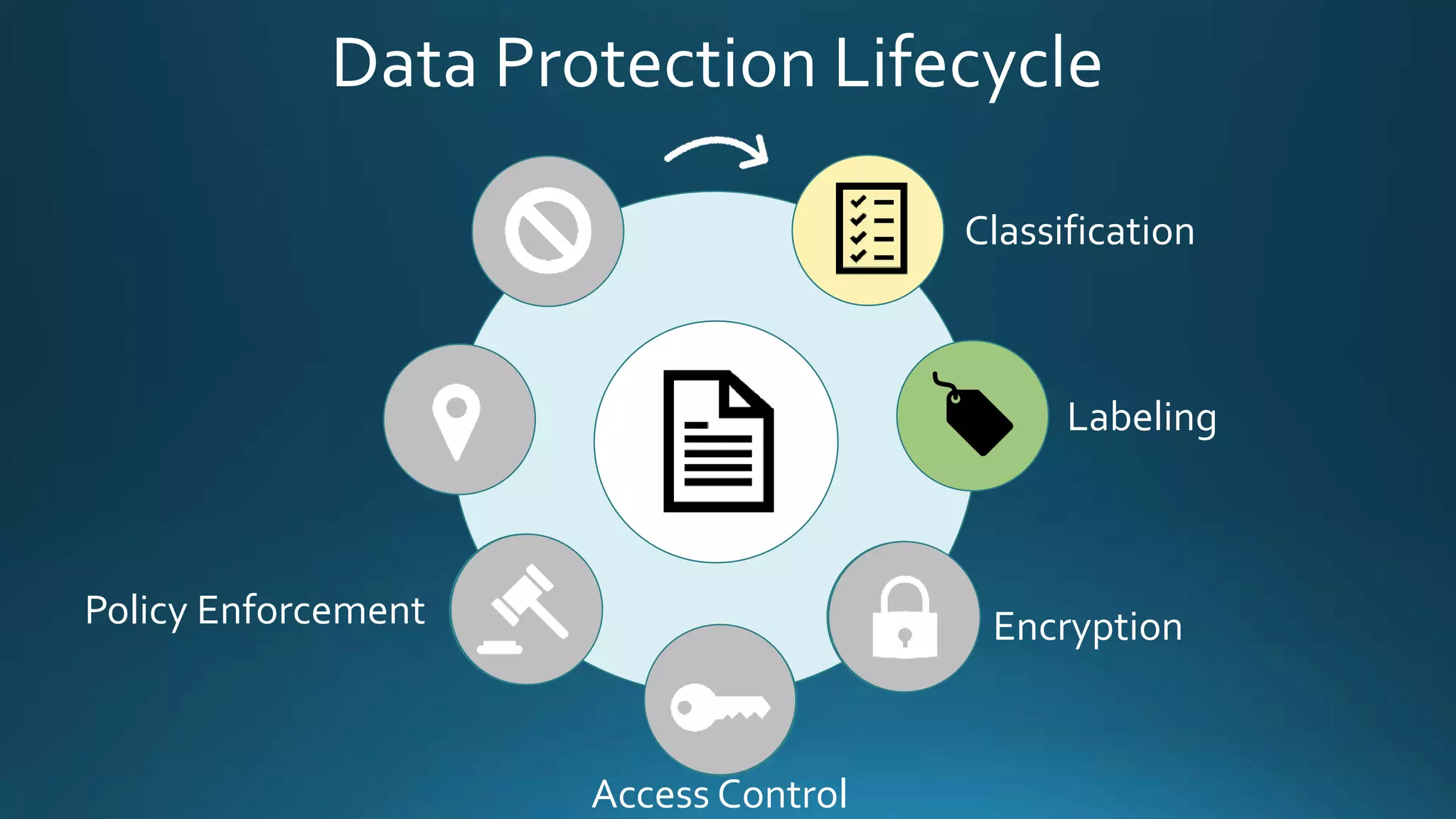
Data Protection Lifecycle
Classification
Labeling
Encryption
Access Control
Policy Enforcement
Demo
Azure RMS Protection
(Prevent Forwarding)
Data Protection Lifecycle
Classification
Labeling
Encryption
Access Control
Policy Enforcement
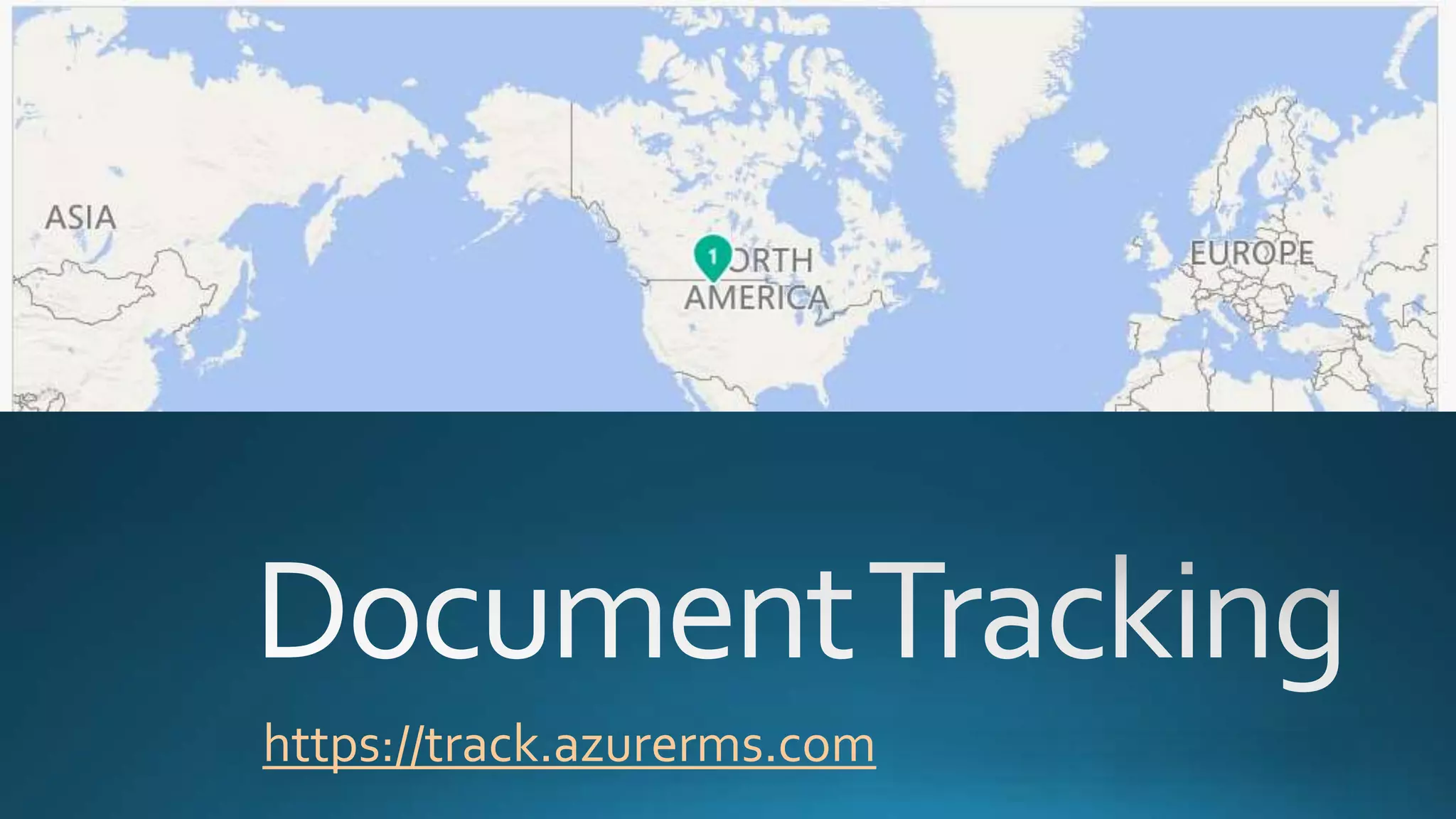
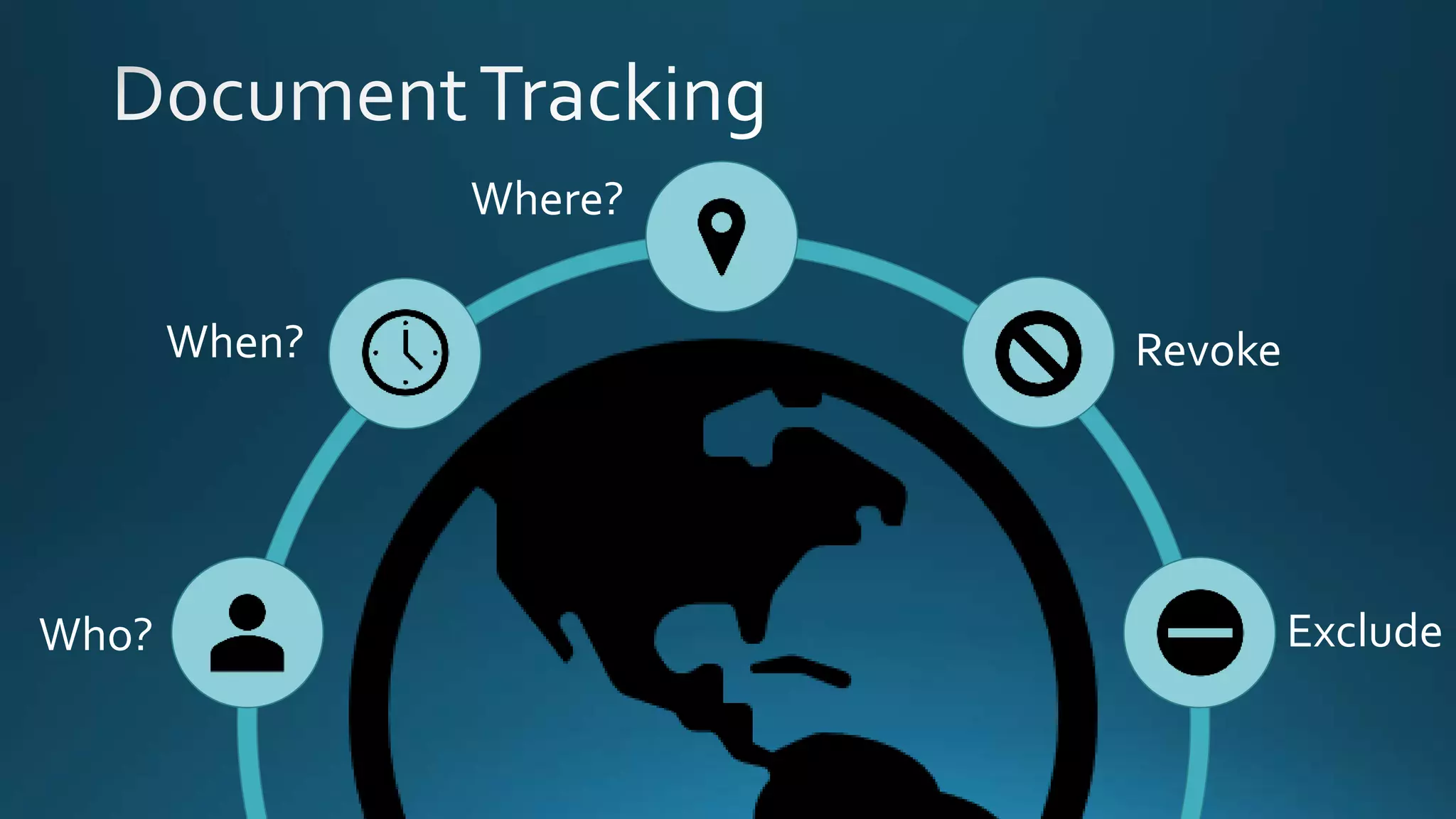
DocumentTracking
Document Revocation
https://track.azurerms.com
Who?
When?
Where?
Revoke
Exclude
Demo
Azure DocumentTracking
Data Protection Lifecycle
Classification
Labeling
Encryption
Access Control
Policy Enforcement
DocumentTracking
Document Revocation
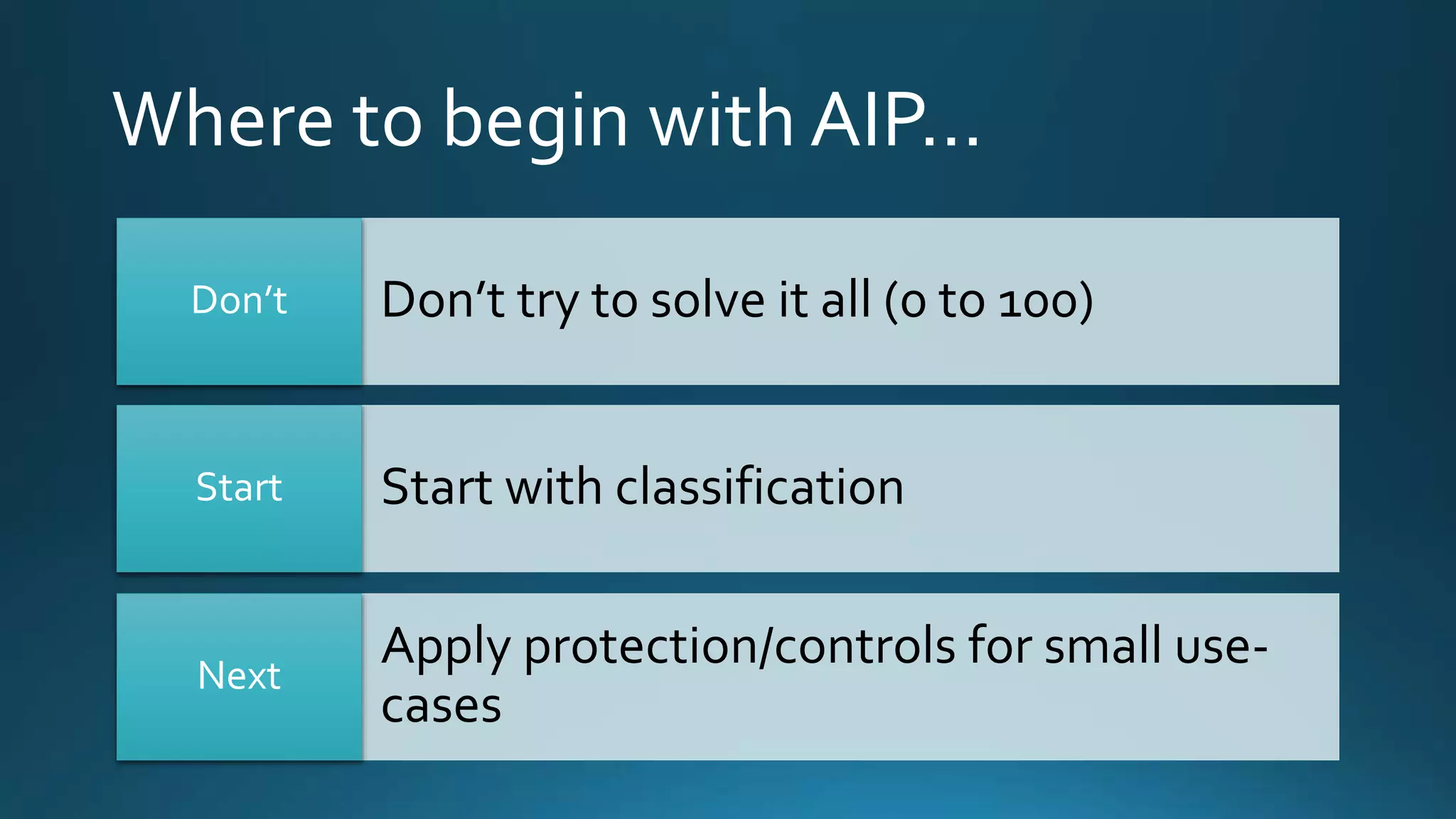
Where to begin with AIP…
Don’t try to solve it all (0 to 100)Don’t
Start with classificationStart
Apply protection/controls for small use-
cases
Next
Retention Policy
… a unified retention
and deletion system
across apps and
services. Done to
comply with industry
regulations and
policies and mitigate
risk.
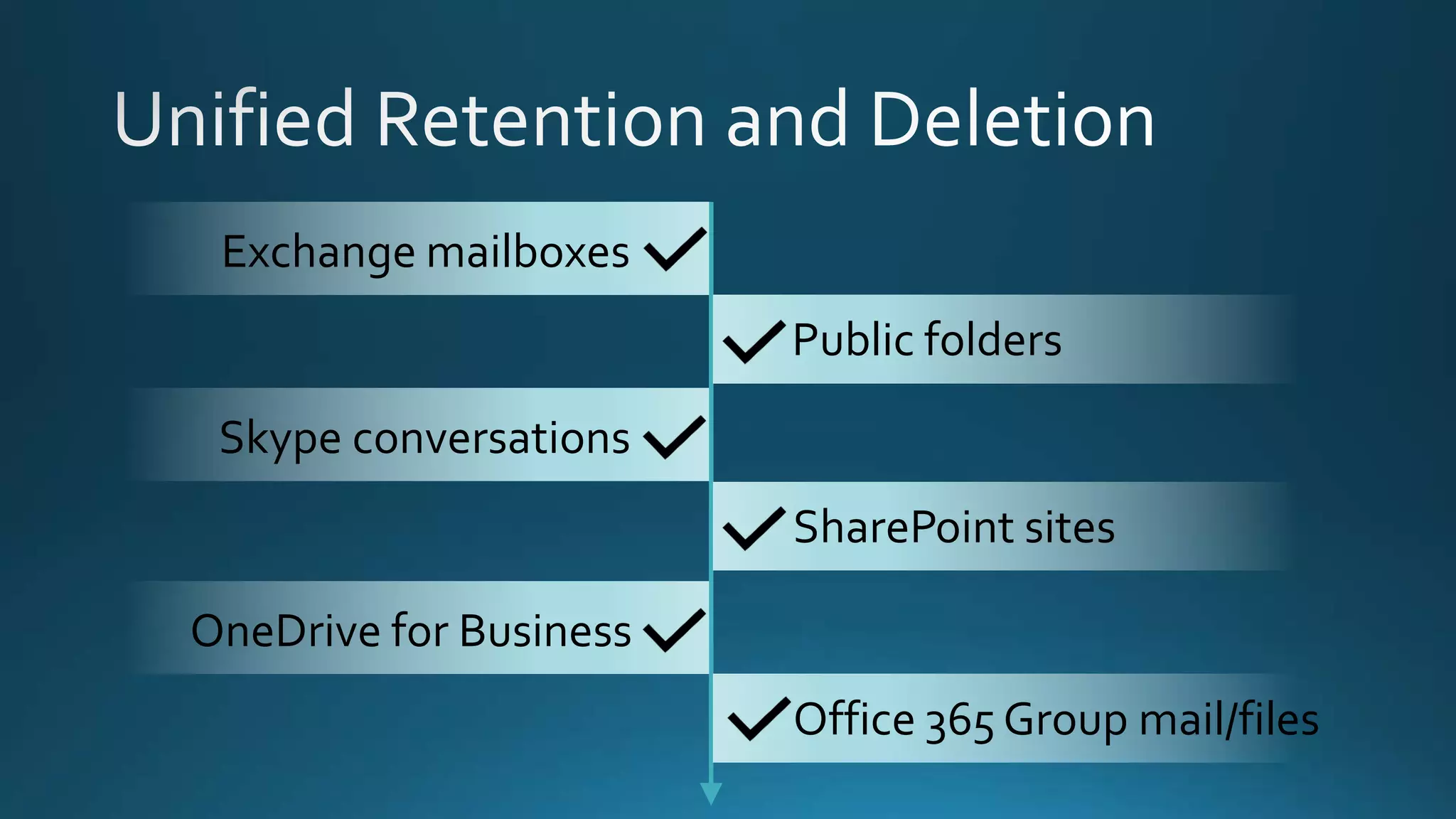
Exchange mailboxes
Public folders
Skype conversations
OneDrive for Business
SharePoint sites
Office 365 Group mail/files
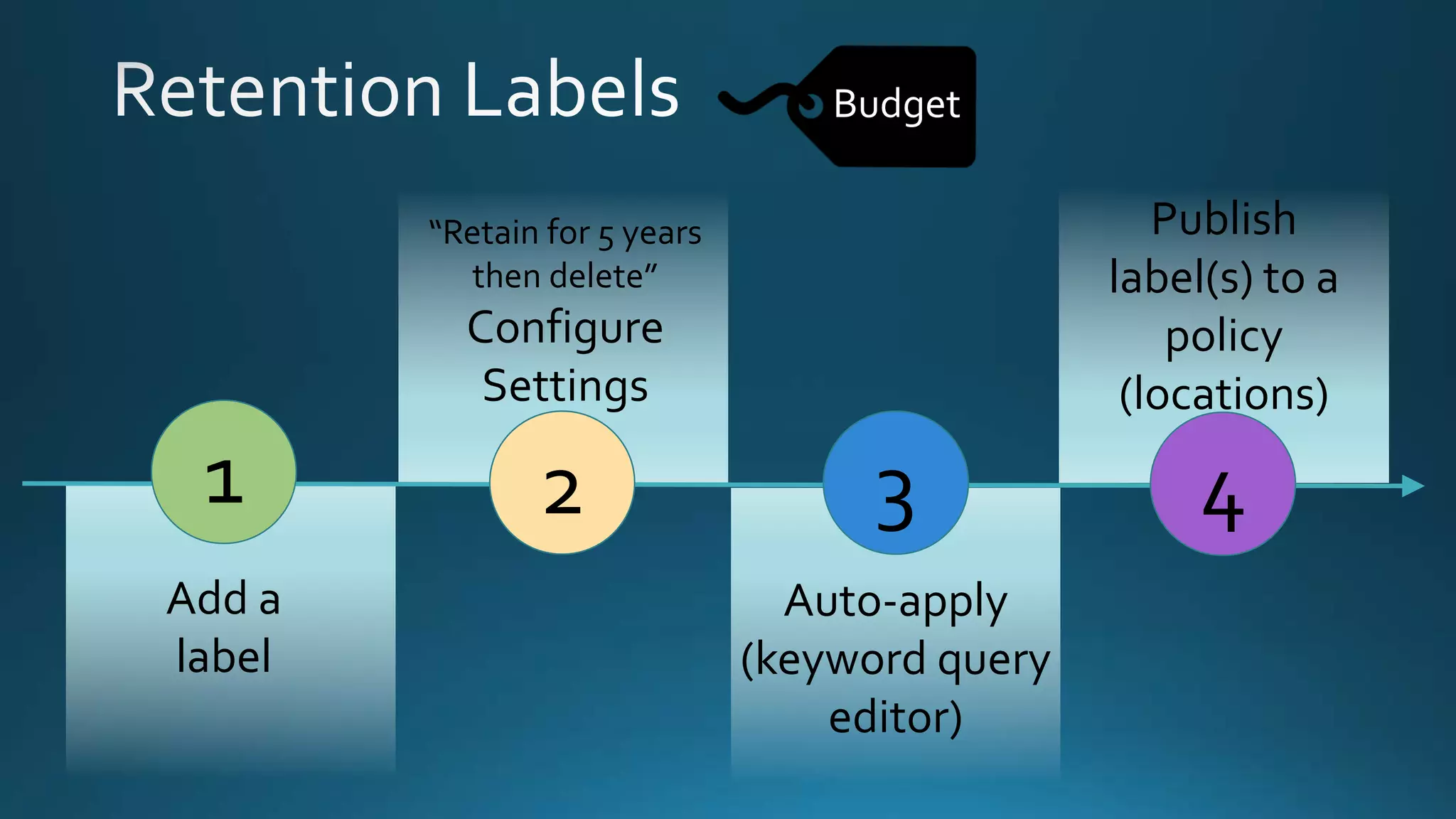
1
Add a
label
2 3
“Retain for 5 years
then delete”
Configure
Settings
Auto-apply
(keyword query
editor)
4
Publish
label(s) to a
policy
(locations)
Budget
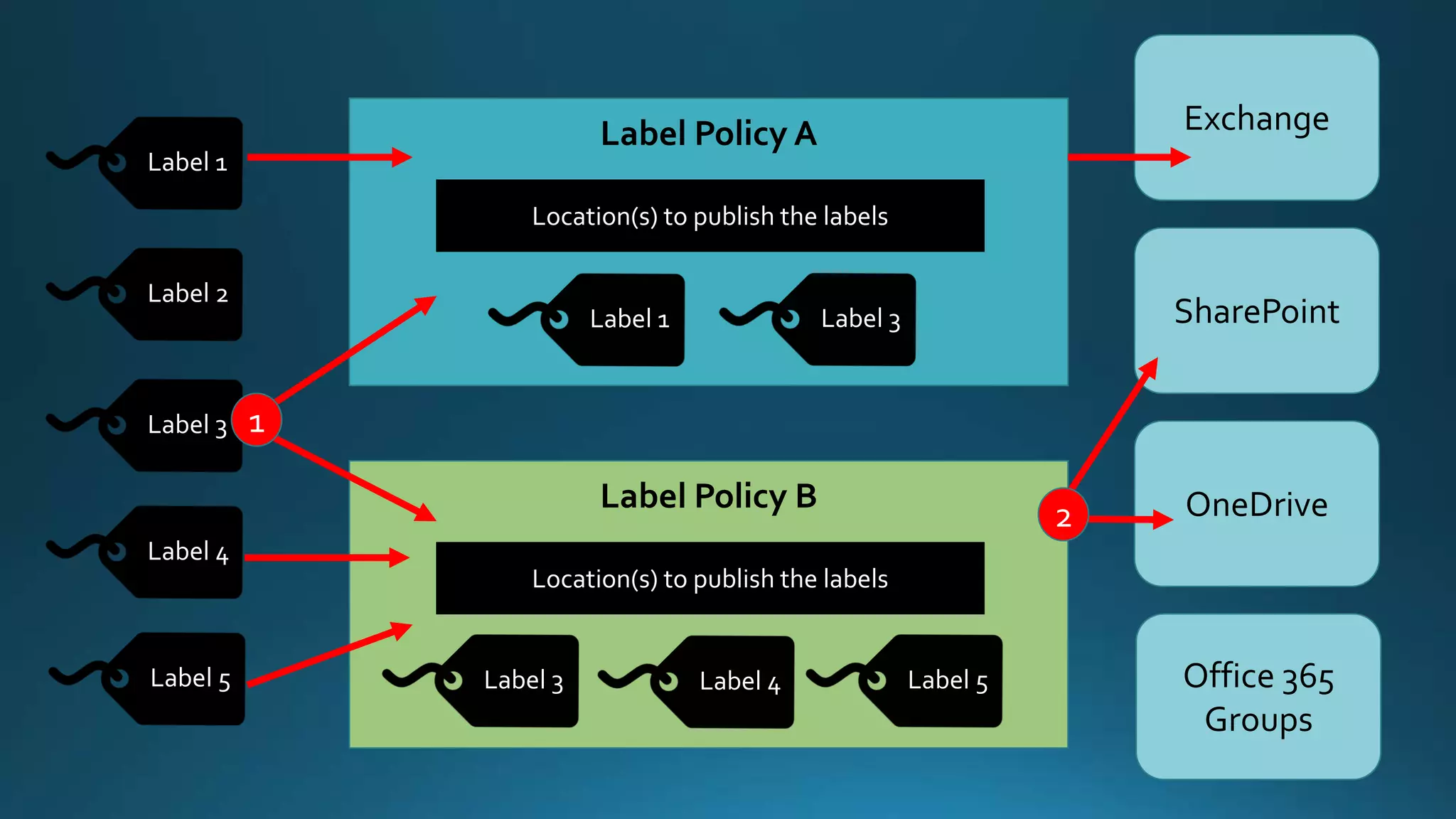
Label Policy A
Location(s) to publish the labels
Label 1 Label 3
Label 1
Label 2
Label 3
Label 4
Label 5
Label Policy B
Location(s) to publish the labels
Label 3 Label 4 Label 5
Exchange
SharePoint
OneDrive
Office 365
Groups
1
2
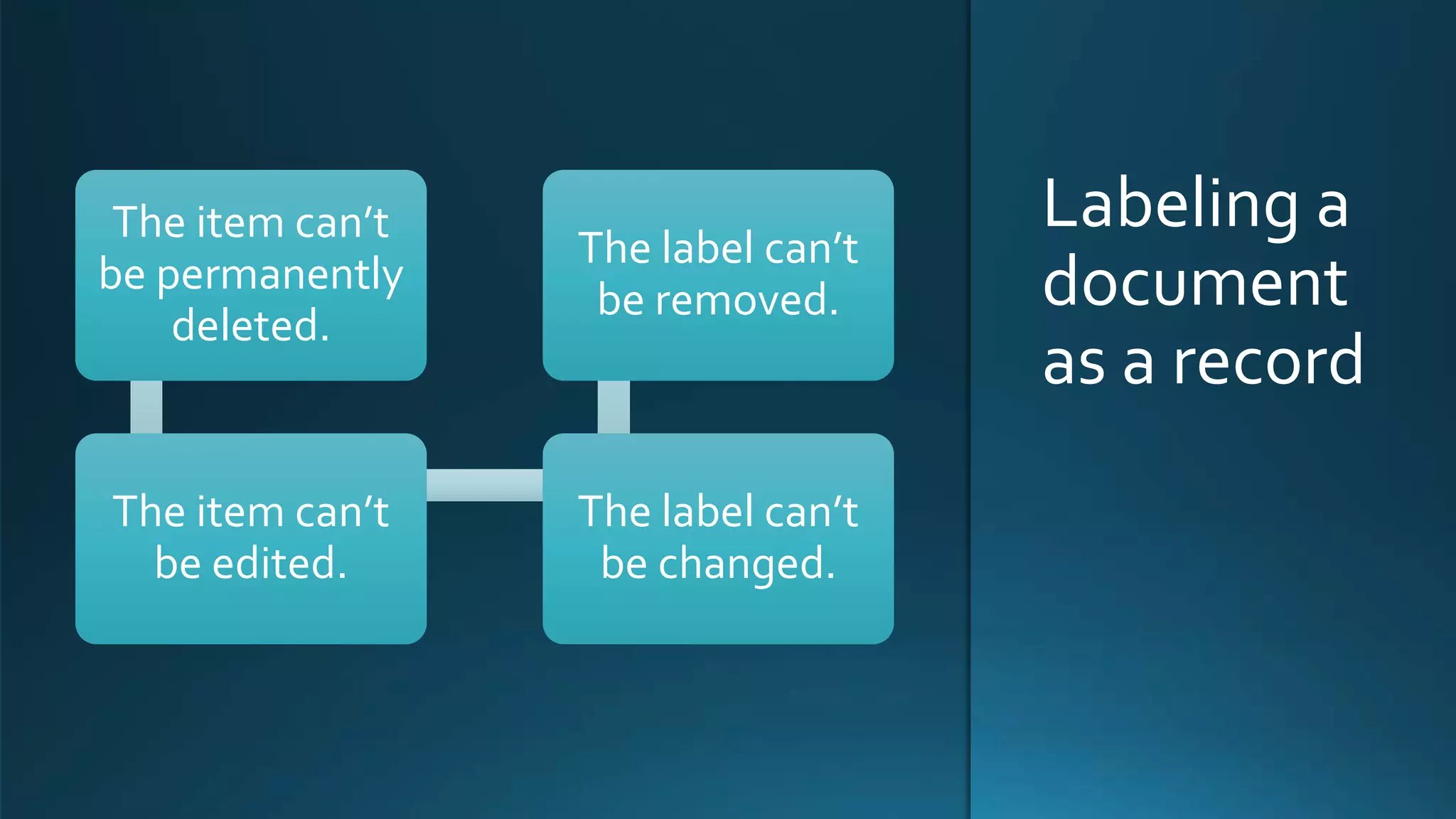
Labeling a
document
as a record
The item can’t
be permanently
deleted.
The item can’t
be edited.
The label can’t
be changed.
The label can’t
be removed.
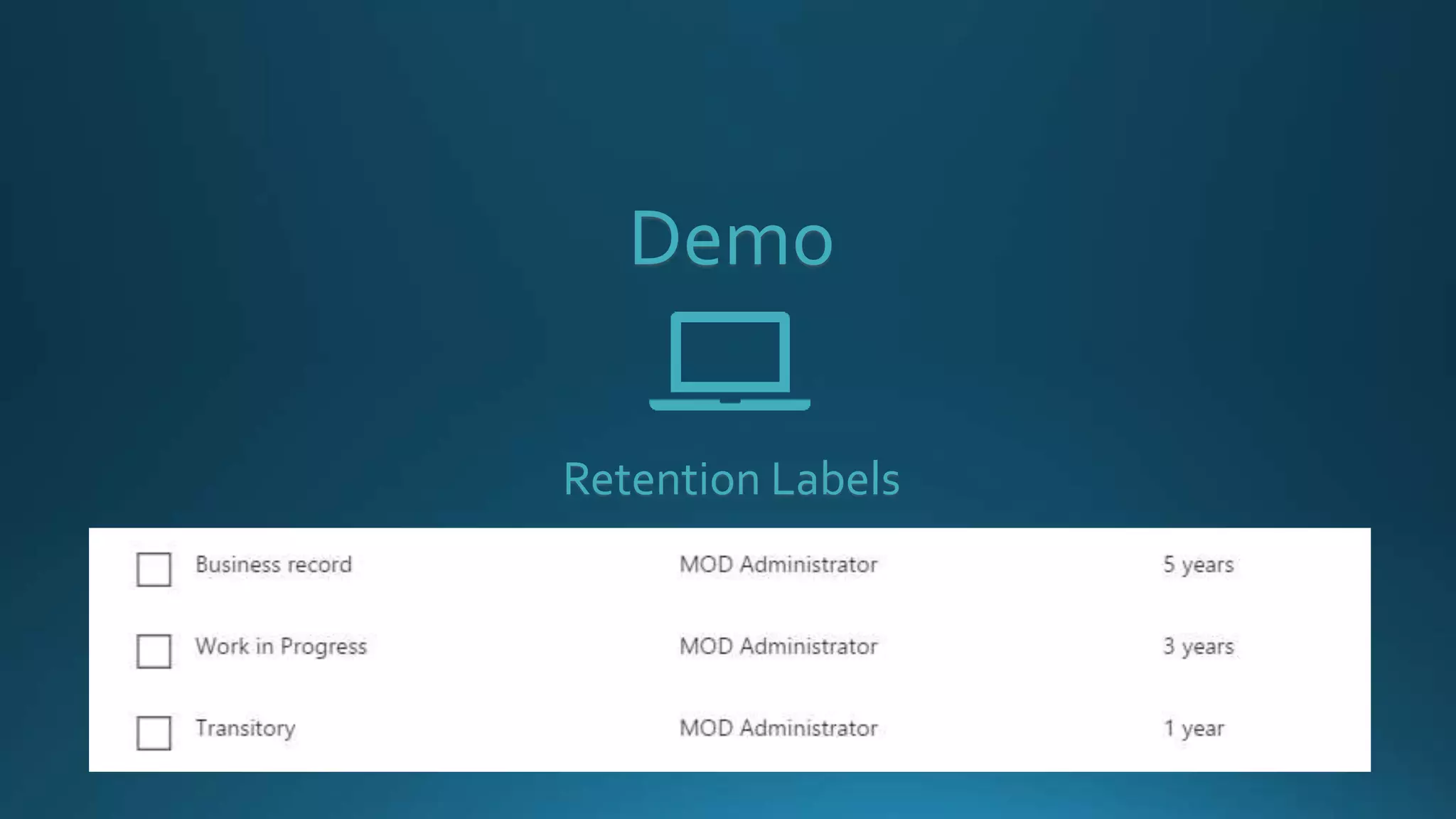
Demo
Retention Labels
Demo
Retention LabelsAuto-applied
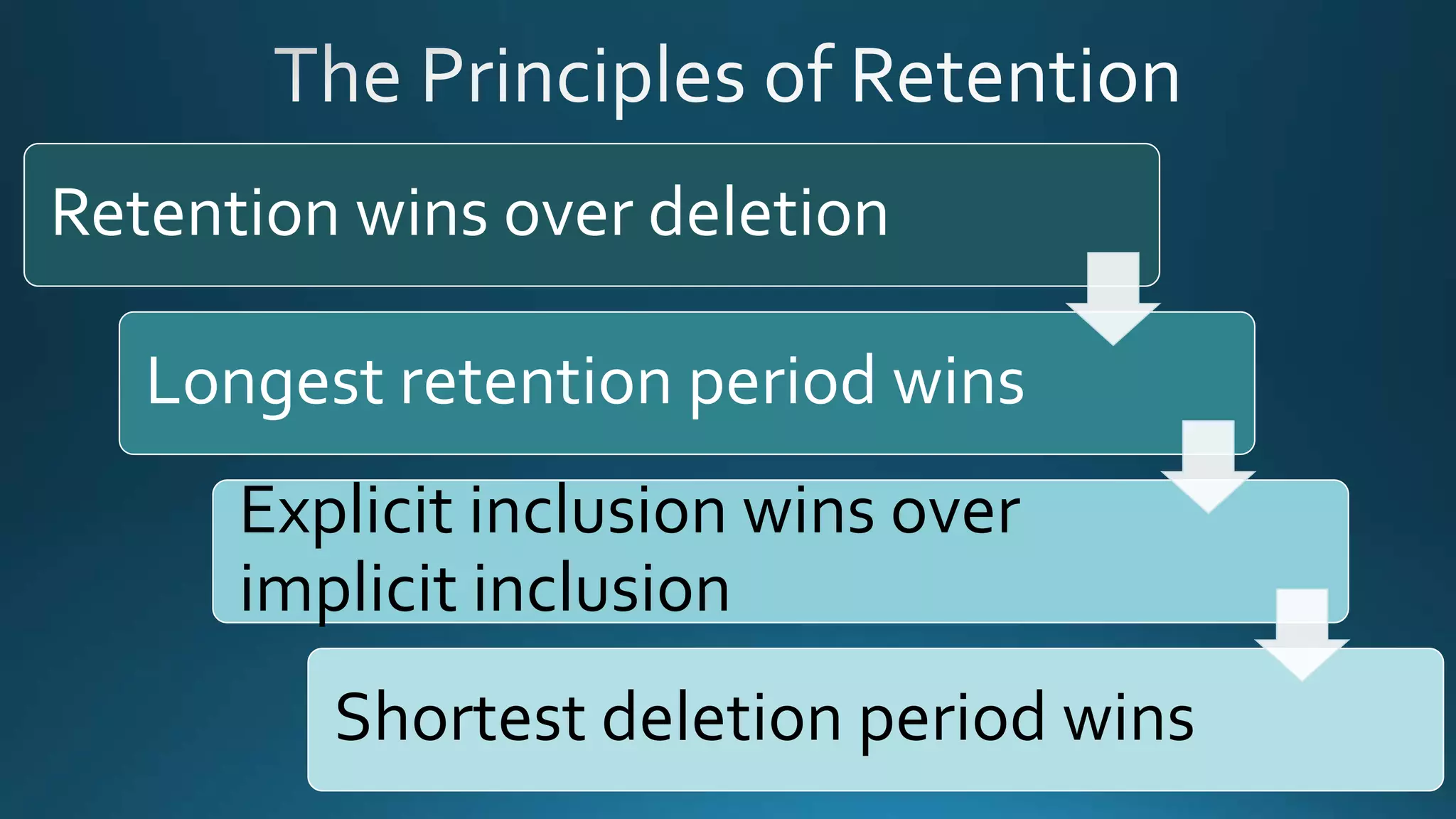
Retention wins over deletion
Longest retention period wins
Explicit inclusion wins over
implicit inclusion
Shortest deletion period wins
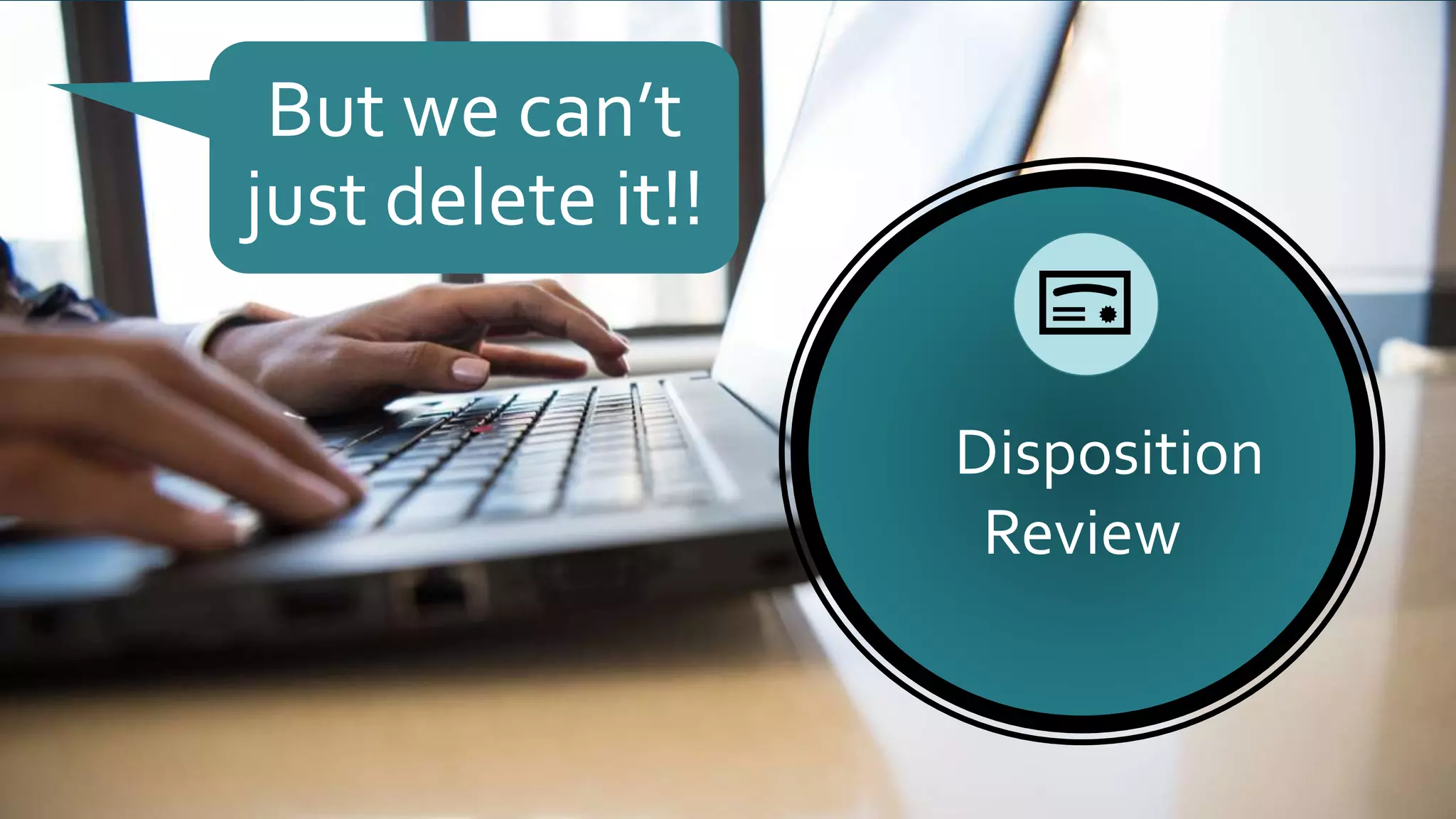
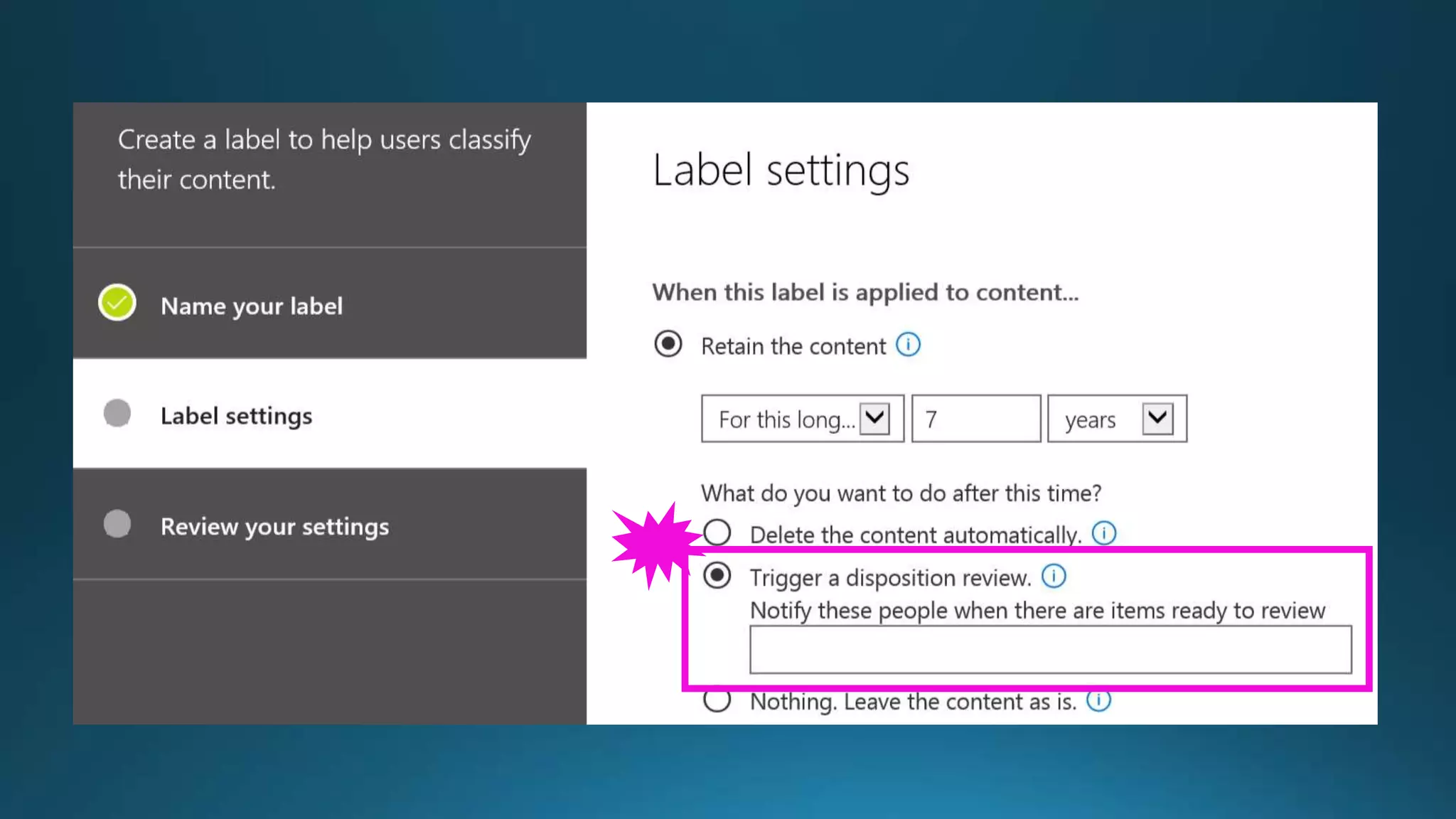
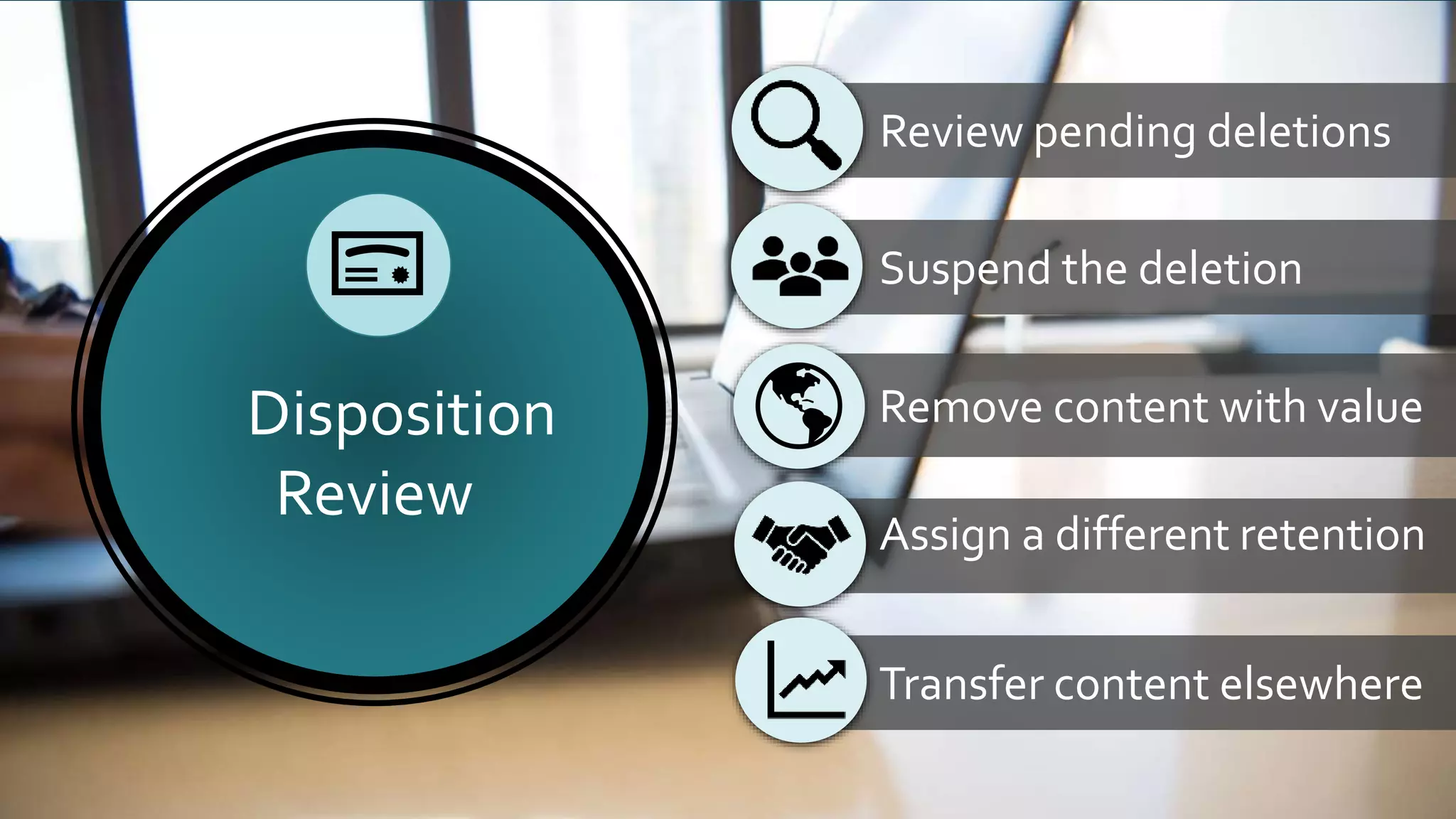
Disposition
Review
But we can’t
just delete it!!
Suspend the deletion
Remove content with value
Assign a different retention
Transfer content elsewhere
Disposition
Review
Review pending deletions
Available now: SharePoint Online and OneDrive for Business
Preview soon: Exchange Online
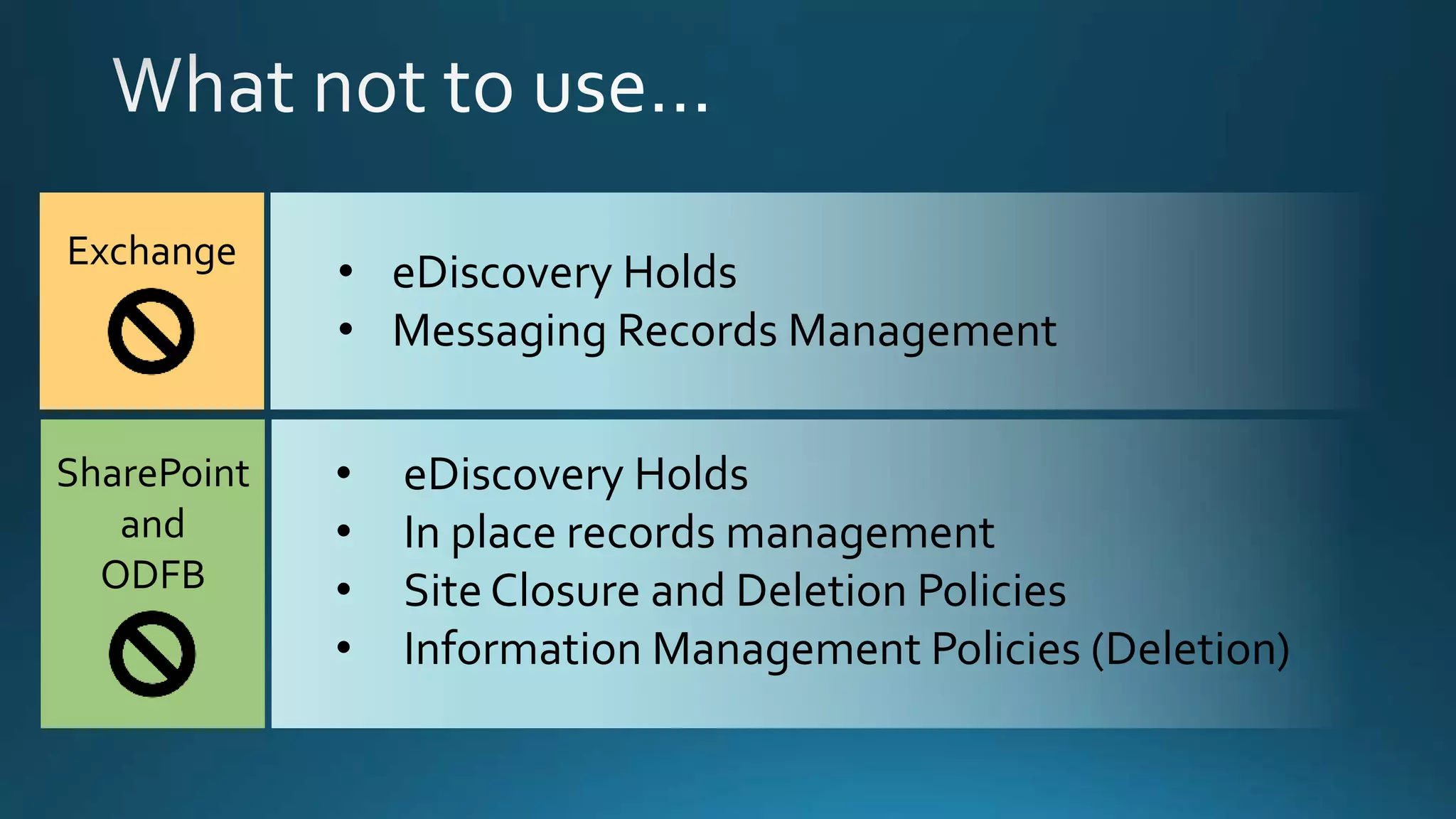
What not to use…
• eDiscovery Holds
• Messaging Records Management
Exchange
• eDiscovery Holds
• In place records management
• Site Closure and Deletion Policies
• Information Management Policies (Deletion)
SharePoint
and
ODFB
Roadmaps from Ignite
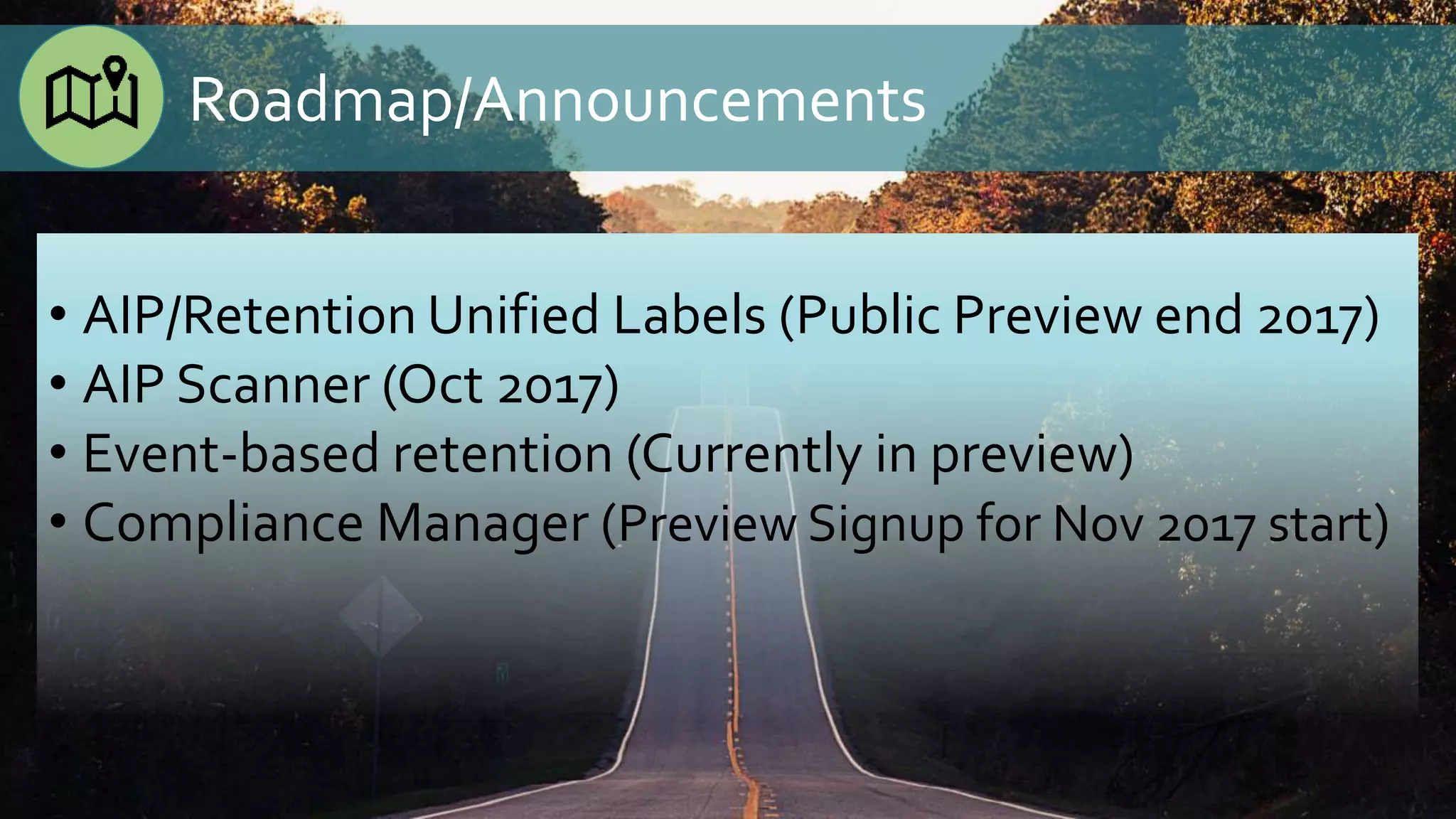
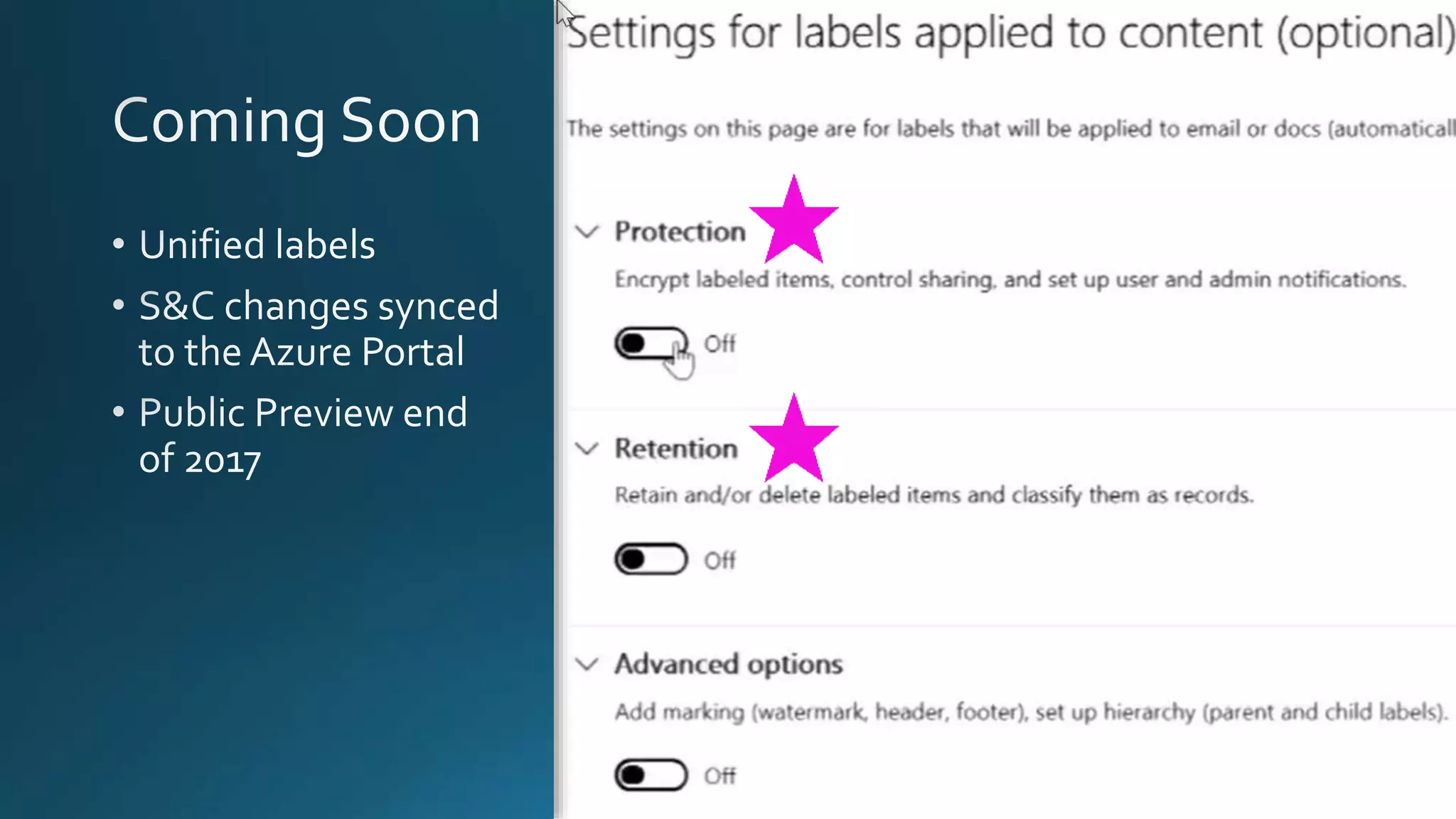
• AIP/Retention Unified Labels (Public Preview end 2017)
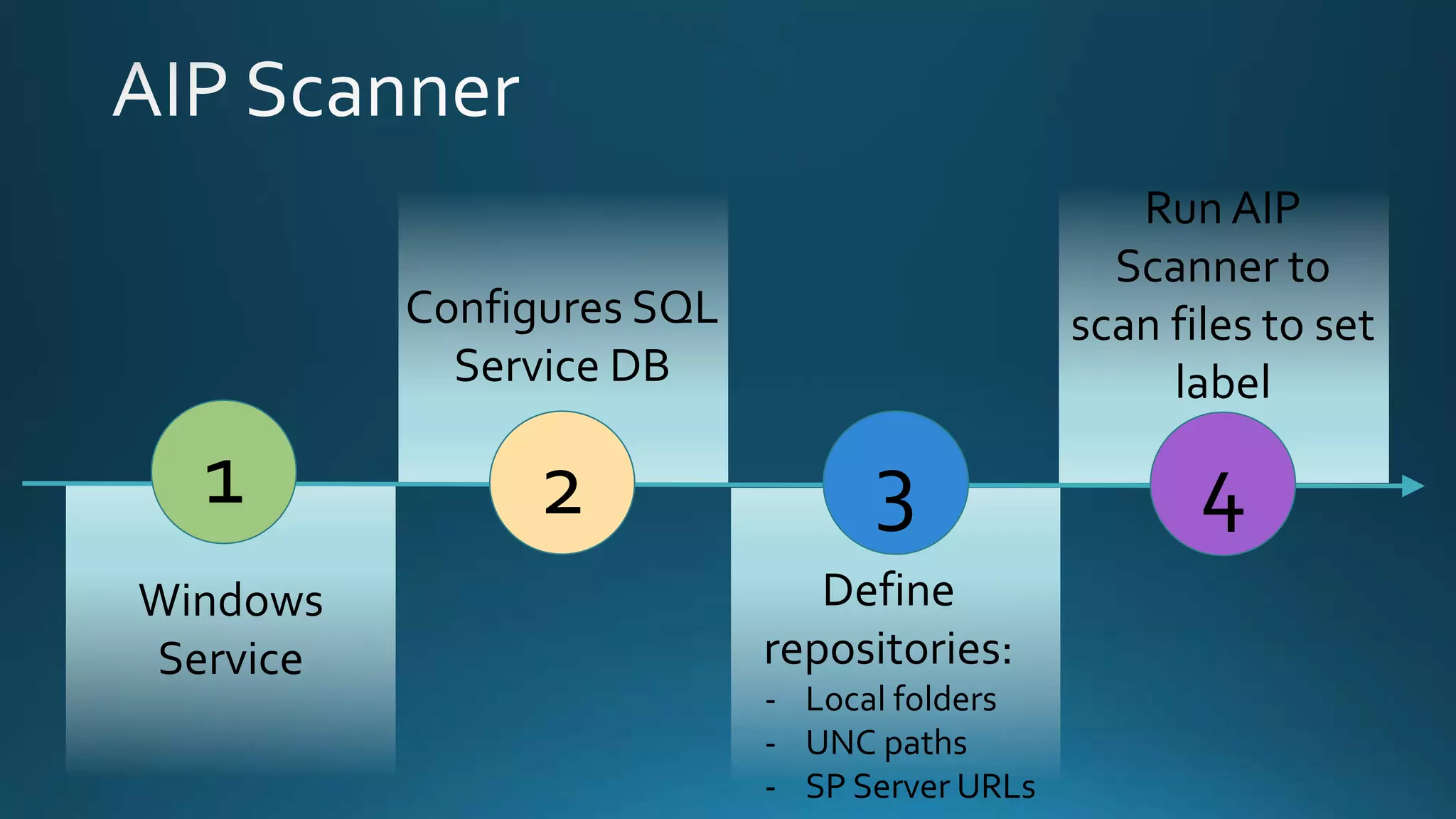
• AIP Scanner (Oct 2017)
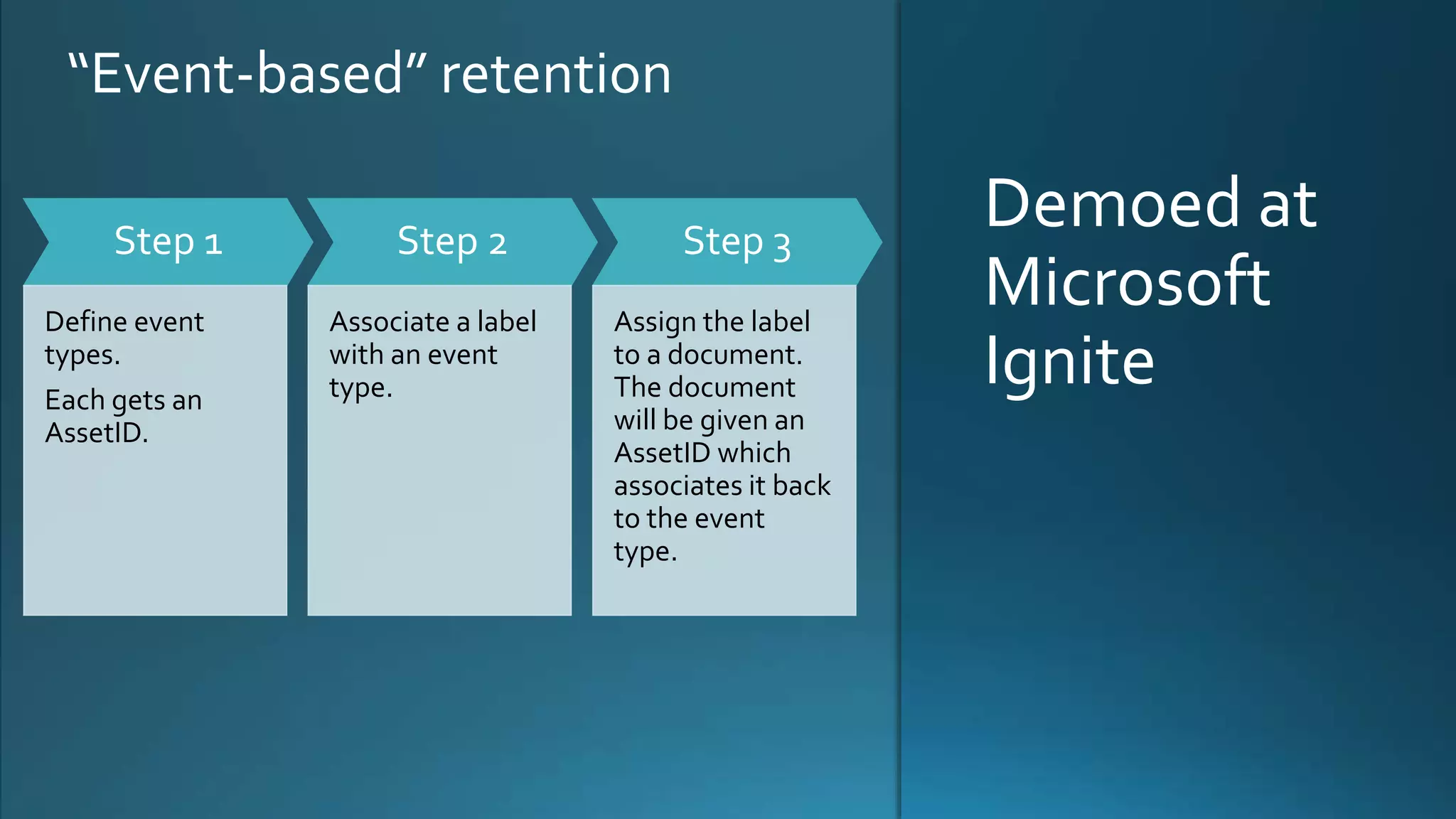
• Event-based retention (Currently in preview)
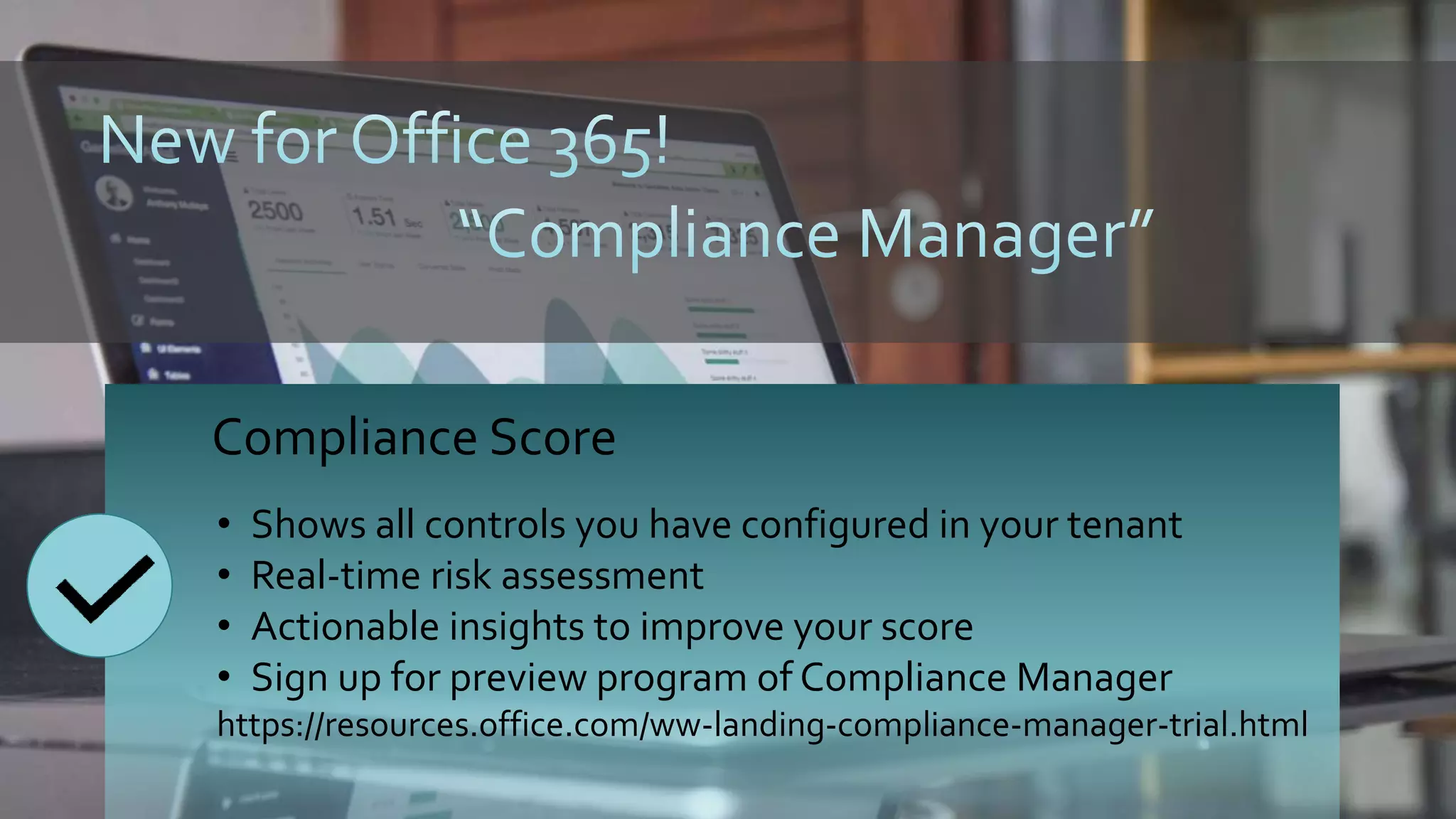
• Compliance Manager (Preview Signup for Nov 2017 start)
Roadmap/Announcements
1
Windows
Service
2 3
Configures SQL
Service DB
Define
repositories:
- Local folders
- UNC paths
- SP Server URLs
4
Run AIP
Scanner to
scan files to set
label
Demoed at
Microsoft
Ignite
Step 1
Define event
types.
Each gets an
AssetID.
Step 2
Associate a label
with an event
type.
Step 3
Assign the label
to a document.
The document
will be given an
AssetID which
associates it back
to the event
type.
“Event-based” retention
Compliance Score
• Shows all controls you have configured in your tenant
• Real-time risk assessment
• Actionable insights to improve your score
• Sign up for preview program of Compliance Manager
https://resources.office.com/ww-landing-compliance-manager-trial.html
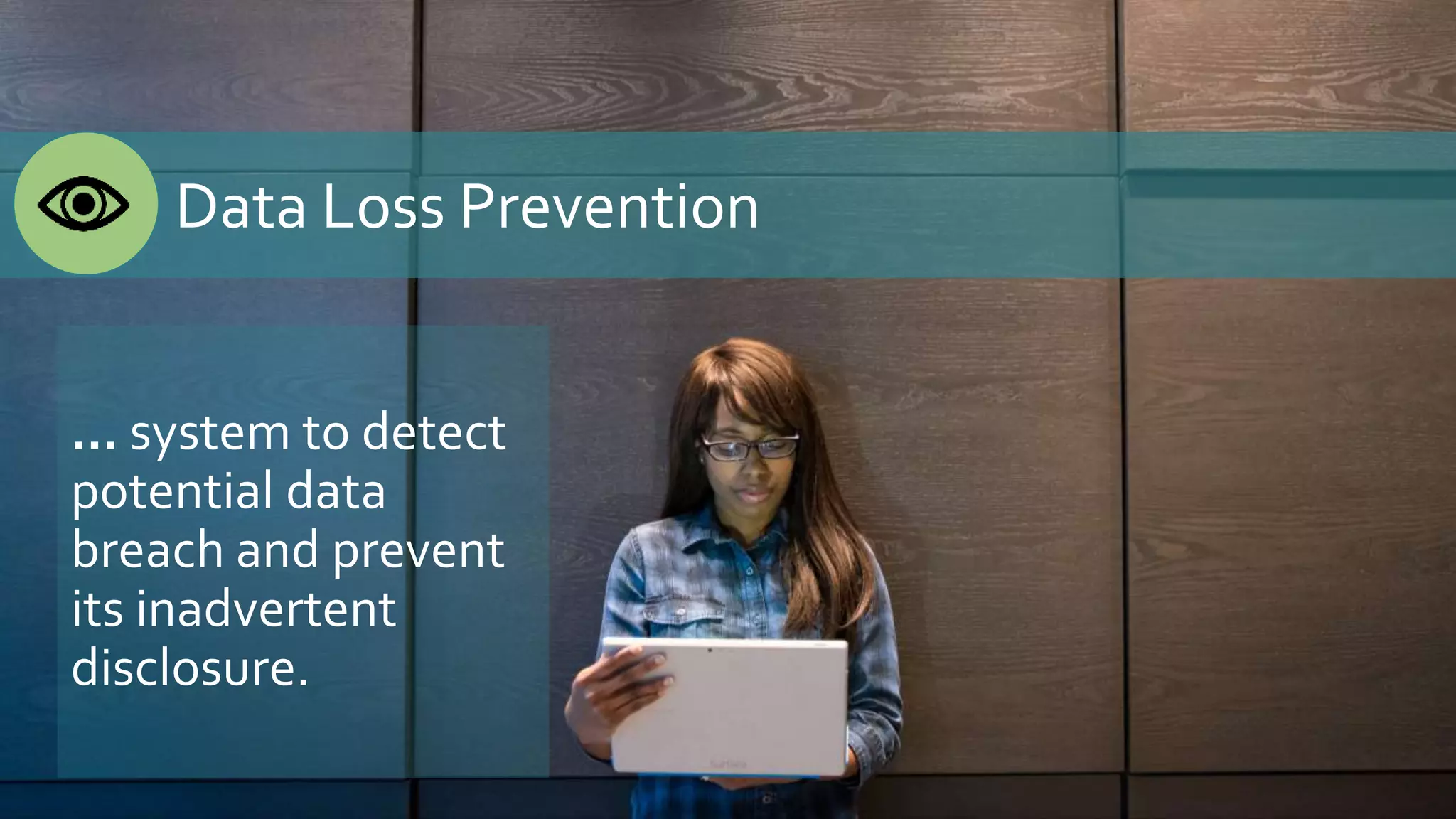
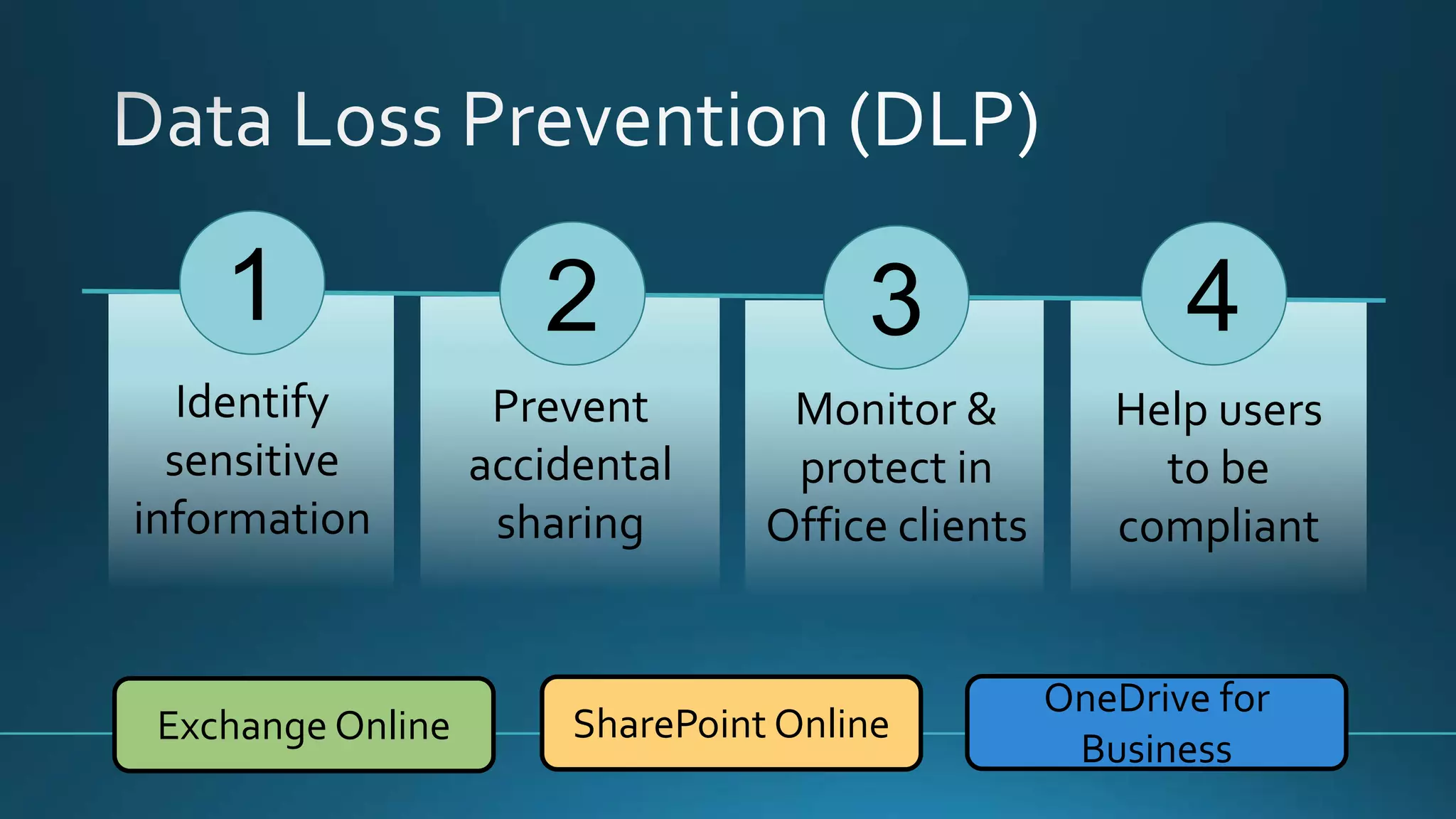
Data Loss Prevention
… system to detect
potential data
breach and prevent
its inadvertent
disclosure.
1
Identify
sensitive
information
2 4
Prevent
accidental
sharing
Help users
to be
compliant
3
Monitor &
protect in
Office clients
Exchange Online SharePoint Online
OneDrive for
Business
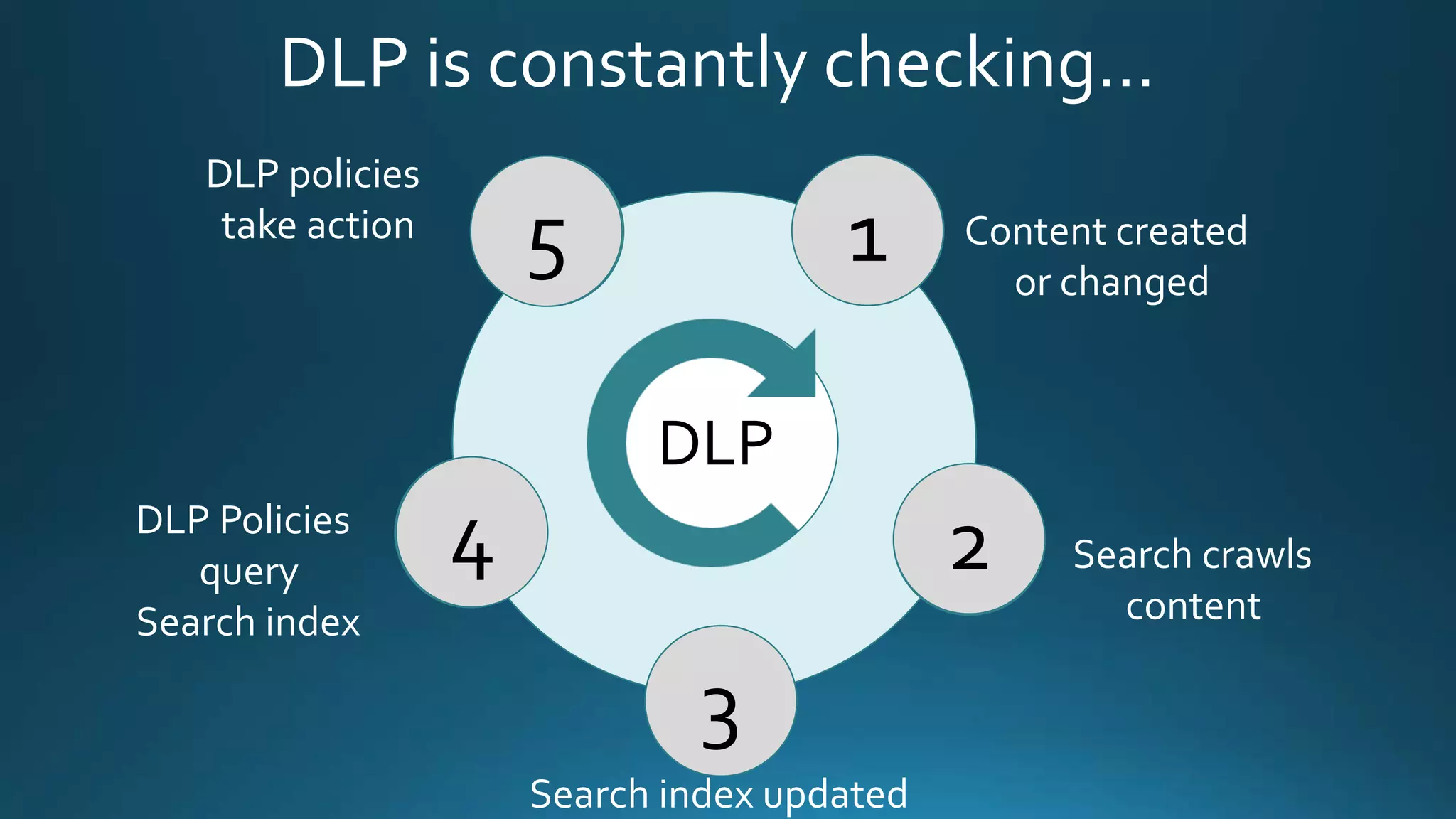
DLP is constantly checking…
DLP
Content created
or changed
Search crawls
content
Search index updated
DLP Policies
query
Search index
DLP policies
take action
1
3
4
5
2
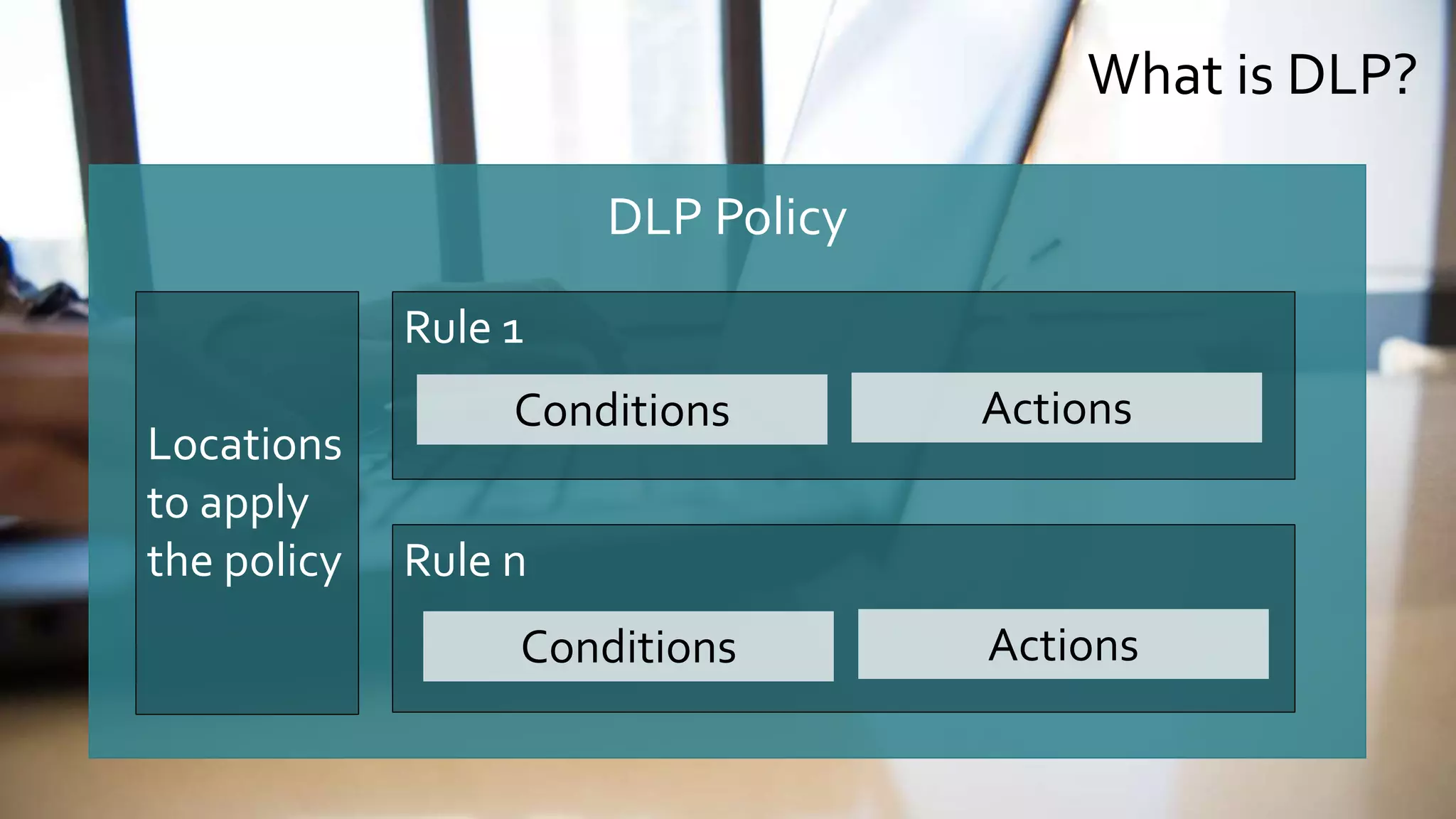
What is DLP?
DLP Policy
Locations
to apply
the policy
Rule 1
Rule n
Conditions Actions
Conditions Actions
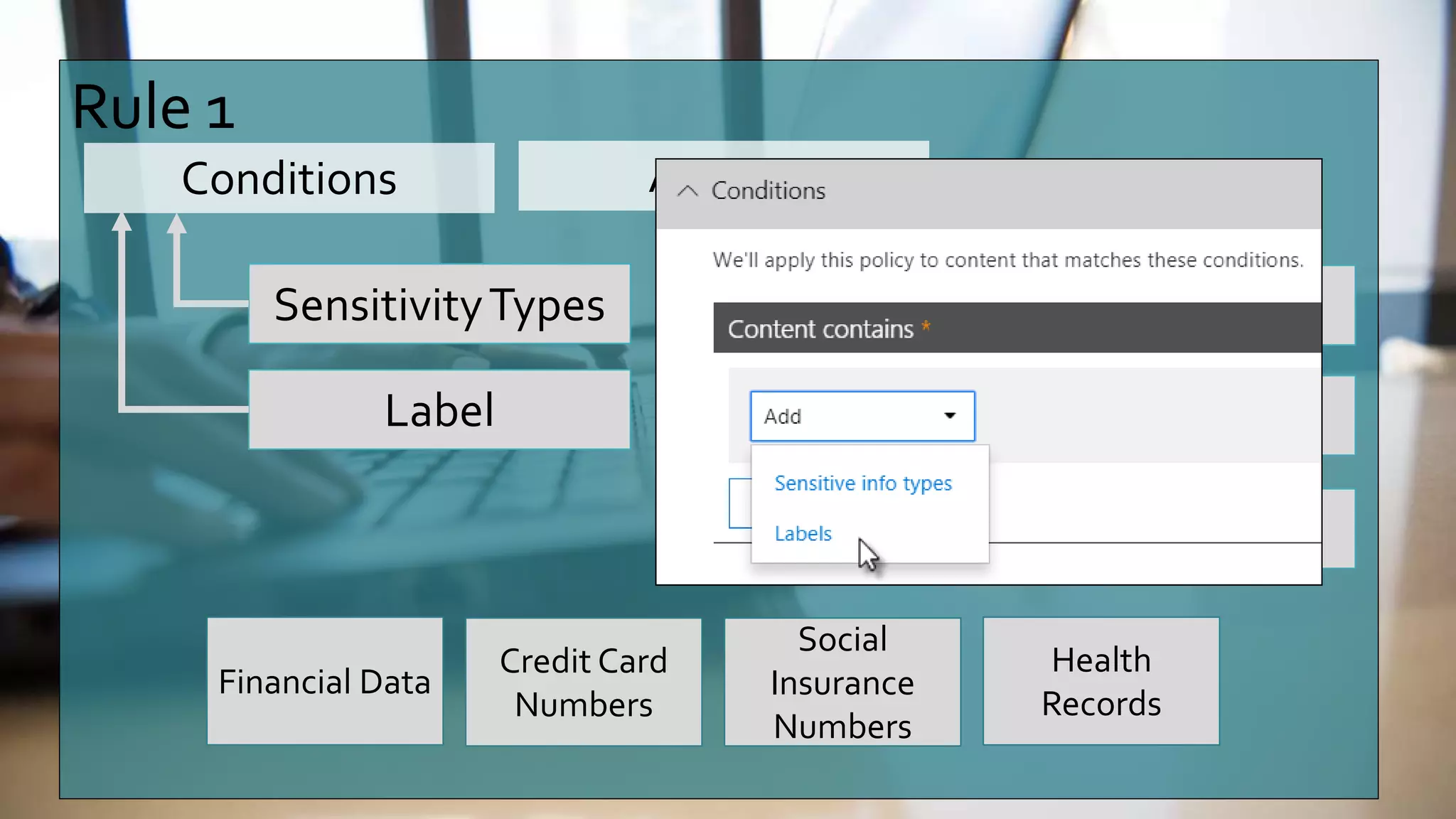
Rule 1
Conditions Actions
SensitivityTypes Block sharing
Alert user
Allow override
Financial Data
Credit Card
Numbers
Social
Insurance
Numbers
Health
Records
Label
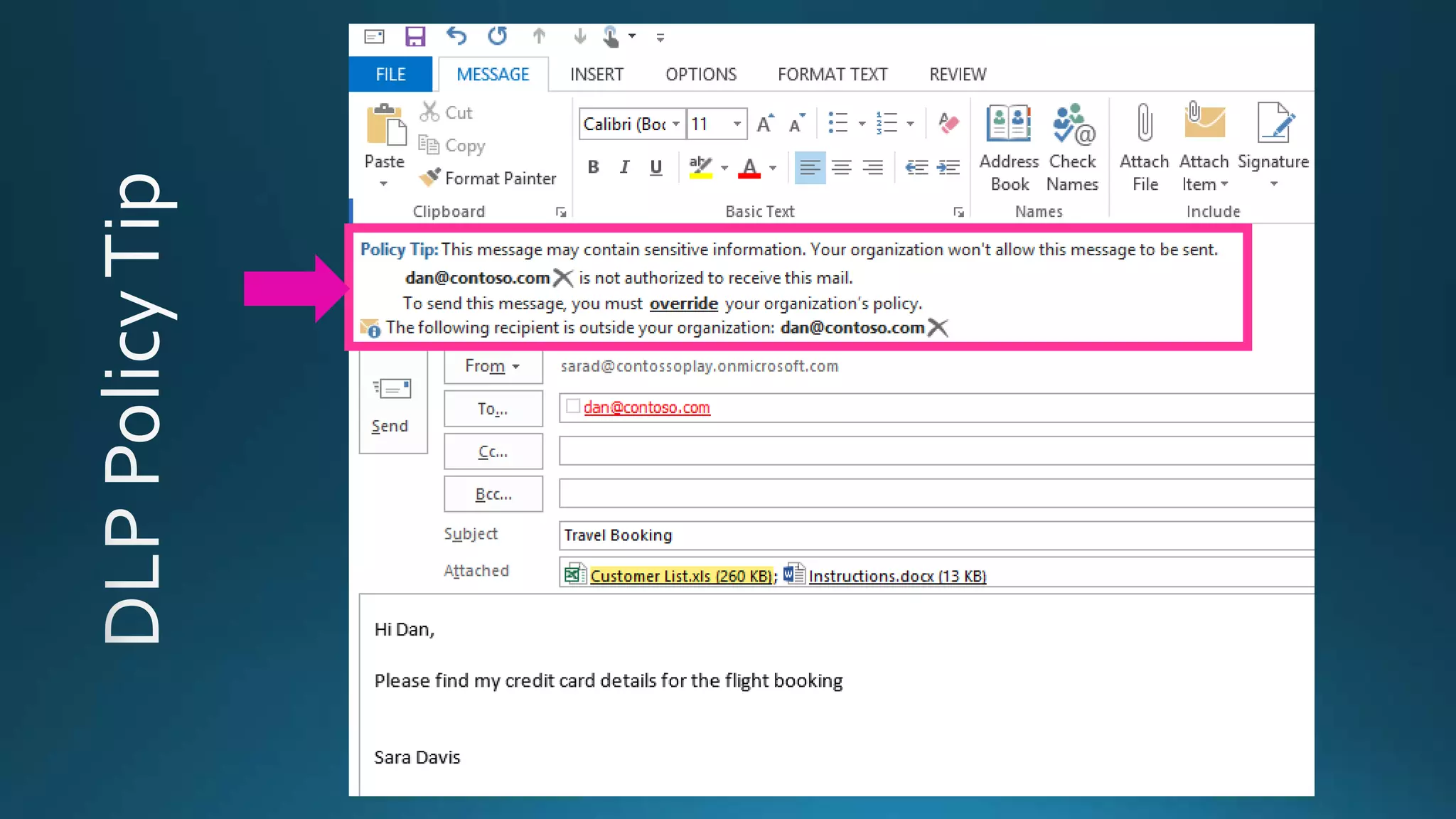
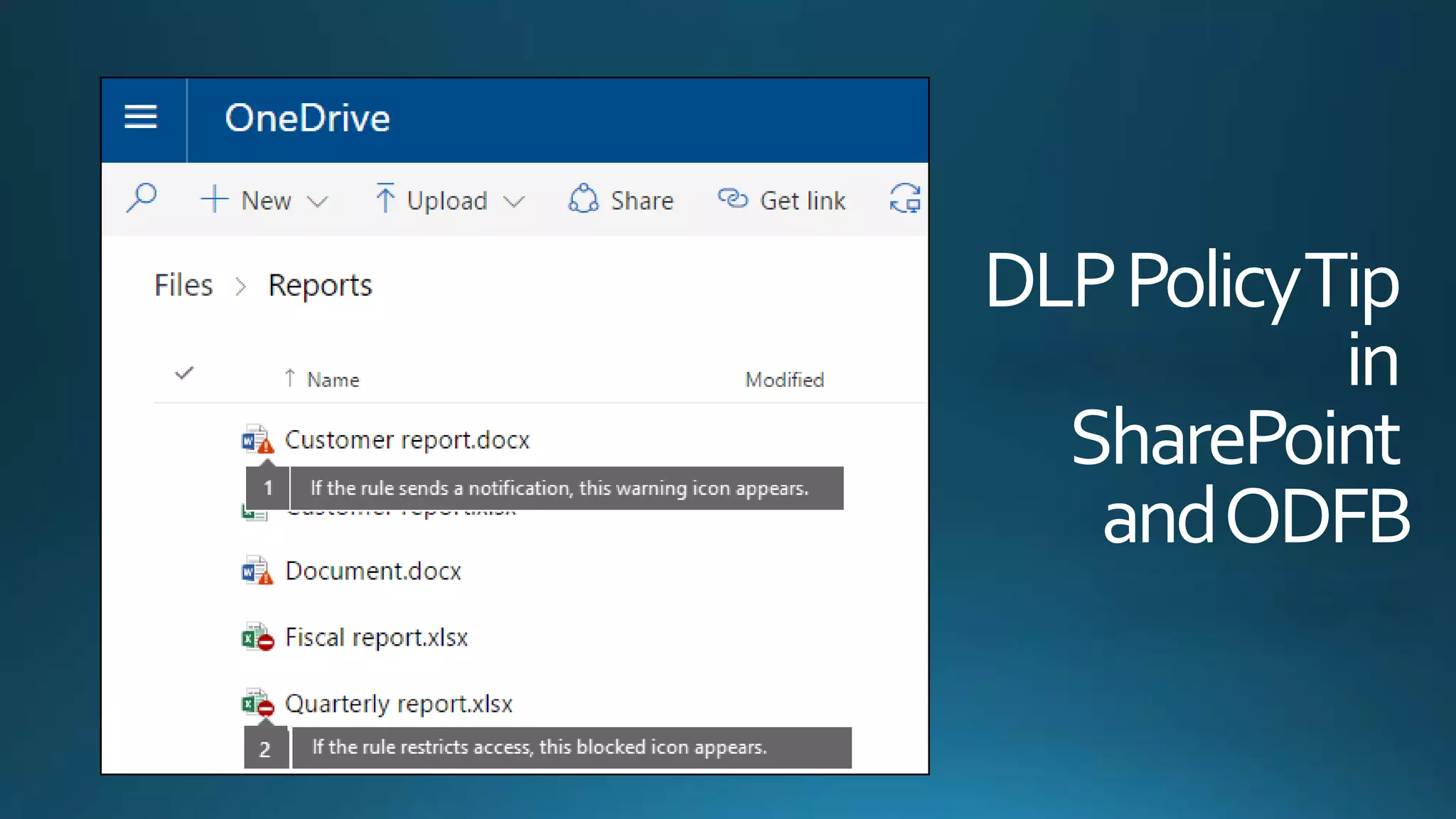
DLPPolicyTip
in
SharePoint
andODFB
Demo
DLP PolicyTips
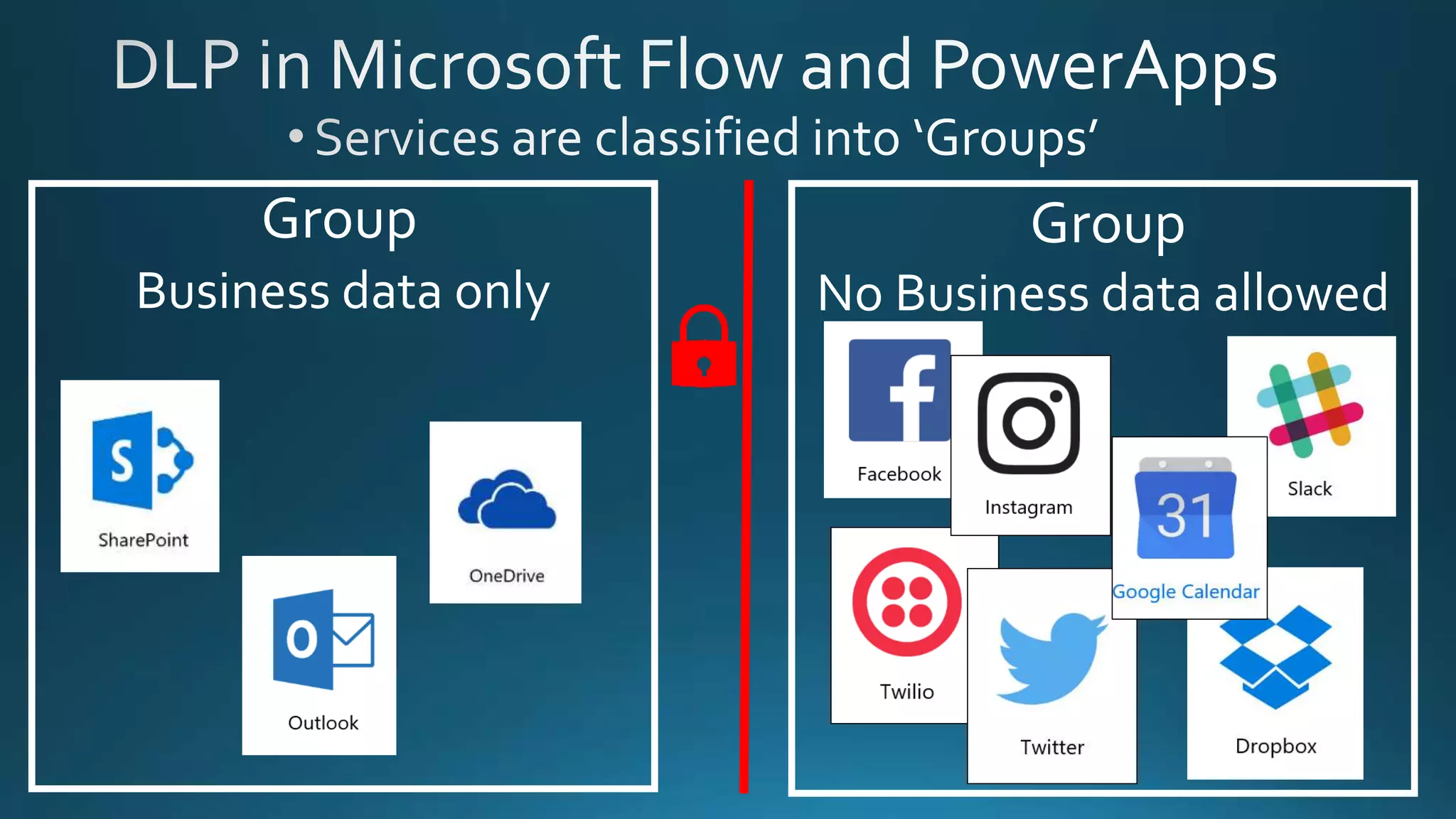
Business data only
Group
No Business data allowed
Group
MySageAdvice
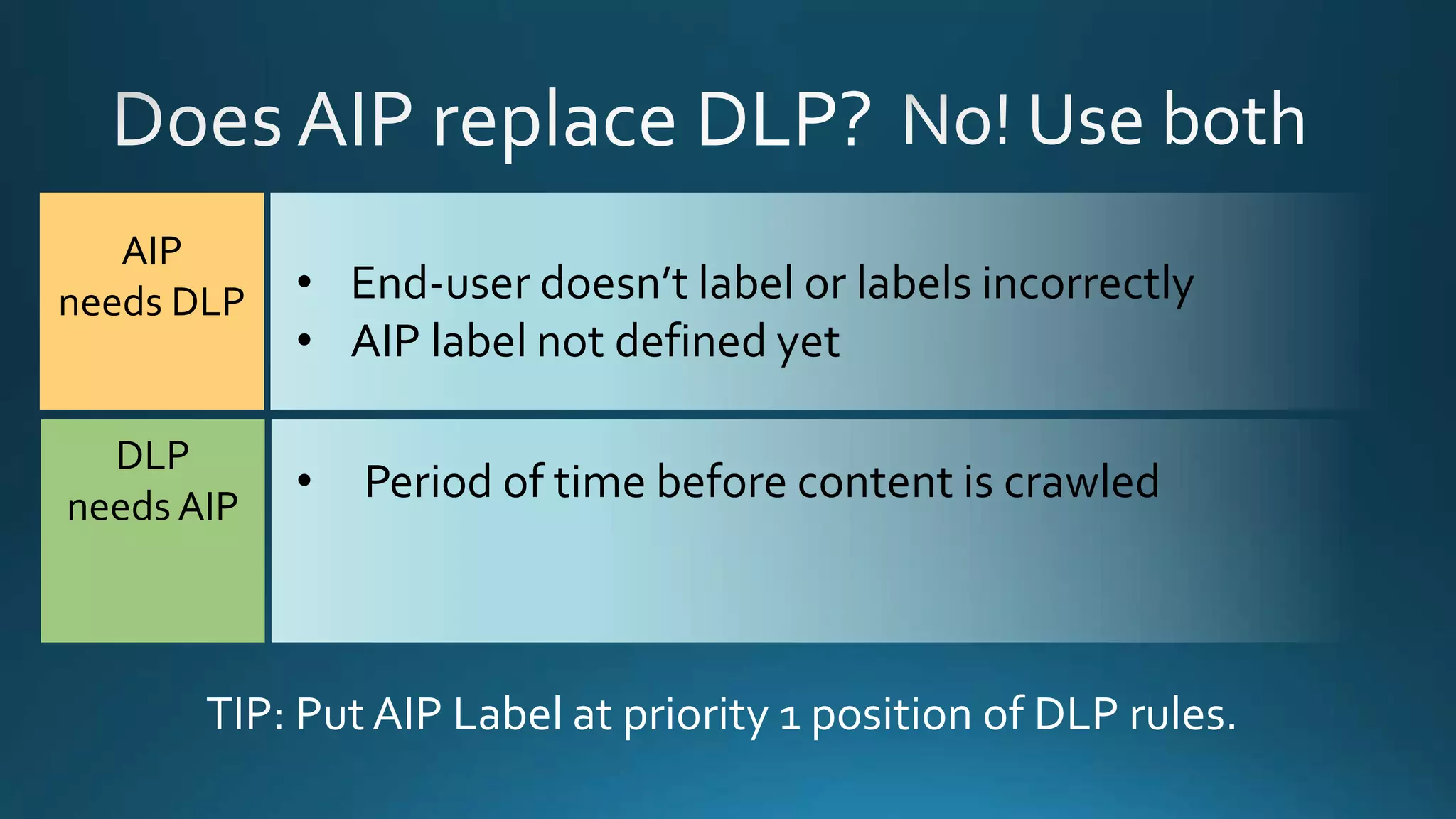
• End-user doesn’t label or labels incorrectly
• AIP label not defined yet
AIP
needs DLP
• Period of time before content is crawled
DLP
needs AIP
TIP: Put AIP Label at priority 1 position of DLP rules.
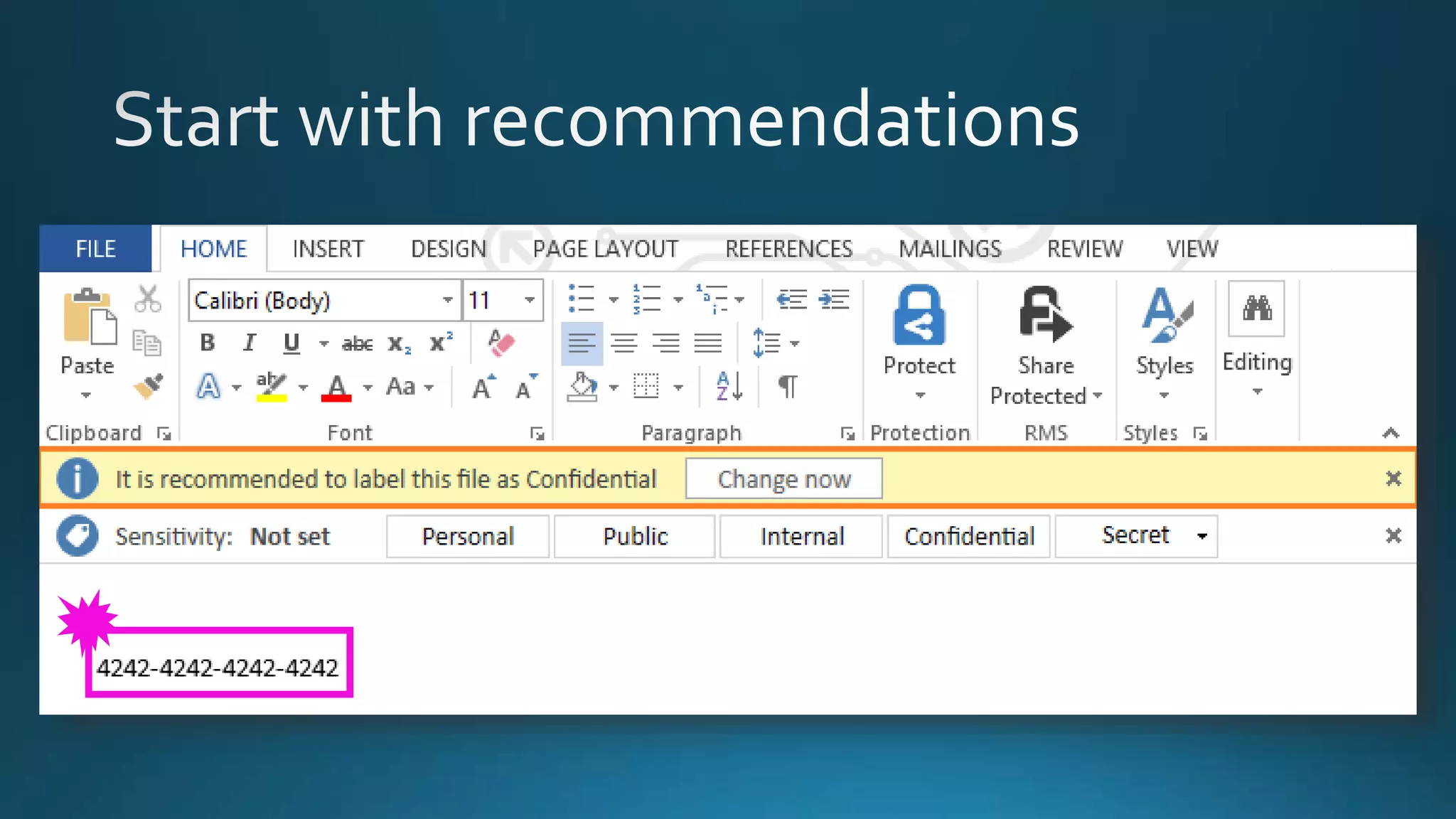
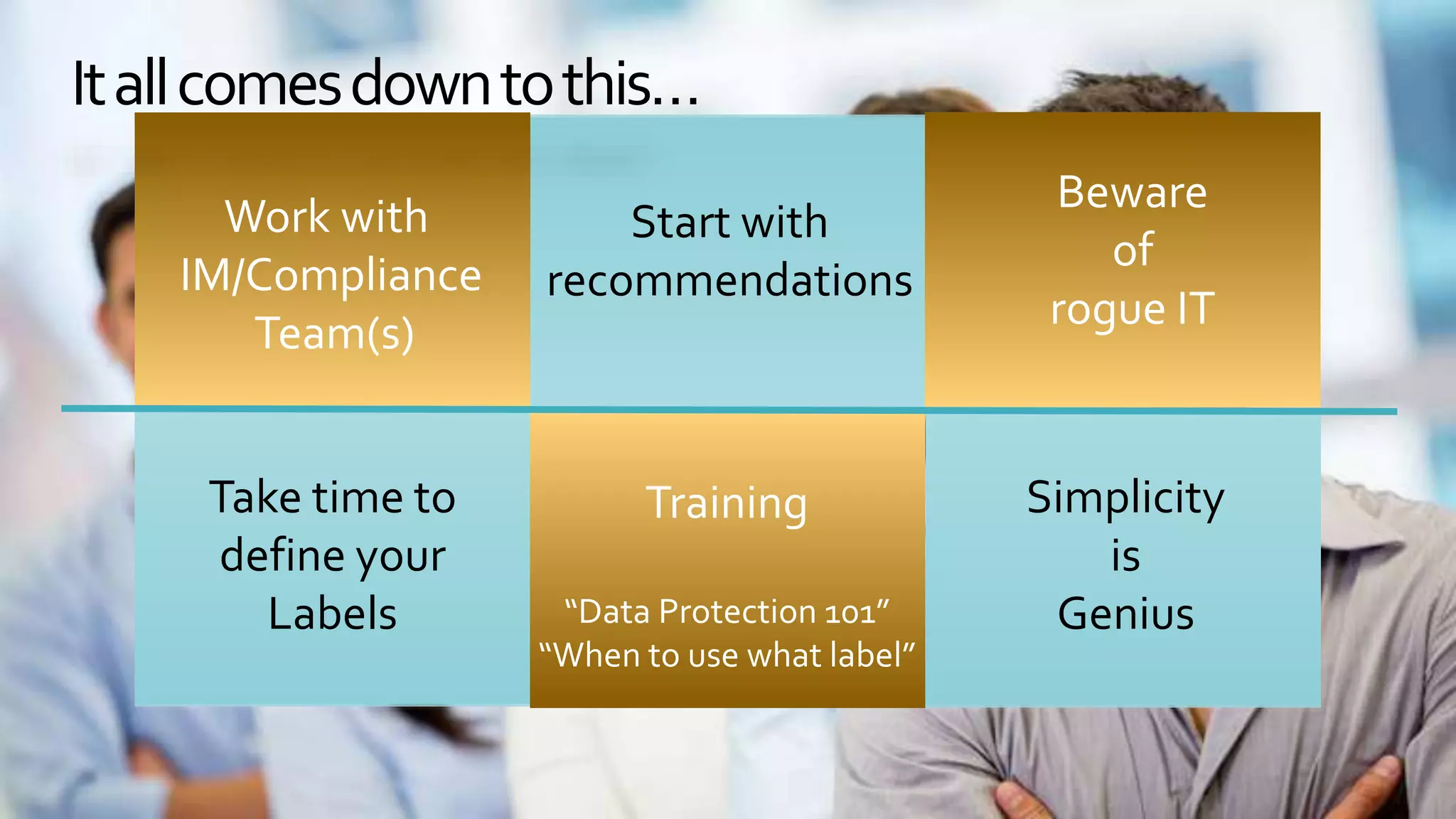
Start with
recommendations
Training
“Data Protection 101”
“When to use what label”
Beware
of
rogue IT
Take time to
define your
Labels
Simplicity
is
Genius
Work with
IM/Compliance
Team(s)
Itallcomesdowntothis…
@JoanneCKlein joannecklein.com joannecklein@nexnovus.com
Images by: wocintechchat.com
Thank you!
Questions?
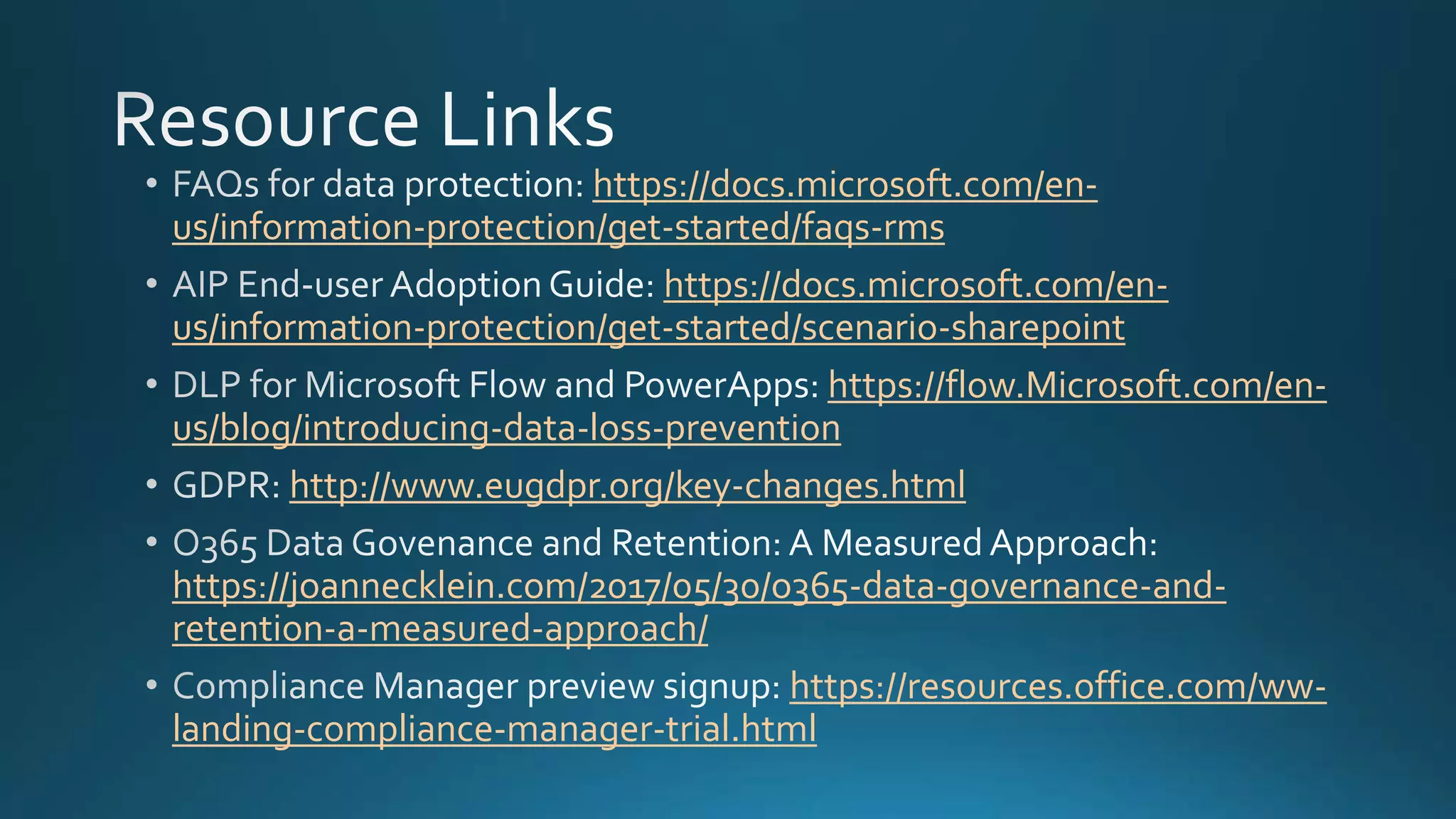
https://docs.microsoft.com/en-
us/information-protection/get-started/faqs-rms
https://docs.microsoft.com/en-
us/information-protection/get-started/scenario-sharepoint
https://flow.Microsoft.com/en-
us/blog/introducing-data-loss-prevention
http://www.eugdpr.org/key-changes.html
https://joannecklein.com/2017/05/30/o365-data-governance-and-
retention-a-measured-approach/
https://resources.office.com/ww-
landing-compliance-manager-trial.html
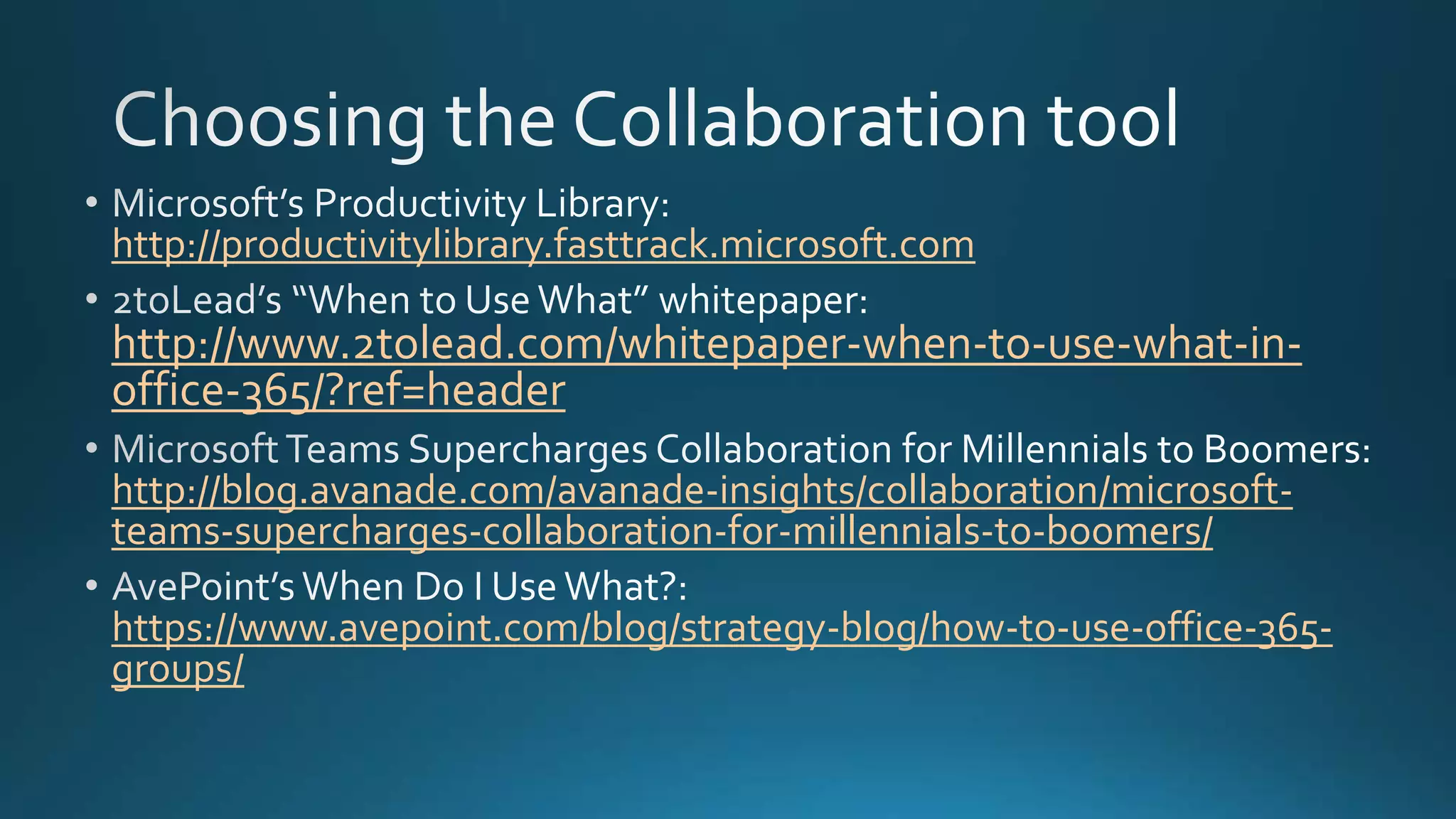
http://productivitylibrary.fasttrack.microsoft.com
http://www.2tolead.com/whitepaper-when-to-use-what-in-
office-365/?ref=header
http://blog.avanade.com/avanade-insights/collaboration/microsoft-
teams-supercharges-collaboration-for-millennials-to-boomers/
https://www.avepoint.com/blog/strategy-blog/how-to-use-office-365-
groups/

SPUnite17 Information Management and Data Governance in Office365