Maggie Swearingen
• Sr. Manager at Protiviti
• Information Architect
• Using SharePoint for 5 years
• Specialize in user adoption,
taxonomy planning and
governance
• Terrible weakness for tabloid
magazines
Linkedin.com/in/mswearingen
@mswearingen
The Next 75 Minutes




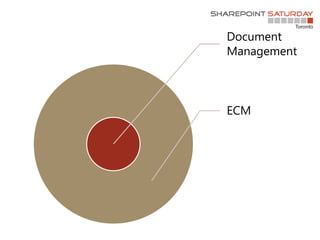
Document
Management
ECM
But, What is Document Management?
Business Case
Search
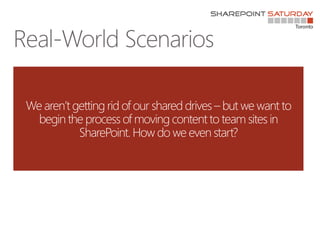
We aren’t getting rid of our shared drives – but we want to
begin the process of moving content to team sites in
SharePoint. How do we even start?
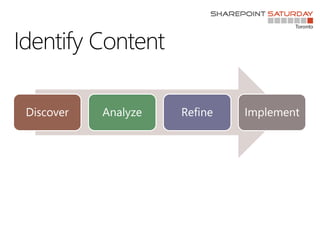
Identify Content
Discover Analyze Refine Implement
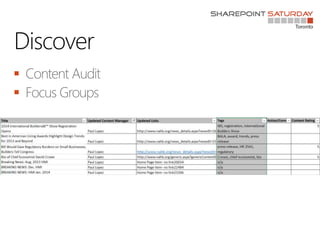
Discover


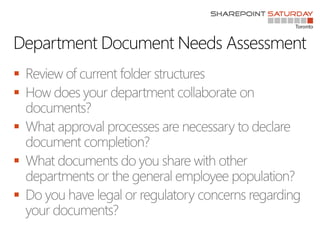
Department Document Needs Assessment





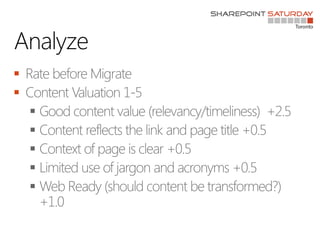
Analyze







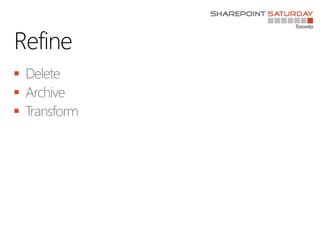
Refine



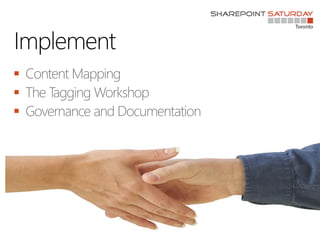
Implement



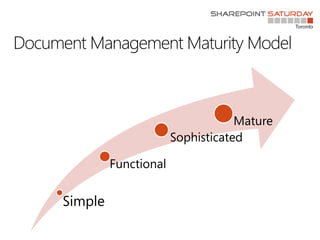
Document Management Maturity Model
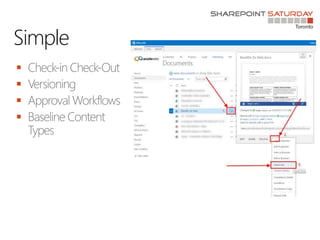
Simple
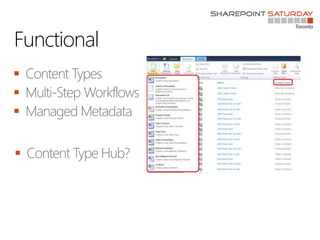
Functional
Sophisticated
Mature
Simple




Functional




Sophisticated





Document Sets





Document Centers


Mature





Retention Policies


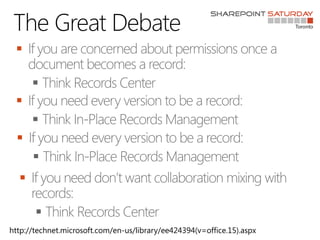
The Great Debate








http://technet.microsoft.com/en-us/library/ee424394(v=office.15).aspx
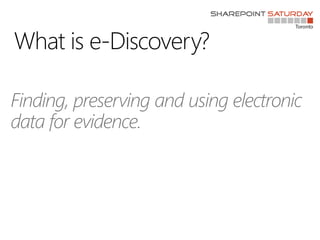
What is e-Discovery?
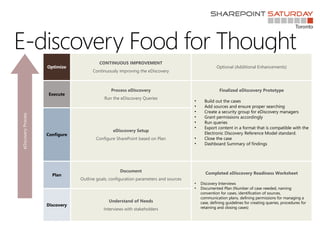
E-discovery Food for Thought
Optimize
CONTINUOUS IMPROVEMENT
Continuously improving the eDiscovery
Optional (Additional Enhancements)
Execute
Process eDiscovery
Run the eDiscovery Queries
Finalized eDiscovery Prototype
• Build out the cases
• Add sources and ensure proper searching
• Create a security group for eDiscovery managers
• Grant permissions accordingly
• Run queries
• Export content in a format that is compatible with the
Electronic Discovery Reference Model standard.
• Close the case
• Dashboard Summary of findings
Configure
eDiscovery Setup
Configure SharePoint based on Plan
Plan
Document
Outline goals, configuration parameters and sources
Completed eDiscovery Readiness Worksheet
• Discovery Interviews
• Documented Plan (Number of case needed, naming
convention for cases, identification of sources,
communication plans, defining permissions for managing a
case, defining guidelines for creating queries, procedures for
retaining and closing cases)
Discovery
Understand of Needs
Interviews with stakeholders
eDiscoveryProcess
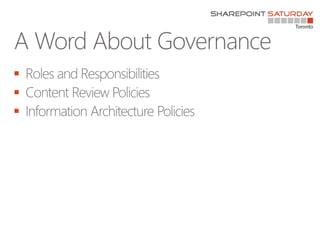
A Word About Governance



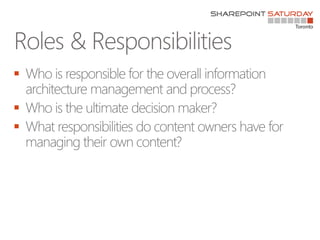
Roles & Responsibilities



Content Review Policies








Information Architecture Policies






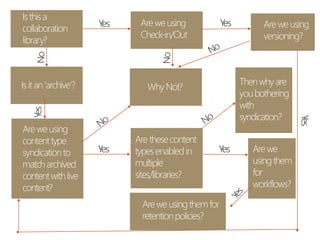
Isthisa
collaboration
library?
Areweusing
Check-in/Out
Isitan‘archive’?
Areweusing
contenttype
syndicationto
matcharchived
contentwithlive
content?
WhyNot?
Areweusing
versioning?
Arethesecontent
typesenabledin
multiple
sites/libraries?
Arewe
usingthem
for
workflows?
Thenwhyare
youbothering
with
syndication?
Areweusingthemfor
retentionpolicies?
So Where Have We Been?





Thanks to our sponsors!
Connect. Collaborate. Share.
Toronto SharePoint Users Group
http://www.meetup.com/TorontoSPUG/
Toronto SharePoint Business Users Group
http://www.meetup.com/TSPBUG/
SharePoint Saturday Toronto
http://spbuzz.it/spstoyam








Streamline Your SharePoint Document Management Strategy

Editor's Notes

  • #4 A few things this session isn’t: I want you to leave knowing where to start and the right questions to ask your content owners.
  • #5 Wikipedia says … Did you know that 85% of CEOs believe collaborative tools can help their employees be more efficient and only 14 % of them actually have a strategy to do so? What makes a good strategy
  • #11 Discovery is the process of learning about your content: -- Google web master tools -- Power mapper -- Mind Jet How do I audit 1 million documents – that doesn’t make sense. Patterns.
  • #17 Mange files that have no check in version!!! So cool.
  • #18 Tip if you have many content types – use the content type hub. It will even push down retention policies!
  • #20 Document centers are sites.
  • #22 Are you using office web apps or o365? Why not OneDrive?