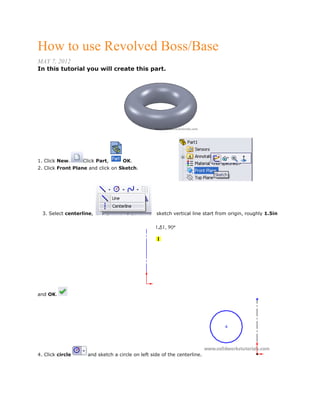
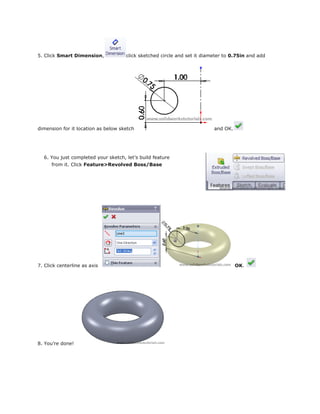
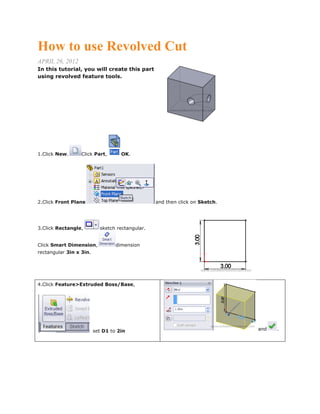
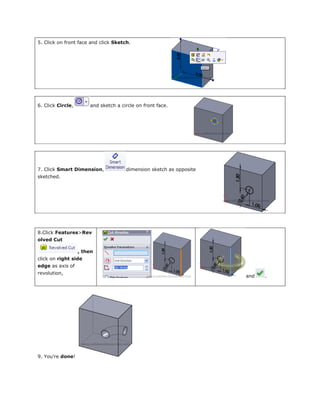
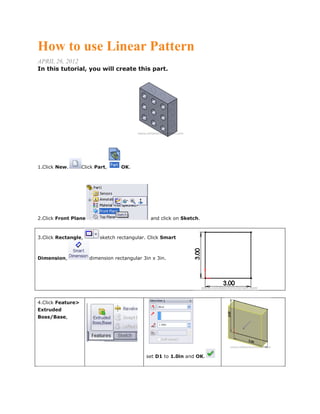
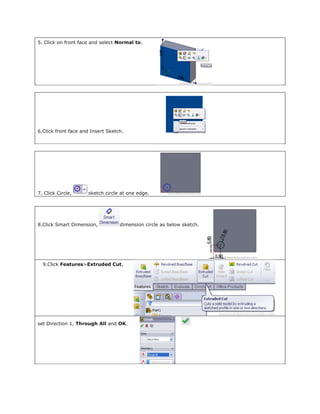
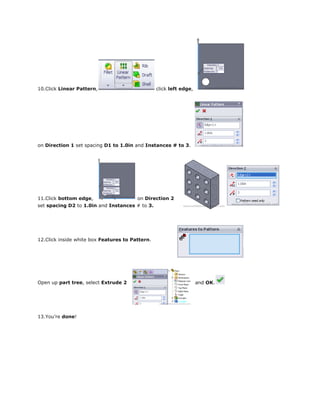
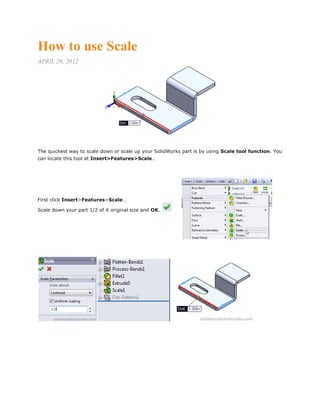
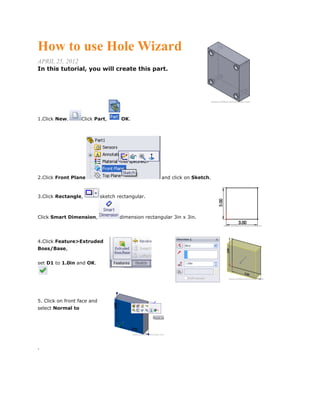
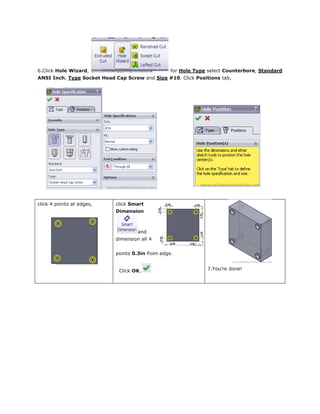
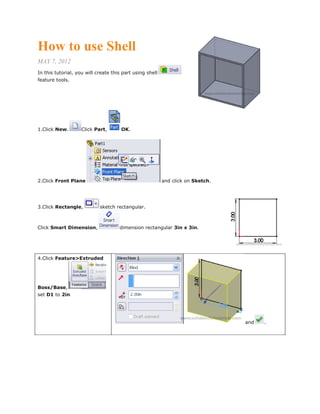
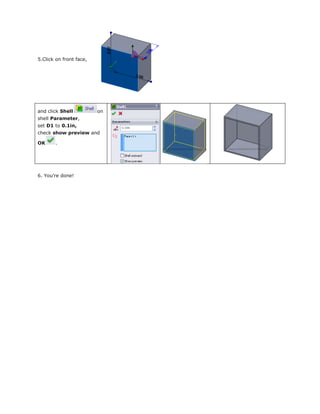
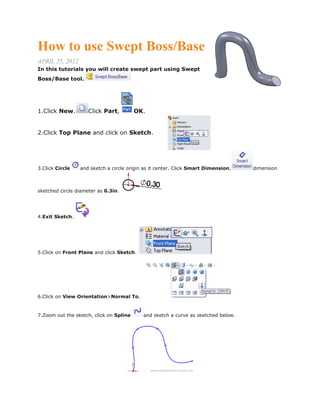
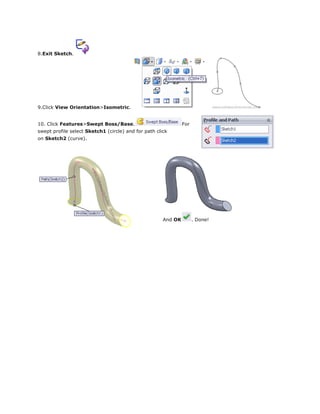
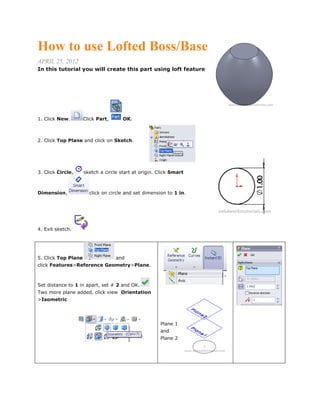
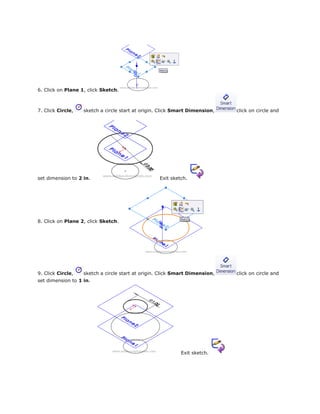
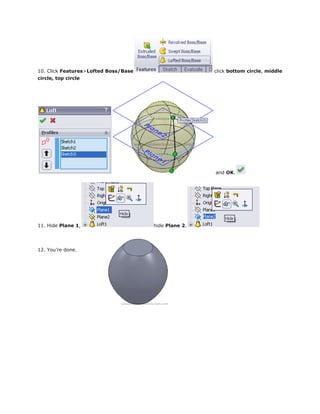
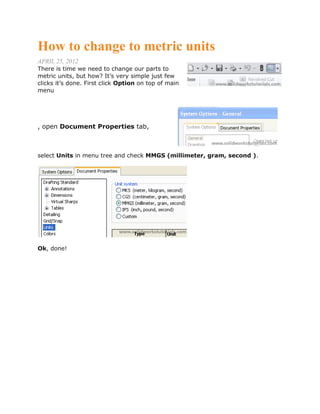
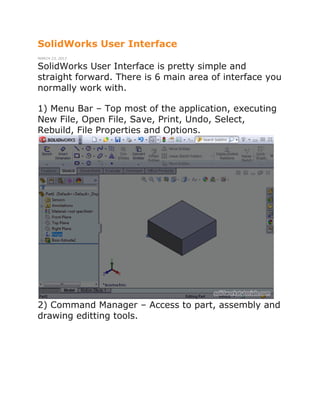
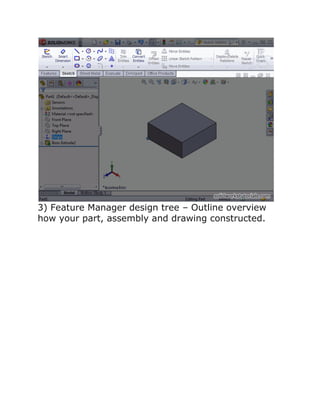
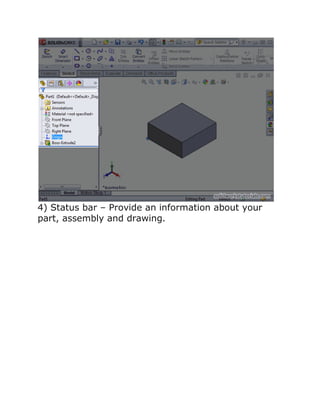
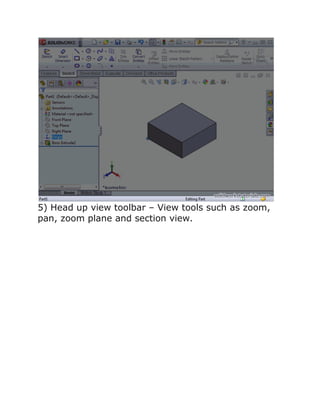
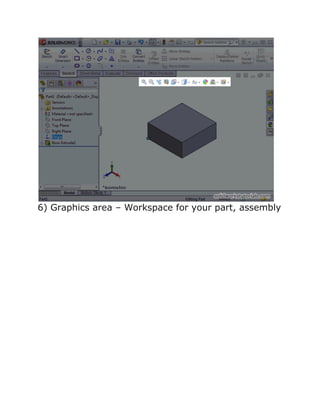
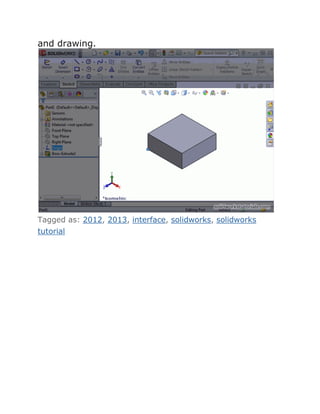
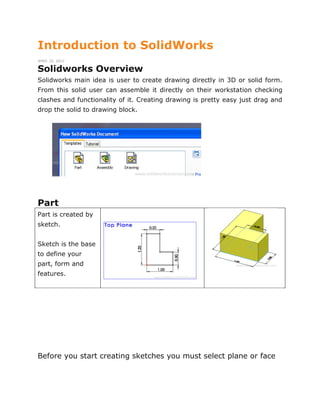
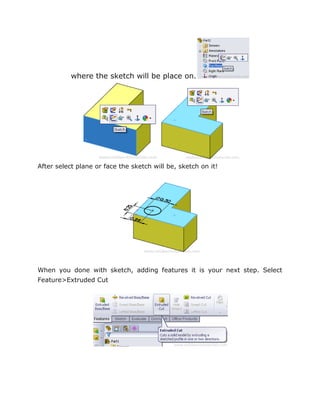
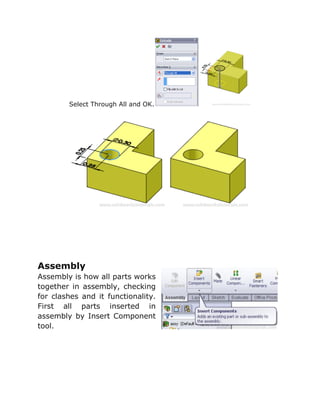
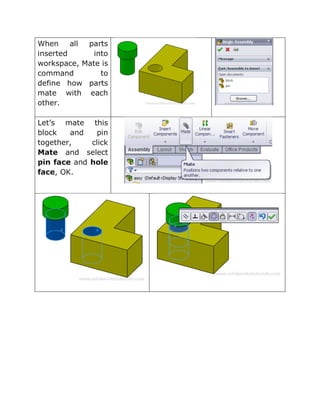
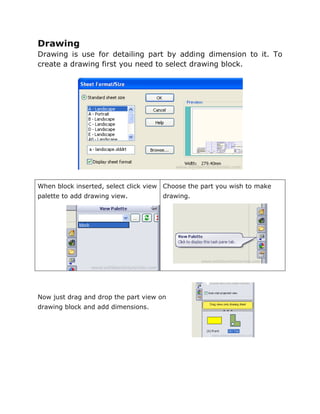
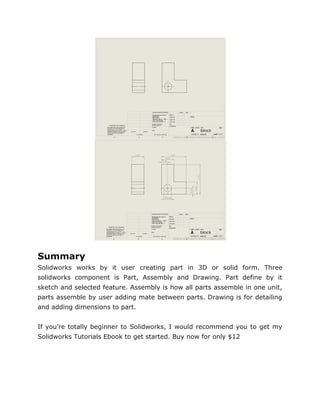
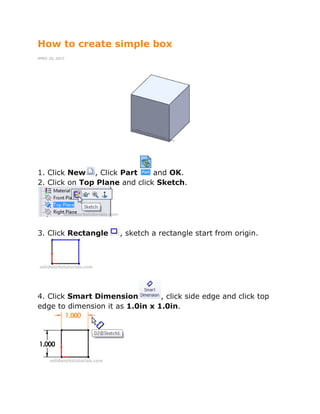
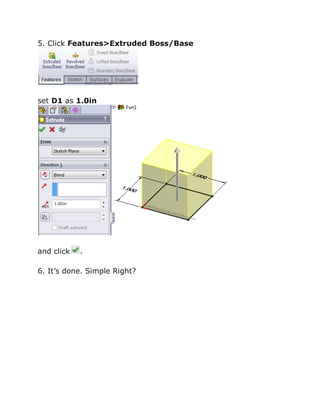
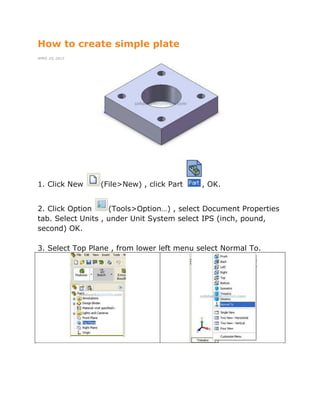
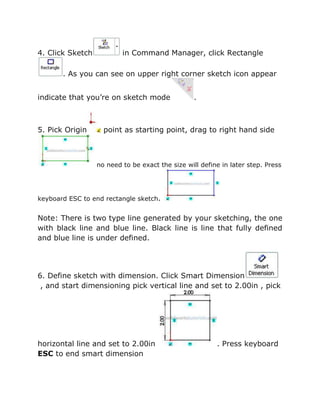
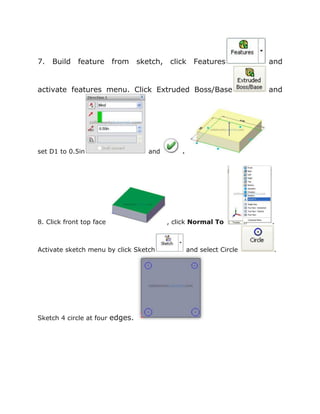
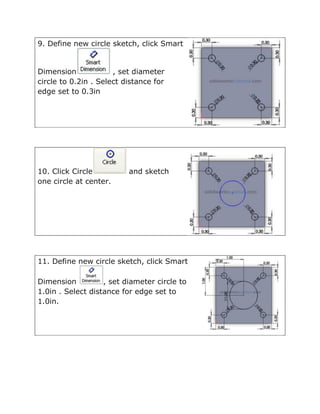
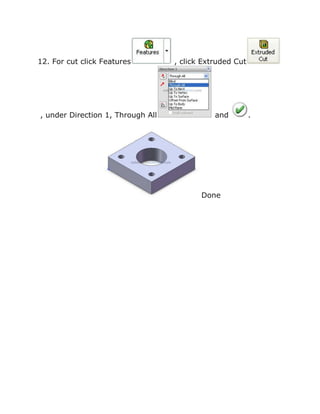
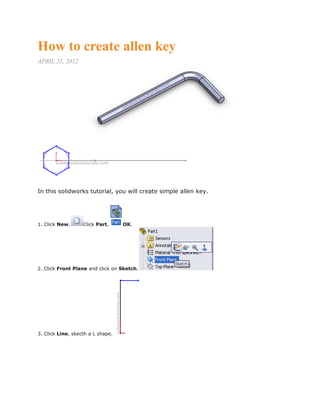
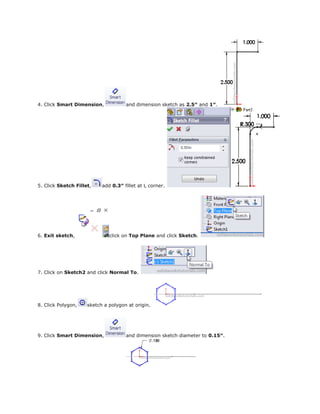
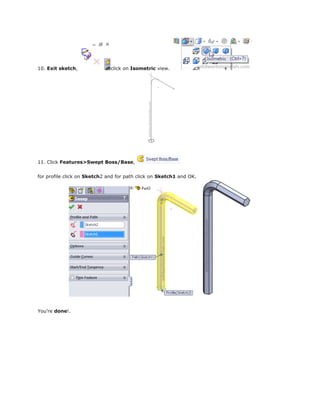
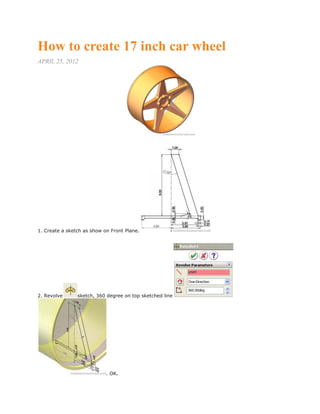
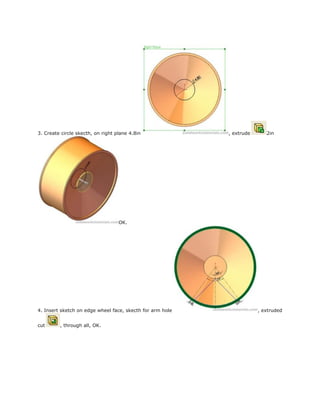
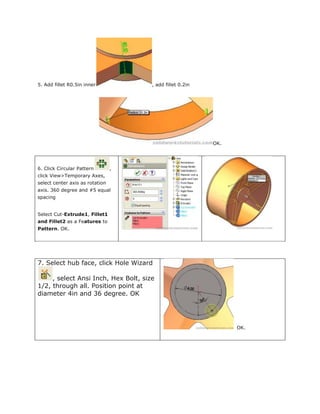
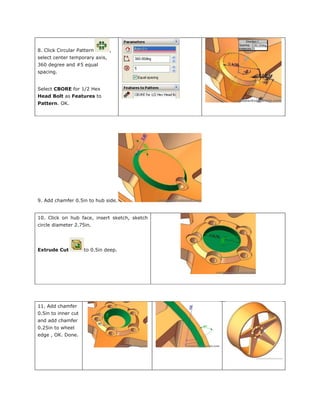
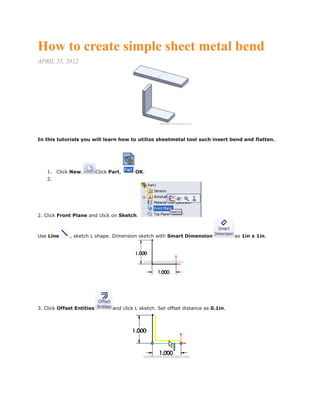
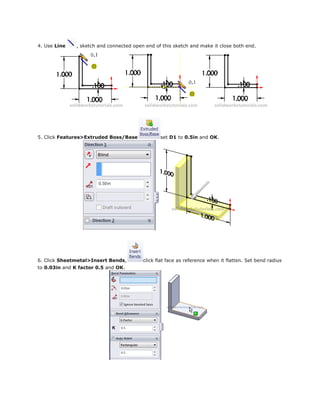
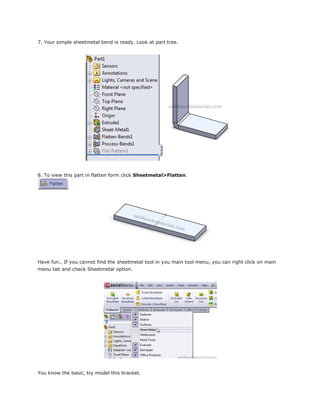
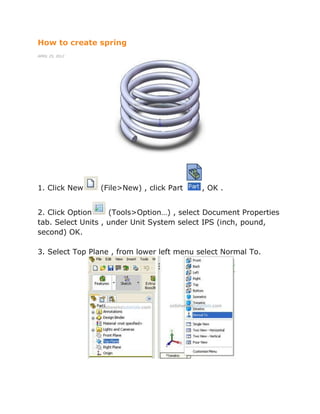
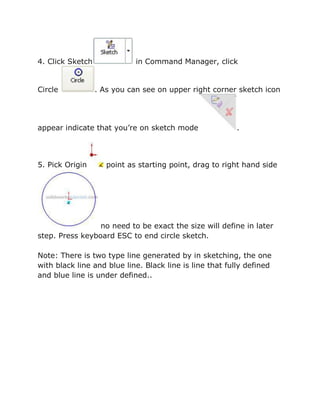
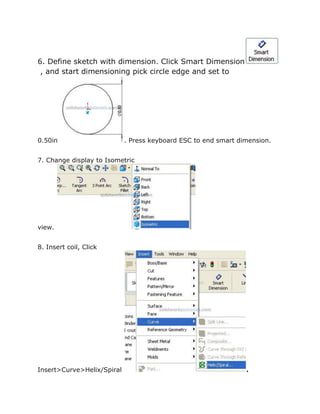
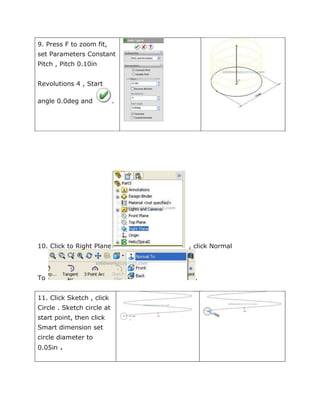
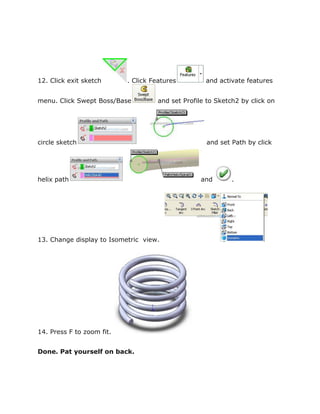
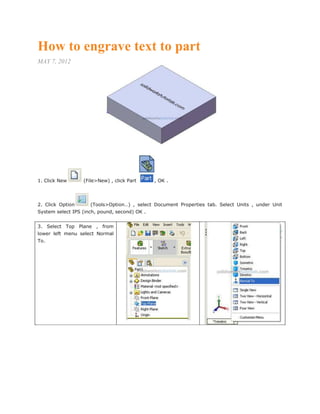
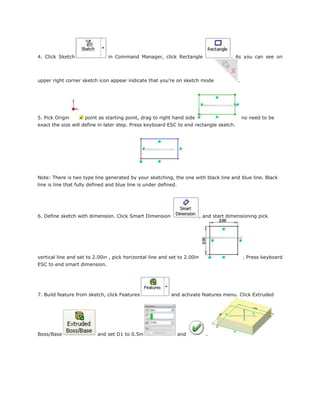
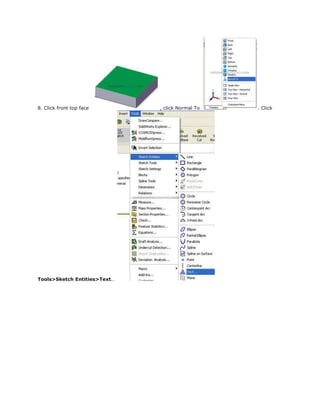
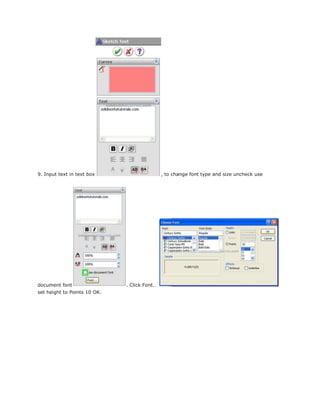
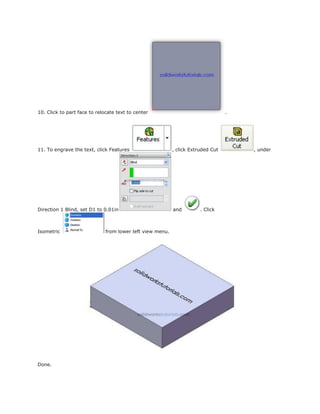
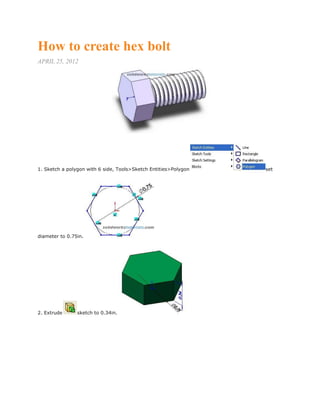
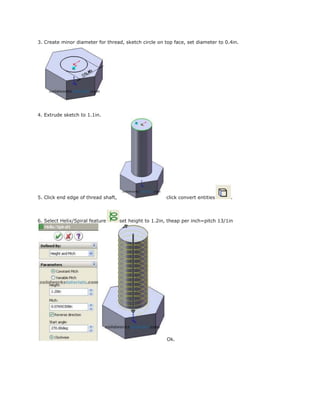
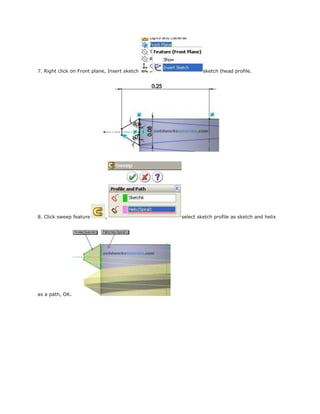
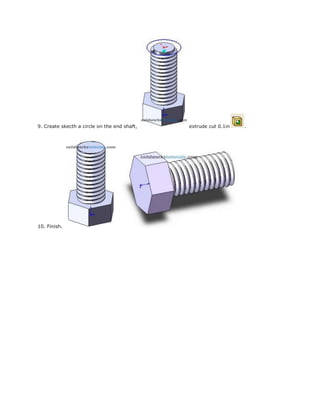
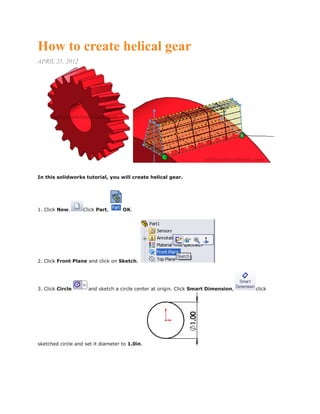
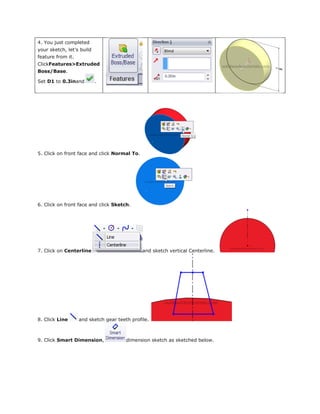
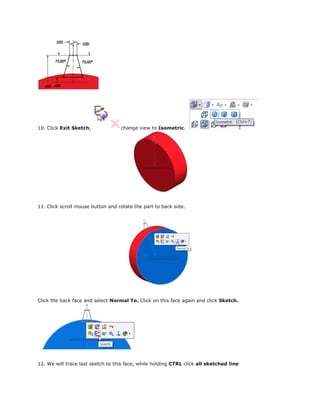
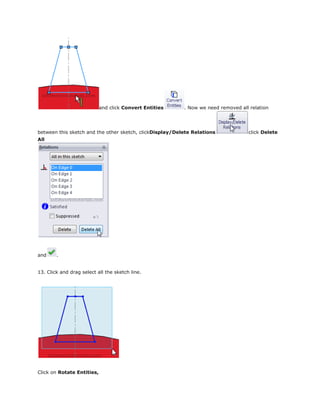
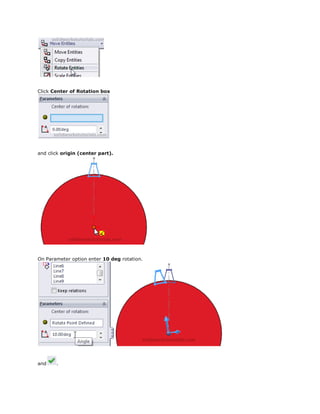
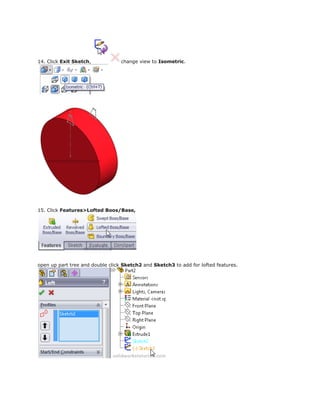
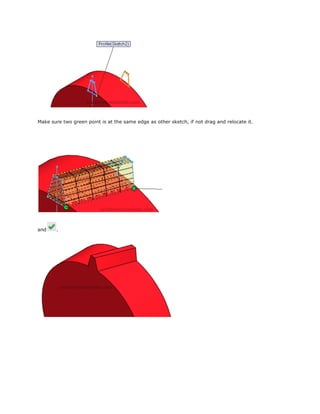
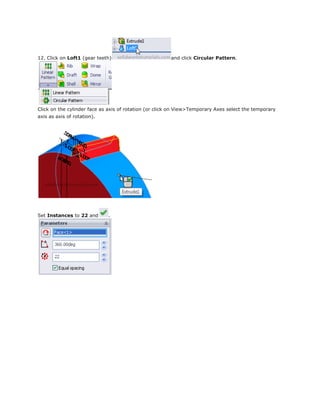
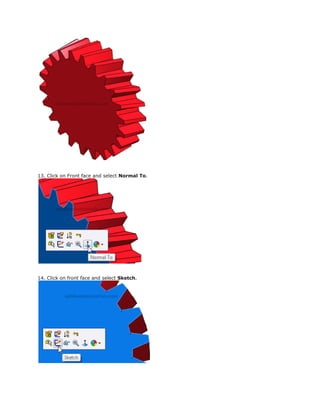
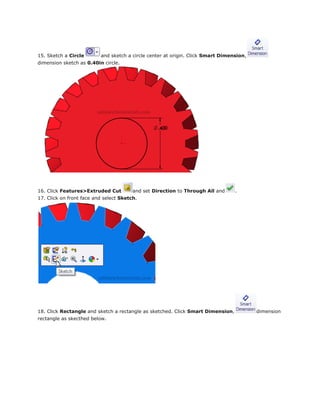
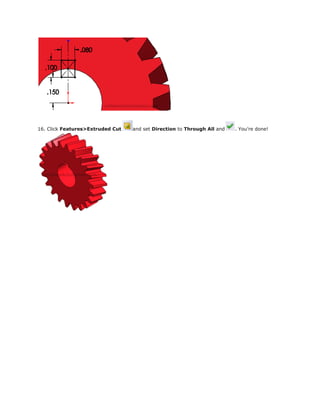
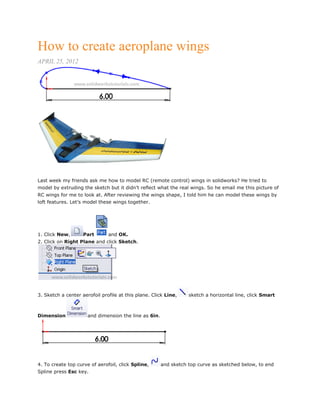
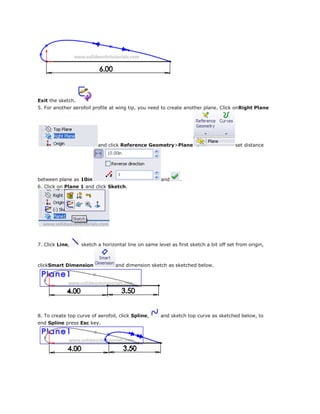
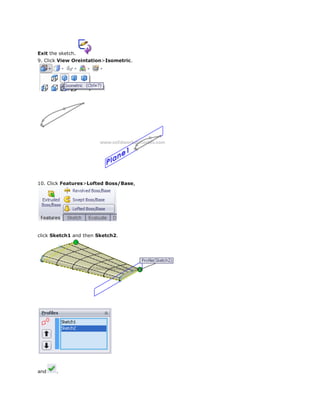
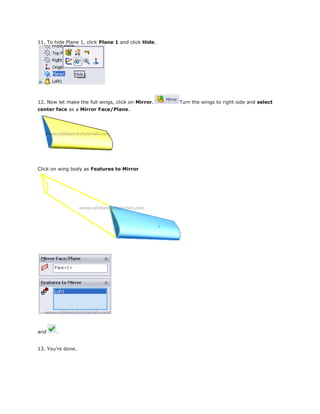
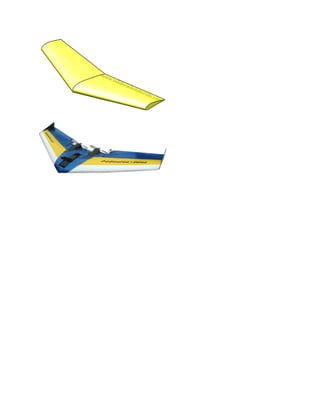
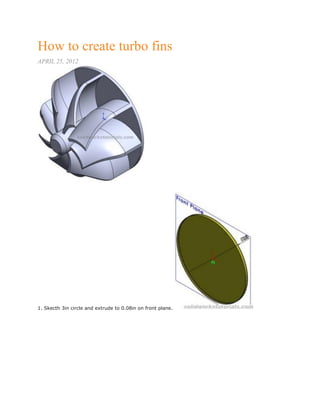
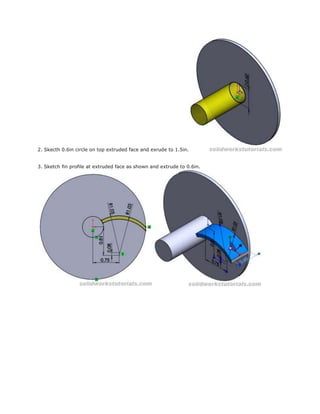
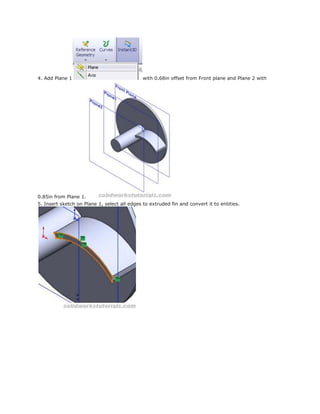
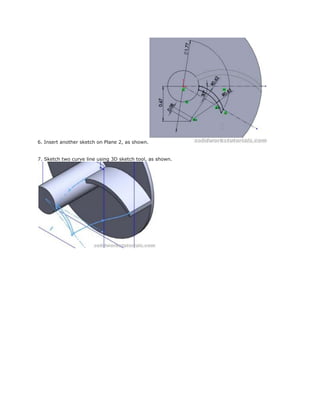
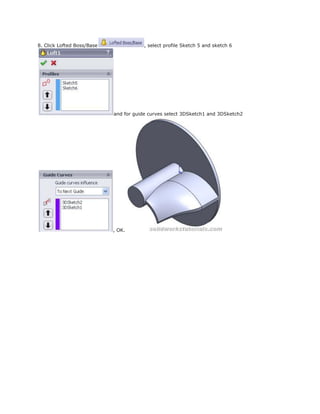
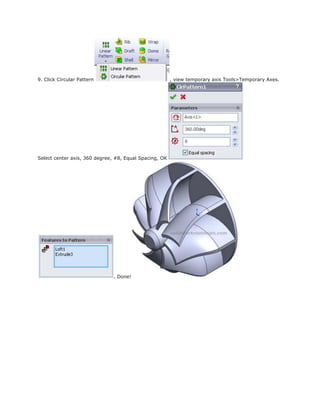
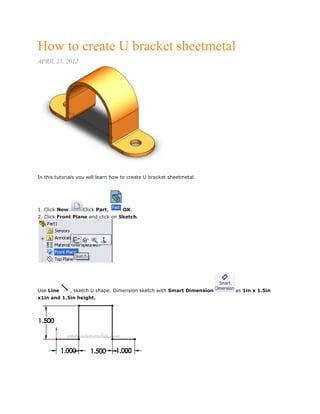
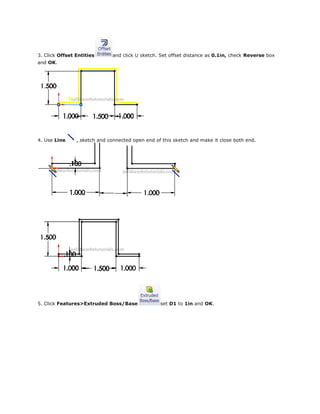
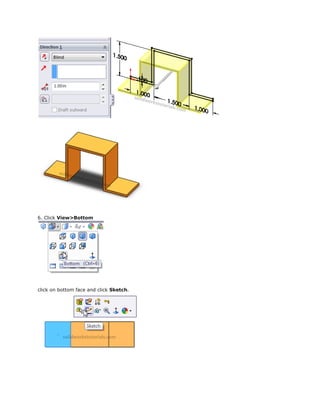
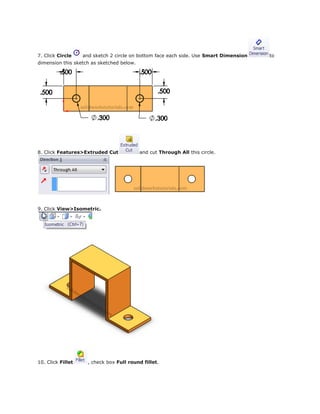
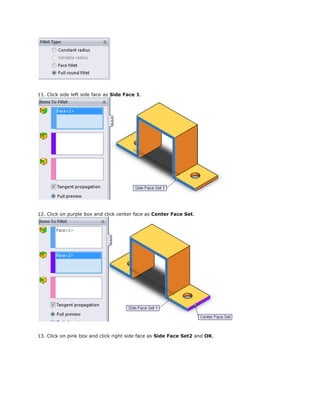
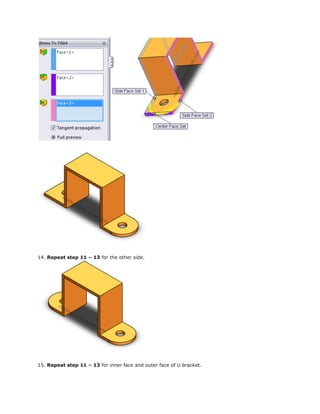
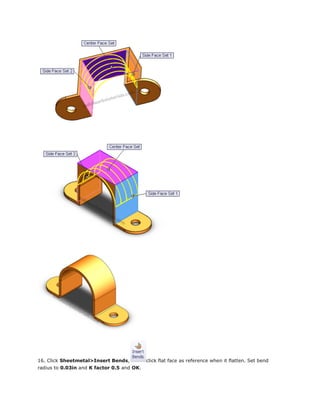
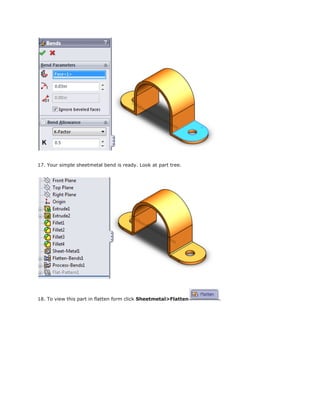
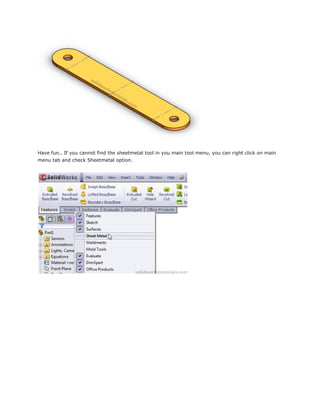
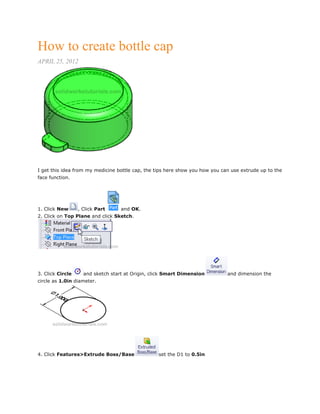
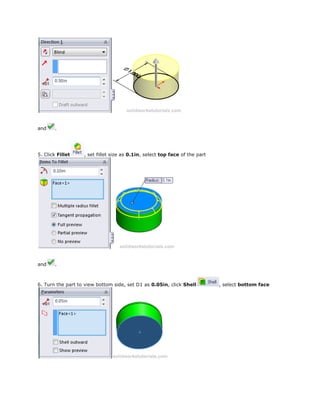
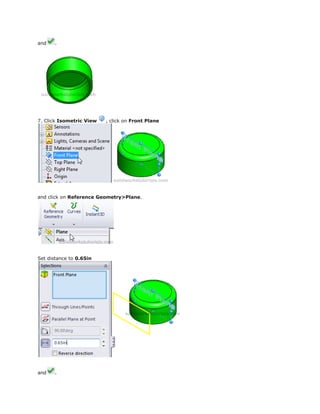
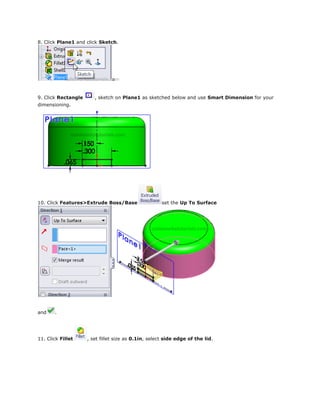
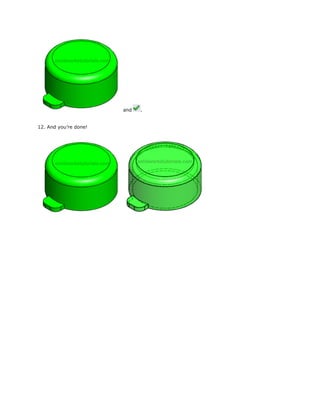
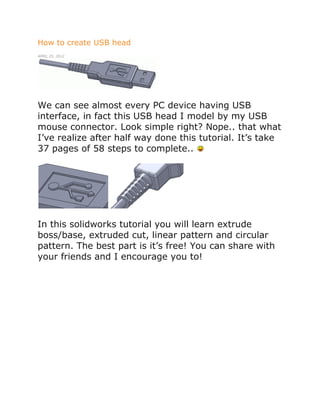
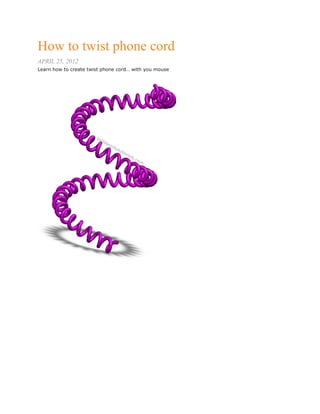
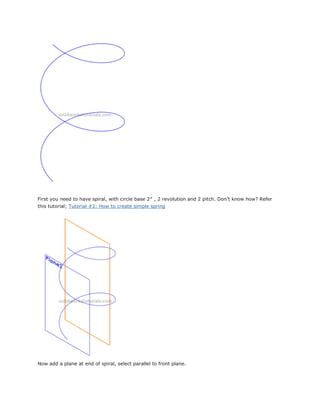
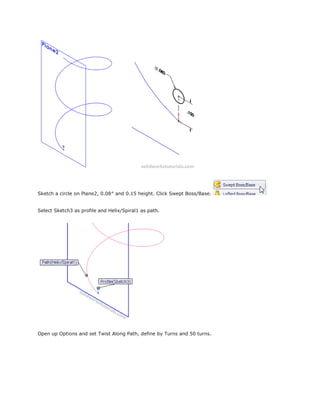
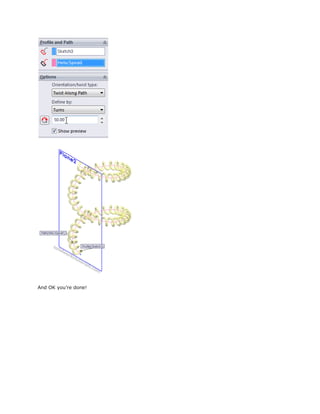
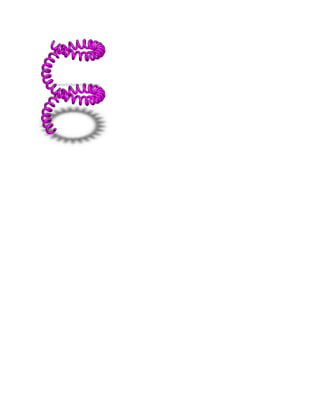
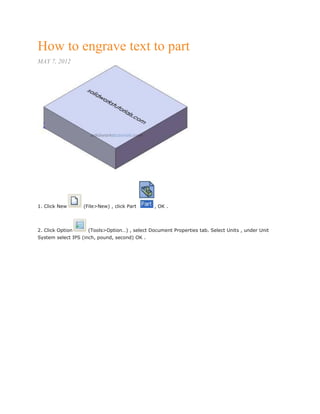
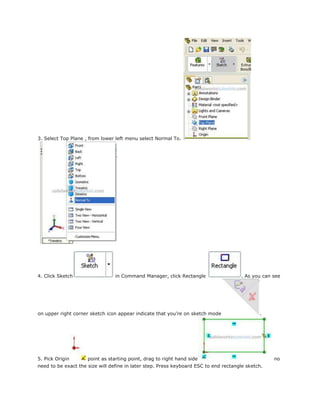
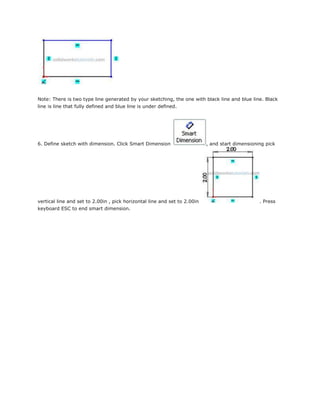
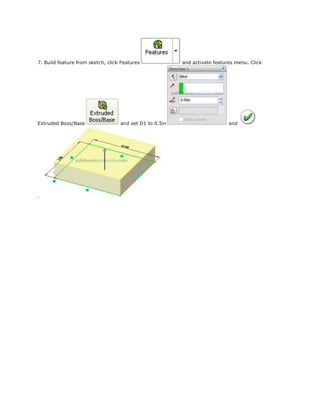
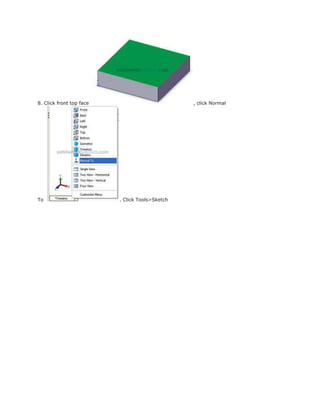
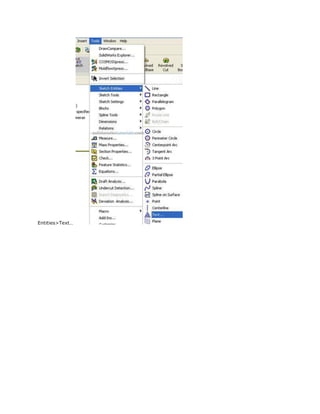
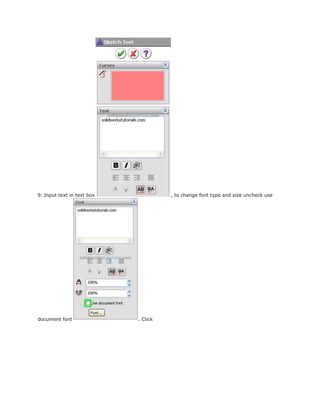
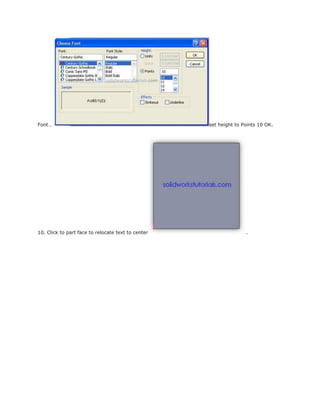
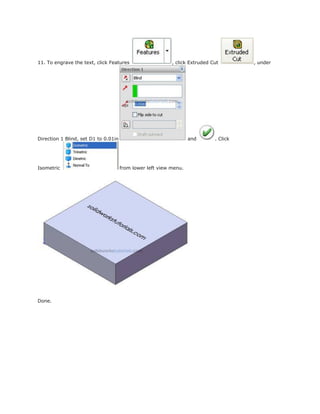
These tutorials demonstrate various tools and functions in SolidWorks for creating 3D models. Tutorial 1 describes the SolidWorks user interface. Tutorials 2-18 showcase how to create specific 3D parts using sketches, features like extrude, revolve, sweep, and patterns. Tutorials also cover sheet metal parts, springs, gears, and more. Later tutorials focus on specific modeling tools like revolved boss/base, loft, scale, and changing units.