2
UNIT IV PROJECTMANAGEMENT AND CONTROL
Creating Framework – Collecting The Data – Visualizing Progress –
Cost Monitoring –Earned Value – Prioritizing Monitoring – Getting
Project Back To Target – Change Control – Managing Contracts –
Introduction – Types Of Contract – Stages In Contract Placement –
Typical Terms Of A Contract – Contract Management – Acceptance.
3.
3
Introduction
Objectives
• Once theproject is started, attention must be focused on the following
• Monitor the progress of the projects
• Assess the risk of slippage
• Visualize and assess the state of a project
• Revise targets to correct or counteract drift
• Control changes to a project’s requirements
4.
4
Creating Framework
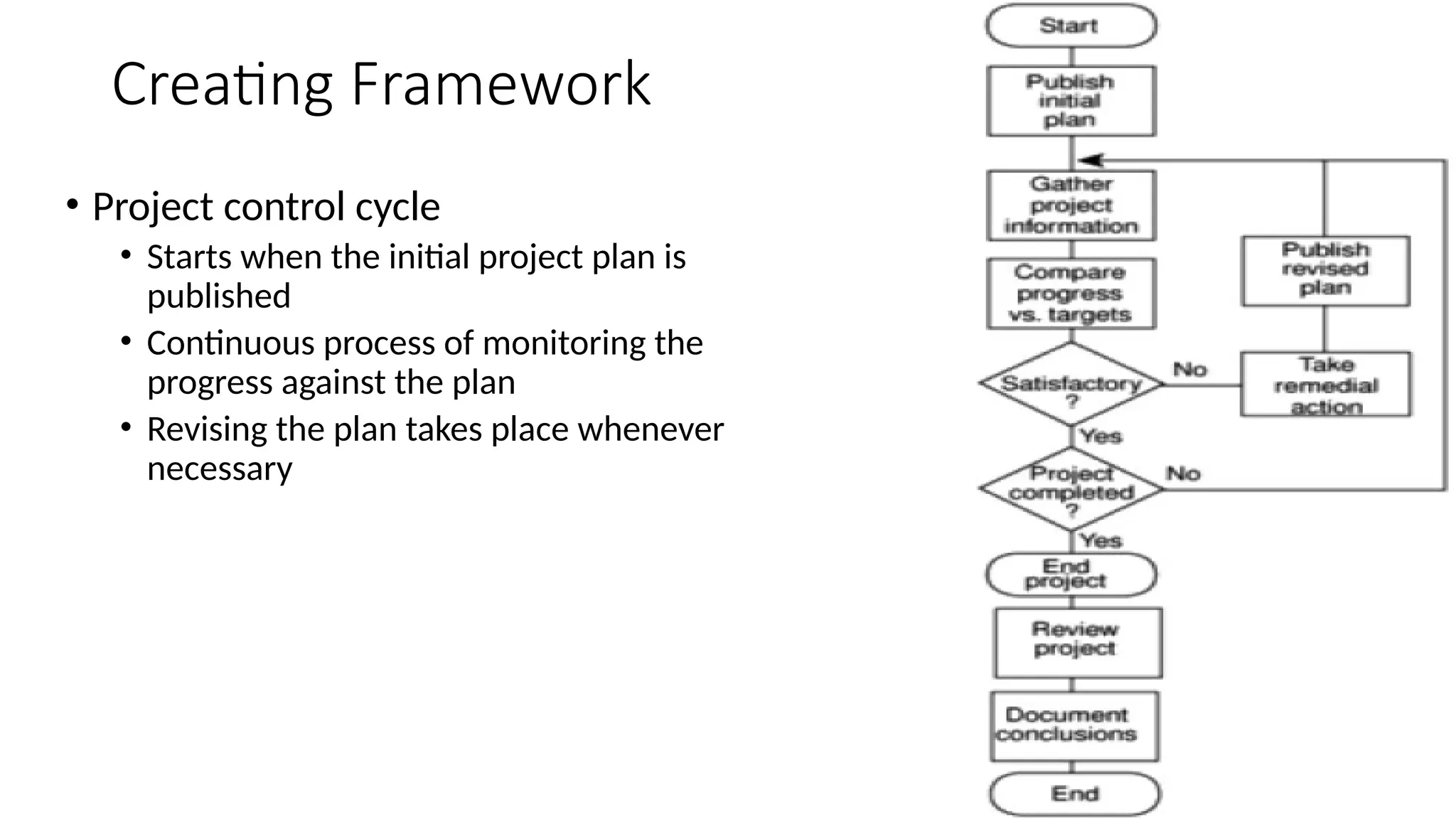
• Projectcontrol cycle
• Starts when the initial project plan is
published
• Continuous process of monitoring the
progress against the plan
• Revising the plan takes place whenever
necessary
5.
5
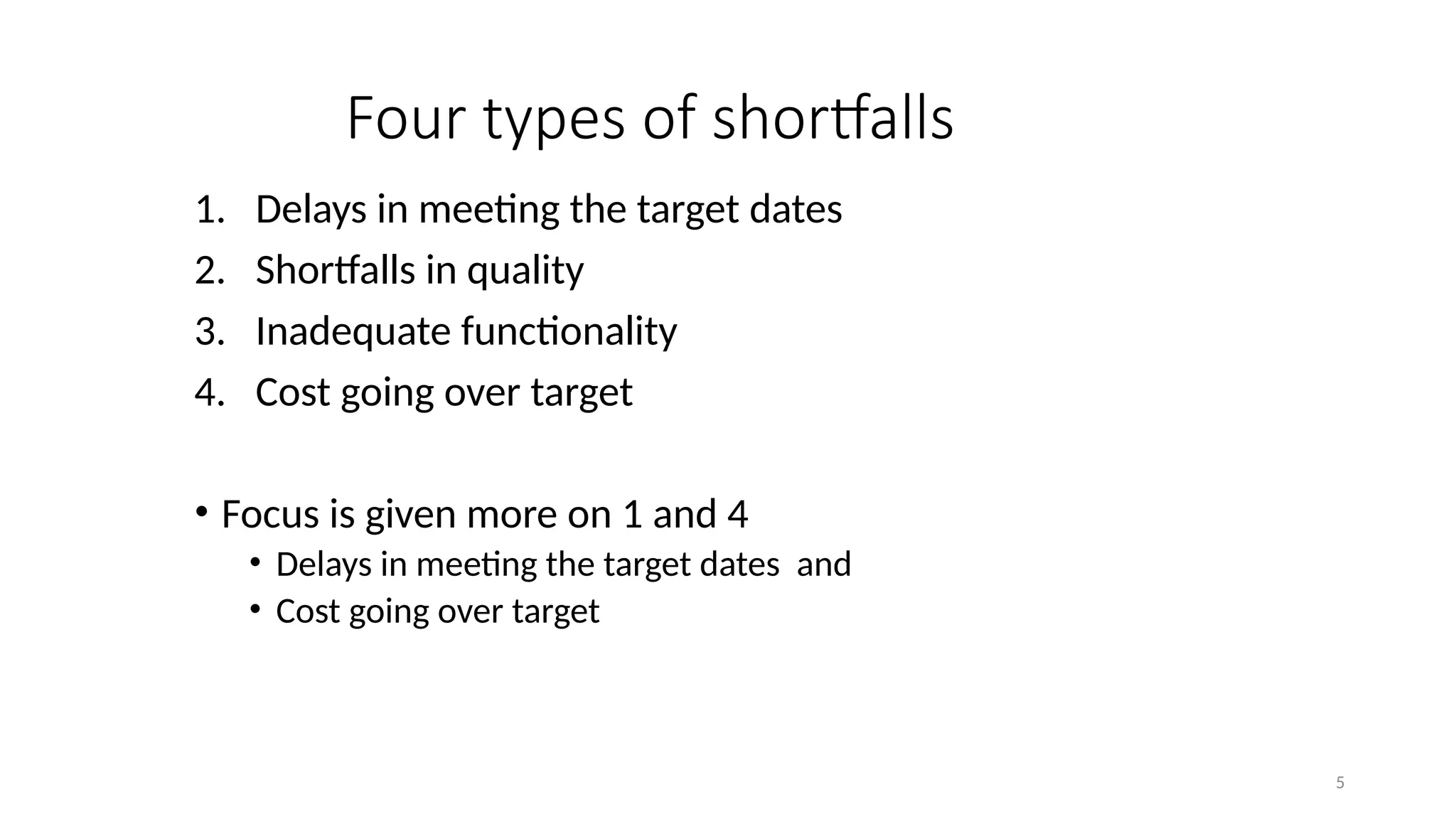
Four types ofshortfalls
1. Delays in meeting the target dates
2. Shortfalls in quality
3. Inadequate functionality
4. Cost going over target
• Focus is given more on 1 and 4
• Delays in meeting the target dates and
• Cost going over target
6.
6
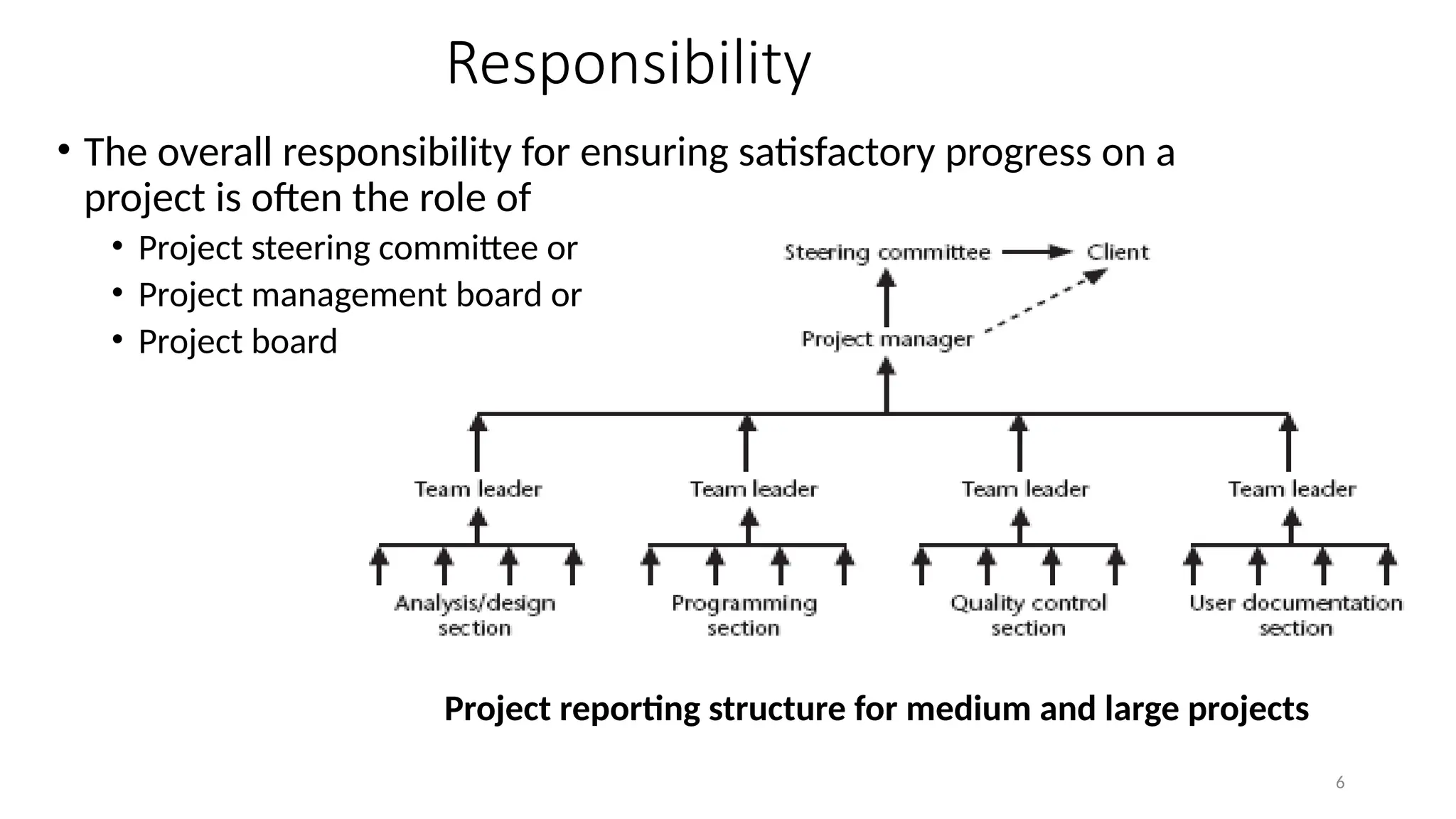
Responsibility
Project reporting structures
•The overall responsibility for ensuring satisfactory progress on a
project is often the role of
• Project steering committee or
• Project management board or
• Project board
Project reporting structure for medium and large projects
7.
7
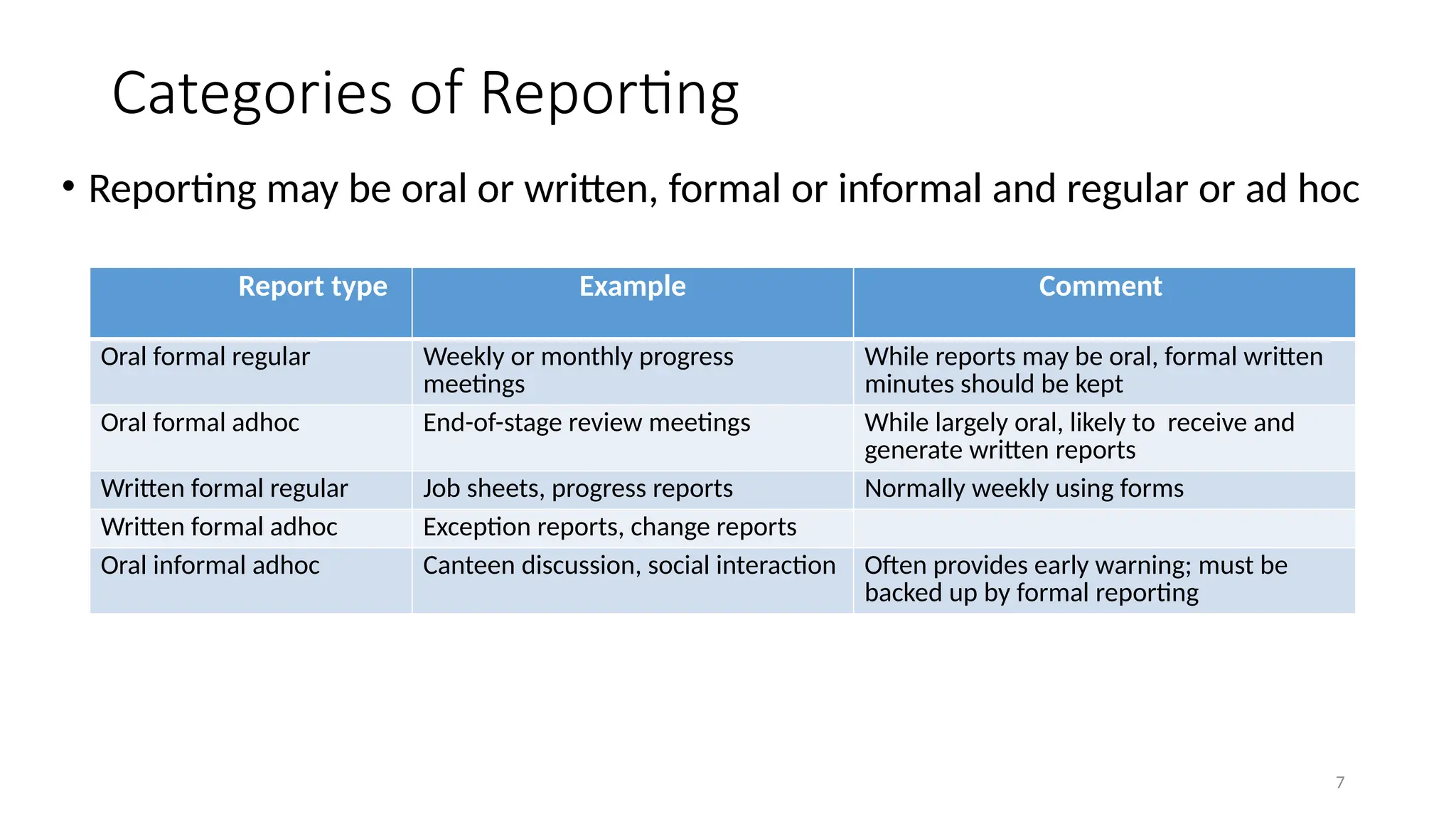
Categories of Reporting
•Reporting may be oral or written, formal or informal and regular or ad hoc
Report type Example Comment
Oral formal regular Weekly or monthly progress
meetings
While reports may be oral, formal written
minutes should be kept
Oral formal adhoc End-of-stage review meetings While largely oral, likely to receive and
generate written reports
Written formal regular Job sheets, progress reports Normally weekly using forms
Written formal adhoc Exception reports, change reports
Oral informal adhoc Canteen discussion, social interaction Often provides early warning; must be
backed up by formal reporting
8.
8
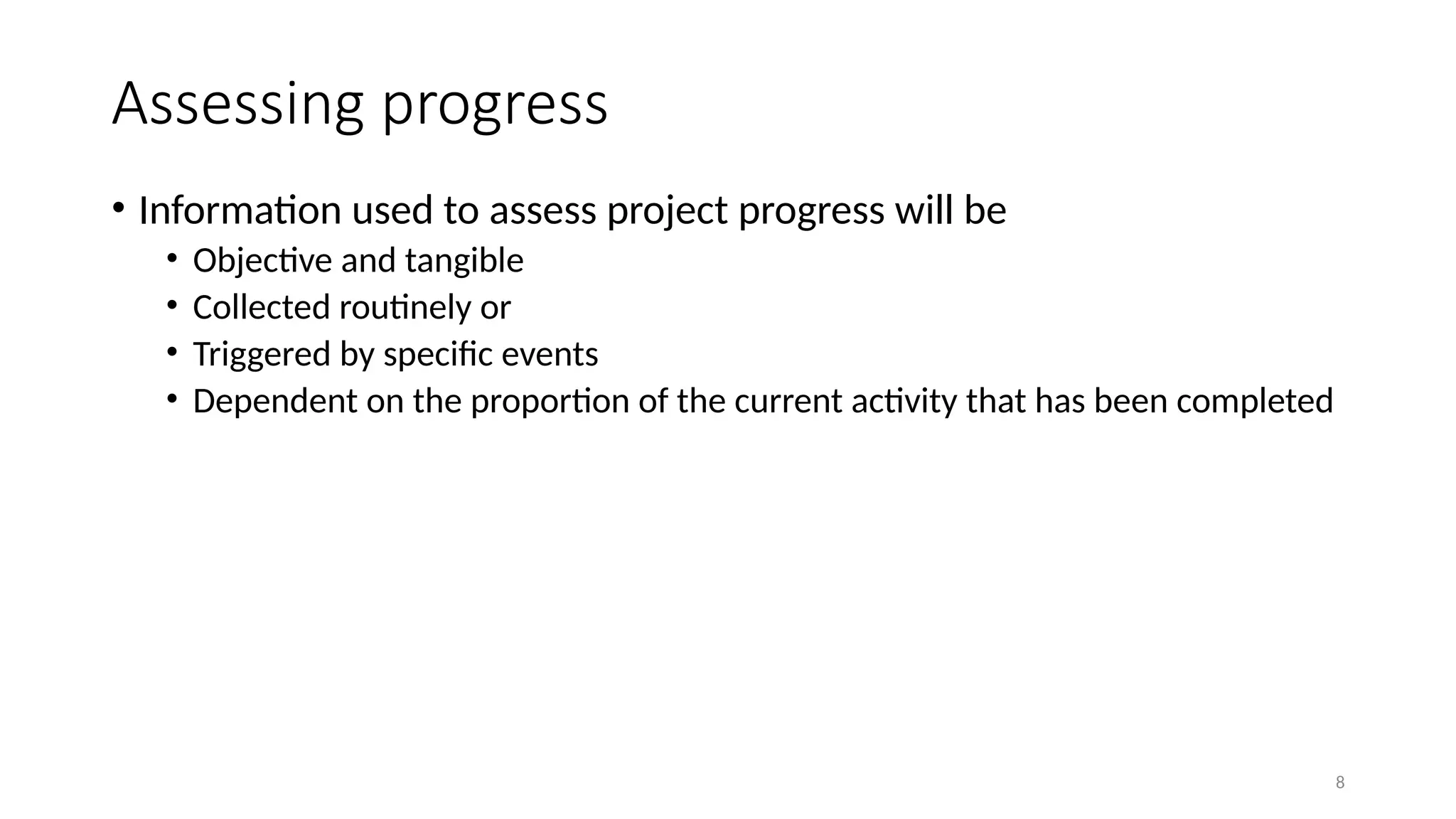
Assessing progress
• Informationused to assess project progress will be
• Objective and tangible
• Collected routinely or
• Triggered by specific events
• Dependent on the proportion of the current activity that has been completed
9.
9
Setting check points
•It is essential to set a series of check points in the initial activity plan
• Check points may be
• Regular( ex: monthly )
• Tied to specific events ( ex. Production of a report)
10.
10
Taking snap shots
•Frequency of progress reports depends upon
• The size of the project
• The degree of the risk of the project
• Ex : team leaders - assess the progress daily
Project managers – weekly or monthly assessment
• Higher the level – the less frequent and less detailed report
• Review points or control points
• Major or project level progress review generally takes place at a particular
point during the life of a project
11.
11
Collecting the data
•Generally long activities are broken down into controllable tasks(1 or 2
weeks)
• It is necessary to gather information about partially completed activities to
forecast the work to be completed
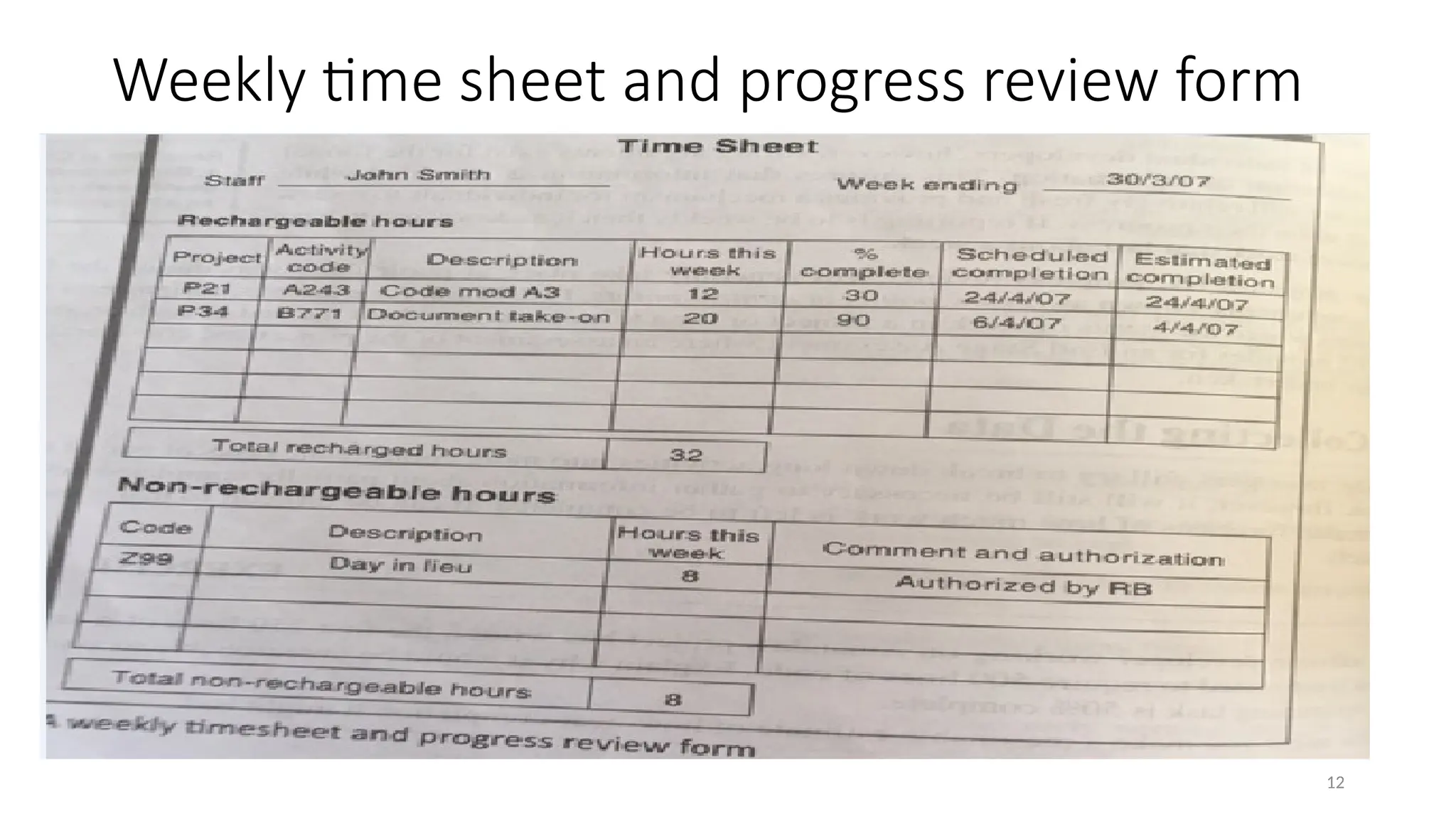
• Partial completion reporting
• Many organizations have their own templates for partial completion reports
• Ex: weekly time sheets
• Does not tell the project manager what has been produced and whether the tasks are
on schedule
13
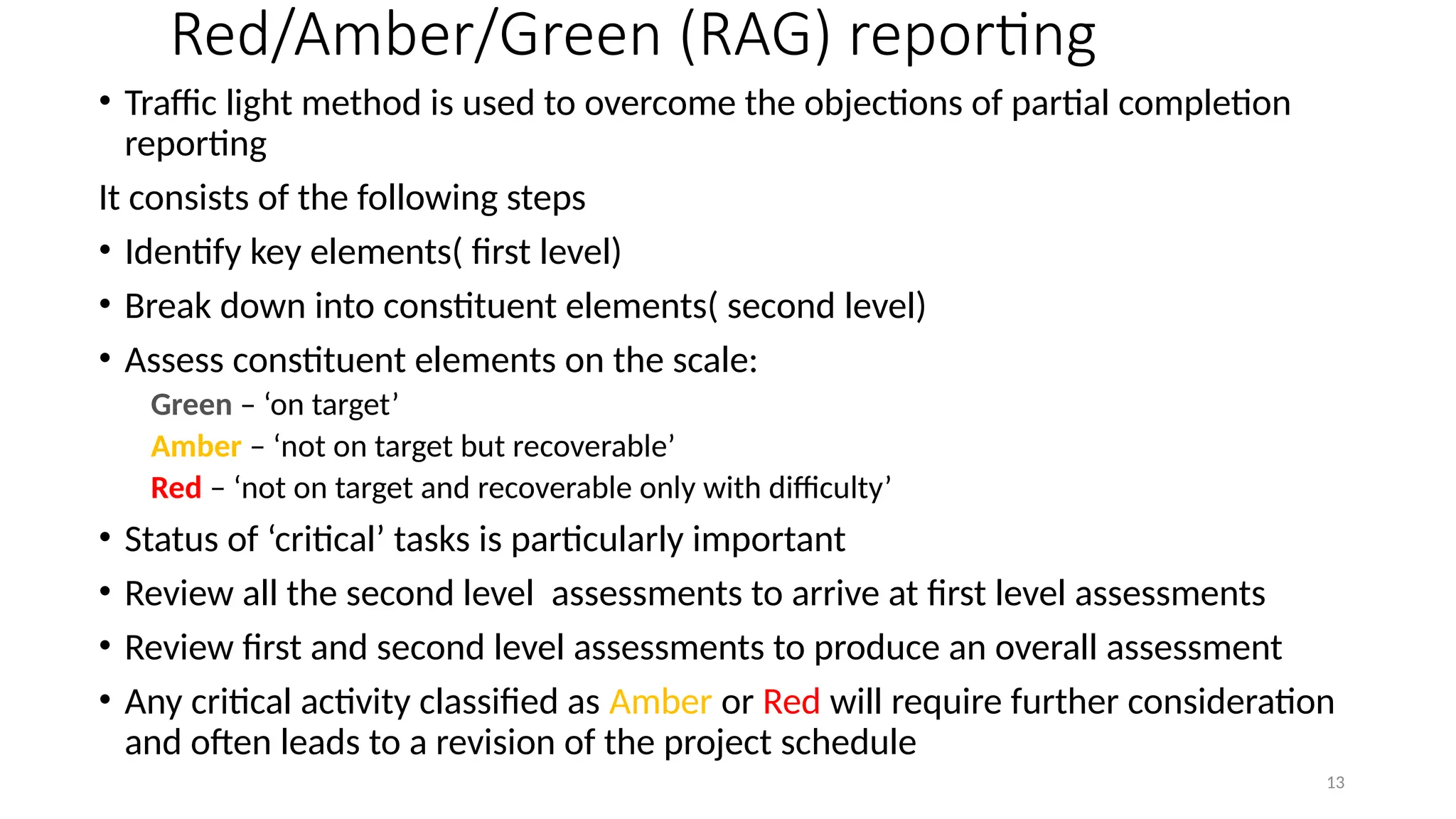
Red/Amber/Green (RAG) reporting
•Traffic light method is used to overcome the objections of partial completion
reporting
It consists of the following steps
• Identify key elements( first level)
• Break down into constituent elements( second level)
• Assess constituent elements on the scale:
Green – ‘on target’
Amber – ‘not on target but recoverable’
Red – ‘not on target and recoverable only with difficulty’
• Status of ‘critical’ tasks is particularly important
• Review all the second level assessments to arrive at first level assessments
• Review first and second level assessments to produce an overall assessment
• Any critical activity classified as Amber or Red will require further consideration
and often leads to a revision of the project schedule
14.
14
Review
• Review ofwork products is an important mechanism for
• monitoring the progress of a project and
• ensuring the quality of the work products
• Review is a very effective and cost effective technique to remove
defects from all work products including code
15.
15
Utility of review
•In addition to the cost effective defect removal mechanism, review
has the following benefits
• Identifies any deviations from standards
• Obtains suggestions to improve the work products
• Provides learning opportunities for the participants
• Provides good understanding of the work products for the review
participants
16.
16
Candidate work productsfor reviews
• Usually work products are considered as candidates for reviews. They
are as follows.
• Requirements specification documents
• User interface specification and design documents
• Architectural, high-level , and detailed design documents
• Test plan and the designed test cases
• Project management plan and configuration management plan
17.
17
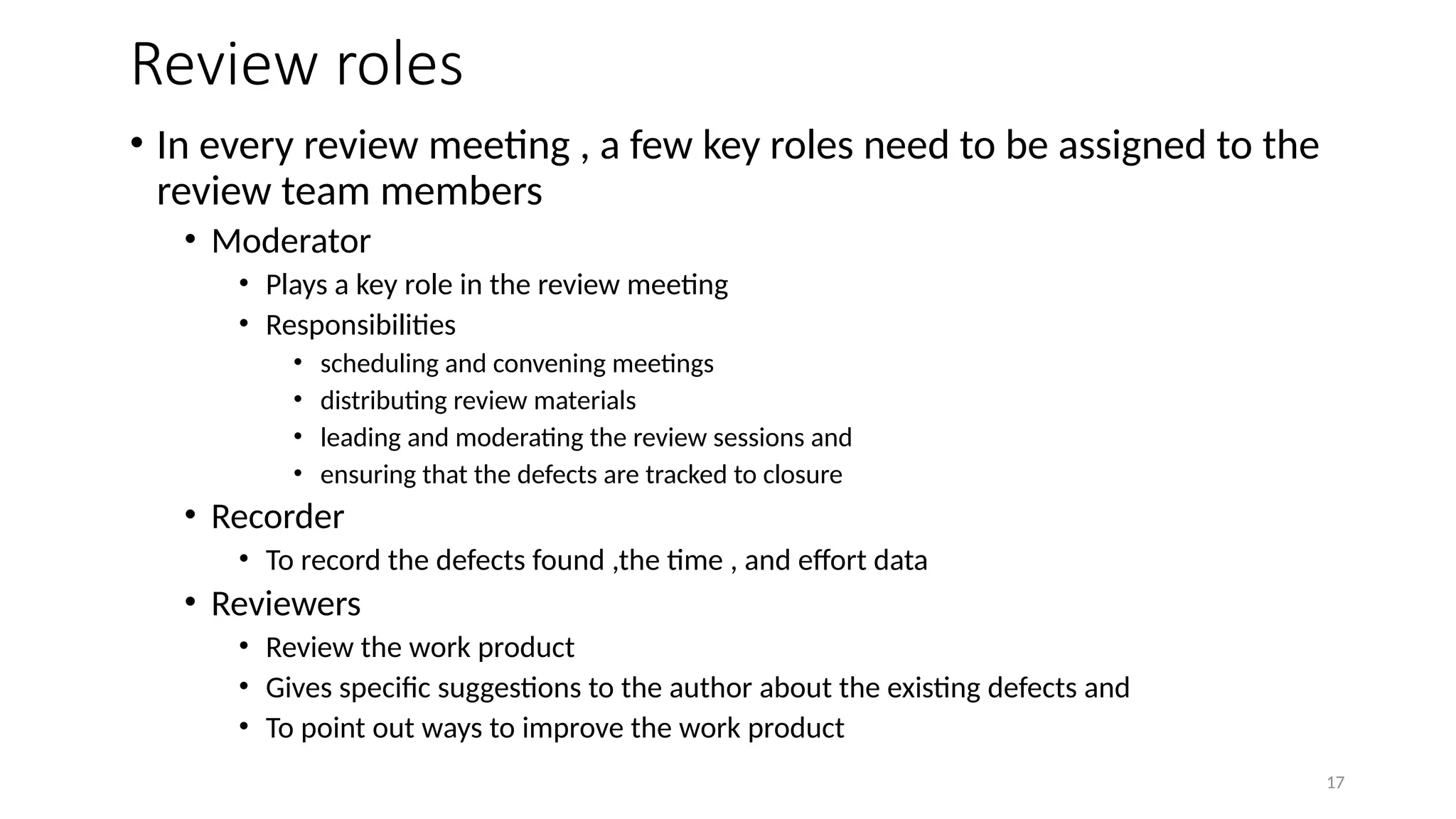
Review roles
• Inevery review meeting , a few key roles need to be assigned to the
review team members
• Moderator
• Plays a key role in the review meeting
• Responsibilities
• scheduling and convening meetings
• distributing review materials
• leading and moderating the review sessions and
• ensuring that the defects are tracked to closure
• Recorder
• To record the defects found ,the time , and effort data
• Reviewers
• Review the work product
• Gives specific suggestions to the author about the existing defects and
• To point out ways to improve the work product
18.
18
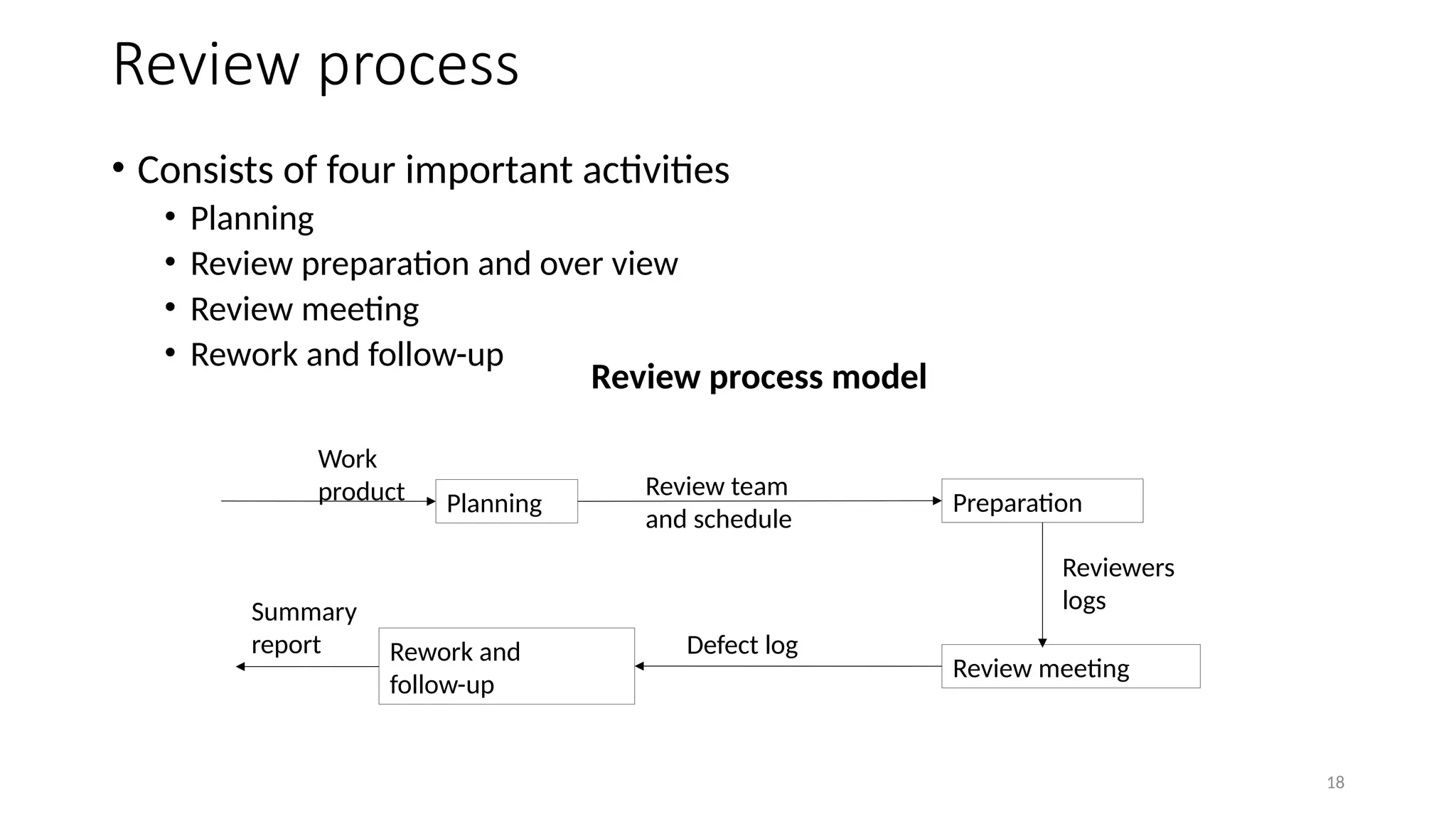
Review process
• Consistsof four important activities
• Planning
• Review preparation and over view
• Review meeting
• Rework and follow-up
Planning Preparation
Review meeting
Rework and
follow-up
Work
product Review team
and schedule
Reviewers
logs
Defect log
Summary
report
Review process model
19.
19
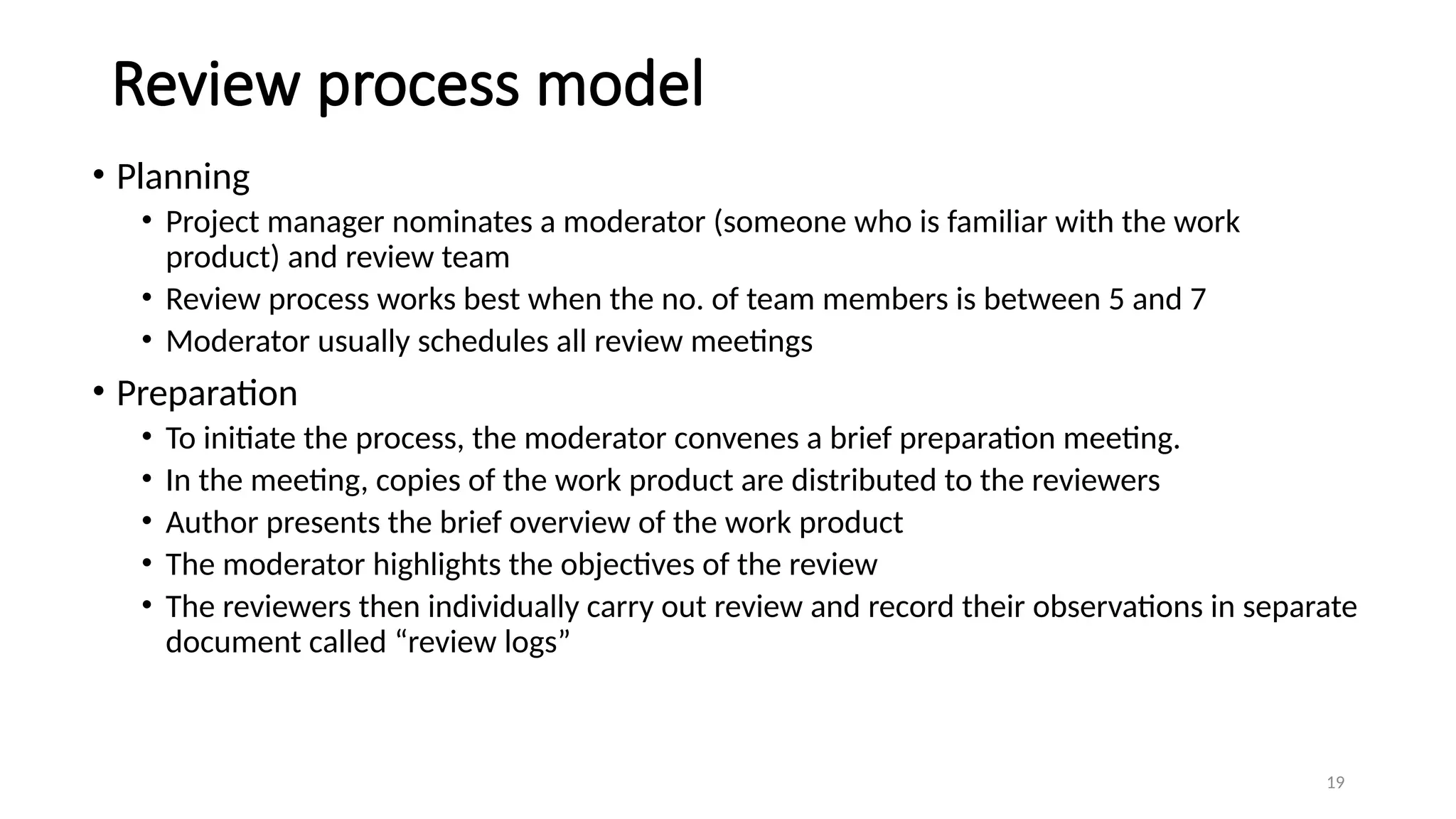
Review process model
•Planning
• Project manager nominates a moderator (someone who is familiar with the work
product) and review team
• Review process works best when the no. of team members is between 5 and 7
• Moderator usually schedules all review meetings
• Preparation
• To initiate the process, the moderator convenes a brief preparation meeting.
• In the meeting, copies of the work product are distributed to the reviewers
• Author presents the brief overview of the work product
• The moderator highlights the objectives of the review
• The reviewers then individually carry out review and record their observations in separate
document called “review logs”
20.
20
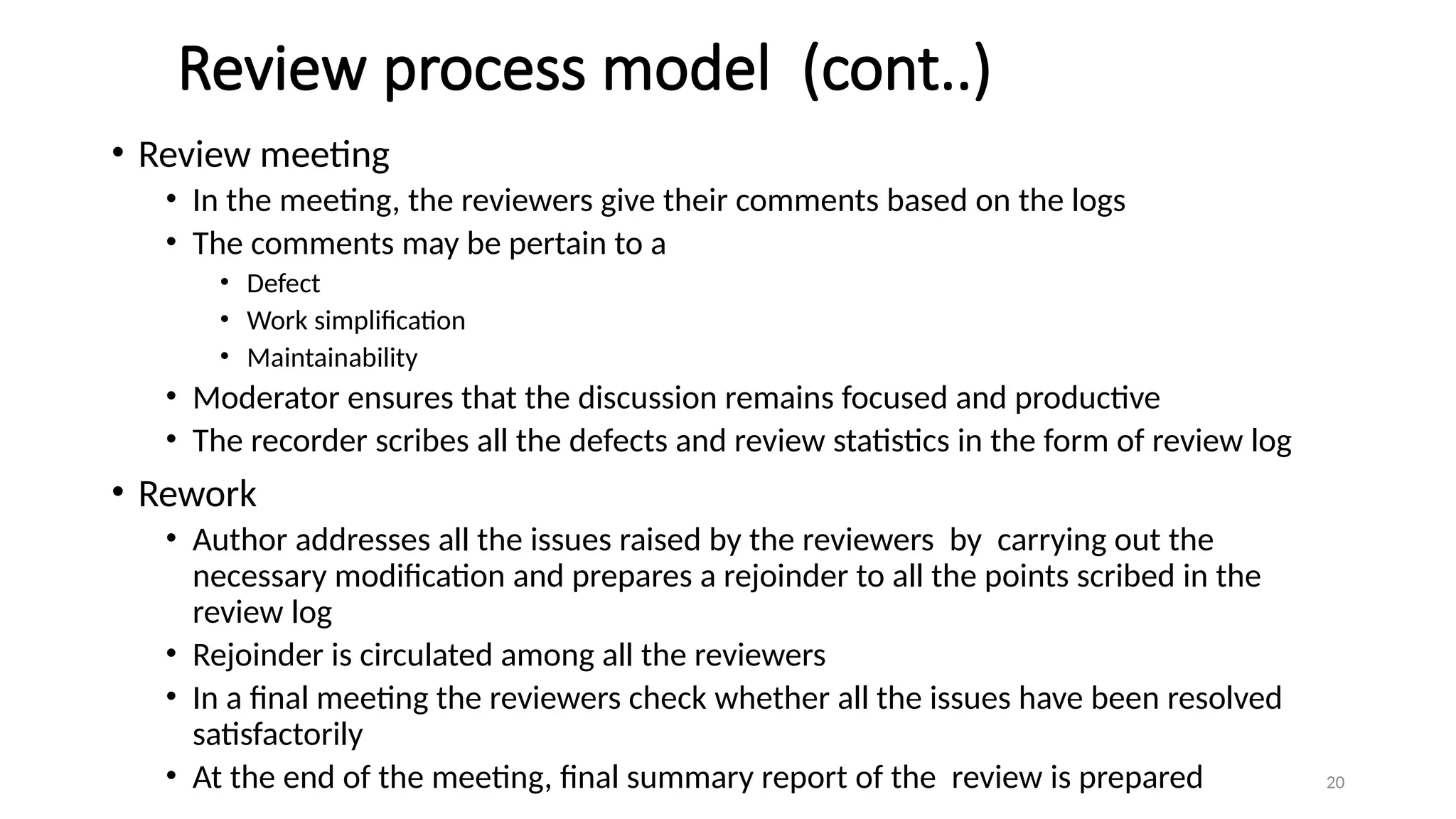
Review process model(cont..)
• Review meeting
• In the meeting, the reviewers give their comments based on the logs
• The comments may be pertain to a
• Defect
• Work simplification
• Maintainability
• Moderator ensures that the discussion remains focused and productive
• The recorder scribes all the defects and review statistics in the form of review log
• Rework
• Author addresses all the issues raised by the reviewers by carrying out the
necessary modification and prepares a rejoinder to all the points scribed in the
review log
• Rejoinder is circulated among all the reviewers
• In a final meeting the reviewers check whether all the issues have been resolved
satisfactorily
• At the end of the meeting, final summary report of the review is prepared
21.
21
Data collection
• Datarepresenting the results of the meetings is recorded.
• In addition to recording all the defects ,the data about the time spent by the
reviewers in the review activity must also be captured.
• The different reports in which the review data are captured are as follows
• Review Preparation Log
• Each reviewer prepares a review preparation log
• The different items recorded by the reviewer are
• Data about the defects, their locations , their criticality and total time spent
• Review Log
• The defects which are agreed by the author are logged
• The defect logs are crucial record since these help in tracking defects to closure
• Review Summary Report
• Summarizes the review data and presents the overall picture of the review
• Contains information about total defects and the amount of time spent
22.
22
Project Termination Review
•Project termination reviews are important for successful, failed as
well as prematurely abandoned projects
• It marks the official closure of the project
• It provides important opportunities to learn from past mistakes as
well as success
• Reasons for project termination before the natural closing date
• Project is completed successfully and handed over to the customer
• Incomplete requirements
• Lack of resources
• Some key technologies used in the project have become obsolete
• Economics of the project has changed
23.
23
Project termination process
•Project Survey
• The objective is to collect various types of information pertaining to the project
• An electronic survey is usually very effective
• The information is collected through a set of questionnaire to bring out important process and
management.
• Collection of Objective Information
• A critical aspect of the review is to collect various project metrics
• The metrics include cost , schedule and quality reviews
• Debriefing Meeting
• This preparatory meeting helps to ensure the final review meeting focuses on the most relevant
aspects
• Only the seniors members of the team participate
• The meeting helps to obtain some direct feedback about the project from the senior members of the
team
• Final project review
• This meeting addresses various issues like
• Project planning and tracking, preliminary phases, configuration management, verification and validation
• Result publication
• Project leader summarizes the positive and negative findings as well as prescription for improvement
• Summary is published for necessary correction for future projects
24.
24
Visualizing Progress
• Aftercollecting the data about the progress of the project, a manager needs
to present the data.
• Some methods of presenting the picture of a project and its future are
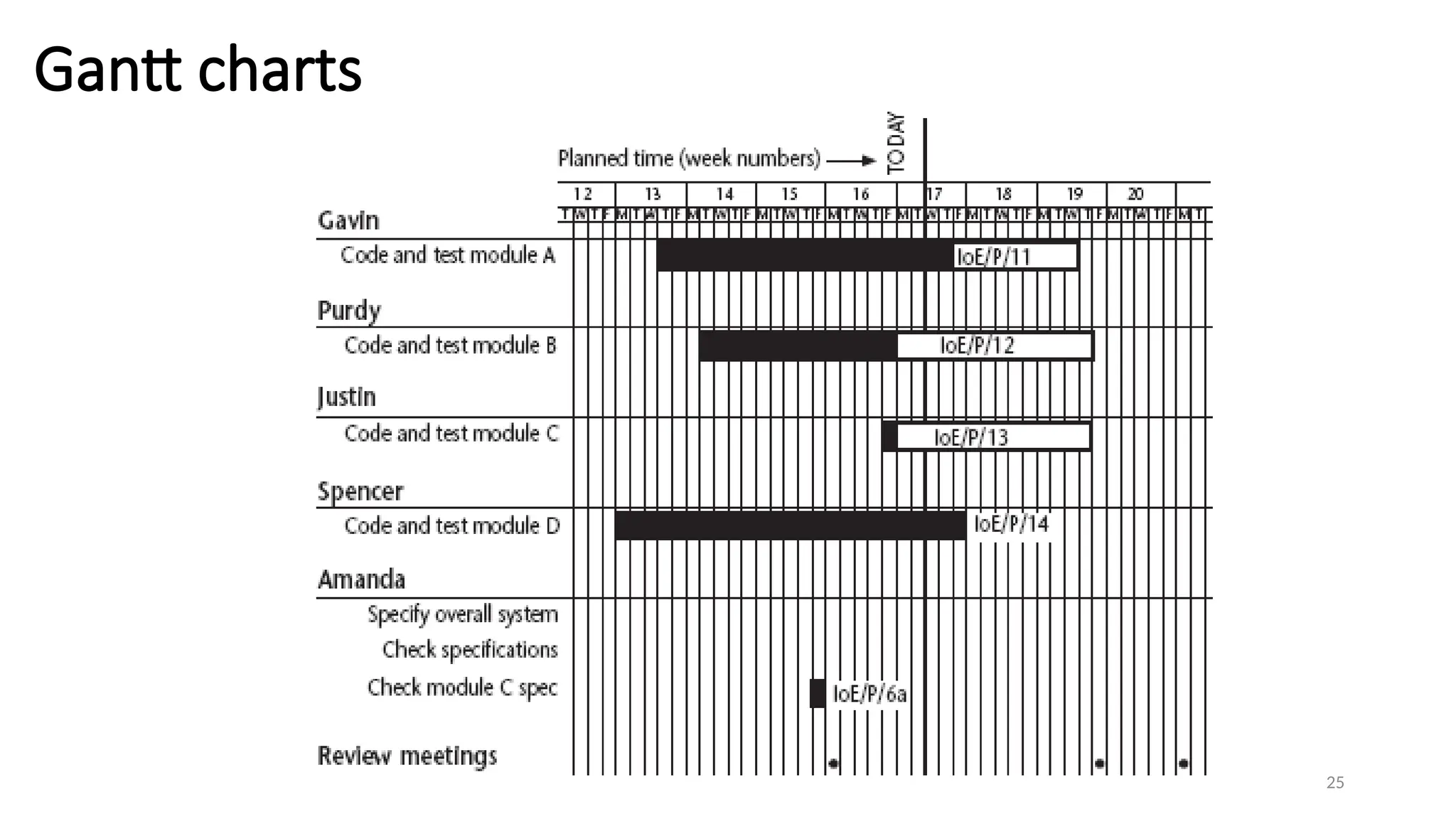
• Gantt chart
• Essentially an activity bar chart indicating the scheduled activity dates and duration with activity
floats
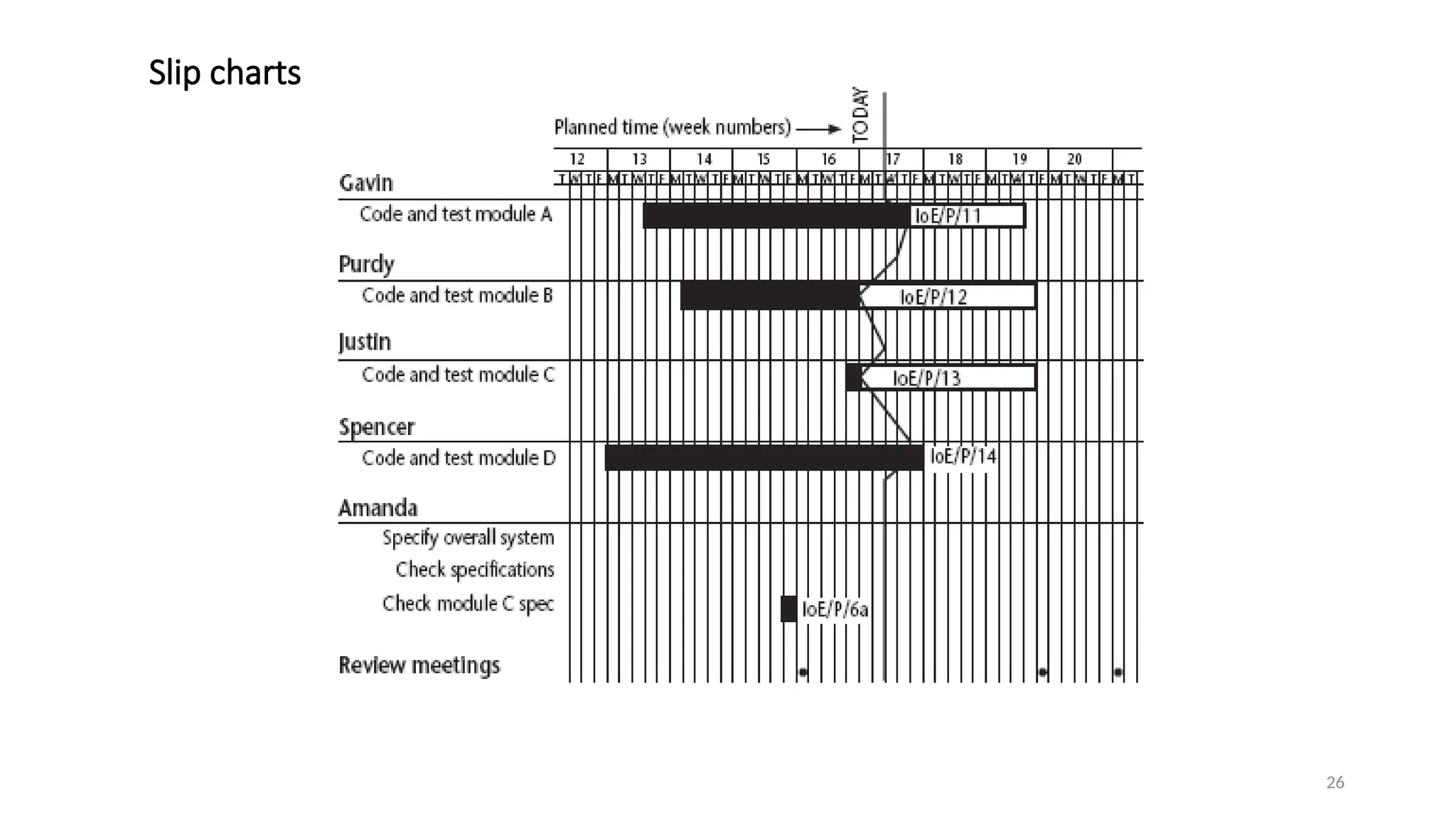
• Slip chart
• Provides a more striking visual induction of the activities
• The more the slip line bends, the greater the variation from the plan
• Very jagged slip line indicates a need for rescheduling
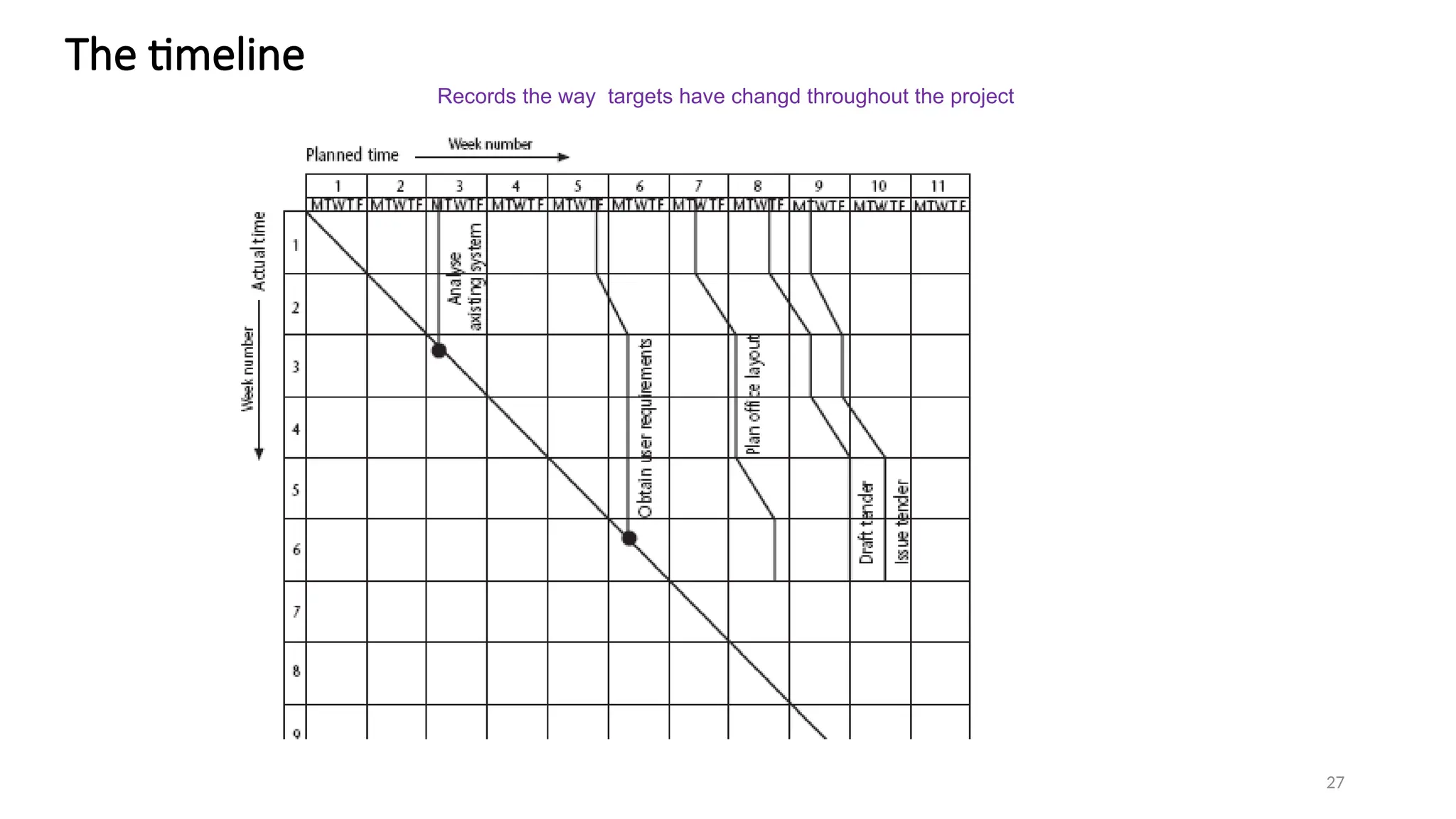
• Timeline
• A method of recording and displaying the way in which targets have changed throughout the
duration of the project
28
Cost monitoring
• Aproject could be late because the staff originally committed,
have not been deployed
• In this case the project will be behind time but under budget
• A project could be on time but only because additional
resources have been added and so by over budget
• Need to monitor both achievements and costs
29.
29
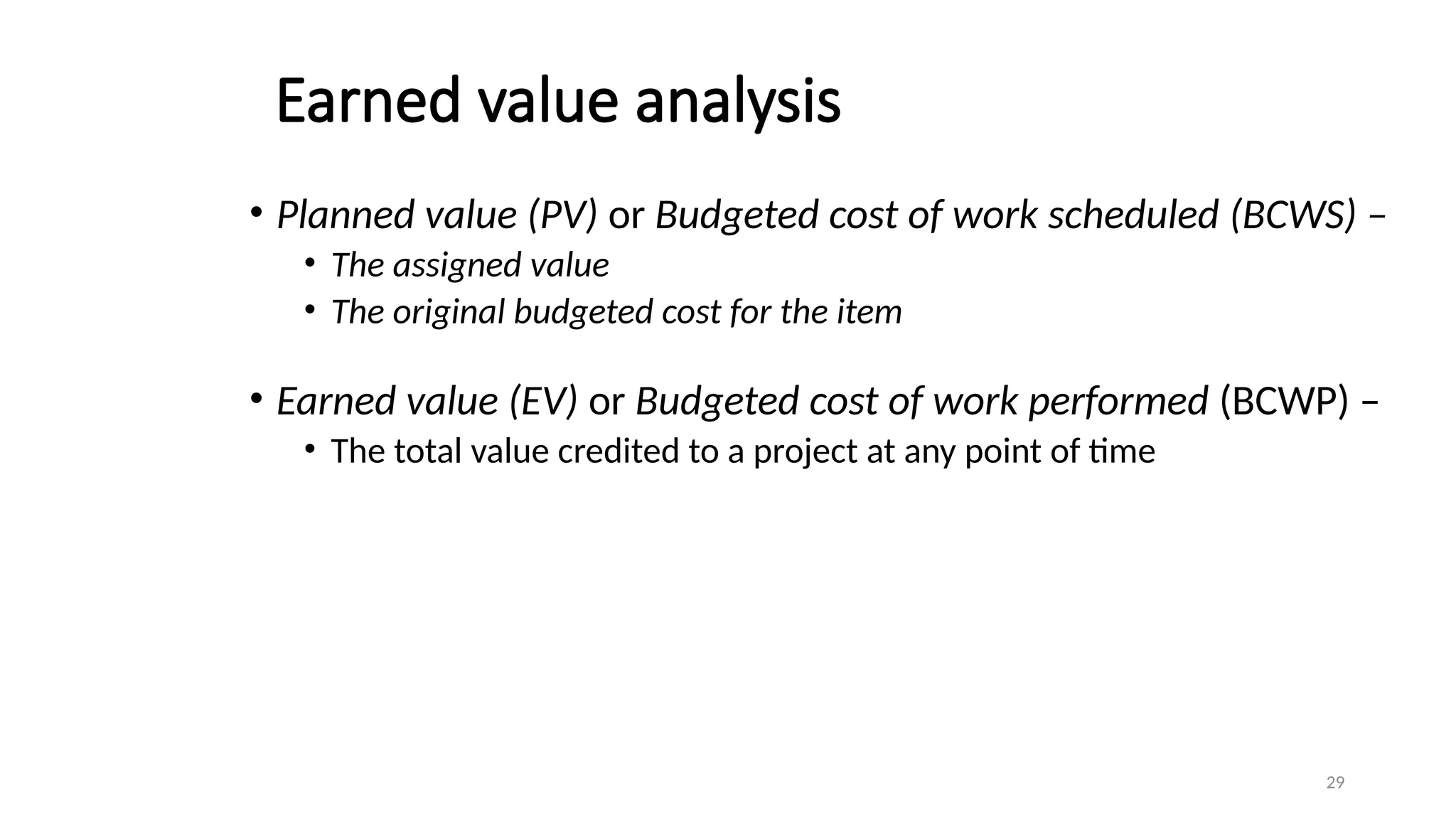
Earned value analysis
•Planned value (PV) or Budgeted cost of work scheduled (BCWS) –
• The assigned value
• The original budgeted cost for the item
• Earned value (EV) or Budgeted cost of work performed (BCWP) –
• The total value credited to a project at any point of time
30.
30
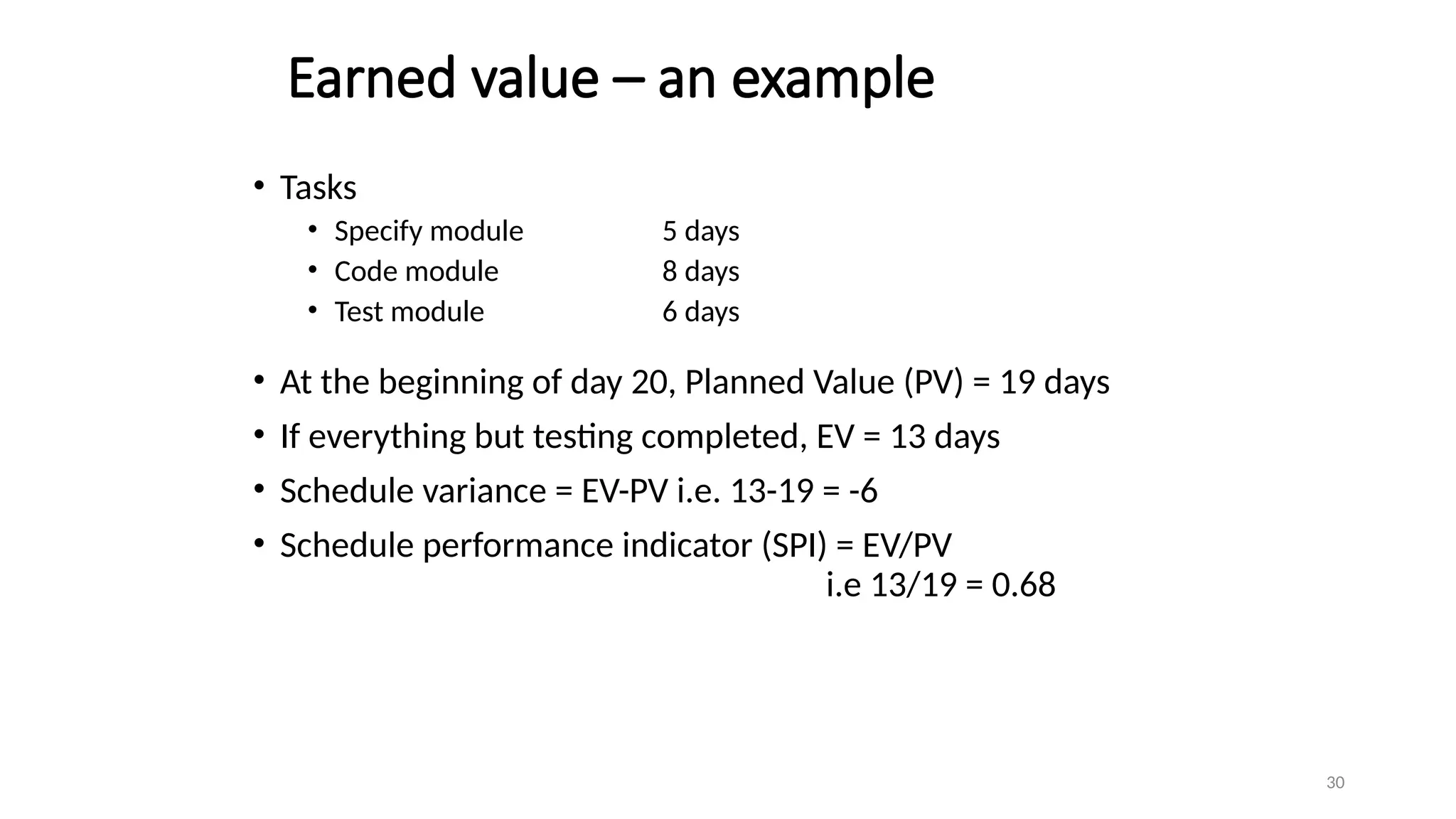
Earned value –an example
• Tasks
• Specify module 5 days
• Code module 8 days
• Test module 6 days
• At the beginning of day 20, Planned Value (PV) = 19 days
• If everything but testing completed, EV = 13 days
• Schedule variance = EV-PV i.e. 13-19 = -6
• Schedule performance indicator (SPI) = EV/PV
i.e 13/19 = 0.68
31.
31
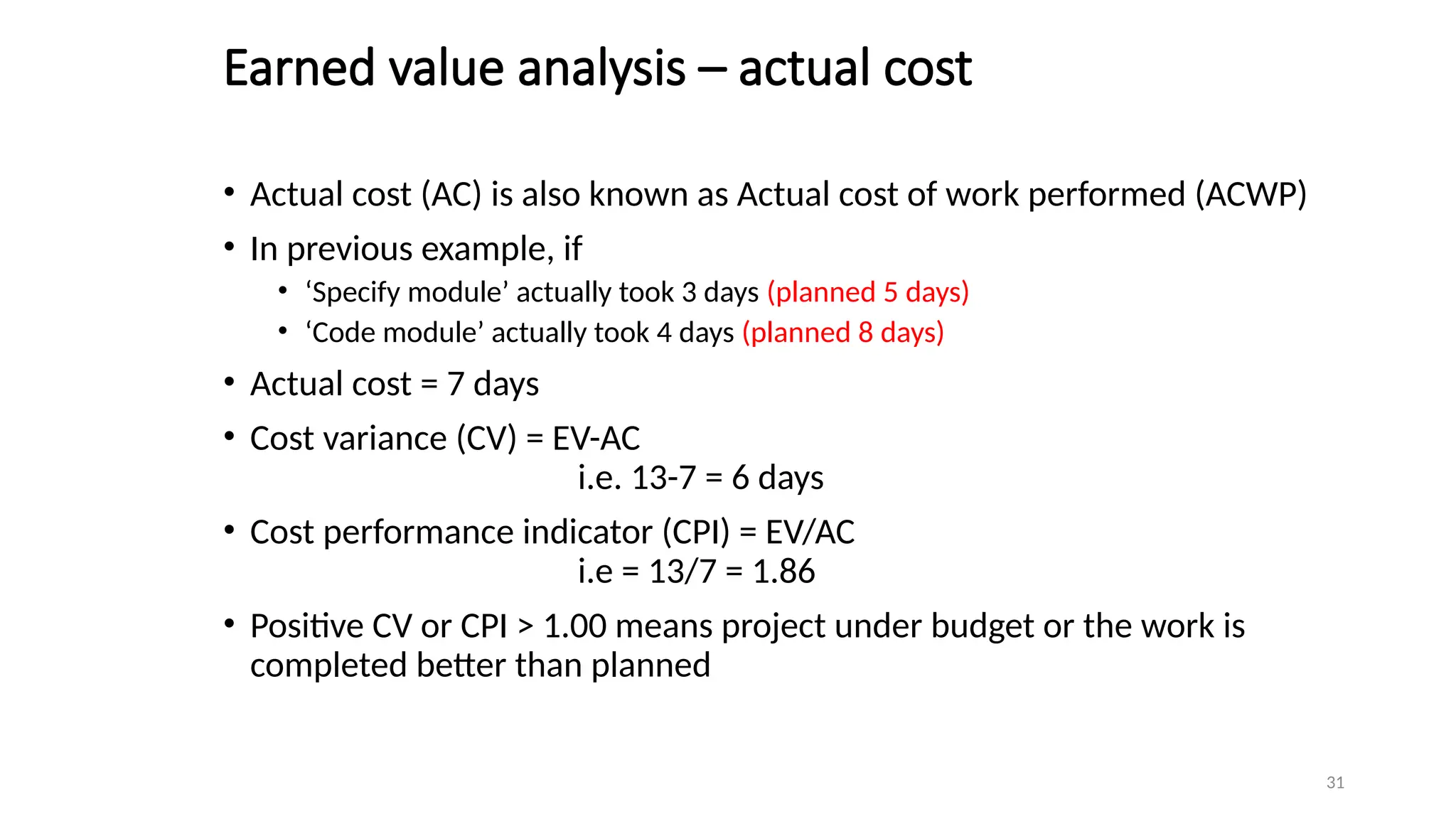
Earned value analysis– actual cost
• Actual cost (AC) is also known as Actual cost of work performed (ACWP)
• In previous example, if
• ‘Specify module’ actually took 3 days (planned 5 days)
• ‘Code module’ actually took 4 days (planned 8 days)
• Actual cost = 7 days
• Cost variance (CV) = EV-AC
i.e. 13-7 = 6 days
• Cost performance indicator (CPI) = EV/AC
i.e = 13/7 = 1.86
• Positive CV or CPI > 1.00 means project under budget or the work is
completed better than planned
32.
32
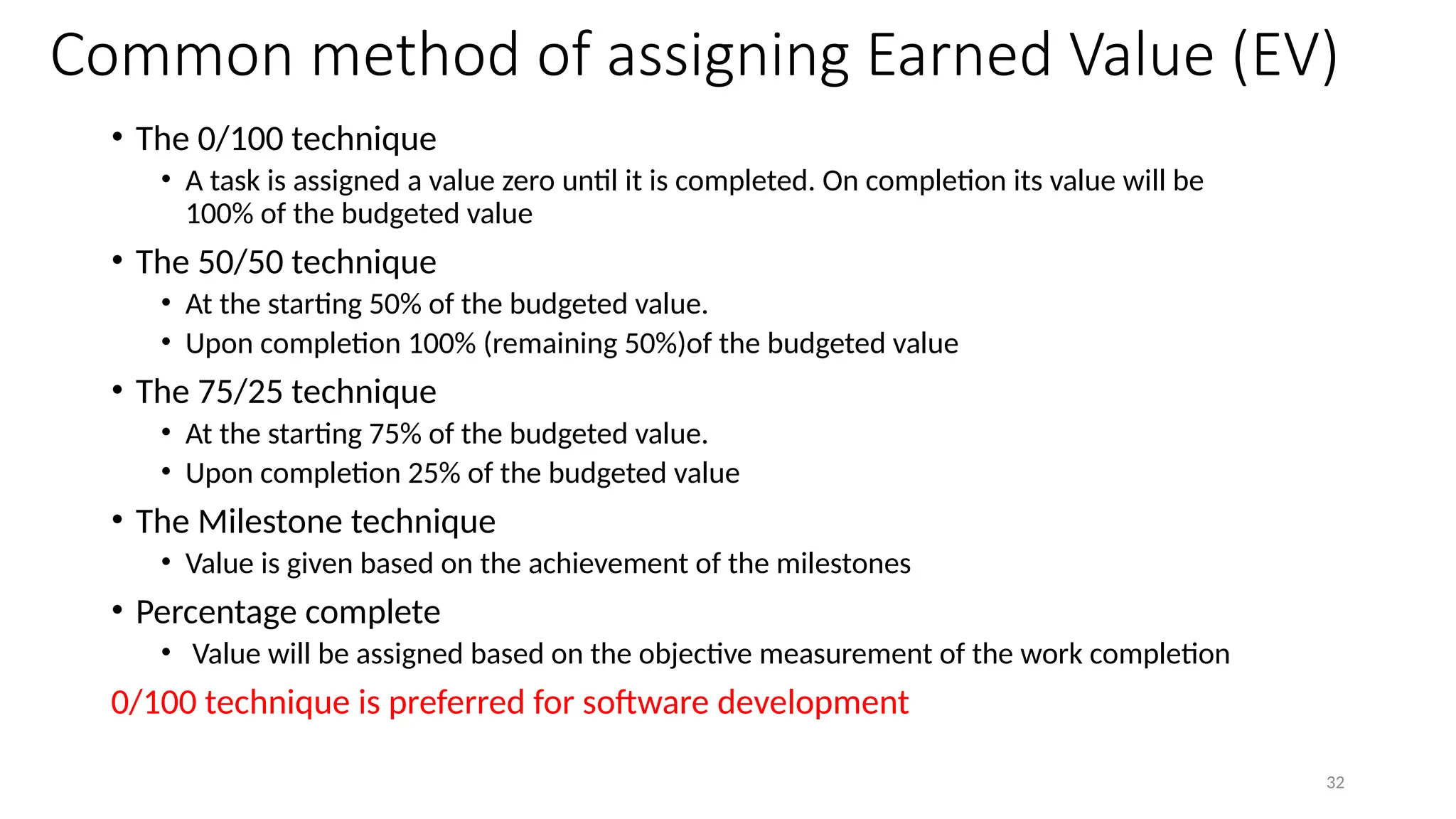
Common method ofassigning Earned Value (EV)
• The 0/100 technique
• A task is assigned a value zero until it is completed. On completion its value will be
100% of the budgeted value
• The 50/50 technique
• At the starting 50% of the budgeted value.
• Upon completion 100% (remaining 50%)of the budgeted value
• The 75/25 technique
• At the starting 75% of the budgeted value.
• Upon completion 25% of the budgeted value
• The Milestone technique
• Value is given based on the achievement of the milestones
• Percentage complete
• Value will be assigned based on the objective measurement of the work completion
0/100 technique is preferred for software development
33.
33
Prioritizing Monitoring
Prioritizing isimportant to decide the level of monitoring
List of priorities
• Critical Path Activities
• Activities with no free float
• Activities with less than a specified float
• High risk activities
• Activities using critical resources
34.
34
• When theproject goes beyond the target, it is the responsibility of the
project manager to ensure the scheduled project end date remains unaffected
• Renegotiate the deadline – if not possible then
• Try to shorten activities on critical path e.g.
• Work overtime
• Re-allocate staff from less pressing work
• Buy in more staff
• Reconsider activity dependencies
• Over-lap the activities so that the start of one activity does not have to wait for completion of
another
• Split activities
Getting project back to target
35.
35
Change control
• Requirementsmay change due to change in circumstances which may
lead to adapt change control
• The requirements being developed may be of many different versions
• Final version
• Baseline as a foundation for the development of future products
• Change control
• Set of procedures to ensure that changes made only after a consideration of
the full impacts.
36.
36
Typical change controlprocess
1. One or more users might perceive the need for a change
2. User management decide that the change is valid and worthwhile and
pass it to development management
3. A developer is assigned to assess the practicality and cost of making the
change
4. Development management report back to user management on the
cost of the change
5. User management decide whether to go ahead
6. One or more developers are authorized to make copies of components
to be modified
7. Copies are modified after initial testing; a test version might be released
to users for acceptance testing
8. When users are satisfied, then operational release is authorized
37.
37
Software Configuration Management(SCM)
• SCM is concerned with tracking and controlling changes to the
software
• In software development process, every work product would have to
be accessed and modified by several members
• Hence a proper configuration management system is required to
avoid several problems
38.
38
Purpose of SCM
•Problems that may occur if a proper SCM is not used
• Concurrent access
• Undoing changes
• System accounting
• Handling variance
• Accurate determination of project status
• Preventing unauthorized access to the work products
39.
39
• Configuration managementis carried out through the following two
principle activities
• Configuration identification
• It involves deciding which parts of the system should be kept under
configuration management
• Configuration control
• It is used to ensure that changes to a system occur smoothly
Configuration management process
40.
40
Modification to awork product under
configuration control
• When a developer needs to change a work product, they make a
reserve request
• After the successful execution of reserved commands, a private copy of
the work product is created in the local directory along with the
changes
• The changes made need to be restored in configuration management
repository
• Restoring the changed work product requires the permission of a
Change Control Board(CCB)
• CCB is usually constituted among the development team members
41.
41
Change Control Board(CCB)
•CCB reviews the changes made to the work product certifies certain
aspects about the change such as
• Change is well motivated
• Developer has considered and documented the effects of the change
• Changes interact well with the changes made by other developers
• Appropriate people (CCB) have validated the change
• Incompletely modified or improperly modified work products cannot
be updated in the configuration
42.
42
Open source configurationtools
• SCCS (Source Code Control System) and RCS (Revision Control System)
• are two popular configuration management tools available on most UNIX
systems
• They are used for controlling and managing different versions of text files
• They do not handle binary files
• They provide an efficient way of storing versions that minimize the
amount of occupied disk space.
• The change control facilities provides by these tools are
• The ability to incorporate restrictions on set of individuals who can create new
versions and facilities for checking components in and out
44
Contract : definitionand types
Defn:
Contract management or contract administration is the management
of contracts made with customers, vendors, partners, or employees.
Types of contract
Acquiring software from external suppliercould be done via: (one way of
classification)
• a bespoke system - created specially for the customer
• off-the-shelf - bought ‘as it is’
• customized off-the-shelf (COTS) - a core system is customized to meet
needs of a particular customer
45.
45
Types of contract( based on payment)
• Fixed price contracts
• Time and materials contracts
• Fixed price per delivered unit
46.
46
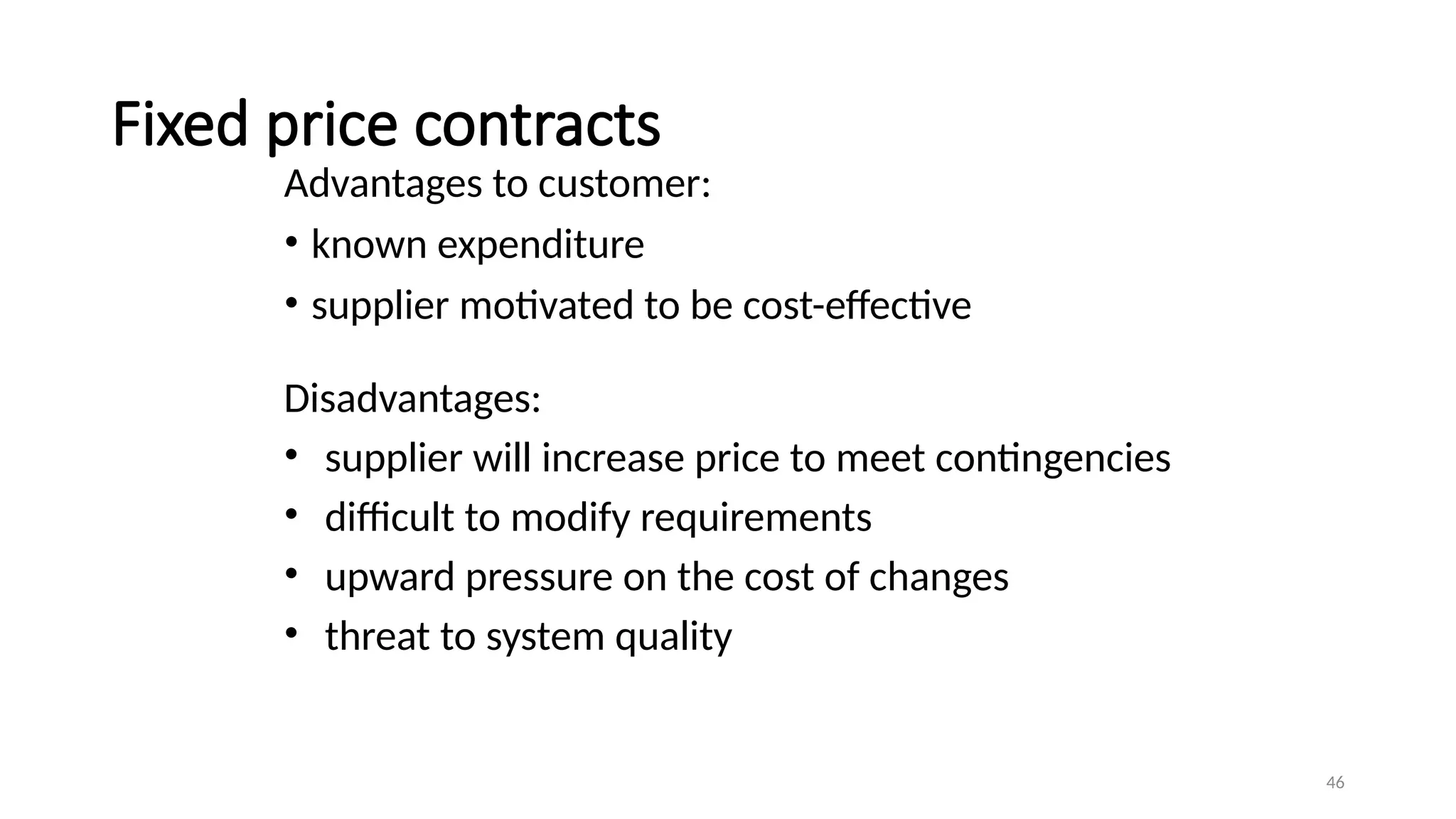
Fixed price contracts
Advantagesto customer:
• known expenditure
• supplier motivated to be cost-effective
Disadvantages:
• supplier will increase price to meet contingencies
• difficult to modify requirements
• upward pressure on the cost of changes
• threat to system quality
47.
47
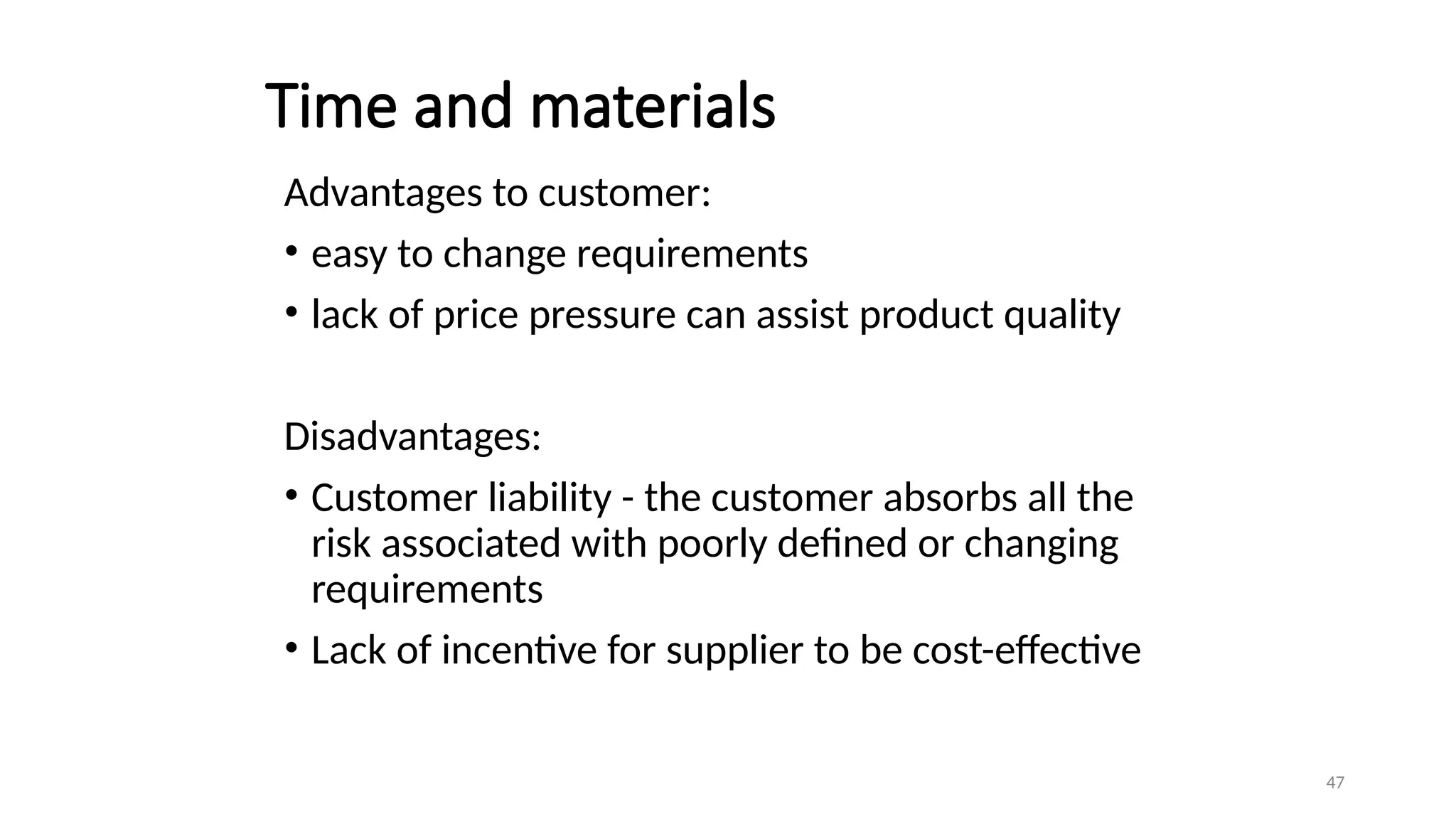
Time and materials
Advantagesto customer:
• easy to change requirements
• lack of price pressure can assist product quality
Disadvantages:
• Customer liability - the customer absorbs all the
risk associated with poorly defined or changing
requirements
• Lack of incentive for supplier to be cost-effective
49
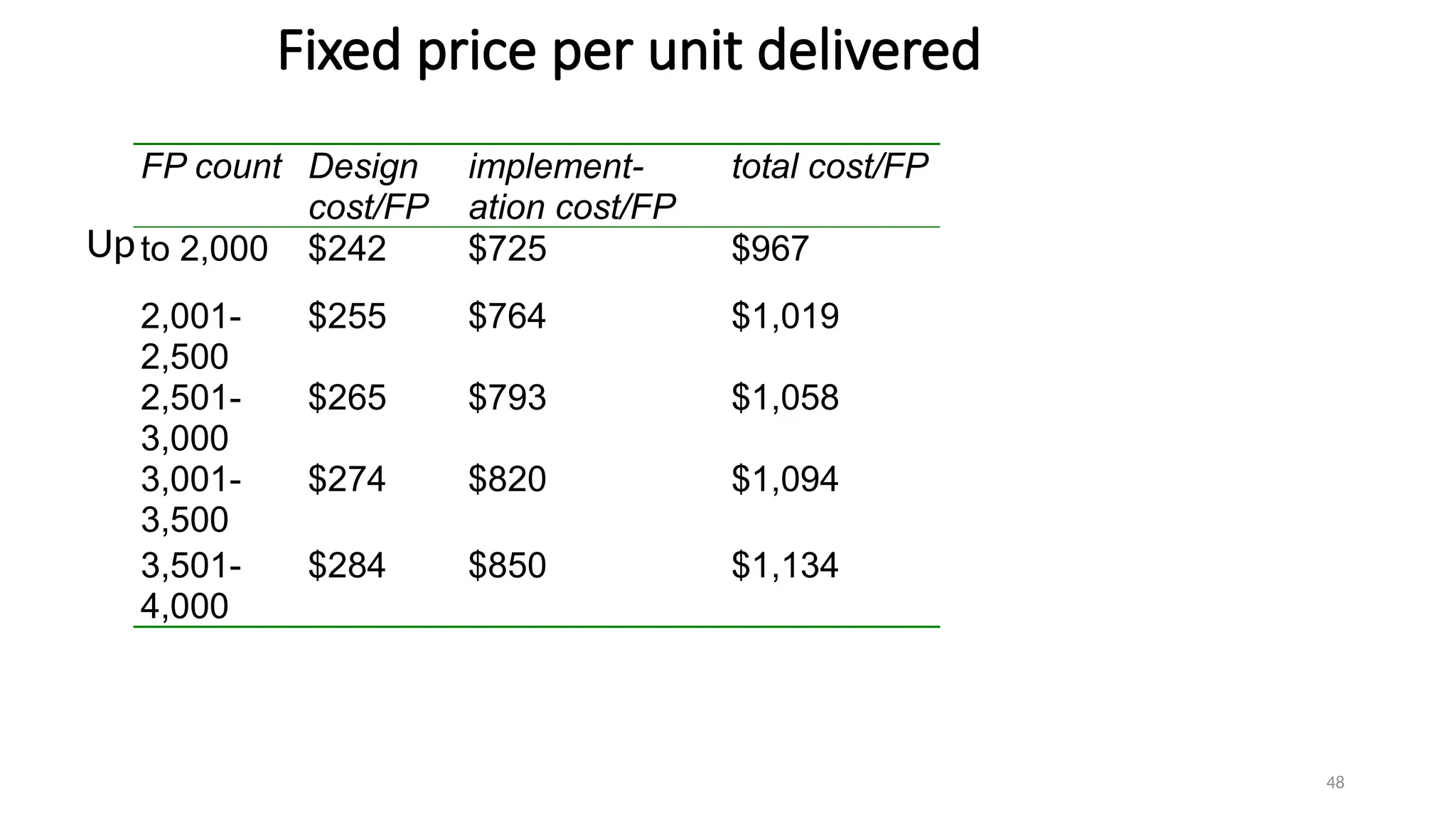
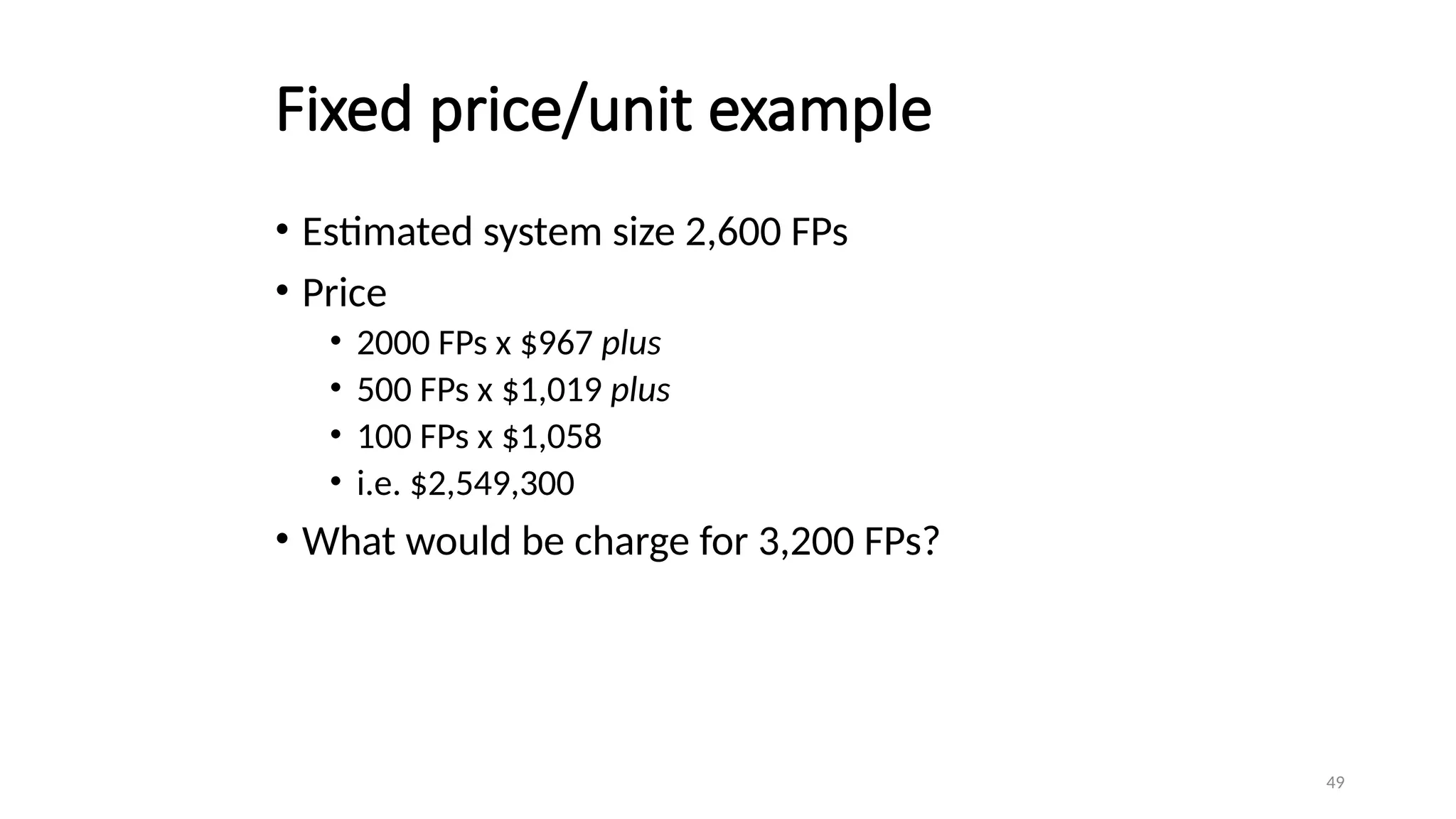
Fixed price/unit example
•Estimated system size 2,600 FPs
• Price
• 2000 FPs x $967 plus
• 500 FPs x $1,019 plus
• 100 FPs x $1,058
• i.e. $2,549,300
• What would be charge for 3,200 FPs?
50.
50
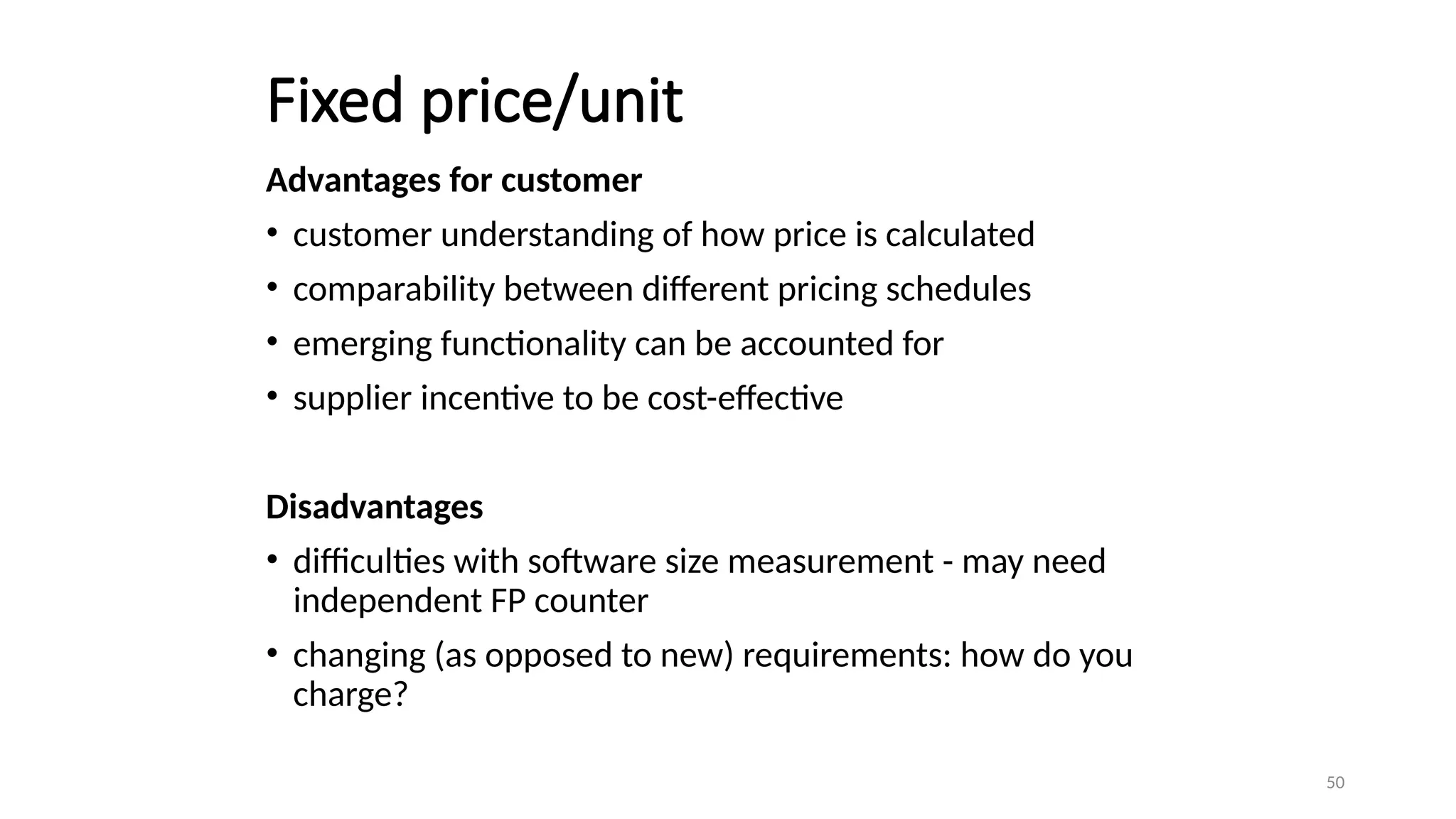
Fixed price/unit
Advantages forcustomer
• customer understanding of how price is calculated
• comparability between different pricing schedules
• emerging functionality can be accounted for
• supplier incentive to be cost-effective
Disadvantages
• difficulties with software size measurement - may need
independent FP counter
• changing (as opposed to new) requirements: how do you
charge?
51.
51
The tendering process
•Open tendering
• any supplier can bid in response to the invitation to tender
• all tenders must be evaluated in the same way
• government bodies may have to do this by local/international law
52.
52
The tendering process
•Restricted tendering process
• bids only from those specifically invited
• can reduce suppliers being considered at any stage
• Negotiated procedure
• negotiate with one supplier e.g. for extensions to software already supplied
53.
53
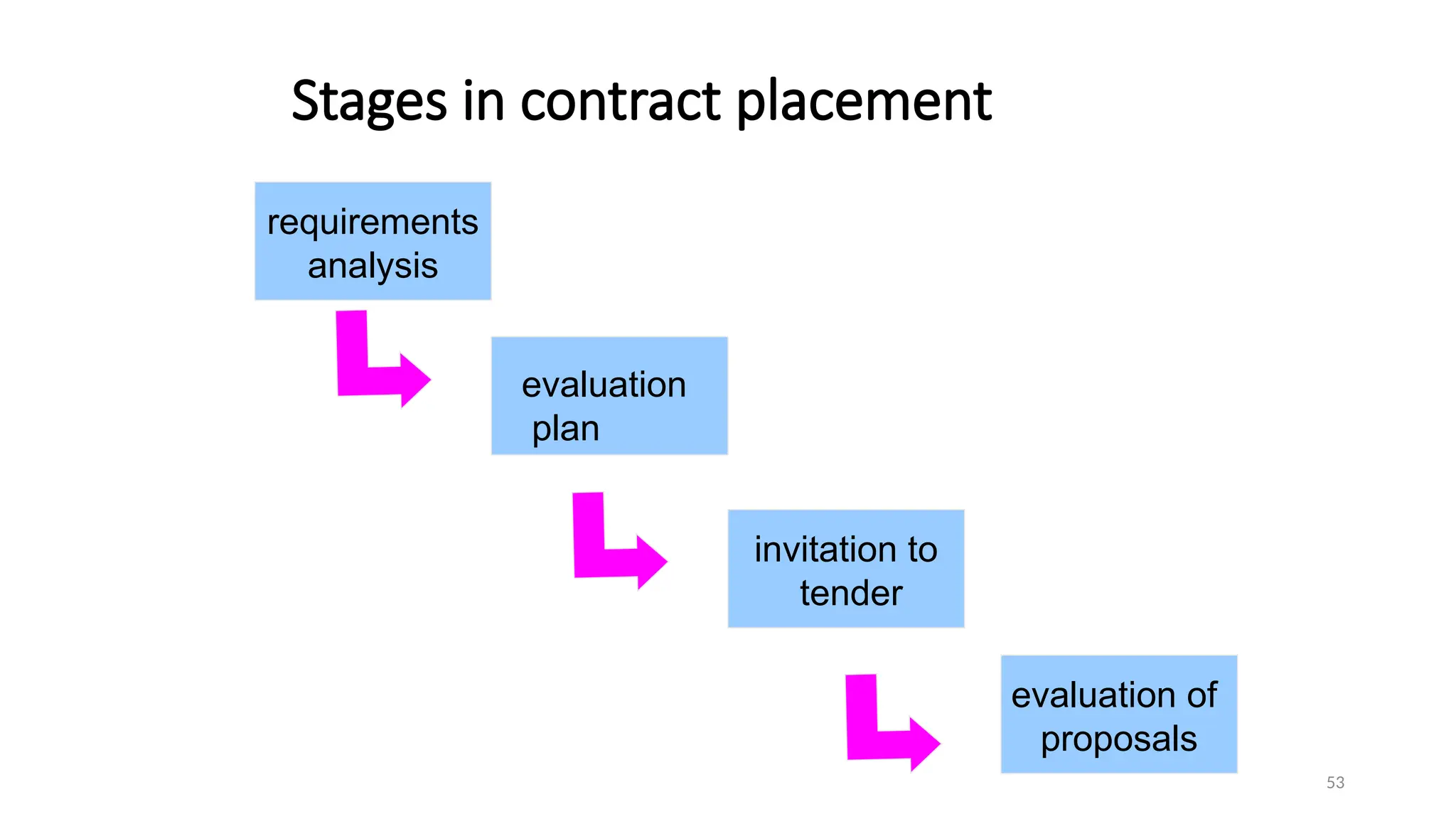
Stages in contractplacement
requirements
analysis
invitation to
tender
evaluation of
proposals
evaluation
plan
54.
54
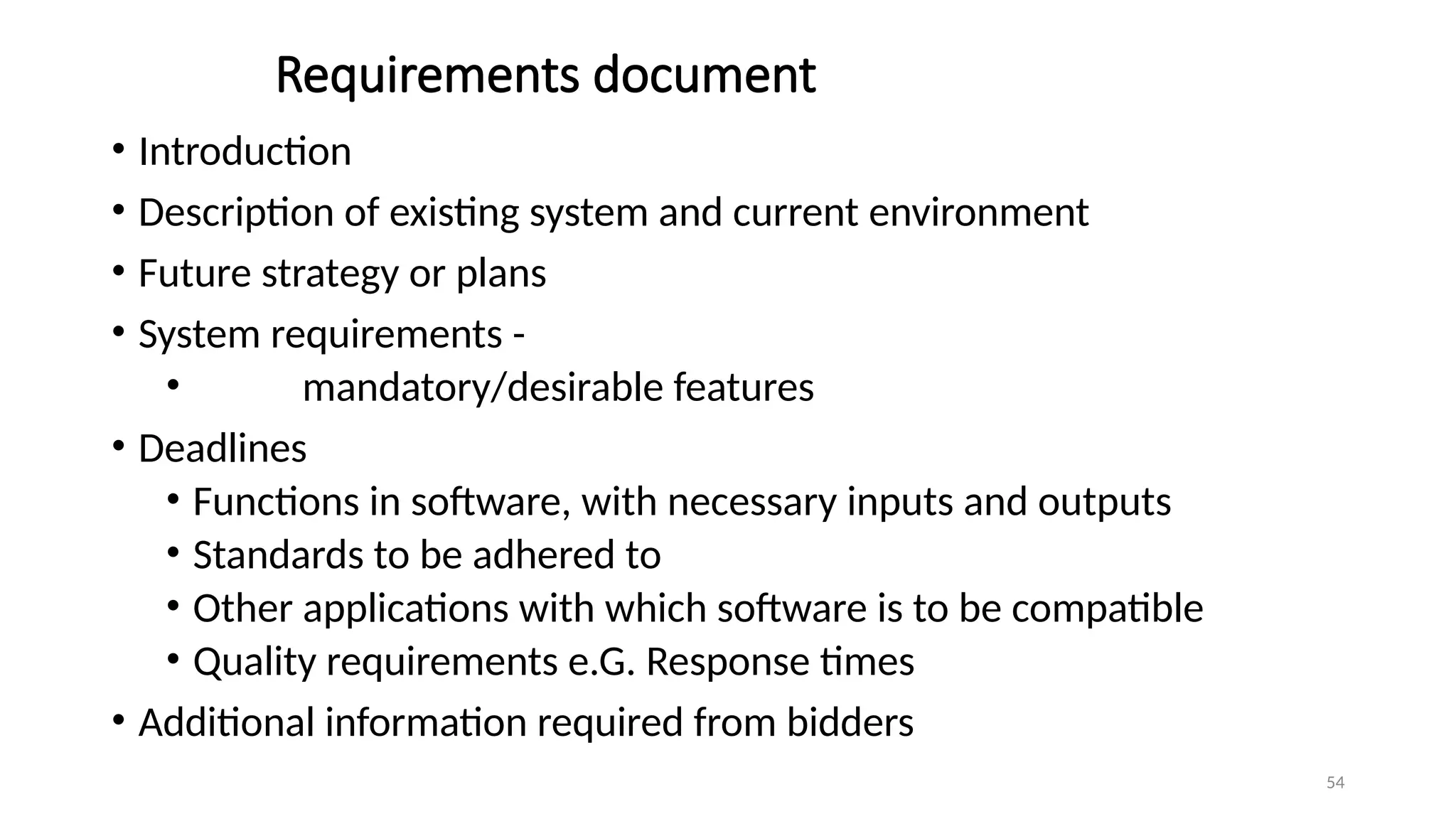
Requirements document
• Introduction
•Description of existing system and current environment
• Future strategy or plans
• System requirements -
• mandatory/desirable features
• Deadlines
• Functions in software, with necessary inputs and outputs
• Standards to be adhered to
• Other applications with which software is to be compatible
• Quality requirements e.G. Response times
• Additional information required from bidders
55.
55
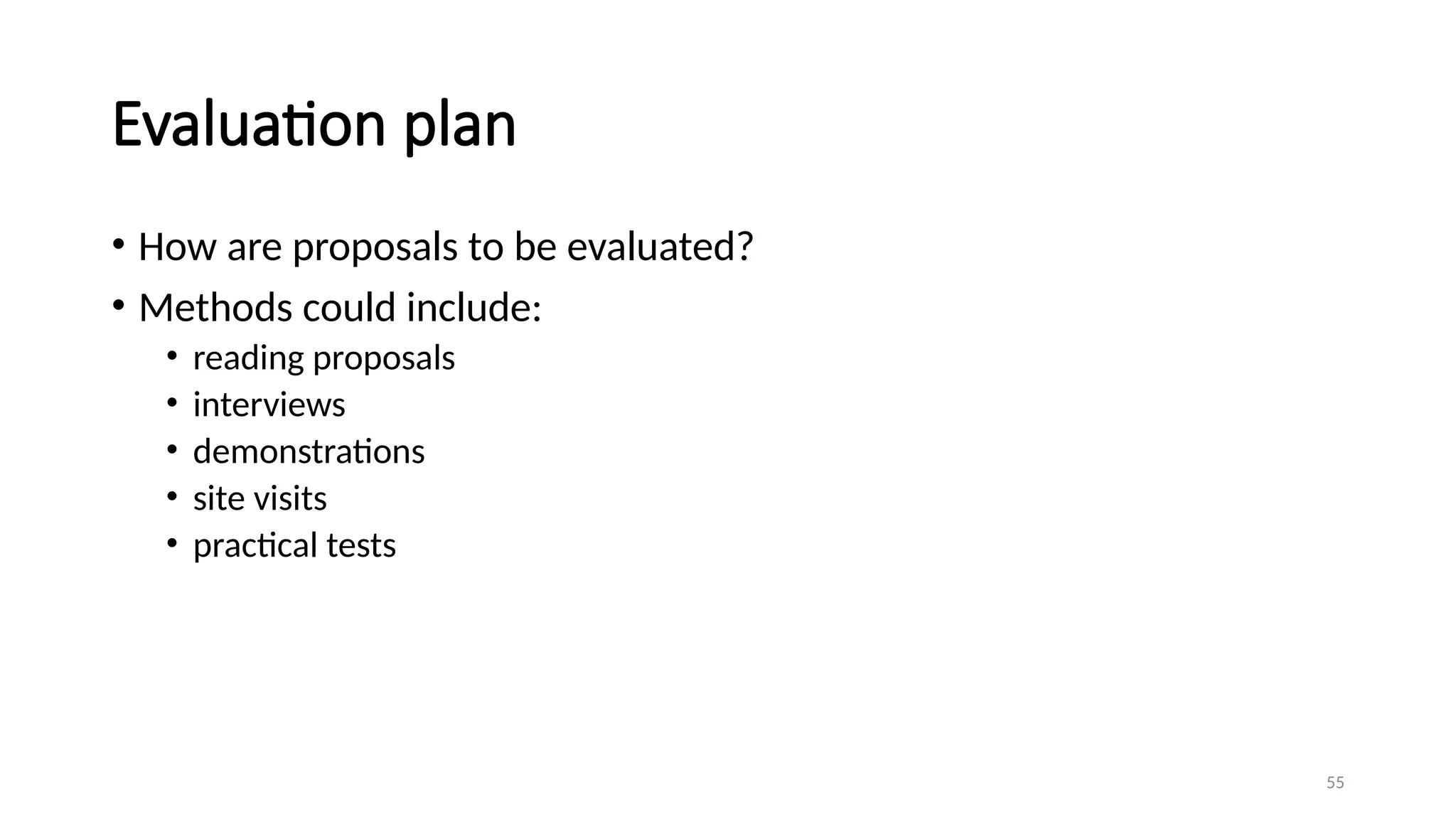
Evaluation plan
• Howare proposals to be evaluated?
• Methods could include:
• reading proposals
• interviews
• demonstrations
• site visits
• practical tests
56.
56
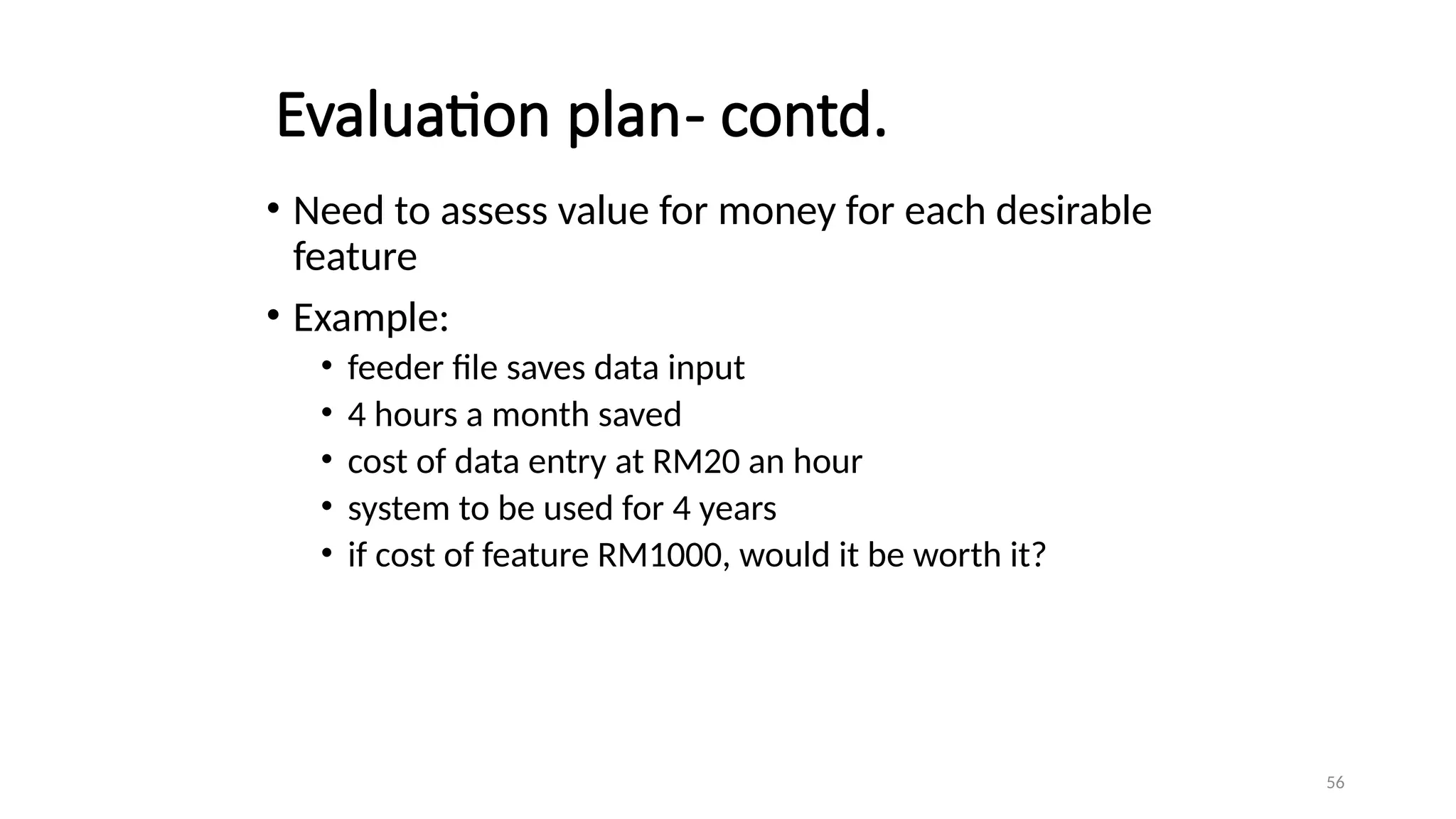
Evaluation plan- contd.
•Need to assess value for money for each desirable
feature
• Example:
• feeder file saves data input
• 4 hours a month saved
• cost of data entry at RM20 an hour
• system to be used for 4 years
• if cost of feature RM1000, would it be worth it?
57.
57
Invitation to tender(ITT)
• Note that bidder is making an offer in response to ITT
• acceptance of offer creates a contract
• Customer may need further information
• Problem of different technical solutions to the same problem
58.
58
Memoranda of agreement(MoA)
• Customer asks for technical proposals
• Technical proposals are examined and discussed
• Agreed technical solution in MoA
• Tenders are then requested from suppliers based in
MoA
• Tenders judged on price
• Fee could be paid for technical proposals by customer
59.
59
Evaluation of proposals
•Check the document that it contains all requirements
• Interviewing suppliers
• Demonstrations
• Site visits
• Practical tests
60.
60
Typical terms ofa contract
• Definition-Form of agreement-lease, license, Sale
• Goods and services to be supplied
• Ownership of software
• Environment
• Acceptance Standards
• Time table
• Price and payment method
• Legal requirements
61.
61
Acceptance
• When workis completed, customer needs to
carry out acceptance testing.
• Contract may put a time limit to acceptance
testing – customer must perform testing bf time
expired.
• Part or all payment to the supplier should
depend on acceptance testing
62.
62
Contract Management-STEPS
• Theremust be communication between supplier and customer while the
contracted work is carried out.
• This interaction leads to changes which vary the terms of contract.
• When the contract is negotiated, certain points in project may be
identified where customer approval is needed.
• Example :-a project to develop the large system could be divided into
increments ,for each increment there is interface design phase, customer
has to approve the interface first
• For each decision point, the deliverable to be presented by suppliers.
• Most changes to requirement may emerge .This vary the contract terms.
63.
63
Acceptance
• When thework is completed, customer needs to tack action to carry
out acceptance testing.
• The contract may put a time limit on how long acceptance testing can
take.
Editor's Notes
#25 Note that the Gantt chart is named after Henry Gantt (1861-1919) and so should not be written in capitals! You could ask students what they think GANTT stands for before you tell them this to impress this on them. I really find Gantt written as GANTT very, very annoying and threaten students with instant failure of the module if they do this!
The format of the Gantt chart here differs from the format used in Microsoft project as the activities for each team member are grouped together. You could input the details so that they came out in this format, but it would not occur automatically.
#26 A slip chart is a version of the Gantt chart where a line is drawn from top to bottom. To the left of the line are all the completed activities and to the right those activities ( or parts of activities) that have not been completed.
The more jagged the line, the more it means that that there are some activities that are lagging to various degrees and some that are ahead of themselves. A very jagged line means that there is scope for re-planning to move resources from those activities that are ahead to those that are behind.
#27 This records the way that targets have changed throughout the project.
Planned time is plotted on the horizontal axis, and actual time on the vertical axis. The bendy lines going from top to bottom represent the scheduled completion date for each activity e.g.
‘analyse existing system’ – at start this was due finish on the Monday of week 3 and it did finish then
‘obtain user requirements’ was originally planned to finish on the Thursday of week 5, but at the end of the first week it was rescheduled to finish on the Tuesday of week 6.
#30 A negative schedule variance (SV) means that the project is behind schedule as does a SPI that is less than 1.0.
#34 Renegotiating the deadline – one way of doing this is to divide the deliverables into ‘tranches’ (see Lecture/Chapter 3), delivering the ones most valuable to the client on or before the deadline, but delaying less valuable ones.
Shortening the critical path – the idea is to try to get things done more quickly by adding more staff. Some activities lend themselves to this more readily than others – it is often quite difficult to do this with software development. It also increases costs
Reconsidering activity dependencies – allowing activities to overlap often increases the risk of quality shortfalls
#36 1 and 2. The user community itself must come to a consensus about whether a proposal for a change should go forward. A change deemed desirable by one part of the user community could cause opposition with other users.
2 and 3. This part of the process often involves a multipart form, initially raised by a user representative and then completed with a response by the developers.
4. There could be a change control board with user and developer representatives that oversees this decision-making process
#45 Section 10.4 of the textbook provides more detail about the types of contract.
#46 Even though the supplier will have to add a margin to the price to deal with contingencies, the cost could still be less than doing the work in-house as the supplier may be able to exploit economies of scale and the expertise that the have from having done similar projects in the past.
#47 Because suppliers appear to be given a blank cheque, this approach does not normally find favour with customers. However, the employment of contract developers may involve this type of contract.
#48 These figures do come from a real source (RDI Technologies in the USA). These are now several year old. The bigger the project, the higher the cost per function point. Recall that function points were covered in Lecture/Chapter 5 on software effort estimation.
#49 2000 FPs at $967 = $1,934,000
500 FPs at $1019 = $509,500
500 FPs at $1058 = $529,000
200 FPs at $1094 $218,800
total $3,191,300
#54 The requirements document is sometimes referred to as the operational requirement or OR.
If a mandatory requirement cannot be met the proposed application would have to be rejected regardless of how good it might be in other ways.
A shortfall in one desirable requirement might be compensated for by other qualities or features.
#55 Off the shelf software clearly has an advantage here as there is actually product that can be evaluated in existence.
#56 RM(4 x 20 x 12 x 4) would be saved i.e. RM3,840. The payback period would be just over a year and so this feature would be worth the additional cost.
#57 ISO 12207 refers to an ITT as a Request for Proposal or RFP.
#59 Usability of existing package – you could try out a demo or ask existing users
Usability of application to be built – here you would have to make stipulation about the process e.g. on the development of interface prototypes; you could also specify performance requirements
Maintenance costs of hardware – this could be incorporated in a maintenance agreement and you could compare the terms offered by different potential suppliers; another approach is ask current users of the hardware about their experience of it
Time taken to respond to support requests – this could once again be made a contractual matter and the terms offered by different suppliers could be compared; suppliers could be asked to supply evidence of their past performance (but they might refuse, or not tell the truth); you could ask for references from current customers of the supplier;
Training – once again references could be taken up; you could ask for the CV of the trainer; you could even get them to give a short presentation