Smartphone and Mobile Device
Safety & Security
By
Dr. J. Alban Michael
INTRODUCTION
• Mobile devices have become man’s new best
friend.
• If you don’t believe it, 4 billion mobile phones in
use worldwide among 7 billion people.
• our devices to stay in touch, take pictures, shop,
bank, listen to music, and socialize.
• We store personal and professional information
on them.
• It has high financial and emotional value.
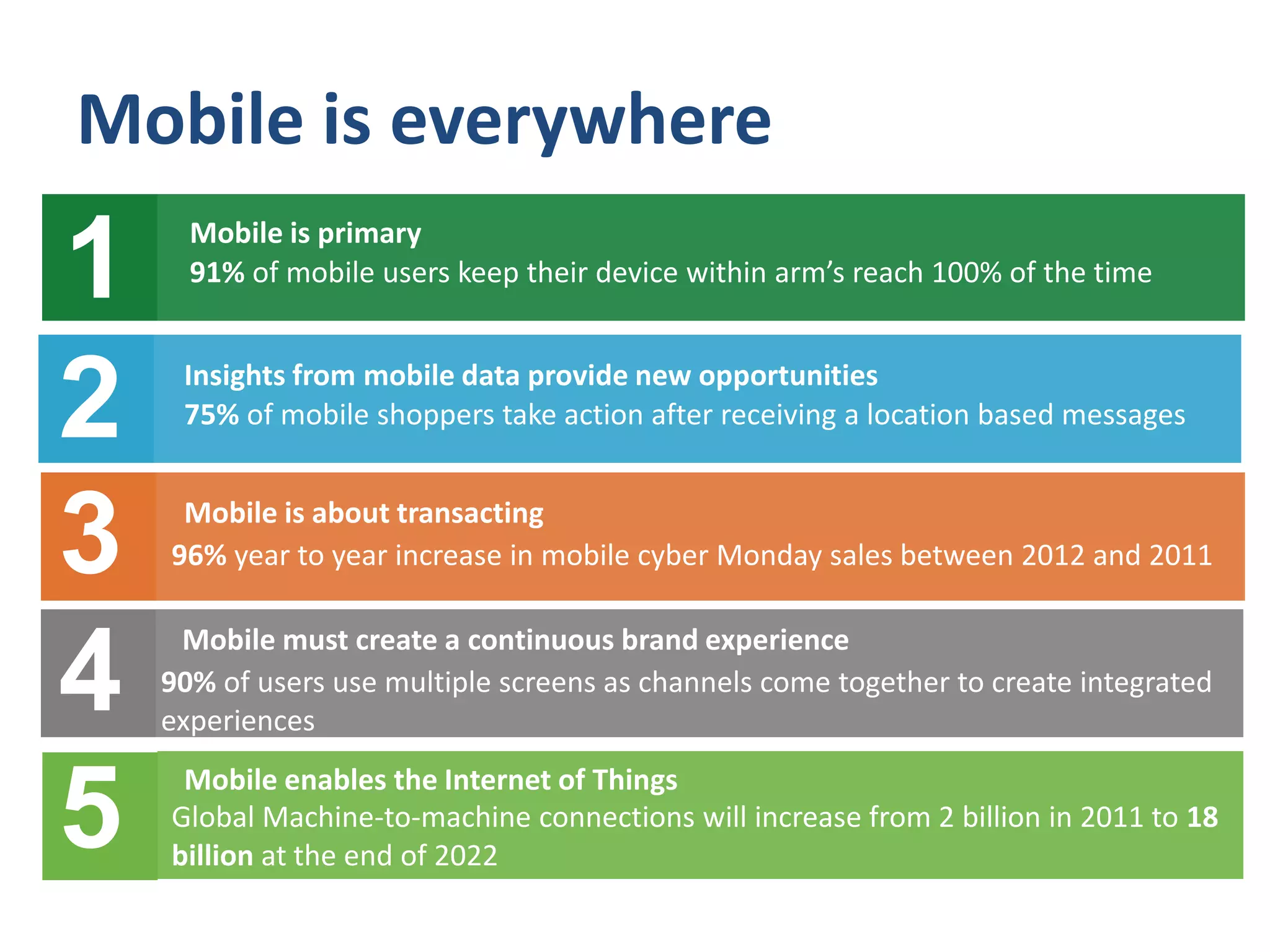
Mobile is everywhere
Mobile is about transacting
1
96% year to year increase in mobile cyber Monday sales between 2012 and 2011
Mobile enables the Internet of Things
2
4
3
Mobile is primary
5
90% of users use multiple screens as channels come together to create integrated
experiences
Mobile must create a continuous brand experience
Global Machine-to-machine connections will increase from 2 billion in 2011 to 18
billion at the end of 2022
Insights from mobile data provide new opportunities
75% of mobile shoppers take action after receiving a location based messages2
1 91% of mobile users keep their device within arm’s reach 100% of the time
Mobile is primary
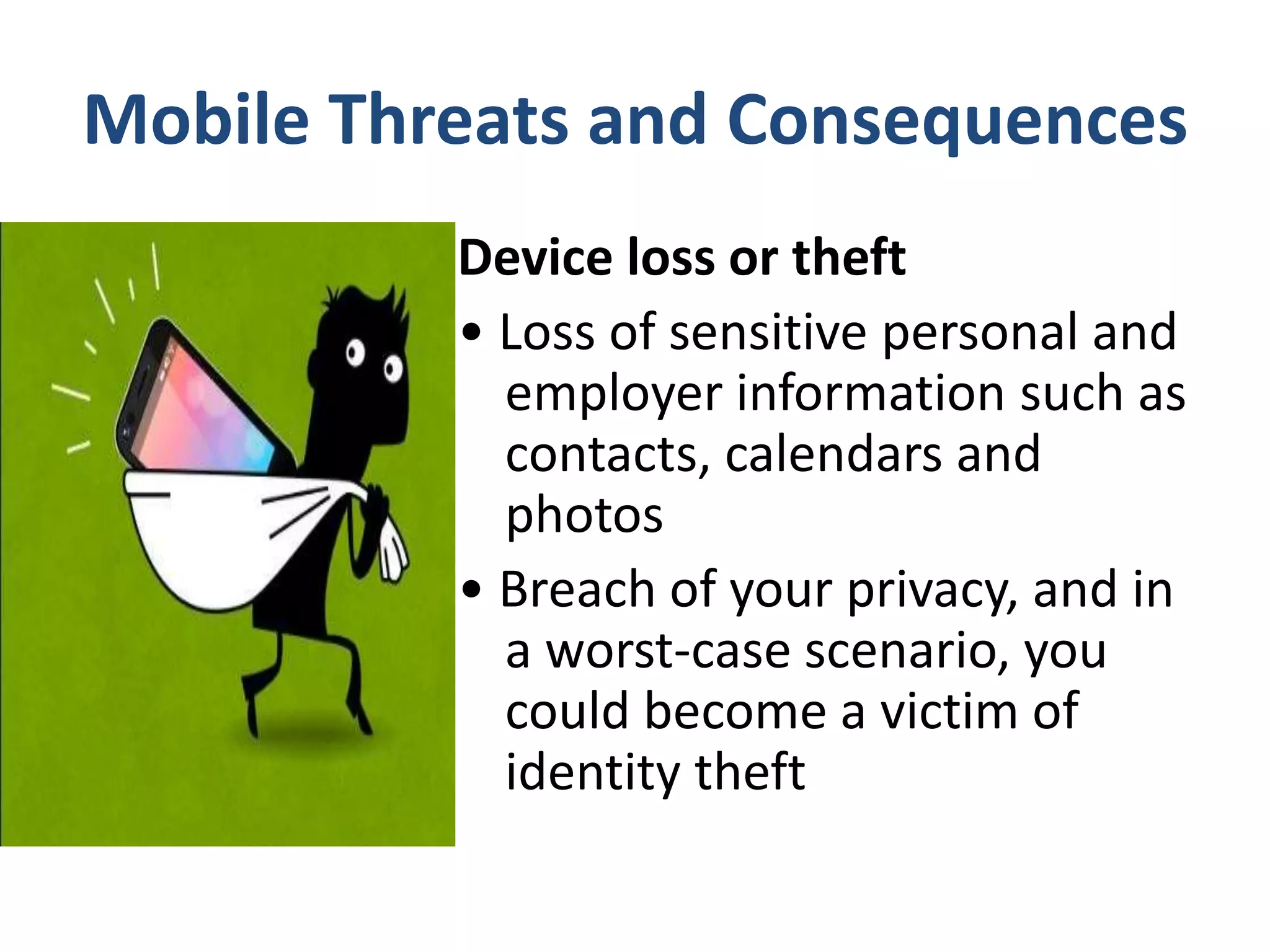
Mobile Threats and Consequences
Device loss or theft
• Loss of sensitive personal and
employer information such as
contacts, calendars and
photos
• Breach of your privacy, and in
a worst-case scenario, you
could become a victim of
identity theft
phishing scams (often
delivered via emails, texts
and social networking sites)
• Sensitive information revealed
such as account numbers and
login credentials
• Unauthorized withdrawals
made from your bank account
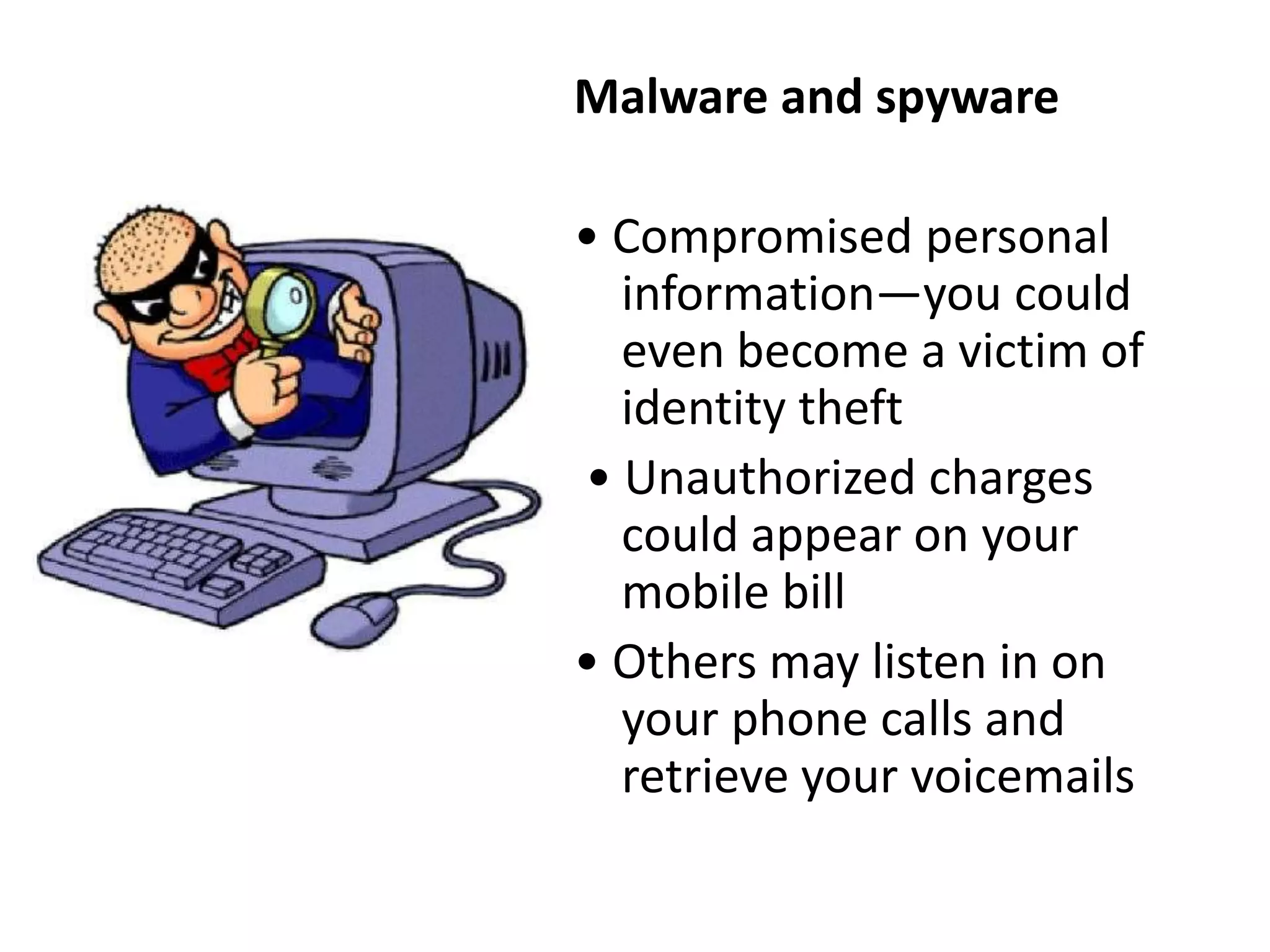
Malware and spyware
• Compromised personal
information—you could
even become a victim of
identity theft
• Unauthorized charges
could appear on your
mobile bill
• Others may listen in on
your phone calls and
retrieve your voicemails
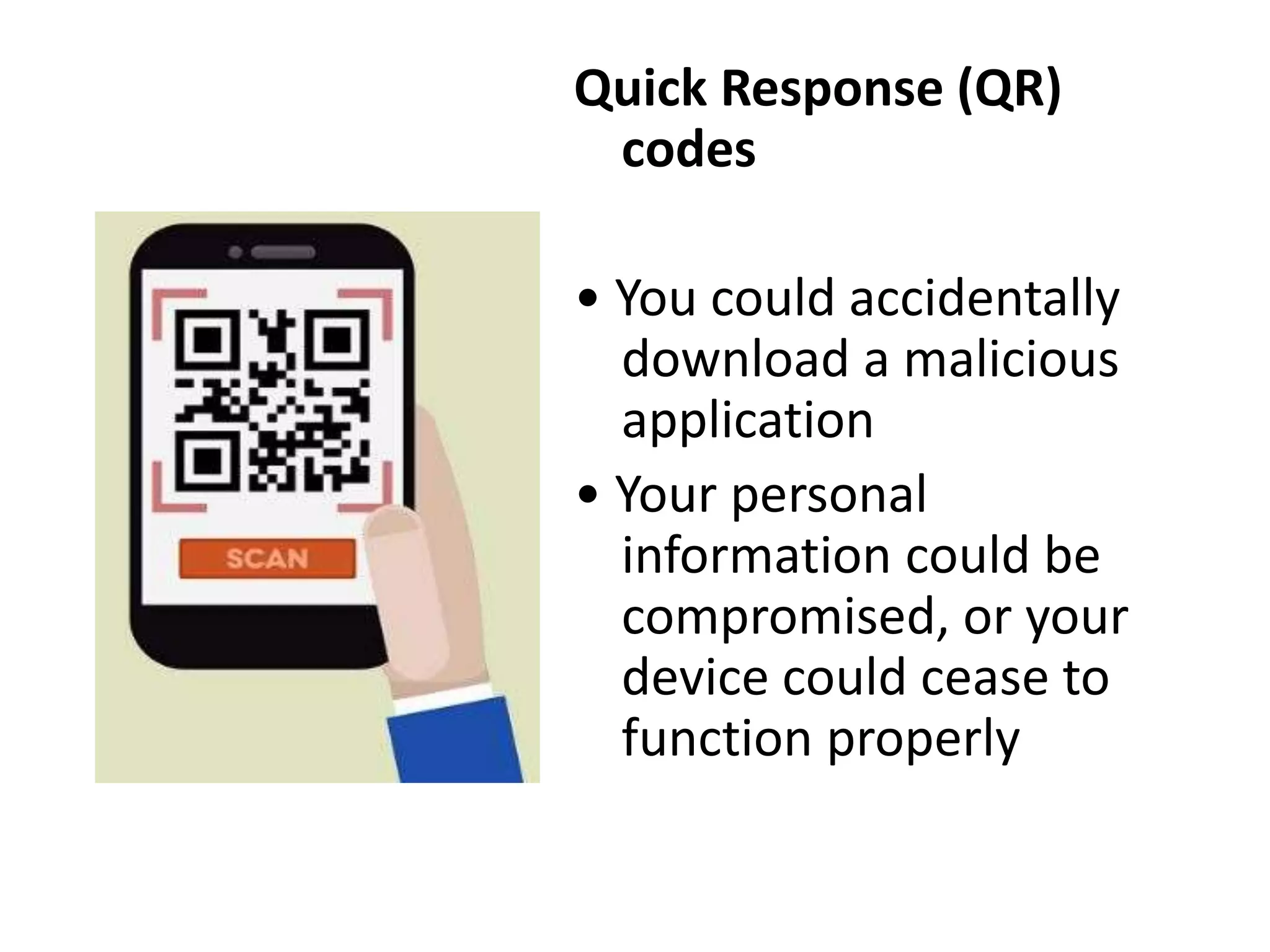
Quick Response (QR)
codes
• You could accidentally
download a malicious
application
• Your personal
information could be
compromised, or your
device could cease to
function properly
Wi-Fi networks
• You could connect to an
unsecured network, and
the data you send,
including sensitive
information such as
passwords and account
numbers, could
potentially be intercepted
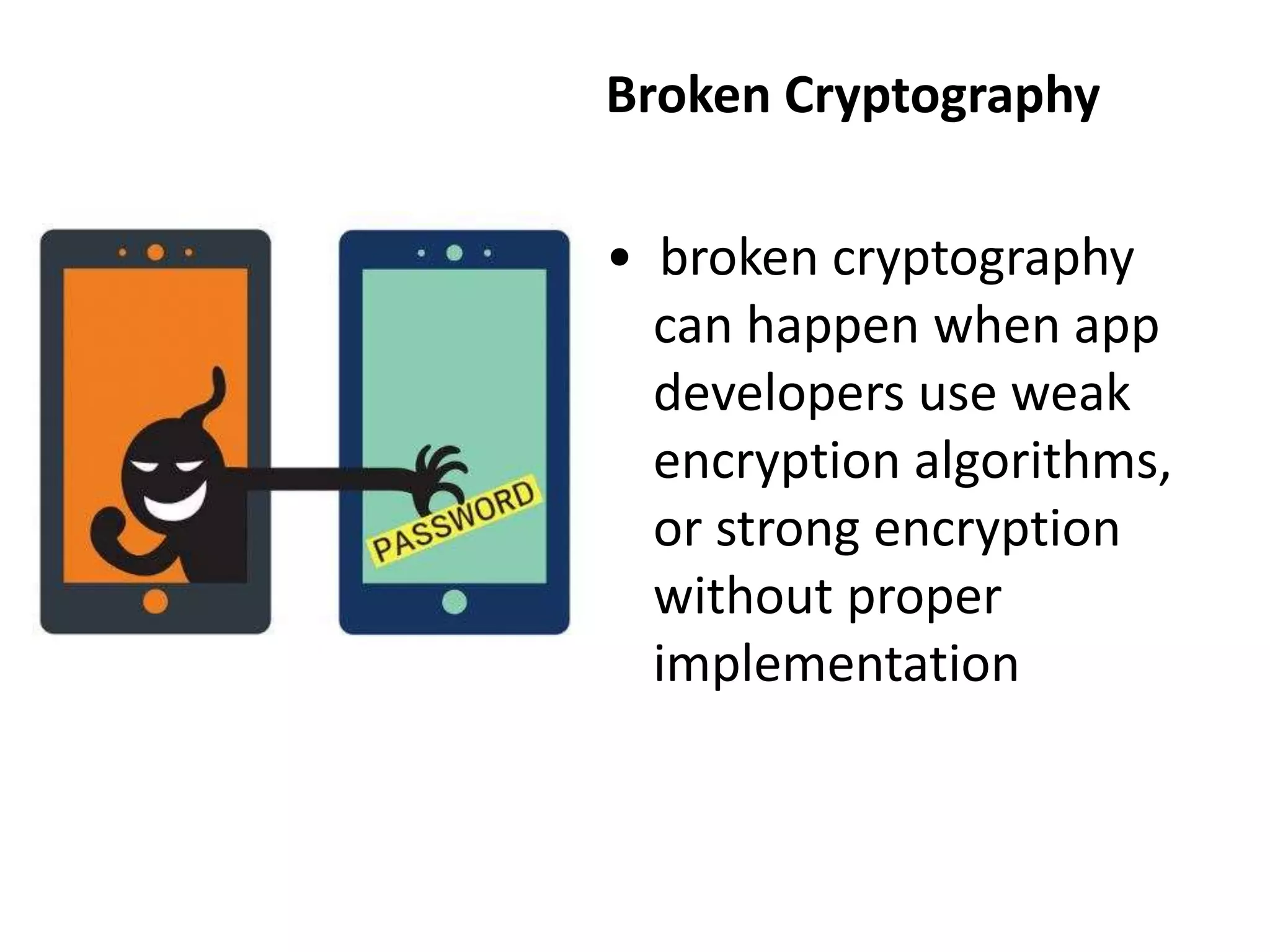
Broken Cryptography
• broken cryptography
can happen when app
developers use weak
encryption algorithms,
or strong encryption
without proper
implementation
Network Spoofing
• Network spoofing is when
hackers set up fake access
points (connections that look
like Wi-Fi networks but are
actually traps) in high-traffic
public locations such as
coffee shops, libraries and
airports.
cybercriminals give the
access points common
names, like “Free Airport Wi-
Fi” or “Coffeehouse,” which
encourage users to connect.
Top 10 Mobile Safety Tips
• Lock your device with a personal identification
number (PIN) or password
• Only install applications (apps) from trusted
sources
• Back up your data
• Keep your system updated
• Don’t hack your device
• Always log out of banking and shopping sites
• Turn off Wi-Fi, location services, and
Bluetooth when they are not in use
• Avoid texting or emailing personal
information
• Don’t click on links or attachments in
unsolicited emails or text messages
• Install a mobile security app

Smartphone and mobile device safety & security

  • 1.
    Smartphone and MobileDevice Safety & Security By Dr. J. Alban Michael
  • 2.
    INTRODUCTION • Mobile deviceshave become man’s new best friend. • If you don’t believe it, 4 billion mobile phones in use worldwide among 7 billion people. • our devices to stay in touch, take pictures, shop, bank, listen to music, and socialize. • We store personal and professional information on them. • It has high financial and emotional value.
  • 3.
    Mobile is everywhere Mobileis about transacting 1 96% year to year increase in mobile cyber Monday sales between 2012 and 2011 Mobile enables the Internet of Things 2 4 3 Mobile is primary 5 90% of users use multiple screens as channels come together to create integrated experiences Mobile must create a continuous brand experience Global Machine-to-machine connections will increase from 2 billion in 2011 to 18 billion at the end of 2022 Insights from mobile data provide new opportunities 75% of mobile shoppers take action after receiving a location based messages2 1 91% of mobile users keep their device within arm’s reach 100% of the time Mobile is primary
  • 4.
    Mobile Threats andConsequences Device loss or theft • Loss of sensitive personal and employer information such as contacts, calendars and photos • Breach of your privacy, and in a worst-case scenario, you could become a victim of identity theft
  • 5.
    phishing scams (often deliveredvia emails, texts and social networking sites) • Sensitive information revealed such as account numbers and login credentials • Unauthorized withdrawals made from your bank account
  • 6.
    Malware and spyware •Compromised personal information—you could even become a victim of identity theft • Unauthorized charges could appear on your mobile bill • Others may listen in on your phone calls and retrieve your voicemails
  • 7.
    Quick Response (QR) codes •You could accidentally download a malicious application • Your personal information could be compromised, or your device could cease to function properly
  • 8.
    Wi-Fi networks • Youcould connect to an unsecured network, and the data you send, including sensitive information such as passwords and account numbers, could potentially be intercepted
  • 9.
    Broken Cryptography • brokencryptography can happen when app developers use weak encryption algorithms, or strong encryption without proper implementation
  • 10.
    Network Spoofing • Networkspoofing is when hackers set up fake access points (connections that look like Wi-Fi networks but are actually traps) in high-traffic public locations such as coffee shops, libraries and airports. cybercriminals give the access points common names, like “Free Airport Wi- Fi” or “Coffeehouse,” which encourage users to connect.
  • 11.
    Top 10 MobileSafety Tips
  • 12.
    • Lock yourdevice with a personal identification number (PIN) or password • Only install applications (apps) from trusted sources • Back up your data • Keep your system updated • Don’t hack your device • Always log out of banking and shopping sites • Turn off Wi-Fi, location services, and Bluetooth when they are not in use
  • 13.
    • Avoid textingor emailing personal information • Don’t click on links or attachments in unsolicited emails or text messages • Install a mobile security app