AVG.COM.AU
AVG.CO.NZ


Computing on the Move – Mobile Security
Michael McKinnon, Security Advisor


               An Avalanche Technology Group company
Why is mobile security an issue?


• In 2011, smartphone sales overtook sales of PCs!

• Gartner Research has predicted that mobile web access will
  overtake PC access by 2013

• There is an increased prevalence of mobile malware

• Mobile devices are now being used for activities that
  require the disclosure of sensitive information
   • Online shopping

   • Mobile banking


                                                               2
What are the risks?

• Physical loss of the device

• Loss of information & data

• Infection from malware

• Fraud


                                3
Physical mobile security

• Device locks

   • PIN numbers and/or passwords are a MUST

   • Can be enforced with mail servers

• Can you locate your lost/stolen device?

   • “Find My iPhone/iPad”

   • Android™ solutions as well (feature included in AVG Mobilation)


                                                                       4
Protecting mobile data

• What data do you have on your devices?

   • Do an audit to find out!

   • Classify your data, and think about the consequences

   • Does it really need to be mobile?

• Device encryption is available in the latest mobile devices


                                                                5
Preventing mobile malware


• Use anti-malware on your mobile

• Don’t install apps from outside trusted marketplaces

• When installing apps ALWAYS check permissions

• NEVER hack your phone

   • i.e. iPhone/iPad Jailbreak or Android “root”

• Limit/consider implications of clicking on links on a
  mobile device, especially via social networking sites


                                                          6
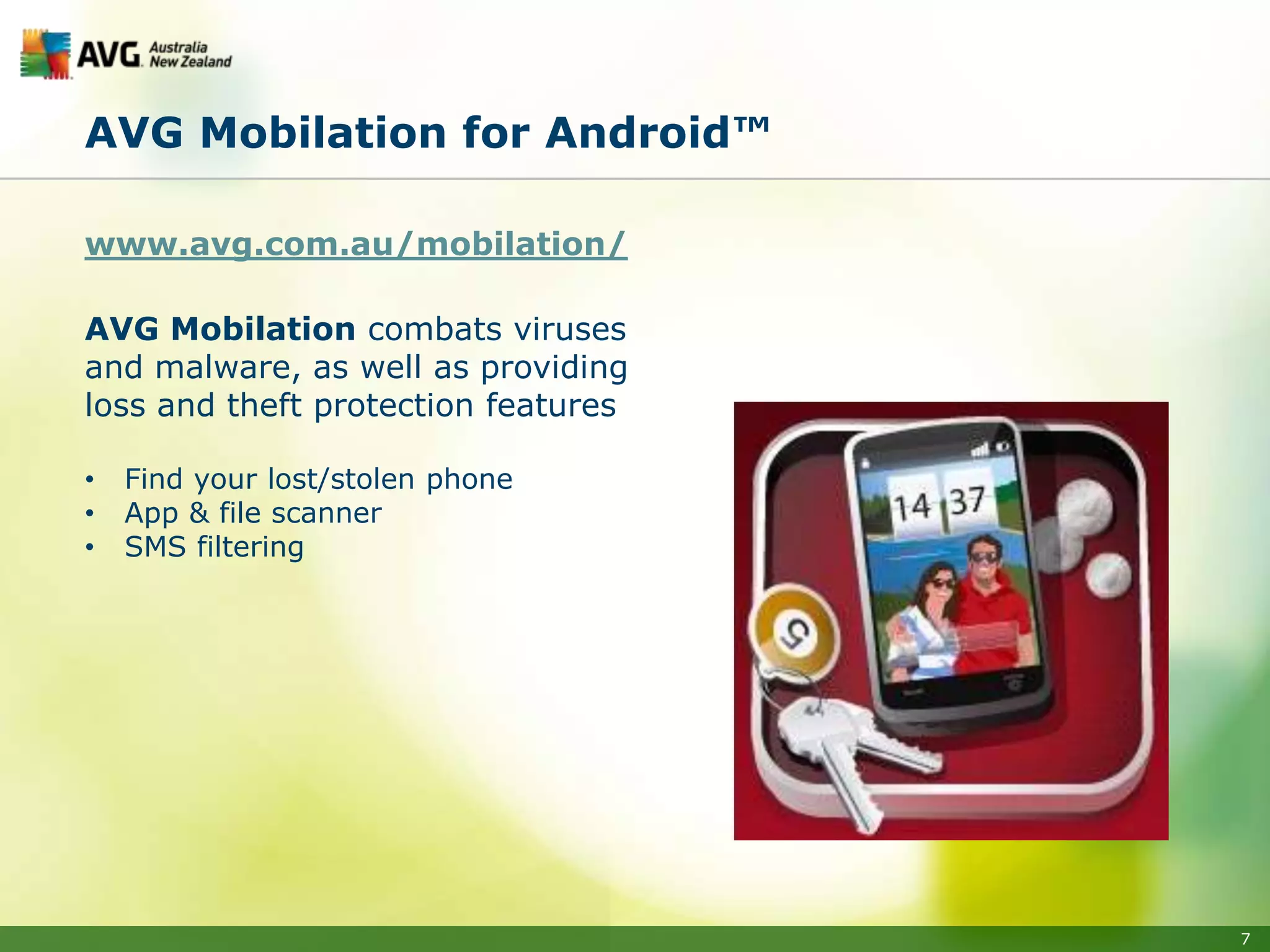
AVG Mobilation for Android™

www.avg.com.au/mobilation/

AVG Mobilation combats viruses
and malware, as well as providing
loss and theft protection features

•   Find your lost/stolen phone
•   App & file scanner
•   SMS filtering


                                     7
Thank You!


            Connect with us to stay up to date with the latest
            news and information about online threats and scams.
            We also provide simple and useful security tips,
            designed to keep our community safe.

            Come and say hello!


avg.com.au                                     facebook.com/avgaunz

avg.co.nz
                                               twitter.com/avgaunz


   Copyright © 2012 AVG (AU/NZ) Pty Ltd, an Avalanche Technology Group company. All rights reserved.
                                                                                                       8

Computing on the Move - Mobile Security

  • 1.
    AVG.COM.AU AVG.CO.NZ Computing on theMove – Mobile Security Michael McKinnon, Security Advisor An Avalanche Technology Group company
  • 2.
    Why is mobilesecurity an issue? • In 2011, smartphone sales overtook sales of PCs! • Gartner Research has predicted that mobile web access will overtake PC access by 2013 • There is an increased prevalence of mobile malware • Mobile devices are now being used for activities that require the disclosure of sensitive information • Online shopping • Mobile banking 2
  • 3.
    What are therisks? • Physical loss of the device • Loss of information & data • Infection from malware • Fraud 3
  • 4.
    Physical mobile security •Device locks • PIN numbers and/or passwords are a MUST • Can be enforced with mail servers • Can you locate your lost/stolen device? • “Find My iPhone/iPad” • Android™ solutions as well (feature included in AVG Mobilation) 4
  • 5.
    Protecting mobile data •What data do you have on your devices? • Do an audit to find out! • Classify your data, and think about the consequences • Does it really need to be mobile? • Device encryption is available in the latest mobile devices 5
  • 6.
    Preventing mobile malware •Use anti-malware on your mobile • Don’t install apps from outside trusted marketplaces • When installing apps ALWAYS check permissions • NEVER hack your phone • i.e. iPhone/iPad Jailbreak or Android “root” • Limit/consider implications of clicking on links on a mobile device, especially via social networking sites 6
  • 7.
    AVG Mobilation forAndroid™ www.avg.com.au/mobilation/ AVG Mobilation combats viruses and malware, as well as providing loss and theft protection features • Find your lost/stolen phone • App & file scanner • SMS filtering 7
  • 8.
    Thank You! Connect with us to stay up to date with the latest news and information about online threats and scams. We also provide simple and useful security tips, designed to keep our community safe. Come and say hello! avg.com.au facebook.com/avgaunz avg.co.nz twitter.com/avgaunz Copyright © 2012 AVG (AU/NZ) Pty Ltd, an Avalanche Technology Group company. All rights reserved. 8