SMART HOME
Application of IOT
N ame: Pat il N ikh il Is hwar
Ro ll N o: 4 5 Cla ss: T Y BBA( CA)
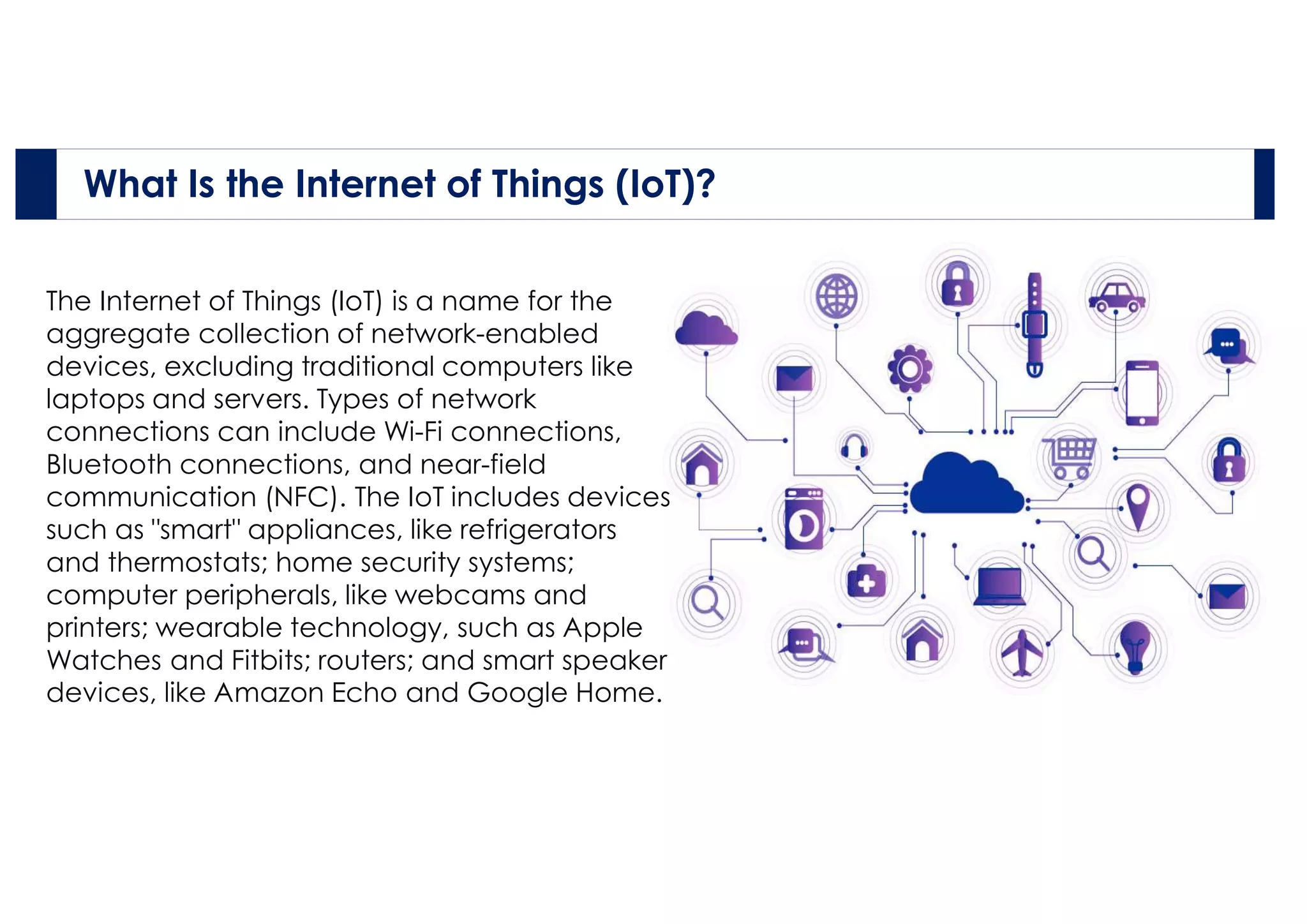
The Internet of Things (IoT) is a name for the
aggregate collection of network-enabled
devices, excluding traditional computers like
laptops and servers. Types of network
connections can include Wi-Fi connections,
Bluetooth connections, and near-field
communication (NFC). The IoT includes devices
such as "smart" appliances, like refrigerators
and thermostats; home security systems;
computer peripherals, like webcams and
printers; wearable technology, such as Apple
Watches and Fitbits; routers; and smart speaker
devices, like Amazon Echo and Google Home.
What Is the Internet of Things (IoT)?
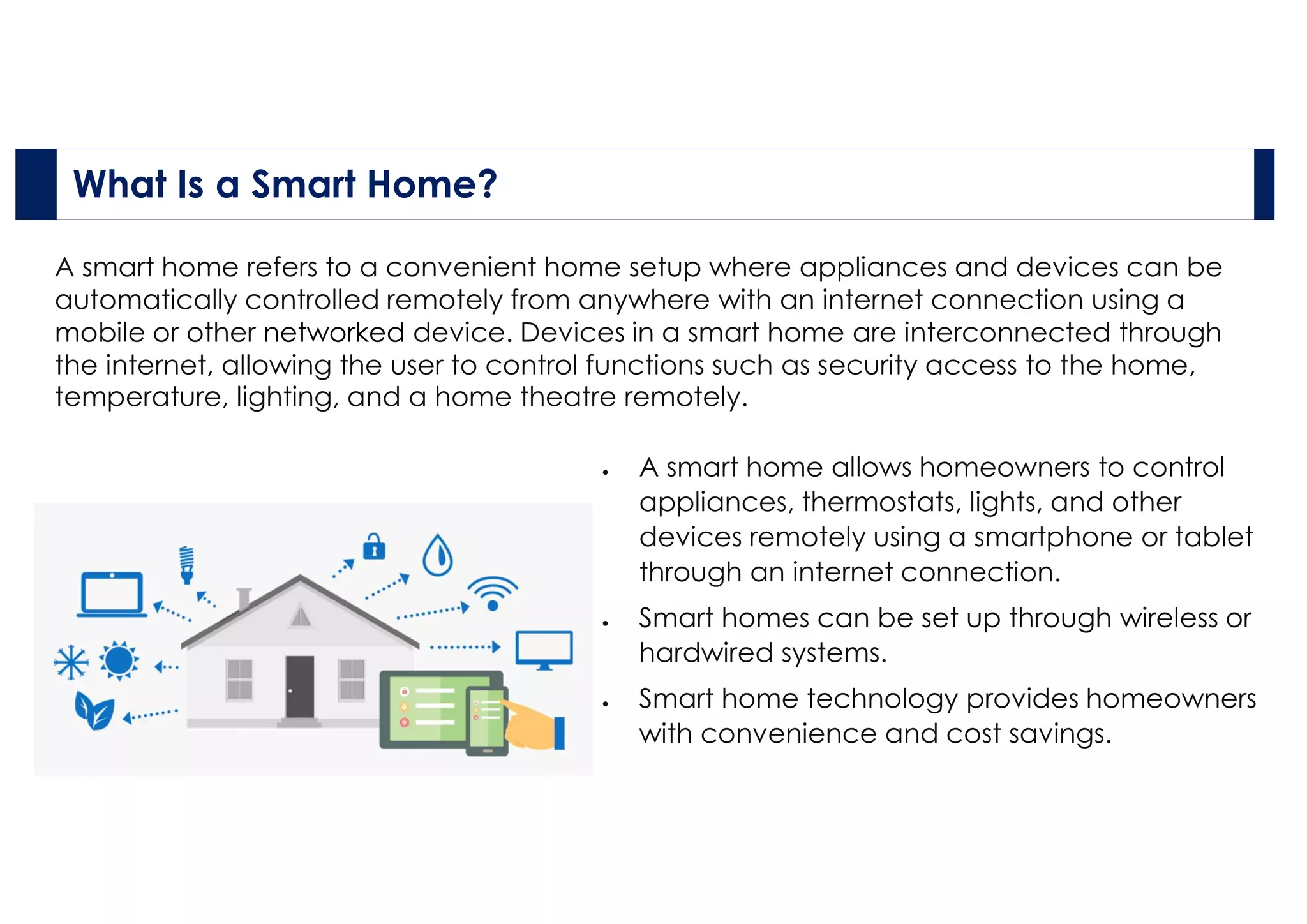
A smart home refers to a convenient home setup where appliances and devices can be
automatically controlled remotely from anywhere with an internet connection using a
mobile or other networked device. Devices in a smart home are interconnected through
the internet, allowing the user to control functions such as security access to the home,
temperature, lighting, and a home theatre remotely.
What Is a Smart Home?
 A smart home allows homeowners to control
appliances, thermostats, lights, and other
devices remotely using a smartphone or tablet
through an internet connection.
 Smart homes can be set up through wireless or
hardwired systems.
 Smart home technology provides homeowners
with convenience and cost savings.
How Smart Homes Work?
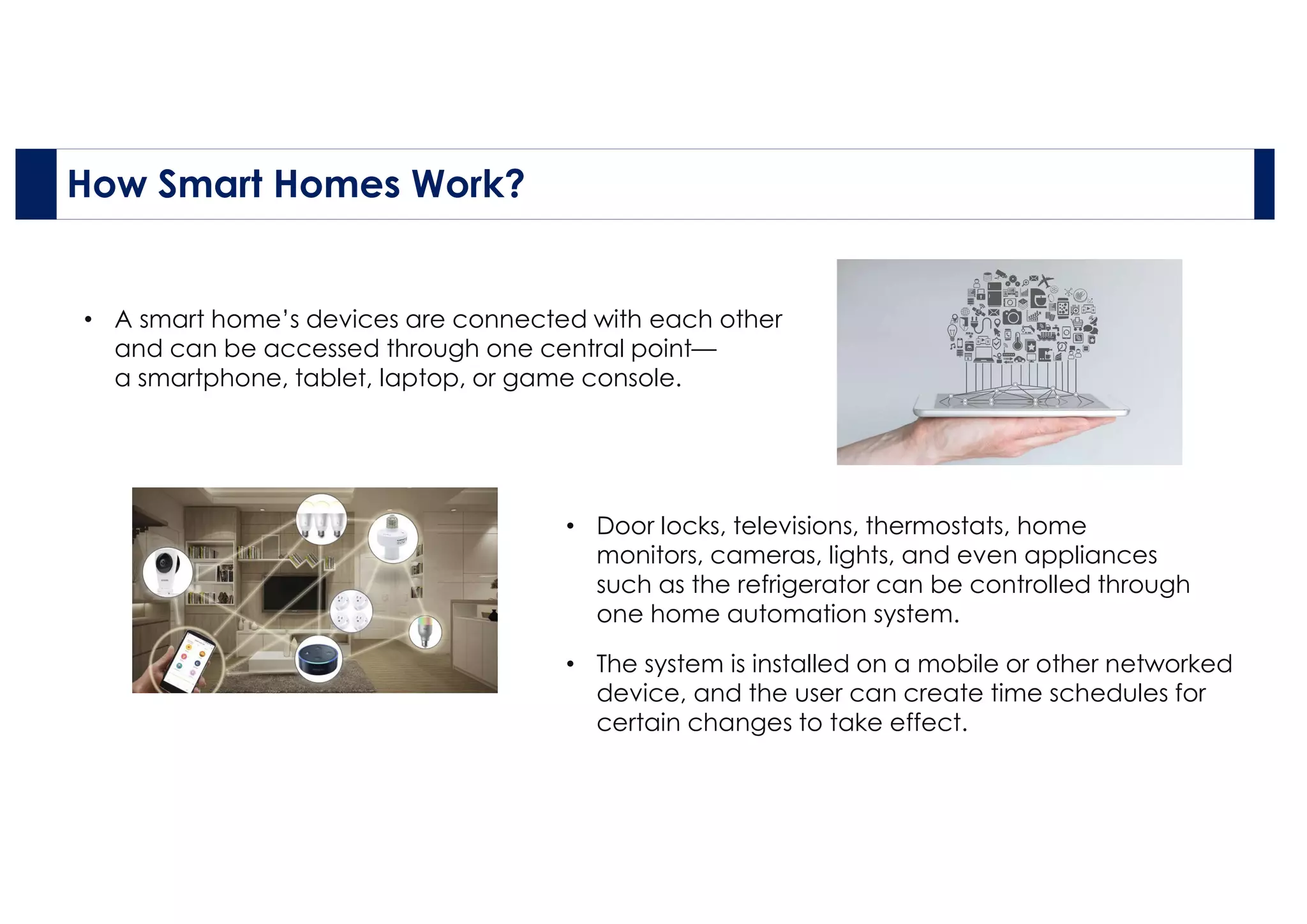
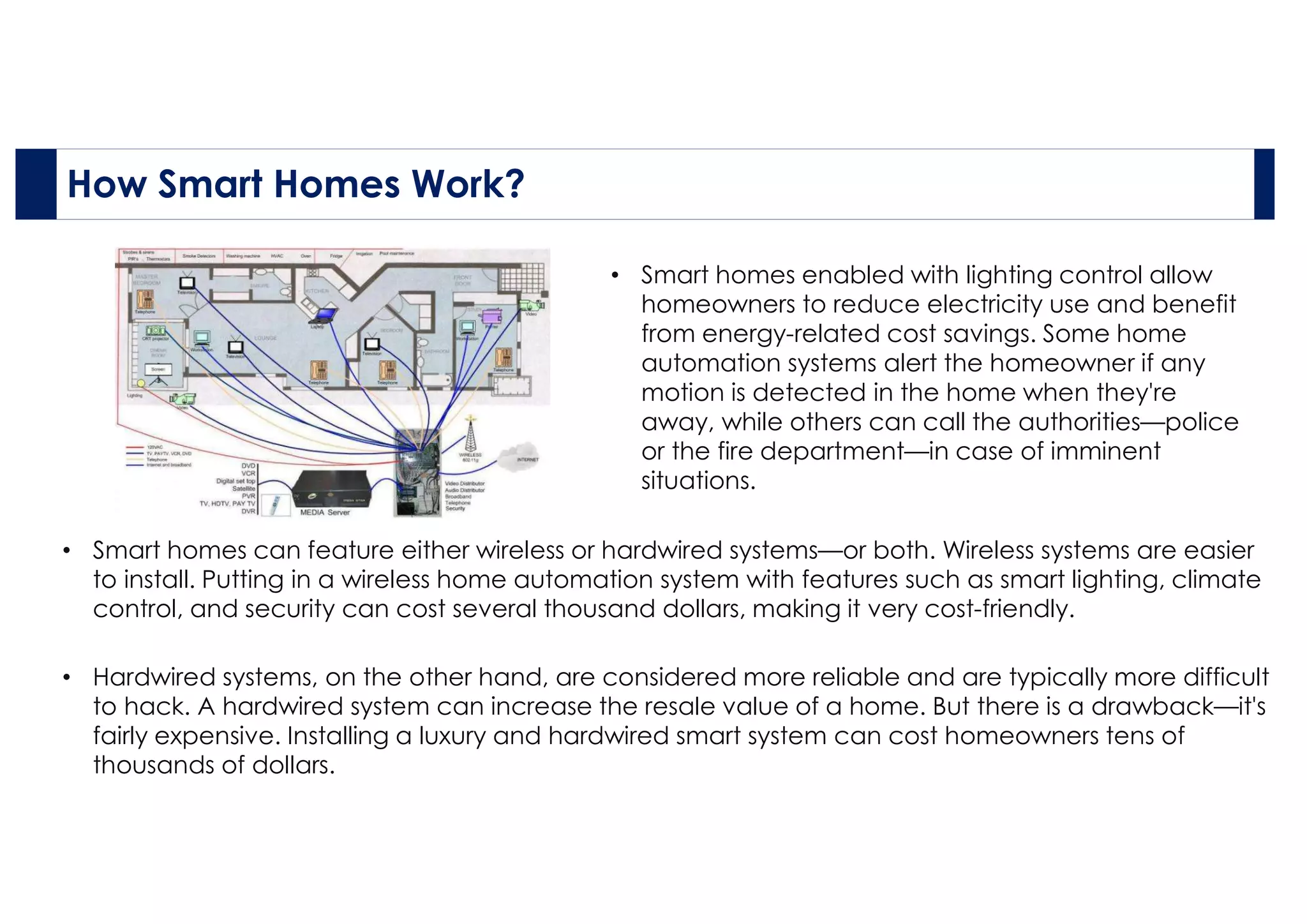
• A smart home’s devices are connected with each other
and can be accessed through one central point—
a smartphone, tablet, laptop, or game console.
• The system is installed on a mobile or other networked
device, and the user can create time schedules for
certain changes to take effect.
• Door locks, televisions, thermostats, home
monitors, cameras, lights, and even appliances
such as the refrigerator can be controlled through
one home automation system.
• Hardwired systems, on the other hand, are considered more reliable and are typically more difficult
to hack. A hardwired system can increase the resale value of a home. But there is a drawback—it's
fairly expensive. Installing a luxury and hardwired smart system can cost homeowners tens of
thousands of dollars.
• Smart homes enabled with lighting control allow
homeowners to reduce electricity use and benefit
from energy-related cost savings. Some home
automation systems alert the homeowner if any
motion is detected in the home when they're
away, while others can call the authorities—police
or the fire department—in case of imminent
situations.
• Smart homes can feature either wireless or hardwired systems—or both. Wireless systems are easier
to install. Putting in a wireless home automation system with features such as smart lighting, climate
control, and security can cost several thousand dollars, making it very cost-friendly.
How Smart Homes Work?
Advantages and Disadvantages of Smart Homes
Pros Cons
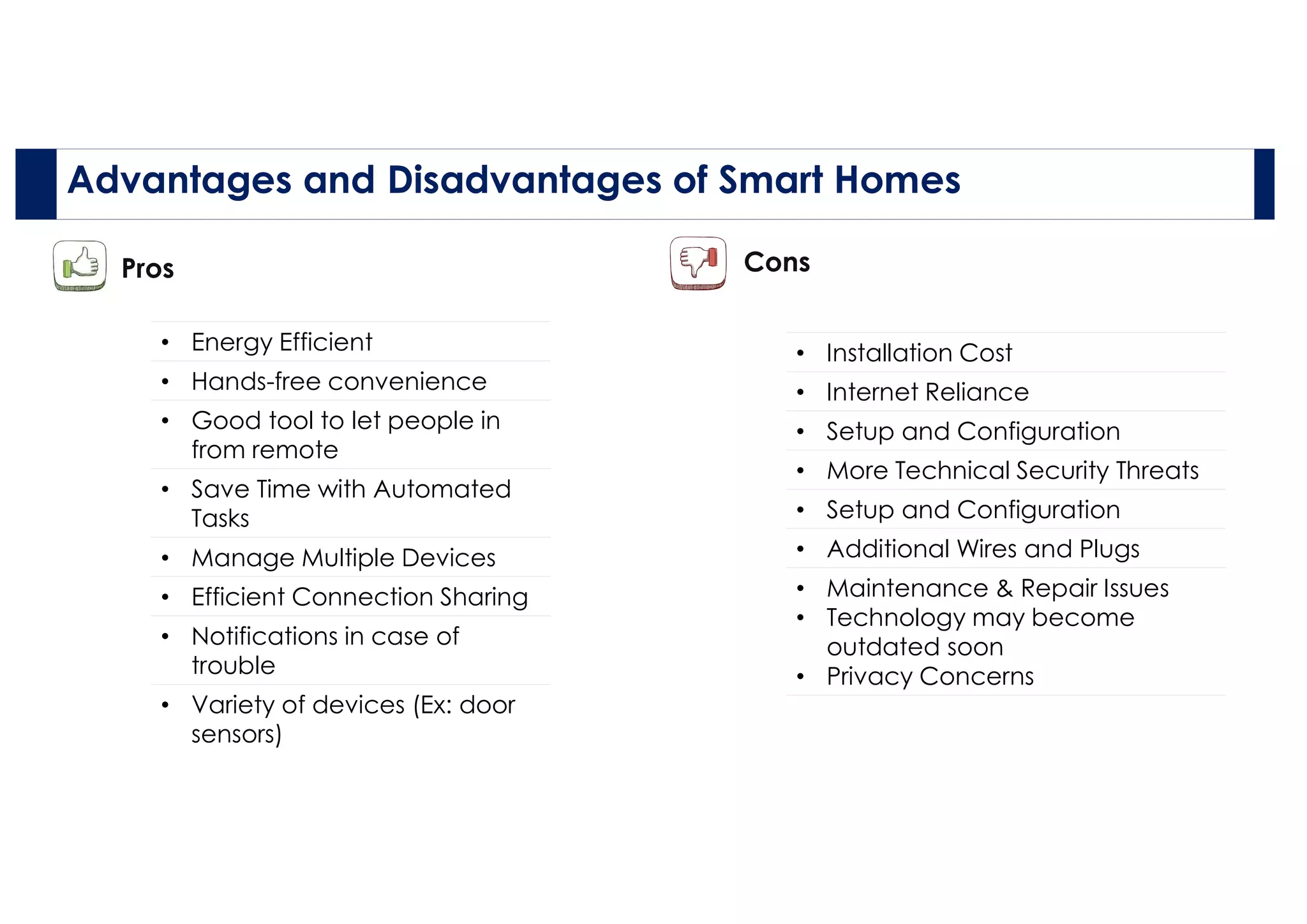
• Energy Efficient
• Hands-free convenience
• Good tool to let people in
from remote
• Save Time with Automated
Tasks
• Manage Multiple Devices
• Efficient Connection Sharing
• Notifications in case of
trouble
• Variety of devices (Ex: door
sensors)
• Installation Cost
• Internet Reliance
• Setup and Configuration
• More Technical Security Threats
• Setup and Configuration
• Additional Wires and Plugs
• Maintenance & Repair Issues
• Technology may become
outdated soon
• Privacy Concerns
Main components Involved in Smart Home.
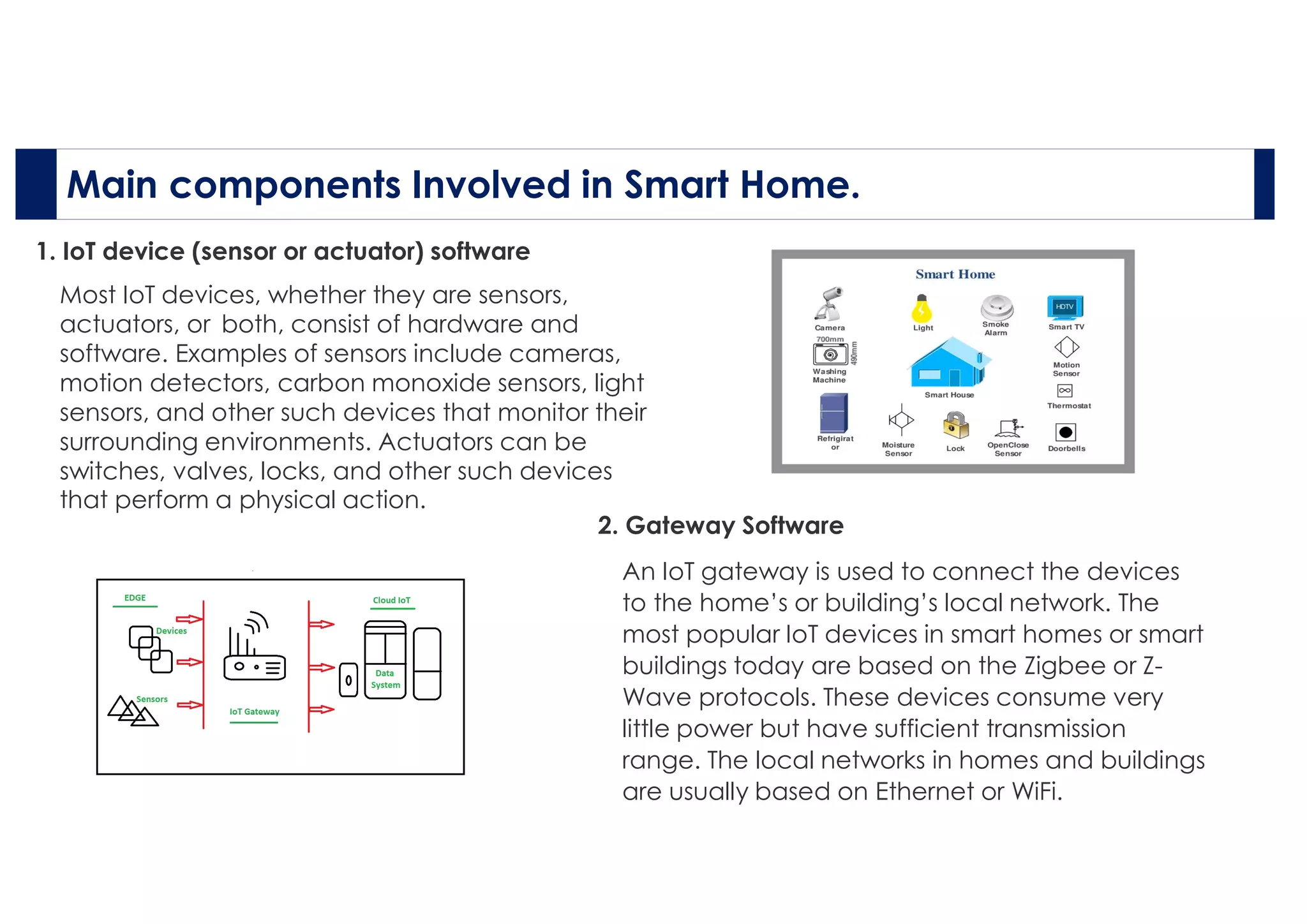
1. IoT device (sensor or actuator) software
Most IoT devices, whether they are sensors,
actuators, or both, consist of hardware and
software. Examples of sensors include cameras,
motion detectors, carbon monoxide sensors, light
sensors, and other such devices that monitor their
surrounding environments. Actuators can be
switches, valves, locks, and other such devices
that perform a physical action.
2. Gateway Software
An IoT gateway is used to connect the devices
to the home’s or building’s local network. The
most popular IoT devices in smart homes or smart
buildings today are based on the Zigbee or Z-
Wave protocols. These devices consume very
little power but have sufficient transmission
range. The local networks in homes and buildings
are usually based on Ethernet or WiFi.
Main components Involved in Smart Home.
3. Smartphone App
The smartphone has quickly become the
most used computing device in our personal
and professional lives. In today’s smart home
or smart building, the smartphone plays an
important role.
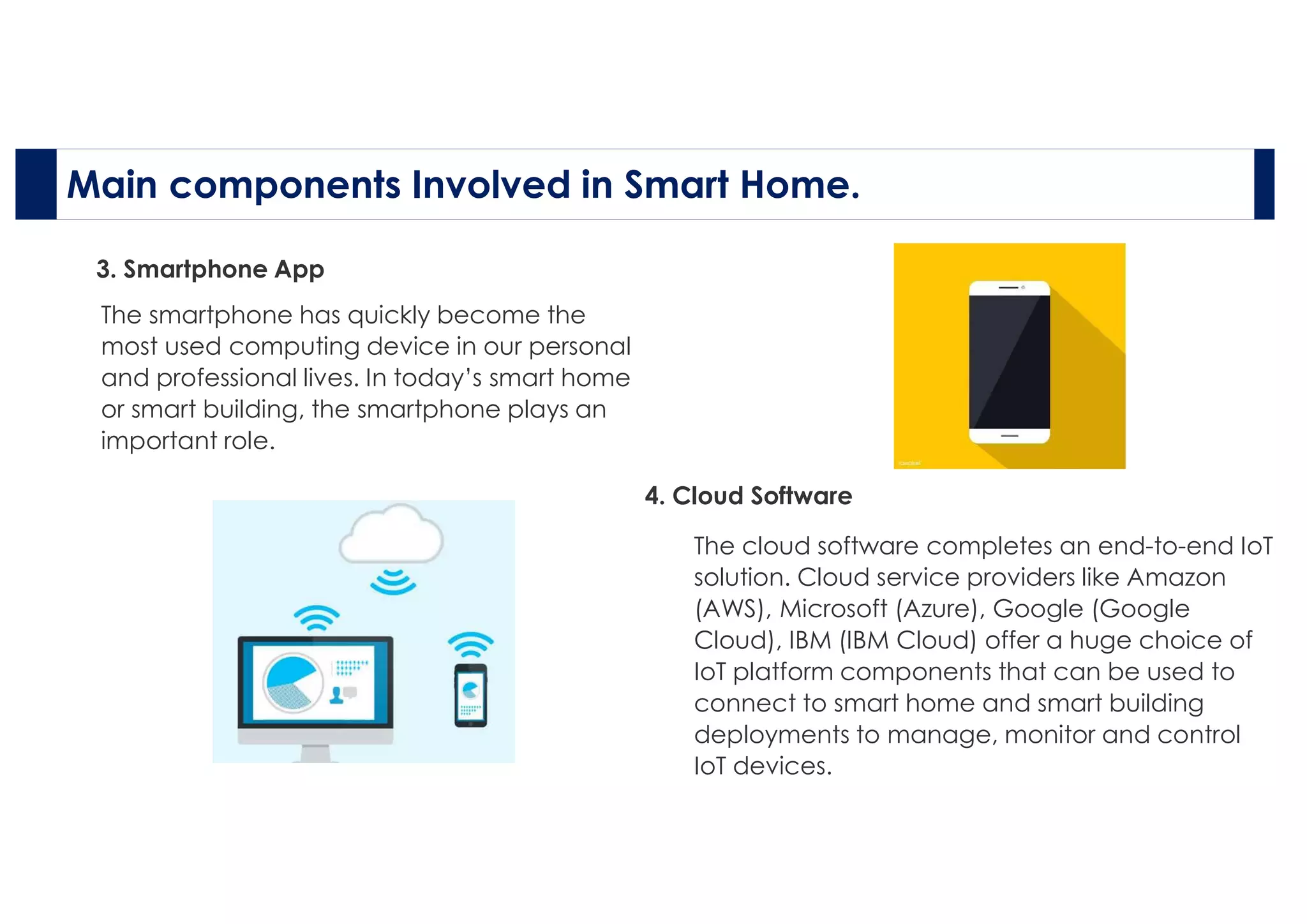
4. Cloud Software
The cloud software completes an end-to-end IoT
solution. Cloud service providers like Amazon
(AWS), Microsoft (Azure), Google (Google
Cloud), IBM (IBM Cloud) offer a huge choice of
IoT platform components that can be used to
connect to smart home and smart building
deployments to manage, monitor and control
IoT devices.

smartHomeppt.pdf

  • 1.
    SMART HOME Application ofIOT N ame: Pat il N ikh il Is hwar Ro ll N o: 4 5 Cla ss: T Y BBA( CA)
  • 2.
    The Internet ofThings (IoT) is a name for the aggregate collection of network-enabled devices, excluding traditional computers like laptops and servers. Types of network connections can include Wi-Fi connections, Bluetooth connections, and near-field communication (NFC). The IoT includes devices such as "smart" appliances, like refrigerators and thermostats; home security systems; computer peripherals, like webcams and printers; wearable technology, such as Apple Watches and Fitbits; routers; and smart speaker devices, like Amazon Echo and Google Home. What Is the Internet of Things (IoT)?
  • 3.
    A smart homerefers to a convenient home setup where appliances and devices can be automatically controlled remotely from anywhere with an internet connection using a mobile or other networked device. Devices in a smart home are interconnected through the internet, allowing the user to control functions such as security access to the home, temperature, lighting, and a home theatre remotely. What Is a Smart Home?  A smart home allows homeowners to control appliances, thermostats, lights, and other devices remotely using a smartphone or tablet through an internet connection.  Smart homes can be set up through wireless or hardwired systems.  Smart home technology provides homeowners with convenience and cost savings.
  • 4.
    How Smart HomesWork? • A smart home’s devices are connected with each other and can be accessed through one central point— a smartphone, tablet, laptop, or game console. • The system is installed on a mobile or other networked device, and the user can create time schedules for certain changes to take effect. • Door locks, televisions, thermostats, home monitors, cameras, lights, and even appliances such as the refrigerator can be controlled through one home automation system.
  • 5.
    • Hardwired systems,on the other hand, are considered more reliable and are typically more difficult to hack. A hardwired system can increase the resale value of a home. But there is a drawback—it's fairly expensive. Installing a luxury and hardwired smart system can cost homeowners tens of thousands of dollars. • Smart homes enabled with lighting control allow homeowners to reduce electricity use and benefit from energy-related cost savings. Some home automation systems alert the homeowner if any motion is detected in the home when they're away, while others can call the authorities—police or the fire department—in case of imminent situations. • Smart homes can feature either wireless or hardwired systems—or both. Wireless systems are easier to install. Putting in a wireless home automation system with features such as smart lighting, climate control, and security can cost several thousand dollars, making it very cost-friendly. How Smart Homes Work?
  • 6.
    Advantages and Disadvantagesof Smart Homes Pros Cons • Energy Efficient • Hands-free convenience • Good tool to let people in from remote • Save Time with Automated Tasks • Manage Multiple Devices • Efficient Connection Sharing • Notifications in case of trouble • Variety of devices (Ex: door sensors) • Installation Cost • Internet Reliance • Setup and Configuration • More Technical Security Threats • Setup and Configuration • Additional Wires and Plugs • Maintenance & Repair Issues • Technology may become outdated soon • Privacy Concerns
  • 7.
    Main components Involvedin Smart Home. 1. IoT device (sensor or actuator) software Most IoT devices, whether they are sensors, actuators, or both, consist of hardware and software. Examples of sensors include cameras, motion detectors, carbon monoxide sensors, light sensors, and other such devices that monitor their surrounding environments. Actuators can be switches, valves, locks, and other such devices that perform a physical action. 2. Gateway Software An IoT gateway is used to connect the devices to the home’s or building’s local network. The most popular IoT devices in smart homes or smart buildings today are based on the Zigbee or Z- Wave protocols. These devices consume very little power but have sufficient transmission range. The local networks in homes and buildings are usually based on Ethernet or WiFi.
  • 8.
    Main components Involvedin Smart Home. 3. Smartphone App The smartphone has quickly become the most used computing device in our personal and professional lives. In today’s smart home or smart building, the smartphone plays an important role. 4. Cloud Software The cloud software completes an end-to-end IoT solution. Cloud service providers like Amazon (AWS), Microsoft (Azure), Google (Google Cloud), IBM (IBM Cloud) offer a huge choice of IoT platform components that can be used to connect to smart home and smart building deployments to manage, monitor and control IoT devices.