Small wins In a small
time with Apache Solr
Who am I?


    My (Buddhist) name is Upayavira

    Consultant with Sourcesense, specialising in
    search and operational technologies

    A member of the Apache Software Foundation
Who are Sourcesense?


    Open Source integrator, specialising in:
    
        Search
    
        Business Intelligence
    
        Content Management
    
        Application Lifecycle Management

    Offices in London, Amsterdam, Milan and Rome
Committers and Contributors

     Search:
     
            Lucene/Solr – contributor
     
            Hibernate Search – committer
     
            Lucene Infinispan integration – lead developer
     
            Apache UIMA – committer

     CMS:
     
            Apache Chemistry – contributor
     
            Apache Jackrabbit – contributor
     
            JBoss GateIn Portal – committer
     
            OpenSSO-Alfresco - contributor
What is Lucene?


    Lucene is a Java information retrieval library

    Provides free text search facilities

    Started in 2000, by Doug Cutting

    A project of the Apache Software Foundation

    It is designed to be embedded in Java apps
What is Solr?


    Solr is an enterprise search server based on
    Lucene

    Wraps Lucene with a RESTful web interface

    Provides configurable schema

    Provides replication functionality
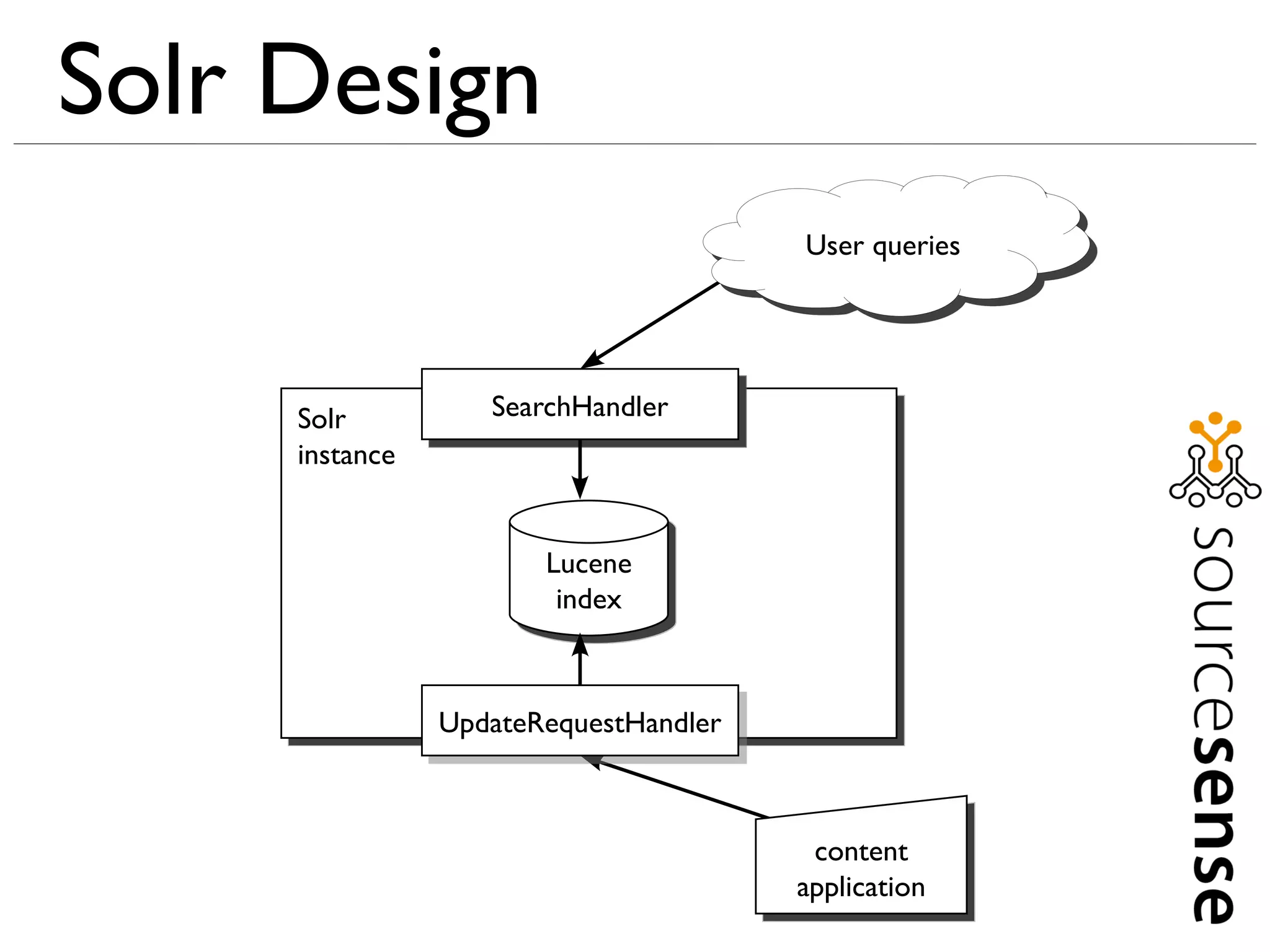
Solr Design
                                       User queries


     Solr          SearchHandler
     instance


                       Lucene
                        index


                UpdateRequestHandler


                                        content
                                       application
Prerequisites



    Java, preferably Java 6

    Apache Solr 1.4.1

    http://www.sourcesense.com/dev8d-solr.zip
Prerequisites

    Extract your Solr distribution

    At a command prompt:
    – cd into the unzipped distribution directory
    – cd into the example directory
    – Enter: java -jar start.jar

    Visit http://localhost:8983/solr/ in a browser. If you see a
    welcome message, your Solr works

    Unpack your dev8d-solr.zip file

    At another command prompt, cd into your dev8d-solr
    directory
Checking Solr Works


    Visit http://localhost:8983/solr/admin/

    You should see the Solr admin page.

    Click statistics link

    You'll see NumDocs: 0

    There's nothing in the index, so searches won't show
    much

    So we need to index some sample content
Indexing Sample Content



    In your dev8d-solr directory (extracted from the zip), at
    a command prompt:

    Java -jar post.jar wikipedia-basic.xml
Searching



    http://localhost:8983/solr/select?q=*:*
Searching



    http://localhost:8983/solr/select?q=computers
Searching



    http://localhost:8983/solr/select?q=computer systems
Searching



     http://localhost:8983/solr/select?q=computers OR systems
Searching



     http://localhost:8983/solr/select?q=computers AND systems
Searching



     http://localhost:8983/solr/select?q="computer systems"
Searching



     http://localhost:8983/solr/select?q="computer systems"~10
Searching



     http://localhost:8983/solr/select?q=computers NOT data
Searching



     http://localhost:8983/solr/select?q=computers -data
Searching



     http://localhost:8983/solr/select/?q=computers&fl=title
Searching



     http://localhost:8983/solr/select/?q=computers&fq=author:yobot
Searching



     http://localhost:8983/solr/select/?
     q=computers&fq=author:yobot&fl=title,author
Searching



     http://localhost:8983/solr/select/?
     q=computers&rows=10&start=10&fl=title
Searching



     http://localhost:8983/solr/select/?q=title:system&fl=title
Searching



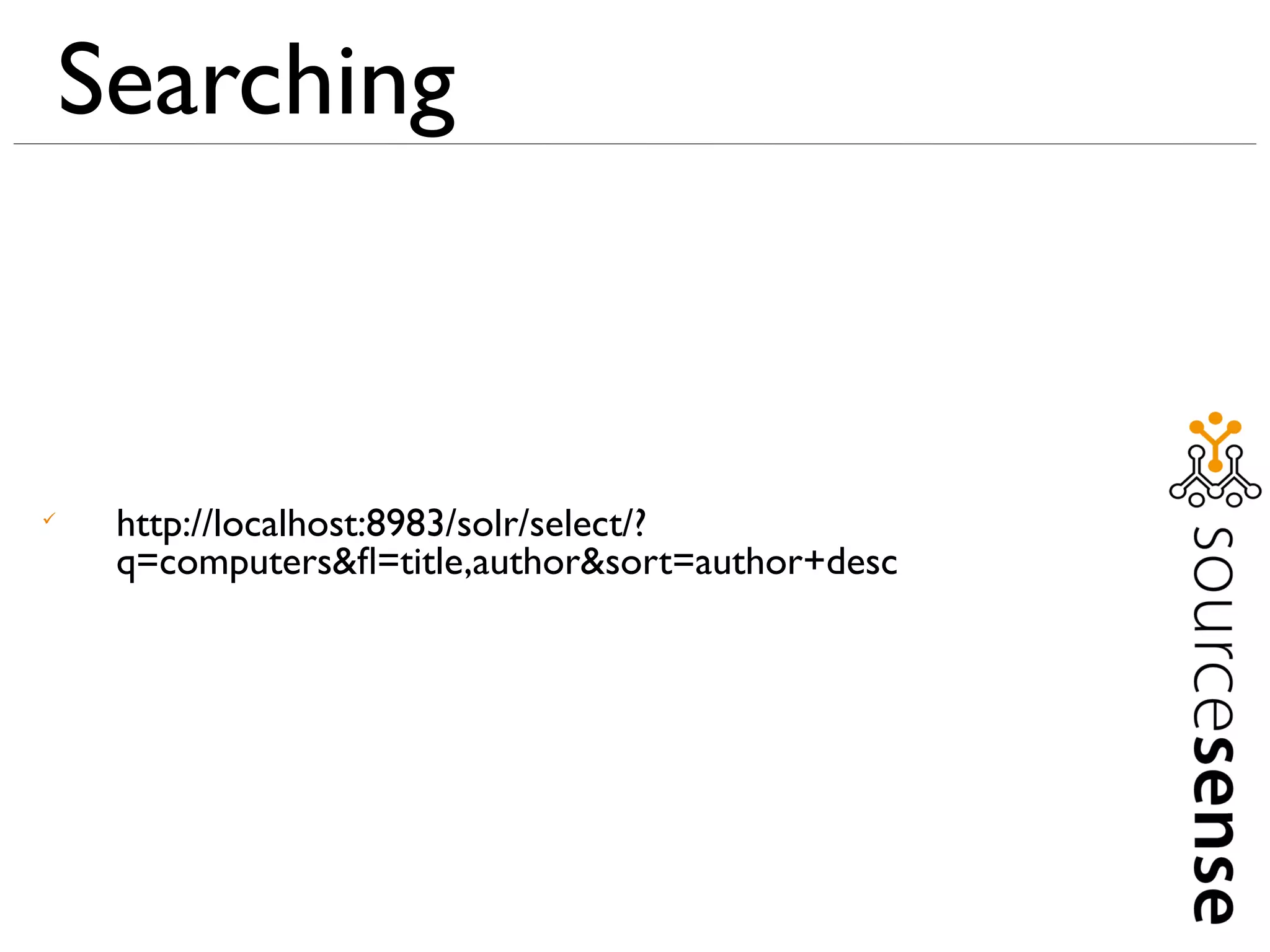
     http://localhost:8983/solr/select/?
     q=computers&fl=title,author&sort=author+desc
Searching



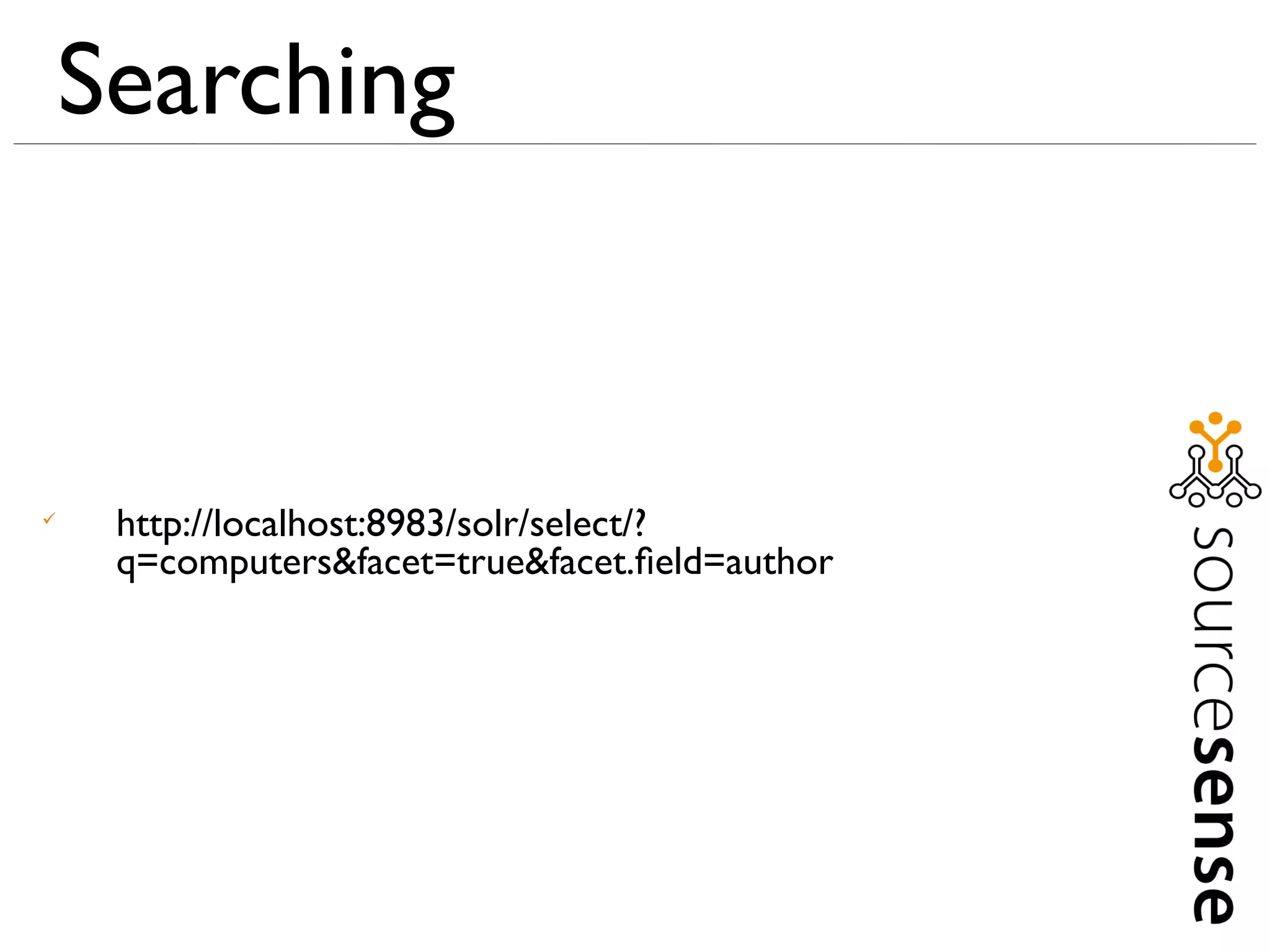
     http://localhost:8983/solr/select/?
     q=computers&facet=true&facet.field=author
Searching



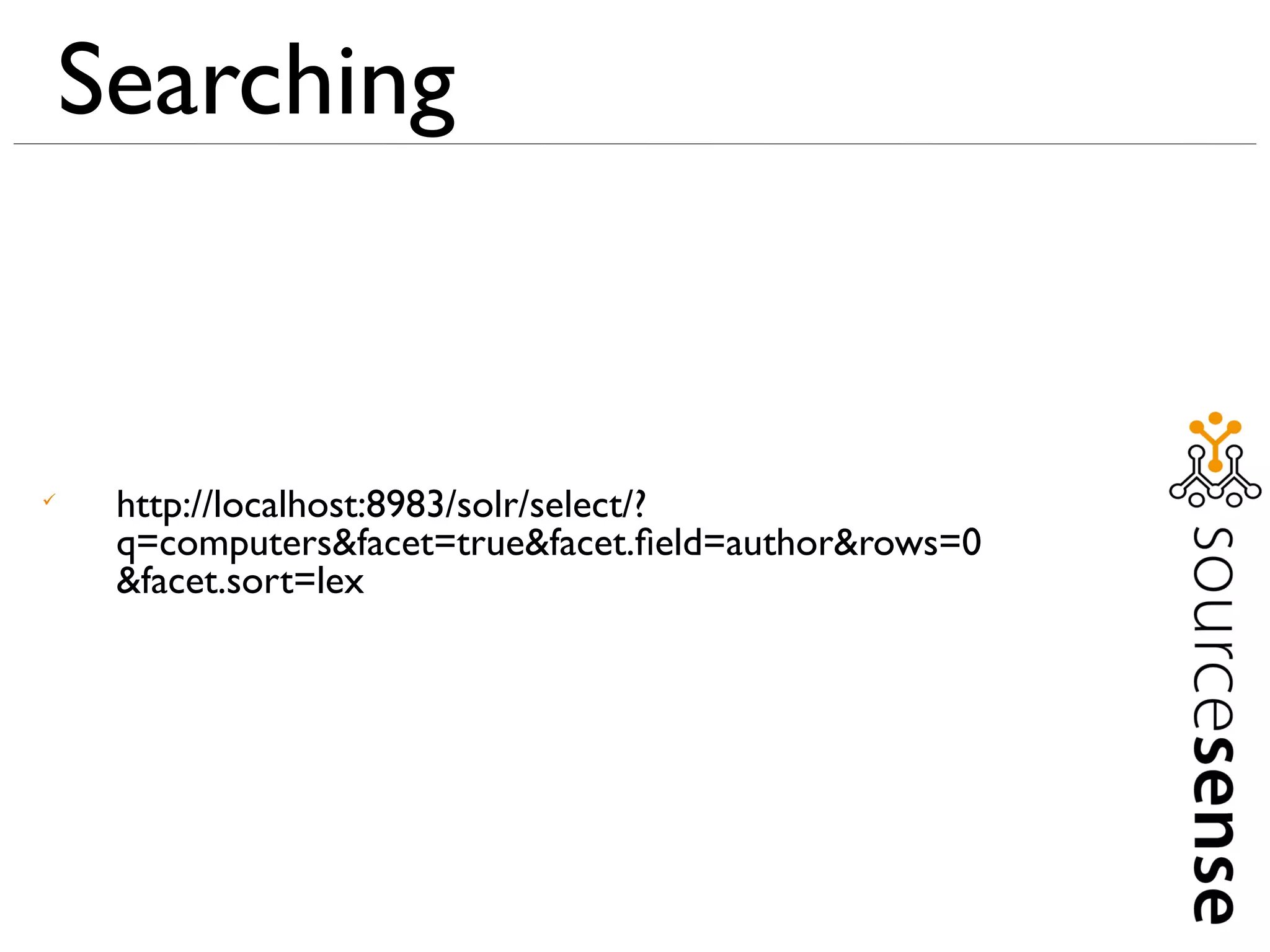
     http://localhost:8983/solr/select/?
     q=computers&facet=true&facet.field=author&rows=0
     &facet.sort=lex
Searching



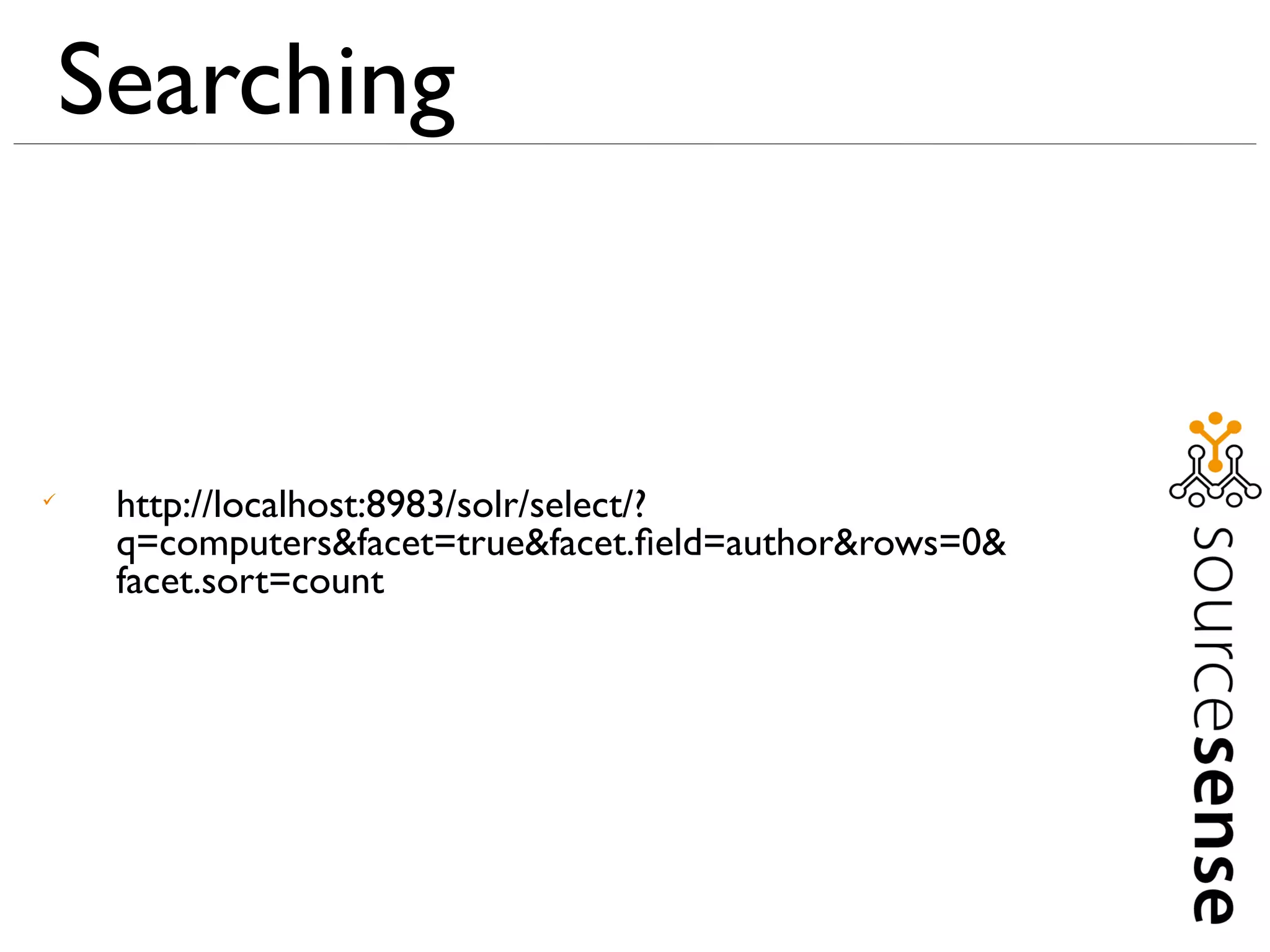
     http://localhost:8983/solr/select/?
     q=computers&facet=true&facet.field=author&rows=0&
     facet.sort=count
Searching



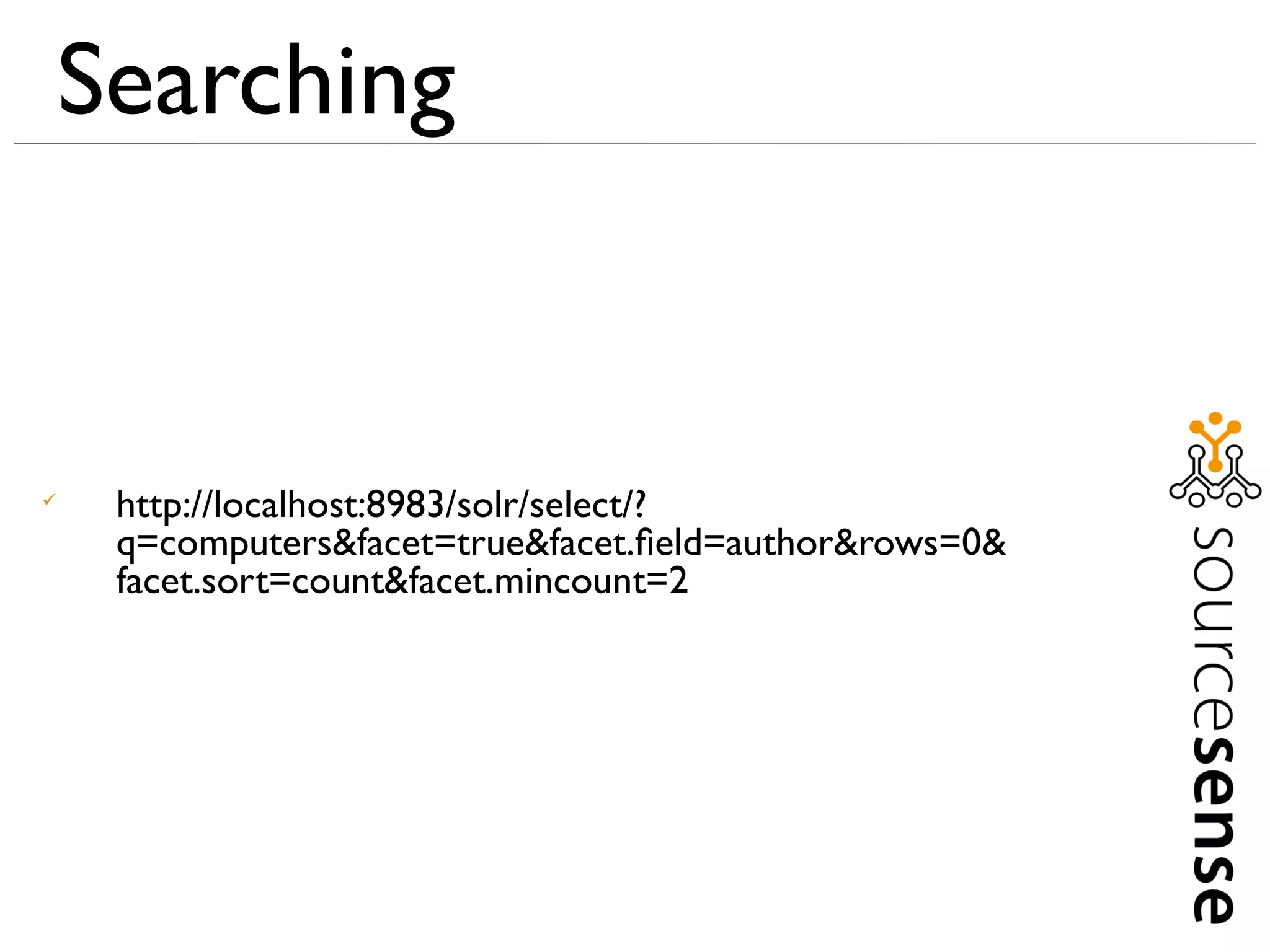
     http://localhost:8983/solr/select/?
     q=computers&facet=true&facet.field=author&rows=0&
     facet.sort=count&facet.mincount=2
Searching



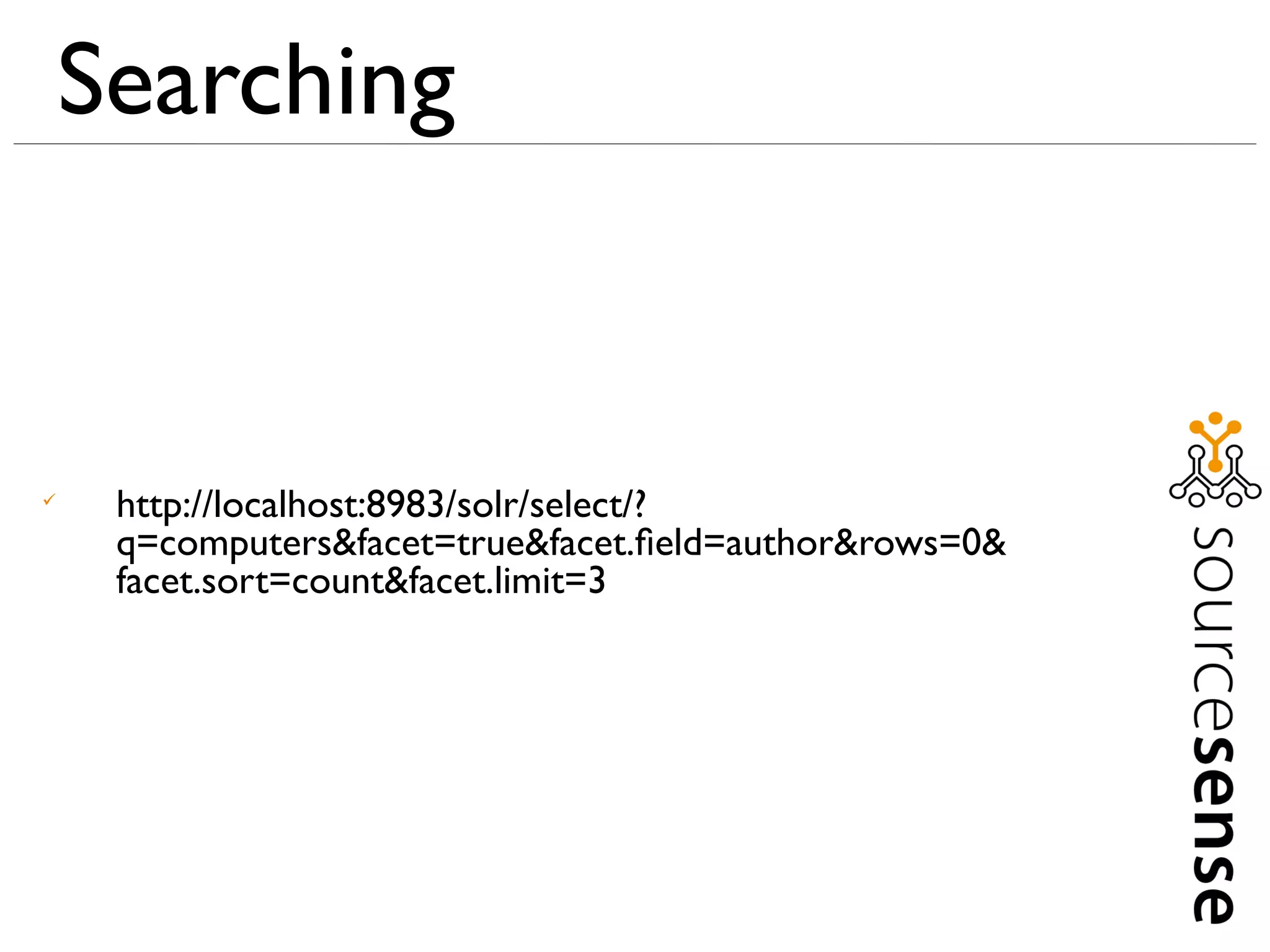
     http://localhost:8983/solr/select/?
     q=computers&facet=true&facet.field=author&rows=0&
     facet.sort=count&facet.limit=3
Searching



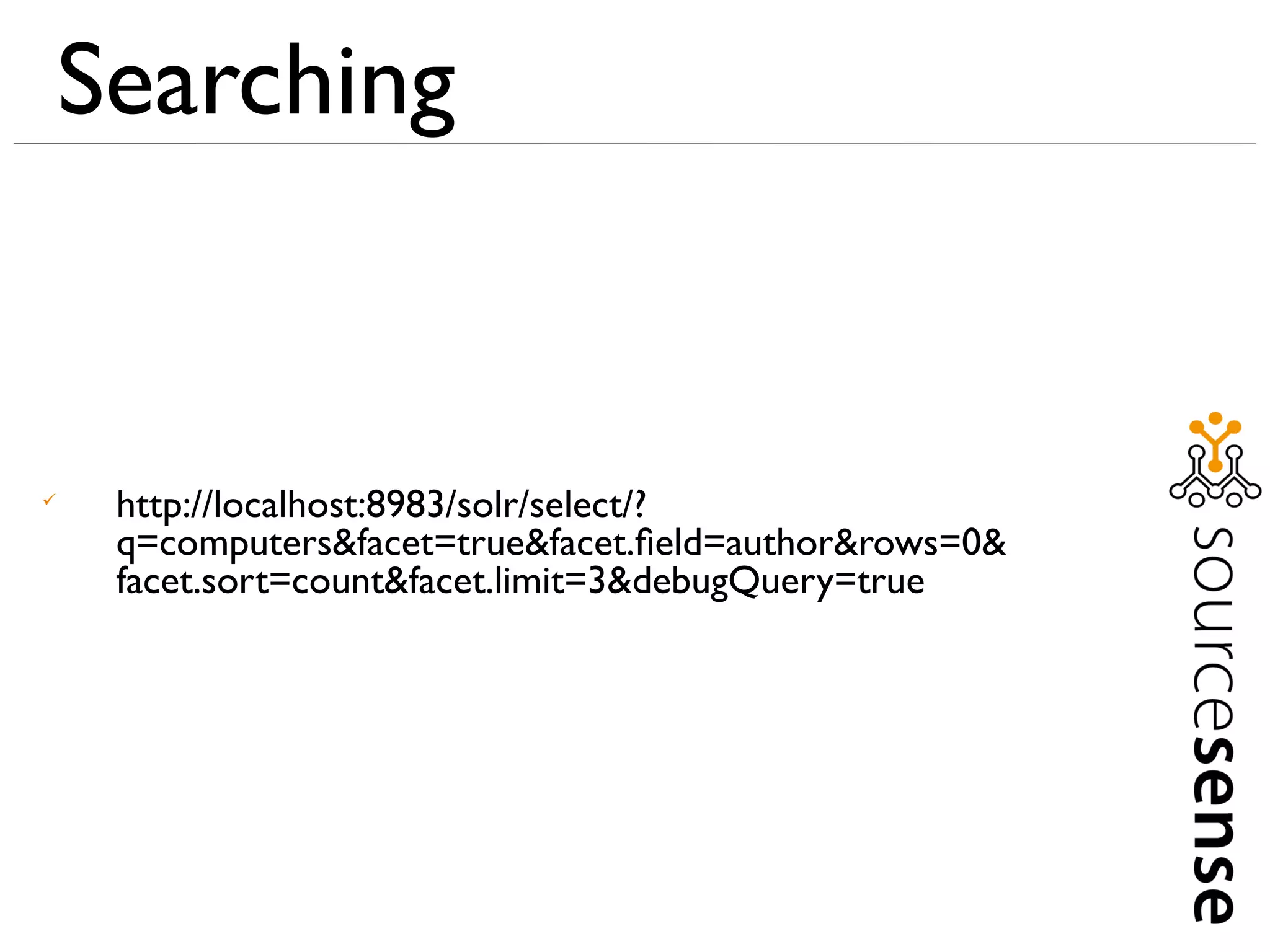
     http://localhost:8983/solr/select/?
     q=computers&facet=true&facet.field=author&rows=0&
     facet.sort=count&facet.limit=3&debugQuery=true
Searching



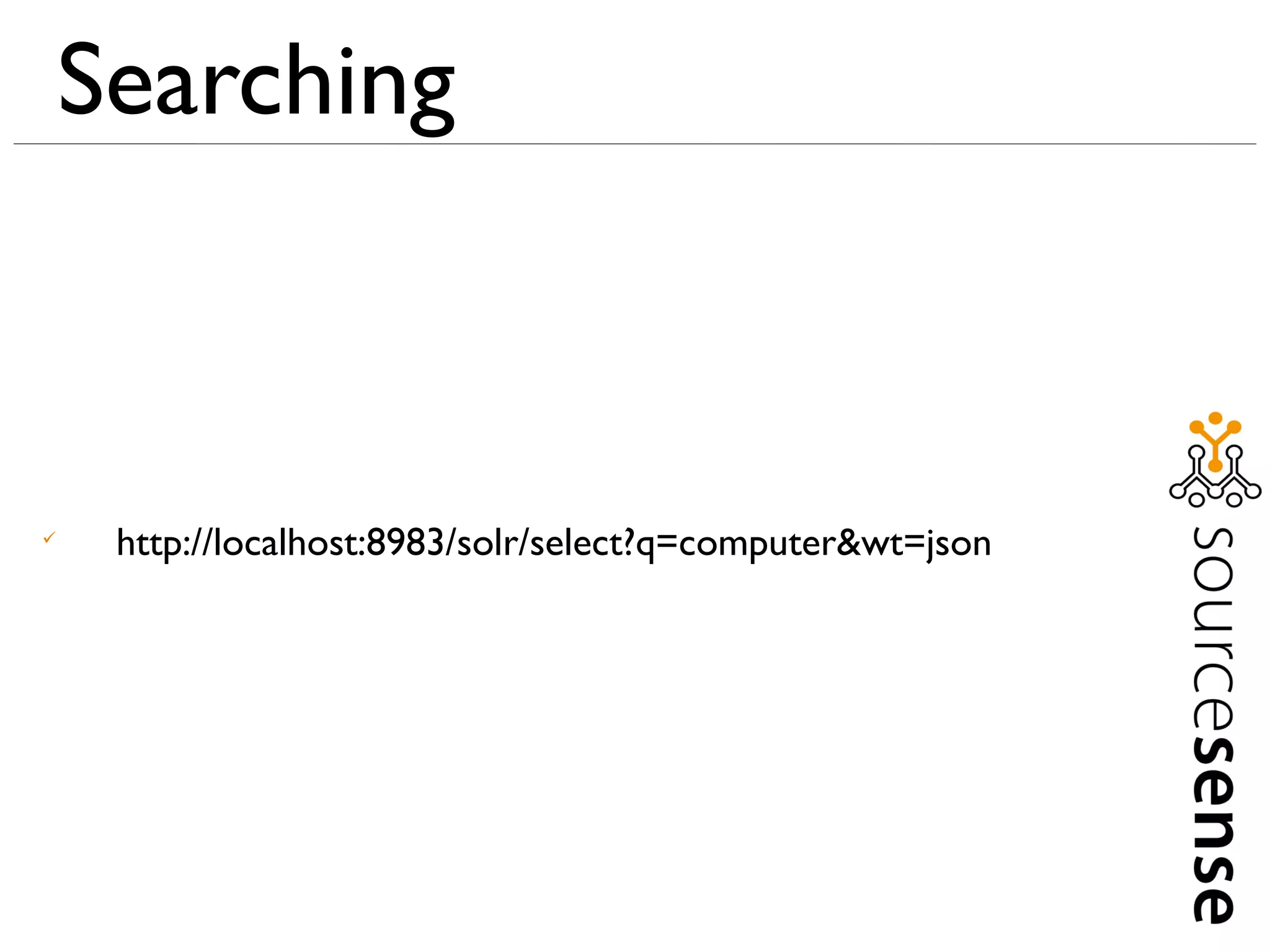
     http://localhost:8983/solr/select?q=computer&wt=json
Searching



     http://localhost:8983/solr/select?q=computer&wt=javabin
Indexing
Indexing



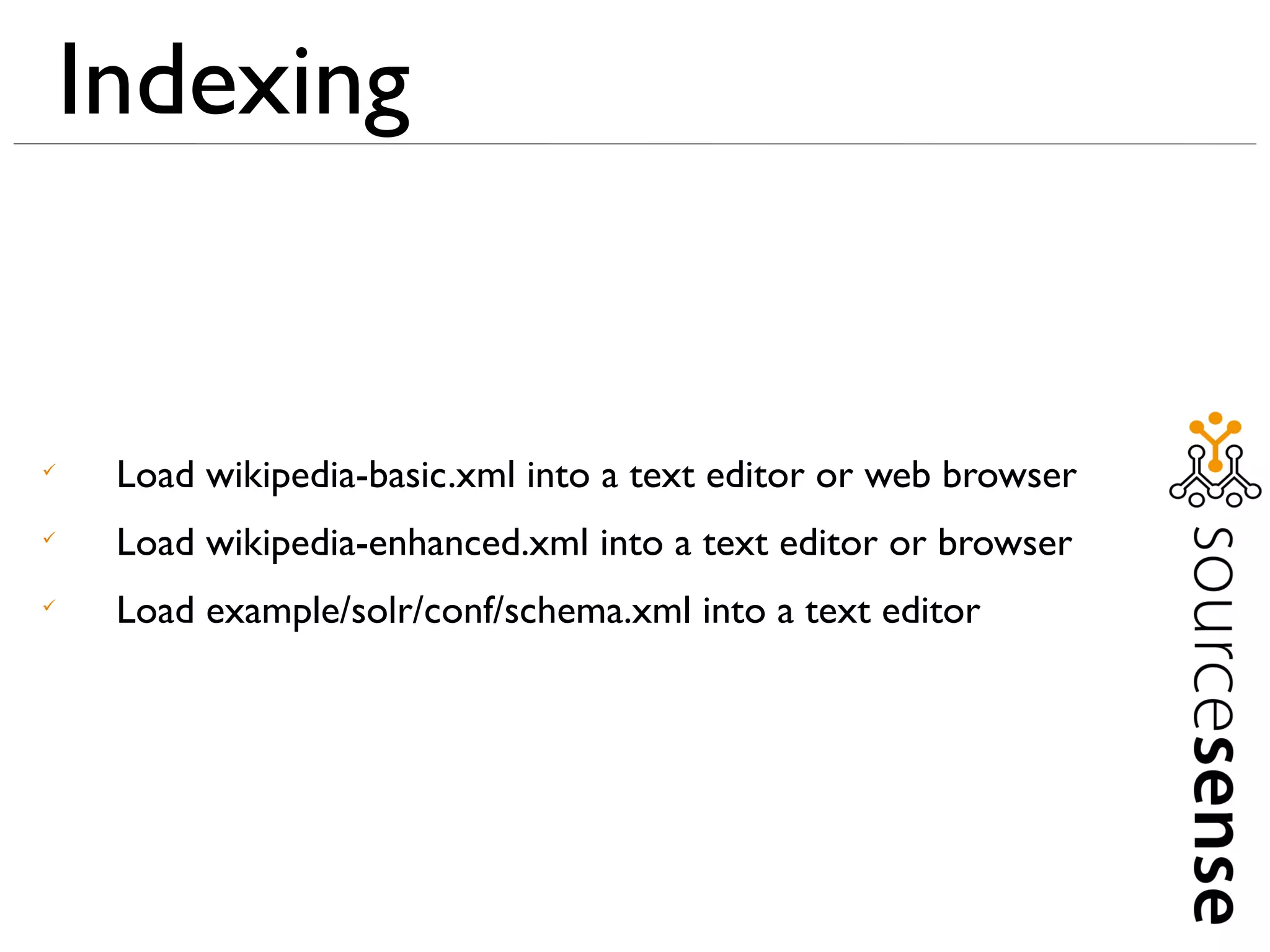
     Load wikipedia-basic.xml into a text editor or web browser

     Load wikipedia-enhanced.xml into a text editor or browser

     Load example/solr/conf/schema.xml into a text editor
Indexing



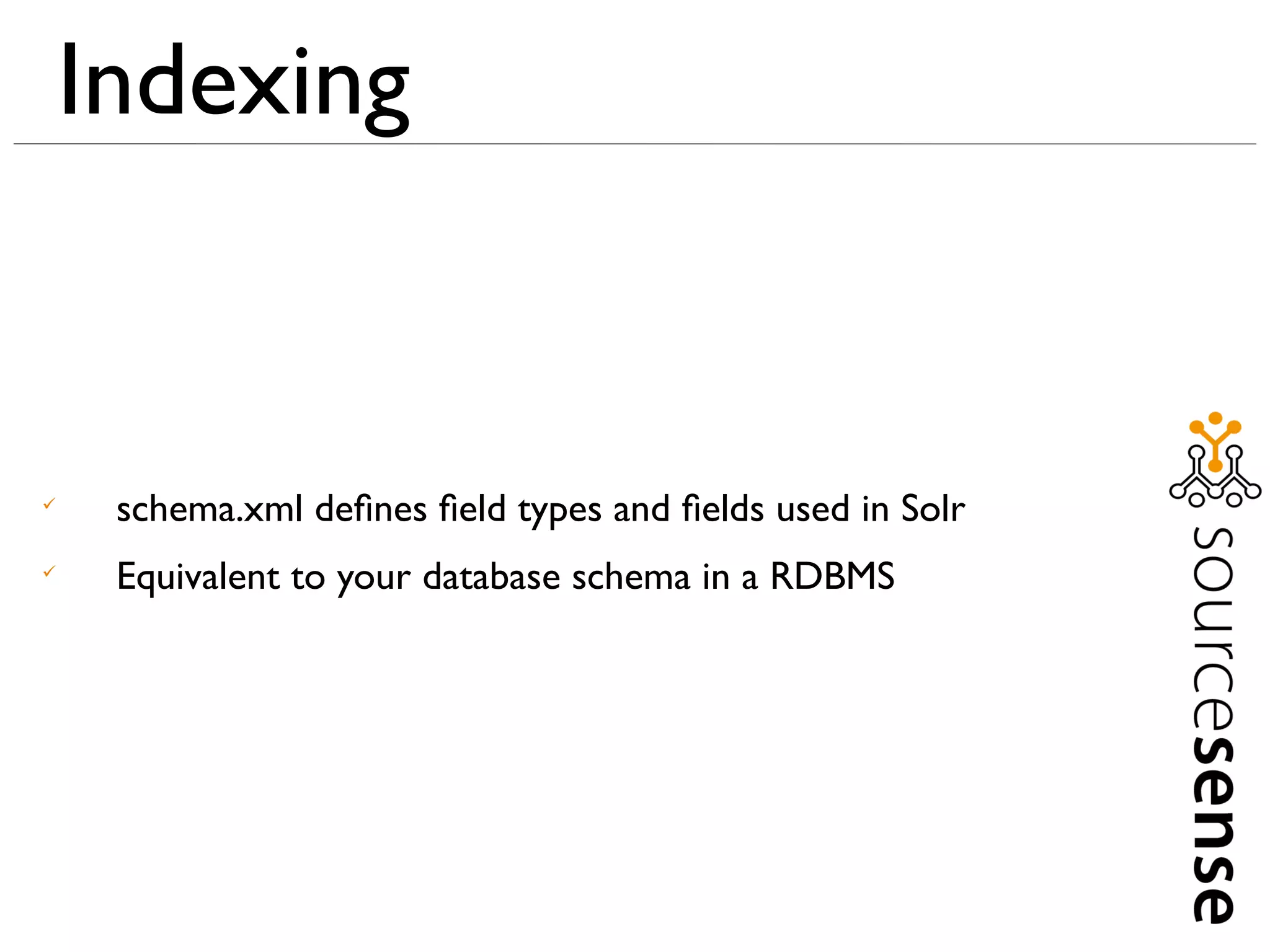
     schema.xml defines field types and fields used in Solr

     Equivalent to your database schema in a RDBMS
Indexing


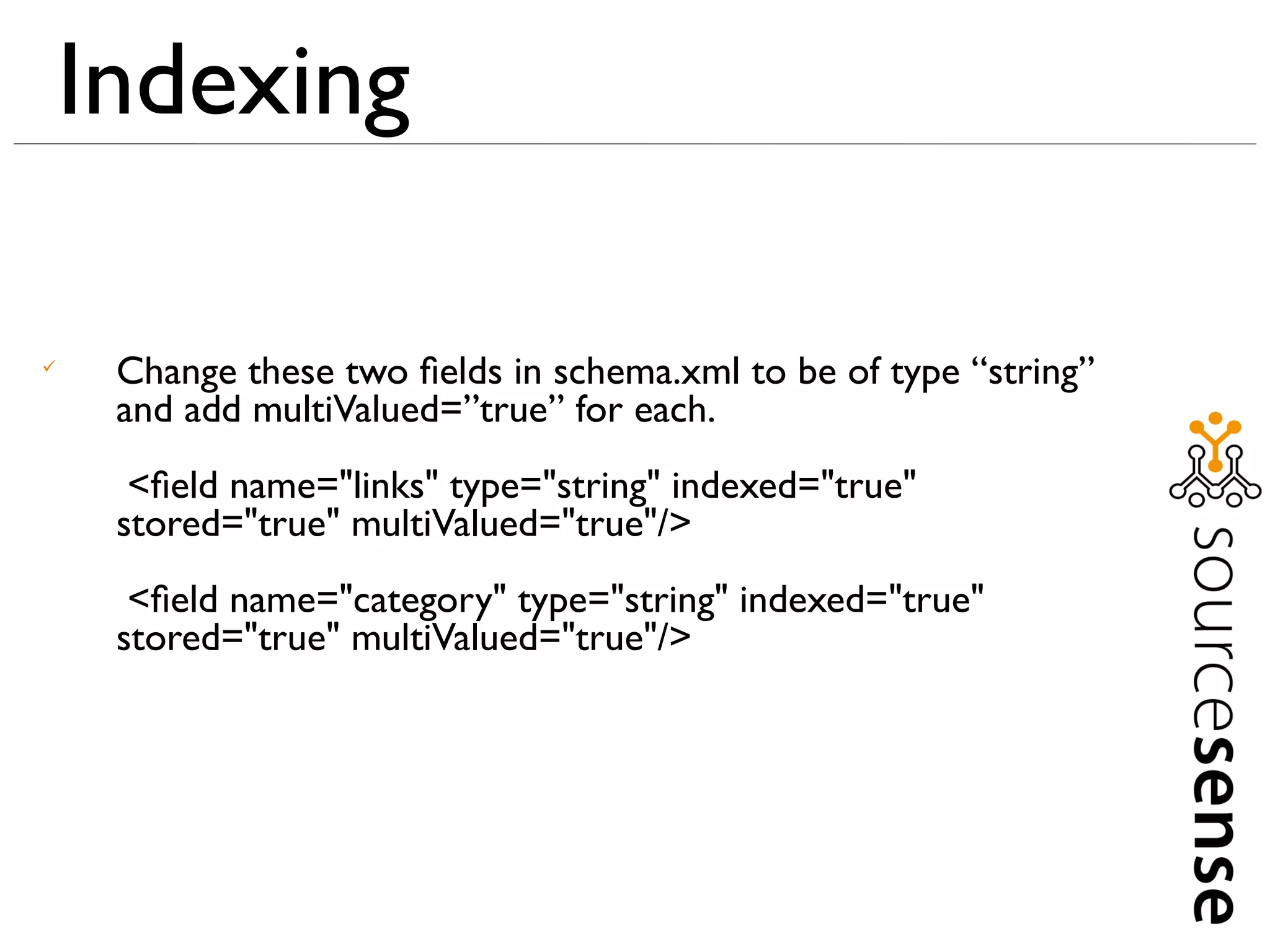
     Change these two fields in schema.xml to be of type “string”
     and add multiValued=”true” for each.
      <field name="links" type="string" indexed="true"
     stored="true" multiValued="true"/>
      <field name="category" type="string" indexed="true"
     stored="true" multiValued="true"/>
Indexing


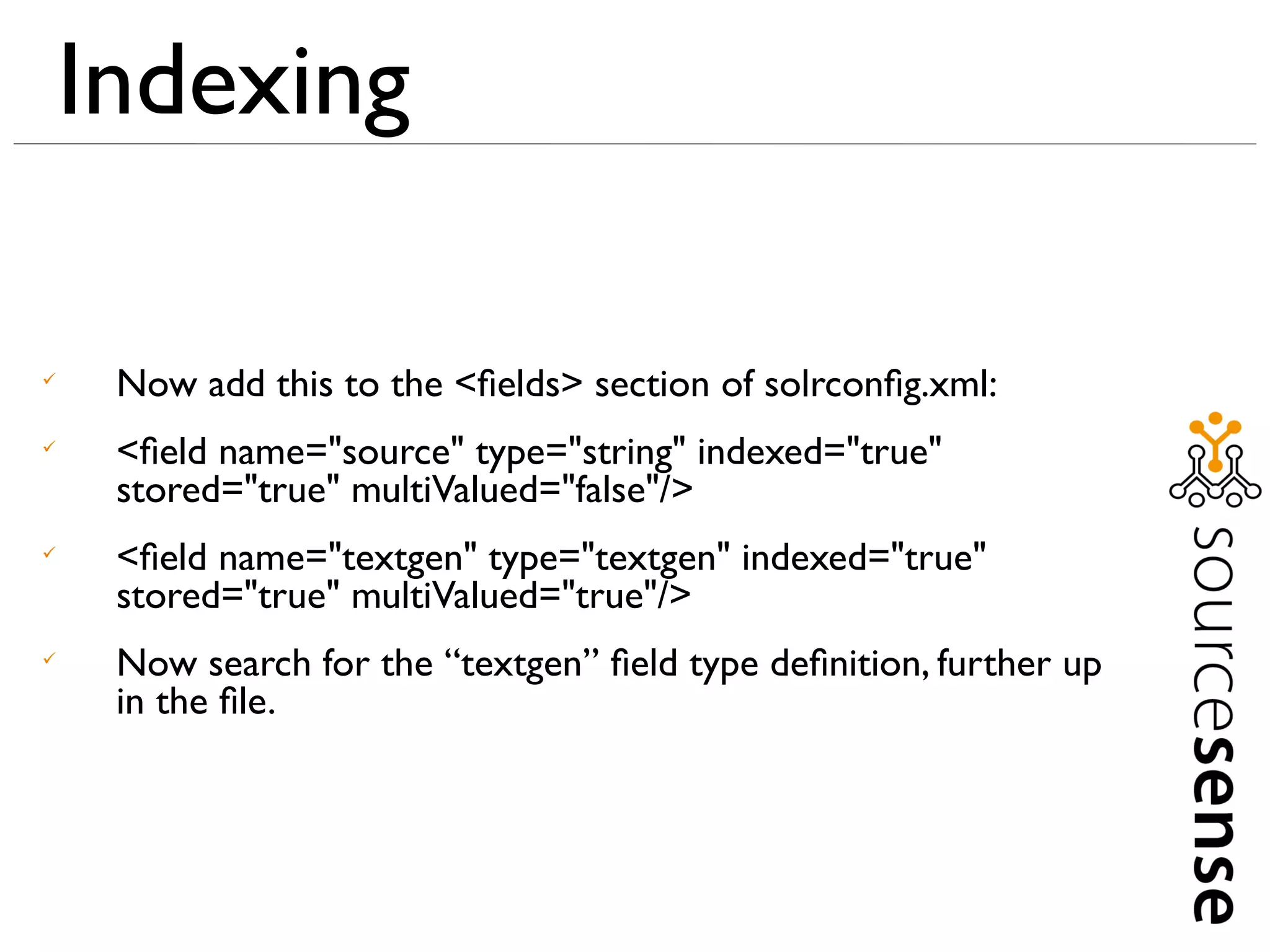
     Now add this to the <fields> section of solrconfig.xml:

     <field name="source" type="string" indexed="true"
     stored="true" multiValued="false"/>

     <field name="textgen" type="textgen" indexed="true"
     stored="true" multiValued="true"/>

     Now search for the “textgen” field type definition, further up
     in the file.
Indexing



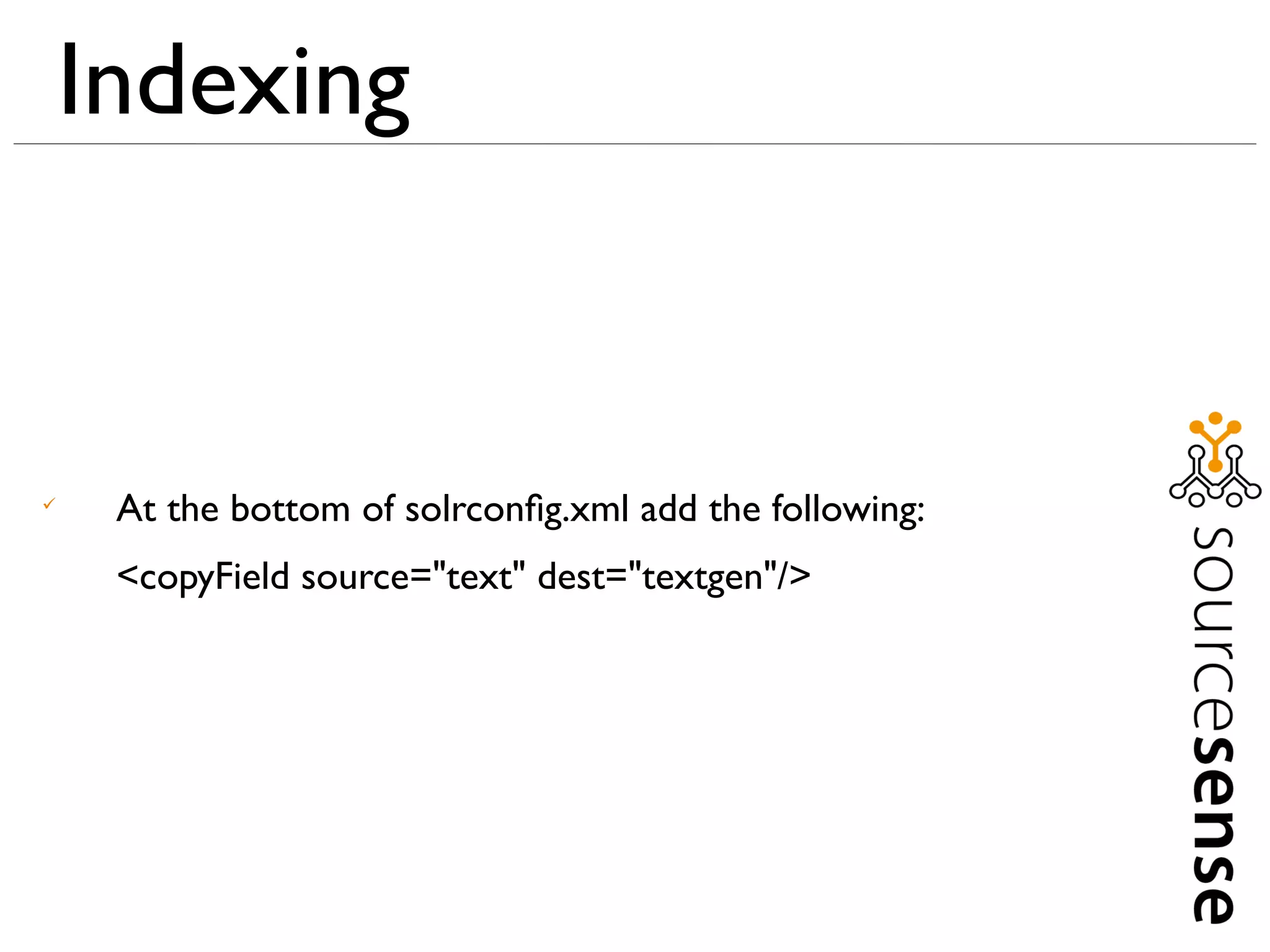
     At the bottom of solrconfig.xml add the following:
     <copyField source="text" dest="textgen"/>
Indexing



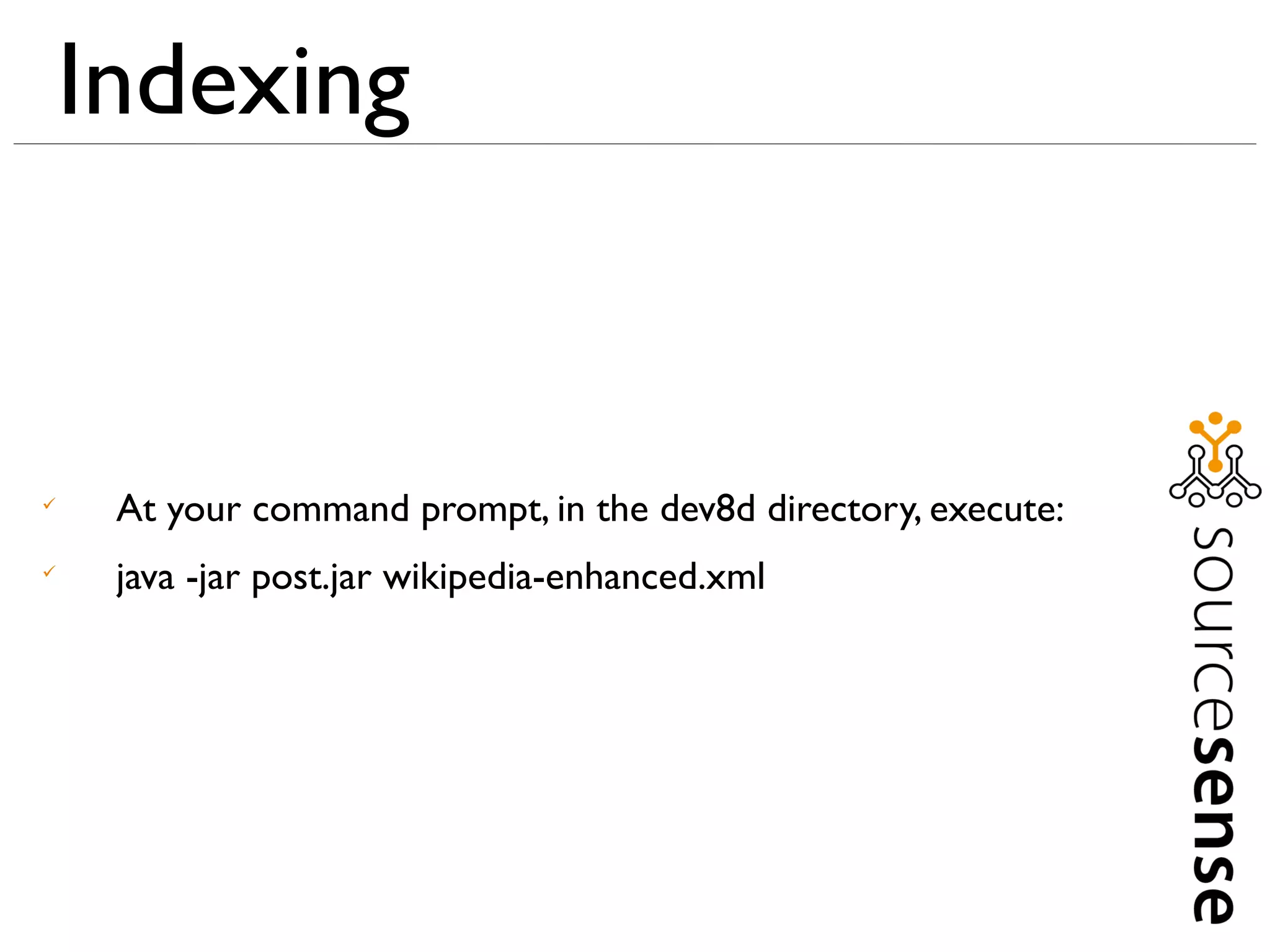
     At your command prompt, in the dev8d directory, execute:

     java -jar post.jar wikipedia-enhanced.xml
More Advanced Searching



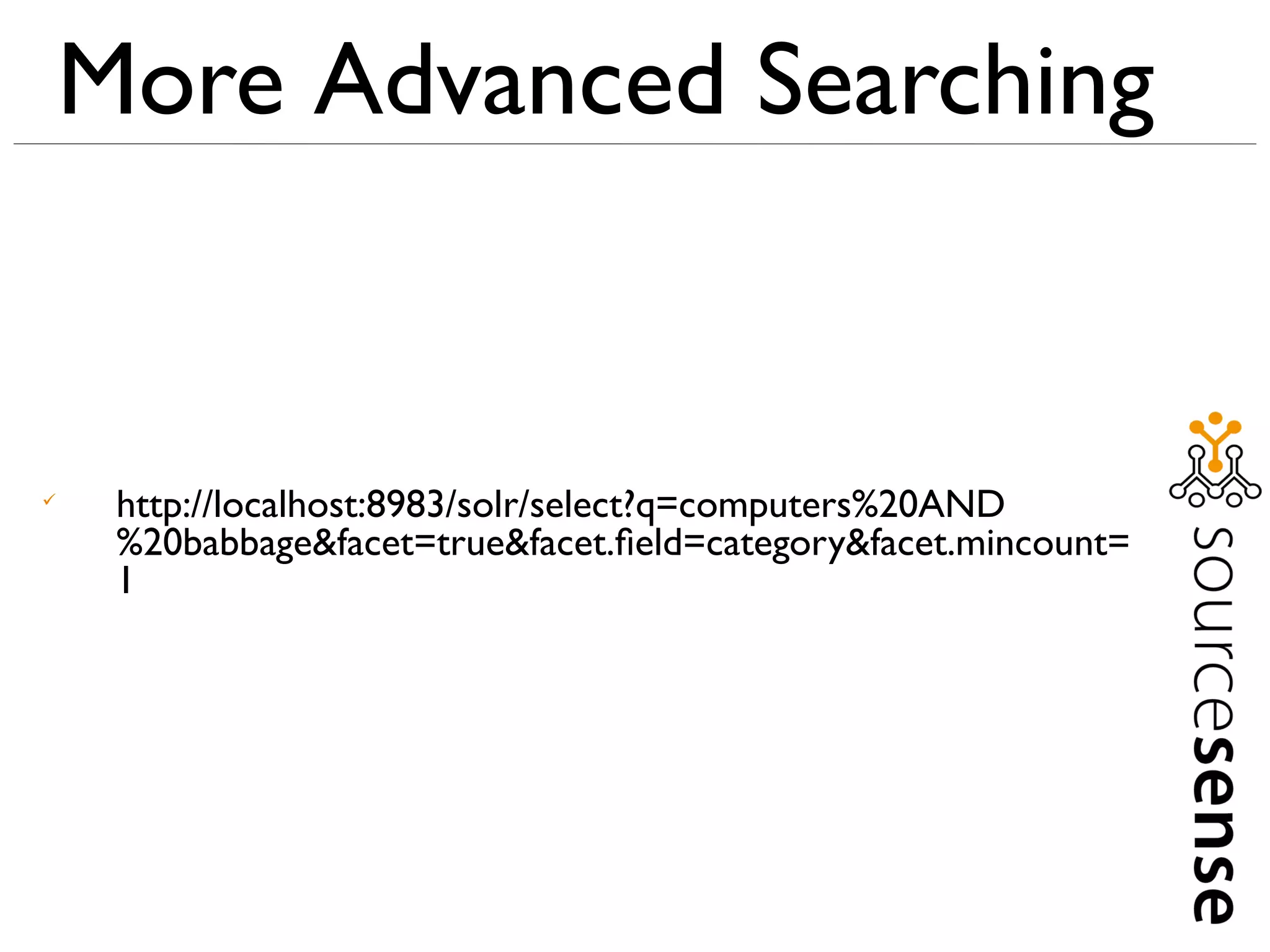
     http://localhost:8983/solr/select?q=computers%20AND
     %20babbage&facet=true&facet.field=category&facet.mincount=
     1
More Advanced Searching



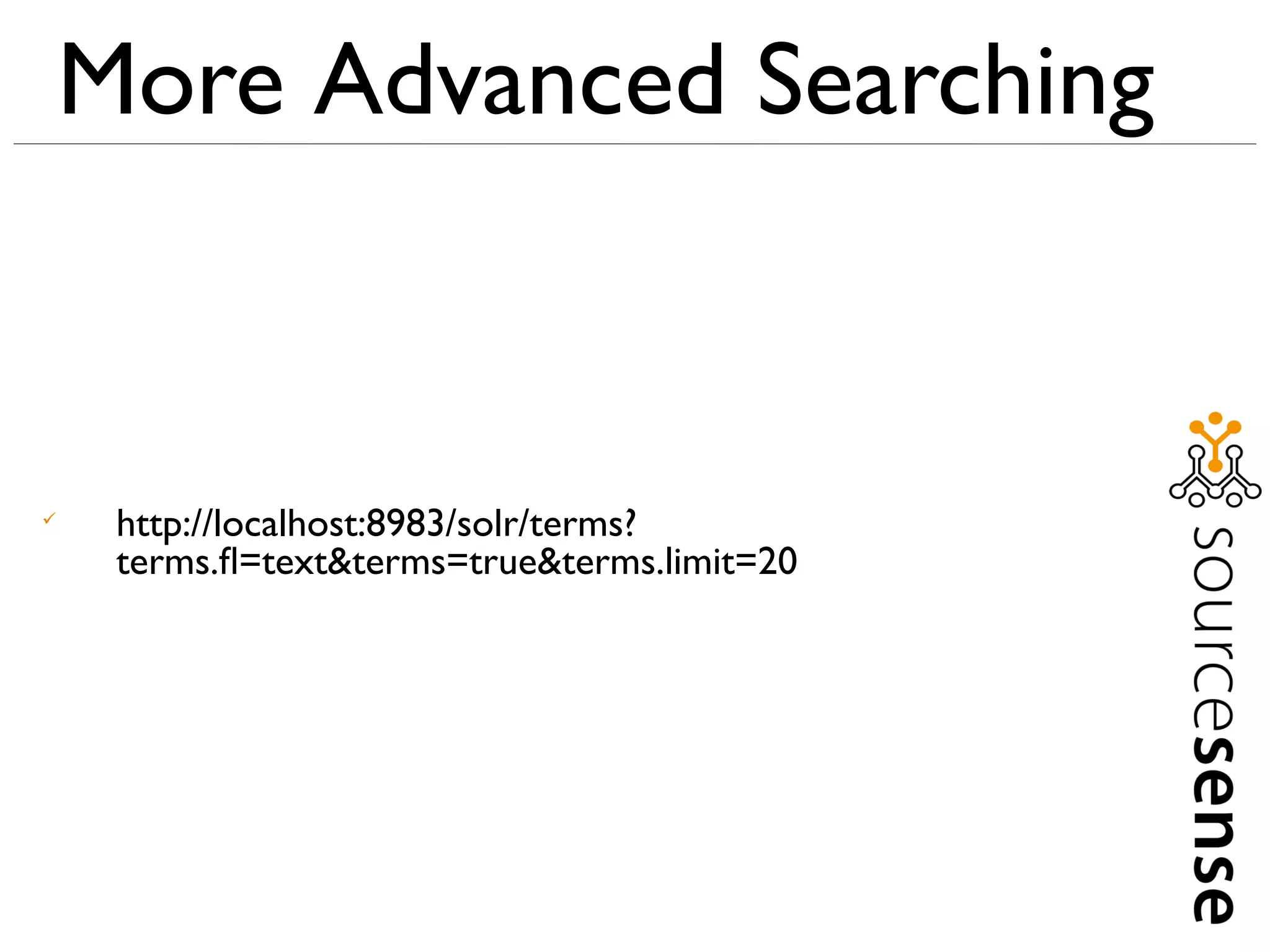
     http://localhost:8983/solr/terms?
     terms.fl=text&terms=true&terms.limit=20
More Advanced Searching



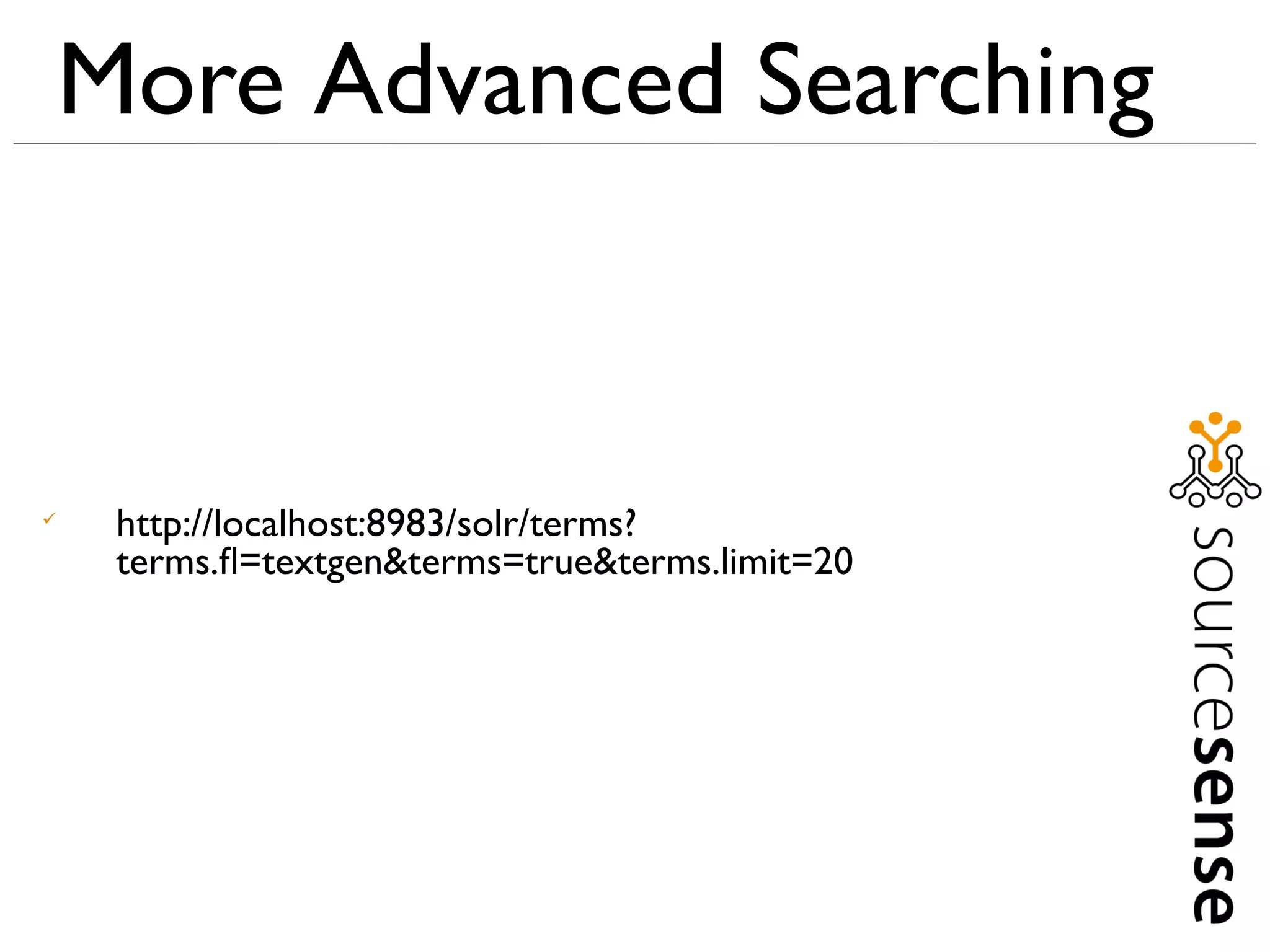
     http://localhost:8983/solr/terms?
     terms.fl=textgen&terms=true&terms.limit=20
More Advanced Searching



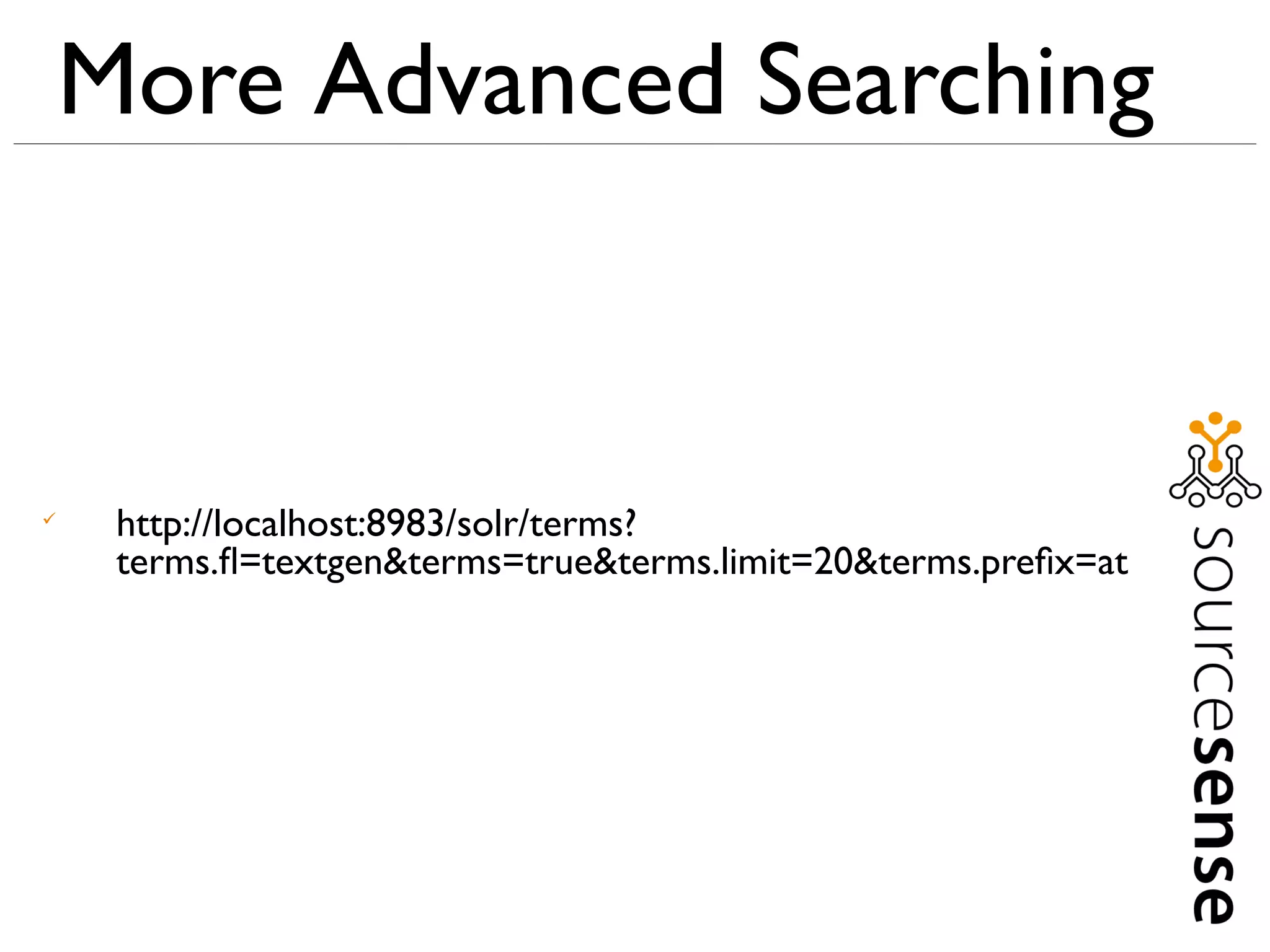
     http://localhost:8983/solr/terms?
     terms.fl=textgen&terms=true&terms.limit=20&terms.prefix=at
thank you
upayavira@sourcesense.com
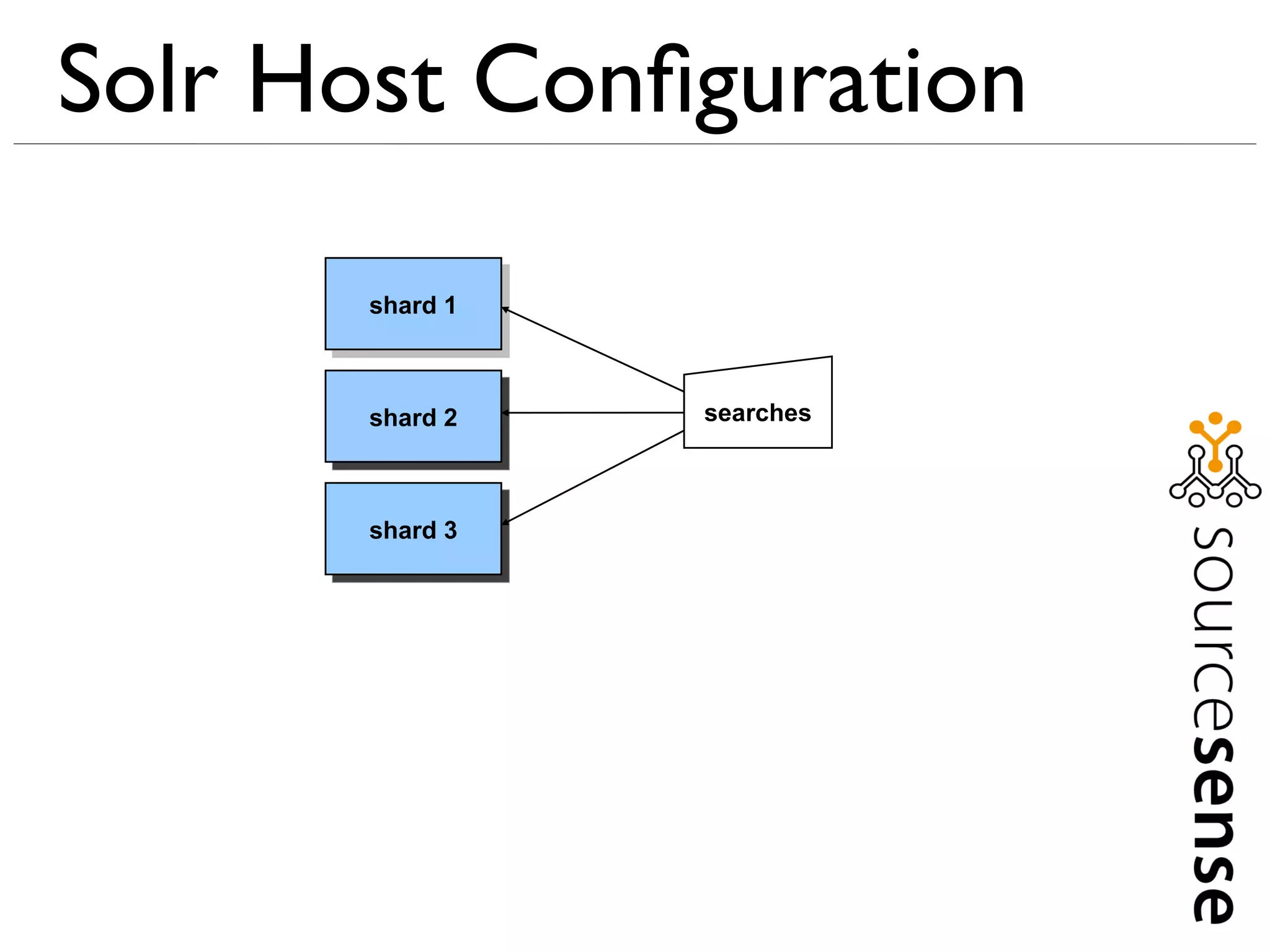
Solr Host Configuration

       shard 1


       shard 2   searches


       shard 3
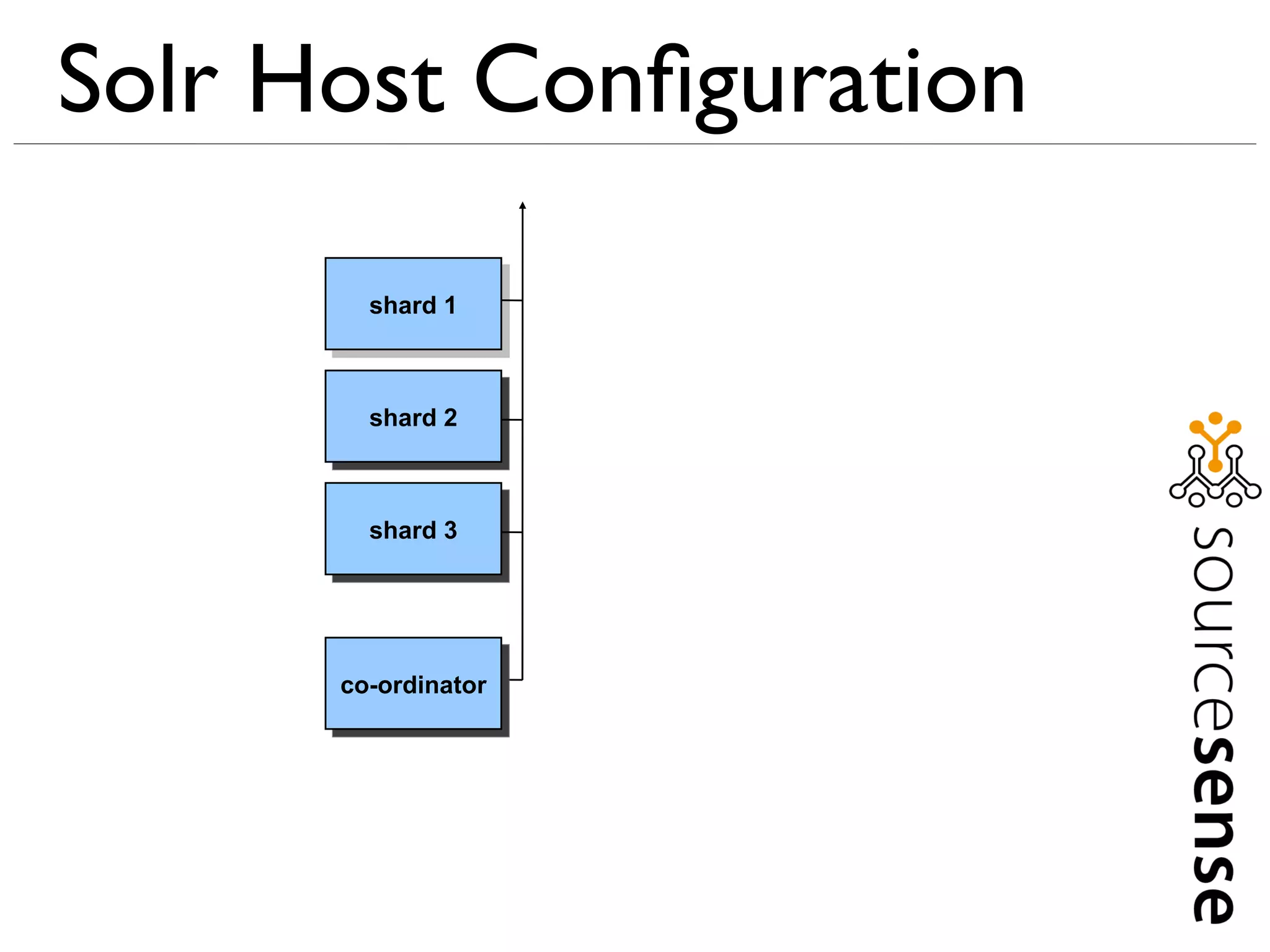
Solr Host Configuration

        shard 1


        shard 2


        shard 3


      co-ordinator
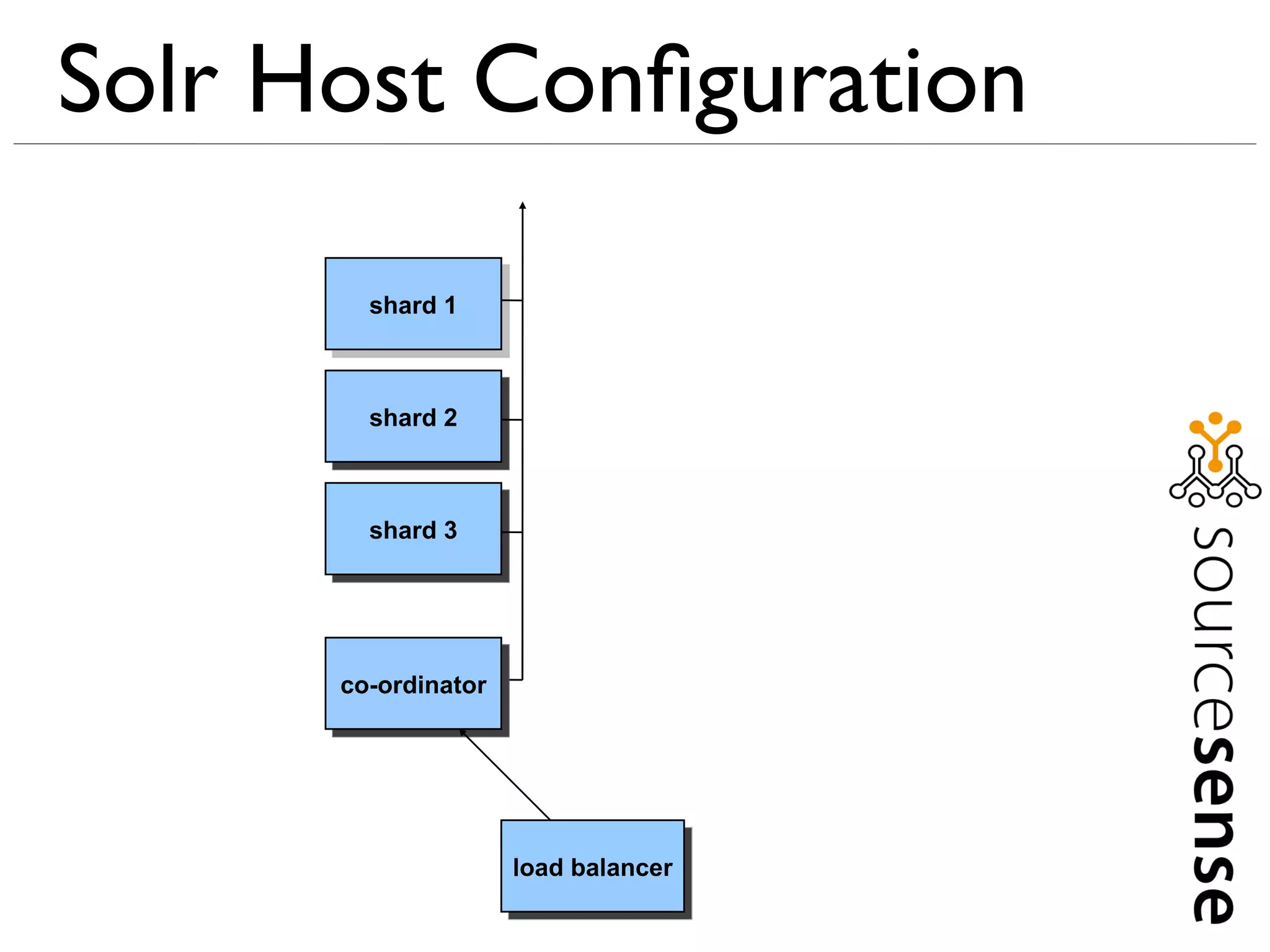
Solr Host Configuration

        shard 1


        shard 2


        shard 3


      co-ordinator


                     load balancer
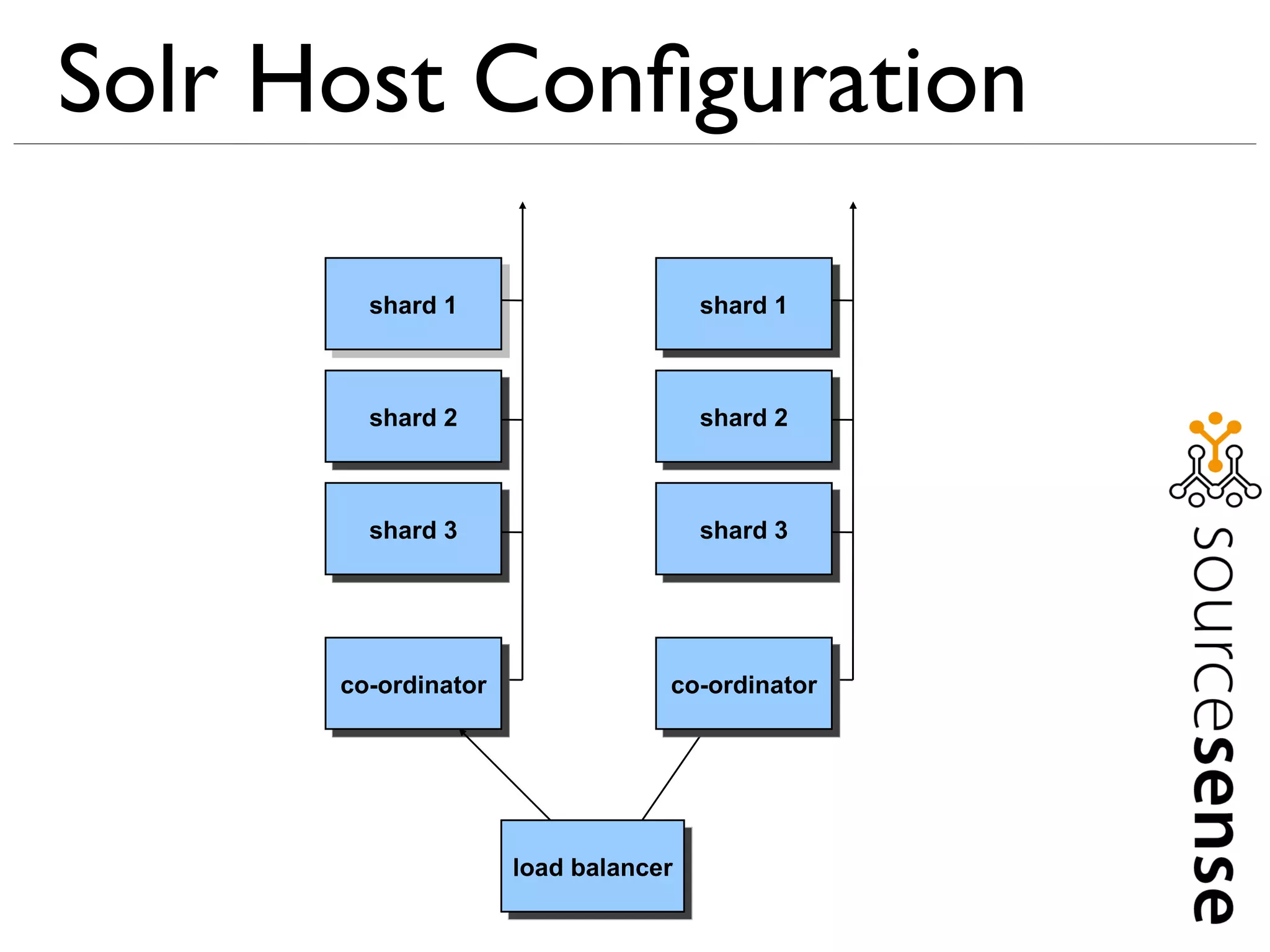
Solr Host Configuration

        shard 1                      shard 1


        shard 2                      shard 2


        shard 3                      shard 3


      co-ordinator               co-ordinator


                     load balancer
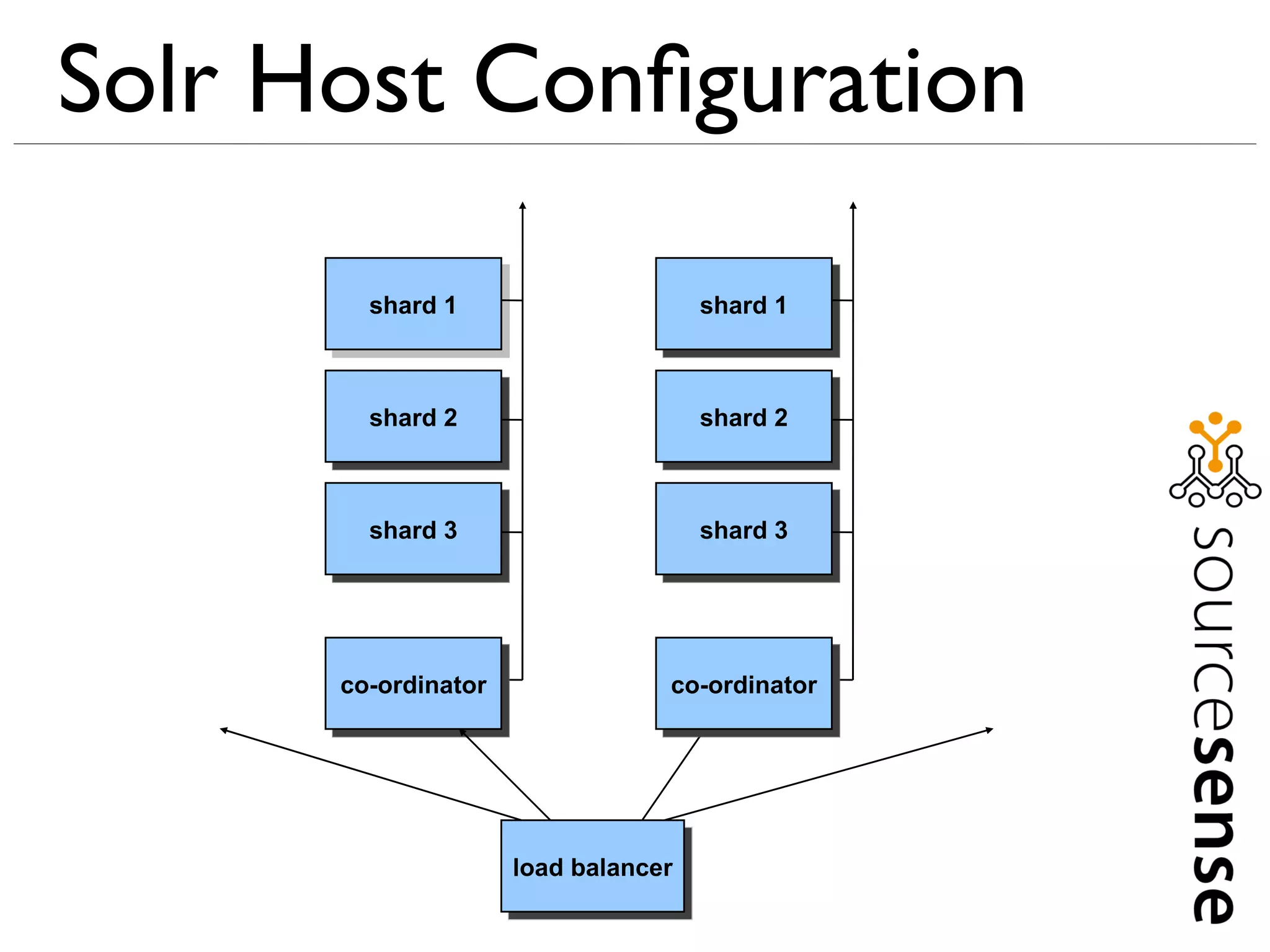
Solr Host Configuration

        shard 1                      shard 1


        shard 2                      shard 2


        shard 3                      shard 3


      co-ordinator               co-ordinator


                     load balancer

Small wins in a small time with Apache Solr

  • 1.
    Small wins Ina small time with Apache Solr
  • 2.
    Who am I?  My (Buddhist) name is Upayavira  Consultant with Sourcesense, specialising in search and operational technologies  A member of the Apache Software Foundation
  • 3.
    Who are Sourcesense?  Open Source integrator, specialising in:  Search  Business Intelligence  Content Management  Application Lifecycle Management  Offices in London, Amsterdam, Milan and Rome
  • 4.
    Committers and Contributors  Search:  Lucene/Solr – contributor  Hibernate Search – committer  Lucene Infinispan integration – lead developer  Apache UIMA – committer  CMS:  Apache Chemistry – contributor  Apache Jackrabbit – contributor  JBoss GateIn Portal – committer  OpenSSO-Alfresco - contributor
  • 5.
    What is Lucene?  Lucene is a Java information retrieval library  Provides free text search facilities  Started in 2000, by Doug Cutting  A project of the Apache Software Foundation  It is designed to be embedded in Java apps
  • 6.
    What is Solr?  Solr is an enterprise search server based on Lucene  Wraps Lucene with a RESTful web interface  Provides configurable schema  Provides replication functionality
  • 7.
    Solr Design User queries Solr SearchHandler instance Lucene index UpdateRequestHandler content application
  • 8.
    Prerequisites  Java, preferably Java 6  Apache Solr 1.4.1  http://www.sourcesense.com/dev8d-solr.zip
  • 9.
    Prerequisites  Extract your Solr distribution  At a command prompt: – cd into the unzipped distribution directory – cd into the example directory – Enter: java -jar start.jar  Visit http://localhost:8983/solr/ in a browser. If you see a welcome message, your Solr works  Unpack your dev8d-solr.zip file  At another command prompt, cd into your dev8d-solr directory
  • 10.
    Checking Solr Works  Visit http://localhost:8983/solr/admin/  You should see the Solr admin page.  Click statistics link  You'll see NumDocs: 0  There's nothing in the index, so searches won't show much  So we need to index some sample content
  • 11.
    Indexing Sample Content  In your dev8d-solr directory (extracted from the zip), at a command prompt:  Java -jar post.jar wikipedia-basic.xml
  • 12.
    Searching  http://localhost:8983/solr/select?q=*:*
  • 13.
    Searching  http://localhost:8983/solr/select?q=computers
  • 14.
    Searching  http://localhost:8983/solr/select?q=computer systems
  • 15.
    Searching  http://localhost:8983/solr/select?q=computers OR systems
  • 16.
    Searching  http://localhost:8983/solr/select?q=computers AND systems
  • 17.
    Searching  http://localhost:8983/solr/select?q="computer systems"
  • 18.
    Searching  http://localhost:8983/solr/select?q="computer systems"~10
  • 19.
    Searching  http://localhost:8983/solr/select?q=computers NOT data
  • 20.
    Searching  http://localhost:8983/solr/select?q=computers -data
  • 21.
    Searching  http://localhost:8983/solr/select/?q=computers&fl=title
  • 22.
    Searching  http://localhost:8983/solr/select/?q=computers&fq=author:yobot
  • 23.
    Searching  http://localhost:8983/solr/select/? q=computers&fq=author:yobot&fl=title,author
  • 24.
    Searching  http://localhost:8983/solr/select/? q=computers&rows=10&start=10&fl=title
  • 25.
    Searching  http://localhost:8983/solr/select/?q=title:system&fl=title
  • 26.
    Searching  http://localhost:8983/solr/select/? q=computers&fl=title,author&sort=author+desc
  • 27.
    Searching  http://localhost:8983/solr/select/? q=computers&facet=true&facet.field=author
  • 28.
    Searching  http://localhost:8983/solr/select/? q=computers&facet=true&facet.field=author&rows=0 &facet.sort=lex
  • 29.
    Searching  http://localhost:8983/solr/select/? q=computers&facet=true&facet.field=author&rows=0& facet.sort=count
  • 30.
    Searching  http://localhost:8983/solr/select/? q=computers&facet=true&facet.field=author&rows=0& facet.sort=count&facet.mincount=2
  • 31.
    Searching  http://localhost:8983/solr/select/? q=computers&facet=true&facet.field=author&rows=0& facet.sort=count&facet.limit=3
  • 32.
    Searching  http://localhost:8983/solr/select/? q=computers&facet=true&facet.field=author&rows=0& facet.sort=count&facet.limit=3&debugQuery=true
  • 33.
    Searching  http://localhost:8983/solr/select?q=computer&wt=json
  • 34.
    Searching  http://localhost:8983/solr/select?q=computer&wt=javabin
  • 35.
  • 36.
    Indexing  Load wikipedia-basic.xml into a text editor or web browser  Load wikipedia-enhanced.xml into a text editor or browser  Load example/solr/conf/schema.xml into a text editor
  • 37.
    Indexing  schema.xml defines field types and fields used in Solr  Equivalent to your database schema in a RDBMS
  • 38.
    Indexing  Change these two fields in schema.xml to be of type “string” and add multiValued=”true” for each. <field name="links" type="string" indexed="true" stored="true" multiValued="true"/> <field name="category" type="string" indexed="true" stored="true" multiValued="true"/>
  • 39.
    Indexing  Now add this to the <fields> section of solrconfig.xml:  <field name="source" type="string" indexed="true" stored="true" multiValued="false"/>  <field name="textgen" type="textgen" indexed="true" stored="true" multiValued="true"/>  Now search for the “textgen” field type definition, further up in the file.
  • 40.
    Indexing  At the bottom of solrconfig.xml add the following: <copyField source="text" dest="textgen"/>
  • 41.
    Indexing  At your command prompt, in the dev8d directory, execute:  java -jar post.jar wikipedia-enhanced.xml
  • 42.
    More Advanced Searching  http://localhost:8983/solr/select?q=computers%20AND %20babbage&facet=true&facet.field=category&facet.mincount= 1
  • 43.
    More Advanced Searching  http://localhost:8983/solr/terms? terms.fl=text&terms=true&terms.limit=20
  • 44.
    More Advanced Searching  http://localhost:8983/solr/terms? terms.fl=textgen&terms=true&terms.limit=20
  • 45.
    More Advanced Searching  http://localhost:8983/solr/terms? terms.fl=textgen&terms=true&terms.limit=20&terms.prefix=at
  • 46.
  • 47.
    Solr Host Configuration shard 1 shard 2 searches shard 3
  • 48.
    Solr Host Configuration shard 1 shard 2 shard 3 co-ordinator
  • 49.
    Solr Host Configuration shard 1 shard 2 shard 3 co-ordinator load balancer
  • 50.
    Solr Host Configuration shard 1 shard 1 shard 2 shard 2 shard 3 shard 3 co-ordinator co-ordinator load balancer
  • 51.
    Solr Host Configuration shard 1 shard 1 shard 2 shard 2 shard 3 shard 3 co-ordinator co-ordinator load balancer