Creating New
Websites
Steps to Success
Thursday, June 6, 13
#sunycuad
@Zablocki
Thursday, June 6, 13
Fran Zablocki
Strategist
Hello!
mStoner
Thursday, June 6, 13
Big Project
vs
Small Project
Thursday, June 6, 13
Big Project:
Institutional
Redesign
Thursday, June 6, 13
a.k.a.
“The 500 lb.
Gorilla”
Thursday, June 6, 13
Characteristics:
• Takes 10 - 14 months
• All consuming for 3 months
• Owns your world entirely
• But then leaves for like 3 to 5 years so
you can...
Thursday, June 6, 13
Relax!
Thursday, June 6, 13
Hm.. Not quite.
Thursday, June 6, 13
Small Projects
Thursday, June 6, 13
a.k.a.
“Hordes of 10
lb. monkeys”
Thursday, June 6, 13
Small Projects:
• Alumni community site
• Capital campaign microsite
• Campus anniversary site
• Those “Hey I need a website” sites
• Those “Oh you didn’t know about that
site?” sites
Thursday, June 6, 13
Small Projects:
• Alumni community site
• Capital campaign microsite
• Campus anniversary site
• Those “Hey I need a website” sites
• Those “Oh you didn’t know about that
site?” sites
Thursday, June 6, 13
What to do?
a. Wrestle them all at the same time
b. Toss the lightest ones first
c. Shock them with an electrified t-shirt
d. Tackle them with lean, mean processes,
tools and communication
Thursday, June 6, 13
What to do?
a. Wrestle them all at the same time
b. Toss the lightest ones first
c. Shock them with an electrified t-shirt
d. Tackle them with lean, mean processes,
tools and communication
Thursday, June 6, 13
Why?
Because you don’t have unlimited:
Time You need it as quickly as possible.
Budget You aren’t minting money.
People Maybe it is just you! #higheredsolo
Thursday, June 6, 13
How?
By taking the project lifecycle and trimming
the fat.
Thursday, June 6, 13
How?
By taking the project lifecycle and trimming
the fat.
Thursday, June 6, 13
Approach
Lean processes
tools
communication
platform
Thursday, June 6, 13
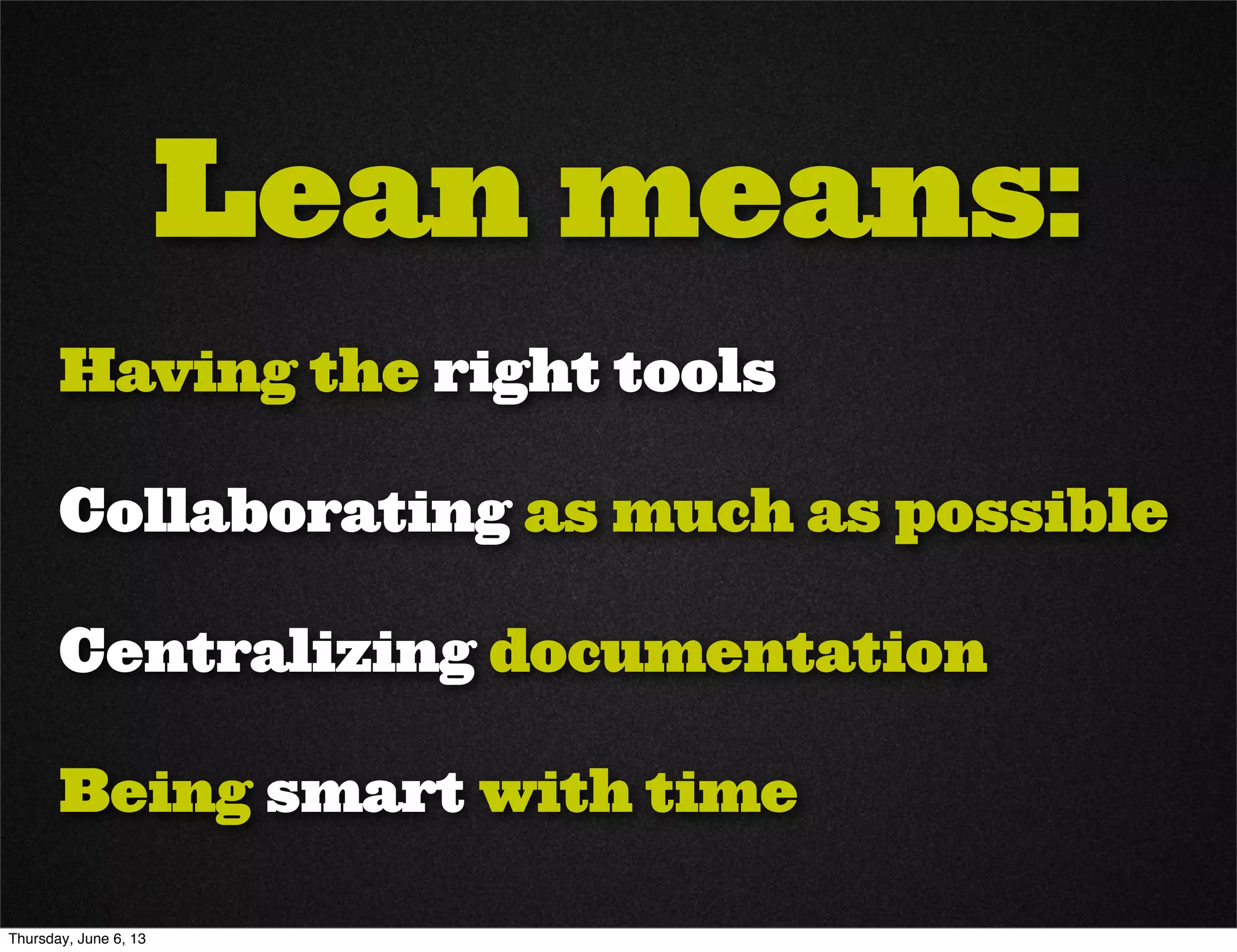
Lean means:
Having the right tools
Collaborating as much as possible
Centralizing documentation
Being smart with time
Thursday, June 6, 13
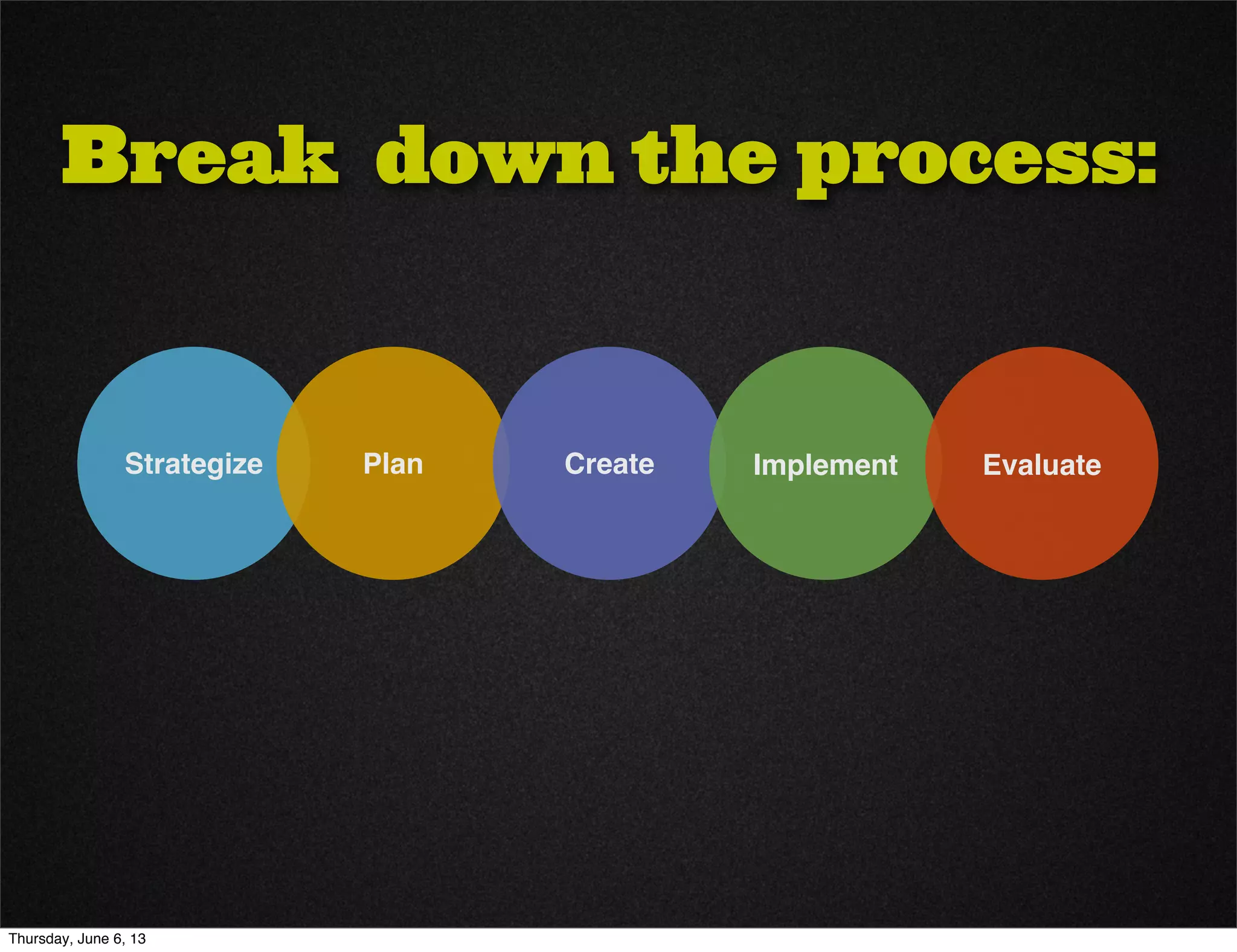
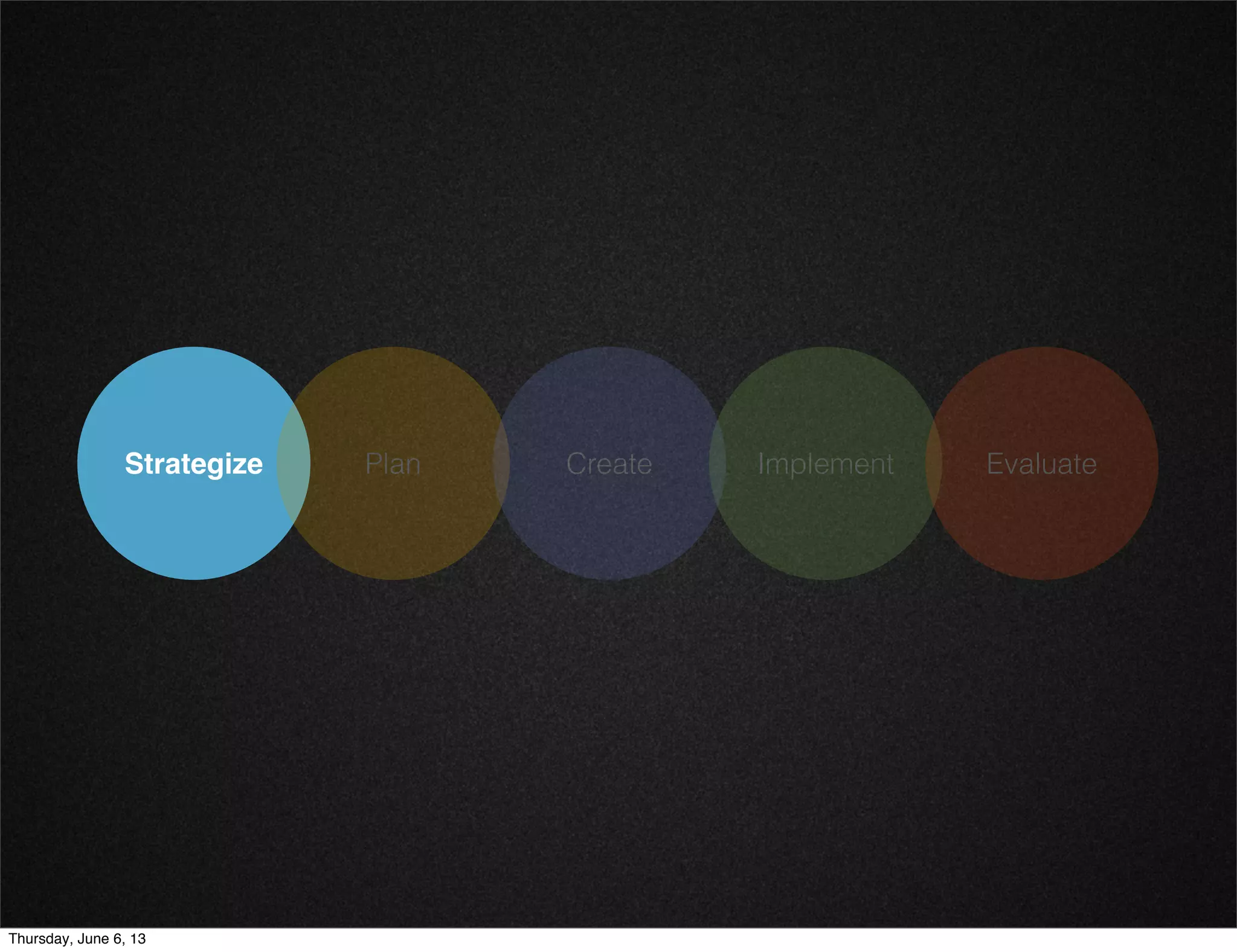
Break down the process:
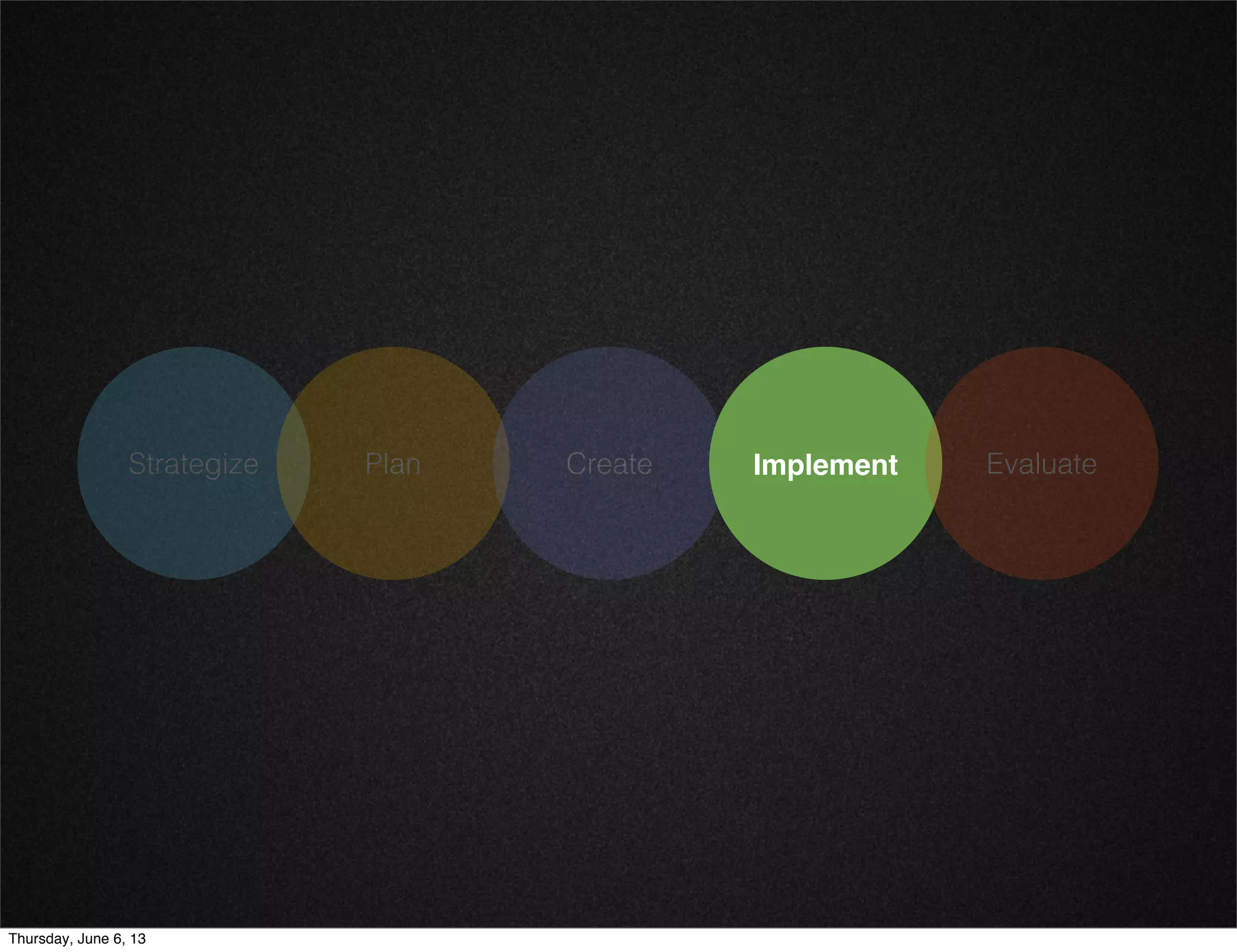
Strategize Plan Create Implement Evaluate
Thursday, June 6, 13
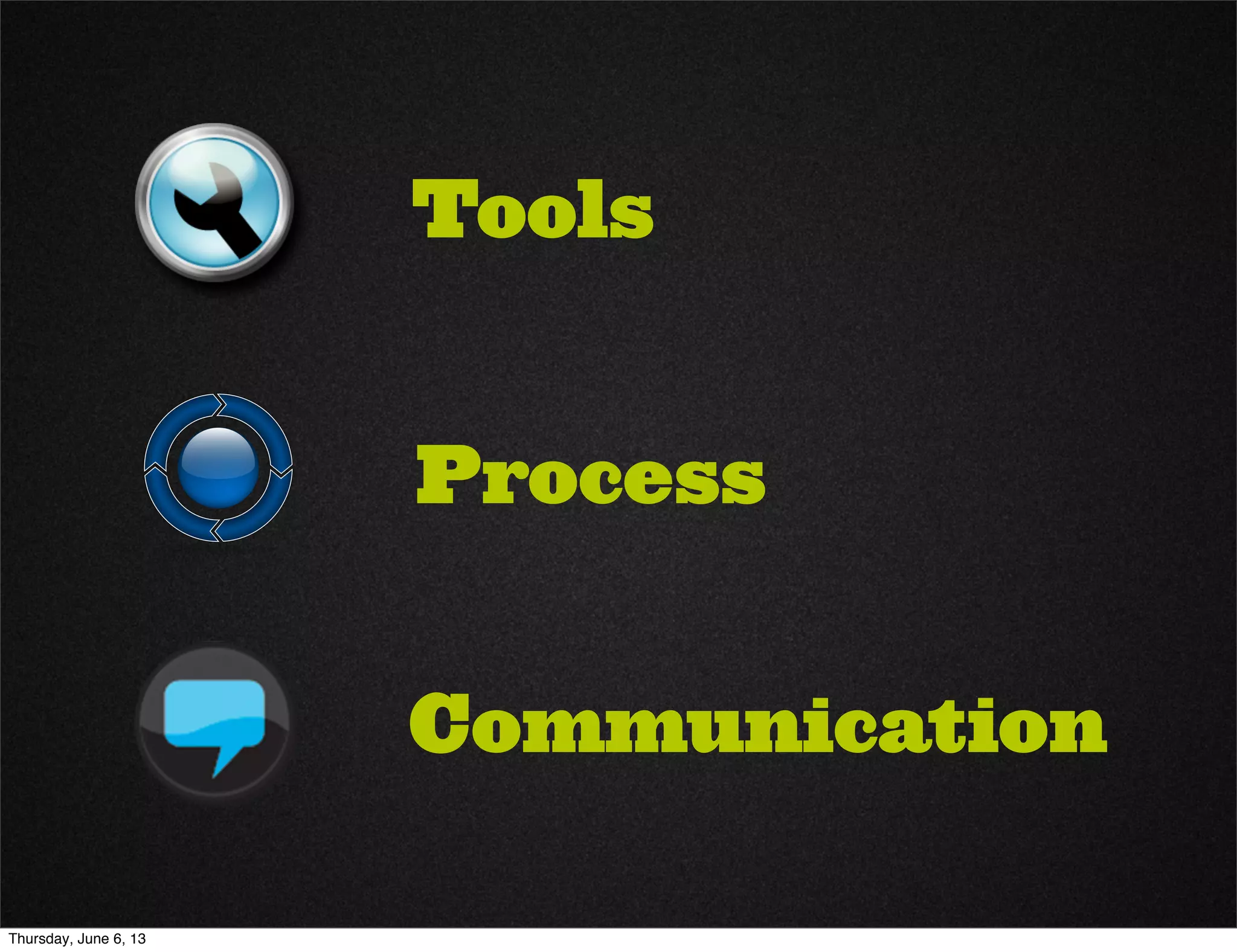
Tools
Communication
Process
Thursday, June 6, 13
Strategize Plan Create Implement Evaluate
Thursday, June 6, 13
Strategize Plan Create Implement Evaluate
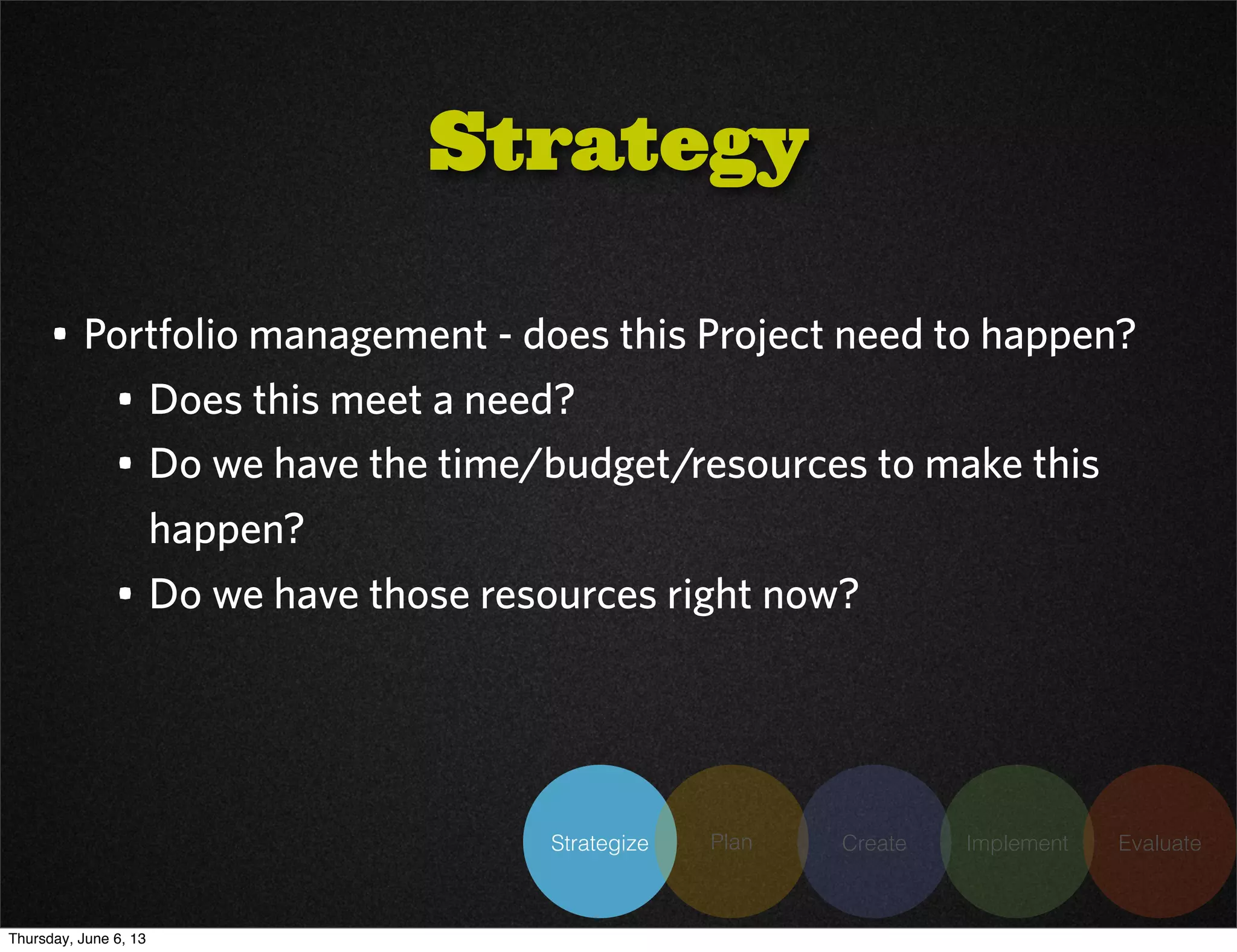
• Portfolio management - does this Project need to happen?
• Does this meet a need?
• Do we have the time/budget/resources to make this
happen?
• Do we have those resources right now?
Strategy
Thursday, June 6, 13
Strategize Plan Create Implement Evaluate
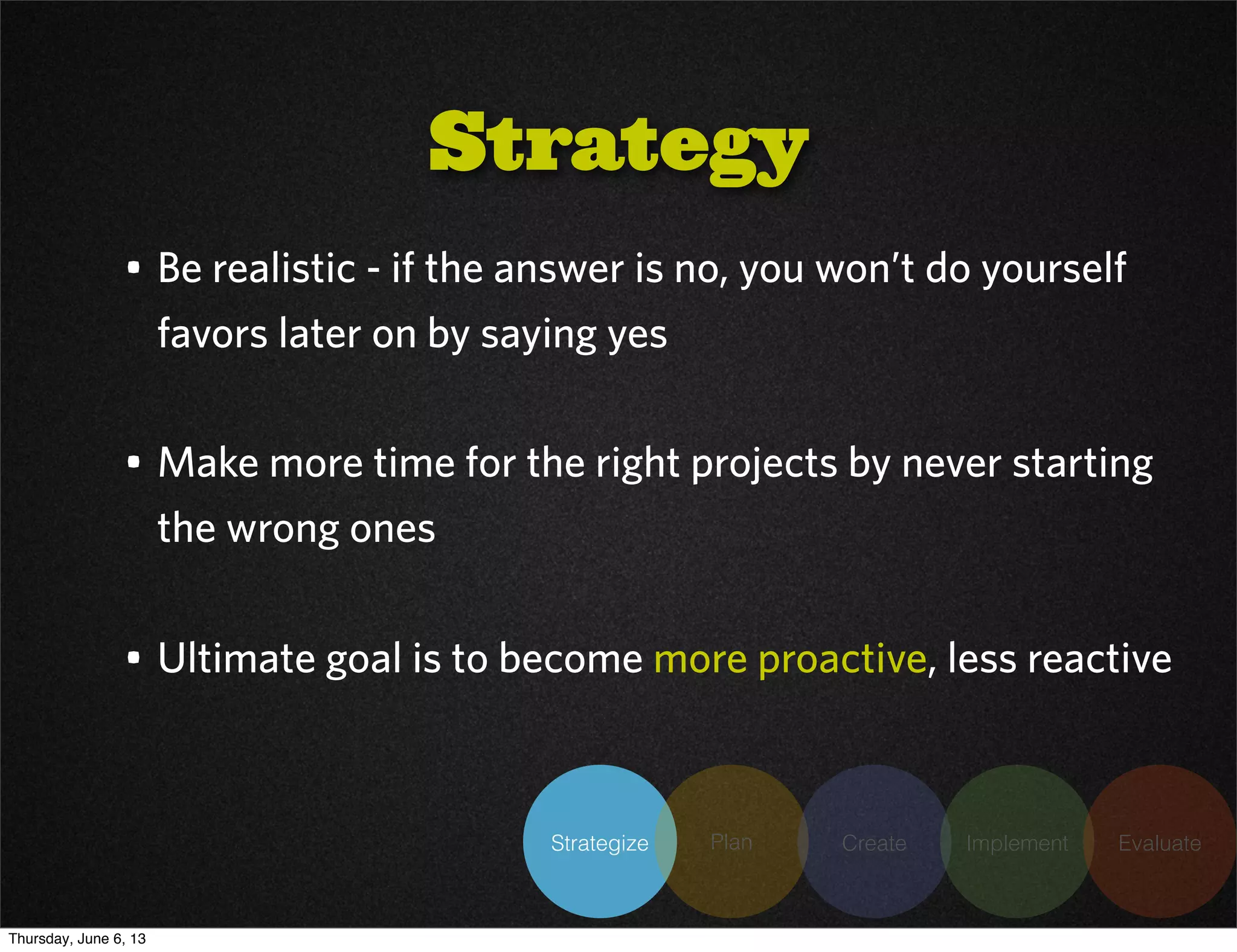
• Be realistic - if the answer is no, you won’t do yourself
favors later on by saying yes
• Make more time for the right projects by never starting
the wrong ones
• Ultimate goal is to become more proactive, less reactive
Strategy
Thursday, June 6, 13
Strategize Plan Create Implement Evaluate
• Don’t skip it just because “oh my gosh can’t we just get
this project done already?!”
• Give yourself time to think by scheduling meetings
outside the office.
• Yes, I am suggesting you meet with yourself. Make it
sound important.
Strategy
Thursday, June 6, 13
Strategize Plan Create Implement Evaluate
Need / Want / Wish Grid
• Identify what must be included and what can wait
• Helps to define scope
• Helps channel creative but distracting ideas to
somewhere useful
Thursday, June 6, 13
Strategize Plan Create Implement Evaluate
• Set measurable goals
• Don’t get paralyzed by the details
• Don’t worry if there aren’t already metrics
• Pick a number, shoot for it
• Adjust later when you evaluate
Measurable Goals
Thursday, June 6, 13
Strategize Plan Create Implement Evaluate
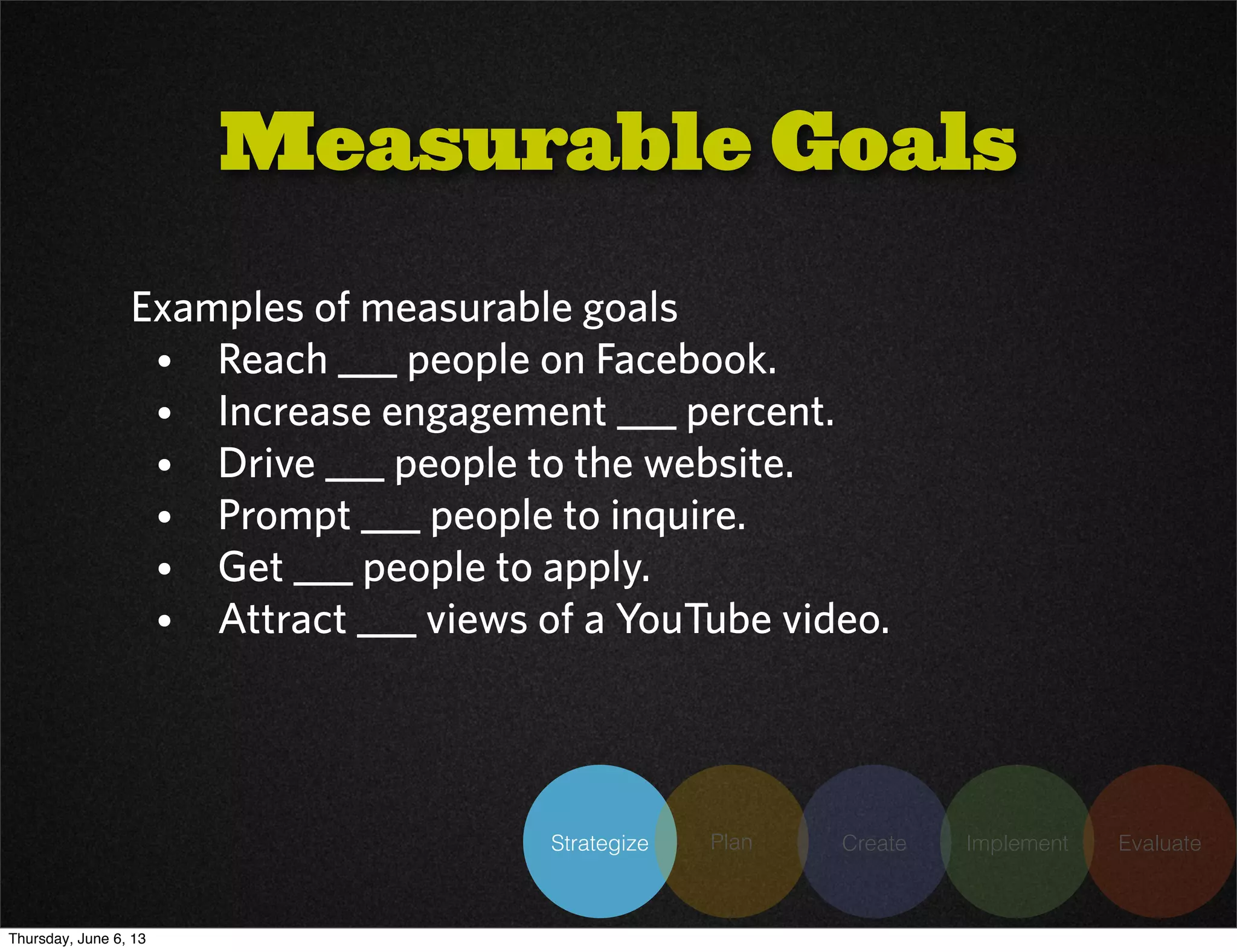
Examples of measurable goals
• Reach ___ people on Facebook.
• Increase engagement ___ percent.
• Drive ___ people to the website.
• Prompt ___ people to inquire.
• Get ___ people to apply.
• Attract ___ views of a YouTube video.
Measurable Goals
Thursday, June 6, 13
Strategize Plan Create Implement Evaluate
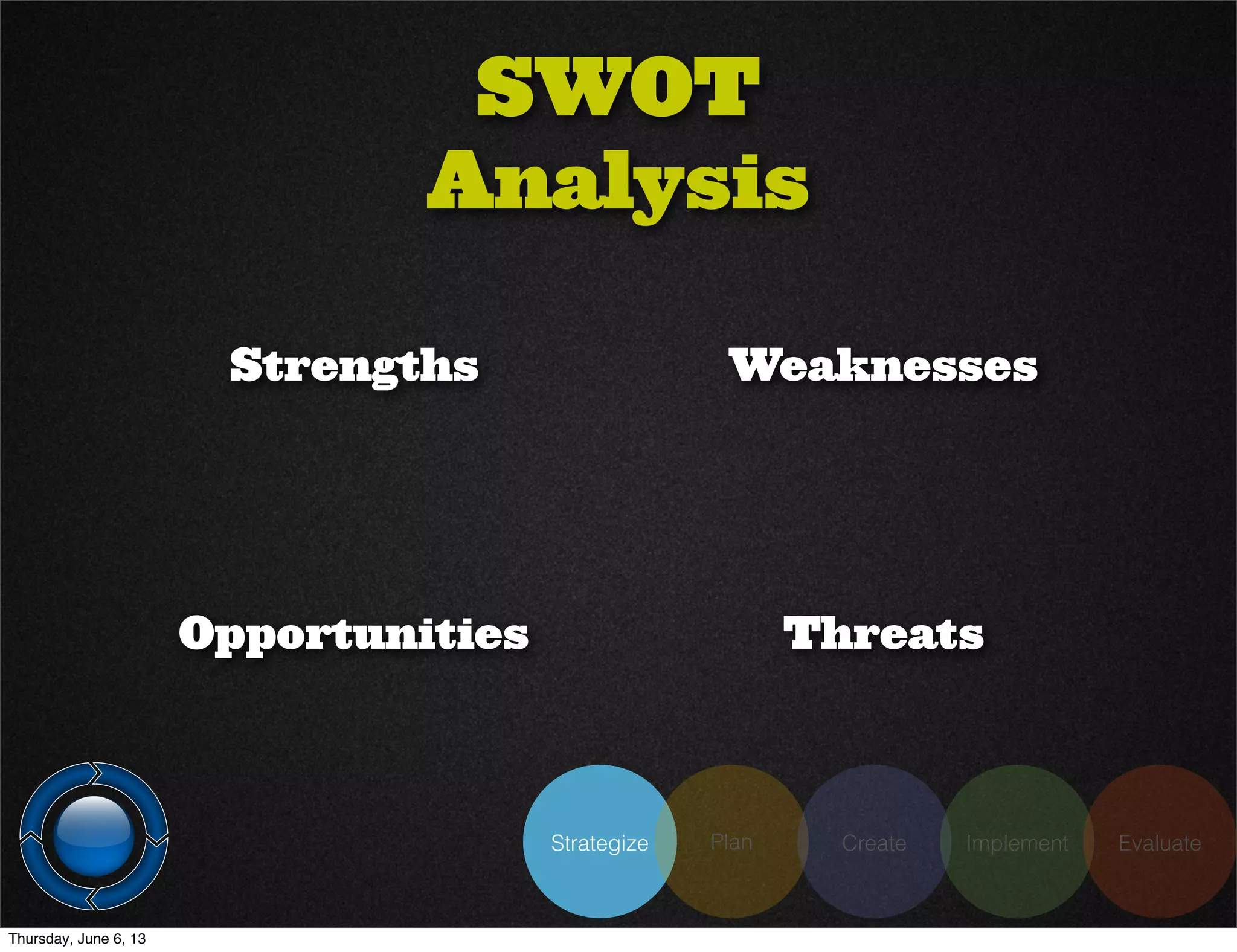
SWOT
Analysis
Strengths Weaknesses
ThreatsOpportunities
Thursday, June 6, 13
Strategize Plan Create Implement Evaluate
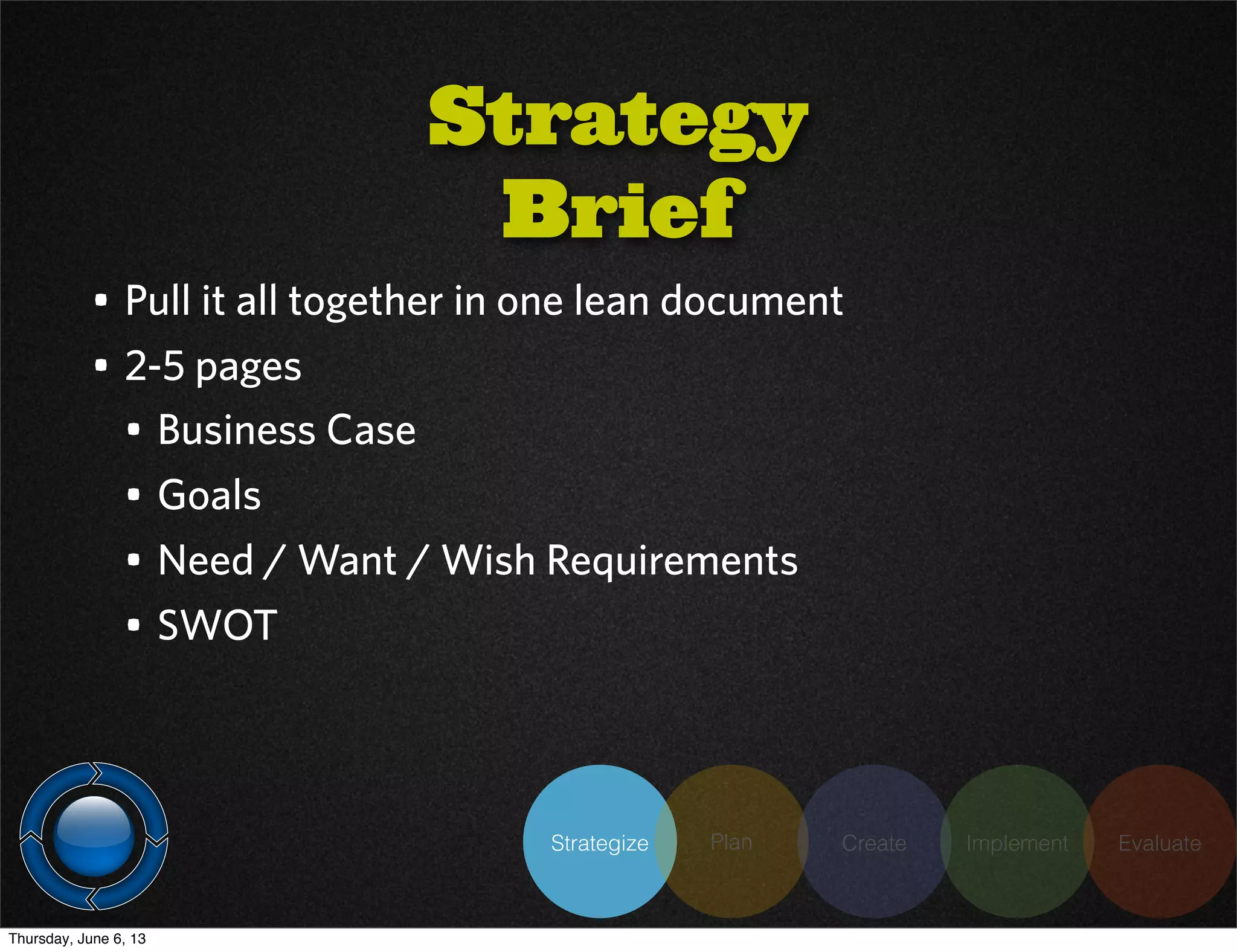
Strategy
Brief
• Pull it all together in one lean document
• 2-5 pages
• Business Case
• Goals
• Need / Want / Wish Requirements
• SWOT
Thursday, June 6, 13
Strategize Plan Create Implement Evaluate
Thursday, June 6, 13
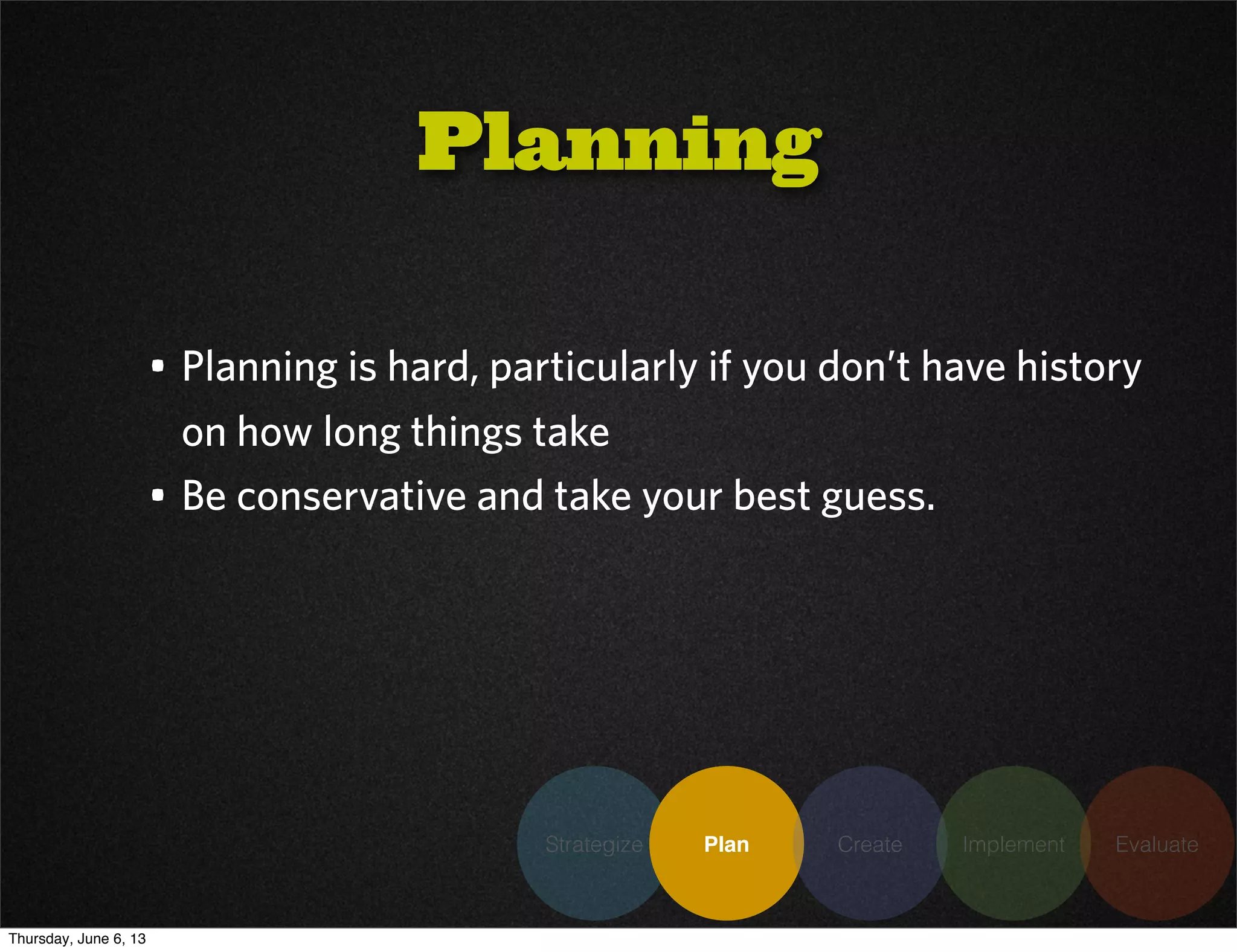
• Planning is hard, particularly if you don’t have history
on how long things take
• Be conservative and take your best guess.
Planning
Strategize Plan Create Implement Evaluate
Thursday, June 6, 13
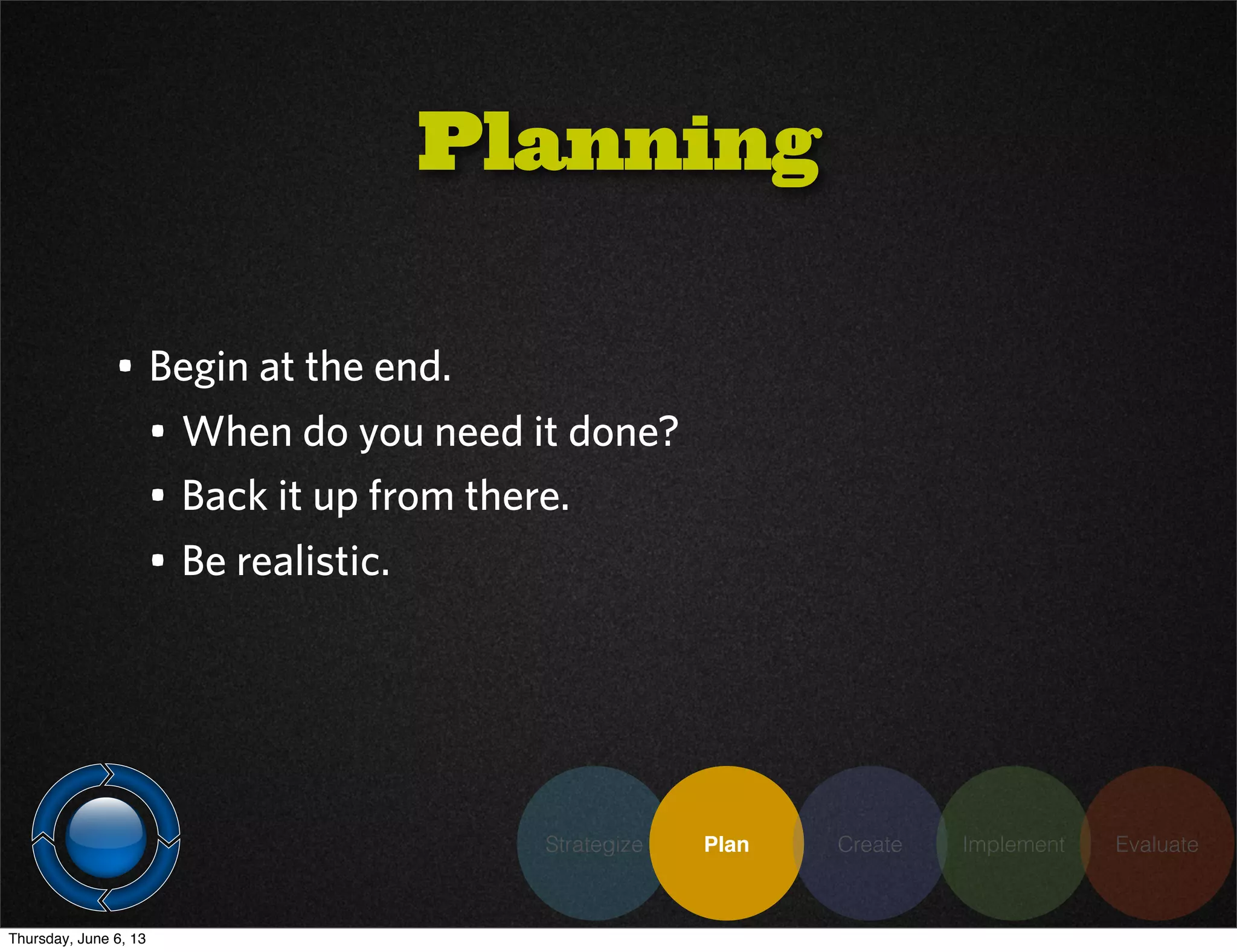
• Begin at the end.
• When do you need it done?
• Back it up from there.
• Be realistic.
Planning
Strategize Plan Create Implement Evaluate
Thursday, June 6, 13
• Identify resources, roles, responsibilities up front
• Use collaborative tools to help save time
• Track time (even if it is a really rough estimate)
Planning
Strategize Plan Create Implement Evaluate
Thursday, June 6, 13
Strategize Plan Create Implement Evaluate
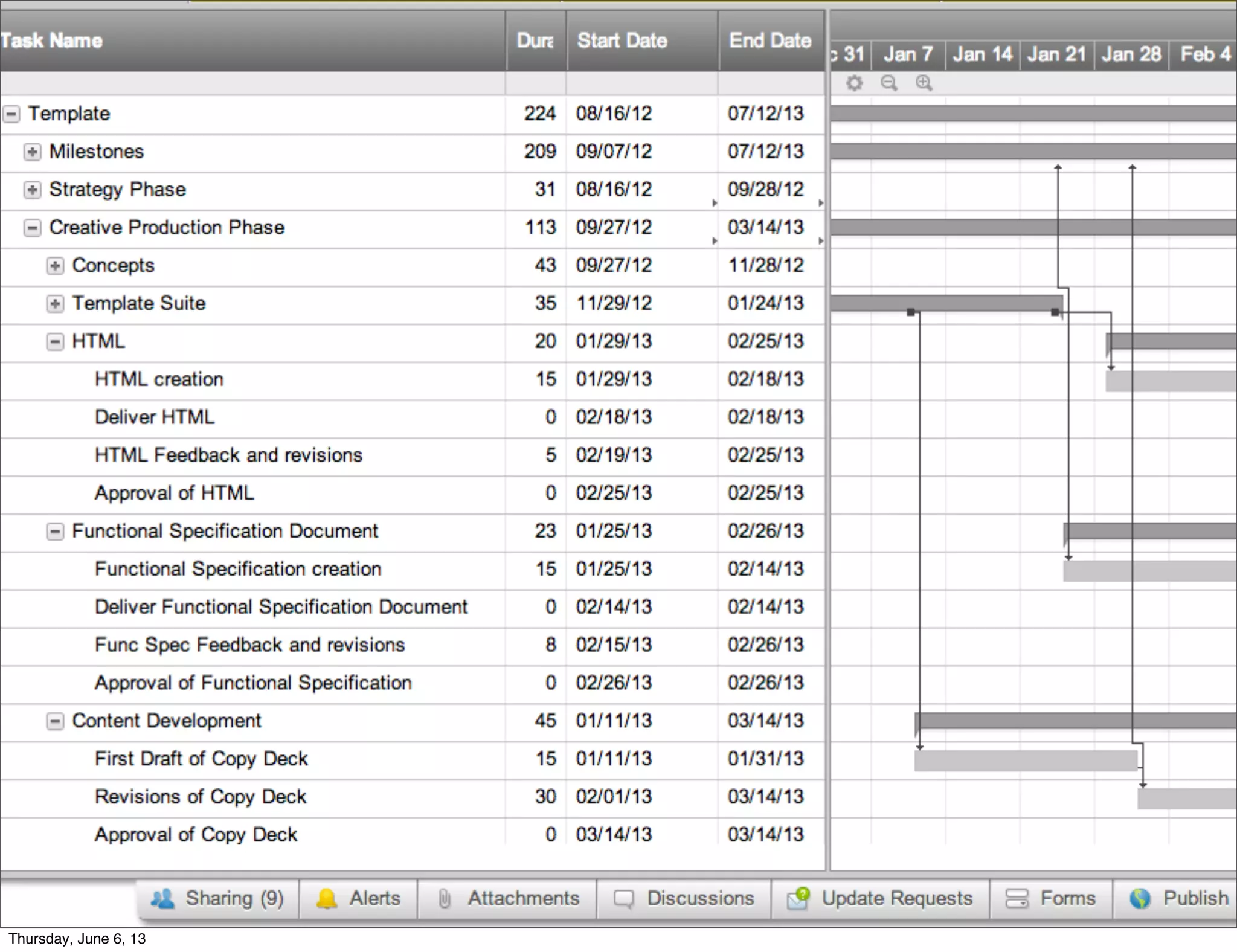
• Browser - based project and resource planning
• Collaborative - allows sharing, commenting,
discussions
• Current - dates adjust automatically
• Compatible with MS excel, project
• $160 / year
Thursday, June 6, 13
Strategize Plan Create Implement Evaluate
Thursday, June 6, 13
Strategize Plan Create Implement Evaluate
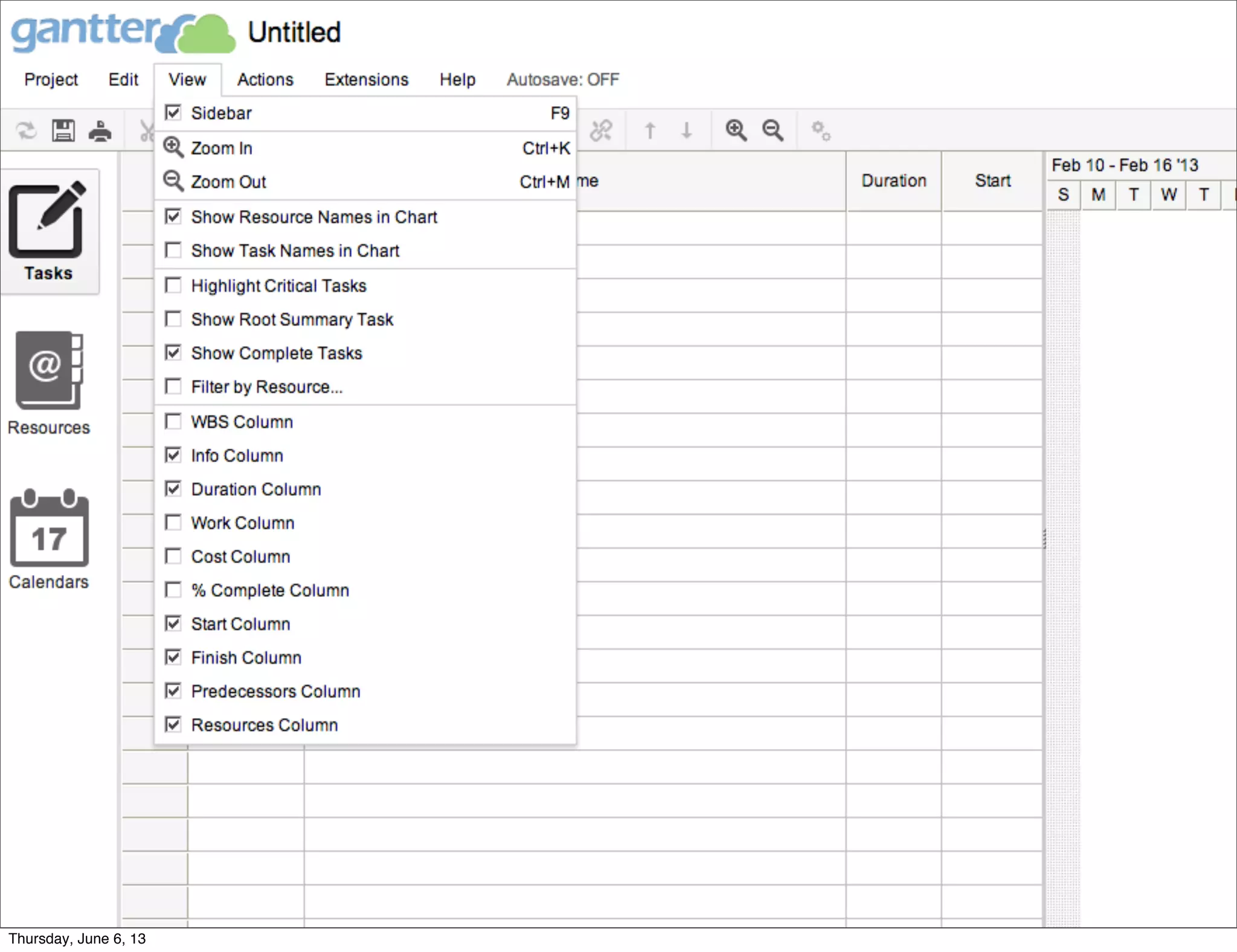
• Free, Collaborative cloud scheduling
• Integration with Google Drive and Business
• Features similar to Smartsheet
Thursday, June 6, 13
Strategize Plan Create Implement Evaluate
Thursday, June 6, 13
Strategize Plan Create Implement Evaluate
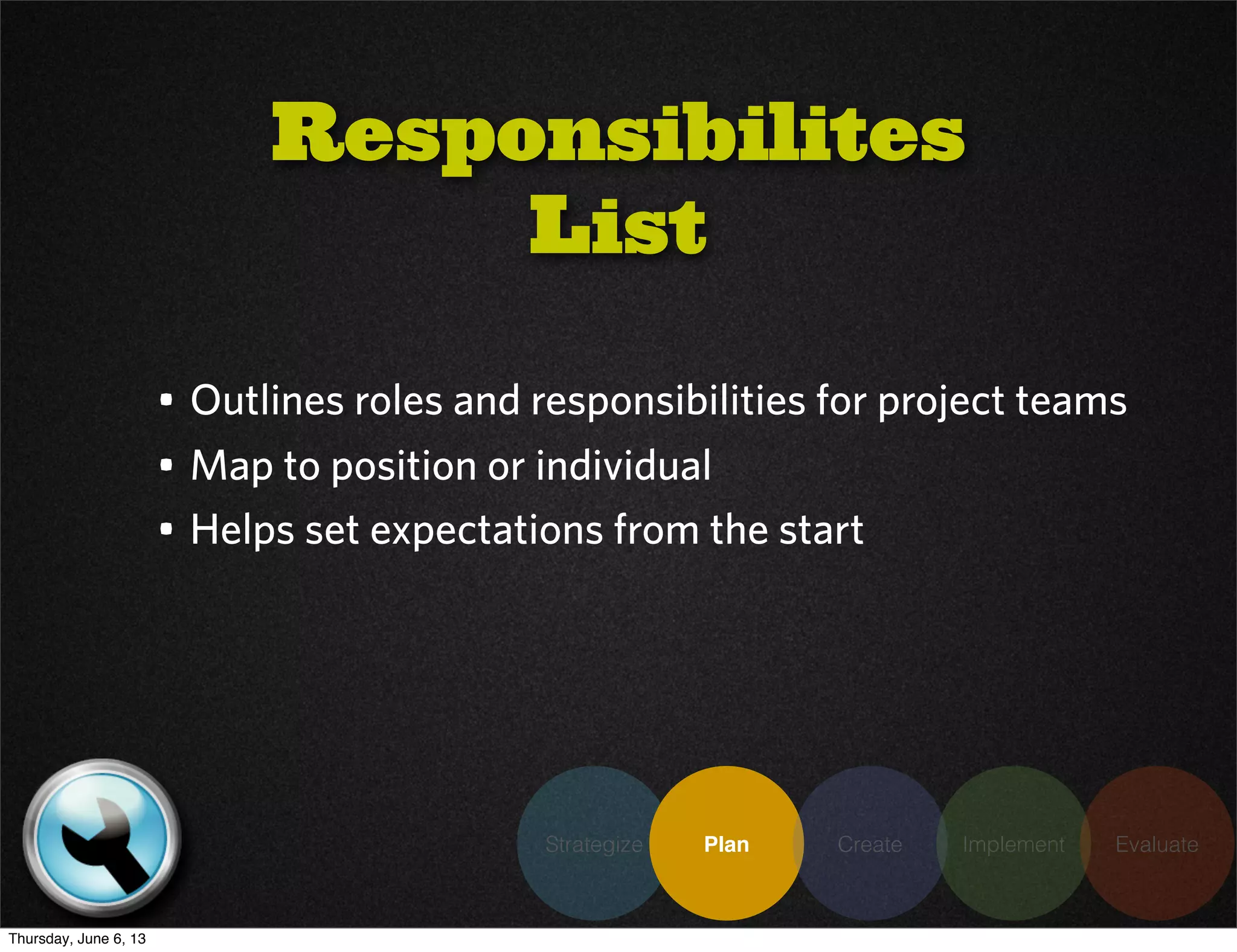
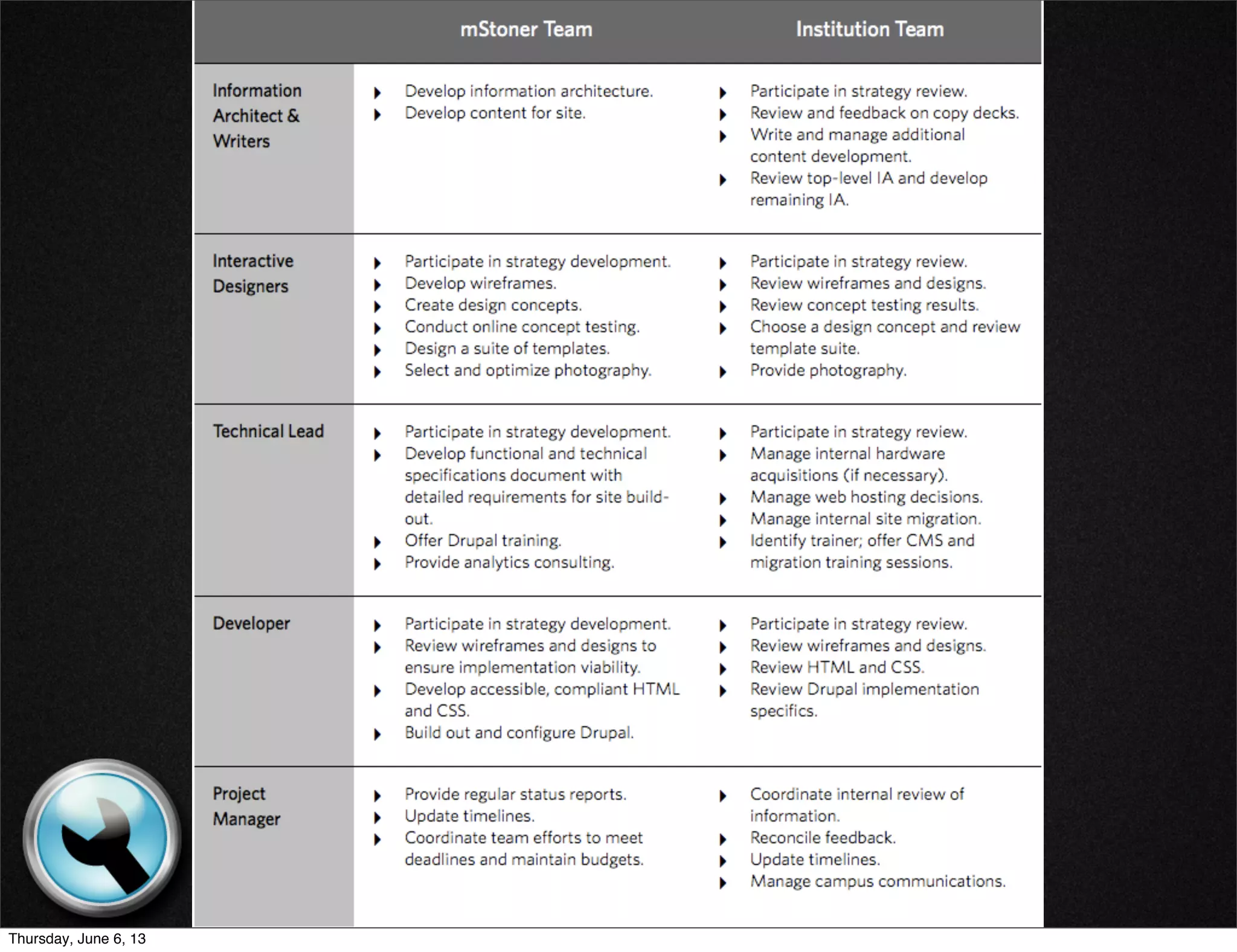
• Outlines roles and responsibilities for project teams
• Map to position or individual
• Helps set expectations from the start
Responsibilites
List
Thursday, June 6, 13
Strategize Plan Create Implement Evaluate
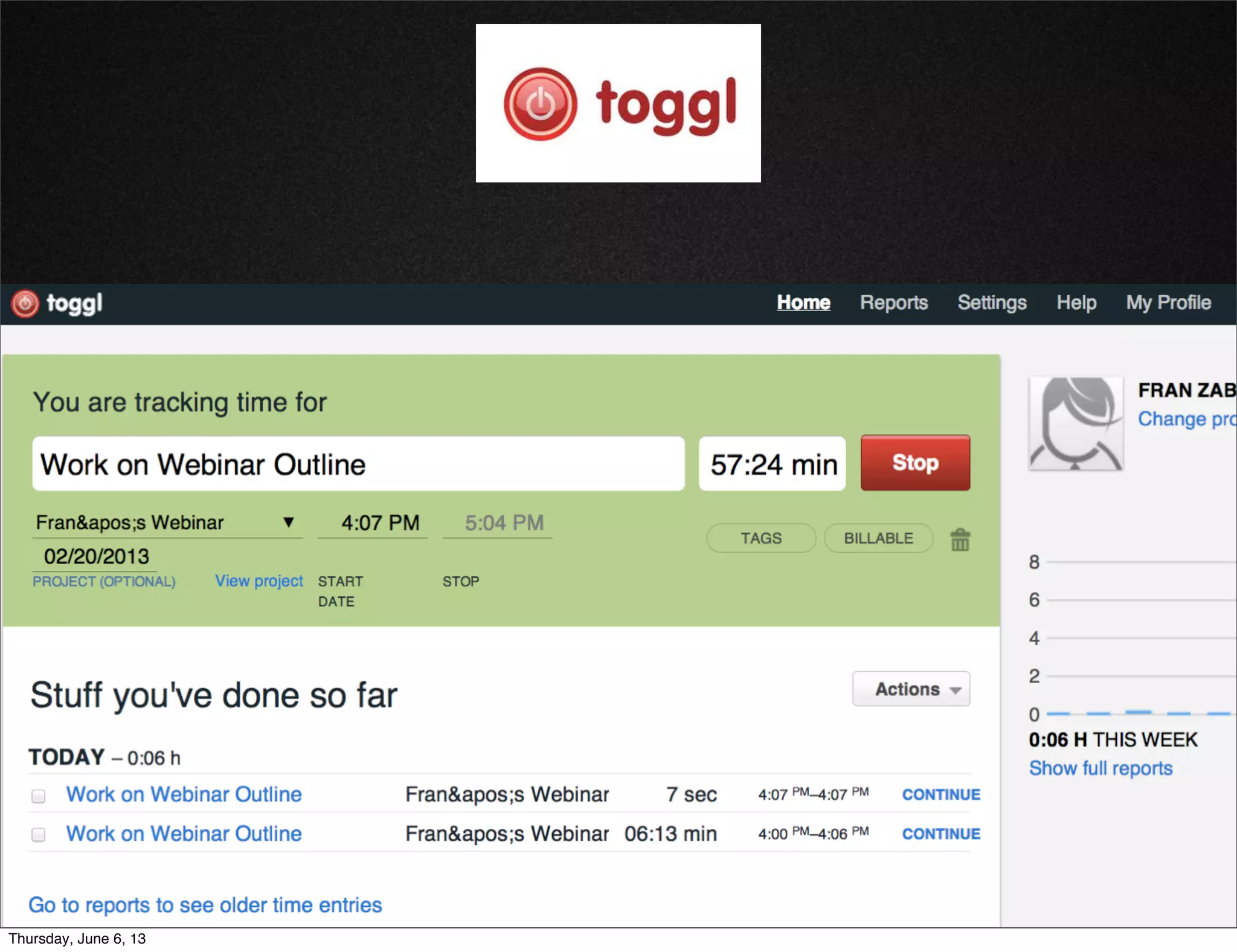
• If you are having trouble estimating, this can help
• Keep it simple and use tools to keep it lean
Time Tracking
Thursday, June 6, 13
Strategize Plan Create Implement Evaluate
• If you are having trouble estimating, this can help
• Keep it simple and use tools to keep it lean
Thursday, June 6, 13
Strategize Plan Create Implement Evaluate
Thursday, June 6, 13
Strategize Plan Create Implement Evaluate
• Go back to the basics (paper prototyping, back of
napkin).
• Online tools can save an enormous amount of time
here on collaboration
Creative
Production
Thursday, June 6, 13
Strategize Plan Create Implement Evaluate
• Help quickly organize and weight information visually
without needing heavy design work
• Allow focus on important elements such as
information architecture, content organization,
feature space
Wireframes &
Prototypes
Thursday, June 6, 13
Strategize Plan Create Implement Evaluate
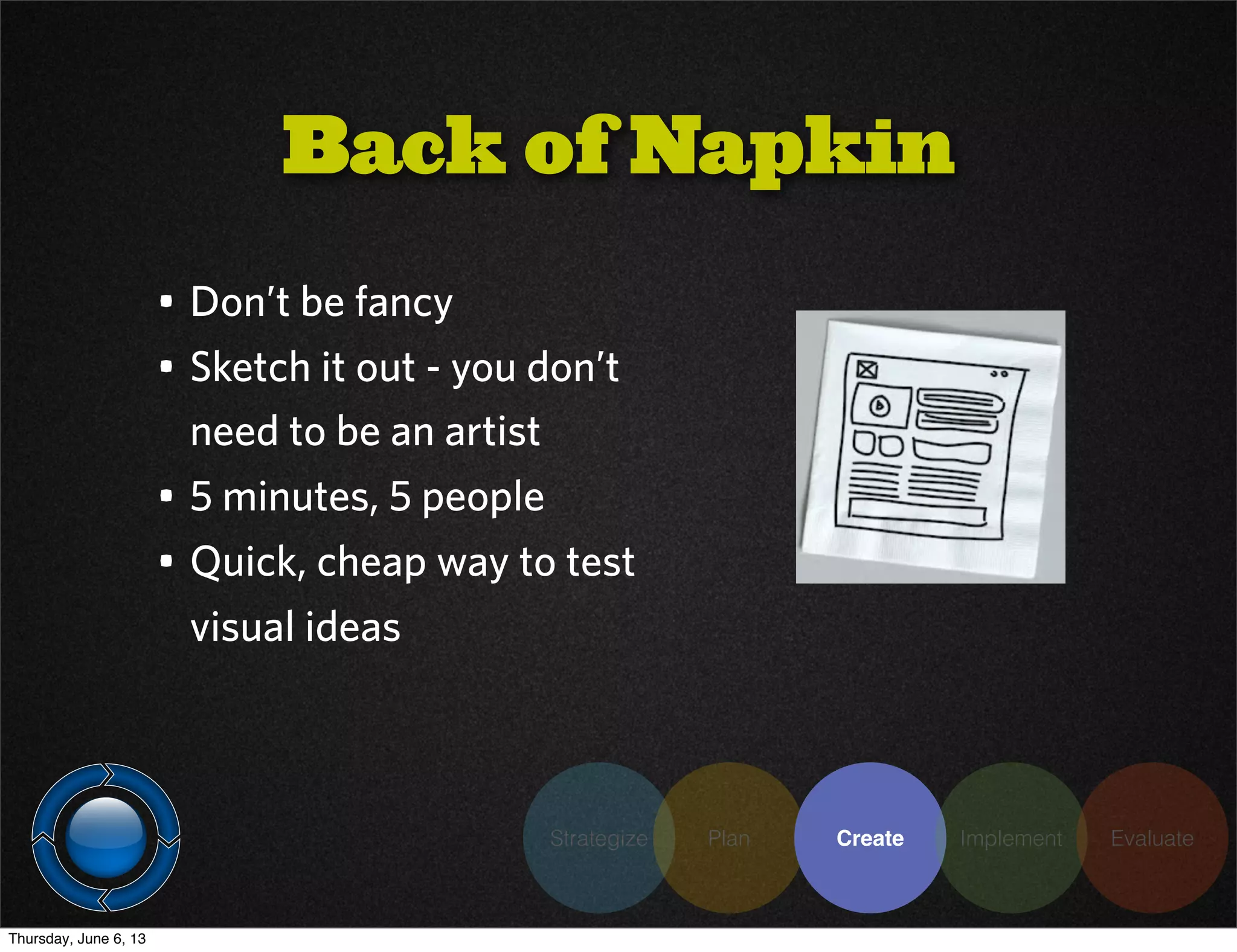
• Don’t be fancy
• Sketch it out - you don’t
need to be an artist
• 5 minutes, 5 people
• Quick, cheap way to test
visual ideas
Back of Napkin
Thursday, June 6, 13
Strategize Plan Create Implement Evaluate
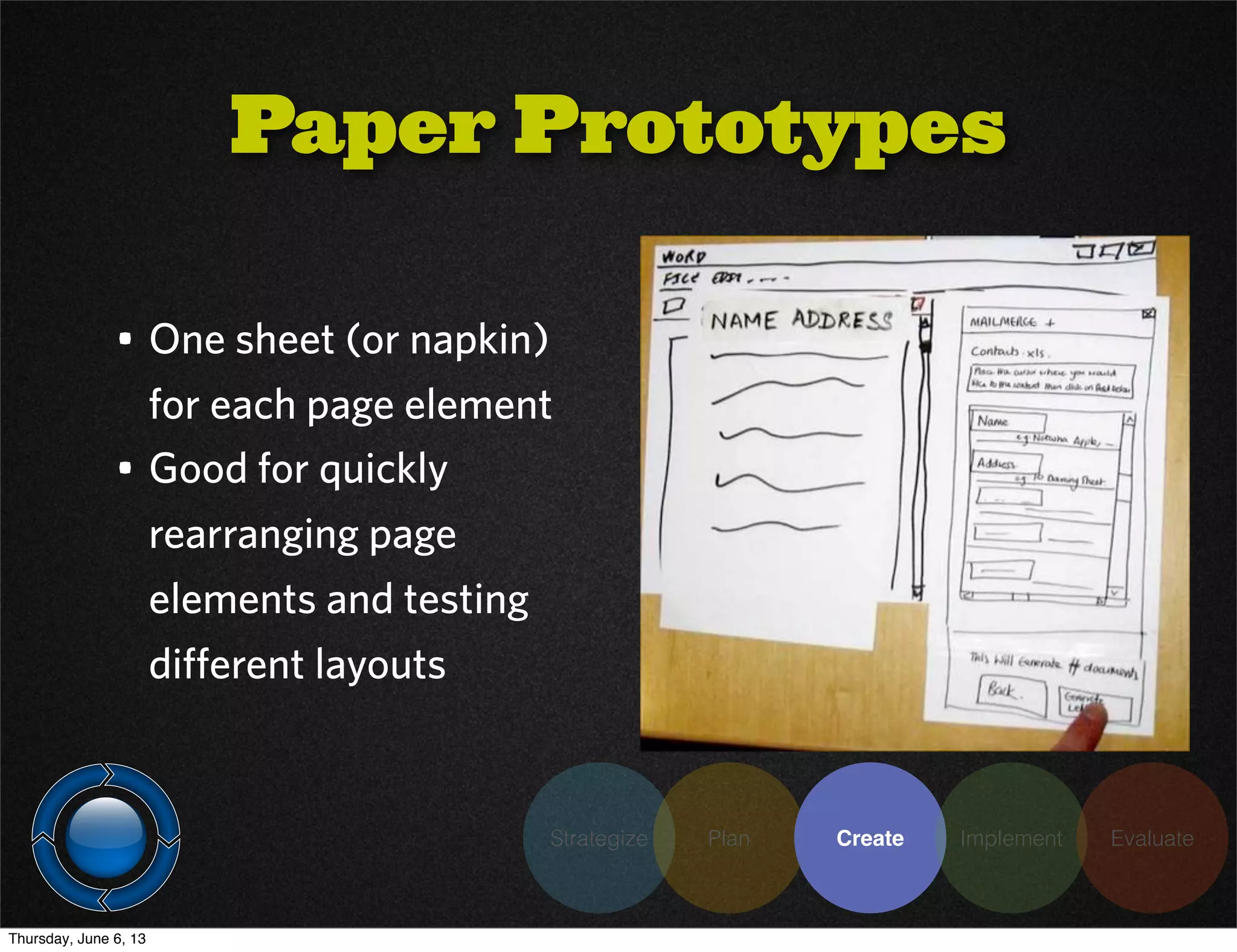
• One sheet (or napkin)
for each page element
• Good for quickly
rearranging page
elements and testing
different layouts
Paper Prototypes
Thursday, June 6, 13
Strategize Plan Create Implement Evaluate
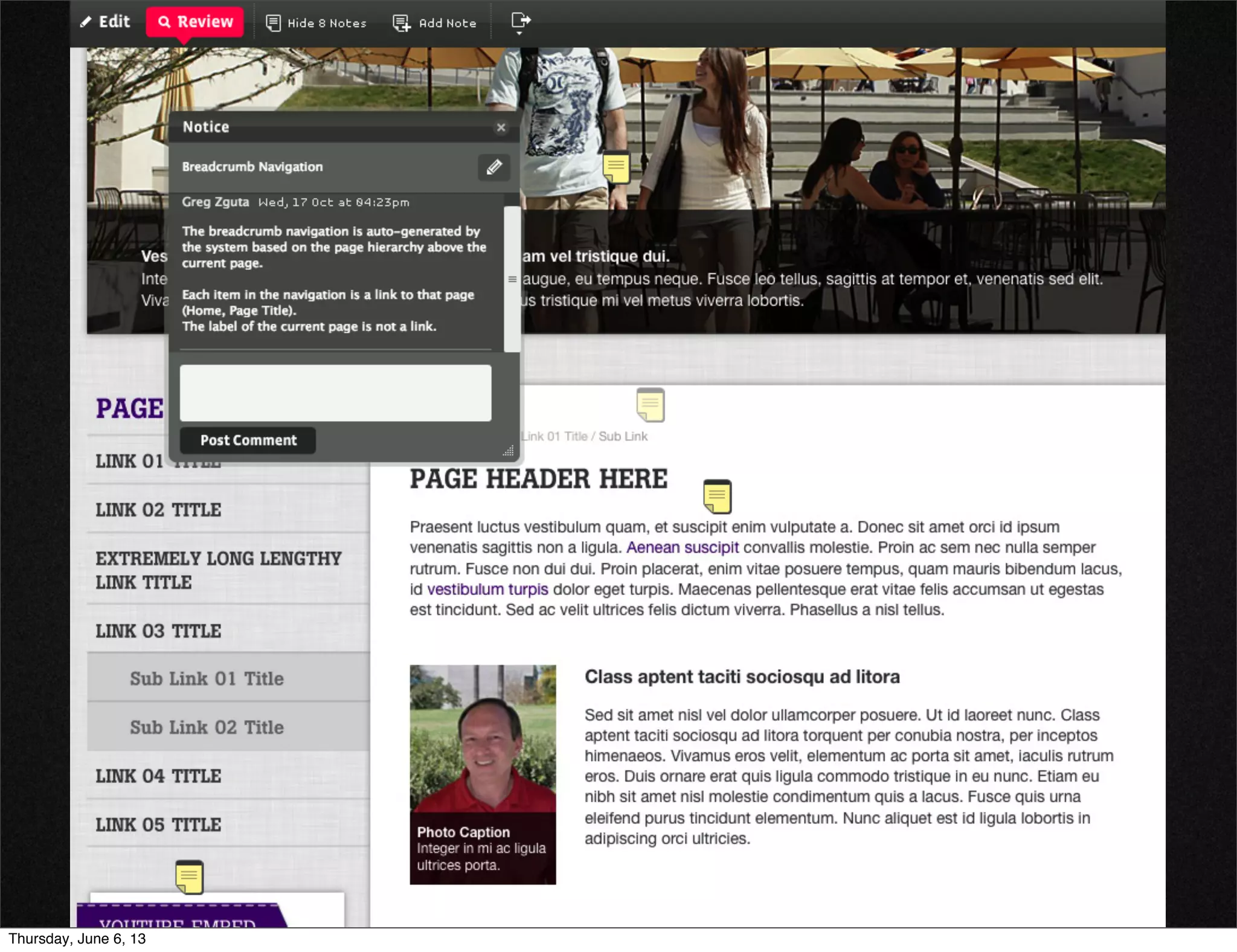
• Collaborative wireframing
• Allows commenting, sharing, versioning
• Let you discuss functionality in the context of the
design instead of separately
• $14 / month for small teams
Hotgloo
Thursday, June 6, 13
Strategize Plan Create Implement Evaluate
• 10 minutes of silence
• Cut the chatter and get everyone’s input at the same
time
• Simply look at what is in front of you and write your
thoughts.
• Use group chat to share ideas
• Open to discussion afterward
Creative Review
Meetings
Thursday, June 6, 13
Strategize Plan Create Implement Evaluate
• Usability / IA / Wireframes / Designs
• Beyond your core team
• As efficiently as possible
• Gives you real results to justify your decisions
Testing
Thursday, June 6, 13
Strategize Plan Create Implement Evaluate
• Efficient - use your existing student/faculty/staff/
alumni email lists
Surveys
• Free basic service, $17 / month for unlimited
questions responses
Thursday, June 6, 13
Strategize Plan Create Implement Evaluate
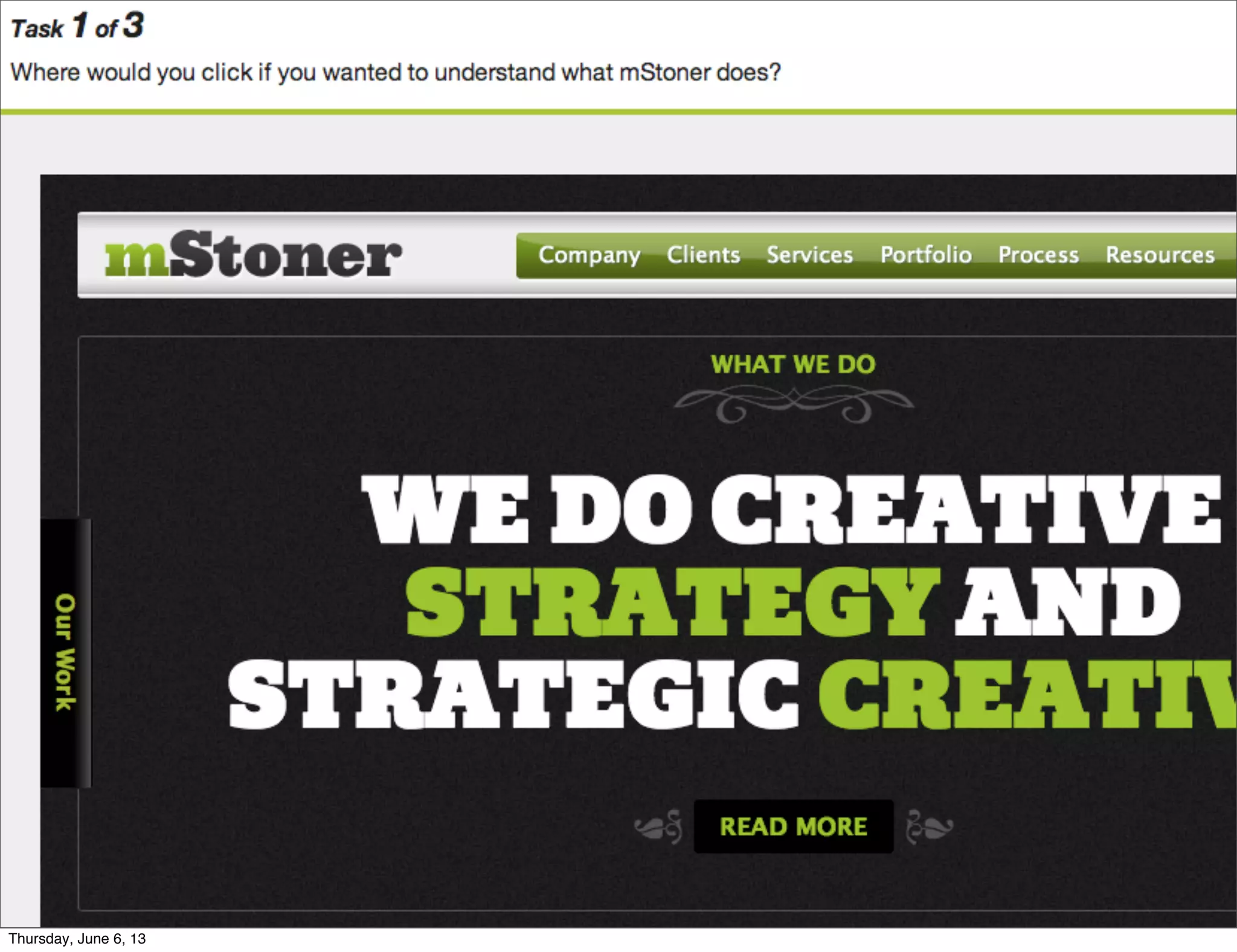
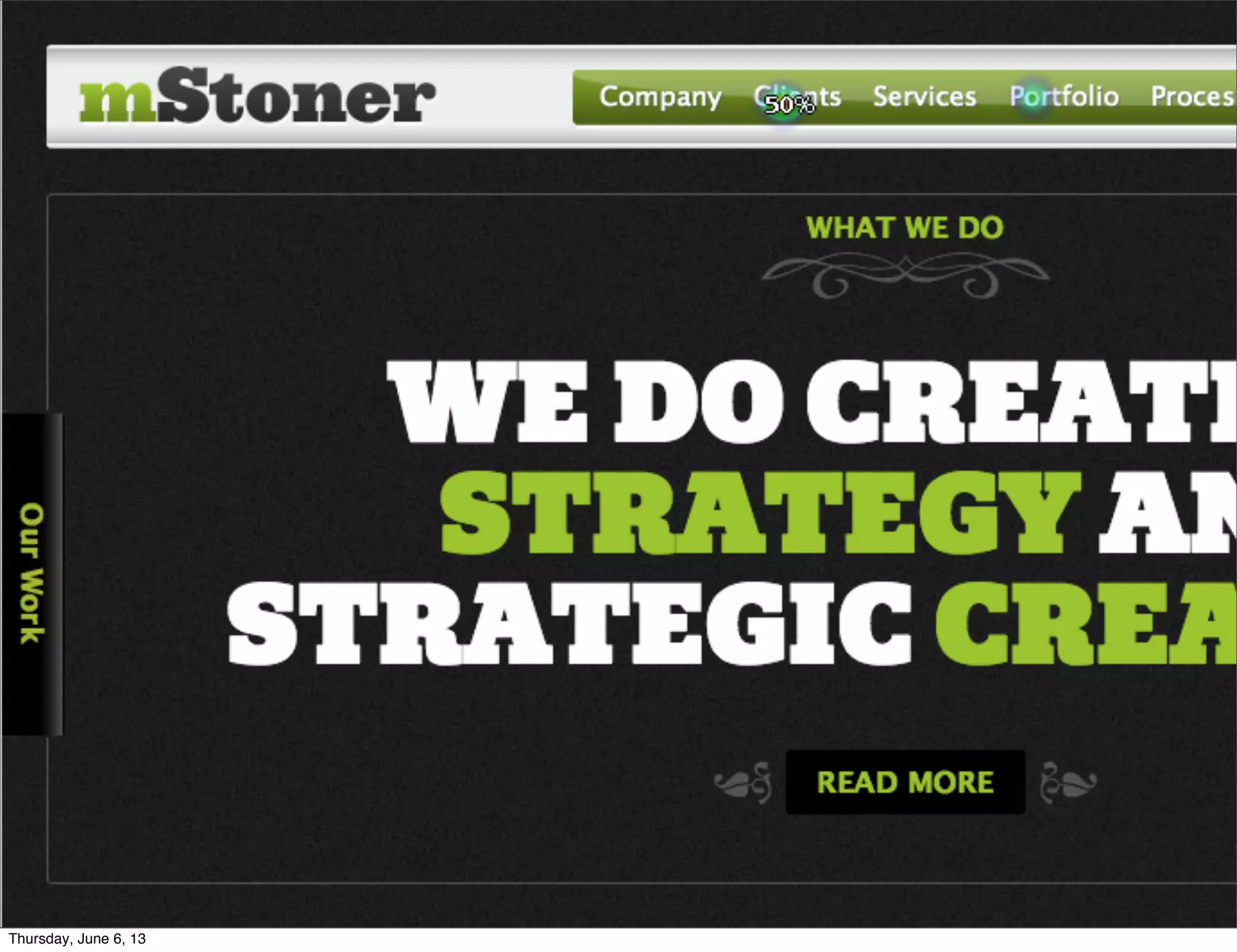
• OptimalSort: Online card sorting
• TreeJack: IA pathing
• Chalkmark: Wireframe / Design Heat Mapping
• $109 / month for each
Optimal
Workshop
Thursday, June 6, 13
Strategize Plan Create Implement Evaluate
Thursday, June 6, 13
Strategize Plan Create Implement Evaluate
Thursday, June 6, 13
Strategize Plan Create Implement Evaluate
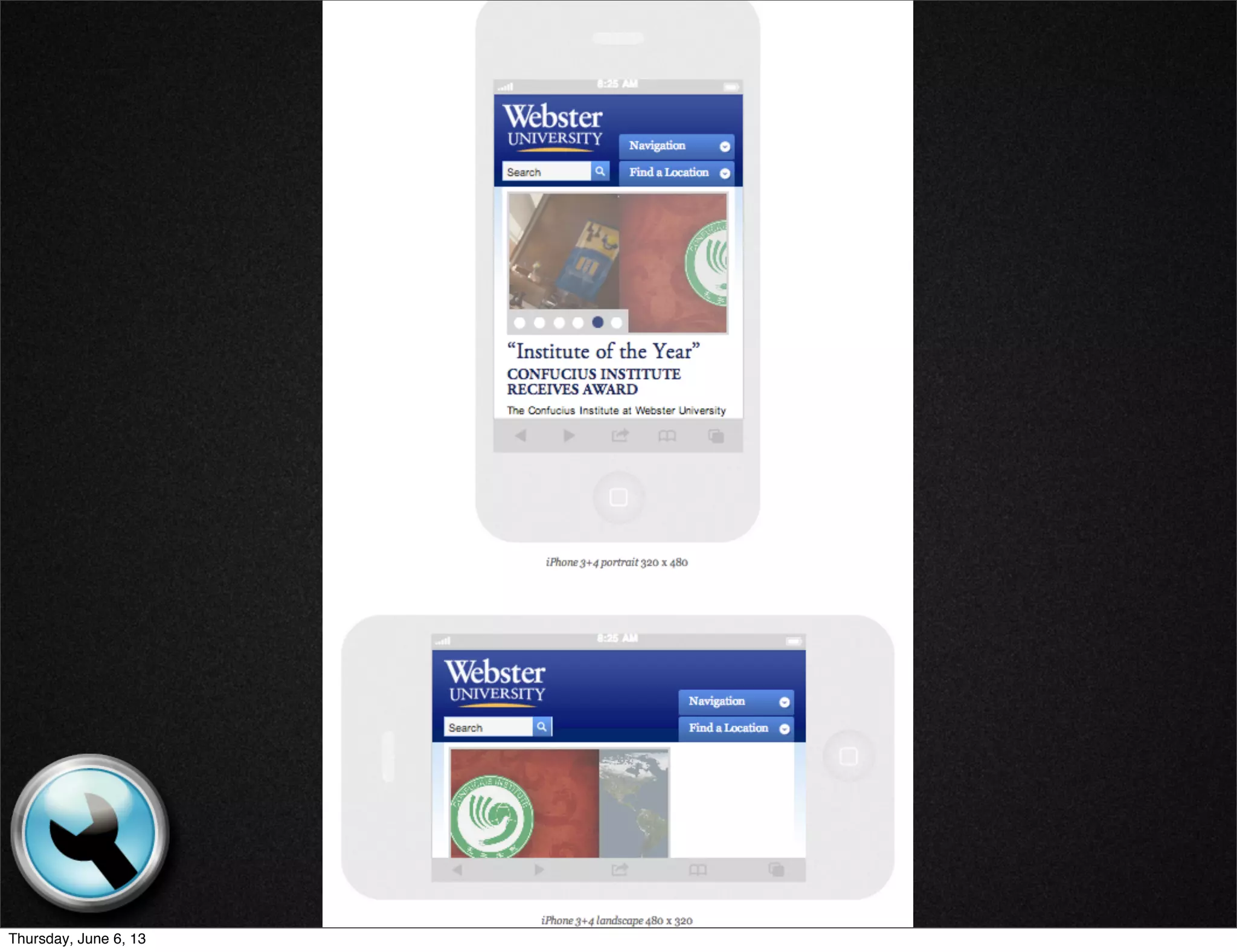
• www.responsinator.com
• Lets you see what your site looks like on muliple
devices quickly
• Free!
Responsive
Design
Thursday, June 6, 13
Responsive
Design
Thursday, June 6, 13
Strategize Plan Create Implement Evaluate
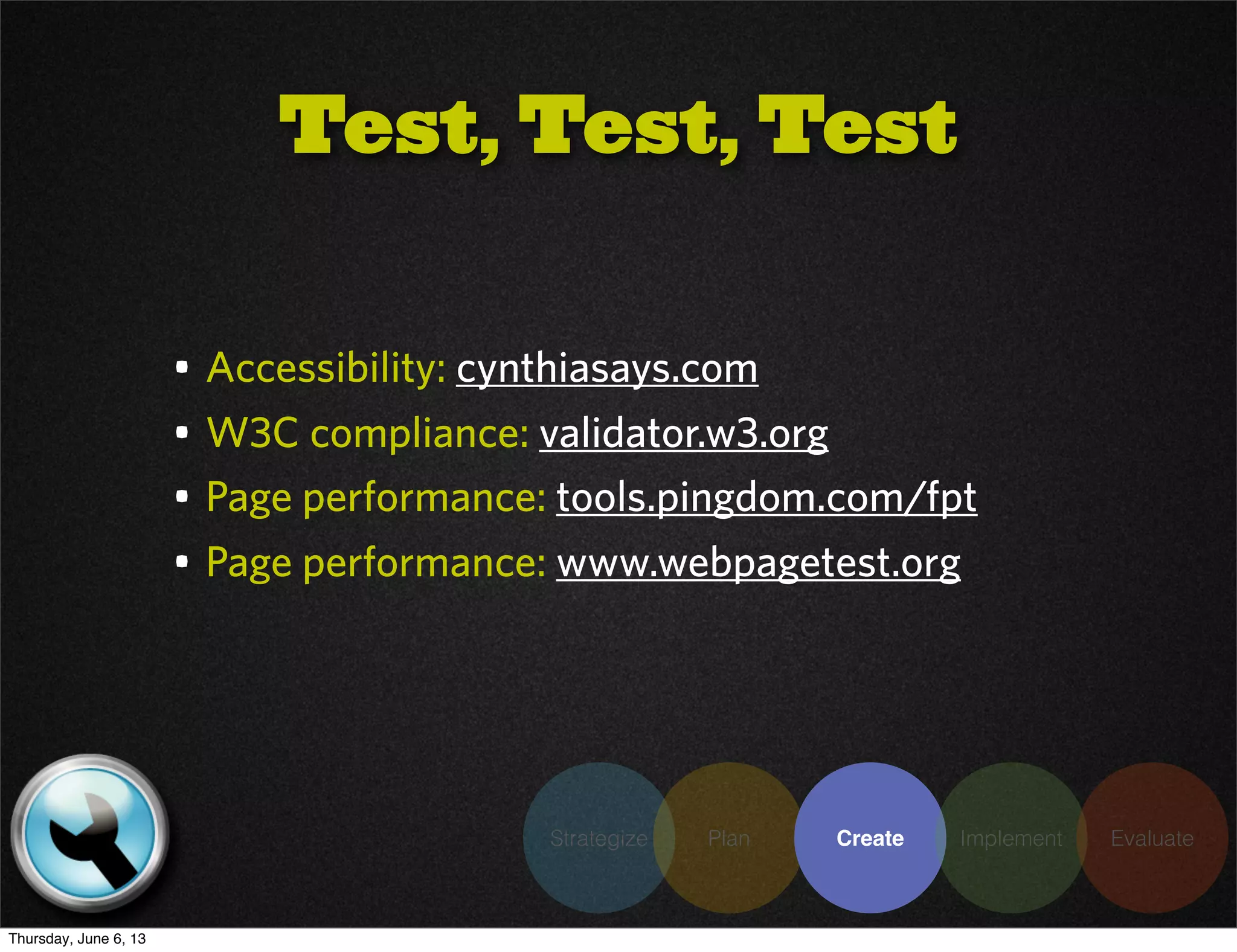
• Accessibility: cynthiasays.com
• W3C compliance: validator.w3.org
• Page performance: tools.pingdom.com/fpt
• Page performance: www.webpagetest.org
Test, Test, Test
Thursday, June 6, 13
Strategize Plan Create Implement Evaluate
• Can be one of the most time-consuming tasks in any
project
• Centralizing your effort on the cloud can reduce
coordination time considerably
Content Creation
& Migration
Thursday, June 6, 13
Strategize Plan Create Implement Evaluate
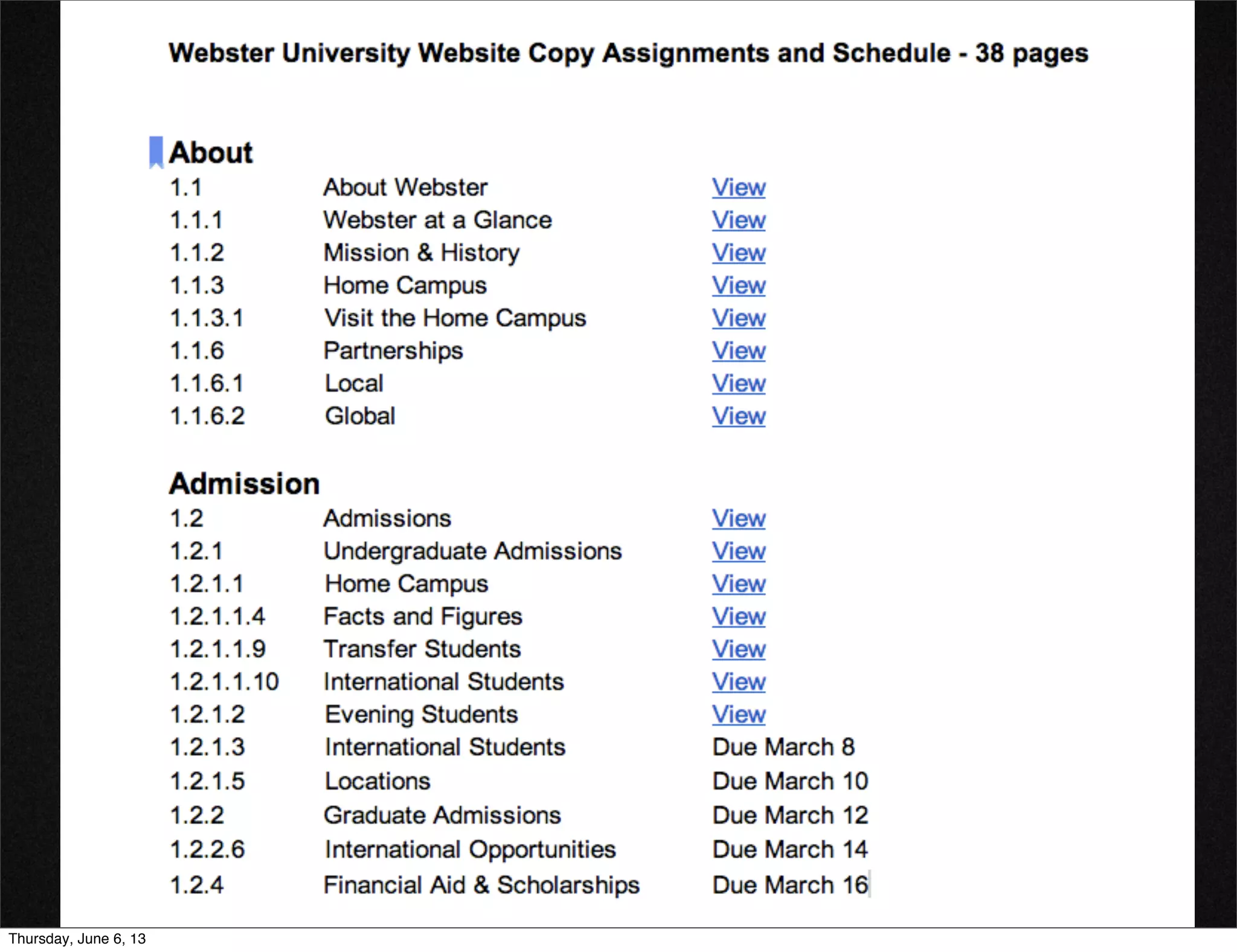
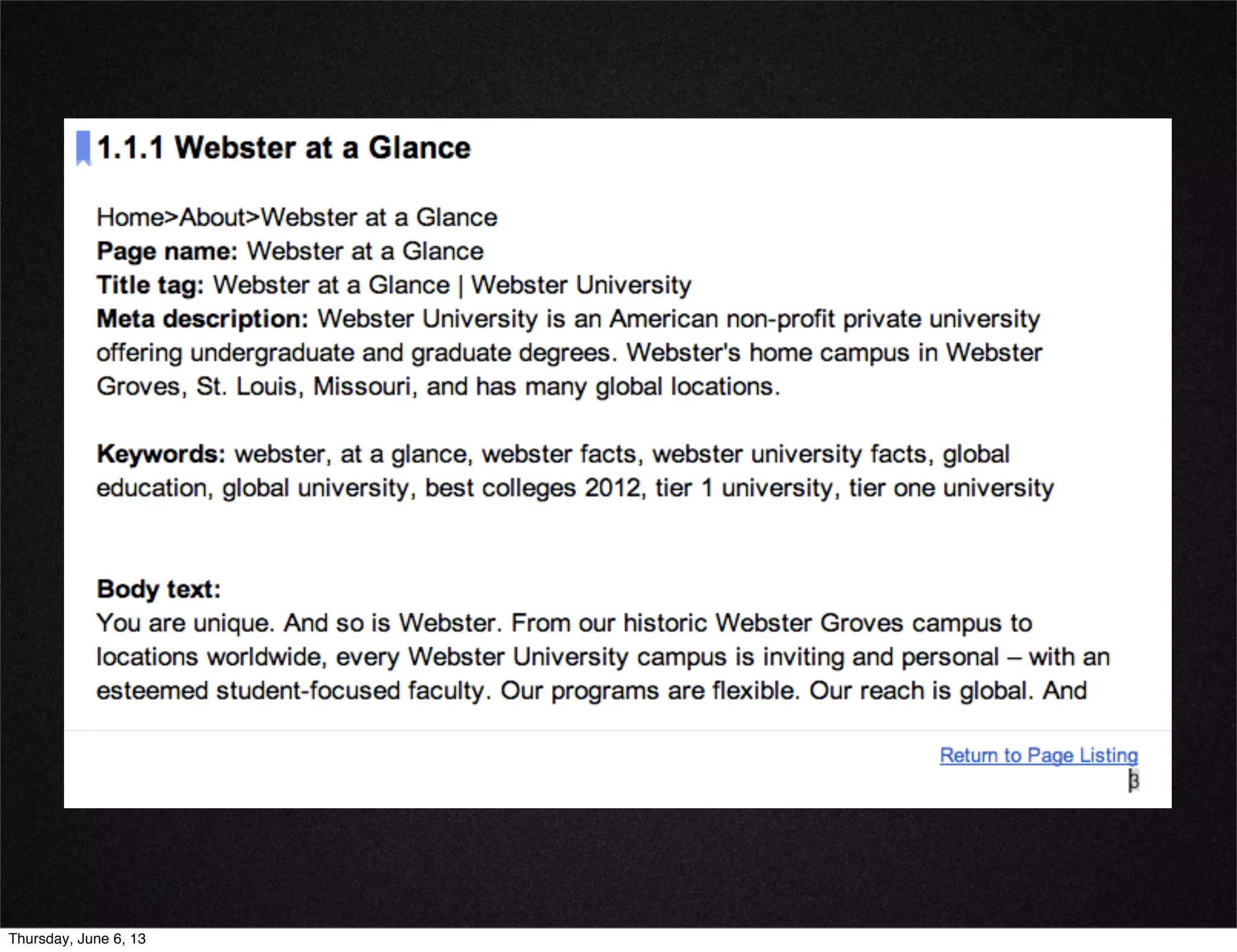
• Use bookmarks to allow users to quickly jump to
different pages
• Eliminate tons of emails / attachments
• Use your information architecture as the foundation
• Track what copy is in, what is missing, when it’s due
Google Docs w/
Bookmarks
Thursday, June 6, 13
Strategize Plan Create Implement Evaluate
Thursday, June 6, 13
Strategize Plan Create Implement Evaluate
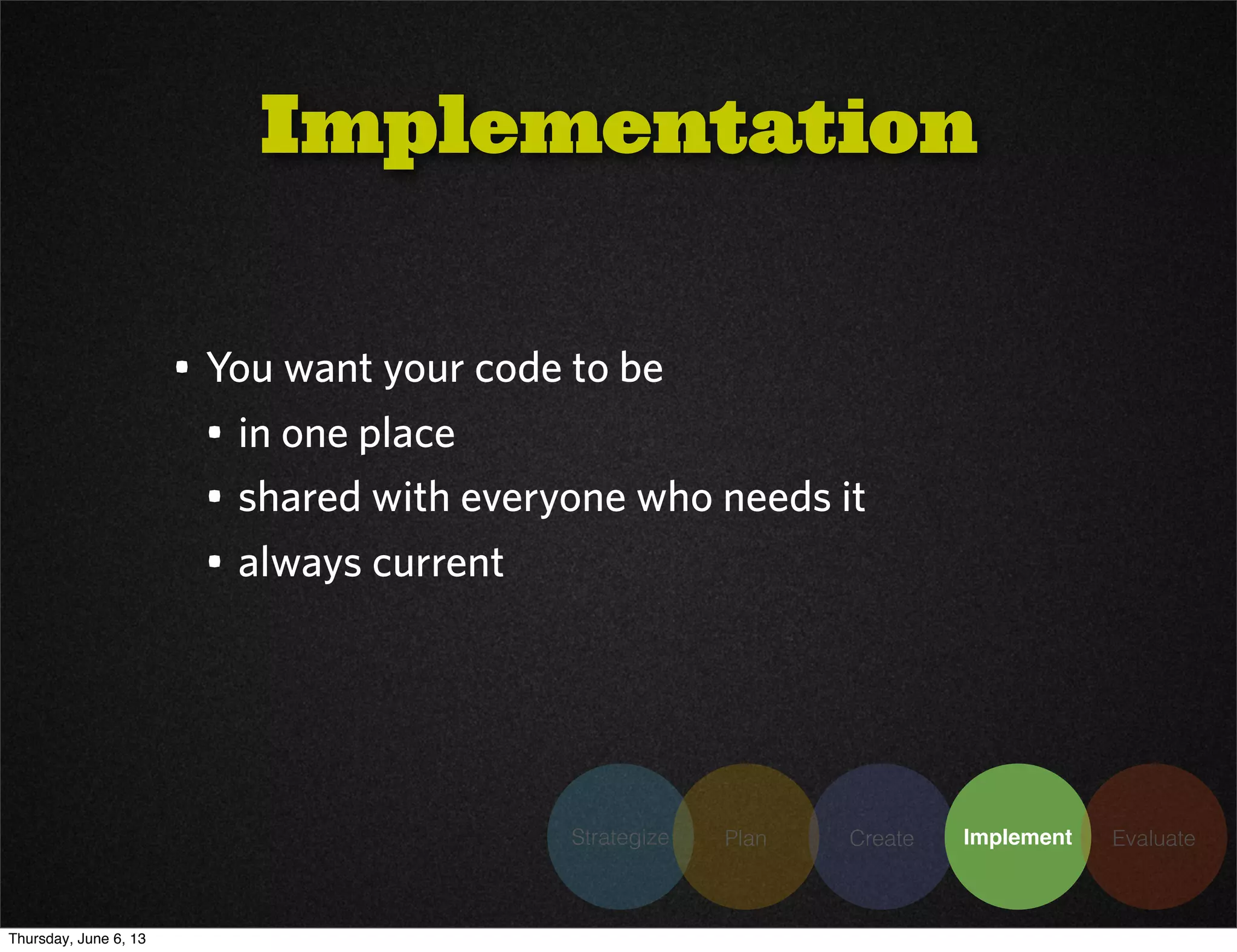
• You want your code to be
• in one place
• shared with everyone who needs it
• always current
Implementation
Thursday, June 6, 13
• When more than one developer is working on the
code, having version control is a must
• Subversion allows code segments to be ‘checked
out’ so that no one else can alter them
• Allows collaboration and saves on code re-writes
• git-scm.com
Version Control:
Git
Strategize Plan Create Implement Evaluate
Thursday, June 6, 13
• Keeps the bug list up to date
• Automatically tracks changes and allows reversions
• Allows comments and live chat while viewing
• Invaluable during crunch time when heads are down
and meetings can’t happen
Bug tracking:
Strategize Plan Create Implement Evaluate
Thursday, June 6, 13
Strategize Plan Create Implement Evaluate
Thursday, June 6, 13
Strategize Plan Create Implement Evaluate
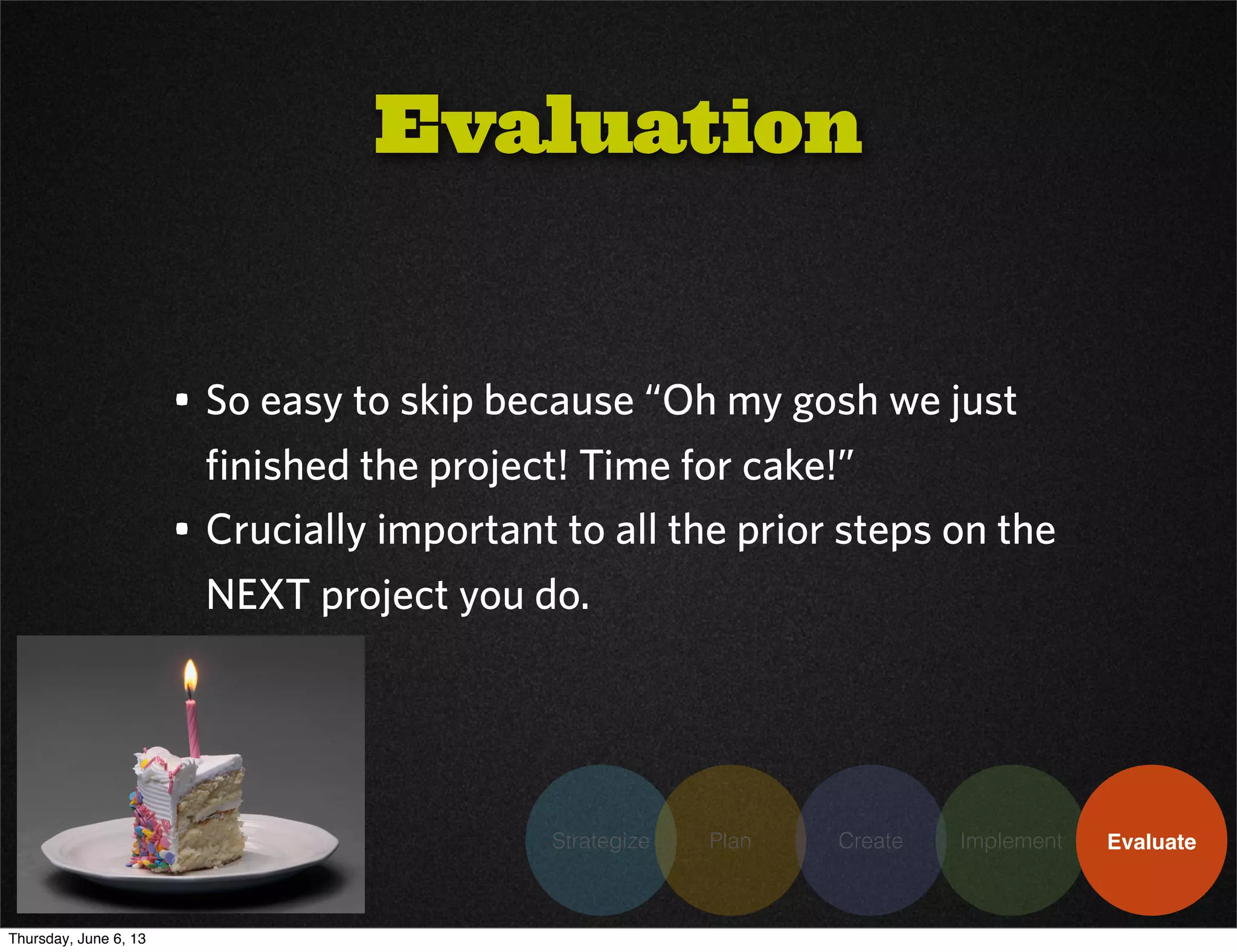
• So easy to skip because “Oh my gosh we just
finished the project! Time for cake!”
• Crucially important to all the prior steps on the
NEXT project you do.
Evaluation
Thursday, June 6, 13
Strategize Plan Create Implement Evaluate
• So easy to skip because “Oh my gosh we just
finished the project! Time for cake!”
• Crucially important to all the prior steps on the
NEXT project you do.
Evaluation
Thursday, June 6, 13
Strategize Plan Create Implement Evaluate
• Scheduled right after launch
• Honest assessment:
• Did we meet our goals?
• How close were our estimates?
• What did we do right?
• What did we do wrong?
• What did we not see coming?
• Make it the first thing you look at the next time you
do a project like this
Project Debrief
Thursday, June 6, 13
Strategize Plan Create Implement Evaluate
• Free, powerful. Get it.
• Allow you to measure against past pages
• Tons of options for goal setting
• Pathing and funnel reports
• Visitor behavior
• Device usage (ie mobile)
• If you have a brand new site, be sure this is
installed!
Google Analytics
Thursday, June 6, 13
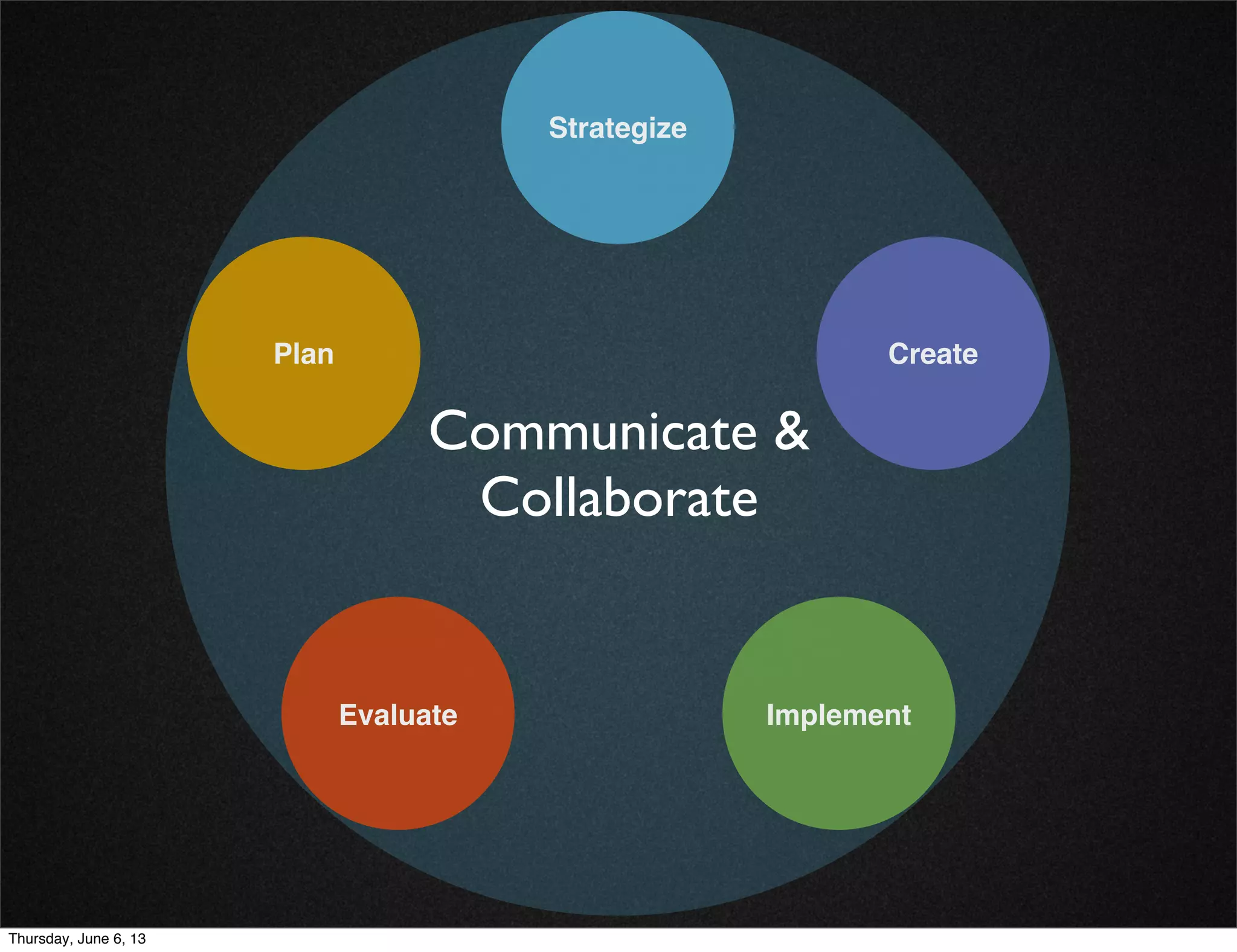
Strategize
Plan Create
ImplementEvaluate
Communicate &
Collaborate
Thursday, June 6, 13
• Lean - cut out everything that is unnecessary, but
don’t skip anything that is necessary
• Get away from email as much as possible
• Reduce the time wasted on feedback loops (ie: the
endless reply all email thread from hell)
Communication
& Collaboration
Thursday, June 6, 13
• Don’t meet to discuss, meet to decide
• Don’t have one if you don’t need one
• Everyone reviews/comments before the meeting
starts
Meetings
Thursday, June 6, 13
• Save time by getting the basics done right
• Agendas
• Note-taking
• Minutes
Meetings
Thursday, June 6, 13
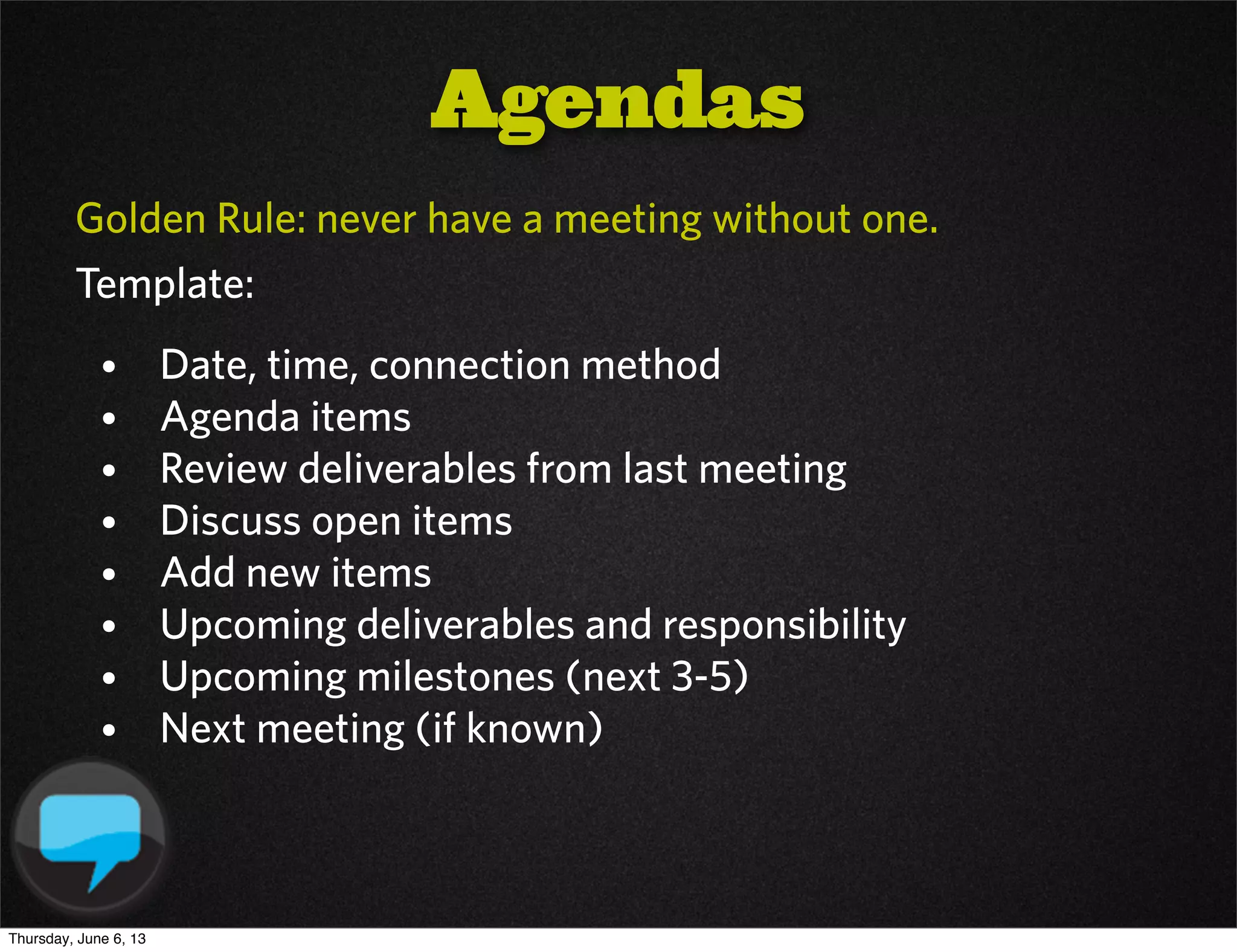
Golden Rule: never have a meeting without one.
Template:
• Date, time, connection method
• Agenda items
• Review deliverables from last meeting
• Discuss open items
• Add new items
• Upcoming deliverables and responsibility
• Upcoming milestones (next 3-5)
• Next meeting (if known)
Agendas
Thursday, June 6, 13
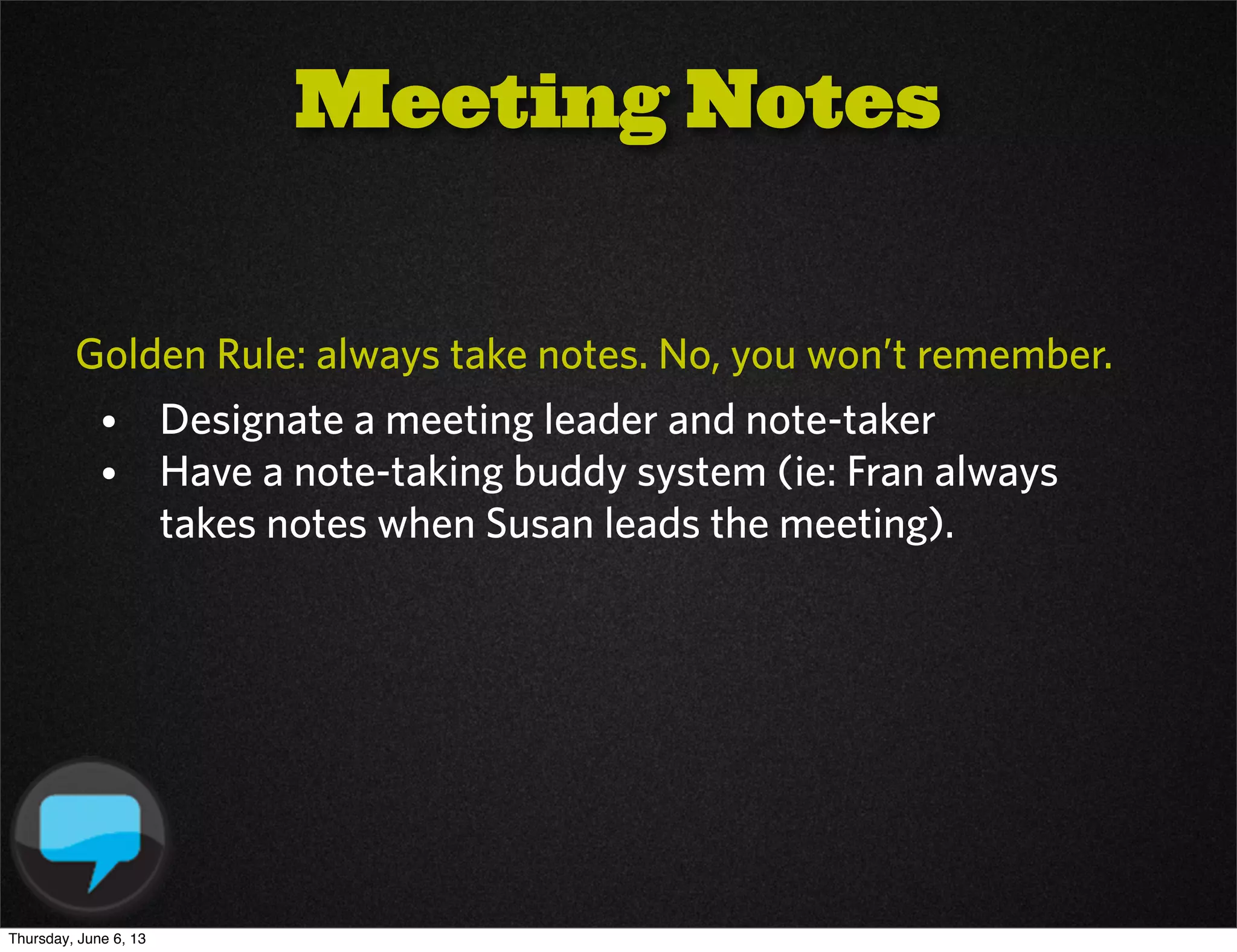
Golden Rule: always take notes. No, you won’t remember.
• Designate a meeting leader and note-taker
• Have a note-taking buddy system (ie: Fran always
takes notes when Susan leads the meeting).
Meeting Notes
Thursday, June 6, 13
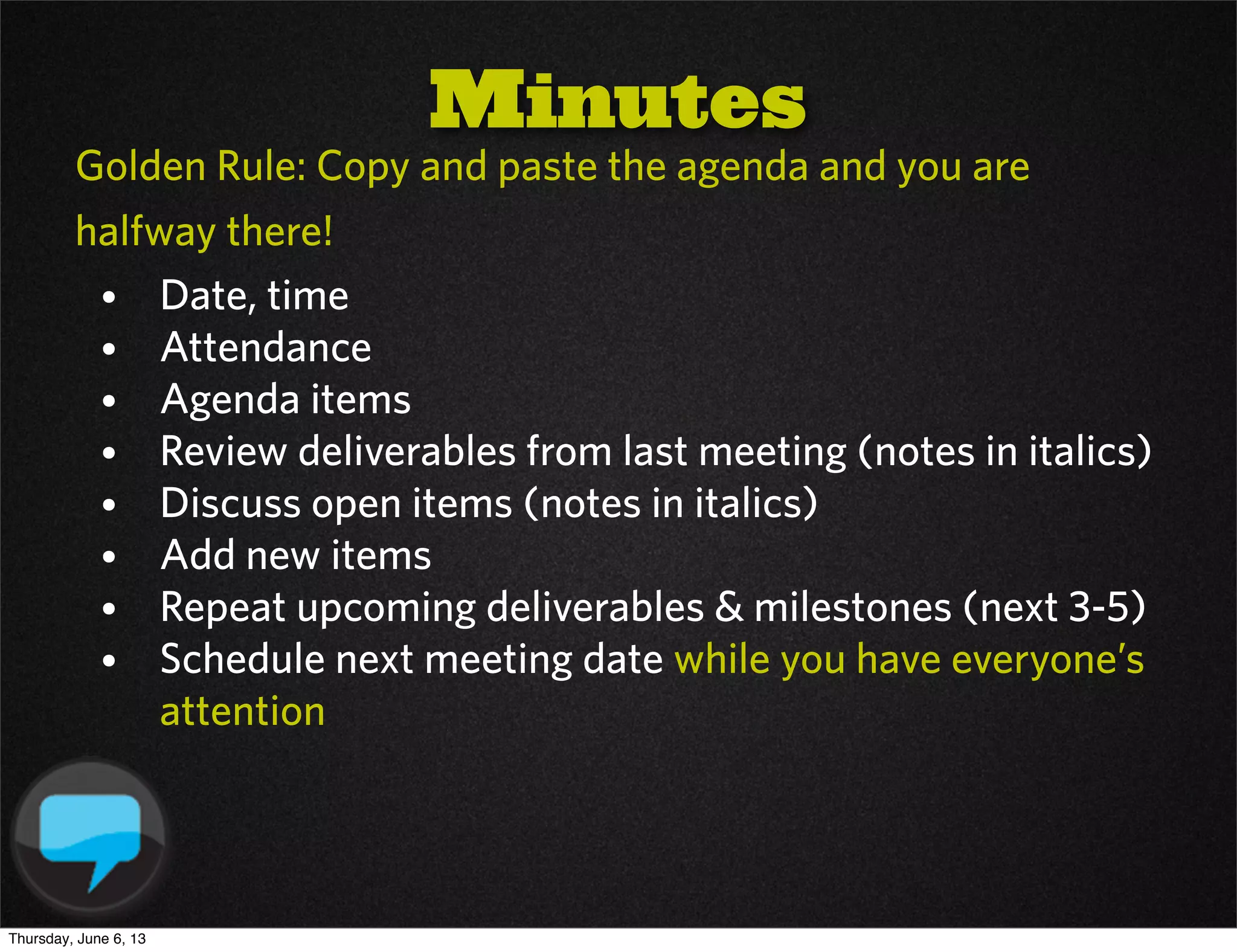
Golden Rule: Copy and paste the agenda and you are
halfway there!
• Date, time
• Attendance
• Agenda items
• Review deliverables from last meeting (notes in italics)
• Discuss open items (notes in italics)
• Add new items
• Repeat upcoming deliverables & milestones (next 3-5)
• Schedule next meeting date while you have everyone’s
attention
Minutes
Thursday, June 6, 13
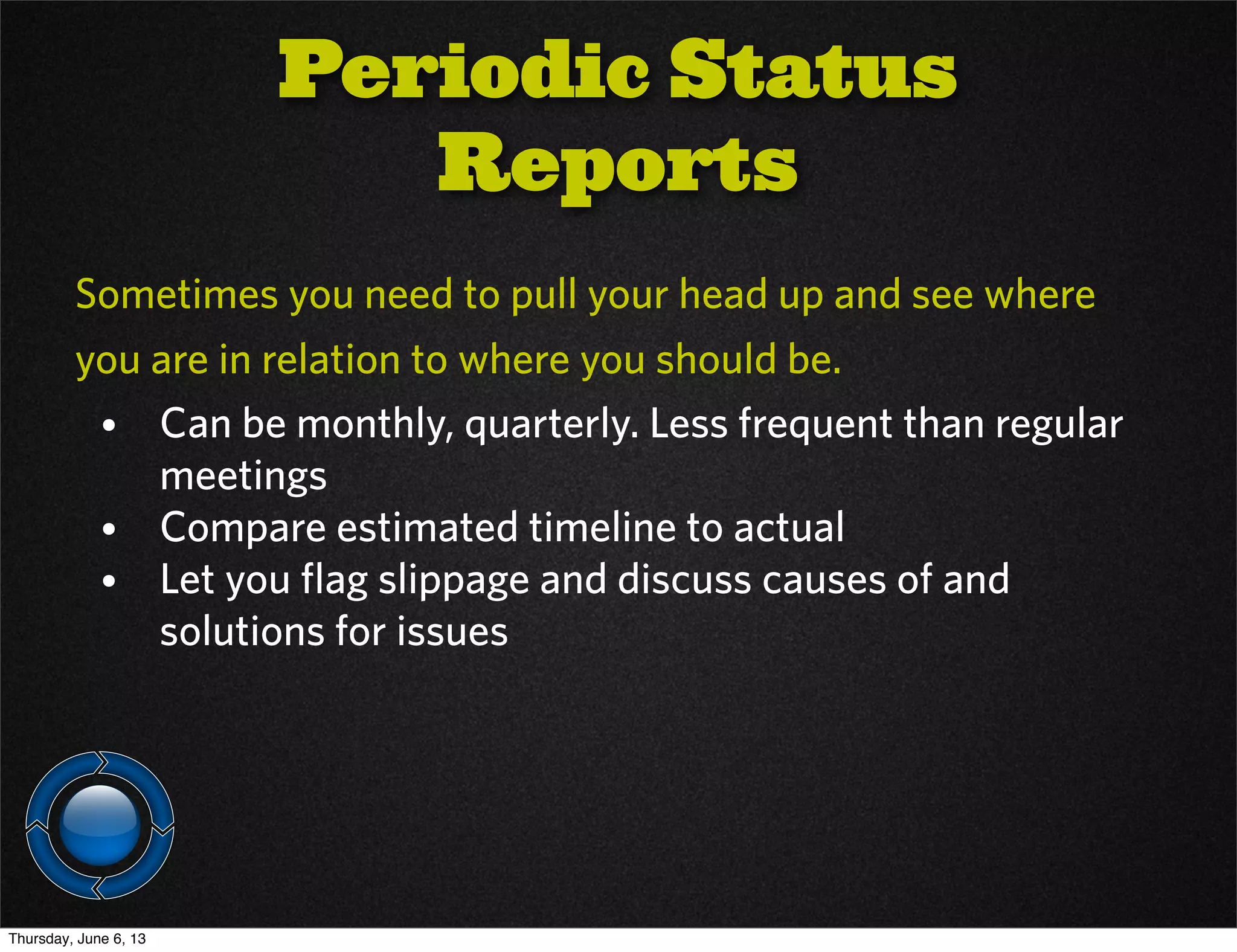
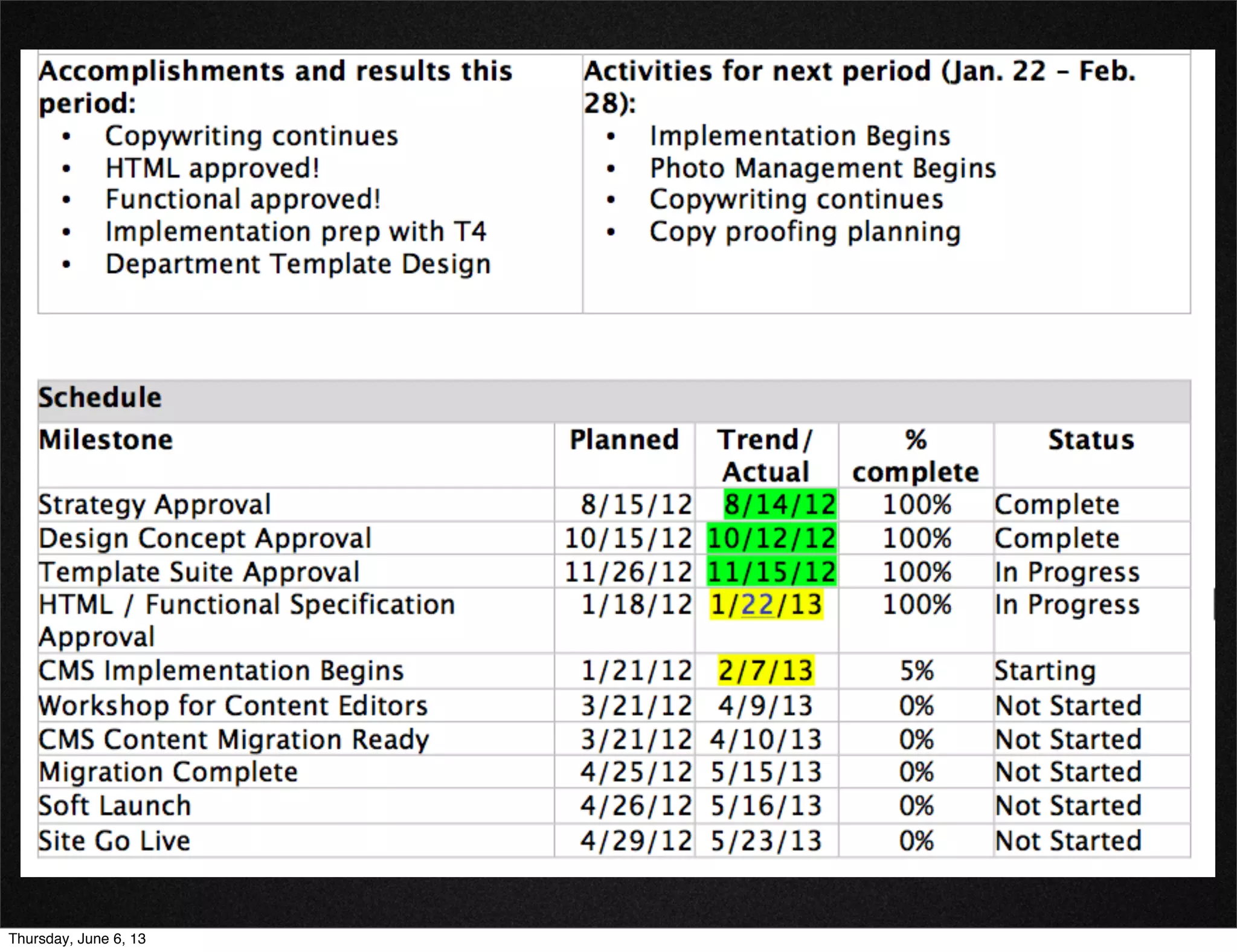
Sometimes you need to pull your head up and see where
you are in relation to where you should be.
• Can be monthly, quarterly. Less frequent than regular
meetings
• Compare estimated timeline to actual
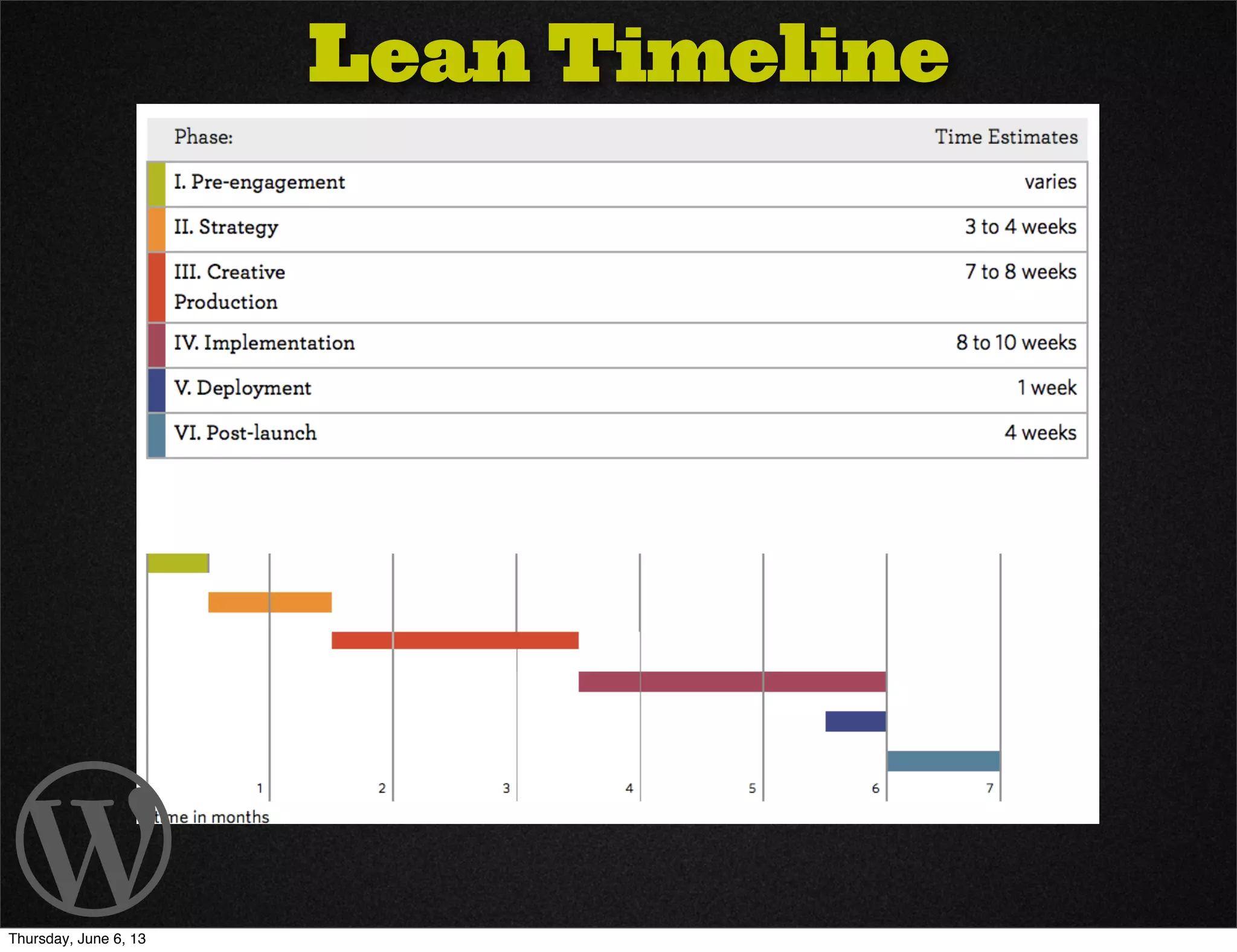
• Let you flag slippage and discuss causes of and
solutions for issues
Periodic Status
Reports
Thursday, June 6, 13
Collaboration
Tools
Thursday, June 6, 13
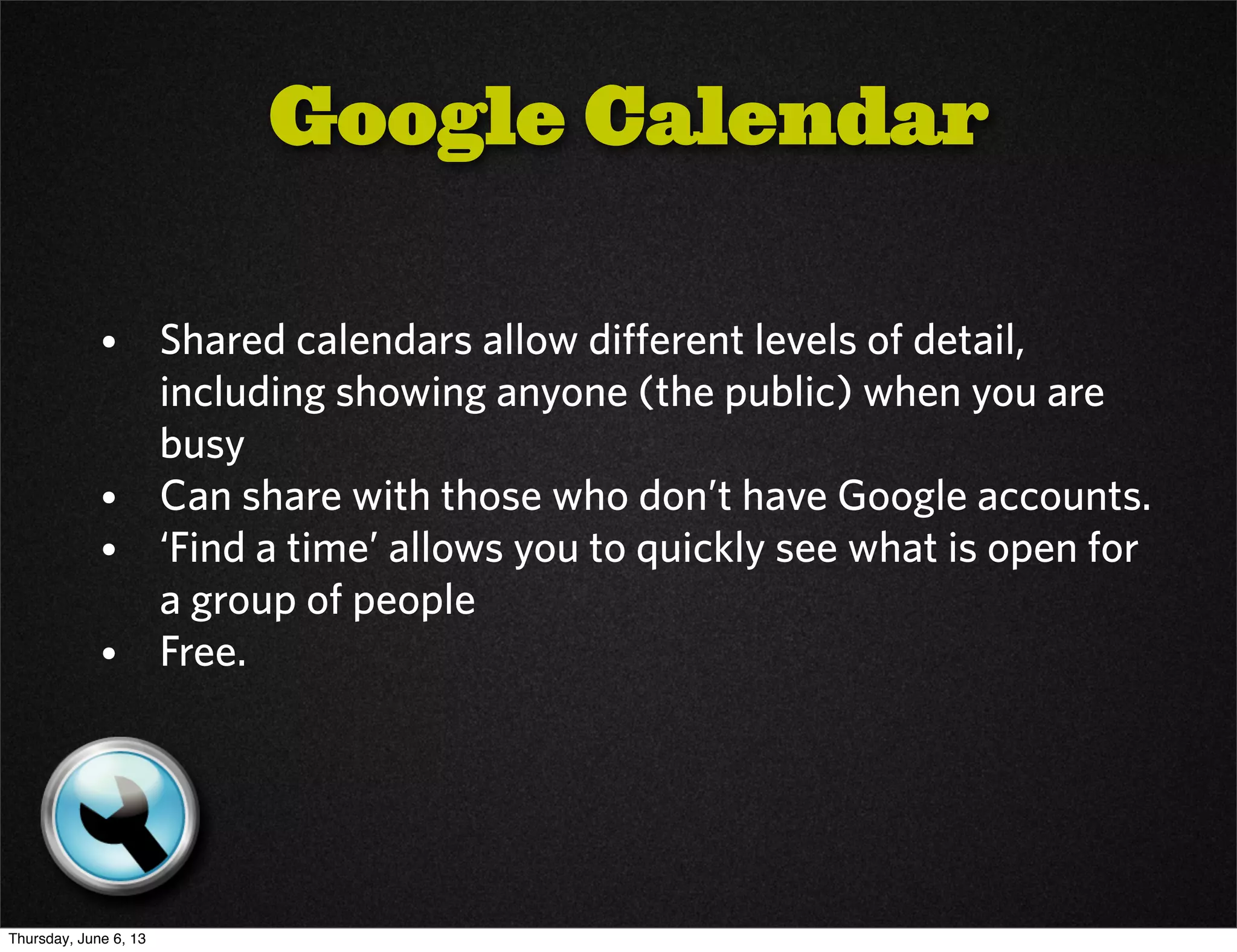
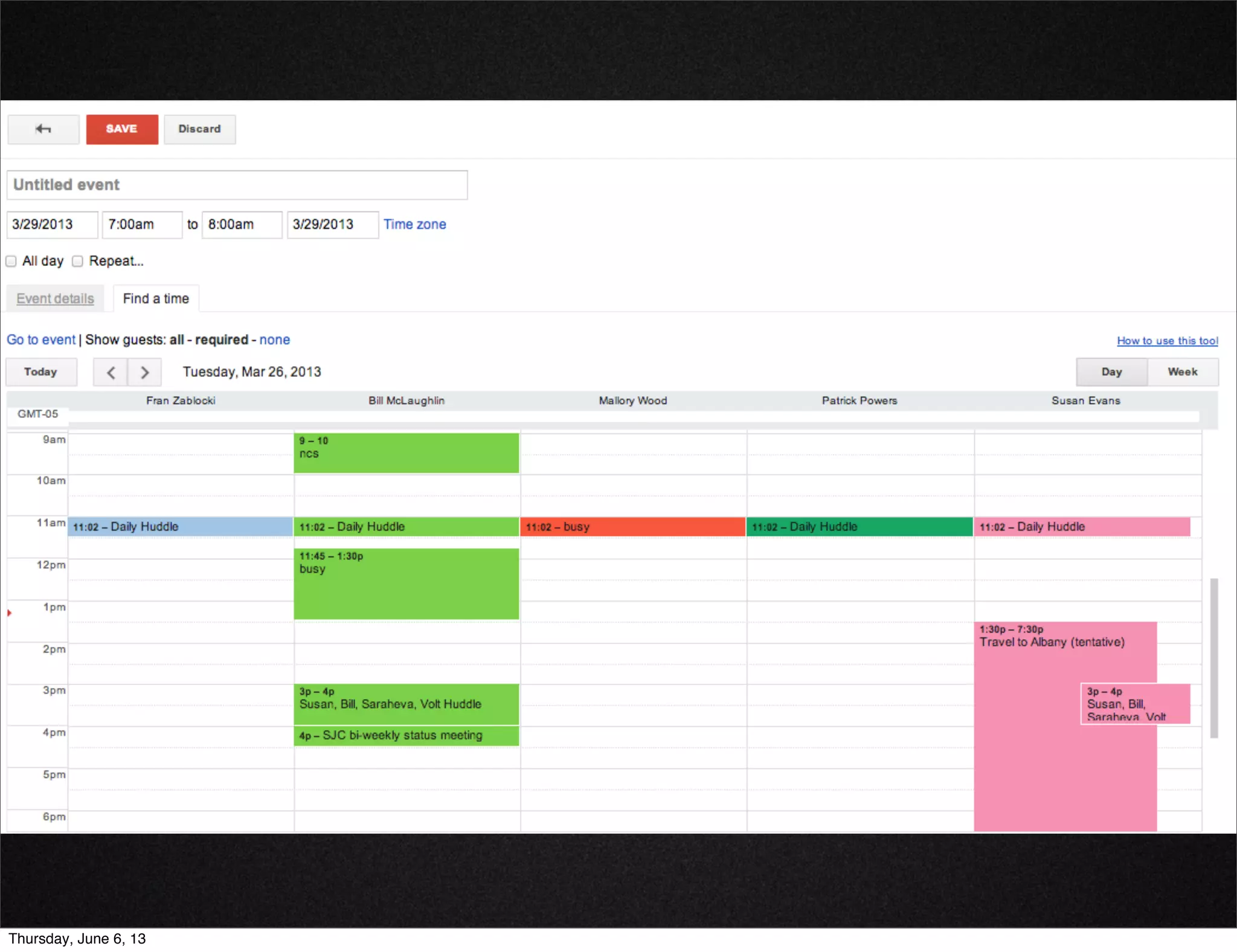
• Shared calendars allow different levels of detail,
including showing anyone (the public) when you are
busy
• Can share with those who don’t have Google accounts.
• ‘Find a time’ allows you to quickly see what is open for
a group of people
• Free.
Google Calendar
Thursday, June 6, 13
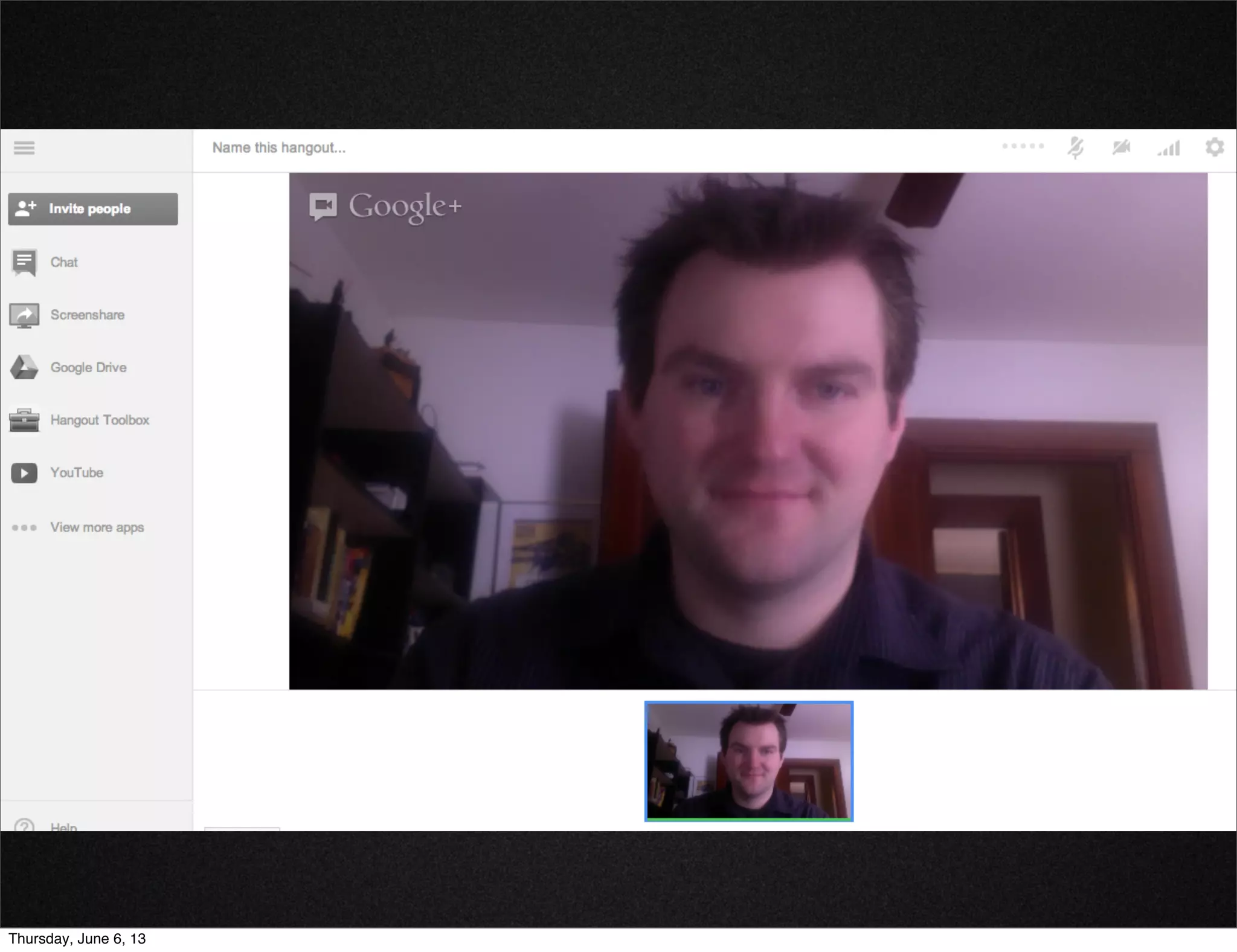
When in-person meetings aren’t possible
• Hangouts are a great way to see people who might be
remotely located.
• Lots of tools
• Chat room
• Screen sharing
• Document collaboration with Google Drive
• Still free.
Google Hangouts
Thursday, June 6, 13
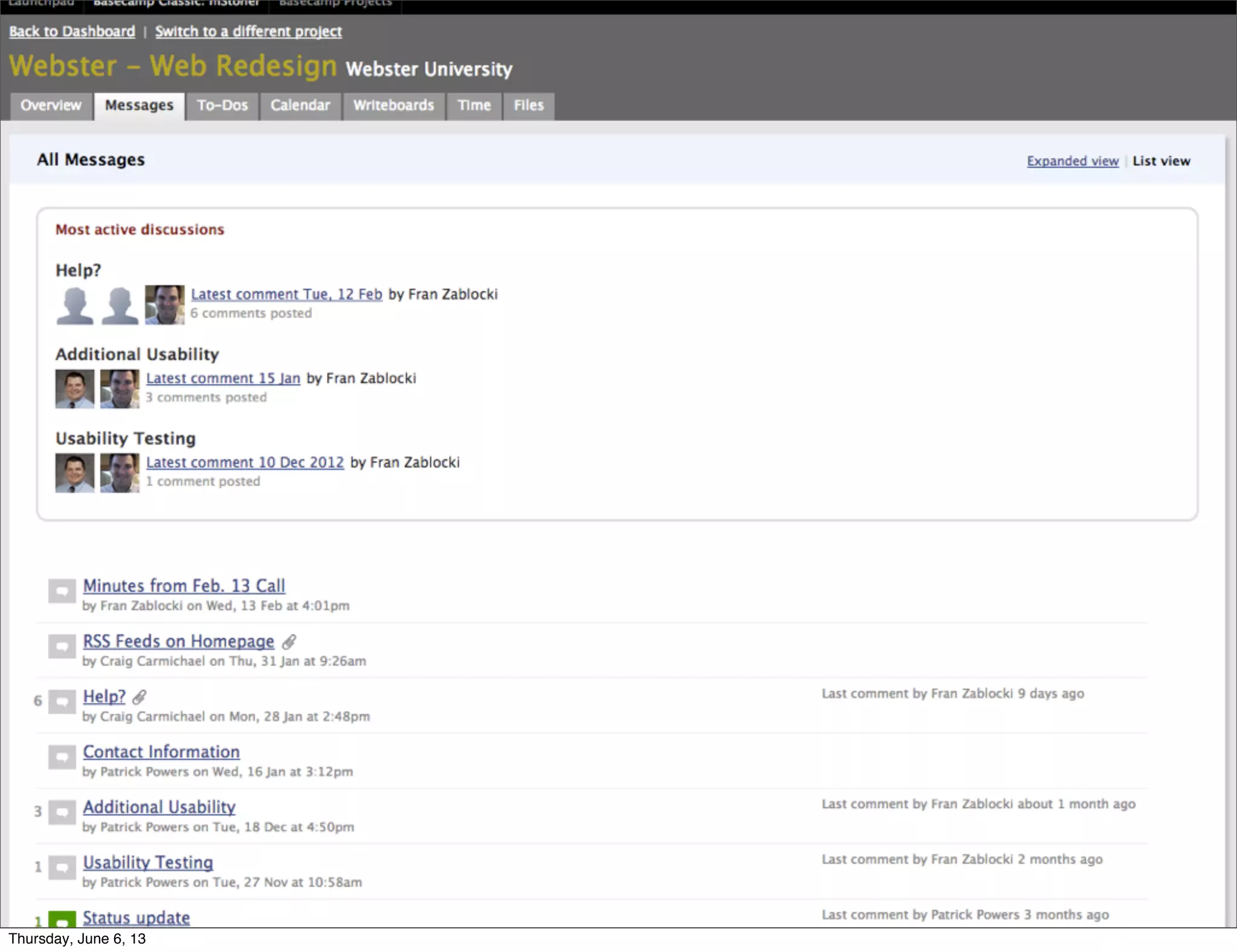
Central location for all
• project correspondence
• files
• agendas
• notes
• conversations
• project calendar
• www.basecamp.com
• $20 / month for 10 active projects
Basecamp
Thursday, June 6, 13
Bringing it all Together:
Lean Platform
for Small Projects
Thursday, June 6, 13
Lean Platform
• We’ve heard many times from clients about the need
for an approach that is the right fit for small projects
and small teams
• We’ve created new approaches tailored to provide
focused, nimble web solutions
Thursday, June 6, 13
Lean CMS
Platform
Wordpress
Thursday, June 6, 13
Why Wordpress?
• Powerful platform
• Easy to use: industry standard for interface usability
• Quick to implement
• Saves time with parallel production of design and
content
Thursday, June 6, 13
Why Wordpress?
• Strong base functionality
• Strong development community with variety of plugins
and frameworks to meet different needs
• Good fit for departments and schools with small web
teams that need a CMS sized for them
Thursday, June 6, 13
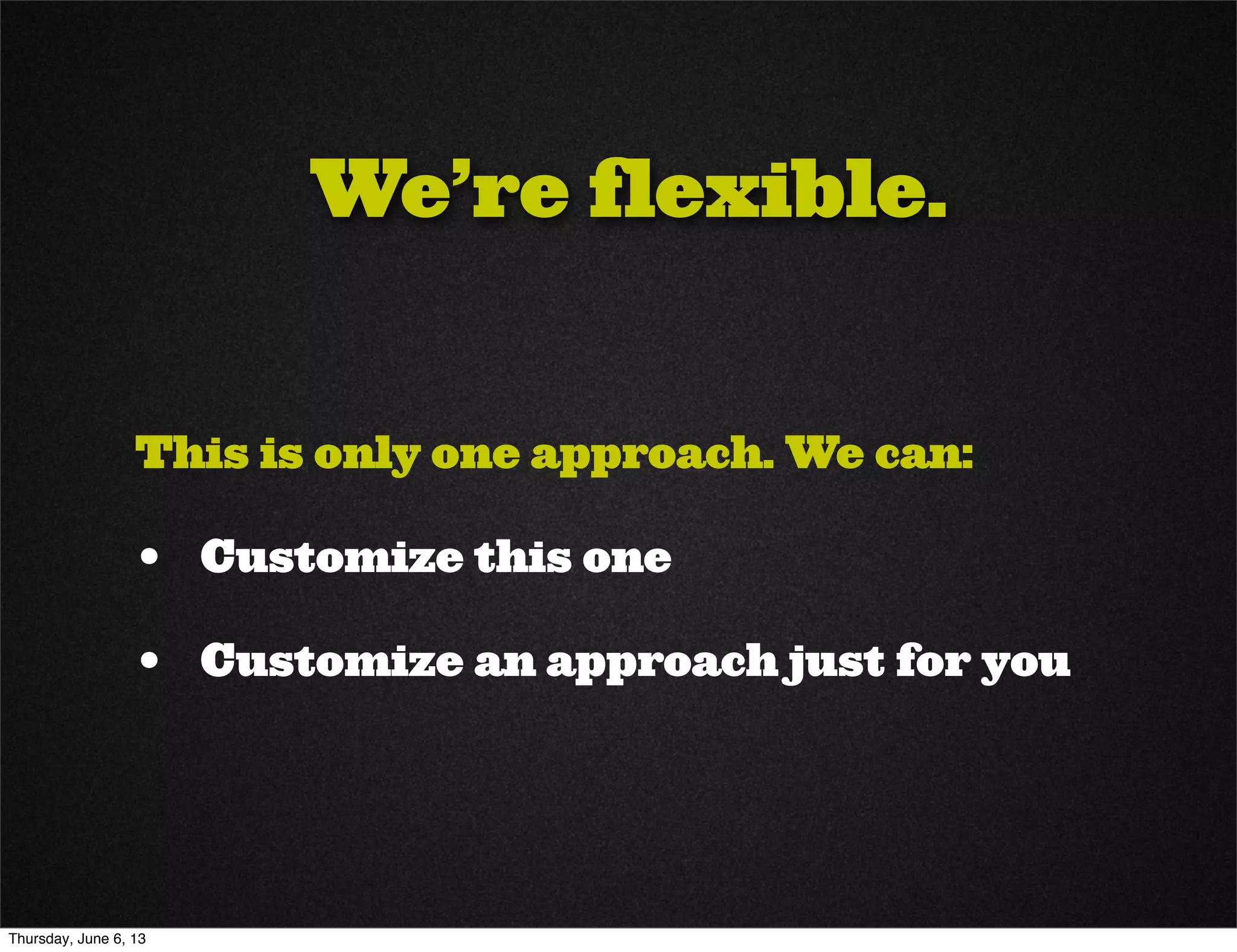
Lean Platform,
Process & Tools
• Using many of the tools, techniques and strategies
you’ve seen here today
• 5-6 month time to complete
• Parallel tracking of phases
• Tailored for smaller projects and smaller teams
Thursday, June 6, 13
Lean Timeline
Thursday, June 6, 13

We’re flexible.
This is only one approach. We can:
• Customize this one
• Customize an approach just for you
Thursday, June 6, 13
Interested?
Let us know!
We’d love to work with you.
Thursday, June 6, 13
Thanks!
Questions?
Thursday, June 6, 13
Fran Zablocki
Strategist
@Zablocki
fran.zablocki@mstoner.com
585.300.4559
Mallory Wood
Director of Marketing
@mallorywood
mallory.wood@mstoner.com
802.457.9234
Contacts
Thursday, June 6, 13

Small Project Success

  • 1.
    Creating New Websites Steps toSuccess Thursday, June 6, 13
  • 2.
  • 3.
  • 4.
  • 5.
  • 6.
  • 7.
    Characteristics: • Takes 10- 14 months • All consuming for 3 months • Owns your world entirely • But then leaves for like 3 to 5 years so you can... Thursday, June 6, 13
  • 8.
  • 9.
  • 10.
  • 11.
    a.k.a. “Hordes of 10 lb.monkeys” Thursday, June 6, 13
  • 12.
  • 13.
    Small Projects: • Alumnicommunity site • Capital campaign microsite • Campus anniversary site • Those “Hey I need a website” sites • Those “Oh you didn’t know about that site?” sites Thursday, June 6, 13
  • 14.
    Small Projects: • Alumnicommunity site • Capital campaign microsite • Campus anniversary site • Those “Hey I need a website” sites • Those “Oh you didn’t know about that site?” sites Thursday, June 6, 13
  • 15.
    What to do? a.Wrestle them all at the same time b. Toss the lightest ones first c. Shock them with an electrified t-shirt d. Tackle them with lean, mean processes, tools and communication Thursday, June 6, 13
  • 16.
    What to do? a.Wrestle them all at the same time b. Toss the lightest ones first c. Shock them with an electrified t-shirt d. Tackle them with lean, mean processes, tools and communication Thursday, June 6, 13
  • 17.
    Why? Because you don’thave unlimited: Time You need it as quickly as possible. Budget You aren’t minting money. People Maybe it is just you! #higheredsolo Thursday, June 6, 13
  • 18.
    How? By taking theproject lifecycle and trimming the fat. Thursday, June 6, 13
  • 19.
    How? By taking theproject lifecycle and trimming the fat. Thursday, June 6, 13
  • 20.
  • 21.
    Lean means: Having theright tools Collaborating as much as possible Centralizing documentation Being smart with time Thursday, June 6, 13
  • 22.
    Break down theprocess: Strategize Plan Create Implement Evaluate Thursday, June 6, 13
  • 23.
  • 24.
    Strategize Plan CreateImplement Evaluate Thursday, June 6, 13
  • 25.
    Strategize Plan CreateImplement Evaluate • Portfolio management - does this Project need to happen? • Does this meet a need? • Do we have the time/budget/resources to make this happen? • Do we have those resources right now? Strategy Thursday, June 6, 13
  • 26.
    Strategize Plan CreateImplement Evaluate • Be realistic - if the answer is no, you won’t do yourself favors later on by saying yes • Make more time for the right projects by never starting the wrong ones • Ultimate goal is to become more proactive, less reactive Strategy Thursday, June 6, 13
  • 27.
    Strategize Plan CreateImplement Evaluate • Don’t skip it just because “oh my gosh can’t we just get this project done already?!” • Give yourself time to think by scheduling meetings outside the office. • Yes, I am suggesting you meet with yourself. Make it sound important. Strategy Thursday, June 6, 13
  • 28.
    Strategize Plan CreateImplement Evaluate Need / Want / Wish Grid • Identify what must be included and what can wait • Helps to define scope • Helps channel creative but distracting ideas to somewhere useful Thursday, June 6, 13
  • 29.
    Strategize Plan CreateImplement Evaluate • Set measurable goals • Don’t get paralyzed by the details • Don’t worry if there aren’t already metrics • Pick a number, shoot for it • Adjust later when you evaluate Measurable Goals Thursday, June 6, 13
  • 30.
    Strategize Plan CreateImplement Evaluate Examples of measurable goals • Reach ___ people on Facebook. • Increase engagement ___ percent. • Drive ___ people to the website. • Prompt ___ people to inquire. • Get ___ people to apply. • Attract ___ views of a YouTube video. Measurable Goals Thursday, June 6, 13
  • 31.
    Strategize Plan CreateImplement Evaluate SWOT Analysis Strengths Weaknesses ThreatsOpportunities Thursday, June 6, 13
  • 32.
    Strategize Plan CreateImplement Evaluate Strategy Brief • Pull it all together in one lean document • 2-5 pages • Business Case • Goals • Need / Want / Wish Requirements • SWOT Thursday, June 6, 13
  • 33.
    Strategize Plan CreateImplement Evaluate Thursday, June 6, 13
  • 34.
    • Planning ishard, particularly if you don’t have history on how long things take • Be conservative and take your best guess. Planning Strategize Plan Create Implement Evaluate Thursday, June 6, 13
  • 35.
    • Begin atthe end. • When do you need it done? • Back it up from there. • Be realistic. Planning Strategize Plan Create Implement Evaluate Thursday, June 6, 13
  • 36.
    • Identify resources,roles, responsibilities up front • Use collaborative tools to help save time • Track time (even if it is a really rough estimate) Planning Strategize Plan Create Implement Evaluate Thursday, June 6, 13
  • 37.
    Strategize Plan CreateImplement Evaluate • Browser - based project and resource planning • Collaborative - allows sharing, commenting, discussions • Current - dates adjust automatically • Compatible with MS excel, project • $160 / year Thursday, June 6, 13
  • 38.
    Strategize Plan CreateImplement Evaluate Thursday, June 6, 13
  • 39.
    Strategize Plan CreateImplement Evaluate • Free, Collaborative cloud scheduling • Integration with Google Drive and Business • Features similar to Smartsheet Thursday, June 6, 13
  • 40.
    Strategize Plan CreateImplement Evaluate Thursday, June 6, 13
  • 41.
    Strategize Plan CreateImplement Evaluate • Outlines roles and responsibilities for project teams • Map to position or individual • Helps set expectations from the start Responsibilites List Thursday, June 6, 13
  • 42.
  • 43.
    Strategize Plan CreateImplement Evaluate • If you are having trouble estimating, this can help • Keep it simple and use tools to keep it lean Time Tracking Thursday, June 6, 13
  • 44.
    Strategize Plan CreateImplement Evaluate • If you are having trouble estimating, this can help • Keep it simple and use tools to keep it lean Thursday, June 6, 13
  • 45.
    Strategize Plan CreateImplement Evaluate Thursday, June 6, 13
  • 46.
    Strategize Plan CreateImplement Evaluate • Go back to the basics (paper prototyping, back of napkin). • Online tools can save an enormous amount of time here on collaboration Creative Production Thursday, June 6, 13
  • 47.
    Strategize Plan CreateImplement Evaluate • Help quickly organize and weight information visually without needing heavy design work • Allow focus on important elements such as information architecture, content organization, feature space Wireframes & Prototypes Thursday, June 6, 13
  • 48.
    Strategize Plan CreateImplement Evaluate • Don’t be fancy • Sketch it out - you don’t need to be an artist • 5 minutes, 5 people • Quick, cheap way to test visual ideas Back of Napkin Thursday, June 6, 13
  • 49.
    Strategize Plan CreateImplement Evaluate • One sheet (or napkin) for each page element • Good for quickly rearranging page elements and testing different layouts Paper Prototypes Thursday, June 6, 13
  • 50.
    Strategize Plan CreateImplement Evaluate • Collaborative wireframing • Allows commenting, sharing, versioning • Let you discuss functionality in the context of the design instead of separately • $14 / month for small teams Hotgloo Thursday, June 6, 13
  • 51.
  • 52.
    Strategize Plan CreateImplement Evaluate • 10 minutes of silence • Cut the chatter and get everyone’s input at the same time • Simply look at what is in front of you and write your thoughts. • Use group chat to share ideas • Open to discussion afterward Creative Review Meetings Thursday, June 6, 13
  • 53.
    Strategize Plan CreateImplement Evaluate • Usability / IA / Wireframes / Designs • Beyond your core team • As efficiently as possible • Gives you real results to justify your decisions Testing Thursday, June 6, 13
  • 54.
    Strategize Plan CreateImplement Evaluate • Efficient - use your existing student/faculty/staff/ alumni email lists Surveys • Free basic service, $17 / month for unlimited questions responses Thursday, June 6, 13
  • 55.
    Strategize Plan CreateImplement Evaluate • OptimalSort: Online card sorting • TreeJack: IA pathing • Chalkmark: Wireframe / Design Heat Mapping • $109 / month for each Optimal Workshop Thursday, June 6, 13
  • 56.
    Strategize Plan CreateImplement Evaluate Thursday, June 6, 13
  • 57.
    Strategize Plan CreateImplement Evaluate Thursday, June 6, 13
  • 58.
    Strategize Plan CreateImplement Evaluate • www.responsinator.com • Lets you see what your site looks like on muliple devices quickly • Free! Responsive Design Thursday, June 6, 13
  • 59.
  • 60.
    Strategize Plan CreateImplement Evaluate • Accessibility: cynthiasays.com • W3C compliance: validator.w3.org • Page performance: tools.pingdom.com/fpt • Page performance: www.webpagetest.org Test, Test, Test Thursday, June 6, 13
  • 61.
    Strategize Plan CreateImplement Evaluate • Can be one of the most time-consuming tasks in any project • Centralizing your effort on the cloud can reduce coordination time considerably Content Creation & Migration Thursday, June 6, 13
  • 62.
    Strategize Plan CreateImplement Evaluate • Use bookmarks to allow users to quickly jump to different pages • Eliminate tons of emails / attachments • Use your information architecture as the foundation • Track what copy is in, what is missing, when it’s due Google Docs w/ Bookmarks Thursday, June 6, 13
  • 63.
  • 64.
  • 65.
    Strategize Plan CreateImplement Evaluate Thursday, June 6, 13
  • 66.
    Strategize Plan CreateImplement Evaluate • You want your code to be • in one place • shared with everyone who needs it • always current Implementation Thursday, June 6, 13
  • 67.
    • When morethan one developer is working on the code, having version control is a must • Subversion allows code segments to be ‘checked out’ so that no one else can alter them • Allows collaboration and saves on code re-writes • git-scm.com Version Control: Git Strategize Plan Create Implement Evaluate Thursday, June 6, 13
  • 68.
    • Keeps thebug list up to date • Automatically tracks changes and allows reversions • Allows comments and live chat while viewing • Invaluable during crunch time when heads are down and meetings can’t happen Bug tracking: Strategize Plan Create Implement Evaluate Thursday, June 6, 13
  • 69.
    Strategize Plan CreateImplement Evaluate Thursday, June 6, 13
  • 70.
    Strategize Plan CreateImplement Evaluate • So easy to skip because “Oh my gosh we just finished the project! Time for cake!” • Crucially important to all the prior steps on the NEXT project you do. Evaluation Thursday, June 6, 13
  • 71.
    Strategize Plan CreateImplement Evaluate • So easy to skip because “Oh my gosh we just finished the project! Time for cake!” • Crucially important to all the prior steps on the NEXT project you do. Evaluation Thursday, June 6, 13
  • 72.
    Strategize Plan CreateImplement Evaluate • Scheduled right after launch • Honest assessment: • Did we meet our goals? • How close were our estimates? • What did we do right? • What did we do wrong? • What did we not see coming? • Make it the first thing you look at the next time you do a project like this Project Debrief Thursday, June 6, 13
  • 73.
    Strategize Plan CreateImplement Evaluate • Free, powerful. Get it. • Allow you to measure against past pages • Tons of options for goal setting • Pathing and funnel reports • Visitor behavior • Device usage (ie mobile) • If you have a brand new site, be sure this is installed! Google Analytics Thursday, June 6, 13
  • 74.
  • 75.
    • Lean -cut out everything that is unnecessary, but don’t skip anything that is necessary • Get away from email as much as possible • Reduce the time wasted on feedback loops (ie: the endless reply all email thread from hell) Communication & Collaboration Thursday, June 6, 13
  • 76.
    • Don’t meetto discuss, meet to decide • Don’t have one if you don’t need one • Everyone reviews/comments before the meeting starts Meetings Thursday, June 6, 13
  • 77.
    • Save timeby getting the basics done right • Agendas • Note-taking • Minutes Meetings Thursday, June 6, 13
  • 78.
    Golden Rule: neverhave a meeting without one. Template: • Date, time, connection method • Agenda items • Review deliverables from last meeting • Discuss open items • Add new items • Upcoming deliverables and responsibility • Upcoming milestones (next 3-5) • Next meeting (if known) Agendas Thursday, June 6, 13
  • 79.
    Golden Rule: alwaystake notes. No, you won’t remember. • Designate a meeting leader and note-taker • Have a note-taking buddy system (ie: Fran always takes notes when Susan leads the meeting). Meeting Notes Thursday, June 6, 13
  • 80.
    Golden Rule: Copyand paste the agenda and you are halfway there! • Date, time • Attendance • Agenda items • Review deliverables from last meeting (notes in italics) • Discuss open items (notes in italics) • Add new items • Repeat upcoming deliverables & milestones (next 3-5) • Schedule next meeting date while you have everyone’s attention Minutes Thursday, June 6, 13
  • 81.
    Sometimes you needto pull your head up and see where you are in relation to where you should be. • Can be monthly, quarterly. Less frequent than regular meetings • Compare estimated timeline to actual • Let you flag slippage and discuss causes of and solutions for issues Periodic Status Reports Thursday, June 6, 13
  • 82.
  • 83.
  • 84.
    • Shared calendarsallow different levels of detail, including showing anyone (the public) when you are busy • Can share with those who don’t have Google accounts. • ‘Find a time’ allows you to quickly see what is open for a group of people • Free. Google Calendar Thursday, June 6, 13
  • 85.
  • 86.
    When in-person meetingsaren’t possible • Hangouts are a great way to see people who might be remotely located. • Lots of tools • Chat room • Screen sharing • Document collaboration with Google Drive • Still free. Google Hangouts Thursday, June 6, 13
  • 87.
  • 88.
    Central location forall • project correspondence • files • agendas • notes • conversations • project calendar • www.basecamp.com • $20 / month for 10 active projects Basecamp Thursday, June 6, 13
  • 89.
  • 90.
    Bringing it allTogether: Lean Platform for Small Projects Thursday, June 6, 13
  • 91.
    Lean Platform • We’veheard many times from clients about the need for an approach that is the right fit for small projects and small teams • We’ve created new approaches tailored to provide focused, nimble web solutions Thursday, June 6, 13
  • 92.
  • 93.
    Why Wordpress? • Powerfulplatform • Easy to use: industry standard for interface usability • Quick to implement • Saves time with parallel production of design and content Thursday, June 6, 13
  • 94.
    Why Wordpress? • Strongbase functionality • Strong development community with variety of plugins and frameworks to meet different needs • Good fit for departments and schools with small web teams that need a CMS sized for them Thursday, June 6, 13
  • 95.
    Lean Platform, Process &Tools • Using many of the tools, techniques and strategies you’ve seen here today • 5-6 month time to complete • Parallel tracking of phases • Tailored for smaller projects and smaller teams Thursday, June 6, 13
  • 96.
  • 97.
    We’re flexible. This isonly one approach. We can: • Customize this one • Customize an approach just for you Thursday, June 6, 13
  • 98.
    Interested? Let us know! We’dlove to work with you. Thursday, June 6, 13
  • 99.
  • 100.
    Fran Zablocki Strategist @Zablocki fran.zablocki@mstoner.com 585.300.4559 Mallory Wood Directorof Marketing @mallorywood mallory.wood@mstoner.com 802.457.9234 Contacts Thursday, June 6, 13