Download to read offline




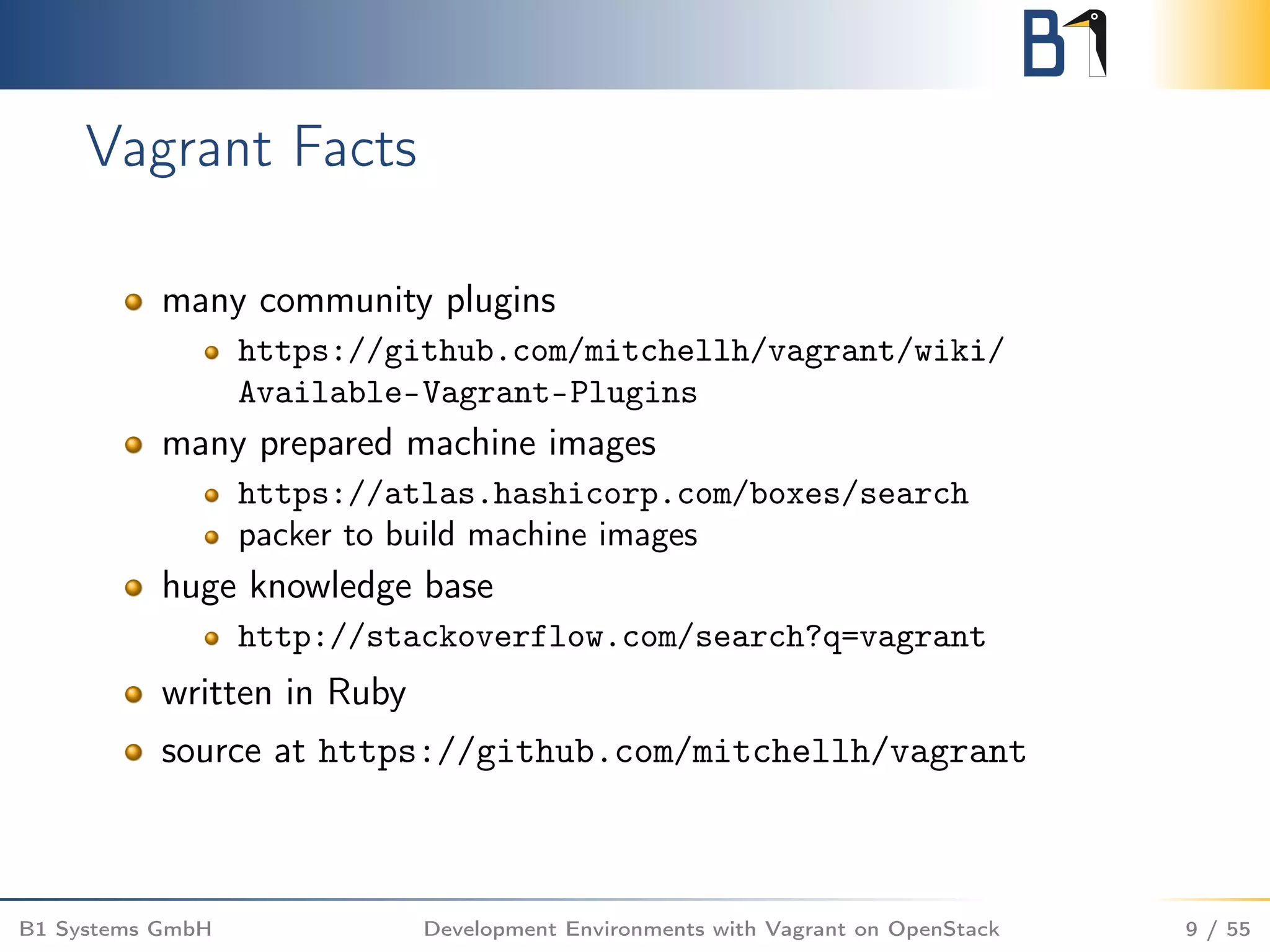
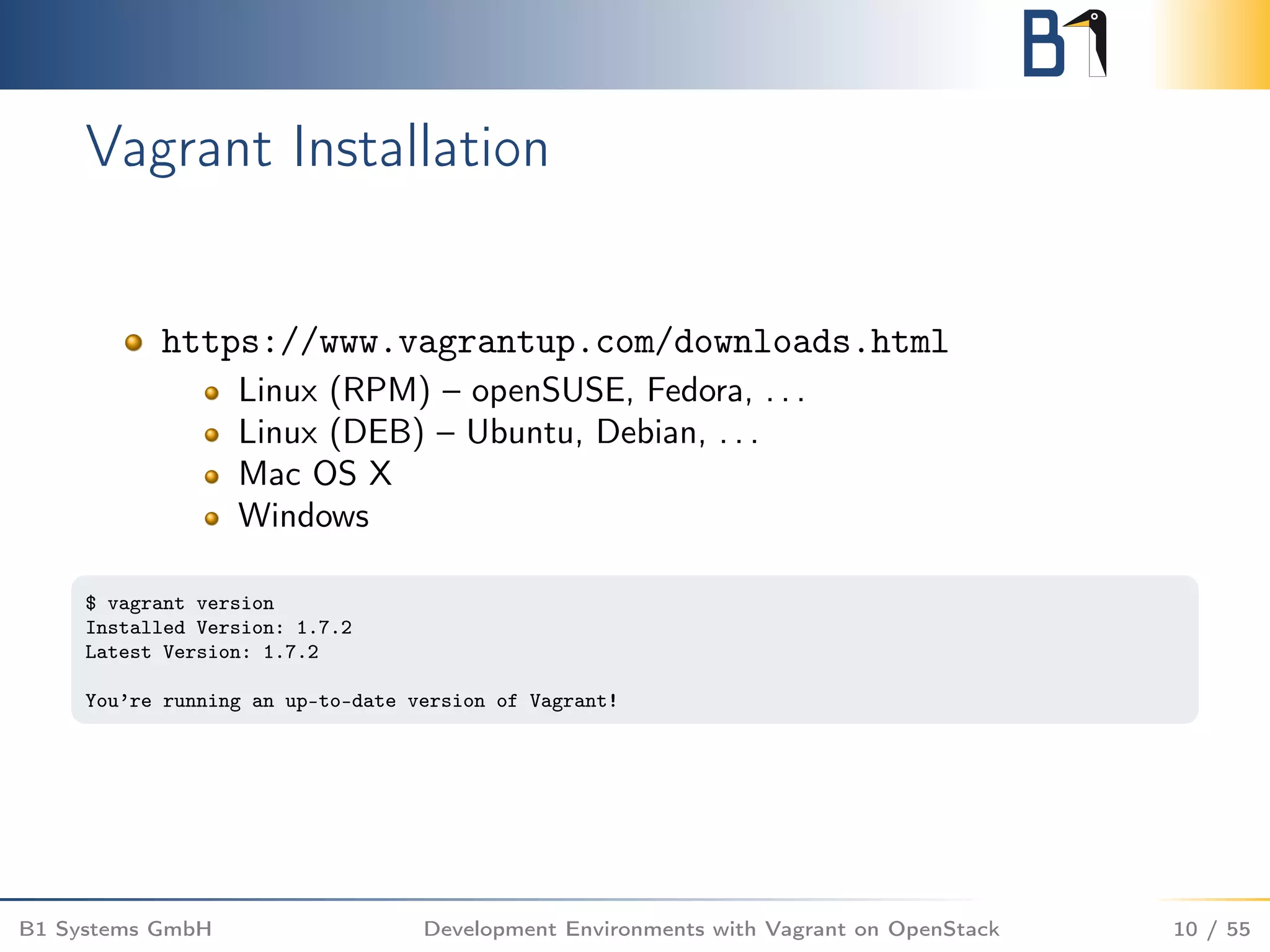
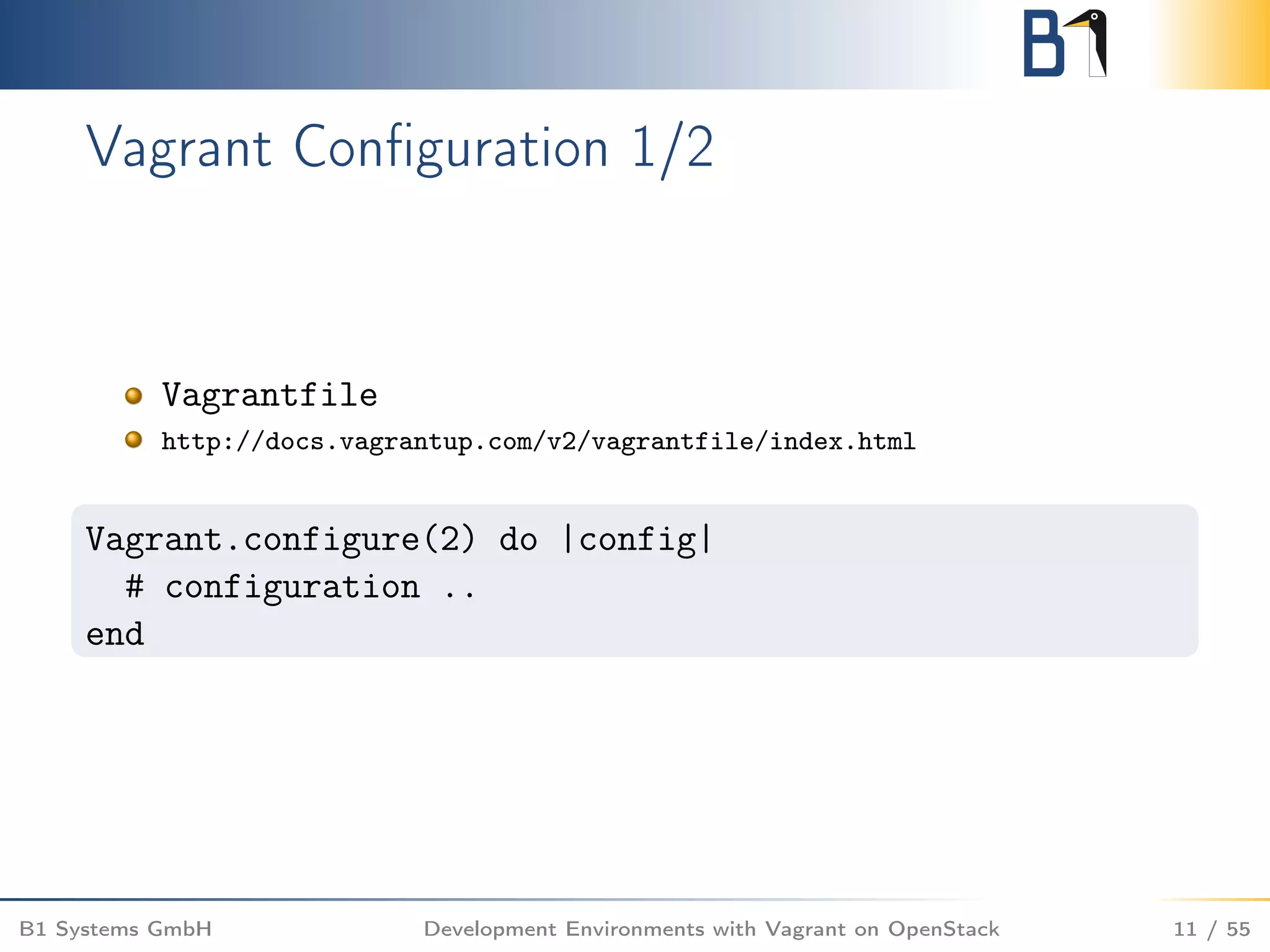
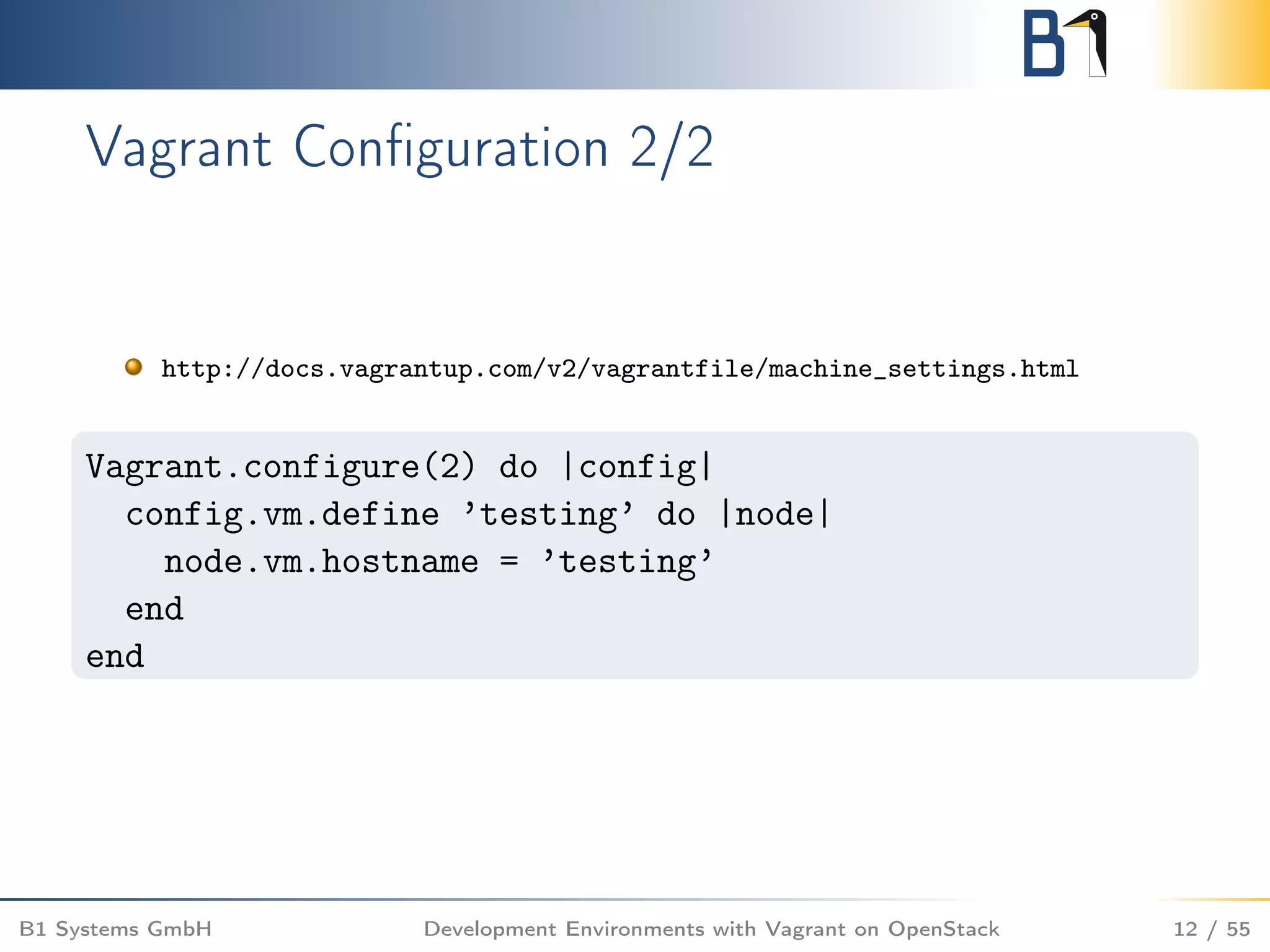

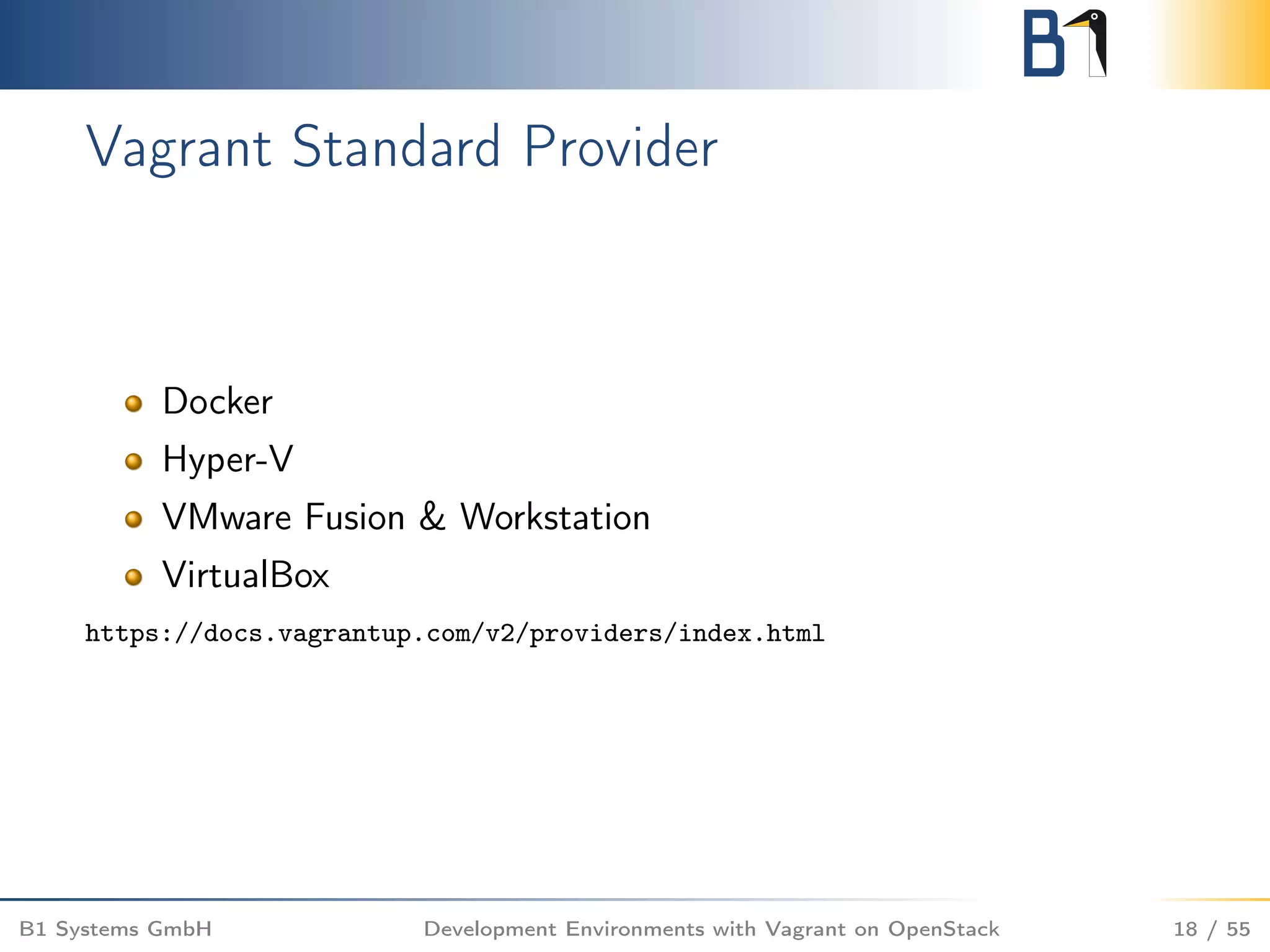
![Vagrant Bootstrap 1/4
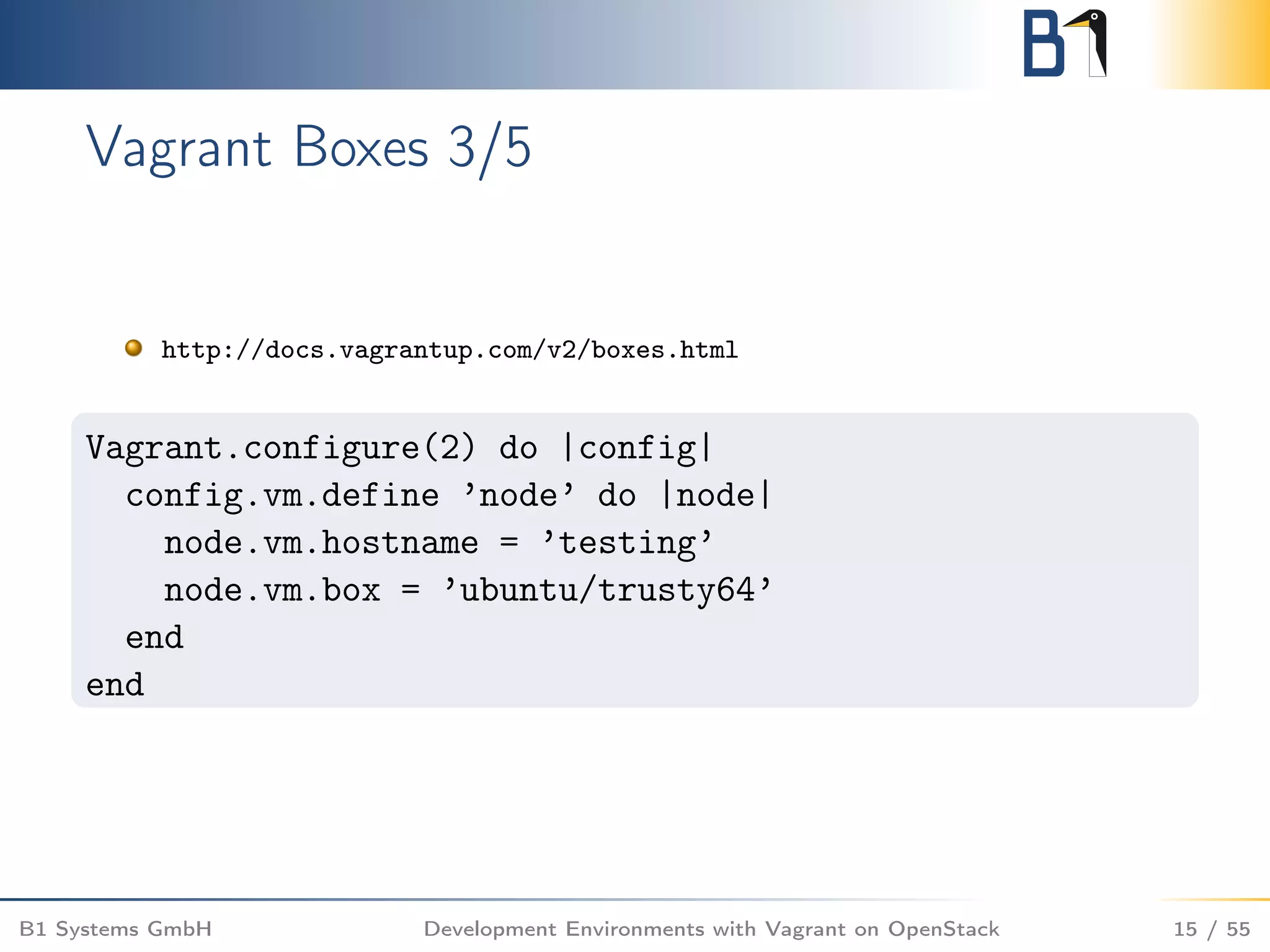
bootstrap with vagrant up using the virtualbox provider
$ vagrant up
Bringing machine ’testing’ up with ’virtualbox’ provider...
==> testing: Importing base box ’ubuntu/trusty64’...
==> testing: Matching MAC address for NAT networking...
==> testing: Checking if box ’ubuntu/trusty64’ is up to date...
==> testing: Setting the name of the VM: testing_testing_1430999179693_84021
[...]
==> testing: Machine booted and ready!
==> testing: Checking for guest additions in VM...
==> testing: Setting hostname...
==> testing: Mounting shared folders...
testing: /vagrant => /home/berendt/testing
B1 Systems GmbH Development Environments with Vagrant on OpenStack 19 / 55](https://image.slidesharecdn.com/openstackvagrantossummitvancouver-161122104026/75/Simplify-and-run-your-development-environments-with-Vagrant-on-OpenStack-19-2048.jpg)
![Vagrant Bootstrap 2/4
show status with vagrant status
$ vagrant status
Current machine states:
testing running (virtualbox)
[...]
B1 Systems GmbH Development Environments with Vagrant on OpenStack 20 / 55](https://image.slidesharecdn.com/openstackvagrantossummitvancouver-161122104026/75/Simplify-and-run-your-development-environments-with-Vagrant-on-OpenStack-20-2048.jpg)
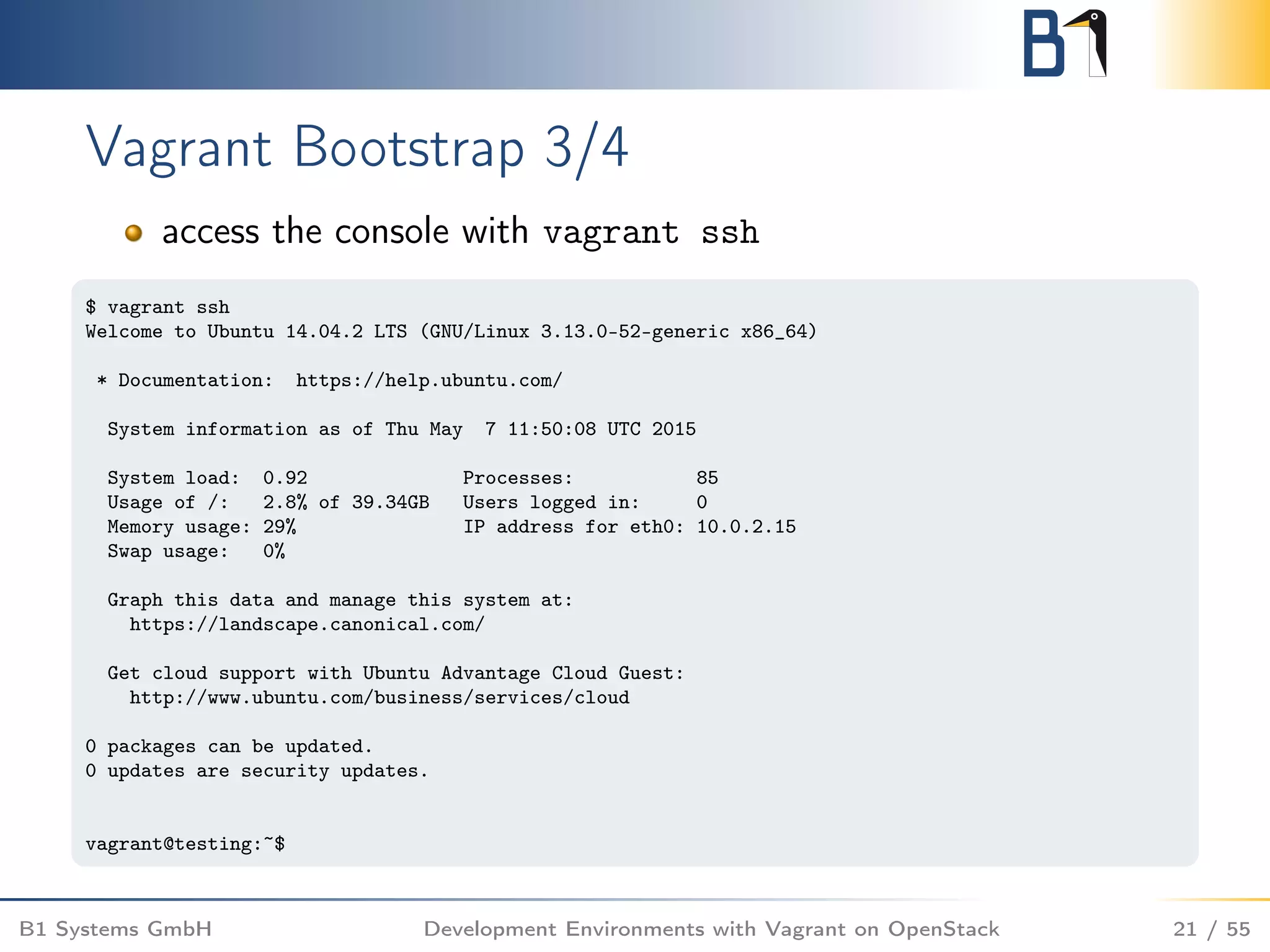
![Vagrant Bootstrap 4/4
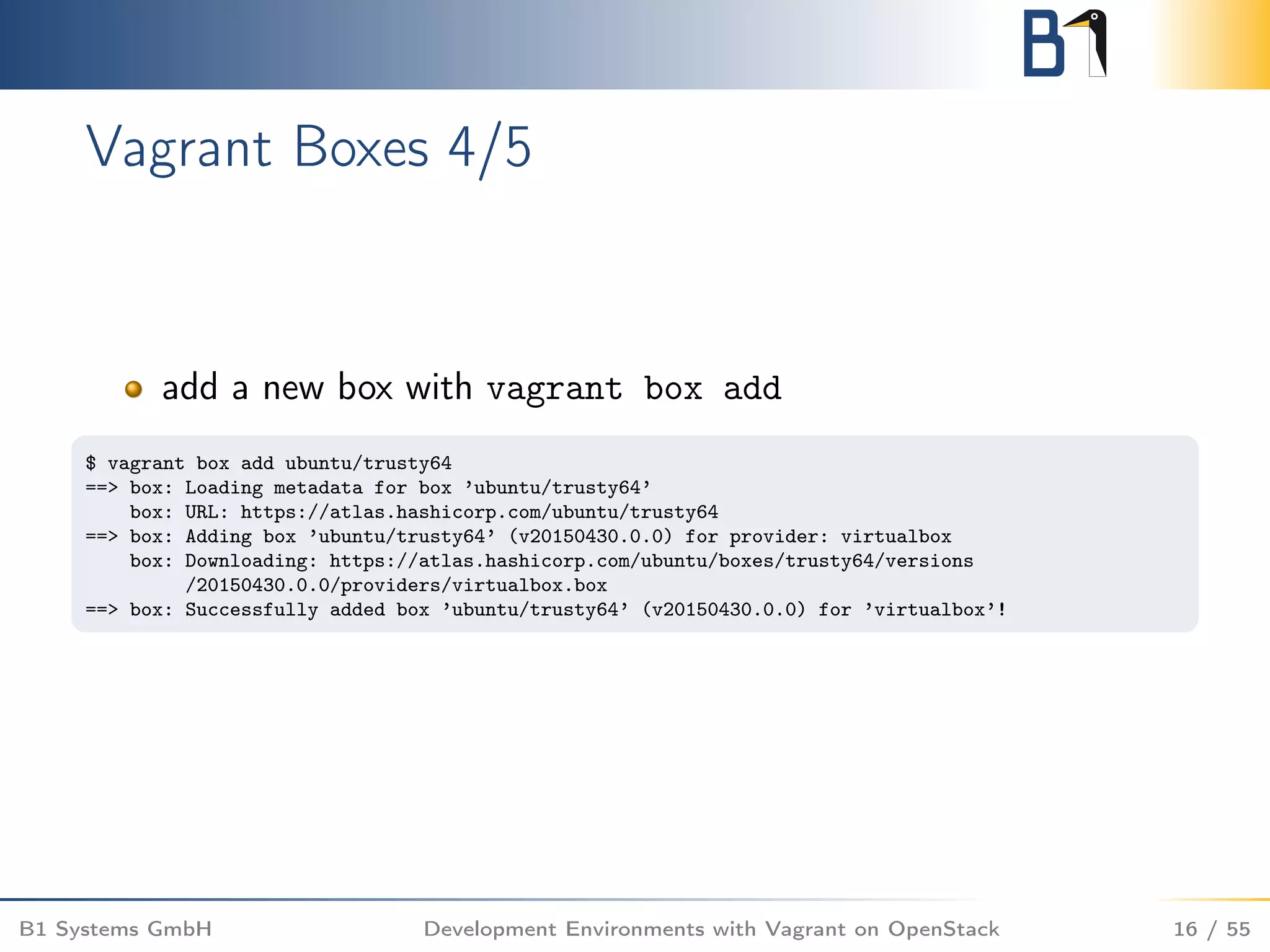
housekeeping with vagrant destroy
$ vagrant destroy
testing: Are you sure you want to destroy the ’testing’ VM? [y/N] y
==> testing: Forcing shutdown of VM...
==> testing: Destroying VM and associated drives...
B1 Systems GmbH Development Environments with Vagrant on OpenStack 22 / 55](https://image.slidesharecdn.com/openstackvagrantossummitvancouver-161122104026/75/Simplify-and-run-your-development-environments-with-Vagrant-on-OpenStack-22-2048.jpg)
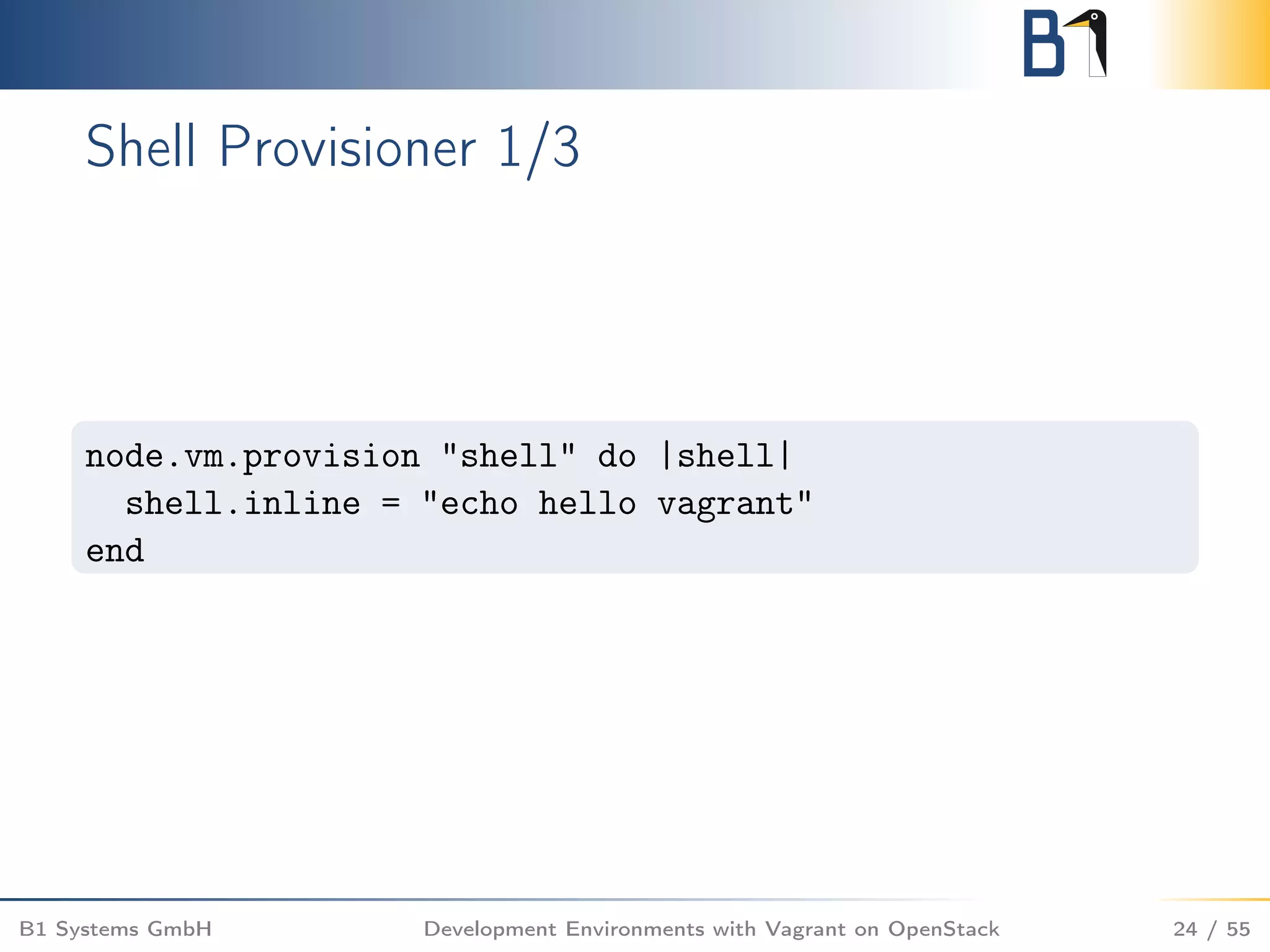
![Shell Provisioner 2/3
$ vagrant up
[...]
==> testing: Running provisioner: shell...
testing: Running: inline script
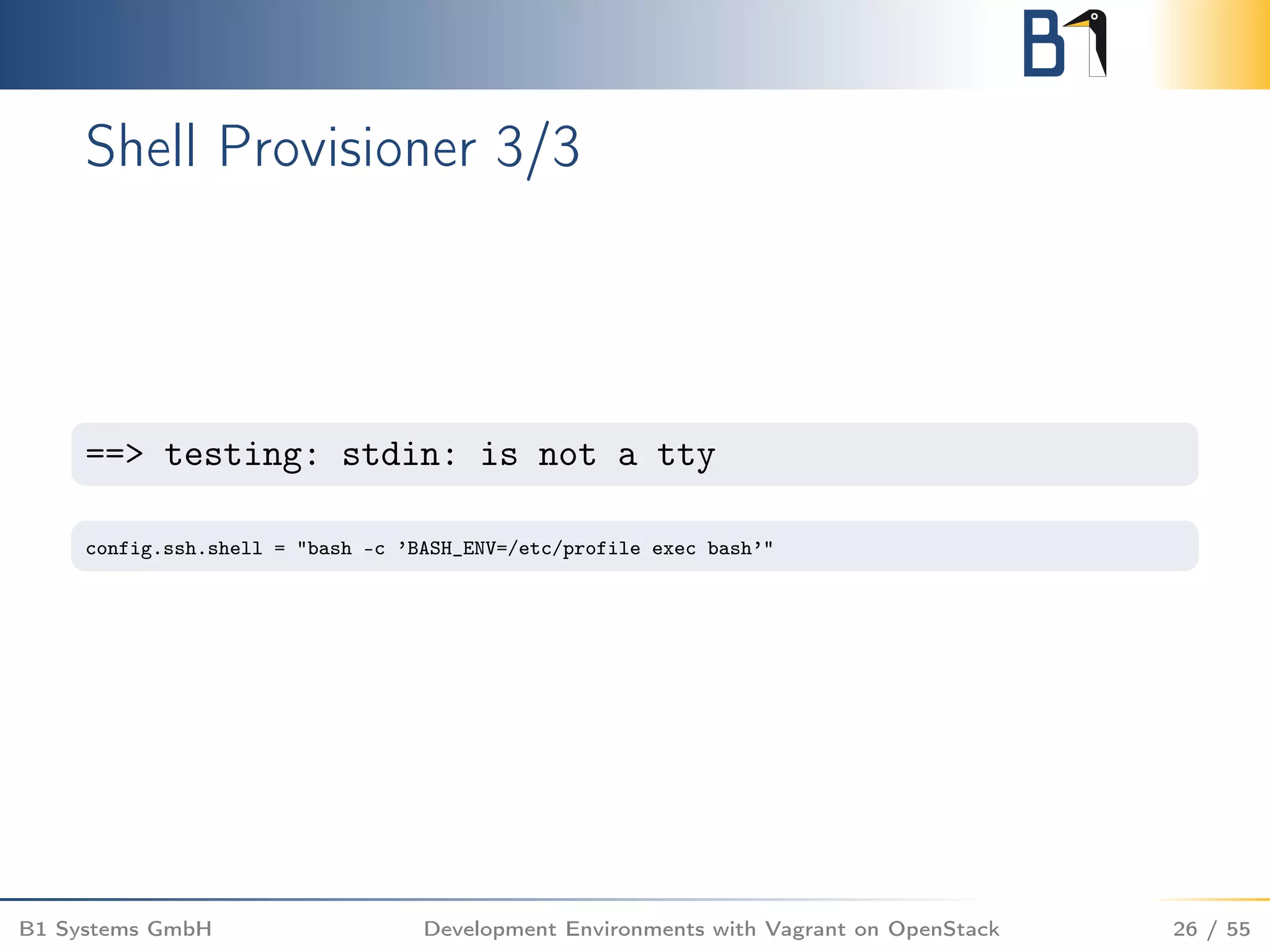
==> testing: stdin: is not a tty
==> testing: hello vagrant
B1 Systems GmbH Development Environments with Vagrant on OpenStack 25 / 55](https://image.slidesharecdn.com/openstackvagrantossummitvancouver-161122104026/75/Simplify-and-run-your-development-environments-with-Vagrant-on-OpenStack-25-2048.jpg)
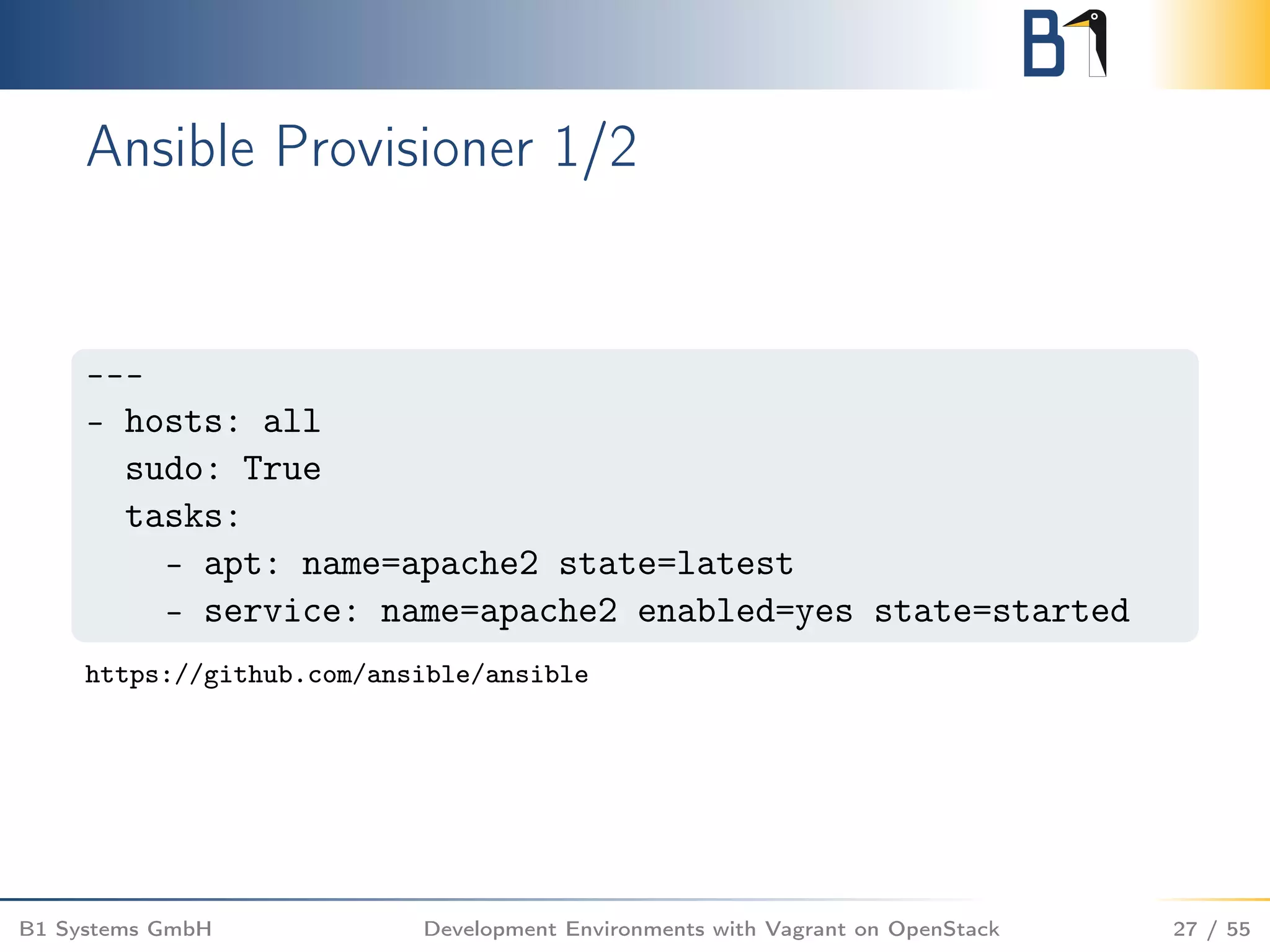
![Ansible Provisioner 2/2
$ vagrant up
[...]
PLAY [all] ********************************************
GATHERING FACTS ***************************************
ok: [testing]
TASK: [apt name=apache2 state=latest] *****************
changed: [testing]
TASK: [service name=apache2 enabled=yes state=started]
ok: [testing]
PLAY RECAP ********************************************
testing: ok=3 changed=1 unreachable=0 failed=0
B1 Systems GmbH Development Environments with Vagrant on OpenStack 28 / 55](https://image.slidesharecdn.com/openstackvagrantossummitvancouver-161122104026/75/Simplify-and-run-your-development-environments-with-Vagrant-on-OpenStack-28-2048.jpg)

![OpenStack Provider – Network 3/3
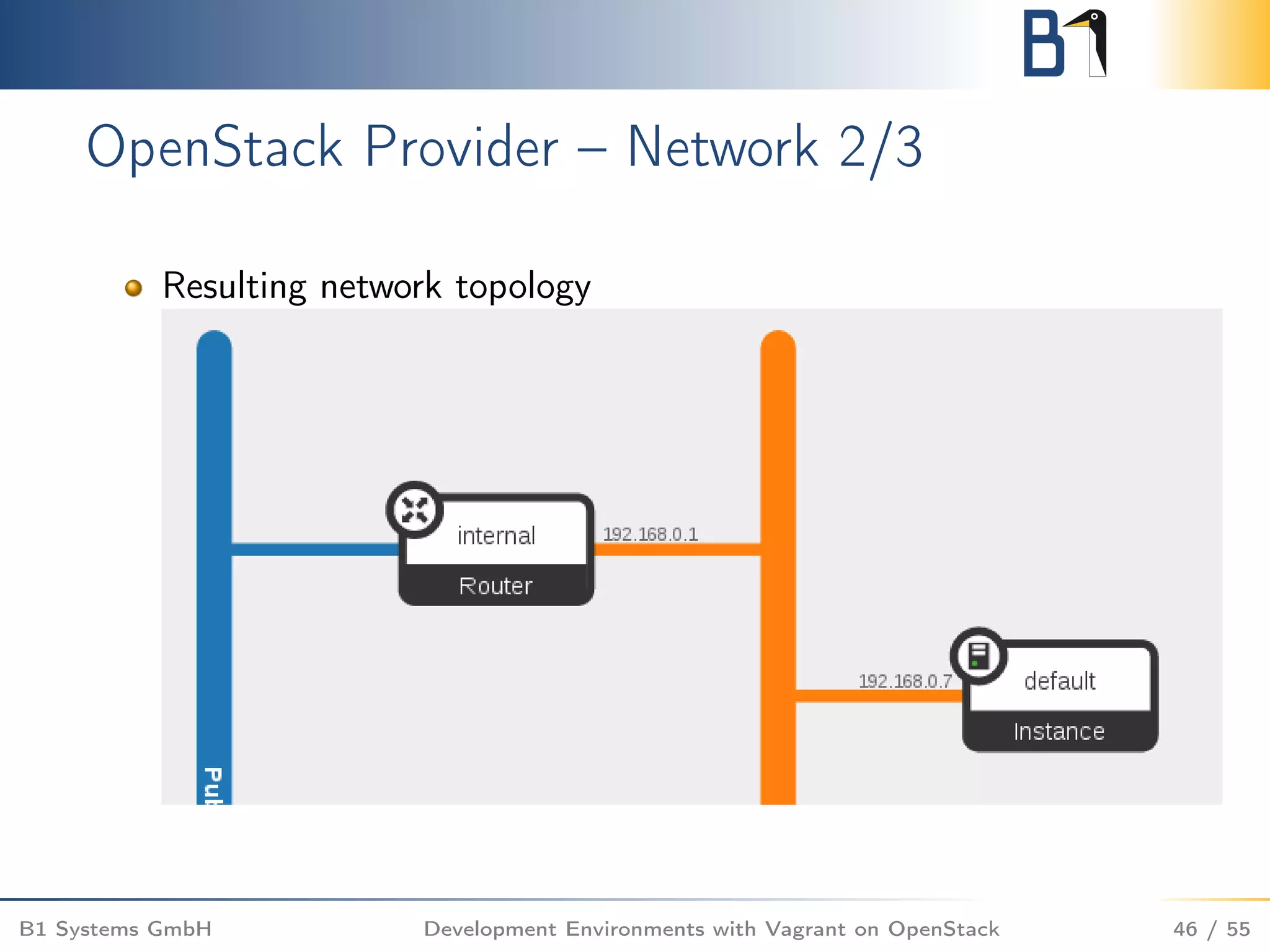
Explicitly specify the created network internal
It is possible to use multiple networks
config.vm.provider :openstack do |os|
os.openstack_auth_url = ’https://api.de-fra1.entercloudsuite.com/v2.0/tokens’
os.username = ’christian@berendt.io’
os.password = ’password’
os.tenant_name = ’christian@berendt.io’
os.flavor = ’e1standard.x1’
os.floating_ip_pool = ’PublicNetwork’
os.image = ’GNU/Linux Ubuntu Server 14.04 LTS Trusty Tahr x64’
os.networks = [ ’internal’ ]
end
B1 Systems GmbH Development Environments with Vagrant on OpenStack 47 / 55](https://image.slidesharecdn.com/openstackvagrantossummitvancouver-161122104026/75/Simplify-and-run-your-development-environments-with-Vagrant-on-OpenStack-47-2048.jpg)
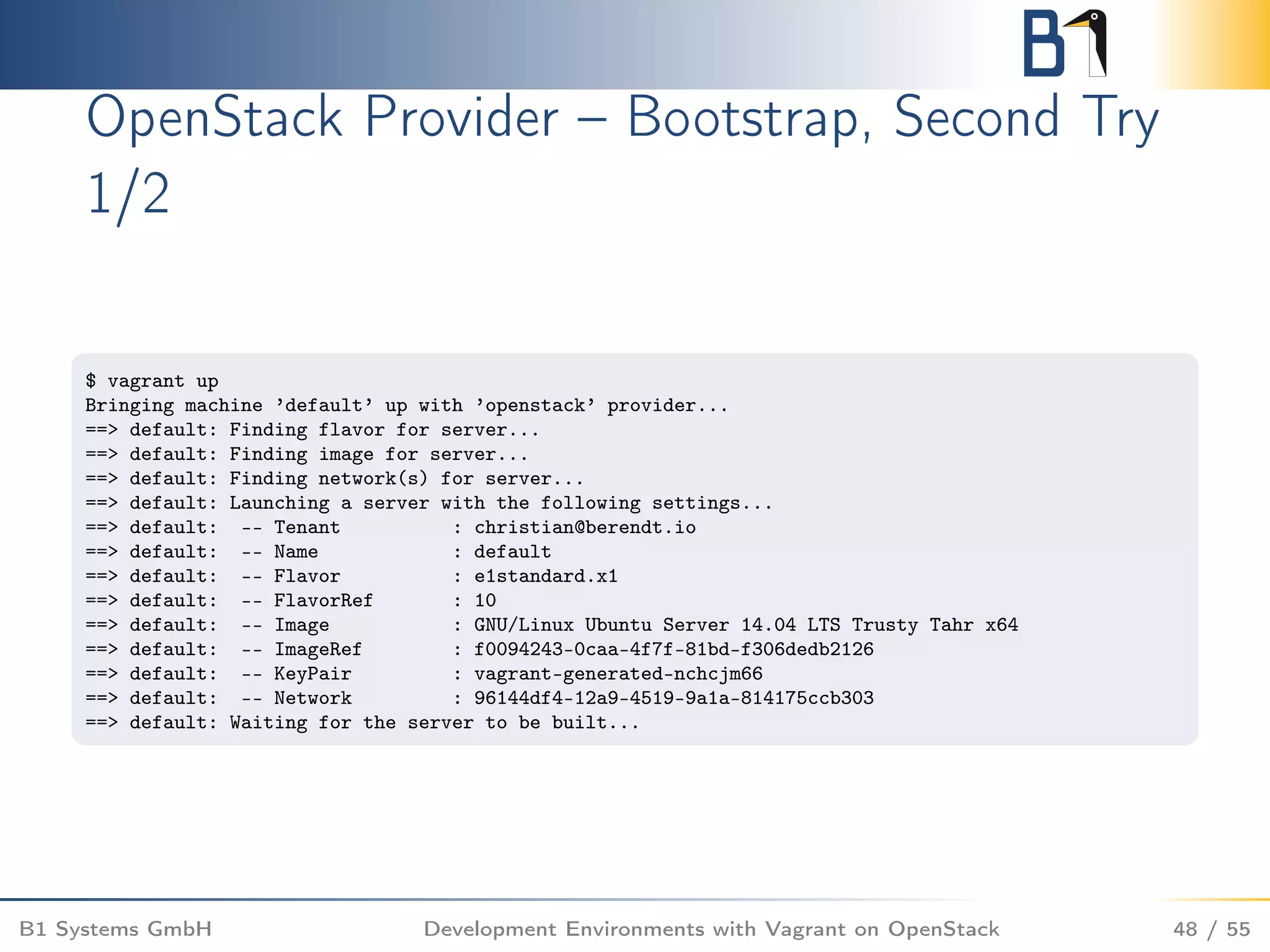
![OpenStack provider – Bootstrap, Second Try
2/2
==> default: Using floating IP 185.48.33.107
==> default: Waiting for SSH to become available...
ssh: connect to host 185.48.33.107 port 22: Connection refused
[...]
==> default: Waiting for SSH to become available...
ssh: connect to host 185.48.33.107 port 22: Connection refused
[...]
==> default: Waiting for SSH to become available...
ssh: connect to host 185.48.33.107 port 22: Connection refused
[...]
==> default: Waiting for SSH to become available...
Connection to 185.48.33.107 closed.
==> default: The server is ready!
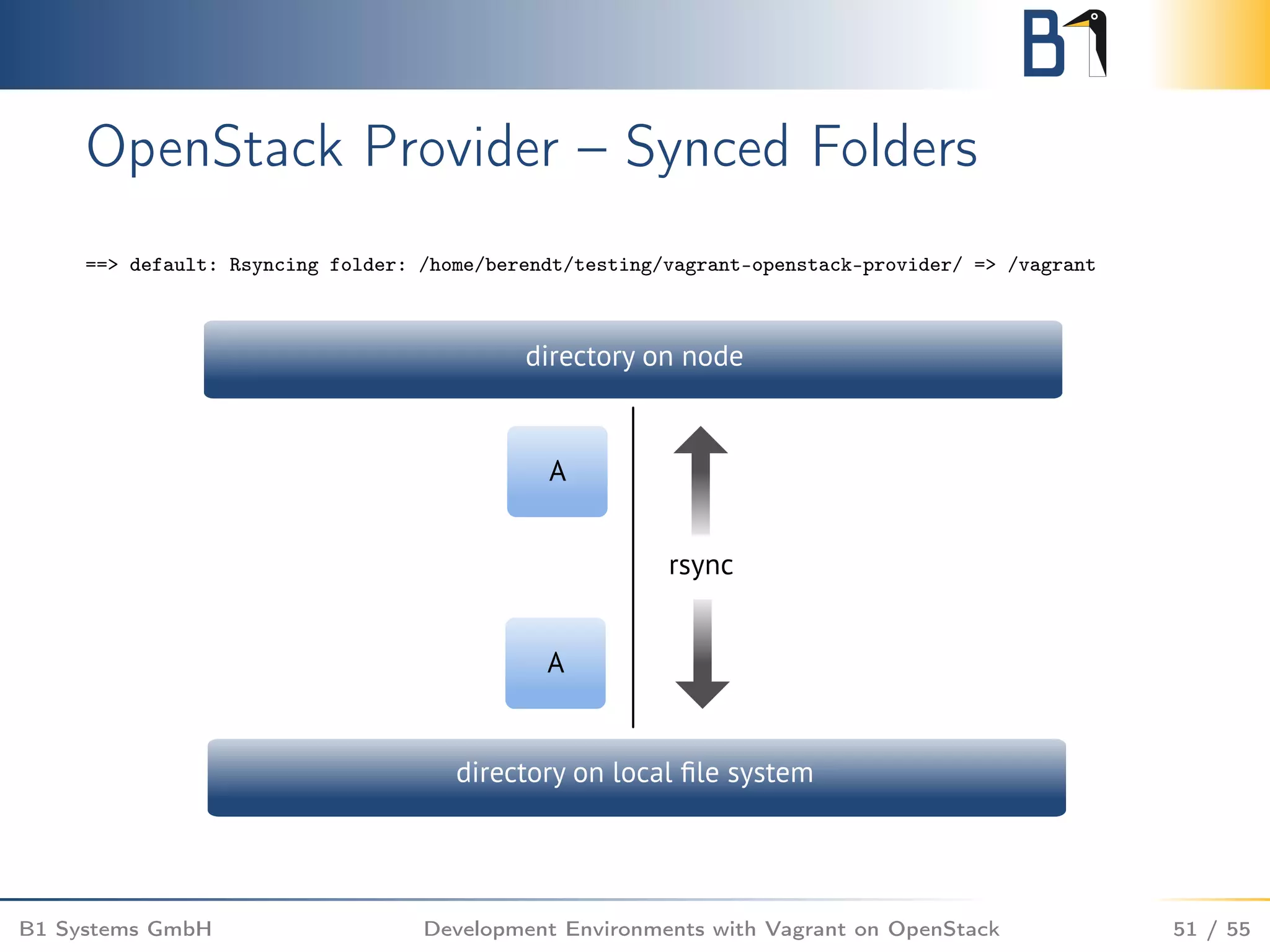
==> default: Rsyncing folder: /home/berendt/testing/vagrant-openstack-provider/ => /vagrant
B1 Systems GmbH Development Environments with Vagrant on OpenStack 49 / 55](https://image.slidesharecdn.com/openstackvagrantossummitvancouver-161122104026/75/Simplify-and-run-your-development-environments-with-Vagrant-on-OpenStack-49-2048.jpg)
![OpenStack Provider – Forwarded Ports
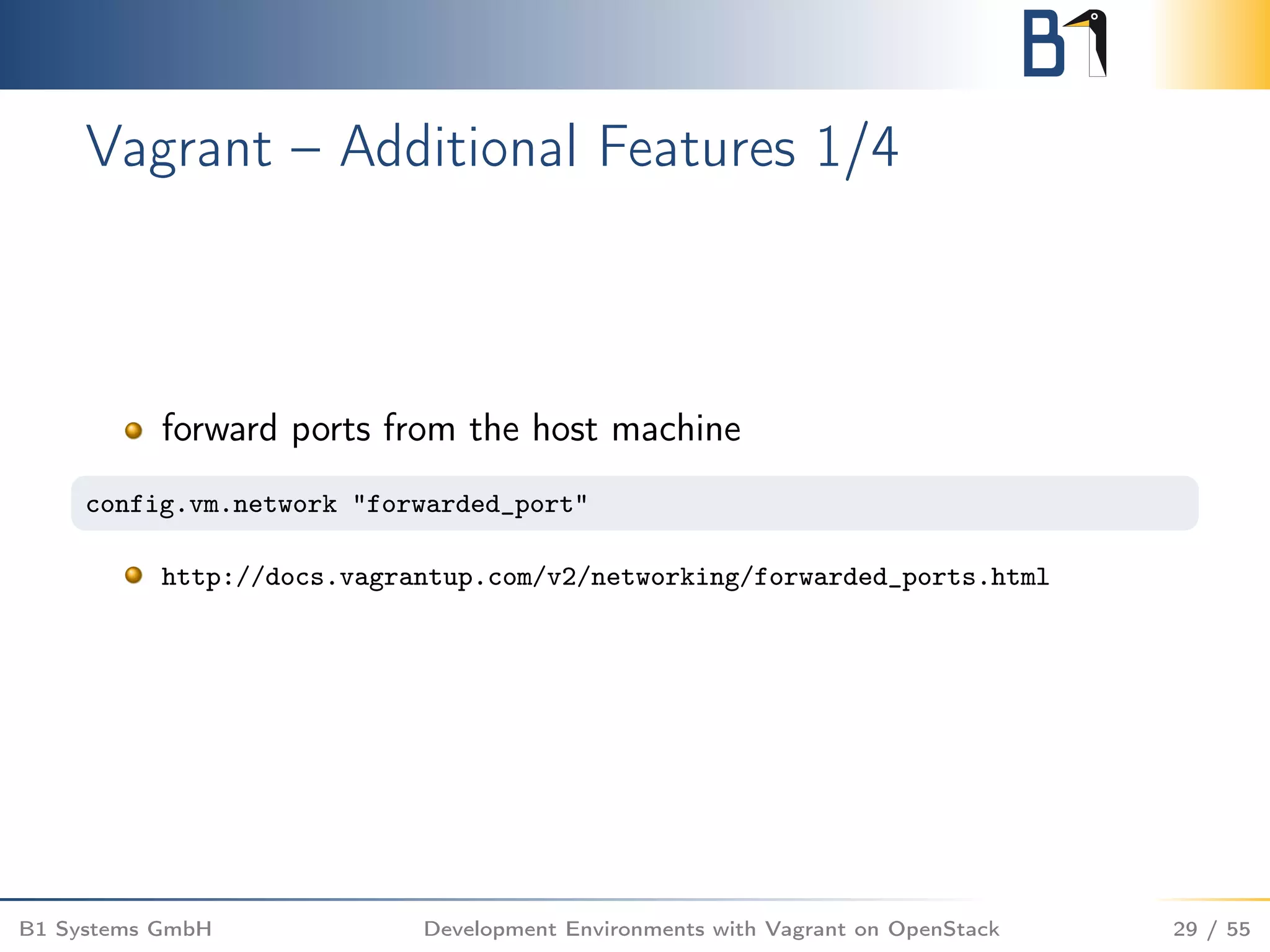
config.vm.network "forwarded_port", guest: 80, host: 8080
config.vm.network features are not supported
Use os.security_groups to apply previously defined security
groups
Add the following line to the Vagrantfile to use the existing
security group http
os.security_groups = [ ’http’ ]
B1 Systems GmbH Development Environments with Vagrant on OpenStack 52 / 55](https://image.slidesharecdn.com/openstackvagrantossummitvancouver-161122104026/75/Simplify-and-run-your-development-environments-with-Vagrant-on-OpenStack-52-2048.jpg)
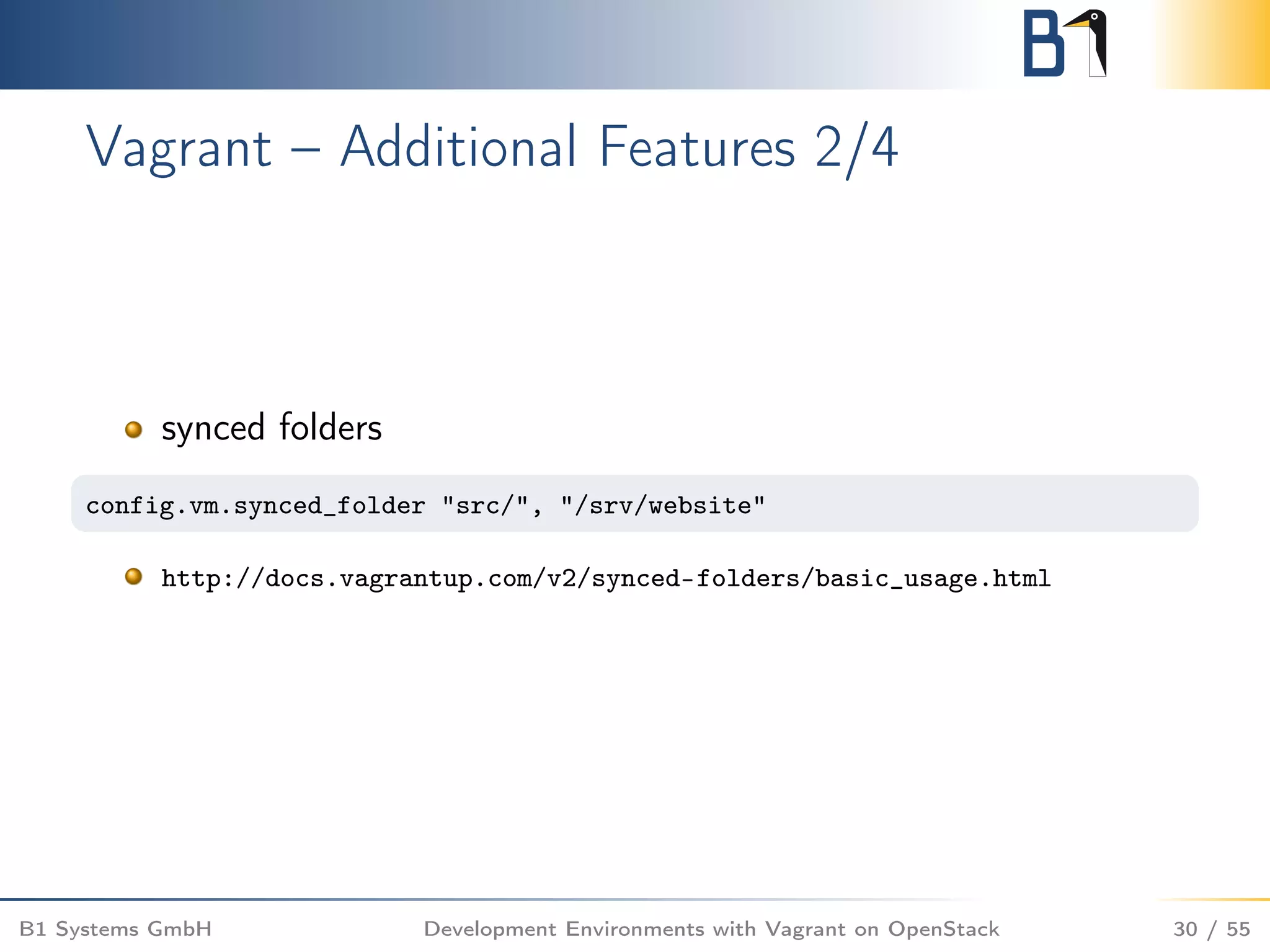
![OpenStack Provider – Additional Storage
List existing volumes with vagrant openstack volume-list
We will use vagrant in this session.
Add the following line to the Vagrantfile
os.volumes = [ ’vagrant’ ]
B1 Systems GmbH Development Environments with Vagrant on OpenStack 53 / 55](https://image.slidesharecdn.com/openstackvagrantossummitvancouver-161122104026/75/Simplify-and-run-your-development-environments-with-Vagrant-on-OpenStack-53-2048.jpg)


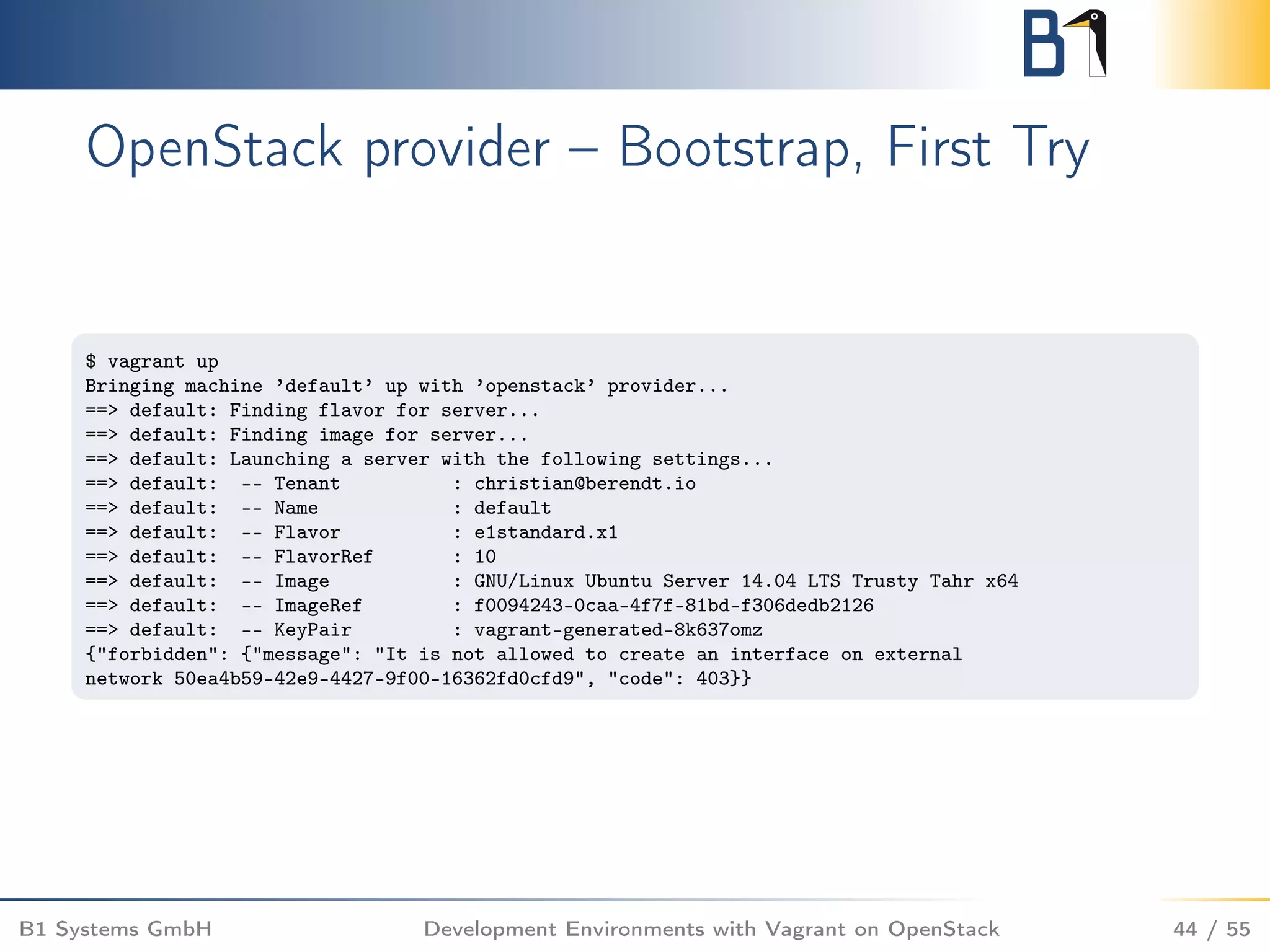
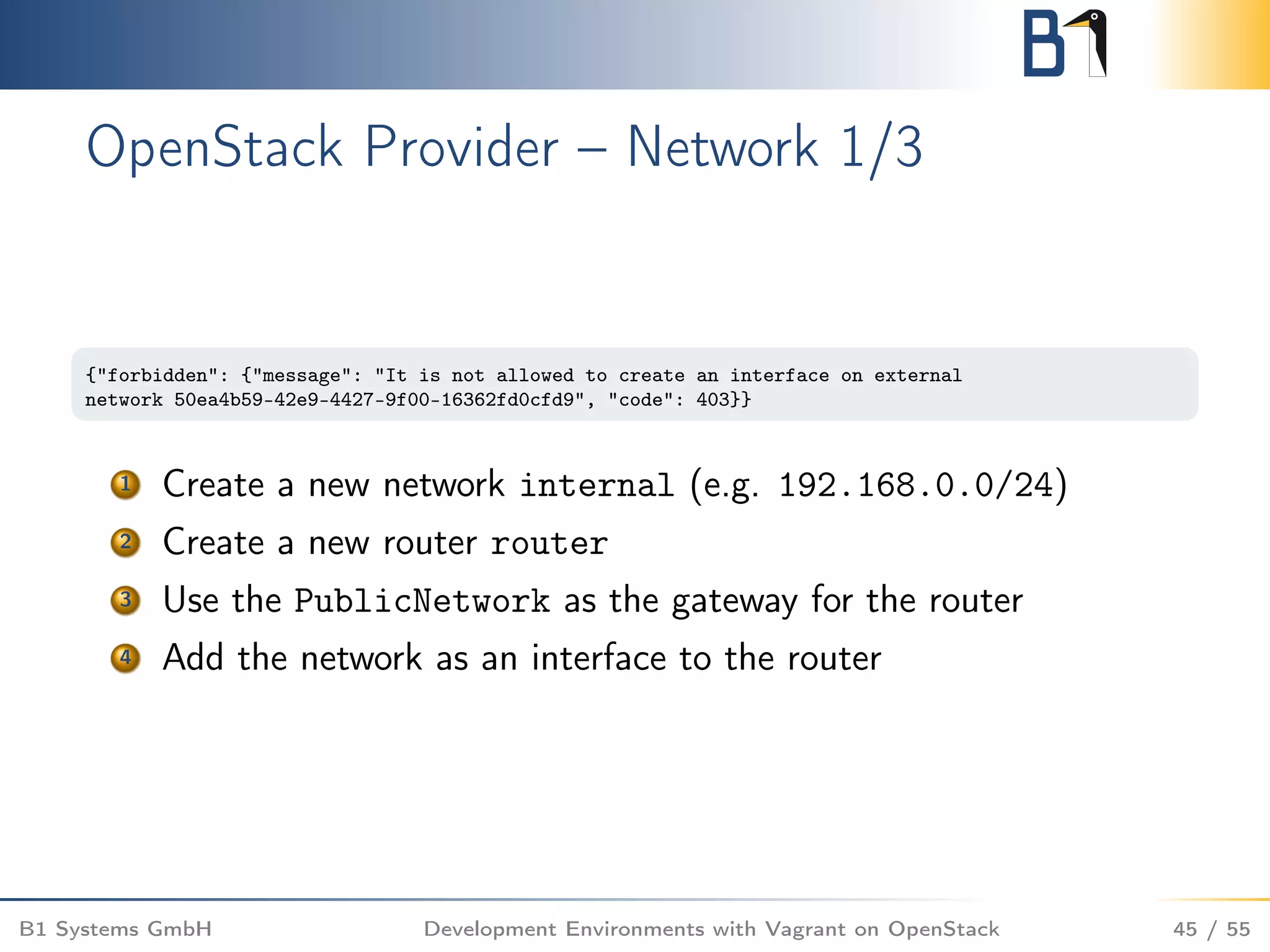
Here are the steps to resolve the network issue: 1. Create a new internal network (e.g. 192.168.0.0/24) 2. Create a new router 3. Add the PublicNetwork as the gateway for the router 4. Add the internal network as an interface to the router This will allow instances on the internal network to get floating IPs from the PublicNetwork via the router. The original error indicates direct access to the external network is forbidden, so routing traffic through an internal network and router is required.


