The Collaborative
iPad Classroom
By Jonathan Wylie
twitter: @jonathanwylie
email: jwylie@gwaea.org
web: www.jonathanwylie.com
Saturday, July 13, 13
Why Collaboration?
Saturday, July 13, 13
Why Collaboration?
• Builds teamwork skills
Saturday, July 13, 13
Why Collaboration?
• Builds teamwork skills
• Extends classroom boundaries
Saturday, July 13, 13
Why Collaboration?
• Builds teamwork skills
• Extends classroom boundaries
• Students learn from one another
Saturday, July 13, 13
Why Collaboration?
• Builds teamwork skills
• Extends classroom boundaries
• Students learn from one another
• Develop new ideas and thinking
Saturday, July 13, 13
Why Collaboration?
• Builds teamwork skills
• Extends classroom boundaries
• Students learn from one another
• Develop new ideas and thinking
• Shows empathy for others
Saturday, July 13, 13
Why Collaboration?
• Builds teamwork skills
• Extends classroom boundaries
• Students learn from one another
• Develop new ideas and thinking
• Shows empathy for others
• Builds relationships with peers
Saturday, July 13, 13
Why Collaboration?
• Builds teamwork skills
• Extends classroom boundaries
• Students learn from one another
• Develop new ideas and thinking
• Shows empathy for others
• Builds relationships with peers
• Collaboration is FUN! :)
Saturday, July 13, 13
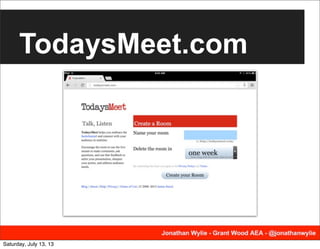
TodaysMeet.com
Saturday, July 13, 13
TodaysMeet.com
• Start a backchannel conversation
• Encourage students to respond to each other
• Save your “meet” for up to a year
• Student and/or teacher collaboration
• Quick and easy to set up
• No accounts, email or passwords needed, so
good for K-12 students.
Saturday, July 13, 13
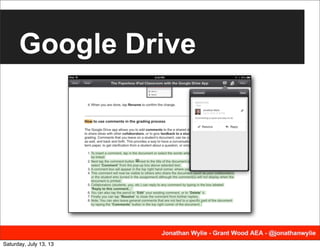
Google Drive
Saturday, July 13, 13
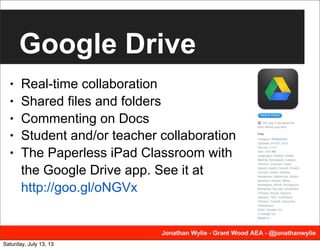
Google Drive
• Real-time collaboration
• Shared files and folders
• Commenting on Docs
• Student and/or teacher collaboration
• The Paperless iPad Classroom with
the Google Drive app. See it at
http://goo.gl/oNGVx
Saturday, July 13, 13
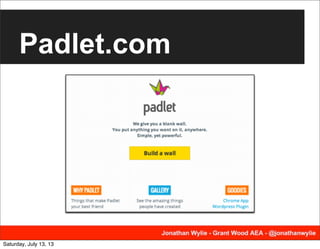
Padlet.com
Saturday, July 13, 13
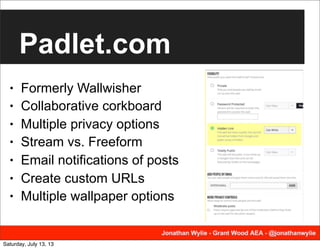
Padlet.com
• Formerly Wallwisher
• Collaborative corkboard
• Multiple privacy options
• Stream vs. Freeform
• Email notifications of posts
• Create custom URLs
• Multiple wallpaper options
Saturday, July 13, 13
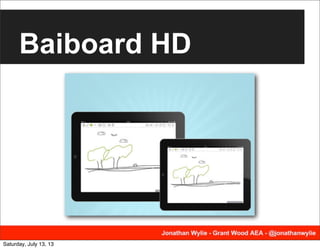
Baiboard HD
Saturday, July 13, 13
Baiboard HD
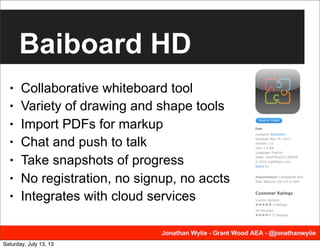
• Collaborative whiteboard tool
• Variety of drawing and shape tools
• Import PDFs for markup
• Chat and push to talk
• Take snapshots of progress
• No registration, no signup, no accts
• Integrates with cloud services
Saturday, July 13, 13
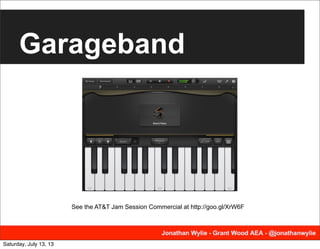
Garageband
See the AT&T Jam Session Commercial at http://goo.gl/XrW6F
Saturday, July 13, 13
Garageband
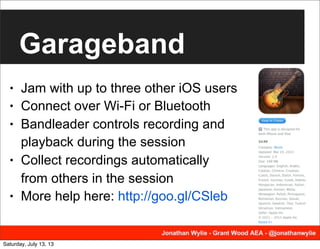
• Jam with up to three other iOS users
• Connect over Wi-Fi or Bluetooth
• Bandleader controls recording and
playback during the session
• Collect recordings automatically
from others in the session
• More help here: http://goo.gl/CSleb
Saturday, July 13, 13
Instashare
Saturday, July 13, 13
Instashare
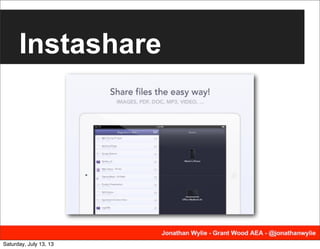
• Transfer files wirelessly to another
iOS or Mac device
• Connect over Wi-Fi or Bluetooth
• Works with photos, videos, and
other file types.
• Automatically detects iPads nearby
• May be obsolete in iOS 7 when
newer devices get AirDrop!
Saturday, July 13, 13
Edmodo
Saturday, July 13, 13
Edmodo
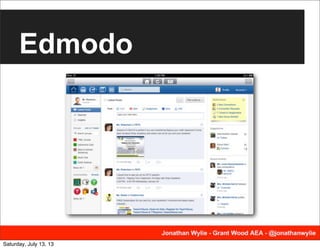
• A secure, private social network
• For teachers, students & parents
• Includes a discussion area for each
class the student is enrolled in.
• Students can interact with each
other and/or the teachers
• Can also be used to turn in
assignments and take quizzes
Saturday, July 13, 13
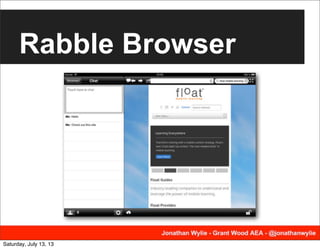
Rabble Browser
Saturday, July 13, 13
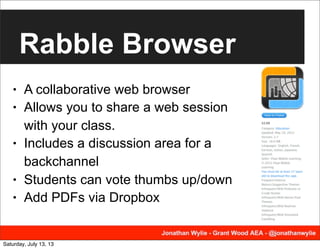
Rabble Browser
• A collaborative web browser
• Allows you to share a web session
with your class.
• Includes a discussion area for a
backchannel
• Students can vote thumbs up/down
• Add PDFs via Dropbox
Saturday, July 13, 13
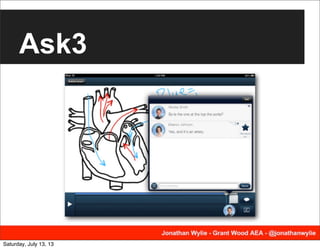
Ask3
Saturday, July 13, 13
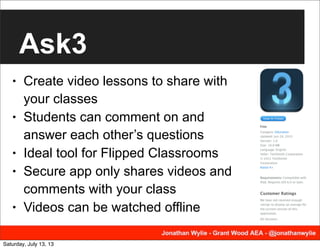
Ask3
• Create video lessons to share with
your classes
• Students can comment on and
answer each other’s questions
• Ideal tool for Flipped Classrooms
• Secure app only shares videos and
comments with your class
• Videos can be watched offline
Saturday, July 13, 13
Trello
Saturday, July 13, 13
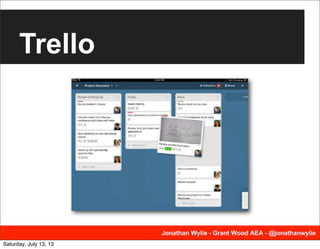
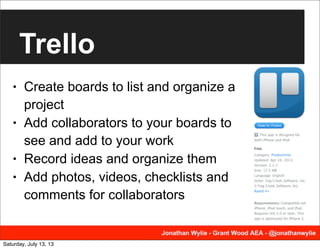
Trello
• Create boards to list and organize a
project
• Add collaborators to your boards to
see and add to your work
• Record ideas and organize them
• Add photos, videos, checklists and
comments for collaborators
Saturday, July 13, 13
Subtext
Saturday, July 13, 13
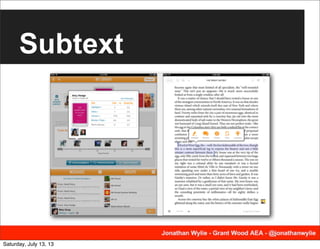
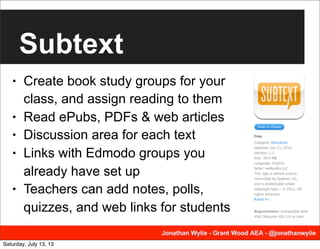
Subtext
• Create book study groups for your
class, and assign reading to them
• Read ePubs, PDFs & web articles
• Discussion area for each text
• Links with Edmodo groups you
already have set up
• Teachers can add notes, polls,
quizzes, and web links for students
Saturday, July 13, 13
The Collaborative
iPad Classroom
By Jonathan Wylie
twitter: @jonathanwylie
email: jwylie@gwaea.org
web: www.jonathanwylie.com
Saturday, July 13, 13

Collaboration in the iPad Classroom

  • 1.
    The Collaborative iPad Classroom ByJonathan Wylie twitter: @jonathanwylie email: jwylie@gwaea.org web: www.jonathanwylie.com Saturday, July 13, 13
  • 2.
  • 3.
    Why Collaboration? • Buildsteamwork skills Saturday, July 13, 13
  • 4.
    Why Collaboration? • Buildsteamwork skills • Extends classroom boundaries Saturday, July 13, 13
  • 5.
    Why Collaboration? • Buildsteamwork skills • Extends classroom boundaries • Students learn from one another Saturday, July 13, 13
  • 6.
    Why Collaboration? • Buildsteamwork skills • Extends classroom boundaries • Students learn from one another • Develop new ideas and thinking Saturday, July 13, 13
  • 7.
    Why Collaboration? • Buildsteamwork skills • Extends classroom boundaries • Students learn from one another • Develop new ideas and thinking • Shows empathy for others Saturday, July 13, 13
  • 8.
    Why Collaboration? • Buildsteamwork skills • Extends classroom boundaries • Students learn from one another • Develop new ideas and thinking • Shows empathy for others • Builds relationships with peers Saturday, July 13, 13
  • 9.
    Why Collaboration? • Buildsteamwork skills • Extends classroom boundaries • Students learn from one another • Develop new ideas and thinking • Shows empathy for others • Builds relationships with peers • Collaboration is FUN! :) Saturday, July 13, 13
  • 10.
  • 11.
    TodaysMeet.com • Start abackchannel conversation • Encourage students to respond to each other • Save your “meet” for up to a year • Student and/or teacher collaboration • Quick and easy to set up • No accounts, email or passwords needed, so good for K-12 students. Saturday, July 13, 13
  • 12.
  • 13.
    Google Drive • Real-timecollaboration • Shared files and folders • Commenting on Docs • Student and/or teacher collaboration • The Paperless iPad Classroom with the Google Drive app. See it at http://goo.gl/oNGVx Saturday, July 13, 13
  • 14.
  • 15.
    Padlet.com • Formerly Wallwisher •Collaborative corkboard • Multiple privacy options • Stream vs. Freeform • Email notifications of posts • Create custom URLs • Multiple wallpaper options Saturday, July 13, 13
  • 16.
  • 17.
    Baiboard HD • Collaborativewhiteboard tool • Variety of drawing and shape tools • Import PDFs for markup • Chat and push to talk • Take snapshots of progress • No registration, no signup, no accts • Integrates with cloud services Saturday, July 13, 13
  • 18.
    Garageband See the AT&TJam Session Commercial at http://goo.gl/XrW6F Saturday, July 13, 13
  • 19.
    Garageband • Jam withup to three other iOS users • Connect over Wi-Fi or Bluetooth • Bandleader controls recording and playback during the session • Collect recordings automatically from others in the session • More help here: http://goo.gl/CSleb Saturday, July 13, 13
  • 20.
  • 21.
    Instashare • Transfer fileswirelessly to another iOS or Mac device • Connect over Wi-Fi or Bluetooth • Works with photos, videos, and other file types. • Automatically detects iPads nearby • May be obsolete in iOS 7 when newer devices get AirDrop! Saturday, July 13, 13
  • 22.
  • 23.
    Edmodo • A secure,private social network • For teachers, students & parents • Includes a discussion area for each class the student is enrolled in. • Students can interact with each other and/or the teachers • Can also be used to turn in assignments and take quizzes Saturday, July 13, 13
  • 24.
  • 25.
    Rabble Browser • Acollaborative web browser • Allows you to share a web session with your class. • Includes a discussion area for a backchannel • Students can vote thumbs up/down • Add PDFs via Dropbox Saturday, July 13, 13
  • 26.
  • 27.
    Ask3 • Create videolessons to share with your classes • Students can comment on and answer each other’s questions • Ideal tool for Flipped Classrooms • Secure app only shares videos and comments with your class • Videos can be watched offline Saturday, July 13, 13
  • 28.
  • 29.
    Trello • Create boardsto list and organize a project • Add collaborators to your boards to see and add to your work • Record ideas and organize them • Add photos, videos, checklists and comments for collaborators Saturday, July 13, 13
  • 30.
  • 31.
    Subtext • Create bookstudy groups for your class, and assign reading to them • Read ePubs, PDFs & web articles • Discussion area for each text • Links with Edmodo groups you already have set up • Teachers can add notes, polls, quizzes, and web links for students Saturday, July 13, 13
  • 32.
    The Collaborative iPad Classroom ByJonathan Wylie twitter: @jonathanwylie email: jwylie@gwaea.org web: www.jonathanwylie.com Saturday, July 13, 13