Building for the Future:
Interoperability
Chris Shillum
Executive Director, ORCID
NFAIS Forethought Strategic Summit: Transforming Content Through Transformed Systems
16–17 June 2021 1
The past five years has seen a transformation in the way
that application software is developed and deployed
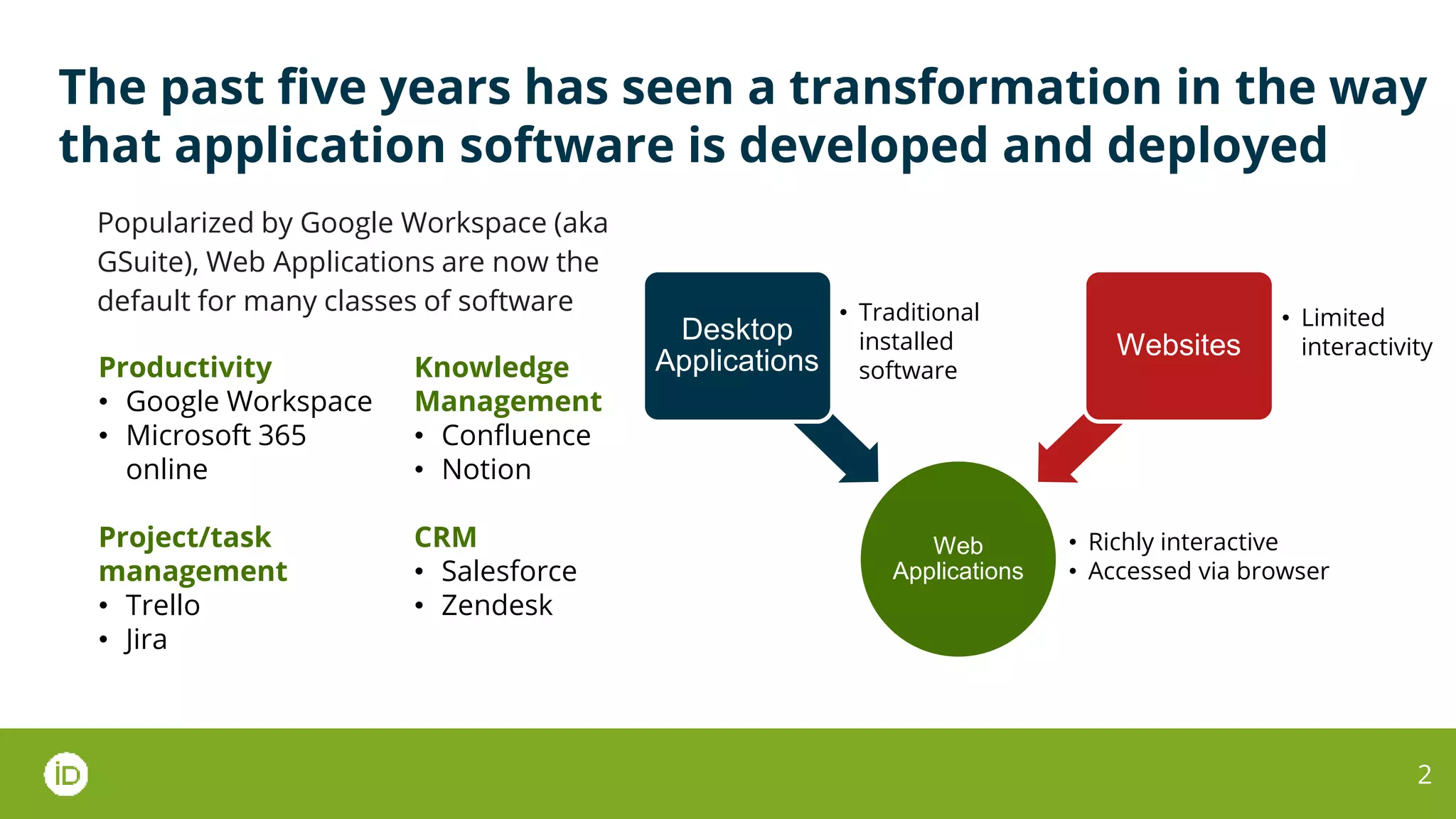
Popularized by Google Workspace (aka
GSuite), Web Applications are now the
default for many classes of software
2
Web
Applications
Desktop
Applications
Websites
Productivity
• Google Workspace
• Microsoft 365
online
Project/task
management
• Trello
• Jira
Knowledge
Management
• Confluence
• Notion
CRM
• Salesforce
• Zendesk
• Traditional
installed
software
• Limited
interactivity
• Richly interactive
• Accessed via browser
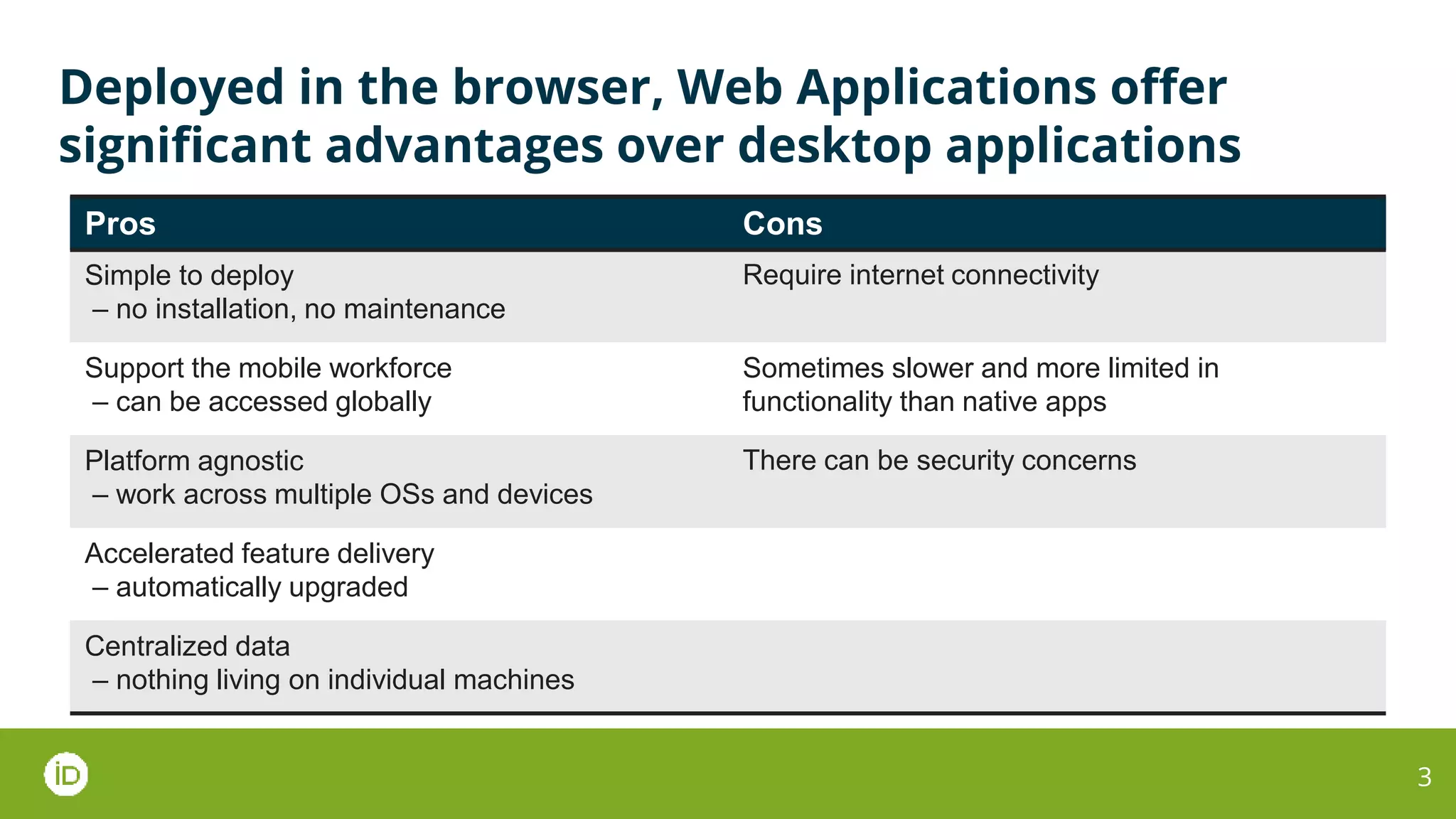
Deployed in the browser, Web Applications offer
significant advantages over desktop applications
3
Pros Cons
Simple to deploy
– no installation, no maintenance
Require internet connectivity
Support the mobile workforce
– can be accessed globally
Sometimes slower and more limited in
functionality than native apps
Platform agnostic
– work across multiple OSs and devices
There can be security concerns
Accelerated feature delivery
– automatically upgraded
Centralized data
– nothing living on individual machines
This transformation has been driven by the ubiquity of
web technologies and always-on broadband networks
Key enablers
● Ubiquitous connectivity
● Cloud hosting
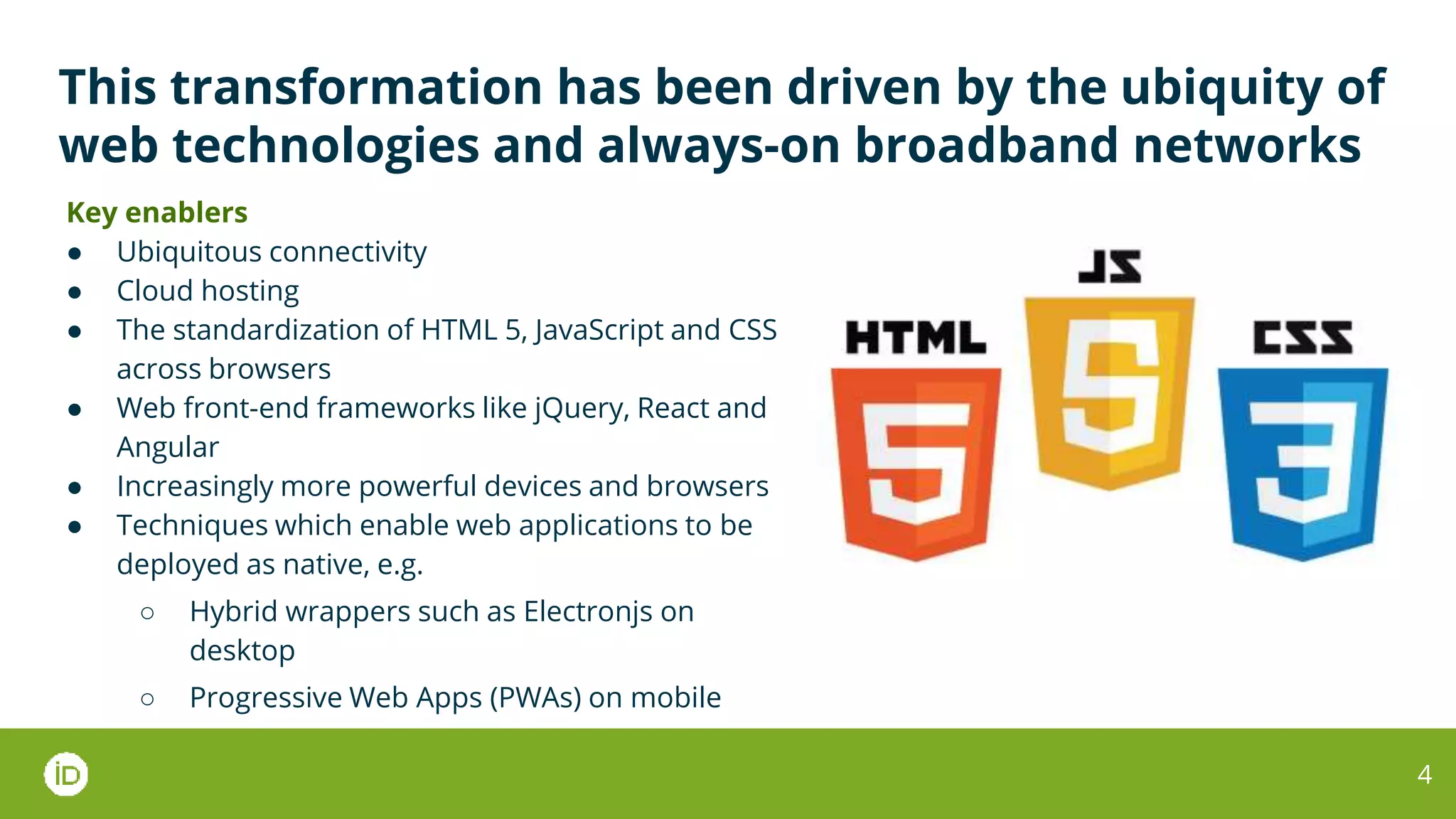
● The standardization of HTML 5, JavaScript and CSS
across browsers
● Web front-end frameworks like jQuery, React and
Angular
● Increasingly more powerful devices and browsers
● Techniques which enable web applications to be
deployed as native, e.g.
○ Hybrid wrappers such as Electronjs on
desktop
○ Progressive Web Apps (PWAs) on mobile
4
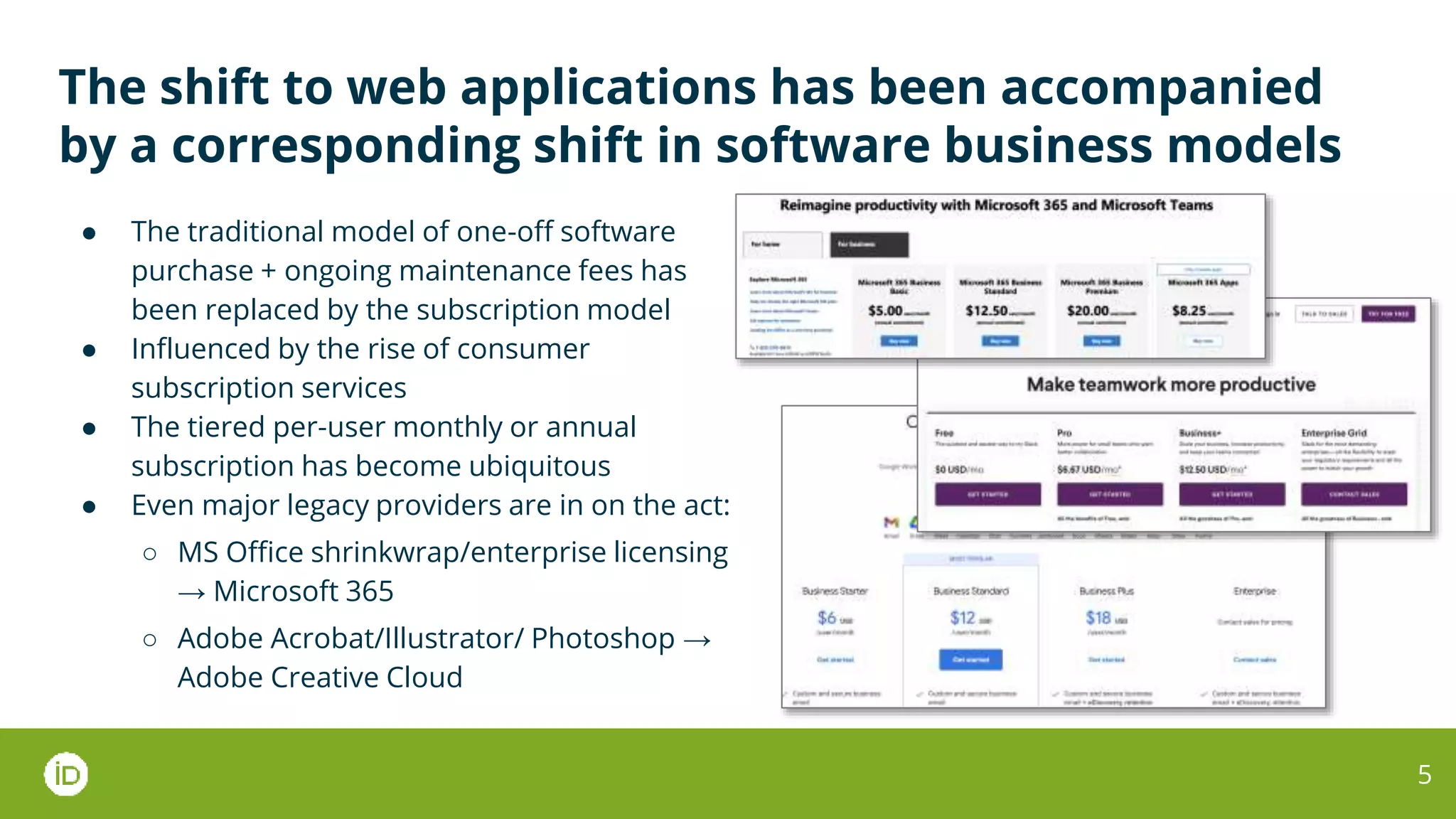
The shift to web applications has been accompanied
by a corresponding shift in software business models
● The traditional model of one-off software
purchase + ongoing maintenance fees has
been replaced by the subscription model
● Influenced by the rise of consumer
subscription services
● The tiered per-user monthly or annual
subscription has become ubiquitous
● Even major legacy providers are in on the act:
○ MS Office shrinkwrap/enterprise licensing
→ Microsoft 365
○ Adobe Acrobat/Illustrator/ Photoshop →
Adobe Creative Cloud
5
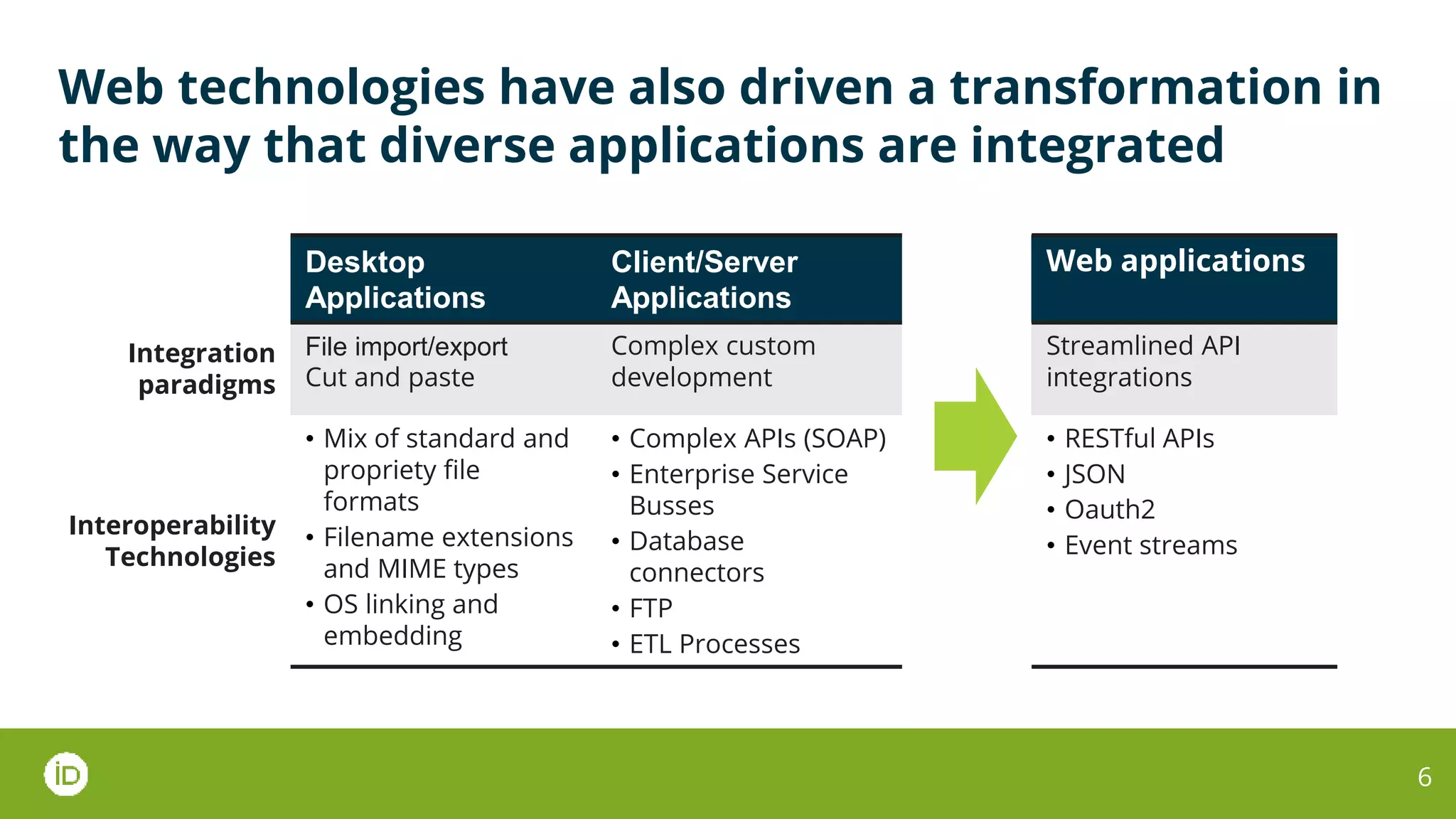
Web technologies have also driven a transformation in
the way that diverse applications are integrated
6
Desktop
Applications
Client/Server
Applications
Web applications
Integration
paradigms
File import/export
Cut and paste
Complex custom
development
Streamlined API
integrations
Interoperability
Technologies
• Mix of standard and
propriety file
formats
• Filename extensions
and MIME types
• OS linking and
embedding
• Complex APIs (SOAP)
• Enterprise Service
Busses
• Database
connectors
• FTP
• ETL Processes
• RESTful APIs
• JSON
• Oauth2
• Event streams
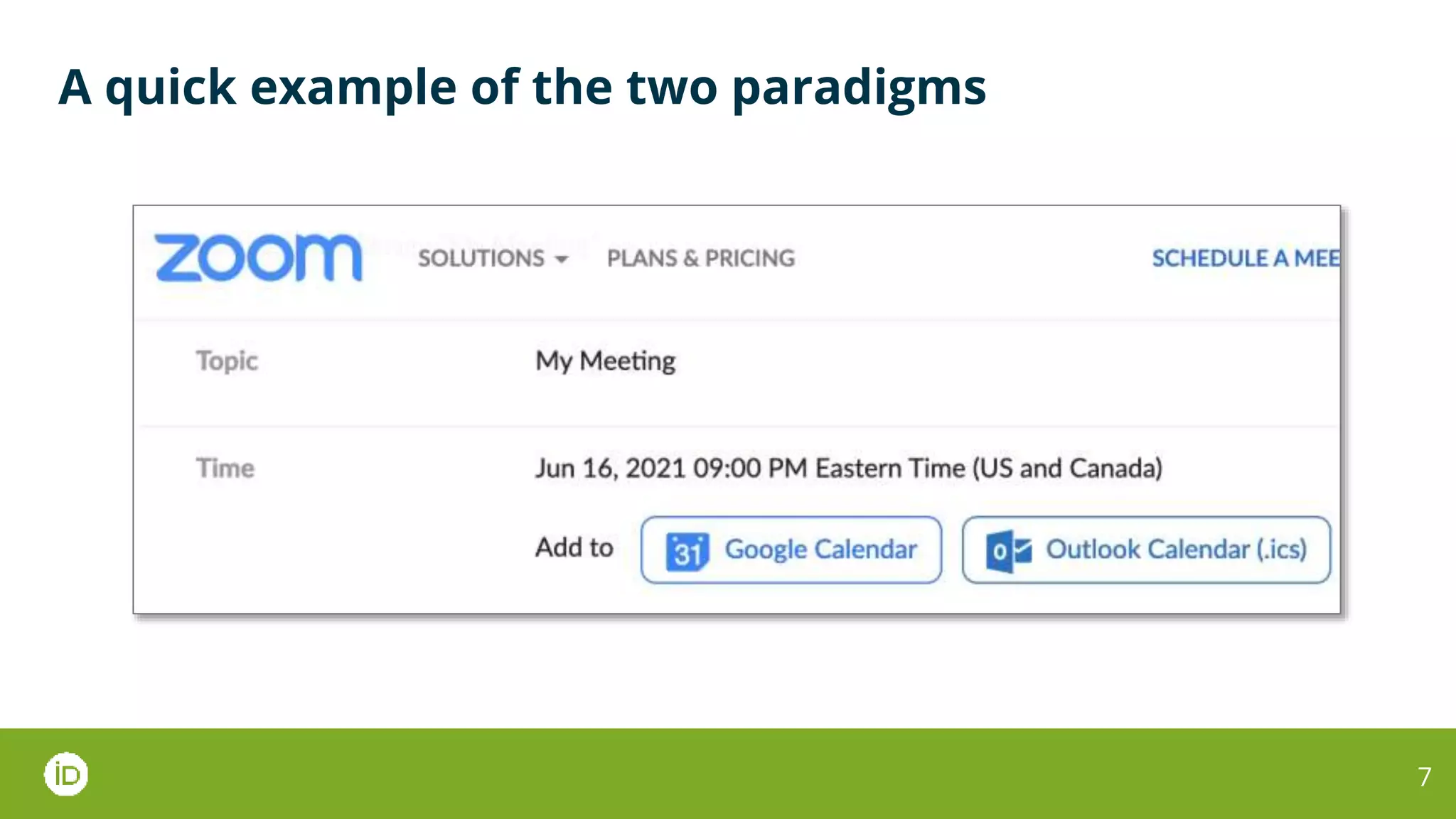
A quick example of the two paradigms
7
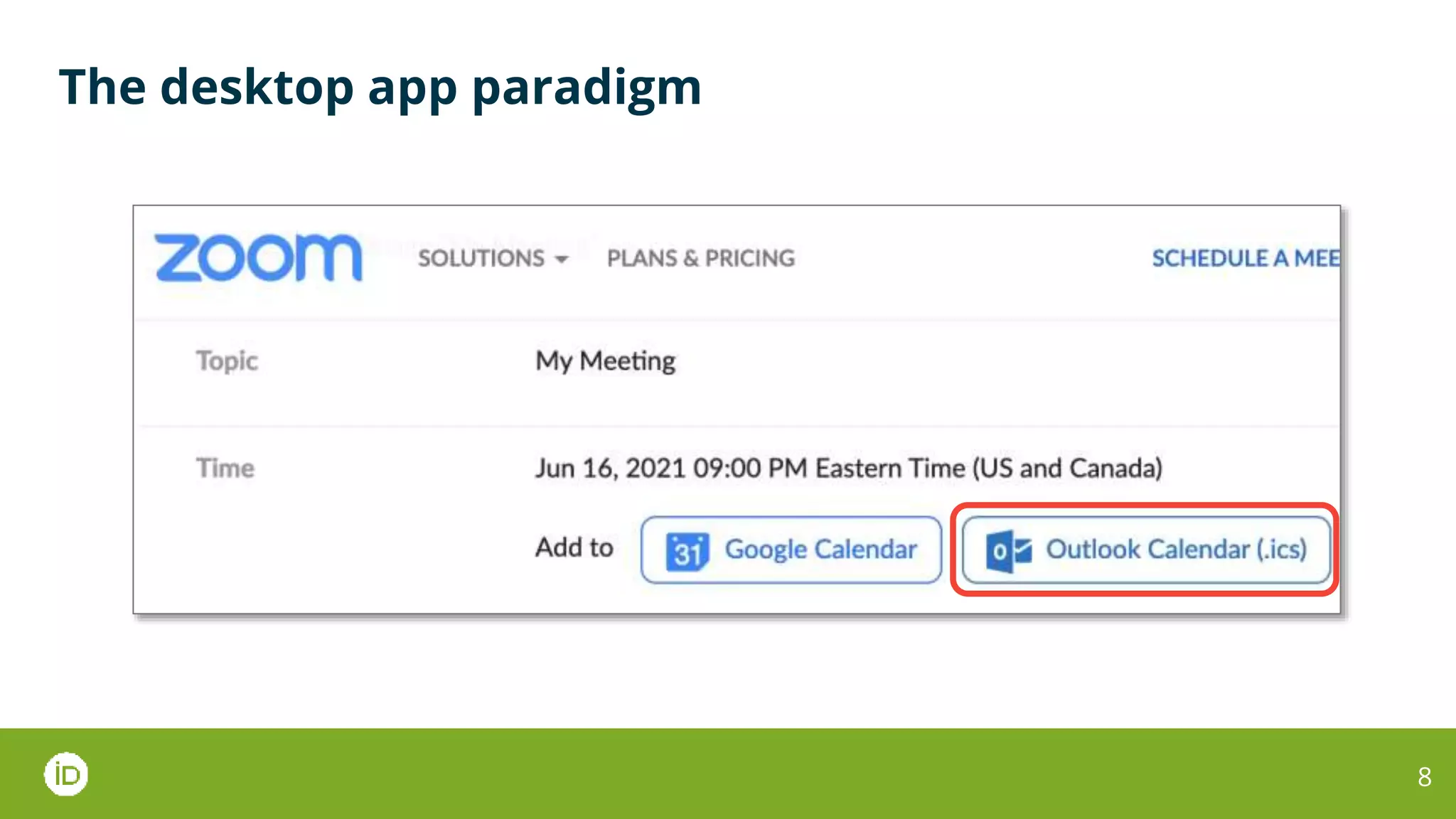
The desktop app paradigm
8
The desktop app paradigm
9
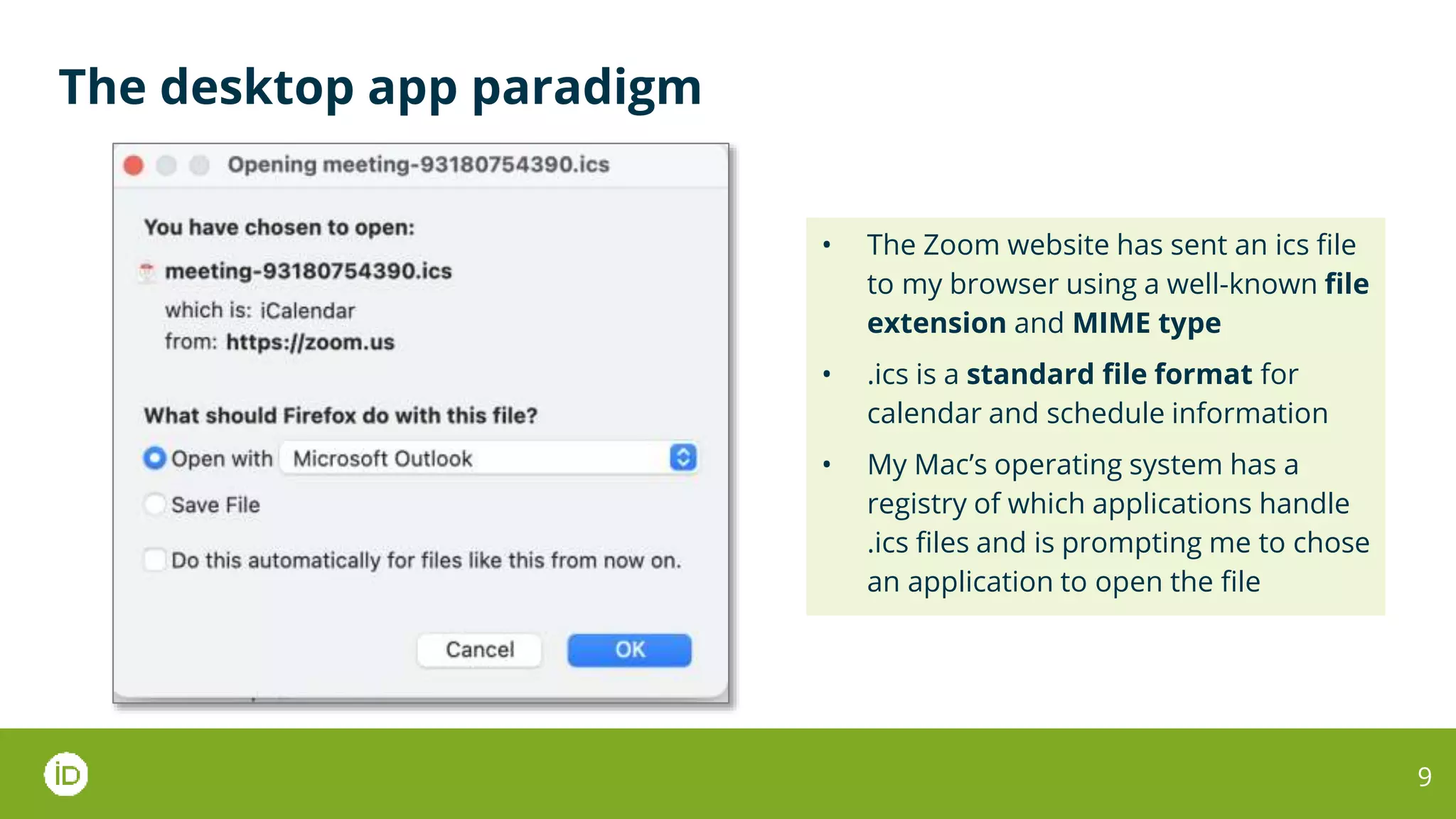
• The Zoom website has sent an ics file
to my browser using a well-known file
extension and MIME type
• .ics is a standard file format for
calendar and schedule information
• My Mac’s operating system has a
registry of which applications handle
.ics files and is prompting me to chose
an application to open the file
The desktop app paradigm
10
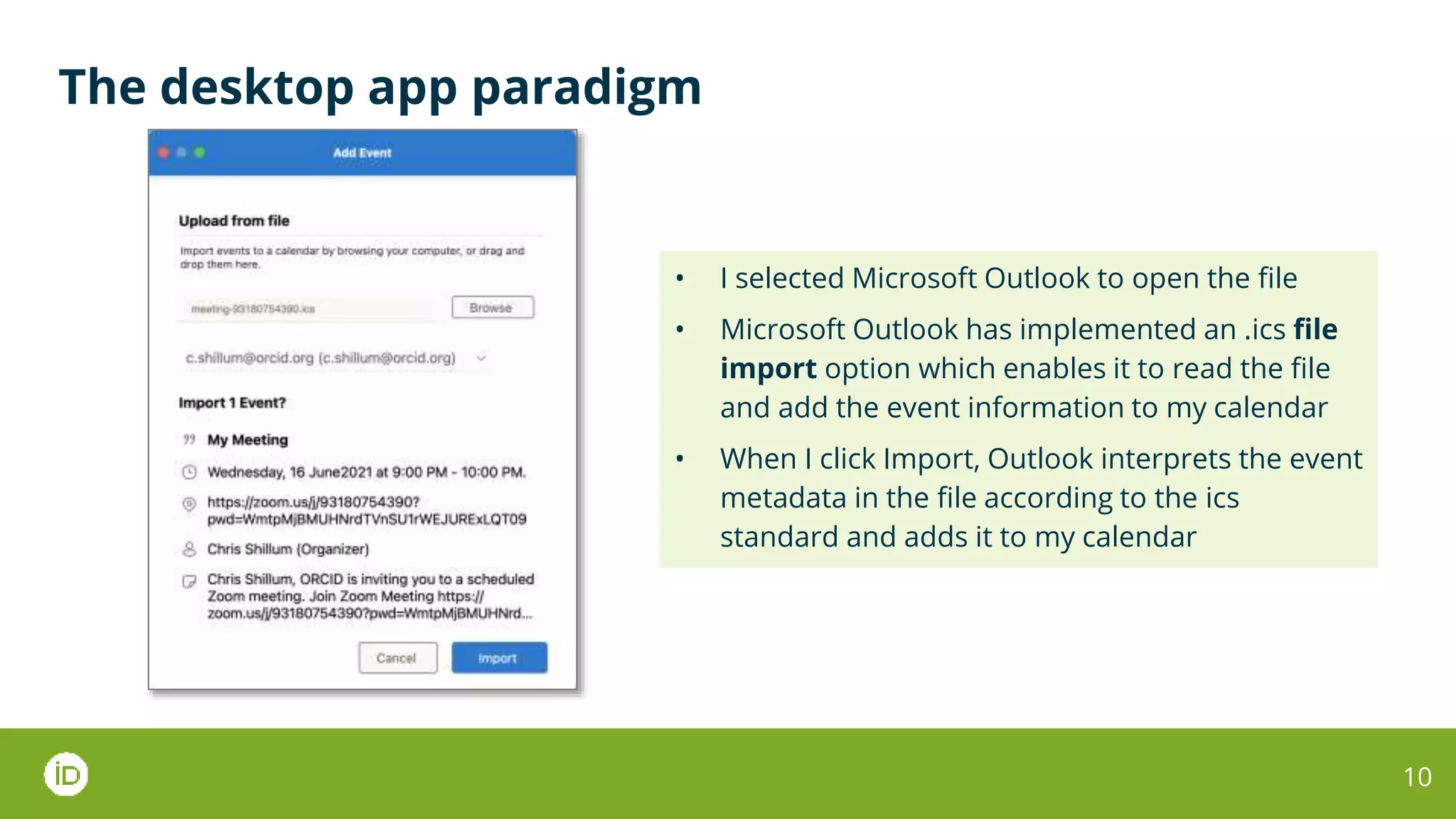
• I selected Microsoft Outlook to open the file
• Microsoft Outlook has implemented an .ics file
import option which enables it to read the file
and add the event information to my calendar
• When I click Import, Outlook interprets the event
metadata in the file according to the ics
standard and adds it to my calendar
The web application paradigm
11
The web application paradigm
12
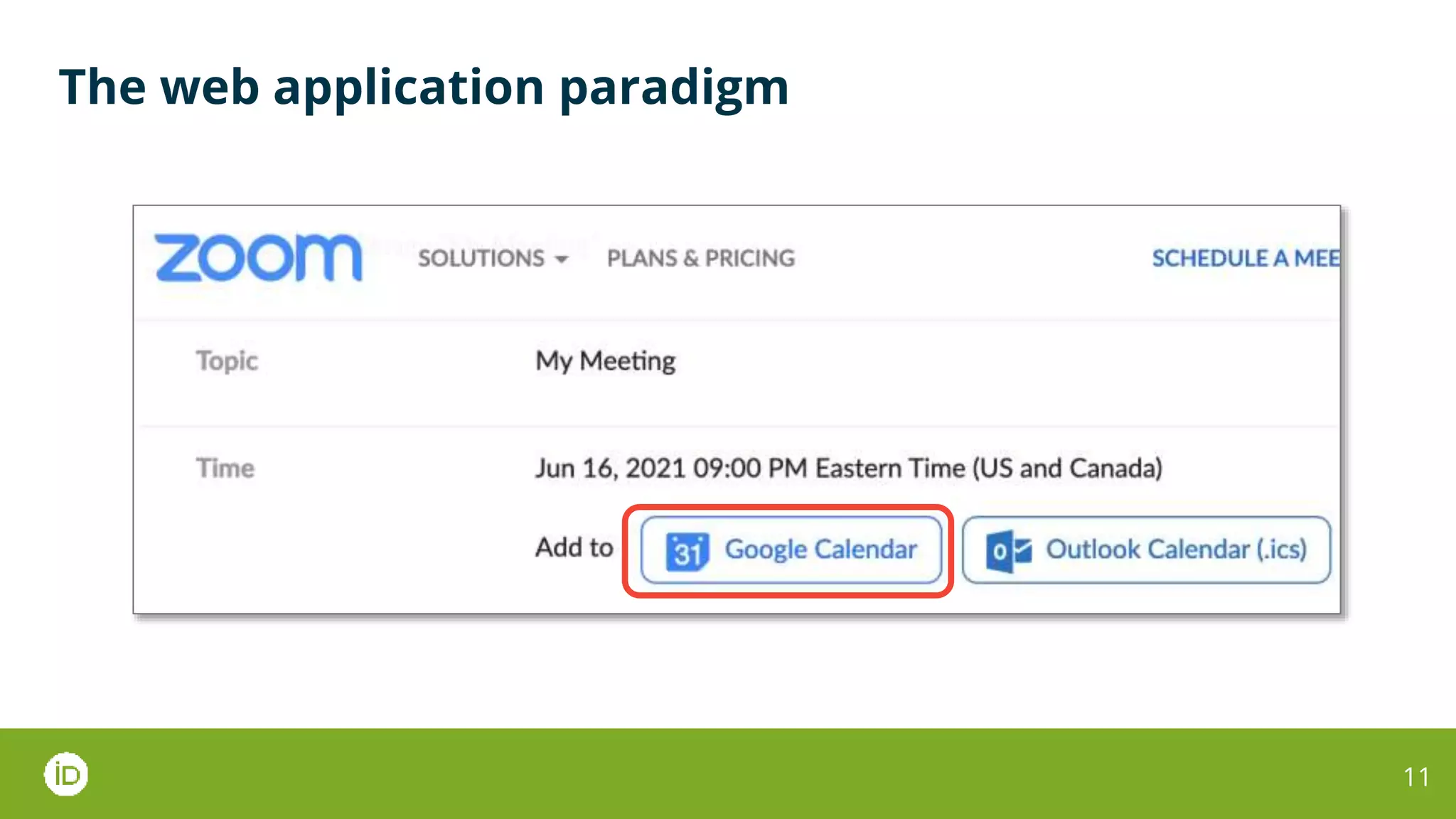
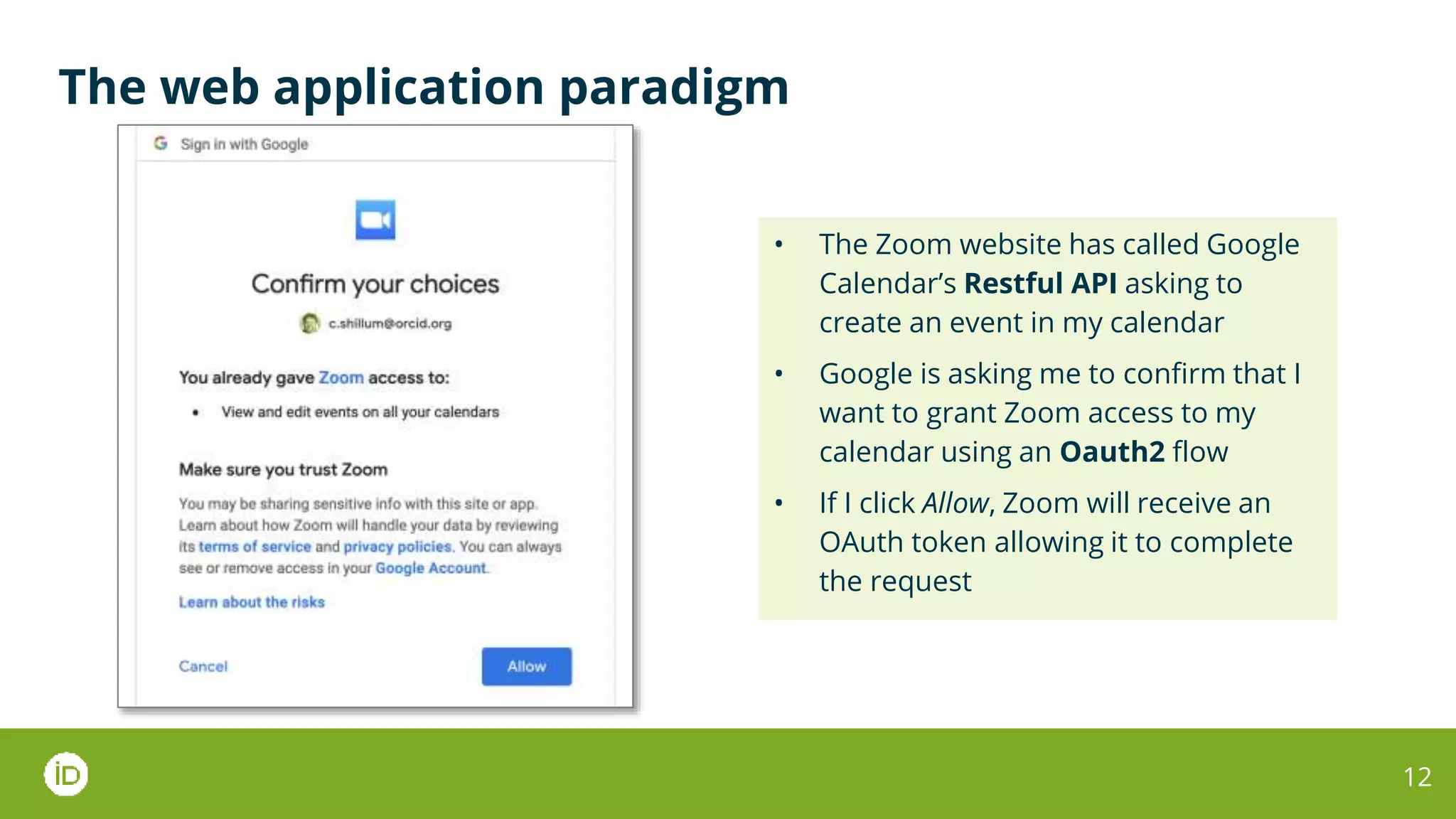
• The Zoom website has called Google
Calendar’s Restful API asking to
create an event in my calendar
• Google is asking me to confirm that I
want to grant Zoom access to my
calendar using an Oauth2 flow
• If I click Allow, Zoom will receive an
OAuth token allowing it to complete
the request
The web application paradigm
13
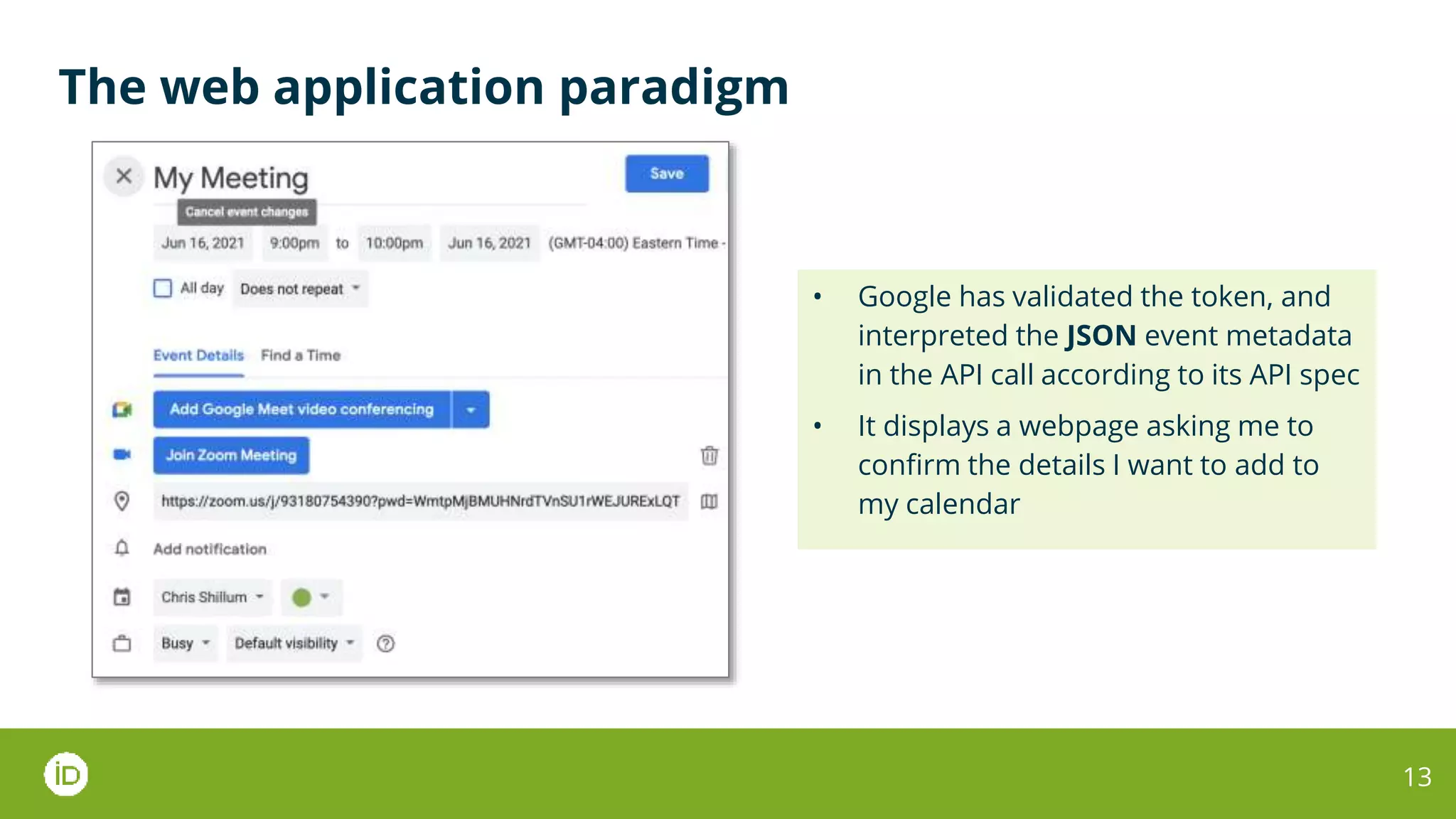
• Google has validated the token, and
interpreted the JSON event metadata
in the API call according to its API spec
• It displays a webpage asking me to
confirm the details I want to add to
my calendar
14
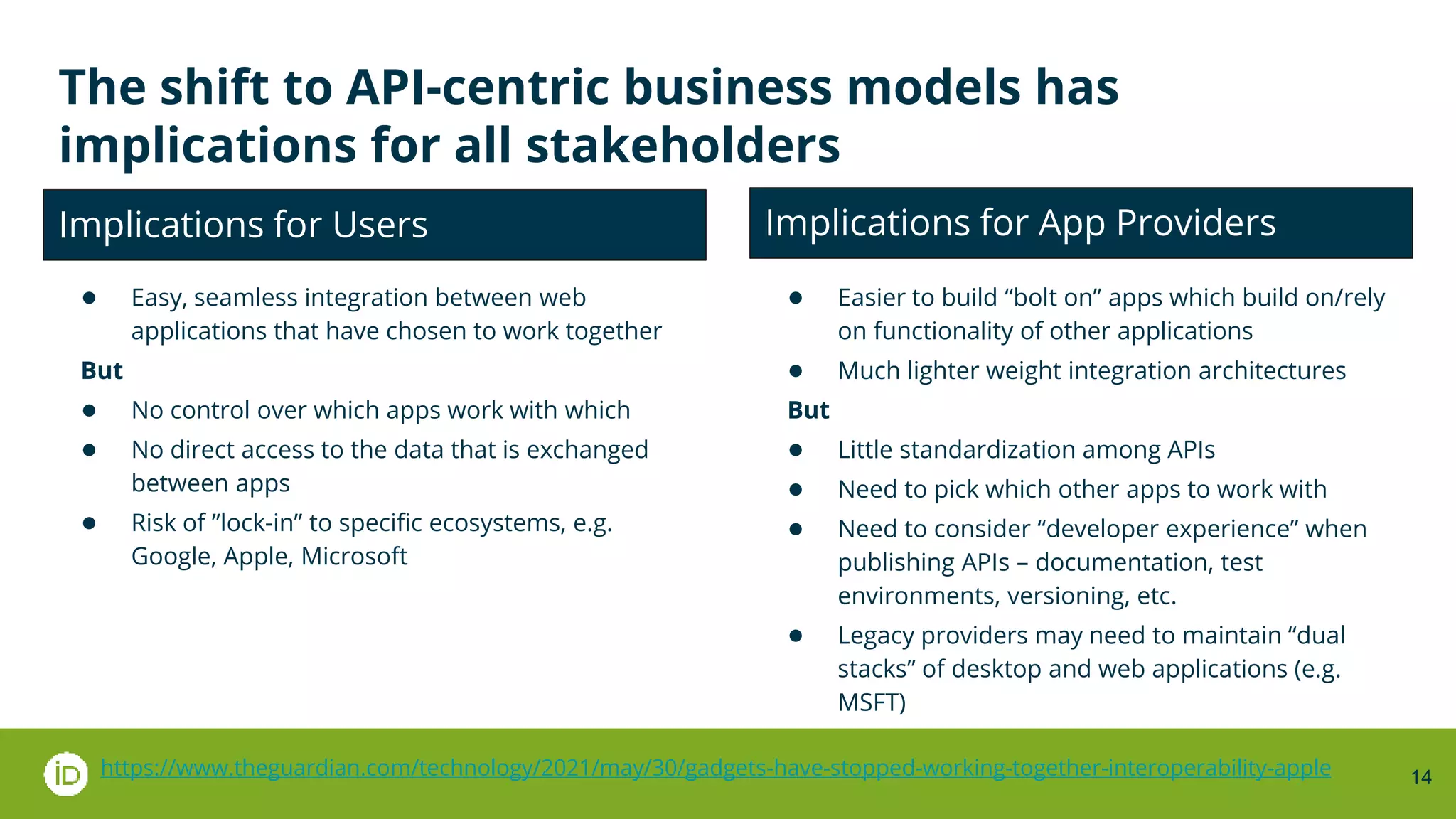
The shift to API-centric business models has
implications for all stakeholders
● Easy, seamless integration between web
applications that have chosen to work together
But
● No control over which apps work with which
● No direct access to the data that is exchanged
between apps
● Risk of ”lock-in” to specific ecosystems, e.g.
Google, Apple, Microsoft
● Easier to build “bolt on” apps which build on/rely
on functionality of other applications
● Much lighter weight integration architectures
But
● Little standardization among APIs
● Need to pick which other apps to work with
● Need to consider “developer experience” when
publishing APIs – documentation, test
environments, versioning, etc.
● Legacy providers may need to maintain “dual
stacks” of desktop and web applications (e.g.
MSFT)
Implications for Users Implications for App Providers
https://www.theguardian.com/technology/2021/may/30/gadgets-have-stopped-working-together-interoperability-apple
A new ecosystem has grown up around app
integrations
15
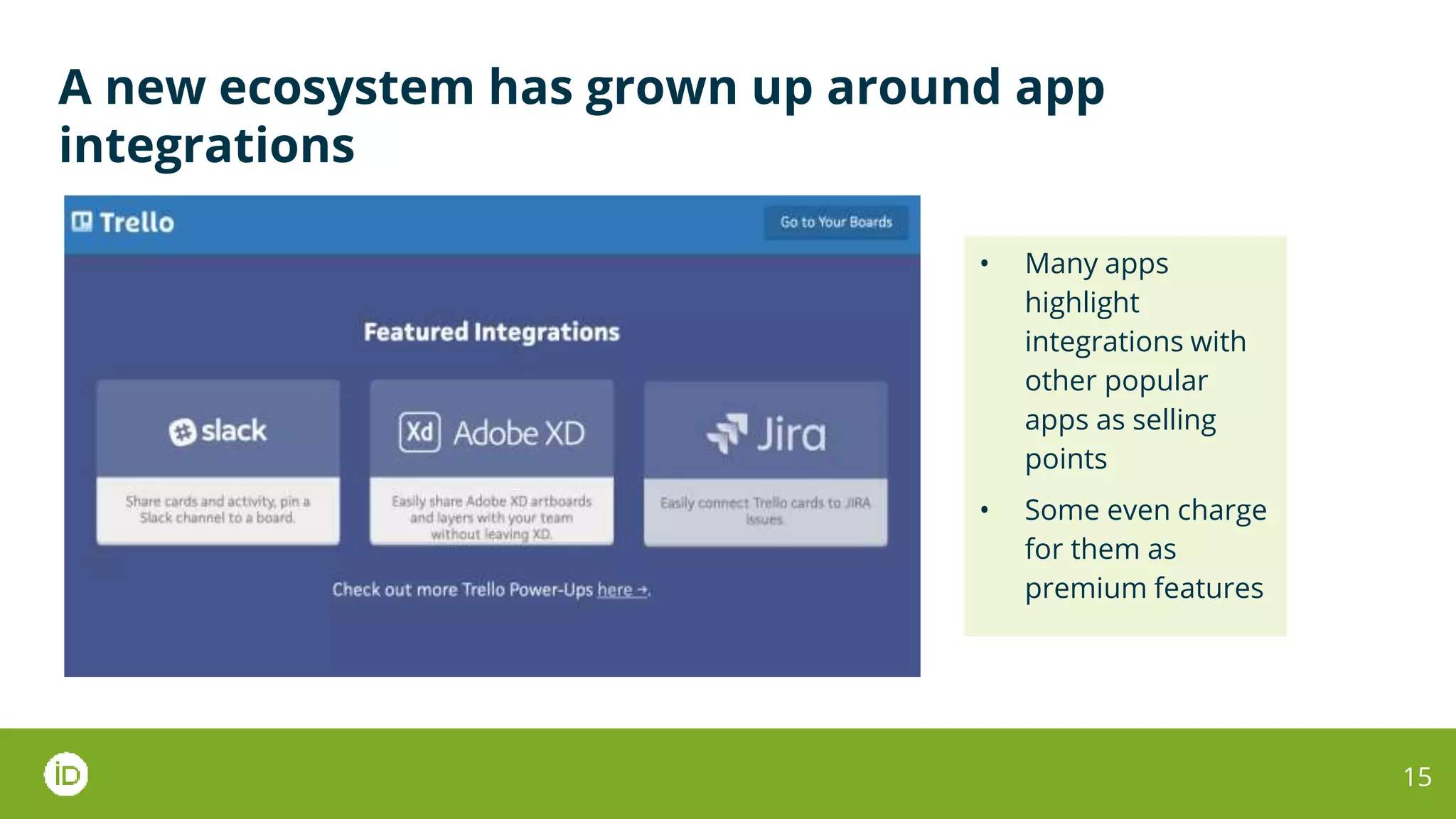
• Many apps
highlight
integrations with
other popular
apps as selling
points
• Some even charge
for them as
premium features
A new ecosystem has grown up around app
integrations
16
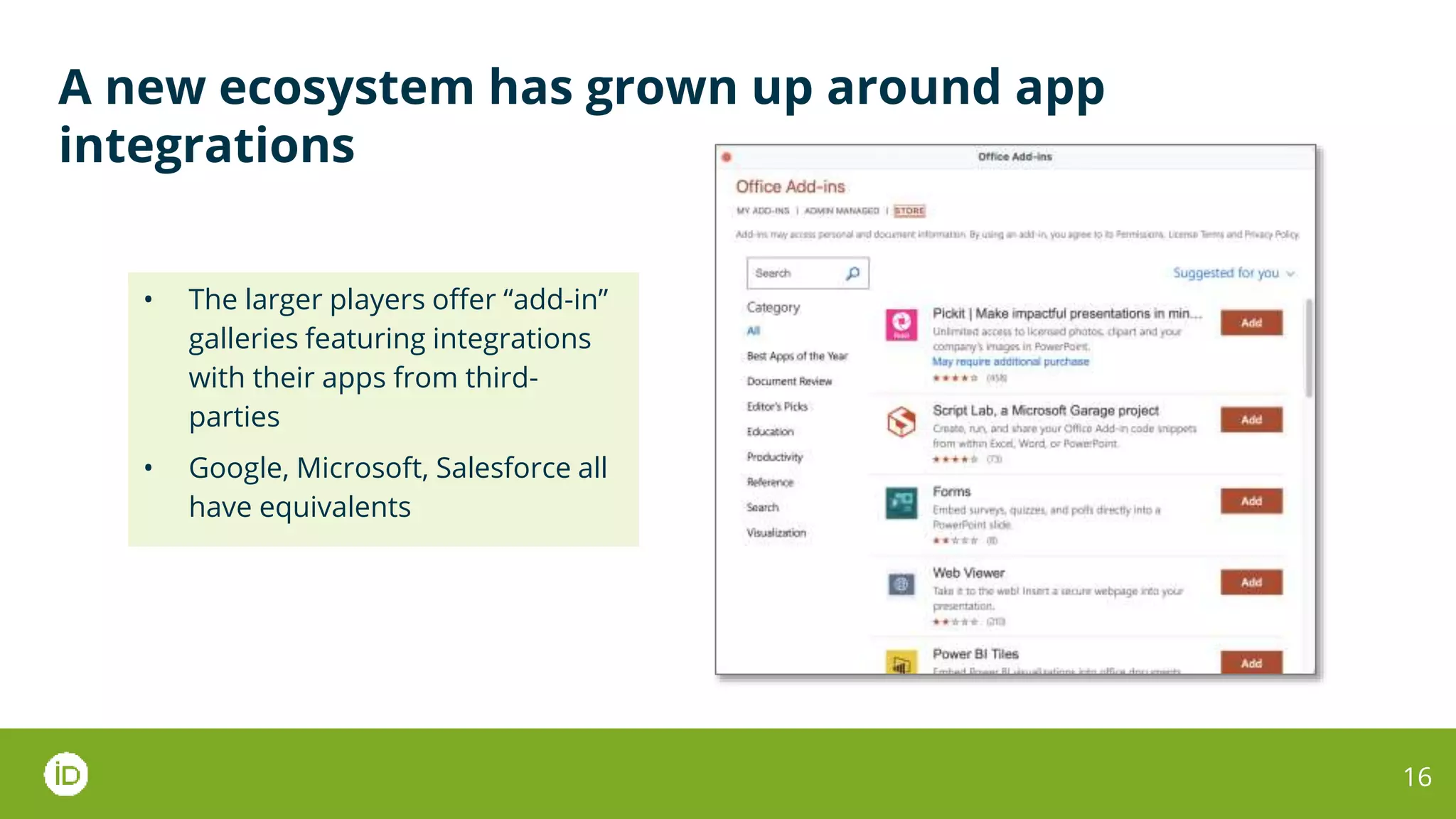
• The larger players offer “add-in”
galleries featuring integrations
with their apps from third-
parties
• Google, Microsoft, Salesforce all
have equivalents
A new ecosystem has grown up around app
integrations
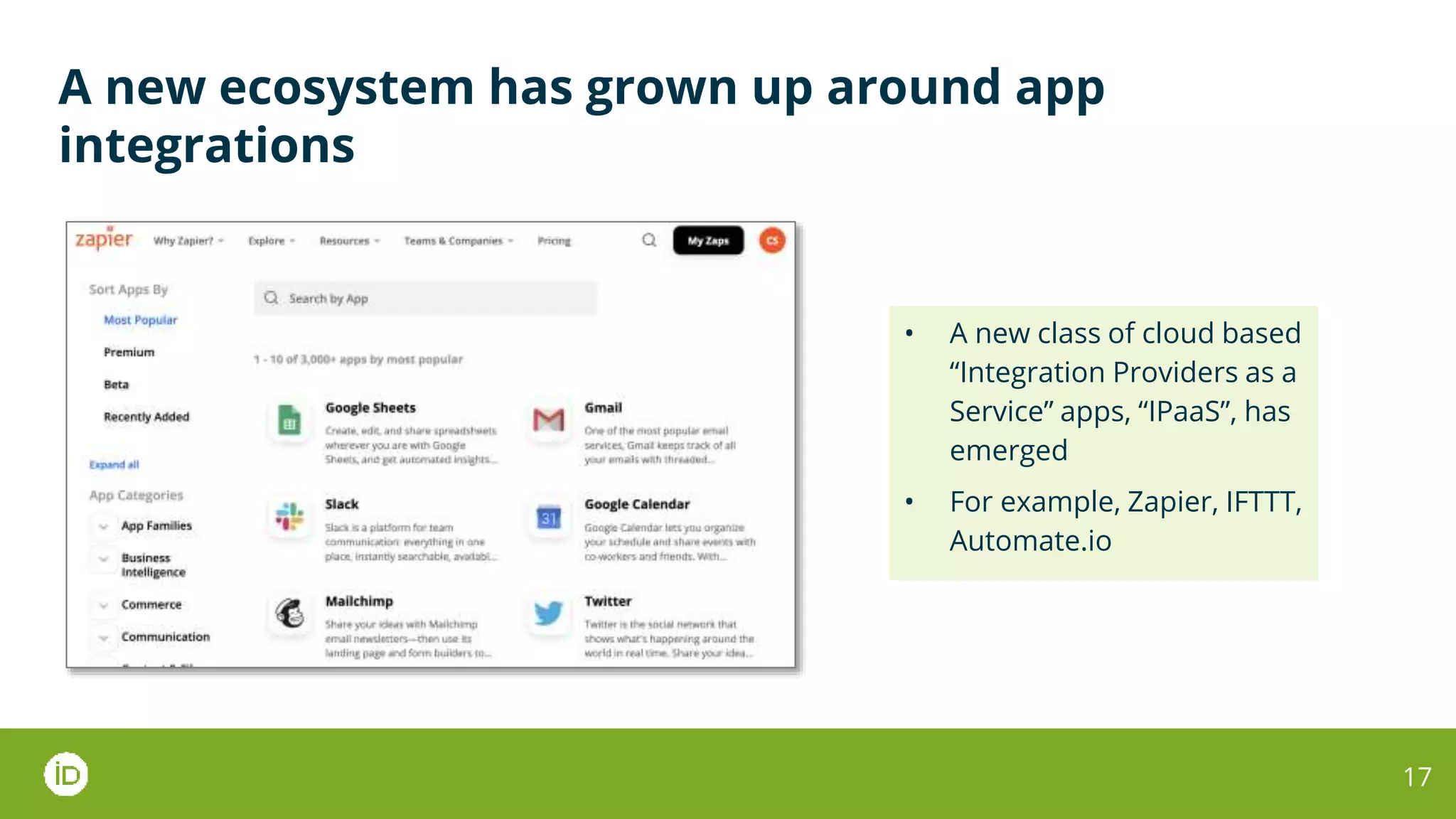
17
• A new class of cloud based
“Integration Providers as a
Service” apps, “IPaaS”, has
emerged
• For example, Zapier, IFTTT,
Automate.io
At ORCID we have followed an API centric approach
since the start
18
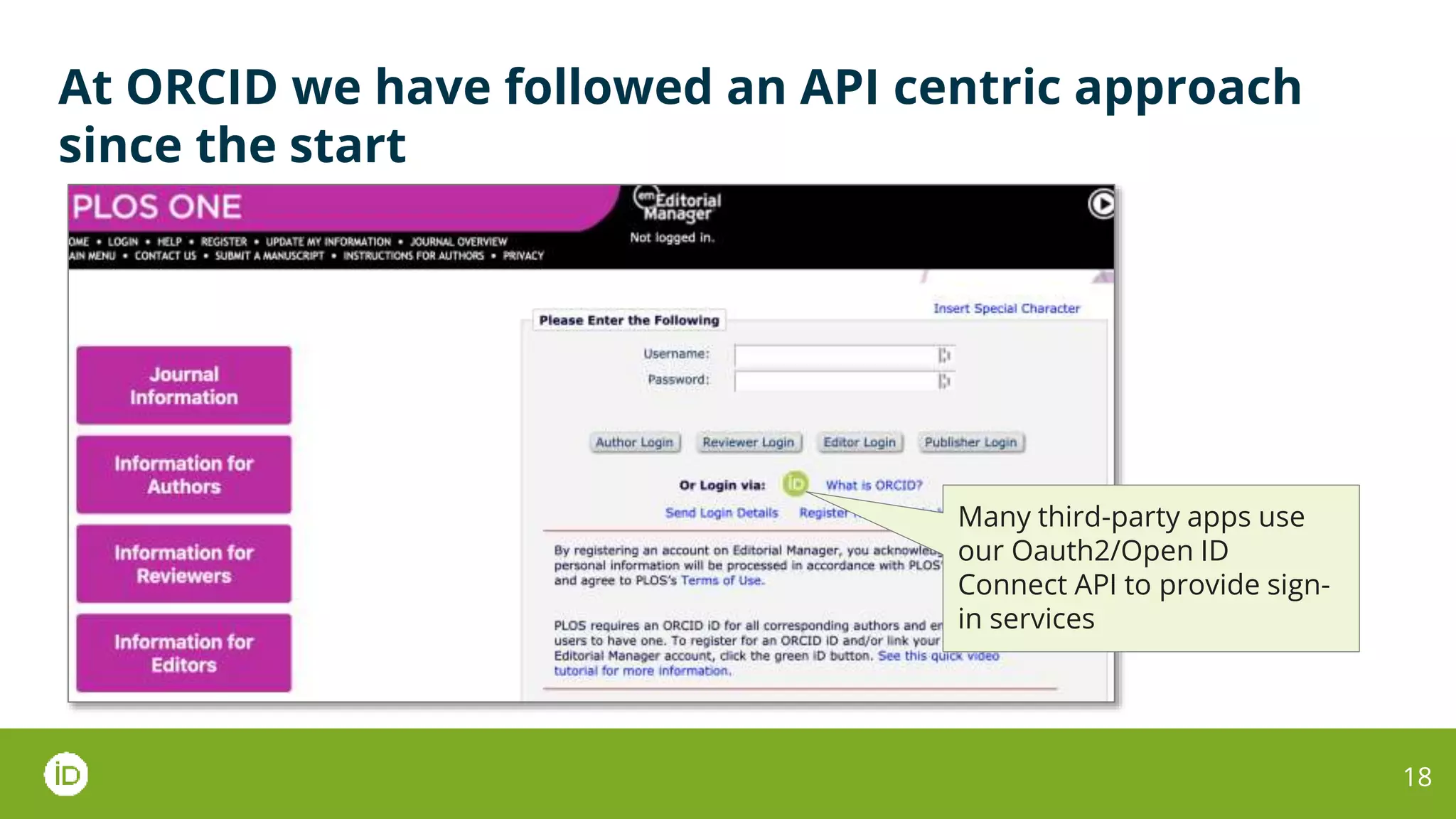
Many third-party apps use
our Oauth2/Open ID
Connect API to provide sign-
in services
At ORCID we have followed an API centric approach
since the start
19
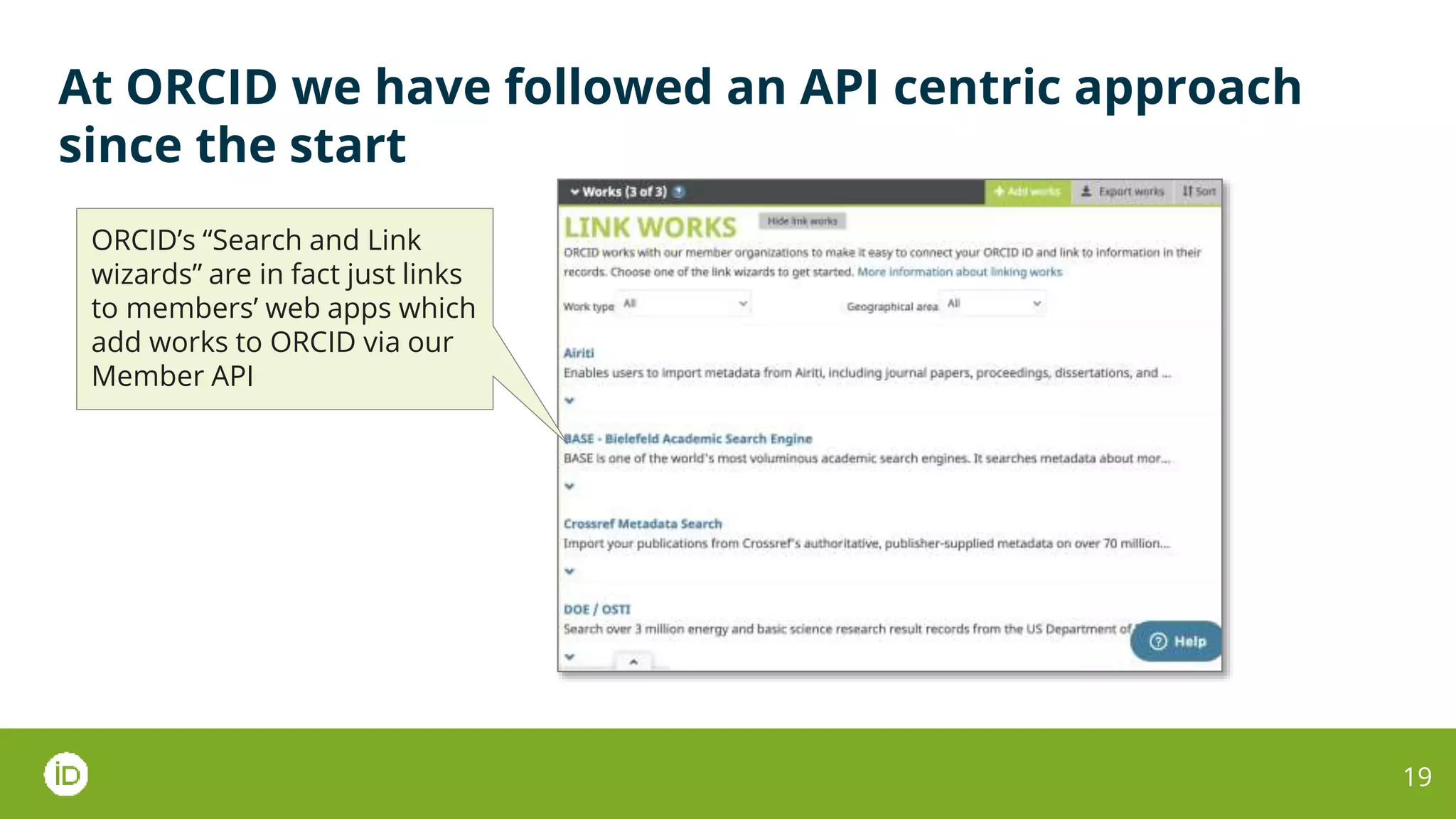
ORCID’s “Search and Link
wizards” are in fact just links
to members’ web apps which
add works to ORCID via our
Member API
20
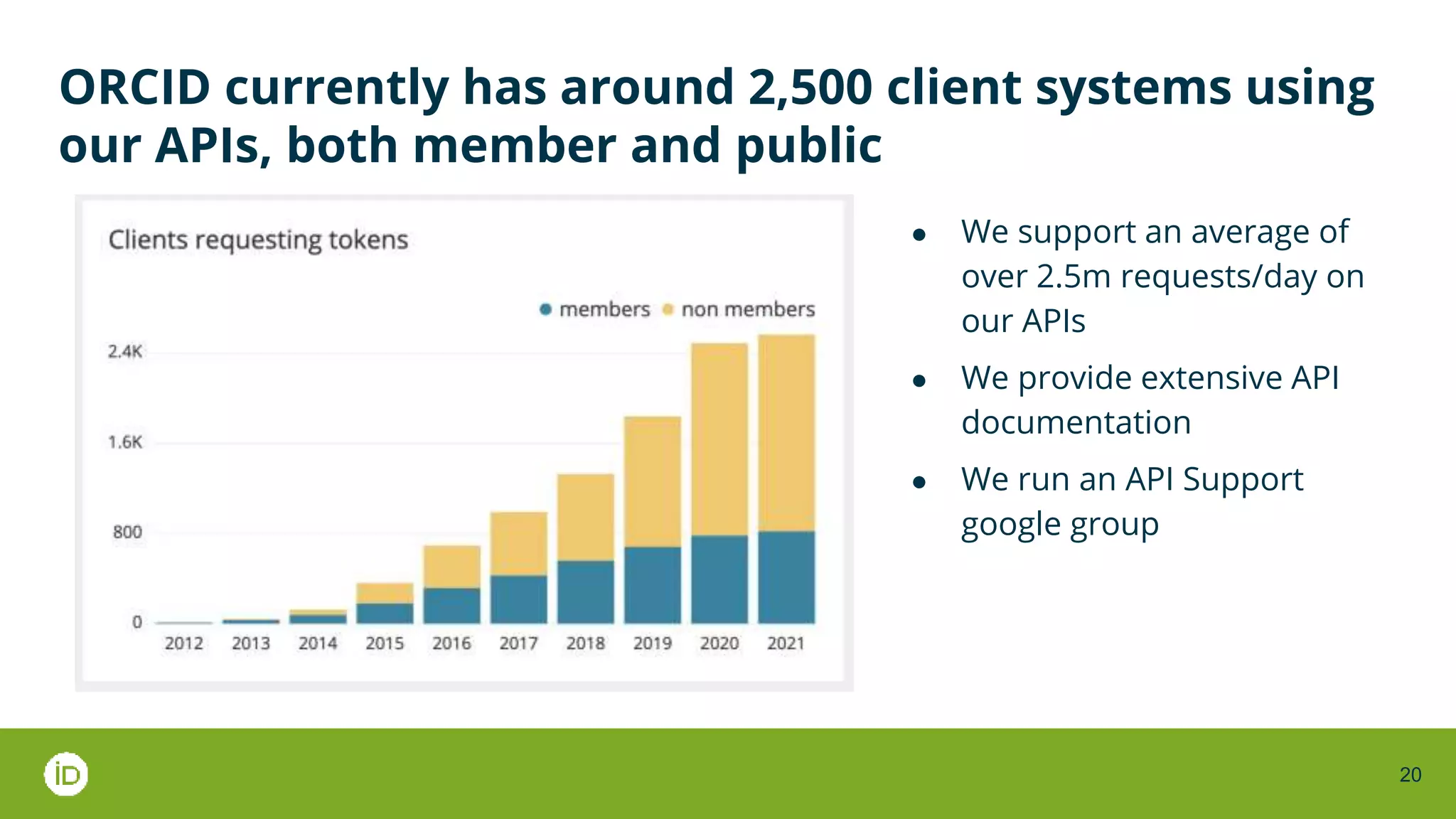
ORCID currently has around 2,500 client systems using
our APIs, both member and public
● We support an average of
over 2.5m requests/day on
our APIs
● We provide extensive API
documentation
● We run an API Support
google group
21
The shift to Web Apps and API-centric integration has
implications for scholarly communications application
providers…
● Today, most scholcomms apps are traditional
websites with limited interactivity
● There is little footprint of traditional desktop
software (outside of reference management
systems)
● Today, application interoperability is often
achieved by:
○ Manual file import/export in various
specialized formats, e.g. RIS, BibTex,
KBART
○ Bulk data transfer using ftp or maybe OAI-
PMH
To make the transition:
● Providers will need a different set of tech, skills
and experience than ”legacy” web apps
developed even 6–7 years ago
● They will also need to invest to upgrade legacy
appps
The potential reward is more compelling, more
powerful, more interoperable, more useful products
The risk of not changing is being outpaced by more
agile, newer competitors who don’t have to deal with
legacy systms
22
… and implications for scholarly communications
standards development
● Today, most scholcomms standards focus on
defining data schemas and file formats but omit
the mechanics of interoperability (think KBART vs
KBART-Automation)
● As a result, a lot of manual labor goes into
shuffling files around to make systems work
together
● We do a lot of vocabulary and schema
development, but don’t make those outputs
usable by standard web technologies
● We rely on technology which is harder to use and
out of favor with modern developers
○ XML (or even RDF)
○ FTP
To make the transition:
● Standards should talk about automation and
protocols, not just file formats and vocabularies
● We need to make standards interoperable with
modern web technologies
○ HTTP(S) and JSON not FTP and XML
○ Identifiers expressed as Cool URIs
○ Unique namespaces defined for
vocabularies, attributes and values
● We need to include prototypes and example
working code in our standards development
work, not just discussions and documents
?
ORCID Member Town Hall June 2021

Shillum "Building for the Future: Interoperability"

  • 1.
    Building for theFuture: Interoperability Chris Shillum Executive Director, ORCID NFAIS Forethought Strategic Summit: Transforming Content Through Transformed Systems 16–17 June 2021 1
  • 2.
    The past fiveyears has seen a transformation in the way that application software is developed and deployed Popularized by Google Workspace (aka GSuite), Web Applications are now the default for many classes of software 2 Web Applications Desktop Applications Websites Productivity • Google Workspace • Microsoft 365 online Project/task management • Trello • Jira Knowledge Management • Confluence • Notion CRM • Salesforce • Zendesk • Traditional installed software • Limited interactivity • Richly interactive • Accessed via browser
  • 3.
    Deployed in thebrowser, Web Applications offer significant advantages over desktop applications 3 Pros Cons Simple to deploy – no installation, no maintenance Require internet connectivity Support the mobile workforce – can be accessed globally Sometimes slower and more limited in functionality than native apps Platform agnostic – work across multiple OSs and devices There can be security concerns Accelerated feature delivery – automatically upgraded Centralized data – nothing living on individual machines
  • 4.
    This transformation hasbeen driven by the ubiquity of web technologies and always-on broadband networks Key enablers ● Ubiquitous connectivity ● Cloud hosting ● The standardization of HTML 5, JavaScript and CSS across browsers ● Web front-end frameworks like jQuery, React and Angular ● Increasingly more powerful devices and browsers ● Techniques which enable web applications to be deployed as native, e.g. ○ Hybrid wrappers such as Electronjs on desktop ○ Progressive Web Apps (PWAs) on mobile 4
  • 5.
    The shift toweb applications has been accompanied by a corresponding shift in software business models ● The traditional model of one-off software purchase + ongoing maintenance fees has been replaced by the subscription model ● Influenced by the rise of consumer subscription services ● The tiered per-user monthly or annual subscription has become ubiquitous ● Even major legacy providers are in on the act: ○ MS Office shrinkwrap/enterprise licensing → Microsoft 365 ○ Adobe Acrobat/Illustrator/ Photoshop → Adobe Creative Cloud 5
  • 6.
    Web technologies havealso driven a transformation in the way that diverse applications are integrated 6 Desktop Applications Client/Server Applications Web applications Integration paradigms File import/export Cut and paste Complex custom development Streamlined API integrations Interoperability Technologies • Mix of standard and propriety file formats • Filename extensions and MIME types • OS linking and embedding • Complex APIs (SOAP) • Enterprise Service Busses • Database connectors • FTP • ETL Processes • RESTful APIs • JSON • Oauth2 • Event streams
  • 7.
    A quick exampleof the two paradigms 7
  • 8.
    The desktop appparadigm 8
  • 9.
    The desktop appparadigm 9 • The Zoom website has sent an ics file to my browser using a well-known file extension and MIME type • .ics is a standard file format for calendar and schedule information • My Mac’s operating system has a registry of which applications handle .ics files and is prompting me to chose an application to open the file
  • 10.
    The desktop appparadigm 10 • I selected Microsoft Outlook to open the file • Microsoft Outlook has implemented an .ics file import option which enables it to read the file and add the event information to my calendar • When I click Import, Outlook interprets the event metadata in the file according to the ics standard and adds it to my calendar
  • 11.
  • 12.
    The web applicationparadigm 12 • The Zoom website has called Google Calendar’s Restful API asking to create an event in my calendar • Google is asking me to confirm that I want to grant Zoom access to my calendar using an Oauth2 flow • If I click Allow, Zoom will receive an OAuth token allowing it to complete the request
  • 13.
    The web applicationparadigm 13 • Google has validated the token, and interpreted the JSON event metadata in the API call according to its API spec • It displays a webpage asking me to confirm the details I want to add to my calendar
  • 14.
    14 The shift toAPI-centric business models has implications for all stakeholders ● Easy, seamless integration between web applications that have chosen to work together But ● No control over which apps work with which ● No direct access to the data that is exchanged between apps ● Risk of ”lock-in” to specific ecosystems, e.g. Google, Apple, Microsoft ● Easier to build “bolt on” apps which build on/rely on functionality of other applications ● Much lighter weight integration architectures But ● Little standardization among APIs ● Need to pick which other apps to work with ● Need to consider “developer experience” when publishing APIs – documentation, test environments, versioning, etc. ● Legacy providers may need to maintain “dual stacks” of desktop and web applications (e.g. MSFT) Implications for Users Implications for App Providers https://www.theguardian.com/technology/2021/may/30/gadgets-have-stopped-working-together-interoperability-apple
  • 15.
    A new ecosystemhas grown up around app integrations 15 • Many apps highlight integrations with other popular apps as selling points • Some even charge for them as premium features
  • 16.
    A new ecosystemhas grown up around app integrations 16 • The larger players offer “add-in” galleries featuring integrations with their apps from third- parties • Google, Microsoft, Salesforce all have equivalents
  • 17.
    A new ecosystemhas grown up around app integrations 17 • A new class of cloud based “Integration Providers as a Service” apps, “IPaaS”, has emerged • For example, Zapier, IFTTT, Automate.io
  • 18.
    At ORCID wehave followed an API centric approach since the start 18 Many third-party apps use our Oauth2/Open ID Connect API to provide sign- in services
  • 19.
    At ORCID wehave followed an API centric approach since the start 19 ORCID’s “Search and Link wizards” are in fact just links to members’ web apps which add works to ORCID via our Member API
  • 20.
    20 ORCID currently hasaround 2,500 client systems using our APIs, both member and public ● We support an average of over 2.5m requests/day on our APIs ● We provide extensive API documentation ● We run an API Support google group
  • 21.
    21 The shift toWeb Apps and API-centric integration has implications for scholarly communications application providers… ● Today, most scholcomms apps are traditional websites with limited interactivity ● There is little footprint of traditional desktop software (outside of reference management systems) ● Today, application interoperability is often achieved by: ○ Manual file import/export in various specialized formats, e.g. RIS, BibTex, KBART ○ Bulk data transfer using ftp or maybe OAI- PMH To make the transition: ● Providers will need a different set of tech, skills and experience than ”legacy” web apps developed even 6–7 years ago ● They will also need to invest to upgrade legacy appps The potential reward is more compelling, more powerful, more interoperable, more useful products The risk of not changing is being outpaced by more agile, newer competitors who don’t have to deal with legacy systms
  • 22.
    22 … and implicationsfor scholarly communications standards development ● Today, most scholcomms standards focus on defining data schemas and file formats but omit the mechanics of interoperability (think KBART vs KBART-Automation) ● As a result, a lot of manual labor goes into shuffling files around to make systems work together ● We do a lot of vocabulary and schema development, but don’t make those outputs usable by standard web technologies ● We rely on technology which is harder to use and out of favor with modern developers ○ XML (or even RDF) ○ FTP To make the transition: ● Standards should talk about automation and protocols, not just file formats and vocabularies ● We need to make standards interoperable with modern web technologies ○ HTTP(S) and JSON not FTP and XML ○ Identifiers expressed as Cool URIs ○ Unique namespaces defined for vocabularies, attributes and values ● We need to include prototypes and example working code in our standards development work, not just discussions and documents
  • 23.
    ? ORCID Member TownHall June 2021