SharePoint in the age of Cloud and Office 365
SharePoint is a one-of-a kind collaborative platform that has taken
organizations by storm with the transformational virtual real-time
workspace since its launch in 2001.
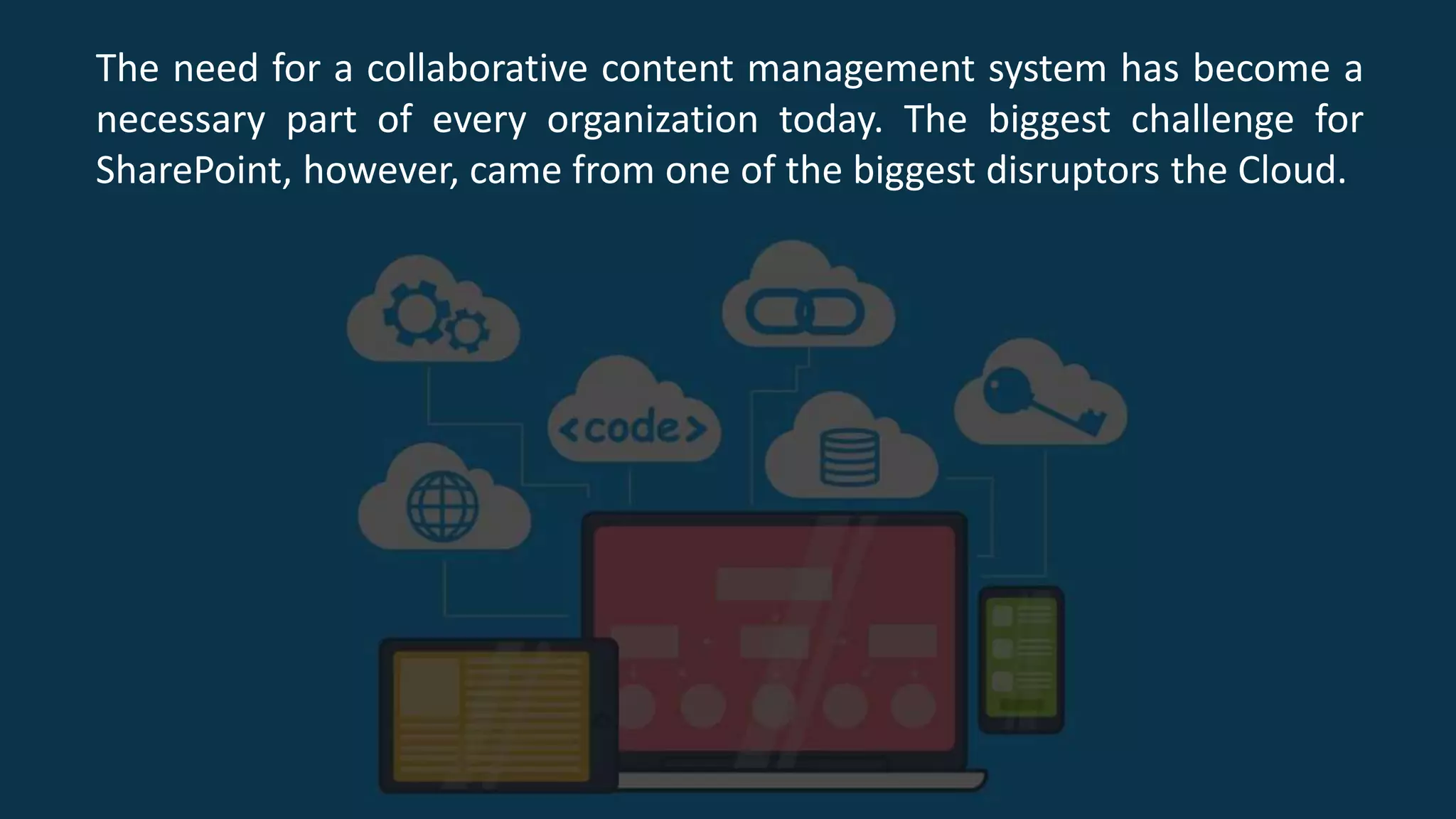
The need for a collaborative content management system has become a
necessary part of every organization today. The biggest challenge for
SharePoint, however, came from one of the biggest disruptors the Cloud.
Amazingly, SharePoint along with Office 365 has stood strongly
through this test and has also used these latest technologies to its
advantage.
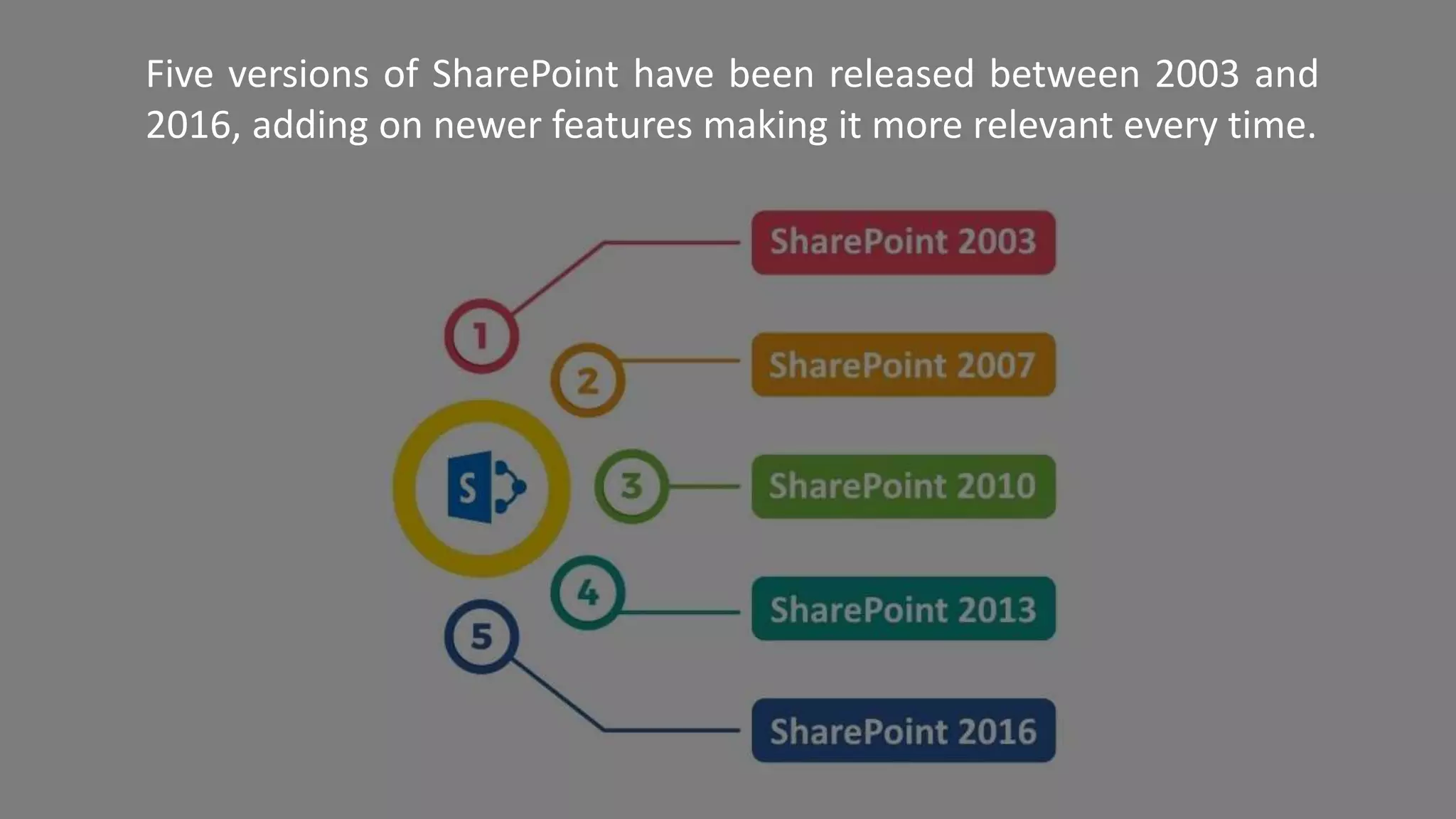
Five versions of SharePoint have been released between 2003 and
2016, adding on newer features making it more relevant every time.
Microsoft, the #1 enterprise technology solution provider in the
world brought a gradual change in the ecosystem. When they
established Office 365 in 2011, people were confused what would
be the future of SharePoint.
Luckily, SharePoint is now available with both its online and on
Premise versions with unique values to offer. The online version
automatically comes with the subscription-based Office 365.
Powered by Team sites, Groups, OneDrive and Office 365 as a
whole, Microsoft has kept it open for clients to use SharePoint the
way they want, taking workplace technology to a whole new level.
Custom SharePoint Solutions continue to be in strong demand.
Office 365 comes with some unique features
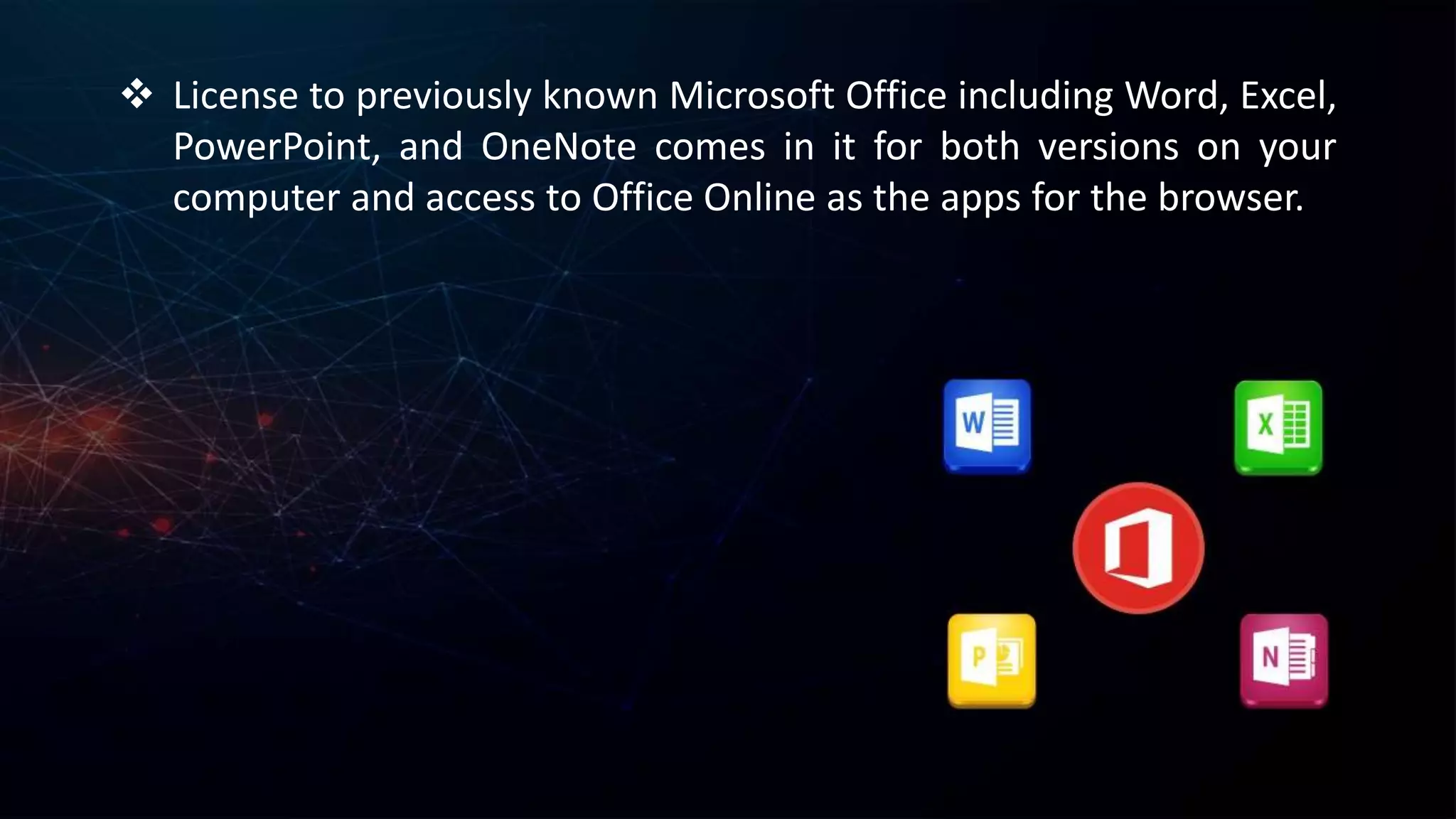
 License to previously known Microsoft Office including Word, Excel,
PowerPoint, and OneNote comes in it for both versions on your
computer and access to Office Online as the apps for the browser.
 Access to SharePoint Online, a cloud-based platform for the
SharePoint with mobile app support.
 OneDrive for Business powered by mobile app to help employees
take their work out to the office and anywhere with or without
internet. Each employee can upload up to 1TB of his personal
business data not sharing it with everyone in the cloud.
 Video portal for your organization more as a video sharing social
networking platform.
 Collaborative work enhancers like Yammer & Newsfeed were a
big hit for SharePoint 2013. A cloud version of these are available
as enablers and for people who are used to working with them.
 An online version of Outlook with email, calendar, and other
functionalities.
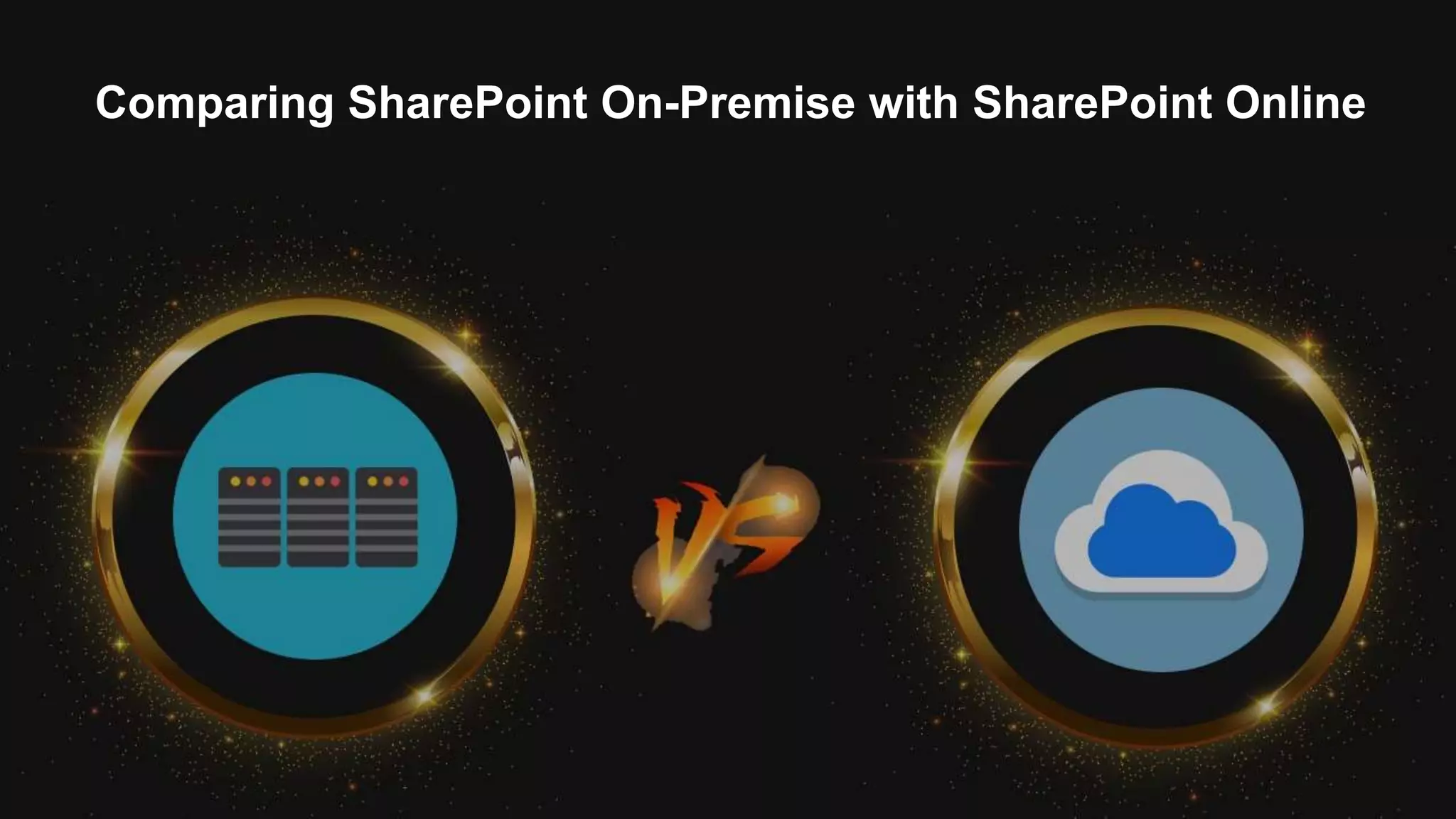
Comparing SharePoint On-Premise with SharePoint Online
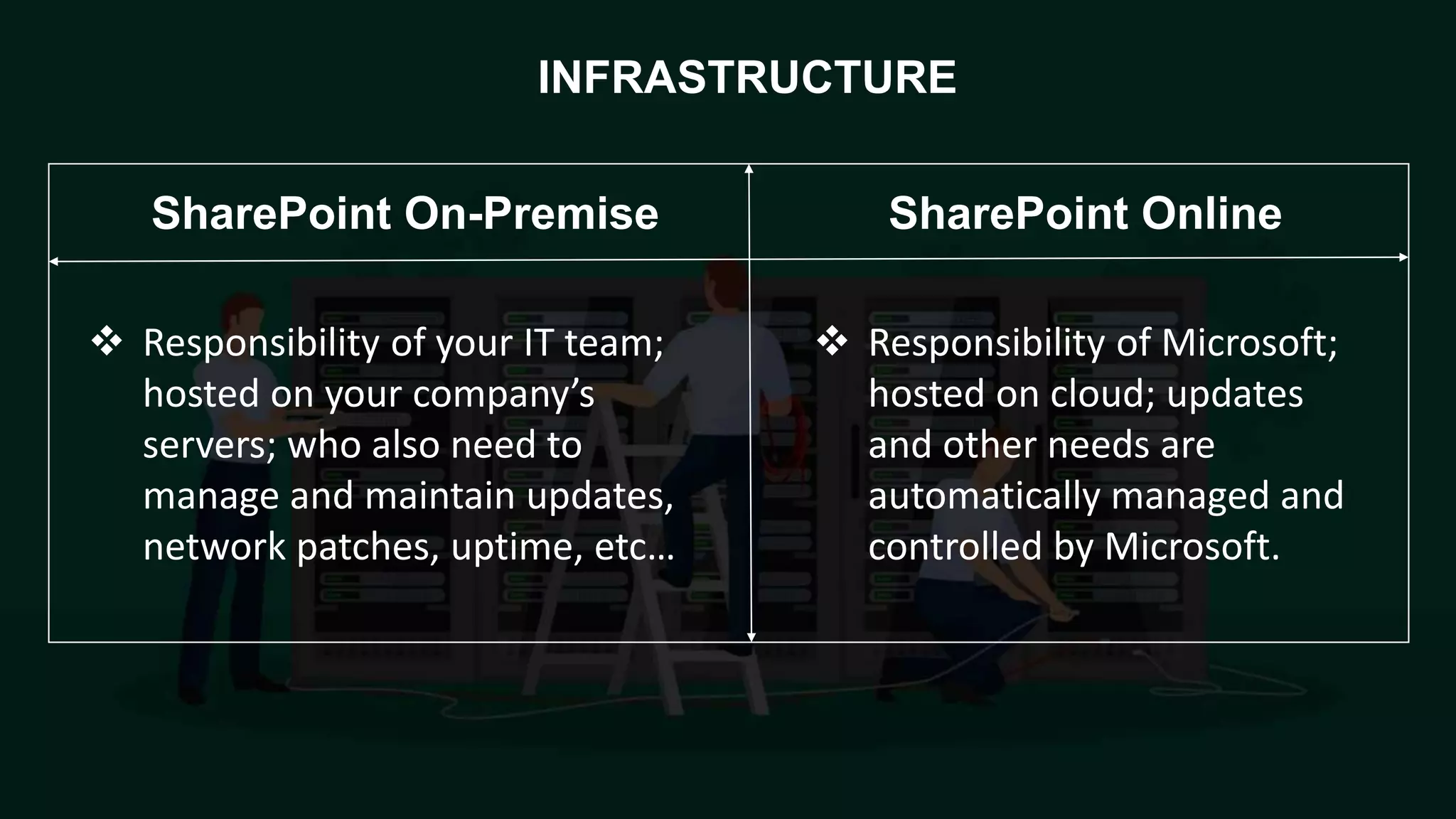
 Responsibility of your IT team;
hosted on your company’s
servers; who also need to
manage and maintain updates,
network patches, uptime, etc…
 Responsibility of Microsoft;
hosted on cloud; updates
and other needs are
automatically managed and
controlled by Microsoft.
INFRASTRUCTURE
SharePoint OnlineSharePoint On-Premise
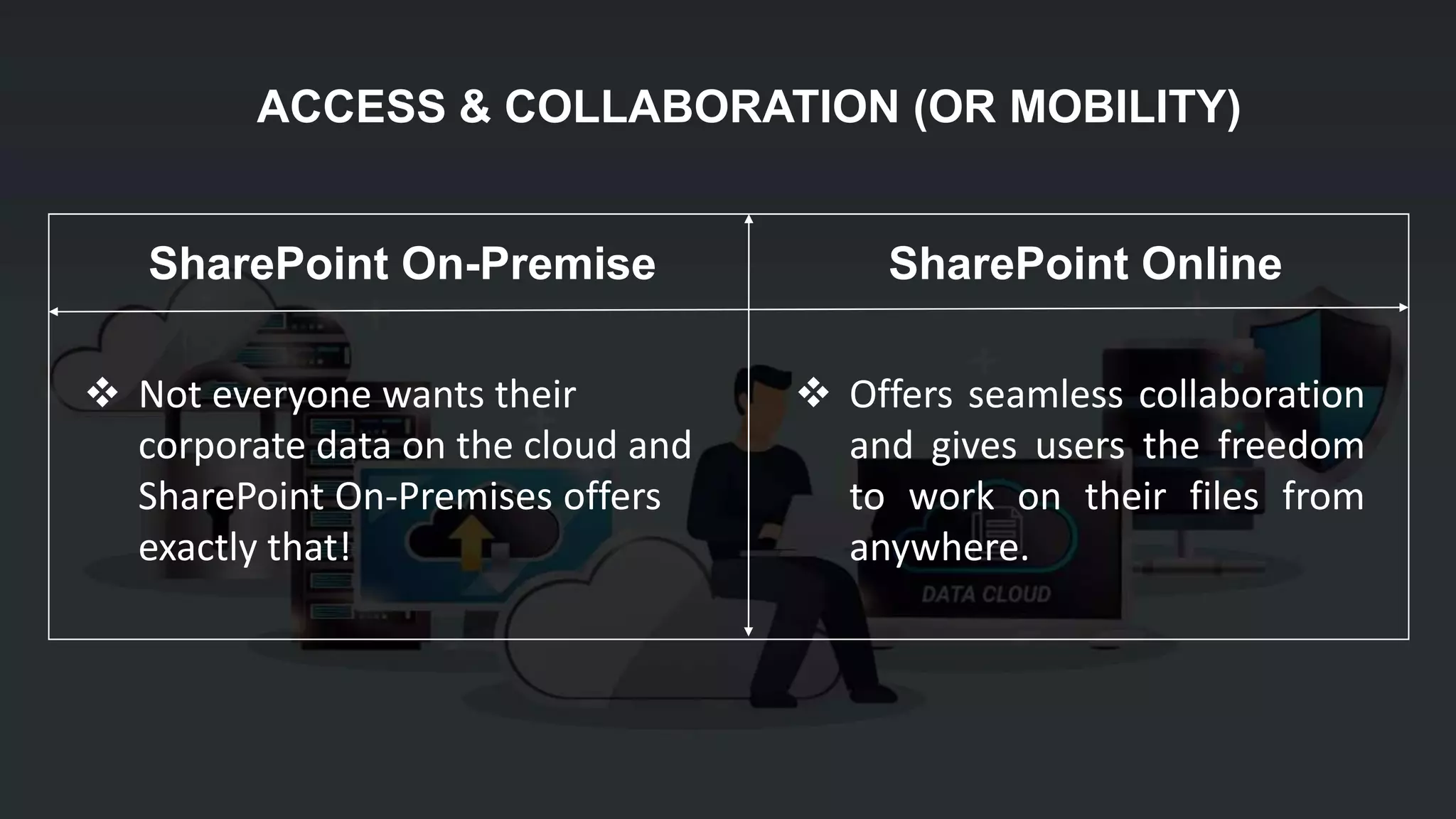
 Not everyone wants their
corporate data on the cloud and
SharePoint On-Premises offers
exactly that!
 Offers seamless collaboration
and gives users the freedom
to work on their files from
anywhere.
ACCESS & COLLABORATION (OR MOBILITY)
SharePoint OnlineSharePoint On-Premise
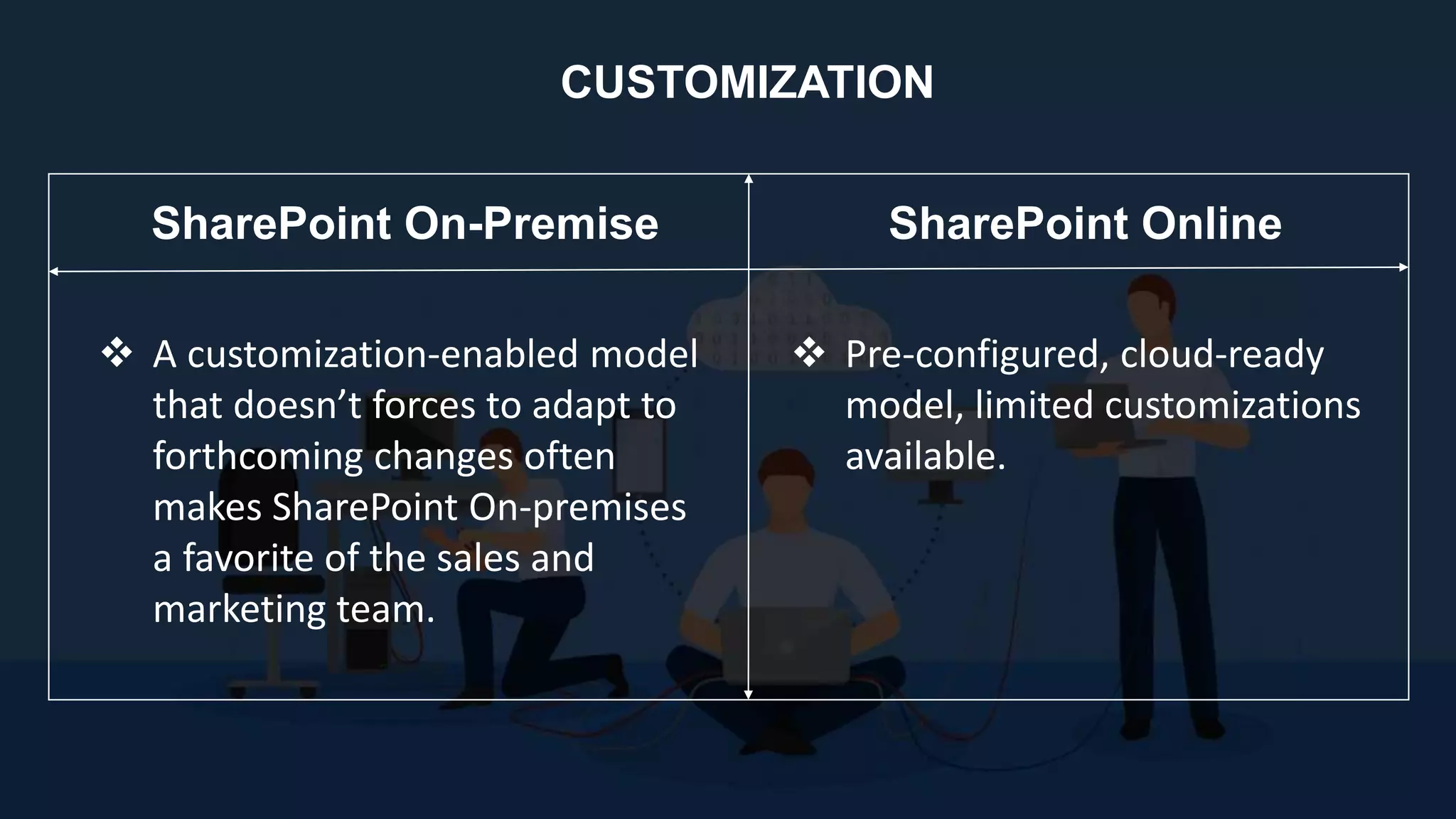
 A customization-enabled model
that doesn’t forces to adapt to
forthcoming changes often
makes SharePoint On-premises
a favorite of the sales and
marketing team.
 Pre-configured, cloud-ready
model, limited customizations
available.
CUSTOMIZATION
SharePoint OnlineSharePoint On-Premise
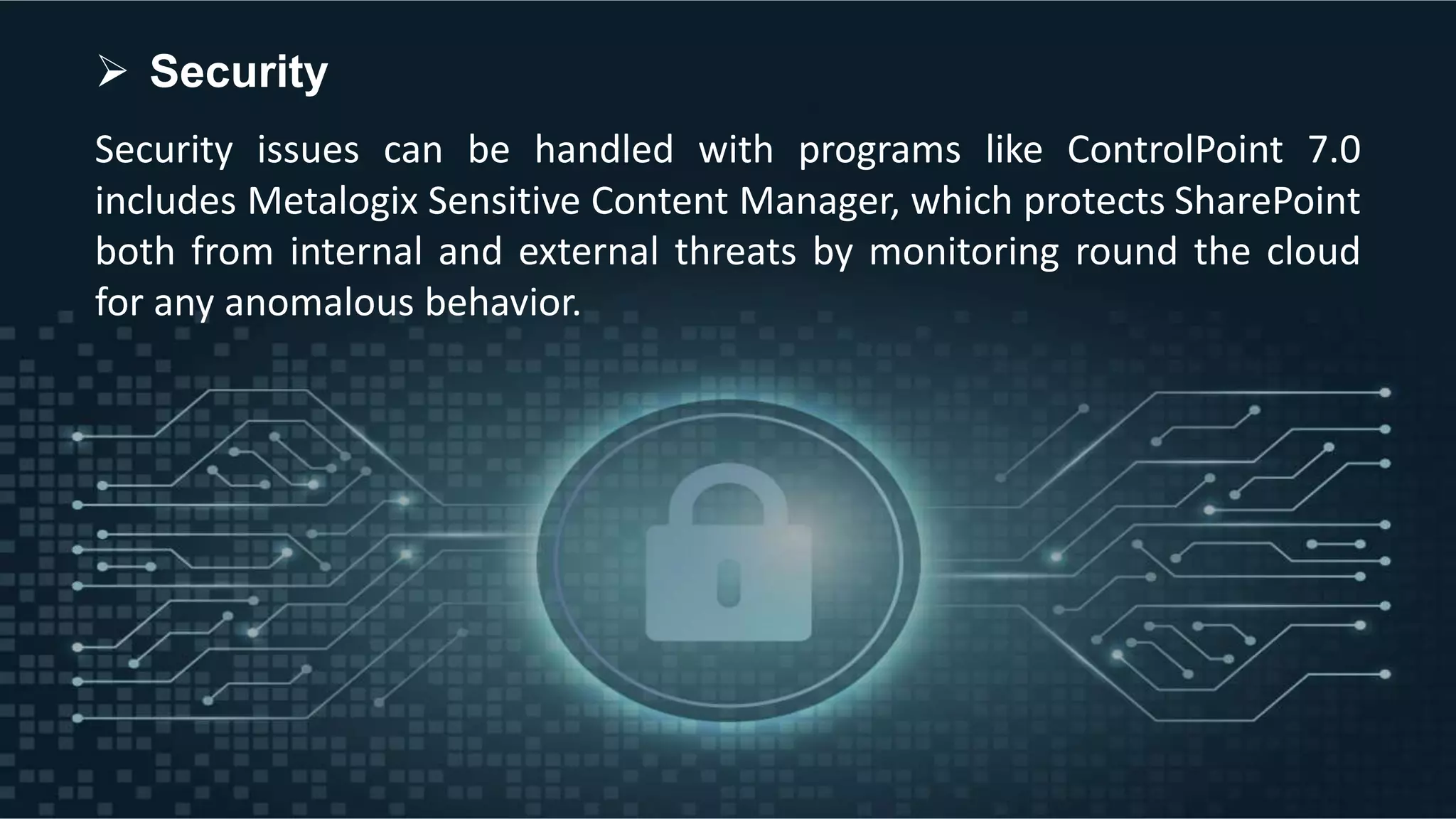
Security issues can be handled with programs like ControlPoint 7.0
includes Metalogix Sensitive Content Manager, which protects SharePoint
both from internal and external threats by monitoring round the cloud
for any anomalous behavior.
 Security
Reach AllianceTek for SharePoint Development
+1-484-892-5713
alliancetek.support
pa.info@alliancetek.com
Discuss Your Project
CONNECT US ON SOCIAL MEDIA

SharePoint in the age of Cloud and Office 365

  • 1.
    SharePoint in theage of Cloud and Office 365
  • 2.
    SharePoint is aone-of-a kind collaborative platform that has taken organizations by storm with the transformational virtual real-time workspace since its launch in 2001.
  • 3.
    The need fora collaborative content management system has become a necessary part of every organization today. The biggest challenge for SharePoint, however, came from one of the biggest disruptors the Cloud.
  • 4.
    Amazingly, SharePoint alongwith Office 365 has stood strongly through this test and has also used these latest technologies to its advantage.
  • 5.
    Five versions ofSharePoint have been released between 2003 and 2016, adding on newer features making it more relevant every time.
  • 6.
    Microsoft, the #1enterprise technology solution provider in the world brought a gradual change in the ecosystem. When they established Office 365 in 2011, people were confused what would be the future of SharePoint.
  • 7.
    Luckily, SharePoint isnow available with both its online and on Premise versions with unique values to offer. The online version automatically comes with the subscription-based Office 365.
  • 8.
    Powered by Teamsites, Groups, OneDrive and Office 365 as a whole, Microsoft has kept it open for clients to use SharePoint the way they want, taking workplace technology to a whole new level. Custom SharePoint Solutions continue to be in strong demand.
  • 9.
    Office 365 comeswith some unique features
  • 10.
     License topreviously known Microsoft Office including Word, Excel, PowerPoint, and OneNote comes in it for both versions on your computer and access to Office Online as the apps for the browser.
  • 11.
     Access toSharePoint Online, a cloud-based platform for the SharePoint with mobile app support.
  • 12.
     OneDrive forBusiness powered by mobile app to help employees take their work out to the office and anywhere with or without internet. Each employee can upload up to 1TB of his personal business data not sharing it with everyone in the cloud.
  • 13.
     Video portalfor your organization more as a video sharing social networking platform.
  • 14.
     Collaborative workenhancers like Yammer & Newsfeed were a big hit for SharePoint 2013. A cloud version of these are available as enablers and for people who are used to working with them.
  • 15.
     An onlineversion of Outlook with email, calendar, and other functionalities.
  • 16.
    Comparing SharePoint On-Premisewith SharePoint Online
  • 17.
     Responsibility ofyour IT team; hosted on your company’s servers; who also need to manage and maintain updates, network patches, uptime, etc…  Responsibility of Microsoft; hosted on cloud; updates and other needs are automatically managed and controlled by Microsoft. INFRASTRUCTURE SharePoint OnlineSharePoint On-Premise
  • 18.
     Not everyonewants their corporate data on the cloud and SharePoint On-Premises offers exactly that!  Offers seamless collaboration and gives users the freedom to work on their files from anywhere. ACCESS & COLLABORATION (OR MOBILITY) SharePoint OnlineSharePoint On-Premise
  • 19.
     A customization-enabledmodel that doesn’t forces to adapt to forthcoming changes often makes SharePoint On-premises a favorite of the sales and marketing team.  Pre-configured, cloud-ready model, limited customizations available. CUSTOMIZATION SharePoint OnlineSharePoint On-Premise
  • 20.
    Security issues canbe handled with programs like ControlPoint 7.0 includes Metalogix Sensitive Content Manager, which protects SharePoint both from internal and external threats by monitoring round the cloud for any anomalous behavior.  Security
  • 21.
    Reach AllianceTek forSharePoint Development +1-484-892-5713 alliancetek.support pa.info@alliancetek.com Discuss Your Project CONNECT US ON SOCIAL MEDIA