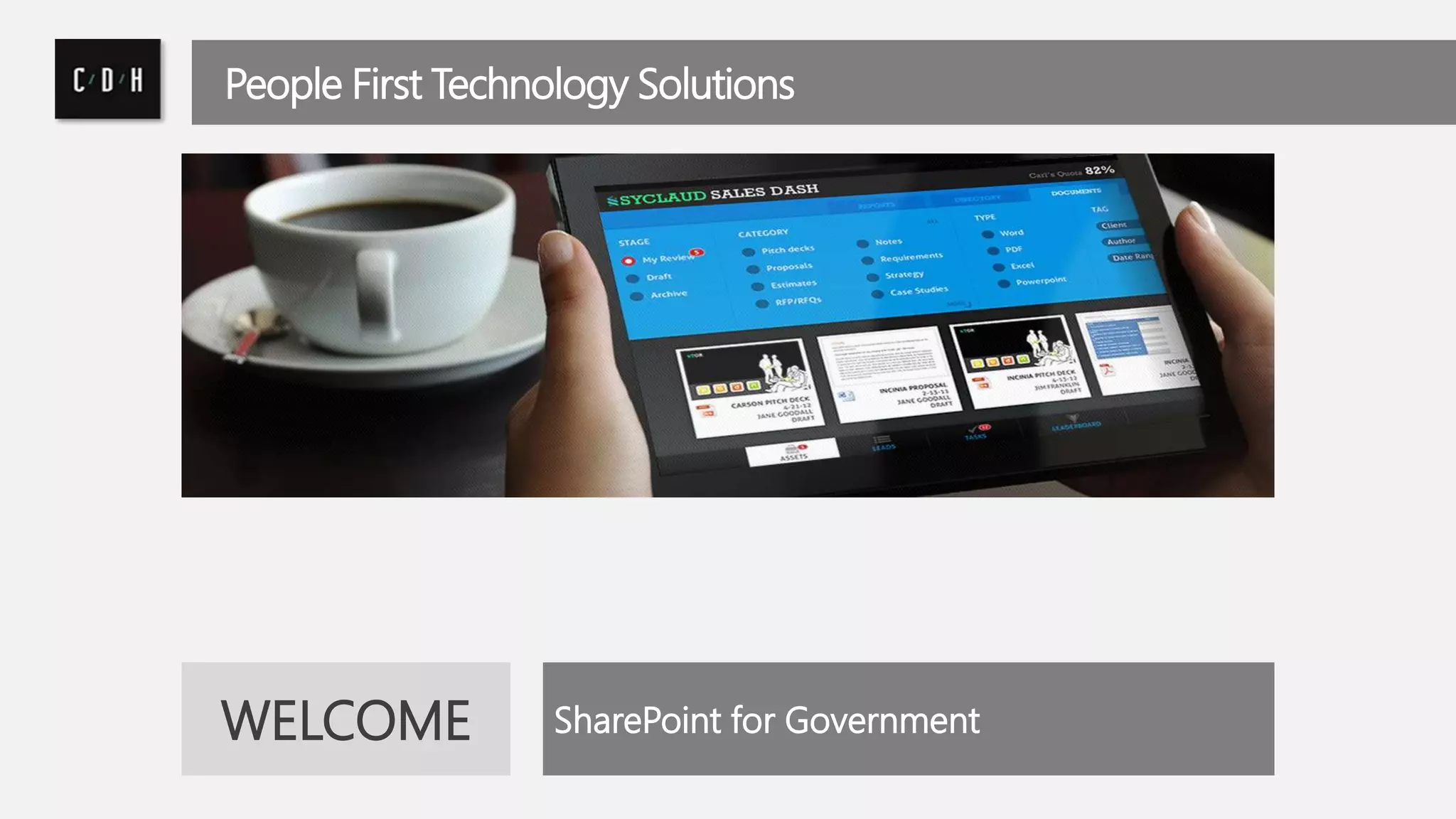
People First Technology Solutions 
WELCOME SharePoint for Government
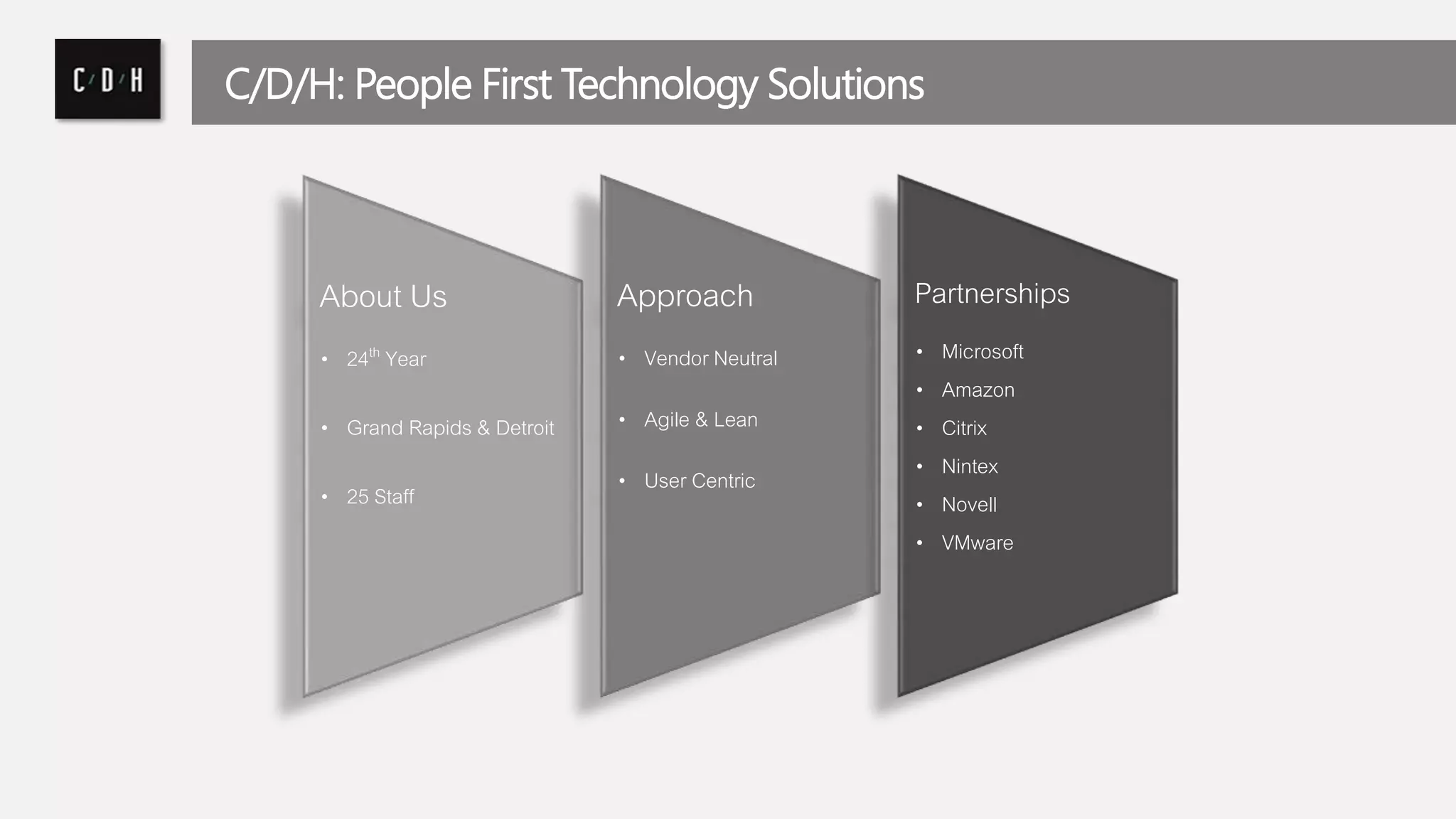
C/D/H: People First Technology Solutions 
About Us 
• 24th Year 
• Grand Rapids & Detroit 
• 25 Staff 
Approach 
• Vendor Neutral 
• Agile & Lean 
• User Centric 
Partnerships 
• Microsoft 
• Amazon 
• Citrix 
• Nintex 
• Novell 
• VMware
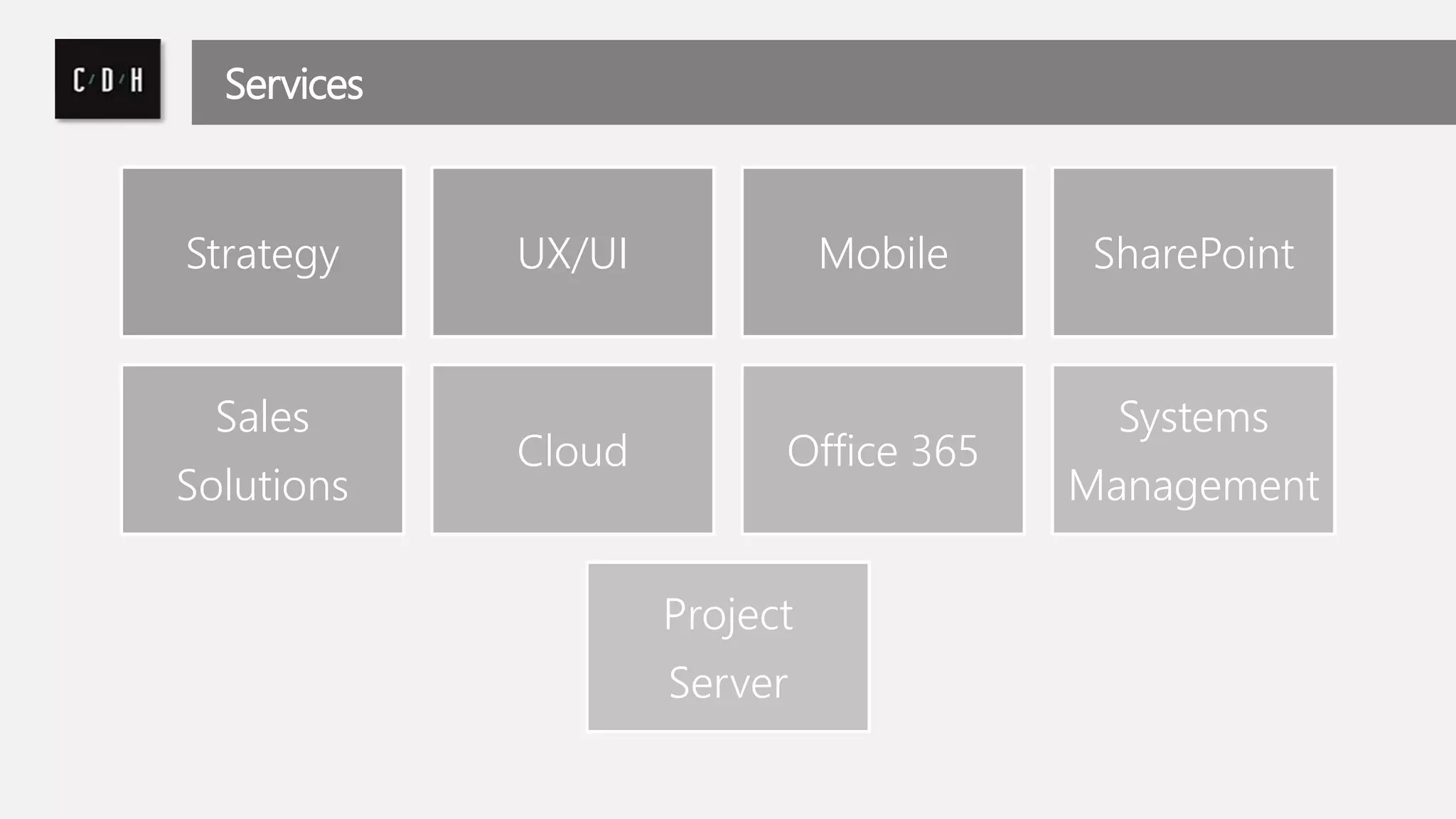
Services 
Strategy UX/UI Mobile SharePoint 
Sales 
Solutions 
Cloud Office 365 
Systems 
Management 
Project 
Server
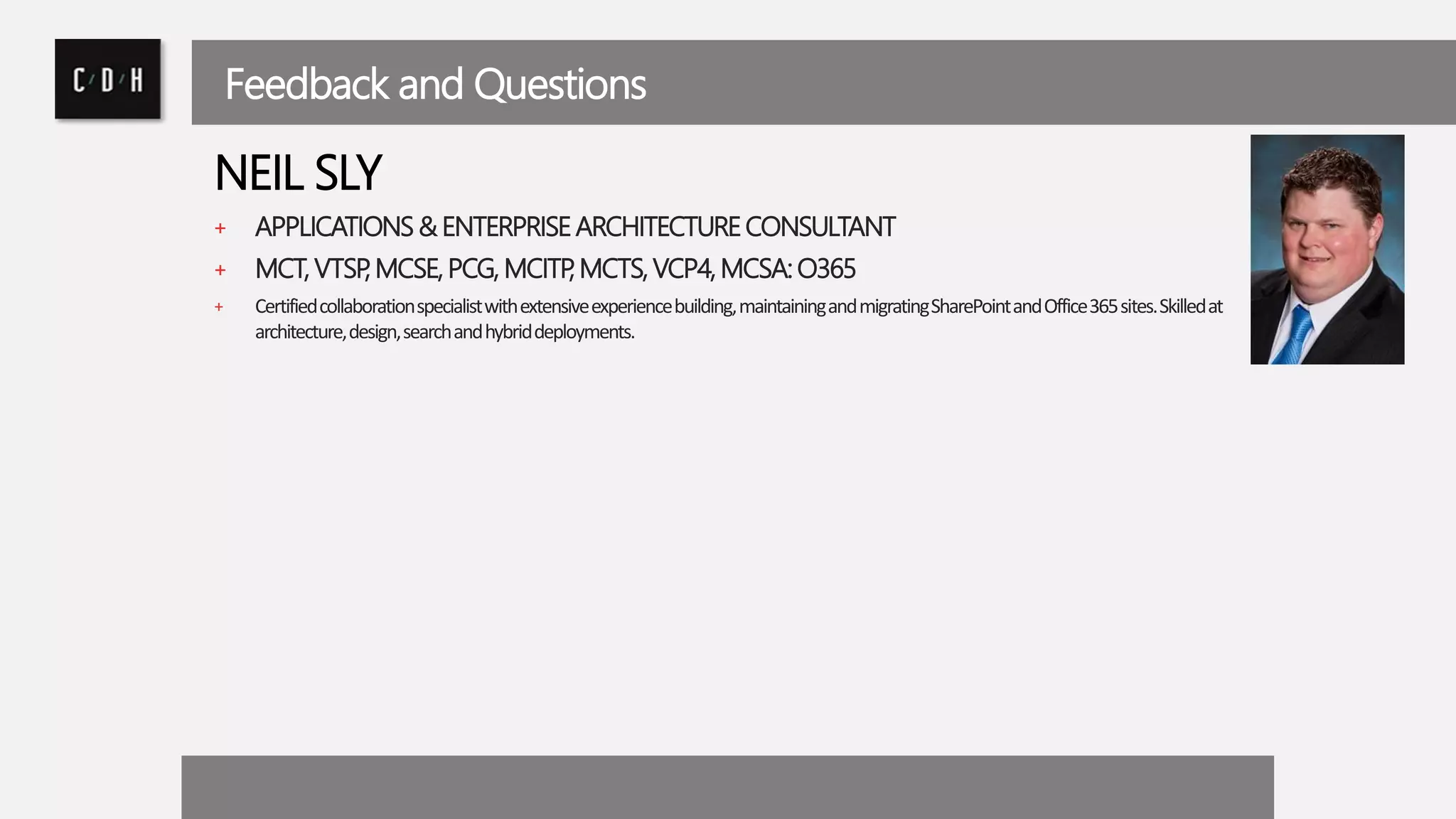
Feedback and Questions 
NEIL SLY 
+ APPLICATIONS & ENTERPRISE ARCHITECTURE CONSULTANT 
+ MCT, VTSP, MCSE, PCG, MCITP, MCTS, VCP4, MCSA: O365 
+ Certified collaboration specialist with extensive experience building, maintaining and migrating SharePoint and Office 365 sites. Skilled at 
architecture, design, search and hybrid deployments.
Let’s Connect 
@cdhtweetstech 
/company/cdh 
/cdhtech
A brief history... 
+ A subscription-basedonline Officeand software-plus-servicessuite that offers 
access to various services and software built around the Microsoft 
Officeplatform. 
+ Successor to Microsoft's Business Productivity Online Suite (BPOS) – 
originally designed to provide hosted e-mail, social networking and 
collaboration, and cloud storage. 
+ First included hosted versions ofExchange,Lync,SharePoint, Office Web 
Apps, along with access to theMicrosoft Office 2010desktop applications on 
the Enterprise plan. 
+ With the release ofOffice 2013, Office 365 expanded to include new plans 
aimed at different types of businesses, along with new plans aimed at general 
consumers
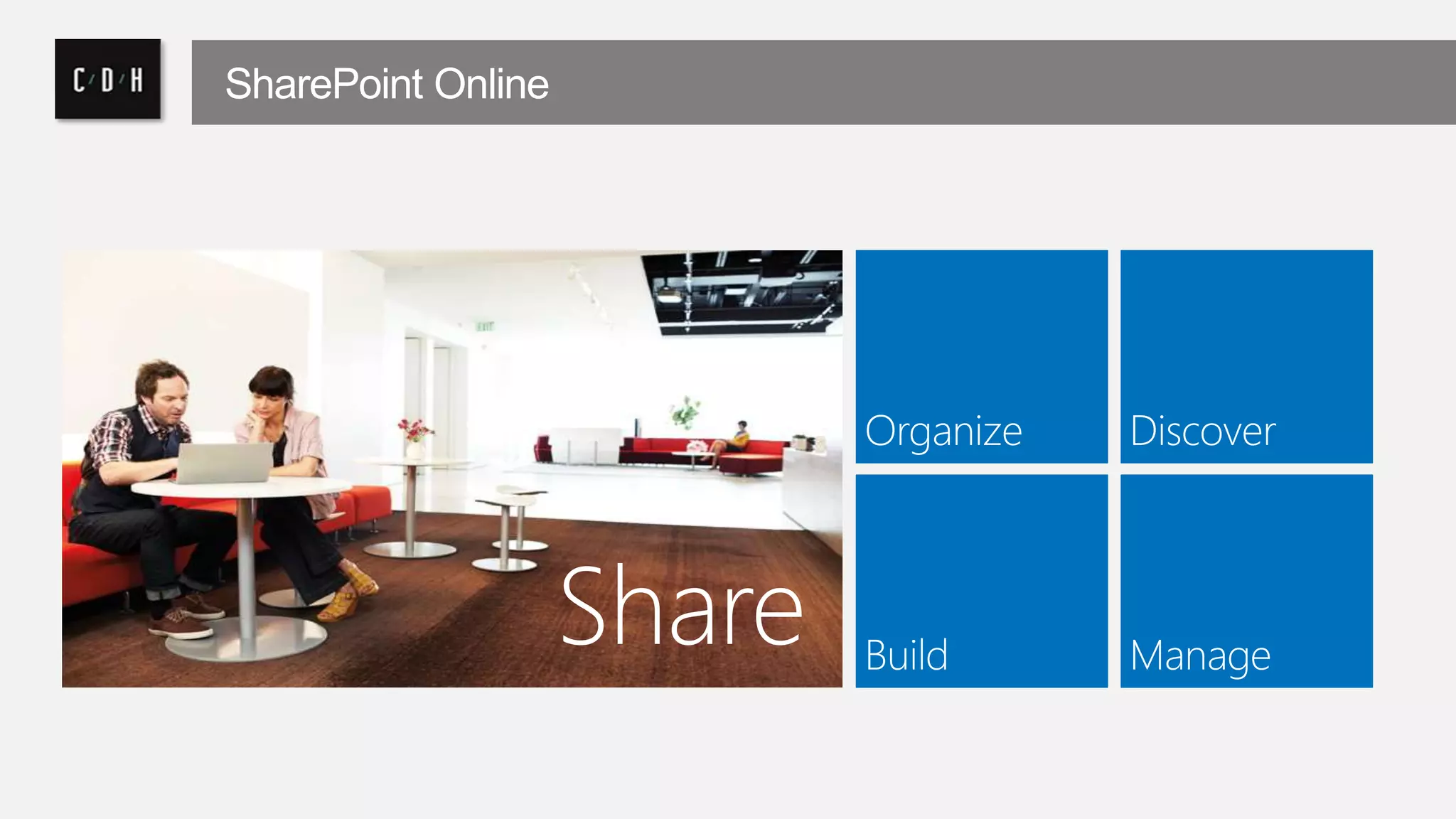
SharePoint Online 
Share
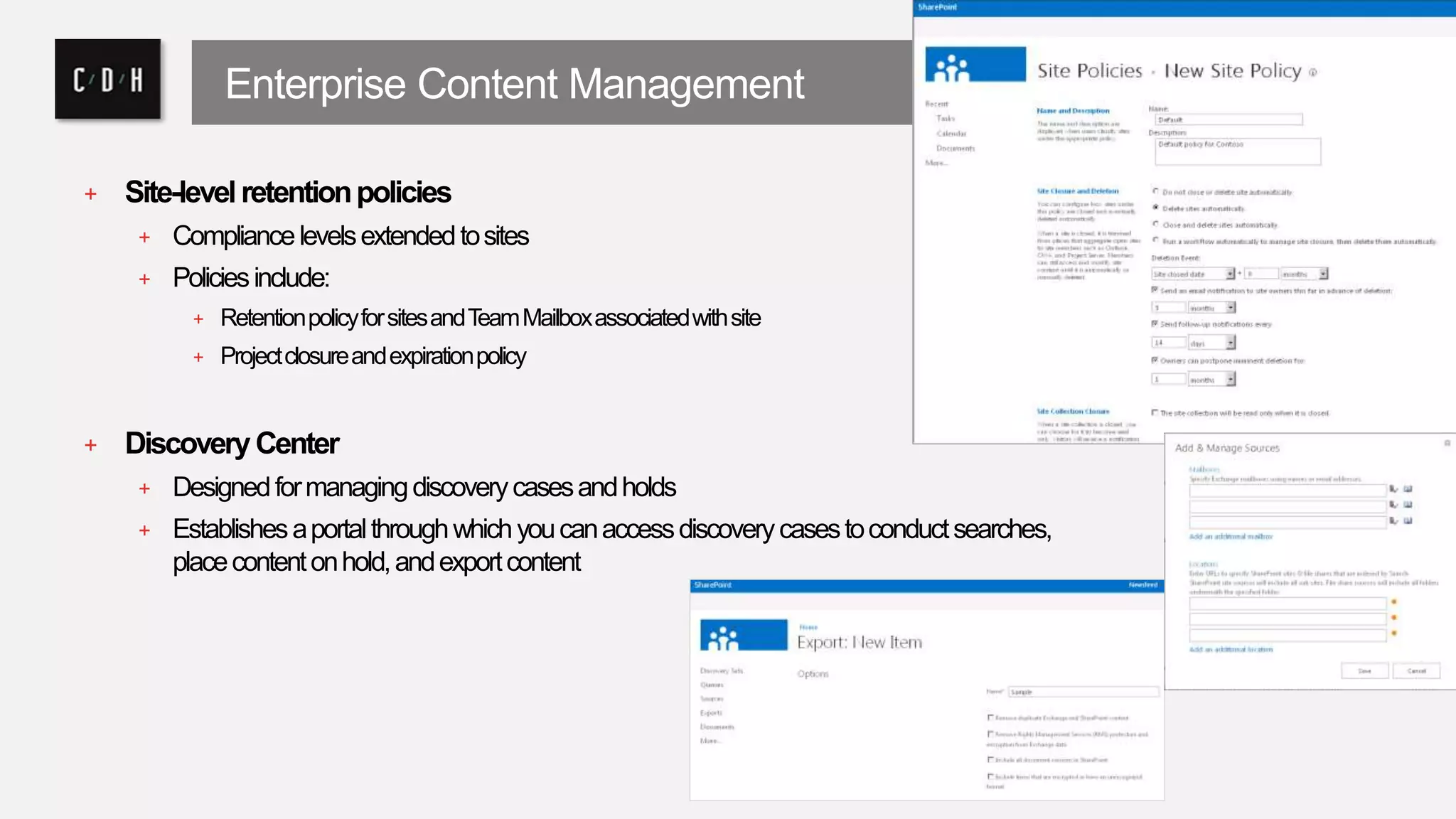
Enterprise Content Management 
+ Site-level retention policies 
+ Compliance levels extended to sites 
+ Policies include: 
+ Retention policy for sites and Team Mailbox associated with site 
+ Project closure and expiration policy 
+ Discovery Center 
+ Designed for managing discovery cases and holds 
+ Establishes a portal through which you can access discovery cases to conduct searches, 
place content on hold, and export content
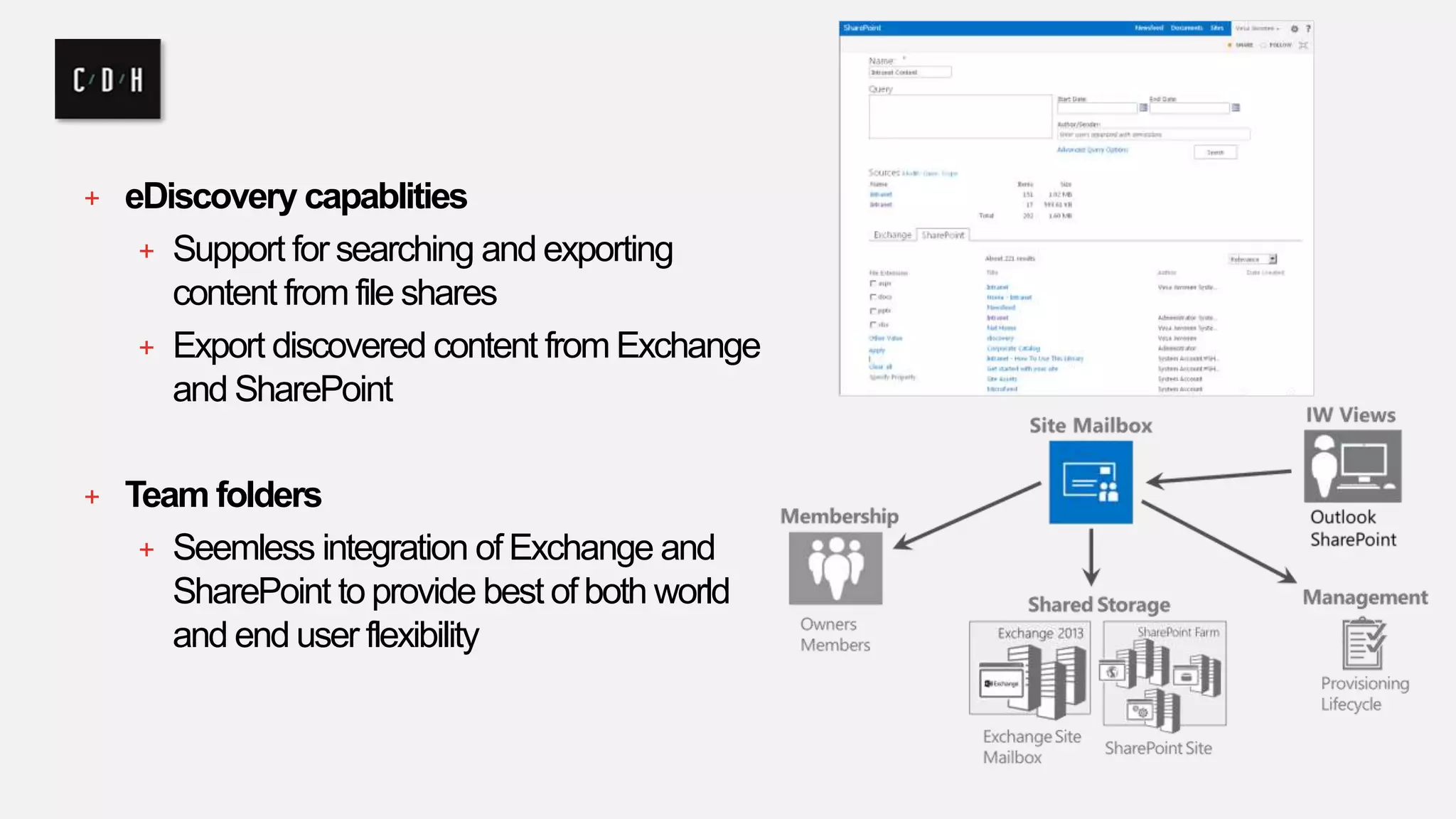
+ eDiscovery capablities 
+ Support for searching and exporting 
content from file shares 
+ Export discovered content from Exchange 
and SharePoint 
+ Team folders 
+ Seemless integration of Exchange and 
SharePoint to provide best of both world 
and end user flexibility
Privacy 
+ “We do not mine your data for advertising 
purposes. It is our policy to not use your data 
for purposes other than providing you 
productivity services” 
+ “We design our Office 365 commercial 
services to be separate from our consumer 
services so that there is no mixing of data 
between the two”
Ownership 
+ You own your data and retain the rights, title, 
and interest in the data you store in Office 365. 
You can take your data with you, whenever you 
want.” 
+ “Office 365 and Dynamics CRM Online believe 
that their customers should control their own 
information to the extent possible.”
It’s your data 
+ You can download a copy of all of your data at 
any time and for any reason without 
assistance 
• Exchange Online -mail, calendar, contacts, tasks 
via import / export wizards 
• SharePoint Online - documents may be 
downloaded at any time 
• Obtain end-user metadata such as email 
addresses, first / last name, etc via PowerShell
Independent Verification 
• Health Insurance Portability and 
Accountability Act (HIPAA) 
• Data Processing Agreements (DPAs) 
• Federal Information Security Management 
Act (FISMA) 
• ISO 27001 
• Statement on Standards for Attestation 
Engagements No. 16 (SSAE 16) 
• Gramm-Leach-Bliley Act (GLBA)
Security Features 
• Physical data center access restrictions with 
multiple layers of physical security 
• End to end encryption of data both at rest and 
as it is transmitted 
• Regular backups 
• Data kept ‘in-region
Reliability 
• Redundancy 
• At server, data center, and service levels 
• Resiliency 
• Active load balancing 
• Automated failover with human backup 
• Recovery testing 
• Distributed Services 
• Distributed component services limit scope and impact of any 
failures 
• Directory data replicated across component services
Connected Experiences 
Make it easier to work as 
a team and manage your 
projects. 
Use community 
knowledge to gain insight 
and find answers. 
Engage in conversations to 
stay informed and make 
better decisions.
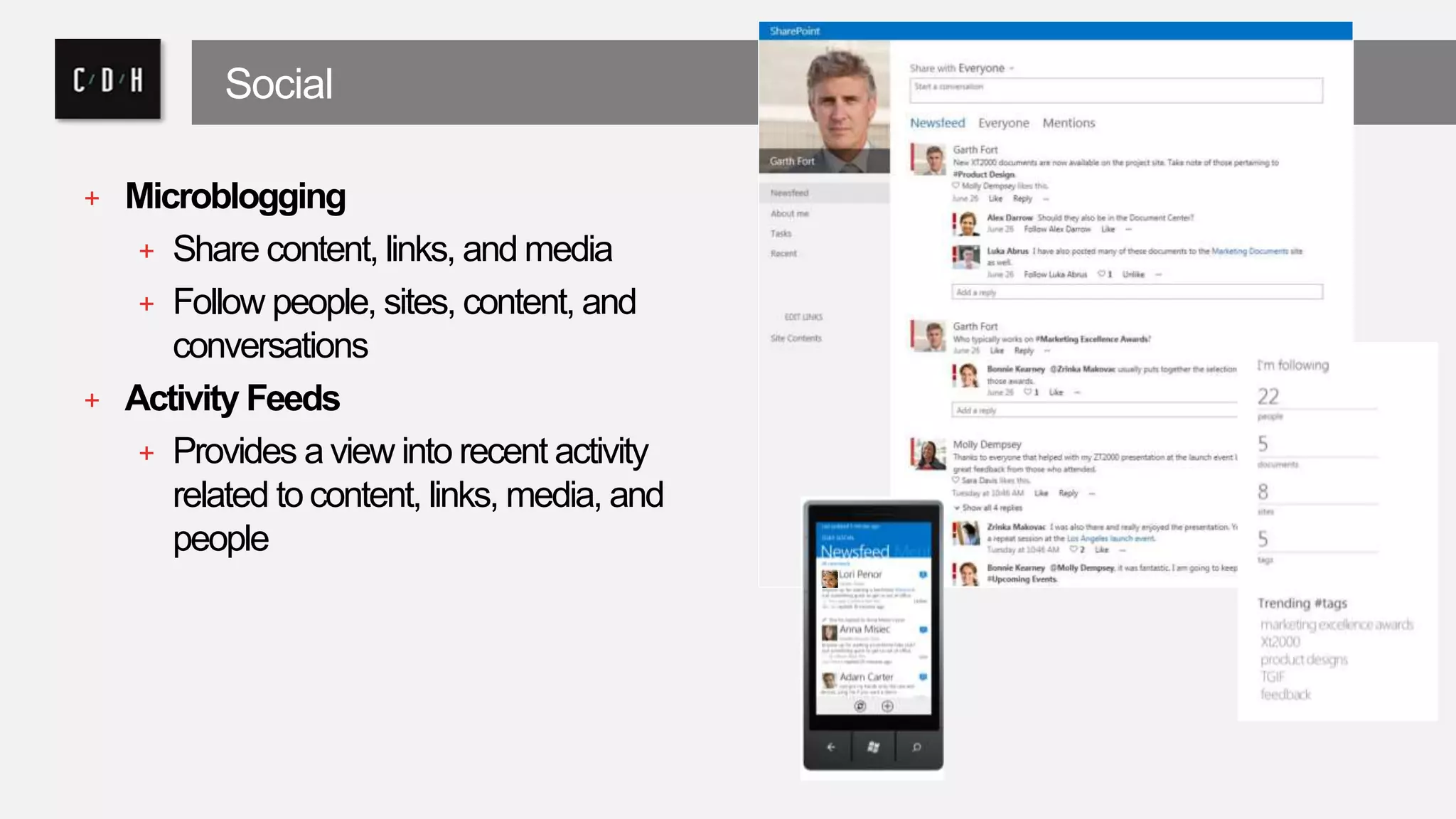
Social 
+ Microblogging 
+ Share content, links, and media 
+ Follow people, sites, content, and 
conversations 
+ Activity Feeds 
+ Provides a view into recent activity 
related to content, links, media, and 
people
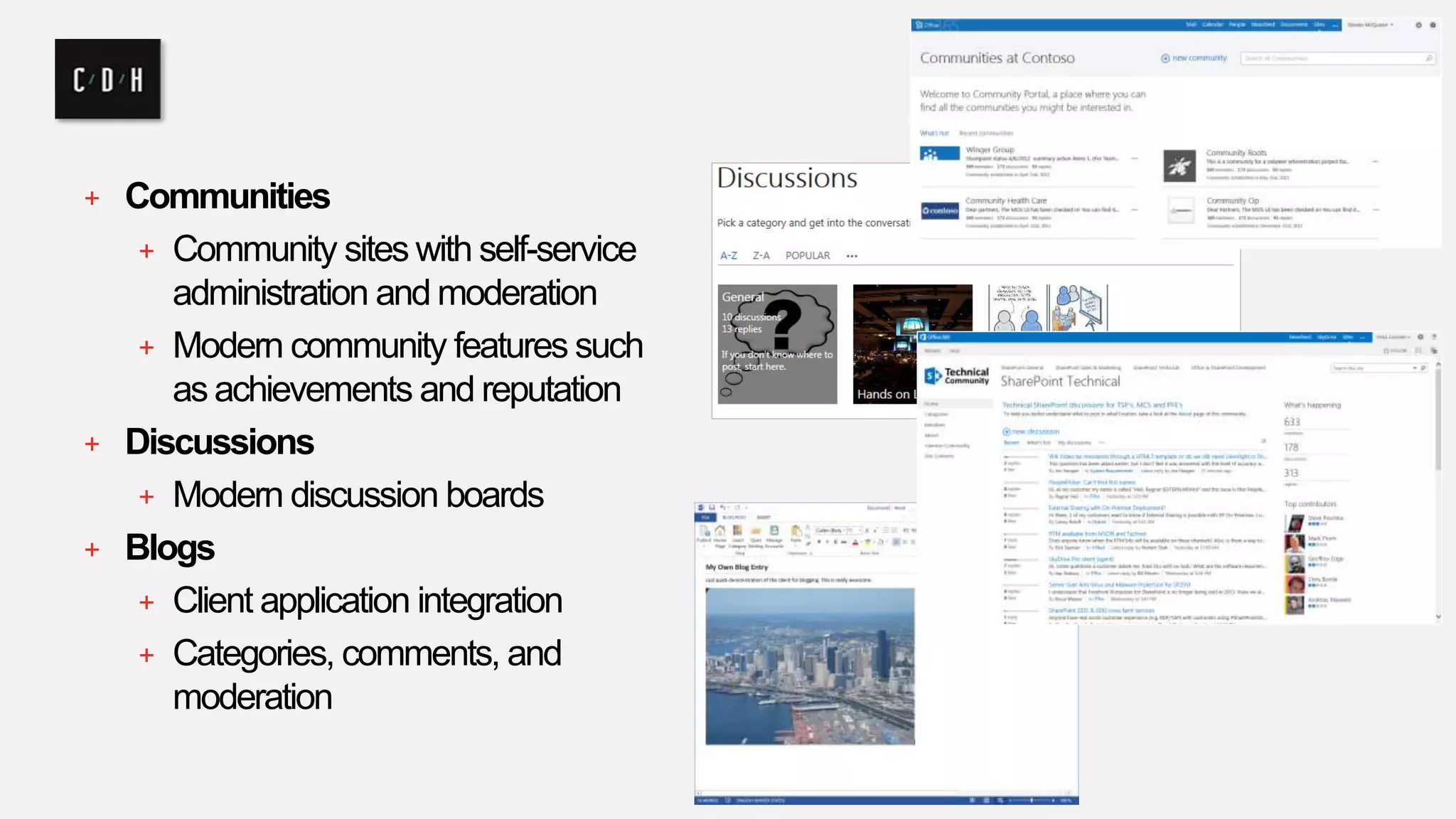
+ Communities 
+ Community sites with self-service 
administration and moderation 
+ Modern community features such 
as achievements and reputation 
+ Discussions 
+ Modern discussion boards 
+ Blogs 
+ Client application integration 
+ Categories, comments, and 
moderation
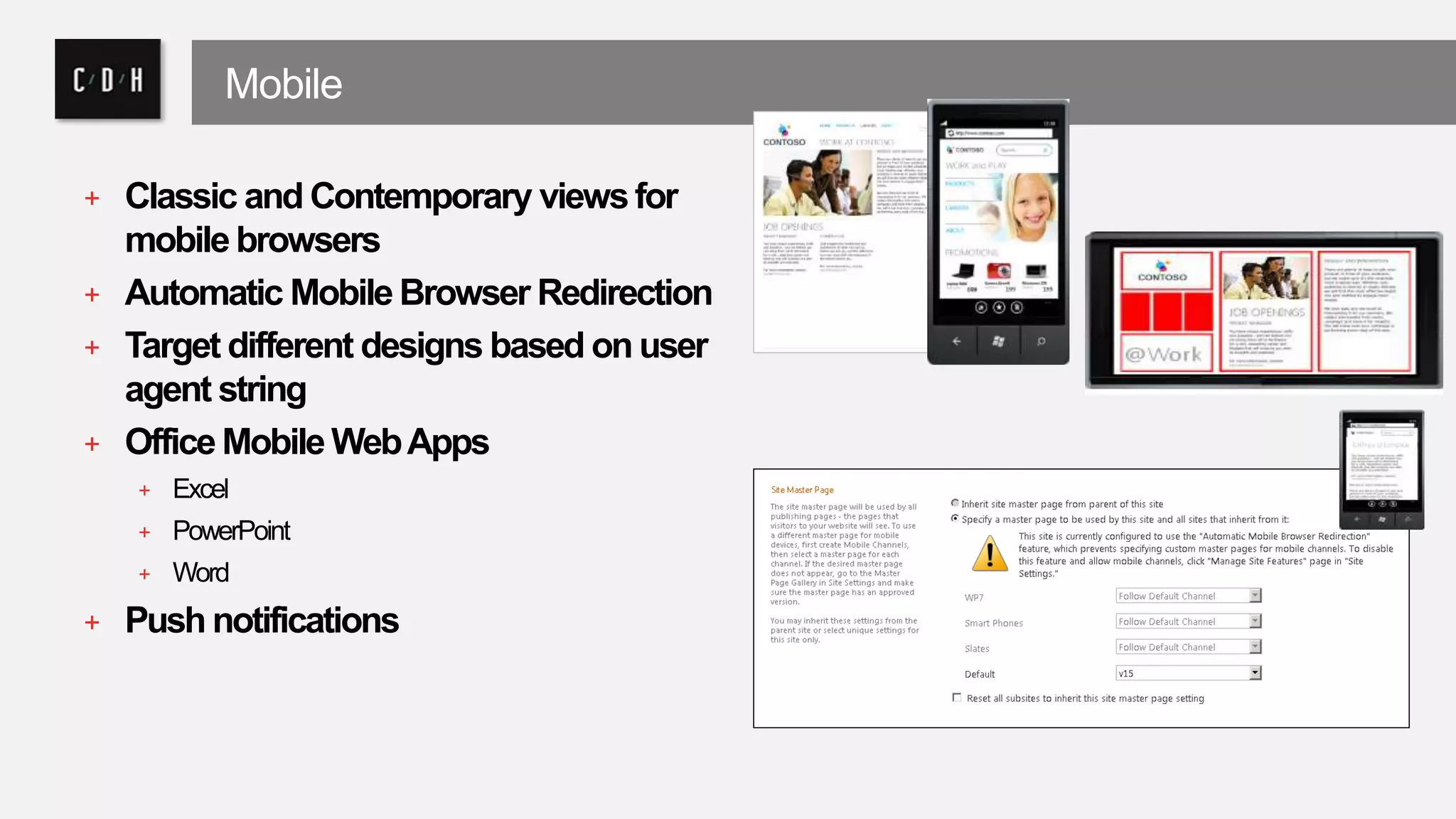
Mobile 
+ Classic and Contemporary views for 
mobile browsers 
+ Automatic Mobile Browser Redirection 
+ Target different designs based on user 
agent string 
+ Office Mobile Web Apps 
+ Excel 
+ PowerPoint 
+ Word 
+ Push notifications
Search 
Find Answer Extend 
Find what you’re looking for 
Get answers and take action 
with intelligent results 
with an experience that’s 
tailored to you 
always a step ahead 
Build smarter applications 
that can scale for any need
Search 
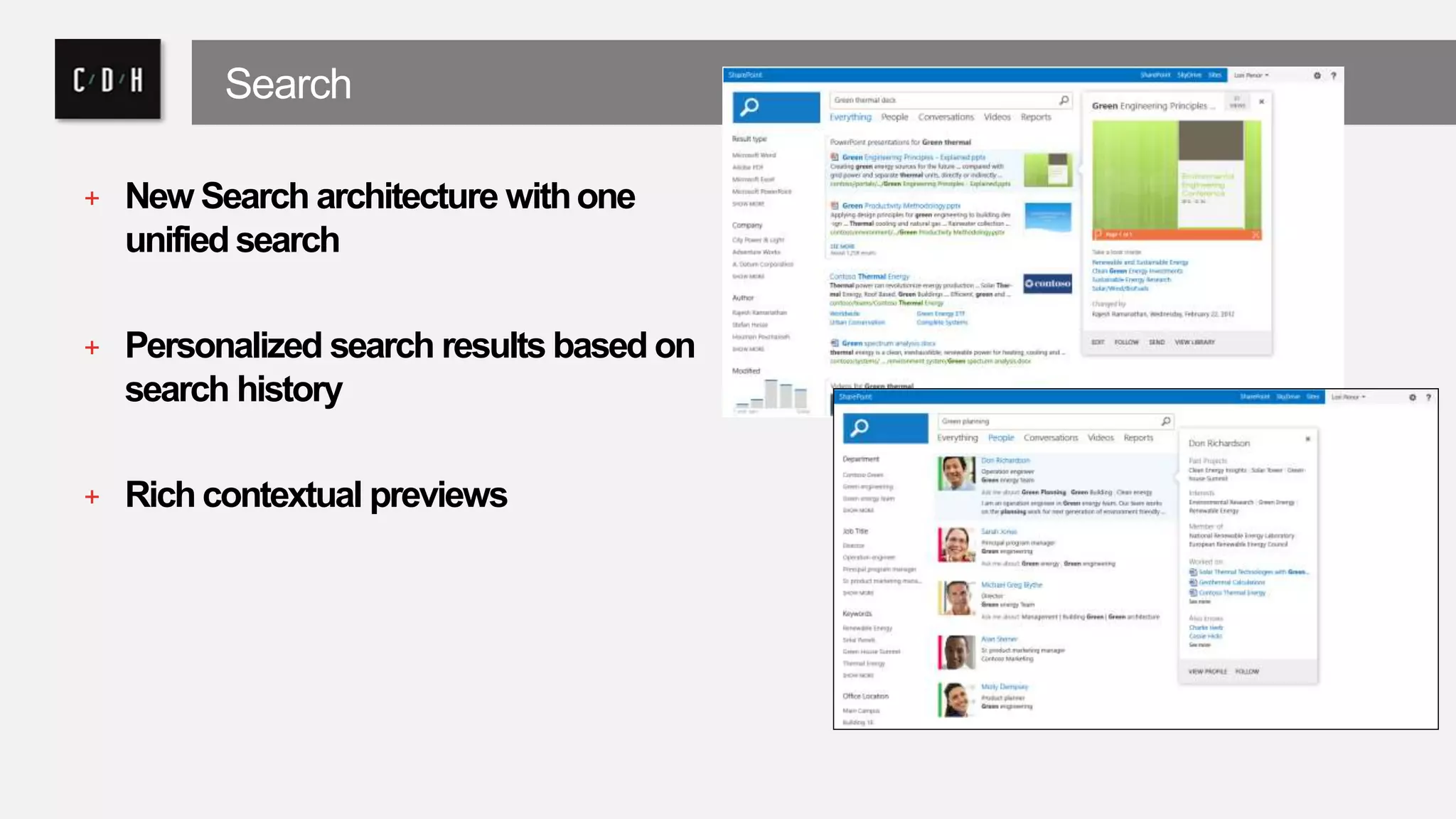
+ New Search architecture with one 
unified search 
+ Personalized search results based on 
search history 
+ Rich contextual previews
People First Technology Solutions 
C/D/H THANK YOU

SharePoint for Government

  • 1.
    People First TechnologySolutions WELCOME SharePoint for Government
  • 2.
    C/D/H: People FirstTechnology Solutions About Us • 24th Year • Grand Rapids & Detroit • 25 Staff Approach • Vendor Neutral • Agile & Lean • User Centric Partnerships • Microsoft • Amazon • Citrix • Nintex • Novell • VMware
  • 3.
    Services Strategy UX/UIMobile SharePoint Sales Solutions Cloud Office 365 Systems Management Project Server
  • 4.
    Feedback and Questions NEIL SLY + APPLICATIONS & ENTERPRISE ARCHITECTURE CONSULTANT + MCT, VTSP, MCSE, PCG, MCITP, MCTS, VCP4, MCSA: O365 + Certified collaboration specialist with extensive experience building, maintaining and migrating SharePoint and Office 365 sites. Skilled at architecture, design, search and hybrid deployments.
  • 5.
    Let’s Connect @cdhtweetstech /company/cdh /cdhtech
  • 6.
    A brief history... + A subscription-basedonline Officeand software-plus-servicessuite that offers access to various services and software built around the Microsoft Officeplatform. + Successor to Microsoft's Business Productivity Online Suite (BPOS) – originally designed to provide hosted e-mail, social networking and collaboration, and cloud storage. + First included hosted versions ofExchange,Lync,SharePoint, Office Web Apps, along with access to theMicrosoft Office 2010desktop applications on the Enterprise plan. + With the release ofOffice 2013, Office 365 expanded to include new plans aimed at different types of businesses, along with new plans aimed at general consumers
  • 7.
  • 8.
    Enterprise Content Management + Site-level retention policies + Compliance levels extended to sites + Policies include: + Retention policy for sites and Team Mailbox associated with site + Project closure and expiration policy + Discovery Center + Designed for managing discovery cases and holds + Establishes a portal through which you can access discovery cases to conduct searches, place content on hold, and export content
  • 9.
    + eDiscovery capablities + Support for searching and exporting content from file shares + Export discovered content from Exchange and SharePoint + Team folders + Seemless integration of Exchange and SharePoint to provide best of both world and end user flexibility
  • 11.
    Privacy + “Wedo not mine your data for advertising purposes. It is our policy to not use your data for purposes other than providing you productivity services” + “We design our Office 365 commercial services to be separate from our consumer services so that there is no mixing of data between the two”
  • 12.
    Ownership + Youown your data and retain the rights, title, and interest in the data you store in Office 365. You can take your data with you, whenever you want.” + “Office 365 and Dynamics CRM Online believe that their customers should control their own information to the extent possible.”
  • 13.
    It’s your data + You can download a copy of all of your data at any time and for any reason without assistance • Exchange Online -mail, calendar, contacts, tasks via import / export wizards • SharePoint Online - documents may be downloaded at any time • Obtain end-user metadata such as email addresses, first / last name, etc via PowerShell
  • 15.
    Independent Verification •Health Insurance Portability and Accountability Act (HIPAA) • Data Processing Agreements (DPAs) • Federal Information Security Management Act (FISMA) • ISO 27001 • Statement on Standards for Attestation Engagements No. 16 (SSAE 16) • Gramm-Leach-Bliley Act (GLBA)
  • 16.
    Security Features •Physical data center access restrictions with multiple layers of physical security • End to end encryption of data both at rest and as it is transmitted • Regular backups • Data kept ‘in-region
  • 17.
    Reliability • Redundancy • At server, data center, and service levels • Resiliency • Active load balancing • Automated failover with human backup • Recovery testing • Distributed Services • Distributed component services limit scope and impact of any failures • Directory data replicated across component services
  • 21.
    Connected Experiences Makeit easier to work as a team and manage your projects. Use community knowledge to gain insight and find answers. Engage in conversations to stay informed and make better decisions.
  • 22.
    Social + Microblogging + Share content, links, and media + Follow people, sites, content, and conversations + Activity Feeds + Provides a view into recent activity related to content, links, media, and people
  • 23.
    + Communities +Community sites with self-service administration and moderation + Modern community features such as achievements and reputation + Discussions + Modern discussion boards + Blogs + Client application integration + Categories, comments, and moderation
  • 24.
    Mobile + Classicand Contemporary views for mobile browsers + Automatic Mobile Browser Redirection + Target different designs based on user agent string + Office Mobile Web Apps + Excel + PowerPoint + Word + Push notifications
  • 25.
    Search Find AnswerExtend Find what you’re looking for Get answers and take action with intelligent results with an experience that’s tailored to you always a step ahead Build smarter applications that can scale for any need
  • 26.
    Search + NewSearch architecture with one unified search + Personalized search results based on search history + Rich contextual previews
  • 27.
    People First TechnologySolutions C/D/H THANK YOU

Editor's Notes

  • #8 SharePoint is the place to share ideas, content and the vision of your company. It’s scalable enough to organize and manage all your information assets but it’s also designed to organize and store documents to enable personal productivity, keep teams’ in sync, and projects on track. It’s where you go to discover experts, share knowledge and uncover connections to information and people. It’s a hub for developers to build and deploy modern apps and for designers to build eye-catching websites. And because it’s built in the cloud in mind, IT Pros can manage cost, and meet the demands of compliance to manage risk. Finally, SharePoint 2013 has been built to handle almost anything our customers can throw at it so IT Pros can spend more time managing information, delivering innovation and manage their time effectively.
  • #25 Speaker Notes Automatic Mobile Browser Redirection To access a site using the optimized mobile browser experience, a new feature called Automatic Mobile Browser Redirection must be activated on the site. When activated and a mobile browser is accessing the site, this feature checks the mobile browser to determine if it is capable of handling HTML5 or not. If the mobile browser supports HTML5, the contemporary view is rendered, else the classic view is rendered. This feature is activated by default when any of the following site templates are used: Collaboration templates: Team Site, Blank Site, Document Workspace, Blog, Group Work Site, Visio Process Repository Meetings templates: Basic Meeting Workspace, Blank Meeting Workspace, Decision Meeting Workspace, Social Meeting Workspace, Multipage Meeting Workspace Enterprise templates: Document Center, Records Center, Business Intelligence Center, My Site Host, Basic Search Center, FAST Search Center All other site templates require you to explicitly activate the feature. Office Mobile Web Apps In SharePoint Server 2010, Office Web Apps provides browser-based companions to Office Word, Excel, PowerPoint and OneNote. When Office Web Apps is installed on SharePoint Server 2010, Office Mobile Web Apps is also installed on the server. Office Mobile Web Apps enables users to open documents in the mobile web application using a mobile browser. With SharePoint Server 15, Office Web Apps is no longer a companion product installed on a SharePoint Server. Instead, Office Web Apps Server is a new stand-alone server product that delivers Office Web Apps functionality on your private network. Although these are now separate products, Office Web Apps Server continues to enable Office Mobile Web Apps, making them available to mobile users who access SharePoint sites. Together, SharePoint Server 15 and Office Mobile Web Apps offer a better user experience when interacting with documents on a mobile device. For instance, when both products are used together, a user opens a server-based version of the document in the mobile browser. Without Office Mobile Web Apps, the end user would first have to download the file and then open it in Office Mobile or an office document viewer. Push Notifications SharePoint Server 15 supports applications on mobile devices (such as smartphones, tablets, and so on) that should receive notifications from a SharePoint site. Notifications can include events that happen in the site, such as when a user adds an item to a list or updates an item. For mobile devices to receive such notifications, device applications must register with a SharePoint site. Once the device is registered, you can write event handler code to interact with Microsoft Push Notification Service or notification services of other mobile device platforms. Notifications are sent from the server where the application is hosted to the registered mobile device application.
  • #26 Microsoft has invested heavily in search in the past several years….In this release we brought together SharePoint Search and FAST Search into a next generation search engine that we consider the best of both worlds. The scale and power of FAST with the simplicity and manageability of SP Search. But this release is far more then best of both worlds, it is step ahead for the entire search industry. Search in SharePoint 2013 focuses not just on technology, but the core belief that search should help users find what they are looking for and get answers to the questions they ask. This means doing far more then searching a index, but requiring the development of a entire new experience dedicated to the users intent, that can analyze user interactions while having the flexibility to draw information from across the enterprise and even from out in the web. The search experience in SharePoint 2013 is beyond just a great user experience, as it will allow anyone looking to leverage the extensible engine to build their own experiences that can benefit much of the richness that SharePoint provides. Over the course of this presentation we will show how SharePoint 2013 search has made it easier to find information, get answers to questions and extend to beyond SP.
  • #27 Speaker Notes The heart of a search engine is its ability to get the results you are looking for. However this can be hard to do because the “right results” can differ based on who you are, your context and even your previous actions and history. Out of the box SharePoint was designed to help you find the right result utilizing a combination of advanced relevancy algorithm’s from FAST combined with a entirely new analysis engine that can drive better results based on user interactions. With the analysis engine SharePoint 2013 search is far more tuned to what users are doing, and what others have found successful. Today’s information workers produce huge volumes of increasingly different types of content. SharePoint provides OOB connectors to common enterprise repositories such as Lotus Notes, Documentum, etc and makes it easy to add new custom connectors to help bring the right content to the right user. Search in SharePoint Server 15 includes many new capabilities and enhancements, from a re-designed architecture that is highly scalable to a customizable end-user experience that provides targeted results. An all new Search Experience, from the engine to the UX designed to make it easier than ever to find what you’re looking by combining your personal history, highly relevant results, and rich graphical navigators in a single highly usable interface.   Personalized search results based on your search history: Make re-finding information easier than ever by promoting content that you’ve searched for in the past; making Search about more than finding documents, but as an aid to navigation. Rich contextual previews with meaningful actions:  Finding the right document is made simpler by providing a variety of previewing capabilities to ensure you’ve got the right document, combined with contextual actions to continue your journey and complete your task. Intelligent and customized search results experience: SharePoint “15” enhances results relevance out-of-box with an ability to alter the layout and ranking based on what you’re looking for, and what you’ve found; taking relevance to a new level and giving administrators powerful tools for improving the Search Experience.