Download to read offline


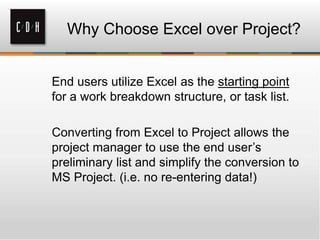

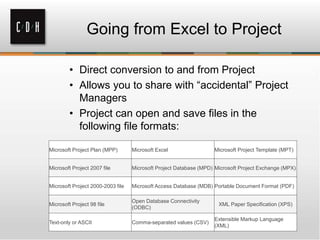
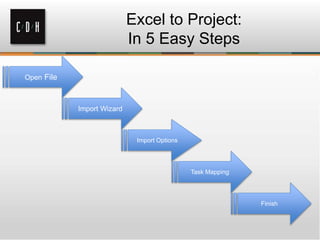
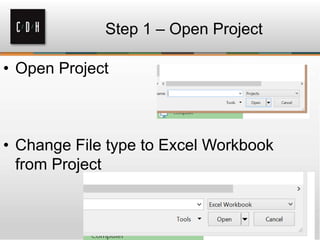
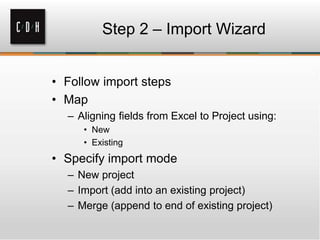

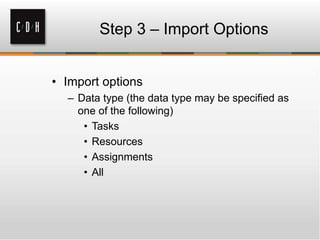
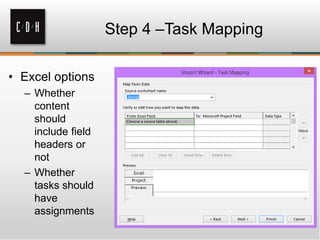
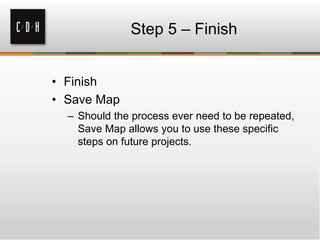

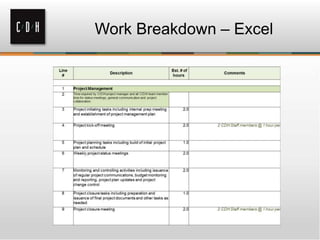
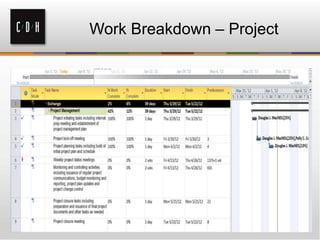
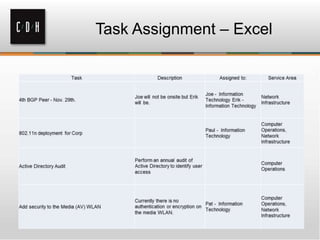
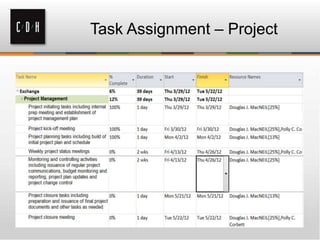
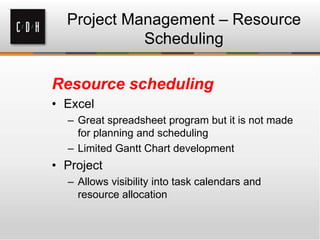
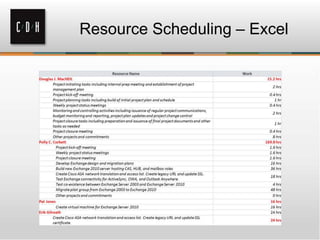
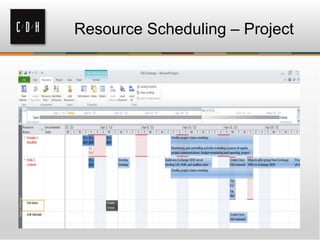
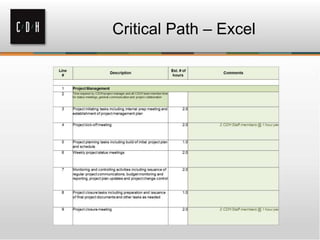
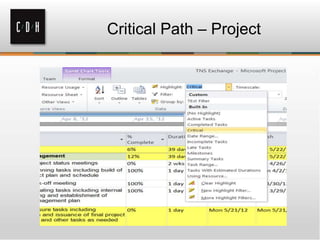
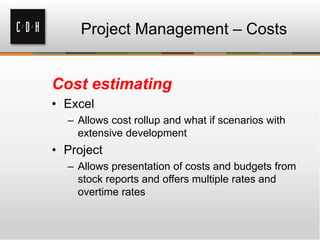
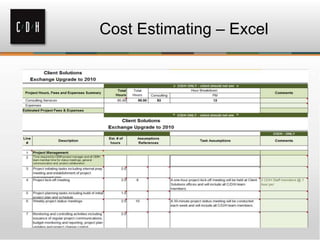
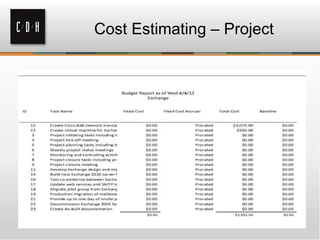
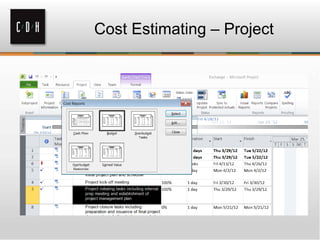


The document discusses converting a project plan from Excel to MS Project in 5 easy steps. It explains that project managers often start plans in Excel but can benefit from additional features in MS Project, such as task scheduling and critical path analysis. The 5 steps are: 1) Open Project and select Excel format, 2) Use the import wizard, 3) Select import options, 4) Map Excel fields to Project tasks, and 5) Finish and save the import mapping for future use. MS Project streamlines project planning by reducing the time to transfer data from Excel.


