1
Generations of Computer
 The computer has evolved from a large-sized simple
calculating machine to a smaller but much more
powerful machine.
 The evolution of computer to the current state is
defined in terms of the generations of computer.
 Each generation of computer is designed based on a
new technological development, resulting in better,
cheaper and smaller computers that are more
powerful, faster and efficient than their predecessors.
2
Generations of Computer
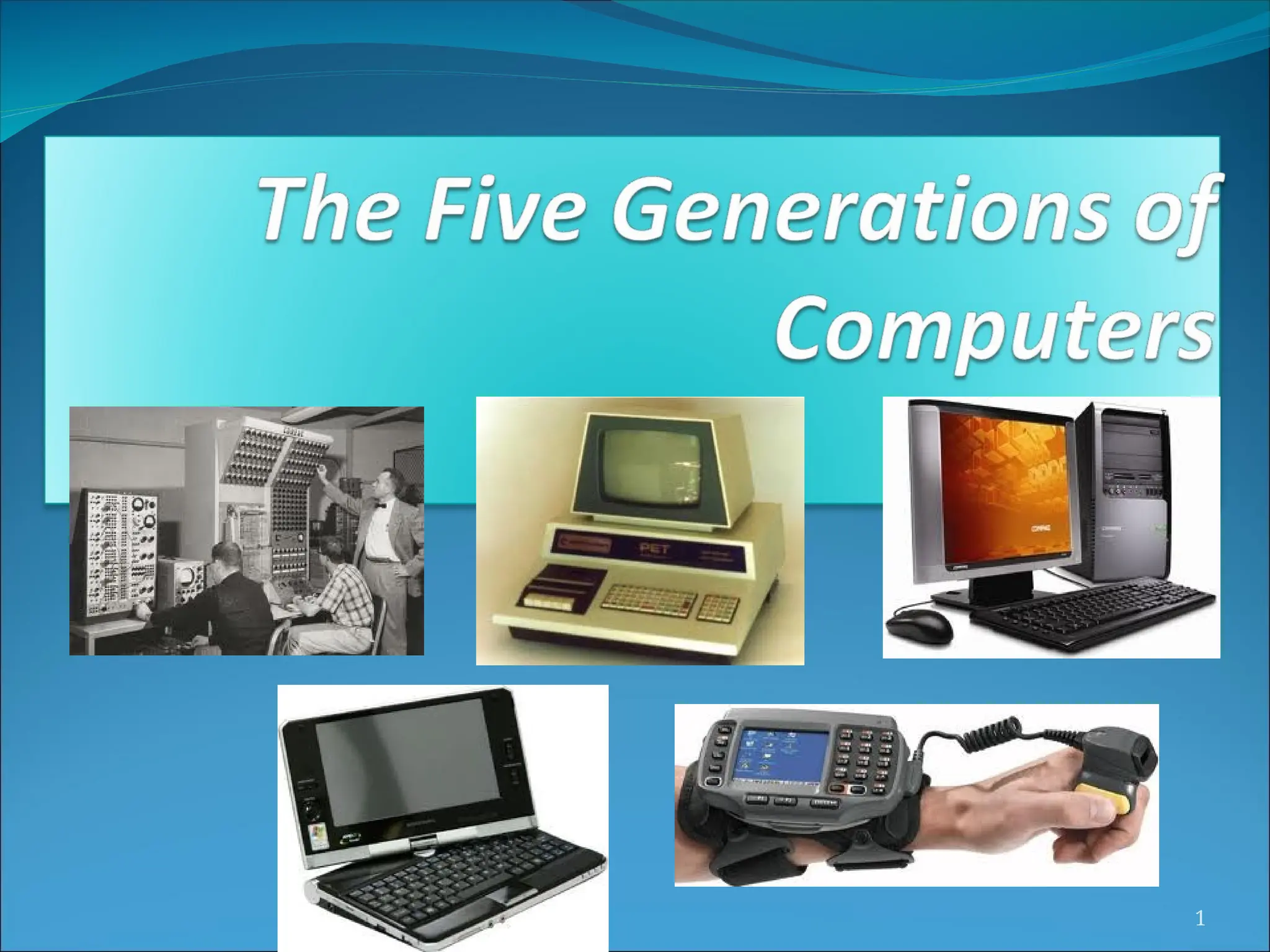
 Currently, there are five generations of
computer. In the following subsections, we will
discuss the generations of computer in terms of
the technology used by them (hardware and
software), computing characteristics (speed, i.e.,
number of instructions executed per second),
physical appearance, and their applications.
3
First Generation Computers
(1940-1956)
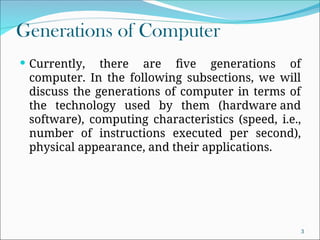
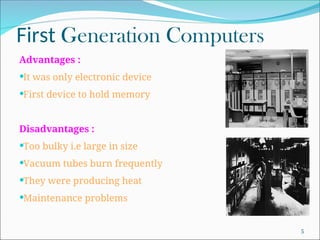
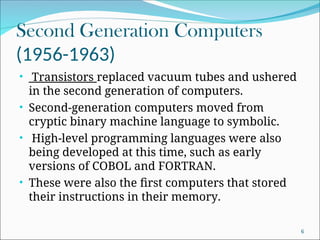
 The first computers used vacuum tubes(a sealed glass tube
containing a near-vacuum which allows the free passage of
electric current.) for
circuitry and magnetic drums for memory.
 They were often enormous and taking up entire room.
 First generation computers relied on machine language.
 They were very expensive to operate and in addition to using a
great deal of electricity, generated a lot of heat, which was often
the cause of malfunctions(defect or breakdown).
 The UNIVAC and ENIAC computers are examples of first-
generation computing devices.
4
First Generation Computers
Advantages :
It was only electronic device
First device to hold memory
Disadvantages :
Too bulky i.e large in size
Vacuum tubes burn frequently
They were producing heat
Maintenance problems
5
Second Generation Computers
(1956-1963)
• Transistors replaced vacuum tubes and ushered
in the second generation of computers.
• Second-generation computers moved from
cryptic binary machine language to symbolic.
• High-level programming languages were also
being developed at this time, such as early
versions of COBOL and FORTRAN.
• These were also the first computers that stored
their instructions in their memory.
6
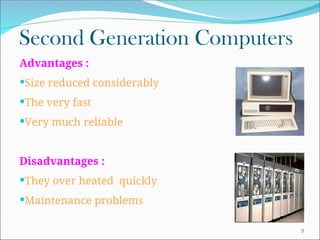
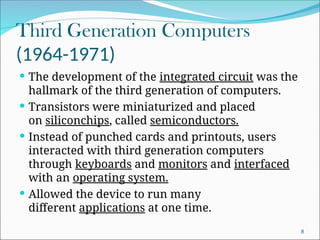
Second Generation Computers
Advantages :
Size reduced considerably
The very fast
Very much reliable
Disadvantages :
They over heated quickly
Maintenance problems
7
Third Generation Computers
(1964-1971)
 The development of the integrated circuit was the
hallmark of the third generation of computers.
 Transistors were miniaturized and placed
on siliconchips, called semiconductors.
 Instead of punched cards and printouts, users
interacted with third generation computers
through keyboards and monitors and interfaced
with an operating system.
 Allowed the device to run many
different applications at one time.
8
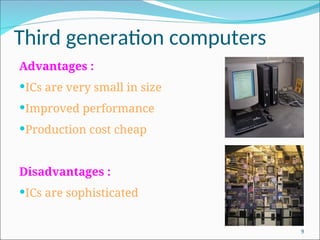
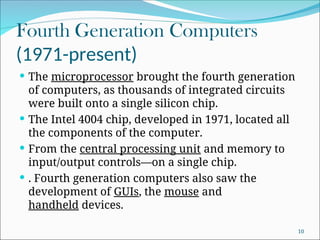
Third generation computers
Advantages :
ICs are very small in size
Improved performance
Production cost cheap
Disadvantages :
ICs are sophisticated
9
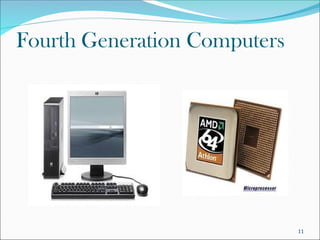
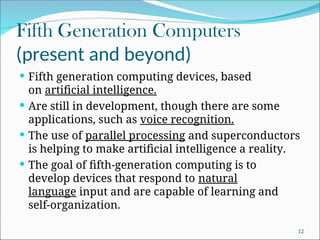
Fourth Generation Computers
(1971-present)
 The microprocessor brought the fourth generation
of computers, as thousands of integrated circuits
were built onto a single silicon chip.
 The Intel 4004 chip, developed in 1971, located all
the components of the computer.
 From the central processing unit and memory to
input/output controls—on a single chip.
 . Fourth generation computers also saw the
development of GUIs, the mouse and
handheld devices.
10
Fourth Generation Computers
11
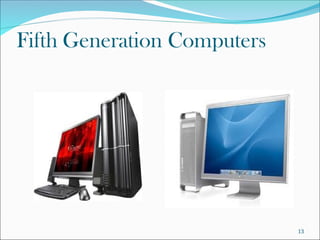
Fifth Generation Computers
(present and beyond)
 Fifth generation computing devices, based
on artificial intelligence.
 Are still in development, though there are some
applications, such as voice recognition.
 The use of parallel processing and superconductors
is helping to make artificial intelligence a reality.
 The goal of fifth-generation computing is to
develop devices that respond to natural
language input and are capable of learning and
self-organization.
12
Fifth Generation Computers
13

Semester-1-22-23-computer-generations.ppt

  • 1.
  • 2.
    Generations of Computer The computer has evolved from a large-sized simple calculating machine to a smaller but much more powerful machine.  The evolution of computer to the current state is defined in terms of the generations of computer.  Each generation of computer is designed based on a new technological development, resulting in better, cheaper and smaller computers that are more powerful, faster and efficient than their predecessors. 2
  • 3.
    Generations of Computer Currently, there are five generations of computer. In the following subsections, we will discuss the generations of computer in terms of the technology used by them (hardware and software), computing characteristics (speed, i.e., number of instructions executed per second), physical appearance, and their applications. 3
  • 4.
    First Generation Computers (1940-1956) The first computers used vacuum tubes(a sealed glass tube containing a near-vacuum which allows the free passage of electric current.) for circuitry and magnetic drums for memory.  They were often enormous and taking up entire room.  First generation computers relied on machine language.  They were very expensive to operate and in addition to using a great deal of electricity, generated a lot of heat, which was often the cause of malfunctions(defect or breakdown).  The UNIVAC and ENIAC computers are examples of first- generation computing devices. 4
  • 5.
    First Generation Computers Advantages: It was only electronic device First device to hold memory Disadvantages : Too bulky i.e large in size Vacuum tubes burn frequently They were producing heat Maintenance problems 5
  • 6.
    Second Generation Computers (1956-1963) •Transistors replaced vacuum tubes and ushered in the second generation of computers. • Second-generation computers moved from cryptic binary machine language to symbolic. • High-level programming languages were also being developed at this time, such as early versions of COBOL and FORTRAN. • These were also the first computers that stored their instructions in their memory. 6
  • 7.
    Second Generation Computers Advantages: Size reduced considerably The very fast Very much reliable Disadvantages : They over heated quickly Maintenance problems 7
  • 8.
    Third Generation Computers (1964-1971) The development of the integrated circuit was the hallmark of the third generation of computers.  Transistors were miniaturized and placed on siliconchips, called semiconductors.  Instead of punched cards and printouts, users interacted with third generation computers through keyboards and monitors and interfaced with an operating system.  Allowed the device to run many different applications at one time. 8
  • 9.
    Third generation computers Advantages: ICs are very small in size Improved performance Production cost cheap Disadvantages : ICs are sophisticated 9
  • 10.
    Fourth Generation Computers (1971-present) The microprocessor brought the fourth generation of computers, as thousands of integrated circuits were built onto a single silicon chip.  The Intel 4004 chip, developed in 1971, located all the components of the computer.  From the central processing unit and memory to input/output controls—on a single chip.  . Fourth generation computers also saw the development of GUIs, the mouse and handheld devices. 10
  • 11.
  • 12.
    Fifth Generation Computers (presentand beyond)  Fifth generation computing devices, based on artificial intelligence.  Are still in development, though there are some applications, such as voice recognition.  The use of parallel processing and superconductors is helping to make artificial intelligence a reality.  The goal of fifth-generation computing is to develop devices that respond to natural language input and are capable of learning and self-organization. 12
  • 13.