SEMANTIC
                          HTML5 101
                          or “Bye bye divitis”


                          Pascal Rettig
                          On Twitter @cykod


Wednesday, May 25, 2011
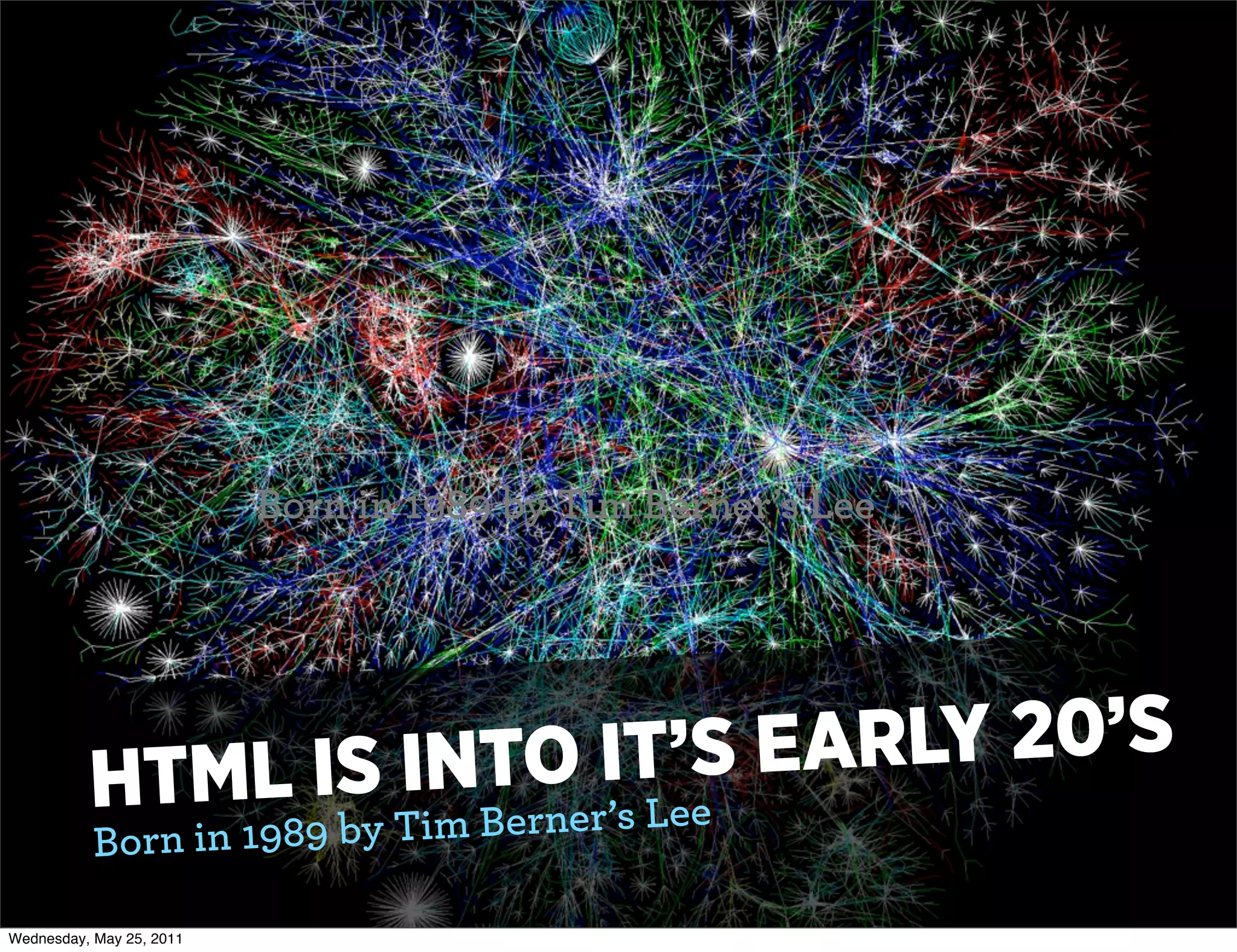
Born in 1989 by Tim Berner’s Lee


          HTML IS IN TO ITee EA
                          ’S    RLY 20’S
           Born in 1989 by Tim Berner’s L

Wednesday, May 25, 2011
LI FE CRniSgI”S
                  QUAR3TERing to find “Mea n  I
      FACINlGr A ML5 & Web .0 is try
            fo HT
       The big goa

Wednesday, May 25, 2011
WHAT IS A
                          “SEMANTIC CHOP”?
                          A way to give structure and meaning to the
                          HTML that you generate.


Wednesday, May 25, 2011
W HO IS TH IS FOR?
                     •    Primarily clients other than
                          your usual Web Browsers.

                     •    The Google, Other Search
                          Engines, Data Aggregators,
                          Screen Readers, “Non-
                          traditional” browsers


Wednesday, May 25, 2011
THE GOALS
                          •   HTML tags used in Meaningful
                              ways
                          •   All styling information left to CSS
                          •   Validating markup
                          •   All dynamic interactions added
                              “unobtrusively” (usually via
                              jQuery)


Wednesday, May 25, 2011
HOW DOES
                          HTML5 ACHIEVE
                          THIS?


Wednesday, May 25, 2011
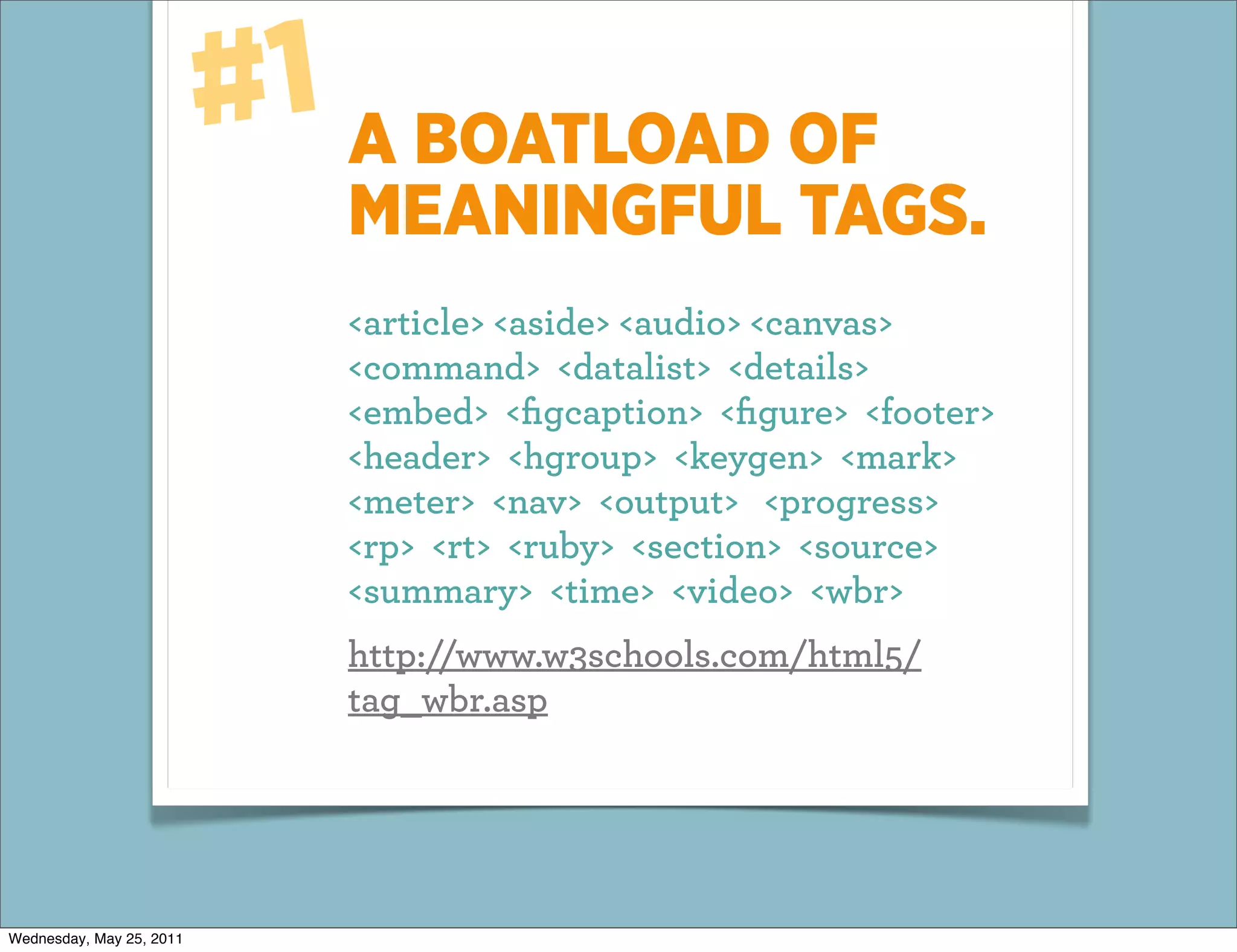
#1 A BOATLOAD OF
                             MEANINGFUL TAGS.
                             <article> <aside> <audio> <canvas>
                             <command> <datalist> <details>
                             <embed> <figcaption> <figure> <footer>
                             <header> <hgroup> <keygen> <mark>
                             <meter> <nav> <output> <progress>
                             <rp> <rt> <ruby> <section> <source>
                             <summary> <time> <video> <wbr>
                             http://www.w3schools.com/html5/
                             tag_wbr.asp


Wednesday, May 25, 2011
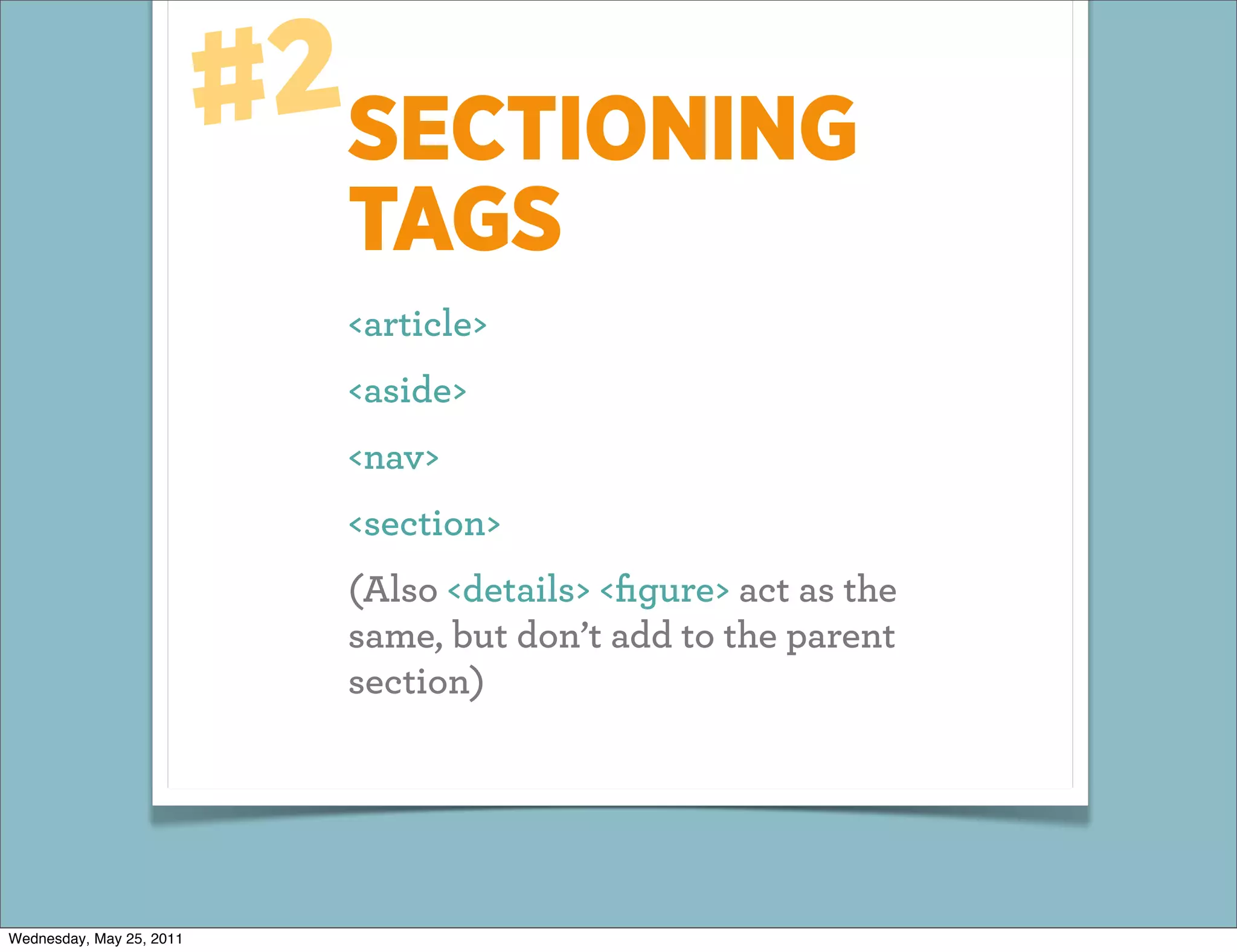
#2SECTIONING
                            TAGS
                            <article>
                            <aside>
                            <nav>
                            <section>
                            (Also <details> <figure> act as the
                            same, but don’t add to the parent
                            section)


Wednesday, May 25, 2011
EACH CREATES A
                          NEW “SECTION” OF
                          YOUR PAGE
                          Each of these represents a separate line in
                          the outline of your document.


Wednesday, May 25, 2011
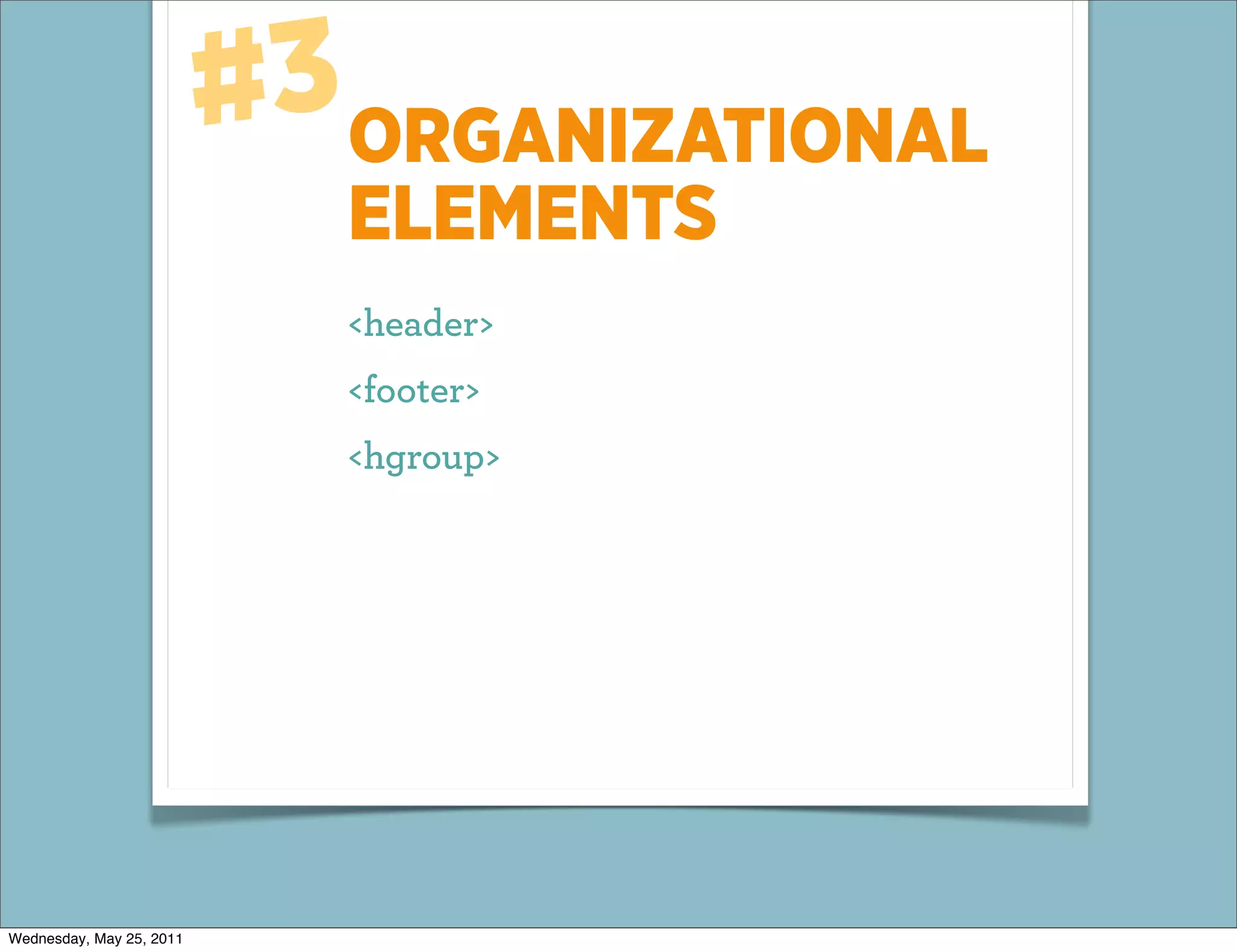
#3ORGANIZATIONAL
                             ELEMENTS
                             <header>
                             <footer>
                             <hgroup>


Wednesday, May 25, 2011
CAN BE USED TO
                          GROUP CONTENT
                          TOGETHER
                          (But does not create a separate sectioning
                          root)


Wednesday, May 25, 2011
#4SELF-CONTAINED
                             “SYNDICATABLE”
                             CONTENT
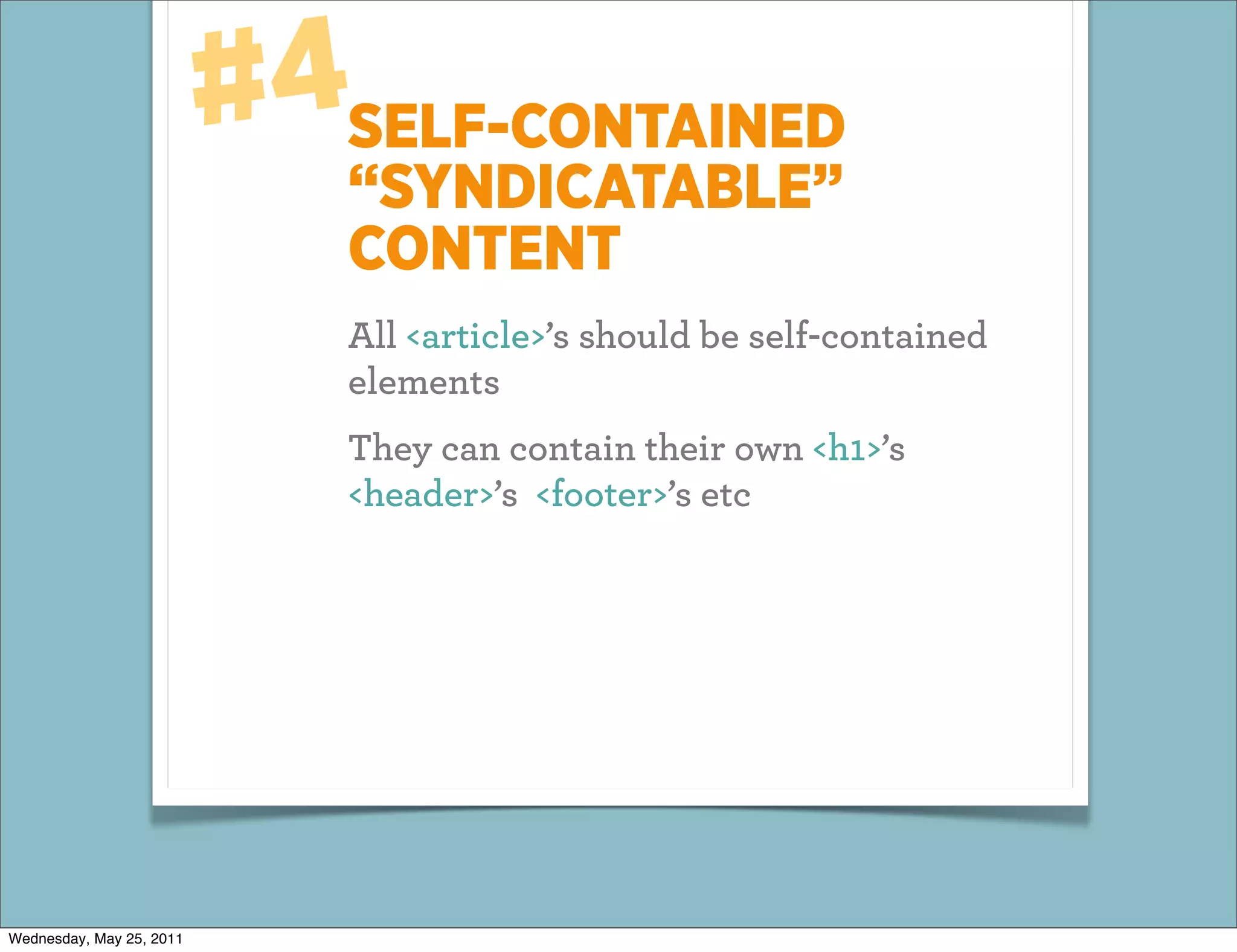
                             All <article>’s should be self-contained
                             elements
                             They can contain their own <h1>’s
                             <header>’s <footer>’s etc


Wednesday, May 25, 2011
#5ADDED MEANING
                            TO HTML5 TAGS
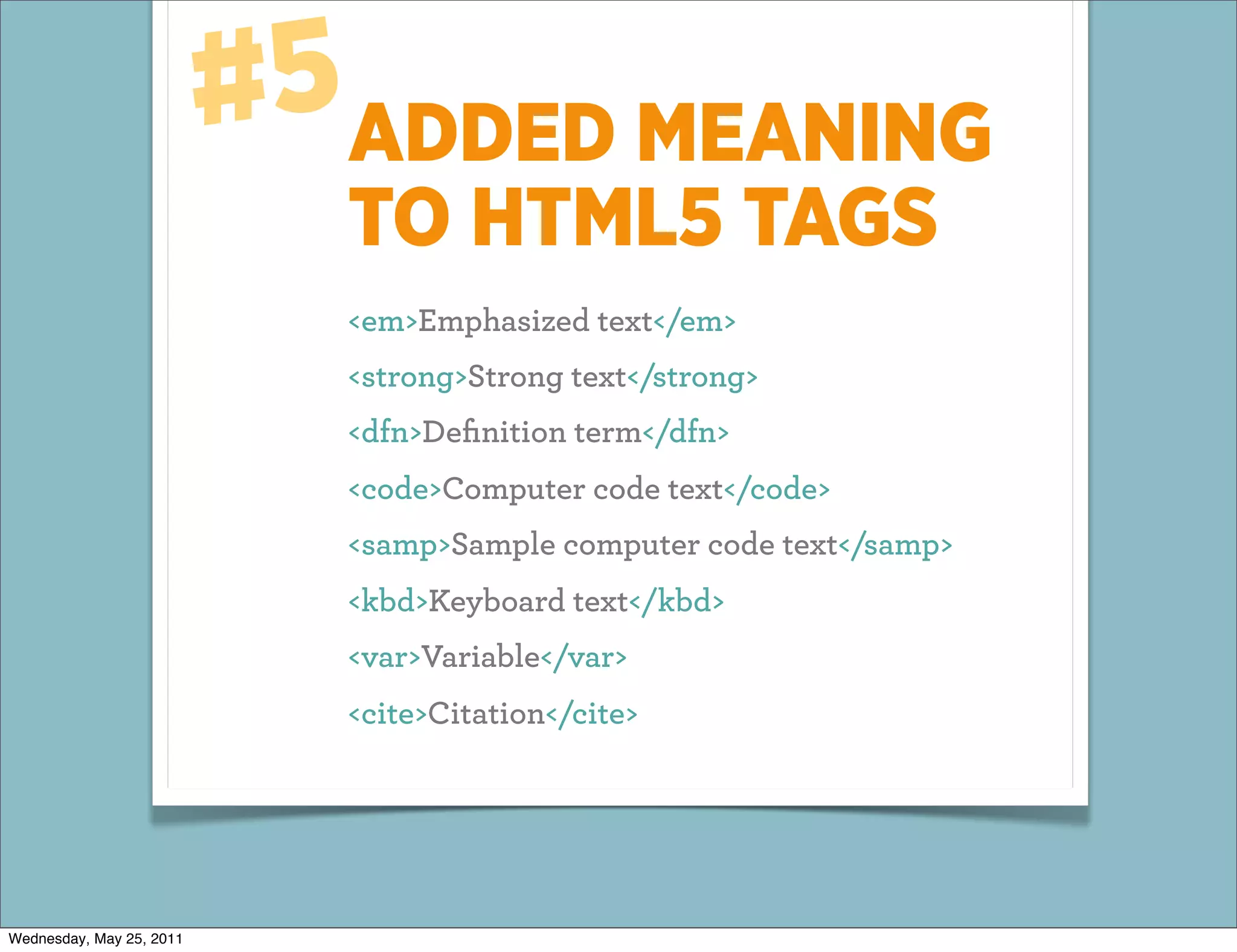
                            <em>Emphasized text</em>
                            <strong>Strong text</strong>
                            <dfn>Definition term</dfn>
                            <code>Computer code text</code>
                            <samp>Sample computer code text</samp>
                            <kbd>Keyboard text</kbd>
                            <var>Variable</var>
                            <cite>Citation</cite>


Wednesday, May 25, 2011
E XAMPLE:
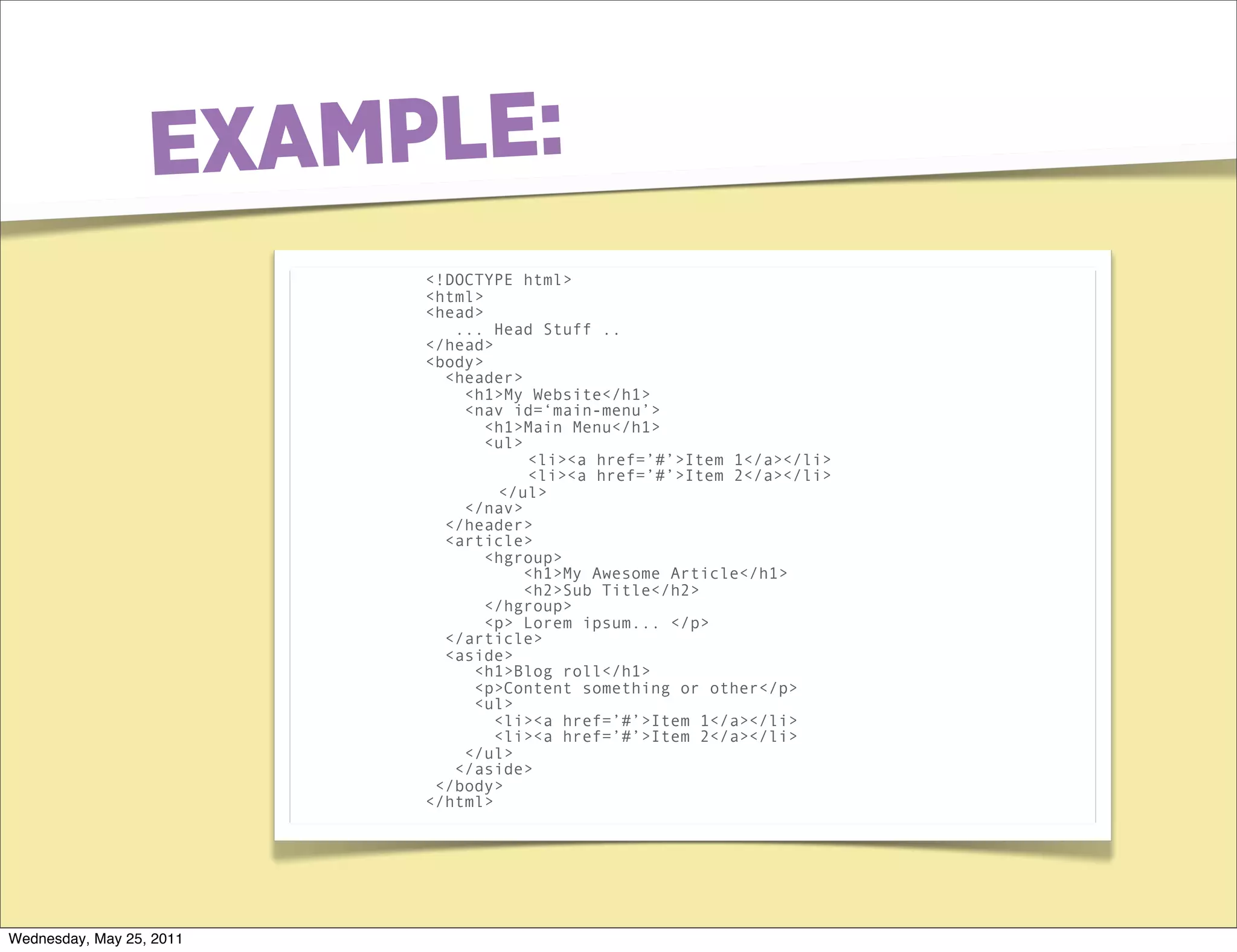
                          <!DOCTYPE html>
                          <html>
                          <head>
                             ... Head Stuff ..
                          </head>
                          <body>
                            <header>
                              <h1>My Website</h1>
                              <nav id=‘main-menu’>
                                 <h1>Main Menu</h1>
                                 <ul>
                                      <li><a href=’#’>Item 1</a></li>
                                      <li><a href=’#’>Item 2</a></li>
                                  </ul>
                              </nav>
                            </header>
                            <article>
                                 <hgroup>
                                      <h1>My Awesome Article</h1>
                                      <h2>Sub Title</h2>
                                 </hgroup>
                                 <p> Lorem ipsum... </p>
                            </article>
                            <aside>
                               <h1>Blog roll</h1>
                               <p>Content something or other</p>
                               <ul>
                                  <li><a href=’#’>Item 1</a></li>
                                  <li><a href=’#’>Item 2</a></li>
                              </ul>
                             </aside>
                           </body>
                          </html>


Wednesday, May 25, 2011
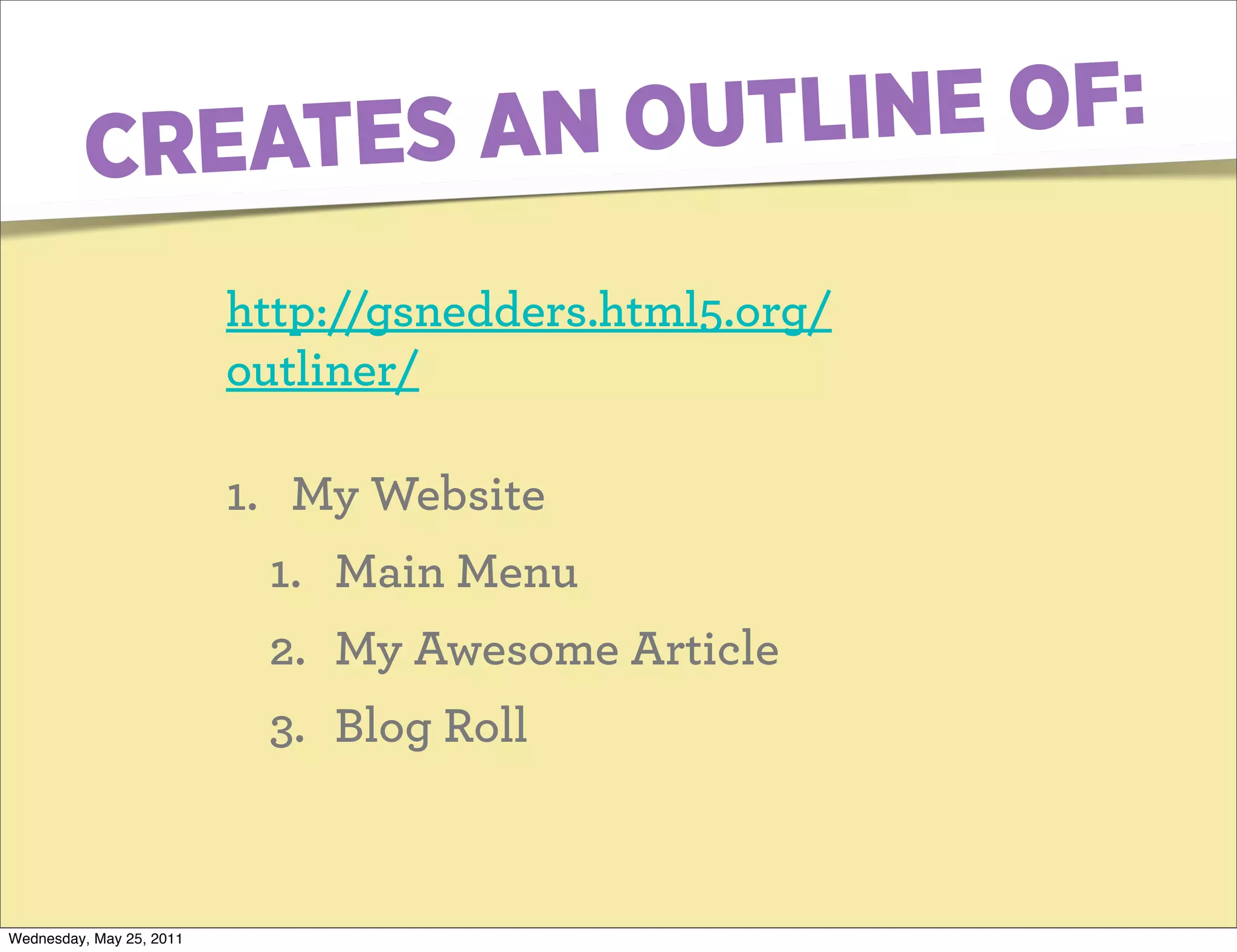
CREATES AN OUTL INE OF:

                          http://gsnedders.html5.org/
                          outliner/

                          1. My Website
                           1. Main Menu
                           2. My Awesome Article
                           3. Blog Roll


Wednesday, May 25, 2011
NITTY GRITTY
                          DETAILS...
                          Can I use a semantic chop now?


Wednesday, May 25, 2011
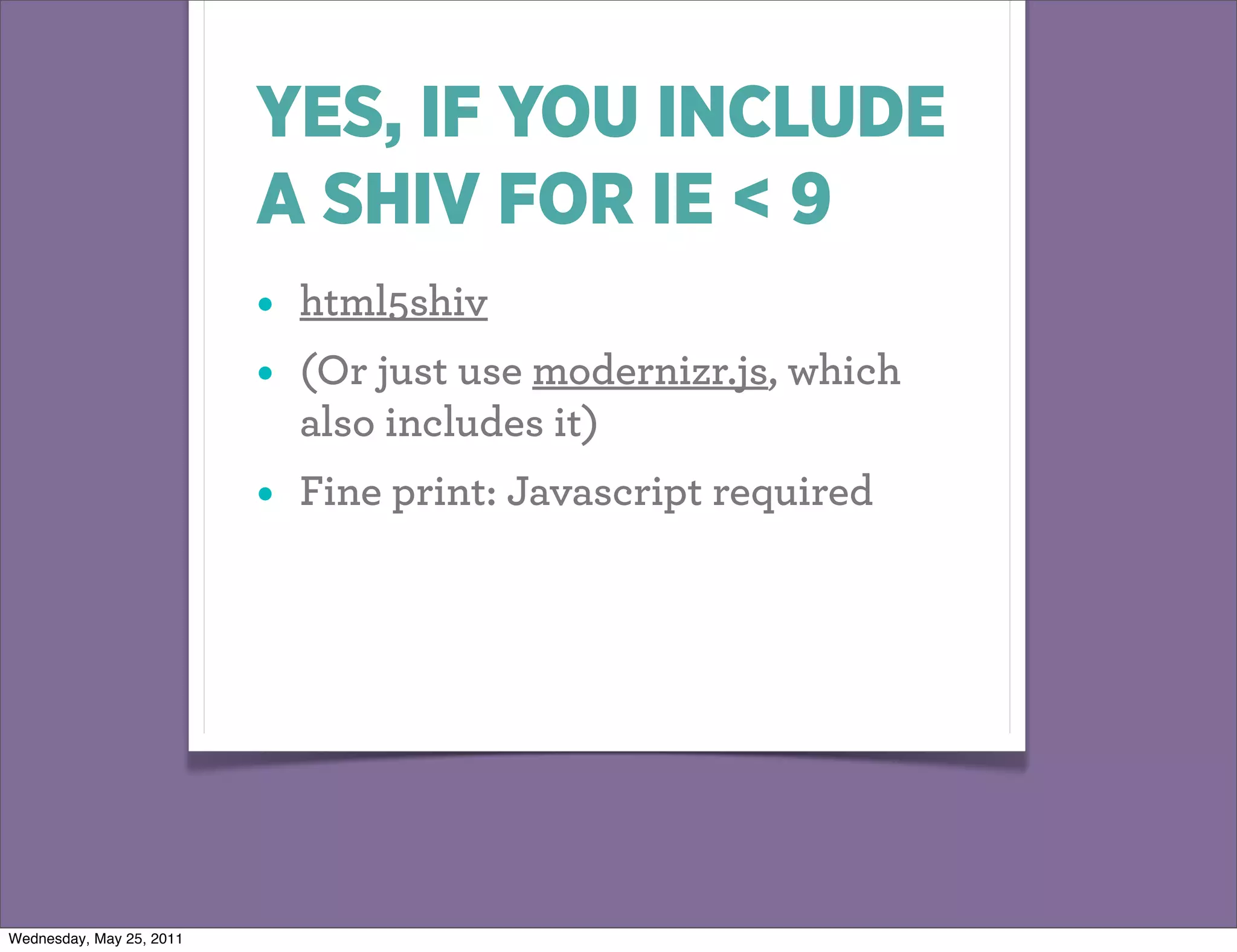
YES, IF YOU INCLUDE
                          A SHIV FOR IE < 9
                          •   html5shiv
                          •   (Or just use modernizr.js, which
                              also includes it)
                          •   Fine print: Javascript required


Wednesday, May 25, 2011
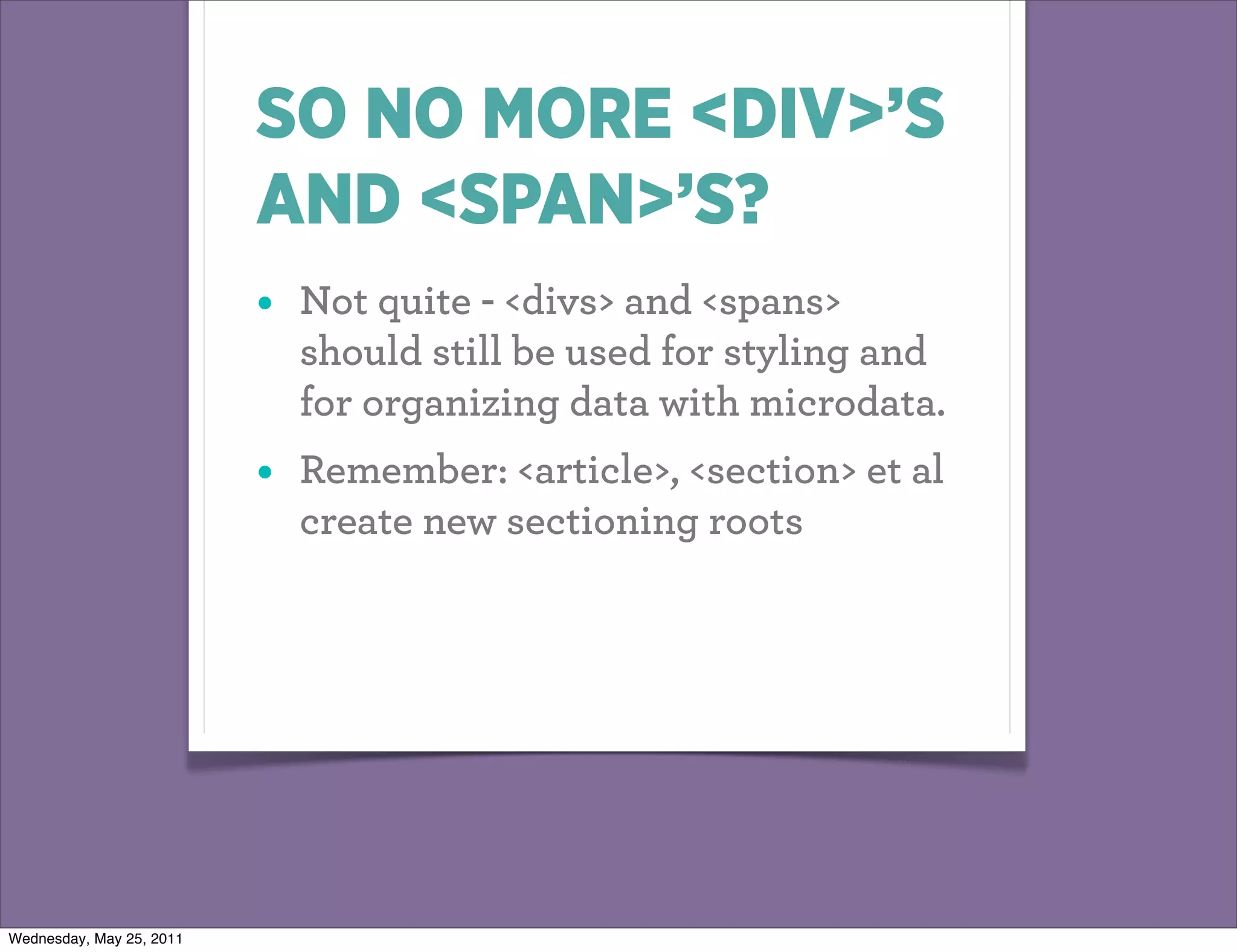
SO NO MORE <DIV>’S
                          AND <SPAN>’S?
                          •   Not quite - <divs> and <spans>
                              should still be used for styling and
                              for organizing data with microdata.
                          •   Remember: <article>, <section> et al
                              create new sectioning roots


Wednesday, May 25, 2011
PART 2:
                          ADDITIONAL
                          MEANING


Wednesday, May 25, 2011
SPEAKING OF
                          MICRODATA...
                          A way mark up *your existing html* to give it
                          machine readable meaning.


Wednesday, May 25, 2011
WHY?
                          Again - search engines. We
                          learned from the bad keyword-
                          stuffing days that pure meta-data
                          doesn’t work.


Wednesday, May 25, 2011
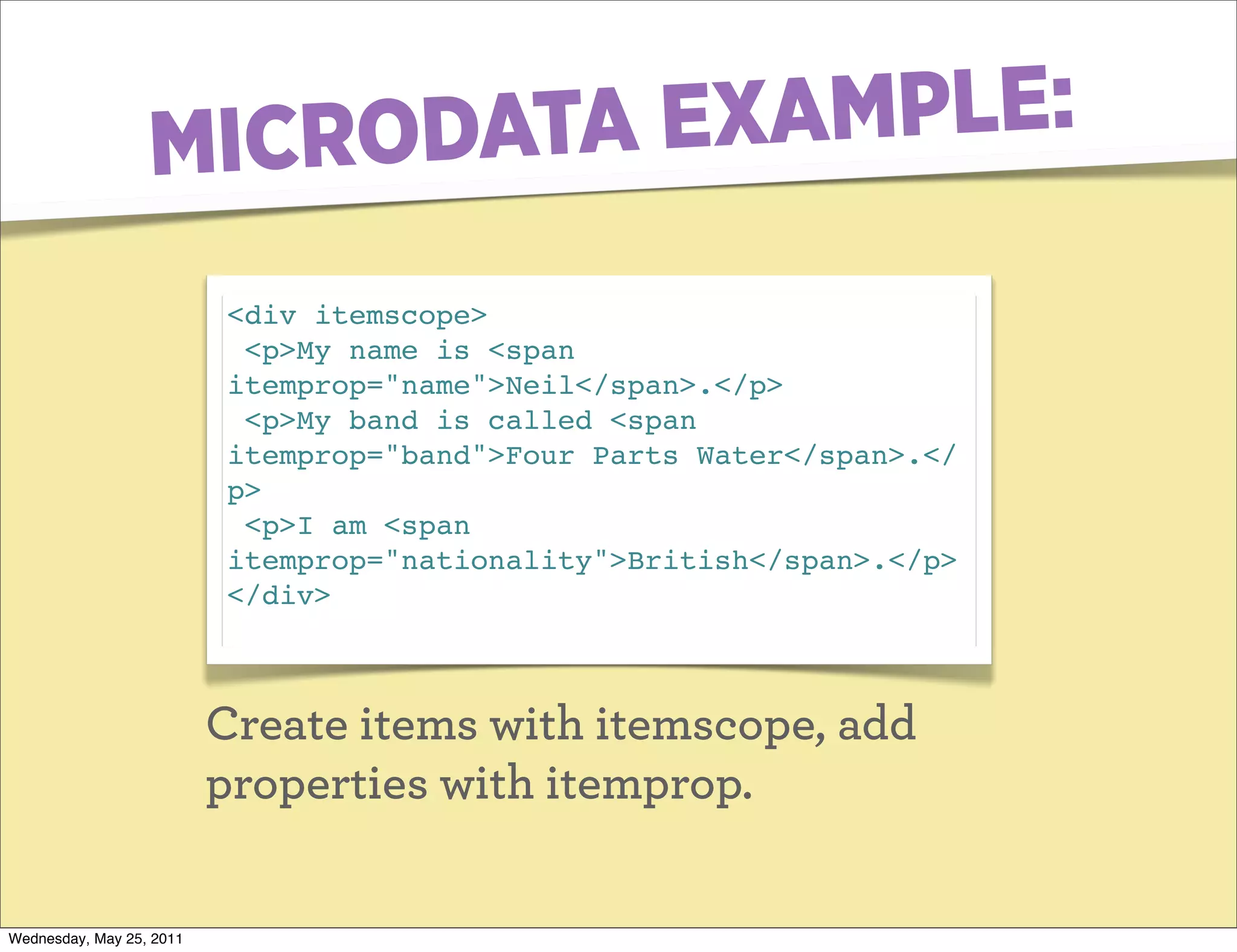
MICRO DATA EXAMPLE:
                          <div itemscope>
                           <p>My name is <span
                          itemprop="name">Neil</span>.</p>
                           <p>My band is called <span
                          itemprop="band">Four Parts Water</span>.</
                          p>
                           <p>I am <span
                          itemprop="nationality">British</span>.</p>
                          </div>


                          Create items with itemscope, add
                          properties with itemprop.

Wednesday, May 25, 2011
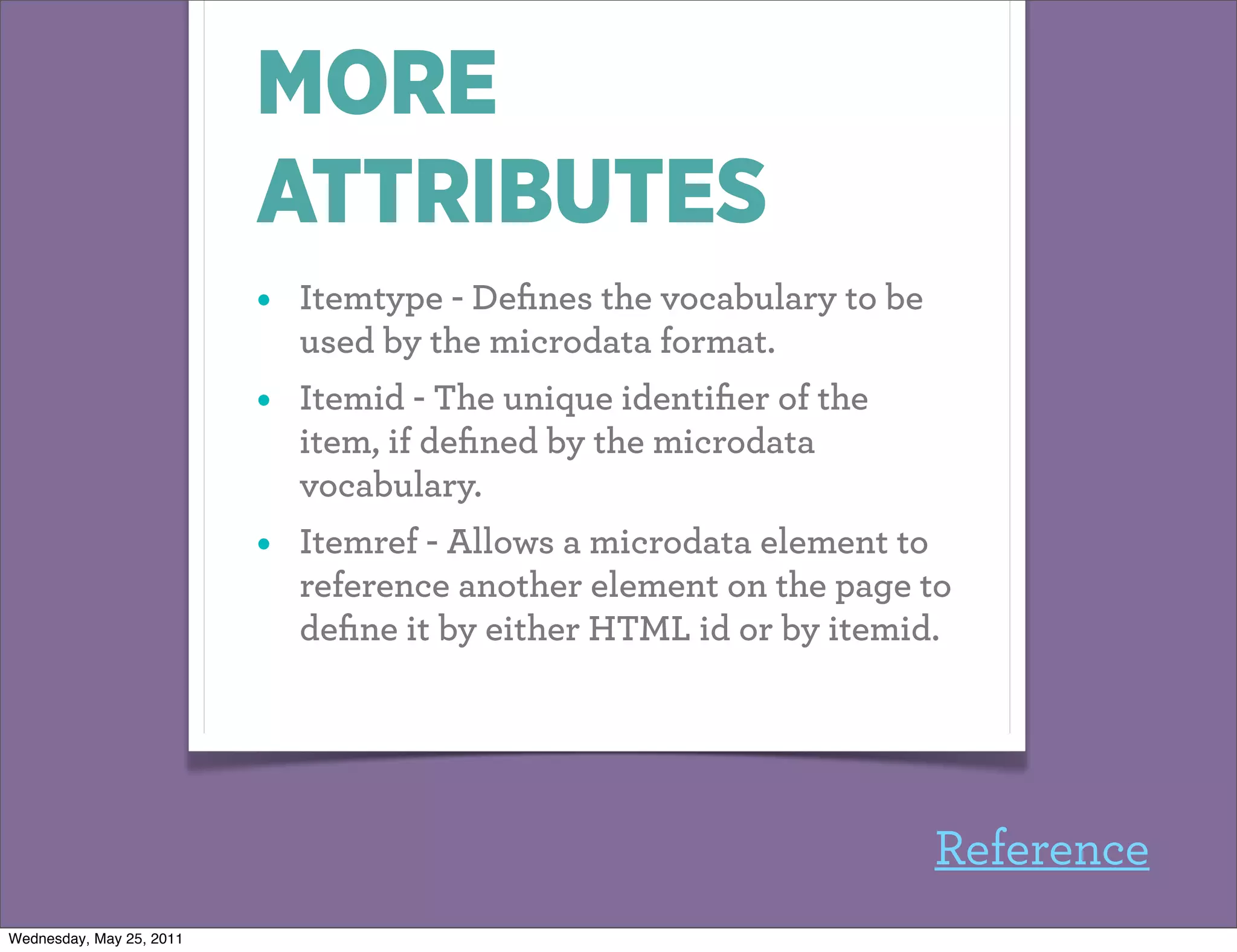
MORE
                          ATTRIBUTES
                          •   Itemtype - Defines the vocabulary to be
                              used by the microdata format.
                          •   Itemid - The unique identifier of the
                              item, if defined by the microdata
                              vocabulary.
                          •   Itemref - Allows a microdata element to
                              reference another element on the page to
                              define it by either HTML id or by itemid.


                                                                       Reference
Wednesday, May 25, 2011
WHERE IS IT
                          USED?
                          •   Google Rich snippets
                          •   http://www.google.com/
                              support/webmasters/bin/
                              answer.py?answer=99170


Wednesday, May 25, 2011
OPENGRAPH:
                          MAKING FACEBOOK
                          HAPPY
                          Facebook scans your page and pulls
                          information whenever someone likes or
                          shares a page of your site


Wednesday, May 25, 2011
IT’LL JUST PULL RANDOM
                          CR*P IF YOU DON’T ADD
                          OPENGRAPH TAGS


Wednesday, May 25, 2011
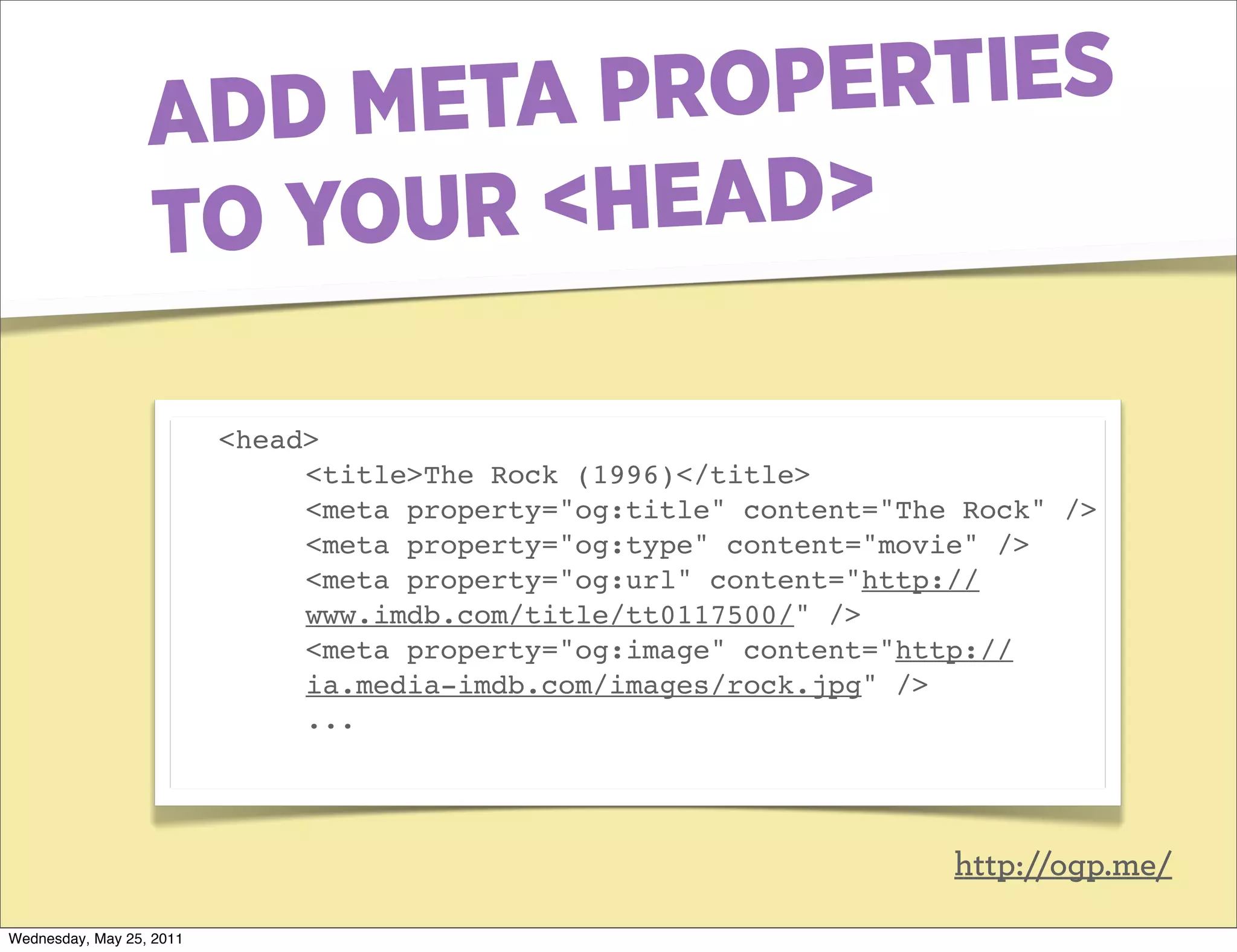
ADD META PR OPERTIES
                  TO YOUR <HEAD>

                          <head>
                               <title>The Rock (1996)</title>
                               <meta property="og:title" content="The Rock" />
                               <meta property="og:type" content="movie" />
                               <meta property="og:url" content="http://
                               www.imdb.com/title/tt0117500/" />
                               <meta property="og:image" content="http://
                               ia.media-imdb.com/images/rock.jpg" />
                               ...


                                                                     http://ogp.me/

Wednesday, May 25, 2011
FINALLY RDFA


Wednesday, May 25, 2011
FINALLY RDFA
                          ... Which is too complicated to cover in
                          a few minutes ...


                          But with it’s big brother RDF opens
                          you up to the full world of Web 3.0 &
                          the Semantic Web.


Wednesday, May 25, 2011
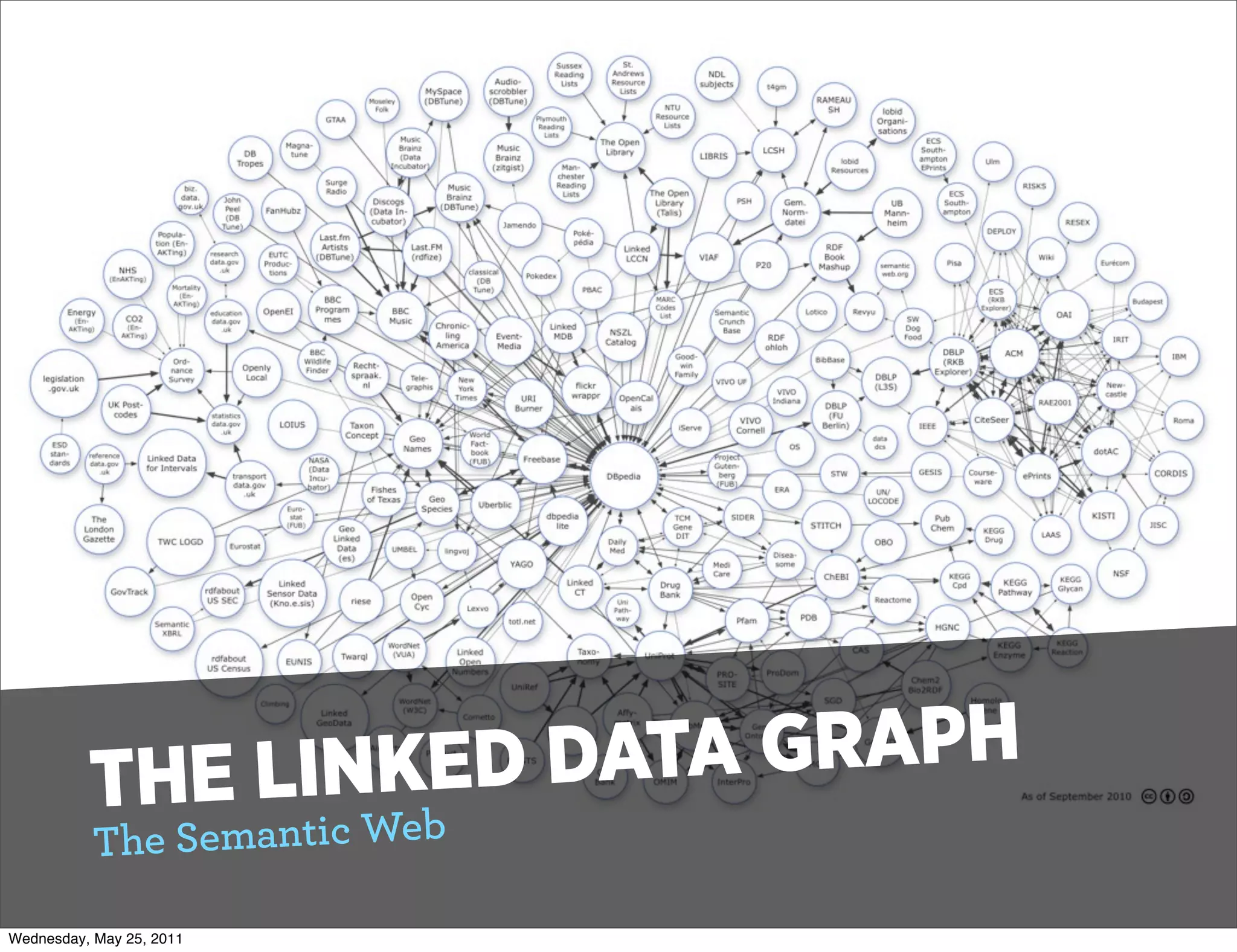
THE L INKED DATA GRAPH
           T he Semantic Web

Wednesday, May 25, 2011
THANKS!
                          QUESTIONS?


                          Pascal Rettig
                          cykod.com
                          Twitter @cykod


Wednesday, May 25, 2011

Semantic chop

  • 1.
    SEMANTIC HTML5 101 or “Bye bye divitis” Pascal Rettig On Twitter @cykod Wednesday, May 25, 2011
  • 2.
    Born in 1989by Tim Berner’s Lee HTML IS IN TO ITee EA ’S RLY 20’S Born in 1989 by Tim Berner’s L Wednesday, May 25, 2011
  • 3.
    LI FE CRniSgI”S QUAR3TERing to find “Mea n I FACINlGr A ML5 & Web .0 is try fo HT The big goa Wednesday, May 25, 2011
  • 4.
    WHAT IS A “SEMANTIC CHOP”? A way to give structure and meaning to the HTML that you generate. Wednesday, May 25, 2011
  • 5.
    W HO ISTH IS FOR? • Primarily clients other than your usual Web Browsers. • The Google, Other Search Engines, Data Aggregators, Screen Readers, “Non- traditional” browsers Wednesday, May 25, 2011
  • 6.
    THE GOALS • HTML tags used in Meaningful ways • All styling information left to CSS • Validating markup • All dynamic interactions added “unobtrusively” (usually via jQuery) Wednesday, May 25, 2011
  • 7.
    HOW DOES HTML5 ACHIEVE THIS? Wednesday, May 25, 2011
  • 8.
    #1 A BOATLOADOF MEANINGFUL TAGS. <article> <aside> <audio> <canvas> <command> <datalist> <details> <embed> <figcaption> <figure> <footer> <header> <hgroup> <keygen> <mark> <meter> <nav> <output> <progress> <rp> <rt> <ruby> <section> <source> <summary> <time> <video> <wbr> http://www.w3schools.com/html5/ tag_wbr.asp Wednesday, May 25, 2011
  • 9.
    #2SECTIONING TAGS <article> <aside> <nav> <section> (Also <details> <figure> act as the same, but don’t add to the parent section) Wednesday, May 25, 2011
  • 10.
    EACH CREATES A NEW “SECTION” OF YOUR PAGE Each of these represents a separate line in the outline of your document. Wednesday, May 25, 2011
  • 11.
    #3ORGANIZATIONAL ELEMENTS <header> <footer> <hgroup> Wednesday, May 25, 2011
  • 12.
    CAN BE USEDTO GROUP CONTENT TOGETHER (But does not create a separate sectioning root) Wednesday, May 25, 2011
  • 13.
    #4SELF-CONTAINED “SYNDICATABLE” CONTENT All <article>’s should be self-contained elements They can contain their own <h1>’s <header>’s <footer>’s etc Wednesday, May 25, 2011
  • 14.
    #5ADDED MEANING TO HTML5 TAGS <em>Emphasized text</em> <strong>Strong text</strong> <dfn>Definition term</dfn> <code>Computer code text</code> <samp>Sample computer code text</samp> <kbd>Keyboard text</kbd> <var>Variable</var> <cite>Citation</cite> Wednesday, May 25, 2011
  • 15.
    E XAMPLE: <!DOCTYPE html> <html> <head> ... Head Stuff .. </head> <body> <header> <h1>My Website</h1> <nav id=‘main-menu’> <h1>Main Menu</h1> <ul> <li><a href=’#’>Item 1</a></li> <li><a href=’#’>Item 2</a></li> </ul> </nav> </header> <article> <hgroup> <h1>My Awesome Article</h1> <h2>Sub Title</h2> </hgroup> <p> Lorem ipsum... </p> </article> <aside> <h1>Blog roll</h1> <p>Content something or other</p> <ul> <li><a href=’#’>Item 1</a></li> <li><a href=’#’>Item 2</a></li> </ul> </aside> </body> </html> Wednesday, May 25, 2011
  • 16.
    CREATES AN OUTLINE OF: http://gsnedders.html5.org/ outliner/ 1. My Website 1. Main Menu 2. My Awesome Article 3. Blog Roll Wednesday, May 25, 2011
  • 17.
    NITTY GRITTY DETAILS... Can I use a semantic chop now? Wednesday, May 25, 2011
  • 18.
    YES, IF YOUINCLUDE A SHIV FOR IE < 9 • html5shiv • (Or just use modernizr.js, which also includes it) • Fine print: Javascript required Wednesday, May 25, 2011
  • 19.
    SO NO MORE<DIV>’S AND <SPAN>’S? • Not quite - <divs> and <spans> should still be used for styling and for organizing data with microdata. • Remember: <article>, <section> et al create new sectioning roots Wednesday, May 25, 2011
  • 20.
    PART 2: ADDITIONAL MEANING Wednesday, May 25, 2011
  • 21.
    SPEAKING OF MICRODATA... A way mark up *your existing html* to give it machine readable meaning. Wednesday, May 25, 2011
  • 22.
    WHY? Again - search engines. We learned from the bad keyword- stuffing days that pure meta-data doesn’t work. Wednesday, May 25, 2011
  • 23.
    MICRO DATA EXAMPLE: <div itemscope> <p>My name is <span itemprop="name">Neil</span>.</p> <p>My band is called <span itemprop="band">Four Parts Water</span>.</ p> <p>I am <span itemprop="nationality">British</span>.</p> </div> Create items with itemscope, add properties with itemprop. Wednesday, May 25, 2011
  • 24.
    MORE ATTRIBUTES • Itemtype - Defines the vocabulary to be used by the microdata format. • Itemid - The unique identifier of the item, if defined by the microdata vocabulary. • Itemref - Allows a microdata element to reference another element on the page to define it by either HTML id or by itemid. Reference Wednesday, May 25, 2011
  • 25.
    WHERE IS IT USED? • Google Rich snippets • http://www.google.com/ support/webmasters/bin/ answer.py?answer=99170 Wednesday, May 25, 2011
  • 26.
    OPENGRAPH: MAKING FACEBOOK HAPPY Facebook scans your page and pulls information whenever someone likes or shares a page of your site Wednesday, May 25, 2011
  • 27.
    IT’LL JUST PULLRANDOM CR*P IF YOU DON’T ADD OPENGRAPH TAGS Wednesday, May 25, 2011
  • 28.
    ADD META PROPERTIES TO YOUR <HEAD> <head> <title>The Rock (1996)</title> <meta property="og:title" content="The Rock" /> <meta property="og:type" content="movie" /> <meta property="og:url" content="http:// www.imdb.com/title/tt0117500/" /> <meta property="og:image" content="http:// ia.media-imdb.com/images/rock.jpg" /> ... http://ogp.me/ Wednesday, May 25, 2011
  • 29.
  • 30.
    FINALLY RDFA ... Which is too complicated to cover in a few minutes ... But with it’s big brother RDF opens you up to the full world of Web 3.0 & the Semantic Web. Wednesday, May 25, 2011
  • 31.
    THE L INKEDDATA GRAPH T he Semantic Web Wednesday, May 25, 2011
  • 32.
    THANKS! QUESTIONS? Pascal Rettig cykod.com Twitter @cykod Wednesday, May 25, 2011
  • 33.