Security, Groups, and
Access Rights in Odoo 17
Enterprise
Introduction
Enterprise
In Odoo, security is a critical aspect of managing access to
various features and data within the system. Security measures
include defining user groups, assigning access rights, and
controlling permissions for different modules and resources. This
slides provides an overview of security concepts, groups, and
access rights in Odoo 17.
Enterprise
User Groups
User groups are a way to categorize users based on their roles
and responsibilities within the organization. Each user group can
be assigned specific access rights to control what actions its
members can perform in Odoo. Below is an explanation of how
to create user groups in Odoo 17:
Enterprise
Steps to Create User Groups
● Create an XML File: Create an XML file named
security_group.xml inside the security folder of the custom
module.
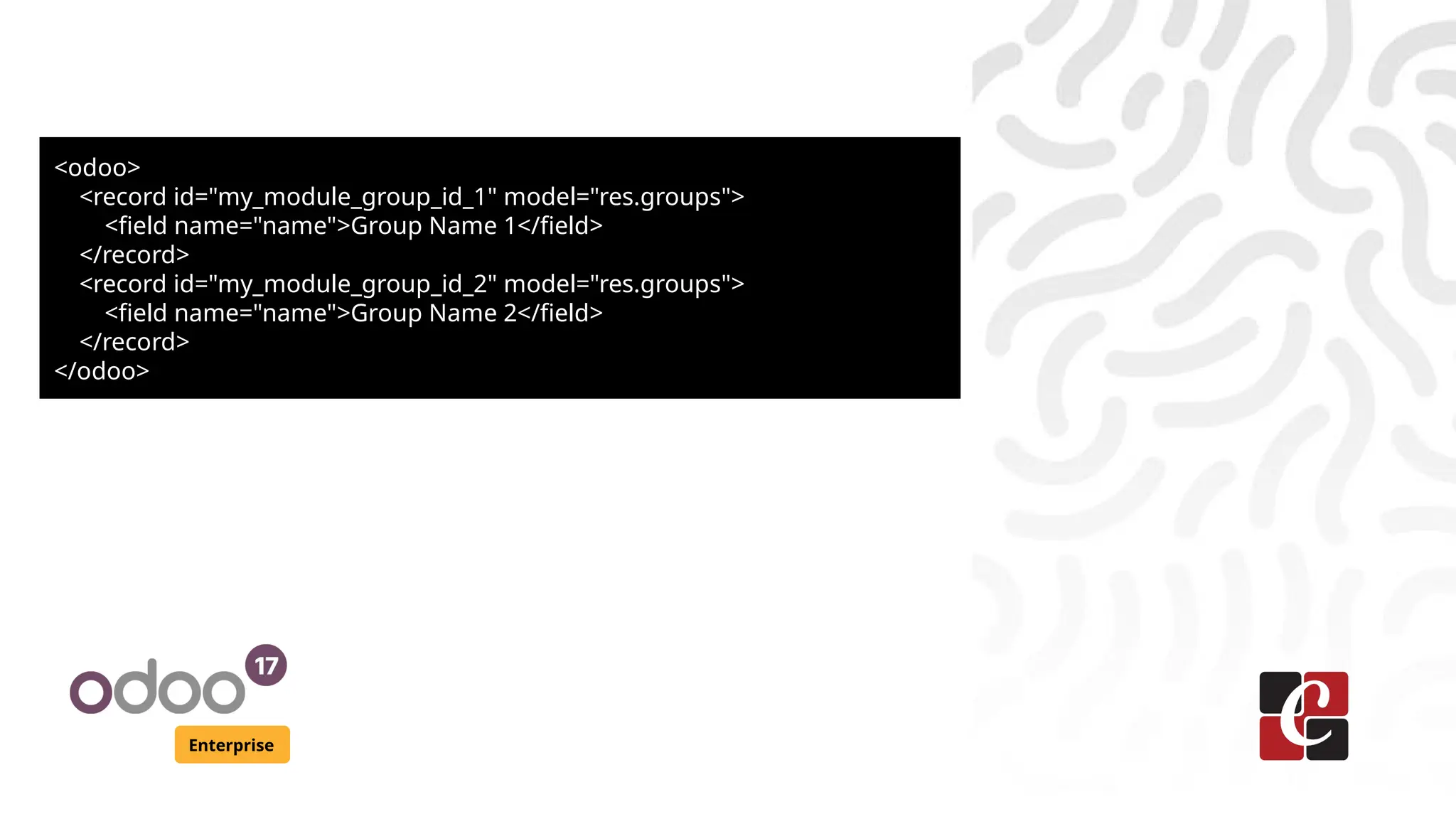
● Add User Group Definitions: Add the following code to
define the user groups:
Enterprise
<odoo>
<record id="my_module_group_id_1" model="res.groups">
<field name="name">Group Name 1</field>
</record>
<record id="my_module_group_id_2" model="res.groups">
<field name="name">Group Name 2</field>
</record>
</odoo>
Enterprise
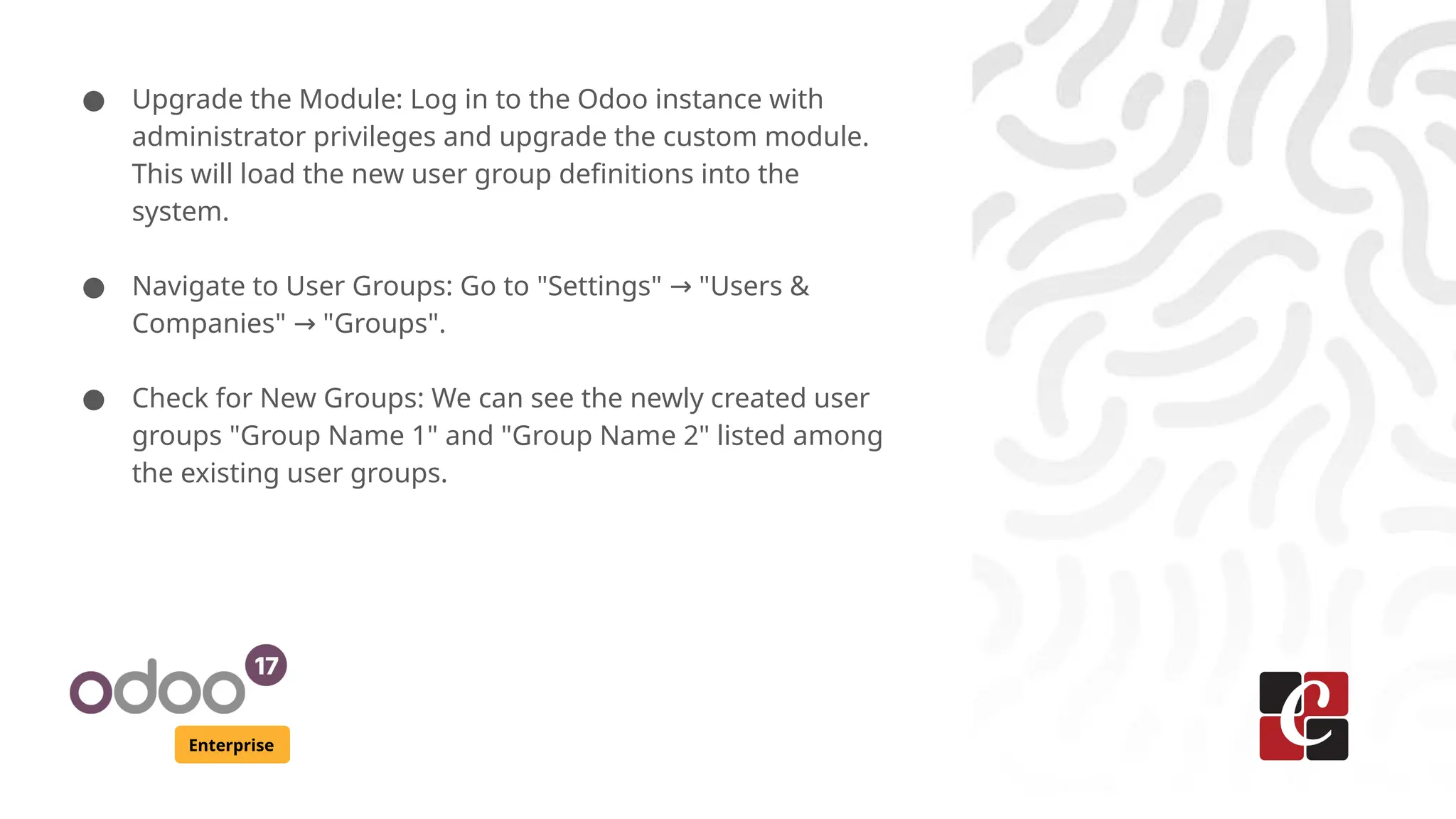
● Upgrade the Module: Log in to the Odoo instance with
administrator privileges and upgrade the custom module.
This will load the new user group definitions into the
system.
● Navigate to User Groups: Go to "Settings" "Users &
→
Companies" "Groups".
→
● Check for New Groups: We can see the newly created user
groups "Group Name 1" and "Group Name 2" listed among
the existing user groups.
Enterprise
Access Rights
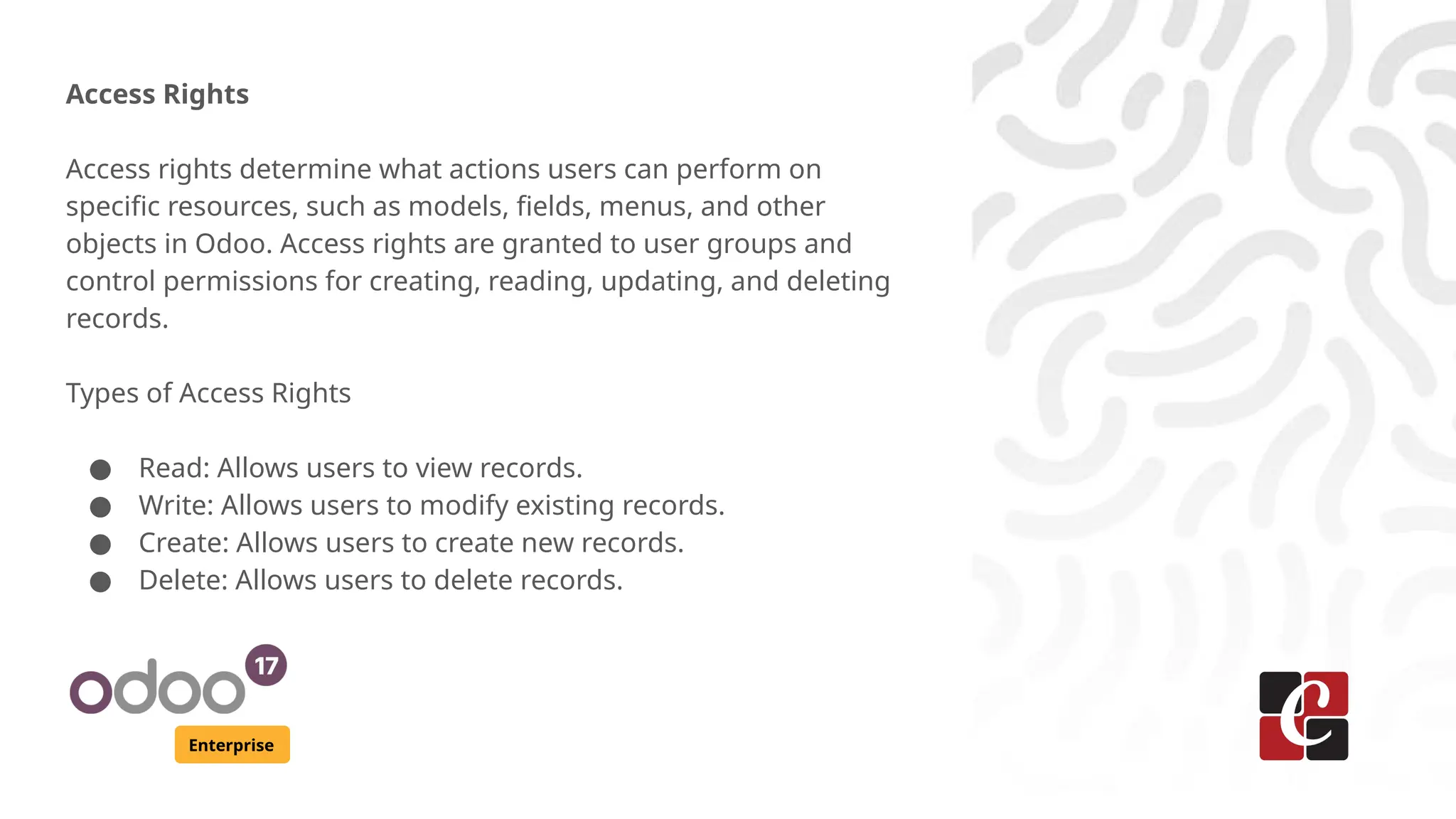
Access rights determine what actions users can perform on
specific resources, such as models, fields, menus, and other
objects in Odoo. Access rights are granted to user groups and
control permissions for creating, reading, updating, and deleting
records.
Types of Access Rights
● Read: Allows users to view records.
● Write: Allows users to modify existing records.
● Create: Allows users to create new records.
● Delete: Allows users to delete records.
Enterprise
● In Odoo, access rights for models are defined using the
ir.model.access.csv file inside the models security folder.
This file specifies the permissions for creating, reading,
writing, and deleting records in a particular model.
Enterprise
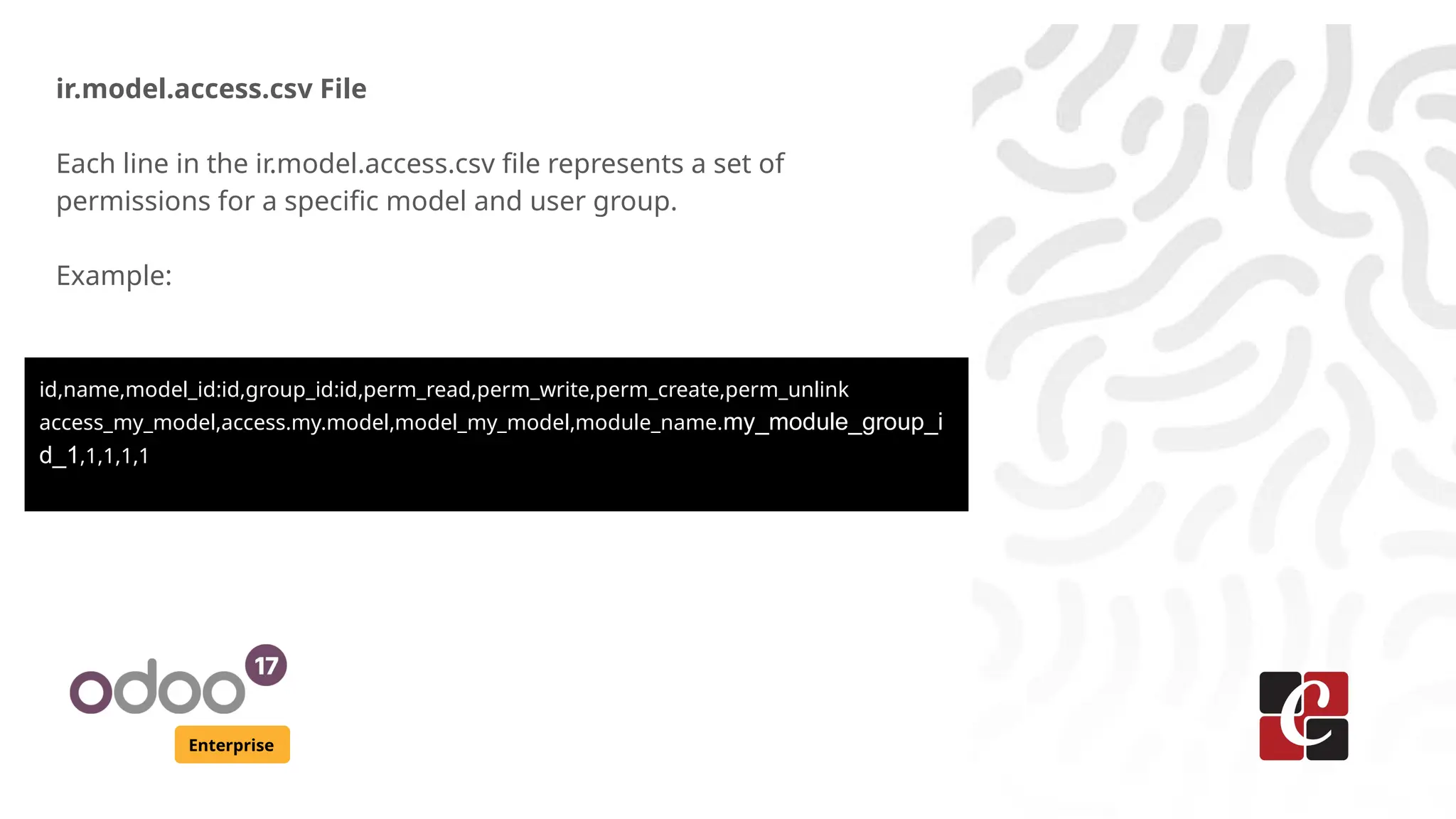
ir.model.access.csv File
Each line in the ir.model.access.csv file represents a set of
permissions for a specific model and user group.
Example:
id,name,model_id:id,group_id:id,perm_read,perm_write,perm_create,perm_unlink
access_my_model,access.my.model,model_my_model,module_name.my_module_group_i
d_1,1,1,1,1
Enterprise
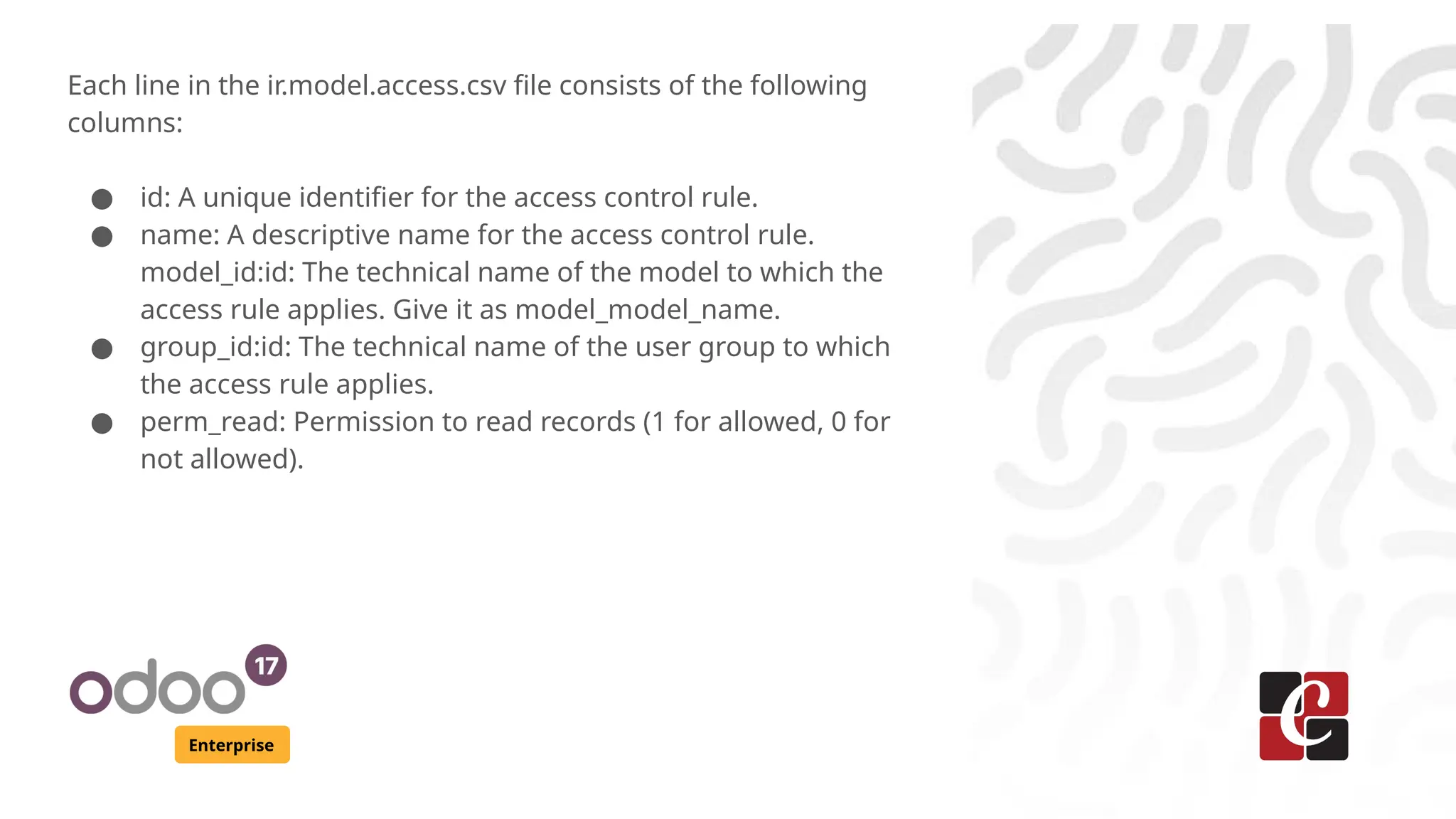
Each line in the ir.model.access.csv file consists of the following
columns:
● id: A unique identifier for the access control rule.
● name: A descriptive name for the access control rule.
model_id:id: The technical name of the model to which the
access rule applies. Give it as model_model_name.
● group_id:id: The technical name of the user group to which
the access rule applies.
● perm_read: Permission to read records (1 for allowed, 0 for
not allowed).
Enterprise
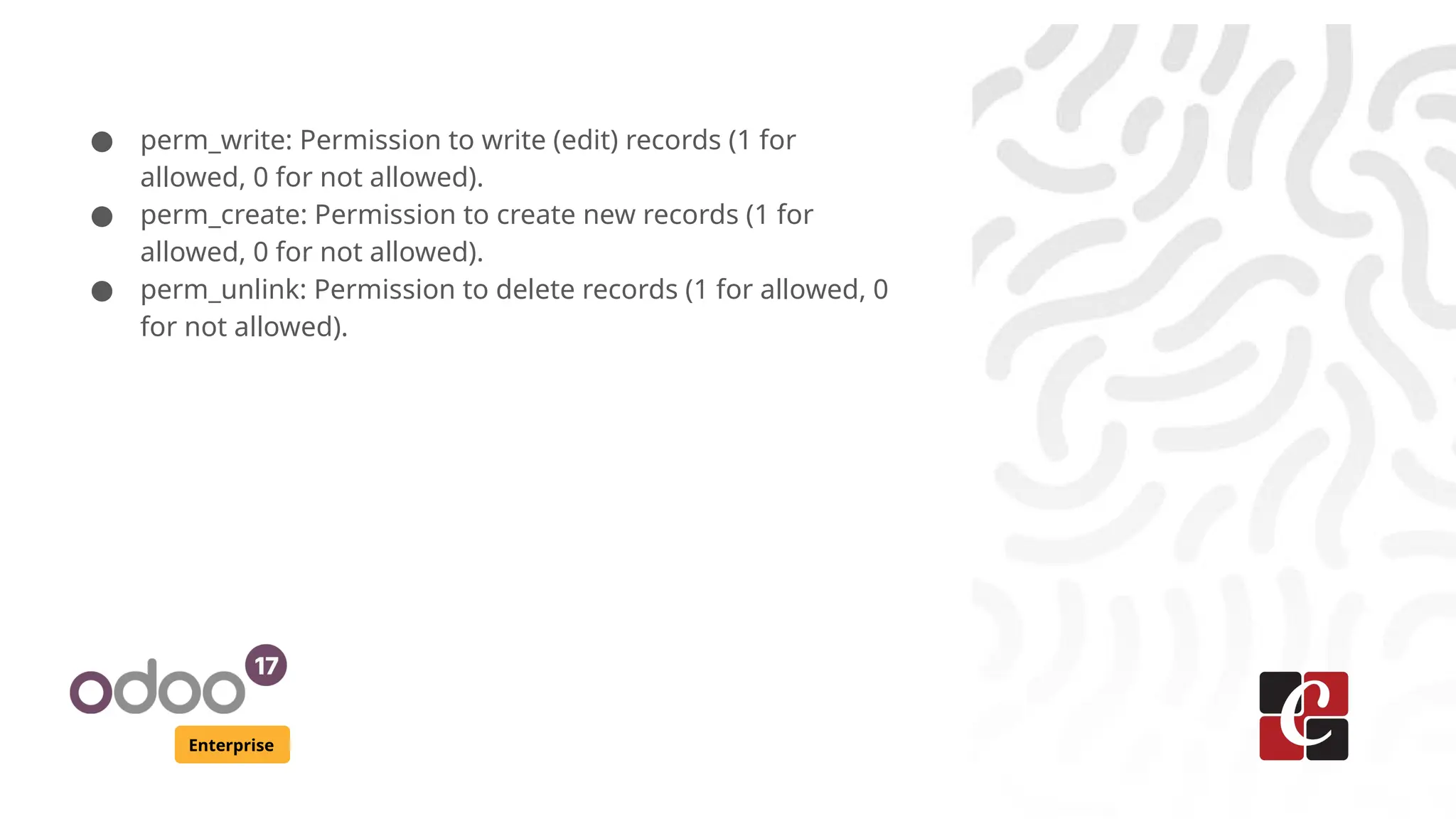
● perm_write: Permission to write (edit) records (1 for
allowed, 0 for not allowed).
● perm_create: Permission to create new records (1 for
allowed, 0 for not allowed).
● perm_unlink: Permission to delete records (1 for allowed, 0
for not allowed).
Enterprise
Implementing Security Rules
In Odoo, security rules are used to restrict access to specific
records based on user roles or conditions. This ensures that
users can only interact with data they are permitted to see or
modify.
Enterprise
Let's break down each component of this example:
<record model="ir.rule" id="rule_name">
<field name="name">Rule Name</field>
<field name="model_id" ref="model_my_model_name"/>
<field name="global" eval="False"/>
<field name="domain_force">[('field_name', '=',
user.partner_id.field_name)]</field>
<field name="groups" eval="[(4, ref('module.group_name'))]"/>
</record>
Enterprise
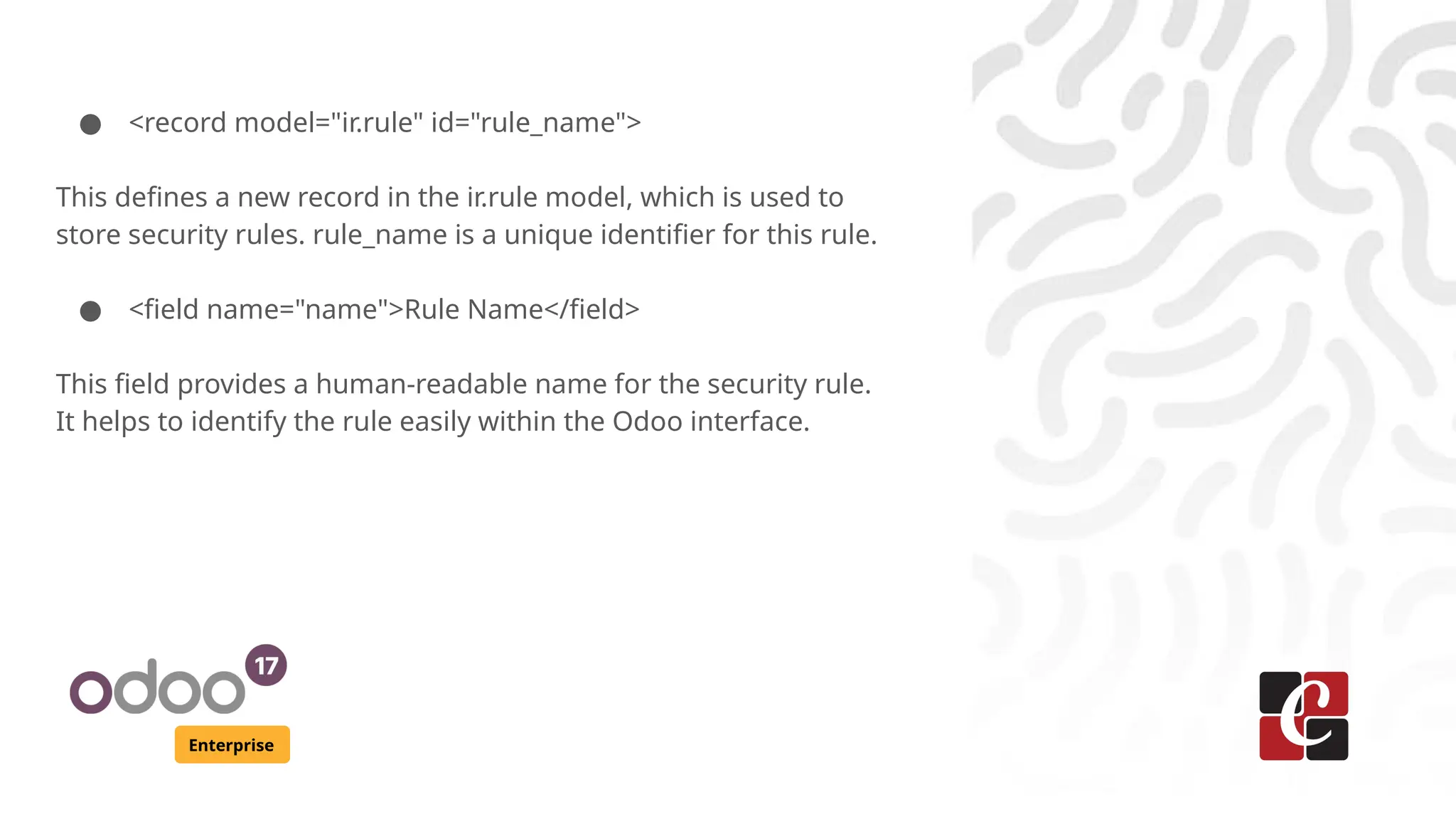
● <record model="ir.rule" id="rule_name">
This defines a new record in the ir.rule model, which is used to
store security rules. rule_name is a unique identifier for this rule.
● <field name="name">Rule Name</field>
This field provides a human-readable name for the security rule.
It helps to identify the rule easily within the Odoo interface.
Enterprise
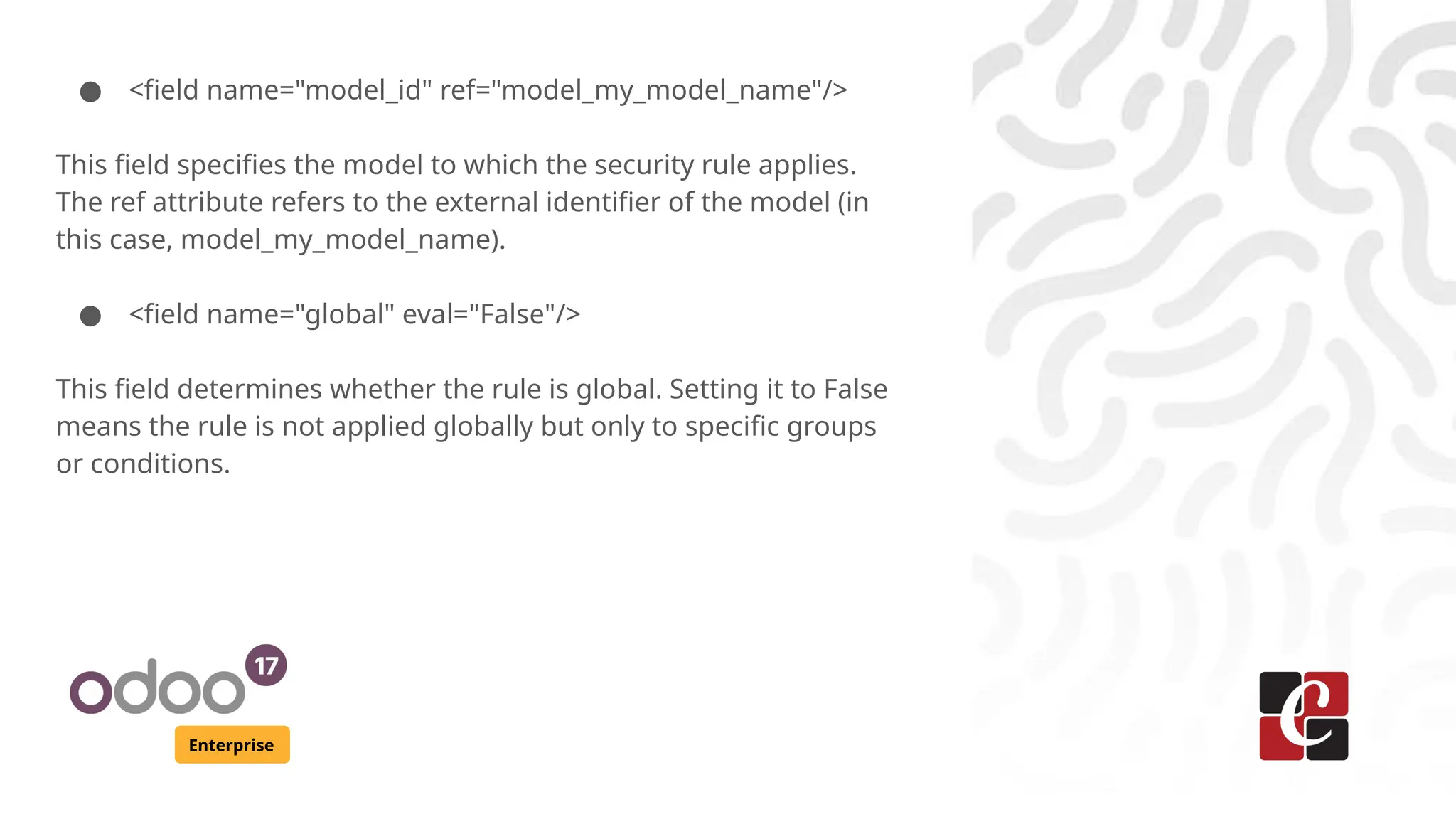
● <field name="model_id" ref="model_my_model_name"/>
This field specifies the model to which the security rule applies.
The ref attribute refers to the external identifier of the model (in
this case, model_my_model_name).
● <field name="global" eval="False"/>
This field determines whether the rule is global. Setting it to False
means the rule is not applied globally but only to specific groups
or conditions.
Enterprise
● <field name="domain_force">[('field_name', '=',
user.partner_id.field_name)]</field>
This field defines the condition for the security rule using a
domain. The domain_force field specifies a domain expression
that restricts access to records based on conditions. Here,
('field_name', '=', user.partner_id.field_name) ensures that users
can only see records where field_name matches their
partner_id's field_name.
Enterprise
● <field name="groups" eval="[(4,
ref('module.group_name'))]"/>
This field assigns the security rule to specific user groups. The
groups field uses the eval attribute to evaluate a list of tuples.
The tuple (4, ref('module.group_name')) adds the group with the
external identifier module.group_name to the list of groups that
the rule applies to.
Enterprise
By following these steps, we can effectively create and manage
user groups in Odoo, allowing us to categorize users based on
their roles and control their access to various features and
functionalities within the application.
For More Info.
Check our company website for related blogs
and Odoo book.
Check our YouTube channel for
functional and technical videos in Odoo.
Enterprise
www.cybrosys.com

Security, Groups, and Access Rights in Odoo 17

  • 1.
    Security, Groups, and AccessRights in Odoo 17 Enterprise
  • 2.
    Introduction Enterprise In Odoo, securityis a critical aspect of managing access to various features and data within the system. Security measures include defining user groups, assigning access rights, and controlling permissions for different modules and resources. This slides provides an overview of security concepts, groups, and access rights in Odoo 17.
  • 3.
    Enterprise User Groups User groupsare a way to categorize users based on their roles and responsibilities within the organization. Each user group can be assigned specific access rights to control what actions its members can perform in Odoo. Below is an explanation of how to create user groups in Odoo 17:
  • 4.
    Enterprise Steps to CreateUser Groups ● Create an XML File: Create an XML file named security_group.xml inside the security folder of the custom module. ● Add User Group Definitions: Add the following code to define the user groups:
  • 5.
    Enterprise <odoo> <record id="my_module_group_id_1" model="res.groups"> <fieldname="name">Group Name 1</field> </record> <record id="my_module_group_id_2" model="res.groups"> <field name="name">Group Name 2</field> </record> </odoo>
  • 6.
    Enterprise ● Upgrade theModule: Log in to the Odoo instance with administrator privileges and upgrade the custom module. This will load the new user group definitions into the system. ● Navigate to User Groups: Go to "Settings" "Users & → Companies" "Groups". → ● Check for New Groups: We can see the newly created user groups "Group Name 1" and "Group Name 2" listed among the existing user groups.
  • 7.
    Enterprise Access Rights Access rightsdetermine what actions users can perform on specific resources, such as models, fields, menus, and other objects in Odoo. Access rights are granted to user groups and control permissions for creating, reading, updating, and deleting records. Types of Access Rights ● Read: Allows users to view records. ● Write: Allows users to modify existing records. ● Create: Allows users to create new records. ● Delete: Allows users to delete records.
  • 8.
    Enterprise ● In Odoo,access rights for models are defined using the ir.model.access.csv file inside the models security folder. This file specifies the permissions for creating, reading, writing, and deleting records in a particular model.
  • 9.
    Enterprise ir.model.access.csv File Each linein the ir.model.access.csv file represents a set of permissions for a specific model and user group. Example: id,name,model_id:id,group_id:id,perm_read,perm_write,perm_create,perm_unlink access_my_model,access.my.model,model_my_model,module_name.my_module_group_i d_1,1,1,1,1
  • 10.
    Enterprise Each line inthe ir.model.access.csv file consists of the following columns: ● id: A unique identifier for the access control rule. ● name: A descriptive name for the access control rule. model_id:id: The technical name of the model to which the access rule applies. Give it as model_model_name. ● group_id:id: The technical name of the user group to which the access rule applies. ● perm_read: Permission to read records (1 for allowed, 0 for not allowed).
  • 11.
    Enterprise ● perm_write: Permissionto write (edit) records (1 for allowed, 0 for not allowed). ● perm_create: Permission to create new records (1 for allowed, 0 for not allowed). ● perm_unlink: Permission to delete records (1 for allowed, 0 for not allowed).
  • 12.
    Enterprise Implementing Security Rules InOdoo, security rules are used to restrict access to specific records based on user roles or conditions. This ensures that users can only interact with data they are permitted to see or modify.
  • 13.
    Enterprise Let's break downeach component of this example: <record model="ir.rule" id="rule_name"> <field name="name">Rule Name</field> <field name="model_id" ref="model_my_model_name"/> <field name="global" eval="False"/> <field name="domain_force">[('field_name', '=', user.partner_id.field_name)]</field> <field name="groups" eval="[(4, ref('module.group_name'))]"/> </record>
  • 14.
    Enterprise ● <record model="ir.rule"id="rule_name"> This defines a new record in the ir.rule model, which is used to store security rules. rule_name is a unique identifier for this rule. ● <field name="name">Rule Name</field> This field provides a human-readable name for the security rule. It helps to identify the rule easily within the Odoo interface.
  • 15.
    Enterprise ● <field name="model_id"ref="model_my_model_name"/> This field specifies the model to which the security rule applies. The ref attribute refers to the external identifier of the model (in this case, model_my_model_name). ● <field name="global" eval="False"/> This field determines whether the rule is global. Setting it to False means the rule is not applied globally but only to specific groups or conditions.
  • 16.
    Enterprise ● <field name="domain_force">[('field_name','=', user.partner_id.field_name)]</field> This field defines the condition for the security rule using a domain. The domain_force field specifies a domain expression that restricts access to records based on conditions. Here, ('field_name', '=', user.partner_id.field_name) ensures that users can only see records where field_name matches their partner_id's field_name.
  • 17.
    Enterprise ● <field name="groups"eval="[(4, ref('module.group_name'))]"/> This field assigns the security rule to specific user groups. The groups field uses the eval attribute to evaluate a list of tuples. The tuple (4, ref('module.group_name')) adds the group with the external identifier module.group_name to the list of groups that the rule applies to.
  • 18.
    Enterprise By following thesesteps, we can effectively create and manage user groups in Odoo, allowing us to categorize users based on their roles and control their access to various features and functionalities within the application.
  • 19.
    For More Info. Checkour company website for related blogs and Odoo book. Check our YouTube channel for functional and technical videos in Odoo. Enterprise www.cybrosys.com