How to show warning / error
messages in Odoo 16
In this Slide, we will discuss exceptions in odoo15. The exceptions are the
error messages. These are used to prevent the execution of programs in
certain situations for your needs. These exceptions are listed below.
1. ValidationError
2. UserError
3. AccessError
4. MissingError
5. AccessDenied
6. IndirectWarning
7. CacheMiss
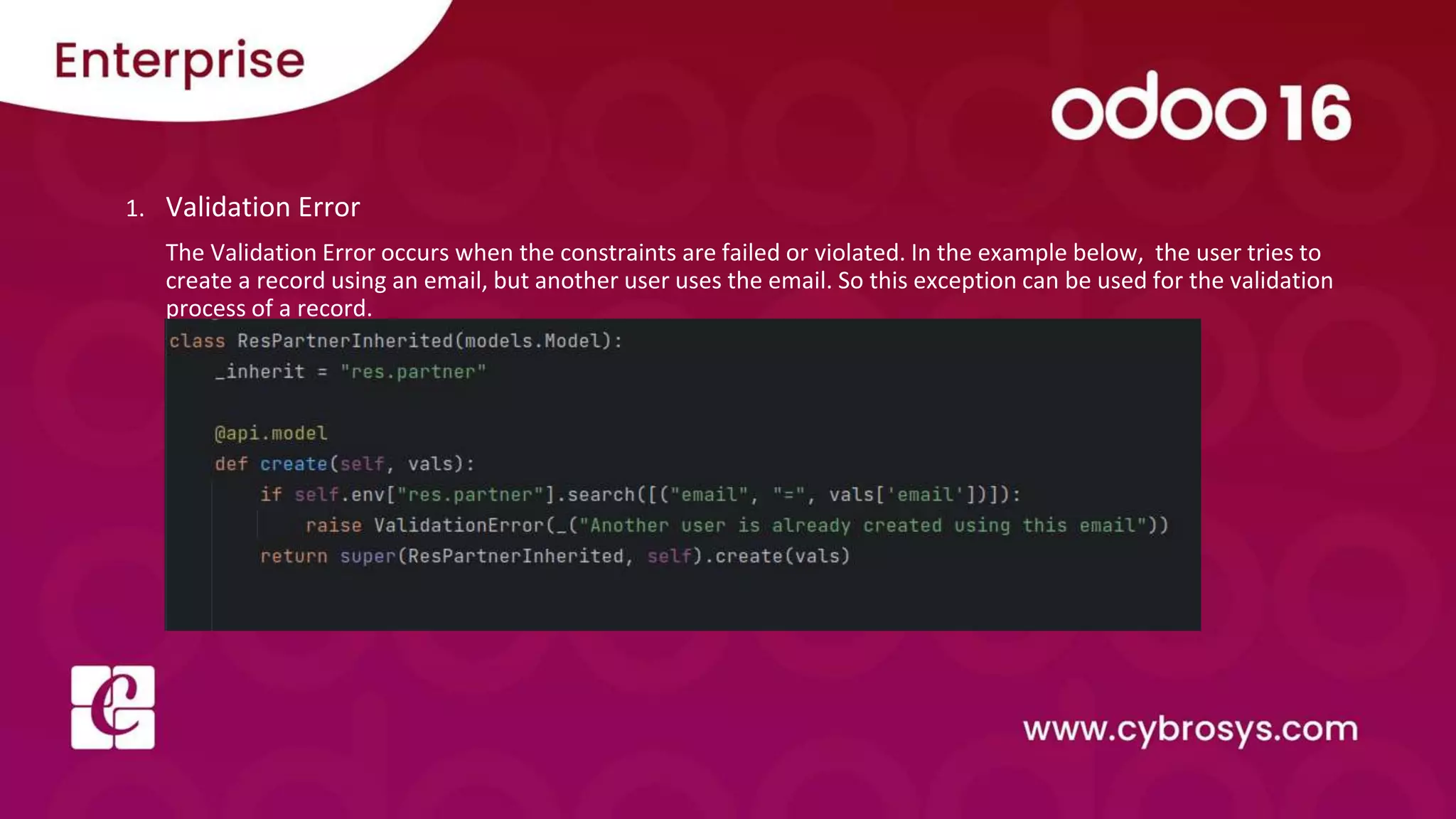
1. Validation Error
The Validation Error occurs when the constraints are failed or violated. In the example below, the user tries to
create a record using an email, but another user uses the email. So this exception can be used for the validation
process of a record.
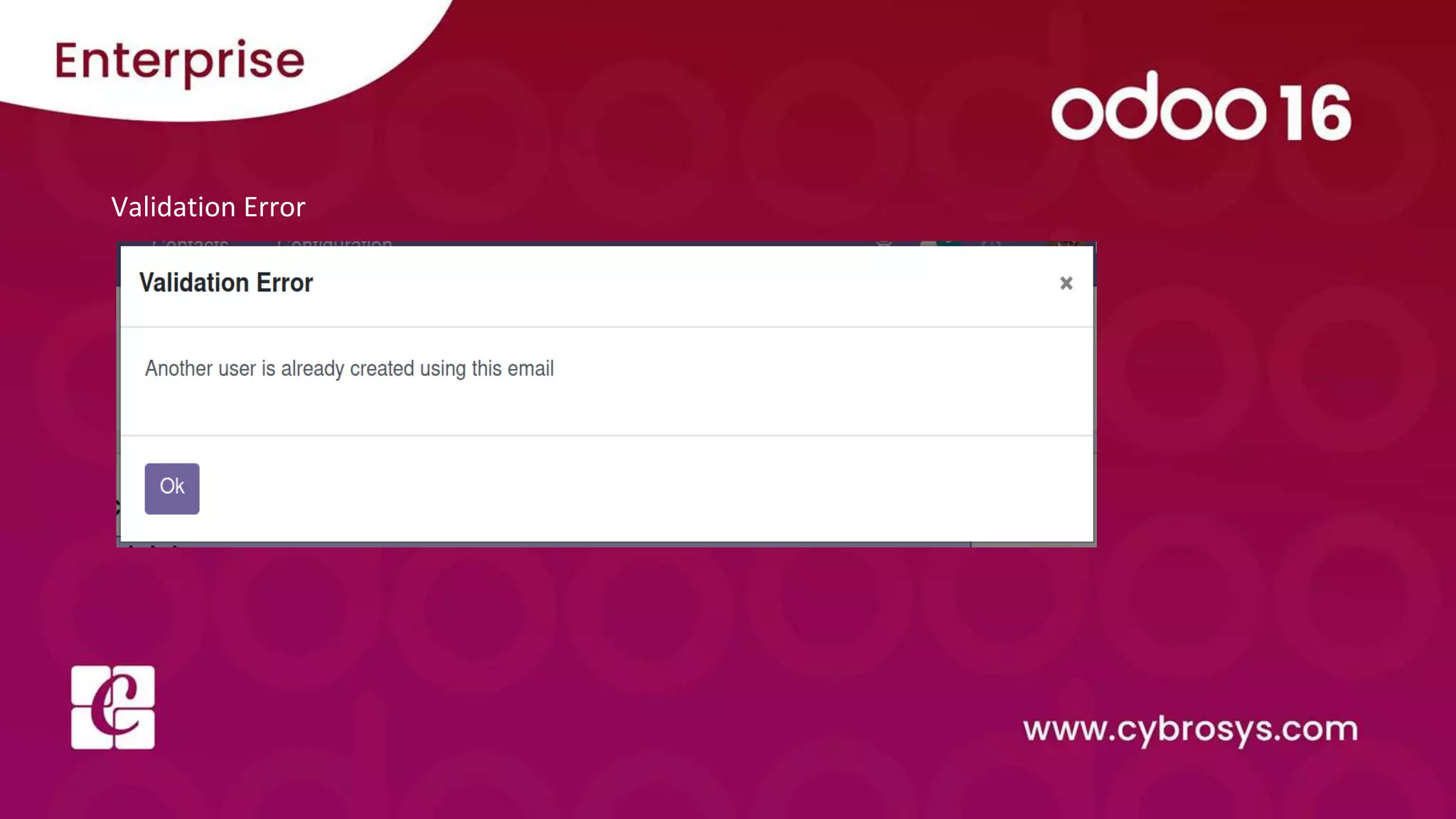
Validation Error
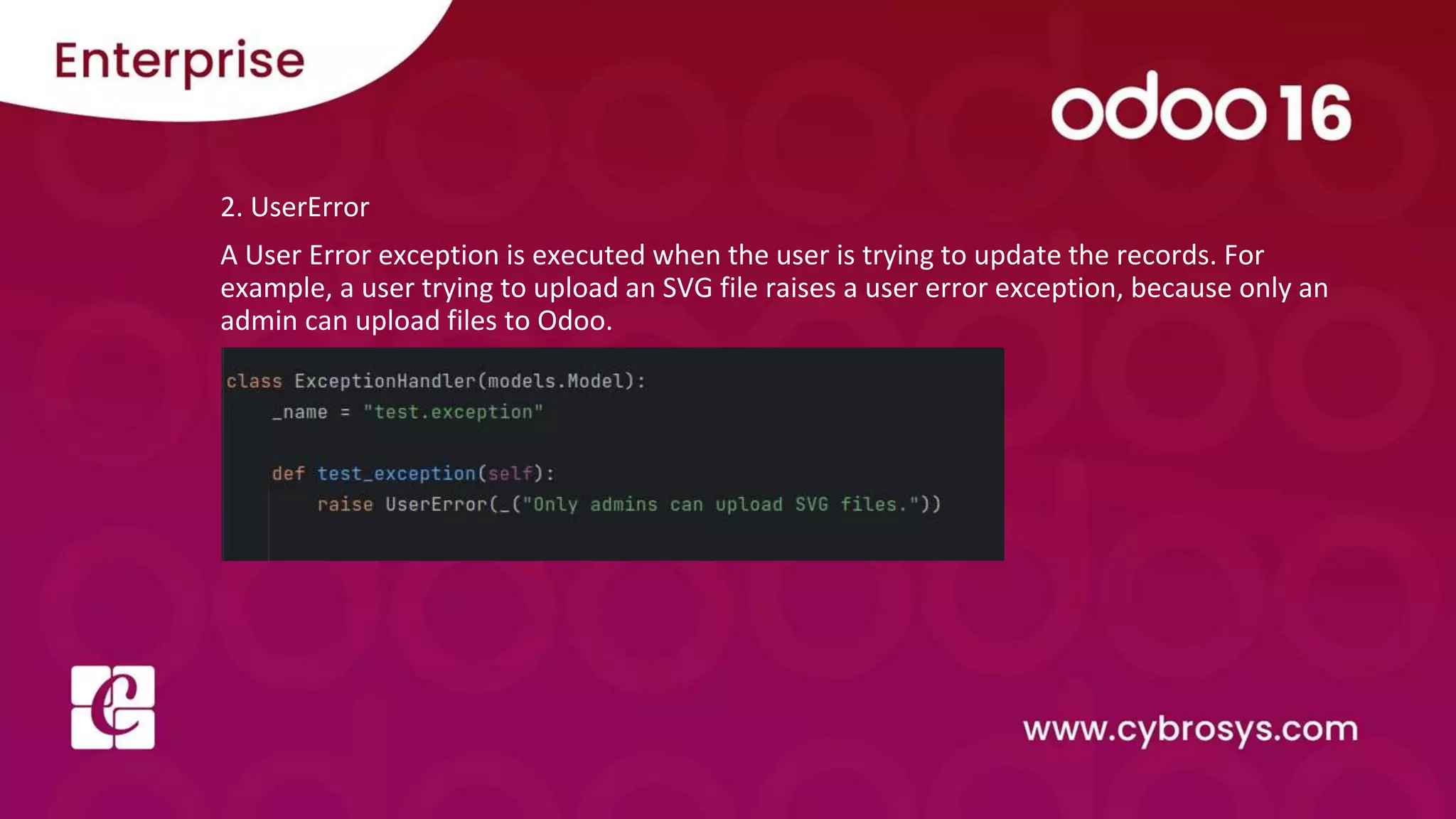
2. UserError
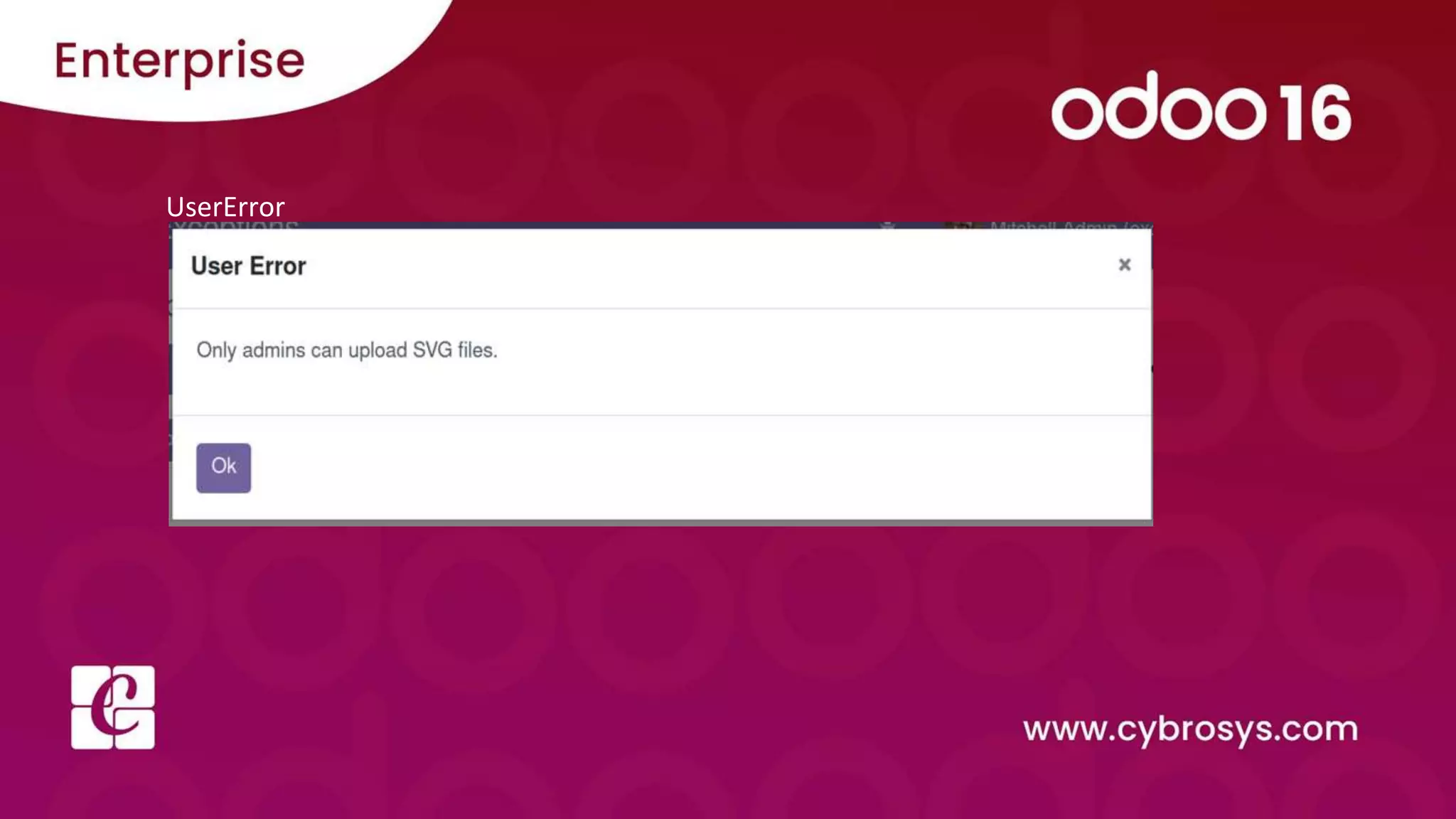
A User Error exception is executed when the user is trying to update the records. For
example, a user trying to upload an SVG file raises a user error exception, because only an
admin can upload files to Odoo.
UserError
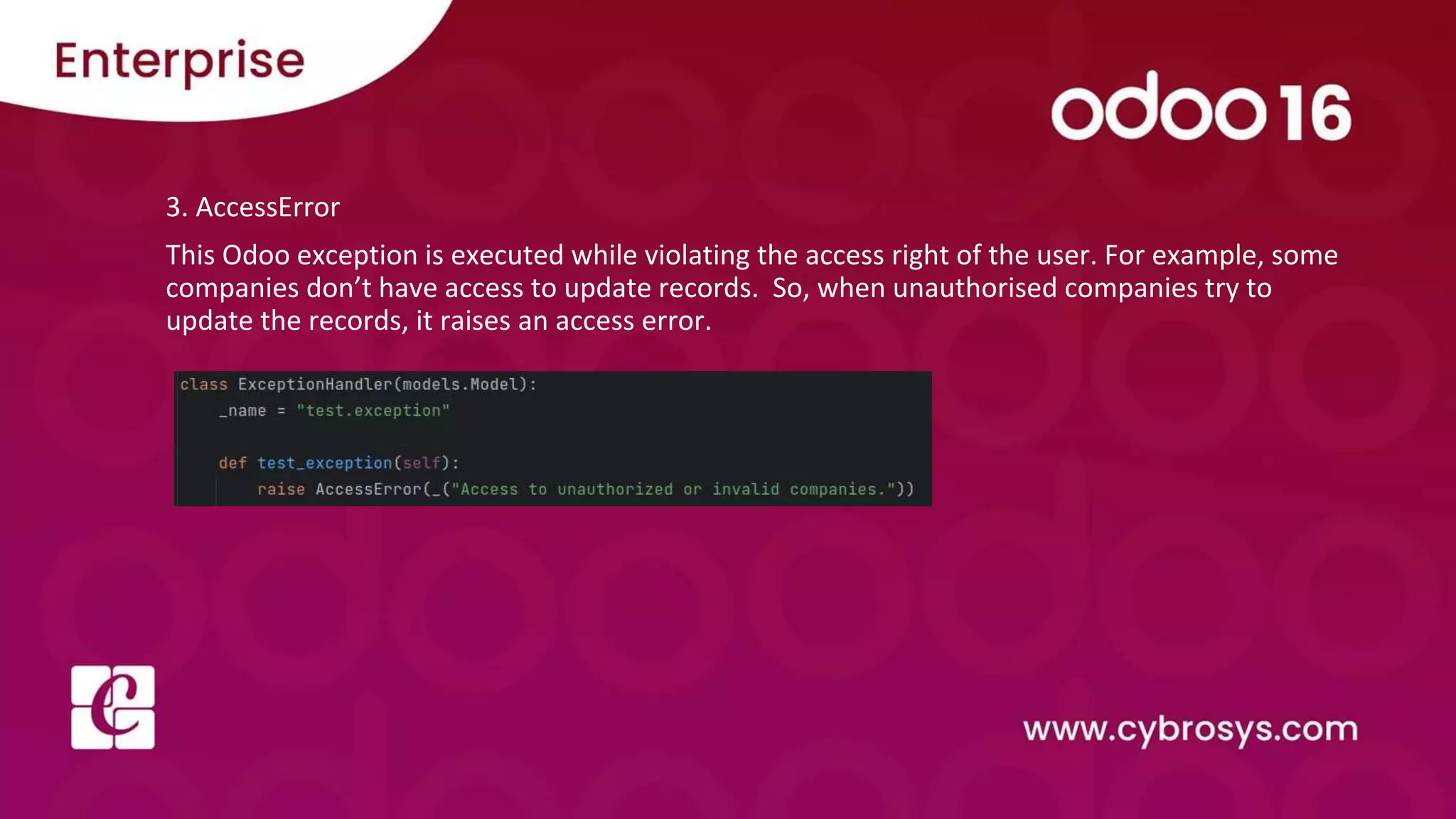
3. AccessError
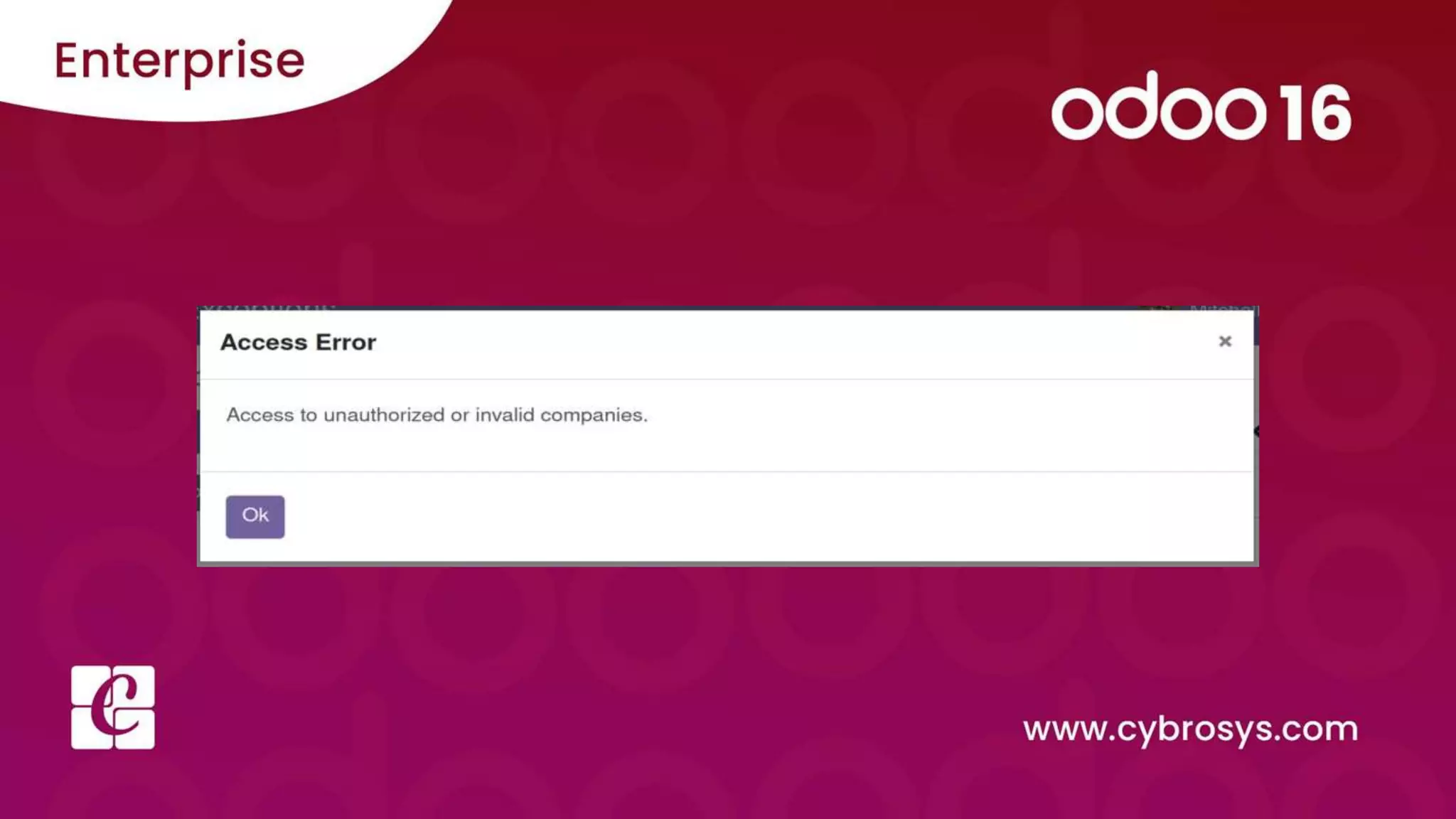
This Odoo exception is executed while violating the access right of the user. For example, some
companies don’t have access to update records. So, when unauthorised companies try to
update the records, it raises an access error.
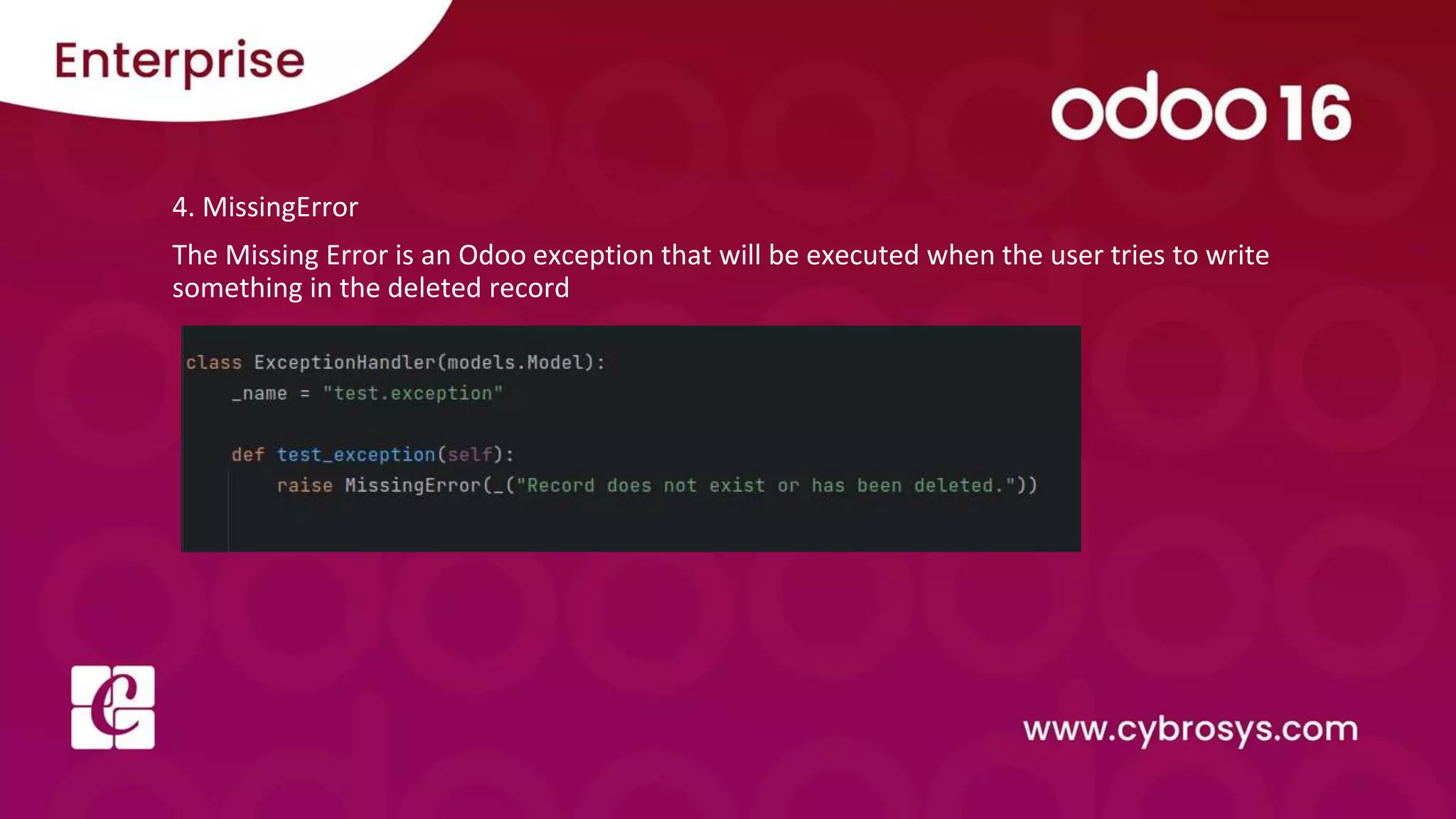
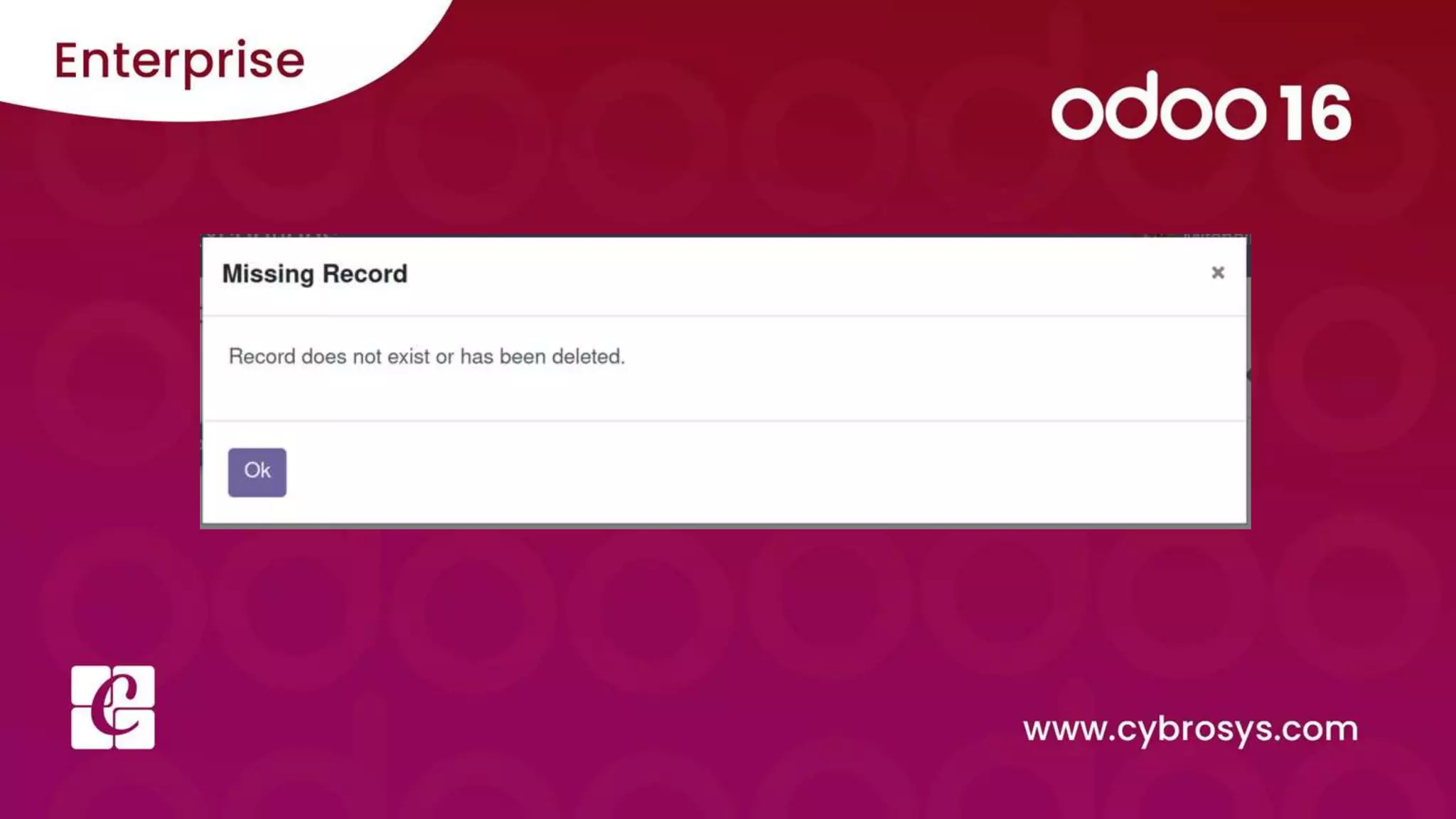
4. MissingError
The Missing Error is an Odoo exception that will be executed when the user tries to write
something in the deleted record
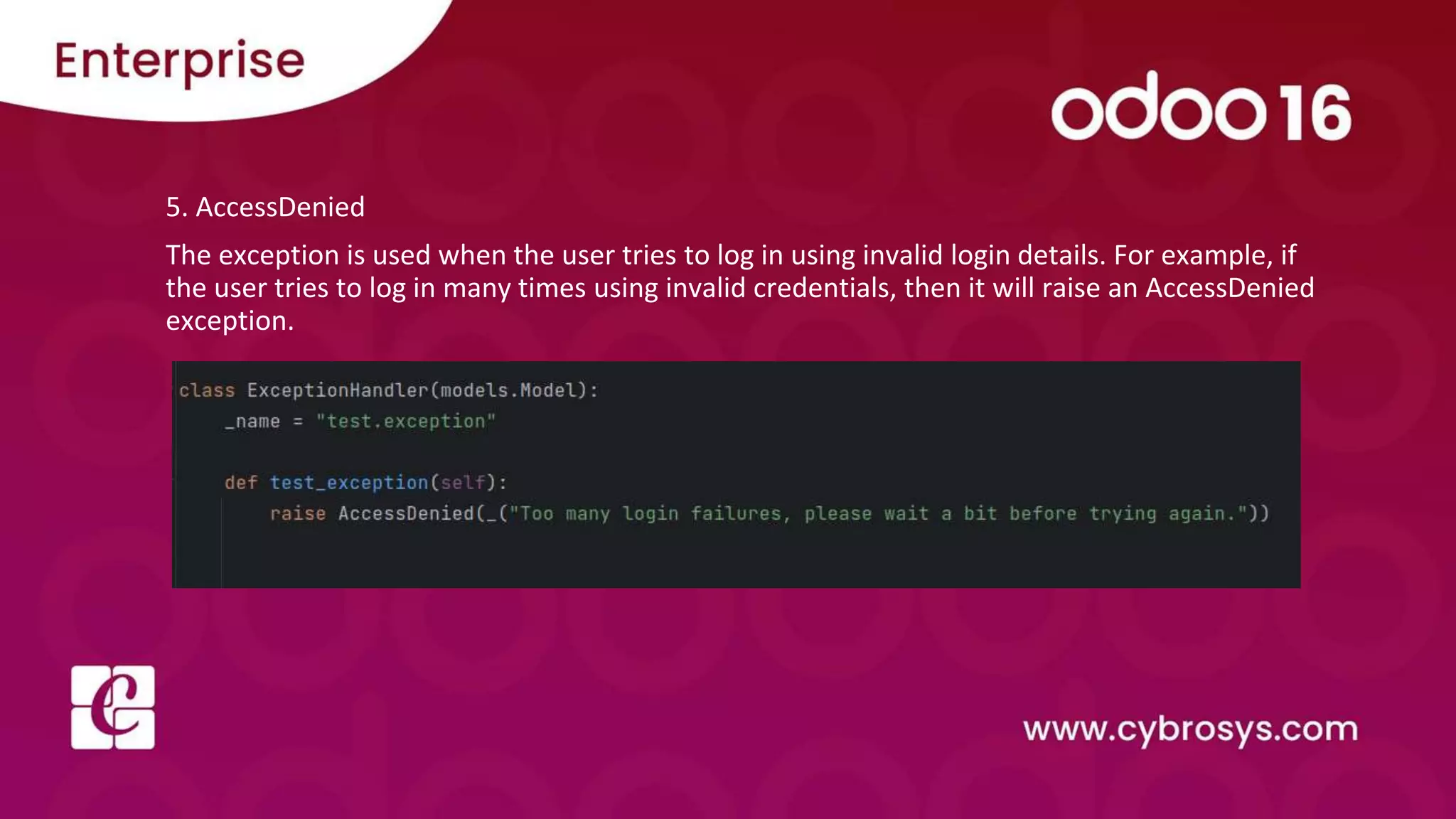
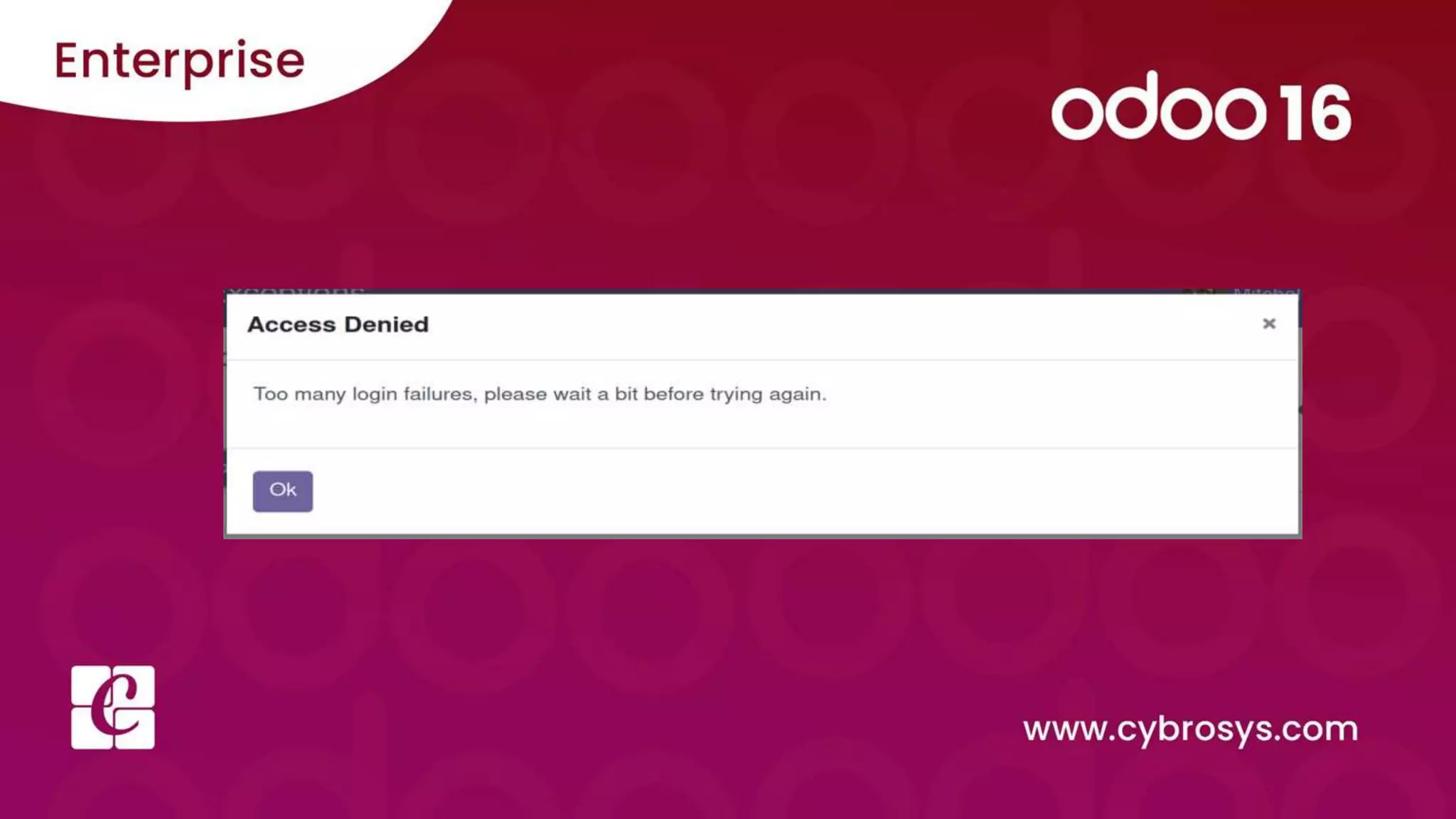
5. AccessDenied
The exception is used when the user tries to log in using invalid login details. For example, if
the user tries to log in many times using invalid credentials, then it will raise an AccessDenied
exception.
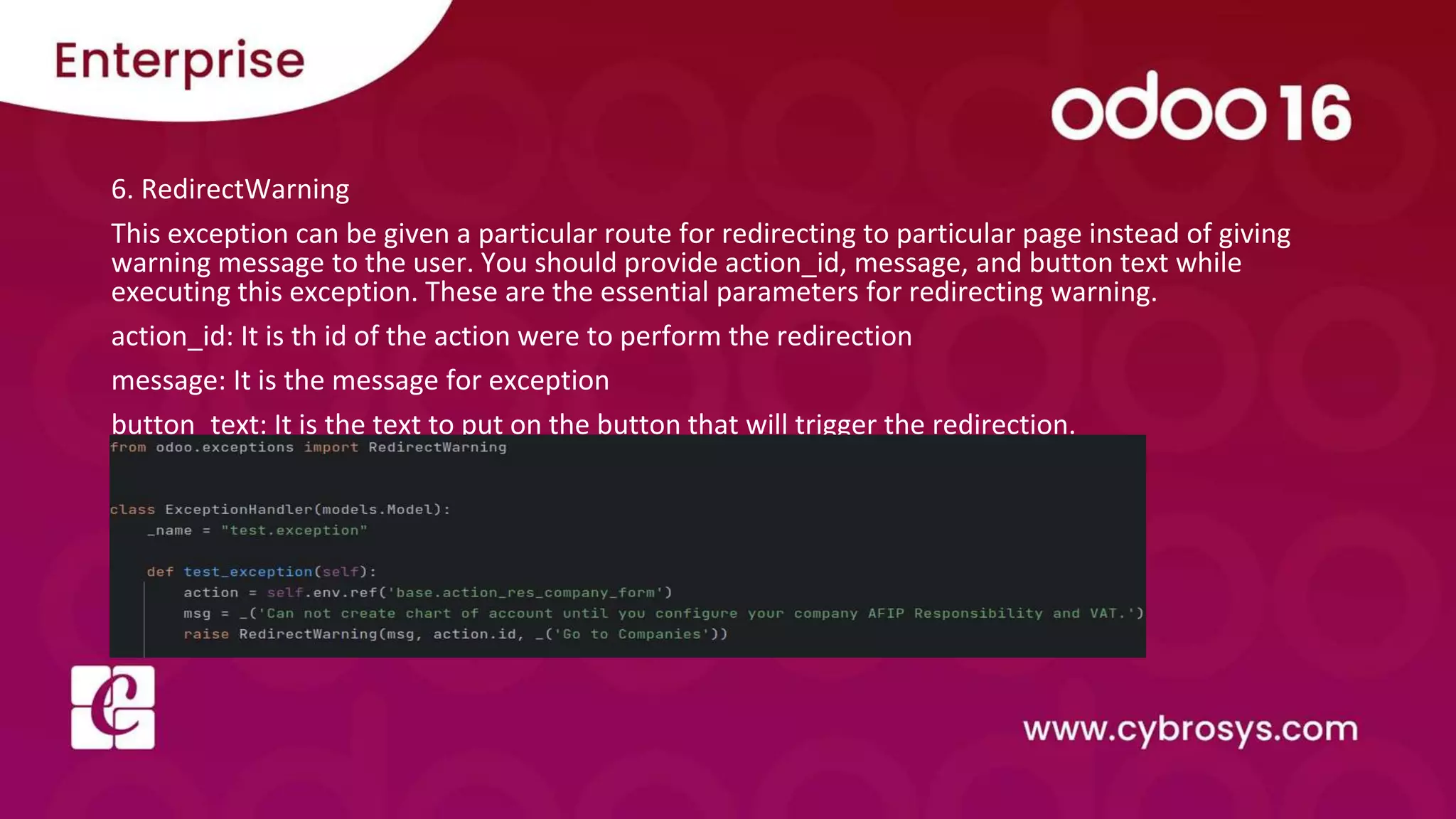
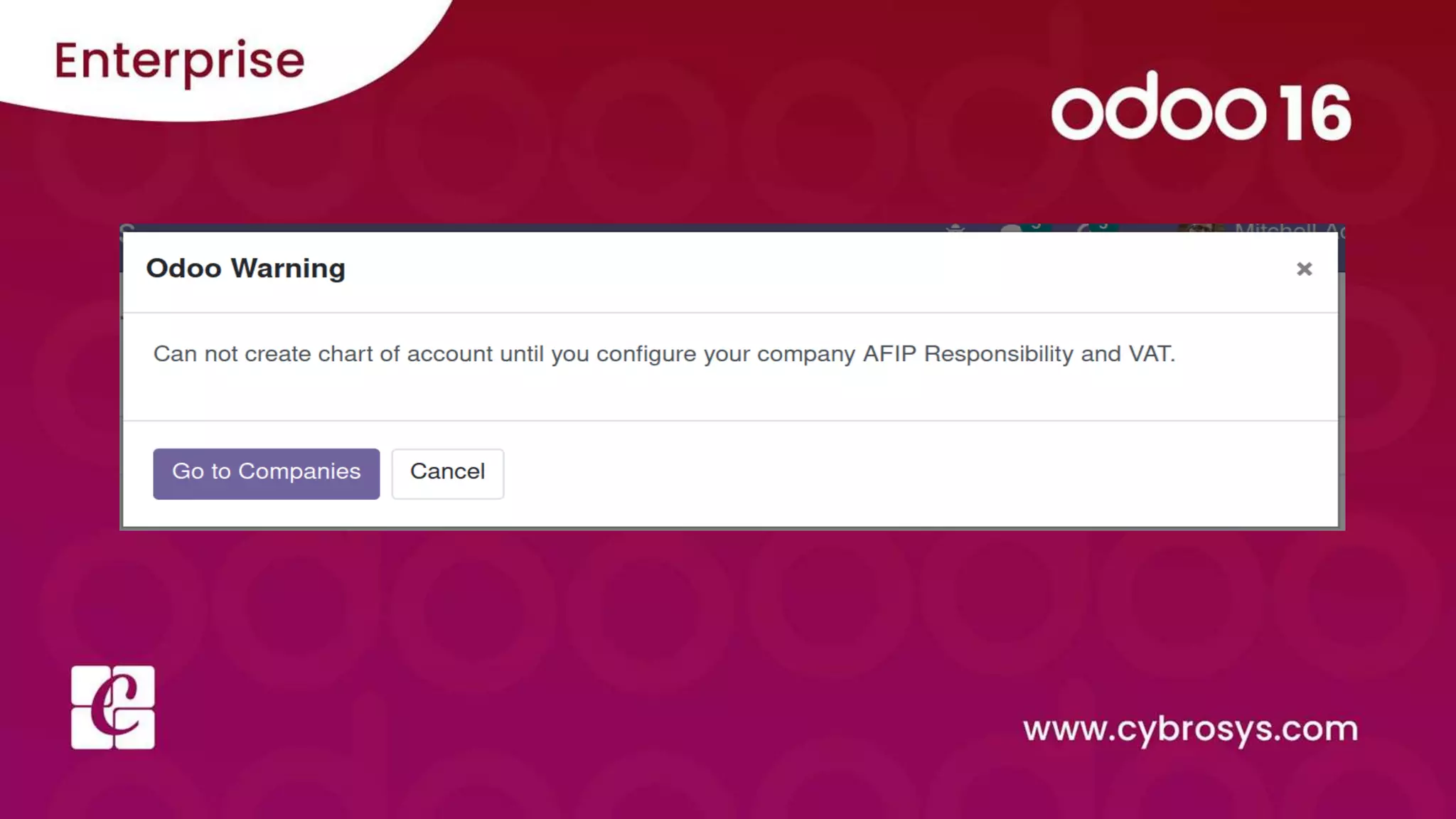
6. RedirectWarning
This exception can be given a particular route for redirecting to particular page instead of giving
warning message to the user. You should provide action_id, message, and button text while
executing this exception. These are the essential parameters for redirecting warning.
action_id: It is th id of the action were to perform the redirection
message: It is the message for exception
button_text: It is the text to put on the button that will trigger the redirection.
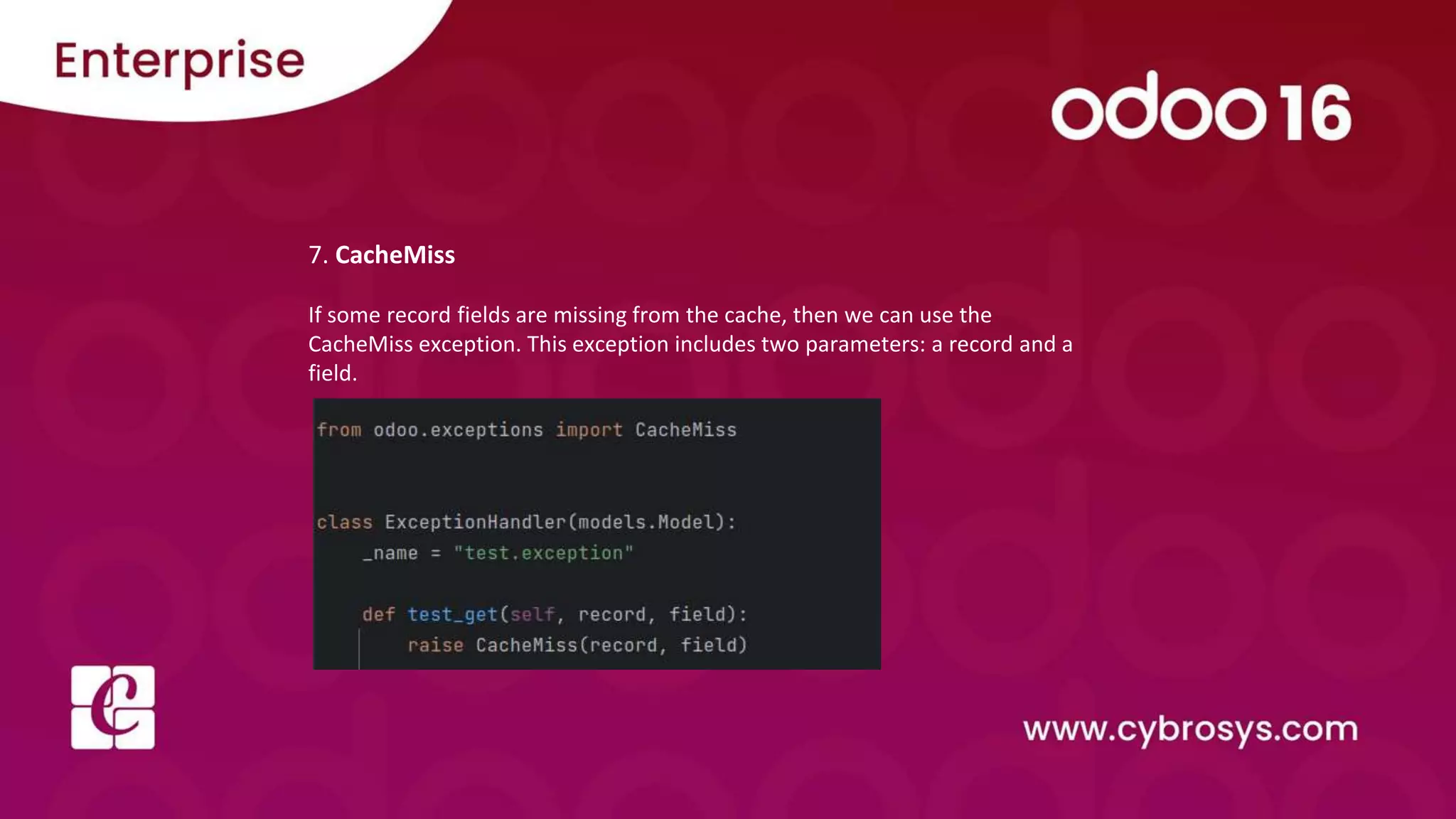
7. CacheMiss
If some record fields are missing from the cache, then we can use the
CacheMiss exception. This exception includes two parameters: a record and a
field.
Check our company website
for related blogs and Odoo book.
Check our YouTube channel for
functional and technical videos in Odoo.

How to show warning _ error messages in Odoo 16

  • 1.
    How to showwarning / error messages in Odoo 16
  • 2.
    In this Slide,we will discuss exceptions in odoo15. The exceptions are the error messages. These are used to prevent the execution of programs in certain situations for your needs. These exceptions are listed below. 1. ValidationError 2. UserError 3. AccessError 4. MissingError 5. AccessDenied 6. IndirectWarning 7. CacheMiss
  • 3.
    1. Validation Error TheValidation Error occurs when the constraints are failed or violated. In the example below, the user tries to create a record using an email, but another user uses the email. So this exception can be used for the validation process of a record.
  • 4.
  • 5.
    2. UserError A UserError exception is executed when the user is trying to update the records. For example, a user trying to upload an SVG file raises a user error exception, because only an admin can upload files to Odoo.
  • 6.
  • 7.
    3. AccessError This Odooexception is executed while violating the access right of the user. For example, some companies don’t have access to update records. So, when unauthorised companies try to update the records, it raises an access error.
  • 9.
    4. MissingError The MissingError is an Odoo exception that will be executed when the user tries to write something in the deleted record
  • 11.
    5. AccessDenied The exceptionis used when the user tries to log in using invalid login details. For example, if the user tries to log in many times using invalid credentials, then it will raise an AccessDenied exception.
  • 13.
    6. RedirectWarning This exceptioncan be given a particular route for redirecting to particular page instead of giving warning message to the user. You should provide action_id, message, and button text while executing this exception. These are the essential parameters for redirecting warning. action_id: It is th id of the action were to perform the redirection message: It is the message for exception button_text: It is the text to put on the button that will trigger the redirection.
  • 15.
    7. CacheMiss If somerecord fields are missing from the cache, then we can use the CacheMiss exception. This exception includes two parameters: a record and a field.
  • 16.
    Check our companywebsite for related blogs and Odoo book. Check our YouTube channel for functional and technical videos in Odoo.