Secrets to Success with Social
            Media
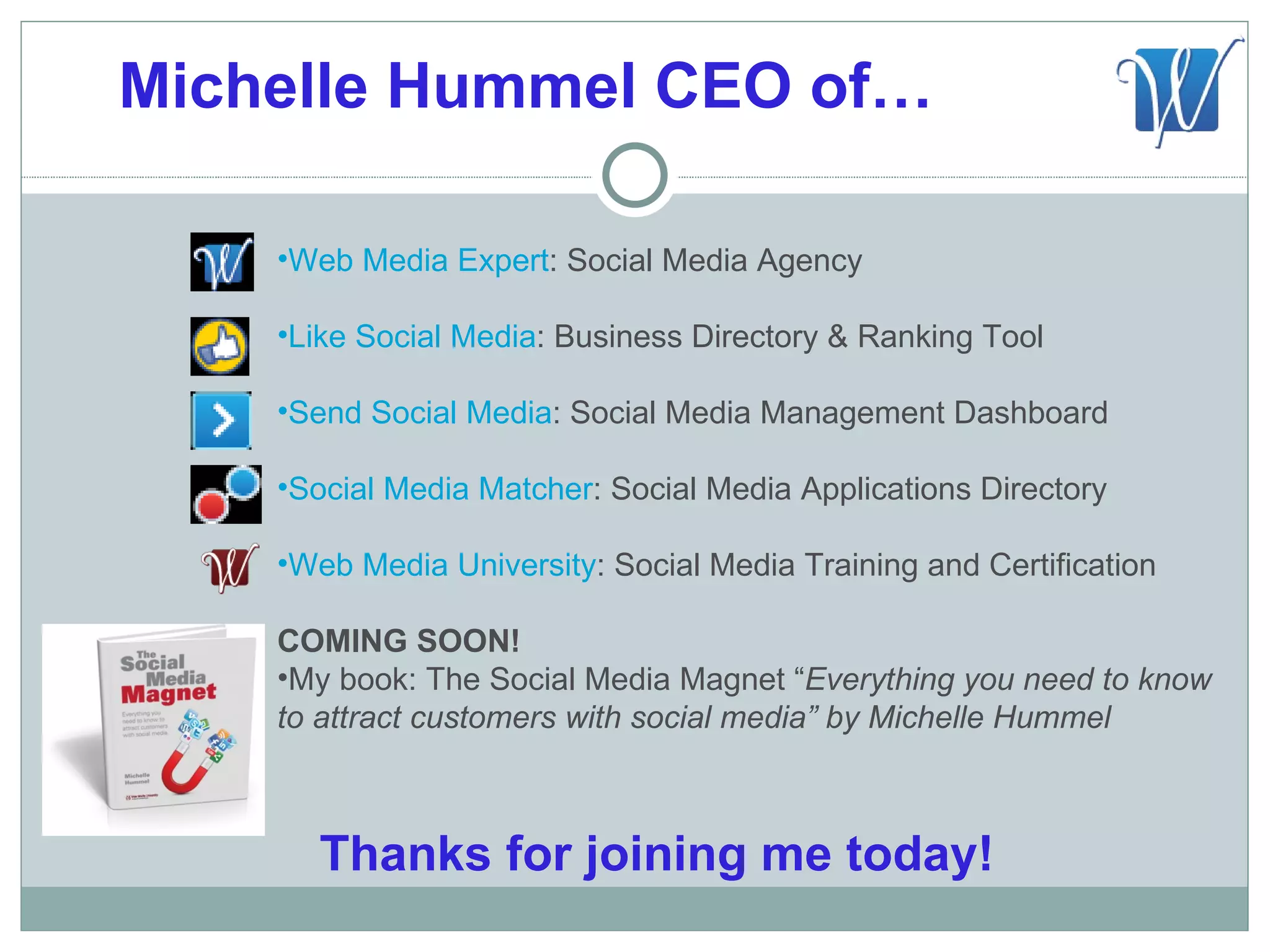
Michelle Hummel CEO of…

    •Web Media Expert: Social Media Agency

    •Like Social Media: Business Directory & Ranking Tool

    •Send Social Media: Social Media Management Dashboard

    •Social Media Matcher: Social Media Applications Directory

    •Web Media University: Social Media Training and Certification

    COMING SOON!
    •My book: The Social Media Magnet “Everything you need to know
    to attract customers with social media” by Michelle Hummel


      Thanks for joining me today!
Why Social Media?

The Future of the Internet is
 Social

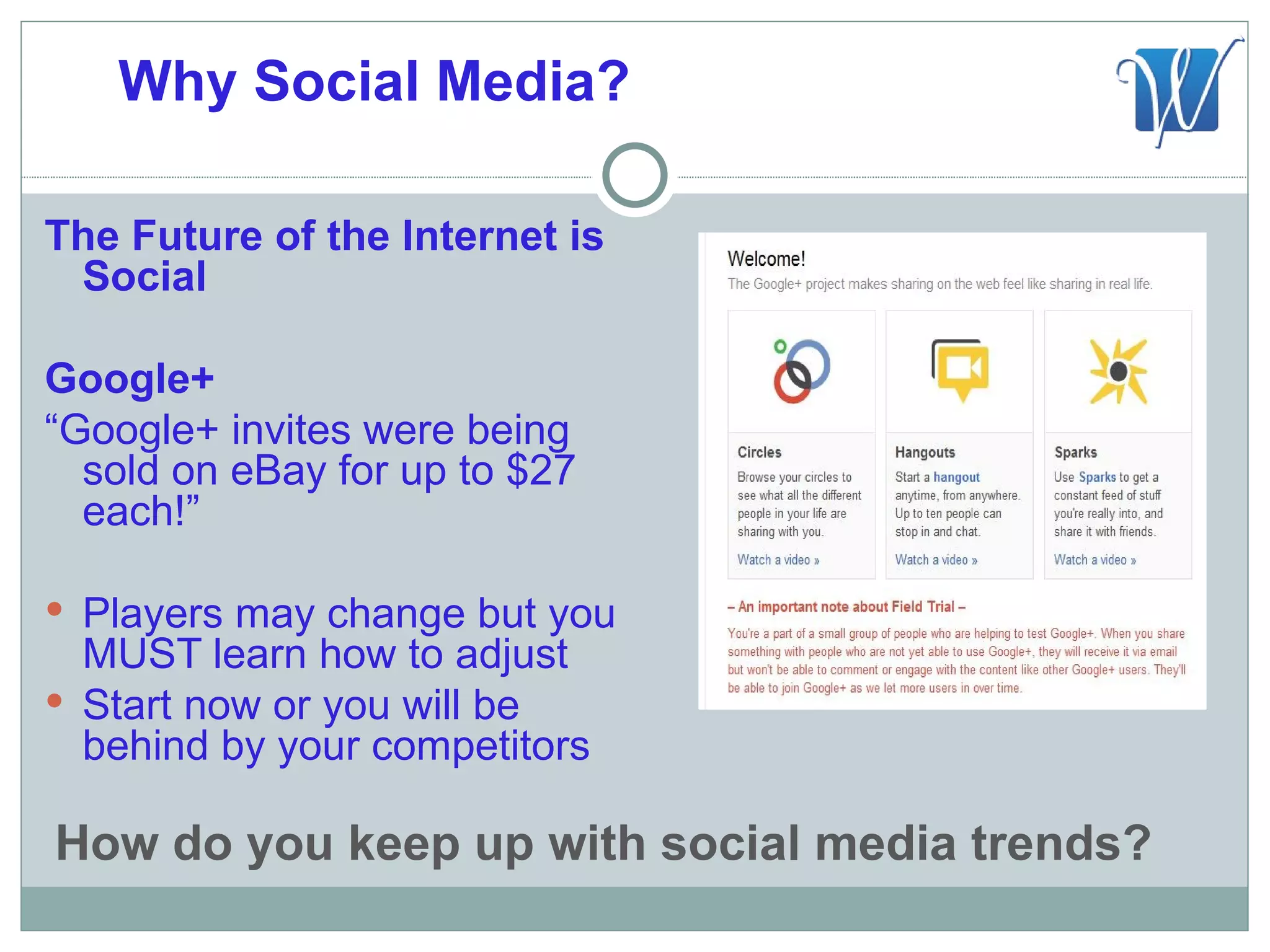
Google+
“Google+ invites were being
  sold on eBay for up to $27
  each!”

 Players may change but you
  MUST learn how to adjust
 Start now or you will be
  behind by your competitors

How do you keep up with social media trends?
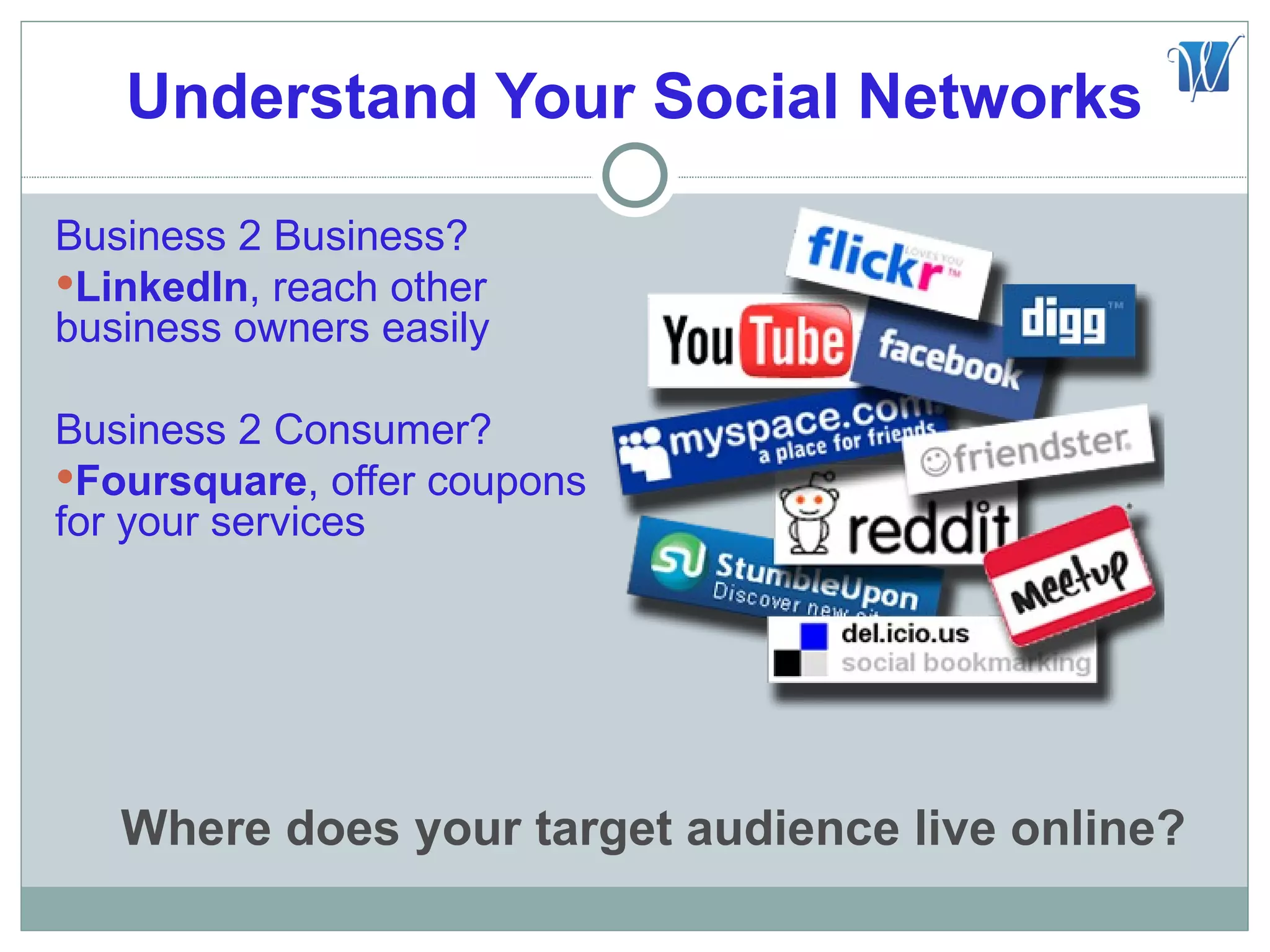
Understand Your Social Networks

Business 2 Business?
LinkedIn, reach other
business owners easily

Business 2 Consumer?
Foursquare, offer coupons
for your services


   Where does your target audience live online?
Define Your Goals

 Increase email and blog
    subscribers
   Turn fans into advocates
   Increase event registration
   Move people to take action, join
    contests
   More likes, fans and followers
   Increase sales
   Improve search engine ranking
   Increase blog post comments
   Reduce your sites bounce rate
   Increase website traffic
     What are your social media marketing goals?
Define Your KPI’S

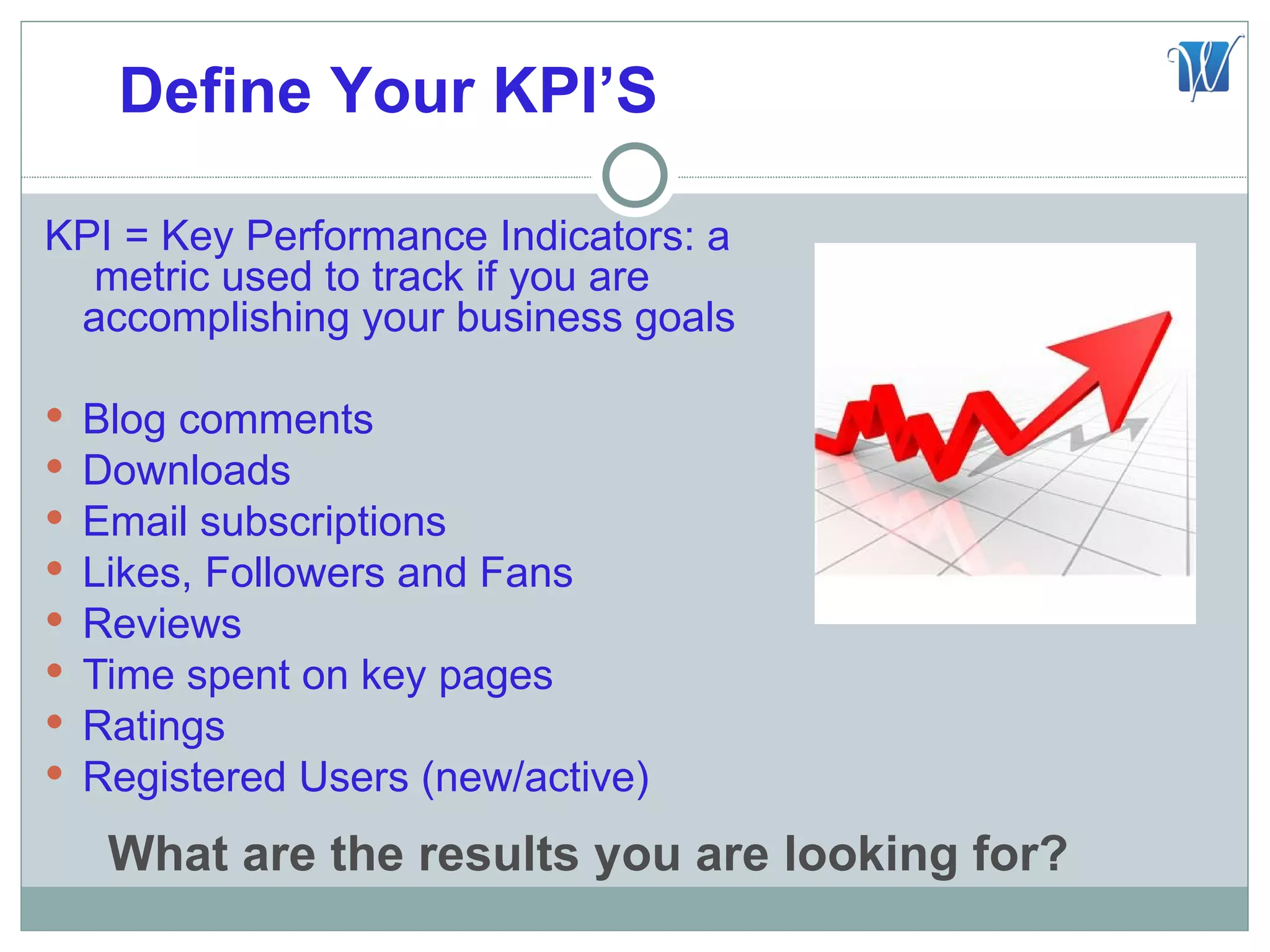
KPI = Key Performance Indicators: a
  metric used to track if you are
 accomplishing your business goals

   Blog comments
   Downloads
   Email subscriptions
   Likes, Followers and Fans
   Reviews
   Time spent on key pages
   Ratings
   Registered Users (new/active)
     What are the results you are looking for?
#1 Goal “Social Media Engagement”

 You want people to share things
 You want people to be advocates
 You want people to visit frequently
 You want people to refer friends
 You want people to buy products


“Engaged customers and prospects
  are far more likely to do some or
  all of the above.”


  How can you boost customer engagement?
Tip #1 Create Social Media Hub

 Blog should be part of your
  website
 Develop a blog content
  writing schedule, at least 2
  per month
 Do you provide your visitors
  easy ways to share, like,
  download and/or retweet
  your content?


Do you have a Blog? Does it live on your website?
WordPress Fun Facts

 The most popular CMS in
    use today
   Powering nearly 14.7% of
    the top 1 million websites
   19,000+ plugins available
   Holds 53.8% of the market
    share for Content
    Management Systems
   20,000+ people make their
    living with WordPress as
    developers, designers,
    consultant, bloggers etc.
         *Data compiled by Chase Granberry of Authority Labs Search rank Monitoring http://www.authoritylabs.com
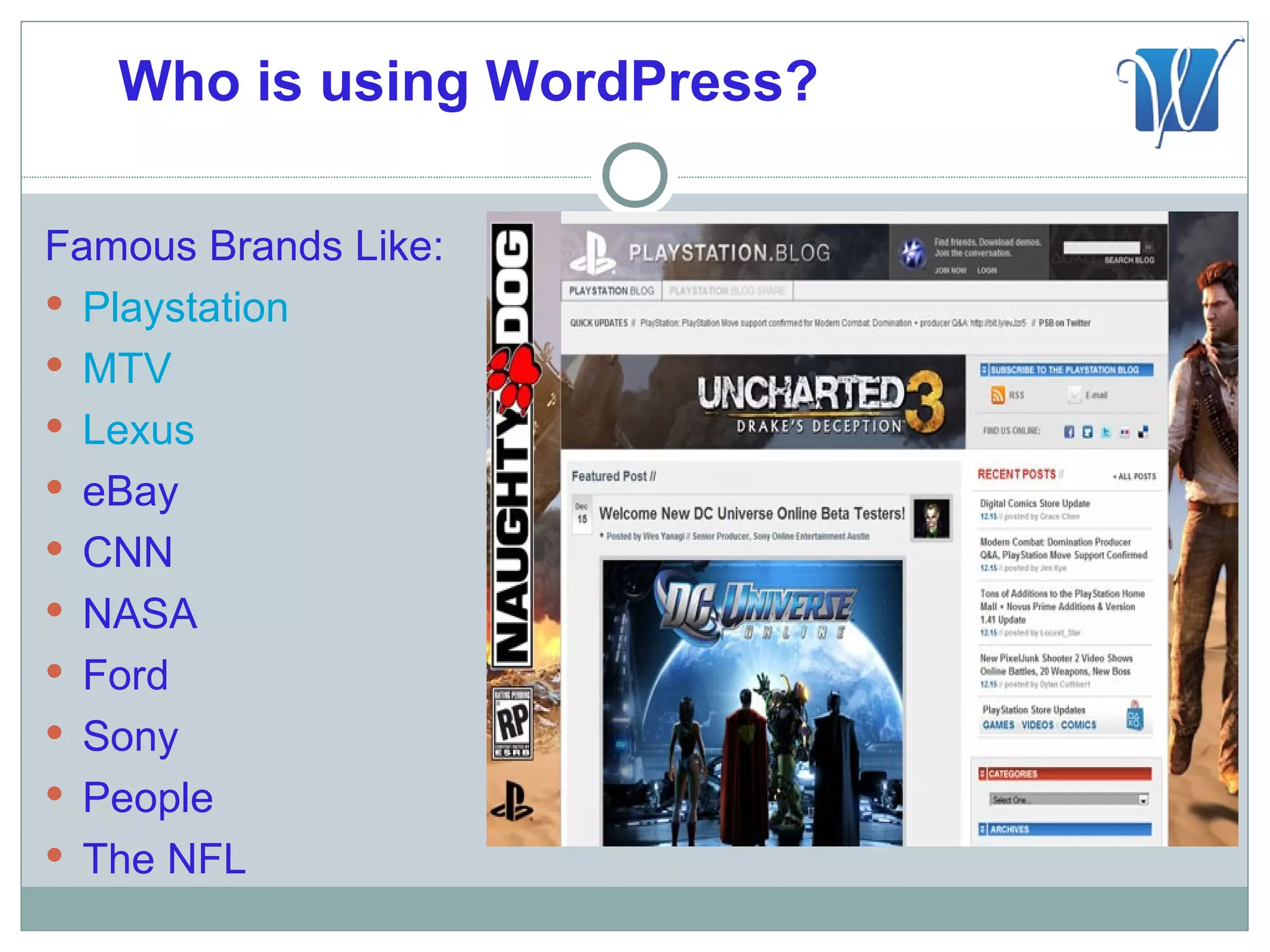
Who is using WordPress?

Famous Brands Like:
 Playstation
 MTV
 Lexus
 eBay
 CNN
 NASA
 Ford
 Sony
 People
 The NFL
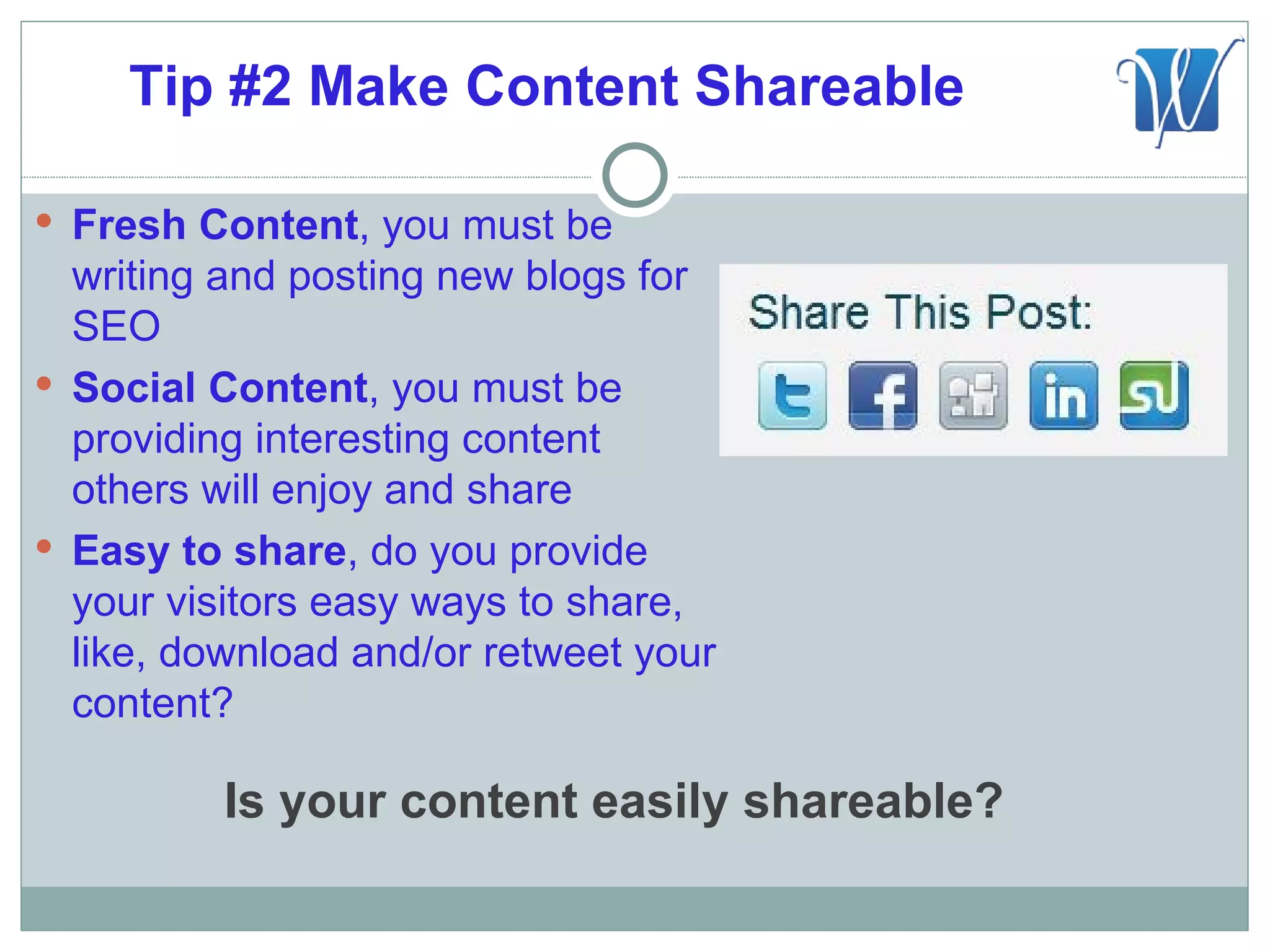
Tip #2 Make Content Shareable

 Fresh Content, you must be
  writing and posting new blogs for
  SEO
 Social Content, you must be
  providing interesting content
  others will enjoy and share
 Easy to share, do you provide
  your visitors easy ways to share,
  like, download and/or retweet your
  content?

          Is your content easily shareable?
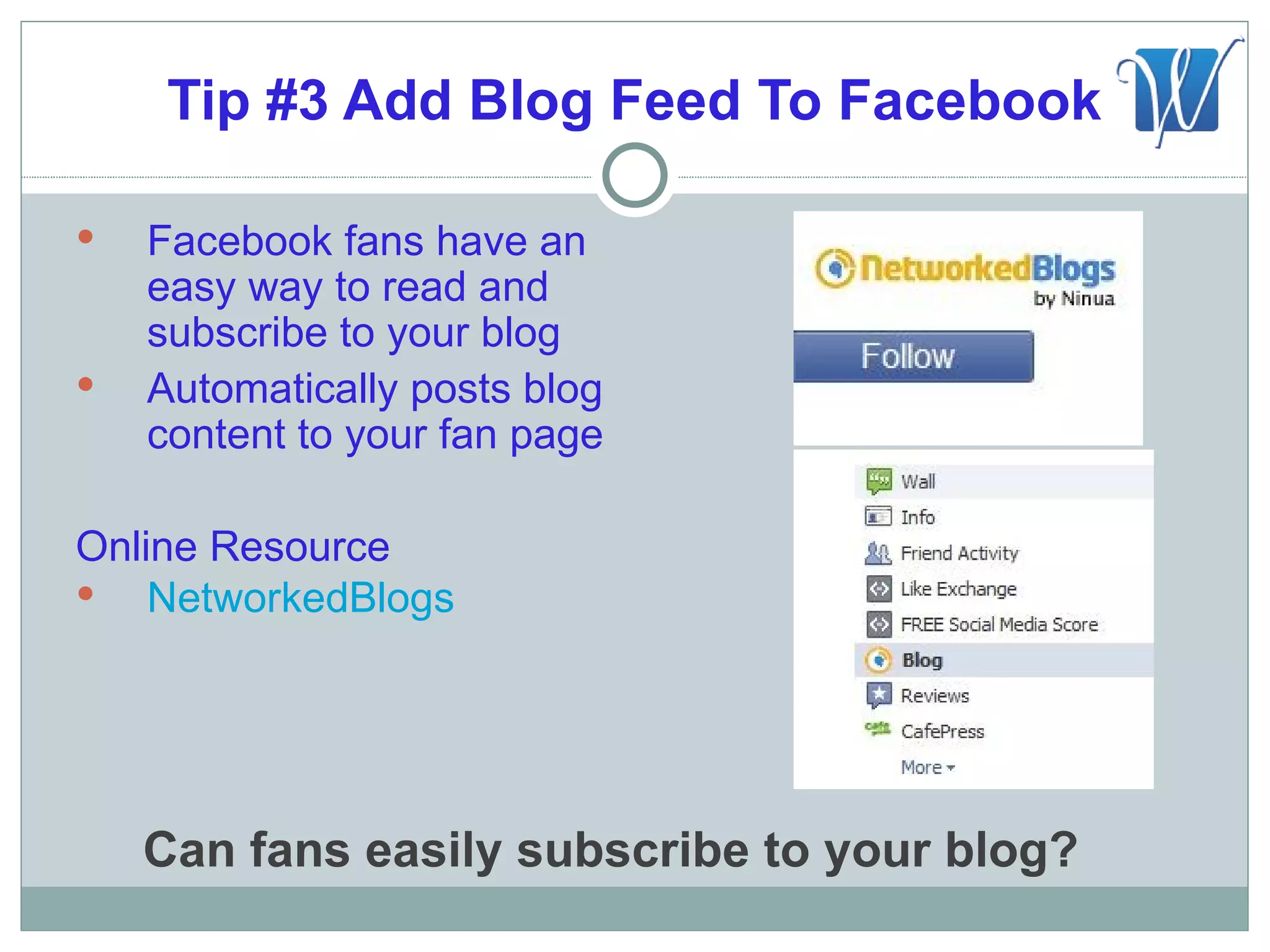
Tip #3 Add Blog Feed To Facebook

   Facebook fans have an
    easy way to read and
    subscribe to your blog
   Automatically posts blog
    content to your fan page

Online Resource
 NetworkedBlogs


    Can fans easily subscribe to your blog?
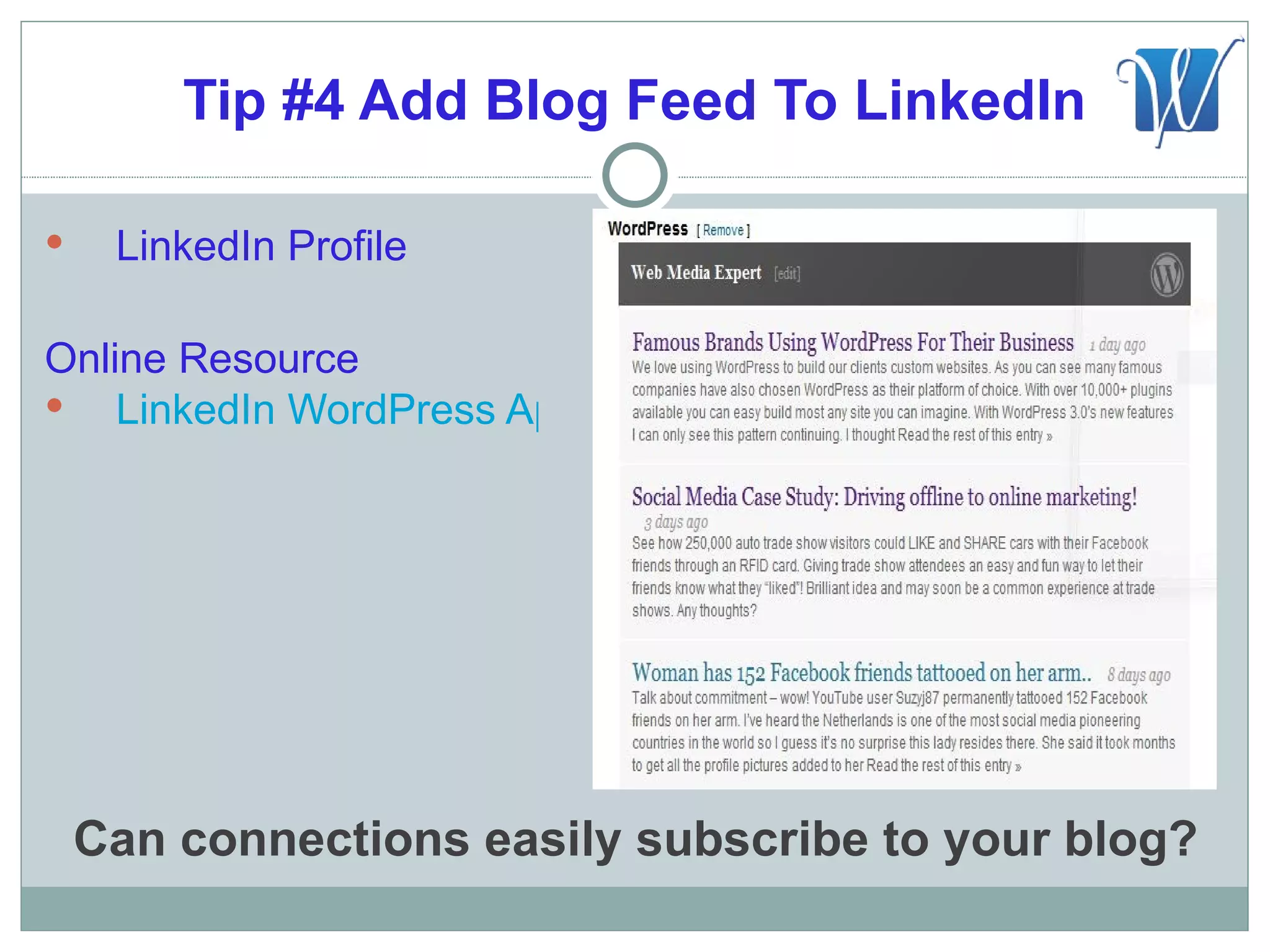
Tip #4 Add Blog Feed To LinkedIn

    LinkedIn Profile

Online Resource
 LinkedIn WordPress App


    Can connections easily subscribe to your blog?
Tip #5 Add Facebook Like Box

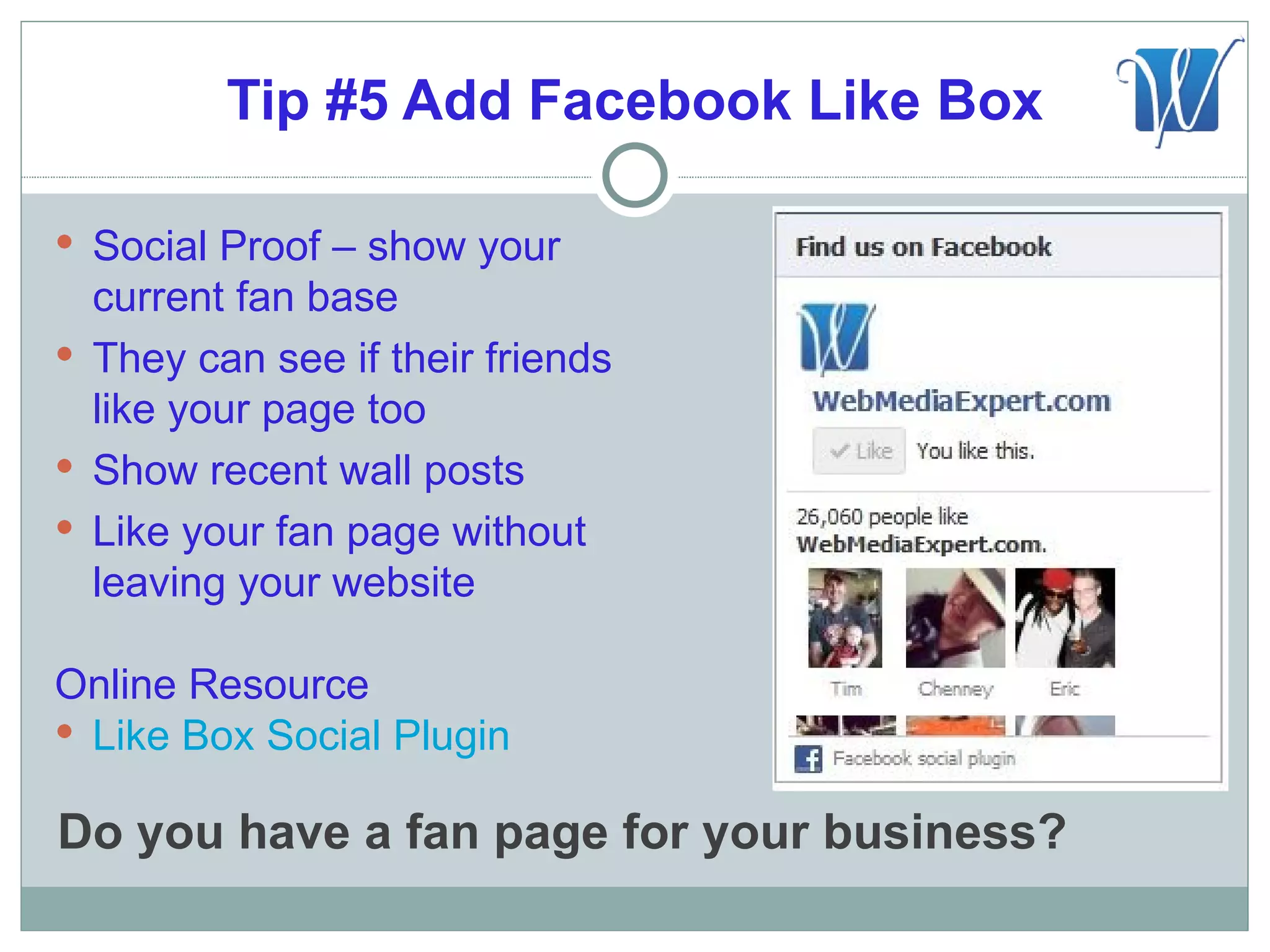
 Social Proof – show your
  current fan base
 They can see if their friends
  like your page too
 Show recent wall posts
 Like your fan page without
  leaving your website

Online Resource
 Like Box Social Plugin

Do you have a fan page for your business?
Tip #6 RSS Links To Your Signature

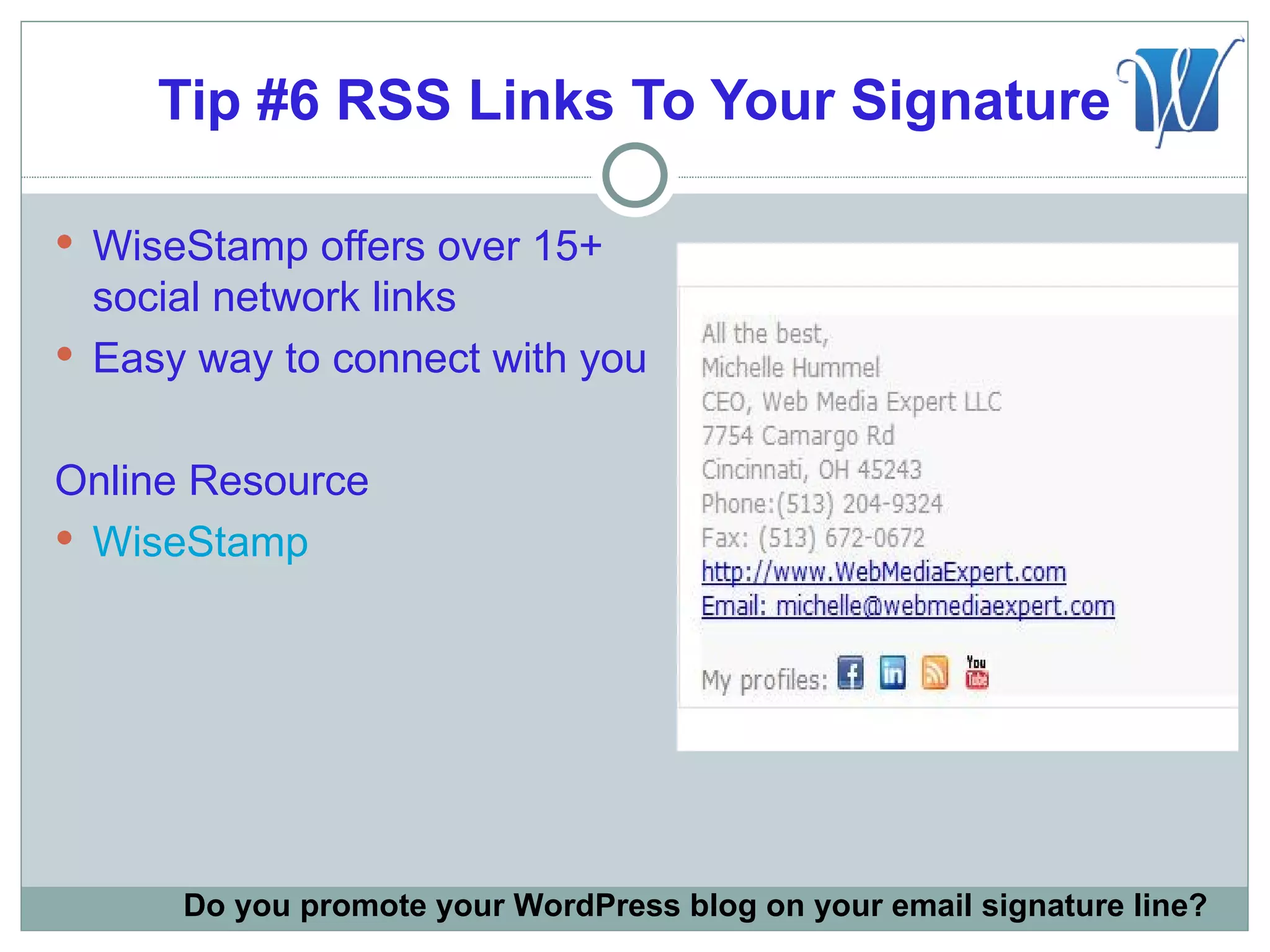
 WiseStamp offers over 15+
  social network links
 Easy way to connect with you


Online Resource
 WiseStamp


      Do you promote your WordPress blog on your email signature line?
Tip #7 Add Live Chat Box

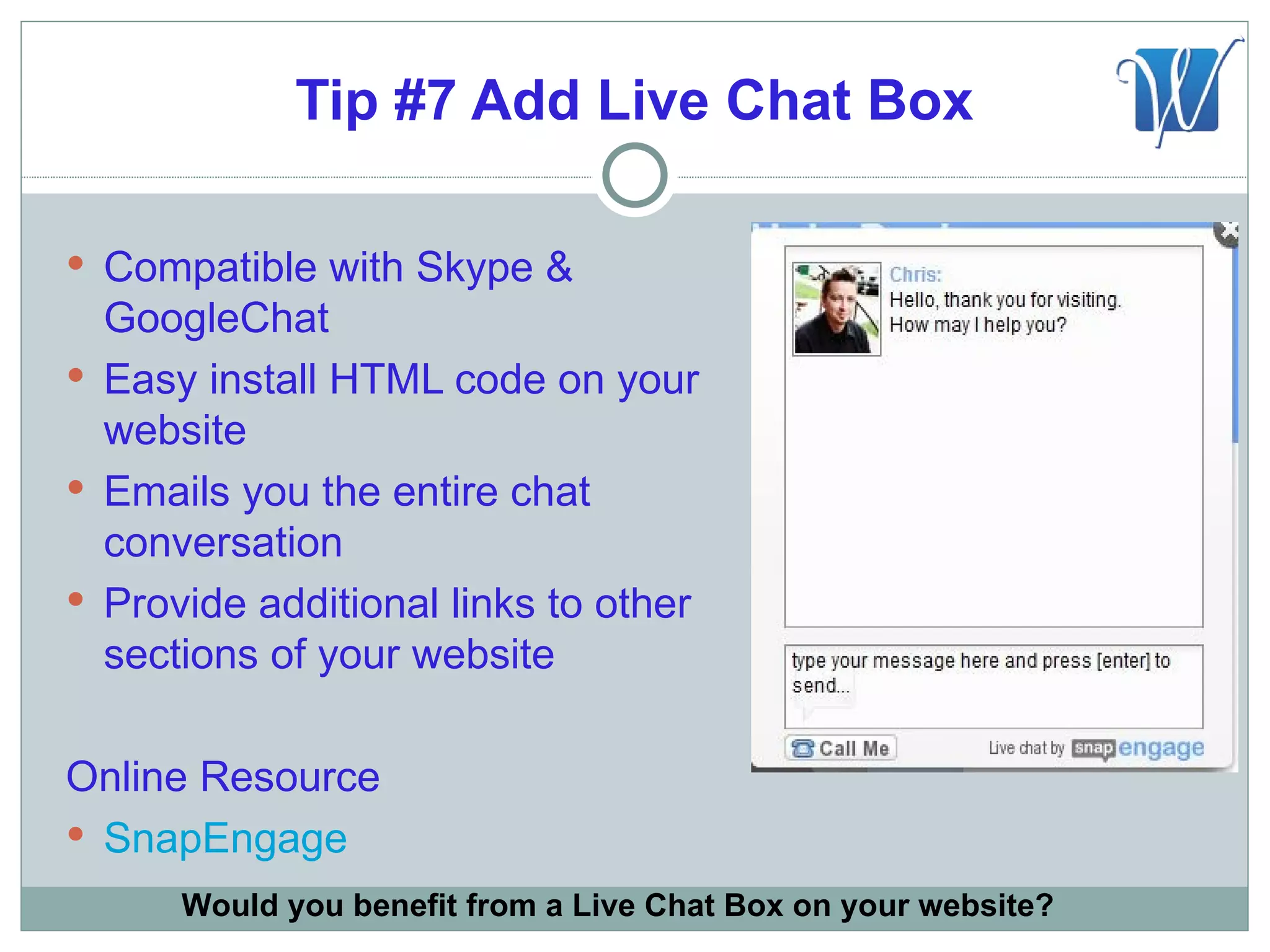
 Compatible with Skype &
  GoogleChat
 Easy install HTML code on your
  website
 Emails you the entire chat
  conversation
 Provide additional links to other
  sections of your website

Online Resource
 SnapEngage
      Would you benefit from a Live Chat Box on your website?
Tip #8 Strong “Call To Action”

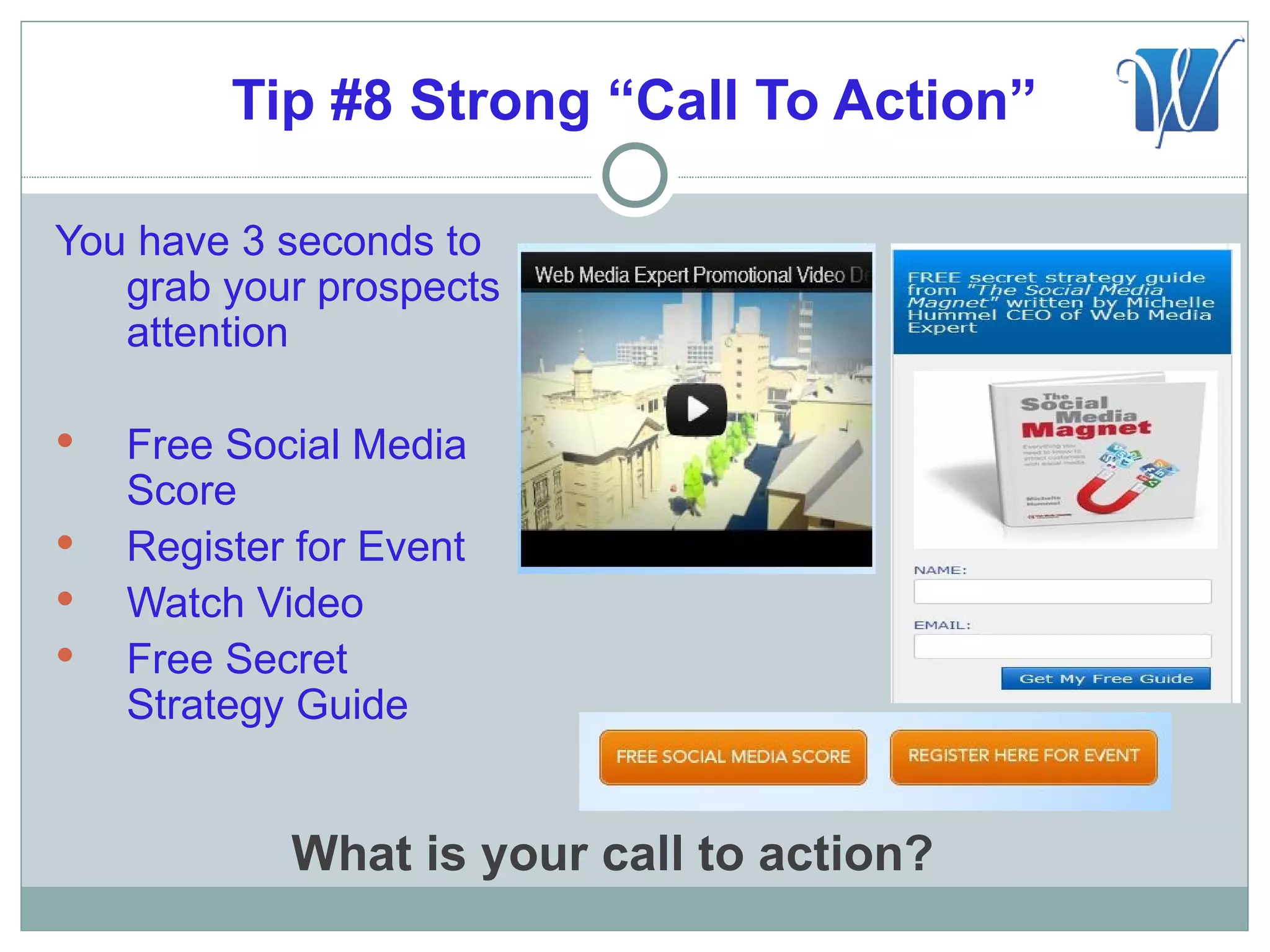
You have 3 seconds to
   grab your prospects
   attention

   Free Social Media
    Score
   Register for Event
   Watch Video
   Free Secret
    Strategy Guide


            What is your call to action?
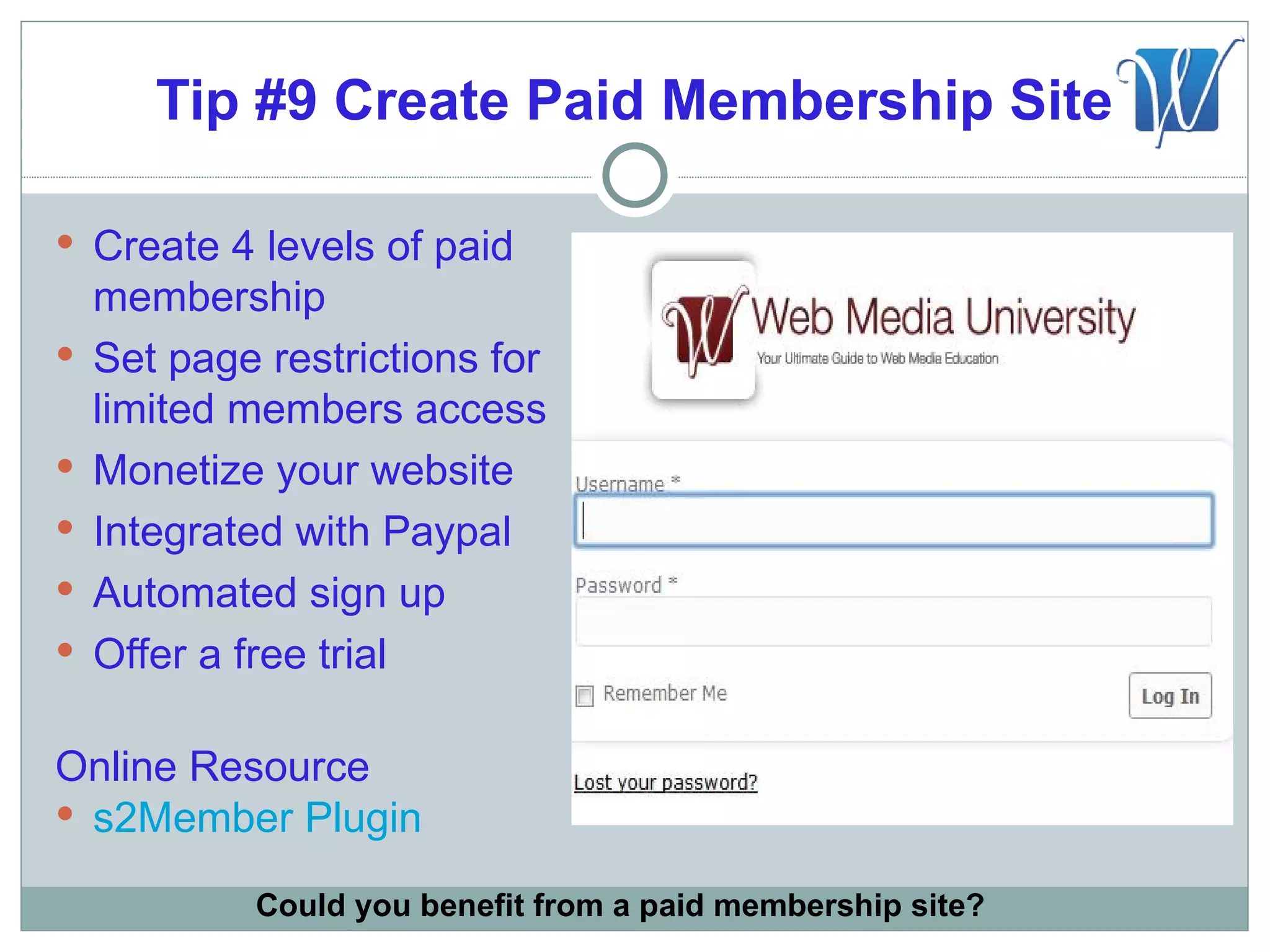
Tip #9 Create Paid Membership Site

 Create 4 levels of paid
    membership
   Set page restrictions for
    limited members access
   Monetize your website
   Integrated with Paypal
   Automated sign up
   Offer a free trial

Online Resource
 s2Member Plugin

            Could you benefit from a paid membership site?
Tip #10 “Fans Only” Special Offer

 Announce you will be picking a
  random day for an exclusive
  unbelievable “fans only” offer
 Announce the sale and give
  them 1 hour to make the
  purchase
 They will share your page with
  their friends to win
 Limiting the time and quantity
  creates a sense of urgency


             What is your unbelievable offer?
Tip #11 Email Auto-responder Salesman

 Create a “Fans Only” Automated
  Email Marketing System
 Send these special offers to your
  email subscribers every 15 days


Online Resources
 SendSocialMedia
 Aweber
 ConstantContact


             Do you use email auto-responders?
Grow Your Followers with
       LinkedIn
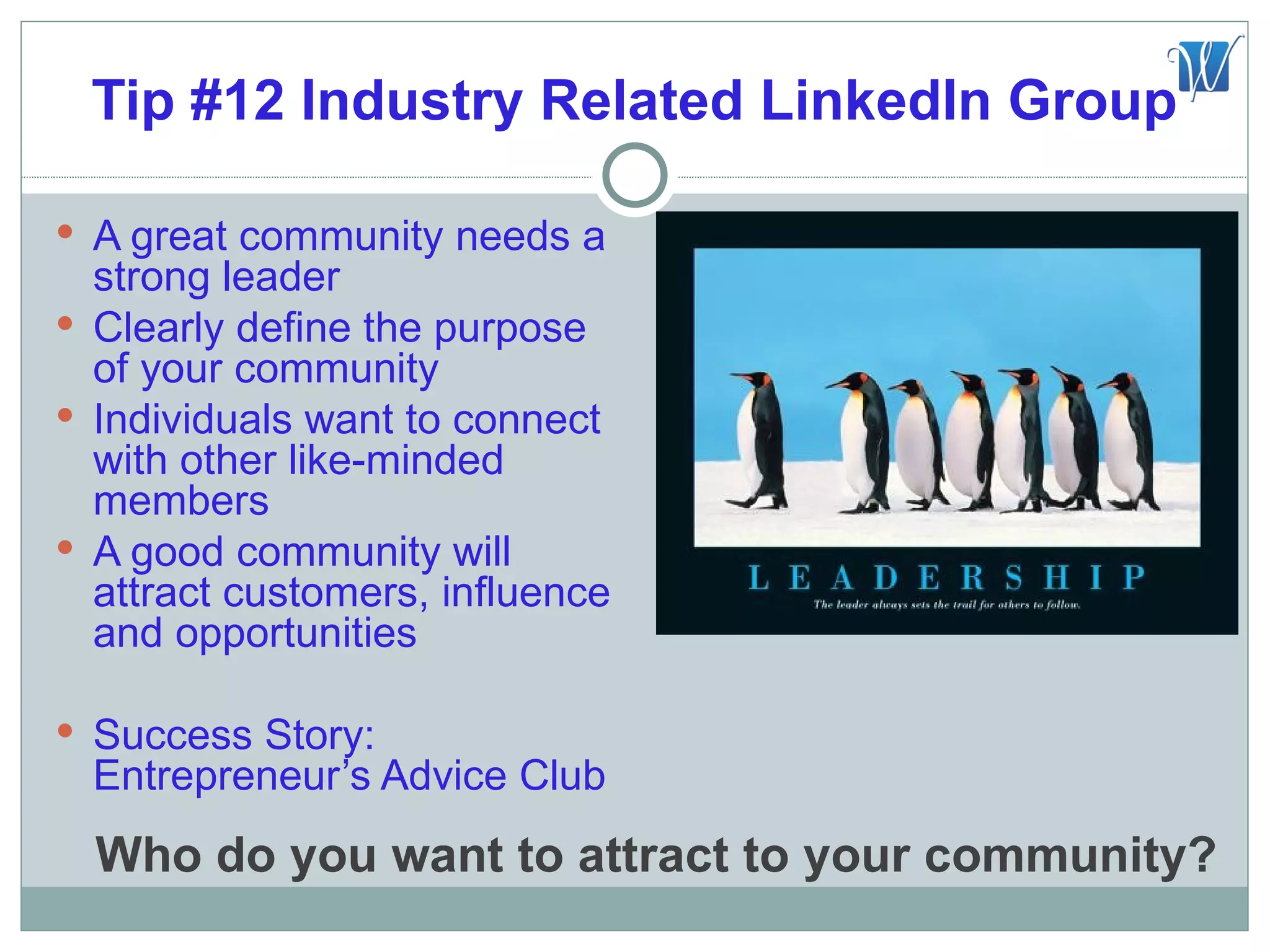
Tip #12 Industry Related LinkedIn Group

 A great community needs a
  strong leader
 Clearly define the purpose
  of your community
 Individuals want to connect
  with other like-minded
  members
 A good community will
  attract customers, influence
  and opportunities

 Success Story:
  Entrepreneur’s Advice Club
  Who do you want to attract to your community?
Tip #13 Promote Your Group

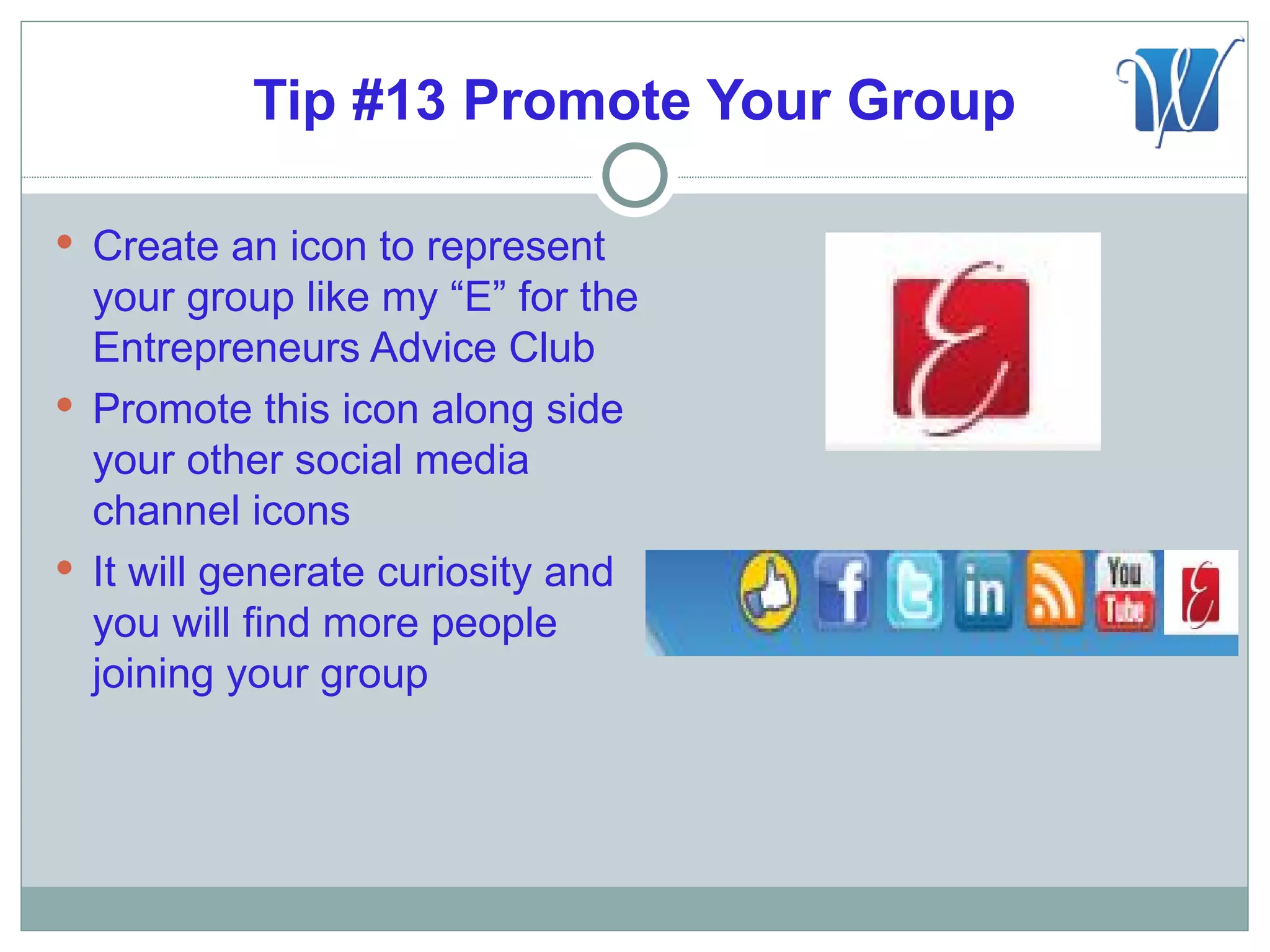
 Create an icon to represent
  your group like my “E” for the
  Entrepreneurs Advice Club
 Promote this icon along side
  your other social media
  channel icons
 It will generate curiosity and
  you will find more people
  joining your group
Tip #14 Engage LinkedIn Group

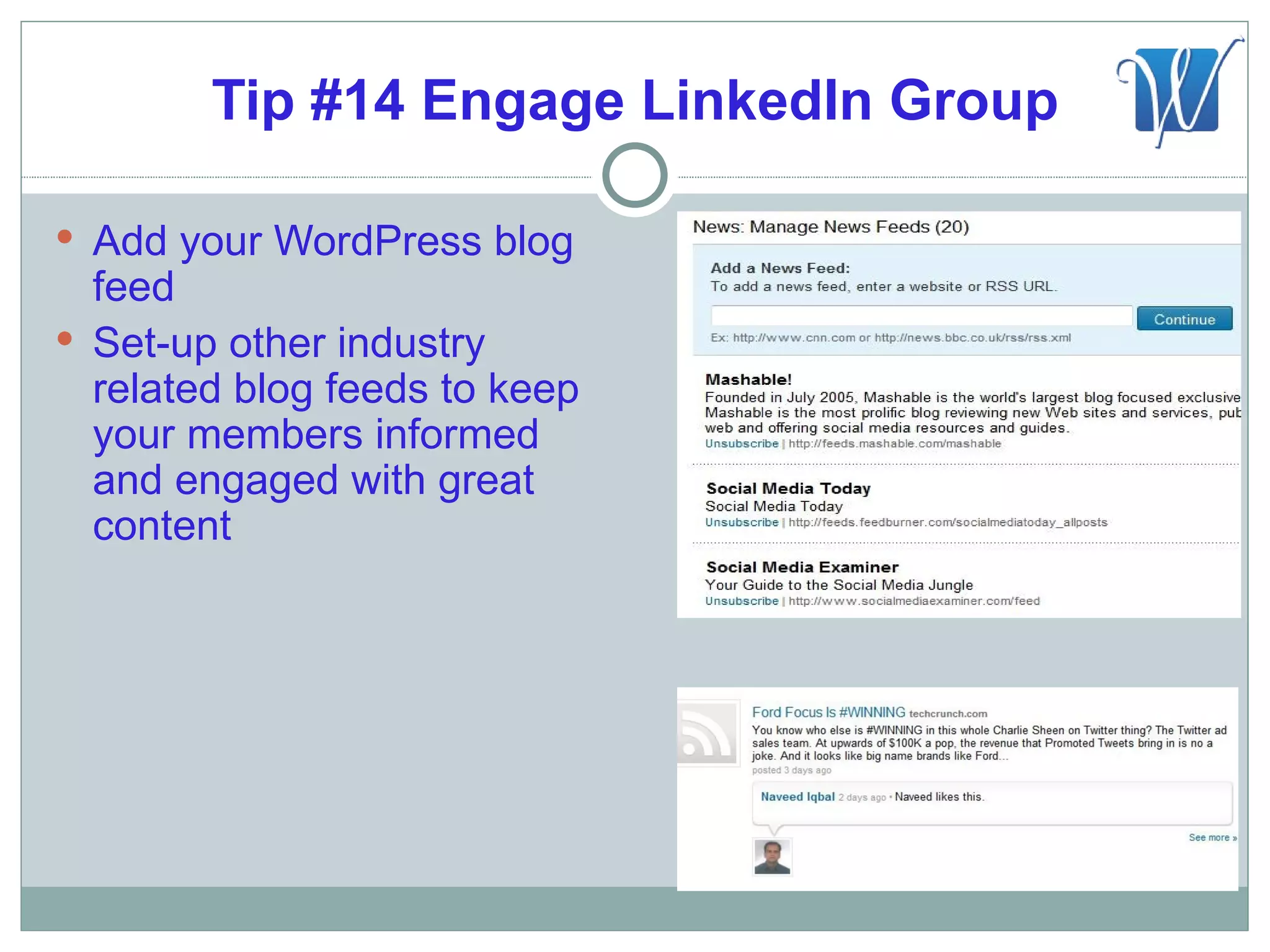
 Add your WordPress blog
  feed
 Set-up other industry
  related blog feeds to keep
  your members informed
  and engaged with great
  content
Tip #15 Join LinkedIn Groups

 Maximum groups you can join is 50
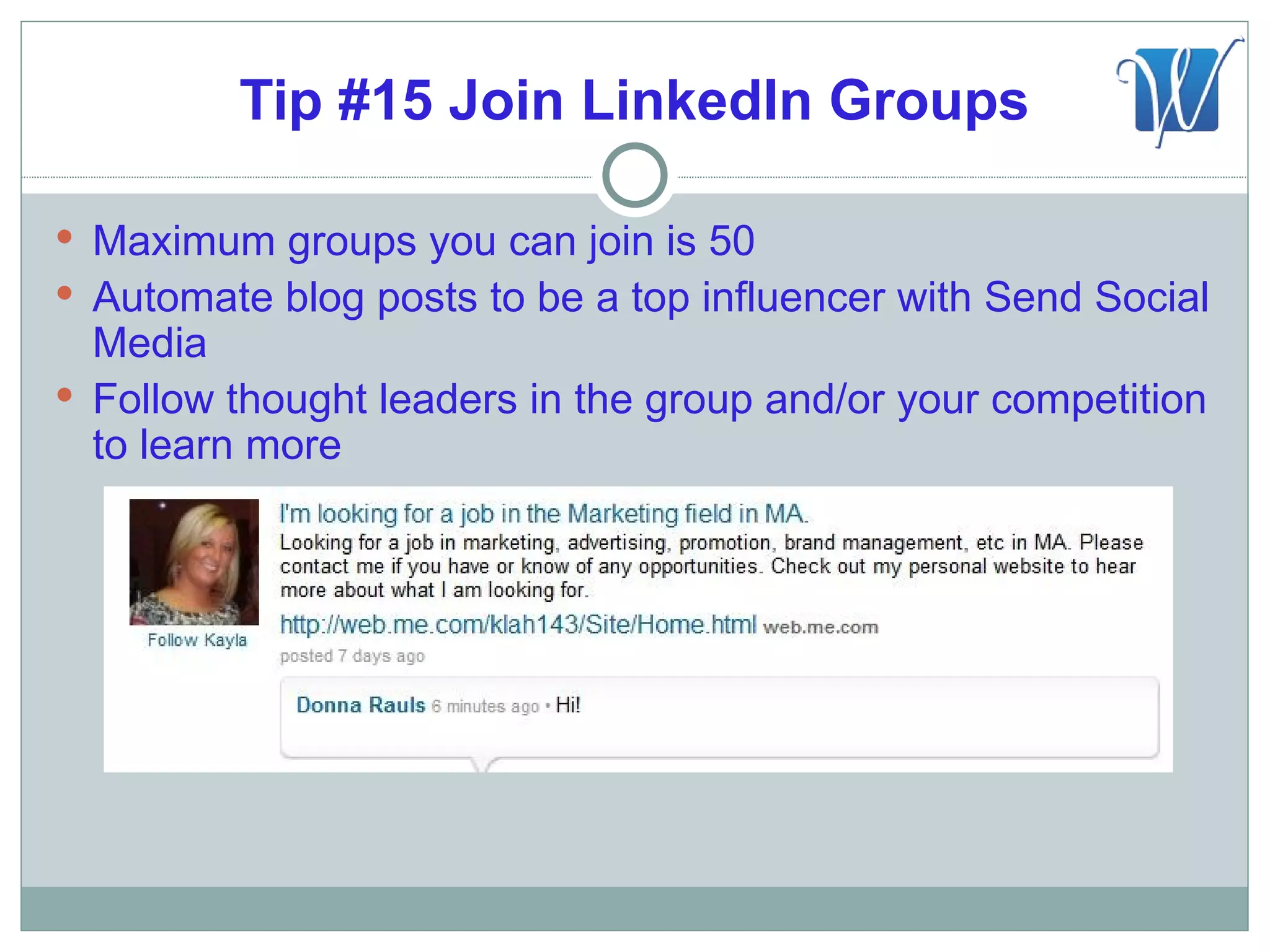
 Automate blog posts to be a top influencer with Send Social
  Media
 Follow thought leaders in the group and/or your competition
  to learn more
Keep Your New Followers
       Engaged
Tip #16 Be a Thought Leader

 Search Technorati for content
  relevant to your industry
 Be seen as a “thought leader”
  and “expert” in your industry
 Be the “go to” place for great
  content
 Get people to know, like and
  trust you as a valuable resource

Online Resource
 Technorati


         What engaging content can you share?
Tip #17 Create Marketing Strategy

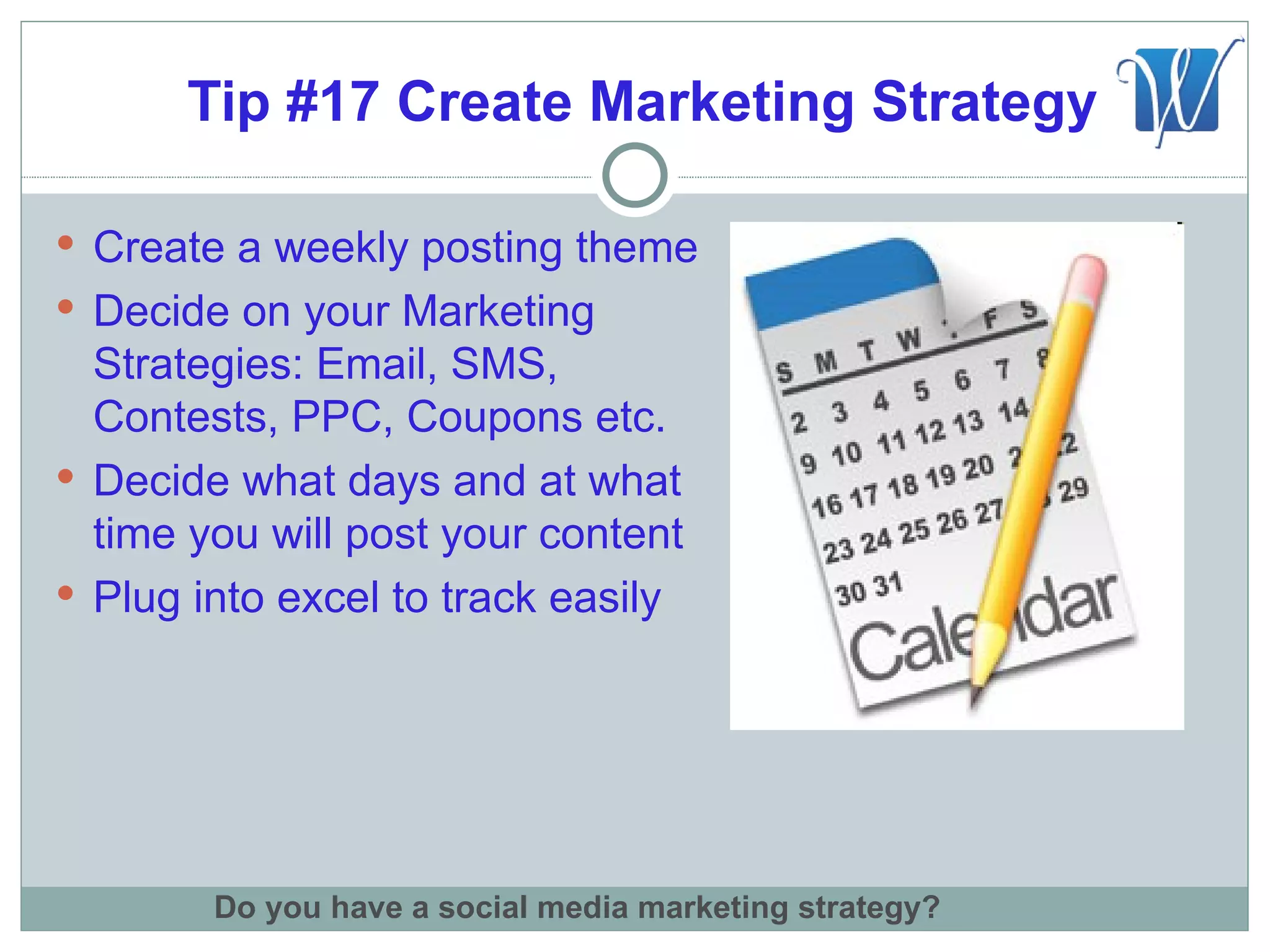
 Create a weekly posting theme
 Decide on your Marketing
  Strategies: Email, SMS,
  Contests, PPC, Coupons etc.
 Decide what days and at what
  time you will post your content
 Plug into excel to track easily


        Do you have a social media marketing strategy?
Tip #18 Automate Marketing Calendar

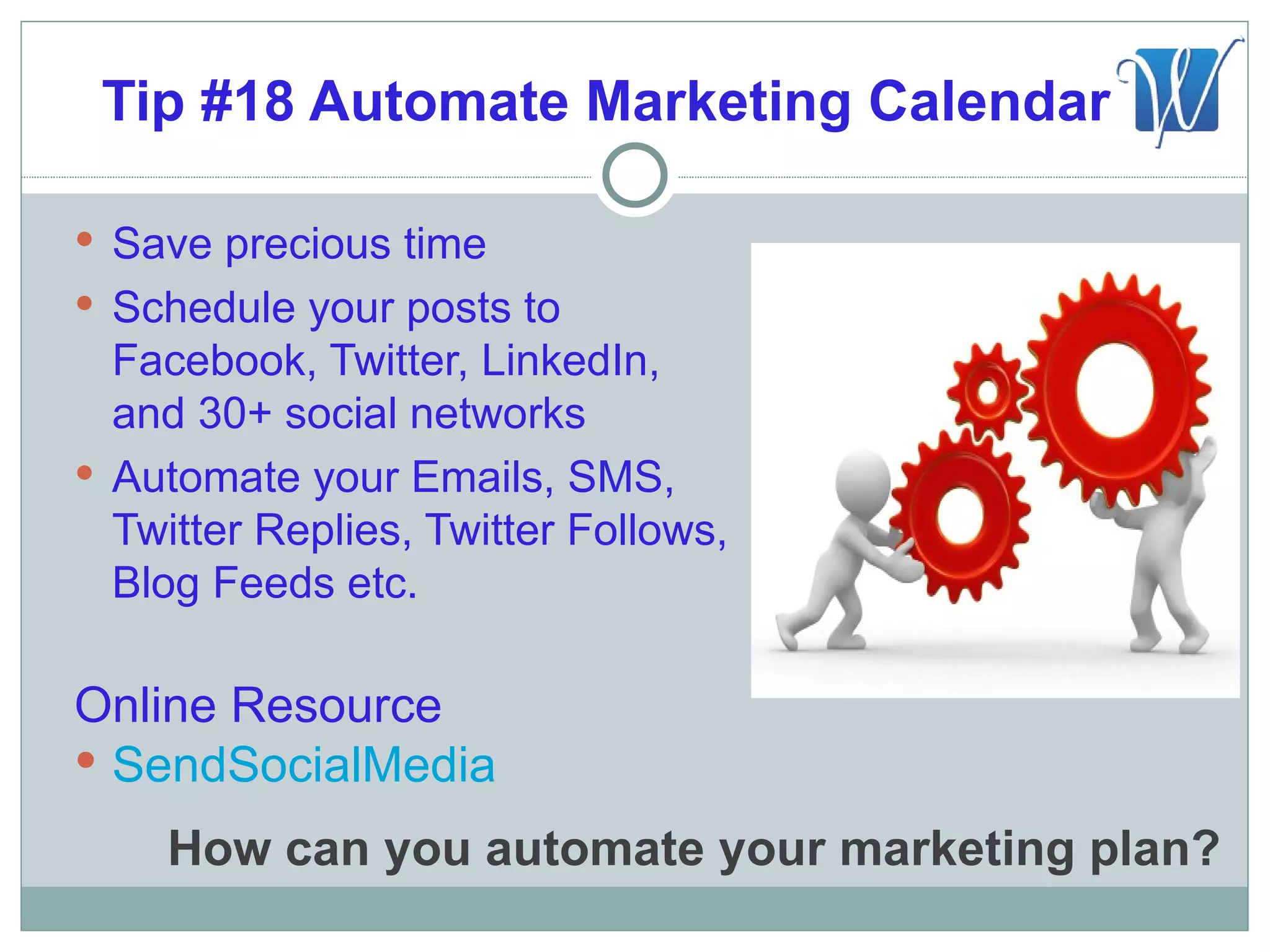
 Save precious time
 Schedule your posts to
  Facebook, Twitter, LinkedIn,
  and 30+ social networks
 Automate your Emails, SMS,
  Twitter Replies, Twitter Follows,
  Blog Feeds etc.

Online Resource
 SendSocialMedia

    How can you automate your marketing plan?
Tip #19 Listen, Communicate & Monitor

 Monitor your posts and respond
  to comments quickly
 Engage your audience by asking
  questions: “How can we make
  our service better?”, “What’s
  your favorite product of ours?”
 Customers want to know that
  they are helping to shape the
  products you provide


          What engaging questions can you ask?
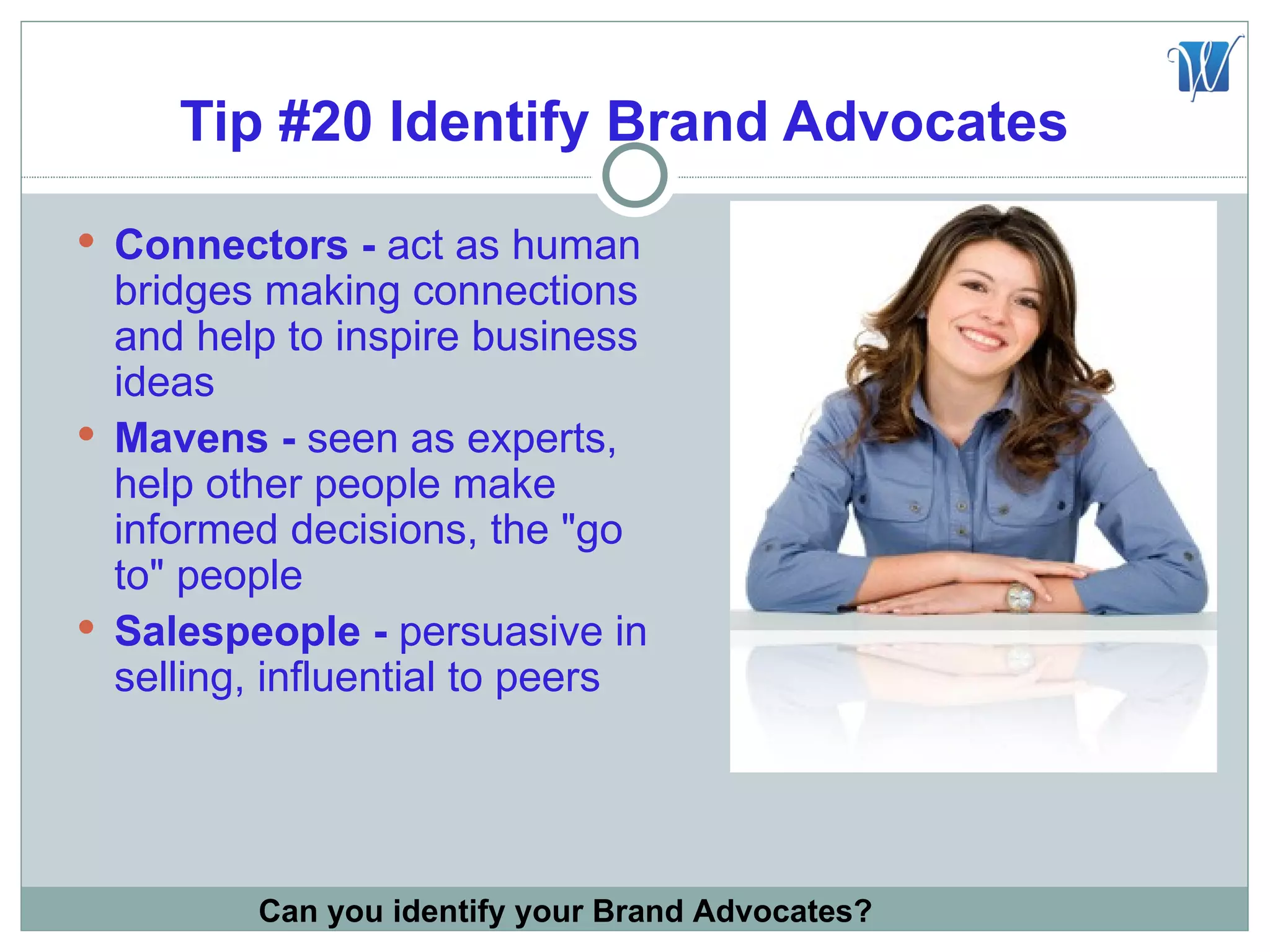
Tip #20 Identify Brand Advocates
 Connectors - act as human
  bridges making connections
  and help to inspire business
  ideas
 Mavens - seen as experts,
  help other people make
  informed decisions, the "go
  to" people
 Salespeople - persuasive in
  selling, influential to peers


         Can you identify your Brand Advocates?
Brand Advocate Facts

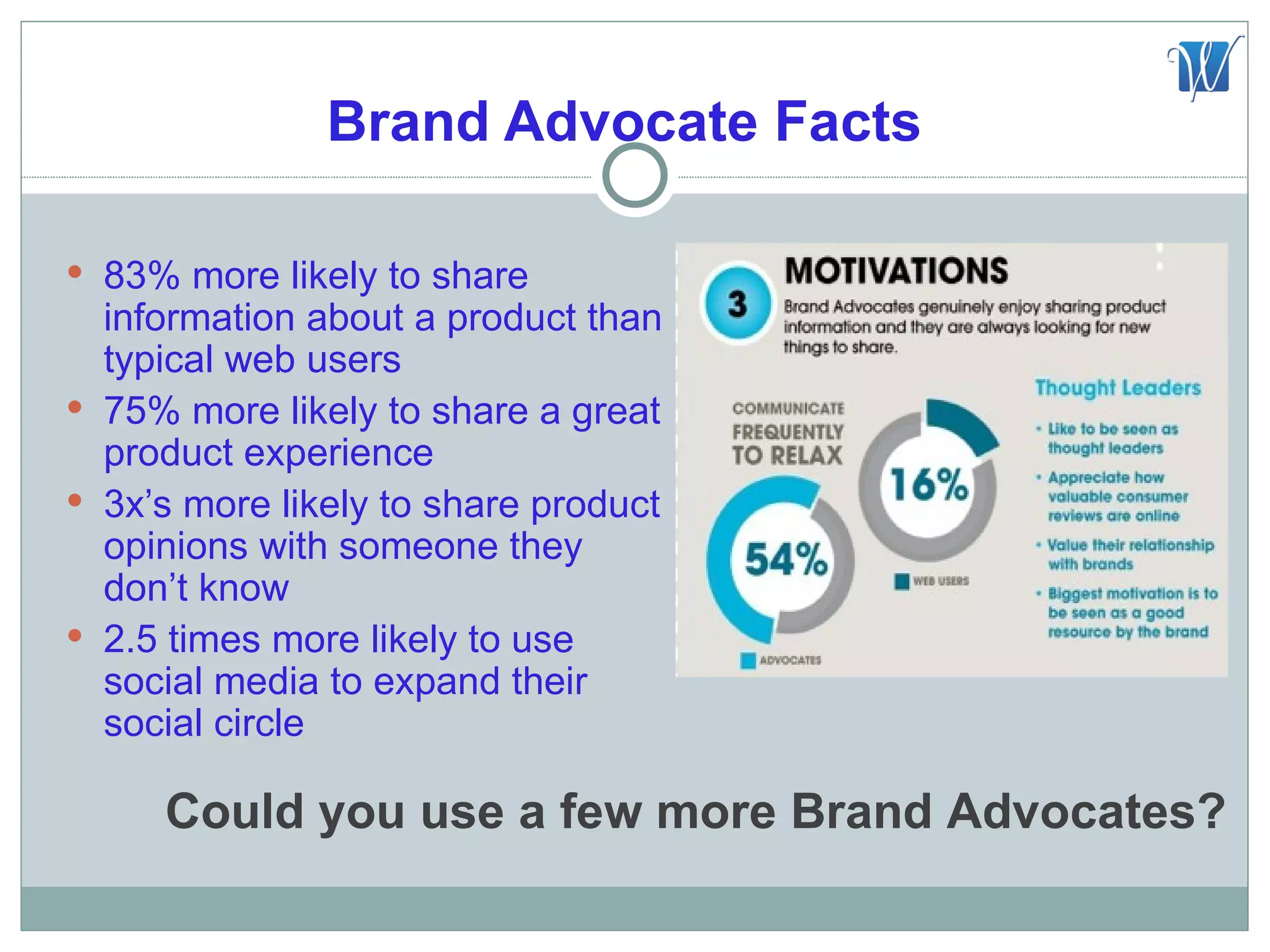
 83% more likely to share
  information about a product than
  typical web users
 75% more likely to share a great
  product experience
 3x’s more likely to share product
  opinions with someone they
  don’t know
 2.5 times more likely to use
  social media to expand their
  social circle

     Could you use a few more Brand Advocates?
Takeaways

 Do you know who your current Brand Advocates
 are?

 What marketing techniques can you start
 implementing to improve your sales?

 What content would you add to your Marketing
 Calendar?
Questions and Answers

What questions can I help answer?

   Thank you for participating!

        Michelle Hummel
      Web Media Expert LLC
http://www.WebMediaExpert.com
       Phone: 513-204-9324
 michelle@webmediaexpert.com

Secrets to Success with Social Media

  • 1.
    Secrets to Successwith Social Media
  • 2.
    Michelle Hummel CEOof… •Web Media Expert: Social Media Agency •Like Social Media: Business Directory & Ranking Tool •Send Social Media: Social Media Management Dashboard •Social Media Matcher: Social Media Applications Directory •Web Media University: Social Media Training and Certification COMING SOON! •My book: The Social Media Magnet “Everything you need to know to attract customers with social media” by Michelle Hummel Thanks for joining me today!
  • 3.
    Why Social Media? TheFuture of the Internet is Social Google+ “Google+ invites were being sold on eBay for up to $27 each!”  Players may change but you MUST learn how to adjust  Start now or you will be behind by your competitors How do you keep up with social media trends?
  • 4.
    Understand Your SocialNetworks Business 2 Business? LinkedIn, reach other business owners easily Business 2 Consumer? Foursquare, offer coupons for your services Where does your target audience live online?
  • 5.
    Define Your Goals Increase email and blog subscribers  Turn fans into advocates  Increase event registration  Move people to take action, join contests  More likes, fans and followers  Increase sales  Improve search engine ranking  Increase blog post comments  Reduce your sites bounce rate  Increase website traffic What are your social media marketing goals?
  • 6.
    Define Your KPI’S KPI= Key Performance Indicators: a metric used to track if you are accomplishing your business goals  Blog comments  Downloads  Email subscriptions  Likes, Followers and Fans  Reviews  Time spent on key pages  Ratings  Registered Users (new/active) What are the results you are looking for?
  • 7.
    #1 Goal “SocialMedia Engagement”  You want people to share things  You want people to be advocates  You want people to visit frequently  You want people to refer friends  You want people to buy products “Engaged customers and prospects are far more likely to do some or all of the above.” How can you boost customer engagement?
  • 8.
    Tip #1 CreateSocial Media Hub  Blog should be part of your website  Develop a blog content writing schedule, at least 2 per month  Do you provide your visitors easy ways to share, like, download and/or retweet your content? Do you have a Blog? Does it live on your website?
  • 9.
    WordPress Fun Facts The most popular CMS in use today  Powering nearly 14.7% of the top 1 million websites  19,000+ plugins available  Holds 53.8% of the market share for Content Management Systems  20,000+ people make their living with WordPress as developers, designers, consultant, bloggers etc. *Data compiled by Chase Granberry of Authority Labs Search rank Monitoring http://www.authoritylabs.com
  • 10.
    Who is usingWordPress? Famous Brands Like:  Playstation  MTV  Lexus  eBay  CNN  NASA  Ford  Sony  People  The NFL
  • 11.
    Tip #2 MakeContent Shareable  Fresh Content, you must be writing and posting new blogs for SEO  Social Content, you must be providing interesting content others will enjoy and share  Easy to share, do you provide your visitors easy ways to share, like, download and/or retweet your content? Is your content easily shareable?
  • 12.
    Tip #3 AddBlog Feed To Facebook  Facebook fans have an easy way to read and subscribe to your blog  Automatically posts blog content to your fan page Online Resource  NetworkedBlogs Can fans easily subscribe to your blog?
  • 13.
    Tip #4 AddBlog Feed To LinkedIn  LinkedIn Profile Online Resource  LinkedIn WordPress App Can connections easily subscribe to your blog?
  • 14.
    Tip #5 AddFacebook Like Box  Social Proof – show your current fan base  They can see if their friends like your page too  Show recent wall posts  Like your fan page without leaving your website Online Resource  Like Box Social Plugin Do you have a fan page for your business?
  • 15.
    Tip #6 RSSLinks To Your Signature  WiseStamp offers over 15+ social network links  Easy way to connect with you Online Resource  WiseStamp Do you promote your WordPress blog on your email signature line?
  • 16.
    Tip #7 AddLive Chat Box  Compatible with Skype & GoogleChat  Easy install HTML code on your website  Emails you the entire chat conversation  Provide additional links to other sections of your website Online Resource  SnapEngage Would you benefit from a Live Chat Box on your website?
  • 17.
    Tip #8 Strong“Call To Action” You have 3 seconds to grab your prospects attention  Free Social Media Score  Register for Event  Watch Video  Free Secret Strategy Guide What is your call to action?
  • 18.
    Tip #9 CreatePaid Membership Site  Create 4 levels of paid membership  Set page restrictions for limited members access  Monetize your website  Integrated with Paypal  Automated sign up  Offer a free trial Online Resource  s2Member Plugin Could you benefit from a paid membership site?
  • 19.
    Tip #10 “FansOnly” Special Offer  Announce you will be picking a random day for an exclusive unbelievable “fans only” offer  Announce the sale and give them 1 hour to make the purchase  They will share your page with their friends to win  Limiting the time and quantity creates a sense of urgency What is your unbelievable offer?
  • 20.
    Tip #11 EmailAuto-responder Salesman  Create a “Fans Only” Automated Email Marketing System  Send these special offers to your email subscribers every 15 days Online Resources  SendSocialMedia  Aweber  ConstantContact Do you use email auto-responders?
  • 21.
    Grow Your Followerswith LinkedIn
  • 22.
    Tip #12 IndustryRelated LinkedIn Group  A great community needs a strong leader  Clearly define the purpose of your community  Individuals want to connect with other like-minded members  A good community will attract customers, influence and opportunities  Success Story: Entrepreneur’s Advice Club Who do you want to attract to your community?
  • 23.
    Tip #13 PromoteYour Group  Create an icon to represent your group like my “E” for the Entrepreneurs Advice Club  Promote this icon along side your other social media channel icons  It will generate curiosity and you will find more people joining your group
  • 24.
    Tip #14 EngageLinkedIn Group  Add your WordPress blog feed  Set-up other industry related blog feeds to keep your members informed and engaged with great content
  • 25.
    Tip #15 JoinLinkedIn Groups  Maximum groups you can join is 50  Automate blog posts to be a top influencer with Send Social Media  Follow thought leaders in the group and/or your competition to learn more
  • 26.
    Keep Your NewFollowers Engaged
  • 27.
    Tip #16 Bea Thought Leader  Search Technorati for content relevant to your industry  Be seen as a “thought leader” and “expert” in your industry  Be the “go to” place for great content  Get people to know, like and trust you as a valuable resource Online Resource  Technorati What engaging content can you share?
  • 28.
    Tip #17 CreateMarketing Strategy  Create a weekly posting theme  Decide on your Marketing Strategies: Email, SMS, Contests, PPC, Coupons etc.  Decide what days and at what time you will post your content  Plug into excel to track easily Do you have a social media marketing strategy?
  • 29.
    Tip #18 AutomateMarketing Calendar  Save precious time  Schedule your posts to Facebook, Twitter, LinkedIn, and 30+ social networks  Automate your Emails, SMS, Twitter Replies, Twitter Follows, Blog Feeds etc. Online Resource  SendSocialMedia How can you automate your marketing plan?
  • 30.
    Tip #19 Listen,Communicate & Monitor  Monitor your posts and respond to comments quickly  Engage your audience by asking questions: “How can we make our service better?”, “What’s your favorite product of ours?”  Customers want to know that they are helping to shape the products you provide What engaging questions can you ask?
  • 31.
    Tip #20 IdentifyBrand Advocates  Connectors - act as human bridges making connections and help to inspire business ideas  Mavens - seen as experts, help other people make informed decisions, the "go to" people  Salespeople - persuasive in selling, influential to peers Can you identify your Brand Advocates?
  • 32.
    Brand Advocate Facts 83% more likely to share information about a product than typical web users  75% more likely to share a great product experience  3x’s more likely to share product opinions with someone they don’t know  2.5 times more likely to use social media to expand their social circle Could you use a few more Brand Advocates?
  • 33.
    Takeaways  Do youknow who your current Brand Advocates are?  What marketing techniques can you start implementing to improve your sales?  What content would you add to your Marketing Calendar?
  • 34.
    Questions and Answers Whatquestions can I help answer? Thank you for participating! Michelle Hummel Web Media Expert LLC http://www.WebMediaExpert.com Phone: 513-204-9324 michelle@webmediaexpert.com