Search engine optimization (SEO) is the process of improving the visibility
of a website or a web page in a search engine's "natural" or un-paid
("organic" or "algorithmic") search results. In general, the earlier (or
higher ranked on the search results page), and more frequently a site
appears in the search results list, the more visitors it will receive from the
search engine's users. SEO may target different kinds of search, including
image search, local search, video search, academic search,[1] news search
and industry-specific vertical search engines.
As an Internet marketing strategy, SEO considers how search engines
work, what people search for, the actual search terms or keywords typed
into search engines and which search engines are preferred by their
targeted audience. Optimizing a website may involve editing its content
and HTML and associated coding to both increase its relevance to specific
keywords and to remove barriers to the indexing activities of search
engines. Promoting a site to increase the number of backlinks, or inbound
links, is another SEO tactic.
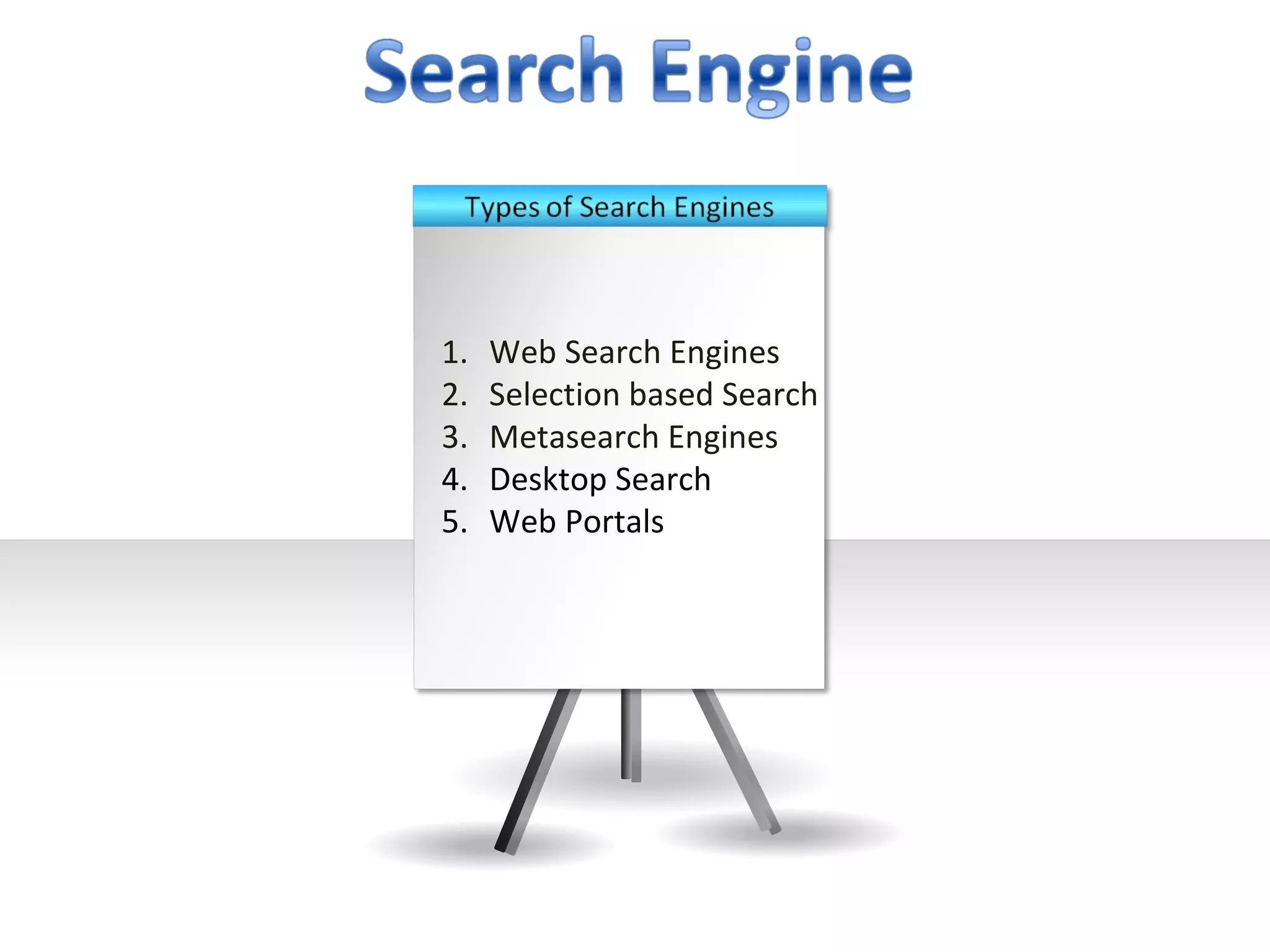
1.   Web Search Engines
2.   Selection based Search
3.   Metasearch Engines
4.   Desktop Search
5.   Web Portals
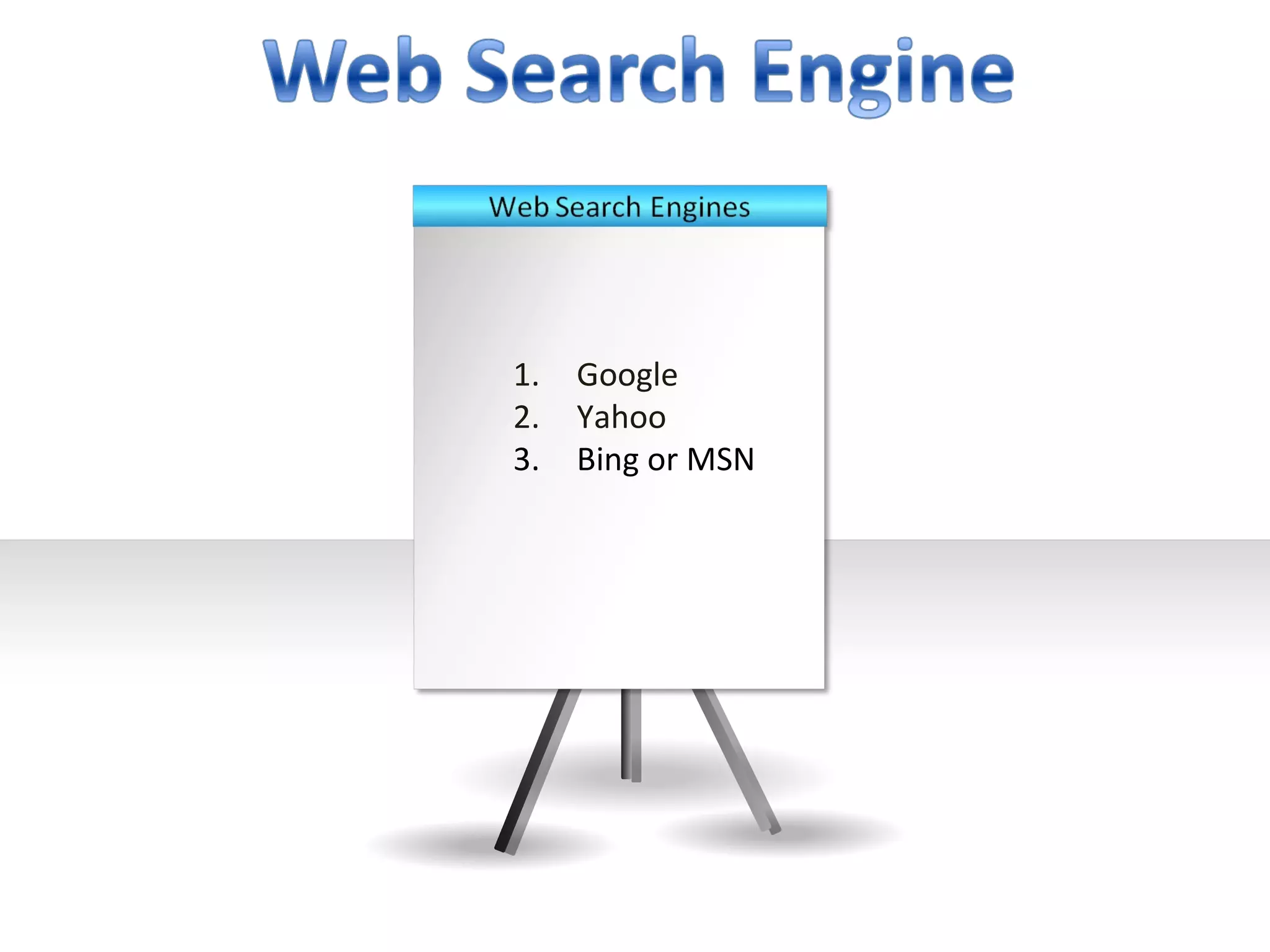
1.   Google
2.   Yahoo
3.   Bing or MSN
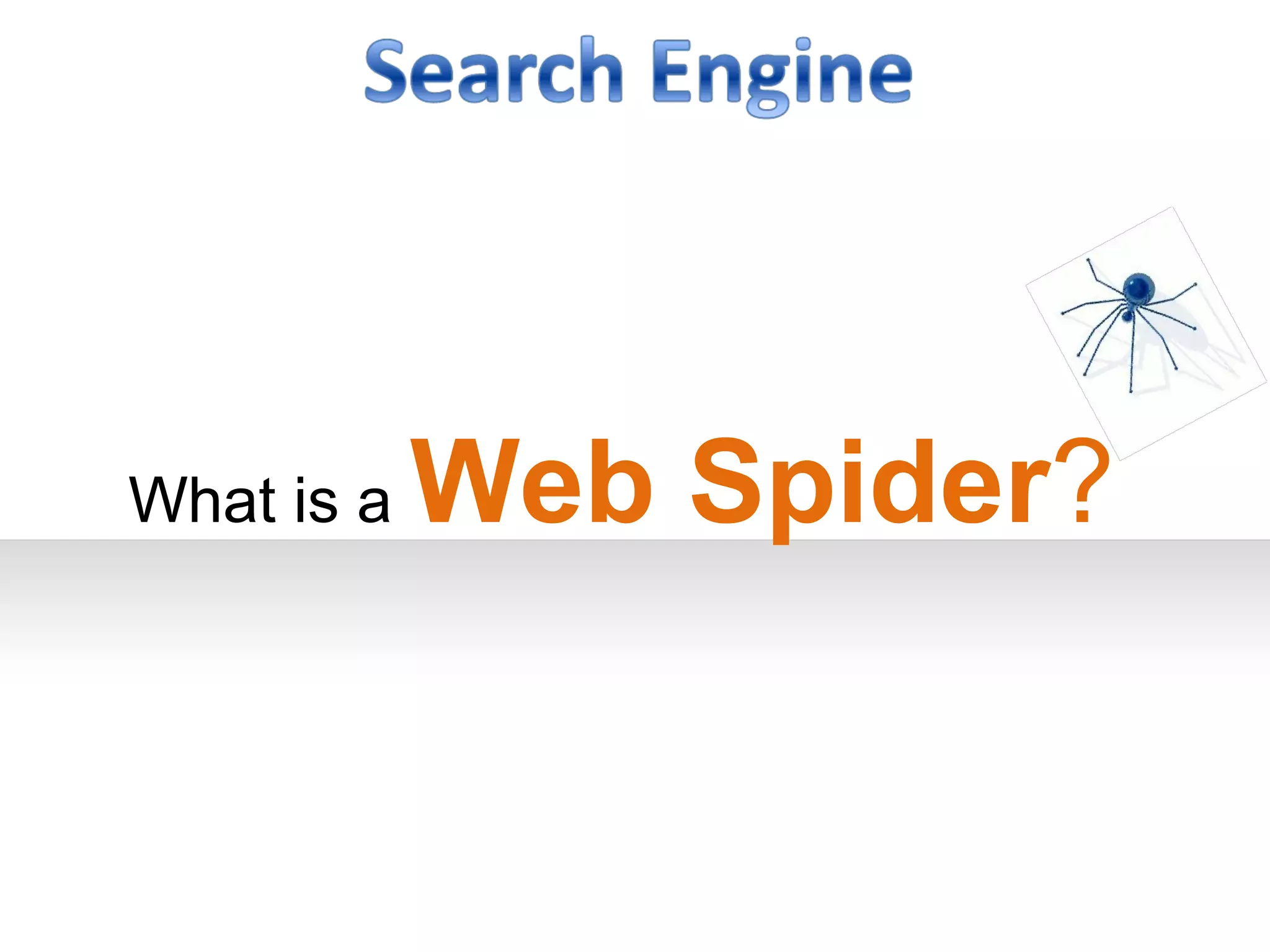
What is a   Web Spider?
It is a program or automated script that browses through the
World Wide Web in a methodical, automated manner. The
process of browsing through the pages is called web crawling or
web spidering.
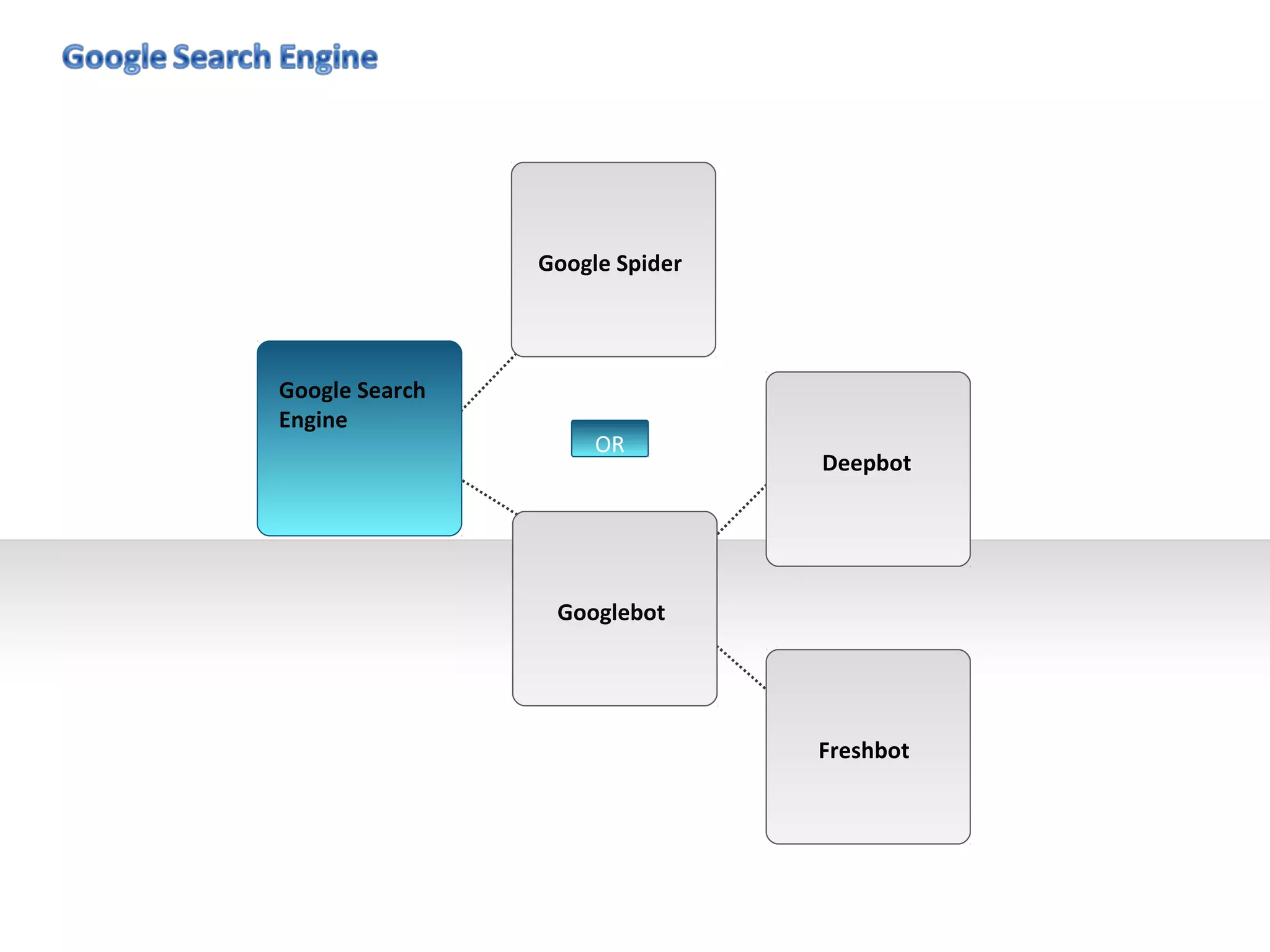
Google Spider


Google Search
Engine
                     OR
                                Deepbot


                 Googlebot


                                Freshbot
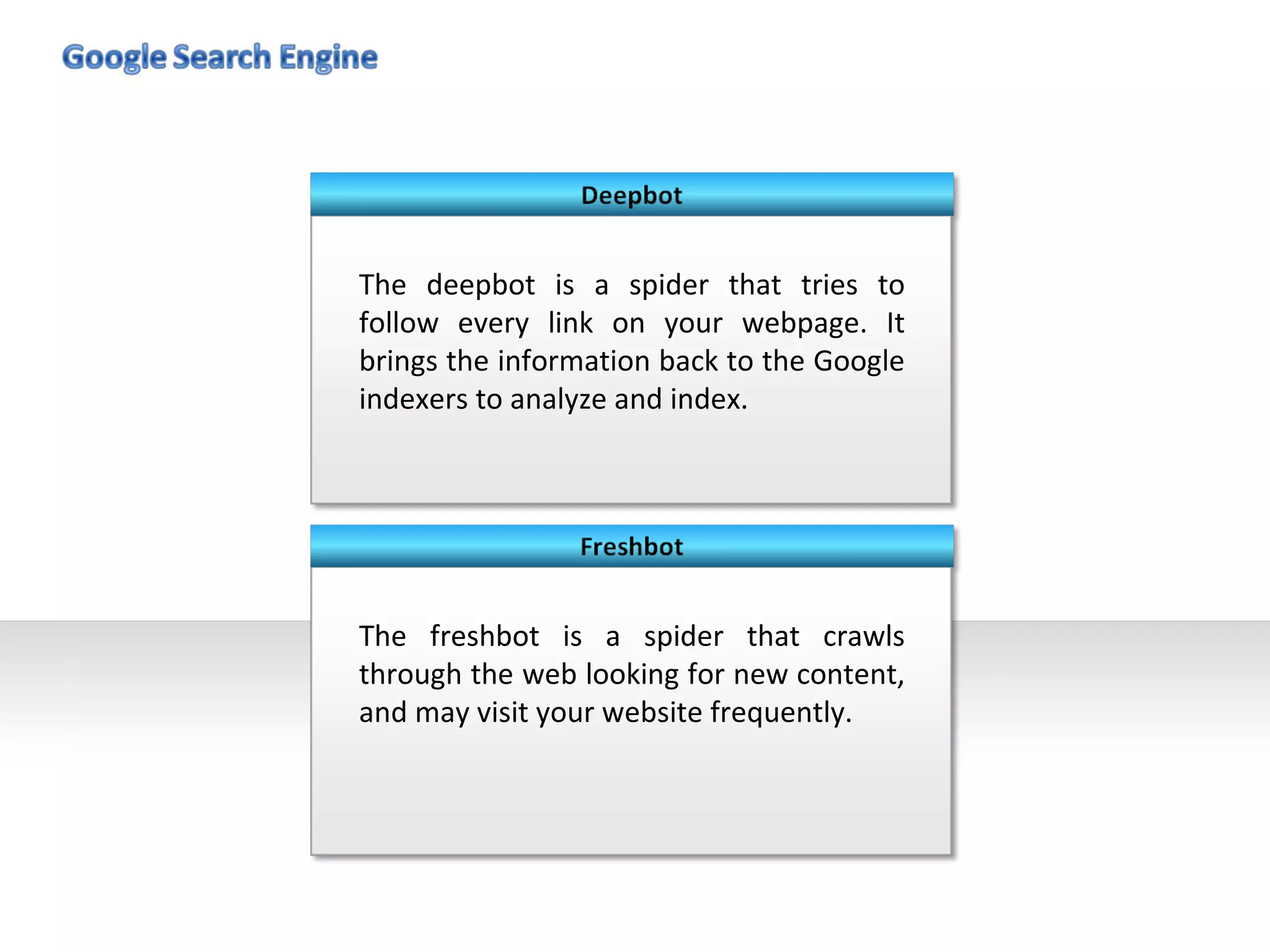
The deepbot is a spider that tries to
follow every link on your webpage. It
brings the information back to the Google
indexers to analyze and index.


The freshbot is a spider that crawls
through the web looking for new content,
and may visit your website frequently.
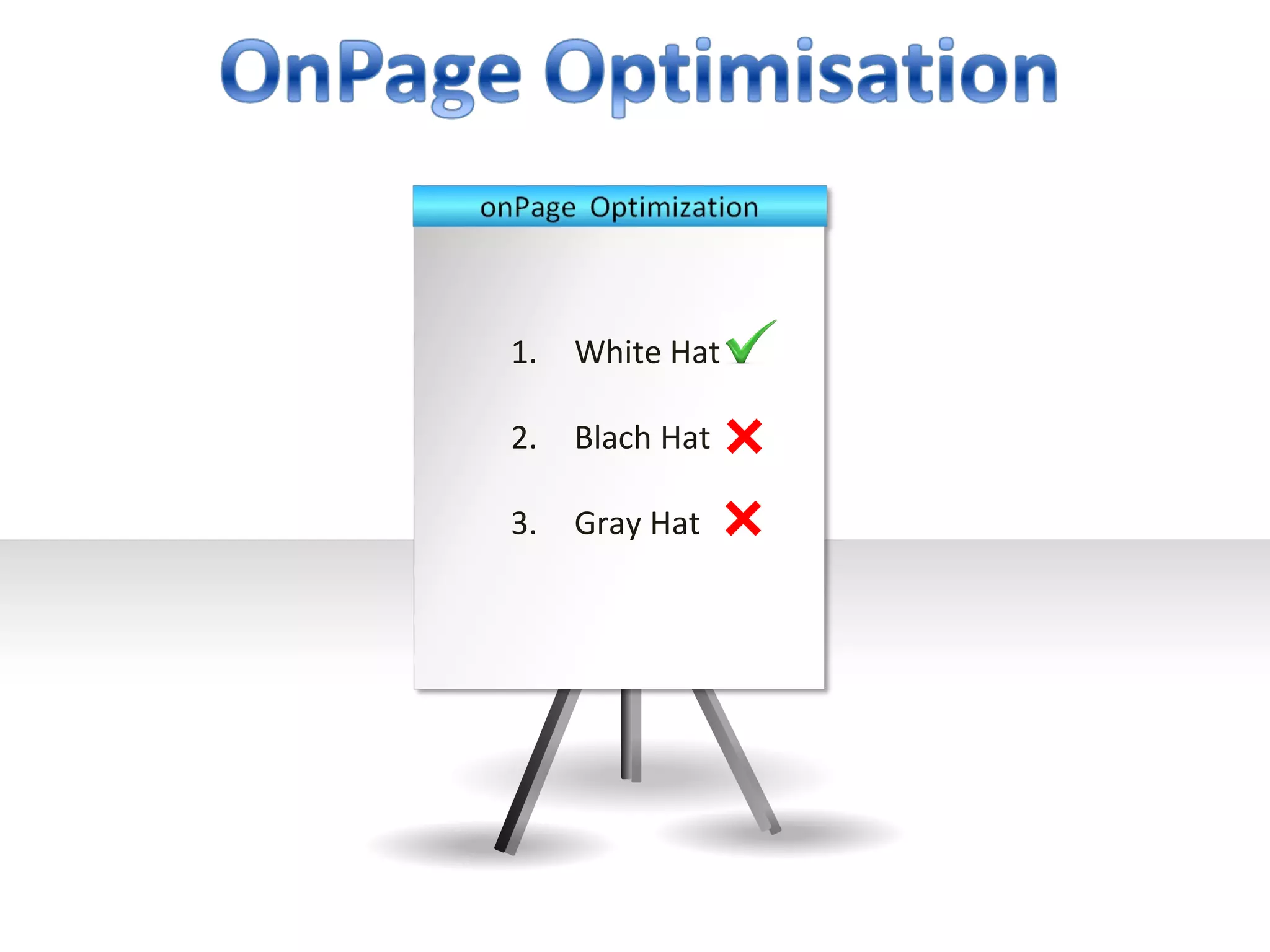
1.   White Hat

2.   Blach Hat

3.   Gray Hat
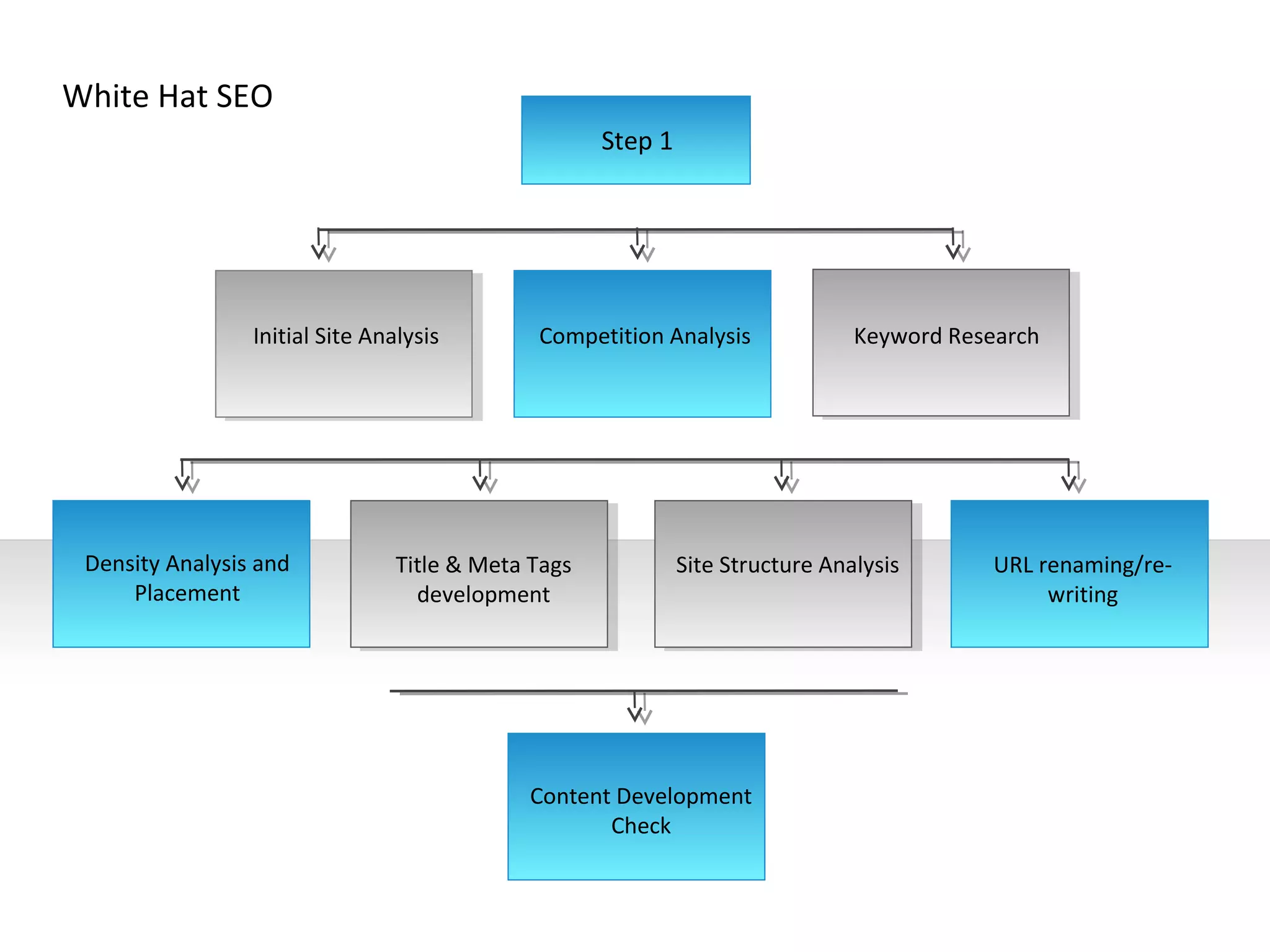
White Hat SEO
                                                     Step 1


                 Initial Site Analysis        Competition Analysis              Keyword Research


 Density Analysis and            Title & Meta Tags            Site Structure Analysis       URL renaming/re-
     Placement                     development                                                   writing


                                             Content Development
                                                    Check
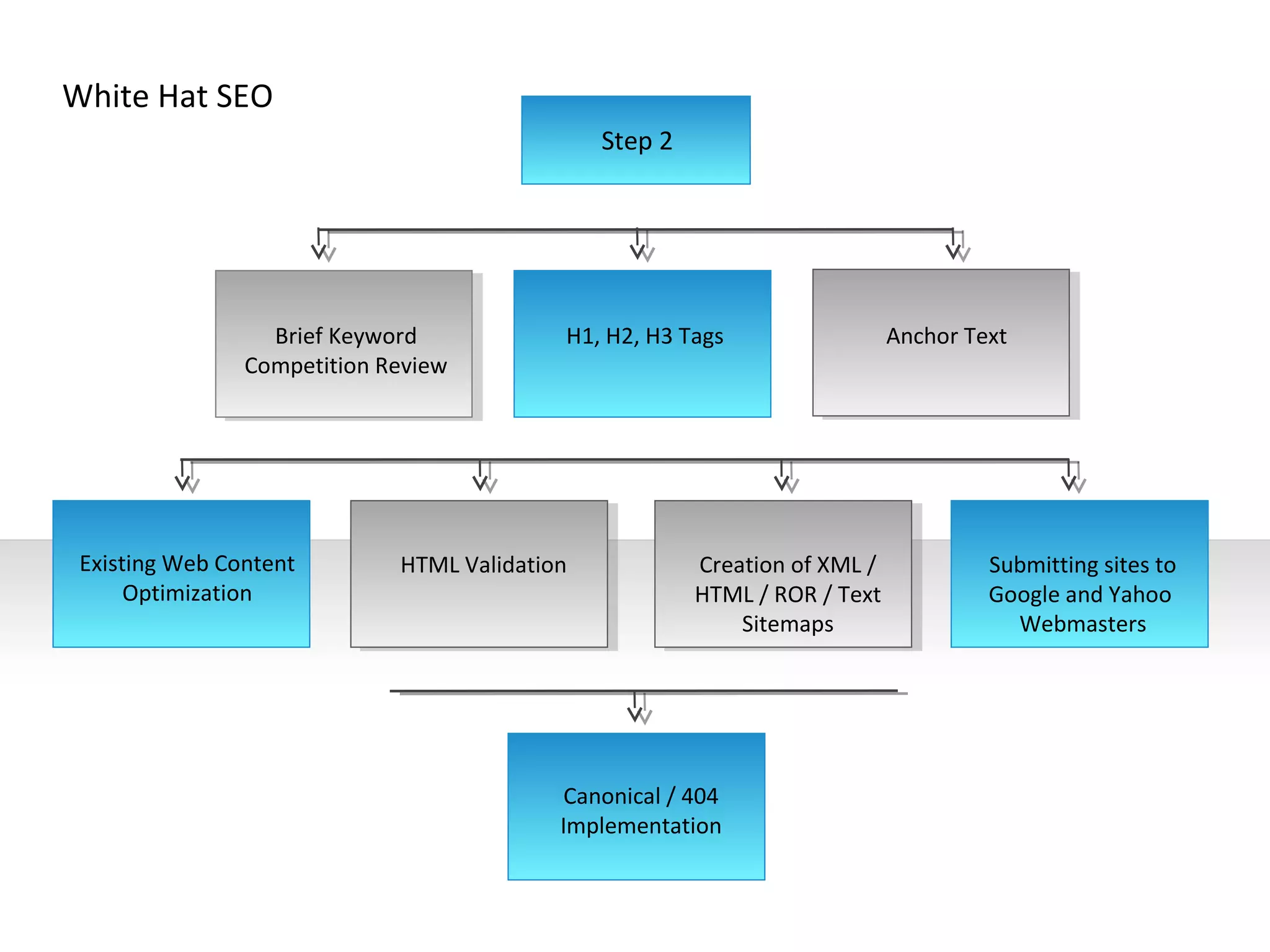
White Hat SEO
                                               Step 2


                  Brief Keyword            H1, H2, H3 Tags                  Anchor Text
                Competition Review


 Existing Web Content        HTML Validation            Creation of XML /            Submitting sites to
      Optimization                                      HTML / ROR / Text            Google and Yahoo
                                                            Sitemaps                   Webmasters


                                           Canonical / 404
                                           Implementation
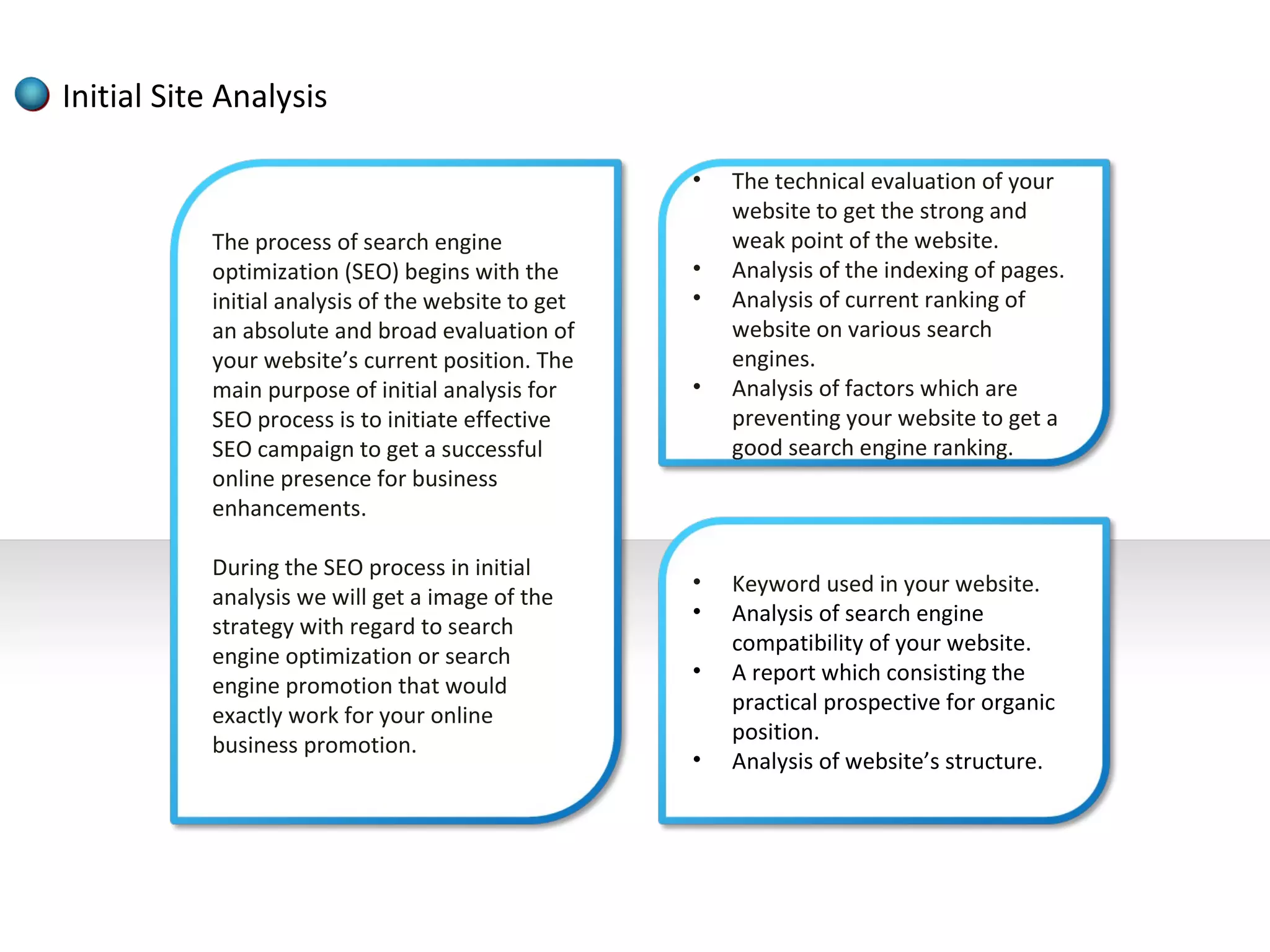
Initial Site Analysis

                                                    •   The technical evaluation of your
                                                        website to get the strong and
           The process of search engine                 weak point of the website.
           optimization (SEO) begins with the       •   Analysis of the indexing of pages.
           initial analysis of the website to get   •   Analysis of current ranking of
           an absolute and broad evaluation of          website on various search
           your website’s current position. The         engines.
           main purpose of initial analysis for     •   Analysis of factors which are
           SEO process is to initiate effective         preventing your website to get a
           SEO campaign to get a successful             good search engine ranking.
           online presence for business
           enhancements.

           During the SEO process in initial
                                                    •   Keyword used in your website.
           analysis we will get a image of the
                                                    •   Analysis of search engine
           strategy with regard to search
                                                        compatibility of your website.
           engine optimization or search
                                                    •   A report which consisting the
           engine promotion that would
                                                        practical prospective for organic
           exactly work for your online
                                                        position.
           business promotion.
                                                    •   Analysis of website’s structure.
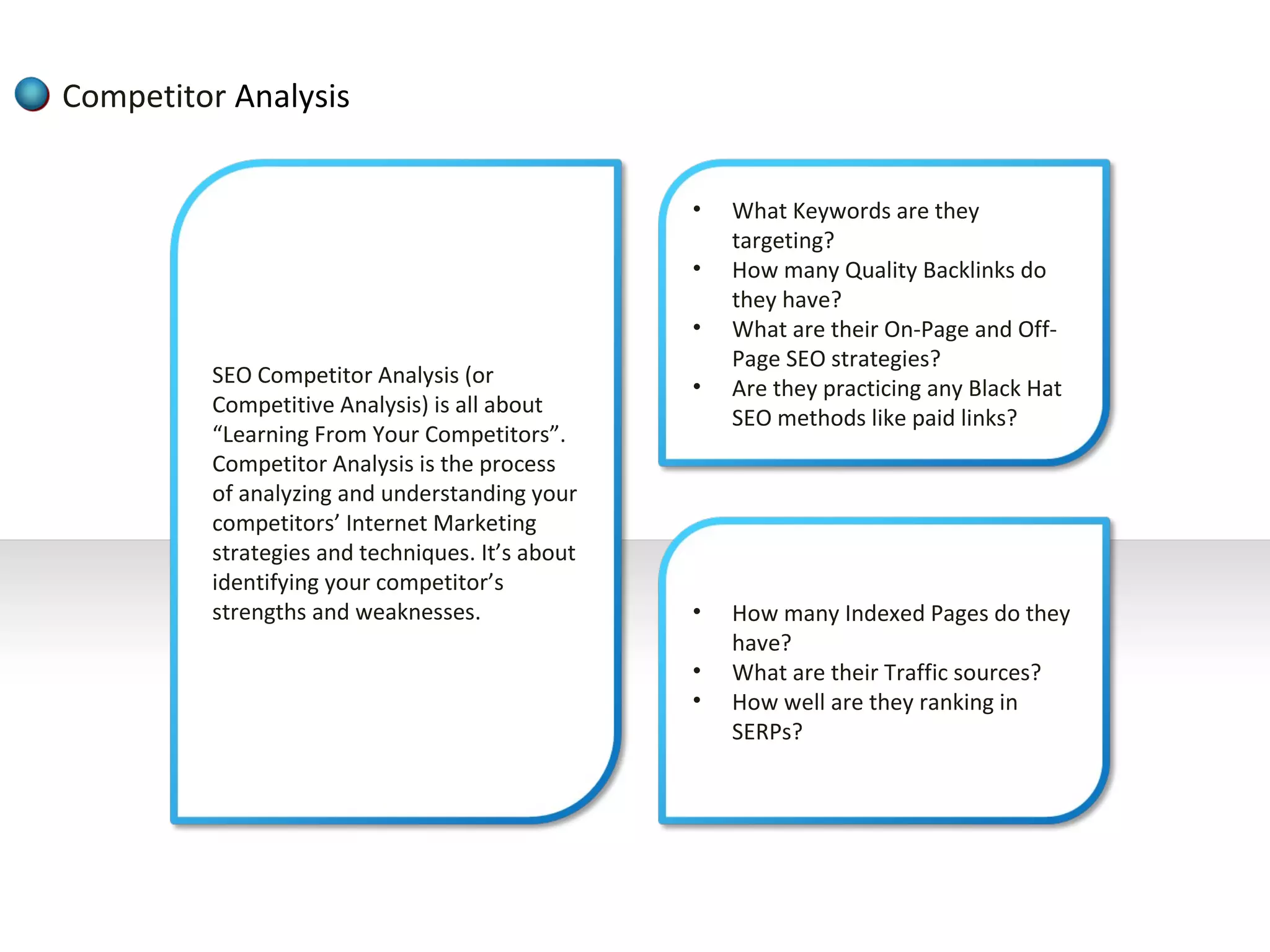
Competitor Analysis


                                                 •   What Keywords are they
                                                     targeting?
                                                 •   How many Quality Backlinks do
                                                     they have?
                                                 •   What are their On-Page and Off-
                                                     Page SEO strategies?
         SEO Competitor Analysis (or             •   Are they practicing any Black Hat
         Competitive Analysis) is all about
                                                     SEO methods like paid links?
         “Learning From Your Competitors”.
         Competitor Analysis is the process
         of analyzing and understanding your
         competitors’ Internet Marketing
         strategies and techniques. It’s about
         identifying your competitor’s
         strengths and weaknesses.               •   How many Indexed Pages do they
                                                     have?
                                                 •   What are their Traffic sources?
                                                 •   How well are they ranking in
                                                     SERPs?
Keyword Research


         Your SEO keywords are the key words and phrases in your web content that make
         it possible for people to find your site via search engines. A website that is well
         optimized for search engines "speaks the same language" as its potential visitor
         base with keywords for SEO that help connect searchers to your site. In other
         words, you need to know how people are looking for the products, services or
         information that you offer, in order to make it easy for them to find you—
         otherwise, they'll land on one of the many other results in the SERPs.
         Implementing keyword seo will help your site rank above your competitors.

         This is why developing a list of keywords is one of the first and most important
         steps in any search engine optimization initiative. Keywords and SEO are directly
         connected when it comes to running a winning search marketing campaign.
         Because keywords are foundational for all your other SEO efforts, it's well worth
         the time and investment to ensure your SEO keywords are highly relevant to your
         audience and effectively organized for action.
Keyword Research


         A marketer attempting to optimize a web page for the "leather dog collars"
         keyword group should consider doing most if not all of the following:

         •Using the keyword in the title of the page
         •Using the keyword in the URL (e.g., www.online-petstore.com/dog-
         collars/leather)
         •Using the keyword, and variations (e.g., "leather collars for dogs"), throughout
         the page copy
         •Using the keyword in the meta tags, especially the meta description
         •Using the keyword in any image file paths and in the images' alt text
         •Using the keyword as the anchor text in links back to the page from elsewhere on
         the site

         When optimizing your web pages, keep in mind that keyword relevance is more
         important than keyword density in seo.
Density Analysis and Placement


          Keyword Density:
          Stuffing a page with a keyword is termed a black hat practice by search engines
          and might get your website banned. We check the pages of your website to
          ensure the density of the word is at acceptable levels in the titles, descriptions
          and content of your web pages.

          Keyword Proximity:
          We analyse the placement a keyword or specific phrase in the body of the HTML
          source program of a webpage. Our tools tell us the proximity of one part of a
          phrase to the other part, the exact matches and the best placement of the
          keyword or phrase.

          Keywords Combinations:
          We generate a keyword list and create keyword combinations, phrases or groups
          of keywords. Then we test the combinations on your website and the position of
          the result. We repeat this procedure to ensure a top ten ranking in search engine
          results.
Density Analysis and Placement


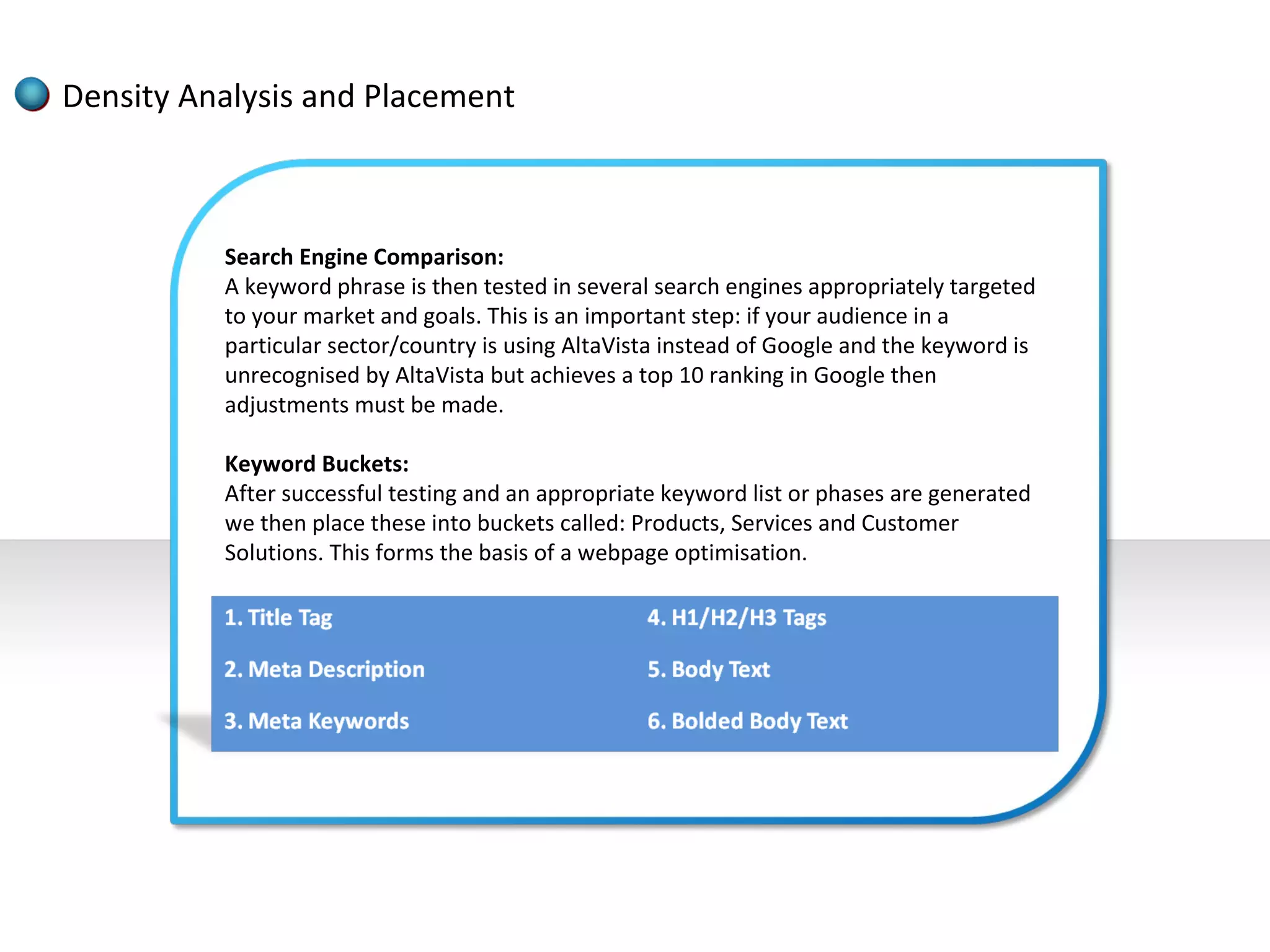
          Search Engine Comparison:
          A keyword phrase is then tested in several search engines appropriately targeted
          to your market and goals. This is an important step: if your audience in a
          particular sector/country is using AltaVista instead of Google and the keyword is
          unrecognised by AltaVista but achieves a top 10 ranking in Google then
          adjustments must be made.

          Keyword Buckets:
          After successful testing and an appropriate keyword list or phases are generated
          we then place these into buckets called: Products, Services and Customer
          Solutions. This forms the basis of a webpage optimisation.
Title & Meta Tags development


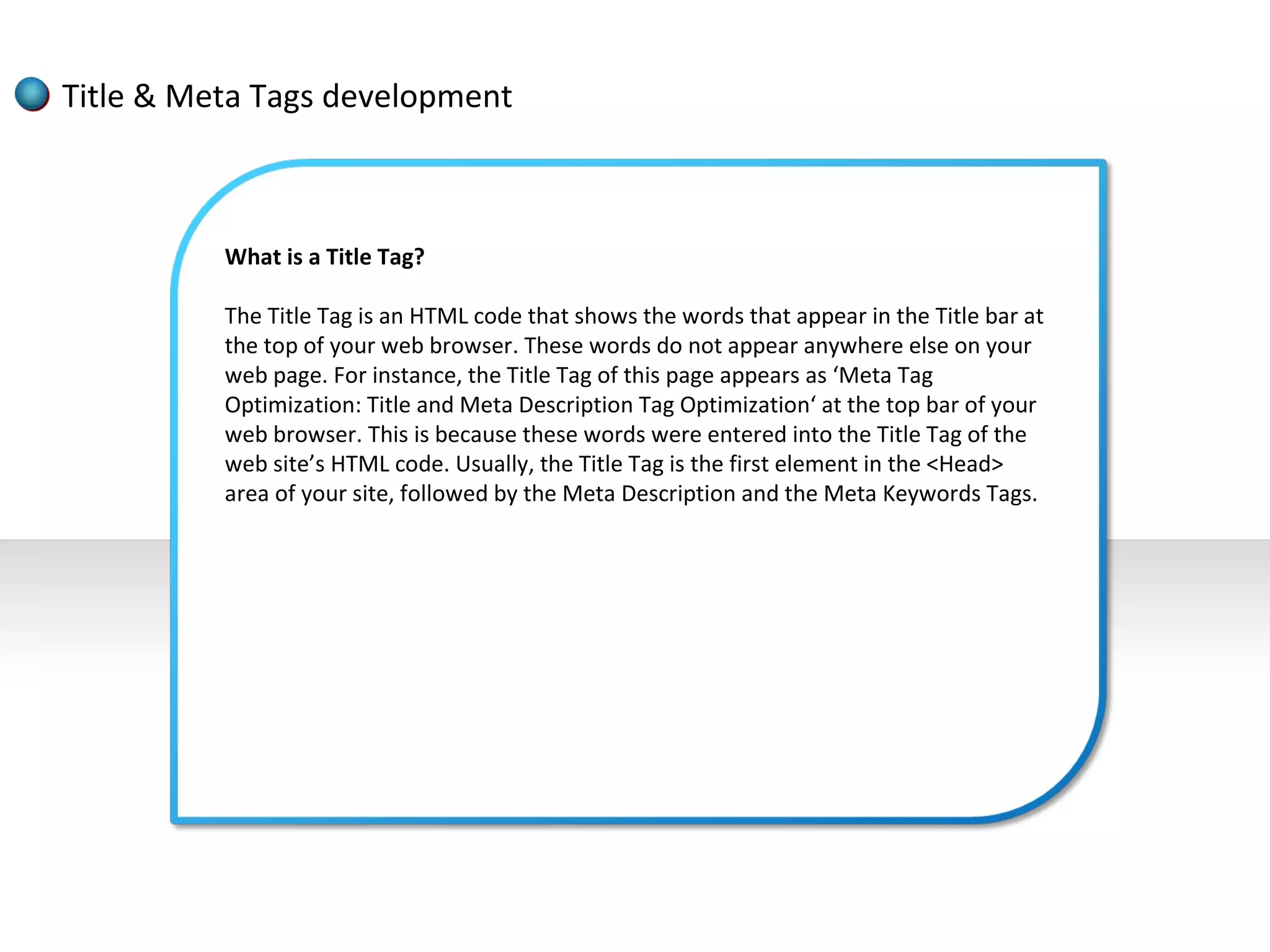
          What is a Title Tag?

          The Title Tag is an HTML code that shows the words that appear in the Title bar at
          the top of your web browser. These words do not appear anywhere else on your
          web page. For instance, the Title Tag of this page appears as ‘Meta Tag
          Optimization: Title and Meta Description Tag Optimization‘ at the top bar of your
          web browser. This is because these words were entered into the Title Tag of the
          web site’s HTML code. Usually, the Title Tag is the first element in the <Head>
          area of your site, followed by the Meta Description and the Meta Keywords Tags.
Title & Meta Tags development


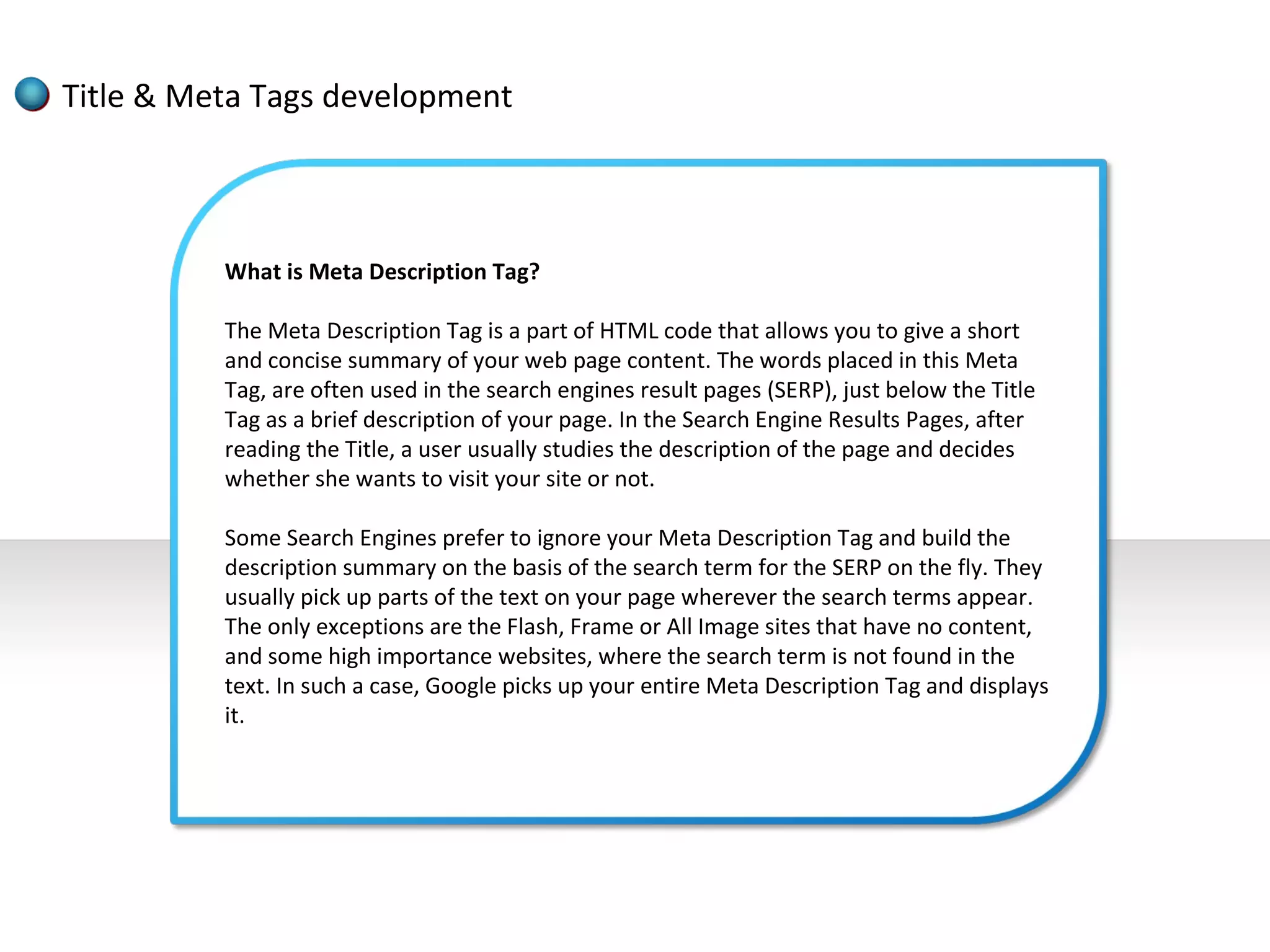
          What is Meta Description Tag?

          The Meta Description Tag is a part of HTML code that allows you to give a short
          and concise summary of your web page content. The words placed in this Meta
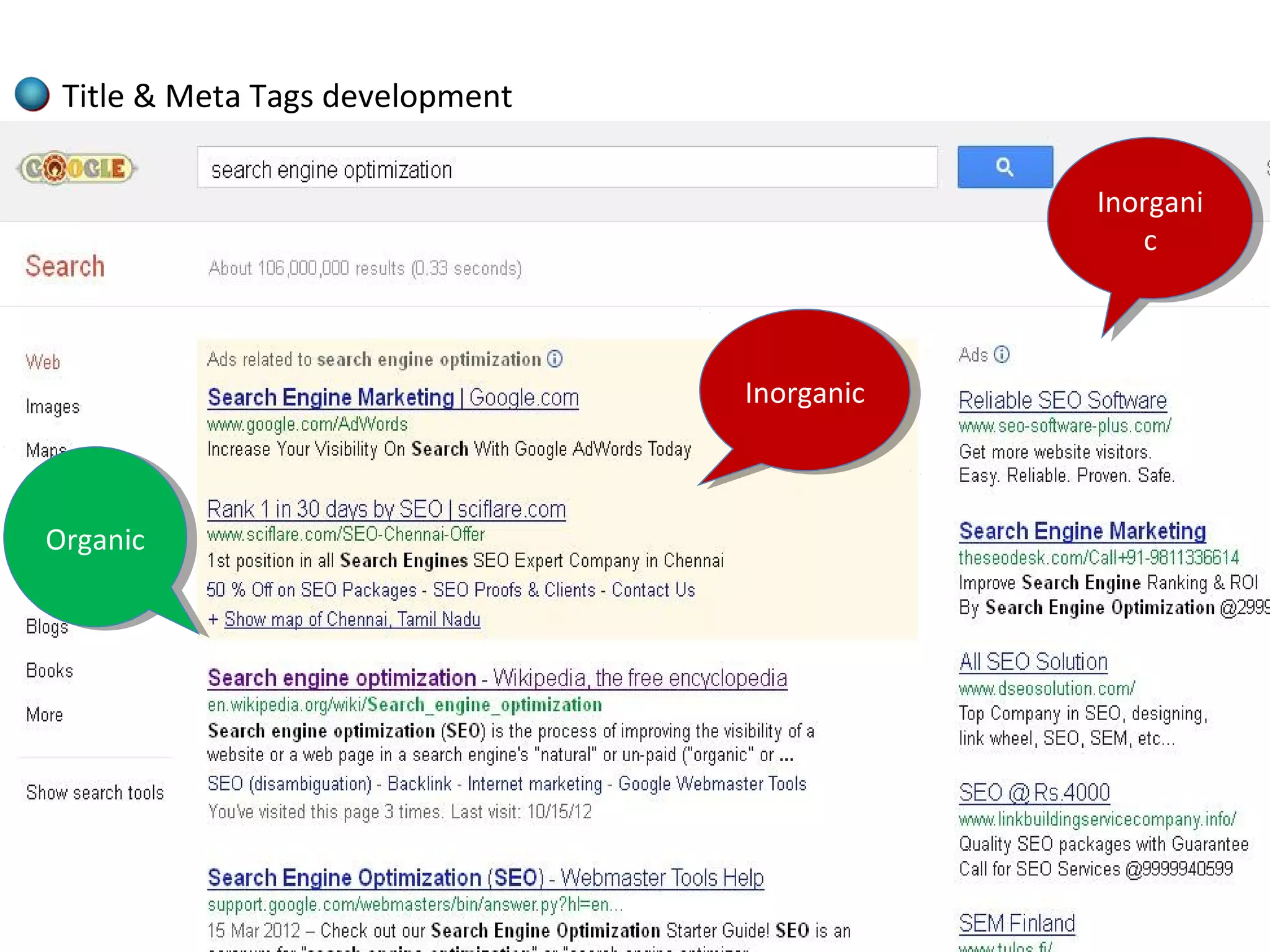
          Tag, are often used in the search engines result pages (SERP), just below the Title
          Tag as a brief description of your page. In the Search Engine Results Pages, after
          reading the Title, a user usually studies the description of the page and decides
          whether she wants to visit your site or not.

          Some Search Engines prefer to ignore your Meta Description Tag and build the
          description summary on the basis of the search term for the SERP on the fly. They
          usually pick up parts of the text on your page wherever the search terms appear.
          The only exceptions are the Flash, Frame or All Image sites that have no content,
          and some high importance websites, where the search term is not found in the
          text. In such a case, Google picks up your entire Meta Description Tag and displays
          it.
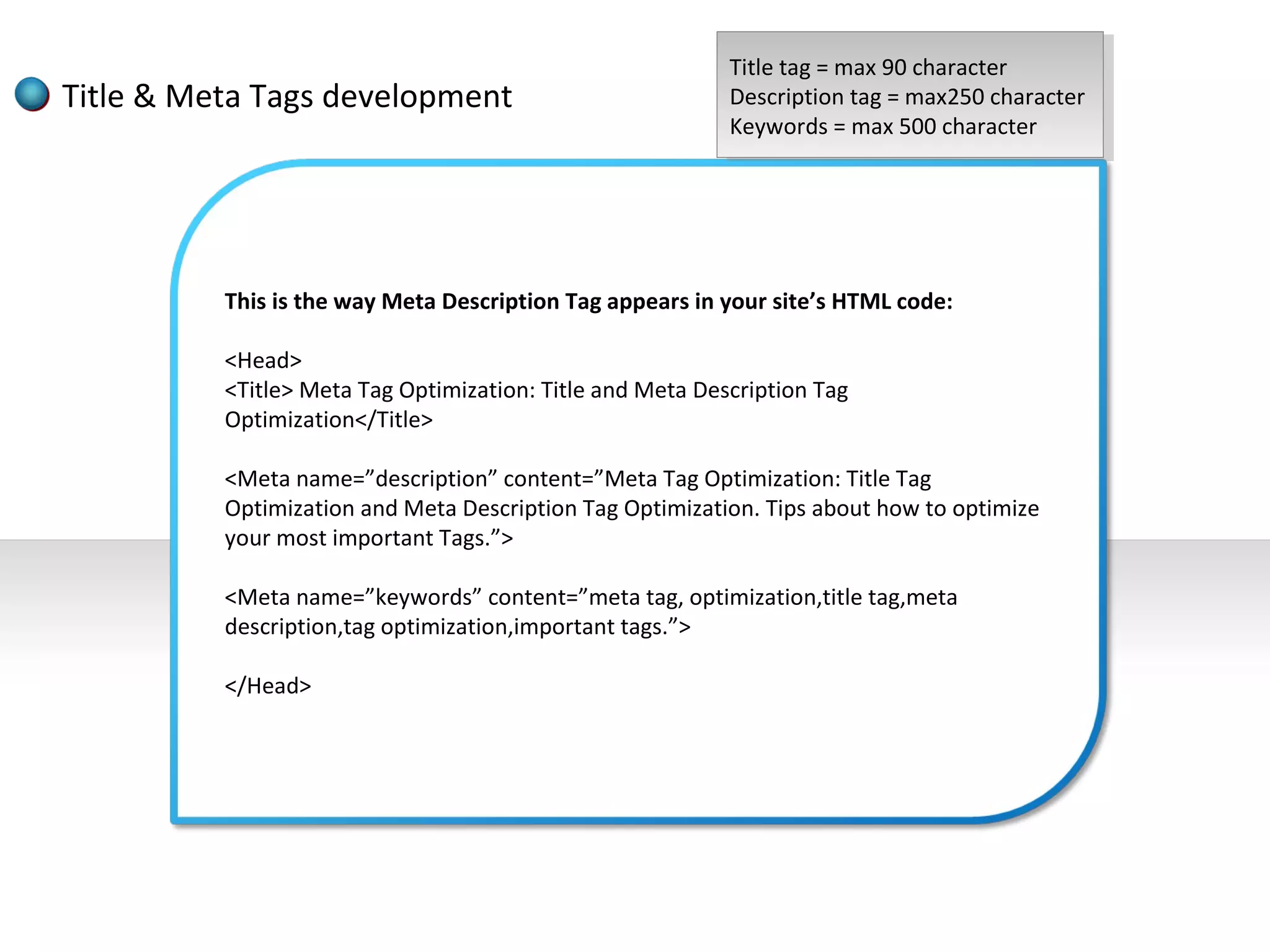
Title tag ==max 90 character
                                                            Title tag max 90 character
Title & Meta Tags development                              Description tag ==max250 character
                                                            Description tag max250 character
                                                           Keywords ==max 500 character
                                                            Keywords max 500 character


          This is the way Meta Description Tag appears in your site’s HTML code:

          <Head>
          <Title> Meta Tag Optimization: Title and Meta Description Tag
          Optimization</Title>

          <Meta name=”description” content=”Meta Tag Optimization: Title Tag
          Optimization and Meta Description Tag Optimization. Tips about how to optimize
          your most important Tags.”>

          <Meta name=”keywords” content=”meta tag, optimization,title tag,meta
          description,tag optimization,important tags.”>

          </Head>
Title & Meta Tags development

                                              Inorgani
                                               Inorgani
                                                  cc


                                 Inorganic
                                  Inorganic


Organic
Organic
Site Structure Analysis


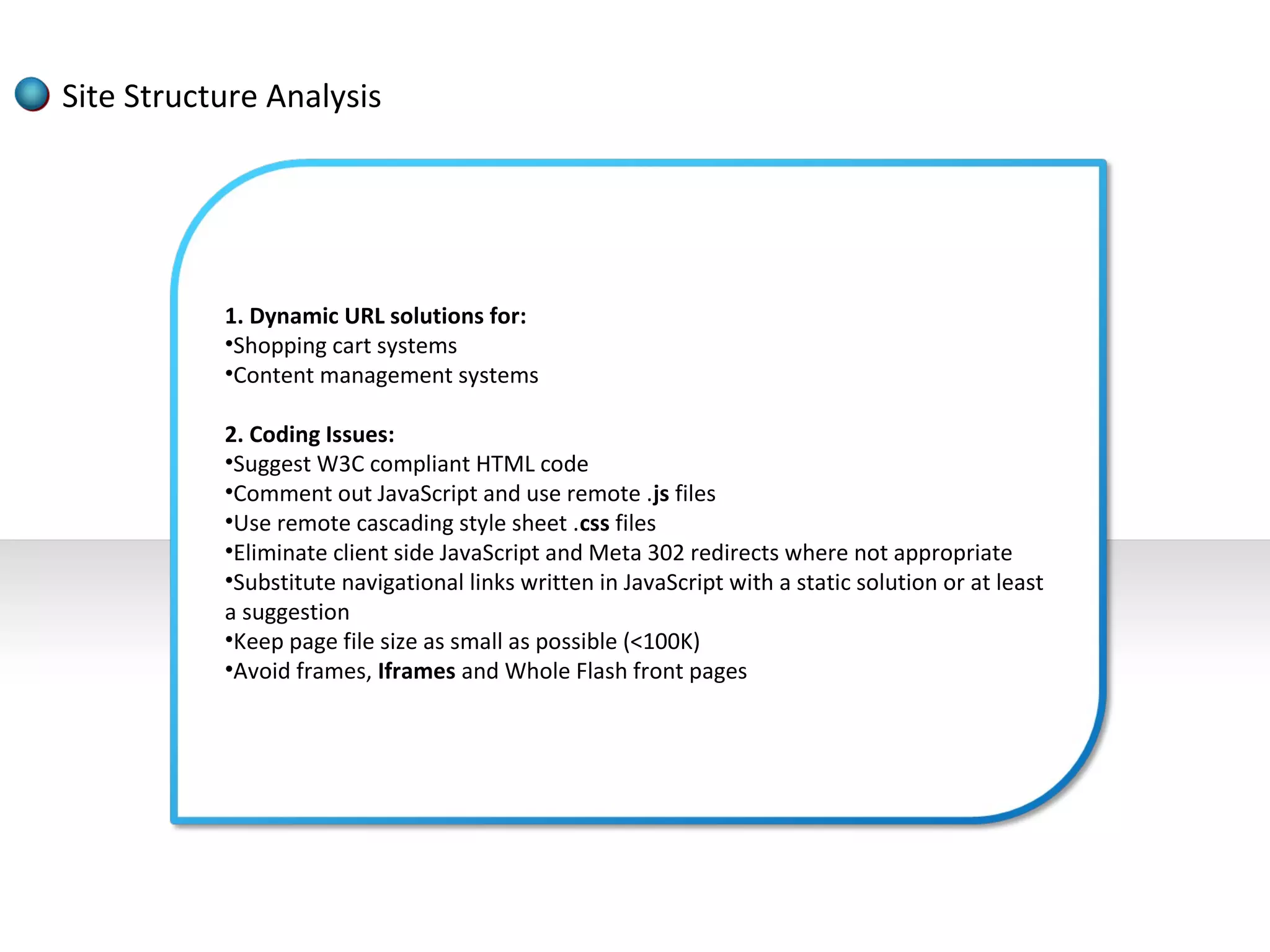
           1. Dynamic URL solutions for:
           •Shopping cart systems
           •Content management systems

           2. Coding Issues:
           •Suggest W3C compliant HTML code
           •Comment out JavaScript and use remote .js files
           •Use remote cascading style sheet .css files
           •Eliminate client side JavaScript and Meta 302 redirects where not appropriate
           •Substitute navigational links written in JavaScript with a static solution or at least
           a suggestion
           •Keep page file size as small as possible (<100K)
           •Avoid frames, Iframes and Whole Flash front pages
Site Structure Analysis


           3. Architecture Issues:
           •Resolve canonical issues:
                  Ensure only one domain serves content and that all other owned
                       domains 301 redirect to main domain
                  Ensure that [site.com] 301 redirects to [www.site.com]
           •Use of a site wide navigational system that ties the major areas together,
           consistently
           •Use of a footer
           •Use of a sitemap
           •Cross linking of similar or related pages/categories
           •Use of keyword text in links
URL renaming/re-writing


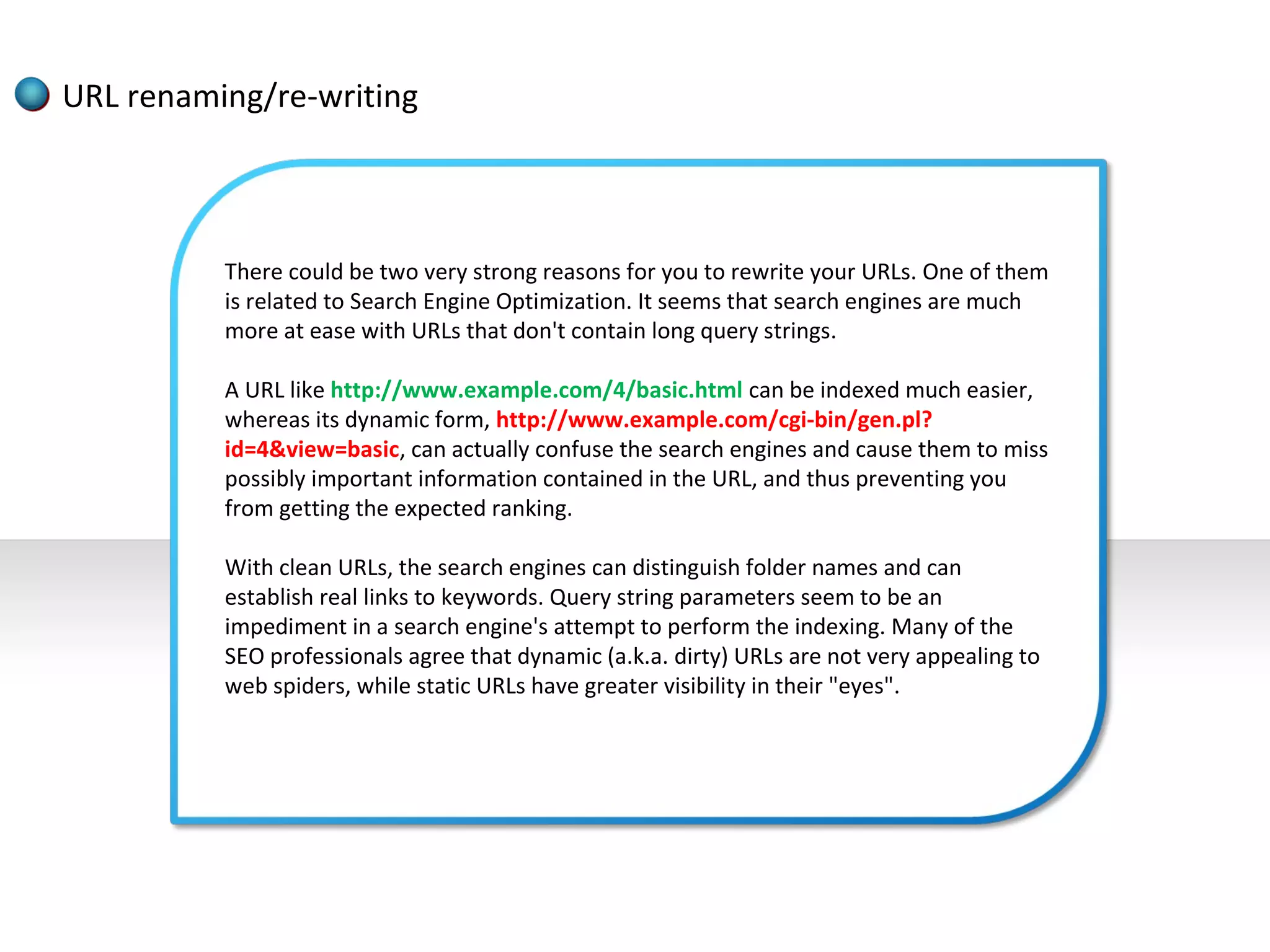
          There could be two very strong reasons for you to rewrite your URLs. One of them
          is related to Search Engine Optimization. It seems that search engines are much
          more at ease with URLs that don't contain long query strings.

          A URL like http://www.example.com/4/basic.html can be indexed much easier,
          whereas its dynamic form, http://www.example.com/cgi-bin/gen.pl?
          id=4&view=basic, can actually confuse the search engines and cause them to miss
          possibly important information contained in the URL, and thus preventing you
          from getting the expected ranking.

          With clean URLs, the search engines can distinguish folder names and can
          establish real links to keywords. Query string parameters seem to be an
          impediment in a search engine's attempt to perform the indexing. Many of the
          SEO professionals agree that dynamic (a.k.a. dirty) URLs are not very appealing to
          web spiders, while static URLs have greater visibility in their "eyes".
URL renaming/re-writing


          The other strong reason for URL rewriting would be the increase in usability for
          web users, and in maintainability for webmasters. Clean URLs are much easier to
          remember. A regular web surfer will find hard to remember a URL full of
          parameters, not to mention that they would be discouraged by the idea of
          typing, one character at a time, the entire URL. And they could also mistype it,
          and not get to where they wanted.

          This is less prone to happen with clean URLs. They can help you create a more
          intuitive Web site altogether, making it easier for your visitors to anticipate
          where they could find the information they need.

          Webmasters will find themselves that maintaining static URLs is a much easier
          task than with dynamic ones. Static URLs are more abstract, and thus more
          difficult to hack. The dynamic URLs are more transparent, allowing possible
          hackers to see the technology used to build them and thus facilitating attacks.

          Also, given the length of dynamic URLs, it is possible for webmasters to make
          mistakes too during maintenance sessions, usually resulting in broken links. Not
          to mention that, when static URLs are used, should it be necessary to migrate a
          site from one programming language to another (e.g. from Perl to Java), the links
          to the site's pages will still remain valid.
URL renaming/re-writing


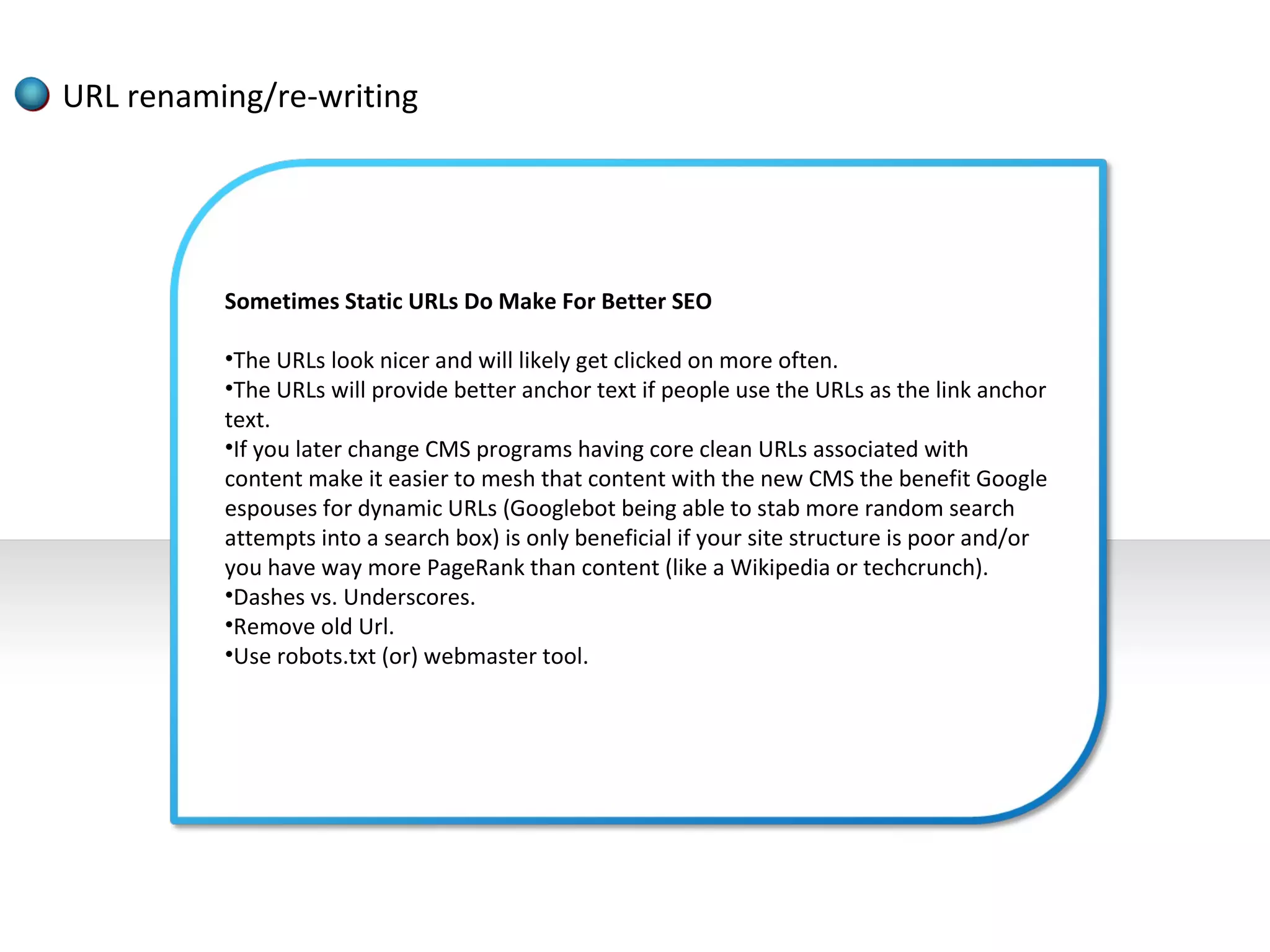
          Sometimes Static URLs Do Make For Better SEO

          •The URLs look nicer and will likely get clicked on more often.
          •The URLs will provide better anchor text if people use the URLs as the link anchor
          text.
          •If you later change CMS programs having core clean URLs associated with
          content make it easier to mesh that content with the new CMS the benefit Google
          espouses for dynamic URLs (Googlebot being able to stab more random search
          attempts into a search box) is only beneficial if your site structure is poor and/or
          you have way more PageRank than content (like a Wikipedia or techcrunch).
          •Dashes vs. Underscores.
          •Remove old Url.
          •Use robots.txt (or) webmaster tool.
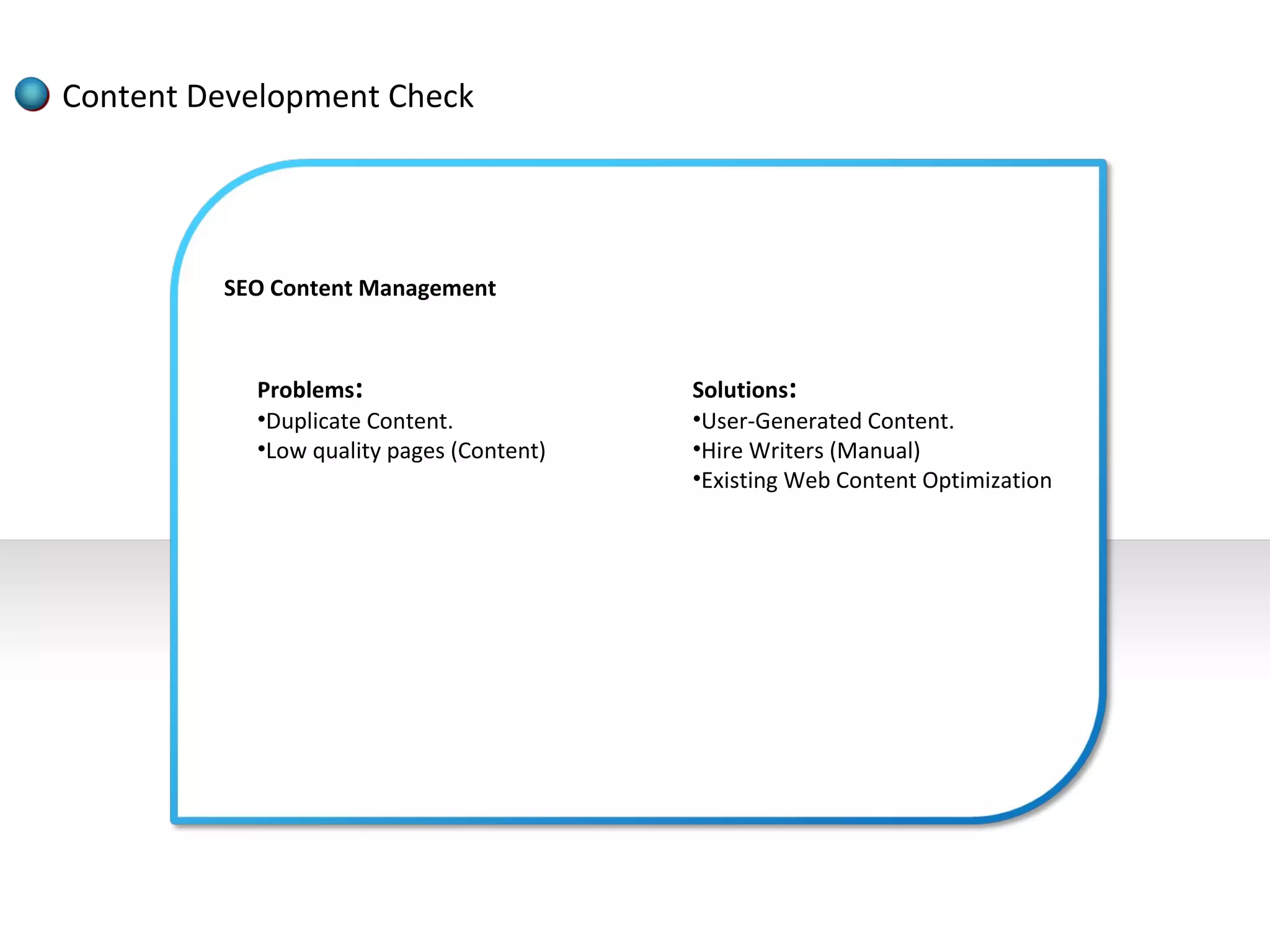
Content Development Check


         SEO Content Management


           Problems:                      Solutions:
           •Duplicate Content.            •User-Generated Content.
           •Low quality pages (Content)   •Hire Writers (Manual)
                                          •Existing Web Content Optimization
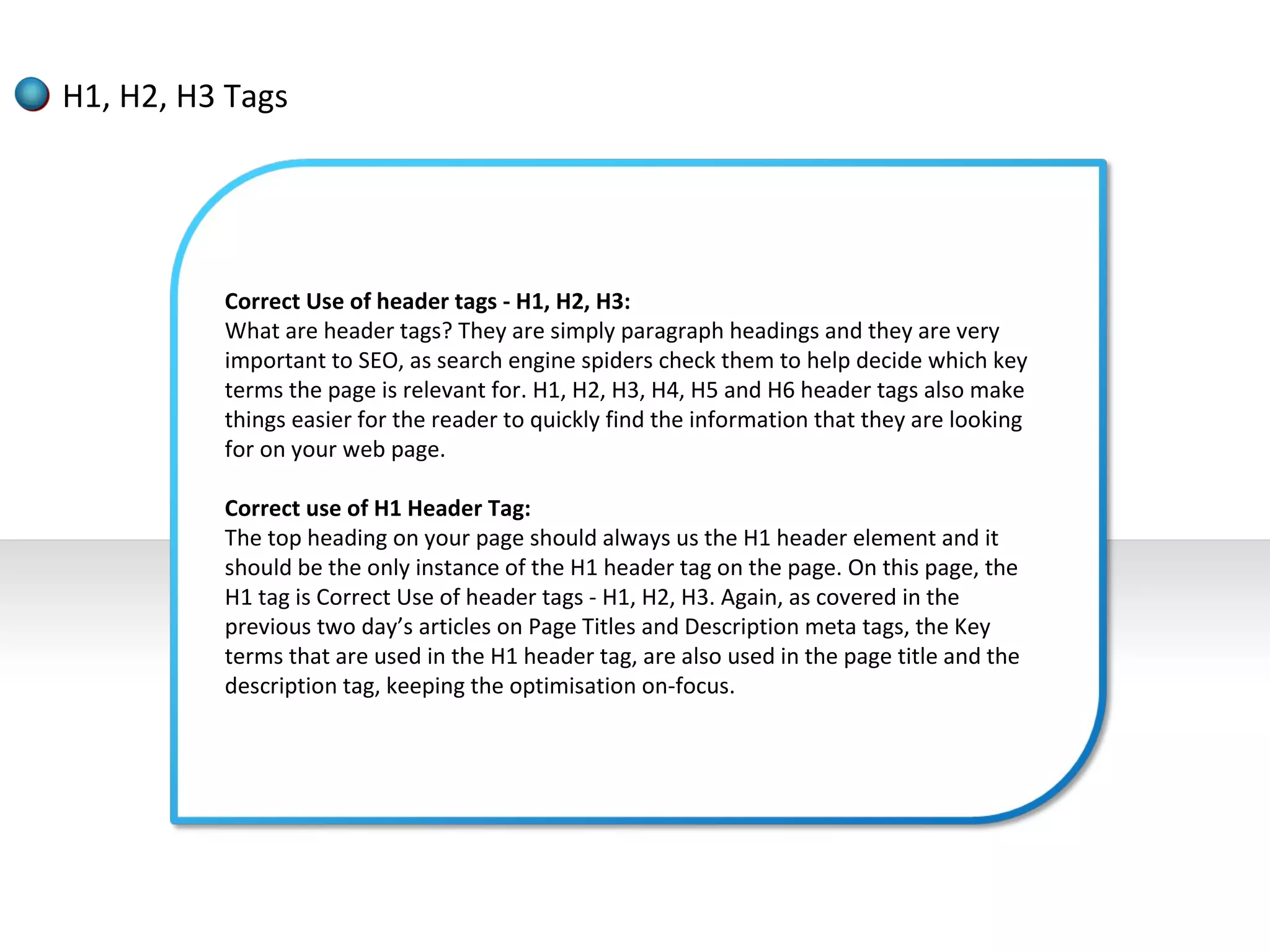
H1, H2, H3 Tags


          Correct Use of header tags - H1, H2, H3:
          What are header tags? They are simply paragraph headings and they are very
          important to SEO, as search engine spiders check them to help decide which key
          terms the page is relevant for. H1, H2, H3, H4, H5 and H6 header tags also make
          things easier for the reader to quickly find the information that they are looking
          for on your web page.

          Correct use of H1 Header Tag:
          The top heading on your page should always us the H1 header element and it
          should be the only instance of the H1 header tag on the page. On this page, the
          H1 tag is Correct Use of header tags - H1, H2, H3. Again, as covered in the
          previous two day’s articles on Page Titles and Description meta tags, the Key
          terms that are used in the H1 header tag, are also used in the page title and the
          description tag, keeping the optimisation on-focus.
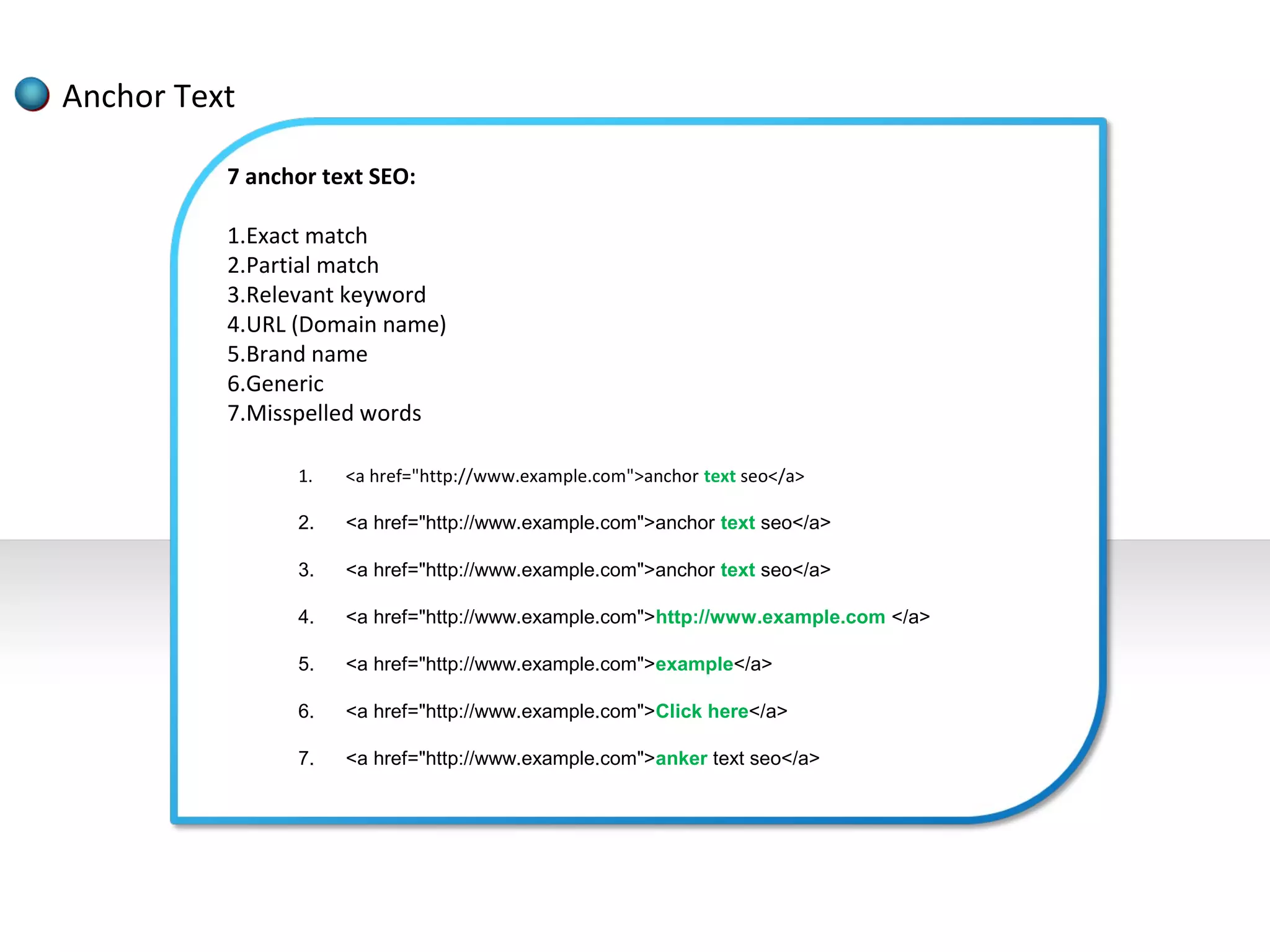
Anchor Text

          7 anchor text SEO:

          1.Exact match
          2.Partial match
          3.Relevant keyword
          4.URL (Domain name)
          5.Brand name
          6.Generic
          7.Misspelled words

                1.   <a href="http://www.example.com">anchor text seo</a>

                2.   <a href="http://www.example.com">anchor text seo</a>

                3.   <a href="http://www.example.com">anchor text seo</a>

                4.   <a href="http://www.example.com">http://www.example.com </a>

                5.   <a href="http://www.example.com">example</a>

                6.   <a href="http://www.example.com">Click here</a>

                7.   <a href="http://www.example.com">anker text seo</a>
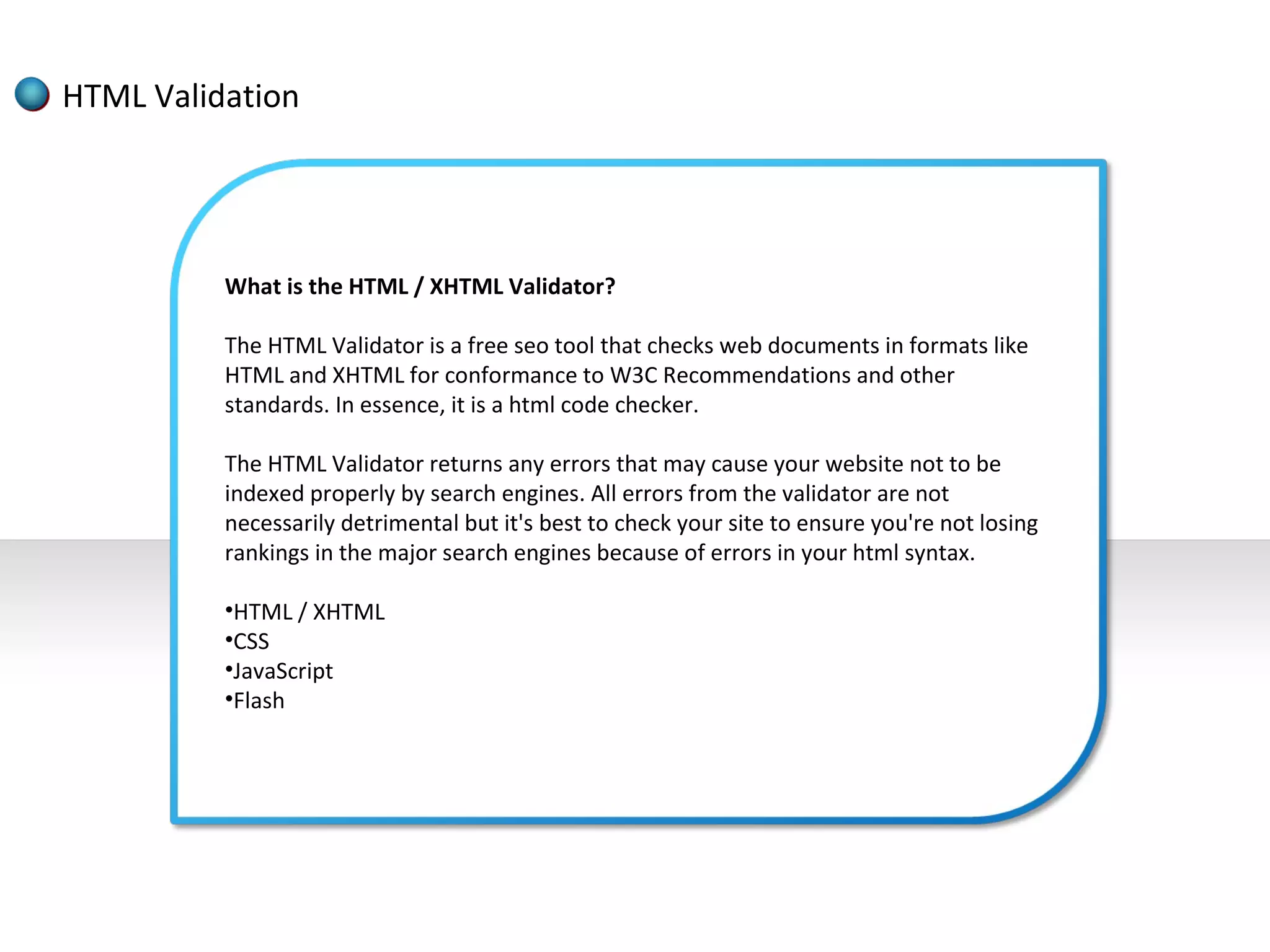
HTML Validation


          What is the HTML / XHTML Validator?

          The HTML Validator is a free seo tool that checks web documents in formats like
          HTML and XHTML for conformance to W3C Recommendations and other
          standards. In essence, it is a html code checker.

          The HTML Validator returns any errors that may cause your website not to be
          indexed properly by search engines. All errors from the validator are not
          necessarily detrimental but it's best to check your site to ensure you're not losing
          rankings in the major search engines because of errors in your html syntax.

          •HTML / XHTML
          •CSS
          •JavaScript
          •Flash
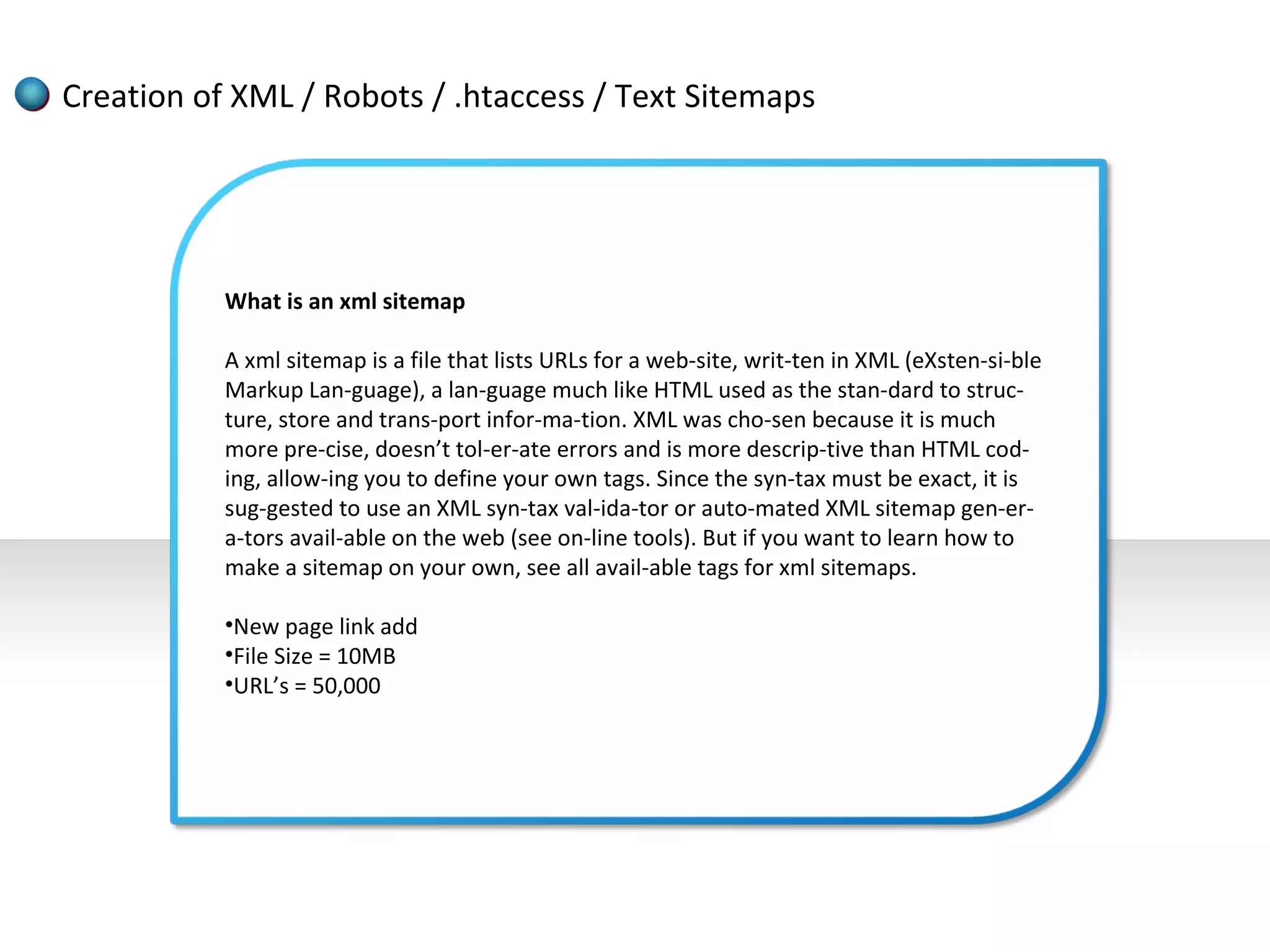
Creation of XML / Robots / .htaccess / Text Sitemaps


           What is an xml sitemap

           A xml sitemap is a file that lists URLs for a web-site, writ-ten in XML (eXsten-si-ble
           Markup Lan-guage), a lan-guage much like HTML used as the stan-dard to struc-
           ture, store and trans-port infor-ma-tion. XML was cho-sen because it is much
           more pre-cise, doesn’t tol-er-ate errors and is more descrip-tive than HTML cod-
           ing, allow-ing you to define your own tags. Since the syn-tax must be exact, it is
           sug-gested to use an XML syn-tax val-ida-tor or auto-mated XML sitemap gen-er-
           a-tors avail-able on the web (see on-line tools). But if you want to learn how to
           make a sitemap on your own, see all avail-able tags for xml sitemaps.

           •New page link add
           •File Size = 10MB
           •URL’s = 50,000
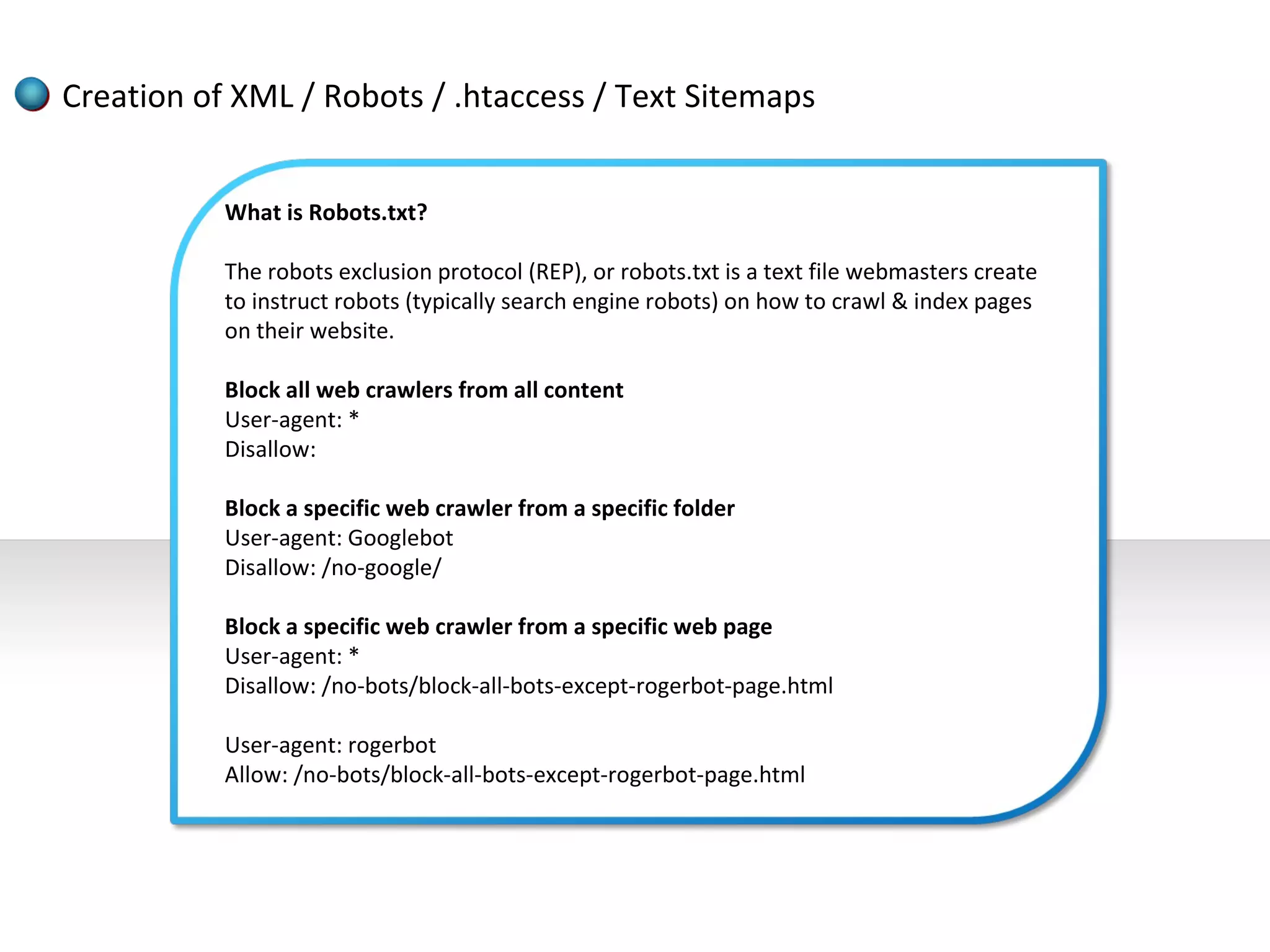
Creation of XML / Robots / .htaccess / Text Sitemaps


           What is Robots.txt?

           The robots exclusion protocol (REP), or robots.txt is a text file webmasters create
           to instruct robots (typically search engine robots) on how to crawl & index pages
           on their website.

           Block all web crawlers from all content
           User-agent: *
           Disallow:

           Block a specific web crawler from a specific folder
           User-agent: Googlebot
           Disallow: /no-google/

           Block a specific web crawler from a specific web page
           User-agent: *
           Disallow: /no-bots/block-all-bots-except-rogerbot-page.html

           User-agent: rogerbot
           Allow: /no-bots/block-all-bots-except-rogerbot-page.html
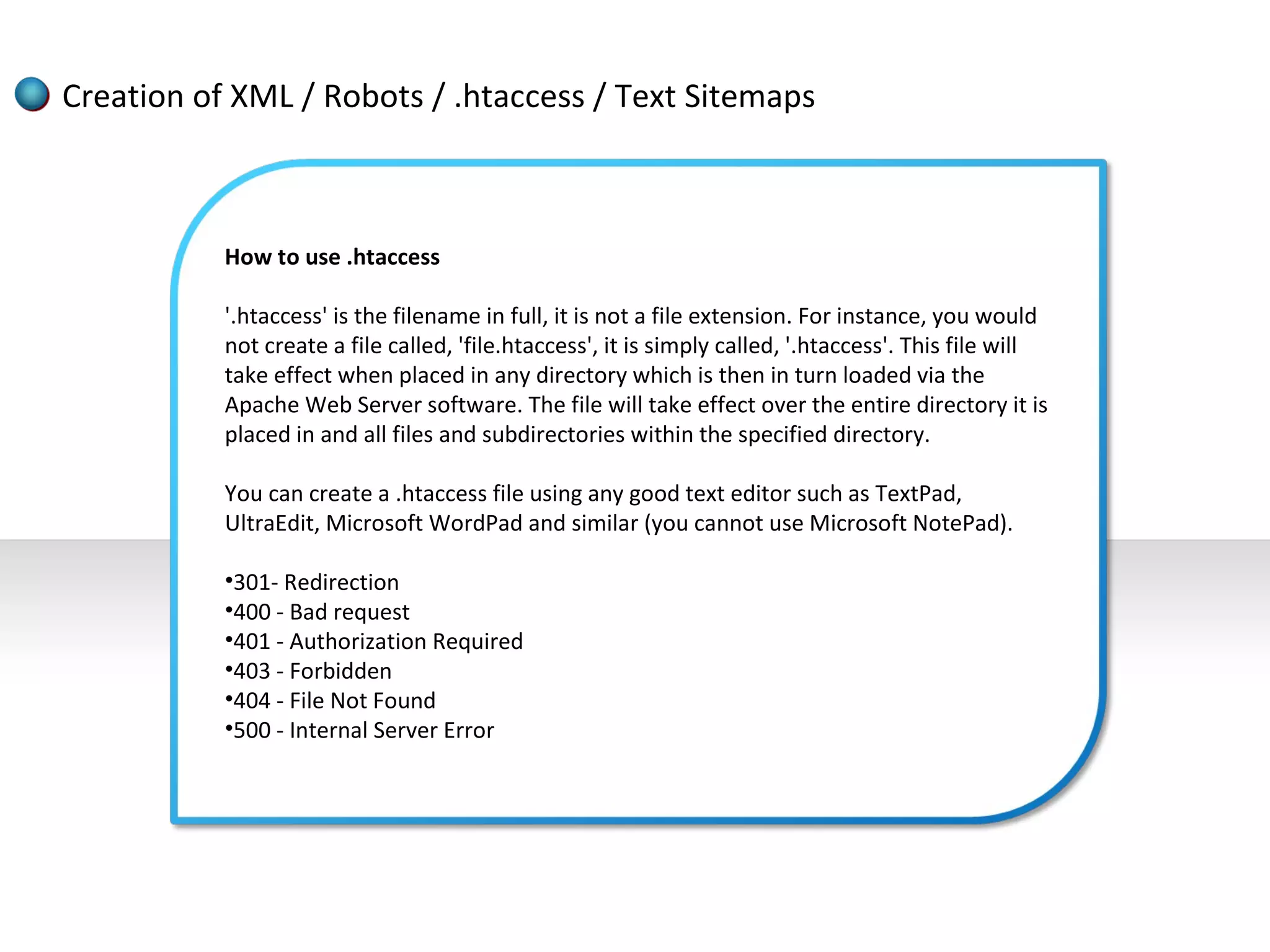
Creation of XML / Robots / .htaccess / Text Sitemaps


           How to use .htaccess

           '.htaccess' is the filename in full, it is not a file extension. For instance, you would
           not create a file called, 'file.htaccess', it is simply called, '.htaccess'. This file will
           take effect when placed in any directory which is then in turn loaded via the
           Apache Web Server software. The file will take effect over the entire directory it is
           placed in and all files and subdirectories within the specified directory.

           You can create a .htaccess file using any good text editor such as TextPad,
           UltraEdit, Microsoft WordPad and similar (you cannot use Microsoft NotePad).

           •301- Redirection
           •400 - Bad request
           •401 - Authorization Required
           •403 - Forbidden
           •404 - File Not Found
           •500 - Internal Server Error
Creation of XML / Robots / .htaccess / Text Sitemaps


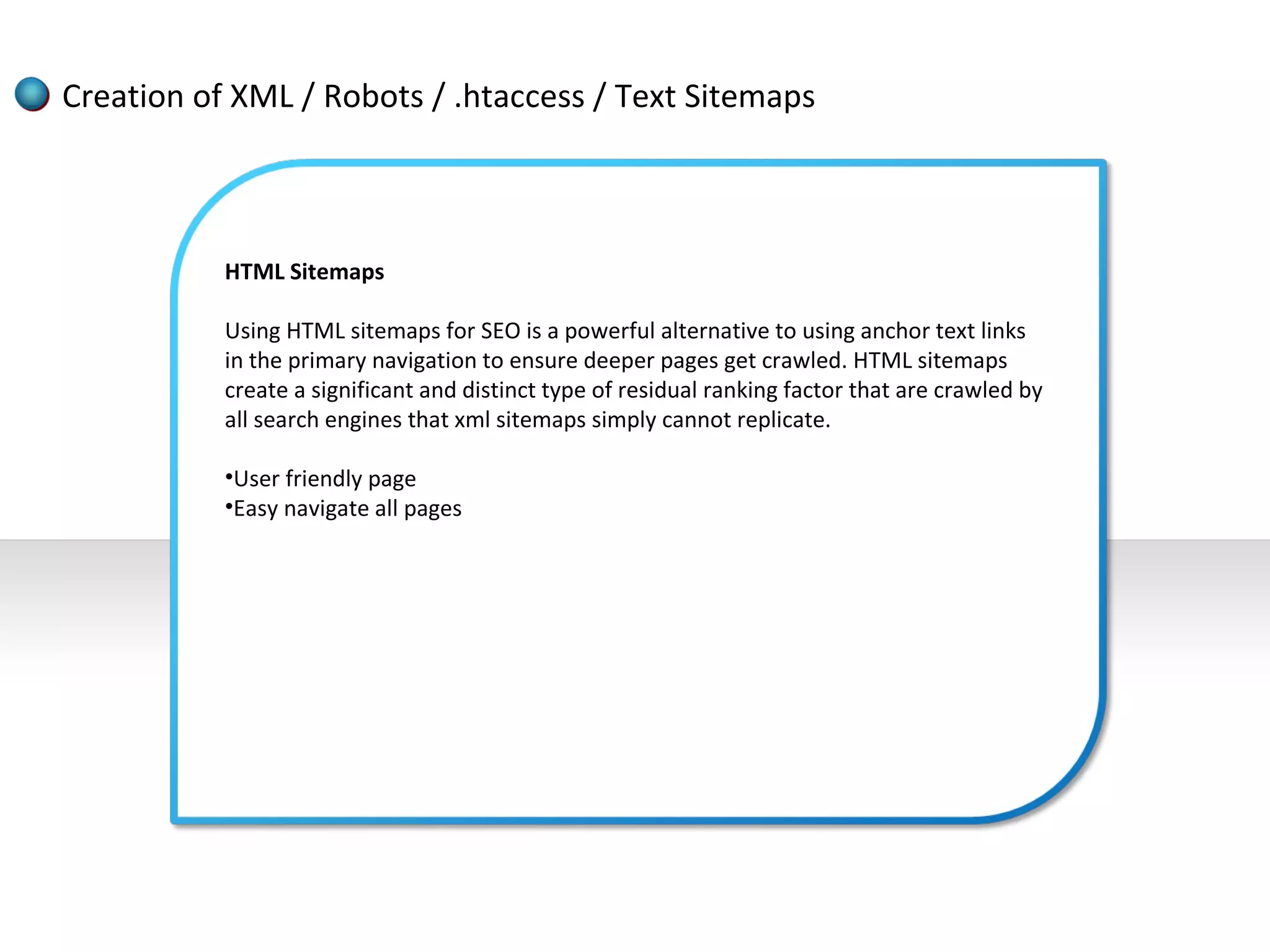
           HTML Sitemaps

           Using HTML sitemaps for SEO is a powerful alternative to using anchor text links
           in the primary navigation to ensure deeper pages get crawled. HTML sitemaps
           create a significant and distinct type of residual ranking factor that are crawled by
           all search engines that xml sitemaps simply cannot replicate.

           •User friendly page
           •Easy navigate all pages
Google, Yahoo and Bing – Link Submission


          Search engine submission:

          Search engine submission is how a webmaster submits a web site directly to a
          search engine. While Search Engine Submission is often seen as a way to promote
          a web site, it generally is not necessary because the major search engines like
          Google, Yahoo, and Bing use crawlers, bots, and spiders that eventually would
          find most web sites on the Internet all by themselves.
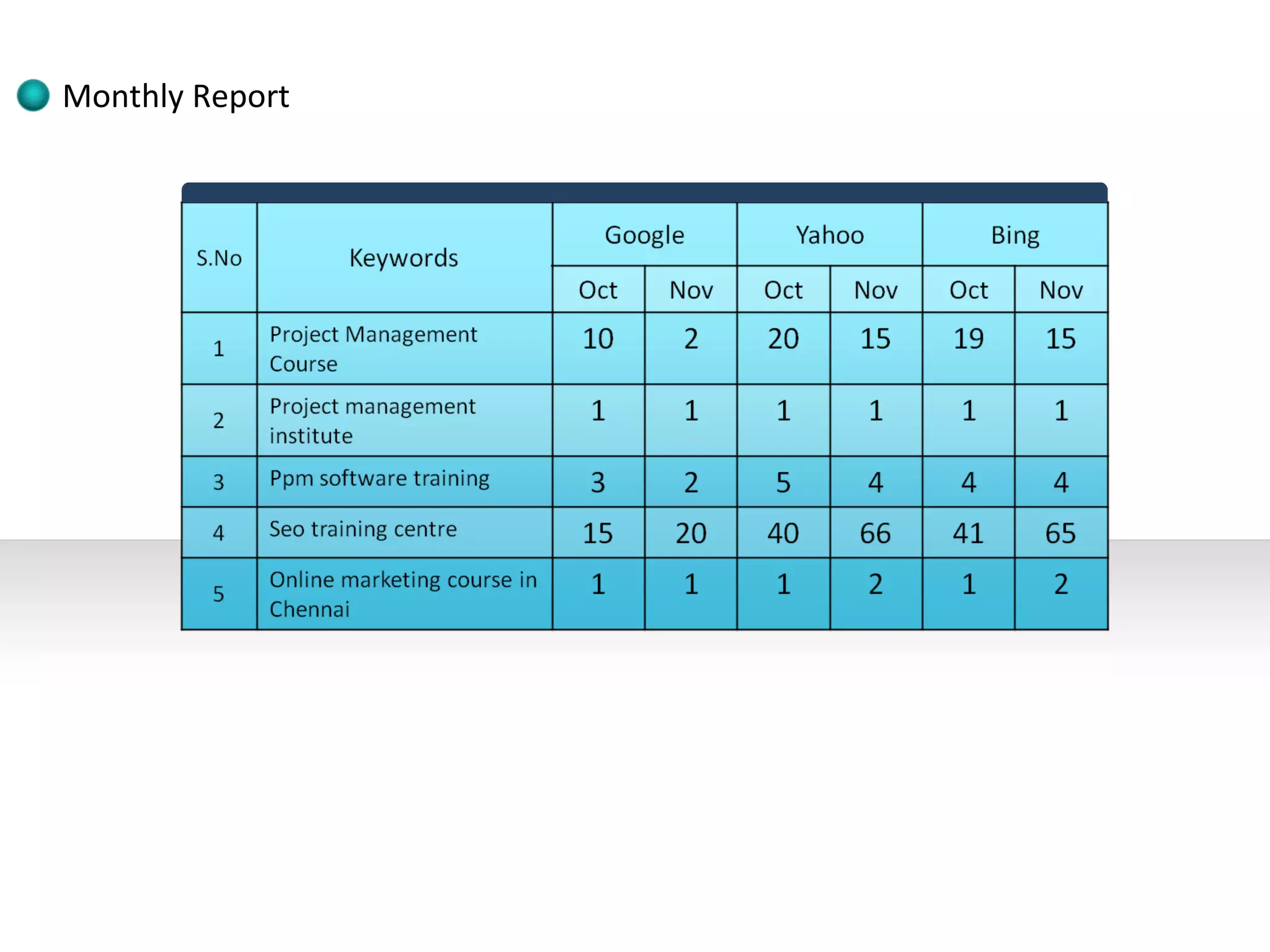
Monthly Report
Thank You

SEARCH ENGINE OPTIMIZATION

  • 2.
    Search engine optimization(SEO) is the process of improving the visibility of a website or a web page in a search engine's "natural" or un-paid ("organic" or "algorithmic") search results. In general, the earlier (or higher ranked on the search results page), and more frequently a site appears in the search results list, the more visitors it will receive from the search engine's users. SEO may target different kinds of search, including image search, local search, video search, academic search,[1] news search and industry-specific vertical search engines.
  • 3.
    As an Internetmarketing strategy, SEO considers how search engines work, what people search for, the actual search terms or keywords typed into search engines and which search engines are preferred by their targeted audience. Optimizing a website may involve editing its content and HTML and associated coding to both increase its relevance to specific keywords and to remove barriers to the indexing activities of search engines. Promoting a site to increase the number of backlinks, or inbound links, is another SEO tactic.
  • 4.
    1. Web Search Engines 2. Selection based Search 3. Metasearch Engines 4. Desktop Search 5. Web Portals
  • 5.
    1. Google 2. Yahoo 3. Bing or MSN
  • 6.
    What is a Web Spider?
  • 7.
    It is aprogram or automated script that browses through the World Wide Web in a methodical, automated manner. The process of browsing through the pages is called web crawling or web spidering.
  • 8.
    Google Spider Google Search Engine OR Deepbot Googlebot Freshbot
  • 9.
    The deepbot isa spider that tries to follow every link on your webpage. It brings the information back to the Google indexers to analyze and index. The freshbot is a spider that crawls through the web looking for new content, and may visit your website frequently.
  • 11.
    1. White Hat 2. Blach Hat 3. Gray Hat
  • 12.
    White Hat SEO Step 1 Initial Site Analysis Competition Analysis Keyword Research Density Analysis and Title & Meta Tags Site Structure Analysis URL renaming/re- Placement development writing Content Development Check
  • 13.
    White Hat SEO Step 2 Brief Keyword H1, H2, H3 Tags Anchor Text Competition Review Existing Web Content HTML Validation Creation of XML / Submitting sites to Optimization HTML / ROR / Text Google and Yahoo Sitemaps Webmasters Canonical / 404 Implementation
  • 14.
    Initial Site Analysis • The technical evaluation of your website to get the strong and The process of search engine weak point of the website. optimization (SEO) begins with the • Analysis of the indexing of pages. initial analysis of the website to get • Analysis of current ranking of an absolute and broad evaluation of website on various search your website’s current position. The engines. main purpose of initial analysis for • Analysis of factors which are SEO process is to initiate effective preventing your website to get a SEO campaign to get a successful good search engine ranking. online presence for business enhancements. During the SEO process in initial • Keyword used in your website. analysis we will get a image of the • Analysis of search engine strategy with regard to search compatibility of your website. engine optimization or search • A report which consisting the engine promotion that would practical prospective for organic exactly work for your online position. business promotion. • Analysis of website’s structure.
  • 15.
    Competitor Analysis • What Keywords are they targeting? • How many Quality Backlinks do they have? • What are their On-Page and Off- Page SEO strategies? SEO Competitor Analysis (or • Are they practicing any Black Hat Competitive Analysis) is all about SEO methods like paid links? “Learning From Your Competitors”. Competitor Analysis is the process of analyzing and understanding your competitors’ Internet Marketing strategies and techniques. It’s about identifying your competitor’s strengths and weaknesses. • How many Indexed Pages do they have? • What are their Traffic sources? • How well are they ranking in SERPs?
  • 16.
    Keyword Research Your SEO keywords are the key words and phrases in your web content that make it possible for people to find your site via search engines. A website that is well optimized for search engines "speaks the same language" as its potential visitor base with keywords for SEO that help connect searchers to your site. In other words, you need to know how people are looking for the products, services or information that you offer, in order to make it easy for them to find you— otherwise, they'll land on one of the many other results in the SERPs. Implementing keyword seo will help your site rank above your competitors. This is why developing a list of keywords is one of the first and most important steps in any search engine optimization initiative. Keywords and SEO are directly connected when it comes to running a winning search marketing campaign. Because keywords are foundational for all your other SEO efforts, it's well worth the time and investment to ensure your SEO keywords are highly relevant to your audience and effectively organized for action.
  • 17.
    Keyword Research A marketer attempting to optimize a web page for the "leather dog collars" keyword group should consider doing most if not all of the following: •Using the keyword in the title of the page •Using the keyword in the URL (e.g., www.online-petstore.com/dog- collars/leather) •Using the keyword, and variations (e.g., "leather collars for dogs"), throughout the page copy •Using the keyword in the meta tags, especially the meta description •Using the keyword in any image file paths and in the images' alt text •Using the keyword as the anchor text in links back to the page from elsewhere on the site When optimizing your web pages, keep in mind that keyword relevance is more important than keyword density in seo.
  • 18.
    Density Analysis andPlacement Keyword Density: Stuffing a page with a keyword is termed a black hat practice by search engines and might get your website banned. We check the pages of your website to ensure the density of the word is at acceptable levels in the titles, descriptions and content of your web pages. Keyword Proximity: We analyse the placement a keyword or specific phrase in the body of the HTML source program of a webpage. Our tools tell us the proximity of one part of a phrase to the other part, the exact matches and the best placement of the keyword or phrase. Keywords Combinations: We generate a keyword list and create keyword combinations, phrases or groups of keywords. Then we test the combinations on your website and the position of the result. We repeat this procedure to ensure a top ten ranking in search engine results.
  • 19.
    Density Analysis andPlacement Search Engine Comparison: A keyword phrase is then tested in several search engines appropriately targeted to your market and goals. This is an important step: if your audience in a particular sector/country is using AltaVista instead of Google and the keyword is unrecognised by AltaVista but achieves a top 10 ranking in Google then adjustments must be made. Keyword Buckets: After successful testing and an appropriate keyword list or phases are generated we then place these into buckets called: Products, Services and Customer Solutions. This forms the basis of a webpage optimisation.
  • 20.
    Title & MetaTags development What is a Title Tag? The Title Tag is an HTML code that shows the words that appear in the Title bar at the top of your web browser. These words do not appear anywhere else on your web page. For instance, the Title Tag of this page appears as ‘Meta Tag Optimization: Title and Meta Description Tag Optimization‘ at the top bar of your web browser. This is because these words were entered into the Title Tag of the web site’s HTML code. Usually, the Title Tag is the first element in the <Head> area of your site, followed by the Meta Description and the Meta Keywords Tags.
  • 21.
    Title & MetaTags development What is Meta Description Tag? The Meta Description Tag is a part of HTML code that allows you to give a short and concise summary of your web page content. The words placed in this Meta Tag, are often used in the search engines result pages (SERP), just below the Title Tag as a brief description of your page. In the Search Engine Results Pages, after reading the Title, a user usually studies the description of the page and decides whether she wants to visit your site or not. Some Search Engines prefer to ignore your Meta Description Tag and build the description summary on the basis of the search term for the SERP on the fly. They usually pick up parts of the text on your page wherever the search terms appear. The only exceptions are the Flash, Frame or All Image sites that have no content, and some high importance websites, where the search term is not found in the text. In such a case, Google picks up your entire Meta Description Tag and displays it.
  • 22.
    Title tag ==max90 character Title tag max 90 character Title & Meta Tags development Description tag ==max250 character Description tag max250 character Keywords ==max 500 character Keywords max 500 character This is the way Meta Description Tag appears in your site’s HTML code: <Head> <Title> Meta Tag Optimization: Title and Meta Description Tag Optimization</Title> <Meta name=”description” content=”Meta Tag Optimization: Title Tag Optimization and Meta Description Tag Optimization. Tips about how to optimize your most important Tags.”> <Meta name=”keywords” content=”meta tag, optimization,title tag,meta description,tag optimization,important tags.”> </Head>
  • 23.
    Title & MetaTags development Inorgani Inorgani cc Inorganic Inorganic Organic Organic
  • 24.
    Site Structure Analysis 1. Dynamic URL solutions for: •Shopping cart systems •Content management systems 2. Coding Issues: •Suggest W3C compliant HTML code •Comment out JavaScript and use remote .js files •Use remote cascading style sheet .css files •Eliminate client side JavaScript and Meta 302 redirects where not appropriate •Substitute navigational links written in JavaScript with a static solution or at least a suggestion •Keep page file size as small as possible (<100K) •Avoid frames, Iframes and Whole Flash front pages
  • 25.
    Site Structure Analysis 3. Architecture Issues: •Resolve canonical issues:  Ensure only one domain serves content and that all other owned domains 301 redirect to main domain  Ensure that [site.com] 301 redirects to [www.site.com] •Use of a site wide navigational system that ties the major areas together, consistently •Use of a footer •Use of a sitemap •Cross linking of similar or related pages/categories •Use of keyword text in links
  • 26.
    URL renaming/re-writing There could be two very strong reasons for you to rewrite your URLs. One of them is related to Search Engine Optimization. It seems that search engines are much more at ease with URLs that don't contain long query strings. A URL like http://www.example.com/4/basic.html can be indexed much easier, whereas its dynamic form, http://www.example.com/cgi-bin/gen.pl? id=4&view=basic, can actually confuse the search engines and cause them to miss possibly important information contained in the URL, and thus preventing you from getting the expected ranking. With clean URLs, the search engines can distinguish folder names and can establish real links to keywords. Query string parameters seem to be an impediment in a search engine's attempt to perform the indexing. Many of the SEO professionals agree that dynamic (a.k.a. dirty) URLs are not very appealing to web spiders, while static URLs have greater visibility in their "eyes".
  • 27.
    URL renaming/re-writing The other strong reason for URL rewriting would be the increase in usability for web users, and in maintainability for webmasters. Clean URLs are much easier to remember. A regular web surfer will find hard to remember a URL full of parameters, not to mention that they would be discouraged by the idea of typing, one character at a time, the entire URL. And they could also mistype it, and not get to where they wanted. This is less prone to happen with clean URLs. They can help you create a more intuitive Web site altogether, making it easier for your visitors to anticipate where they could find the information they need. Webmasters will find themselves that maintaining static URLs is a much easier task than with dynamic ones. Static URLs are more abstract, and thus more difficult to hack. The dynamic URLs are more transparent, allowing possible hackers to see the technology used to build them and thus facilitating attacks. Also, given the length of dynamic URLs, it is possible for webmasters to make mistakes too during maintenance sessions, usually resulting in broken links. Not to mention that, when static URLs are used, should it be necessary to migrate a site from one programming language to another (e.g. from Perl to Java), the links to the site's pages will still remain valid.
  • 28.
    URL renaming/re-writing Sometimes Static URLs Do Make For Better SEO •The URLs look nicer and will likely get clicked on more often. •The URLs will provide better anchor text if people use the URLs as the link anchor text. •If you later change CMS programs having core clean URLs associated with content make it easier to mesh that content with the new CMS the benefit Google espouses for dynamic URLs (Googlebot being able to stab more random search attempts into a search box) is only beneficial if your site structure is poor and/or you have way more PageRank than content (like a Wikipedia or techcrunch). •Dashes vs. Underscores. •Remove old Url. •Use robots.txt (or) webmaster tool.
  • 29.
    Content Development Check SEO Content Management Problems: Solutions: •Duplicate Content. •User-Generated Content. •Low quality pages (Content) •Hire Writers (Manual) •Existing Web Content Optimization
  • 30.
    H1, H2, H3Tags Correct Use of header tags - H1, H2, H3: What are header tags? They are simply paragraph headings and they are very important to SEO, as search engine spiders check them to help decide which key terms the page is relevant for. H1, H2, H3, H4, H5 and H6 header tags also make things easier for the reader to quickly find the information that they are looking for on your web page. Correct use of H1 Header Tag: The top heading on your page should always us the H1 header element and it should be the only instance of the H1 header tag on the page. On this page, the H1 tag is Correct Use of header tags - H1, H2, H3. Again, as covered in the previous two day’s articles on Page Titles and Description meta tags, the Key terms that are used in the H1 header tag, are also used in the page title and the description tag, keeping the optimisation on-focus.
  • 31.
    Anchor Text 7 anchor text SEO: 1.Exact match 2.Partial match 3.Relevant keyword 4.URL (Domain name) 5.Brand name 6.Generic 7.Misspelled words 1. <a href="http://www.example.com">anchor text seo</a> 2. <a href="http://www.example.com">anchor text seo</a> 3. <a href="http://www.example.com">anchor text seo</a> 4. <a href="http://www.example.com">http://www.example.com </a> 5. <a href="http://www.example.com">example</a> 6. <a href="http://www.example.com">Click here</a> 7. <a href="http://www.example.com">anker text seo</a>
  • 32.
    HTML Validation What is the HTML / XHTML Validator? The HTML Validator is a free seo tool that checks web documents in formats like HTML and XHTML for conformance to W3C Recommendations and other standards. In essence, it is a html code checker. The HTML Validator returns any errors that may cause your website not to be indexed properly by search engines. All errors from the validator are not necessarily detrimental but it's best to check your site to ensure you're not losing rankings in the major search engines because of errors in your html syntax. •HTML / XHTML •CSS •JavaScript •Flash
  • 33.
    Creation of XML/ Robots / .htaccess / Text Sitemaps What is an xml sitemap A xml sitemap is a file that lists URLs for a web-site, writ-ten in XML (eXsten-si-ble Markup Lan-guage), a lan-guage much like HTML used as the stan-dard to struc- ture, store and trans-port infor-ma-tion. XML was cho-sen because it is much more pre-cise, doesn’t tol-er-ate errors and is more descrip-tive than HTML cod- ing, allow-ing you to define your own tags. Since the syn-tax must be exact, it is sug-gested to use an XML syn-tax val-ida-tor or auto-mated XML sitemap gen-er- a-tors avail-able on the web (see on-line tools). But if you want to learn how to make a sitemap on your own, see all avail-able tags for xml sitemaps. •New page link add •File Size = 10MB •URL’s = 50,000
  • 34.
    Creation of XML/ Robots / .htaccess / Text Sitemaps What is Robots.txt? The robots exclusion protocol (REP), or robots.txt is a text file webmasters create to instruct robots (typically search engine robots) on how to crawl & index pages on their website. Block all web crawlers from all content User-agent: * Disallow: Block a specific web crawler from a specific folder User-agent: Googlebot Disallow: /no-google/ Block a specific web crawler from a specific web page User-agent: * Disallow: /no-bots/block-all-bots-except-rogerbot-page.html User-agent: rogerbot Allow: /no-bots/block-all-bots-except-rogerbot-page.html
  • 35.
    Creation of XML/ Robots / .htaccess / Text Sitemaps How to use .htaccess '.htaccess' is the filename in full, it is not a file extension. For instance, you would not create a file called, 'file.htaccess', it is simply called, '.htaccess'. This file will take effect when placed in any directory which is then in turn loaded via the Apache Web Server software. The file will take effect over the entire directory it is placed in and all files and subdirectories within the specified directory. You can create a .htaccess file using any good text editor such as TextPad, UltraEdit, Microsoft WordPad and similar (you cannot use Microsoft NotePad). •301- Redirection •400 - Bad request •401 - Authorization Required •403 - Forbidden •404 - File Not Found •500 - Internal Server Error
  • 36.
    Creation of XML/ Robots / .htaccess / Text Sitemaps HTML Sitemaps Using HTML sitemaps for SEO is a powerful alternative to using anchor text links in the primary navigation to ensure deeper pages get crawled. HTML sitemaps create a significant and distinct type of residual ranking factor that are crawled by all search engines that xml sitemaps simply cannot replicate. •User friendly page •Easy navigate all pages
  • 37.
    Google, Yahoo andBing – Link Submission Search engine submission: Search engine submission is how a webmaster submits a web site directly to a search engine. While Search Engine Submission is often seen as a way to promote a web site, it generally is not necessary because the major search engines like Google, Yahoo, and Bing use crawlers, bots, and spiders that eventually would find most web sites on the Internet all by themselves.
  • 39.
  • 40.

Editor's Notes

  • #39 Content   Background information Summary Personal resources and goals The product or service The market Sale and marketing plan Management &amp; organisation Development of the business Budgets Financial requirements Appendices