SAP HANA INTRODUCTION
Sayed Ahmed
Blog: http://SitesTree.com
http://SitesTree.com/training
INSTALL SAP HANA AT HOME
 SAP HANA, express edition
 Thank you for your registration. For on-premise
installation options, proceed to section 1A. For
cloud installation options, proceed to section 1B.
1A. ON-PREMISE INSTALLATION:
1. Get the download manager for SAP HANA 2.0,
Express Edition.
PLATFORM INDEPENDENT INSTALL
 “Platform-independent” refers to a JAR file that can
be run on any supported operating system. Note
that a standard Java runtime environment (Java 8
or newer) is required for use of the download
manager. A 64-bit JRE is required if you use the
Linux or Windows download manager binary.
“Platform-independent” can work with either a 32-bit
or 64-bit JRE.
 1B. CLOUD INSTALLATION:
Follow the respective links for getting started with
SAP HANA, express edition on your chosen cloud
platform:

SAP Cloud Appliance Library (AWS or Microsoft
Azure)
Google Cloud Platform
Microsoft Azure Marketplace
Docker Store
HELP ON INSTALLATION
 2. Visit the SAP Community Network to get
started on SAP HANA, express edition:
https://www.sap.com/developer/topics/sap-hana-
express.html

Complete the installation of your chosen method
from the Try It Now section. Then configure and
setup your installation in order to proceed with the
tutorials.
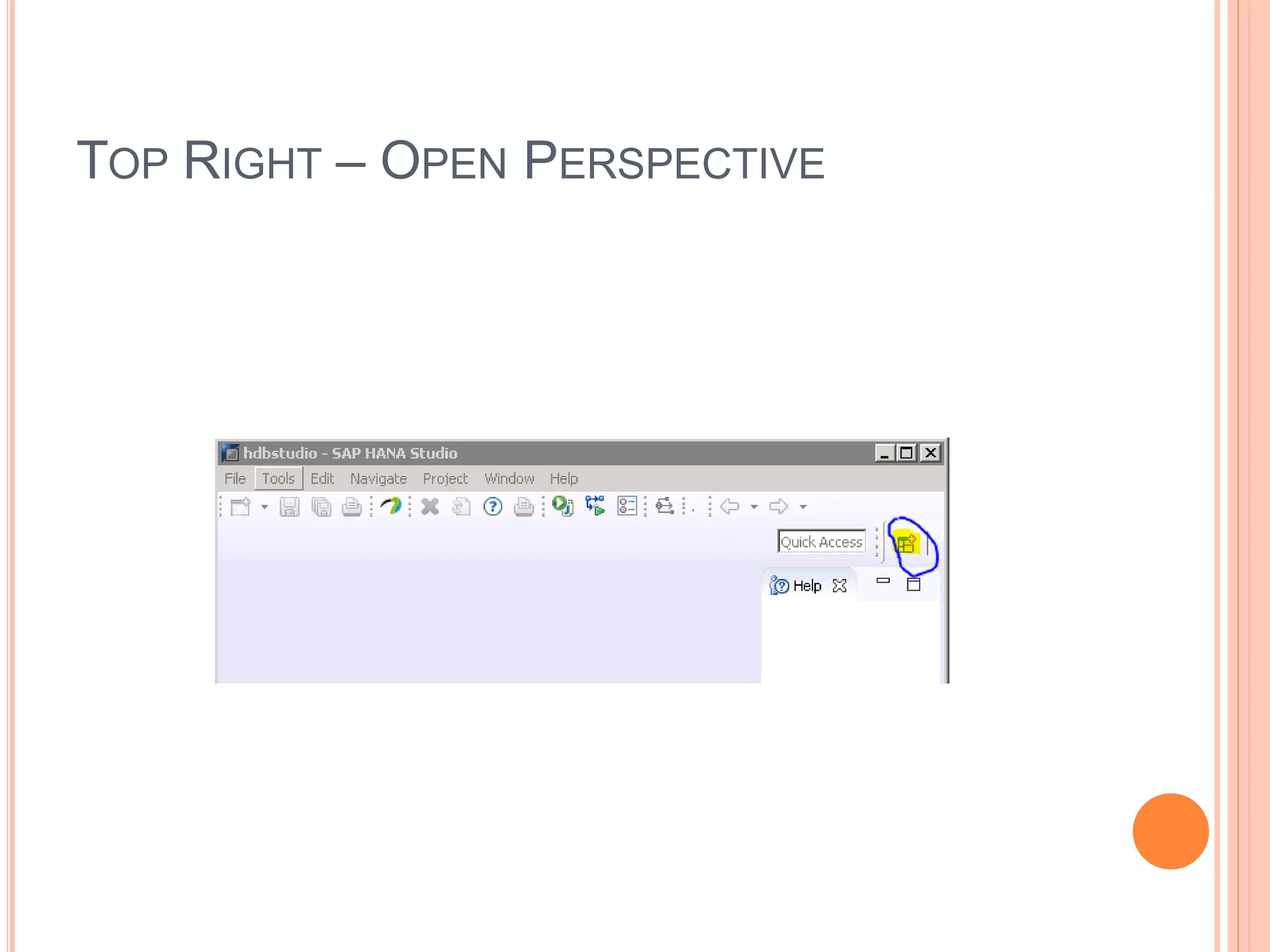
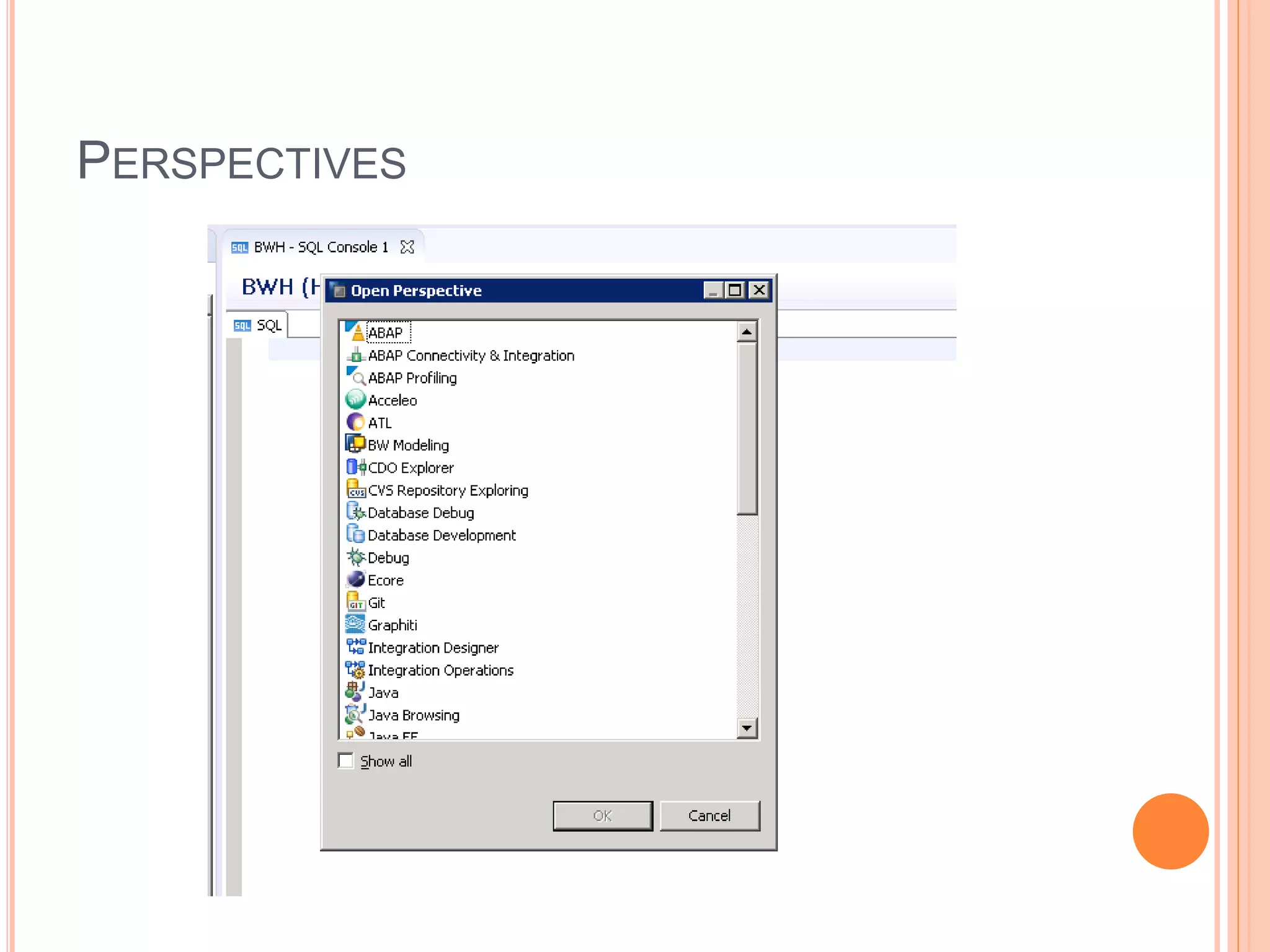
TOP RIGHT – OPEN PERSPECTIVE
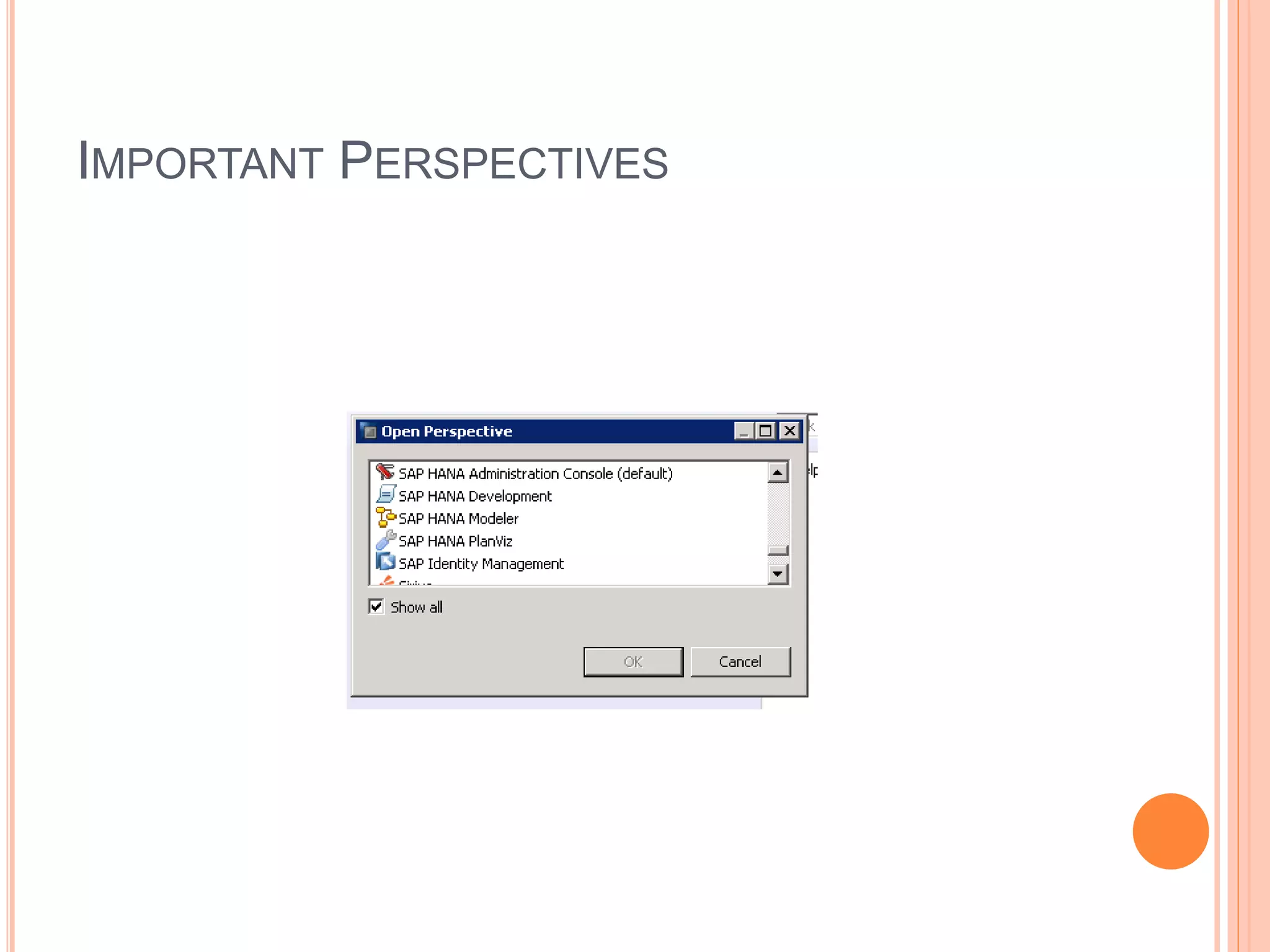
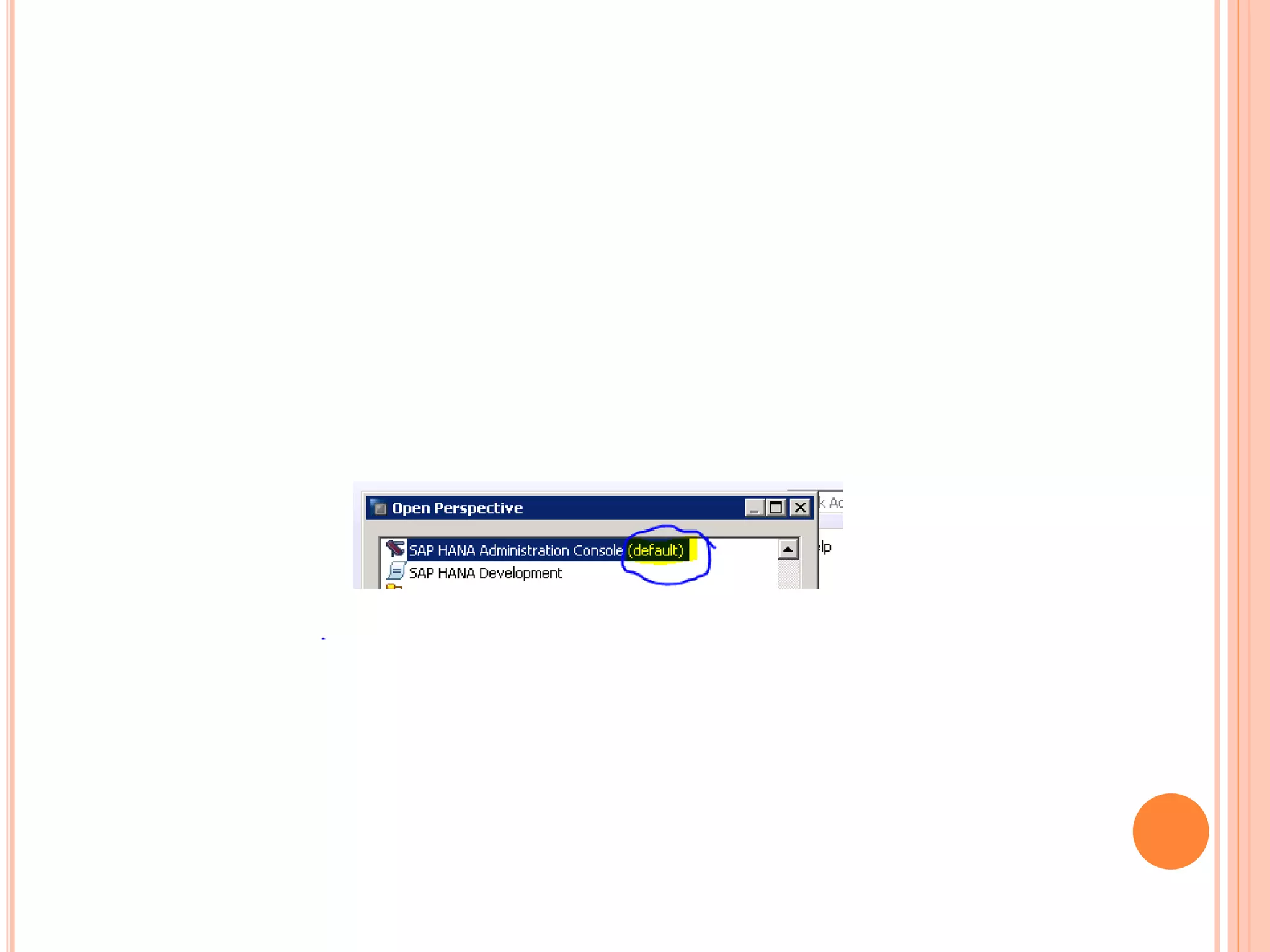
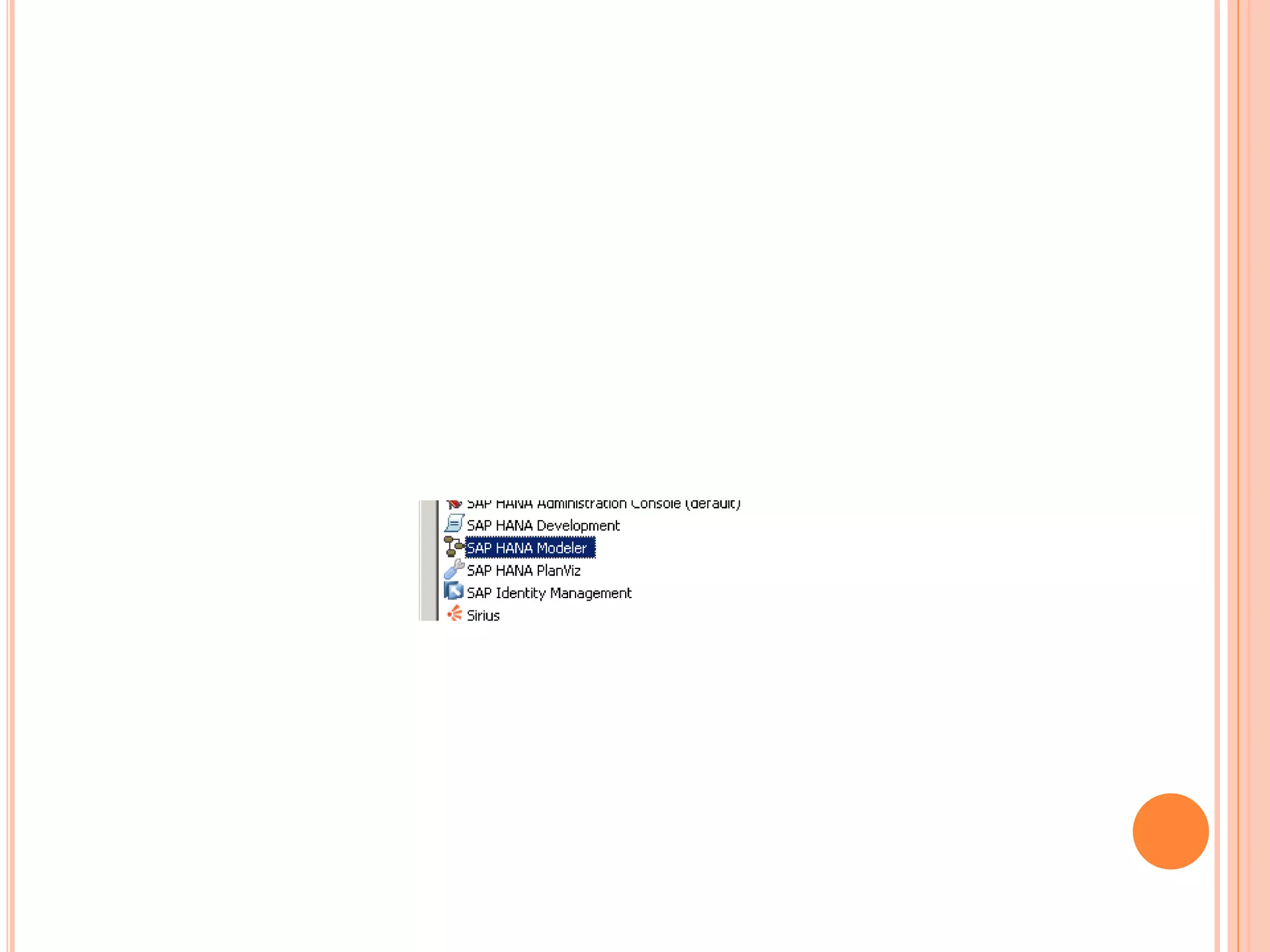
IMPORTANT PERSPECTIVES
PERSPECTIVES
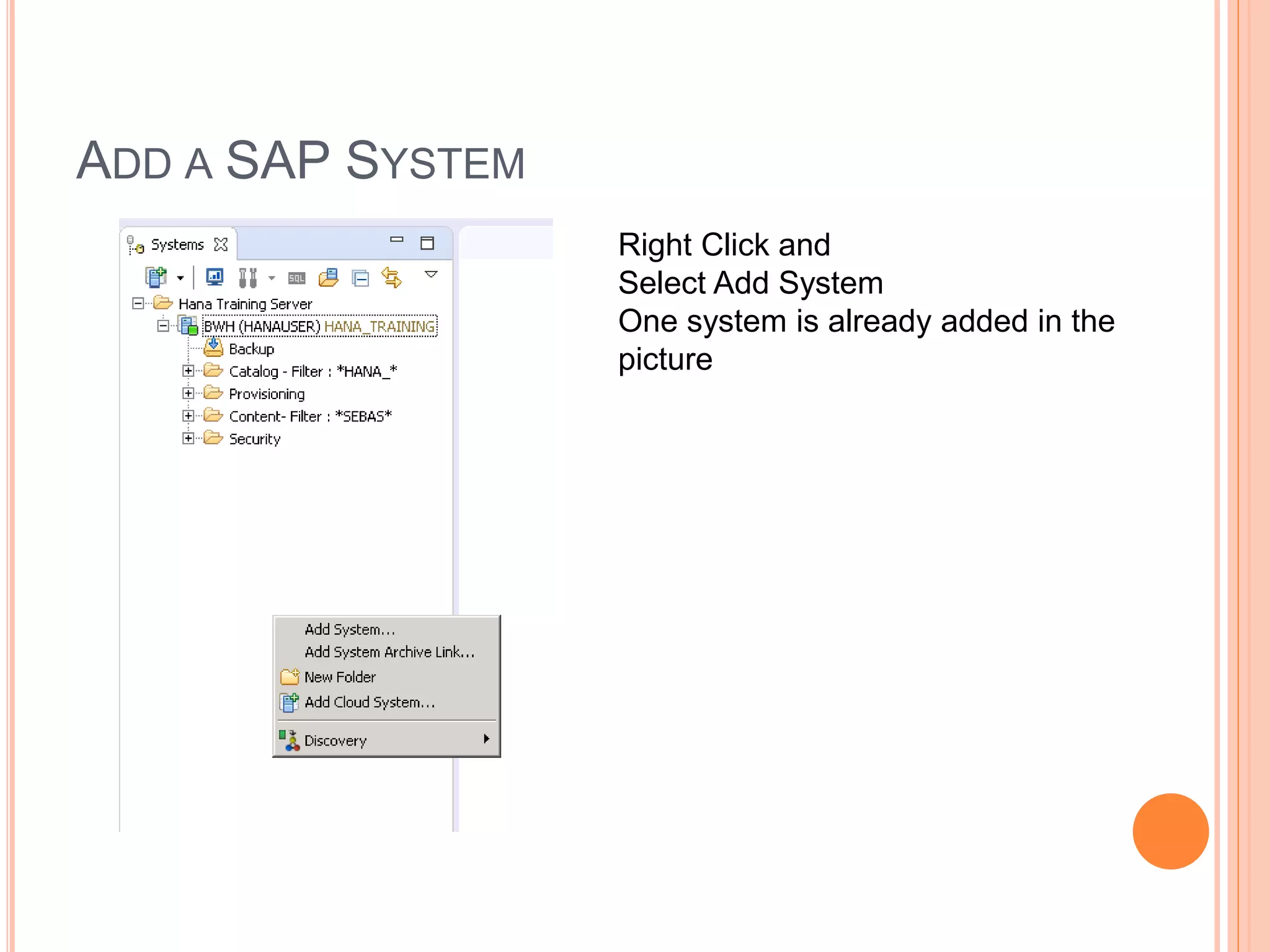
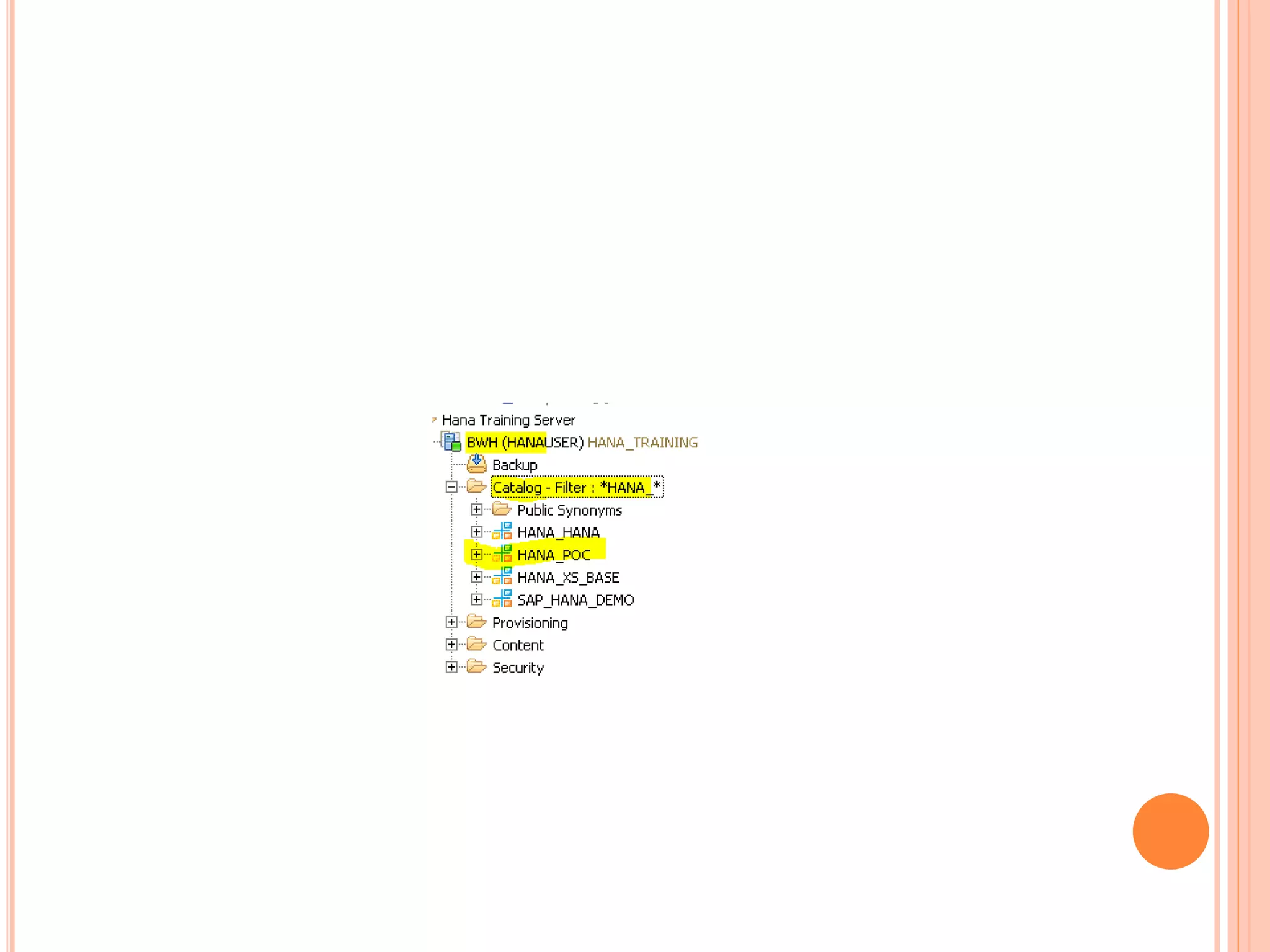
ADD A SAP SYSTEM
Right Click and
Select Add System
One system is already added in the
picture
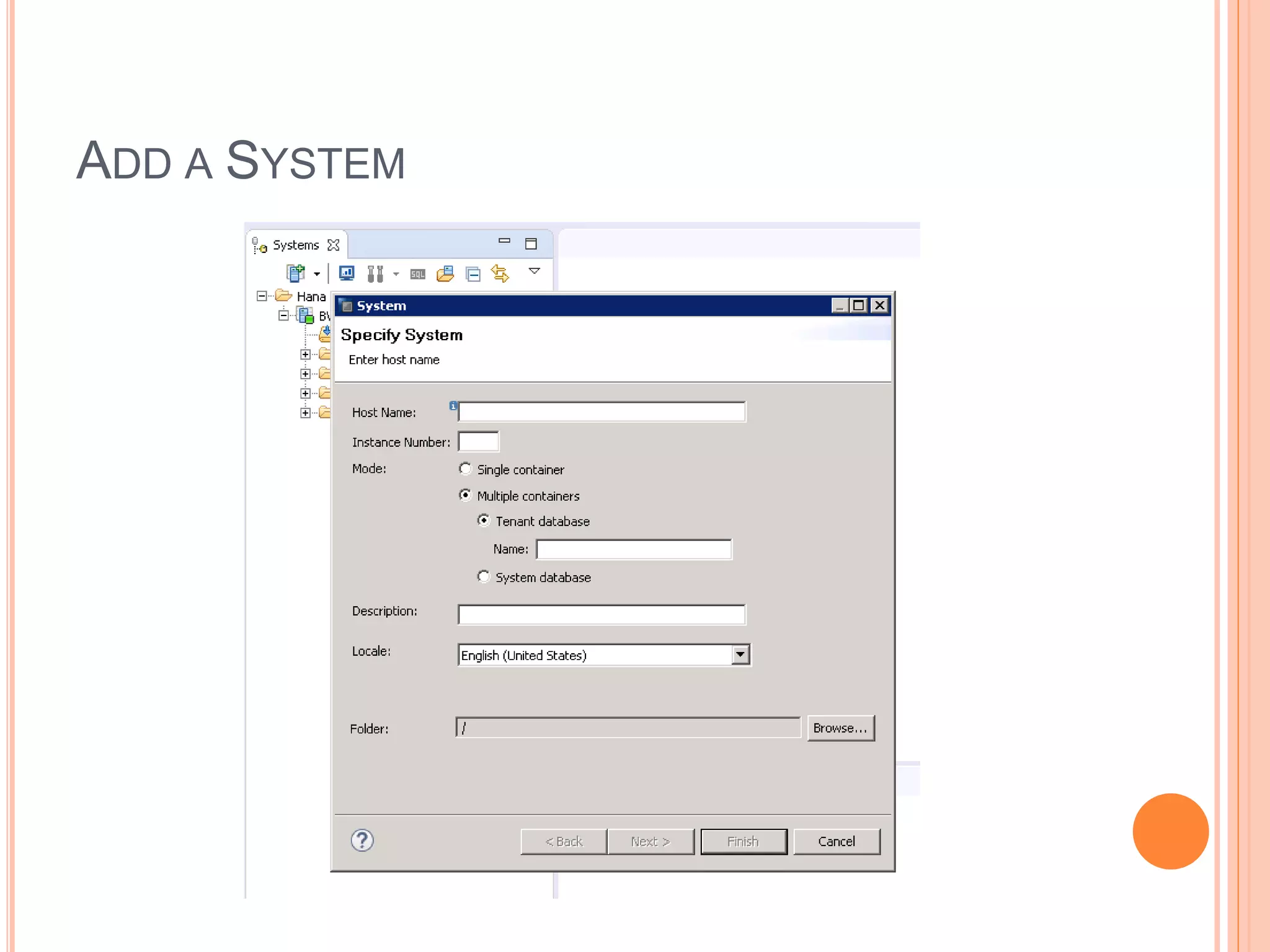
ADD A SYSTEM
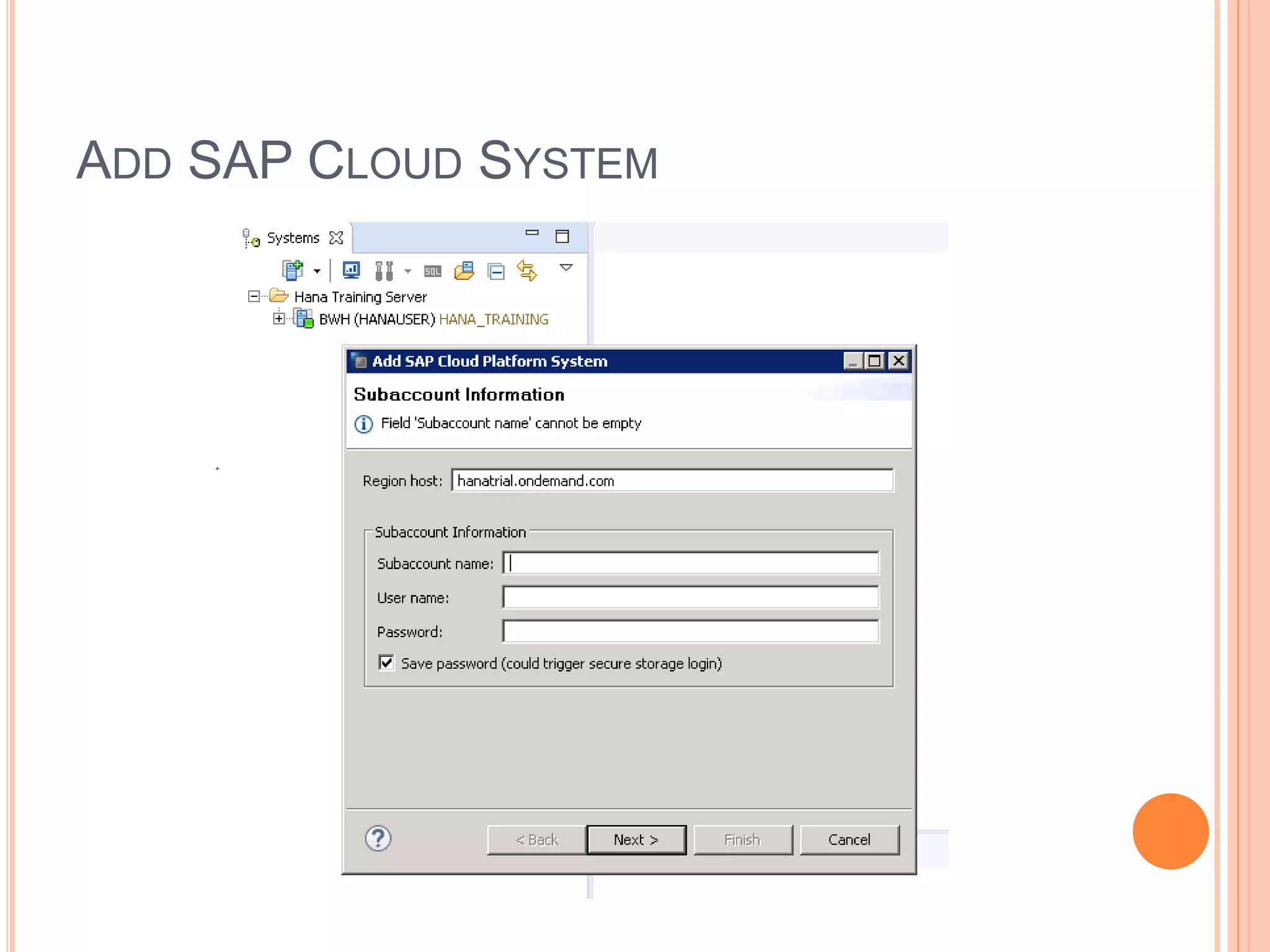
ADD SAP CLOUD SYSTEM
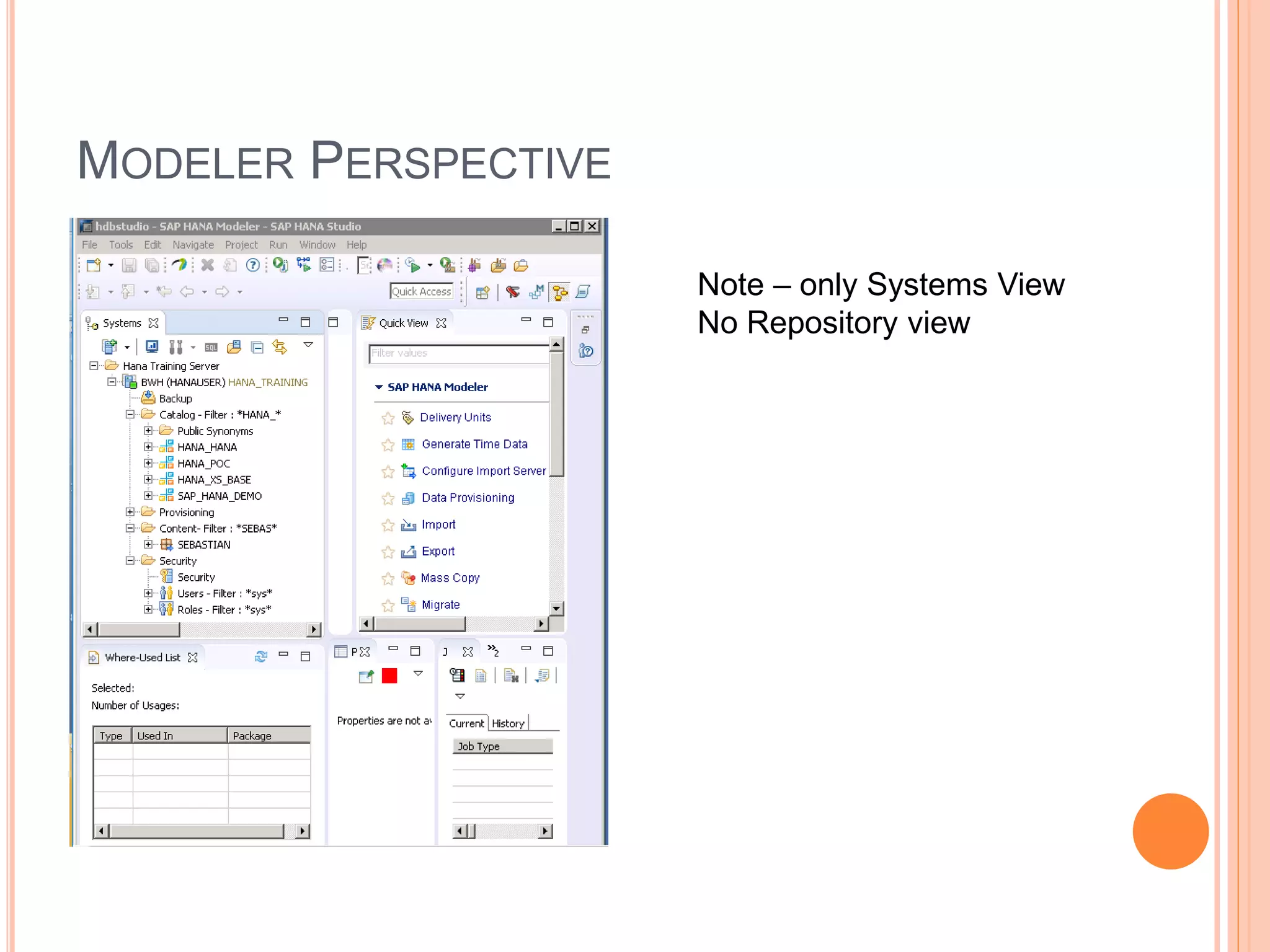
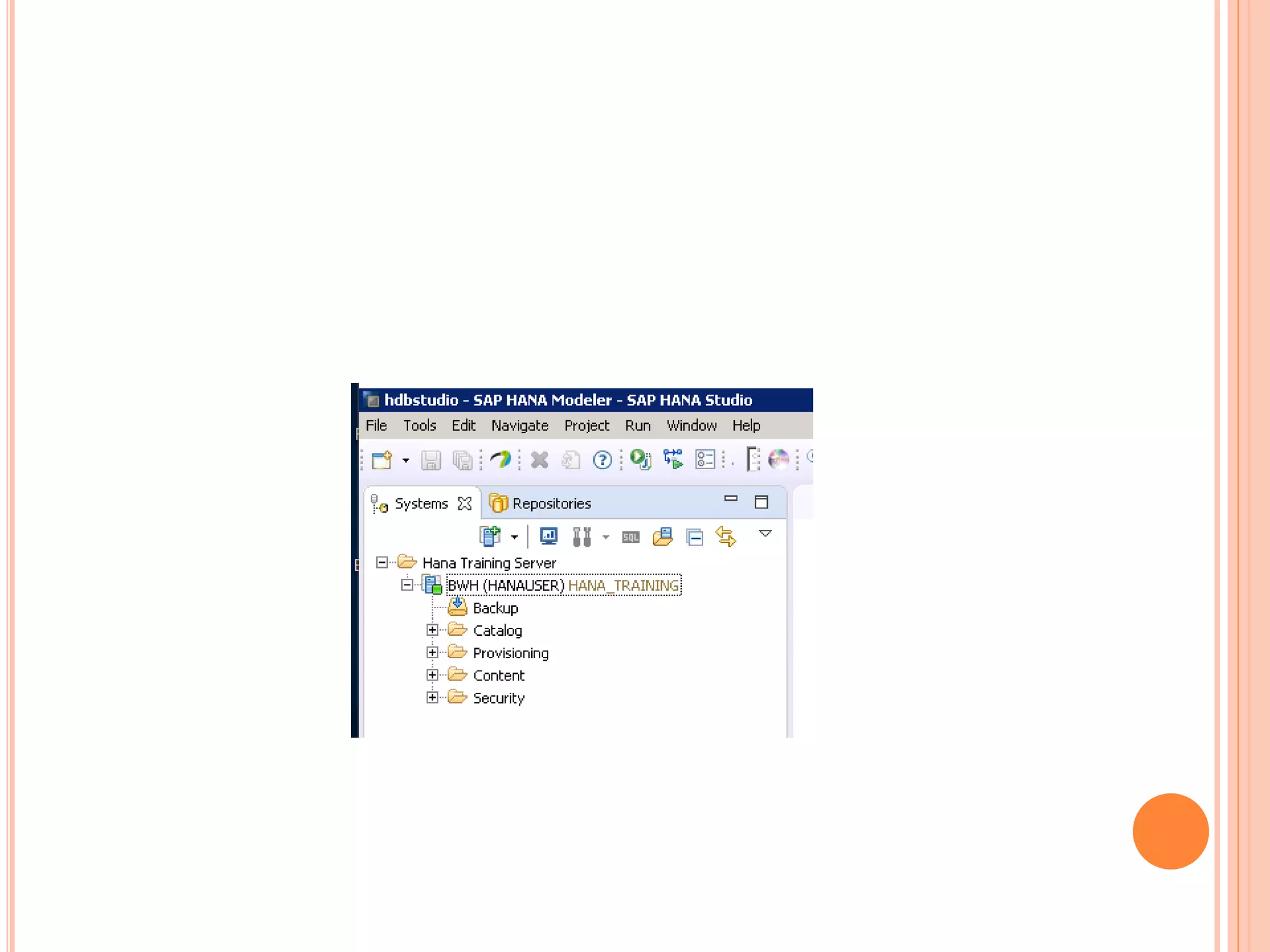
MODELER PERSPECTIVE
Note – only Systems View
No Repository view
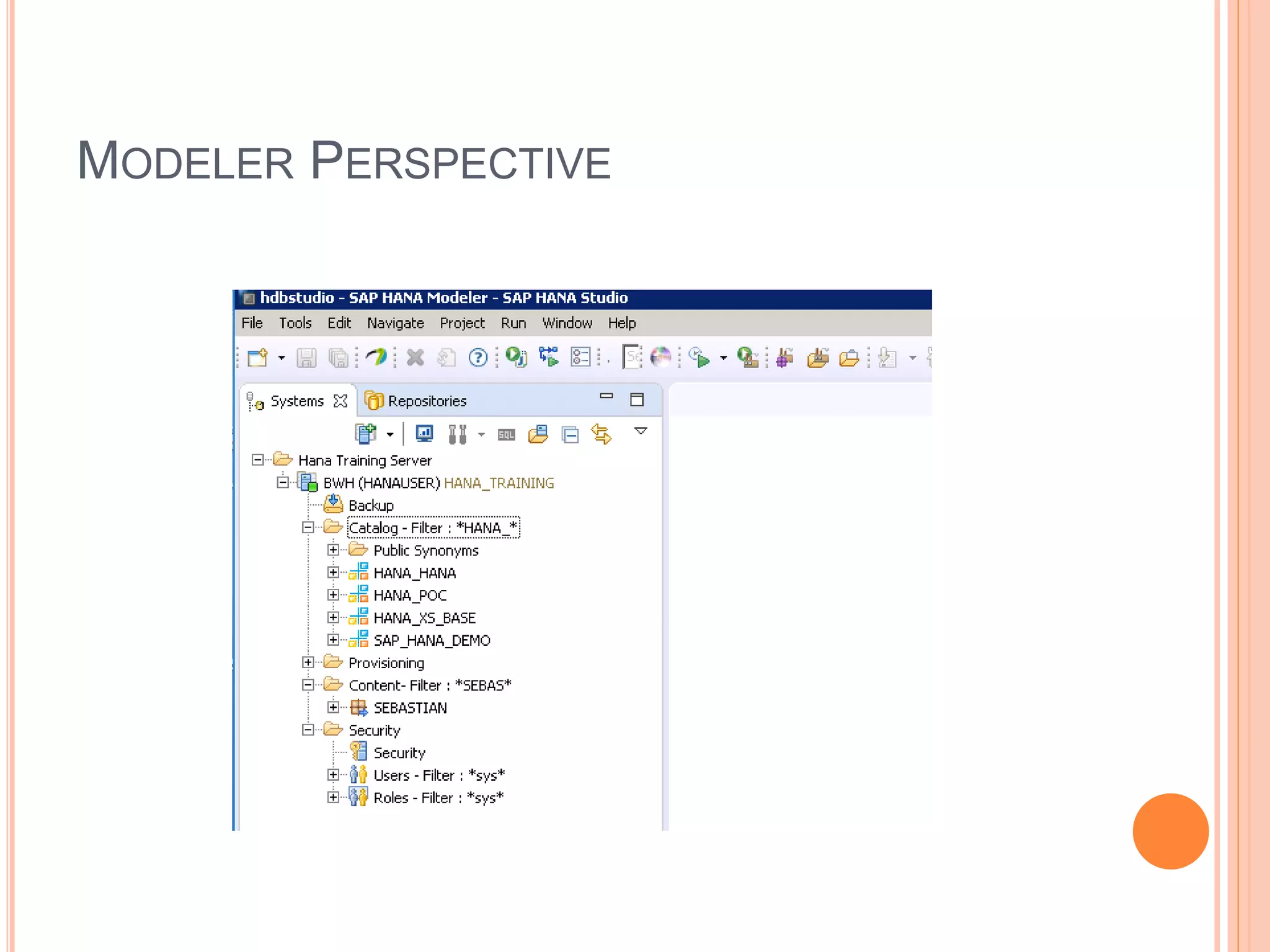
MODELER PERSPECTIVE
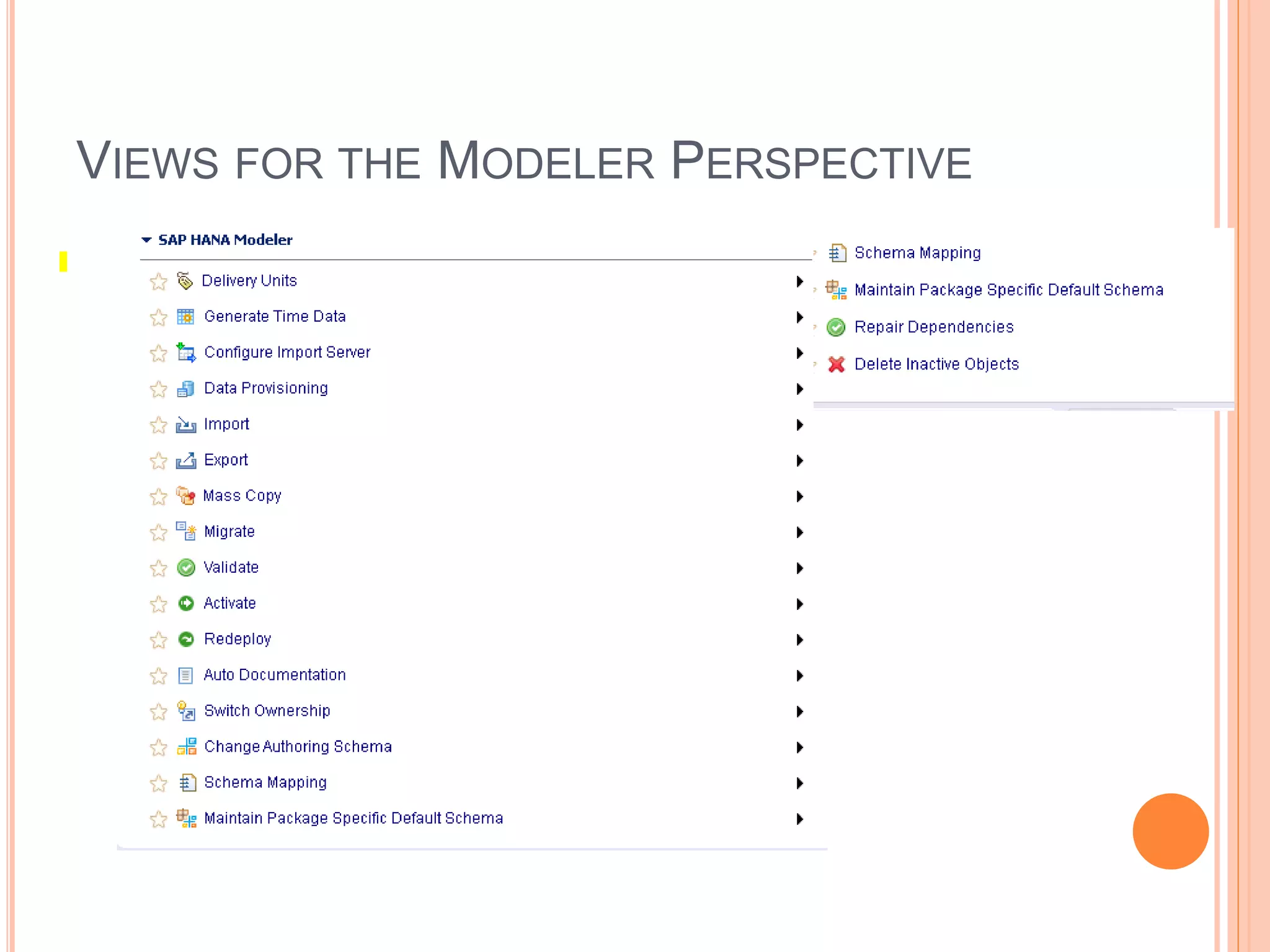
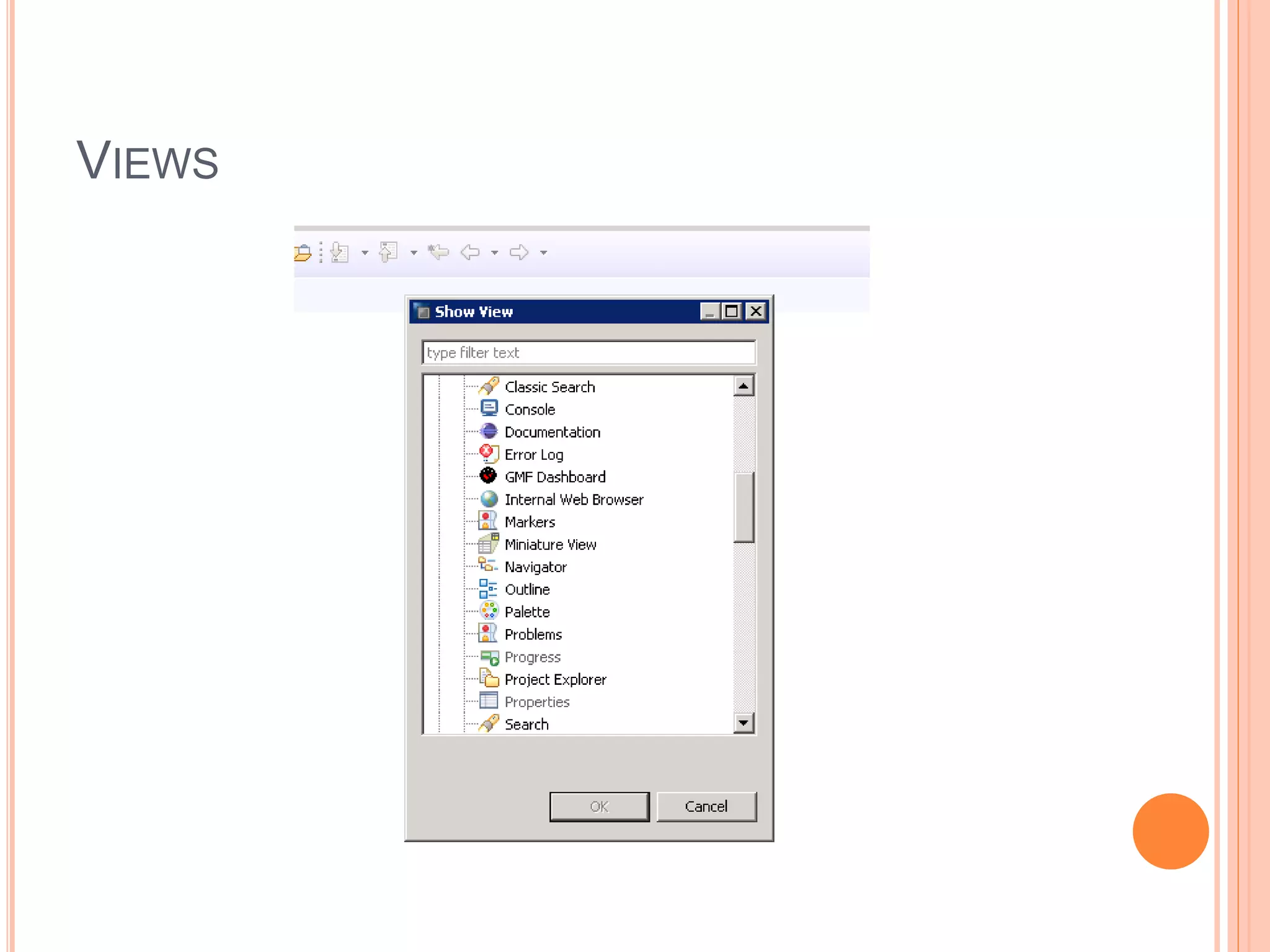
VIEWS FOR THE MODELER PERSPECTIVE
VIEWS
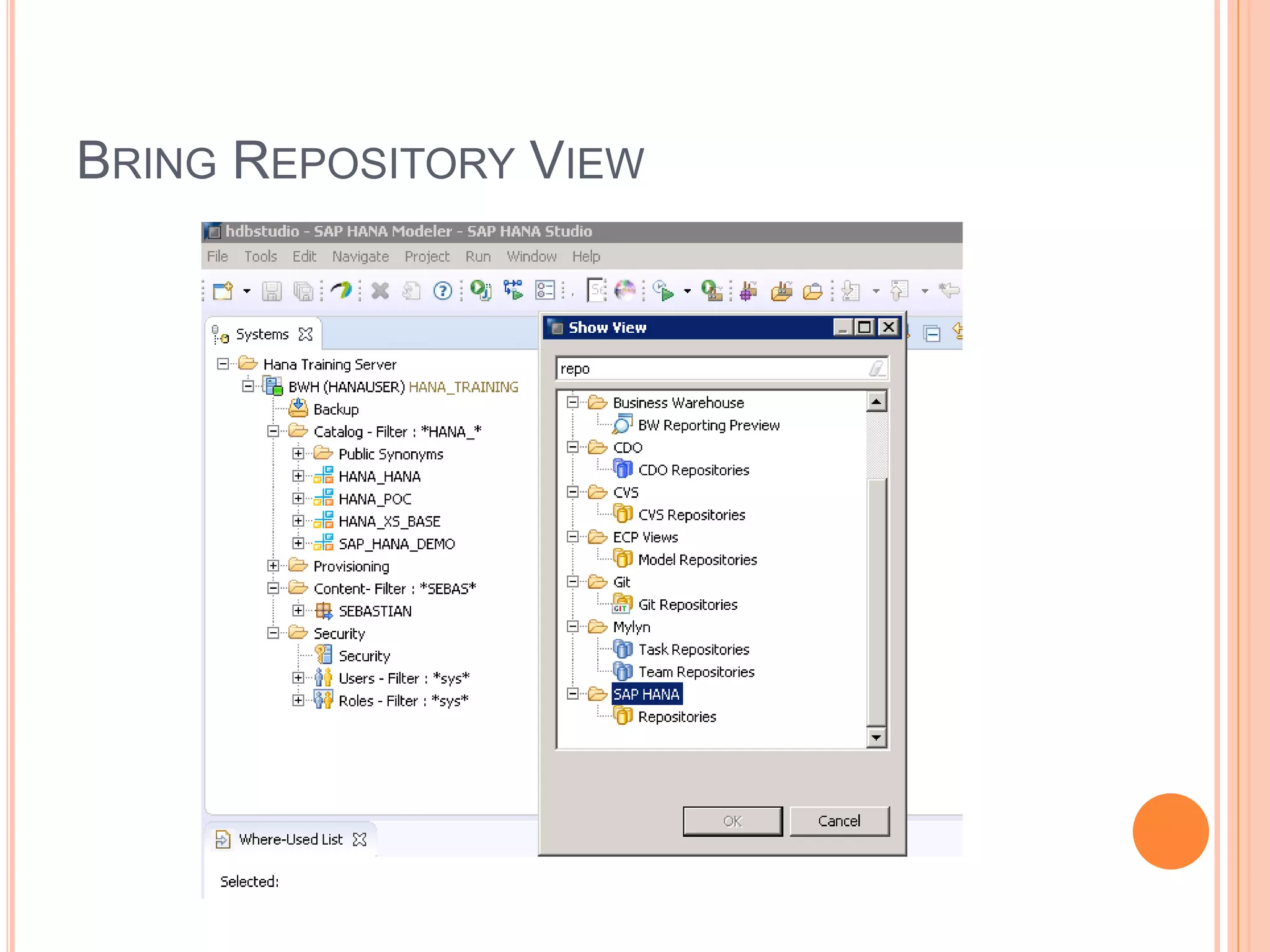
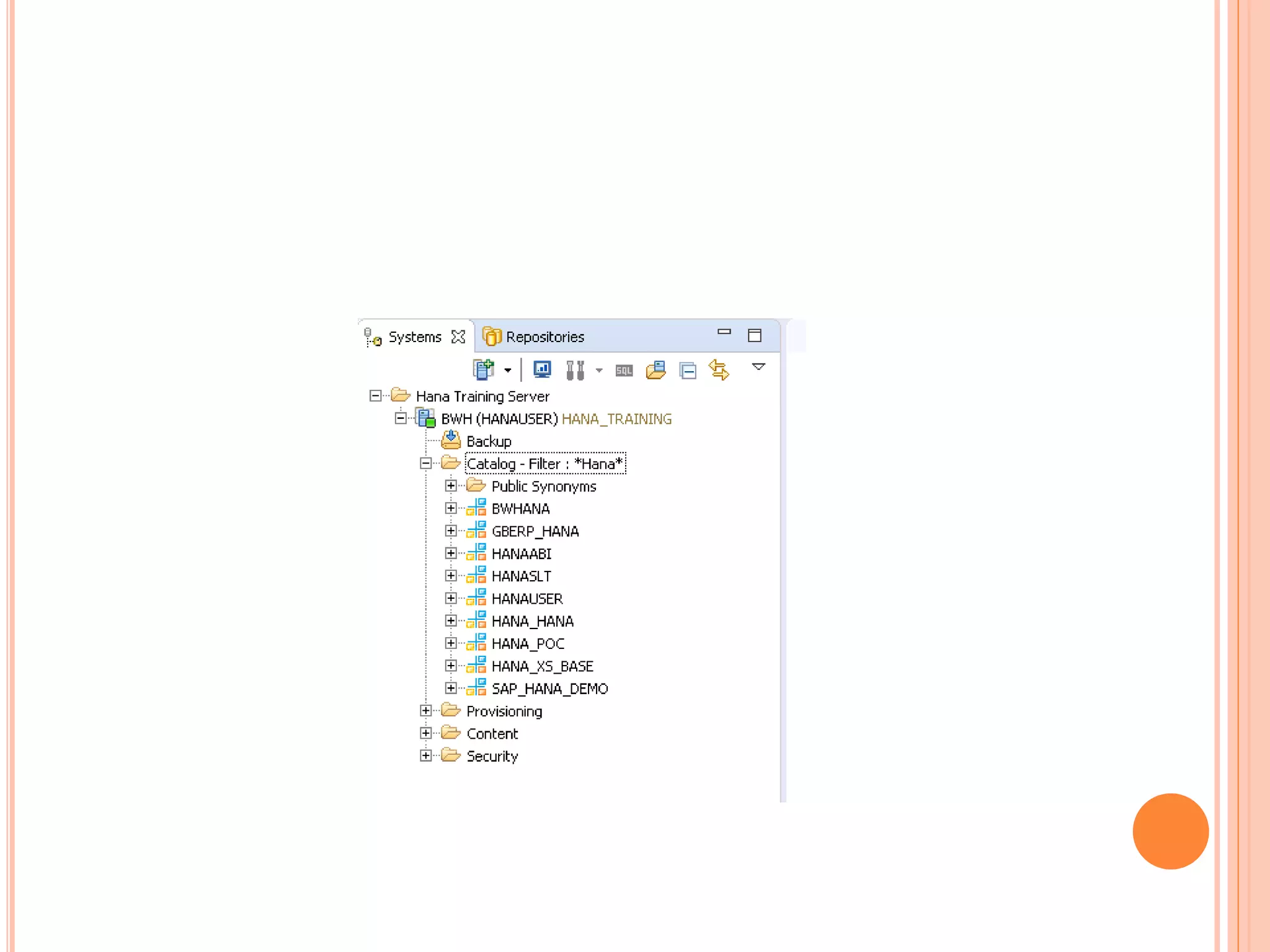
BRING REPOSITORY VIEW
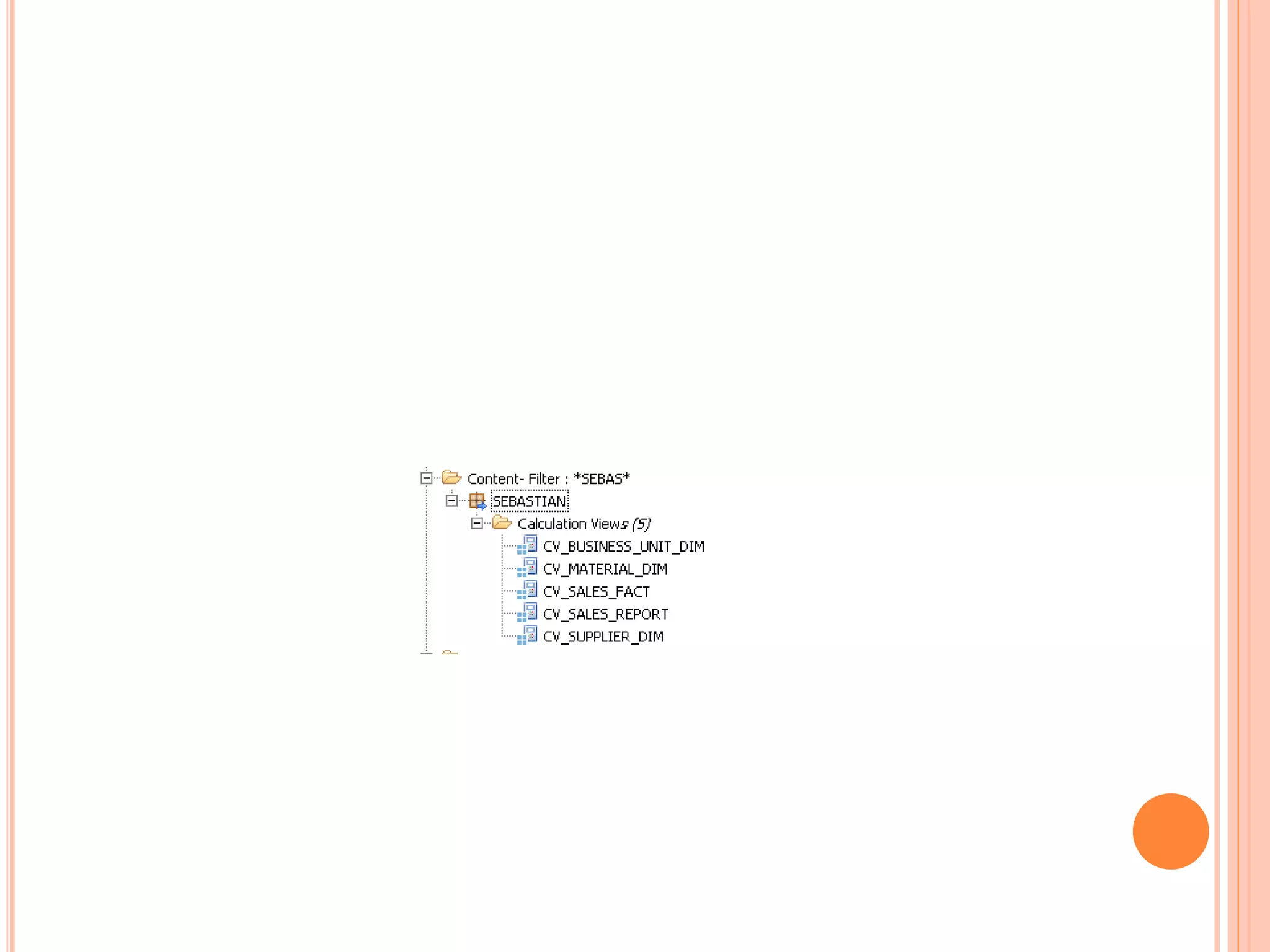
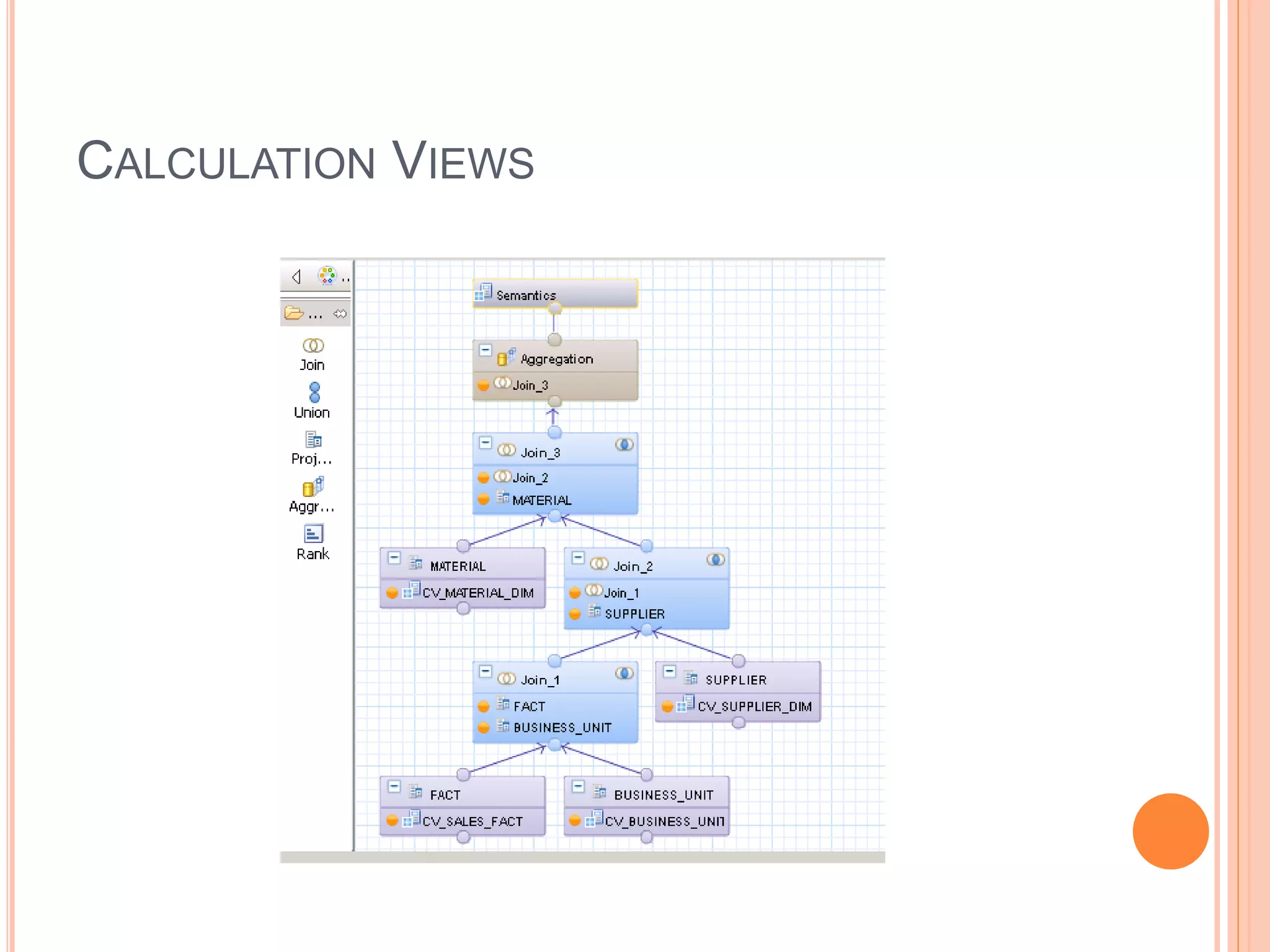
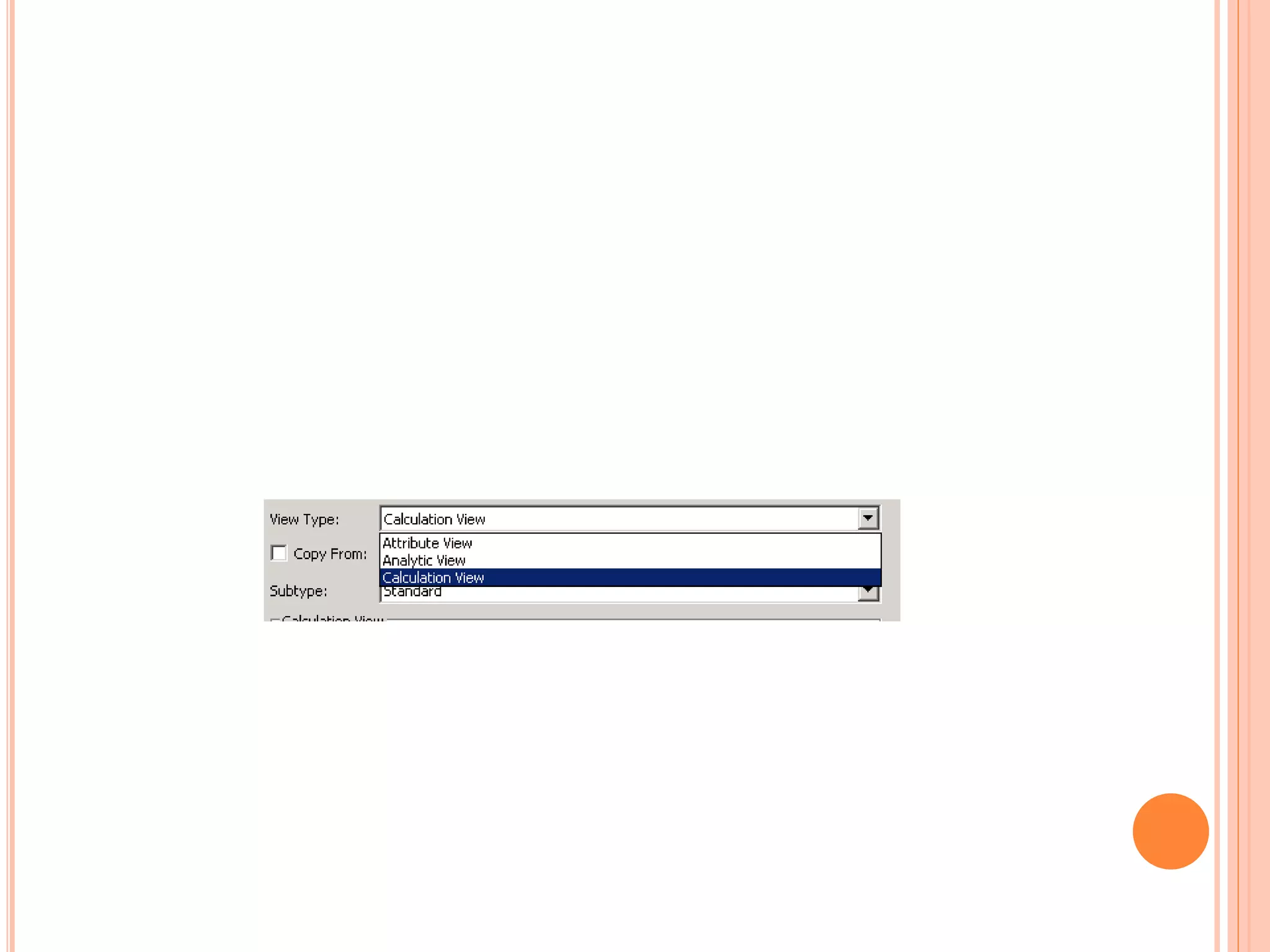
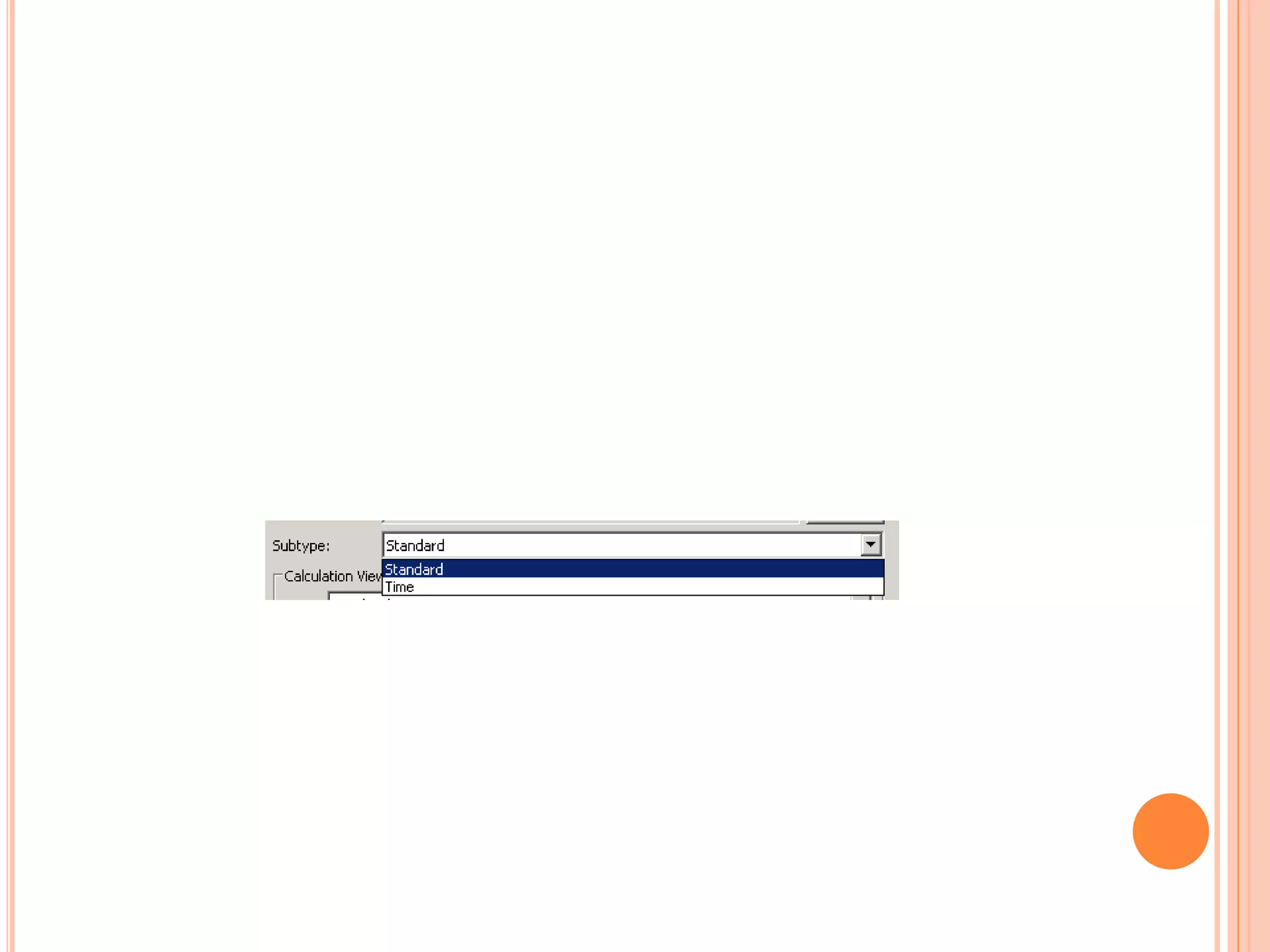
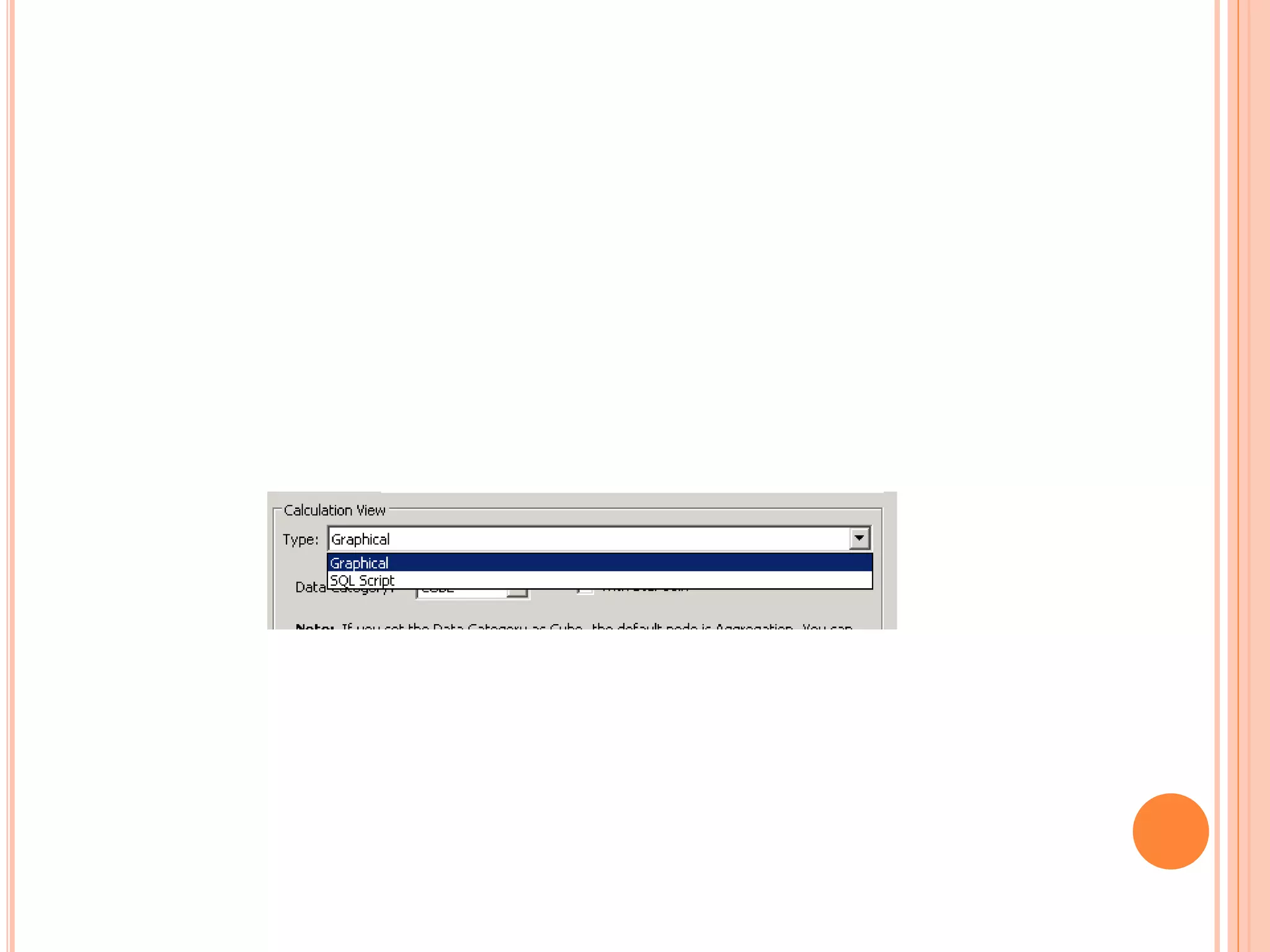
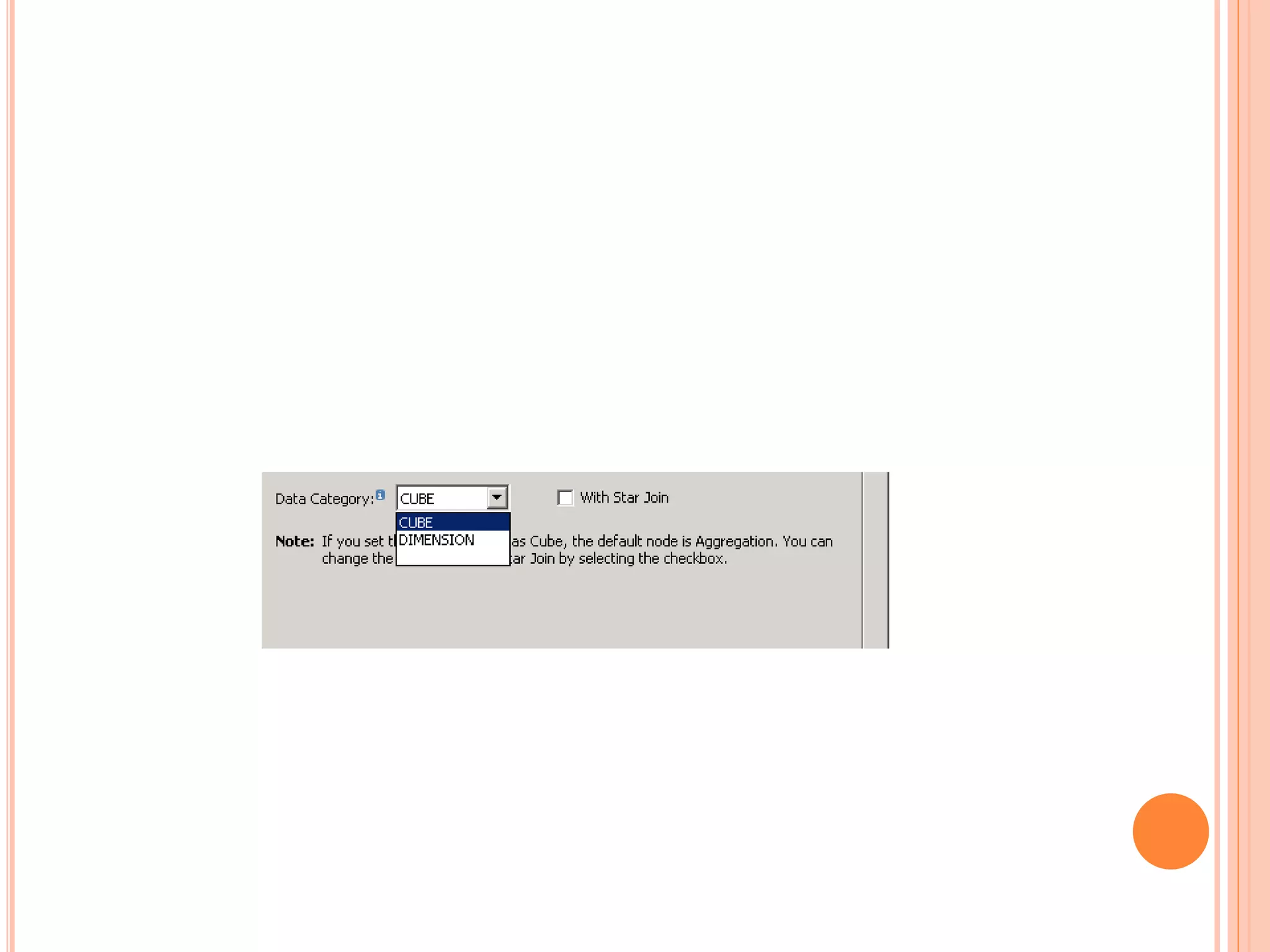
CALCULATION VIEWS
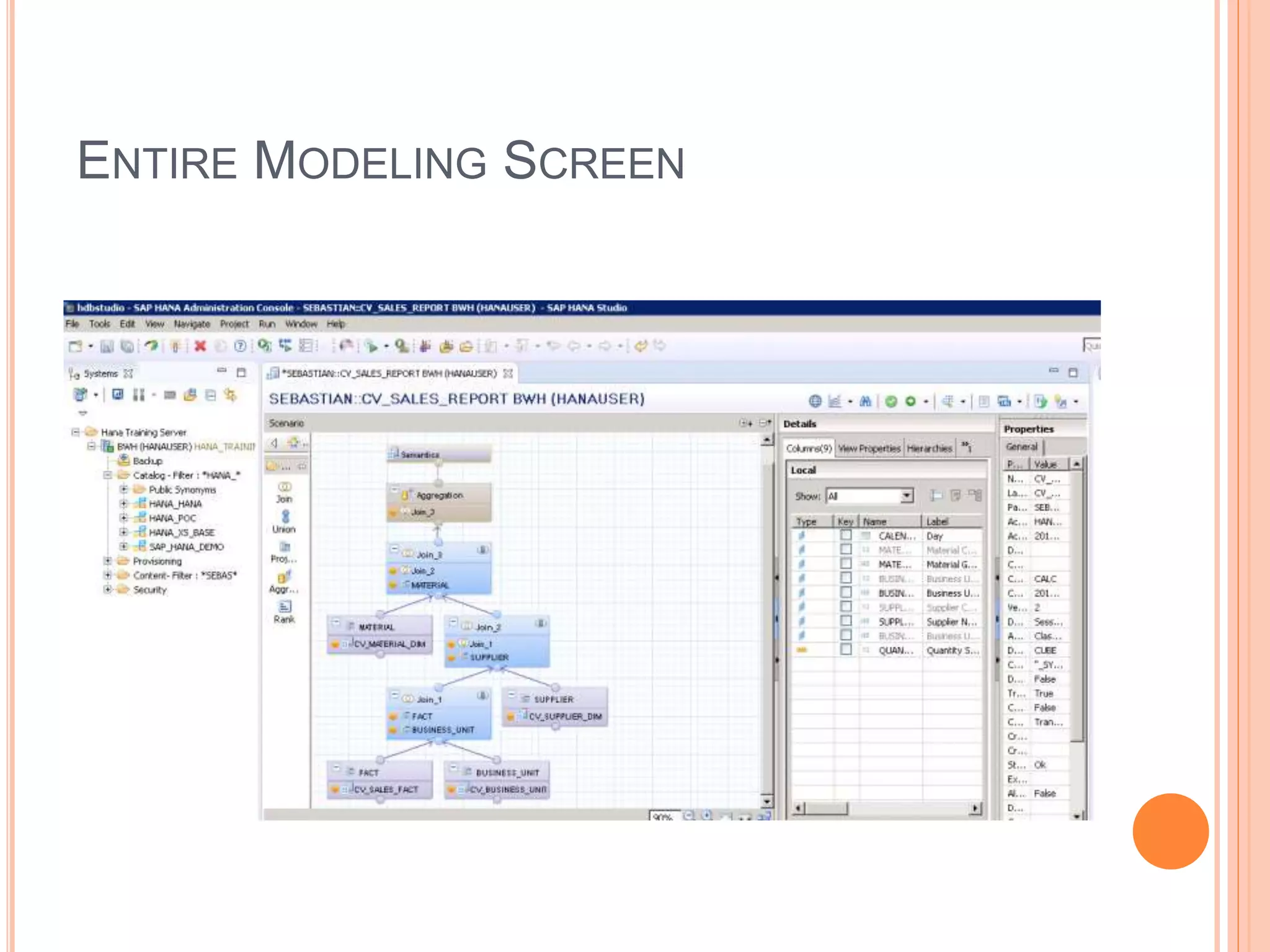
ENTIRE MODELING SCREEN
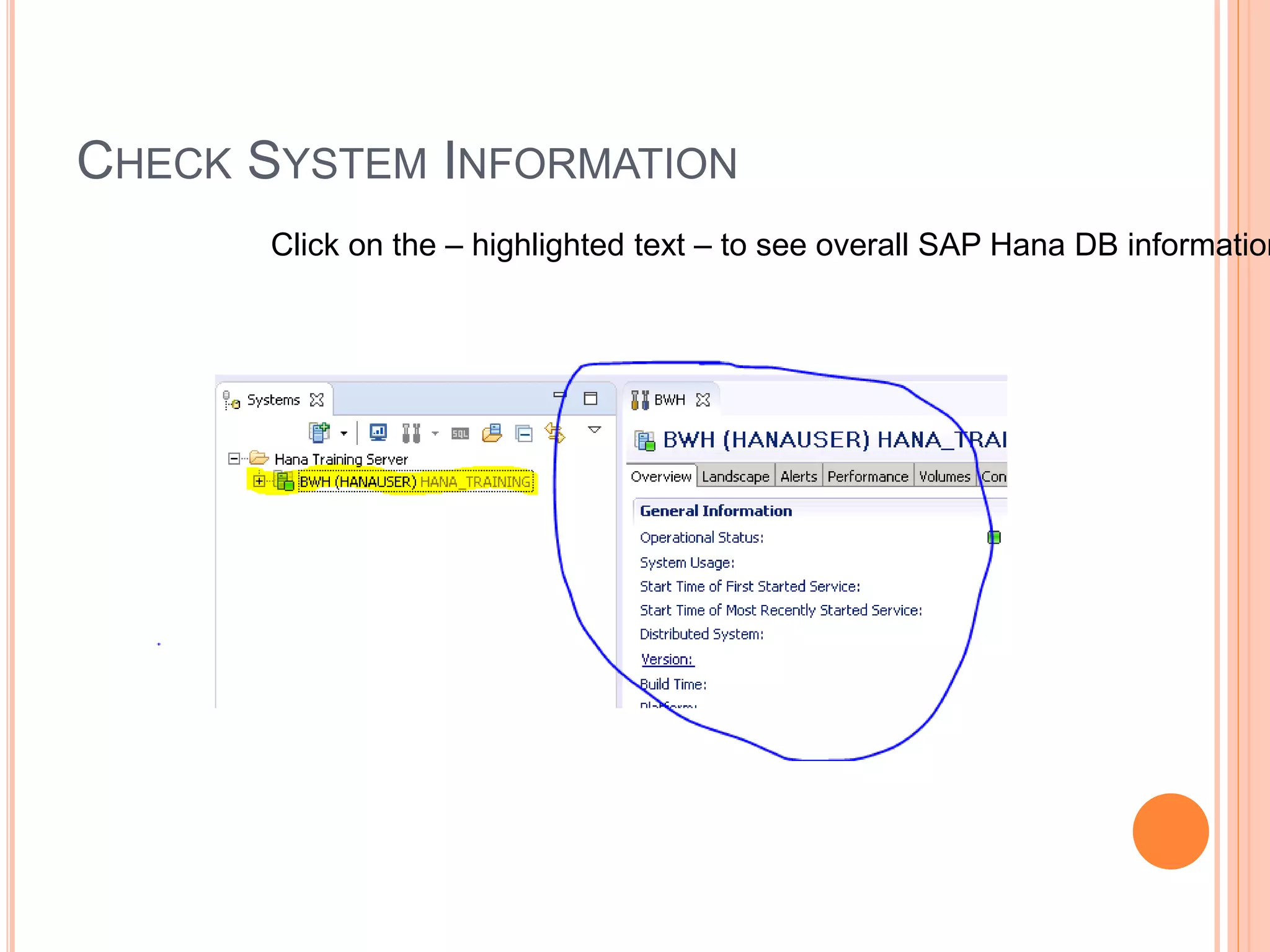
CHECK SYSTEM INFORMATION
Click on the – highlighted text – to see overall SAP Hana DB information
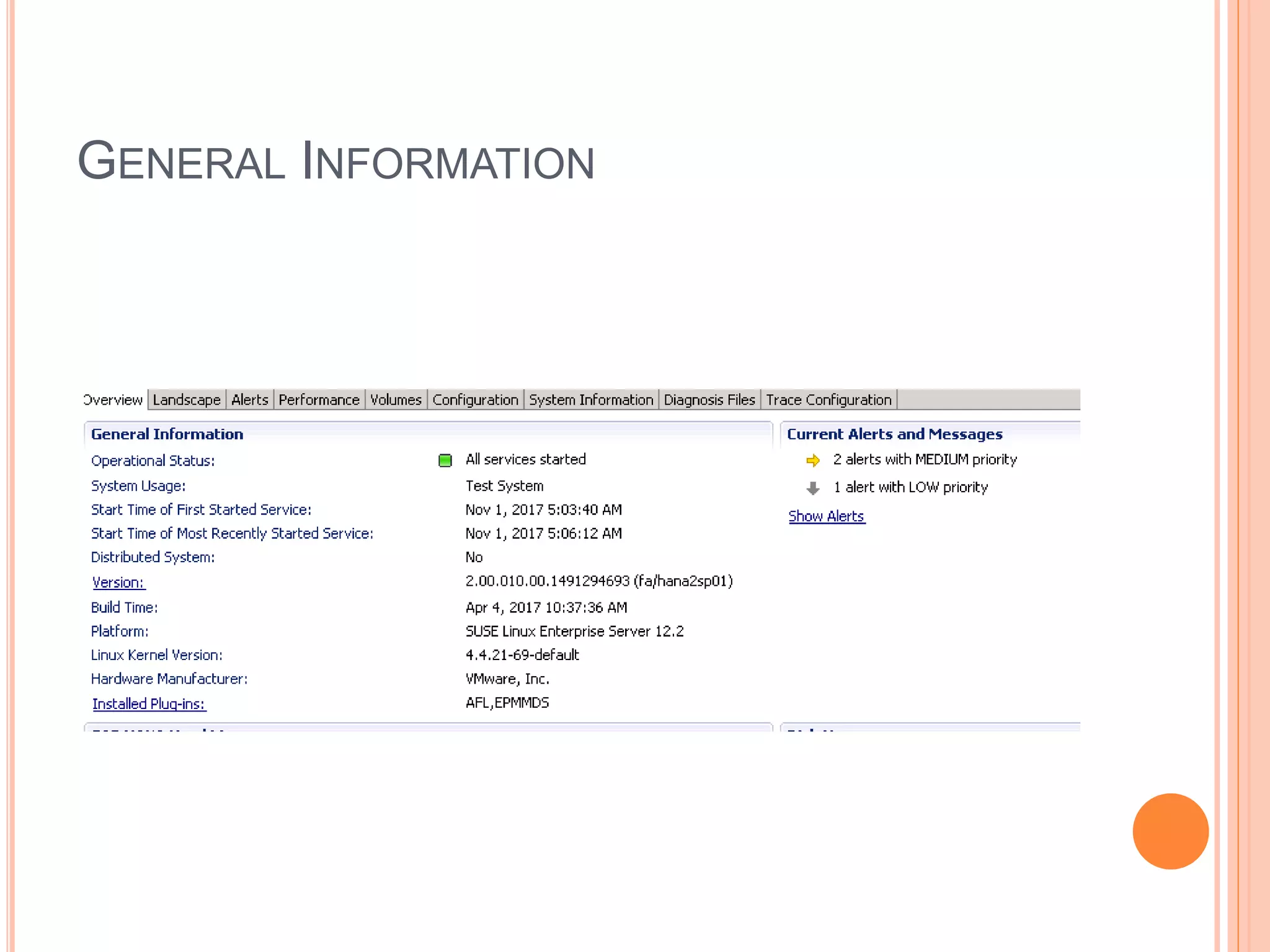
GENERAL INFORMATION
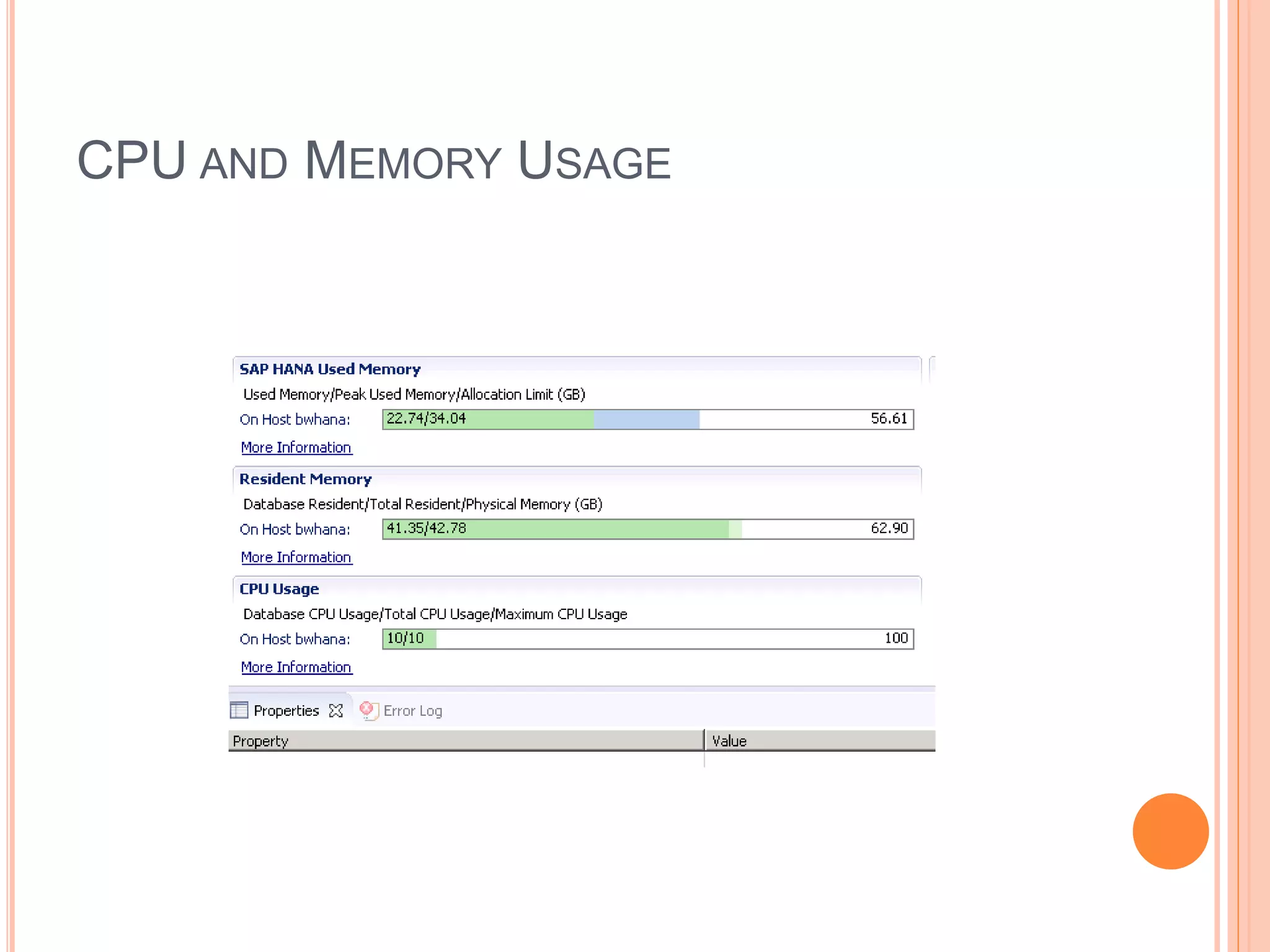
CPU AND MEMORY USAGE
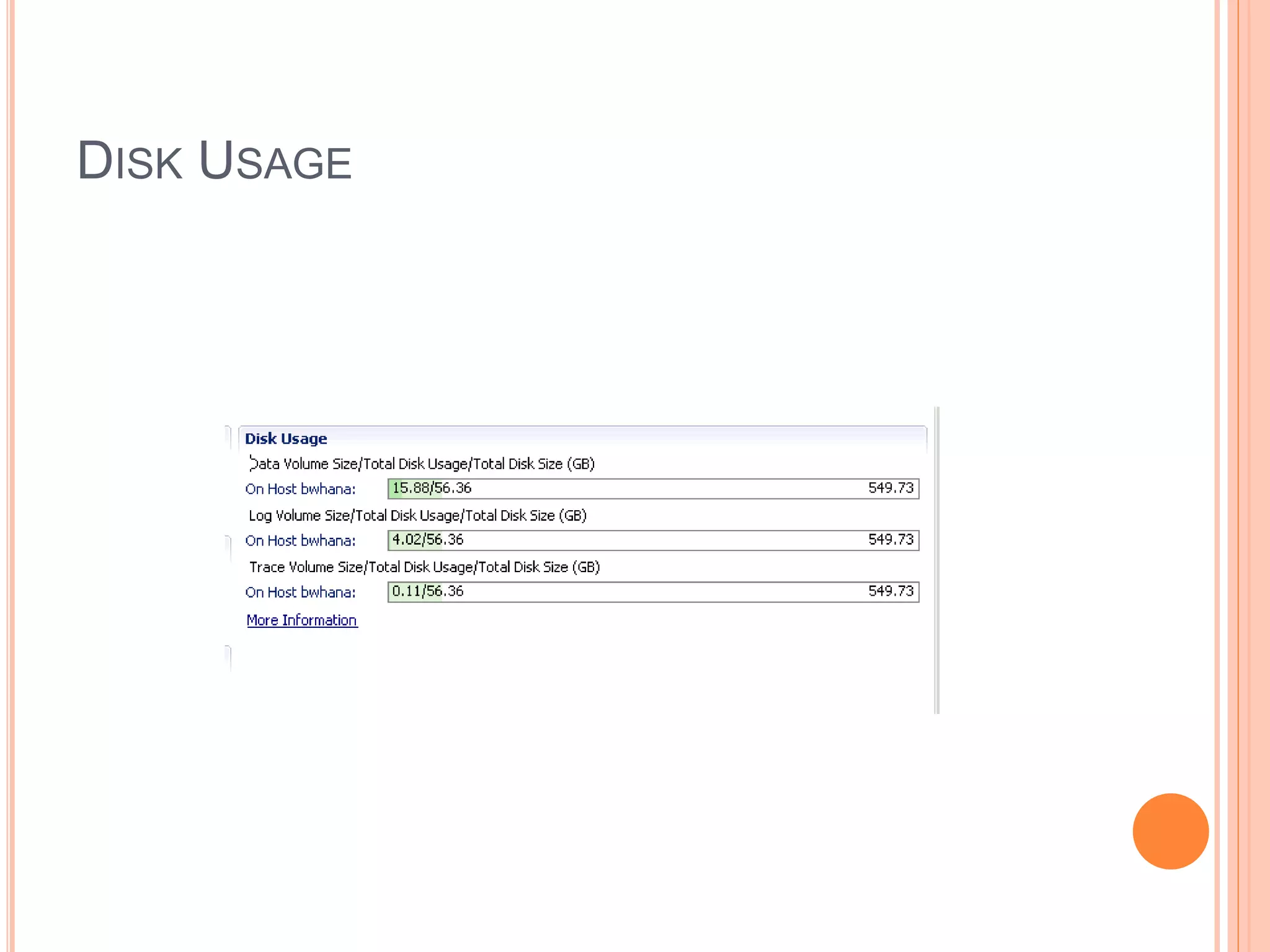
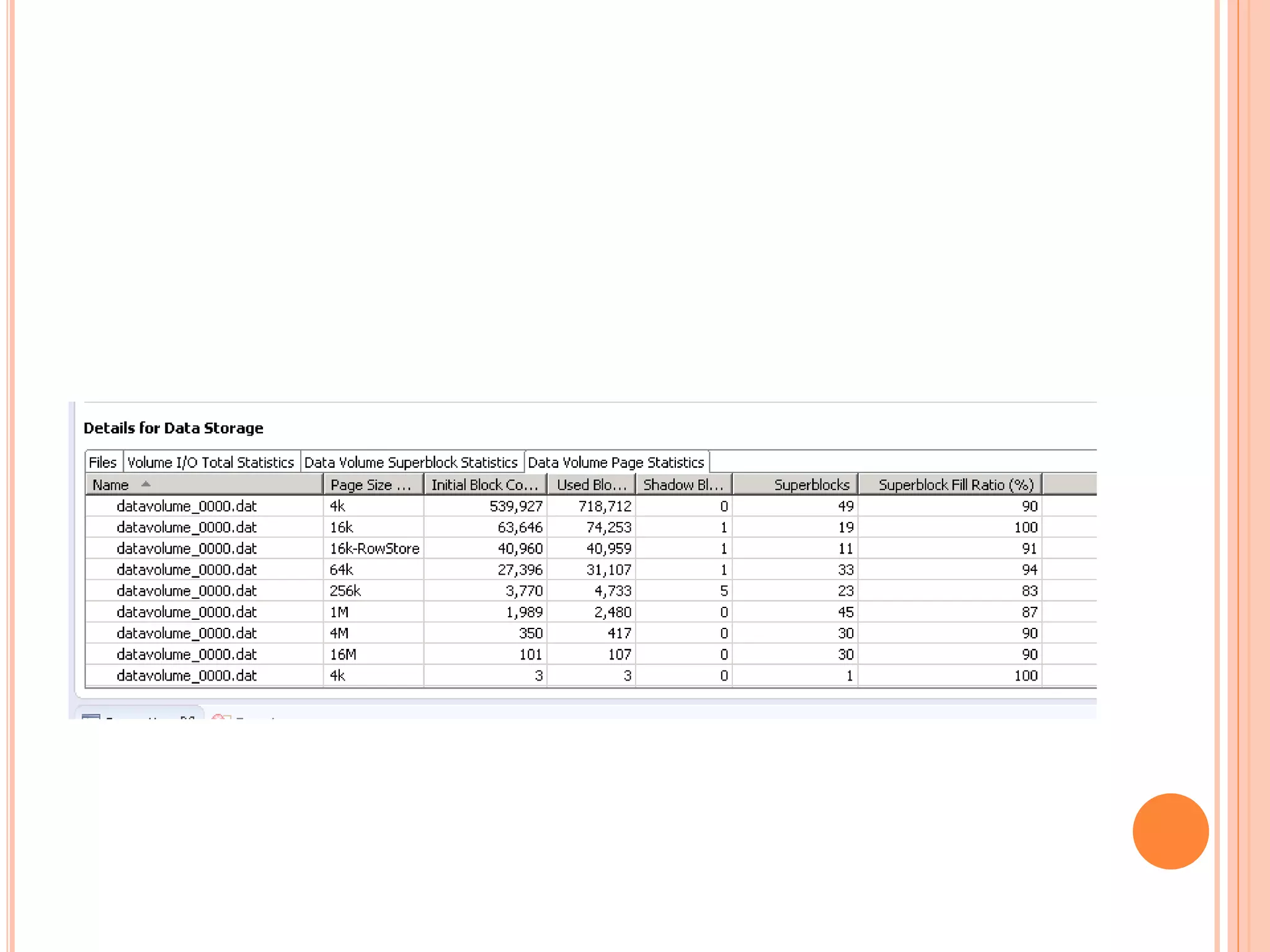
DISK USAGE
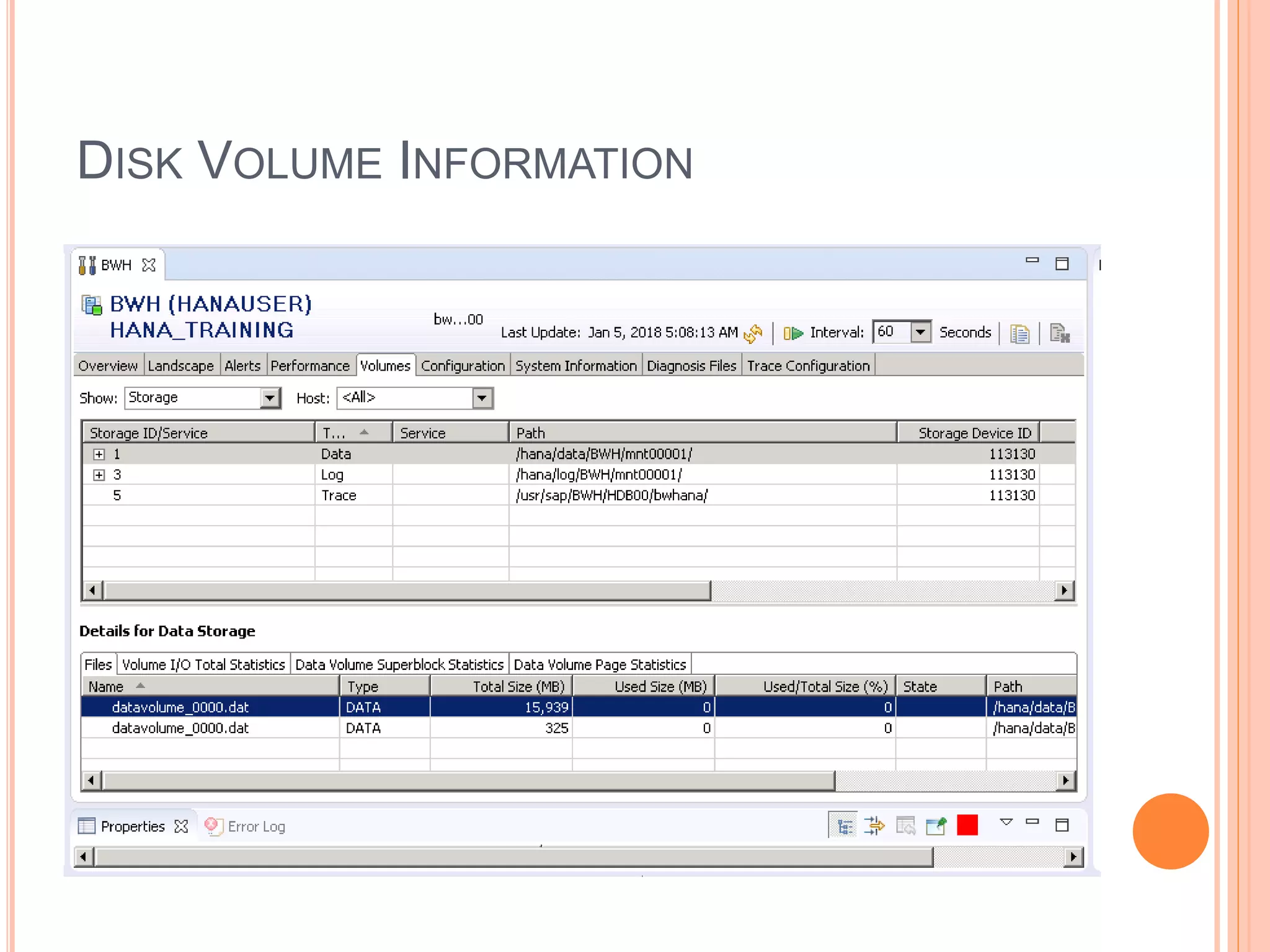
DISK VOLUME INFORMATION
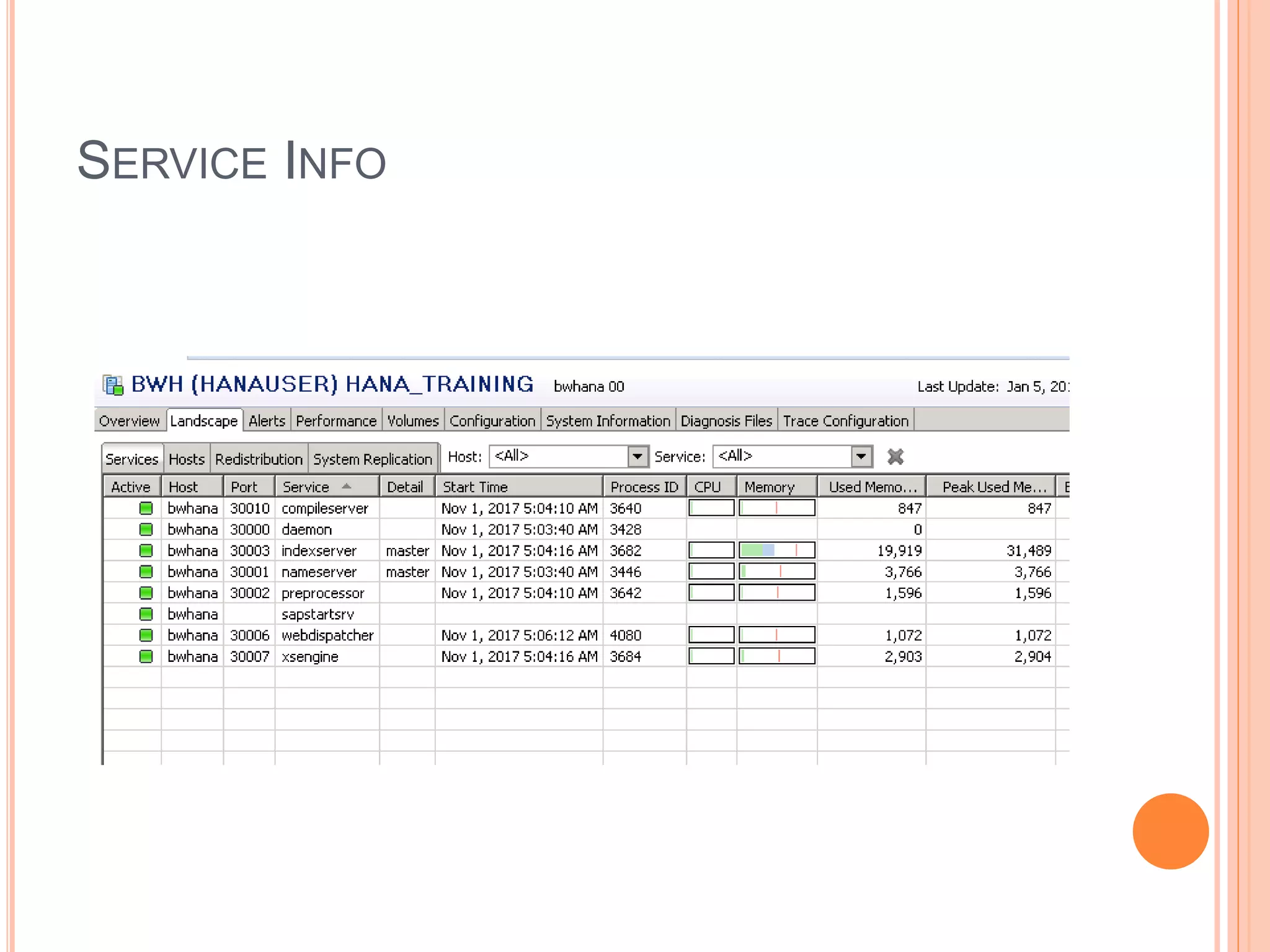
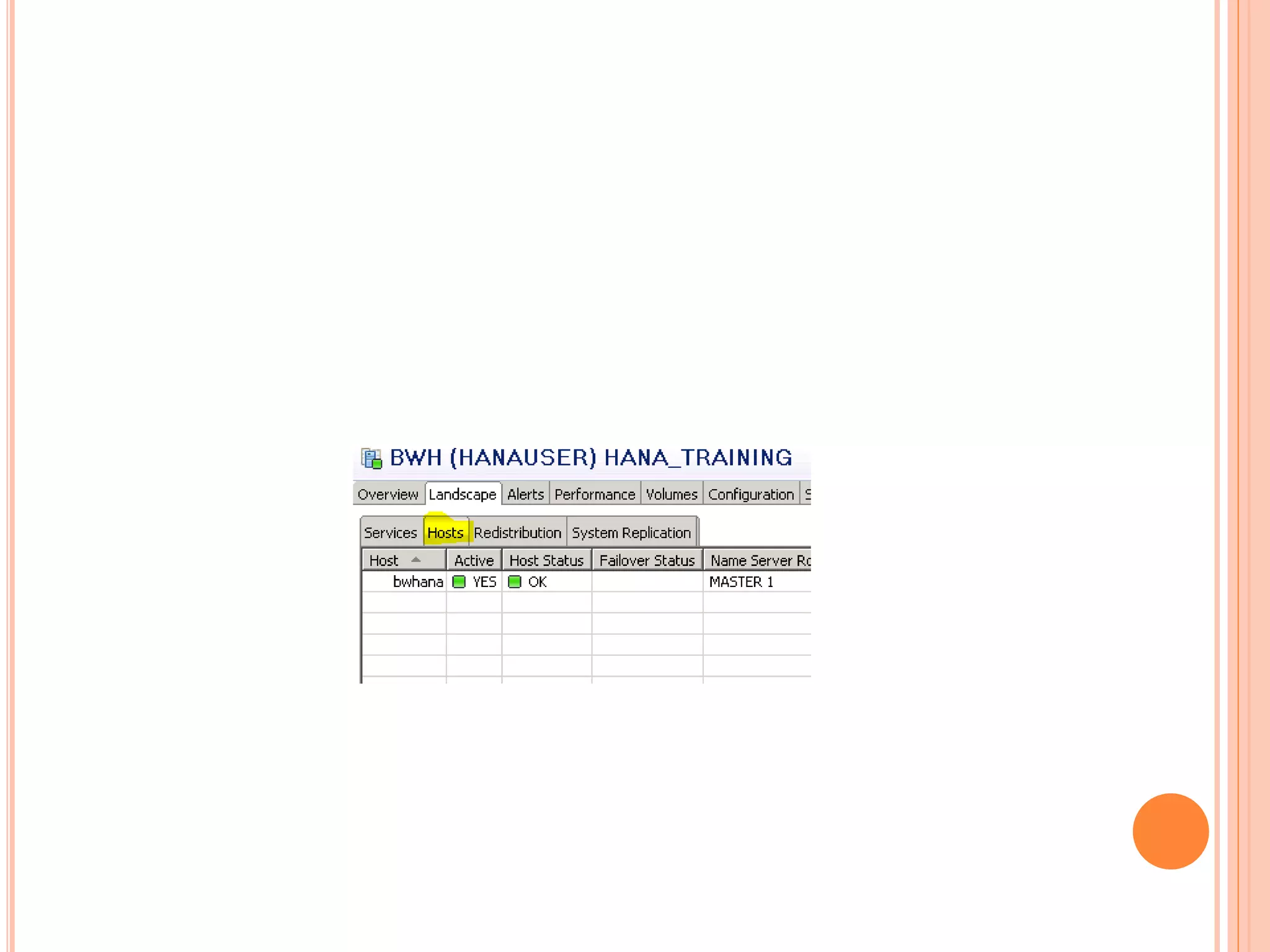
SERVICE INFO
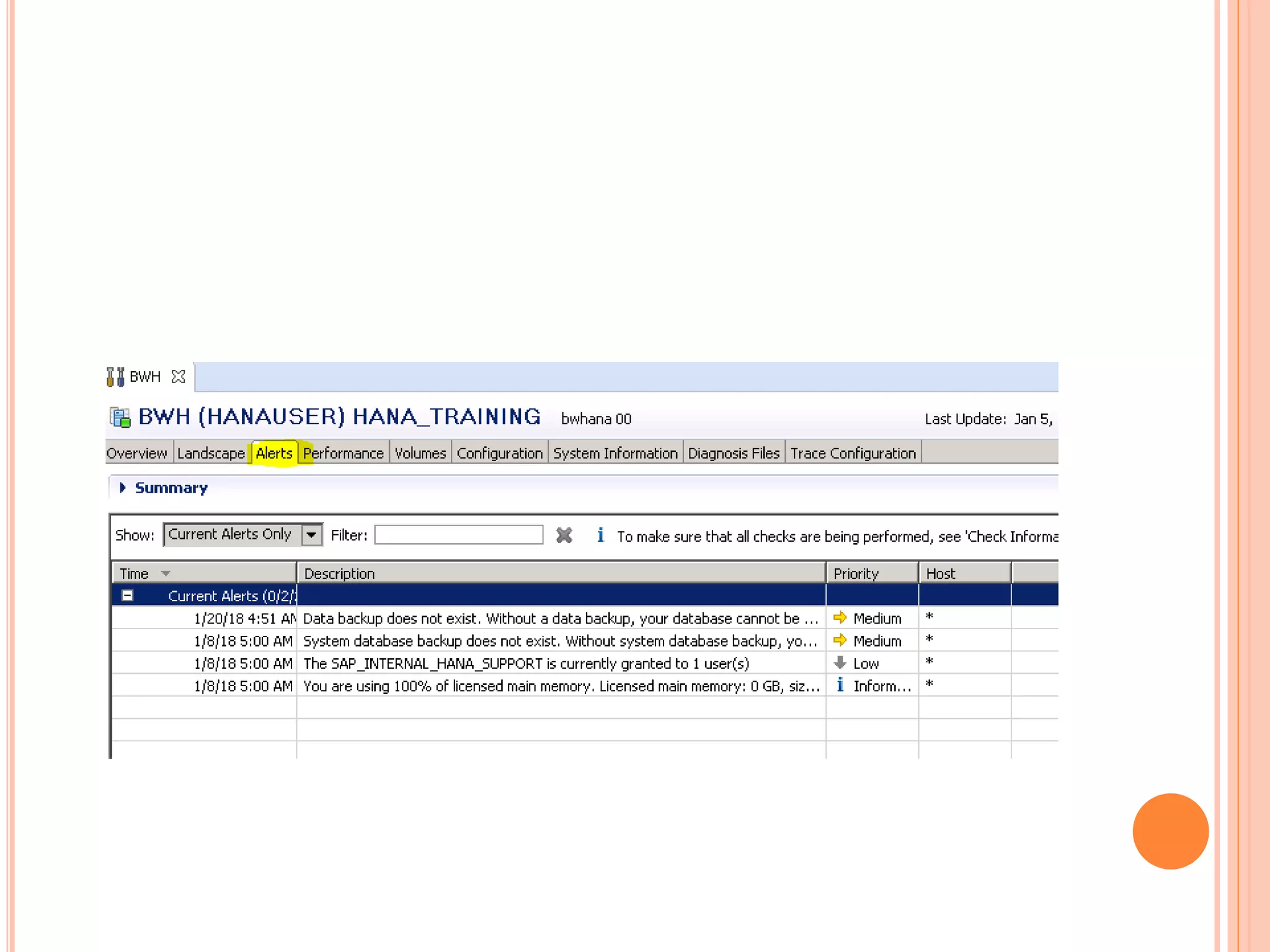
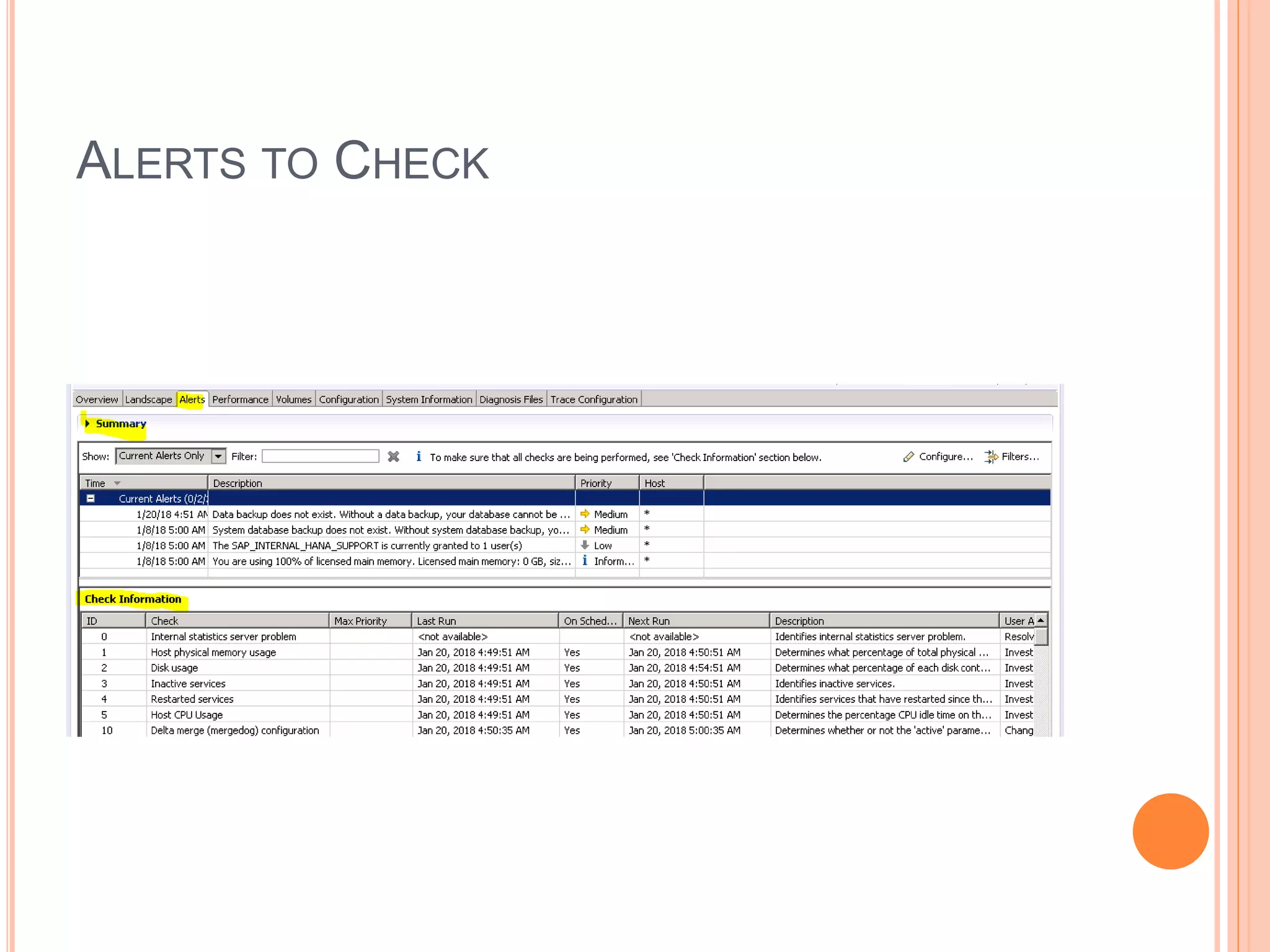
ALERTS TO CHECK
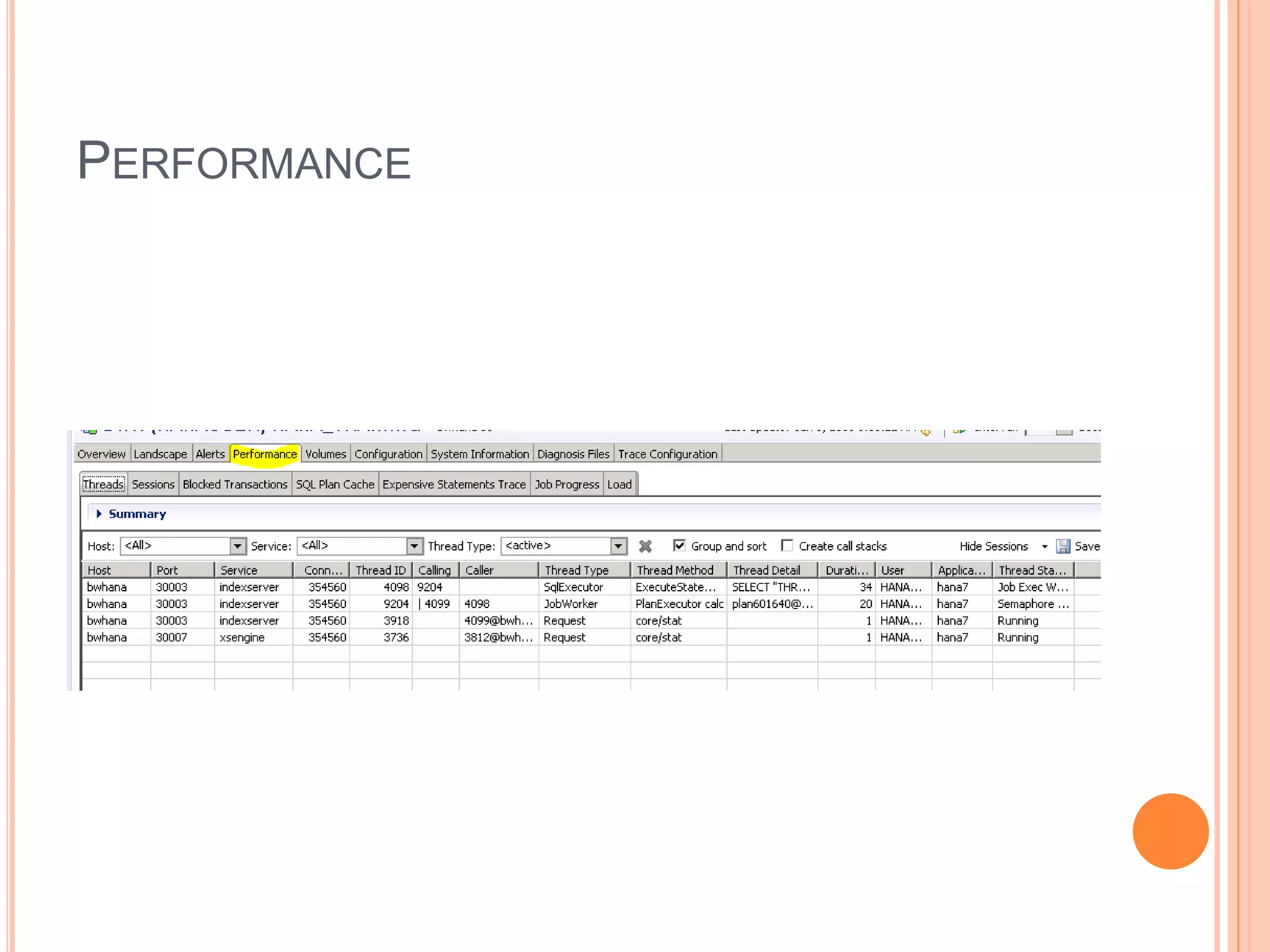
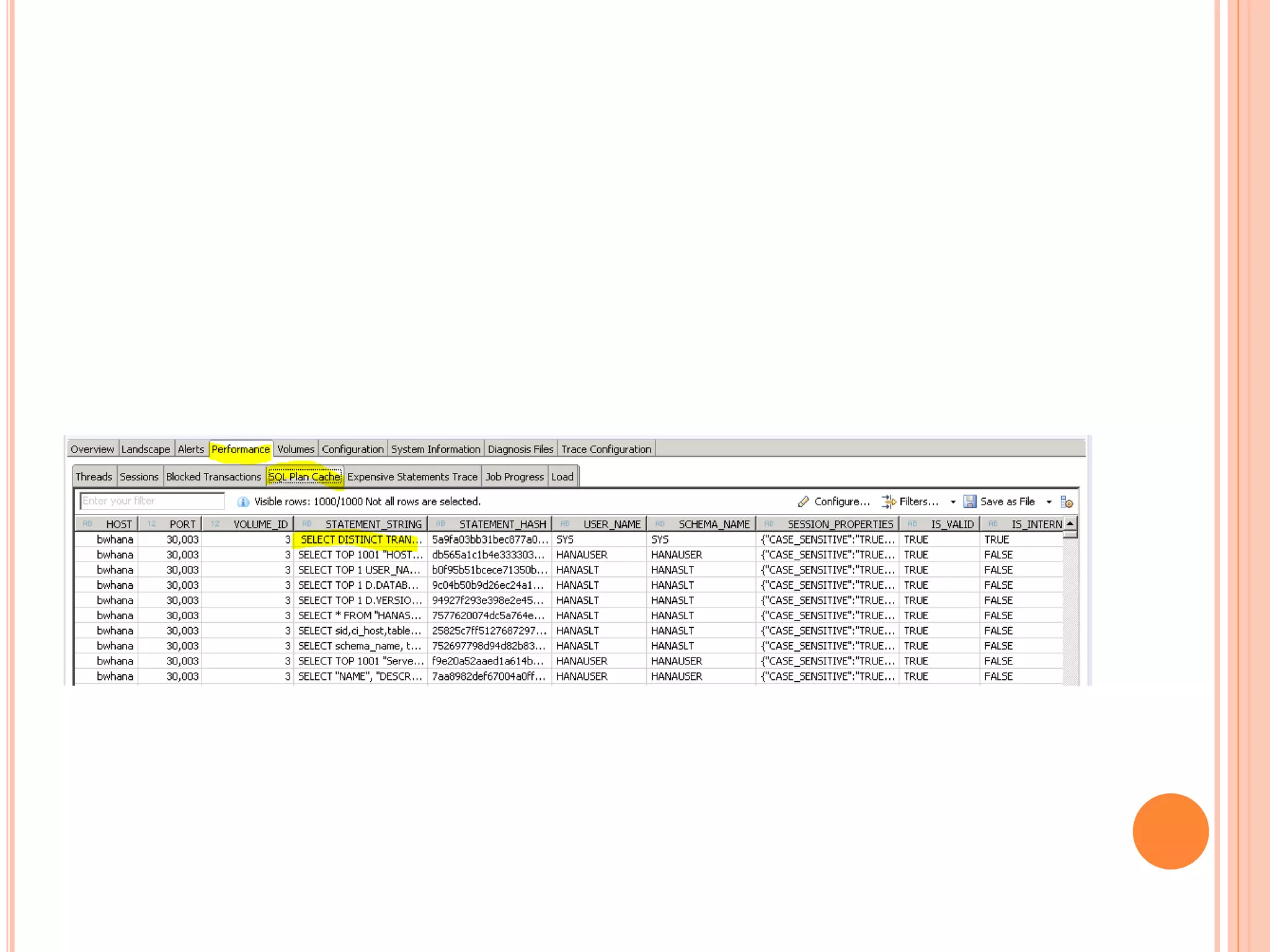
PERFORMANCE
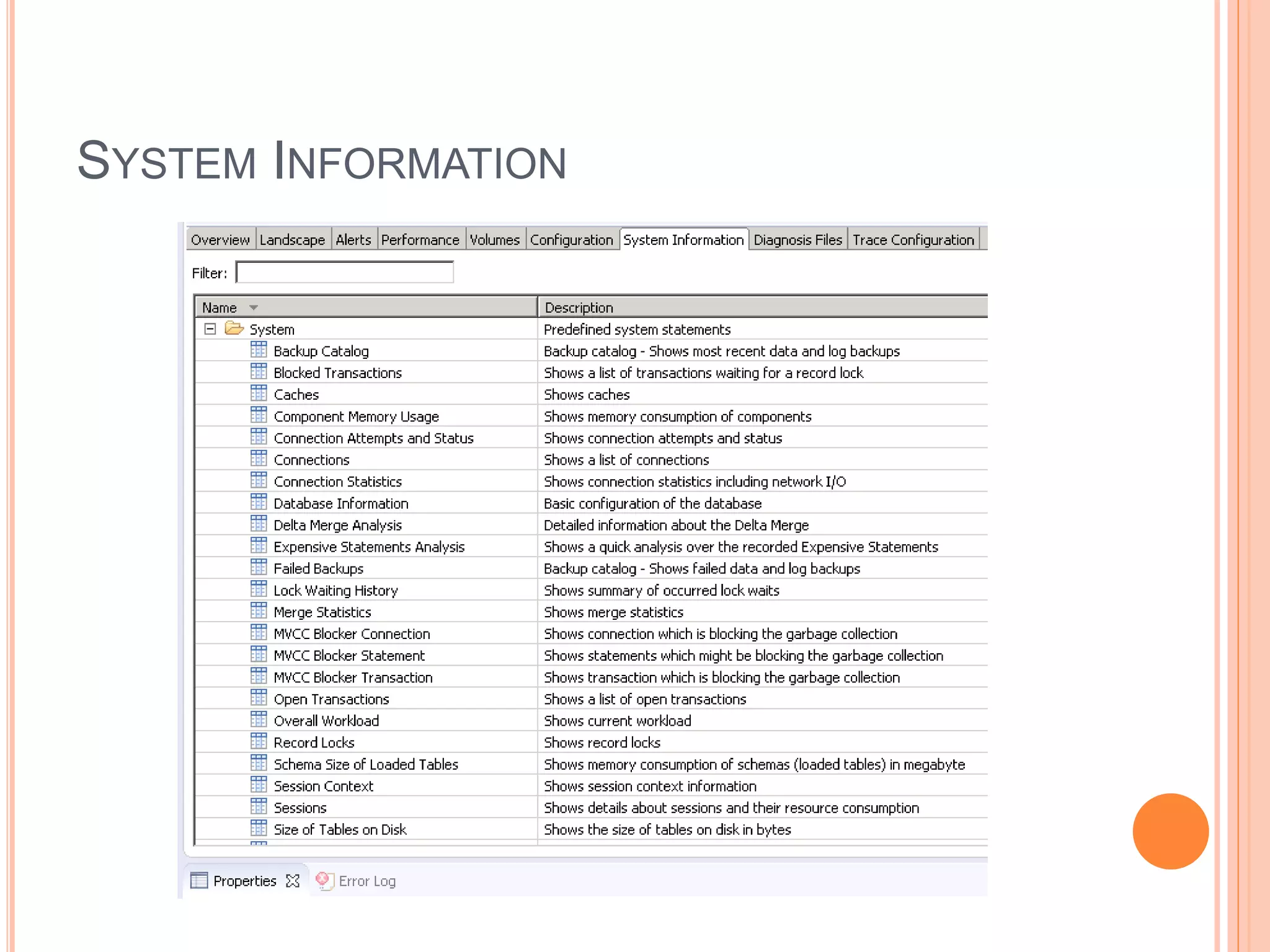
SYSTEM INFORMATION
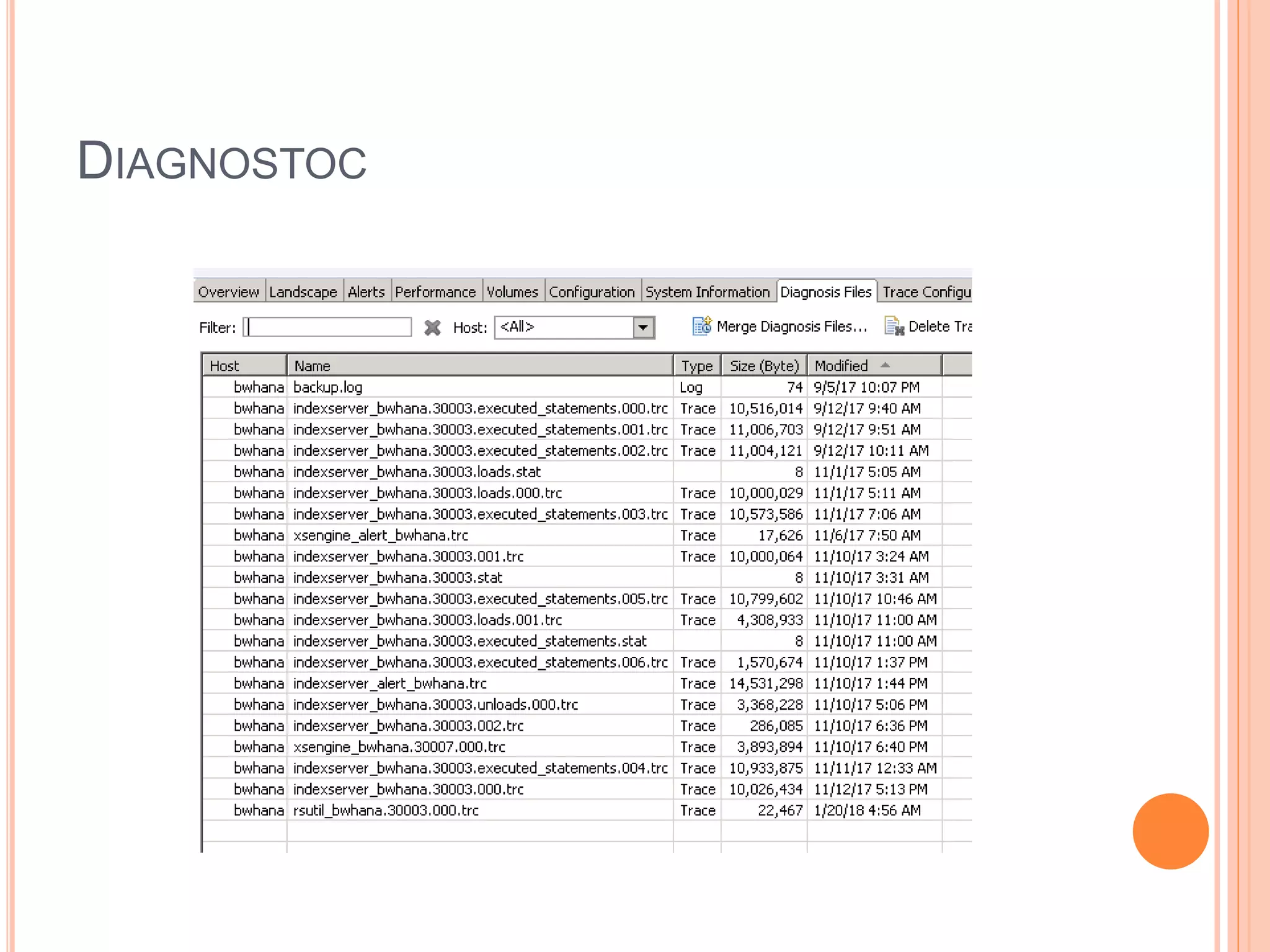
DIAGNOSTOC
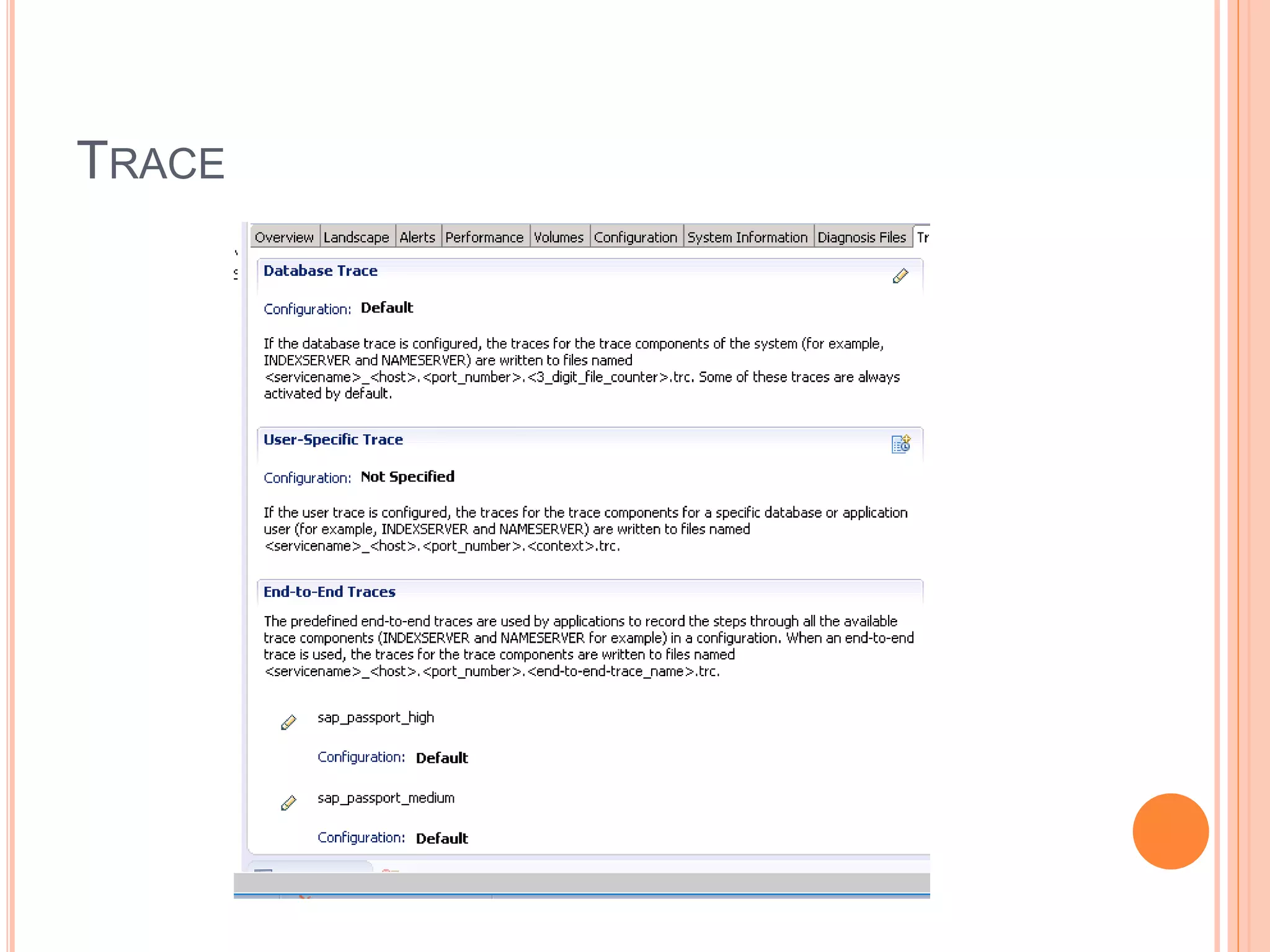
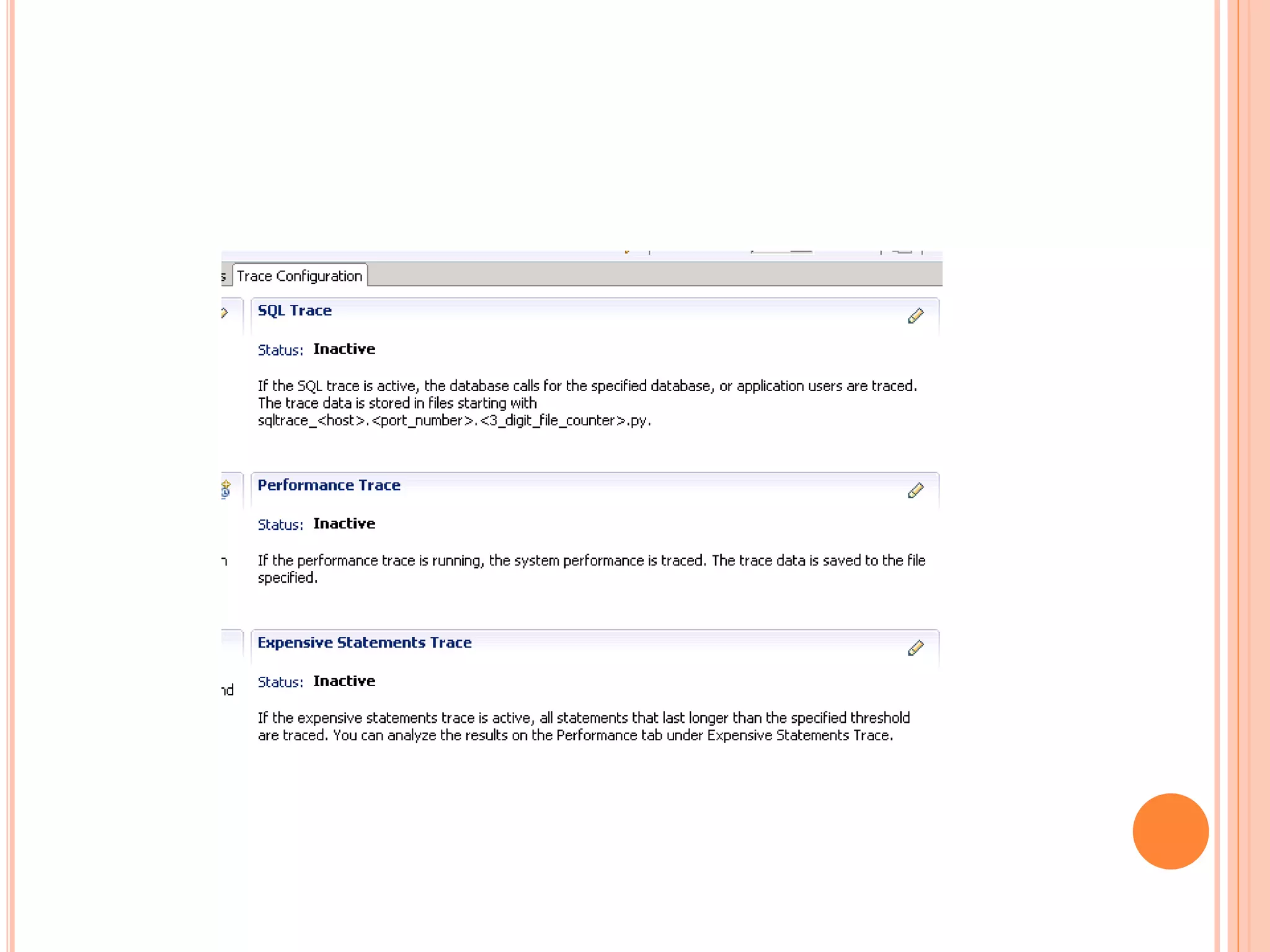
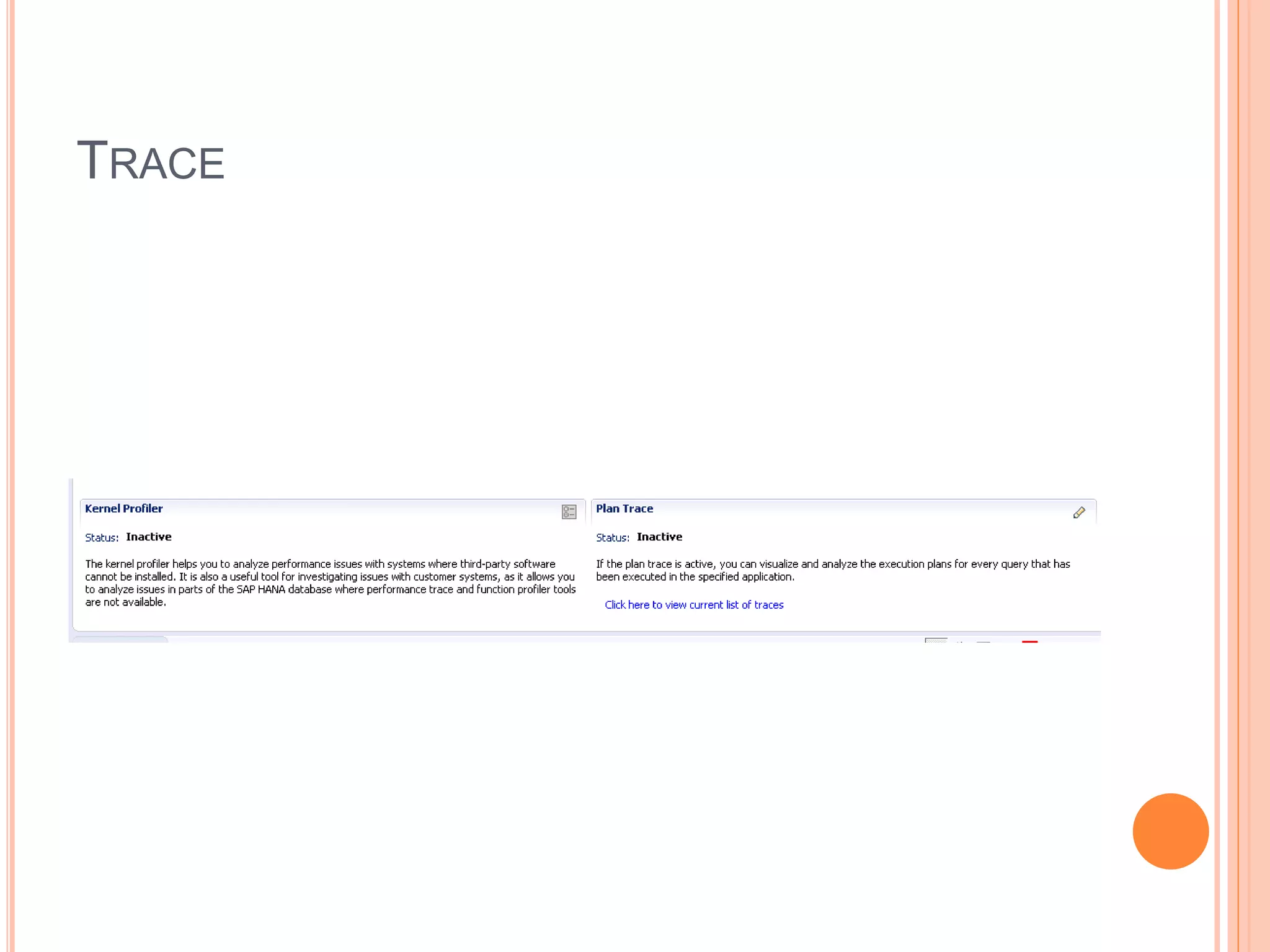
TRACE
TRACE
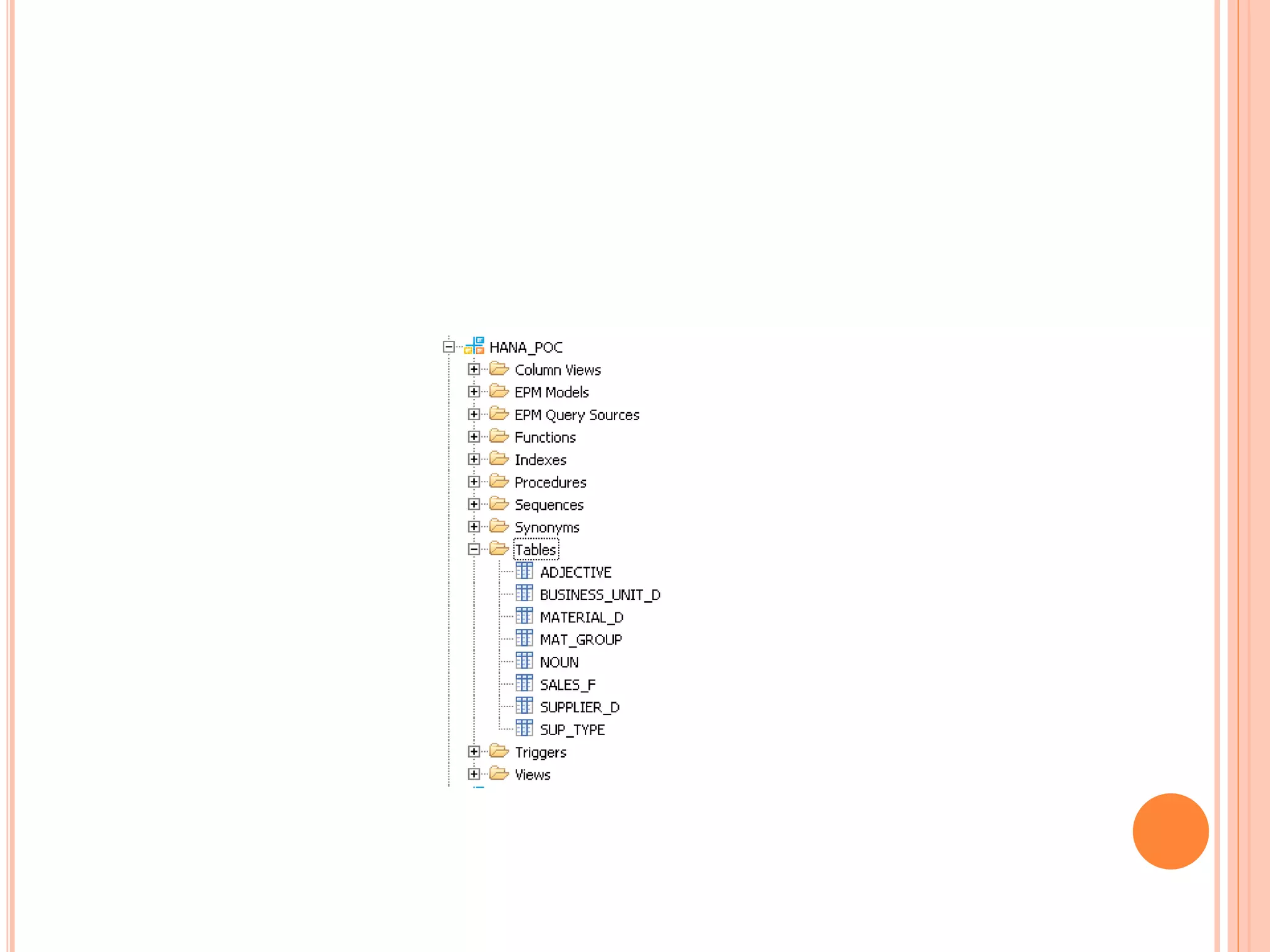
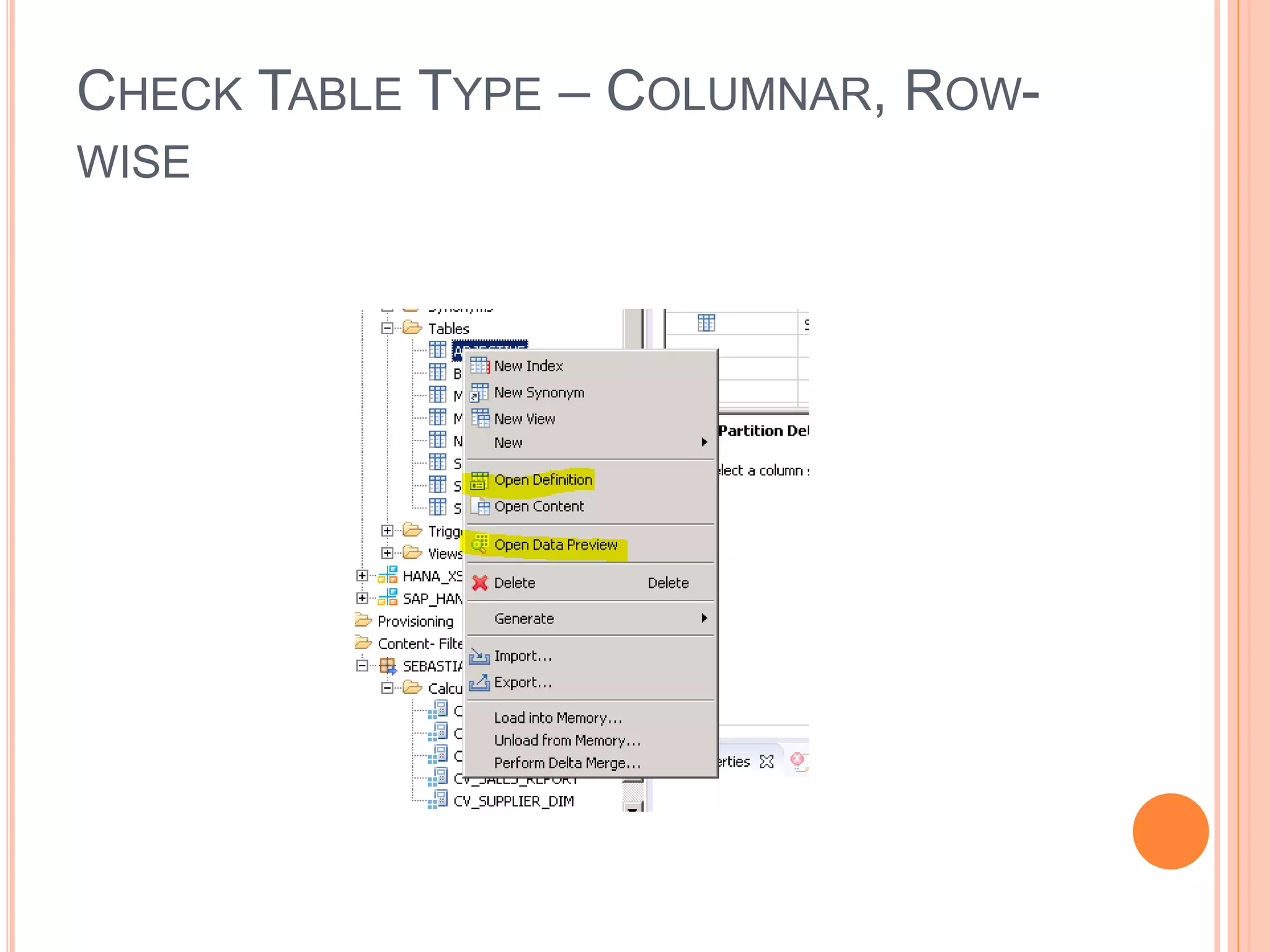
CHECK TABLE TYPE – COLUMNAR, ROW-
WISE
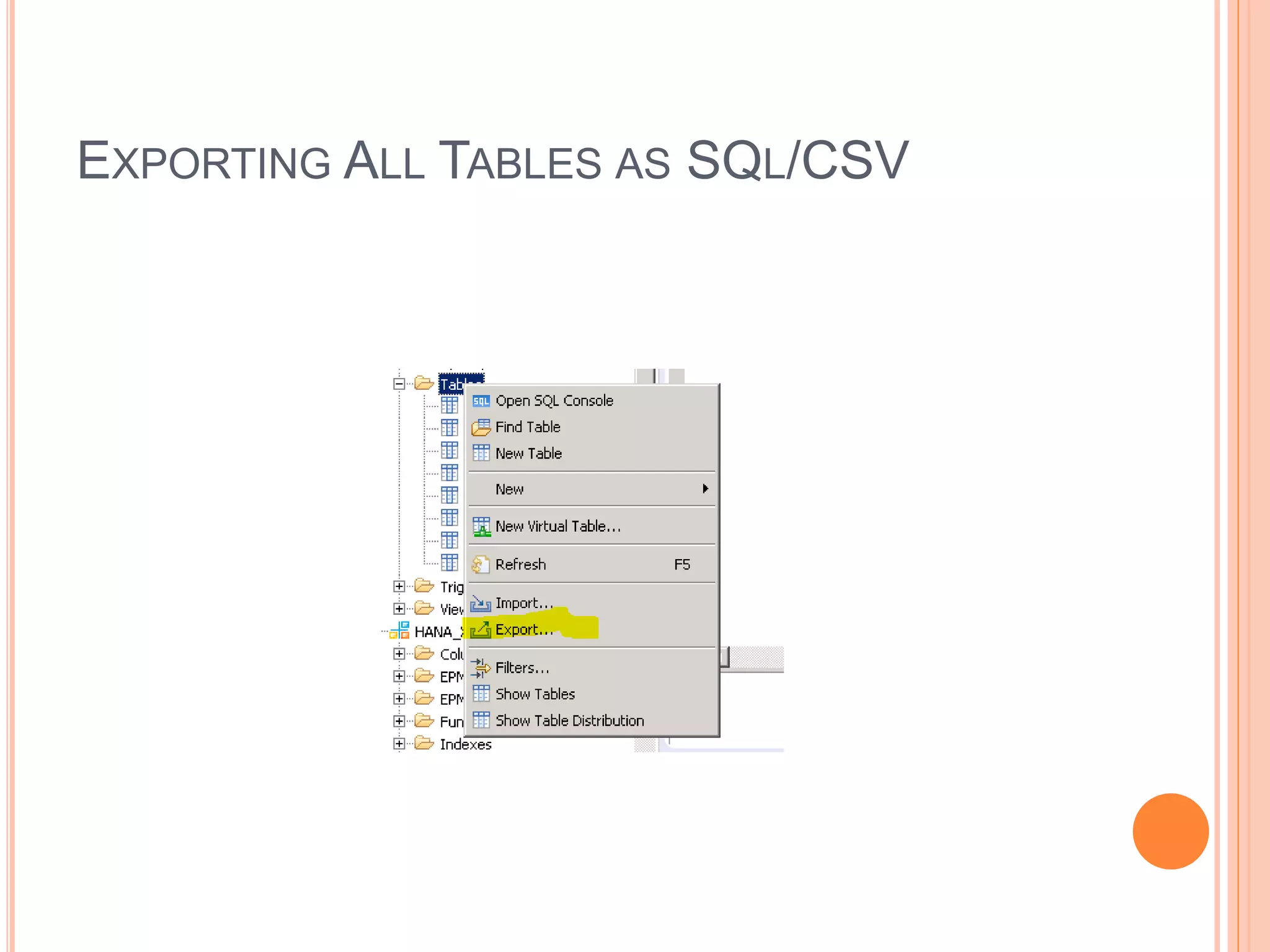
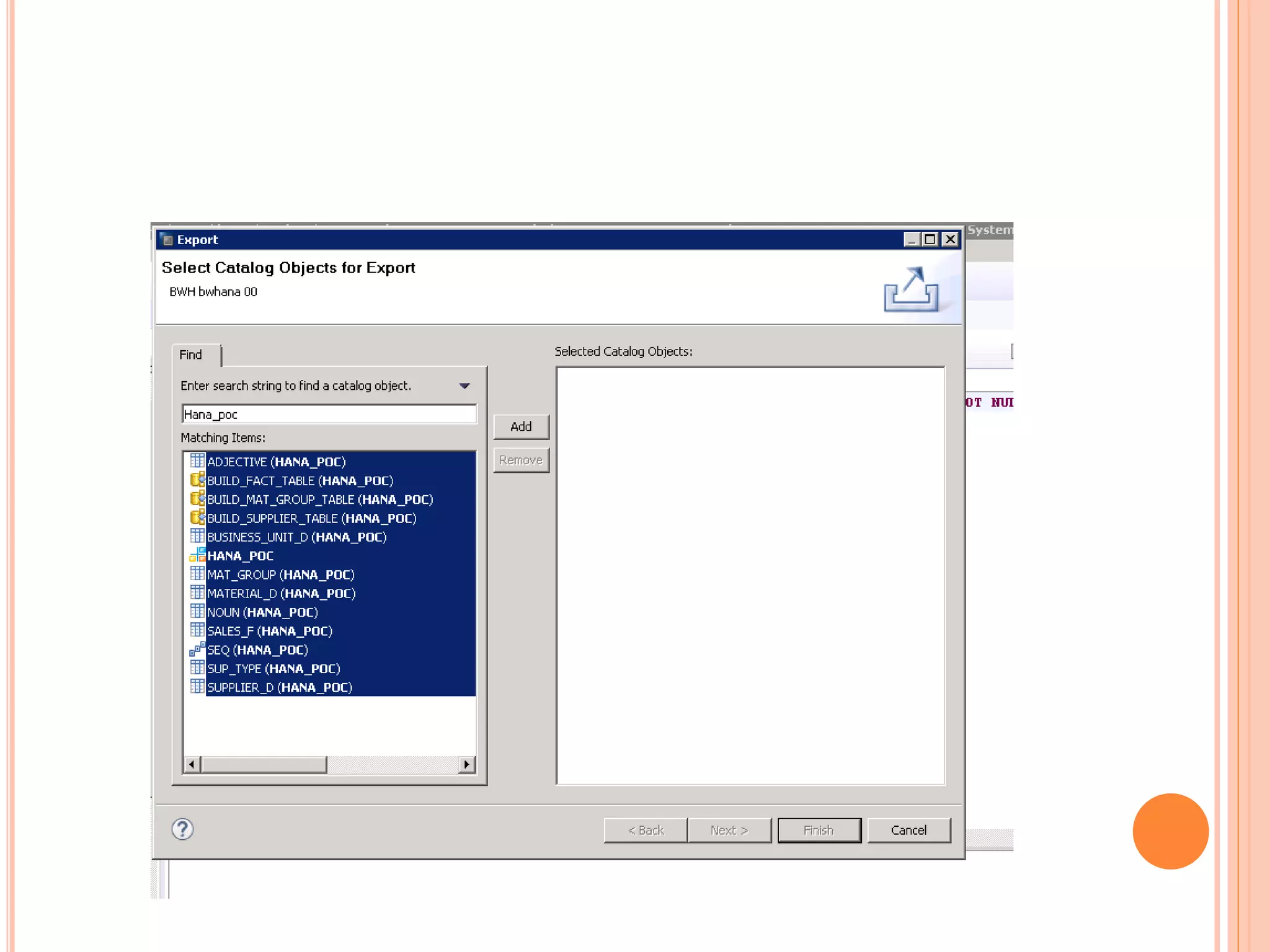
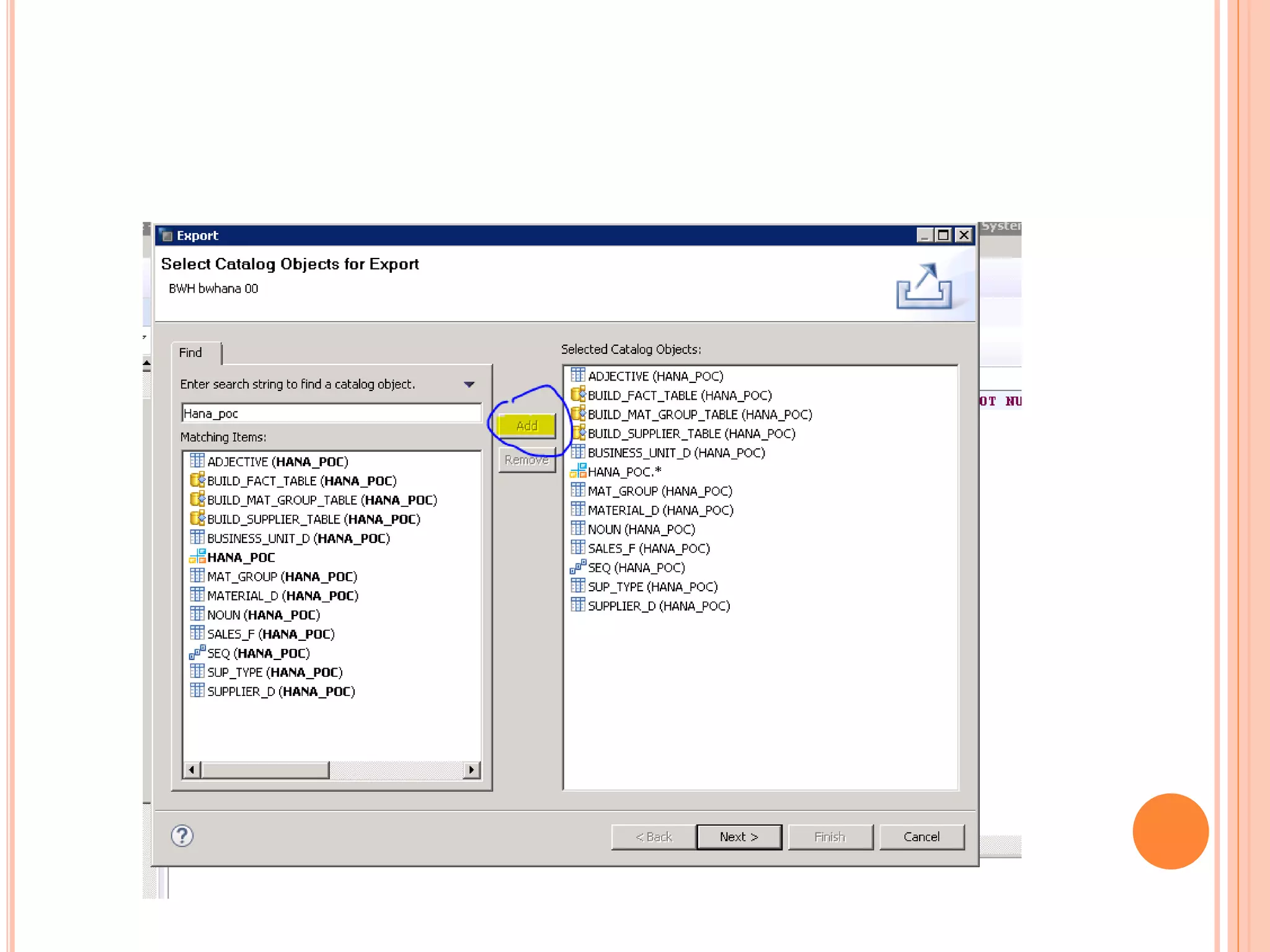
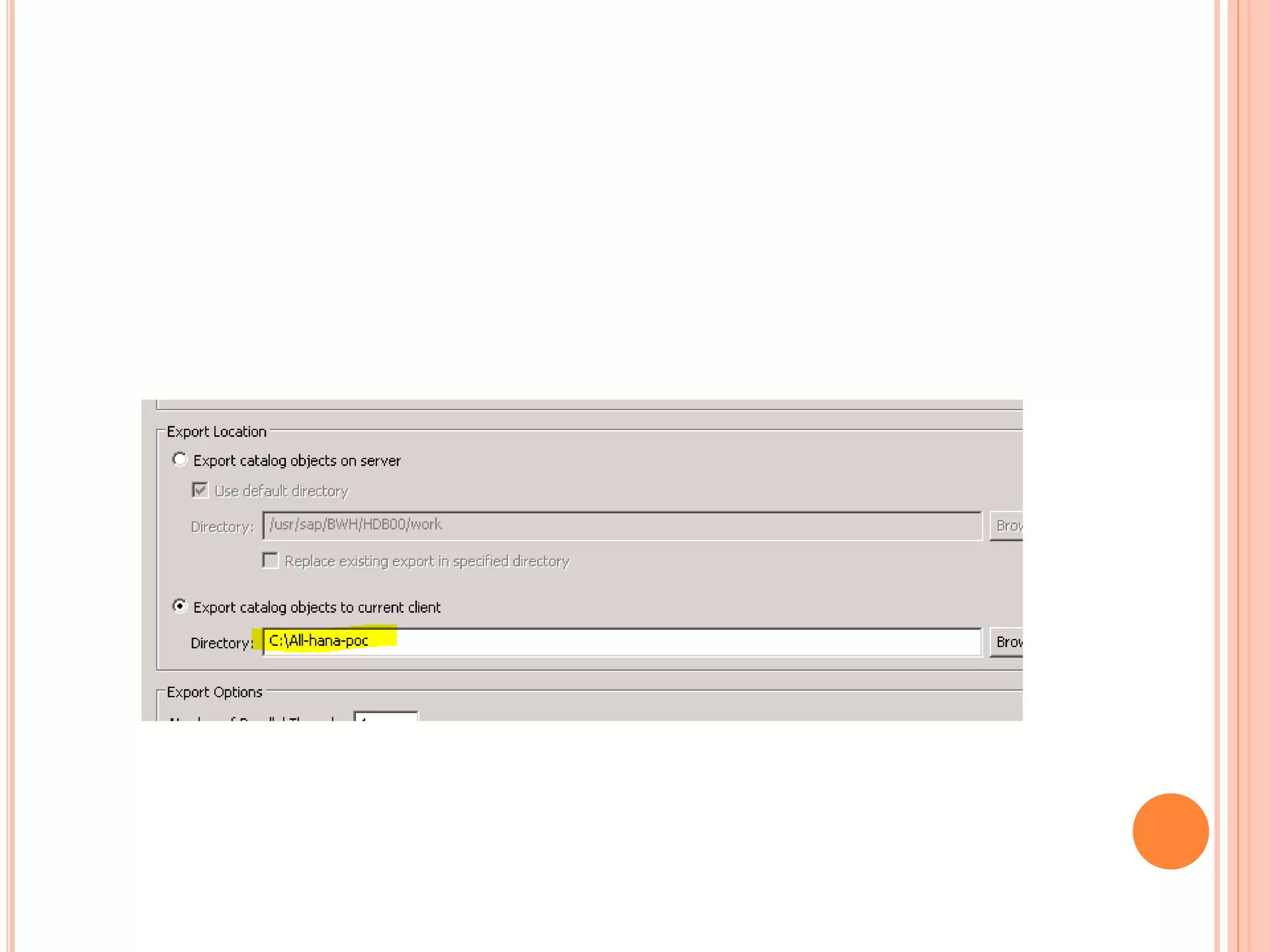
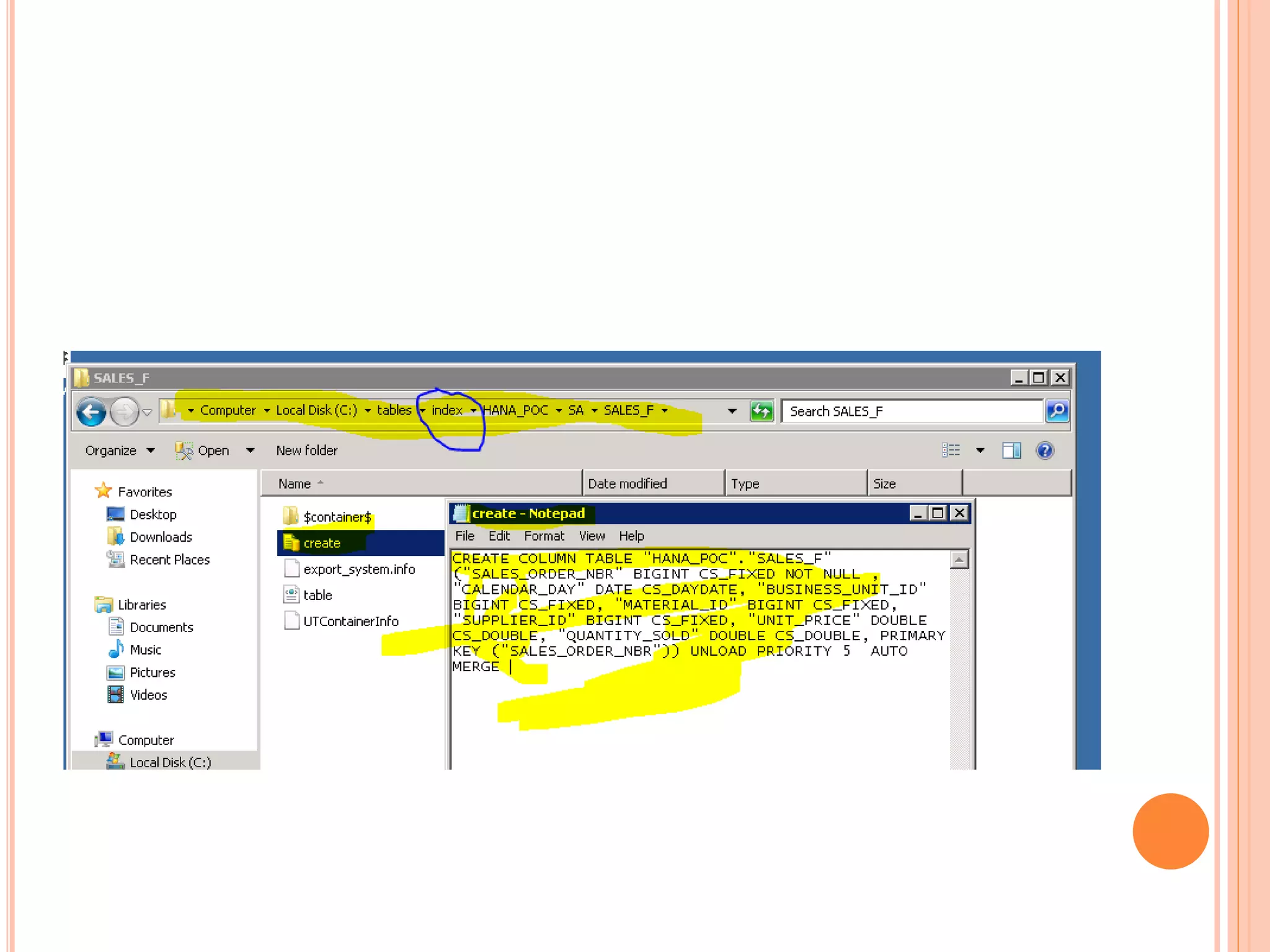
EXPORTING ALL TABLES AS SQL/CSV
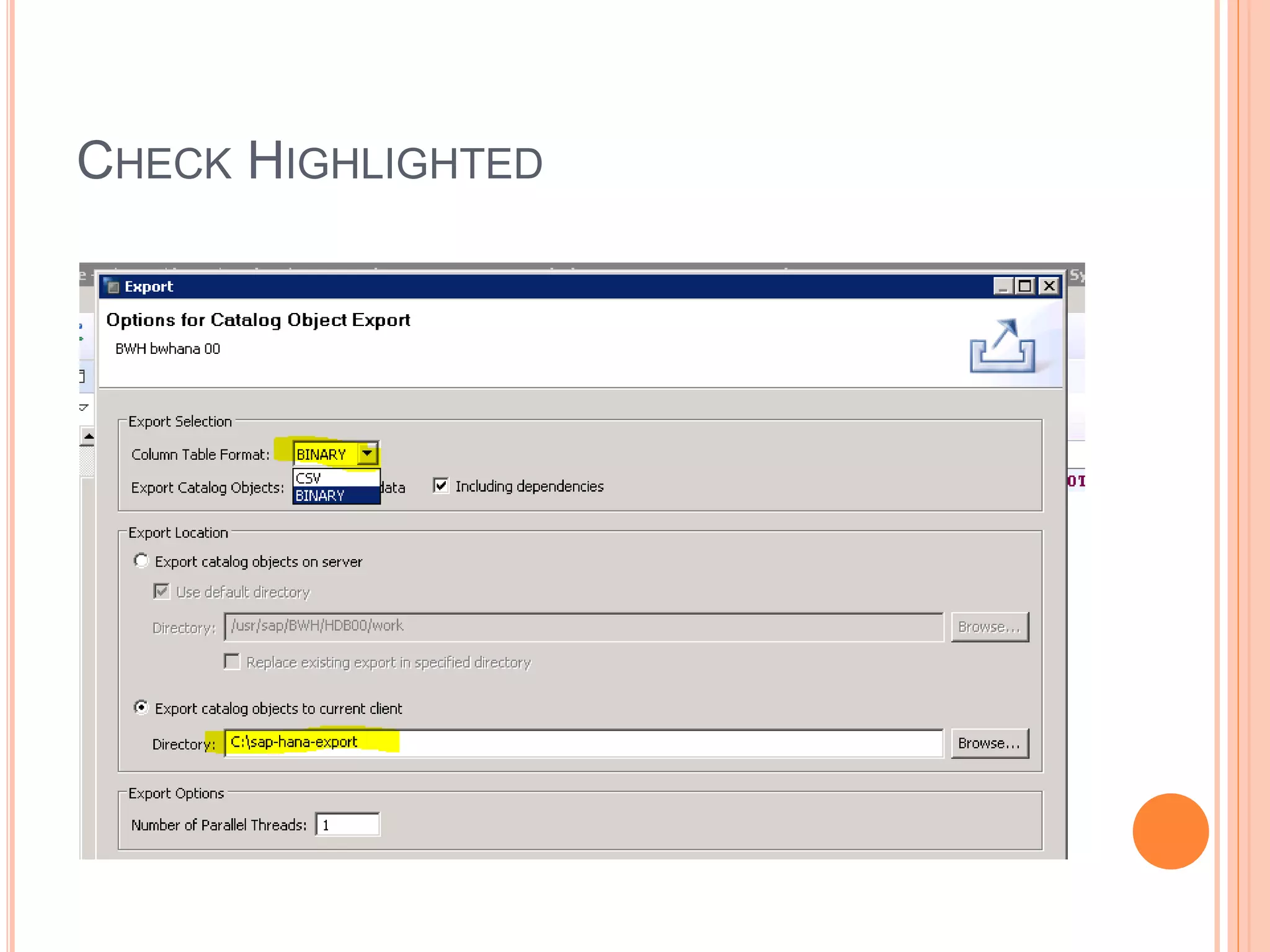
CHECK HIGHLIGHTED
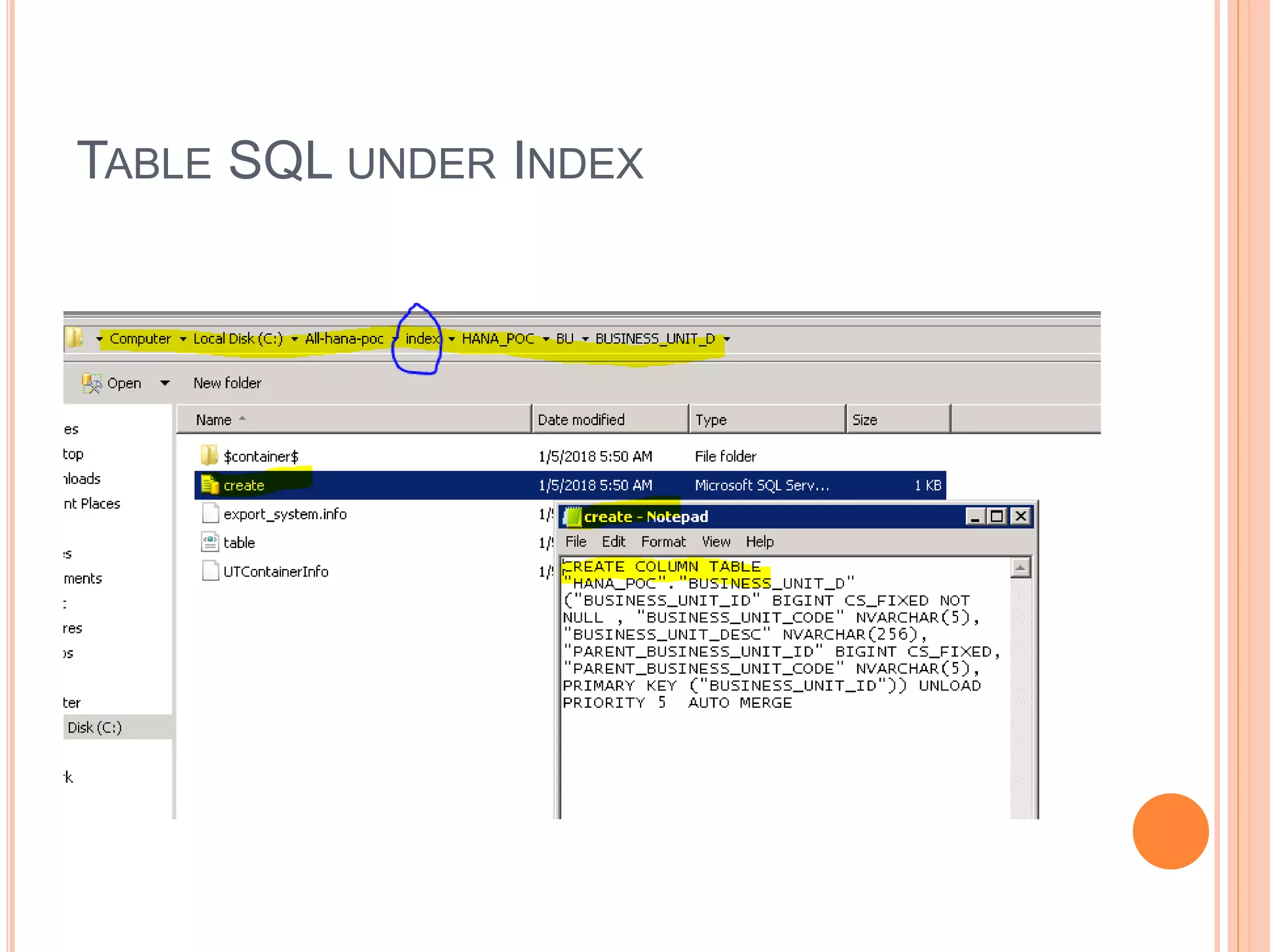
TABLE SQL UNDER INDEX
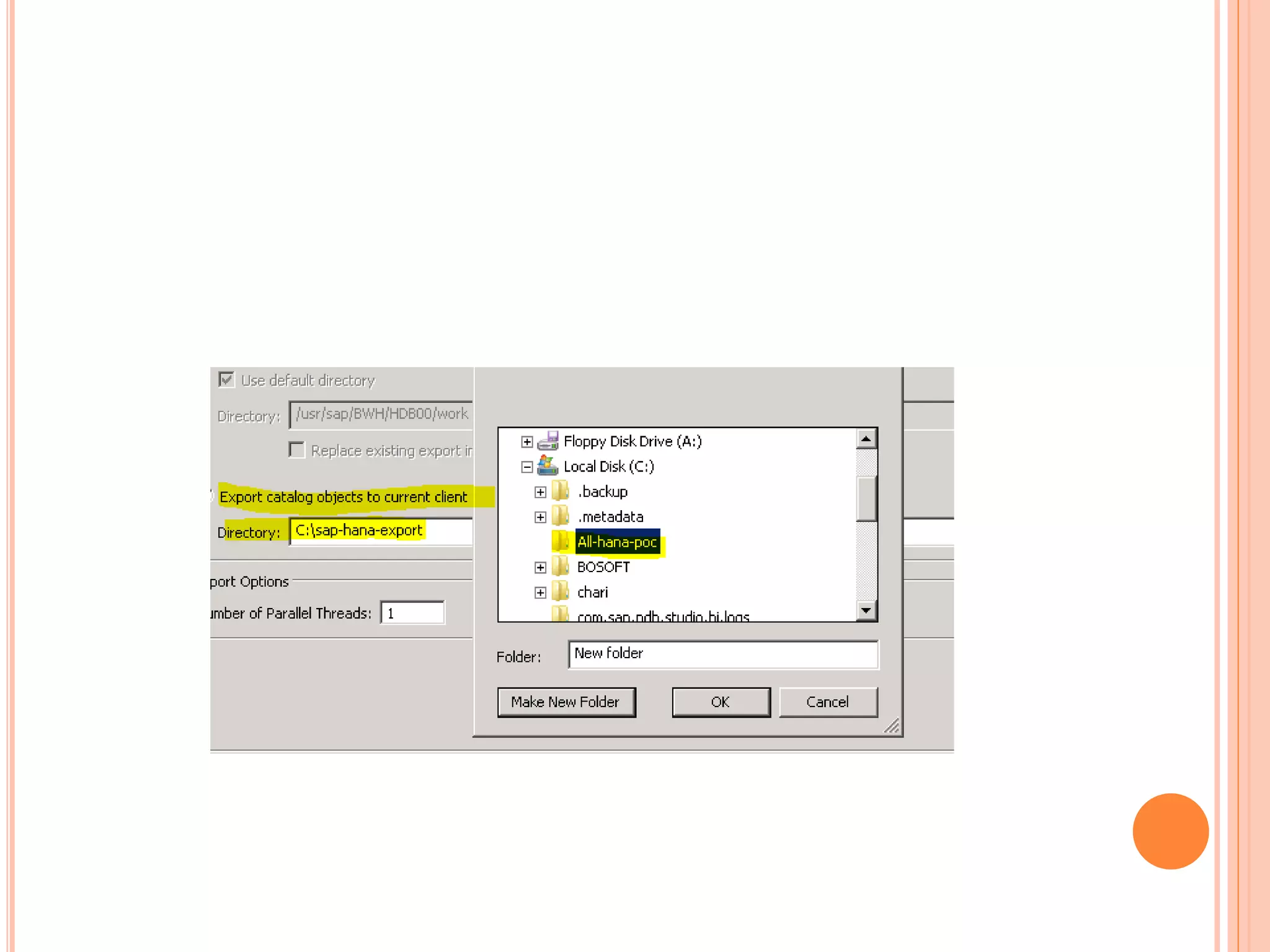
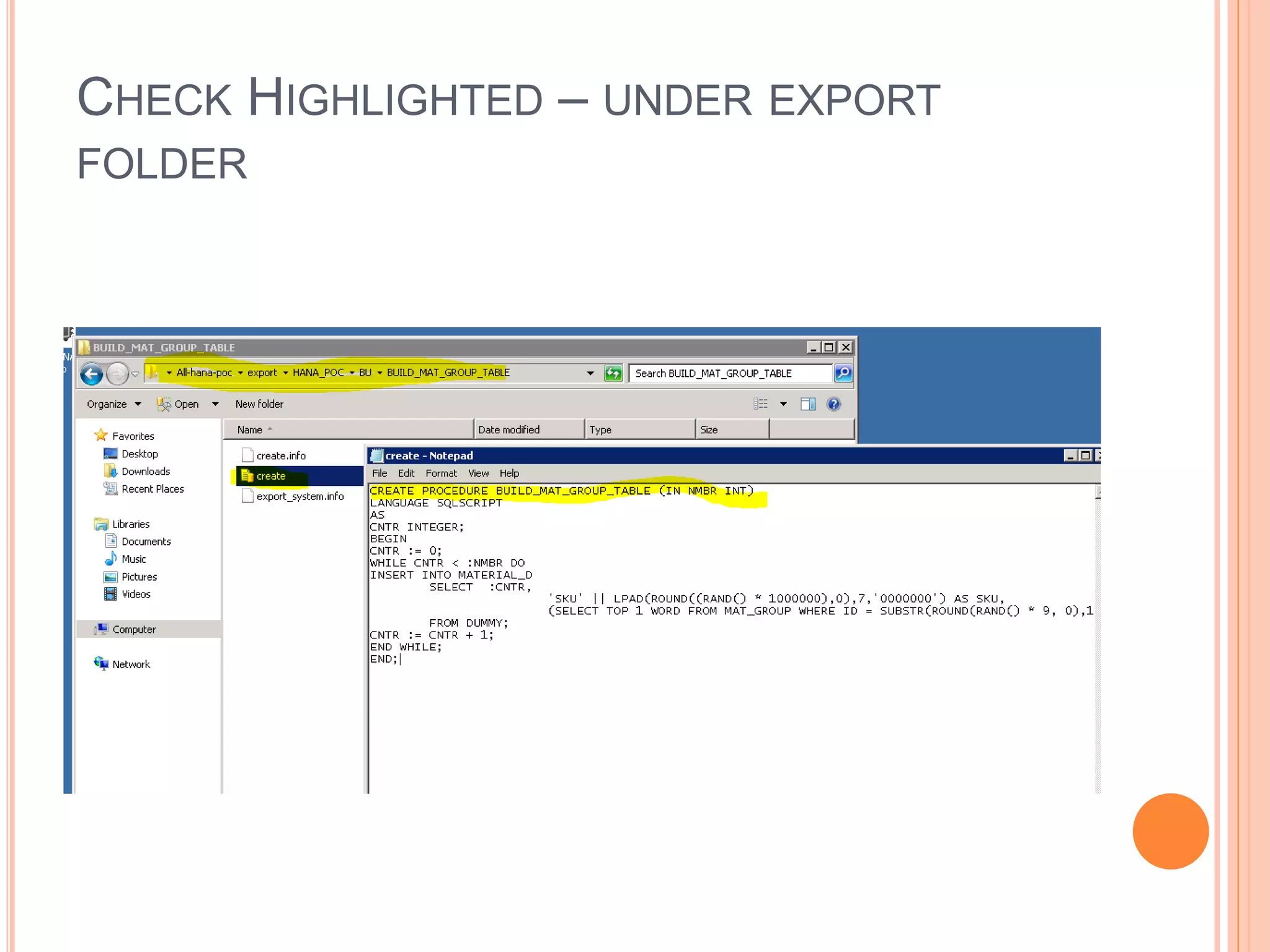
CHECK HIGHLIGHTED – UNDER EXPORT
FOLDER
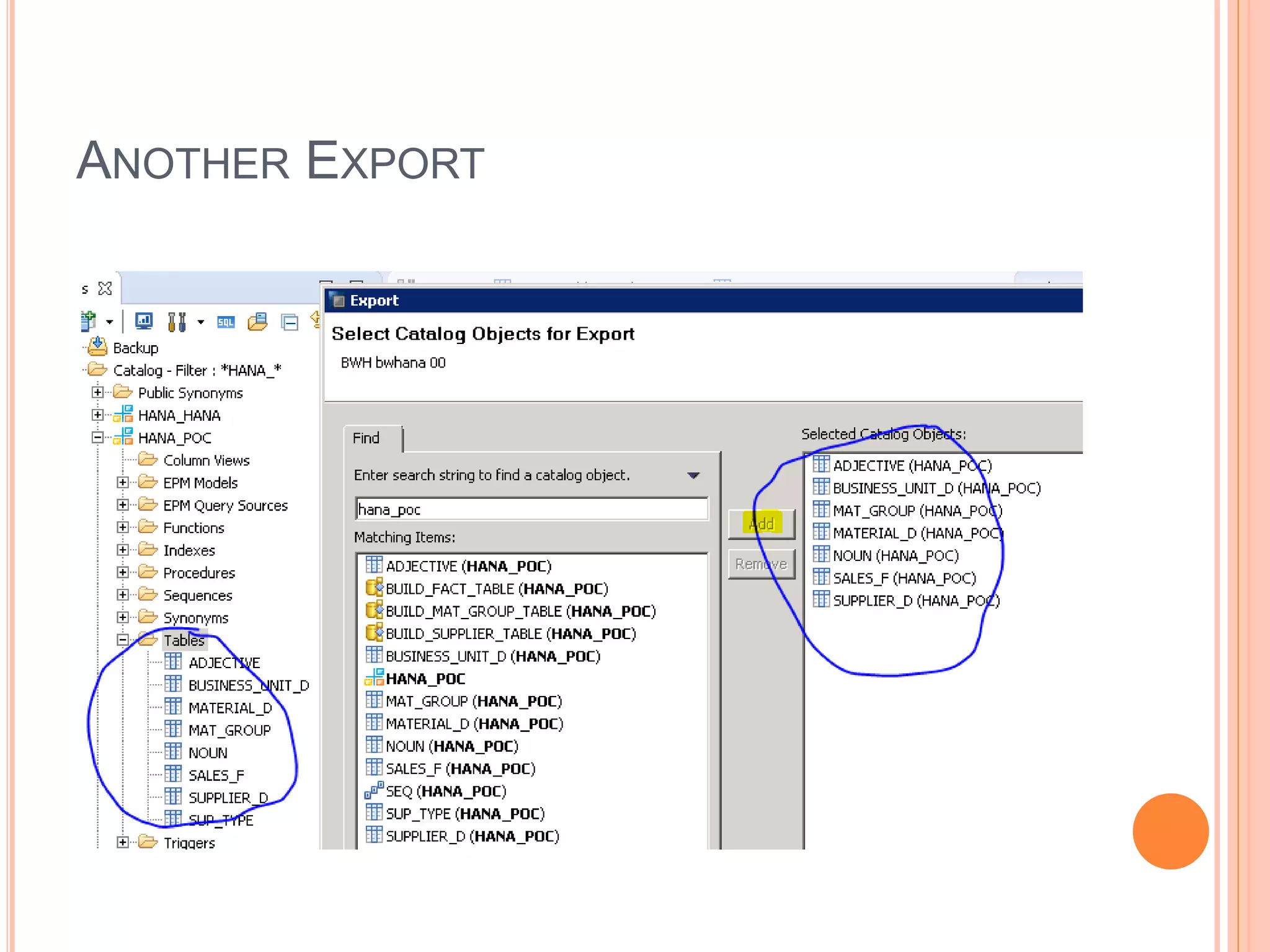
ANOTHER EXPORT
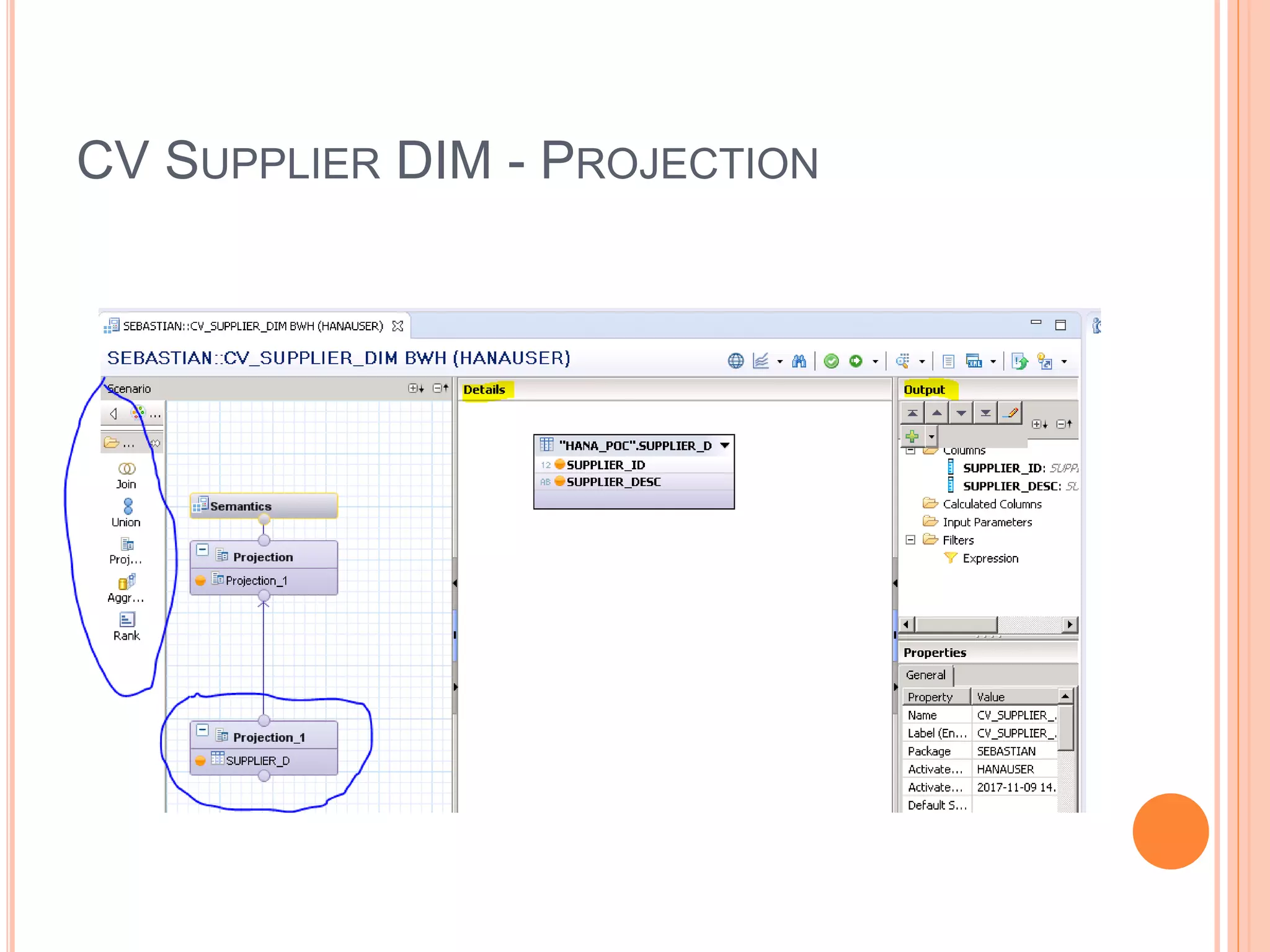
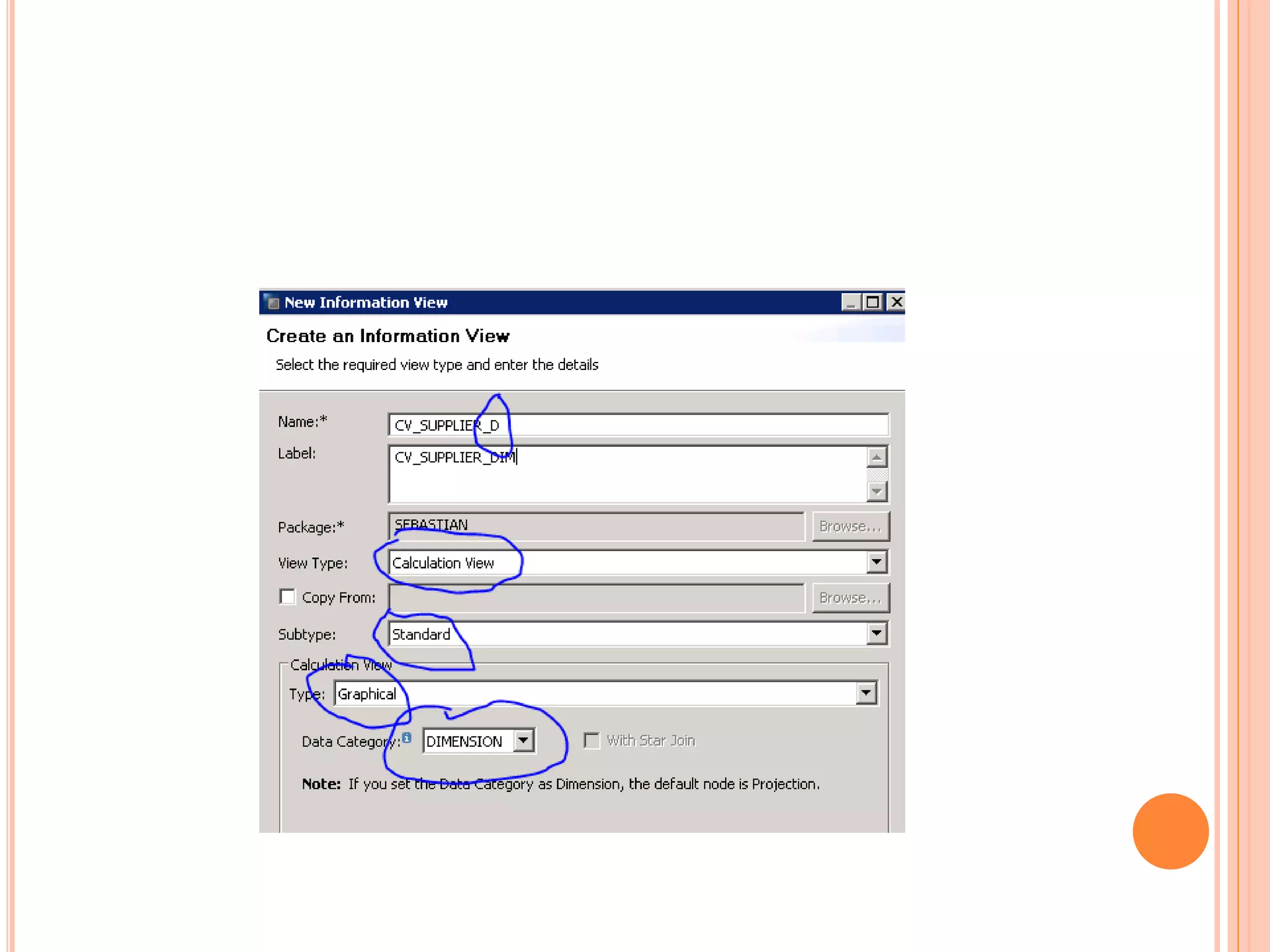
CV SUPPLIER DIM - PROJECTION
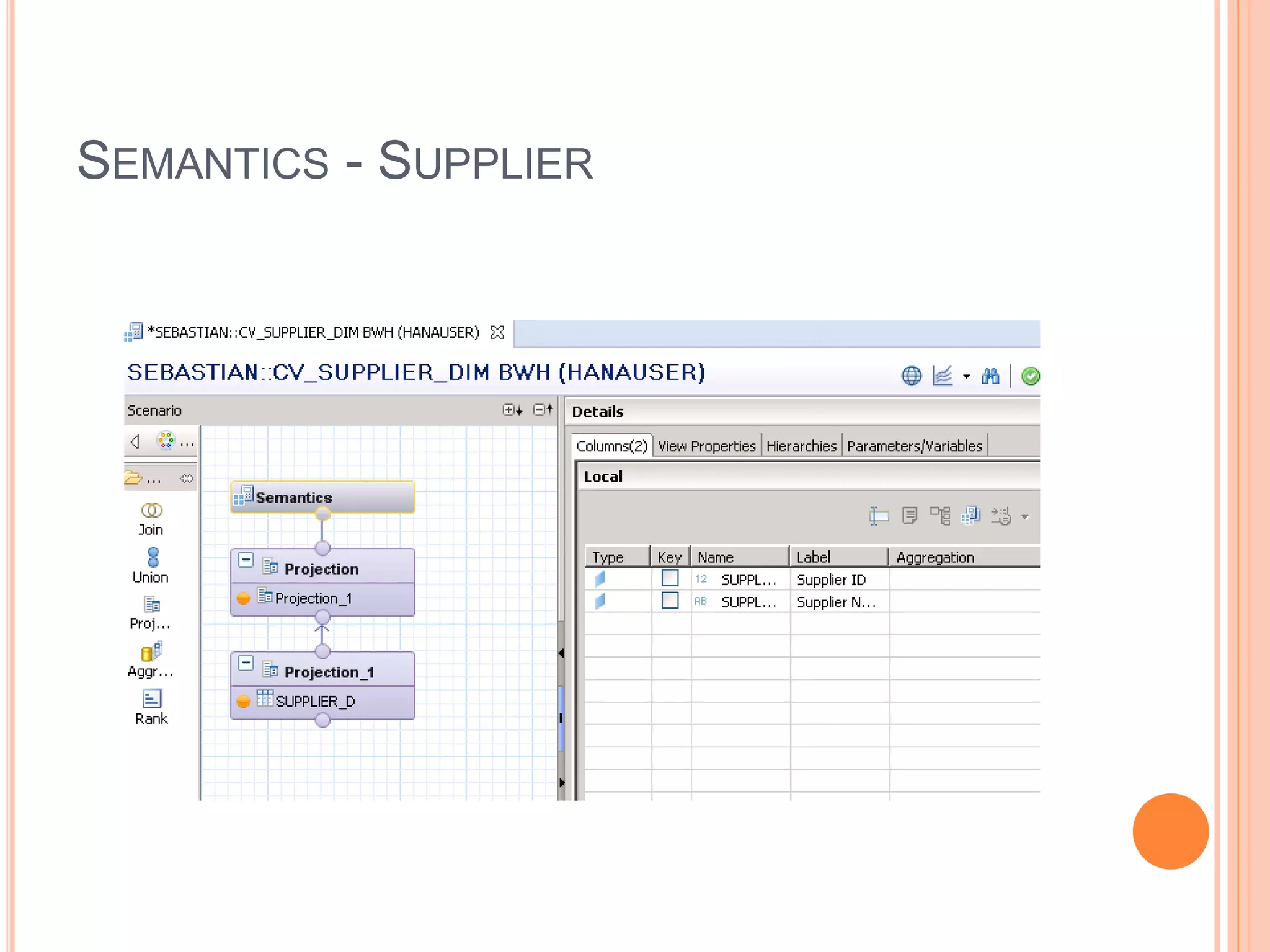
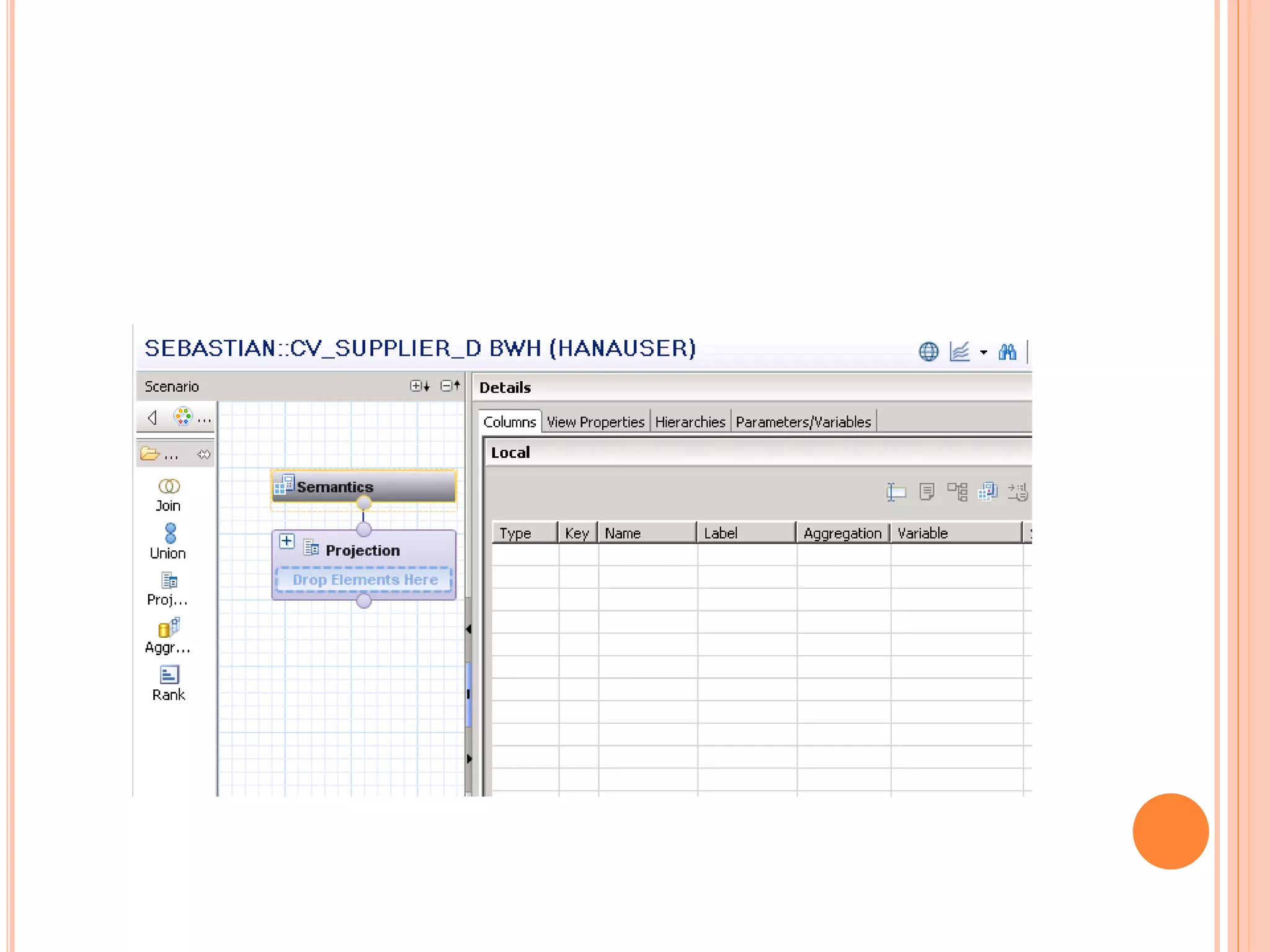
SEMANTICS - SUPPLIER
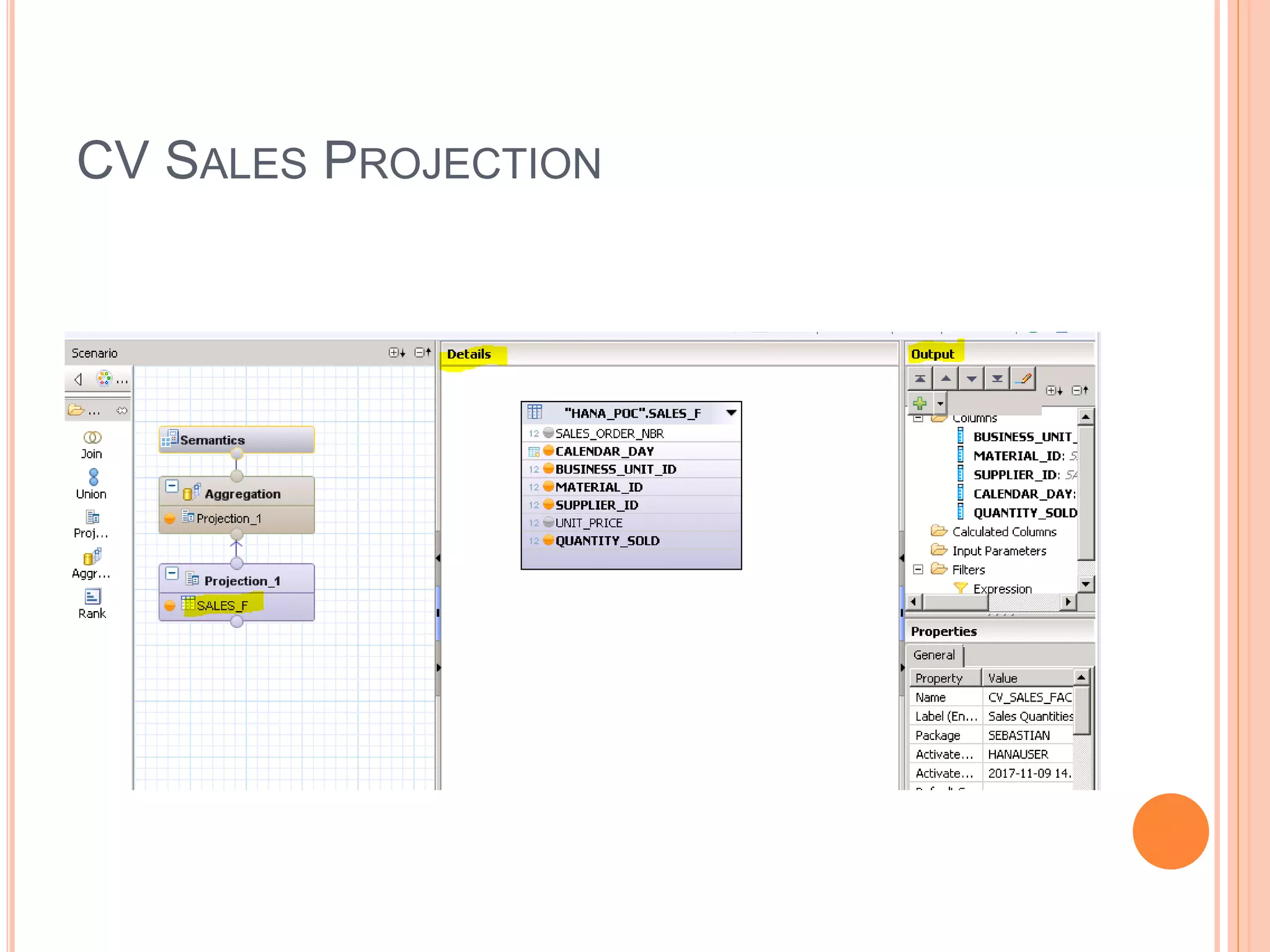
CV SALES PROJECTION
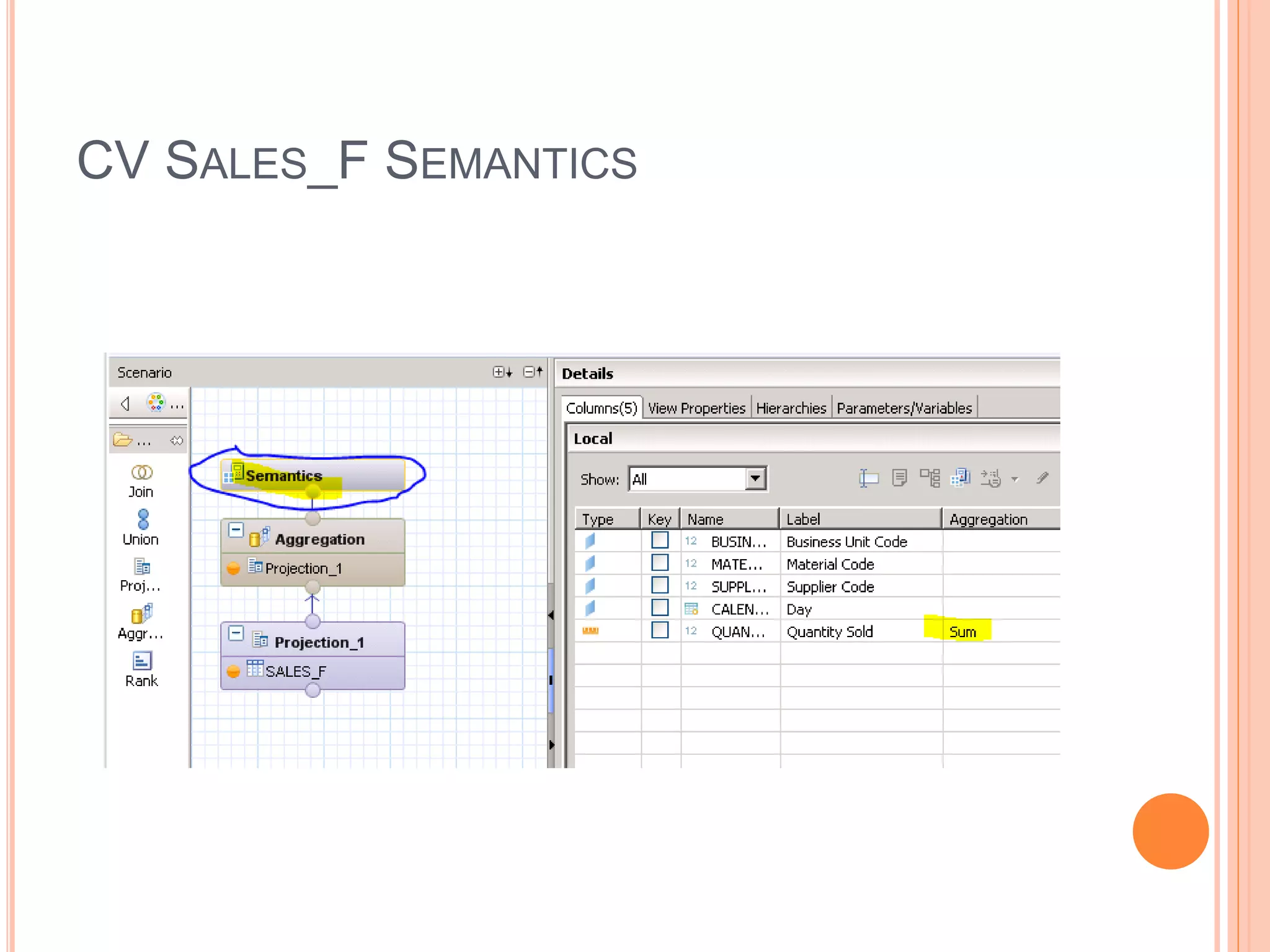
CV SALES_F SEMANTICS
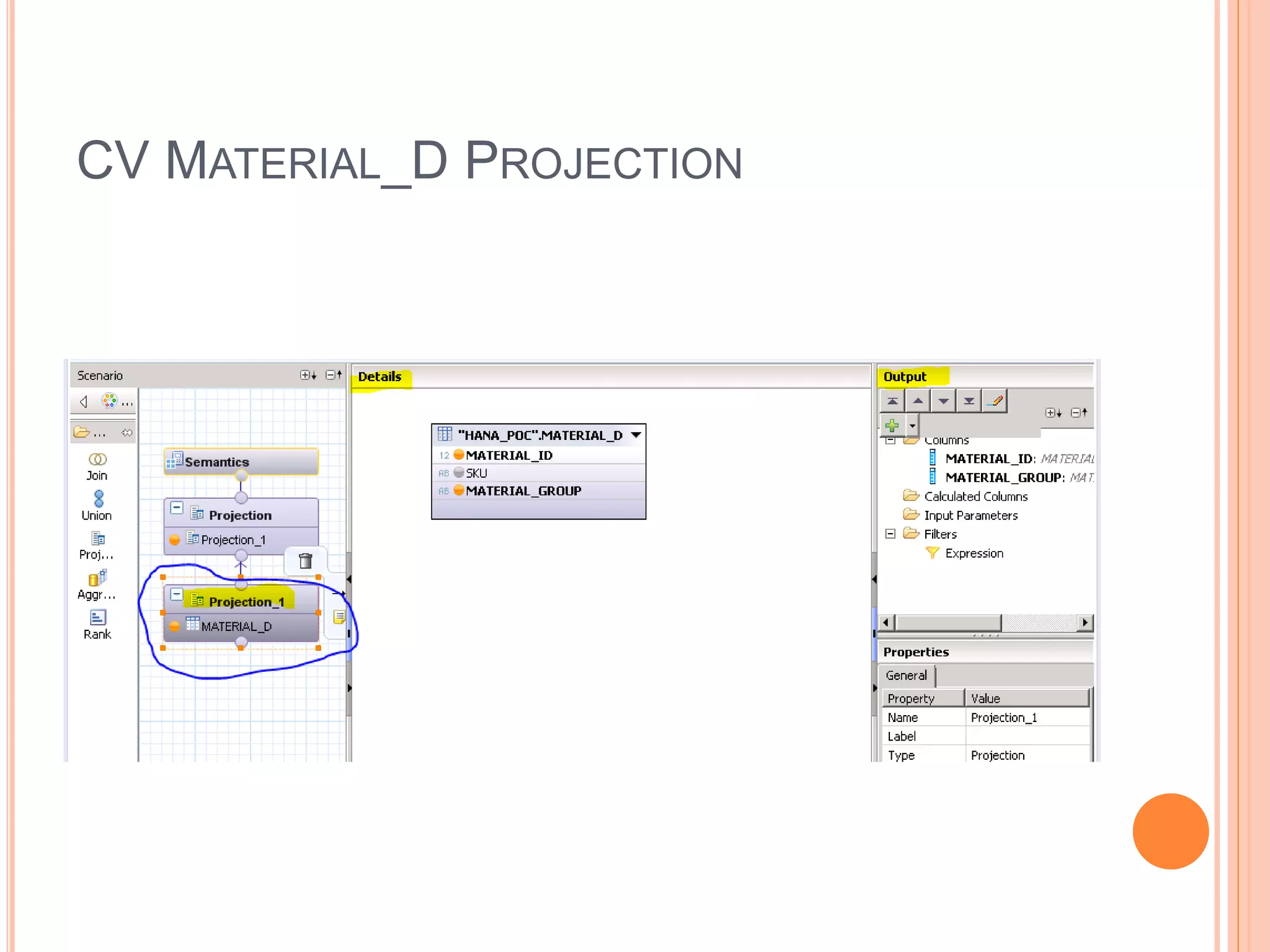
CV MATERIAL_D PROJECTION
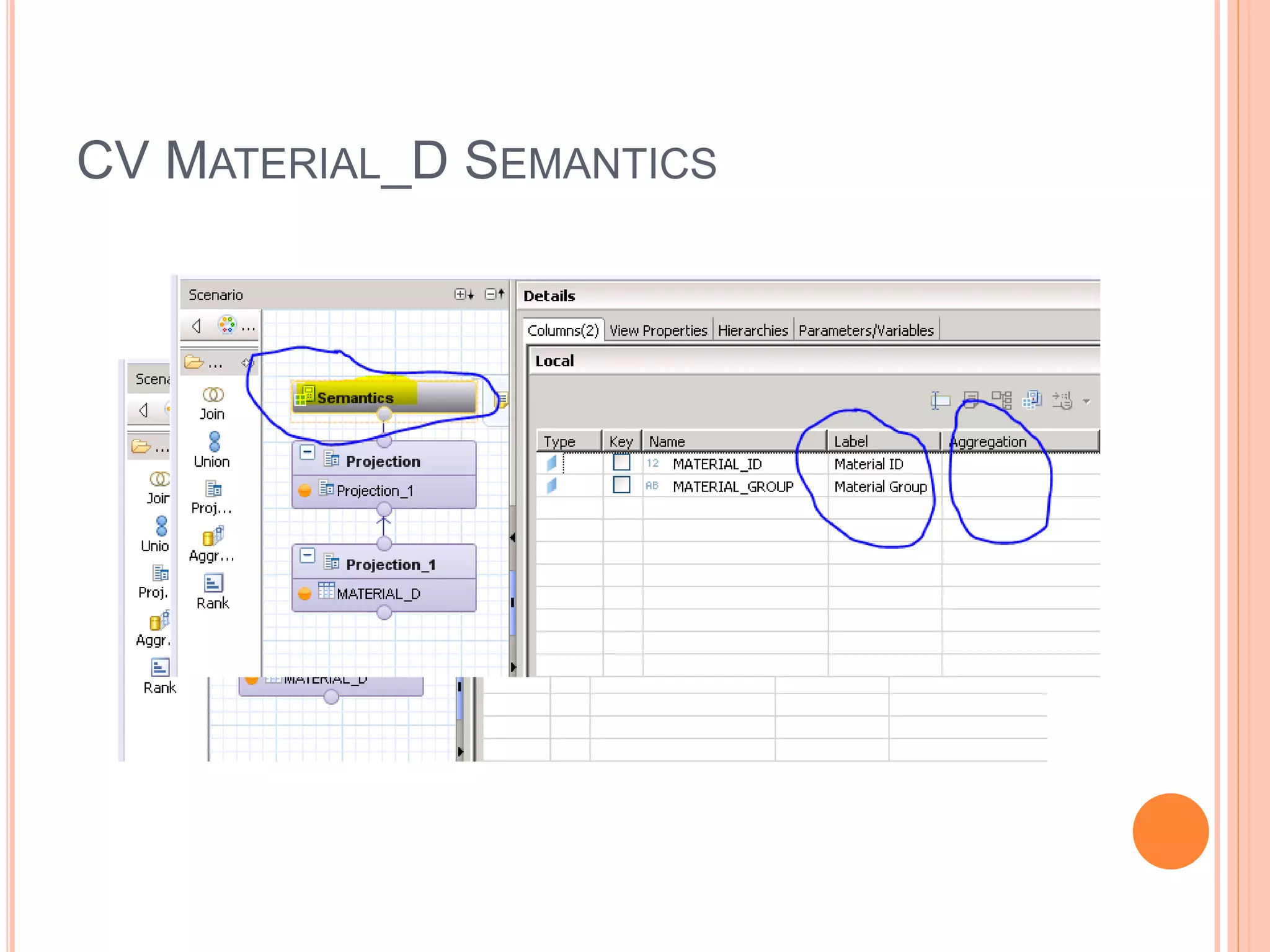
CV MATERIAL_D SEMANTICS
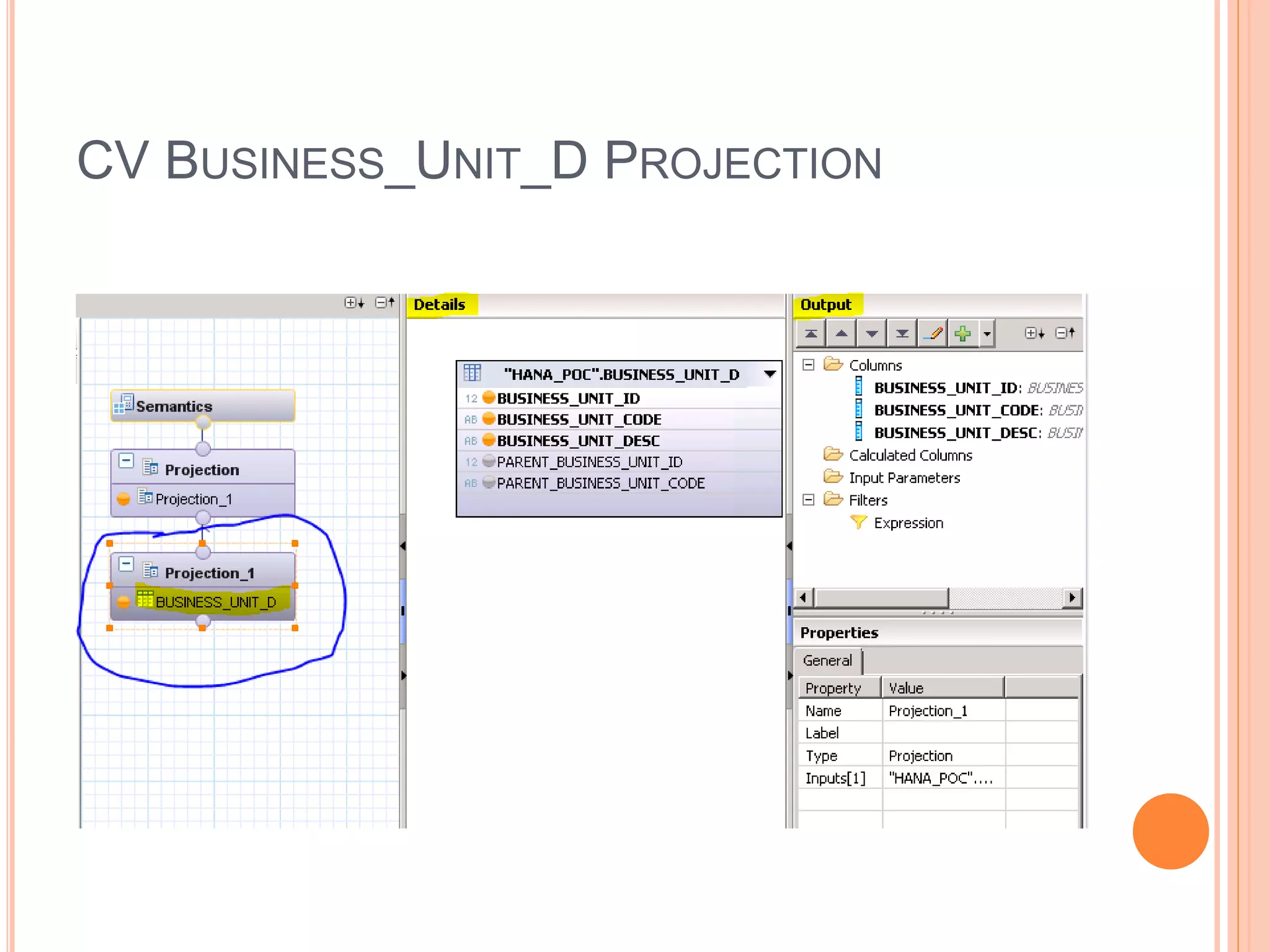
CV BUSINESS_UNIT_D PROJECTION
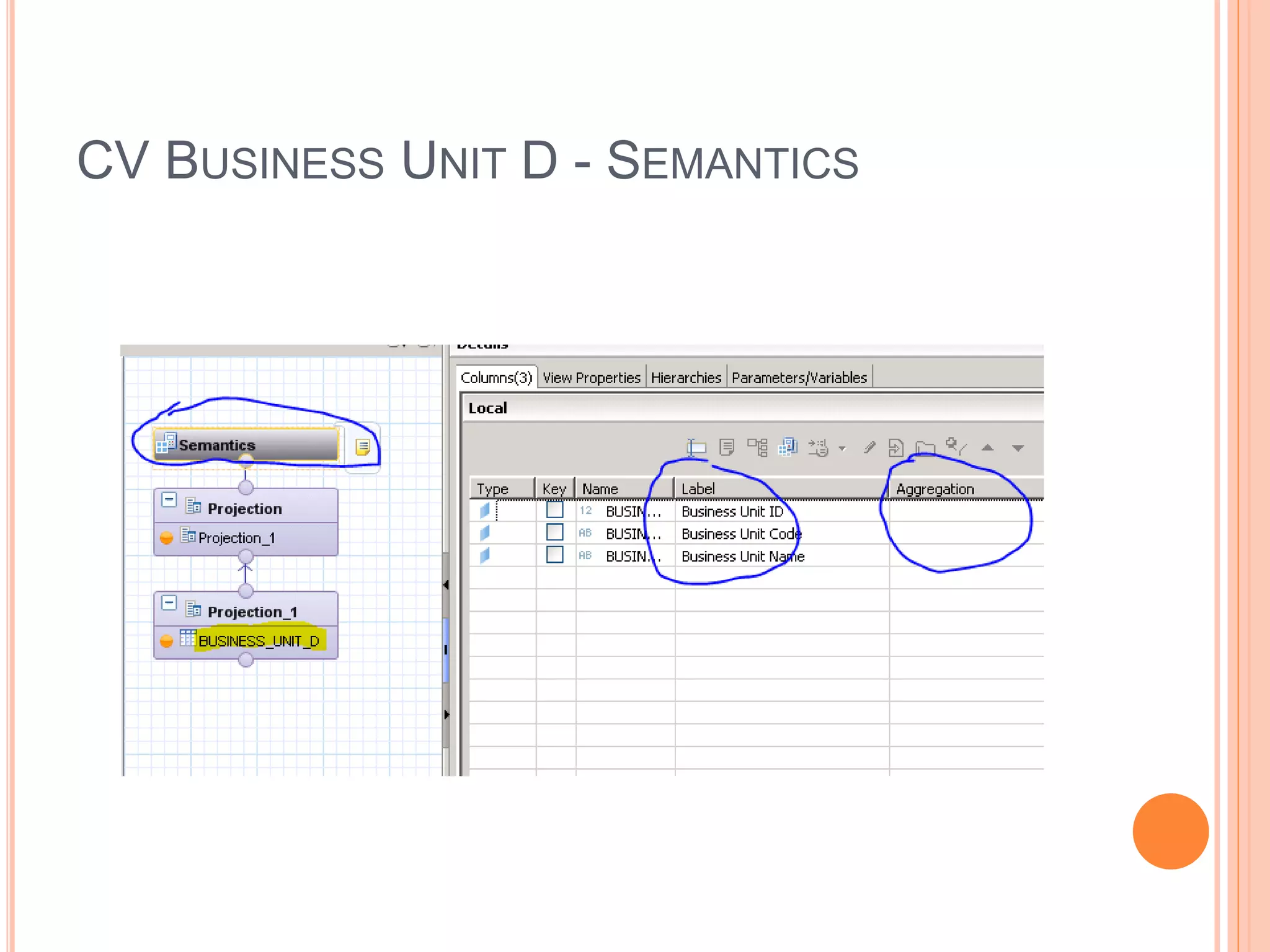
CV BUSINESS UNIT D - SEMANTICS
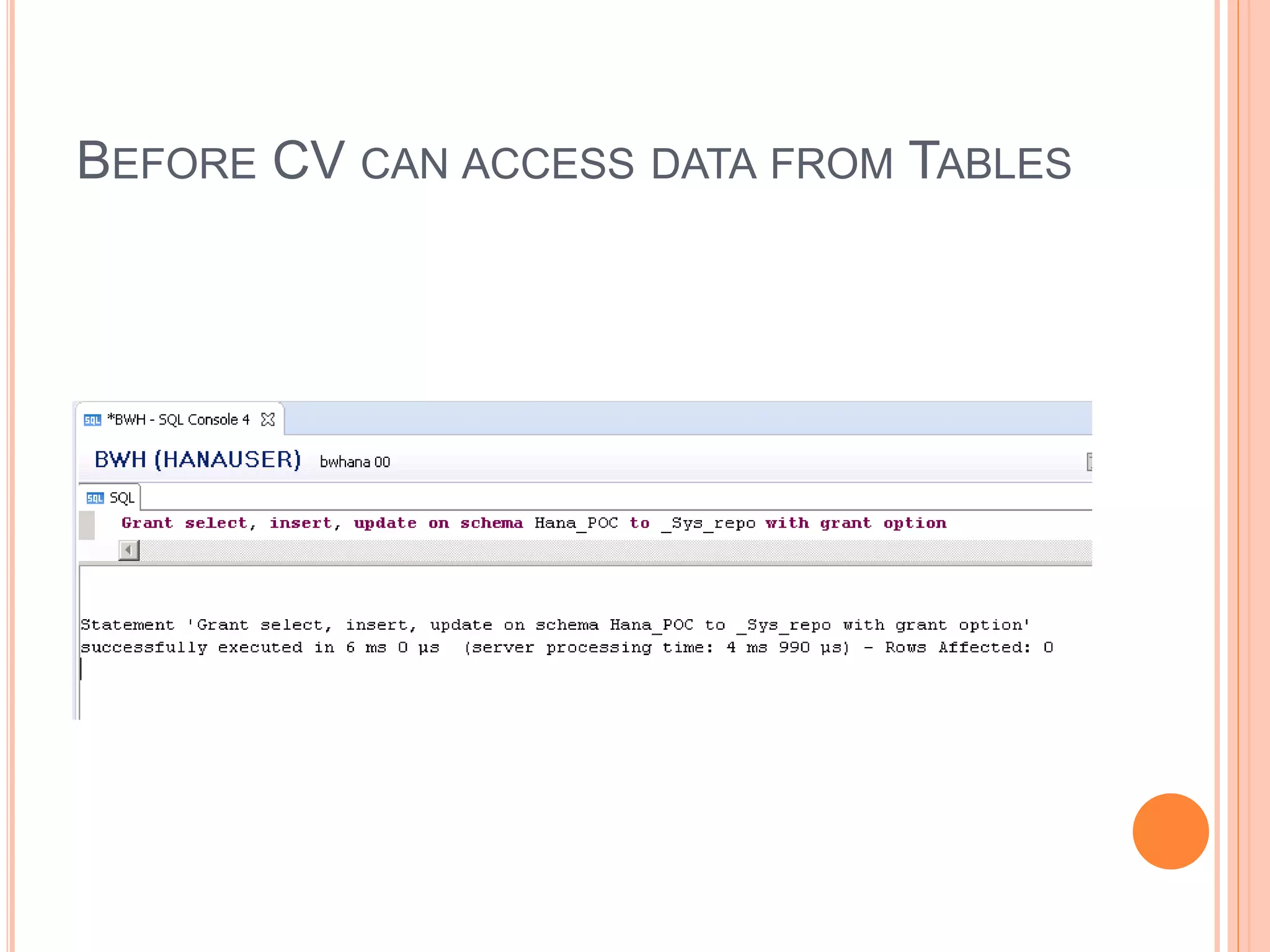
BEFORE CV CAN ACCESS DATA FROM TABLES
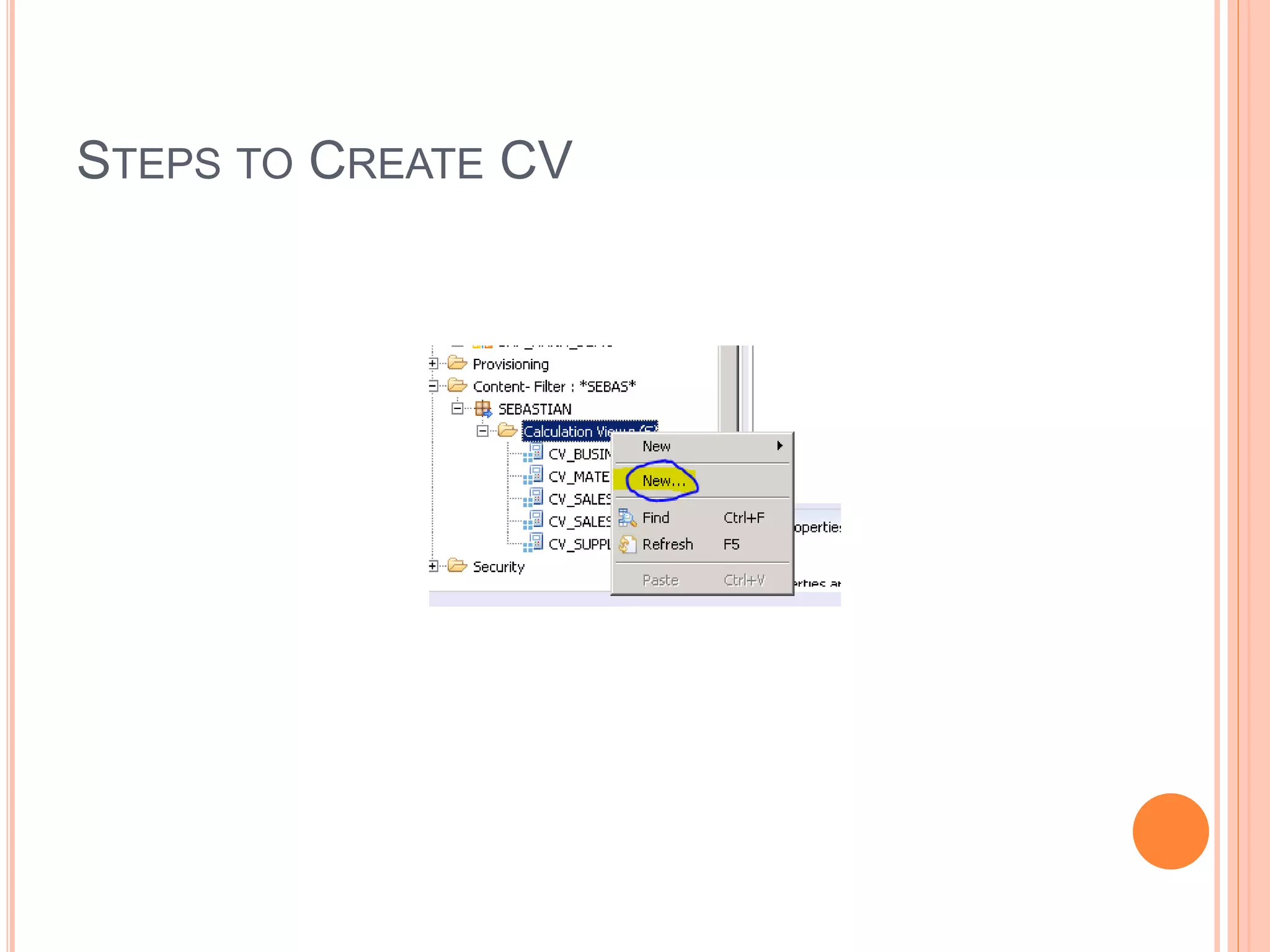
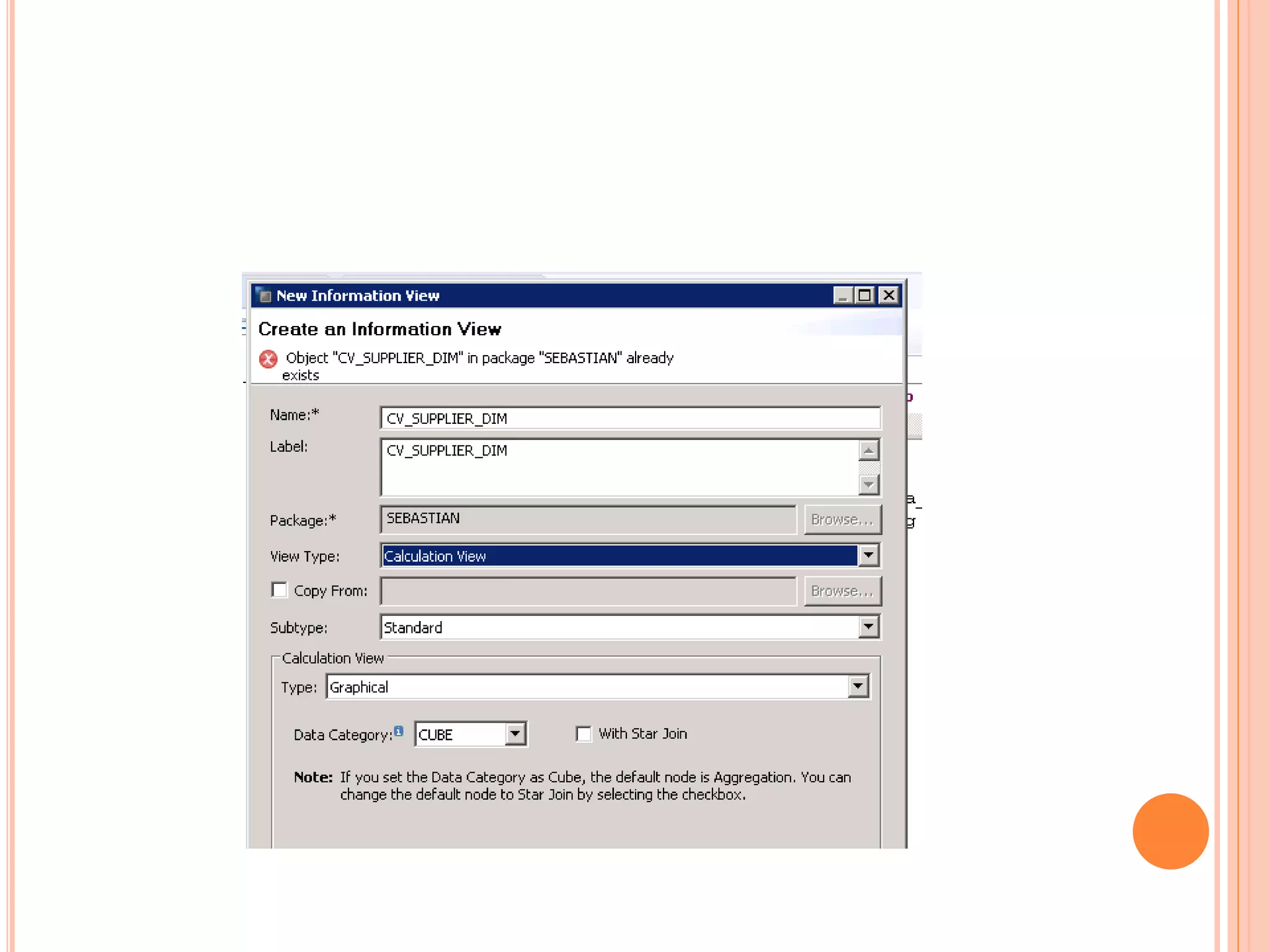
STEPS TO CREATE CV
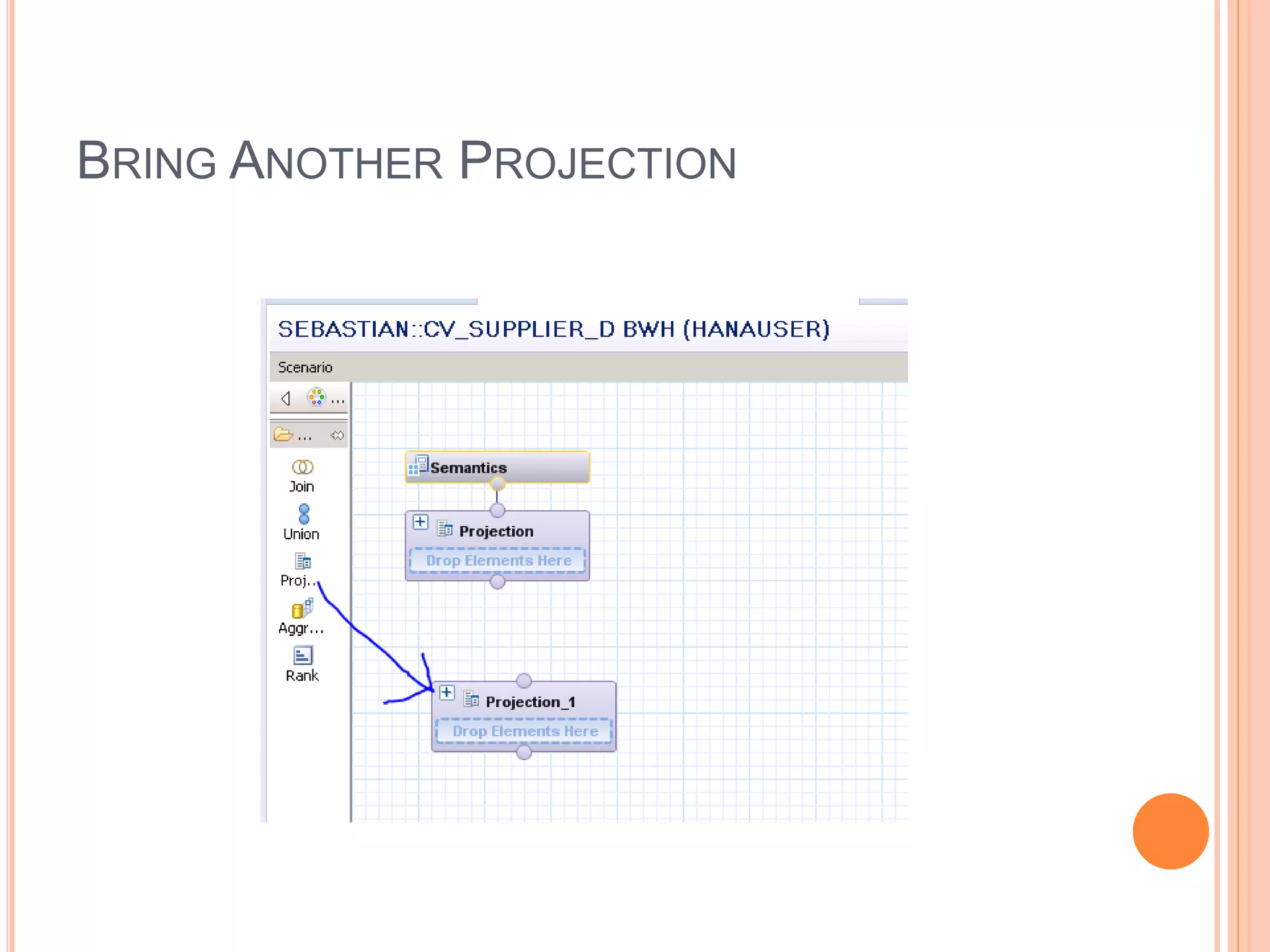
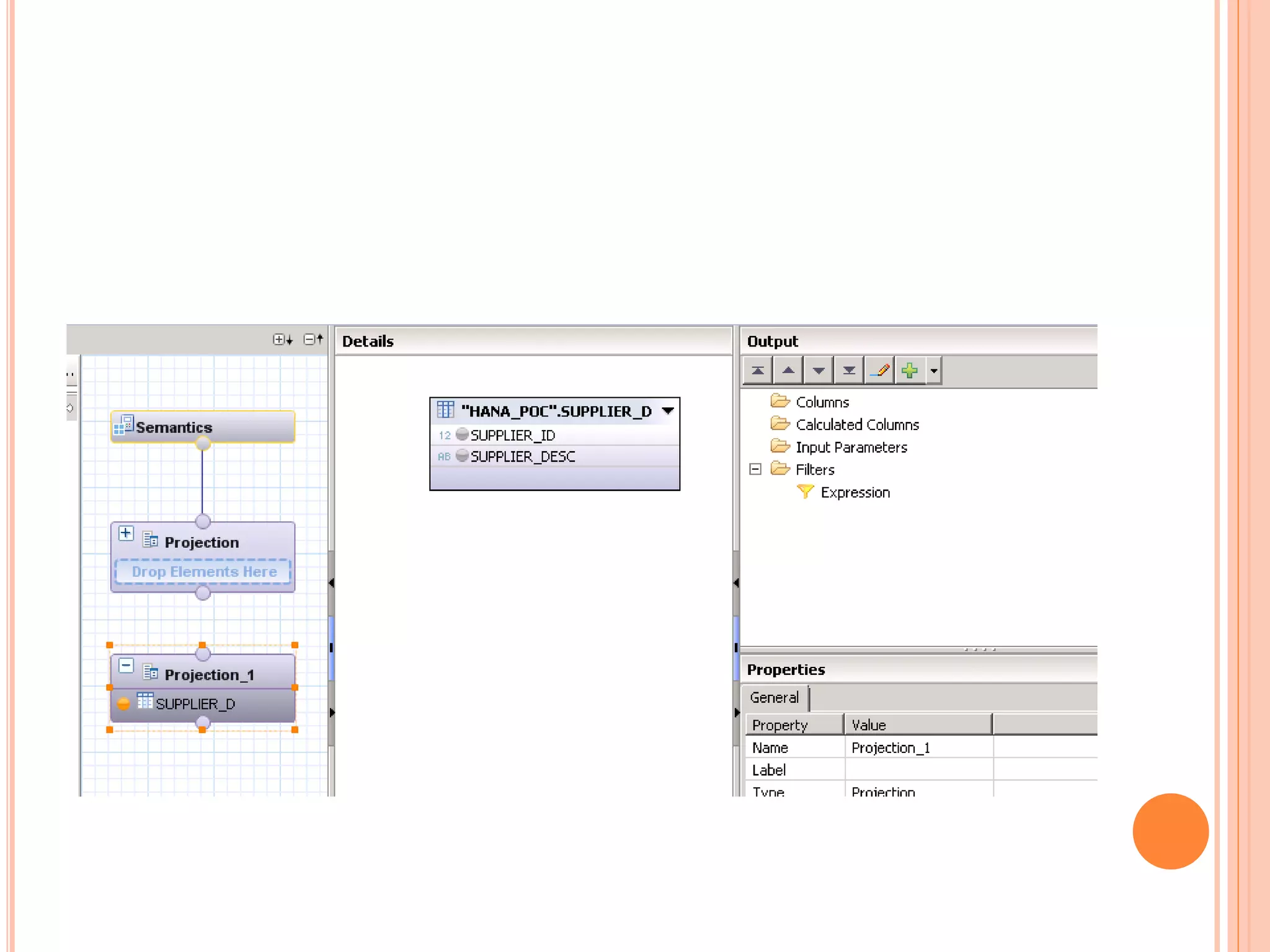
BRING ANOTHER PROJECTION
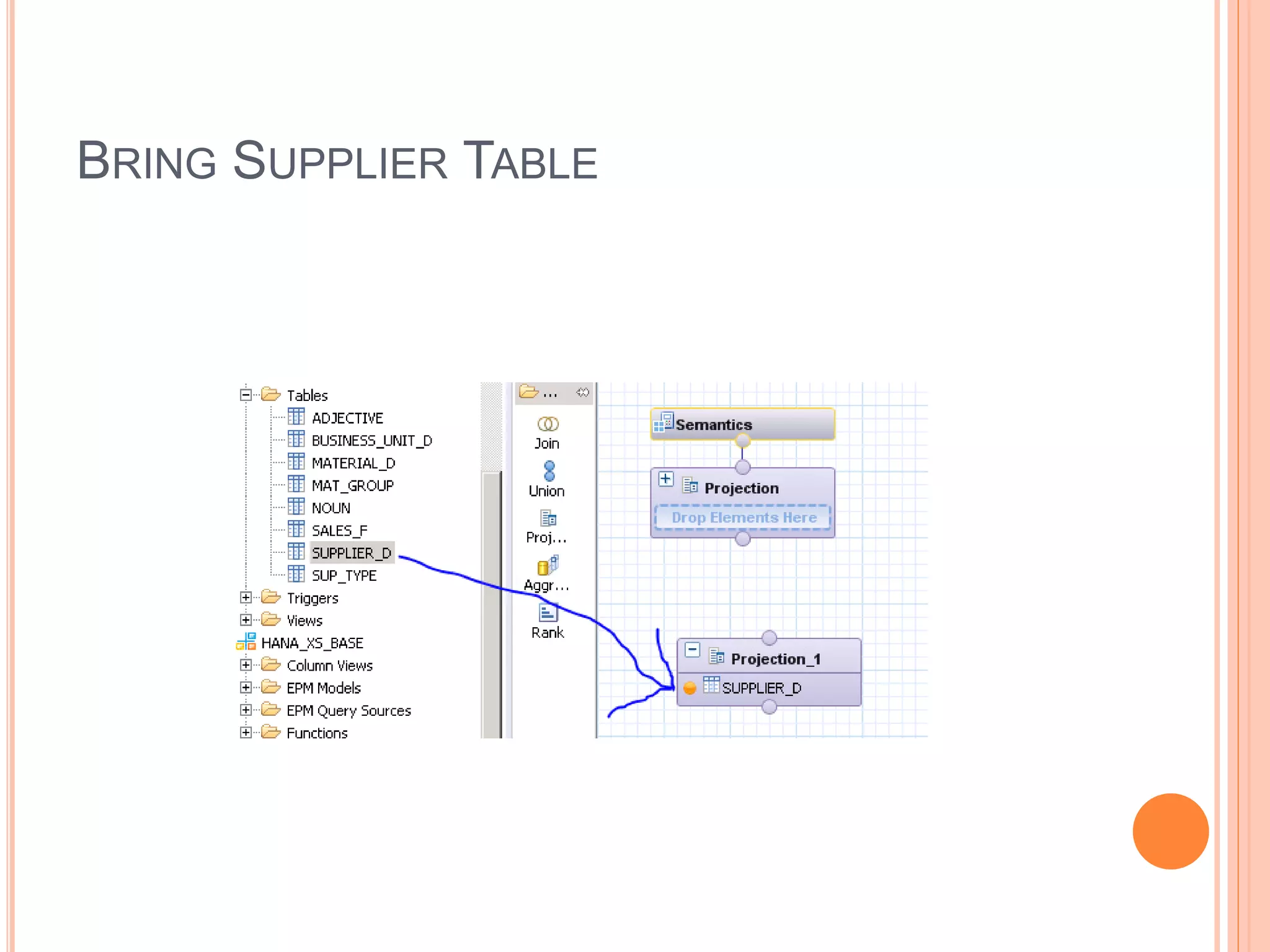
BRING SUPPLIER TABLE
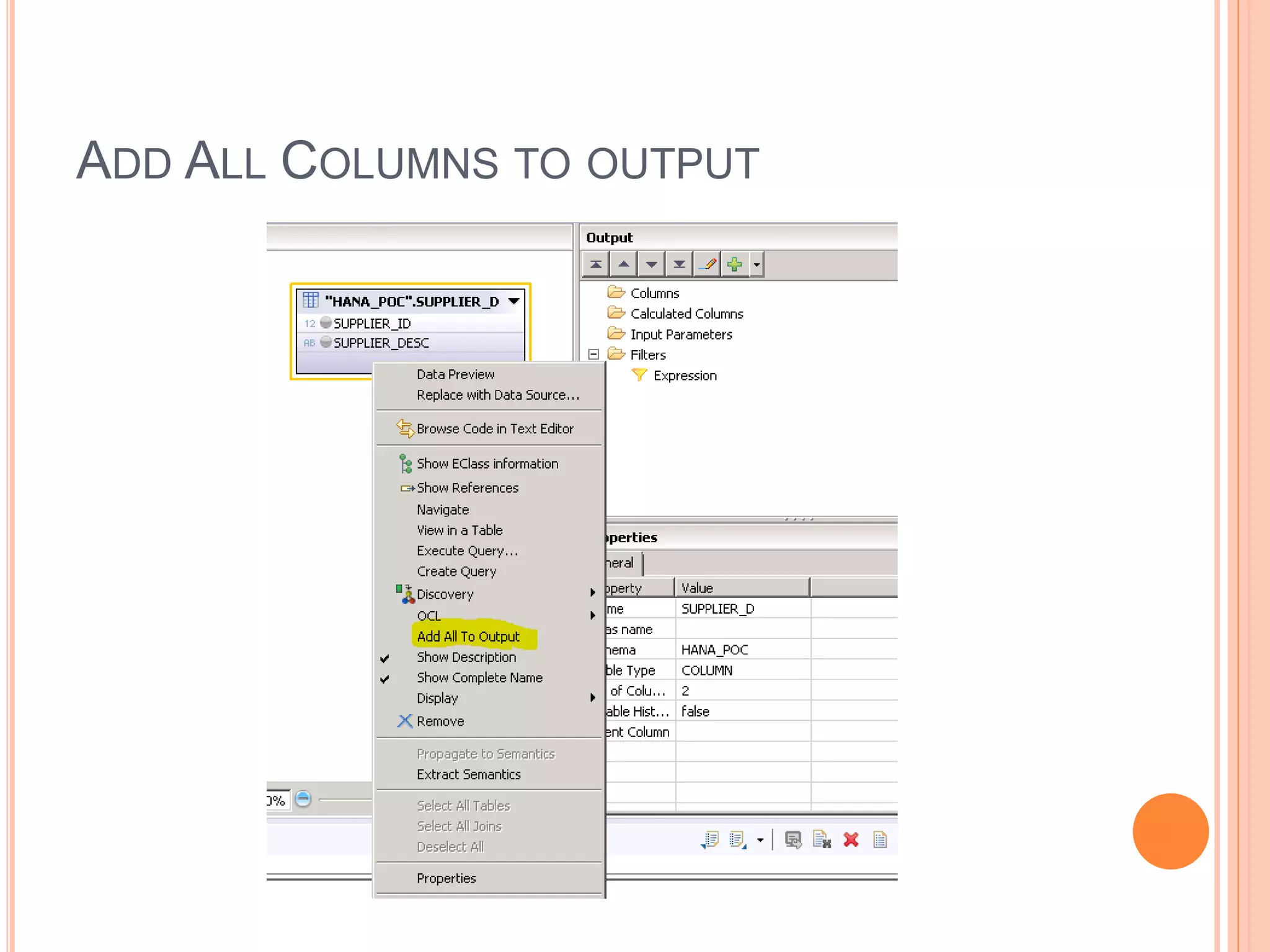
ADD ALL COLUMNS TO OUTPUT
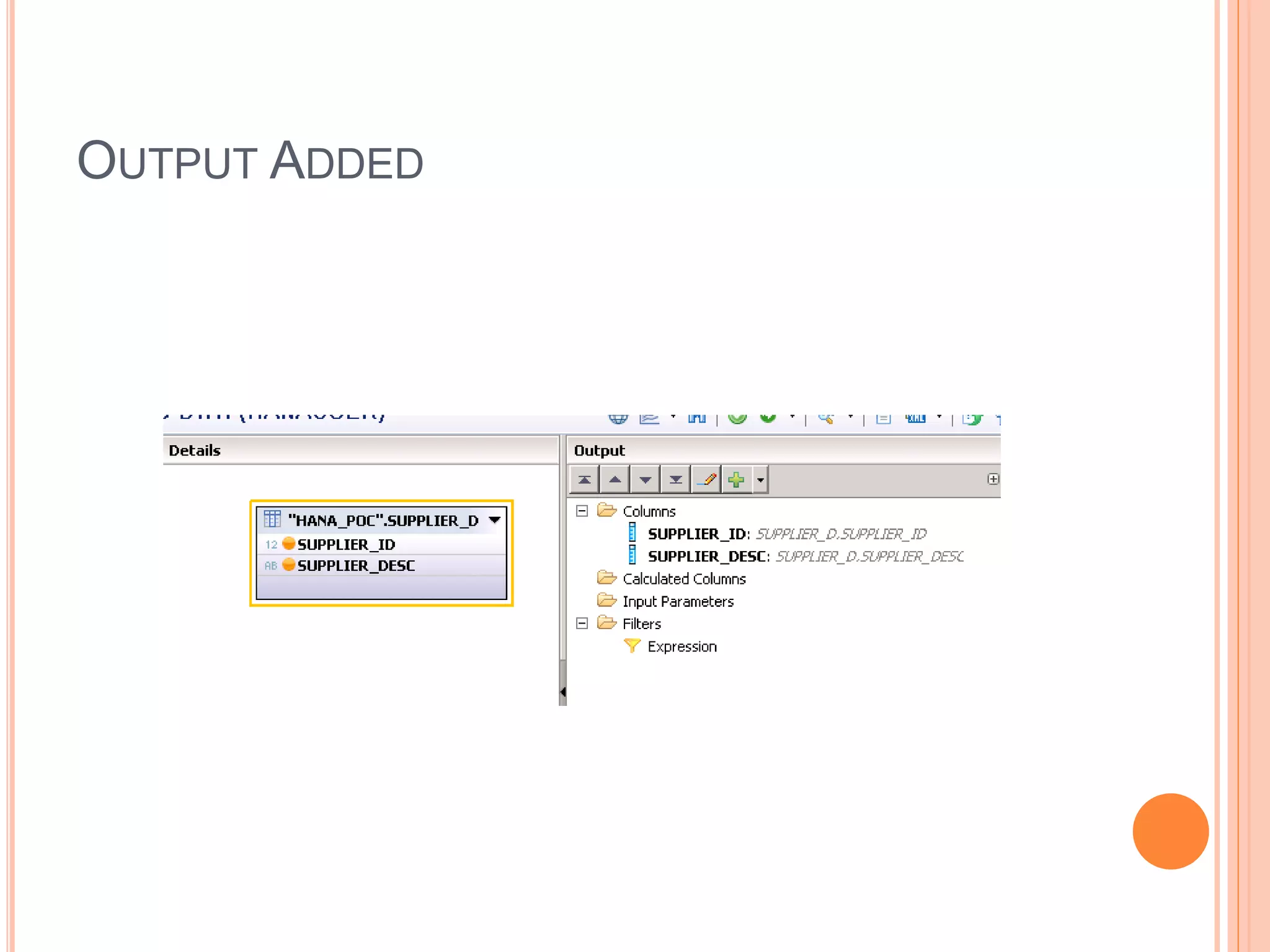
OUTPUT ADDED
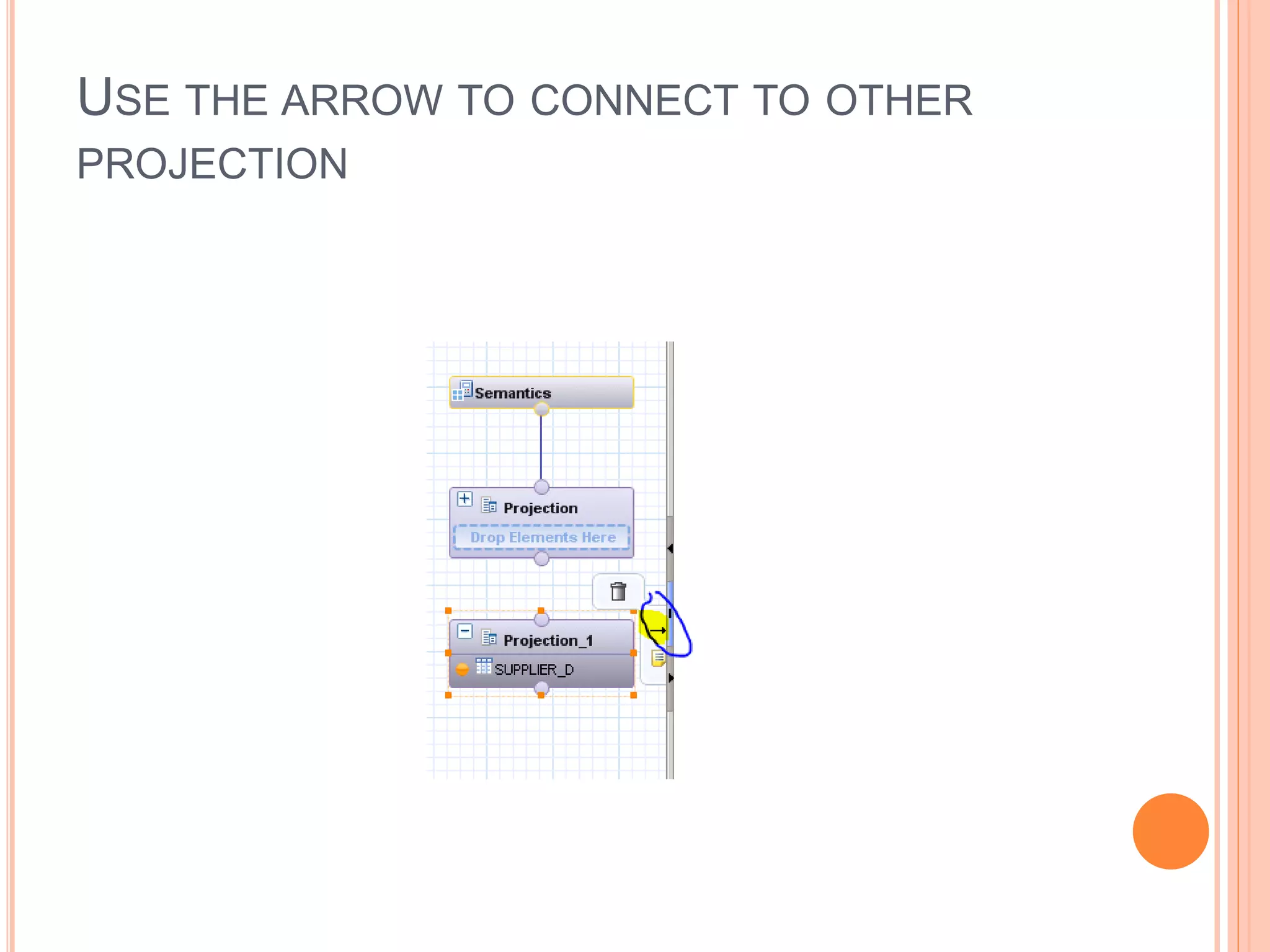
USE THE ARROW TO CONNECT TO OTHER
PROJECTION
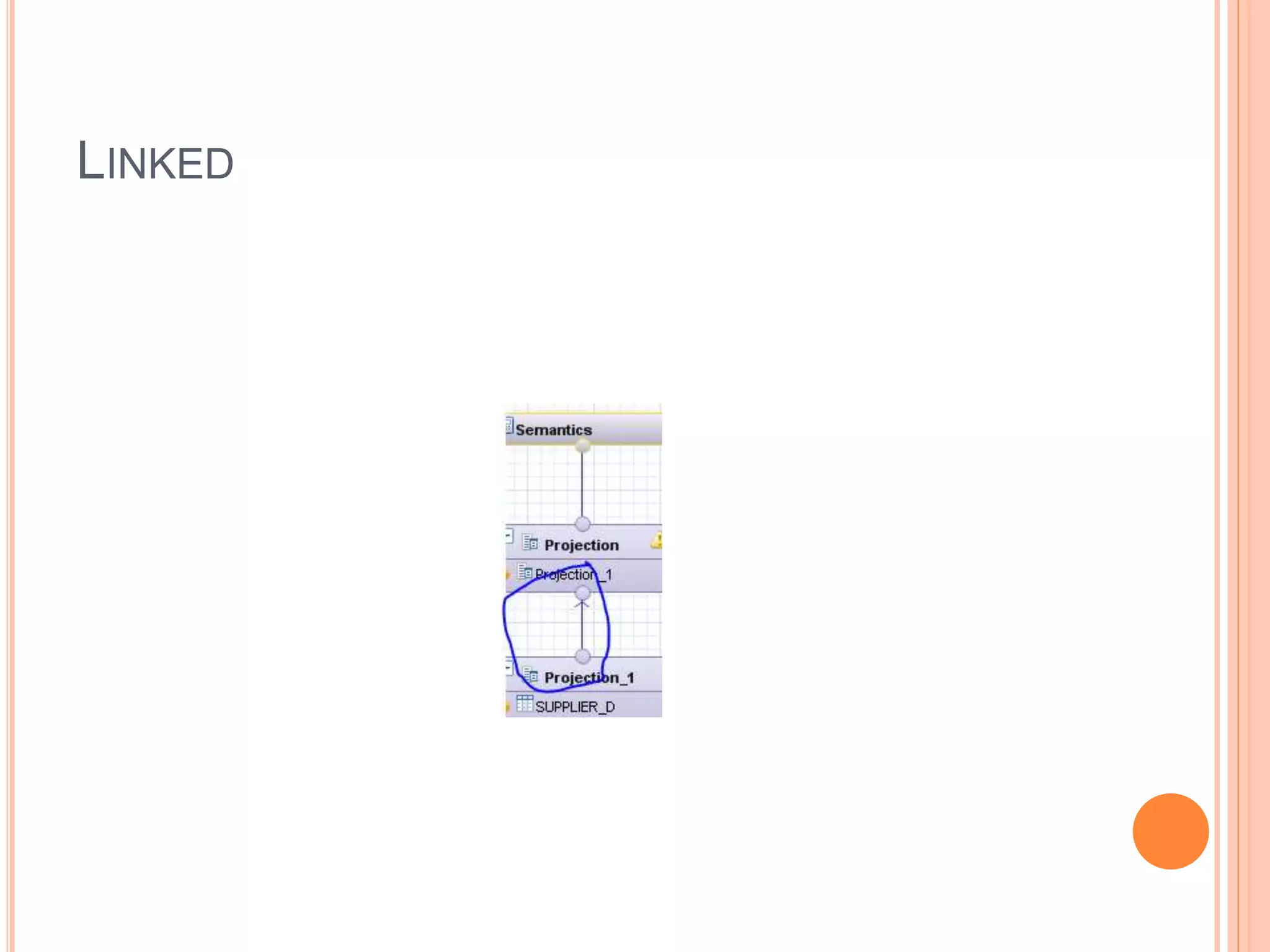
LINKED
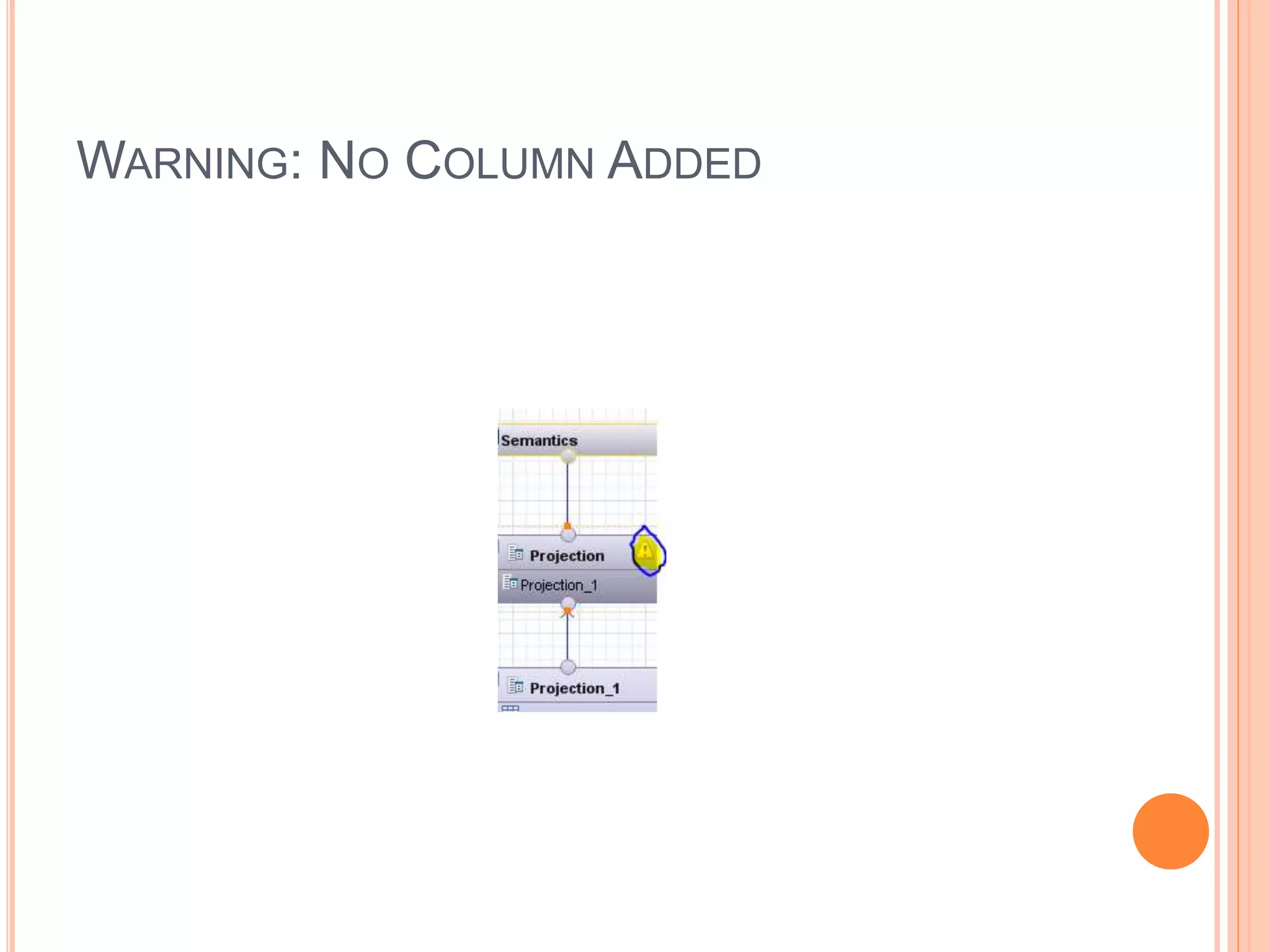
WARNING: NO COLUMN ADDED
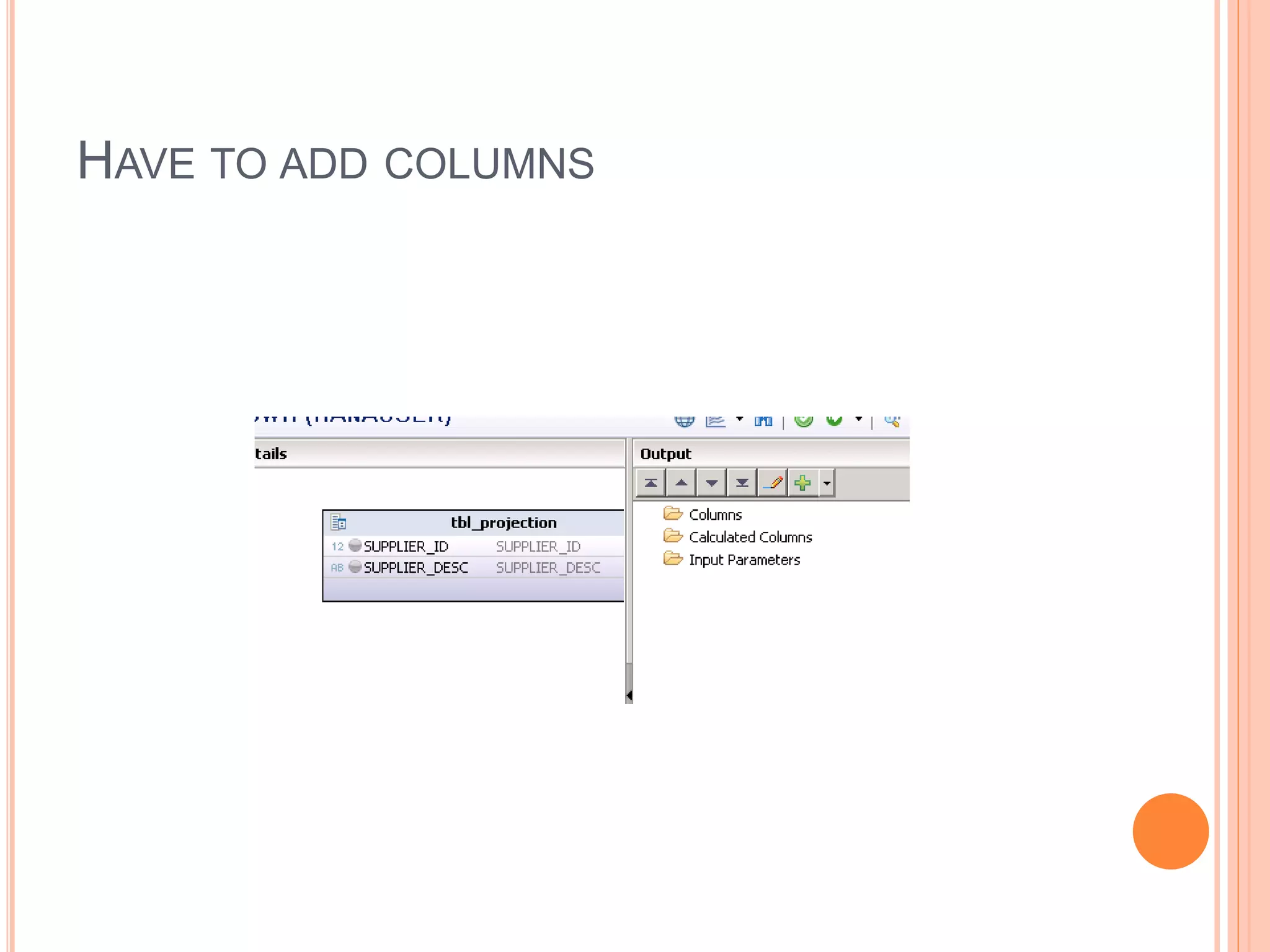
HAVE TO ADD COLUMNS
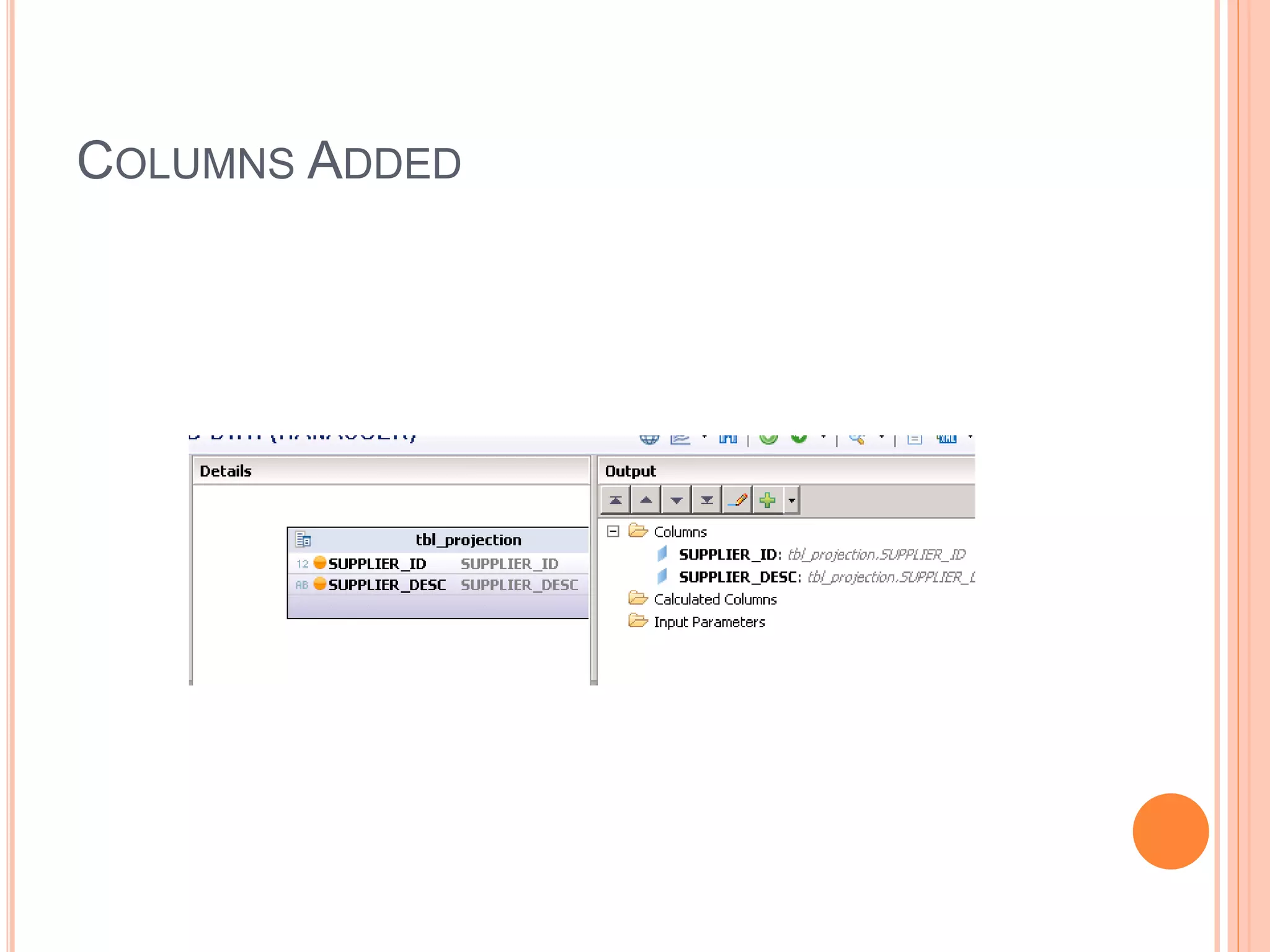
COLUMNS ADDED
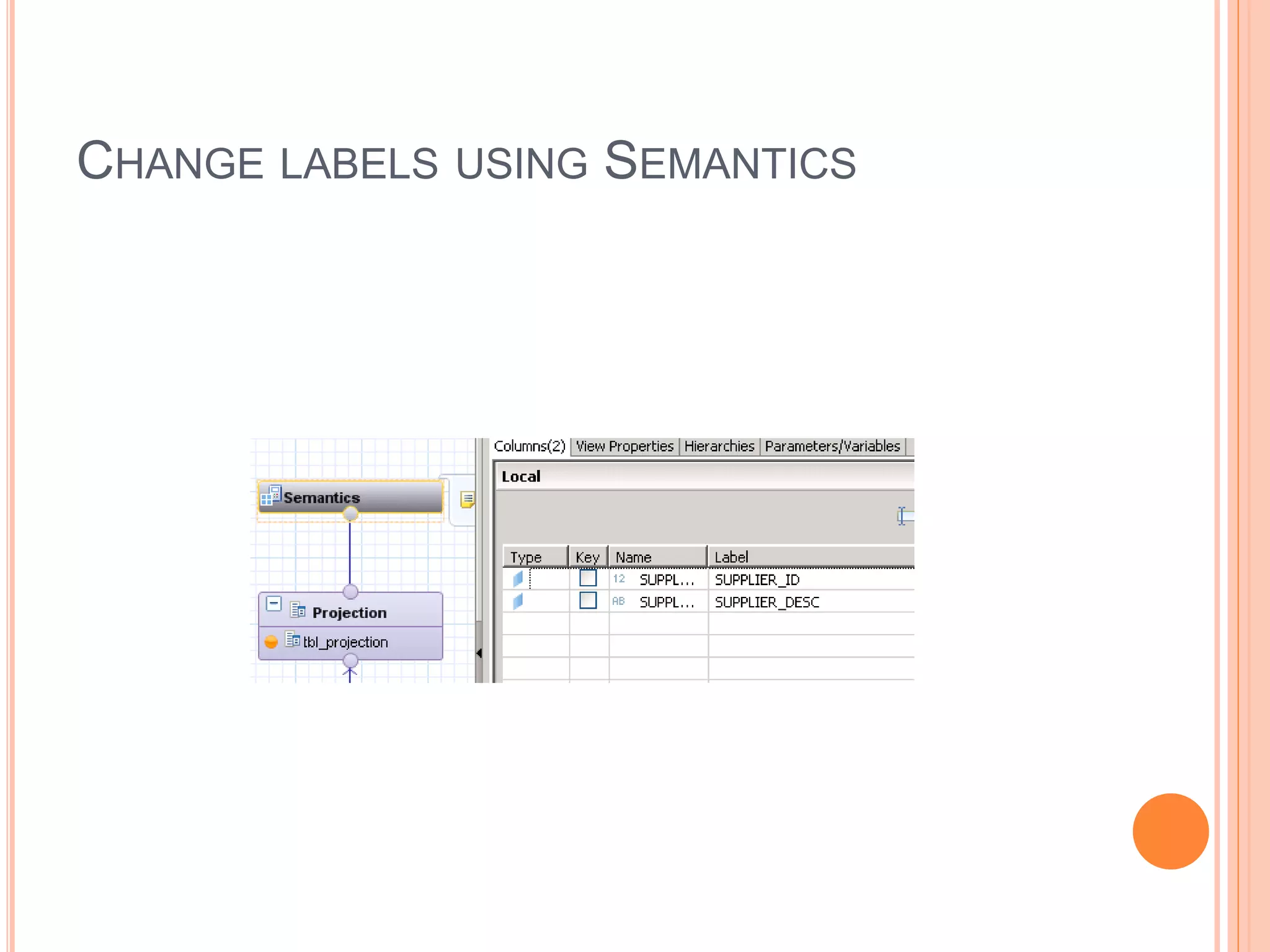
CHANGE LABELS USING SEMANTICS
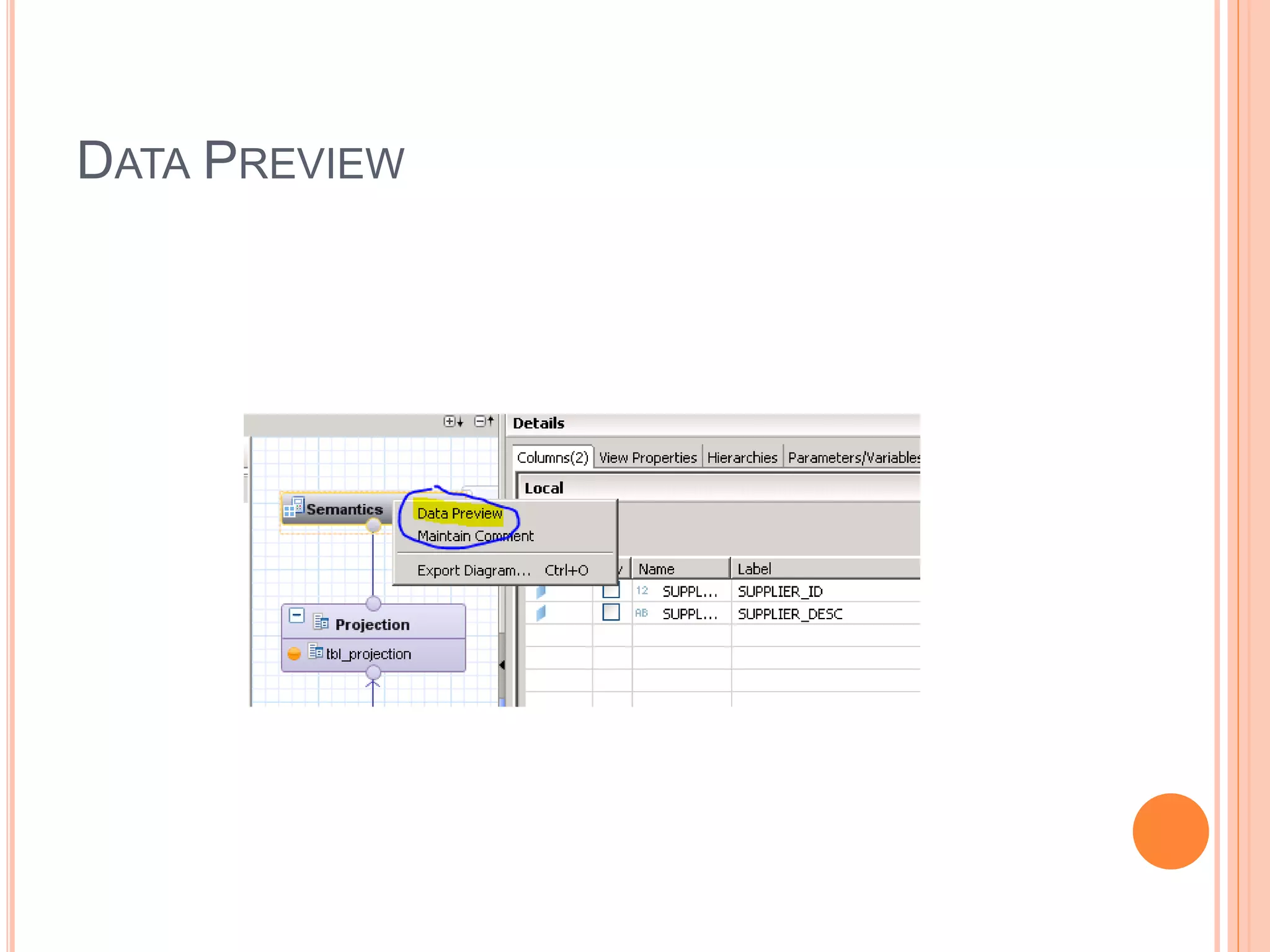
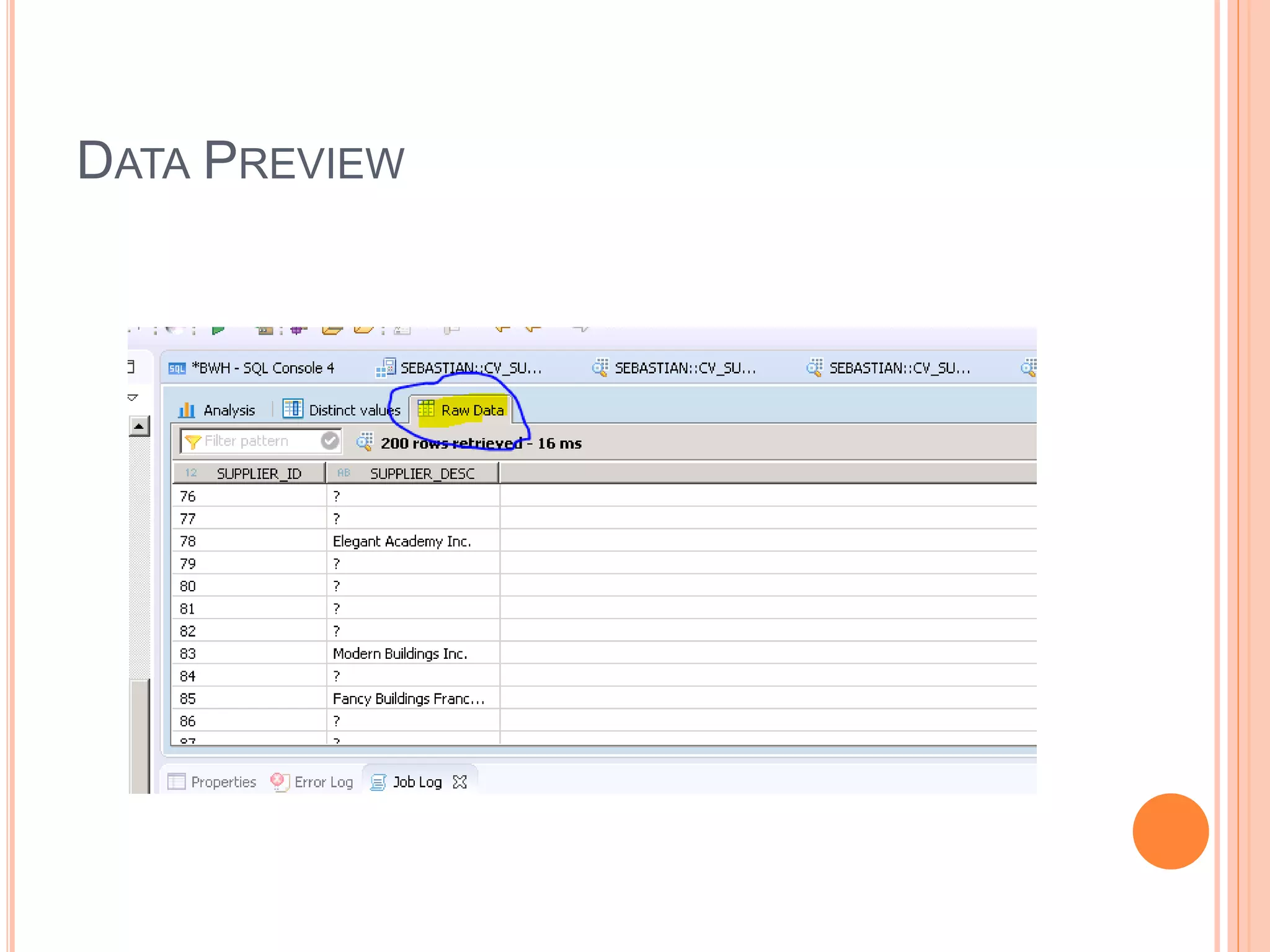
DATA PREVIEW
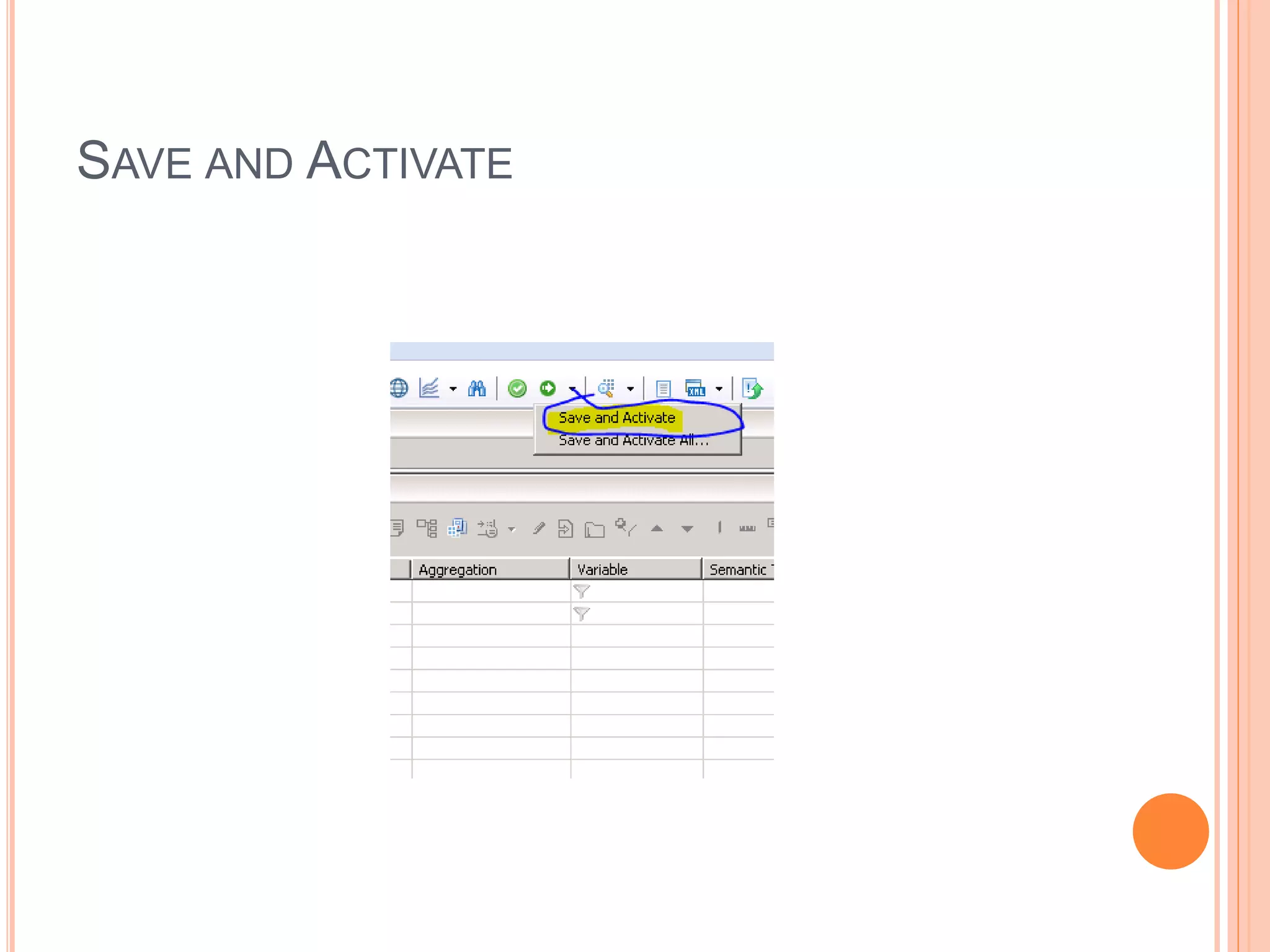
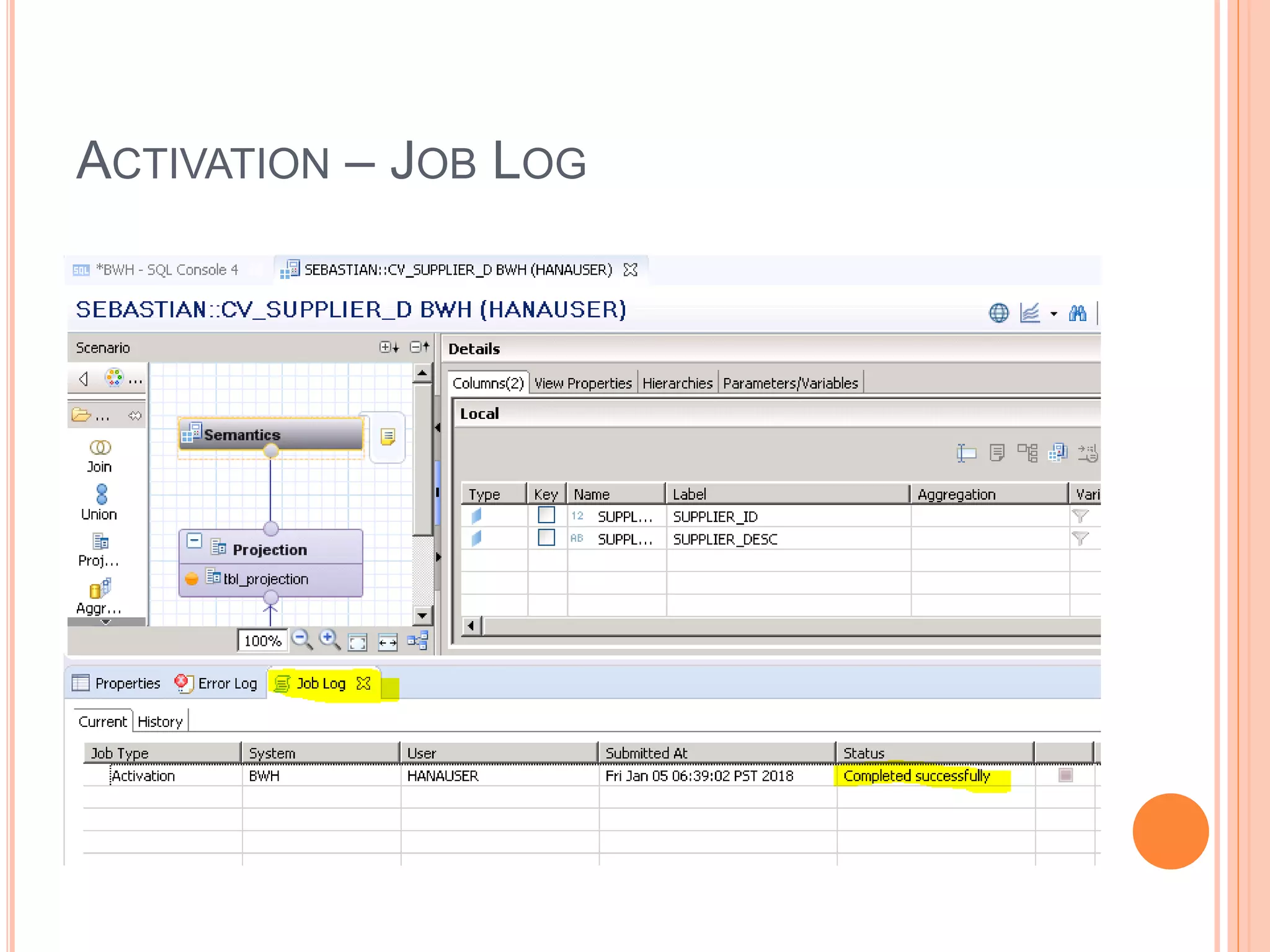
SAVE AND ACTIVATE
ACTIVATION – JOB LOG
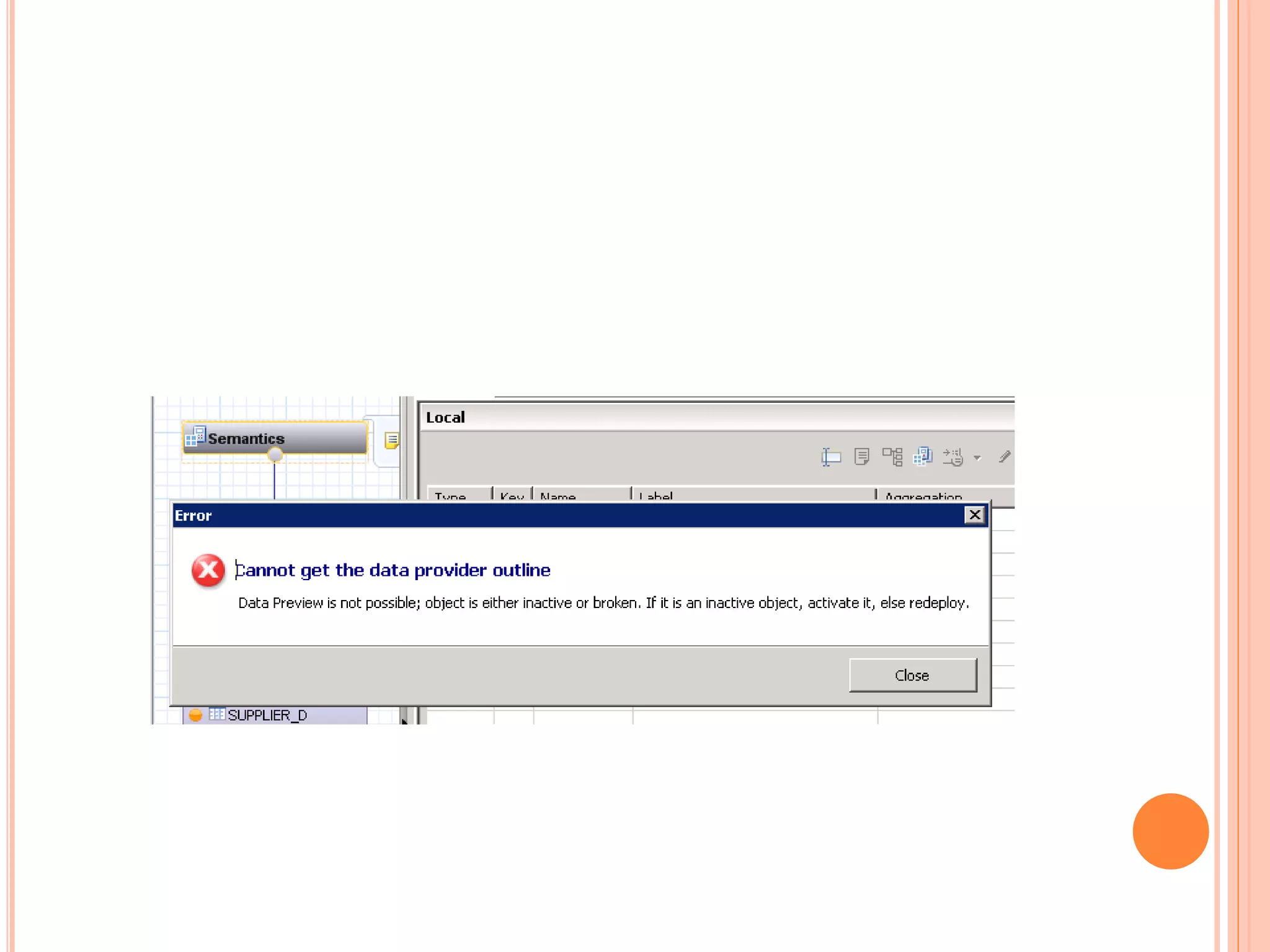
DATA PREVIEW

Sap hana-ide-overview-nodev