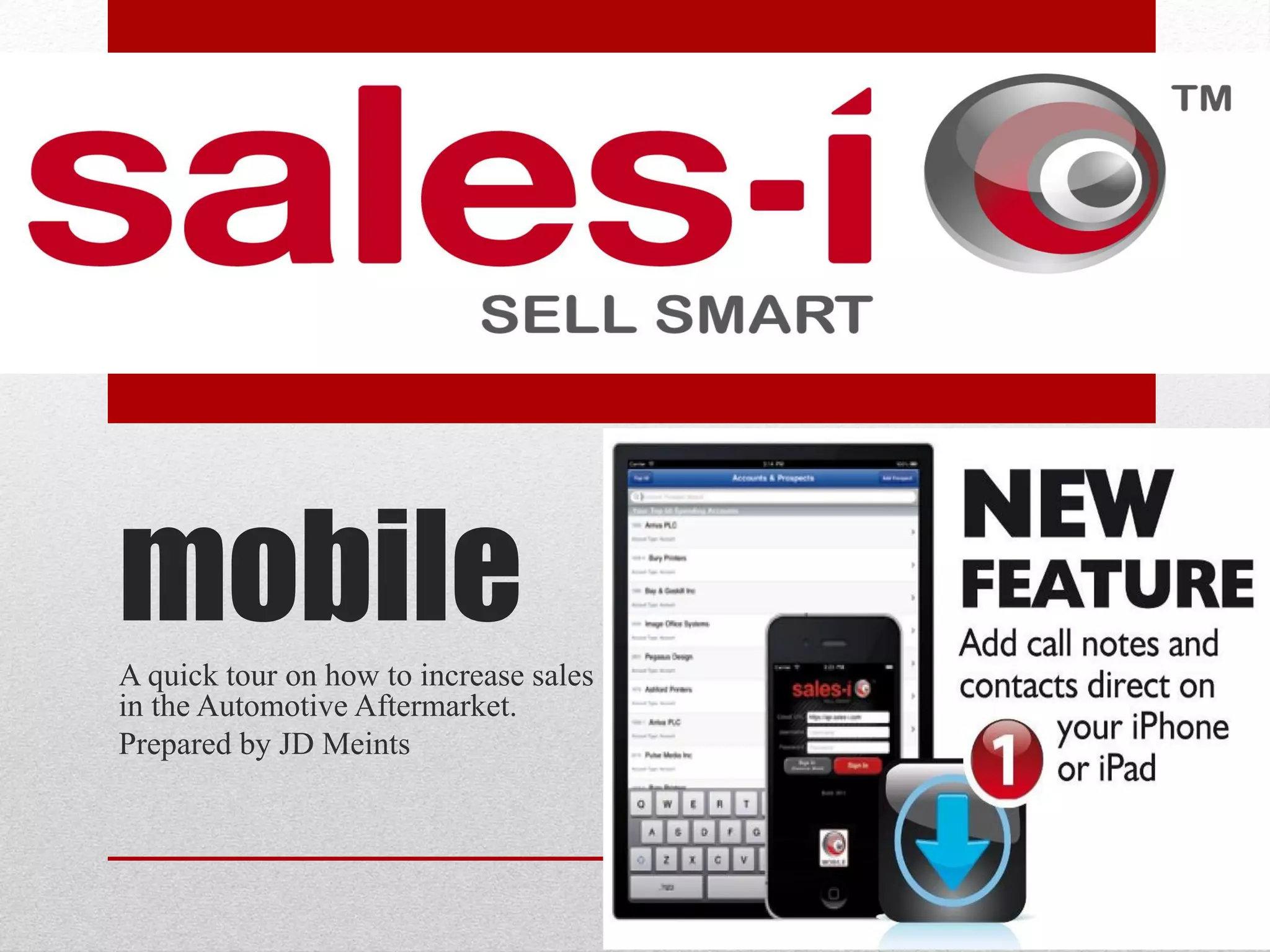
mobile
A quick tour on how to increase sales
in the Automotive Aftermarket.
Prepared by JD Meints
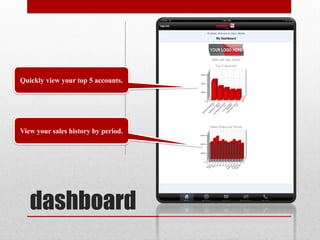
Quickly view your top 5 accounts.


View your sales history by period.


   dashboard
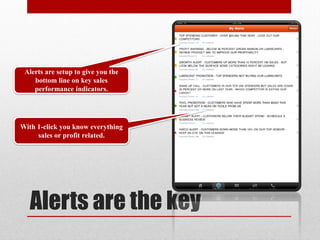
Alerts are setup to give you the
    bottom line on key sales
    performance indicators.


With 1-click you know everything
     sales or profit related.


   Alerts are the key
• simple and intuitive to use; it does the job of identifying
  changes in buying behaviour and the ‘alert’ system
  pushes that information in real-time to laptops and
  mobile phones. Exactly what every proactive sales team
  needs"


Customer testimonial
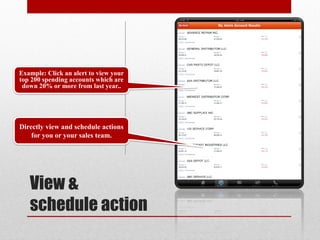
Example: Click an alert to view your
top 200 spending accounts which are
 down 20% or more from last year..


Directly view and schedule actions
    for you or your sales team.


   View &
   schedule action
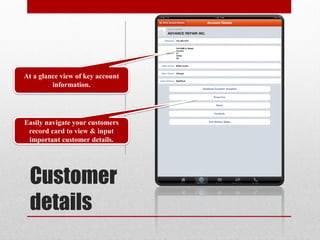
At a glance view of key account
         information.


Easily navigate your customers
 record card to view & input
 important customer details.


 Customer
 details
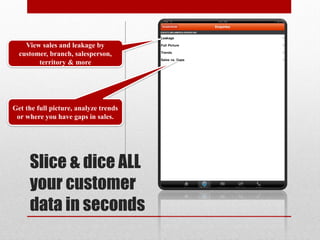
View sales and leakage by
  customer, branch, salesperson,
        territory & more


Get the full picture, analyze trends
 or where you have gaps in sales.


     Slice & dice ALL
     your customer
     data in seconds
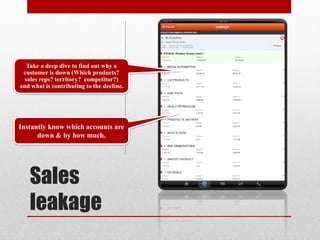
Take a deep dive to find out why a
 customer is down (Which products?
 sales reps? territory? competitor?)
and what is contributing to the decline.


Instantly know which accounts are
      down & by how much.


   Sales
   leakage
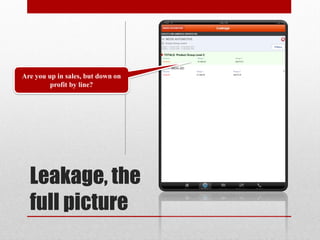
Are you up in sales, but down on
         profit by line?


  Leakage, the
  full picture
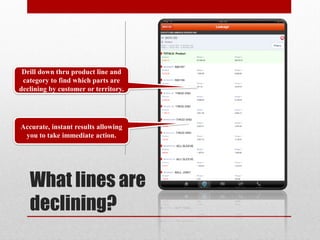
Drill down thru product line and
 category to find which parts are
declining by customer or territory.


Accurate, instant results allowing
 you to take immediate action.


   What lines are
   declining?
• “a major customer where the spend was up but where a
  sales-i alert showed a decline in parts. We followed up
  on the alert and identified a new competitor in the market
  who was working in our customer account taking
  business in that line. Without sales-i we simply would not
  have identified that until a stage where the competitor
  had established itself and was taking a sizeable share of
  our orders.”


Customer testimonial
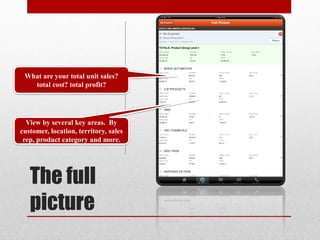
What are your total unit sales?
   total cost? total profit?


  View by several key areas. By
customer, location, territory, sales
 rep, product category and more.


   The full
   picture
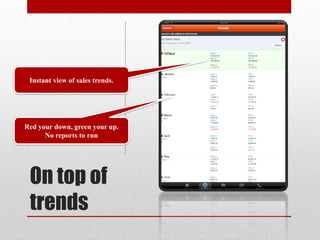
Instant view of sales trends.


Red your down, green your up.
      No reports to run


 On top of
 trends
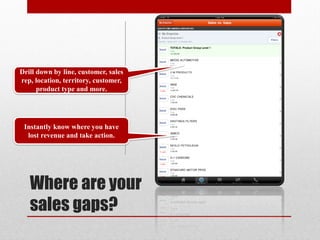
Drill down by line, customer, sales
rep, location, territory, customer,
      product type and more.


 Instantly know where you have
  lost revenue and take action.


   Where are your
   sales gaps?
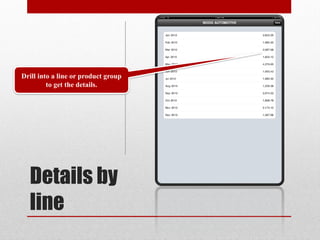
Drill into a line or product group
         to get the details.


  Details by
  line
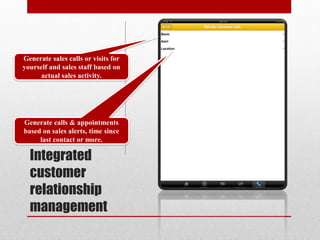
Generate sales calls or visits for
yourself and sales staff based on
      actual sales activity.


Generate calls & appointments
based on sales alerts, time since
     last contact or more.

  Integrated
  customer
  relationship
  management
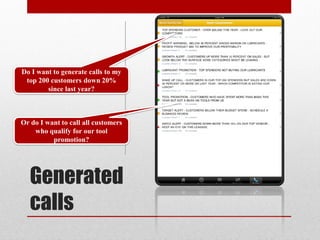
Do I want to generate calls to my
 top 200 customers down 20%
        since last year?


Or do I want to call all customers
    who qualify for our tool
          promotion?


   Generated
   calls
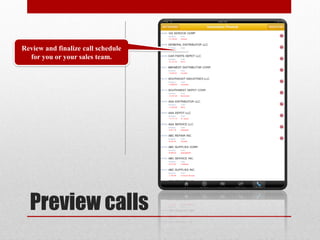
Review and finalize call schedule
  for you or your sales team.


  Preview calls
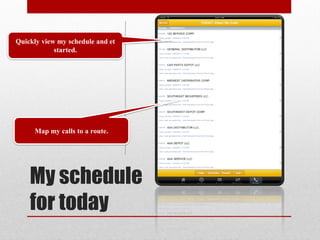
Quickly view my schedule and et
            started.


     Map my calls to a route.


    My schedule
    for today
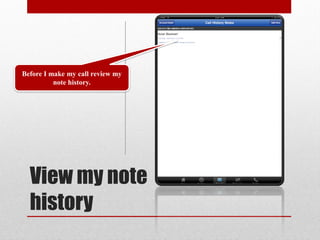
Before I make my call review my
          note history.


  View my note
  history
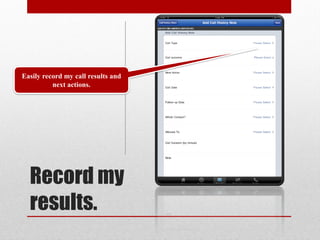
Easily record my call results and
          next actions.


  Record my
  results.
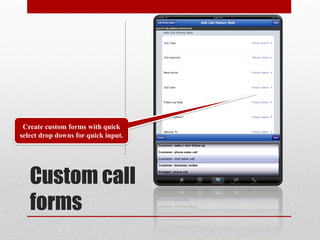
Create custom forms with quick
select drop downs for quick input.


   Custom call
   forms
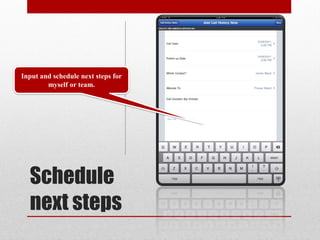
Input and schedule next steps for
        myself or team.


  Schedule
  next steps
“Signing up to sales-i is a no brainer. With no infrastructure
or hardware investment you only have to consider the
monthly cost which can be as little as $2 per sales person
per day. Balance that with upsell and cross sell
opportunities each worth between $400-$600 and you'll see
why we're so upbeat about sales-i.”
Adam Noble CEO Irongate Group


Customer testimonial
Thank you.
Contact Us
818.338.6057
jdmeints@prolificonline.com

Sales i mobile-screenshots

  • 1.
    mobile A quick touron how to increase sales in the Automotive Aftermarket. Prepared by JD Meints
  • 2.
    Quickly view yourtop 5 accounts. View your sales history by period. dashboard
  • 3.
    Alerts are setupto give you the bottom line on key sales performance indicators. With 1-click you know everything sales or profit related. Alerts are the key
  • 4.
    • simple andintuitive to use; it does the job of identifying changes in buying behaviour and the ‘alert’ system pushes that information in real-time to laptops and mobile phones. Exactly what every proactive sales team needs" Customer testimonial
  • 5.
    Example: Click analert to view your top 200 spending accounts which are down 20% or more from last year.. Directly view and schedule actions for you or your sales team. View & schedule action
  • 6.
    At a glanceview of key account information. Easily navigate your customers record card to view & input important customer details. Customer details
  • 7.
    View sales andleakage by customer, branch, salesperson, territory & more Get the full picture, analyze trends or where you have gaps in sales. Slice & dice ALL your customer data in seconds
  • 8.
    Take a deepdive to find out why a customer is down (Which products? sales reps? territory? competitor?) and what is contributing to the decline. Instantly know which accounts are down & by how much. Sales leakage
  • 9.
    Are you upin sales, but down on profit by line? Leakage, the full picture
  • 10.
    Drill down thruproduct line and category to find which parts are declining by customer or territory. Accurate, instant results allowing you to take immediate action. What lines are declining?
  • 11.
    • “a majorcustomer where the spend was up but where a sales-i alert showed a decline in parts. We followed up on the alert and identified a new competitor in the market who was working in our customer account taking business in that line. Without sales-i we simply would not have identified that until a stage where the competitor had established itself and was taking a sizeable share of our orders.” Customer testimonial
  • 12.
    What are yourtotal unit sales? total cost? total profit? View by several key areas. By customer, location, territory, sales rep, product category and more. The full picture
  • 13.
    Instant view ofsales trends. Red your down, green your up. No reports to run On top of trends
  • 14.
    Drill down byline, customer, sales rep, location, territory, customer, product type and more. Instantly know where you have lost revenue and take action. Where are your sales gaps?
  • 15.
    Drill into aline or product group to get the details. Details by line
  • 16.
    Generate sales callsor visits for yourself and sales staff based on actual sales activity. Generate calls & appointments based on sales alerts, time since last contact or more. Integrated customer relationship management
  • 17.
    Do I wantto generate calls to my top 200 customers down 20% since last year? Or do I want to call all customers who qualify for our tool promotion? Generated calls
  • 18.
    Review and finalizecall schedule for you or your sales team. Preview calls
  • 19.
    Quickly view myschedule and et started. Map my calls to a route. My schedule for today
  • 20.
    Before I makemy call review my note history. View my note history
  • 21.
    Easily record mycall results and next actions. Record my results.
  • 22.
    Create custom formswith quick select drop downs for quick input. Custom call forms
  • 23.
    Input and schedulenext steps for myself or team. Schedule next steps
  • 24.
    “Signing up tosales-i is a no brainer. With no infrastructure or hardware investment you only have to consider the monthly cost which can be as little as $2 per sales person per day. Balance that with upsell and cross sell opportunities each worth between $400-$600 and you'll see why we're so upbeat about sales-i.” Adam Noble CEO Irongate Group Customer testimonial
  • 25.