Live Webinar:
Webinar Audio:
You can dial the telephone numbers located on your webinar panel.
Or listen in using your headphones or computer speakers.
Welcome!
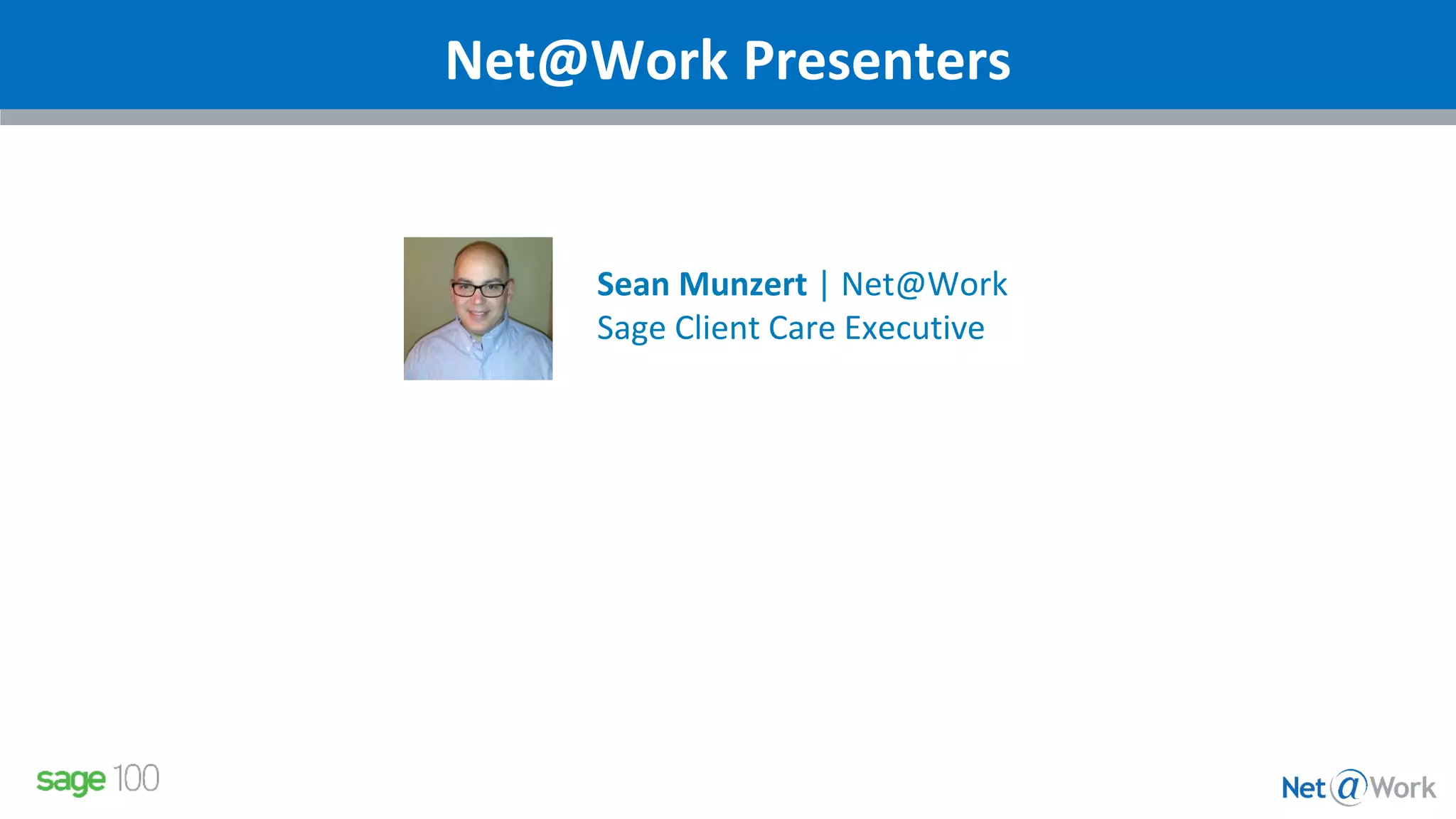
Net@Work Presenters
Sean Munzert | Net@Work
Sage Client Care Executive
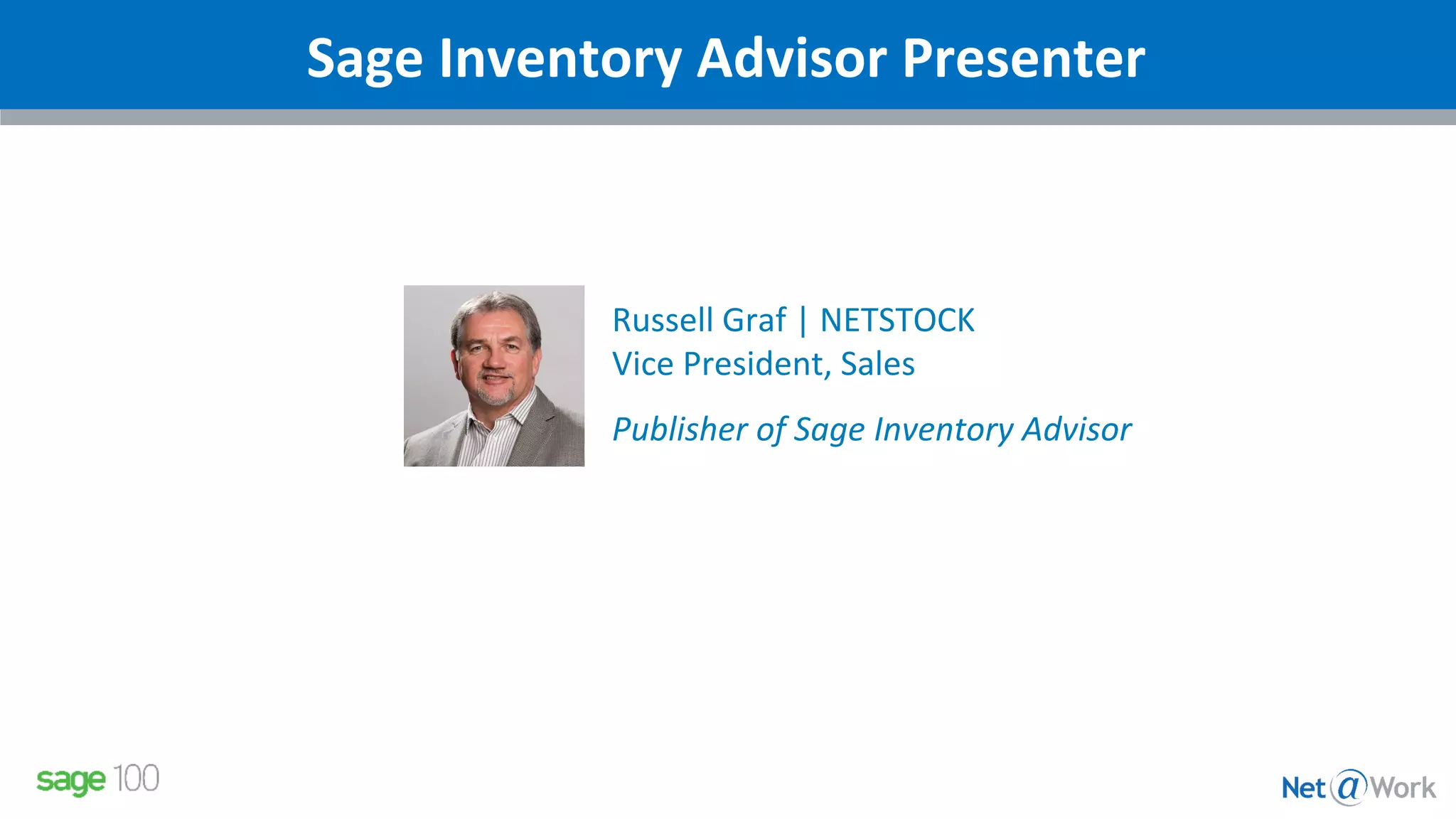
Sage Inventory Advisor Presenter
Russell Graf | NETSTOCK
Vice President, Sales
Publisher of Sage Inventory Advisor
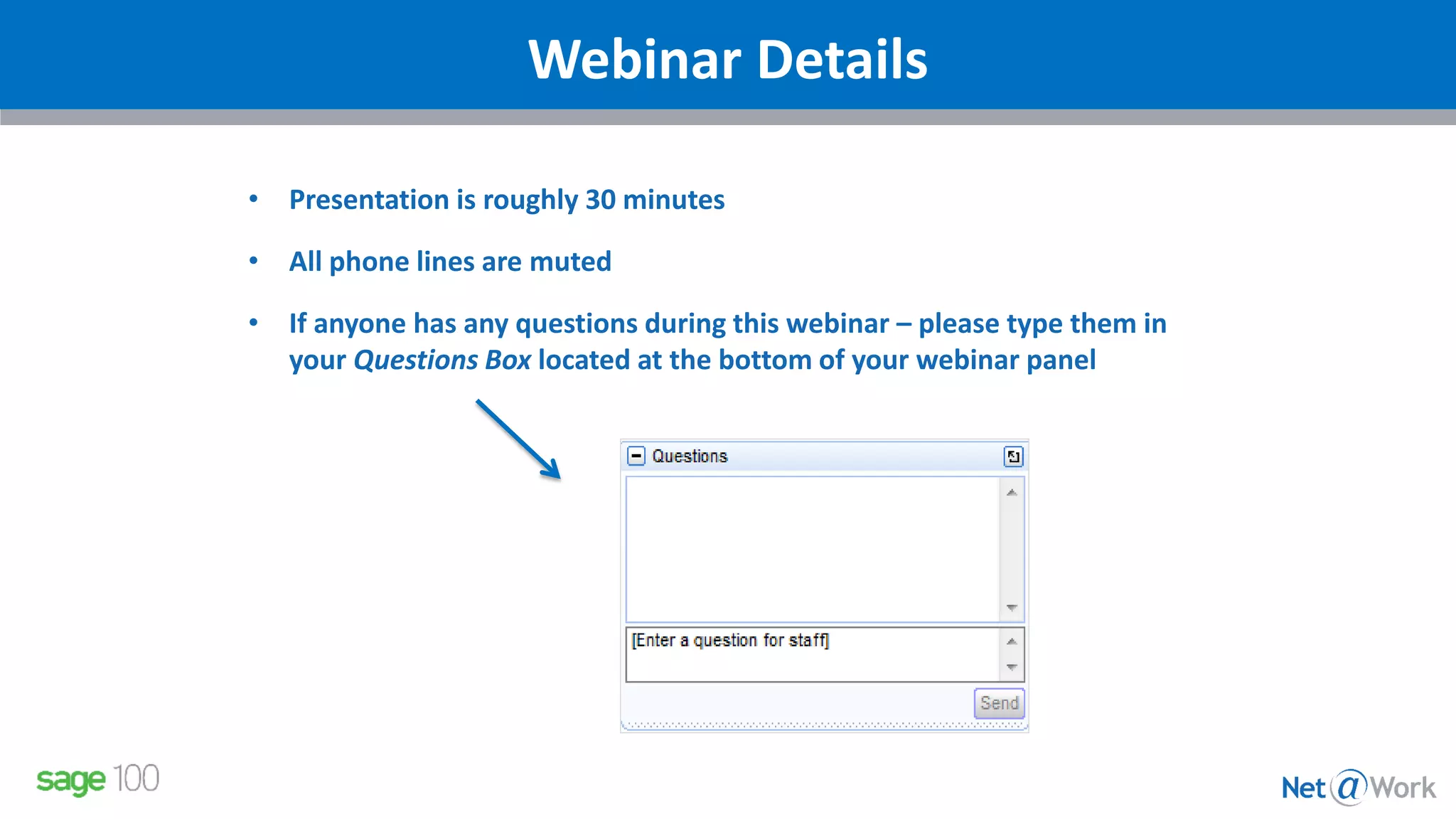
Webinar Details
• Presentation is roughly 30 minutes
• All phone lines are muted
• If anyone has any questions during this webinar – please type them in
your Questions Box located at the bottom of your webinar panel
Sage Inventory Advisor by NetStock
What is Sage Inventory Advisor?
Sage Inventory Advisor is an affordable cloud-based
solution that integrates with Sage ERP systems to help
you optimize your inventory:
 decrease working capital
 improve customer service
 save time
Industries – Manufacturing, Distribution, Retail/eTail
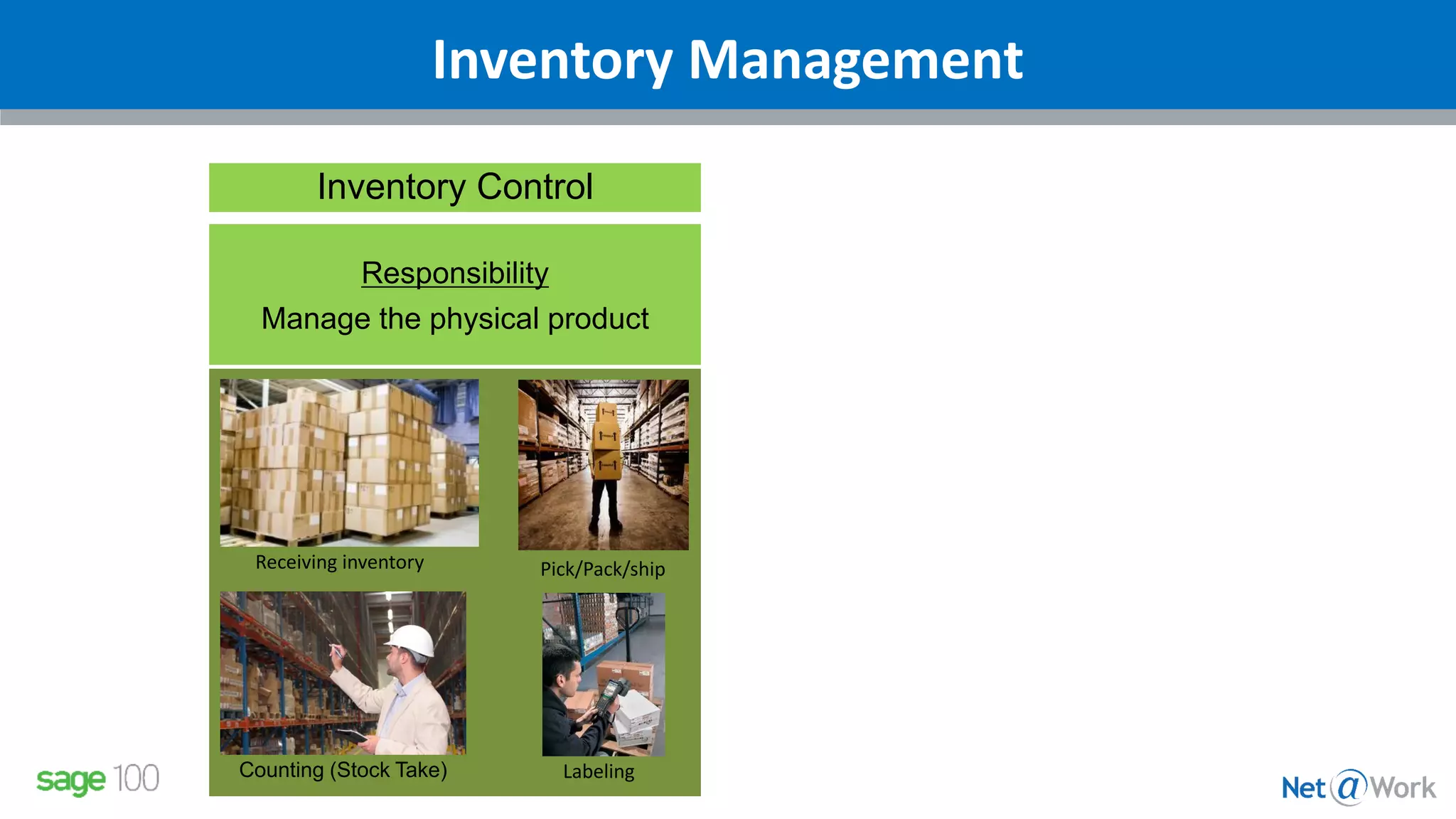
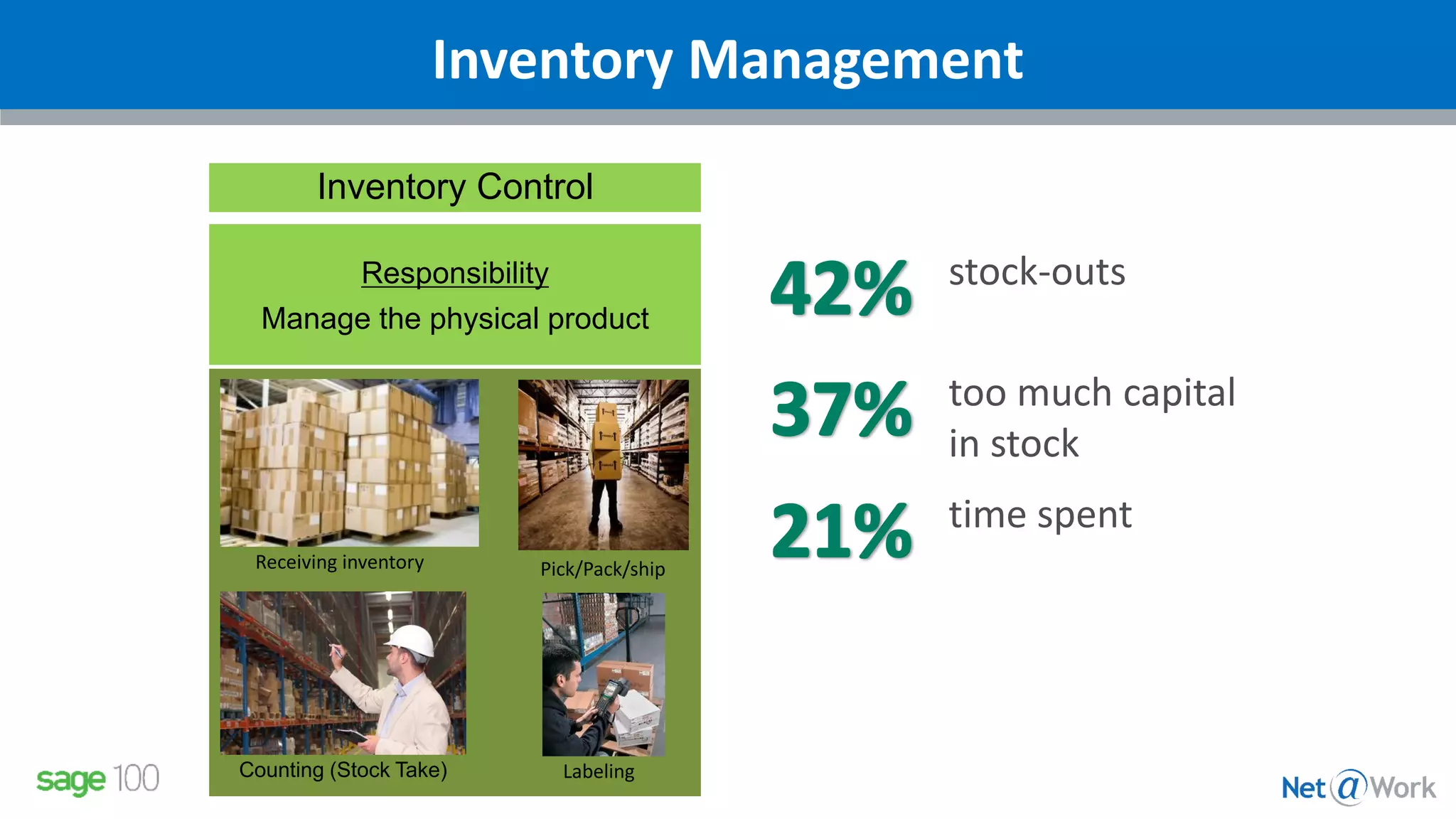
Inventory Management
Receiving inventory
LabelingCounting (Stock Take)
Inventory Control
Responsibility
Manage the physical product
Pick/Pack/ship
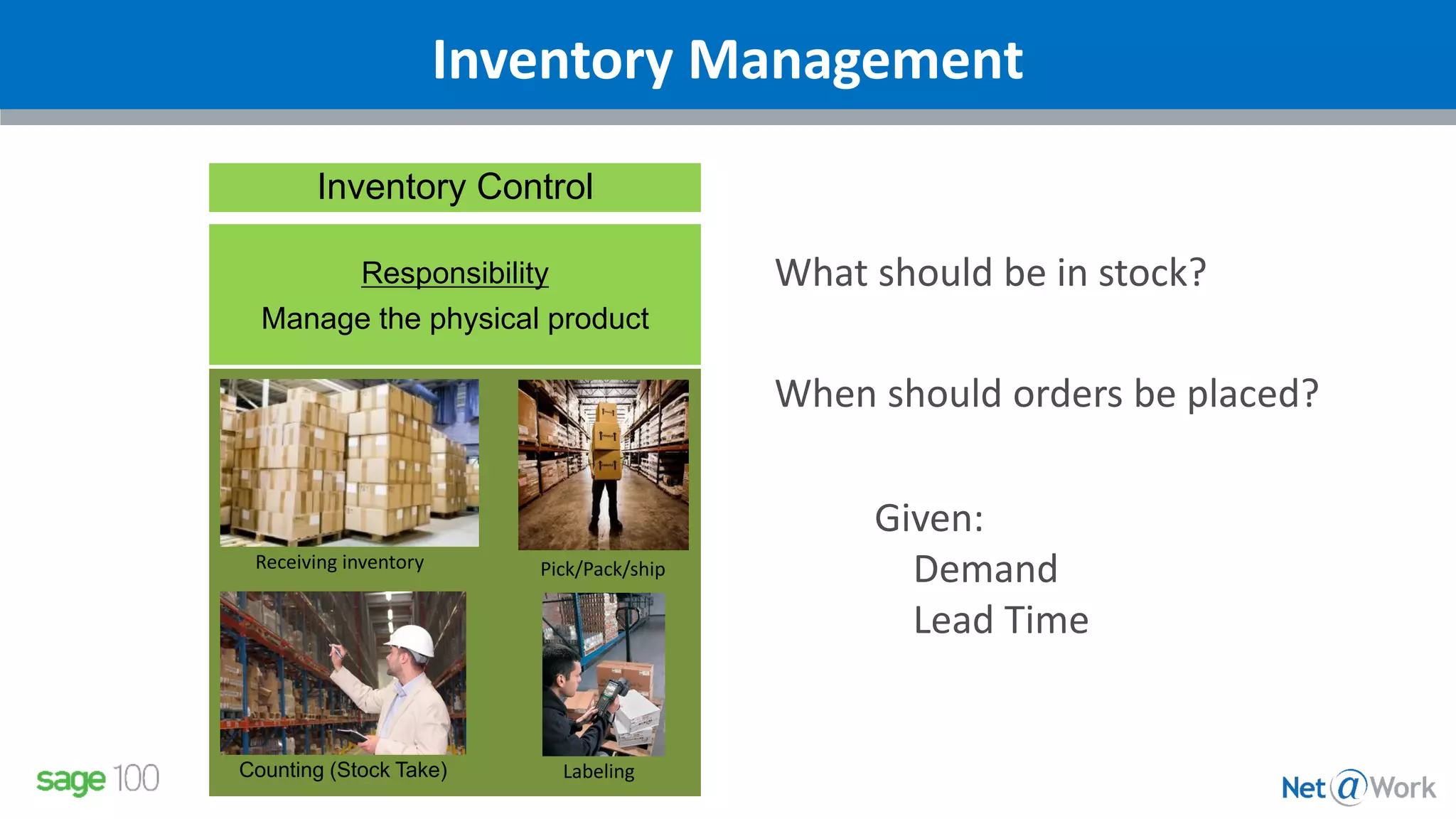
Inventory Management
Receiving inventory
LabelingCounting (Stock Take)
Inventory Control
Responsibility
Manage the physical product
Pick/Pack/ship
What should be in stock?
When should orders be placed?
Given:
Demand
Lead Time
Inventory Management
Receiving inventory
LabelingCounting (Stock Take)
Inventory Control
Responsibility
Manage the physical product
Pick/Pack/ship
stock-outs
too much capital
in stock
time spent
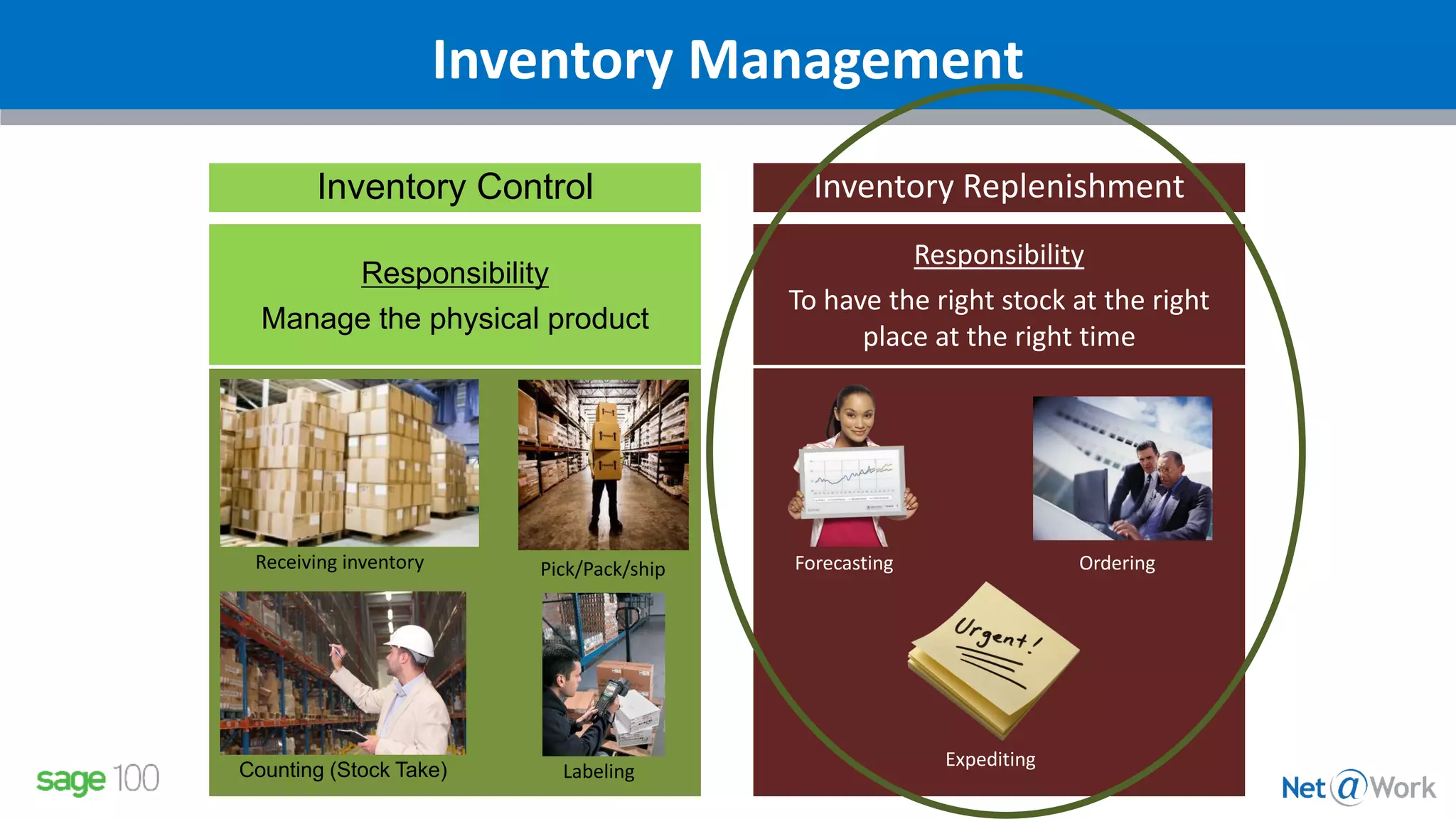
Inventory Management
Receiving inventory
LabelingCounting (Stock Take)
Inventory Control
Responsibility
Manage the physical product
Pick/Pack/ship
Inventory Replenishment
Responsibility
To have the right stock at the right
place at the right time
Forecasting Ordering
Expediting
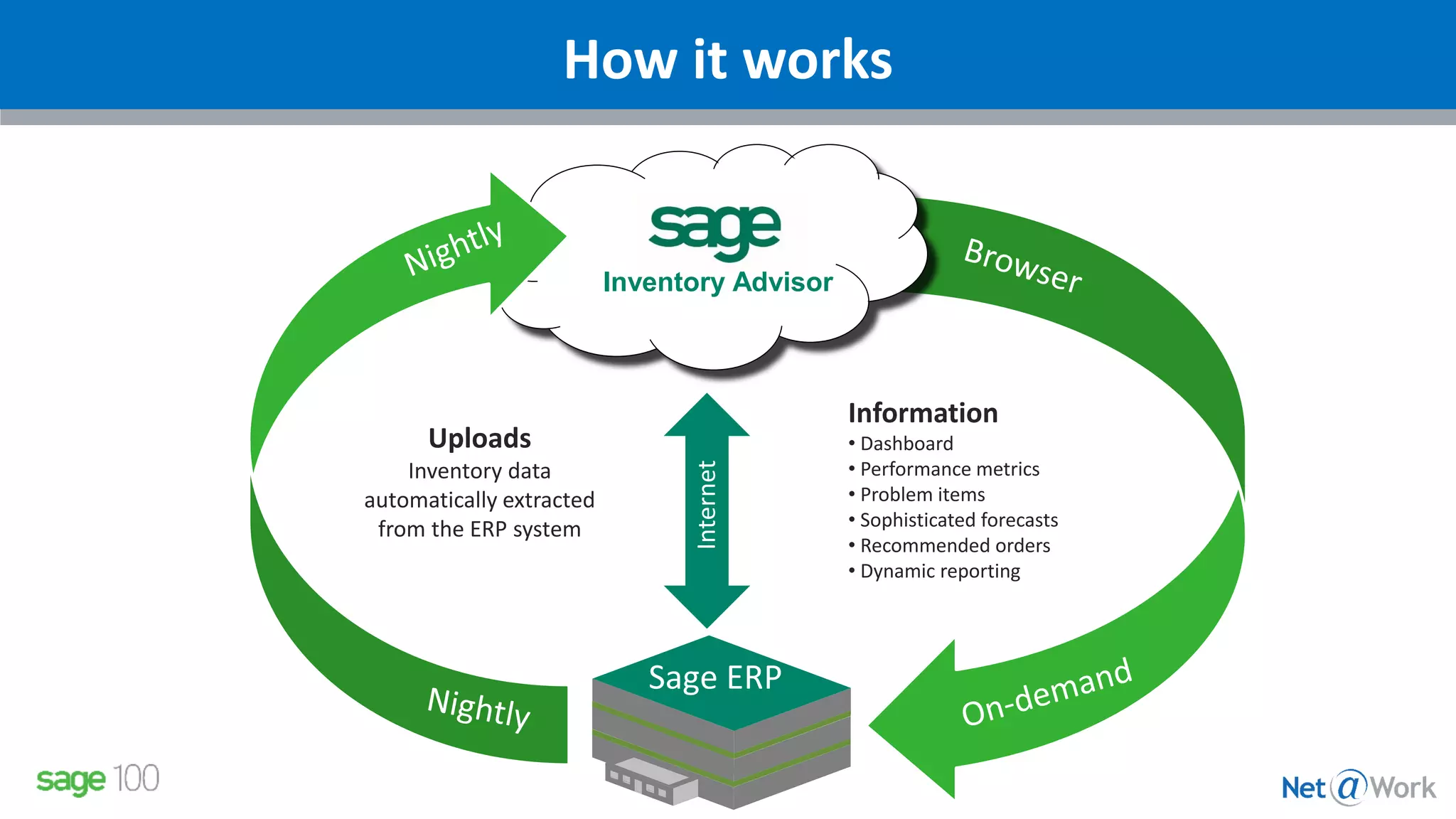
How it works
Information
• Dashboard
• Performance metrics
• Problem items
• Sophisticated forecasts
• Recommended orders
• Dynamic reporting
Sage ERP
Internet
Uploads
Inventory data
automatically extracted
from the ERP system
Inventory Advisor
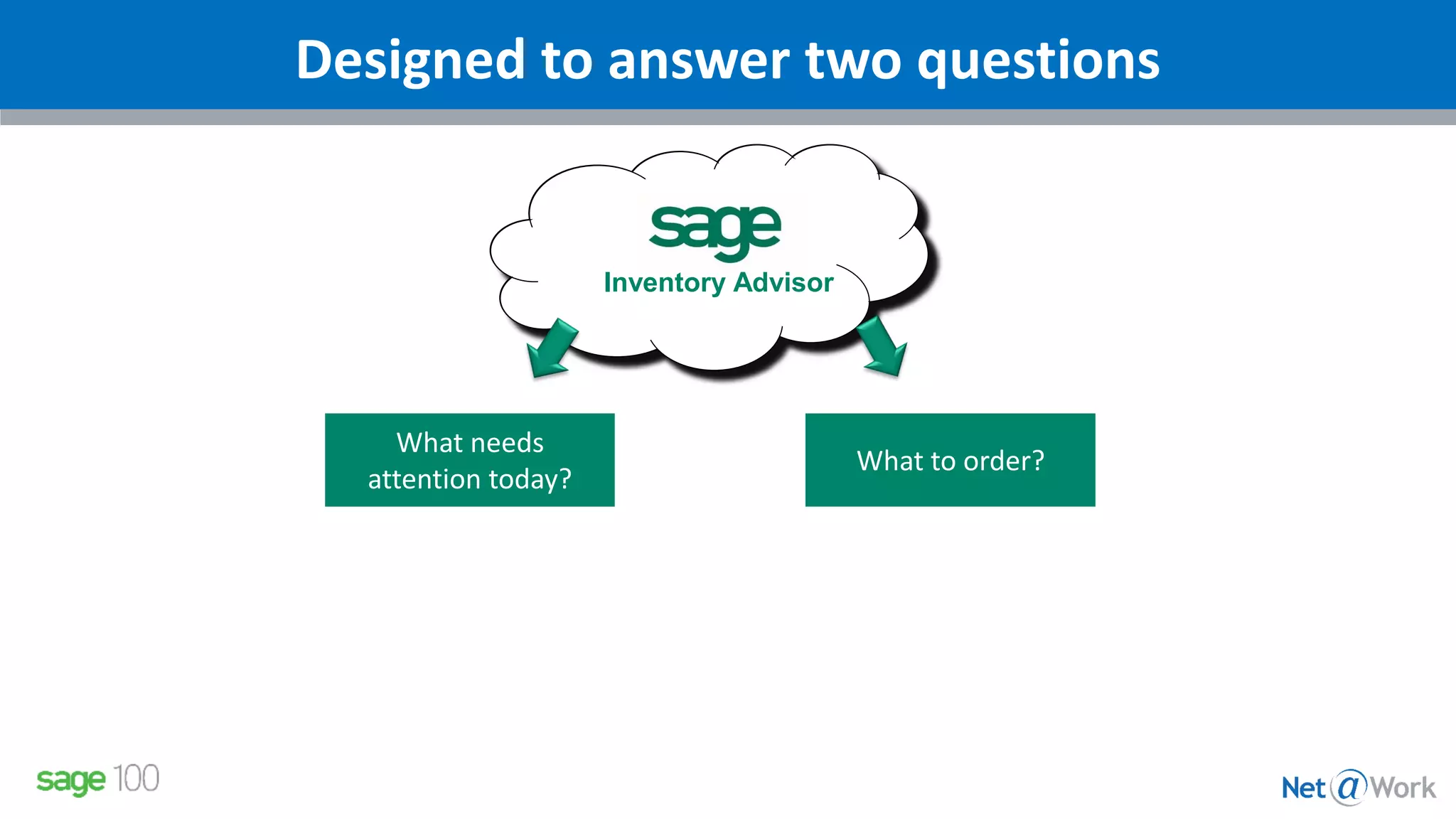
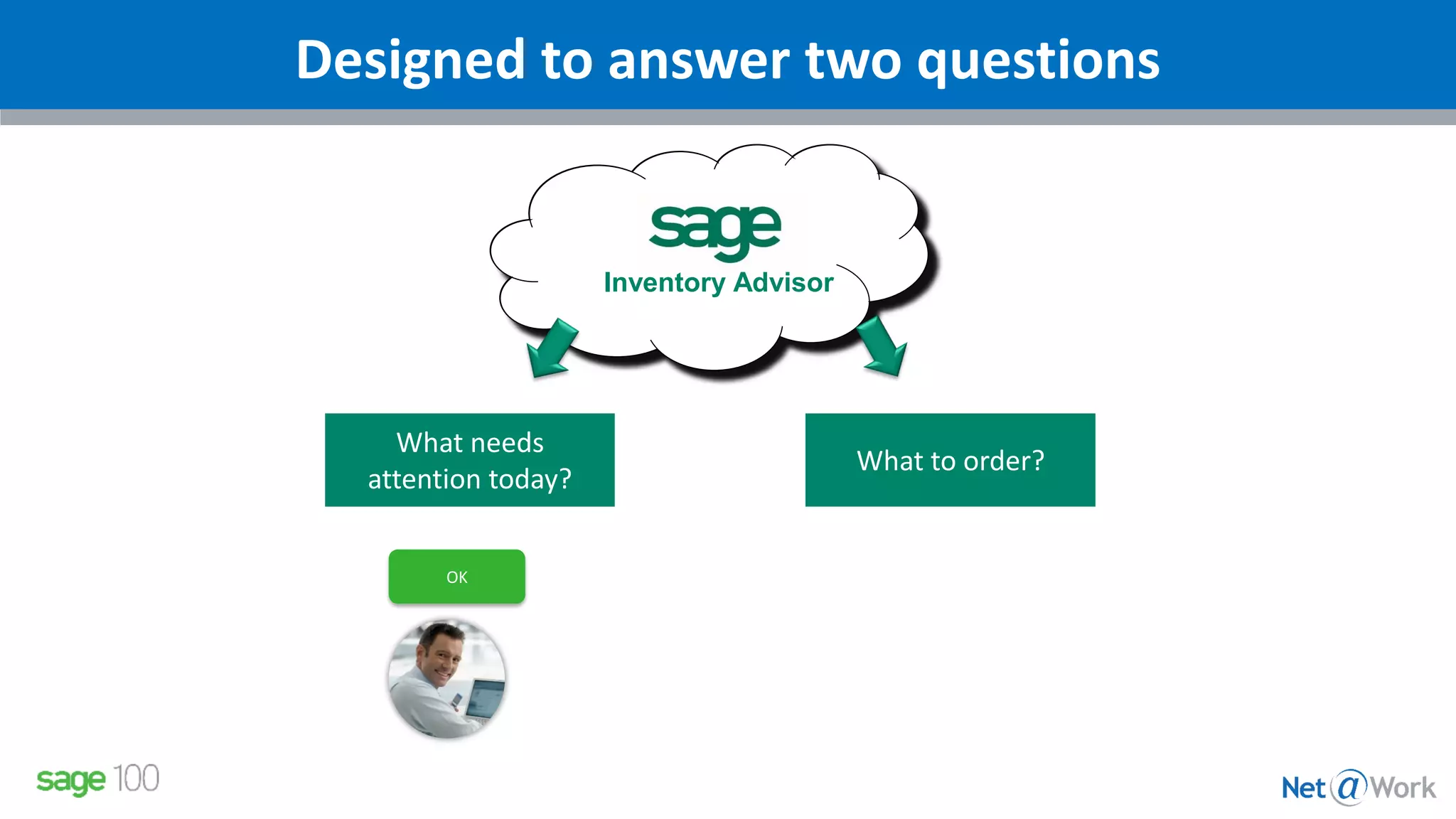
Designed to answer two questions
What needs
attention today?
What to order?
Inventory Advisor
Designed to answer two questions
What needs
attention today?
What to order?
Inventory Advisor
OK
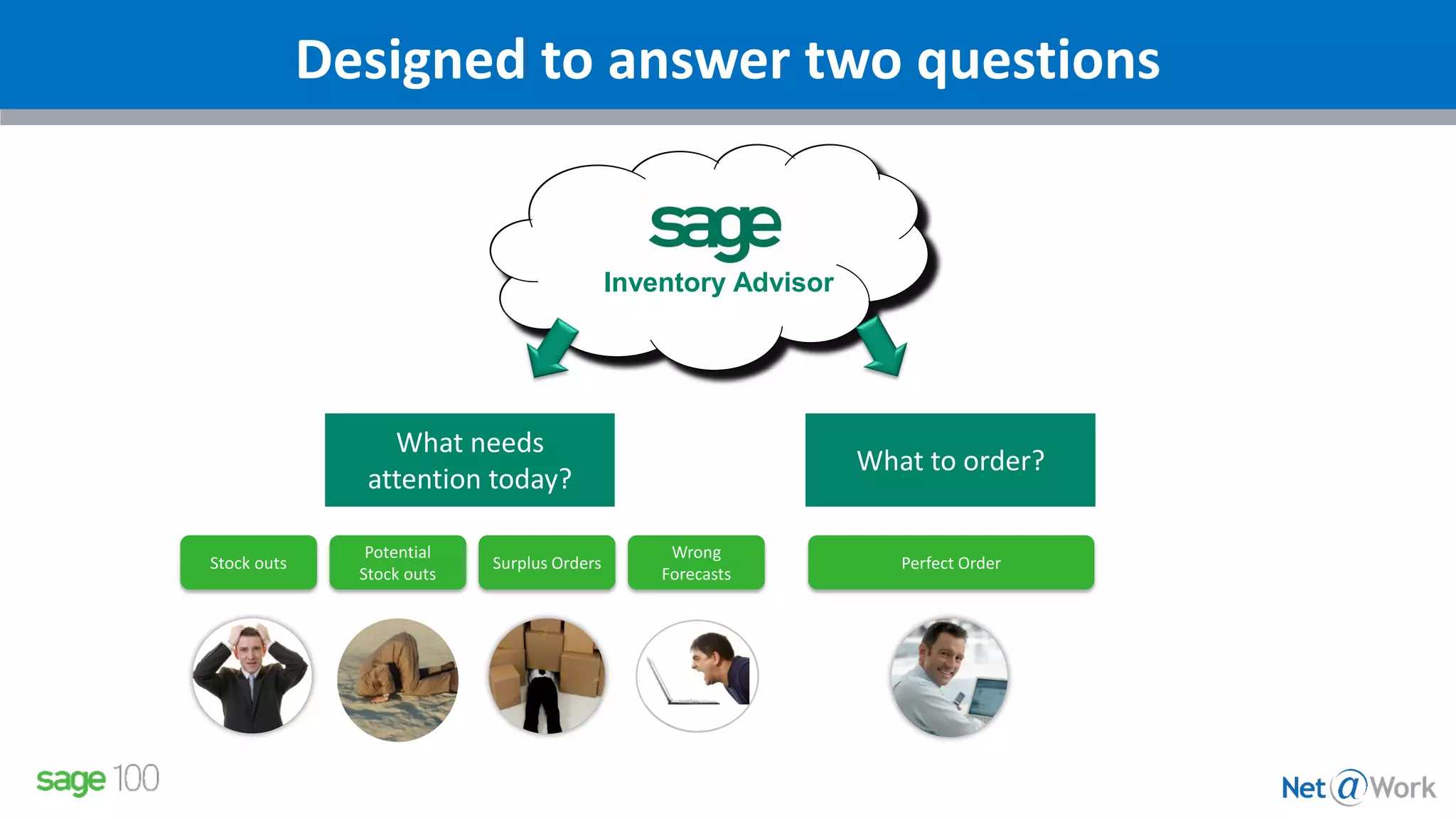
Designed to answer two questions
What needs
attention today?
What to order?
Inventory Advisor
Wrong
Forecasts
Perfect OrderStock outs
Potential
Stock outs
Surplus Orders
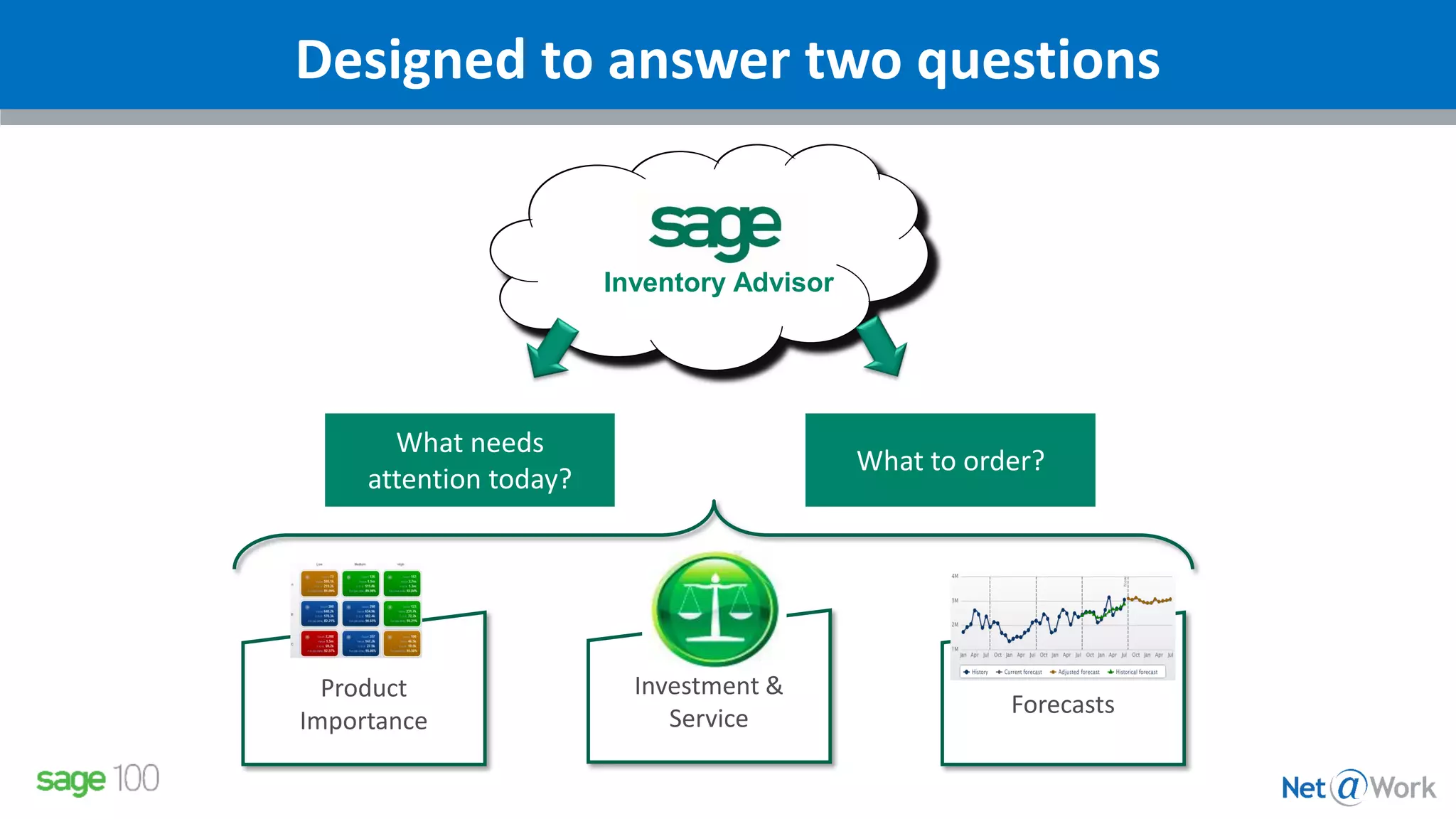
Designed to answer two questions
What needs
attention today?
What to order?
Inventory Advisor
Product
Importance
Forecasts
Investment &
Service
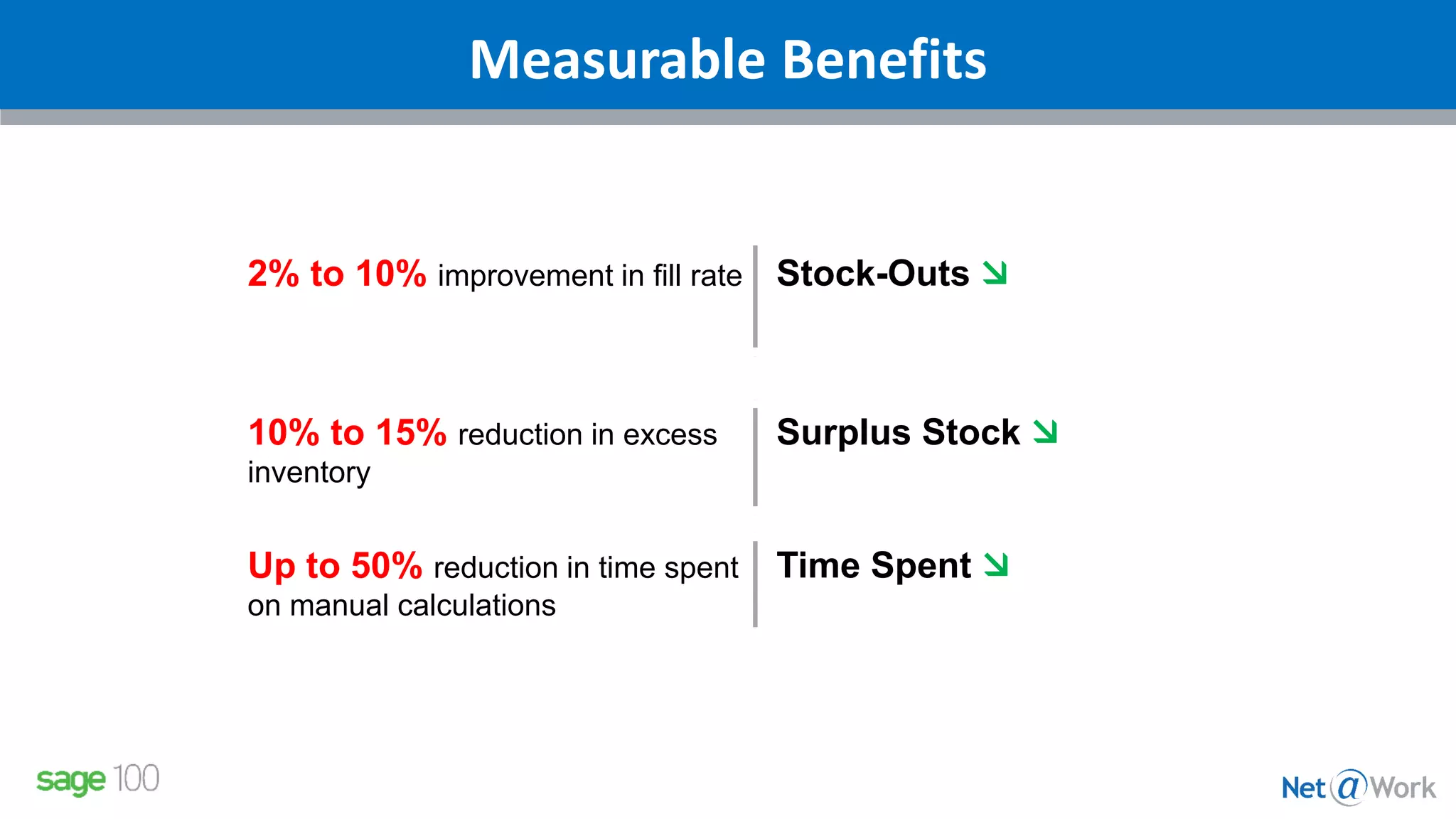
Measurable Benefits
2% to 10% improvement in fill rate Stock-Outs 
10% to 15% reduction in excess
inventory
Surplus Stock 
Up to 50% reduction in time spent
on manual calculations
Time Spent 
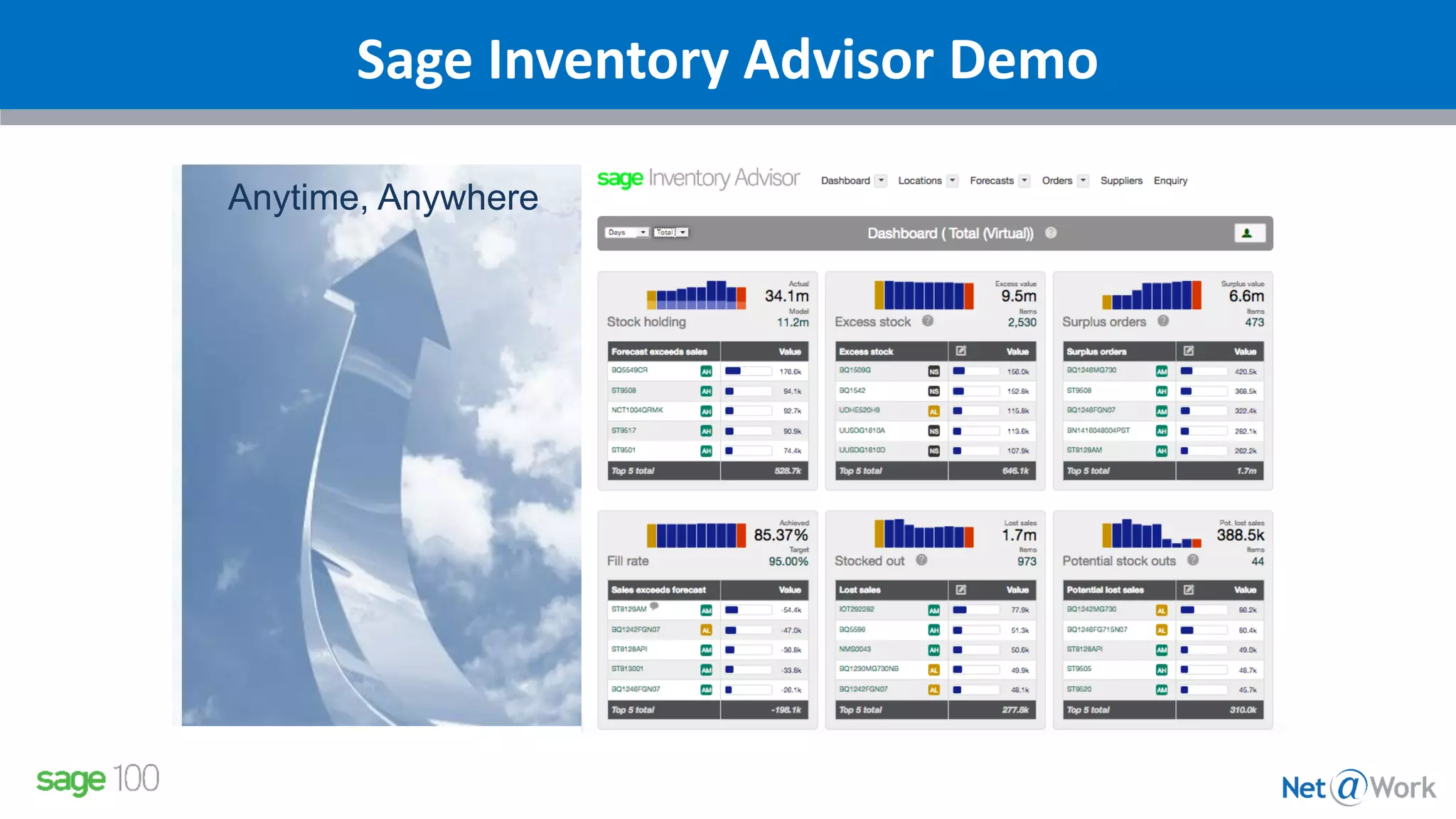
Sage Inventory Advisor Demo
Anytime, Anywhere
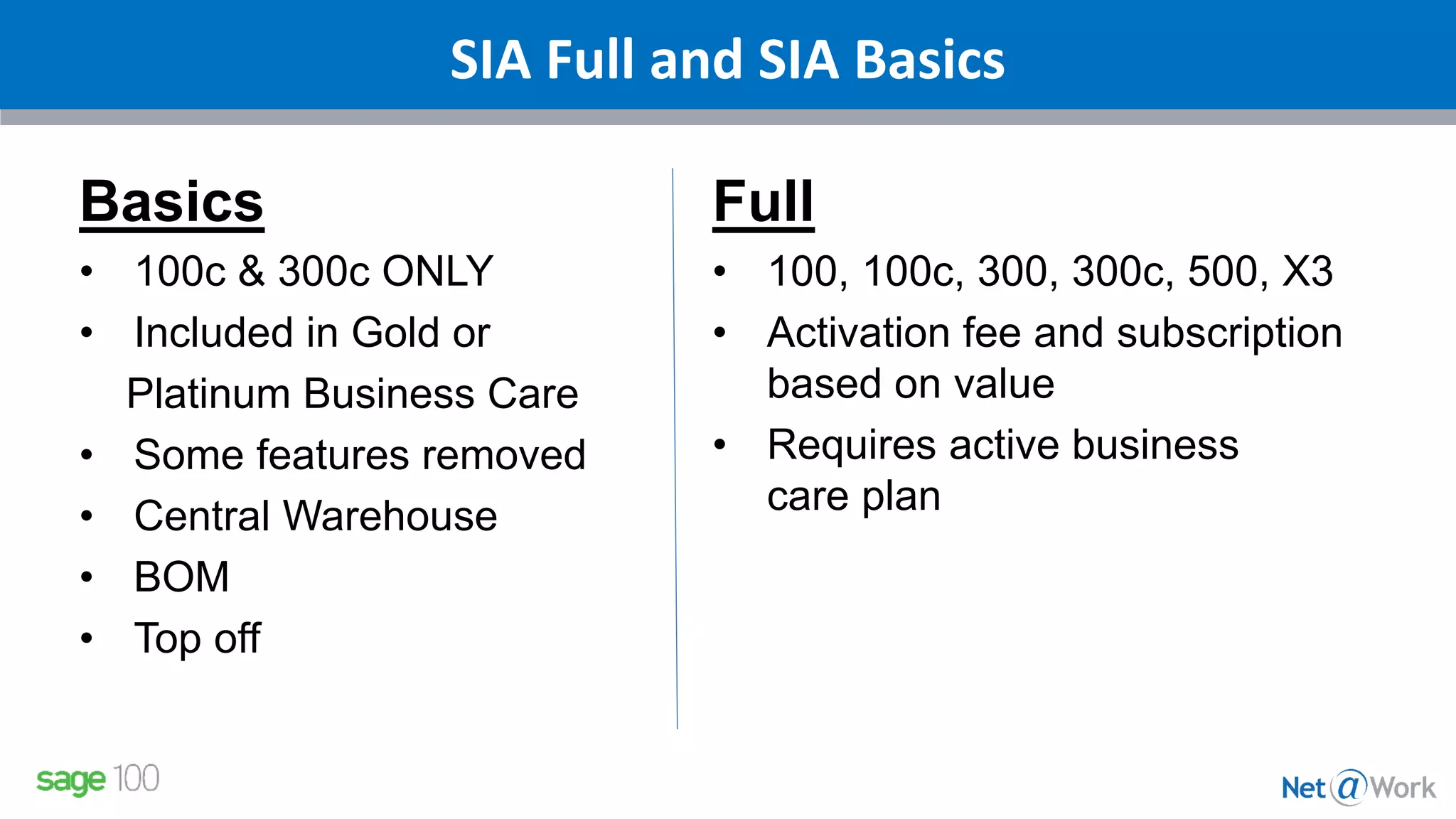
SIA Full and SIA Basics
Basics
• 100c & 300c ONLY
• Included in Gold or
Platinum Business Care
• Some features removed
• Central Warehouse
• BOM
• Top off
Full
• 100, 100c, 300, 300c, 500, X3
• Activation fee and subscription
based on value
• Requires active business
care plan
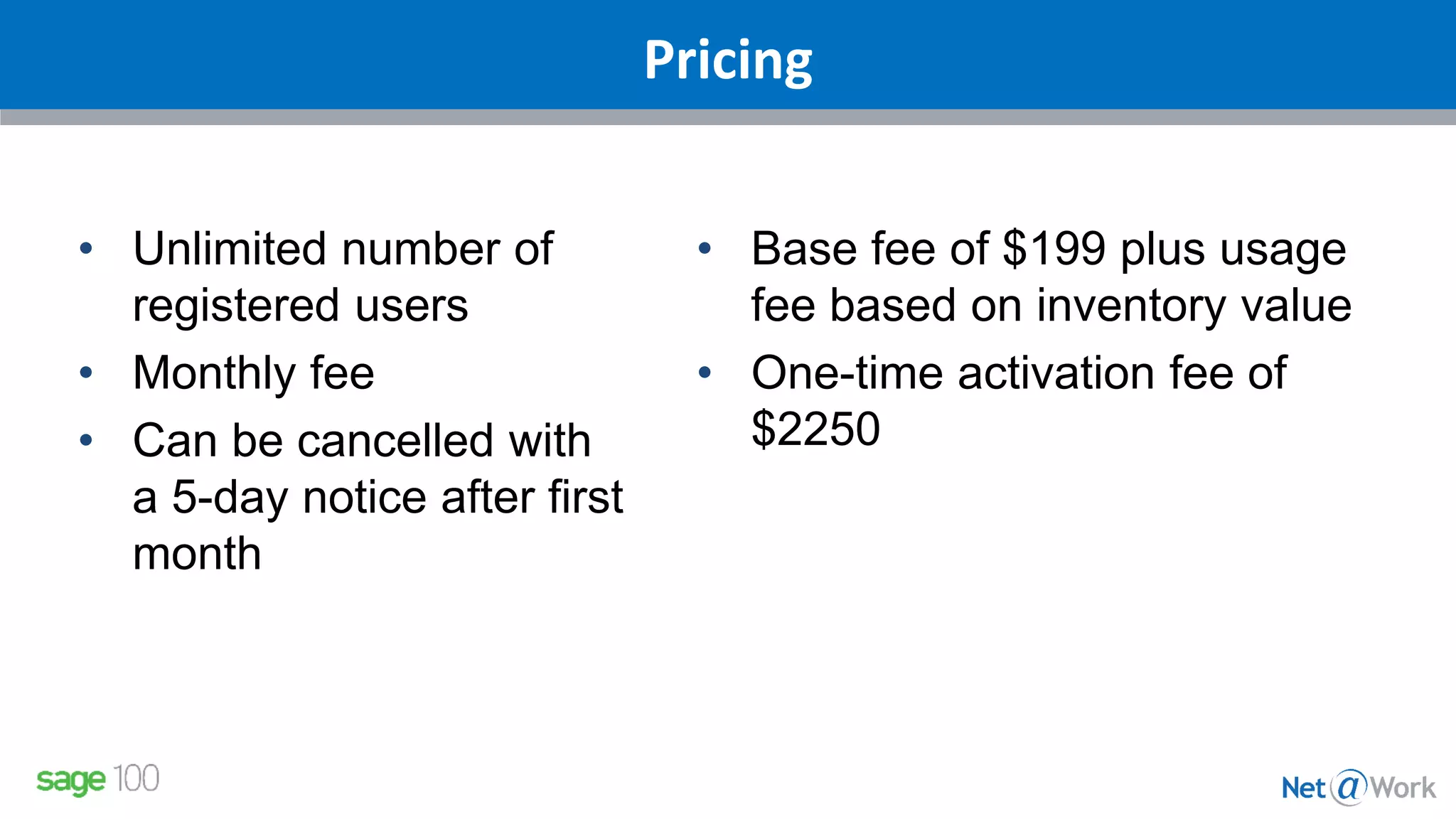
Pricing
• Unlimited number of
registered users
• Monthly fee
• Can be cancelled with
a 5-day notice after first
month
• Base fee of $199 plus usage
fee based on inventory value
• One-time activation fee of
$2250
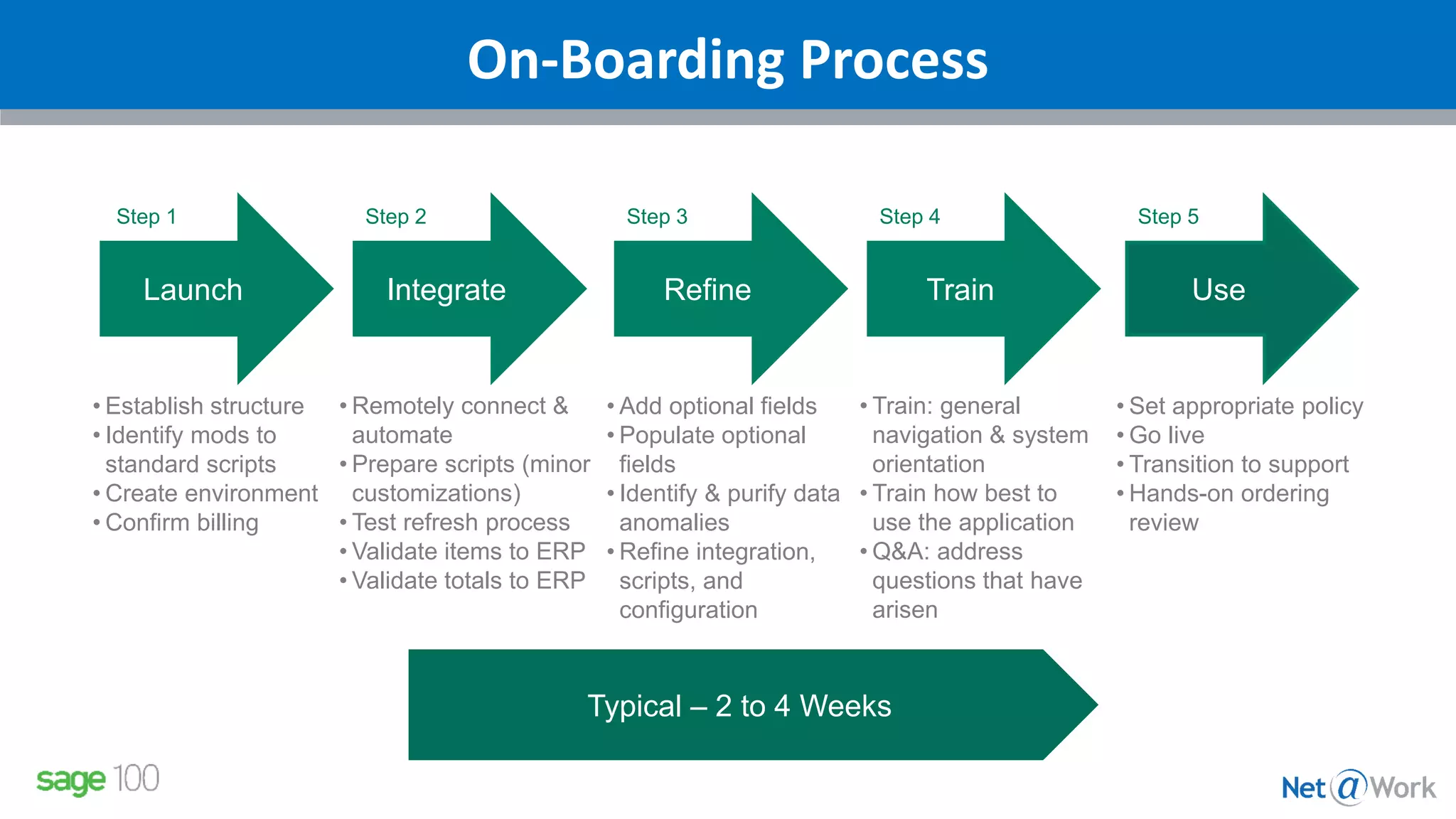
On-Boarding Process
Launch Integrate Refine Train Use
Step 1 Step 2 Step 3 Step 4 Step 5
• Establish structure
• Identify mods to
standard scripts
• Create environment
• Confirm billing
• Remotely connect &
automate
• Prepare scripts (minor
customizations)
• Test refresh process
• Validate items to ERP
• Validate totals to ERP
• Add optional fields
• Populate optional
fields
• Identify & purify data
anomalies
• Refine integration,
scripts, and
configuration
• Train: general
navigation & system
orientation
• Train how best to
use the application
• Q&A: address
questions that have
arisen
• Set appropriate policy
• Go live
• Transition to support
• Hands-on ordering
review
Typical – 2 to 4 Weeks
Contact your Net@Work Account Manager:
Shaun Garrity
Phone: 781-713-0817
sgarrity@netatwork.com
Stephanie Davis
Phone: 804-298-3812
sdavis@netatwork.com
Pat Russo
Phone: 646-293-1767
prusso@netatwork.com
Nicole Zandier
Phone: 215-809-2947
nzandier@netatwork.com
For More Information
Please type in
your questions
Any Questions?
Sean Munzert
Net@Work Sage 100 Client Care Manager
Phone: 646-293-1781
smunzert@netatwork.com
Connect with
800-719-3307
www.netatwork.com
netatwork.com/blog
Net@Work YouTube
Follow us on Twitter: @netatwork_corp
Follow Net@Work on LinkedIn
Follow Net@Work on Google+
Follow Net@Work on Facebook
Contact your Net@Work Account Manager for any questions or concerns.
Or you can reach out to us via the information below!
Thank You For Attending!

Sage Inventory Advisor for Sage 100

  • 1.
    Live Webinar: Webinar Audio: Youcan dial the telephone numbers located on your webinar panel. Or listen in using your headphones or computer speakers. Welcome!
  • 2.
    Net@Work Presenters Sean Munzert| Net@Work Sage Client Care Executive
  • 3.
    Sage Inventory AdvisorPresenter Russell Graf | NETSTOCK Vice President, Sales Publisher of Sage Inventory Advisor
  • 4.
    Webinar Details • Presentationis roughly 30 minutes • All phone lines are muted • If anyone has any questions during this webinar – please type them in your Questions Box located at the bottom of your webinar panel
  • 5.
  • 6.
    What is SageInventory Advisor? Sage Inventory Advisor is an affordable cloud-based solution that integrates with Sage ERP systems to help you optimize your inventory:  decrease working capital  improve customer service  save time Industries – Manufacturing, Distribution, Retail/eTail
  • 7.
    Inventory Management Receiving inventory LabelingCounting(Stock Take) Inventory Control Responsibility Manage the physical product Pick/Pack/ship
  • 8.
    Inventory Management Receiving inventory LabelingCounting(Stock Take) Inventory Control Responsibility Manage the physical product Pick/Pack/ship What should be in stock? When should orders be placed? Given: Demand Lead Time
  • 9.
    Inventory Management Receiving inventory LabelingCounting(Stock Take) Inventory Control Responsibility Manage the physical product Pick/Pack/ship stock-outs too much capital in stock time spent
  • 10.
    Inventory Management Receiving inventory LabelingCounting(Stock Take) Inventory Control Responsibility Manage the physical product Pick/Pack/ship Inventory Replenishment Responsibility To have the right stock at the right place at the right time Forecasting Ordering Expediting
  • 11.
    How it works Information •Dashboard • Performance metrics • Problem items • Sophisticated forecasts • Recommended orders • Dynamic reporting Sage ERP Internet Uploads Inventory data automatically extracted from the ERP system Inventory Advisor
  • 12.
    Designed to answertwo questions What needs attention today? What to order? Inventory Advisor
  • 13.
    Designed to answertwo questions What needs attention today? What to order? Inventory Advisor OK
  • 14.
    Designed to answertwo questions What needs attention today? What to order? Inventory Advisor Wrong Forecasts Perfect OrderStock outs Potential Stock outs Surplus Orders
  • 15.
    Designed to answertwo questions What needs attention today? What to order? Inventory Advisor Product Importance Forecasts Investment & Service
  • 16.
    Measurable Benefits 2% to10% improvement in fill rate Stock-Outs  10% to 15% reduction in excess inventory Surplus Stock  Up to 50% reduction in time spent on manual calculations Time Spent 
  • 17.
    Sage Inventory AdvisorDemo Anytime, Anywhere
  • 18.
    SIA Full andSIA Basics Basics • 100c & 300c ONLY • Included in Gold or Platinum Business Care • Some features removed • Central Warehouse • BOM • Top off Full • 100, 100c, 300, 300c, 500, X3 • Activation fee and subscription based on value • Requires active business care plan
  • 19.
    Pricing • Unlimited numberof registered users • Monthly fee • Can be cancelled with a 5-day notice after first month • Base fee of $199 plus usage fee based on inventory value • One-time activation fee of $2250
  • 20.
    On-Boarding Process Launch IntegrateRefine Train Use Step 1 Step 2 Step 3 Step 4 Step 5 • Establish structure • Identify mods to standard scripts • Create environment • Confirm billing • Remotely connect & automate • Prepare scripts (minor customizations) • Test refresh process • Validate items to ERP • Validate totals to ERP • Add optional fields • Populate optional fields • Identify & purify data anomalies • Refine integration, scripts, and configuration • Train: general navigation & system orientation • Train how best to use the application • Q&A: address questions that have arisen • Set appropriate policy • Go live • Transition to support • Hands-on ordering review Typical – 2 to 4 Weeks
  • 21.
    Contact your Net@WorkAccount Manager: Shaun Garrity Phone: 781-713-0817 sgarrity@netatwork.com Stephanie Davis Phone: 804-298-3812 sdavis@netatwork.com Pat Russo Phone: 646-293-1767 prusso@netatwork.com Nicole Zandier Phone: 215-809-2947 nzandier@netatwork.com For More Information
  • 22.
    Please type in yourquestions Any Questions?
  • 23.
    Sean Munzert Net@Work Sage100 Client Care Manager Phone: 646-293-1781 smunzert@netatwork.com Connect with 800-719-3307 www.netatwork.com netatwork.com/blog Net@Work YouTube Follow us on Twitter: @netatwork_corp Follow Net@Work on LinkedIn Follow Net@Work on Google+ Follow Net@Work on Facebook Contact your Net@Work Account Manager for any questions or concerns. Or you can reach out to us via the information below! Thank You For Attending!