Social Media and ICT in MFL
Helena Butterfield
Curriculum Leader of MFL,
St. Michael’s Catholic
Academy, Billingham
http://www.langwitch.co.uk
Objectives today
• To know how MFL teachers are using Social
Media and ICT
• To know about some websites that could be
used with pupils to use their languages
• To have a go at using some of the tools we
have found out about

http://ril-studentambassadors.wikispaces.com/
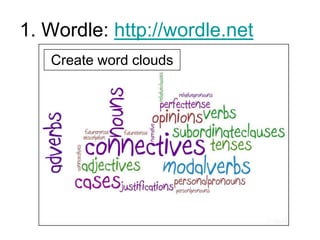
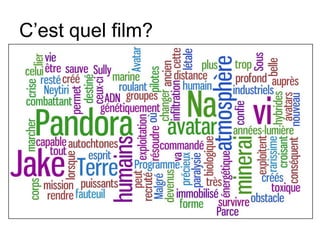
1. Wordle: http://wordle.net
Create word clouds
C’est quel film?
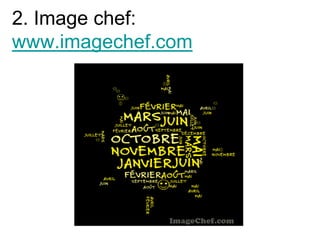
2. Image chef:
www.imagechef.com
3. Tagxedo:
http://www.tagxedo.com
Uses and ideas
 Introduce a topic
 Introduce, learn, memorise, revise or
practice vocabulary
 Analyse the content and gist of a longer
text
 Compare two texts at different levels
 Help pupils how to do a presentation
without reading from a sheet
 Use key words as a writing promt
 Pupils create a “Key Words” wordle
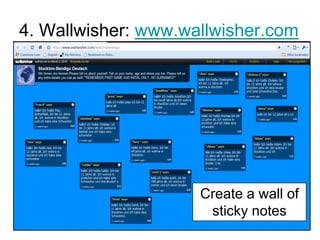
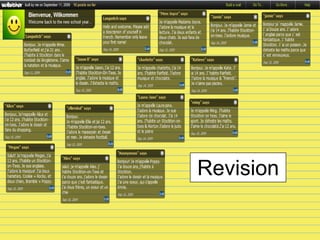
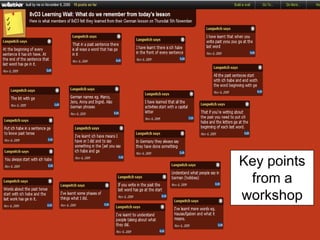
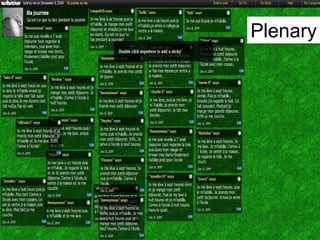
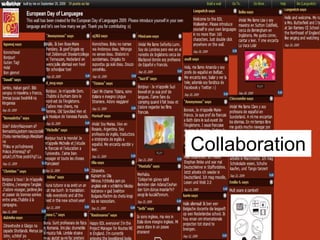
4. Wallwisher: www.wallwisher.com

Create a wall of
sticky notes
Revision
Key points
from a
workshop
Plenary
Collaboration
5. Linoit: http://linoit.com
• Social Media and New Technologies in
MFL
• Favourite ICT tools for MFL
Other uses
•
•
•
•
•

Brainstorming ideas
Share success criteria
Revision
International projects
Collaboration for you across different
centres
Ideas for use
•
•
•
•

Spontaneous speaking
Prepare for presentations
Collaboration
Creative speaking / writing
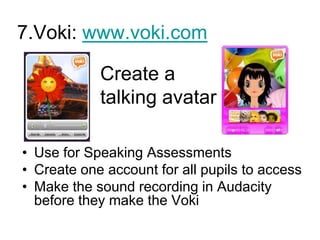
7.Voki: www.voki.com

Create a
talking avatar
• Use for Speaking Assessments
• Create one account for all pupils to access
• Make the sound recording in Audacity
before they make the Voki
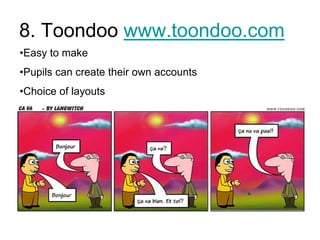
8. Toondoo www.toondoo.com
•Easy to make
•Pupils can create their own accounts
•Choice of layouts
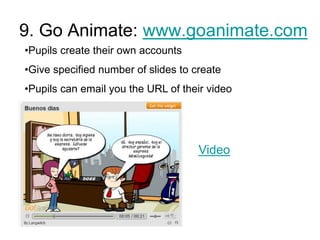
9. Go Animate: www.goanimate.com
•Pupils create their own accounts
•Give specified number of slides to create
•Pupils can email you the URL of their video

Video
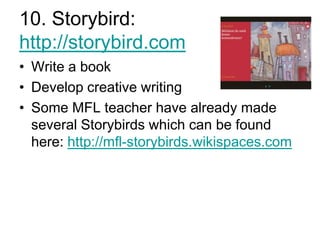
10. Storybird:
http://storybird.com
• Write a book
• Develop creative writing
• Some MFL teacher have already made
several Storybirds which can be found
here: http://mfl-storybirds.wikispaces.com
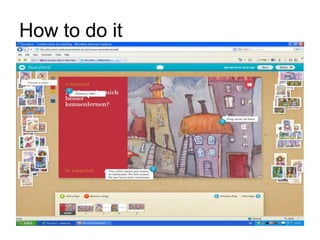
How to do it
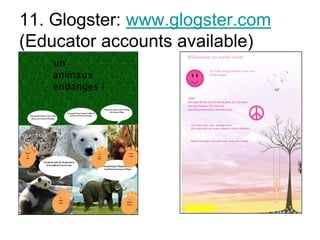
11. Glogster: www.glogster.com
(Educator accounts available)
12. Make a mindmap
• http://popplet.com
• http://8agerman.posterous.com/?page=4
• http://bubbl.us
Sharing work
• Via a blog
– http://www.stmichaelsmfl.wordpress.com

• Via a wiki
– http://micheleneurope.wikispaces.com/
More information
The Langwitch Chronicles:
http://www.langwitch.co.uk
Email: helenabutterfield@gmail.com
Twitter: @Langwitch

Routes into Languages Ambassadors