How to keep your adult
children safe on the Internet
and still give them their space


                                          Kathy Schrock
                                  kathy@kathyschrock.net
Itinerary
• Overview of concerns
• Up to speed
• Practical ideas to help
• Monitoring
• Support links
• Questions and comments
Overview of concerns
• Revealing too much personal information
• Sharing passwords and other information
• Bullying
• Social relationships online
• Meeting up in person
• Scammers and phishing
Some other concerns
• The discernment skills to be able to determine
  whether or not to friend someone

• Knowledge and skills to get out of a sticky situation

• Being able to interpret the rules and expectations
Get yourself up to speed
• Sign up for a Facebook account
• Start using Twitter

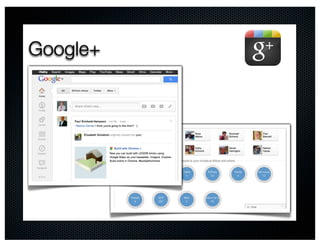
• Get a Google+ account
• Practice online chat with others
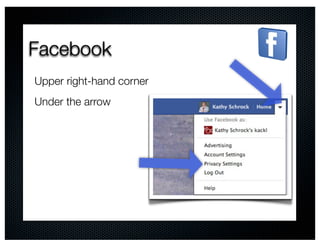
Facebook
Upper right-hand corner
Under the arrow
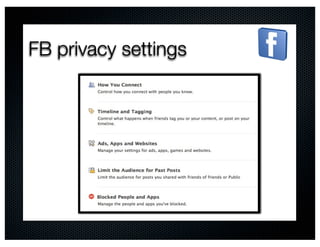
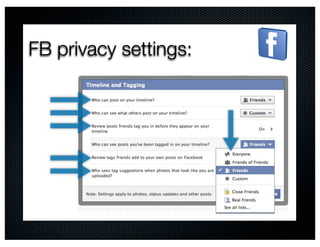
FB privacy settings
FB privacy settings:
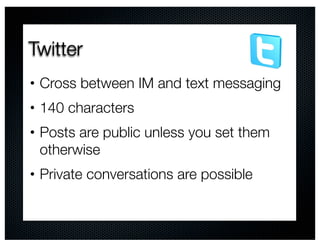
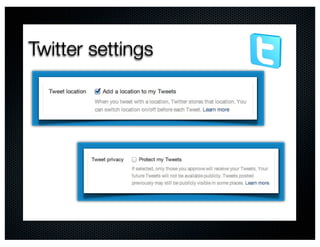
Twitter
•   Cross between IM and text messaging
•   140 characters
•   Posts are public unless you set them
    otherwise
•   Private conversations are possible
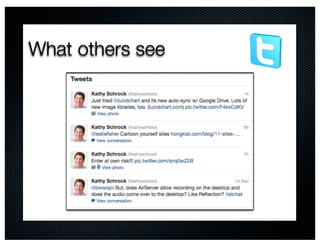
What others see
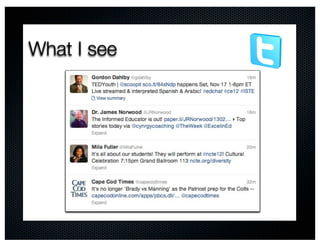
What I see
Twitter settings
Google+
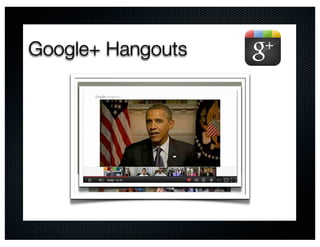
Google+ Hangouts
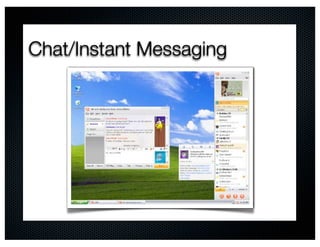
Chat/Instant Messaging
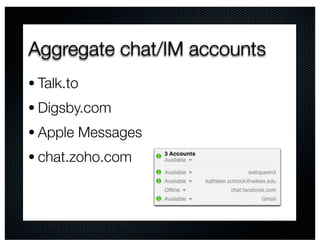
Aggregate chat/IM accounts
• Talk.to
• Digsby.com
• Apple Messages
• chat.zoho.com
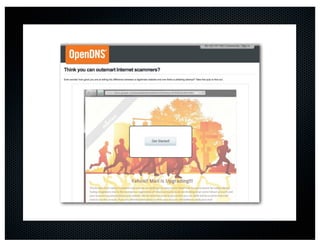
Phishing
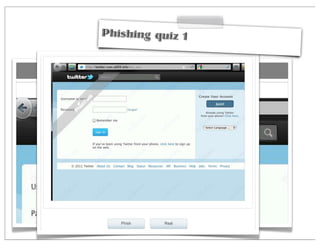
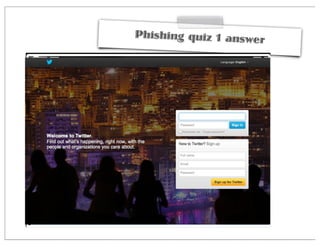
Phishing quiz 1
Phishing quiz 1 answe
                      r
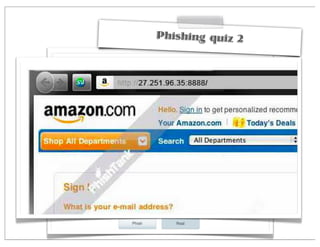
Phishing quiz 2
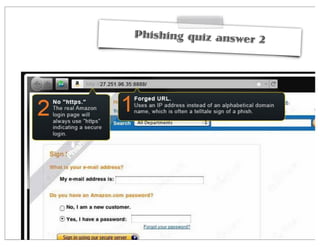
Phishing quiz answer
                     2
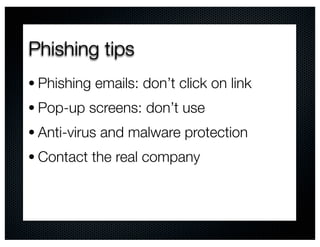
Phishing tips
• Phishing emails: don’t click on link
• Pop-up screens: don’t use
• Anti-virus and malware protection
• Contact the real company
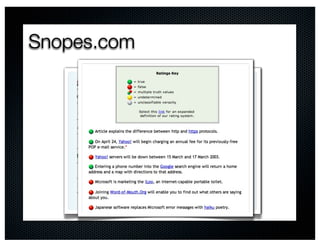
Snopes.com
Practical ideas
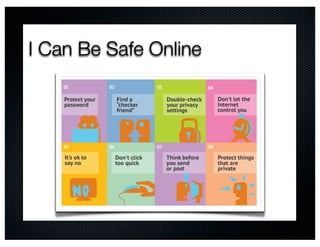
Practical ideas: passwords
•   Passwords need to remain private
•   Passwords should be changed often
•   Use different passwords
•   Write down all the passwords together
Practical ideas: checker friend
Have your adult child make you their
“checker friend”
A checker friend is:
• Someone you go to
• Someone who will check on you
• Someone who is your “friend”
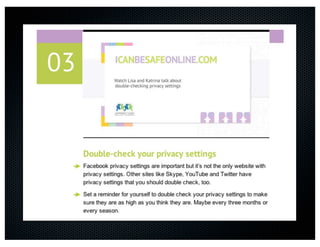
Practical ideas: privacy settings
• Social networks often change their
  privacy setting options
• Check privacy settings regularly
Practical ideas: social time
•   Remind your adult child the Internet is
    just one part of their life
•   Set time limits on online time
•   Real world social interactions
•   Friends respect the time limit
Practical ideas: just say no
•   Easy to “un-friend” or “un-follow”
    someone
•   Only friend those they know
•   It is fine to say “no”
Practical ideas: look
• Never click on an attachment from
 anyone or one you are not expecting
• Have their “checker friend” look at a link
 before clicking on it
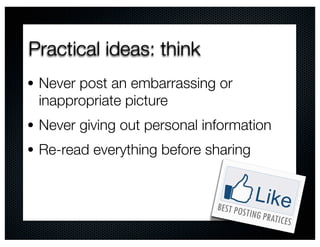
Practical ideas: think
• Never post an embarrassing or
 inappropriate picture
• Never giving out personal information
• Re-read everything before sharing
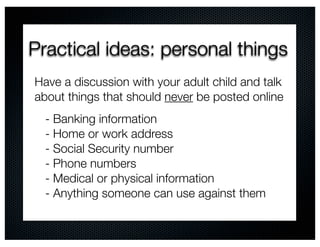
Practical ideas: personal things
Have a discussion with your adult child and talk
about things that should never be posted online
  - Banking information
  - Home or work address
  - Social Security number
  - Phone numbers
  - Medical or physical information
  - Anything someone can use against them
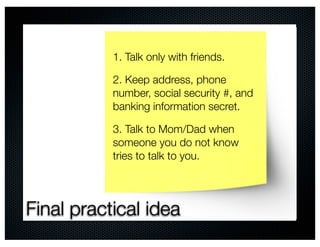
1. Talk only with friends.

           2. Keep address, phone
           number, social security #, and
           banking information secret.

           3. Talk to Mom/Dad when
           someone you do not know
           tries to talk to you.


Final practical idea
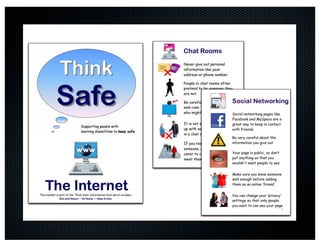
I Can Be Safe Online
NSTeens
Monitoring options
Monitoring options
•   Be a friend or follower on social networks
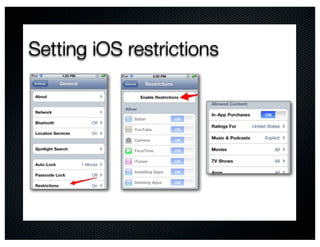
•   iOS options
•   Computer options
Setting iOS restrictions
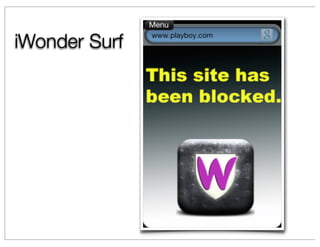
iWonder Surf
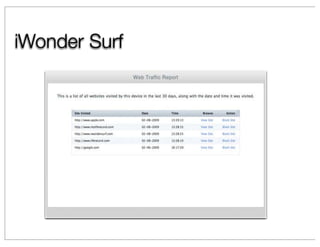
iWonder Surf
$6-$13 per month
Stealth Genie
Stealth Genie
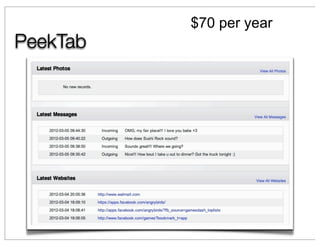
$70 per year
PeekTab
Software solutions

                             For Windows/Mac
   For Windows only          Spector Pro $100
   WebWatcher $100


    For Windows only
                       For iPod Touch, iPhone, iPad
         $29.95
                           K-9 Web Protection
                                   Free
Links
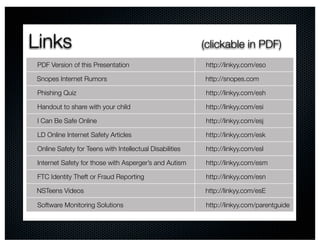
Links                                                     (clickable in PDF)
 PDF Version of this Presentation                         http://linkyy.com/eso

Snopes Internet Rumors                                    http://snopes.com

 Phishing Quiz                                            http://linkyy.com/esh

 Handout to share with your child                         http://linkyy.com/esi

 I Can Be Safe Online                                     http://linkyy.com/esj

 LD Online Internet Safety Articles                       http://linkyy.com/esk

 Online Safety for Teens with Intellectual Disabilities   http://linkyy.com/esl

 Internet Safety for those with Asperger’s and Autism     http://linkyy.com/esm

 FTC Identity Theft or Fraud Reporting                    http://linkyy.com/esn

NSTeens Videos                                            http://linkyy.com/esE

 Software Monitoring Solutions                            http://linkyy.com/parentguide
Questions? Comments?
Kathy Schrock
kathy@kathyschrock.net
http://kathyschrock.net
Twitter: @kathyschrock

Riverview