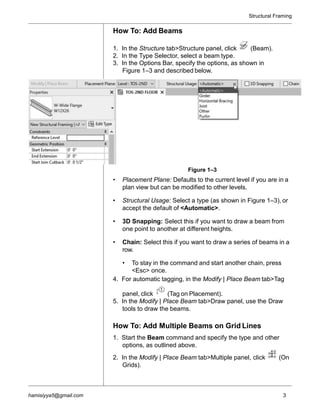
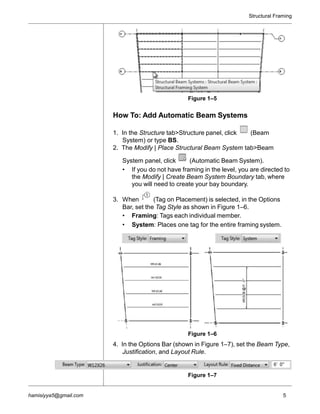
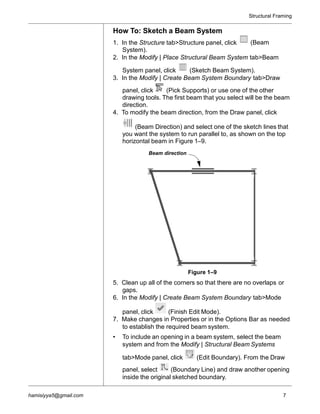
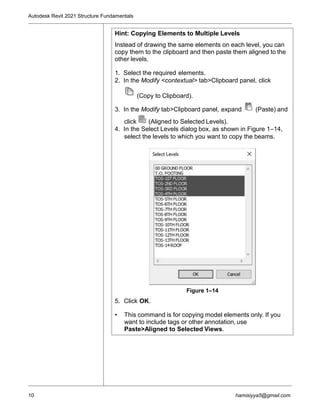
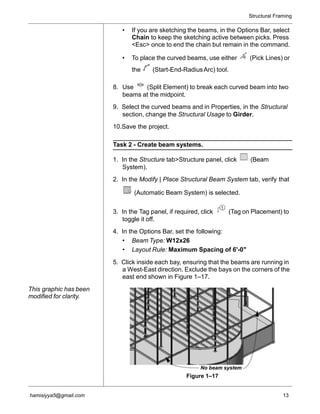
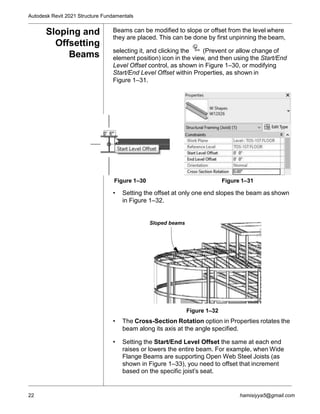
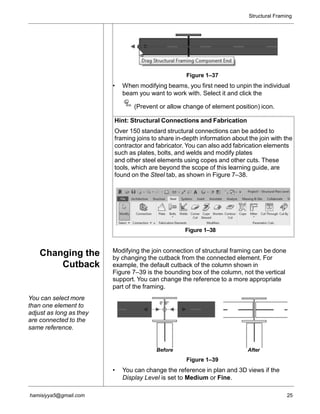
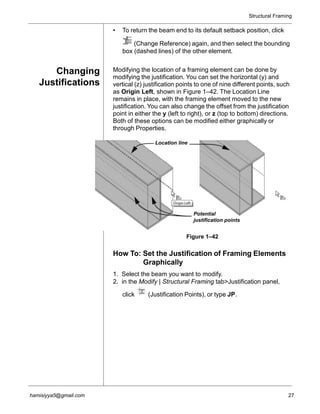
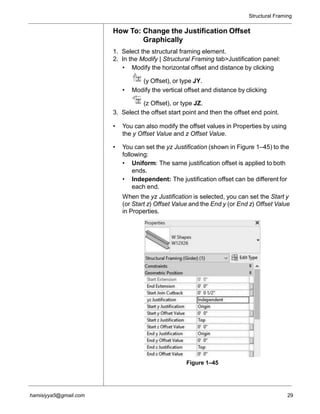
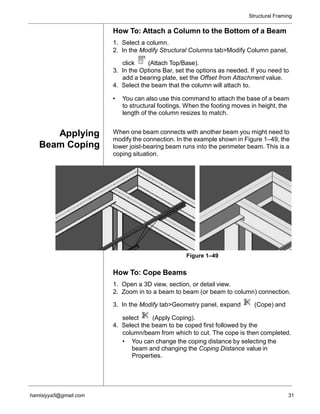
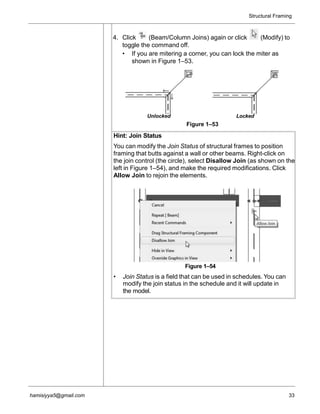
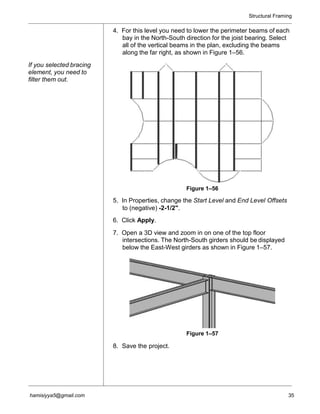
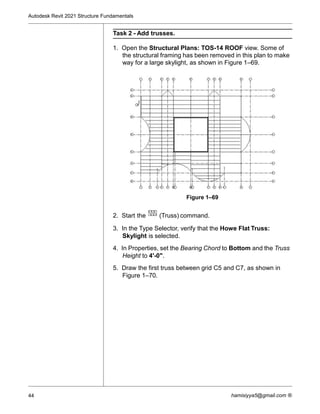
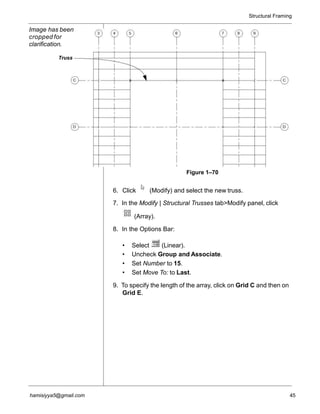
The document discusses modeling structural framing in Autodesk Revit. It describes how to add individual beams, beam systems, bracing, and make framing element adjustments. Key steps include placing beams between columns using grids or sketching, creating automatic or sketched beam systems, copying framing between levels, and adding diagonal bracing between beams and columns. The learning objectives are to learn how to add different structural framing elements, make framing adjustments, add trusses, and copy framing between levels in Revit.