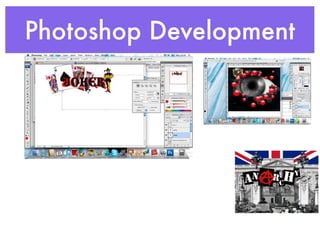
Here are some suggestions for developing your magazine concept further in Photoshop:
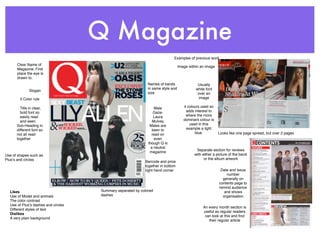
- Experiment with different layouts and compositions before finalizing the cover design. Try different model placements, backgrounds, fonts, etc. to see what looks most visually appealing and aligns with your genre.
- Add texture and effects to enhance realism. For example, apply noise, blurs, layer styles like drop shadows to the model and text.
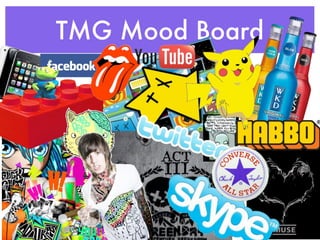
- Incorporate additional colors beyond your core palette for visual interest. Use them subtly through textures, overlays, etc. rather than large blocks of color.
- Develop impactful headlines and graphics to draw the eye. Things like overlays, torn edges, dimensional textures can make elements pop

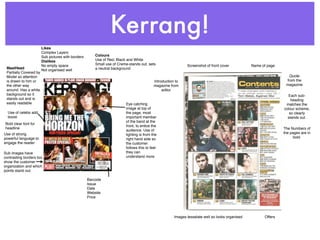
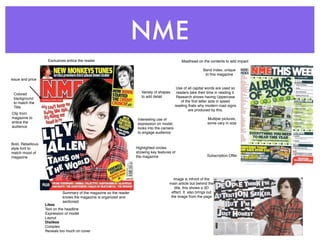
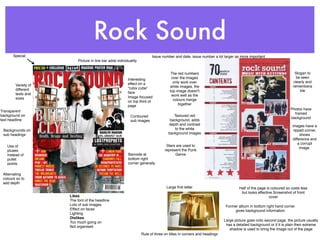
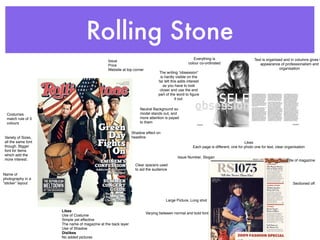



![Music magazine front cover analysis[1]](https://cdn.slidesharecdn.com/ss_thumbnails/musicmagazinefrontcoveranalysis1-120423125101-phpapp02-thumbnail.jpg?width=640&height=640&fit=bounds)


