ROHIT VIPIN MATHEWS
What is a Reflection?
Reflection is a generic term that describes the ability to inspect and
manipulate program elements at runtime .


Reflection allows you to:
• Find out information about an assembly
• Find out information about a type
• Enumerate the members of a type
• Instantiate a new object
• Execute the members of an object
• Inspect the custom attributes applied to a type
• Create and compile a new assembly
Assembly Class
•The Assembly class is defined in the System.Reflection namespace
• It provides access to the metadata for a given assembly.
• It contains methods to allow you to load and even execute an assembly .
• It also contains methods to get custom attributes and all the types present
in the assembly.
Static methods of assembly class
Assembly class contains a large number of static methods to
create instances of the class
• GetAssembly - Return an Assembly that contains a specified
  types.
• GetEntryAssembly - Return the assembly that contains the
  code that started up the current process.
• GetCallingAssembly – Return the assembly that contains the
  code that called the current method.
• GetExecutingAssembly - Returns the assembly that contains
  the currently executing code.
• Load - Load an assembly.
• LoadFile – Load an assembly by specifying path.
• ReflectionOnlyLoad - Load an assembly which allows
  interrogation but not execution.
Properties of assembly class
Various properties of Assembly can be used to get information about
the assembly.


Assembly a = Assembly.GetExecutingAssembly();
Console.WriteLine("name of the assembly is "+a.FullName);
Console.WriteLine("Location of the assembly is " + a.Location);
 Console.WriteLine("is it a shared assembly? " +
a.GlobalAssemblyCache);
Console.WriteLine("assembly was loaded just for reflection ? " +
a.ReflectionOnly);
Instance methods of assembly
class
Assembly class contains a large number of instance methods to get
detailed information about the assembly

CreateInstance-Create an instance of a specified type that exists in the
assembly
GetCustomAttributes – Return the array of attributes for the assembly
.
GetFile - Returns the FileStream object for file contained in the
resource of the assembly.
GetFiles - Returns the array of FileStream object that shows all the
files contained in the resource of the assembly.
GetName - Returns an AssemblyName object that shows fully
qualified name of the assembly.
GetTypes - Returns an array of all the types defined in the assembly.
GetSatelliteAssembly - Returns satellite assembly for specific culture
.
Finding out types defined in an
assembly and custom attributes
The Assembly class allows you to obtain details of all the types that
are defined in the corresponding assembly. You simply call the
Assembly.GetTypes() method, which returns an array of System.Type
Type[] types = theAssembly.GetTypes();
Then you can use Type class methods to get details about the
particular type. which is discussed in later section.
System.Type Class
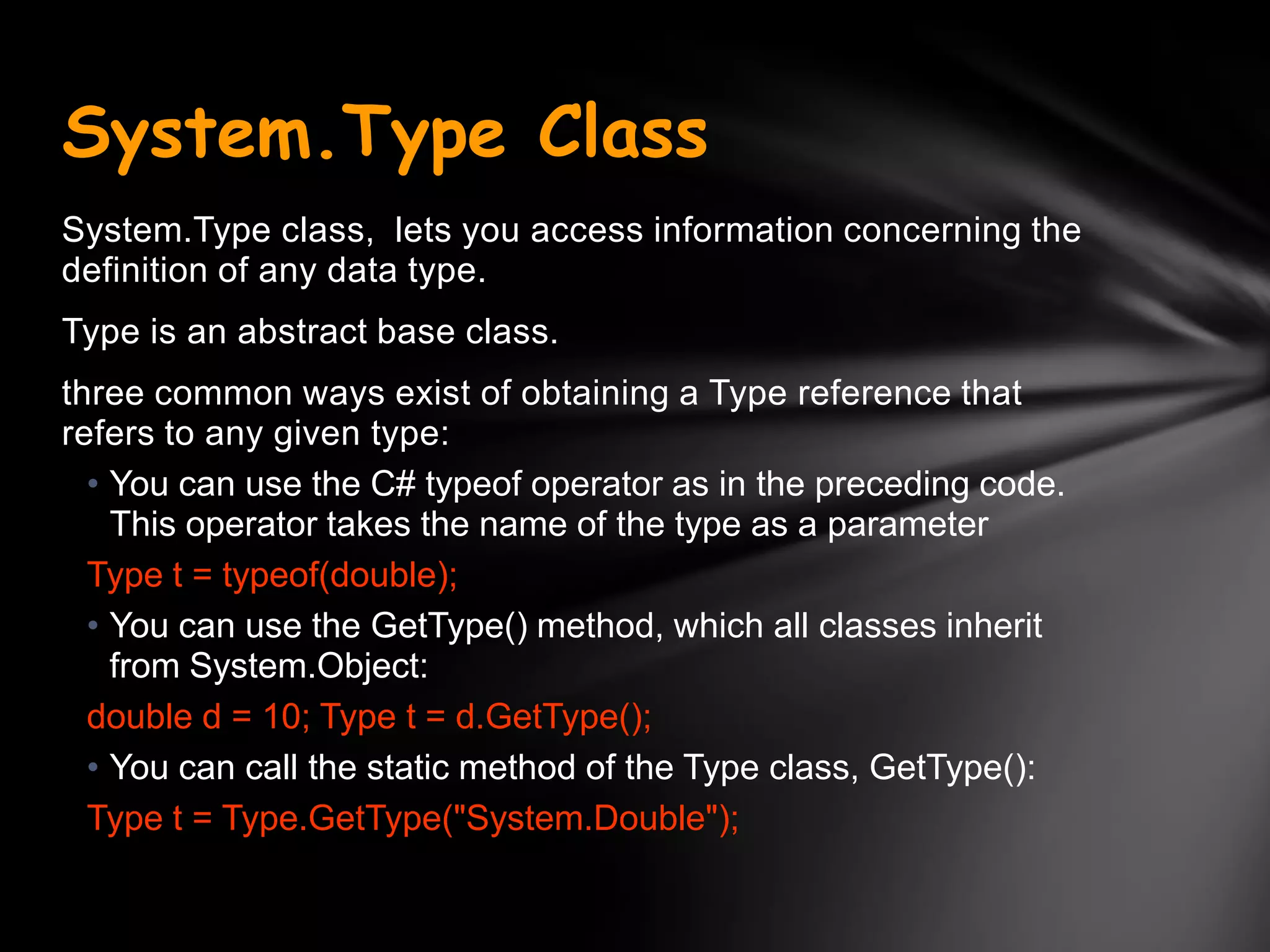
System.Type class, lets you access information concerning the
definition of any data type.
Type is an abstract base class.
three common ways exist of obtaining a Type reference that
refers to any given type:
  • You can use the C# typeof operator as in the preceding code.
    This operator takes the name of the type as a parameter
  Type t = typeof(double);
  • You can use the GetType() method, which all classes inherit
    from System.Object:
  double d = 10; Type t = d.GetType();
  • You can call the static method of the Type class, GetType():
  Type t = Type.GetType("System.Double");
Type Properties
Name - The name of the data type
FullName - The fully qualified name of the data type (including the
namespace name)
Namespace - The name of the namespace in which the data type is
defined

Type[] Tarr= assembly1.GetTypes();
Console.WriteLine("Name of the type is "+Tarr[0].FullName);

A number of Boolean properties indicate whether or not this type is, a class
or an enum, and so on.
These properties include
IsAbstract, IsArray, IsClass, IsEnum, IsInterface, IsPointer, IsPrimitive (one
of the predefined primitive data types), IsPublic, IsSealed, and
IsValueType.

Type[] Tarr= assembly1.GetTypes();
Console.WriteLine(―The type is premitive? "+ Tarr[0].IsPrimitive);
Console.WriteLine(―The type is Enum? "+ Tarr[0]. IsEnum);
Console.WriteLine(―The type is public? "+ Tarr[0]. IsPublic);
Type Methods
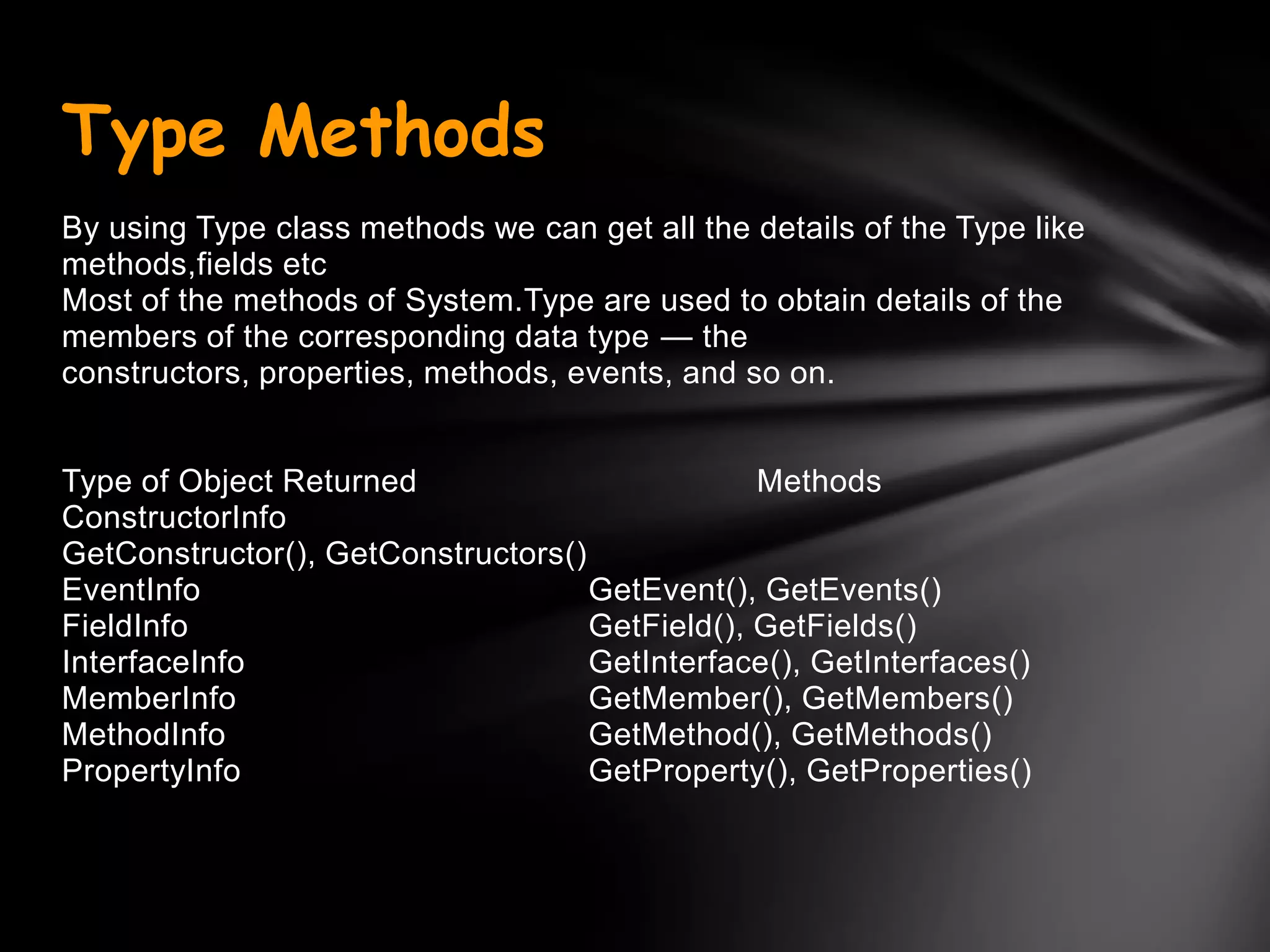
By using Type class methods we can get all the details of the Type like
methods,fields etc
Most of the methods of System.Type are used to obtain details of the
members of the corresponding data type — the
constructors, properties, methods, events, and so on.


Type of Object Returned                         Methods
ConstructorInfo
GetConstructor(), GetConstructors()
EventInfo                           GetEvent(), GetEvents()
FieldInfo                           GetField(), GetFields()
InterfaceInfo                       GetInterface(), GetInterfaces()
MemberInfo                          GetMember(), GetMembers()
MethodInfo                          GetMethod(), GetMethods()
PropertyInfo                        GetProperty(), GetProperties()
Attribute
C# .net Attributes provide a powerful method of associating declarative
information with C# code.
An attribute is a information which marks the elements of code such as a
class or method. It can work with types, methods, properties and other
language components.
The advantage of using attributes is that the information that it contains is
inserted into the assembly.
This information can then be consumed at various times for all sorts of
purposes.
Use of an Attribute
An attribute can be consumed by the compiler. For example .NET framework provides the
system.obsoleteAttribute attribute which can be used to mark a method .When compiler
encounters a call to method, it can then emit a warning indicating it is better to avoid call
to an obsolete method, which risks of going away in future versions.
An attribute can be consumed by the CLR during execution. For example the .NET
Framework offers the System.ThreadStaticAttribute attribute. When a static field is
marked with this attribute the CLR makes sure that during the execution, there is only one
version of this field per thread.
Use of an Attribute
An attribute can be consumed by a tool, for example, the .NET
      framework offers the
      System.Runtime.InteropServices.ComVisibleAttribute attribute.
      When a class is marked with this attribute, the tlbexp.exe tool
      generates a file which will allow this class to be consumed as if it
      was a COM object.
An attribute can be consumed by your own code during execution by
      using the reflection mechanism to access the information.
An attribute can be consumed by a user which analyses an assembly
      with a tool such as ildasm.exe or Reflector. For ex. attribute
      which would associate a character string to an element of your
      code. This string being contained in the assembly, it is then
      possible to consult these comments without needing to access
      source code.
Assembly Attributes
Assembly attributes can adorn assemblies to
provide additional information about assembly
There are number of built in assembly
attributes,which are useful in development
Assembly Attributes can be added in the
assemblyinfo.cs file
[assembly: AssemblyTitle("reflectionTypeDemo")]
[assembly: AssemblyDescription("")]
[assembly: AssemblyCompany("")]
[ [assembly: AssemblyCopyright("Copyright © 2008")]
[assembly: AssemblyTrademark("")]
[assembly: AssemblyCulture("")]
[assembly: AssemblyVersion("1.0.0.0")]
[assembly: AssemblyKeyFile(“../key1.snk")]
Assembly Attributes
The Assembly class allows you to find out what custom attributes are
attached to an assembly as a whole, you need to call a static method of
the Attribute class,GetCustomAttributes(), passing in a reference to the
assembly:
Attribute[] definedAttributes = Attribute.GetCustomAttributes(assembly1);


Demo:Assembly a = Assembly.GetExecutingAssembly();
     Type attType = typeof(AssemblyDescriptionAttribute);
     object[] oarr= a.GetCustomAttributes(attType,false);
     AssemblyDescriptionAttribute obj =
                   (AssemblyDescriptionAttribute)oarr[0];
     Console.WriteLine("description of the assembly is "+obj.Description);
Custom Attributes
•The .Net Framework also allows you to define your own attributes. these
attributes will not have any effect on the compilation process, because the
compiler has no intrinsic awareness of them.


•These attributes will be emitted as metadata in the compiled assembly
when they are applied to program elements.


•This metadata might be useful for documentation purposes.


•These attributes are powerful because using reflection, code can read this
metadata and use it at runtime.


•These attributes are user defined attributes.
Writing Custom Attributes
E.g.
[FieldNameAttribute("SocialSecurityNumber")]
public string SocialSecurityNumber
{ get {


This FieldNameAttribute class to be derived directly or indirectly from
System.Attribute. The compiler also expects that this class contains information
that governs the use of the attribute which are as follows :
•The types of program elements to which the attribute can be applied
(classes, structs, properties, methods, and so on).
•Whether it is legal for the attribute to be applied more than once to the same
program element.
•Whether the attribute, when applied to a class or interface, is inherited by
derived classes and interfaces.
•The mandatory and optional parameters the attribute takes.
AttributeUsage attribute
parameters
[AttributeUsage(AttributeTargets.Property, AllowMultiple=false, Inherited=false)]

public class FieldNameAttribute : Attribute

{ private string name;

public FieldNameAttribute(string name)

{ this.name = name; }

}


Following are the parameters of AttributeUsage

•AttributeTargets - The primary purpose is to identify the types of program elements to which your custom attribute can be applied.

AttributeTargets enumeration values are :
•   Assembly
•   Class
•   Constructor
•   Delegate
•   Enum
•   Event
•   Field
•   Interface
•   Method
•   Property.
AttributeUsage attribute
parameters
For the valid target elements of a custom attribute, you can combine
these values using the bitwise OR operator.you can indicate
AttributeTargets.All to indicate that your attribute can be applied to all
types of program elements.

AllowMultiple - Whether it is legal for the attribute to be applied more
than once to the same program element.

, Inherited - Whether the attribute, when applied to a class or
interface, is inherited by derived classes and interfaces.
Reflection in C#

Reflection in C#

  • 1.
  • 2.
    What is aReflection? Reflection is a generic term that describes the ability to inspect and manipulate program elements at runtime . Reflection allows you to: • Find out information about an assembly • Find out information about a type • Enumerate the members of a type • Instantiate a new object • Execute the members of an object • Inspect the custom attributes applied to a type • Create and compile a new assembly
  • 3.
    Assembly Class •The Assemblyclass is defined in the System.Reflection namespace • It provides access to the metadata for a given assembly. • It contains methods to allow you to load and even execute an assembly . • It also contains methods to get custom attributes and all the types present in the assembly.
  • 4.
    Static methods ofassembly class Assembly class contains a large number of static methods to create instances of the class • GetAssembly - Return an Assembly that contains a specified types. • GetEntryAssembly - Return the assembly that contains the code that started up the current process. • GetCallingAssembly – Return the assembly that contains the code that called the current method. • GetExecutingAssembly - Returns the assembly that contains the currently executing code. • Load - Load an assembly. • LoadFile – Load an assembly by specifying path. • ReflectionOnlyLoad - Load an assembly which allows interrogation but not execution.
  • 5.
    Properties of assemblyclass Various properties of Assembly can be used to get information about the assembly. Assembly a = Assembly.GetExecutingAssembly(); Console.WriteLine("name of the assembly is "+a.FullName); Console.WriteLine("Location of the assembly is " + a.Location); Console.WriteLine("is it a shared assembly? " + a.GlobalAssemblyCache); Console.WriteLine("assembly was loaded just for reflection ? " + a.ReflectionOnly);
  • 6.
    Instance methods ofassembly class Assembly class contains a large number of instance methods to get detailed information about the assembly CreateInstance-Create an instance of a specified type that exists in the assembly GetCustomAttributes – Return the array of attributes for the assembly . GetFile - Returns the FileStream object for file contained in the resource of the assembly. GetFiles - Returns the array of FileStream object that shows all the files contained in the resource of the assembly. GetName - Returns an AssemblyName object that shows fully qualified name of the assembly. GetTypes - Returns an array of all the types defined in the assembly. GetSatelliteAssembly - Returns satellite assembly for specific culture .
  • 7.
    Finding out typesdefined in an assembly and custom attributes The Assembly class allows you to obtain details of all the types that are defined in the corresponding assembly. You simply call the Assembly.GetTypes() method, which returns an array of System.Type Type[] types = theAssembly.GetTypes(); Then you can use Type class methods to get details about the particular type. which is discussed in later section.
  • 8.
    System.Type Class System.Type class,lets you access information concerning the definition of any data type. Type is an abstract base class. three common ways exist of obtaining a Type reference that refers to any given type: • You can use the C# typeof operator as in the preceding code. This operator takes the name of the type as a parameter Type t = typeof(double); • You can use the GetType() method, which all classes inherit from System.Object: double d = 10; Type t = d.GetType(); • You can call the static method of the Type class, GetType(): Type t = Type.GetType("System.Double");
  • 9.
    Type Properties Name -The name of the data type FullName - The fully qualified name of the data type (including the namespace name) Namespace - The name of the namespace in which the data type is defined Type[] Tarr= assembly1.GetTypes(); Console.WriteLine("Name of the type is "+Tarr[0].FullName); A number of Boolean properties indicate whether or not this type is, a class or an enum, and so on. These properties include IsAbstract, IsArray, IsClass, IsEnum, IsInterface, IsPointer, IsPrimitive (one of the predefined primitive data types), IsPublic, IsSealed, and IsValueType. Type[] Tarr= assembly1.GetTypes(); Console.WriteLine(―The type is premitive? "+ Tarr[0].IsPrimitive); Console.WriteLine(―The type is Enum? "+ Tarr[0]. IsEnum); Console.WriteLine(―The type is public? "+ Tarr[0]. IsPublic);
  • 10.
    Type Methods By usingType class methods we can get all the details of the Type like methods,fields etc Most of the methods of System.Type are used to obtain details of the members of the corresponding data type — the constructors, properties, methods, events, and so on. Type of Object Returned Methods ConstructorInfo GetConstructor(), GetConstructors() EventInfo GetEvent(), GetEvents() FieldInfo GetField(), GetFields() InterfaceInfo GetInterface(), GetInterfaces() MemberInfo GetMember(), GetMembers() MethodInfo GetMethod(), GetMethods() PropertyInfo GetProperty(), GetProperties()
  • 11.
    Attribute C# .net Attributesprovide a powerful method of associating declarative information with C# code. An attribute is a information which marks the elements of code such as a class or method. It can work with types, methods, properties and other language components. The advantage of using attributes is that the information that it contains is inserted into the assembly. This information can then be consumed at various times for all sorts of purposes.
  • 12.
    Use of anAttribute An attribute can be consumed by the compiler. For example .NET framework provides the system.obsoleteAttribute attribute which can be used to mark a method .When compiler encounters a call to method, it can then emit a warning indicating it is better to avoid call to an obsolete method, which risks of going away in future versions. An attribute can be consumed by the CLR during execution. For example the .NET Framework offers the System.ThreadStaticAttribute attribute. When a static field is marked with this attribute the CLR makes sure that during the execution, there is only one version of this field per thread.
  • 13.
    Use of anAttribute An attribute can be consumed by a tool, for example, the .NET framework offers the System.Runtime.InteropServices.ComVisibleAttribute attribute. When a class is marked with this attribute, the tlbexp.exe tool generates a file which will allow this class to be consumed as if it was a COM object. An attribute can be consumed by your own code during execution by using the reflection mechanism to access the information. An attribute can be consumed by a user which analyses an assembly with a tool such as ildasm.exe or Reflector. For ex. attribute which would associate a character string to an element of your code. This string being contained in the assembly, it is then possible to consult these comments without needing to access source code.
  • 14.
    Assembly Attributes Assembly attributescan adorn assemblies to provide additional information about assembly There are number of built in assembly attributes,which are useful in development Assembly Attributes can be added in the assemblyinfo.cs file [assembly: AssemblyTitle("reflectionTypeDemo")] [assembly: AssemblyDescription("")] [assembly: AssemblyCompany("")] [ [assembly: AssemblyCopyright("Copyright © 2008")] [assembly: AssemblyTrademark("")] [assembly: AssemblyCulture("")] [assembly: AssemblyVersion("1.0.0.0")] [assembly: AssemblyKeyFile(“../key1.snk")]
  • 15.
    Assembly Attributes The Assemblyclass allows you to find out what custom attributes are attached to an assembly as a whole, you need to call a static method of the Attribute class,GetCustomAttributes(), passing in a reference to the assembly: Attribute[] definedAttributes = Attribute.GetCustomAttributes(assembly1); Demo:Assembly a = Assembly.GetExecutingAssembly(); Type attType = typeof(AssemblyDescriptionAttribute); object[] oarr= a.GetCustomAttributes(attType,false); AssemblyDescriptionAttribute obj = (AssemblyDescriptionAttribute)oarr[0]; Console.WriteLine("description of the assembly is "+obj.Description);
  • 16.
    Custom Attributes •The .NetFramework also allows you to define your own attributes. these attributes will not have any effect on the compilation process, because the compiler has no intrinsic awareness of them. •These attributes will be emitted as metadata in the compiled assembly when they are applied to program elements. •This metadata might be useful for documentation purposes. •These attributes are powerful because using reflection, code can read this metadata and use it at runtime. •These attributes are user defined attributes.
  • 17.
    Writing Custom Attributes E.g. [FieldNameAttribute("SocialSecurityNumber")] publicstring SocialSecurityNumber { get { This FieldNameAttribute class to be derived directly or indirectly from System.Attribute. The compiler also expects that this class contains information that governs the use of the attribute which are as follows : •The types of program elements to which the attribute can be applied (classes, structs, properties, methods, and so on). •Whether it is legal for the attribute to be applied more than once to the same program element. •Whether the attribute, when applied to a class or interface, is inherited by derived classes and interfaces. •The mandatory and optional parameters the attribute takes.
  • 18.
    AttributeUsage attribute parameters [AttributeUsage(AttributeTargets.Property, AllowMultiple=false,Inherited=false)] public class FieldNameAttribute : Attribute { private string name; public FieldNameAttribute(string name) { this.name = name; } } Following are the parameters of AttributeUsage •AttributeTargets - The primary purpose is to identify the types of program elements to which your custom attribute can be applied. AttributeTargets enumeration values are : • Assembly • Class • Constructor • Delegate • Enum • Event • Field • Interface • Method • Property.
  • 19.
    AttributeUsage attribute parameters For thevalid target elements of a custom attribute, you can combine these values using the bitwise OR operator.you can indicate AttributeTargets.All to indicate that your attribute can be applied to all types of program elements. AllowMultiple - Whether it is legal for the attribute to be applied more than once to the same program element. , Inherited - Whether the attribute, when applied to a class or interface, is inherited by derived classes and interfaces.