Quantifying Your World with AI & Docker
on the Edge
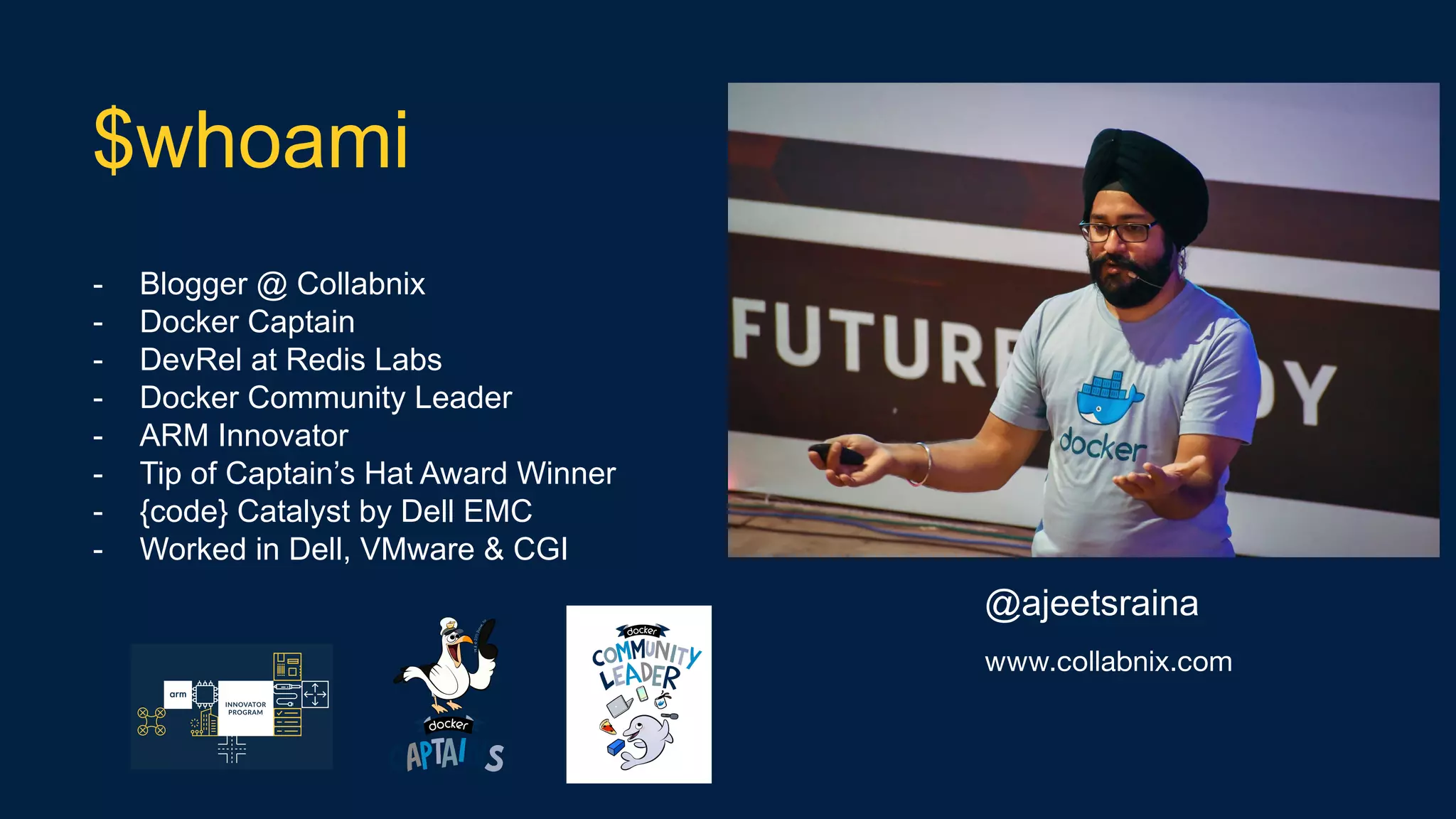
- Blogger @ Collabnix
- Docker Captain
- DevRel at Redis Labs
- Docker Community Leader
- ARM Innovator
- Tip of Captain’s Hat Award Winner
- {code} Catalyst by Dell EMC
- Worked in Dell, VMware & CGI
$whoami
@ajeetsraina
www.collabnix.com
- Benefits of Containers for AI Adopters
- AI on IoT
- Introducing OpenDatacam
- GPU Support under Docker 19.03
- Demo on Deep Learning Implementation
Agenda
AI + Docker + IoT
Benefits of Containers for AI Adopters
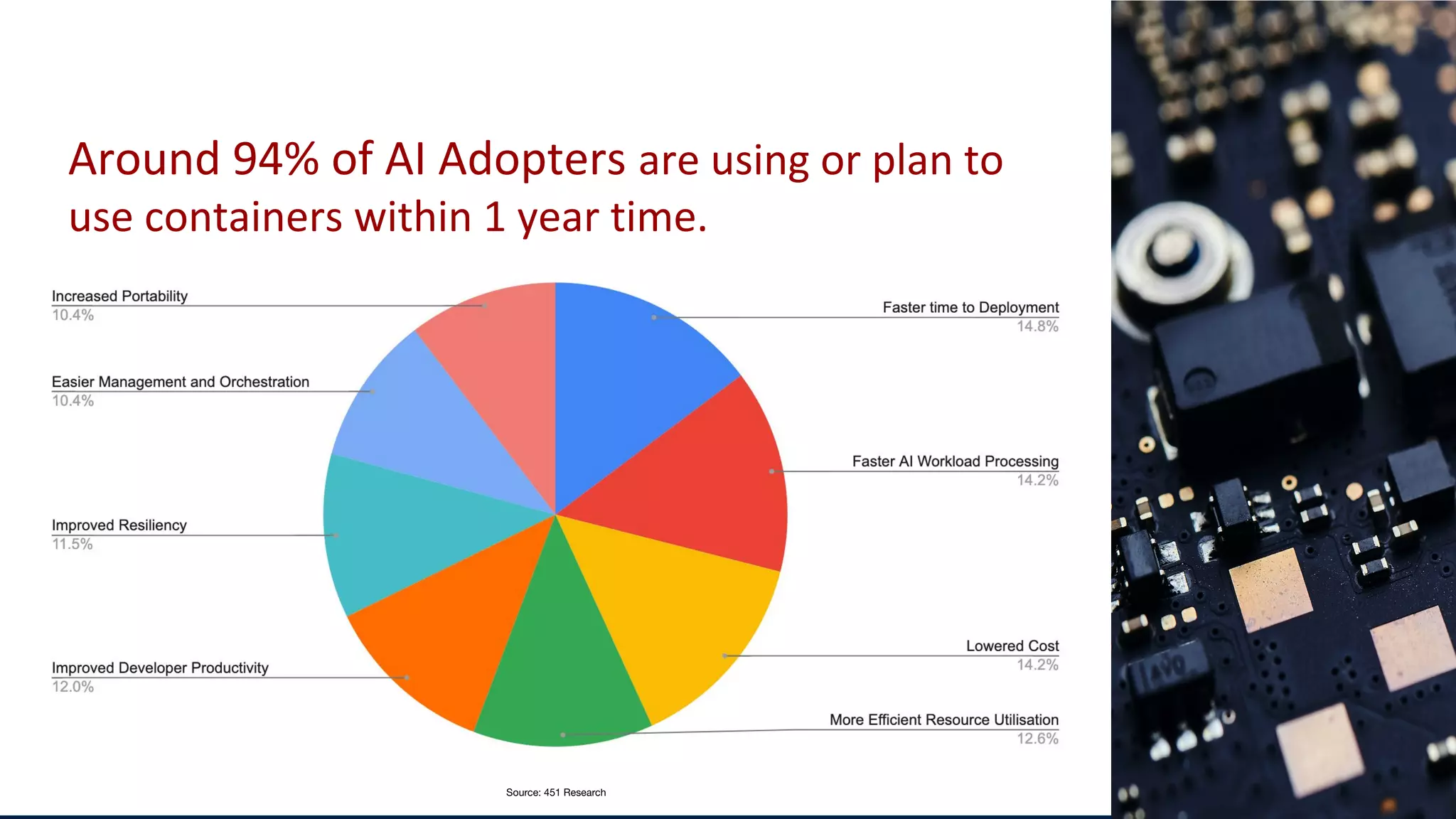
Around 94% of AI Adopters are using or plan to
use containers within 1 year time.
Source: 451 Research
AI + Docker + IoT
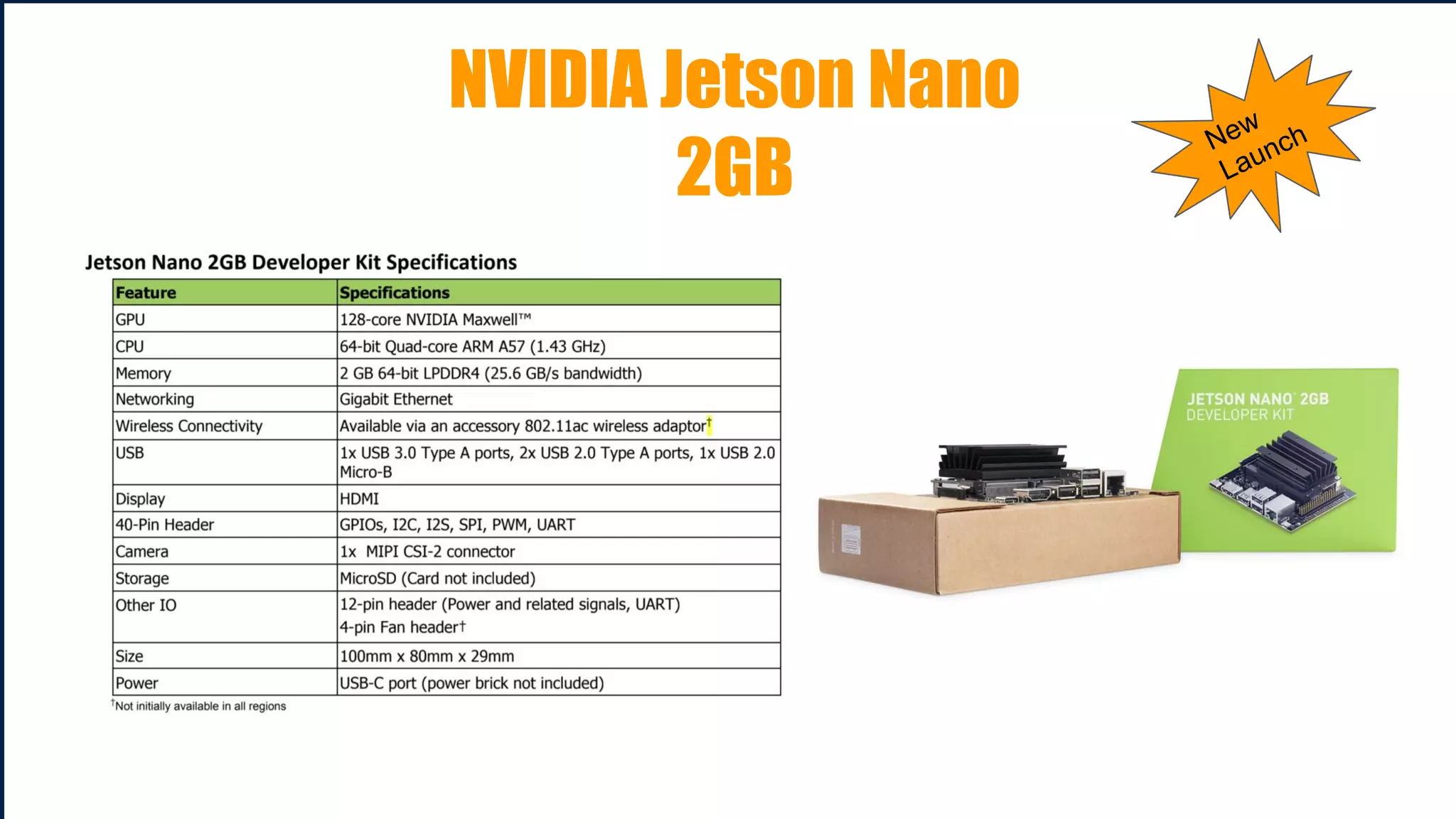
NVIDIA Jetson Nano
2GB
New
Launch
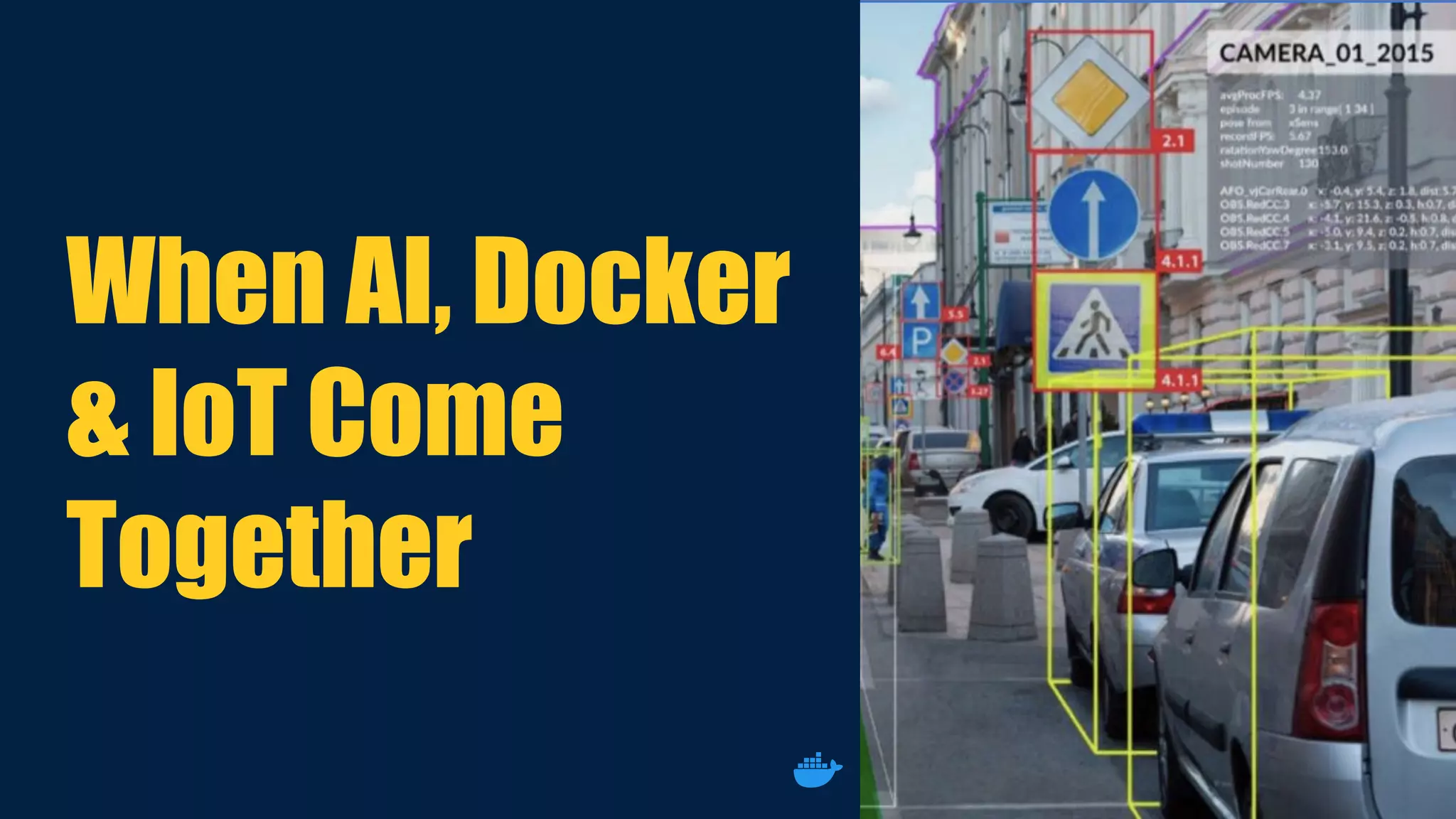
When AI, Docker
& IoT Come
Together
Introducing OpenDatacam
- 100% Open Source solution
- Quantifies and tracks moving objects with Live Video Analysis
- Runs on Linux and CUDA GPU enabled hardware
- Runs completely on Docker Containers as well as support K3s.
What is OpenDatacam?
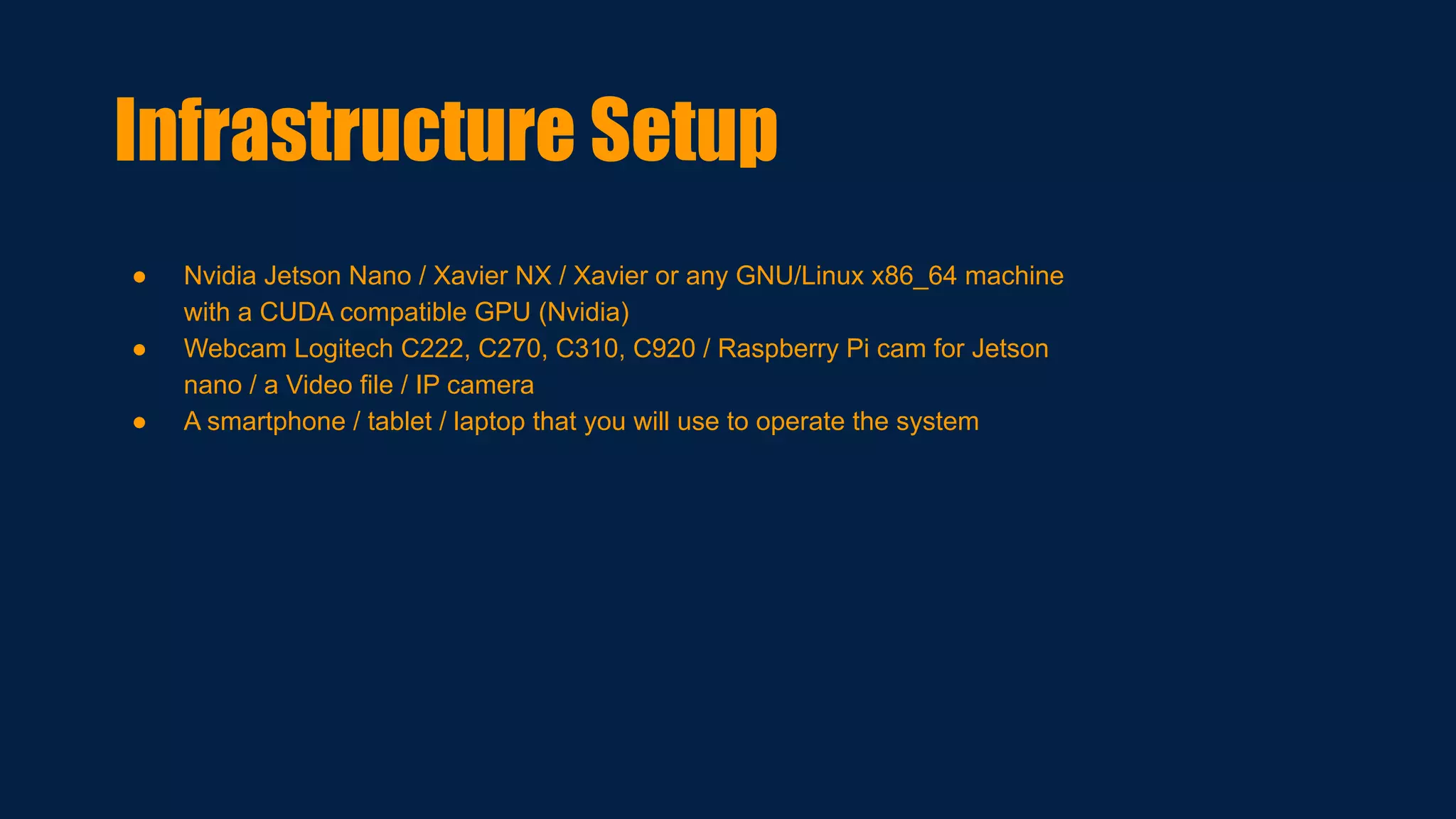
● Nvidia Jetson Nano / Xavier NX / Xavier or any GNU/Linux x86_64 machine
with a CUDA compatible GPU (Nvidia)
● Webcam Logitech C222, C270, C310, C920 / Raspberry Pi cam for Jetson
nano / a Video file / IP camera
● A smartphone / tablet / laptop that you will use to operate the system
Infrastructure Setup
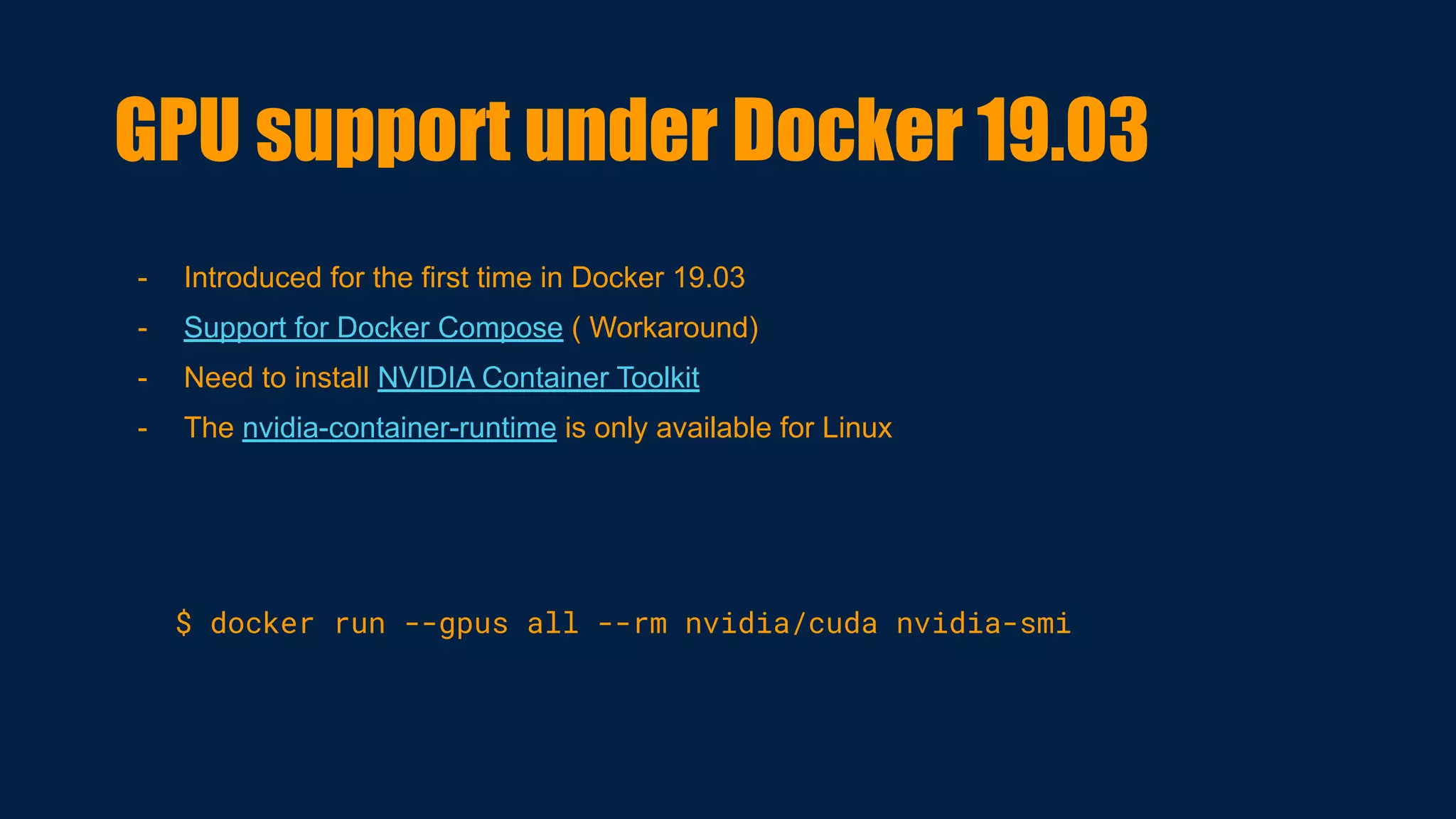
- Introduced for the first time in Docker 19.03
- Support for Docker Compose ( Workaround)
- Need to install NVIDIA Container Toolkit
- The nvidia-container-runtime is only available for Linux
$ docker run --gpus all --rm nvidia/cuda nvidia-smi
GPU support under Docker 19.03
Running Opendatacam on Nano
Build on Open Source
● Open the daemon.json ( /etc/docker/daemon.json)
{
"runtimes": {
"nvidia": {
"path": "/usr/bin/nvidia-container-runtime",
"runtimeArgs": []
}
}
}
● Restart docker
$ systemctl restart docker
You also need to install nvidia-container-runtime
$ sudo apt install nvidia-container-runtime
$ wget -N
https://raw.githubusercontent.com/opendatacam
/opendatacam/v2.1.0/docker/install-opendataca
m.sh
$ chmod 777 install-opendatacam.sh
$./install-opendatacam.sh --platform nano
It’s Demo Time
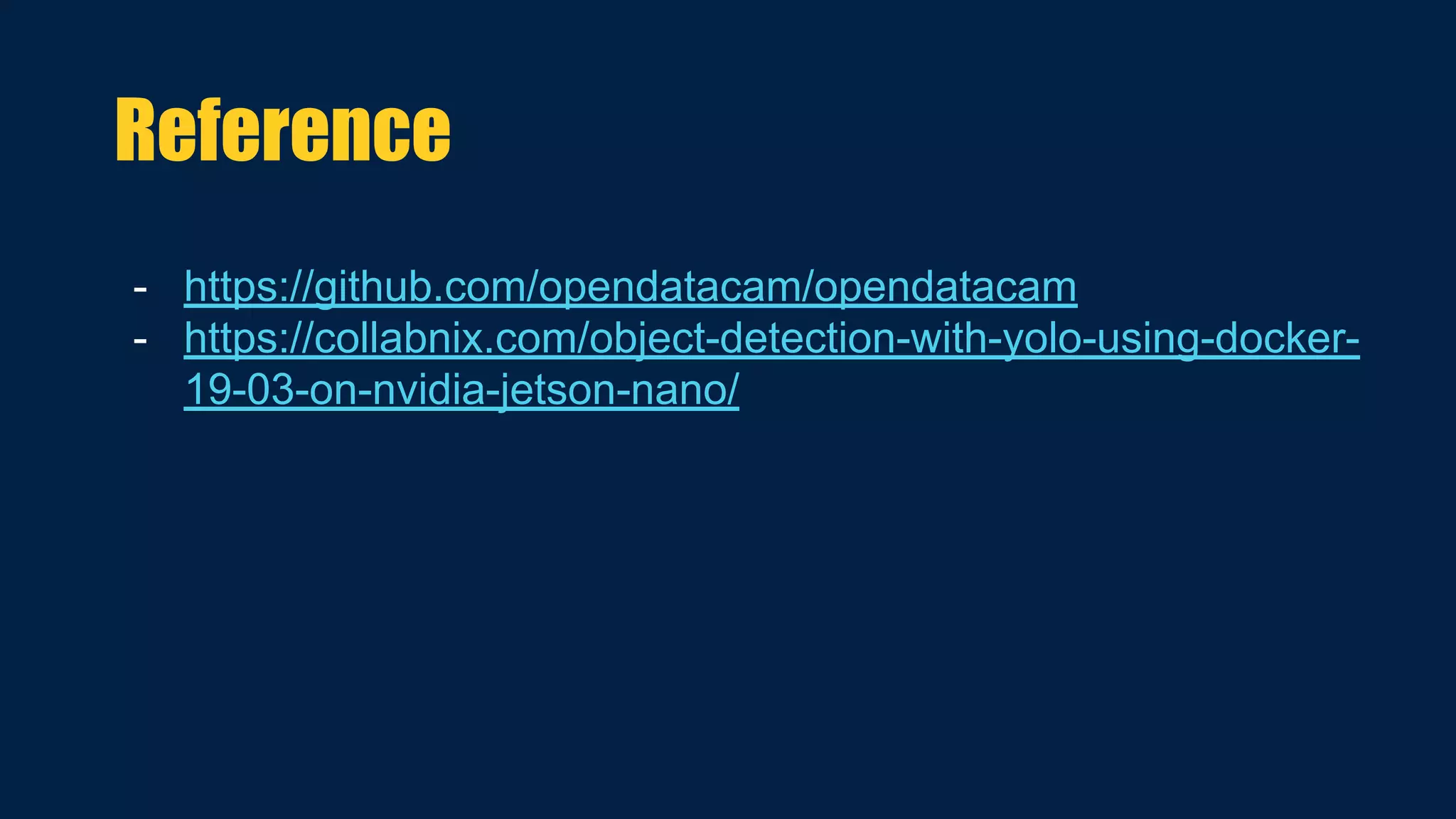
- https://github.com/opendatacam/opendatacam
- https://collabnix.com/object-detection-with-yolo-using-docker-
19-03-on-nvidia-jetson-nano/
Reference
Thank YOu

Quantifying Your World with AI & Docker on the Edge | OSCONF 2020 Jaipur

  • 1.
    Quantifying Your Worldwith AI & Docker on the Edge
  • 2.
    - Blogger @Collabnix - Docker Captain - DevRel at Redis Labs - Docker Community Leader - ARM Innovator - Tip of Captain’s Hat Award Winner - {code} Catalyst by Dell EMC - Worked in Dell, VMware & CGI $whoami @ajeetsraina www.collabnix.com
  • 3.
    - Benefits ofContainers for AI Adopters - AI on IoT - Introducing OpenDatacam - GPU Support under Docker 19.03 - Demo on Deep Learning Implementation Agenda
  • 4.
  • 5.
    Benefits of Containersfor AI Adopters
  • 6.
    Around 94% ofAI Adopters are using or plan to use containers within 1 year time. Source: 451 Research
  • 7.
  • 10.
  • 11.
    When AI, Docker &IoT Come Together
  • 12.
  • 13.
    - 100% OpenSource solution - Quantifies and tracks moving objects with Live Video Analysis - Runs on Linux and CUDA GPU enabled hardware - Runs completely on Docker Containers as well as support K3s. What is OpenDatacam?
  • 14.
    ● Nvidia JetsonNano / Xavier NX / Xavier or any GNU/Linux x86_64 machine with a CUDA compatible GPU (Nvidia) ● Webcam Logitech C222, C270, C310, C920 / Raspberry Pi cam for Jetson nano / a Video file / IP camera ● A smartphone / tablet / laptop that you will use to operate the system Infrastructure Setup
  • 15.
    - Introduced forthe first time in Docker 19.03 - Support for Docker Compose ( Workaround) - Need to install NVIDIA Container Toolkit - The nvidia-container-runtime is only available for Linux $ docker run --gpus all --rm nvidia/cuda nvidia-smi GPU support under Docker 19.03
  • 16.
    Running Opendatacam onNano Build on Open Source ● Open the daemon.json ( /etc/docker/daemon.json) { "runtimes": { "nvidia": { "path": "/usr/bin/nvidia-container-runtime", "runtimeArgs": [] } } } ● Restart docker $ systemctl restart docker You also need to install nvidia-container-runtime $ sudo apt install nvidia-container-runtime $ wget -N https://raw.githubusercontent.com/opendatacam /opendatacam/v2.1.0/docker/install-opendataca m.sh $ chmod 777 install-opendatacam.sh $./install-opendatacam.sh --platform nano
  • 17.
  • 18.
  • 19.