QualityManagementSystem.com
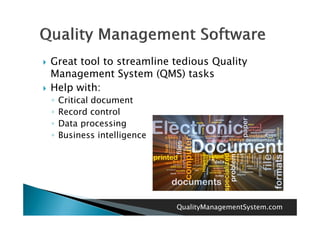
   Great tool to streamline tedious Quality
    Management System (QMS) tasks
   Help with:
    ◦   Critical document
    ◦   Record control
    ◦   Data processing
    ◦                   g
        Business intelligence


                                QualityManagementSystem.com
   Budget
   Functionality
   Installation and Set-up
                     Set up
   User Interface
   QMS Requirements
          R     i
   Flexibility and Scalability


                                  QualityManagementSystem.com
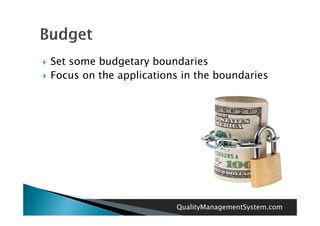
   Set some budgetary boundaries
   Focus on the applications in the boundaries


                            QualityManagementSystem.com
   Document control and management?
   Interact with customer service?
   Automated tracking and real time
    dashboards?


                         QualityManagementSystem.com
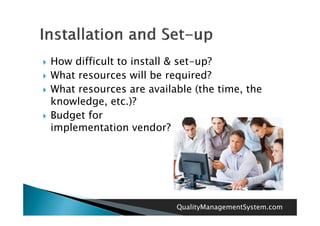
   How difficult to install & set-up?
   What resources will be required?
   What resources are available (the time the
                                       time,
    knowledge, etc.)?
   Budget for
    B d tf
    implementation vendor?


                             QualityManagementSystem.com
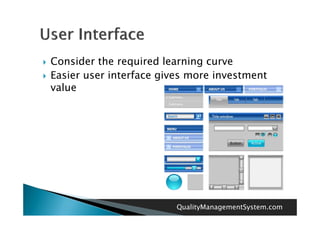
   Consider the required learning curve
   Easier user interface gives more investment
    value


                             QualityManagementSystem.com
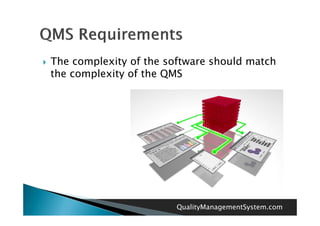
   The complexity of the software should match
    the complexity of the QMS


                            QualityManagementSystem.com
   Be sure the software can grow and adapt to
    the organization
   Understand issues related to expansion and
    flexibility


                            QualityManagementSystem.com
QualityManagementSystem.com

Quality management software beginners guide

  • 1.
  • 2.
    Great tool to streamline tedious Quality Management System (QMS) tasks  Help with: ◦ Critical document ◦ Record control ◦ Data processing ◦ g Business intelligence QualityManagementSystem.com
  • 3.
    Budget  Functionality  Installation and Set-up Set up  User Interface  QMS Requirements R i  Flexibility and Scalability QualityManagementSystem.com
  • 4.
    Set some budgetary boundaries  Focus on the applications in the boundaries QualityManagementSystem.com
  • 5.
    Document control and management?  Interact with customer service?  Automated tracking and real time dashboards? QualityManagementSystem.com
  • 6.
    How difficult to install & set-up?  What resources will be required?  What resources are available (the time the time, knowledge, etc.)?  Budget for B d tf implementation vendor? QualityManagementSystem.com
  • 7.
    Consider the required learning curve  Easier user interface gives more investment value QualityManagementSystem.com
  • 8.
    The complexity of the software should match the complexity of the QMS QualityManagementSystem.com
  • 9.
    Be sure the software can grow and adapt to the organization  Understand issues related to expansion and flexibility QualityManagementSystem.com
  • 10.