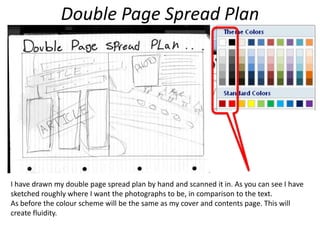
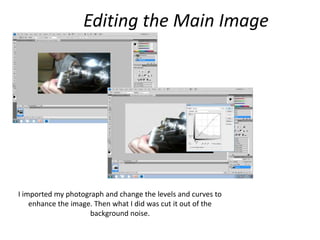
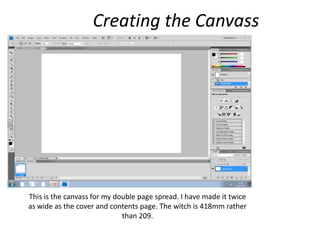
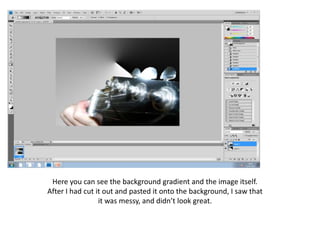
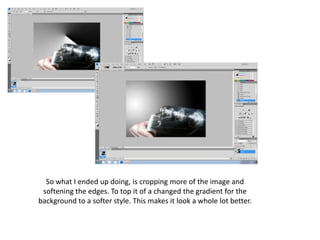
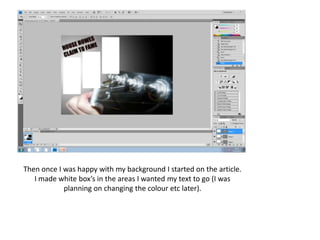
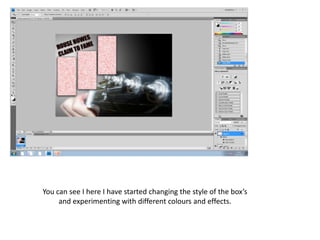
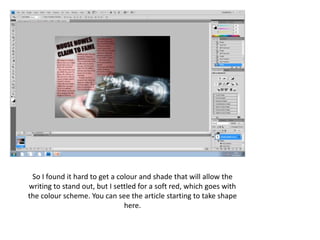
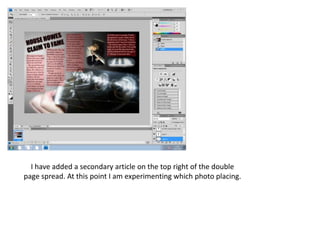
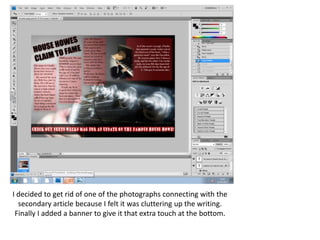
This document summarizes the process of creating a double page spread for a magazine in Photoshop. Key steps included: 1) Hand drawing a plan showing photo and text placements; 2) Editing photos by adjusting levels/curves and cutting out backgrounds; 3) Creating a canvas twice as wide as other pages; 4) Adding a background gradient and photo, then cropping and softening edges; 5) Making text boxes in desired areas and experimenting with styles/colors; 6) Adding a secondary article and photos; 7) Adding a banner at the bottom for advertising. The final spread followed the color scheme, made text easily readable, and flowed well for readers.